

Display Setup
Max Display Output

Display Stability
Network Control

USB Speed
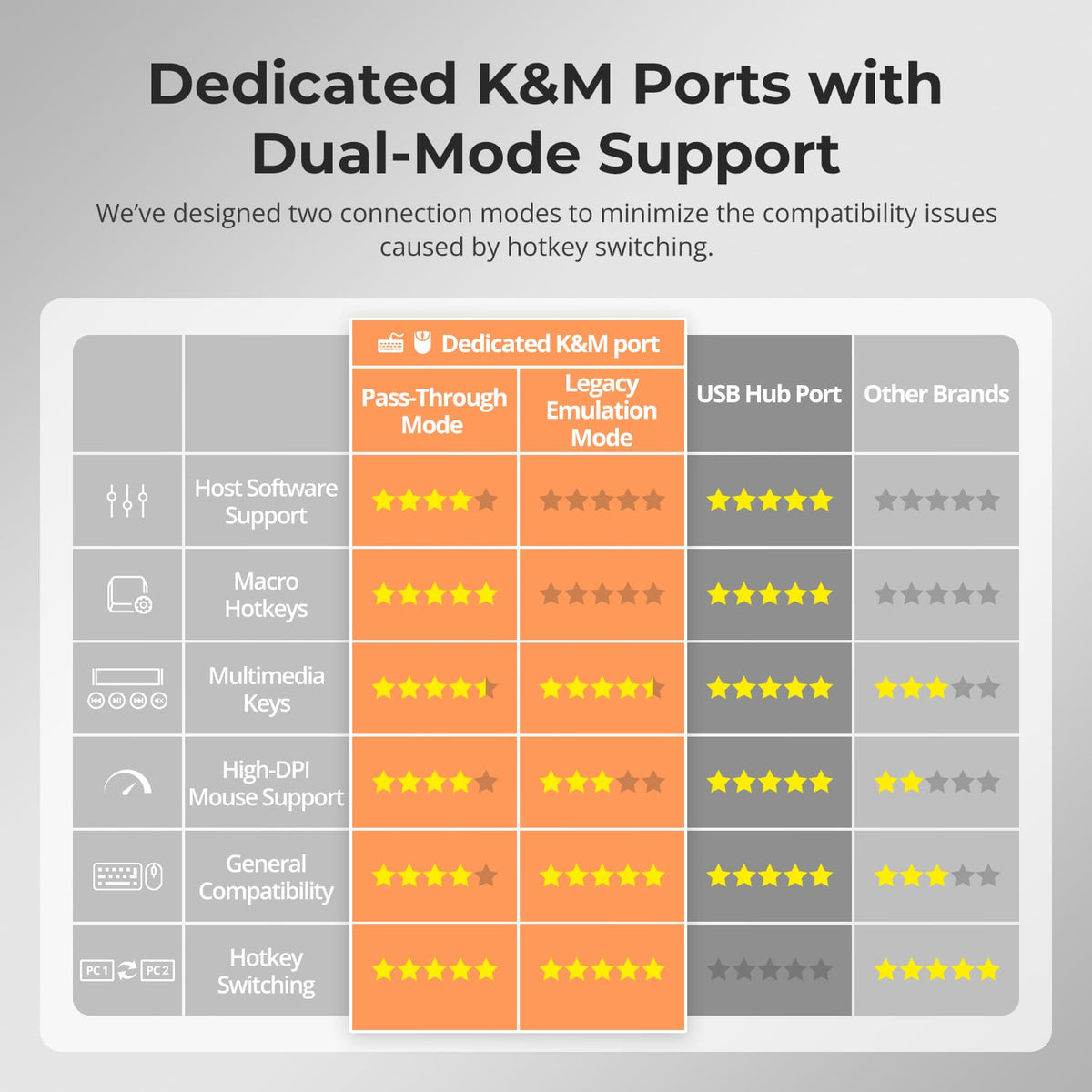
Keyboard & Mouse
Switching Control
Triple 4K60Hz HDMI KVM Switch Gaming Dock for 2 PCs & 3 Monitors, w/ EDID
Share two Apple Studio Displays, one keyboard and mouse between two computers—or show one computer on each display when you need both systems at once.
Display Setup
Max Display Output
Display Stability
Network Control
USB Speed
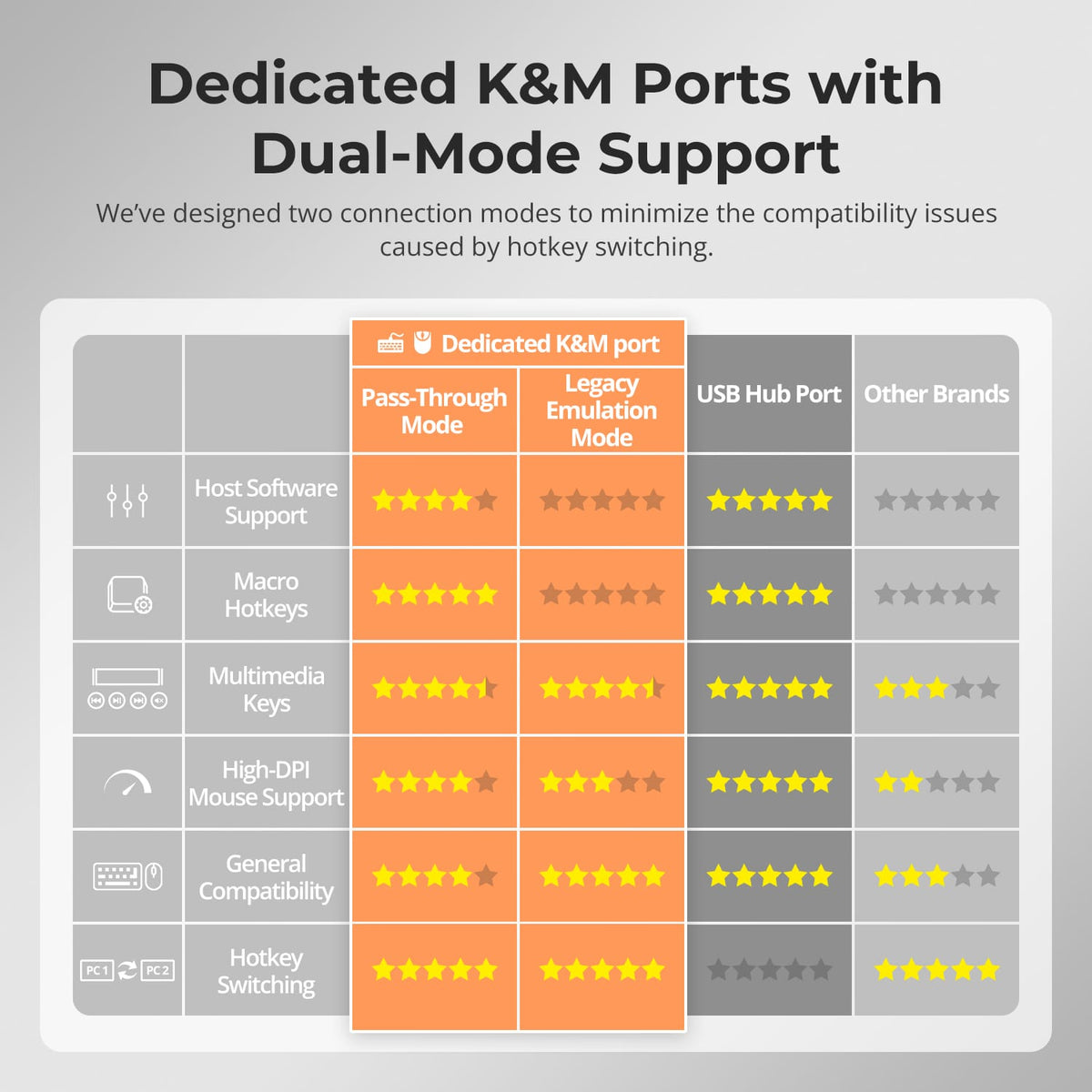
Keyboard & Mouse
Switching Control
Triple 4K60Hz HDMI KVM Switch Gaming Dock for 2 PCs & 3 Monitors, w/ EDID
Why Choose HKS203-P24
Overview
01
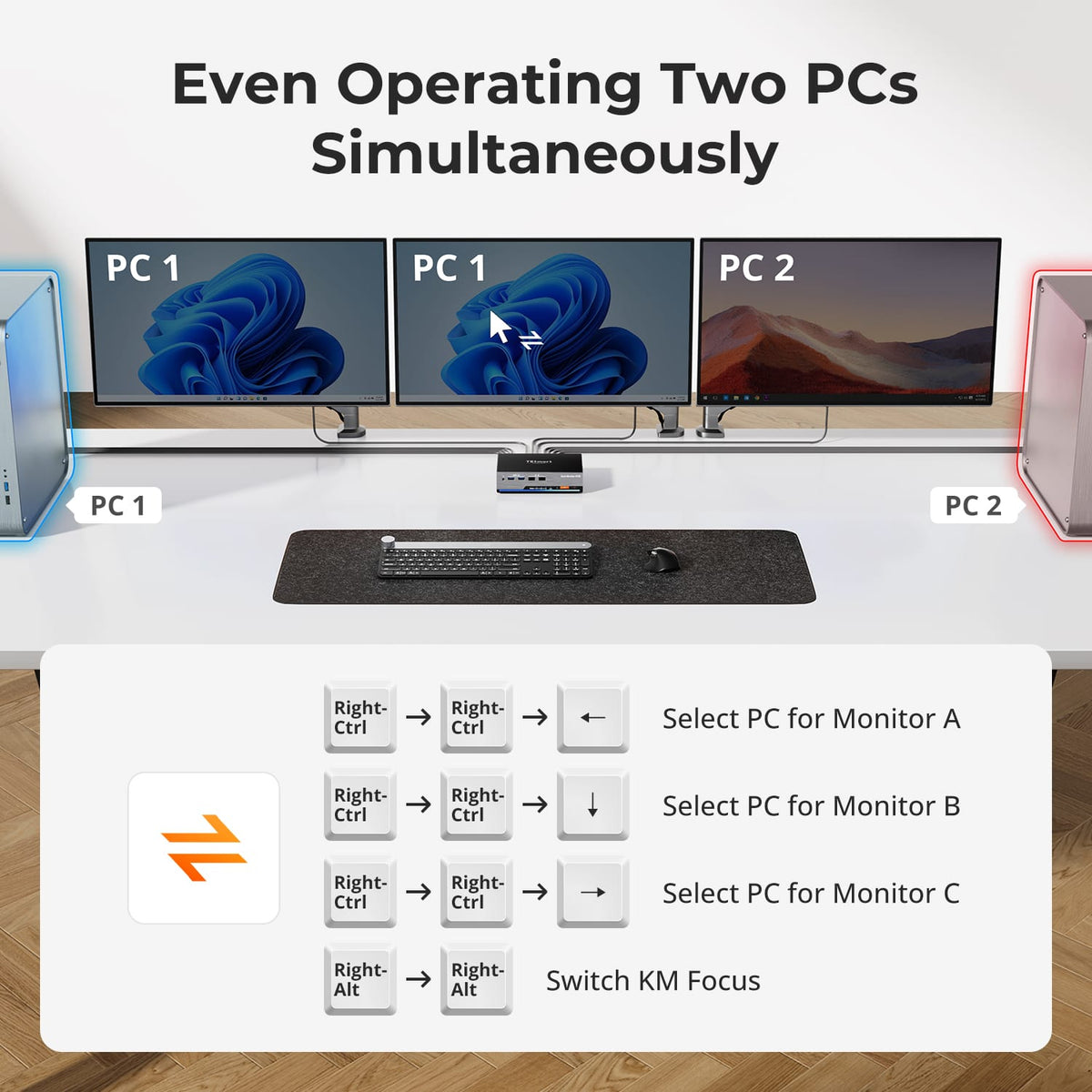
Three Displays, More Flexible Modes
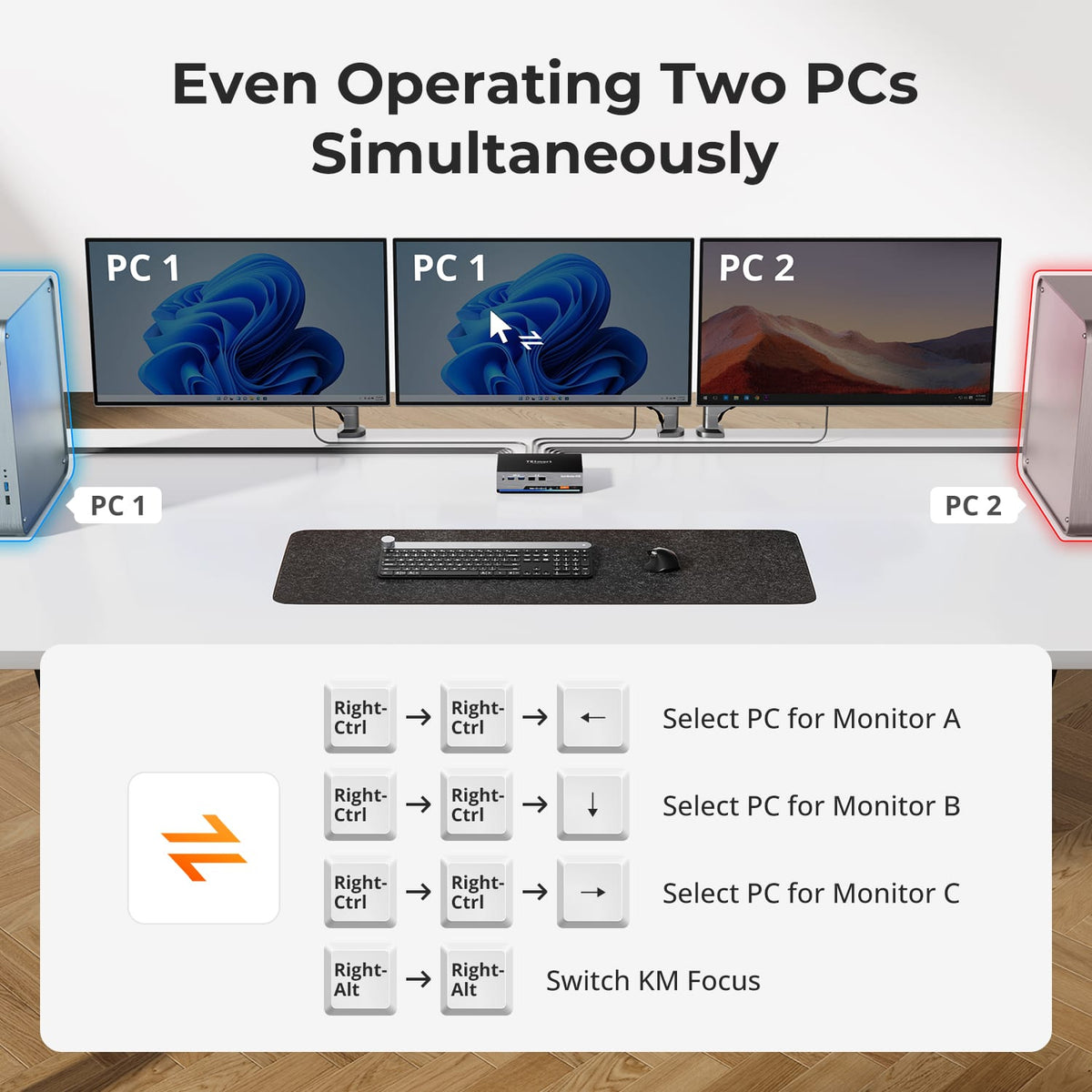
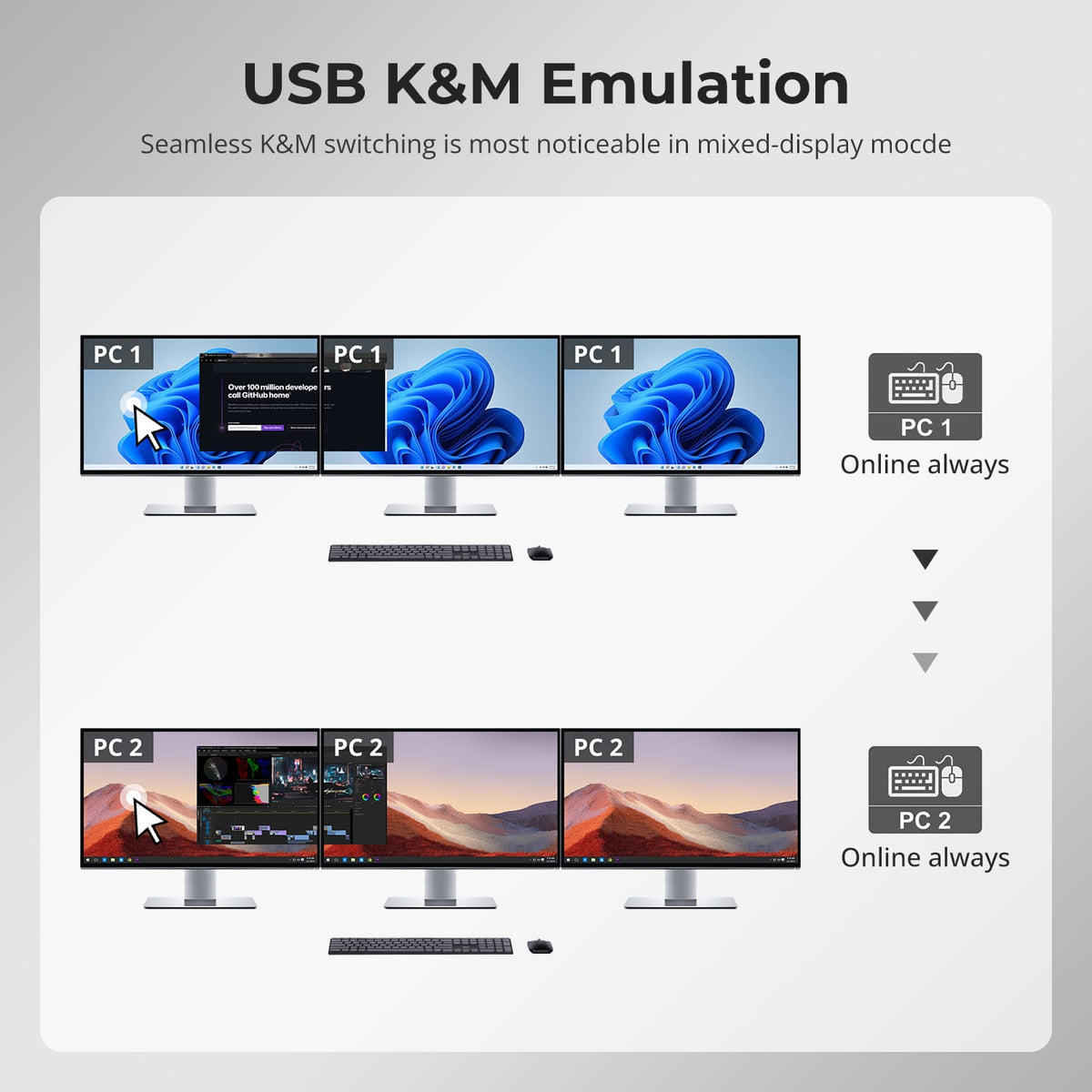
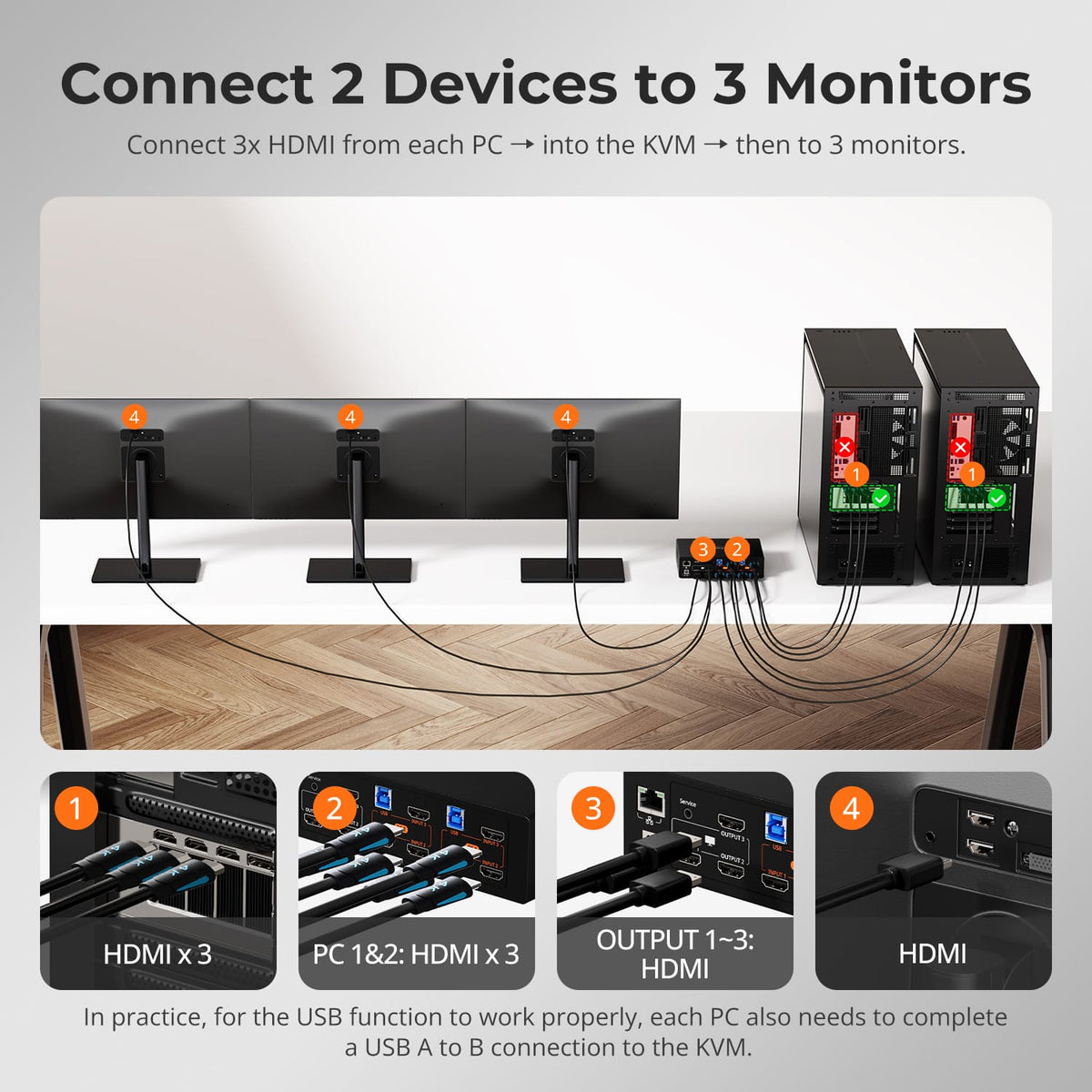
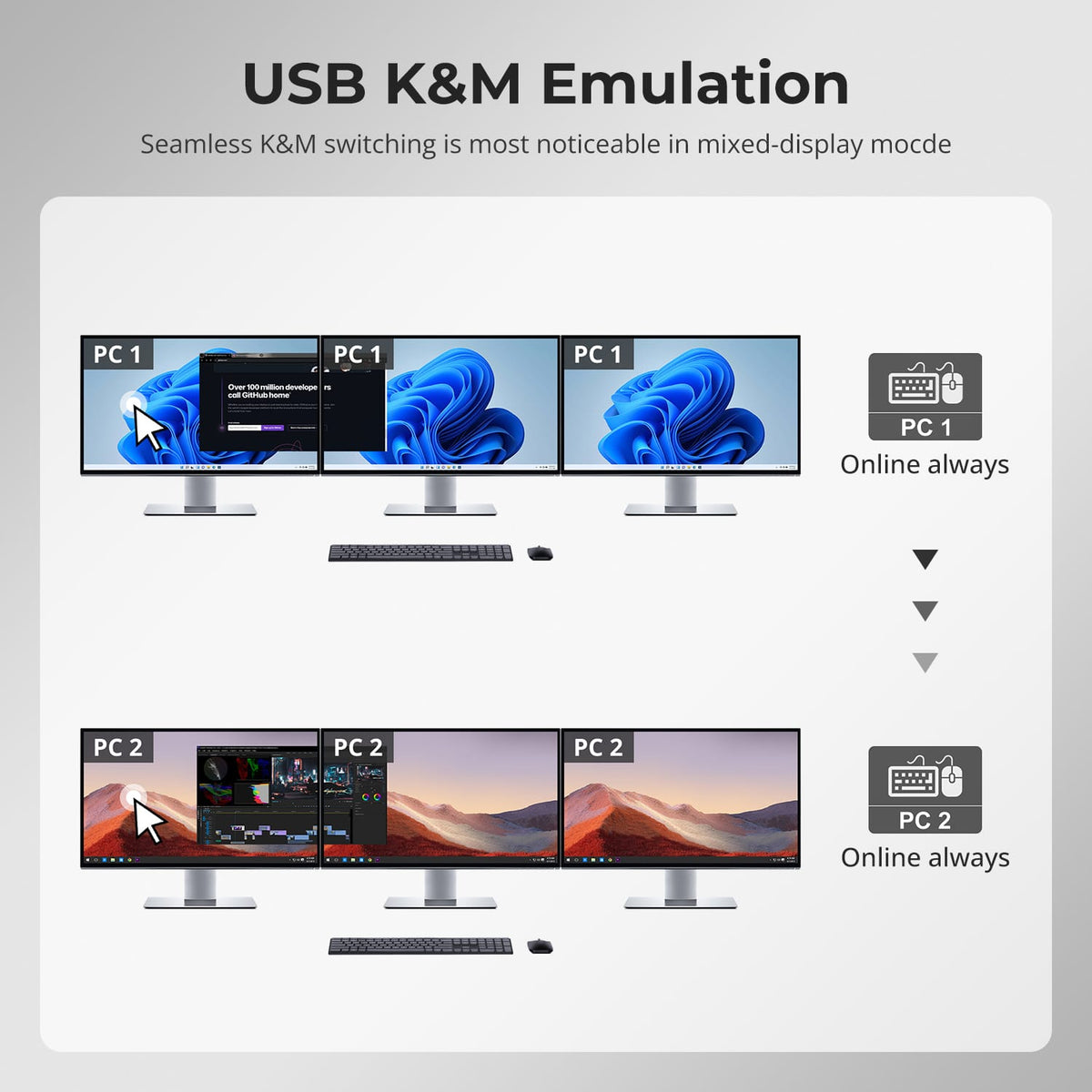
Use all three monitors with one computer, or route the two connected systems across the three displays when side-by-side monitoring is more useful.
02
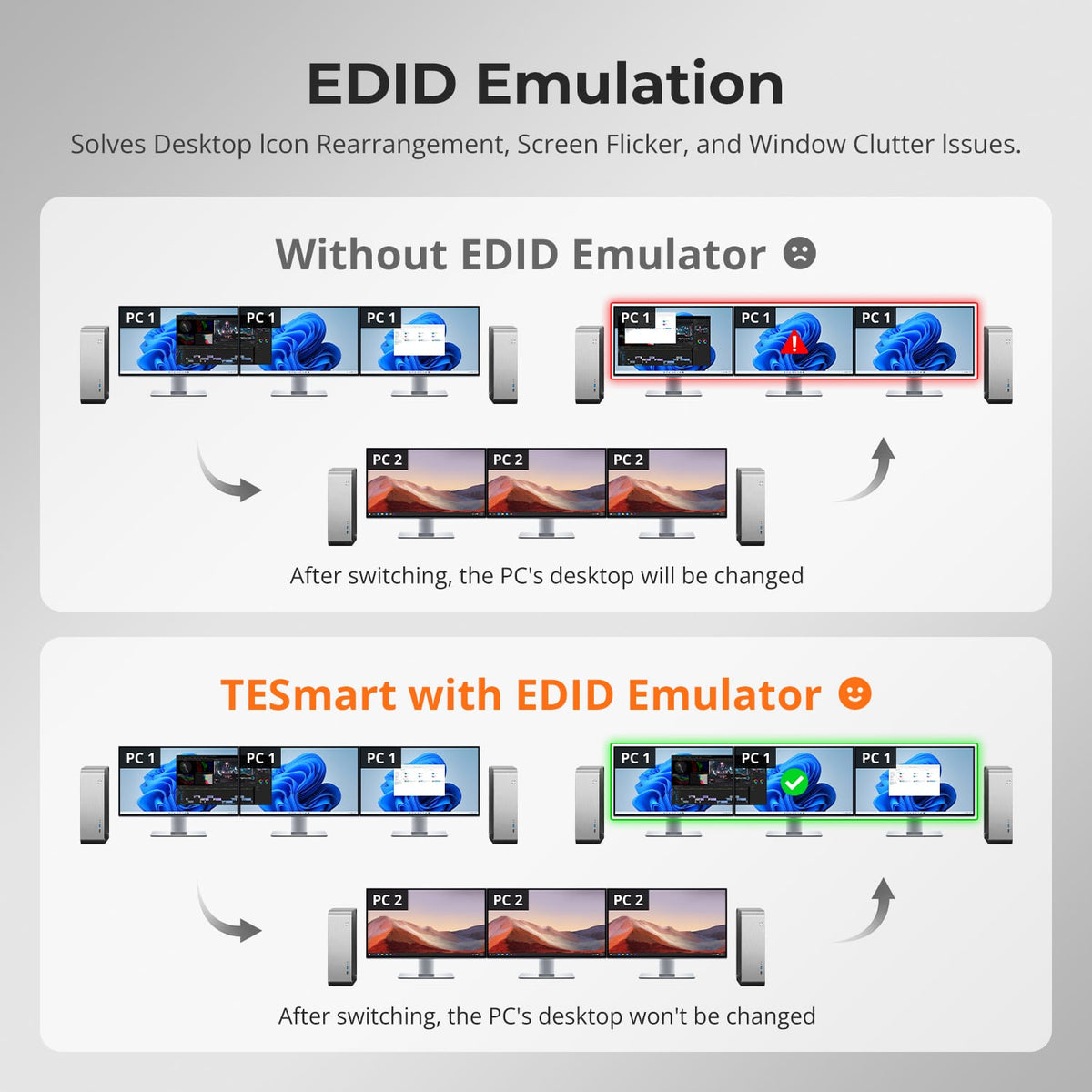
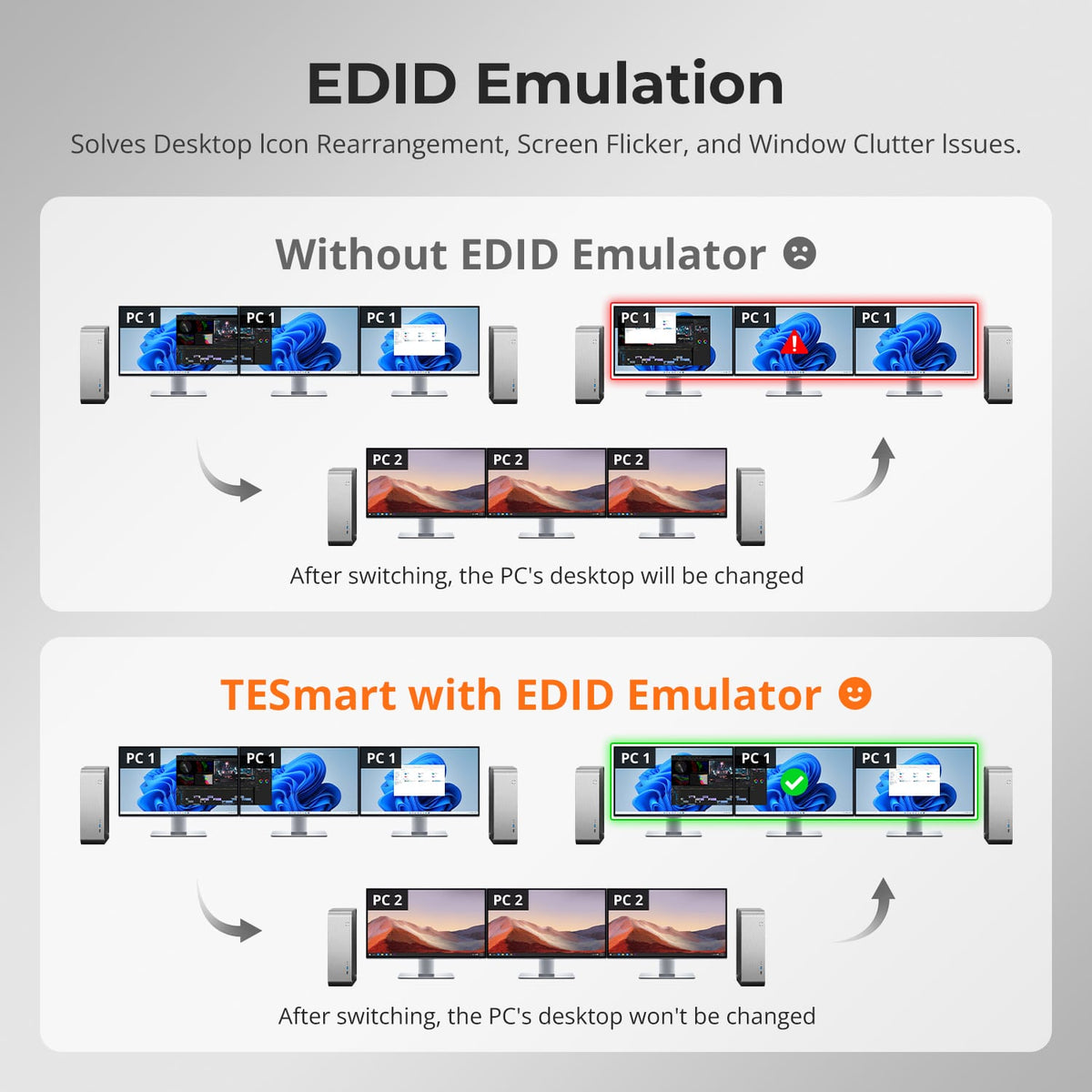
EDID Helps Keep Three-Screen Layouts Stable
EDID emulation keeps monitor information available to both computers, helping reduce display re-detection, resolution changes and window rearrangement after switching.
03
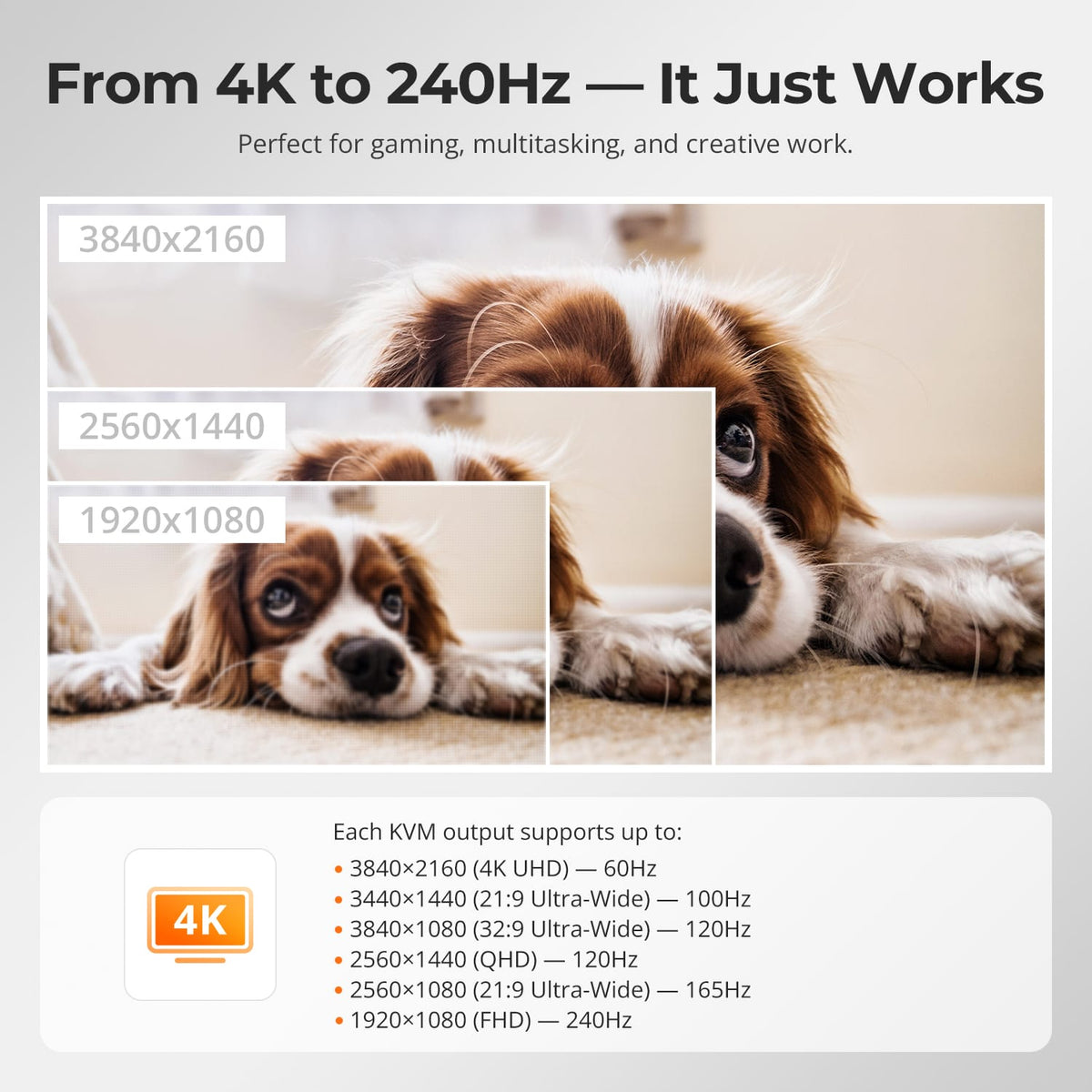
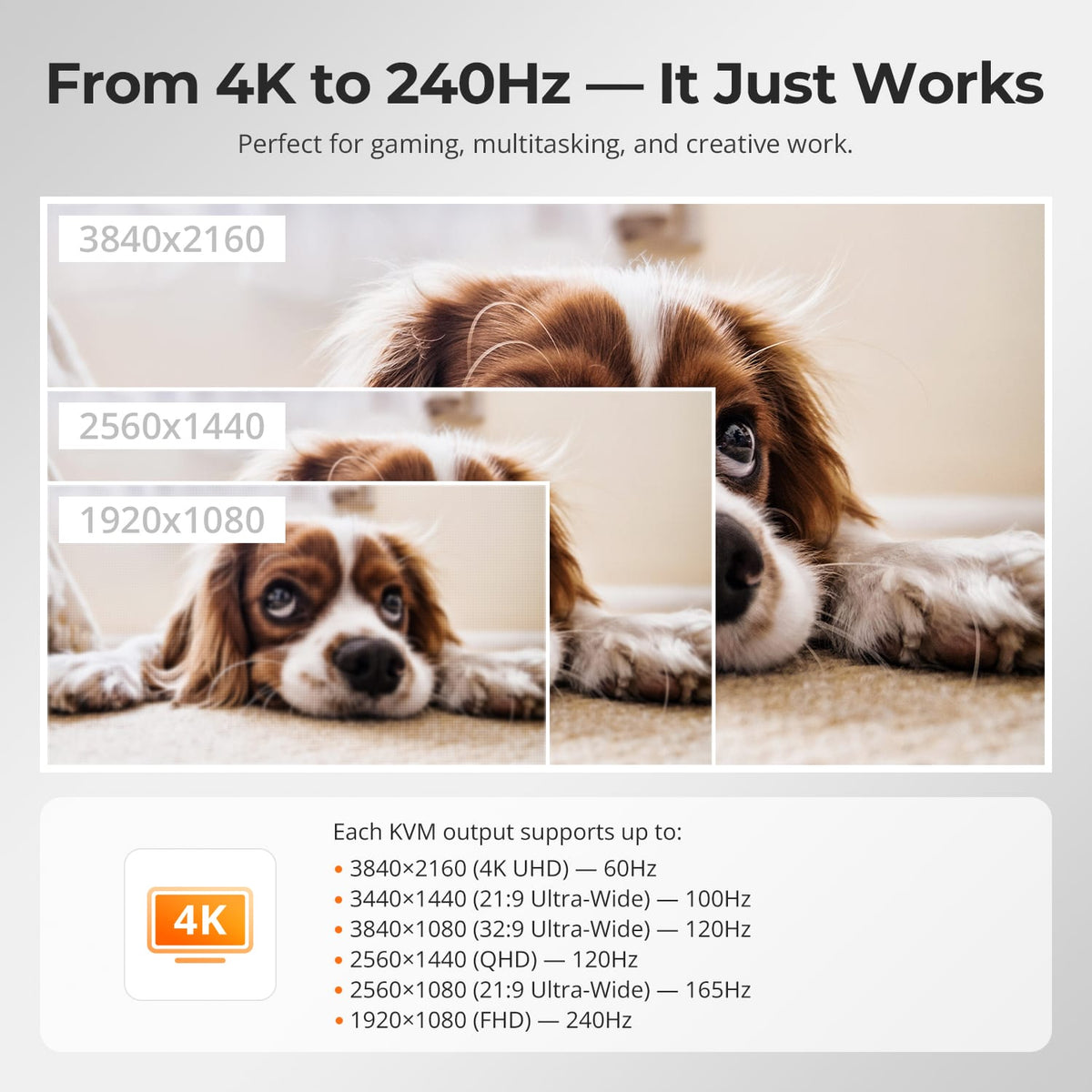
Triple 4K60 Capability
Support up to 3840×2160@60Hz 4:4:4 on compatible display paths, with lower-resolution high-refresh combinations available when supported by the connected hardware.
04
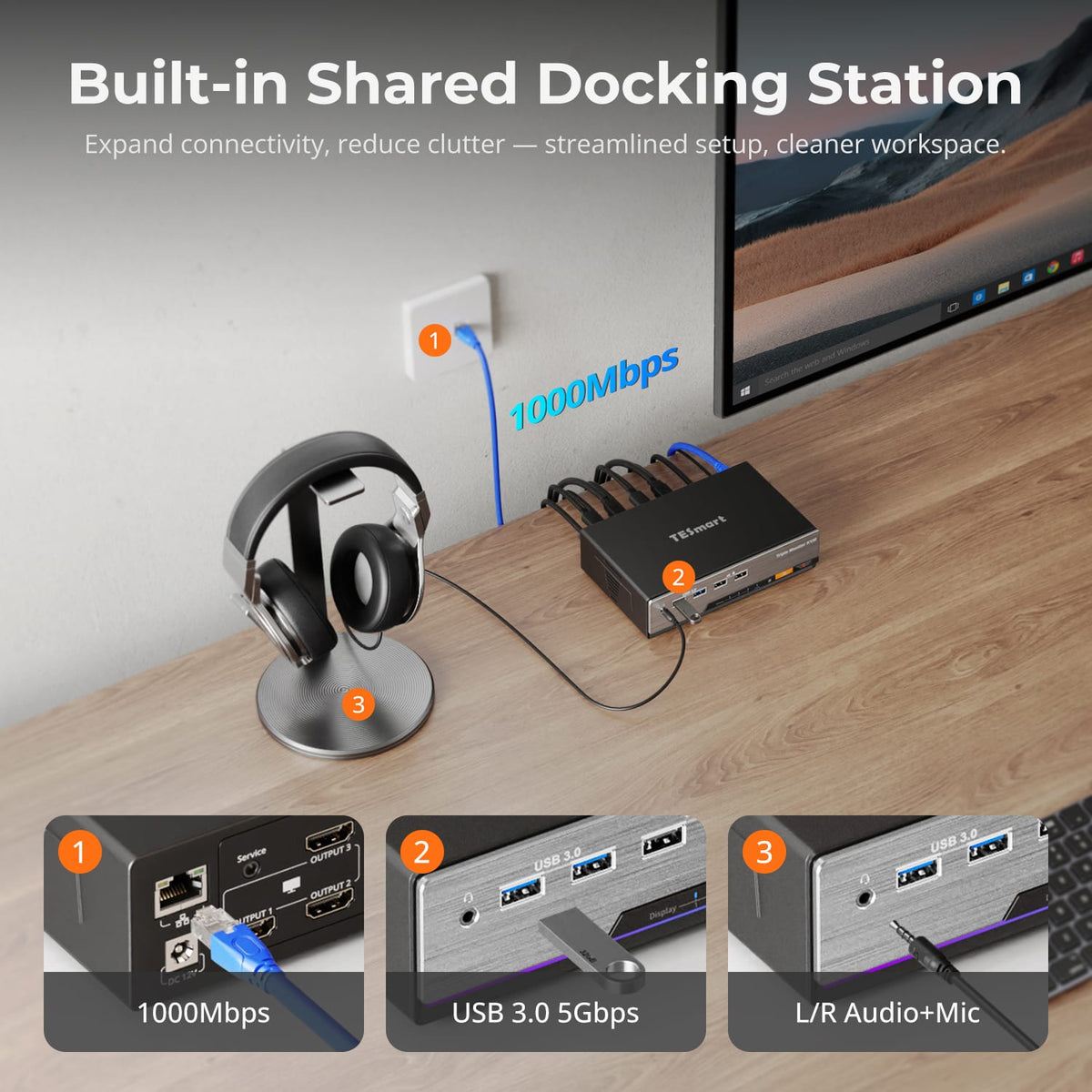
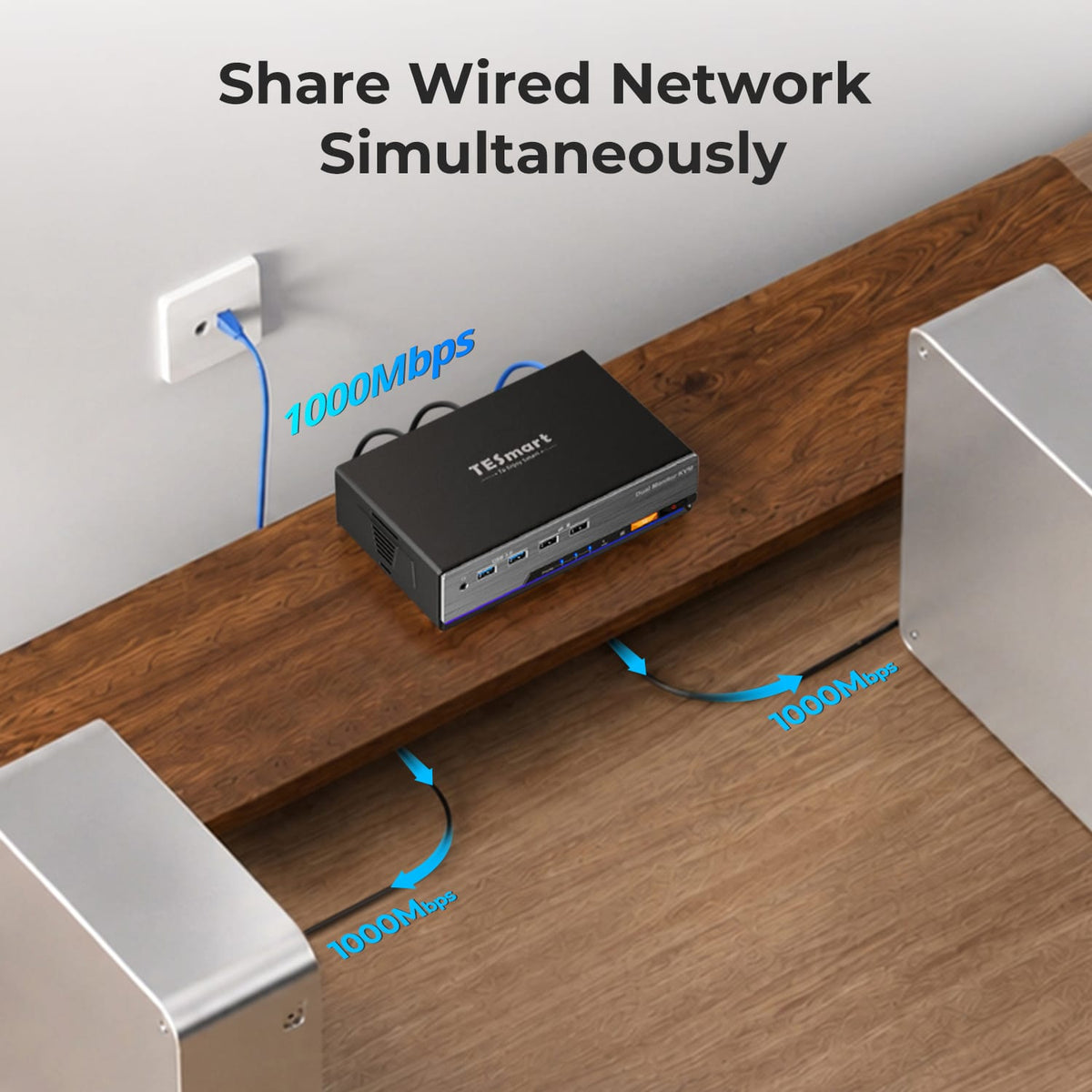
A Shared Dock for the Triple-Monitor Desk
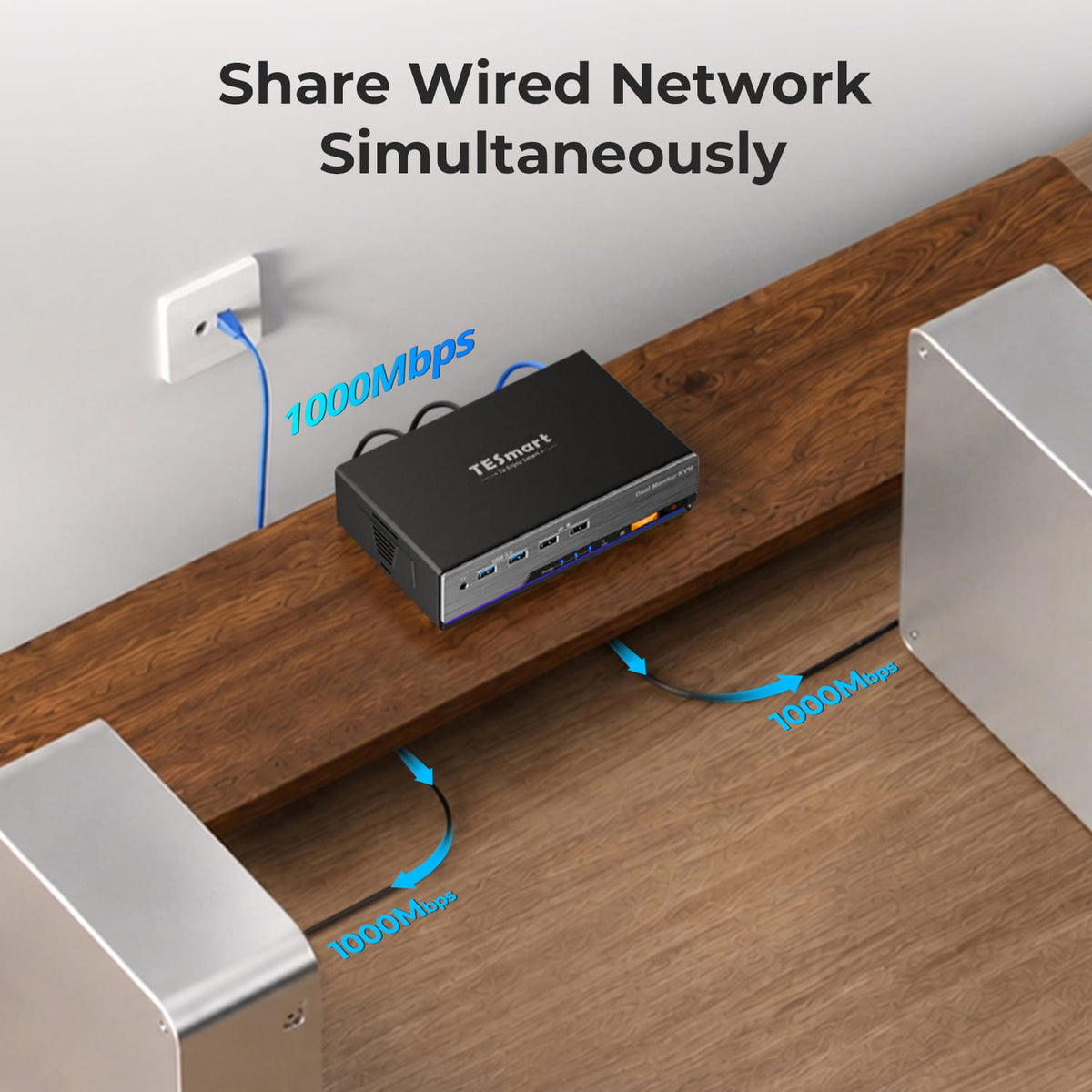
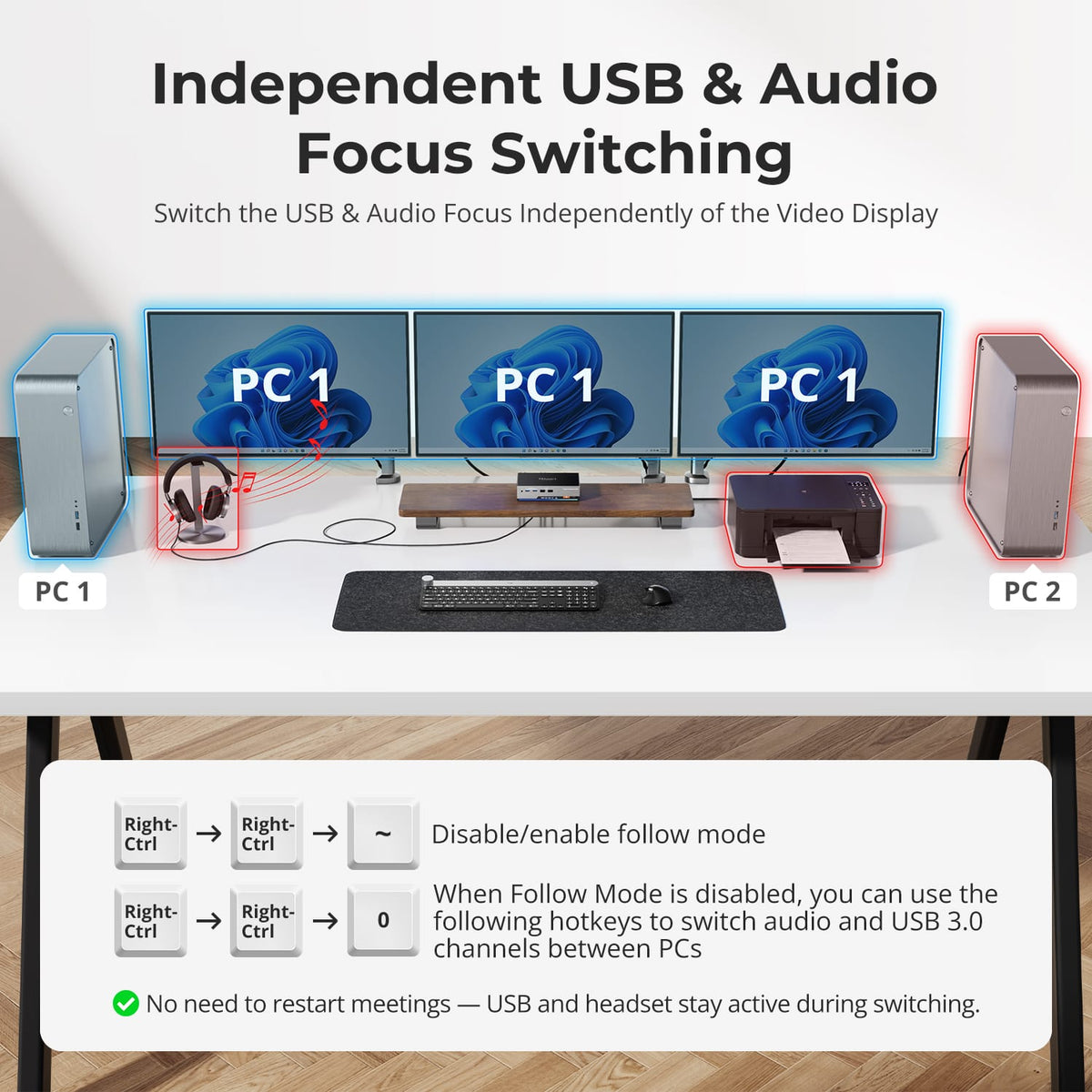
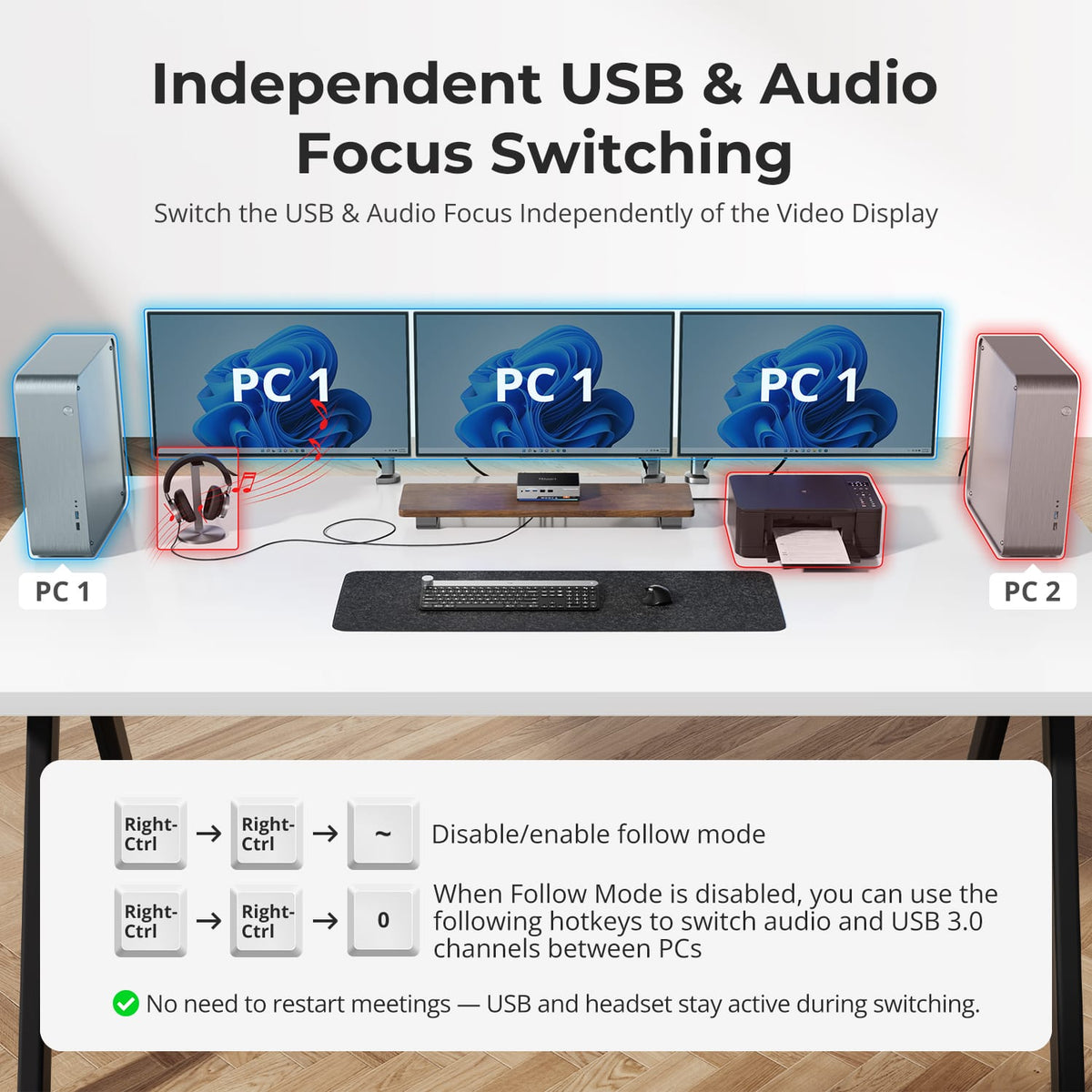
Share Gigabit Ethernet, USB 3.2 Gen 1 devices and 3.5mm audio through one KVM, reducing separate USB switches and network adapters.
05
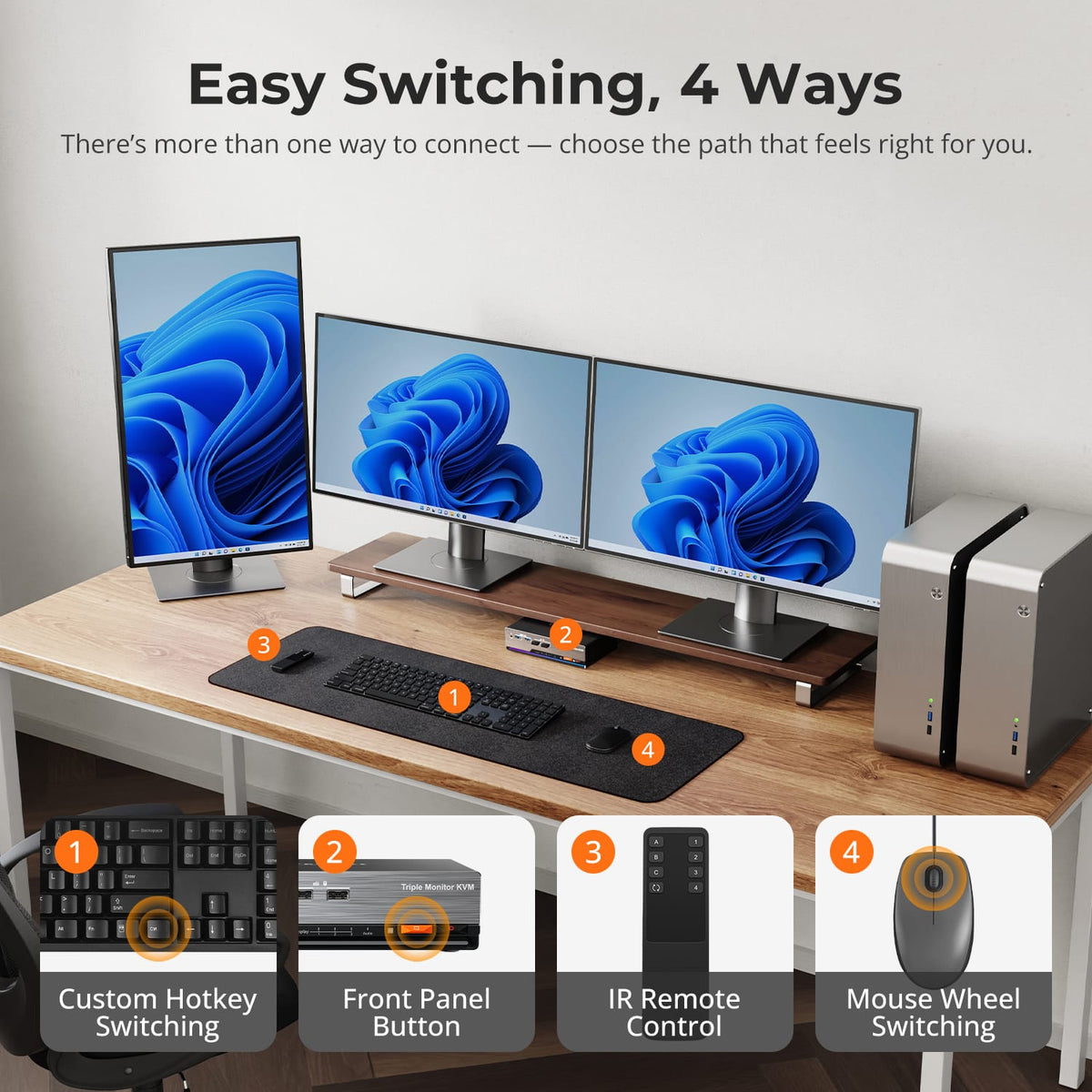
Switch Without Reconnecting Cables
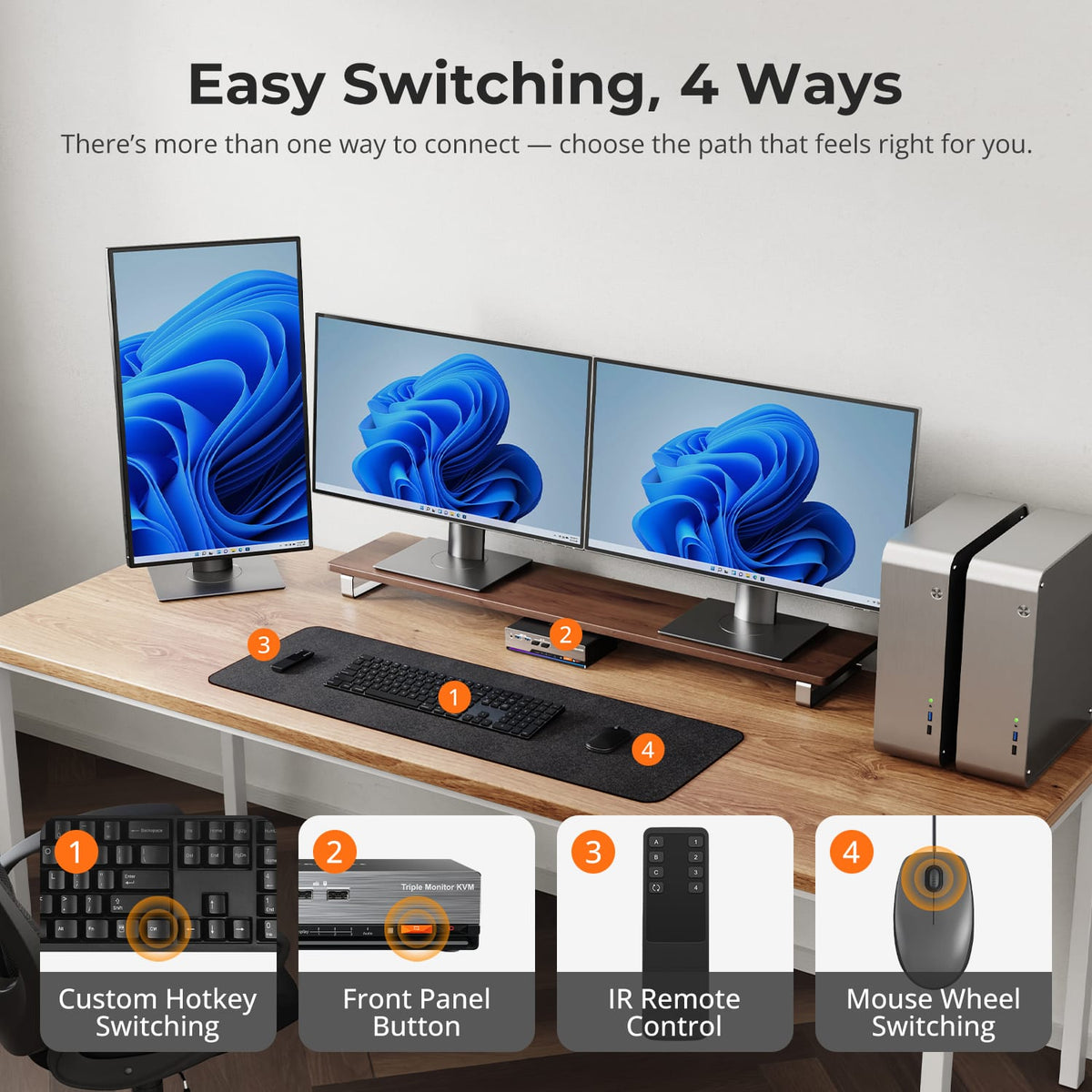
Use front-panel controls, IR remote, keyboard hotkeys or mouse-wheel switching to move between the two computers.
06
07
08
Specifications & Support
Compatibility & Input Guide
Technical Specifications
Manuals & Downloads
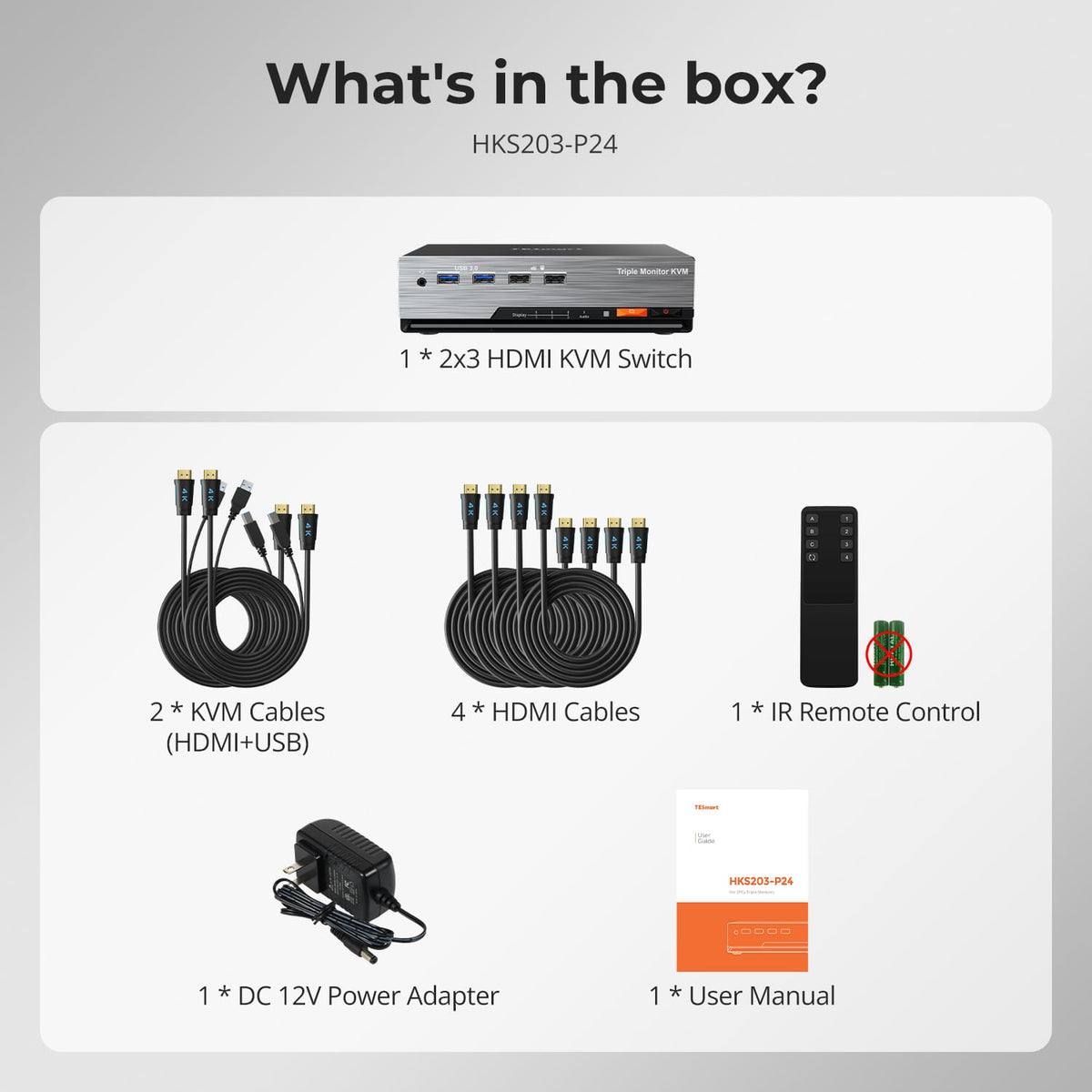
Included in the Box
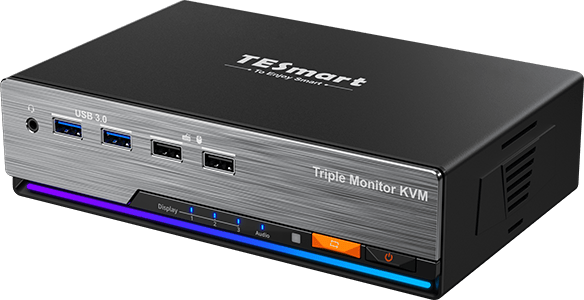
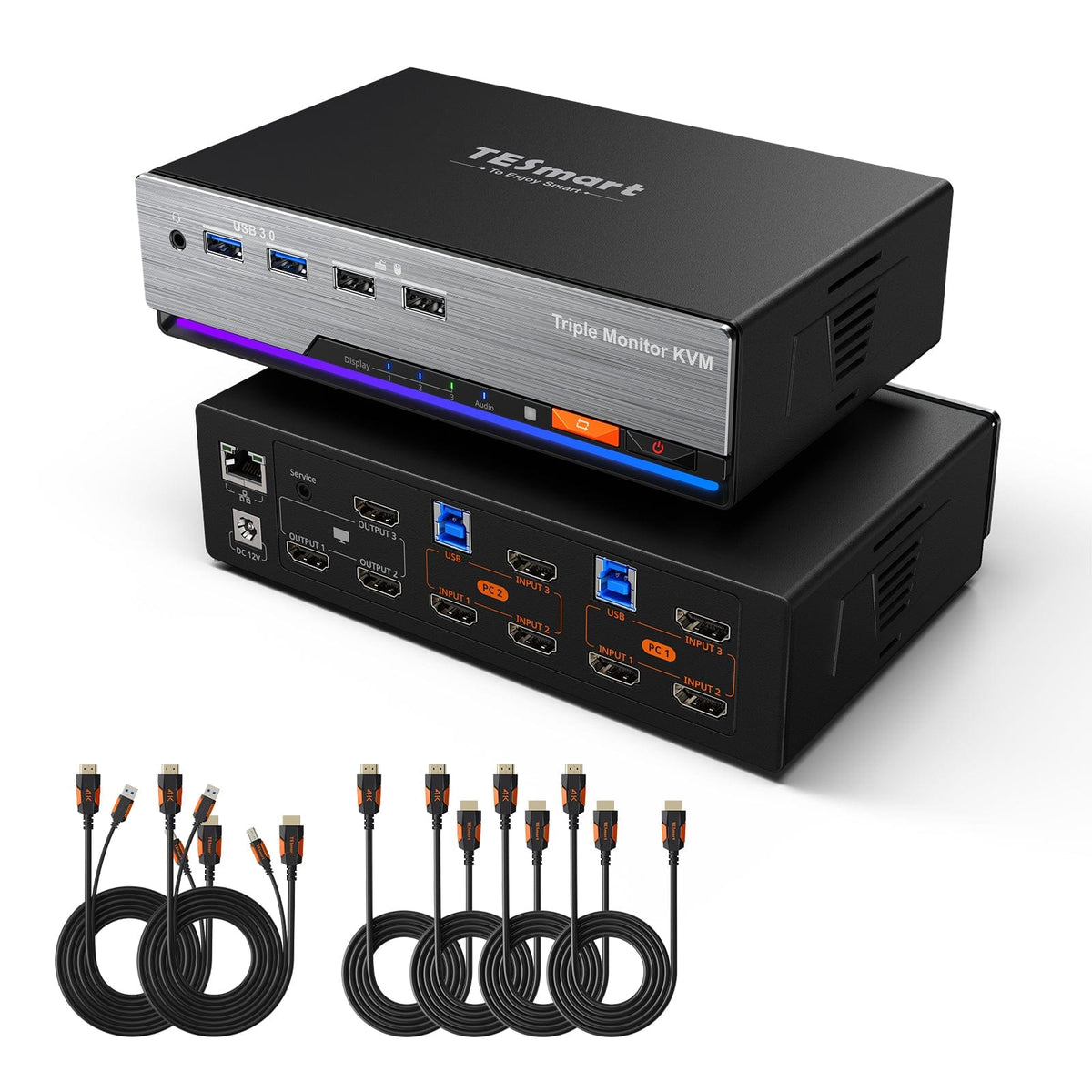
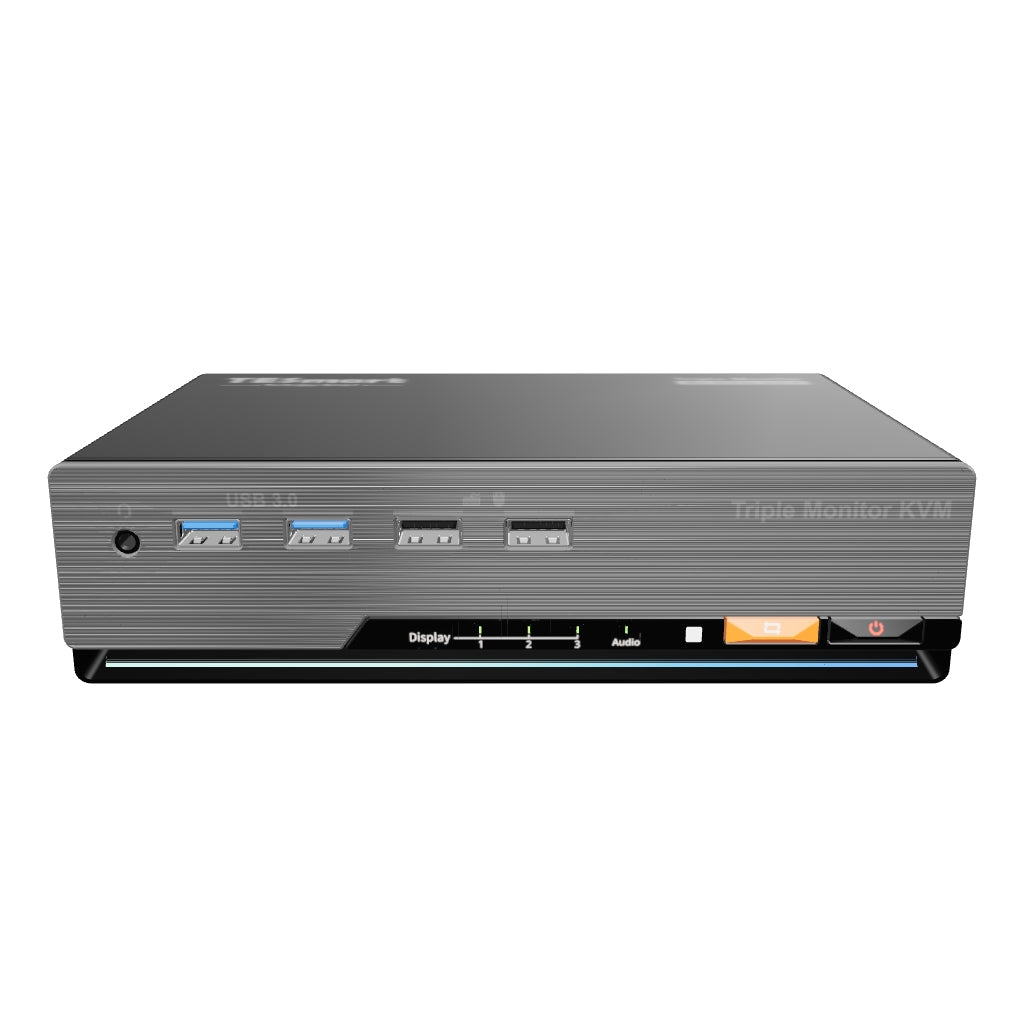
1 × 2×3 HDMI KVM Switch
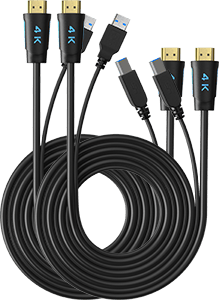
2 × KVM Cables
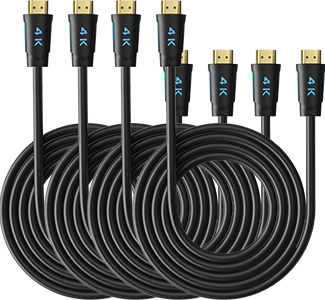
4 × HDMI Cables
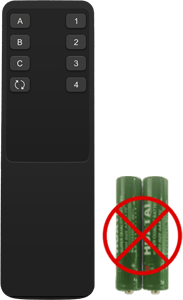
1 × IR Remote Control

1 × DC 12V Power Adapter
1 × User Manual
FAQs
Visit our Help Center for more answers.
[Compatibility] What connections does each computer need for HKS203-P24?
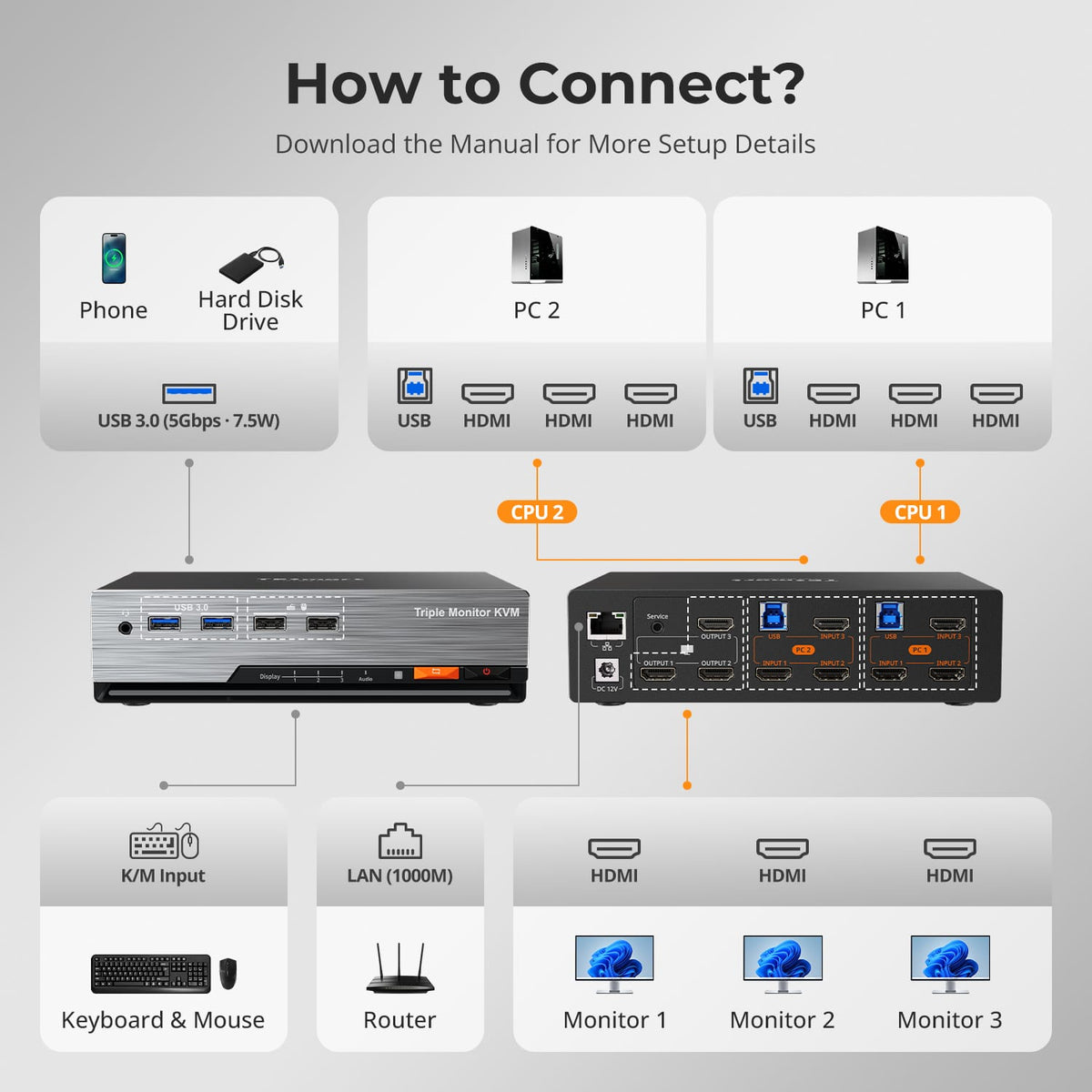
Each computer needs three HDMI video outputs plus USB if you want it to drive all three shared monitors and use the KVM peripherals.
[Compatibility] What is the maximum supported resolution?
The manual supports up to 3840×2160@60Hz 4:4:4 on compatible sources, monitors and cables.
[Compatibility] Can both Windows and macOS computers use the KVM?
Yes. The manual lists Windows, macOS and common Linux-based systems. The computer itself must support the required number of external displays.
[Features & Connections] Can one computer use all three monitors?
Yes. The KVM can show one selected computer across all three displays, or route the two computers across the monitors.
[Features & Connections] Does HKS203-P24 support EDID emulation?
Yes. EDID emulation helps both computers retain monitor information so switching is less likely to disturb resolution or window placement.
[Features & Connections] Can both computers share Gigabit Ethernet?
Yes. The KVM provides a shared Gigabit Ethernet connection up to 1000Mbps.
[Features & Connections] Can I share USB 3.2 devices?
Yes. Compatible USB 3.2 Gen 1 peripherals can be shared at up to 5Gbps.
[Setup & Switching] How can I switch between the two computers?
Use the front-panel controls, IR remote, keyboard hotkeys or mouse-wheel switching.
[Setup & Switching] Do I need switching software?
No dedicated switching software is required for normal KVM operation.