

TESmart Knowledge Hub · KVM & Workspace Insights

Article

Practical guides, setup advice, product updates, and technical insights for building a better multi-computer workspace.

Two Laptops and Three 4K Monitors: KVM vs Dock
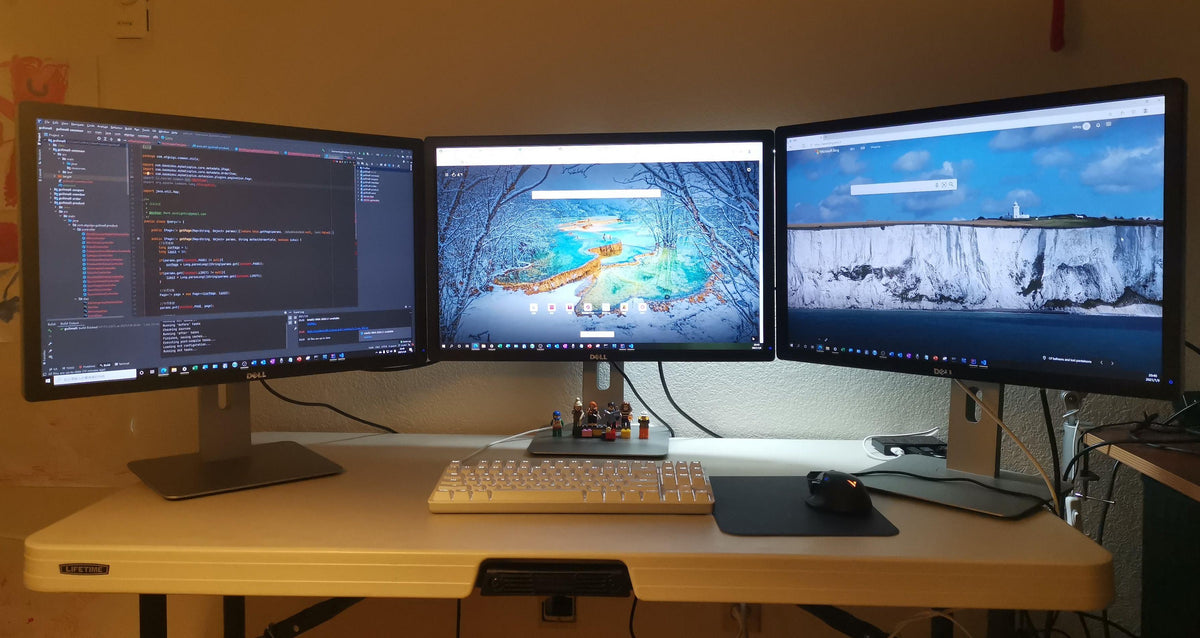
Two Laptops and Three 4K Monitors: KVM vs Dock

Two laptops, three 4K monitors, and one desk. Your work laptop handles meetings, documents, and spreadsheets, while your personal laptop is ready for creative projects, browsing, or entertainment. Ideally, both computers should be able to use the same monitors, keyboard,...

Read moreabout Two Laptops and Three 4K Monitors: KVM vs Dock

Two Laptops and Three 4K Monitors on One Desk
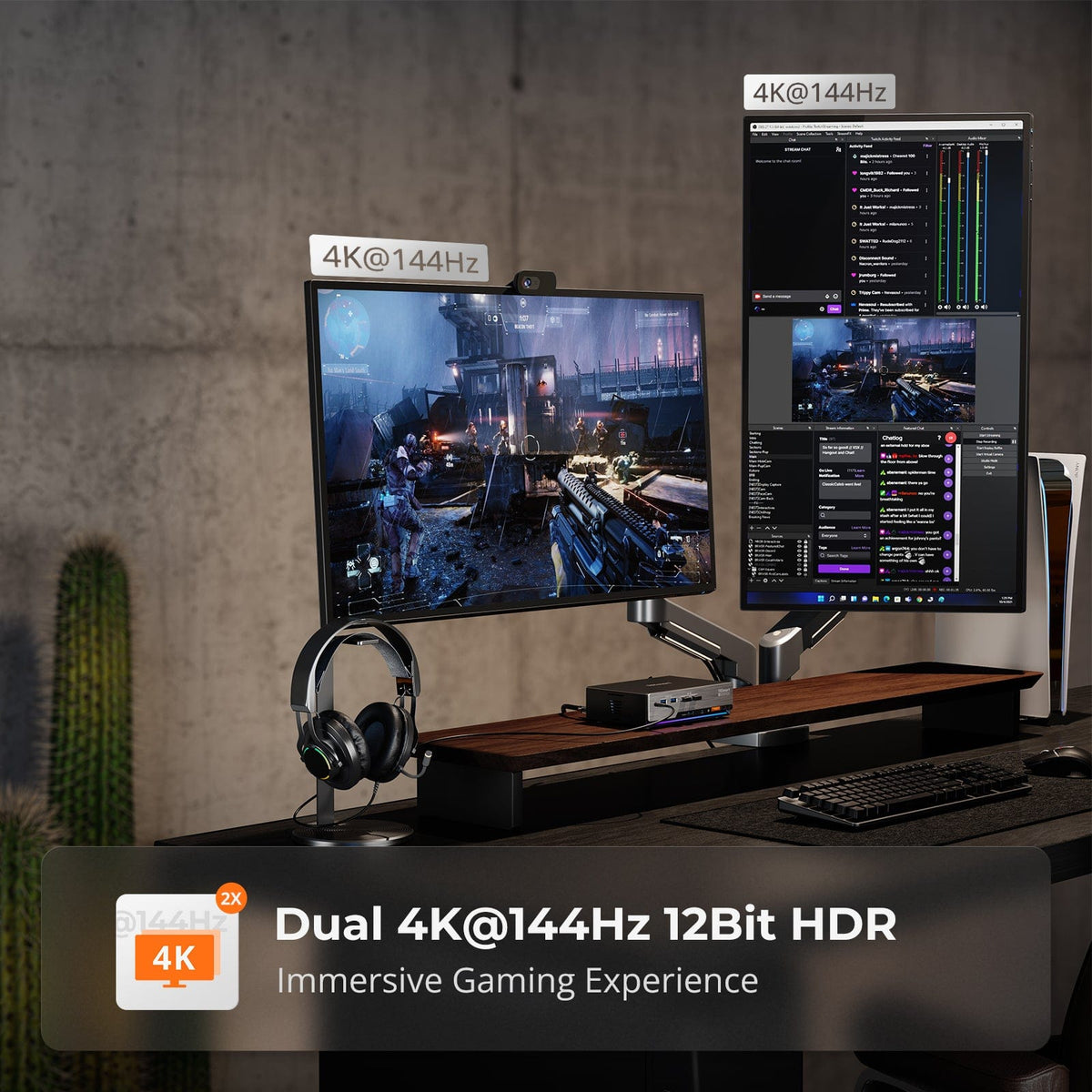
Two Laptops and Three 4K Monitors on One Desk

A practical guide to the TESmart CKS203-PM24 USB-C KVM Table of Contents Introduction Get Three Independent Displays from a Compatible Laptop Give One Laptop All Three Screens or Split Them Between Two Keep the Rest of Your Desk Connected Too...

Read moreabout Two Laptops and Three 4K Monitors on One Desk

The Dual-Computer Dilemma: Why System Integration Defines the Future of Productivity

The Dual-Computer Dilemma: Why System Integration Defines the Future of Productivity

In today’s efficiency-driven professional landscape, a dual-computer setup is no longer a luxury—it is a practical necessity for developers, financial analysts, content creators, and IT professionals. Yet, a long-overlooked reality persists: doubling your hardware does not automatically double your productivity....

Read moreabout The Dual-Computer Dilemma: Why System Integration Defines the Future of Productivity
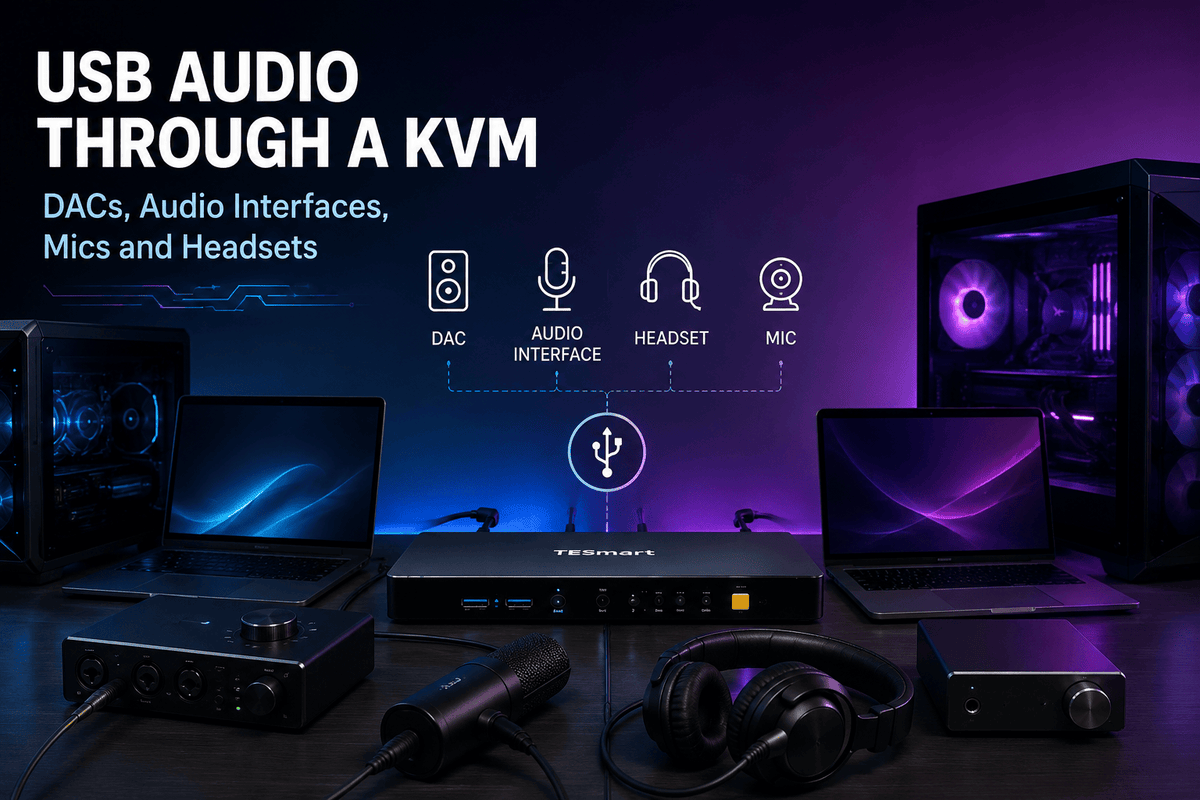
Can You Use a USB Audio Interface or DAC Through a KVM Switch?
Can You Use a USB Audio Interface or DAC Through a KVM Switch?

Table of Contents Introduction Can You Connect a USB DAC or Audio Interface to a KVM? USB Audio vs. 3.5mm Audio on a KVM: What’s the Difference? What Happens to Your USB Audio Device When You Switch Computers? Why Does...

Read moreabout Can You Use a USB Audio Interface or DAC Through a KVM Switch?

KVM Switch vs USB Switch for a Gaming PC and Work Laptop: Which Do You Actually Need?

KVM Switch vs USB Switch for a Gaming PC and Work Laptop: Which Do You Actually Need?

Table of Contents Introduction Two Ways to Build the Same Gaming PC + Work Laptop Desk When a USB Switch Is Actually Enough Why Not Always Use a USB Switch? What Gamers Should Check Before Routing Video Through a KVM...

Read moreabout KVM Switch vs USB Switch for a Gaming PC and Work Laptop: Which Do You Actually Need?
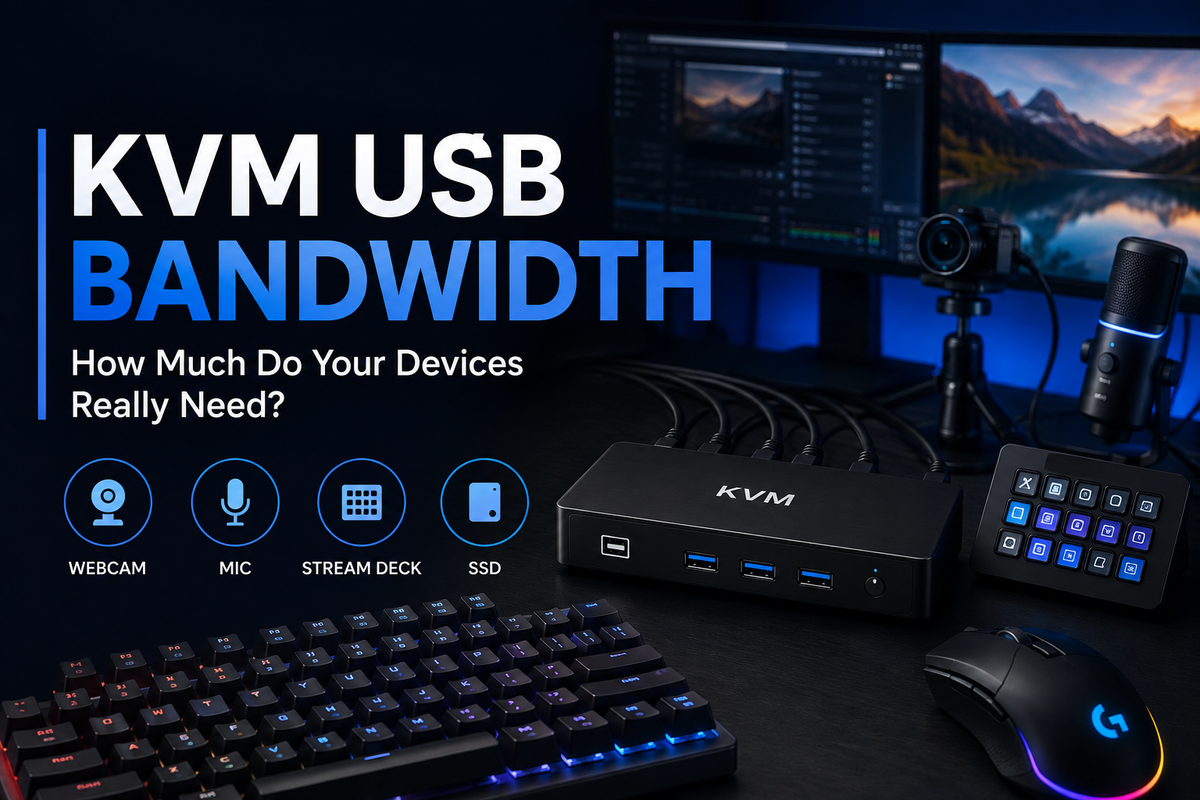
How Much USB Bandwidth Does a KVM Switch Need?
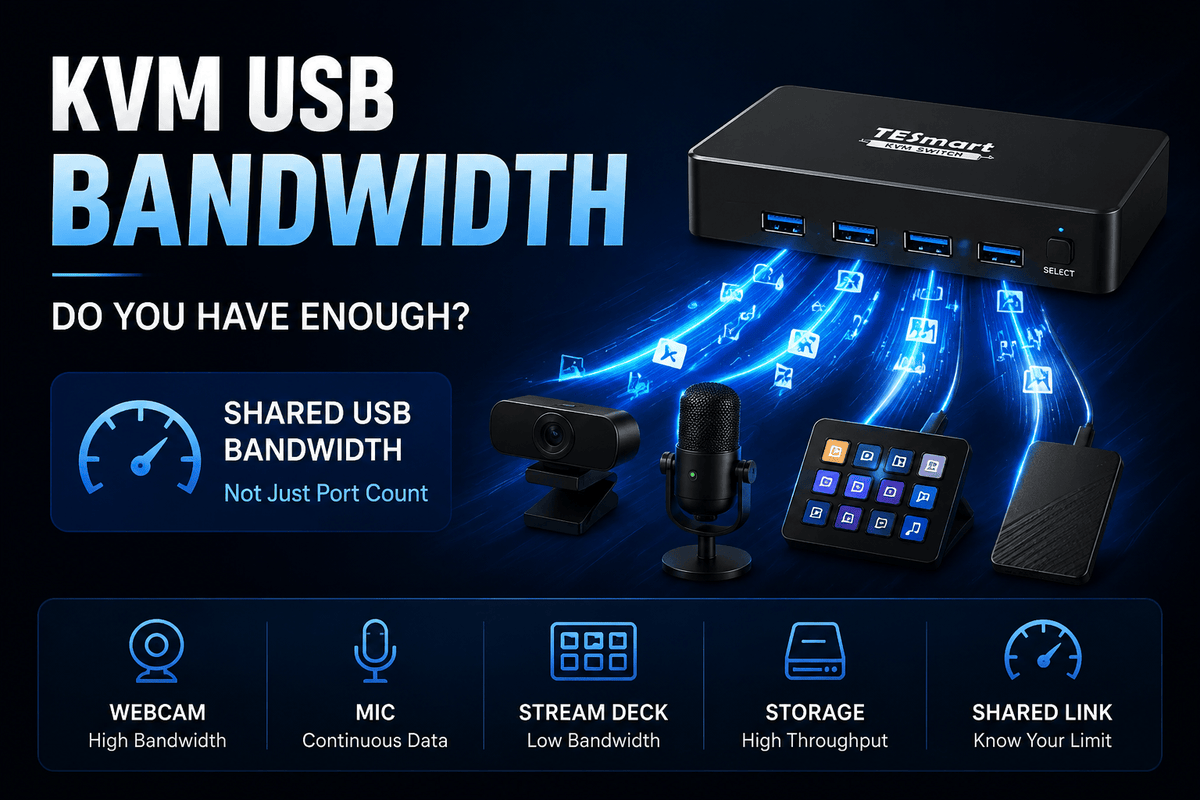
How Much USB Bandwidth Does a KVM Switch Need?

Table of Contents Introduction Why USB Bandwidth Matters More Than USB Port Count How USB Bandwidth Is Shared Inside a KVM Switch How Much Bandwidth Do Webcam, Mic, Stream Deck and Other Devices Actually Need? How Much USB Bandwidth Do...

Read moreabout How Much USB Bandwidth Does a KVM Switch Need?

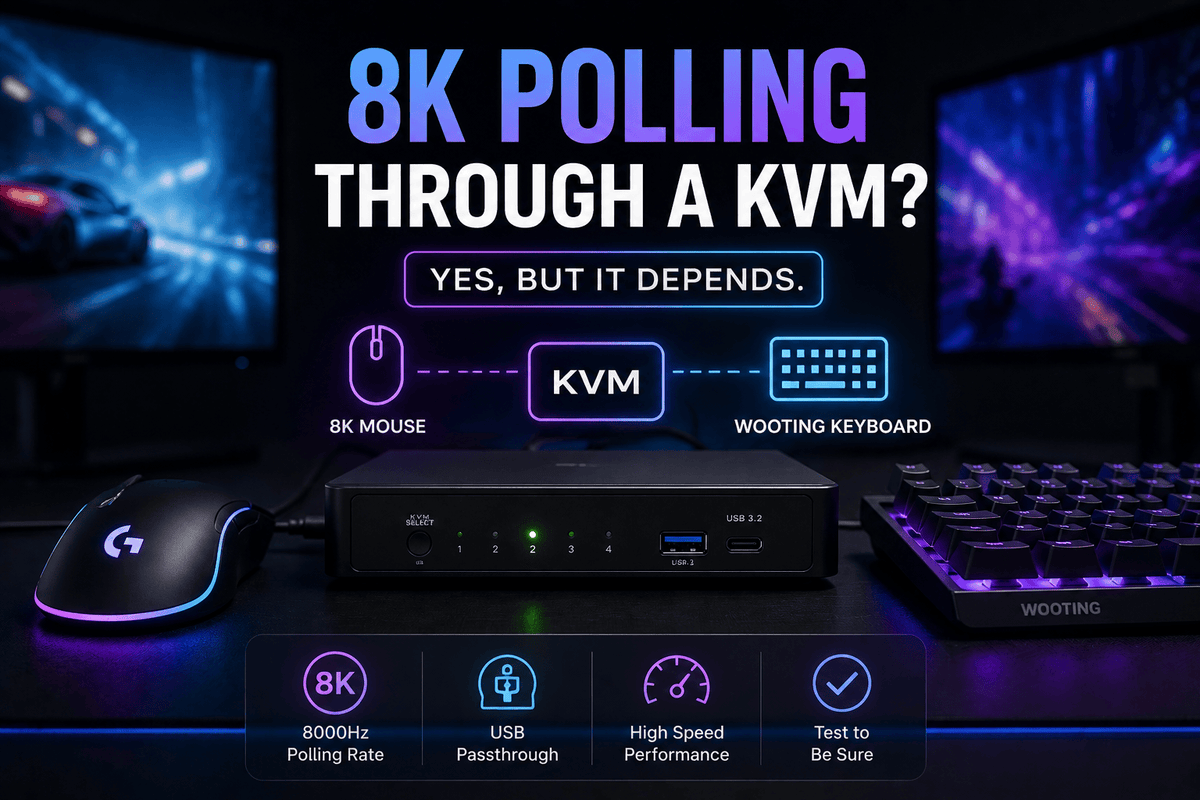
Can an 8K Polling-Rate Mouse or Wooting Keyboard Work Through a KVM Switch?
Can an 8K Polling-Rate Mouse or Wooting Keyboard Work Through a KVM Switch?

Short answer: yes, a high-polling-rate mouse or Wooting keyboard can work through a KVM switch, but that does not automatically mean its configured 4000Hz or 8000Hz polling rate will be preserved. The result depends on the complete USB path: Peripheral...

Read moreabout Can an 8K Polling-Rate Mouse or Wooting Keyboard Work Through a KVM Switch?

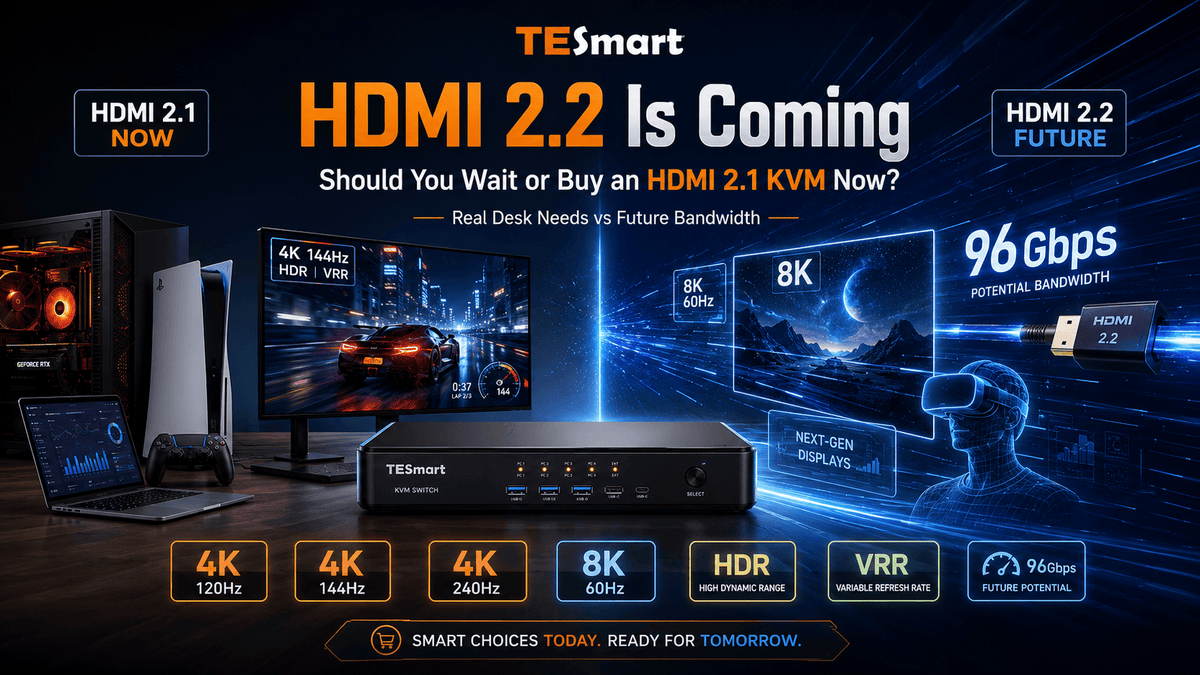
HDMI 2.2 Is Coming: Should You Wait or Buy an HDMI 2.1 KVM Now?
HDMI 2.2 Is Coming: Should You Wait or Buy an HDMI 2.1 KVM Now?

Table of Contents Introduction HDMI 2.2 Status in 2026: Quick Answer HDMI 2.1 vs HDMI 2.2: Key Differences What Does 96Gbps Actually Change? HDMI 2.2 Release Timeline: When Will Hardware Arrive? Do Current GPUs, PS5, and Xbox Need HDMI 2.2?...

Read moreabout HDMI 2.2 Is Coming: Should You Wait or Buy an HDMI 2.1 KVM Now?

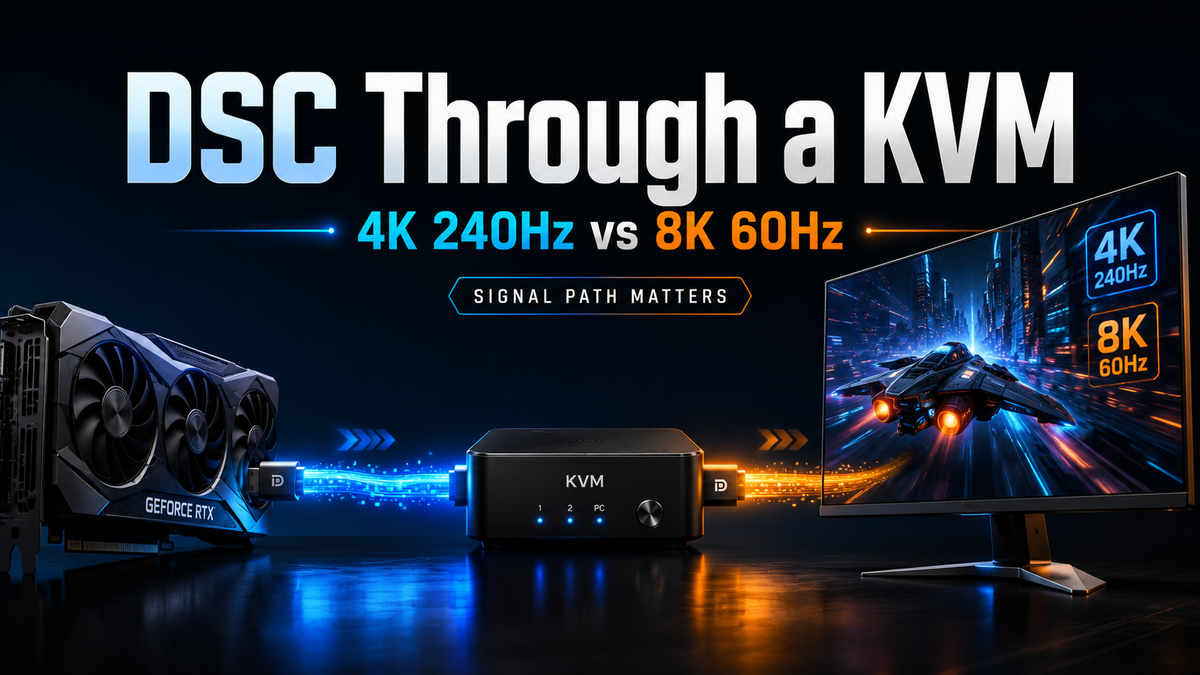
Does a KVM Switch Support DSC? 4K 240Hz and 8K 60Hz Guide

Does a KVM Switch Support DSC? 4K 240Hz and 8K 60Hz Guide

Introduction A 4K 240Hz monitor may work perfectly when connected directly to a gaming PC, then drop to 144Hz—or disappear completely—when a KVM switch is added. The same problem can appear with 8K 60Hz. The GPU supports the resolution. The...

Read moreabout Does a KVM Switch Support DSC? 4K 240Hz and 8K 60Hz Guide