WHY TESMART
Built for Complex Setups
TESmart builds professional KVM solutions for multi-monitor, high-refresh, Mac, PC and hybrid workstations — especially where basic switches fall short.
Complex Display Support
Built for multi-monitor, high-resolution and high-refresh workflows.
Mac & PC Expertise
Designed for mixed-device setups involving Thunderbolt, DisplayLink, MST, DP1.4, HDMI 2.1.
Long-Term Ownership
Supported by setup assistance, firmware updates, trade-in programs and direct technical service.
Featured KVM Solutions
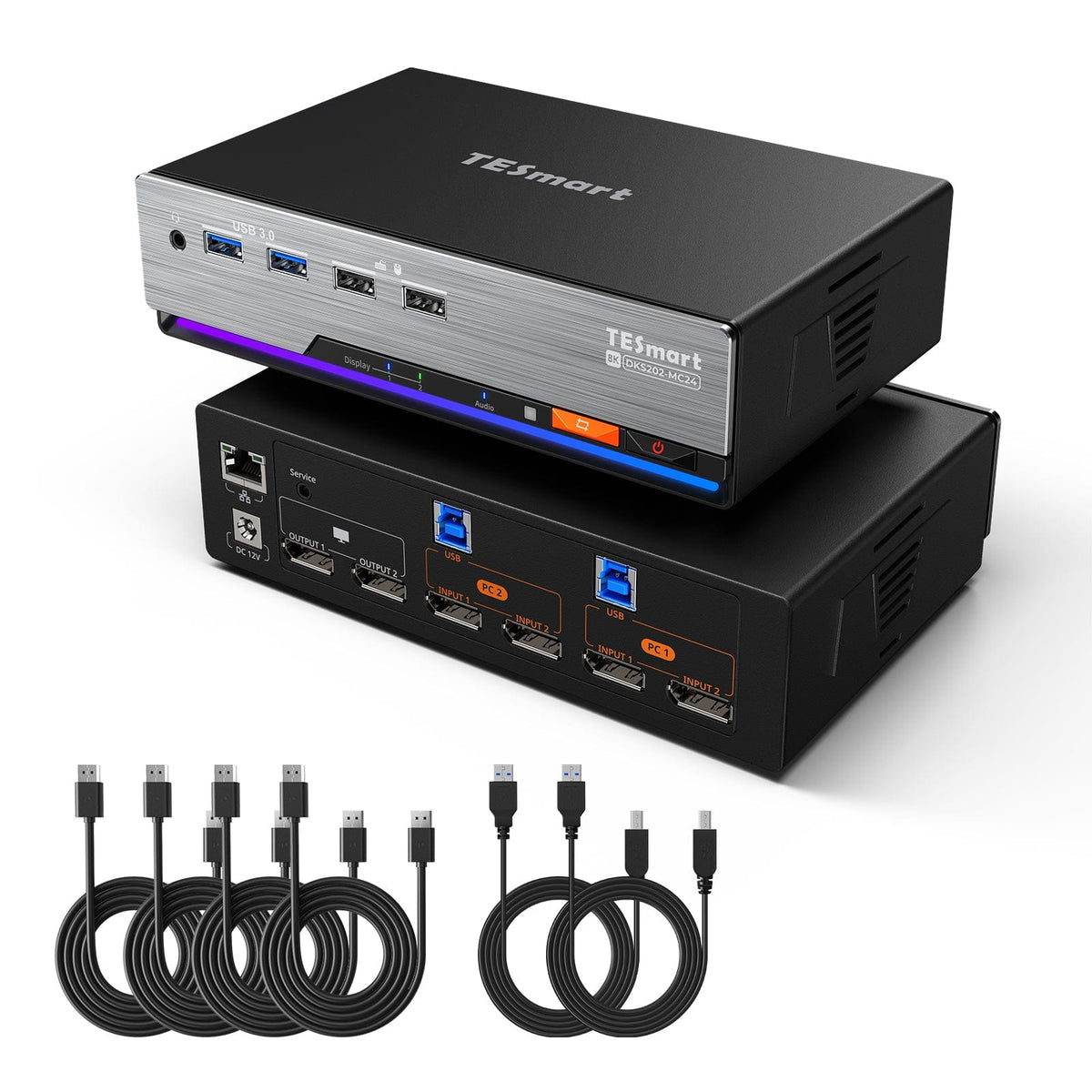
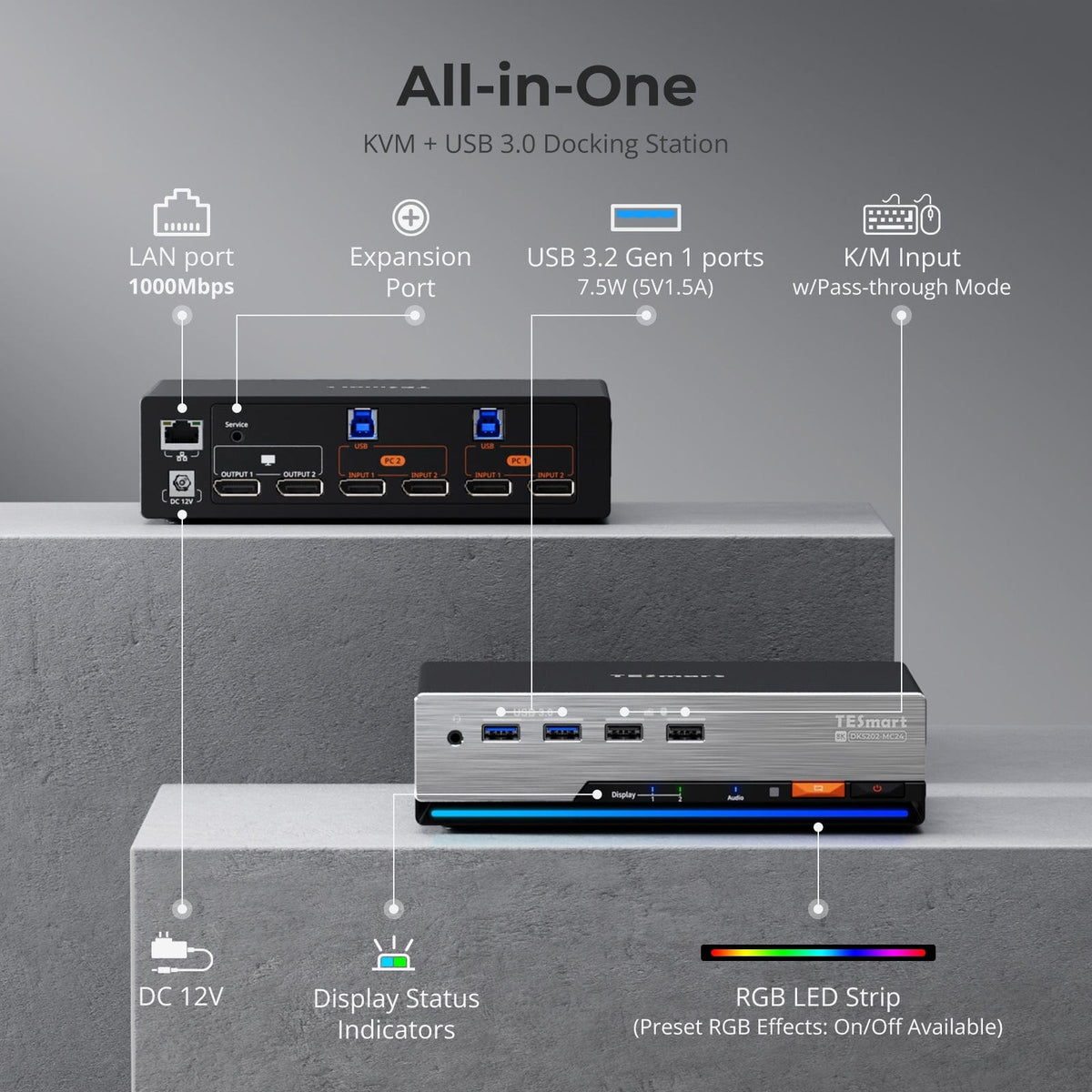
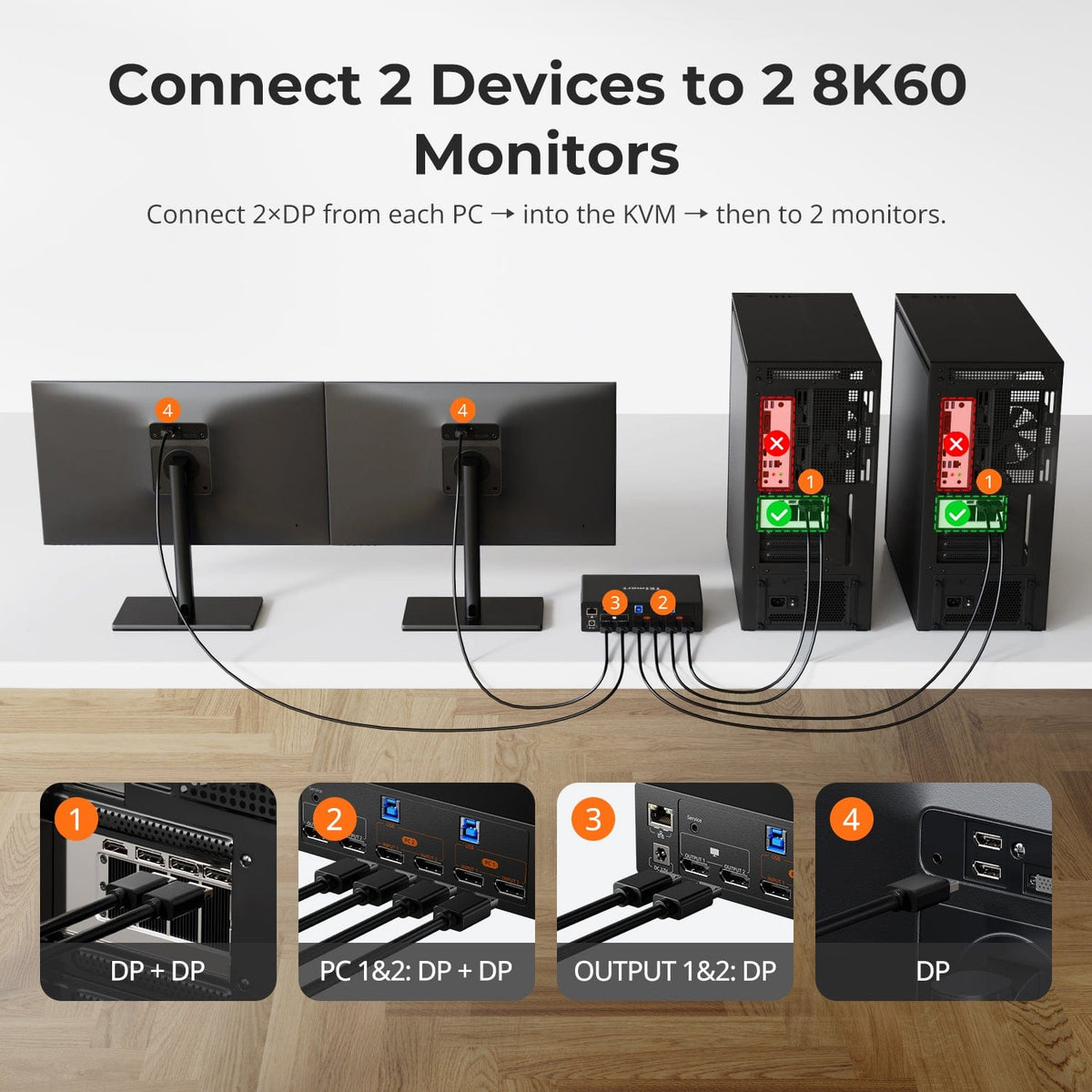

Display Setup

Max Display Output

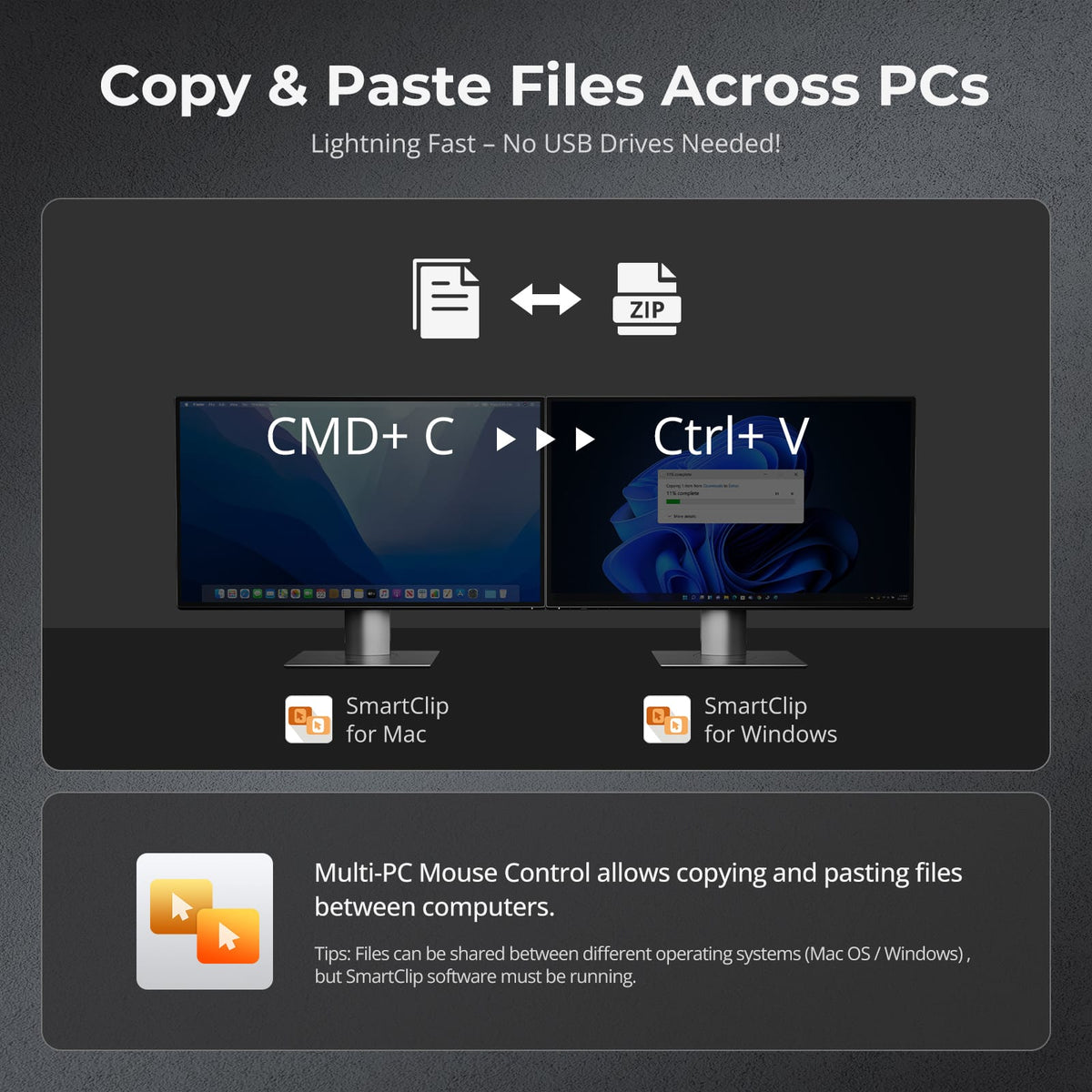
Cross-PC mouse and file copy

Display Color

Gaming Display

Display Stability
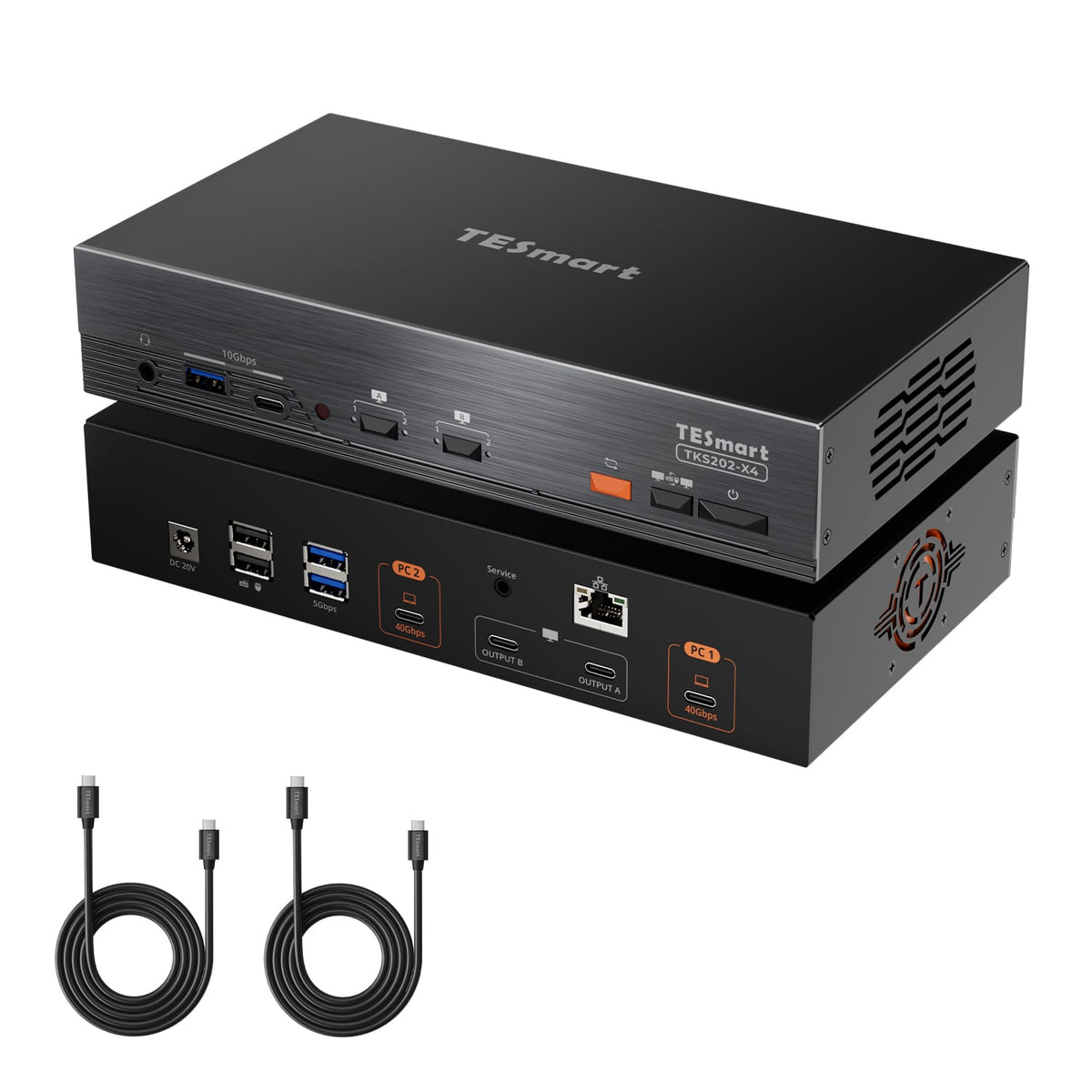
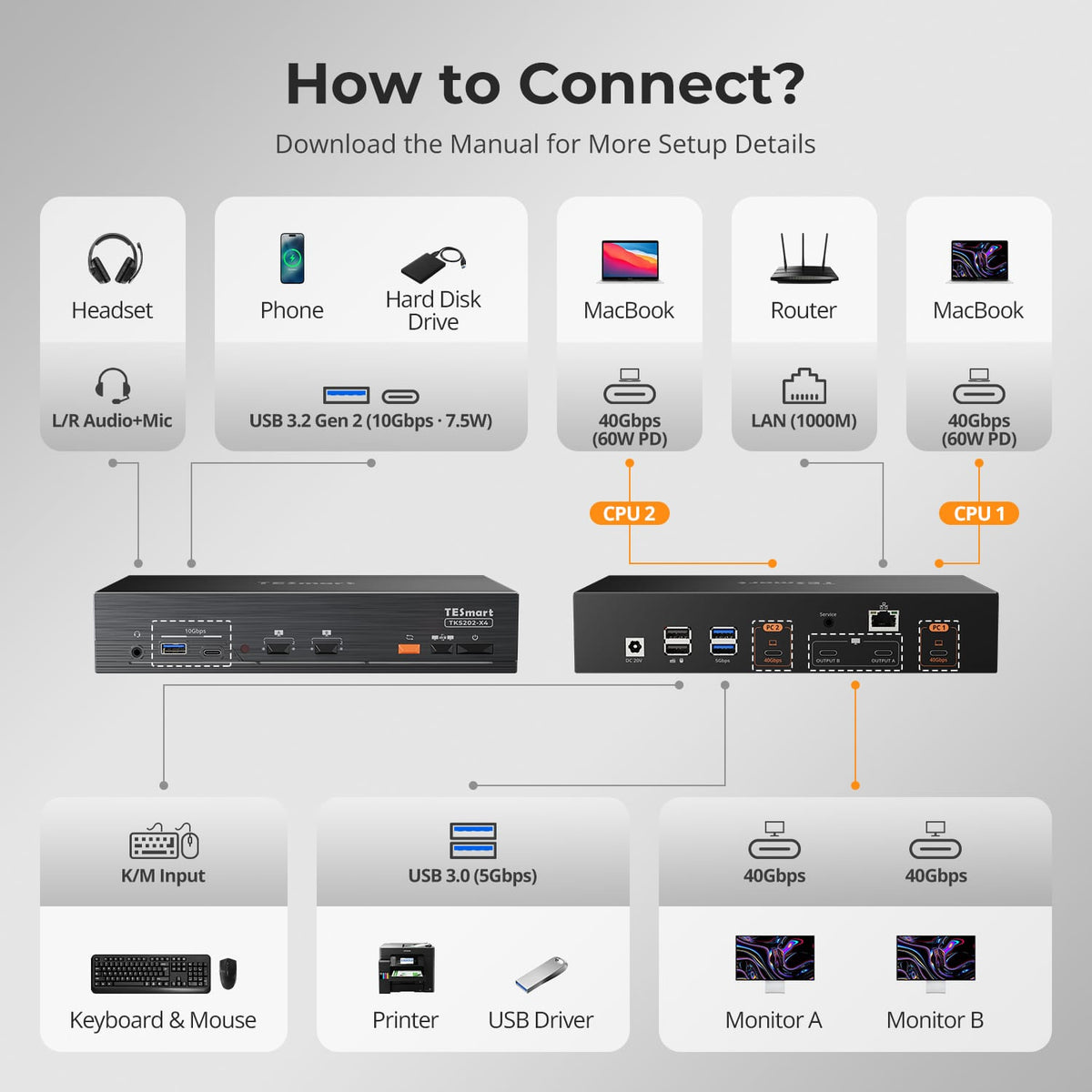

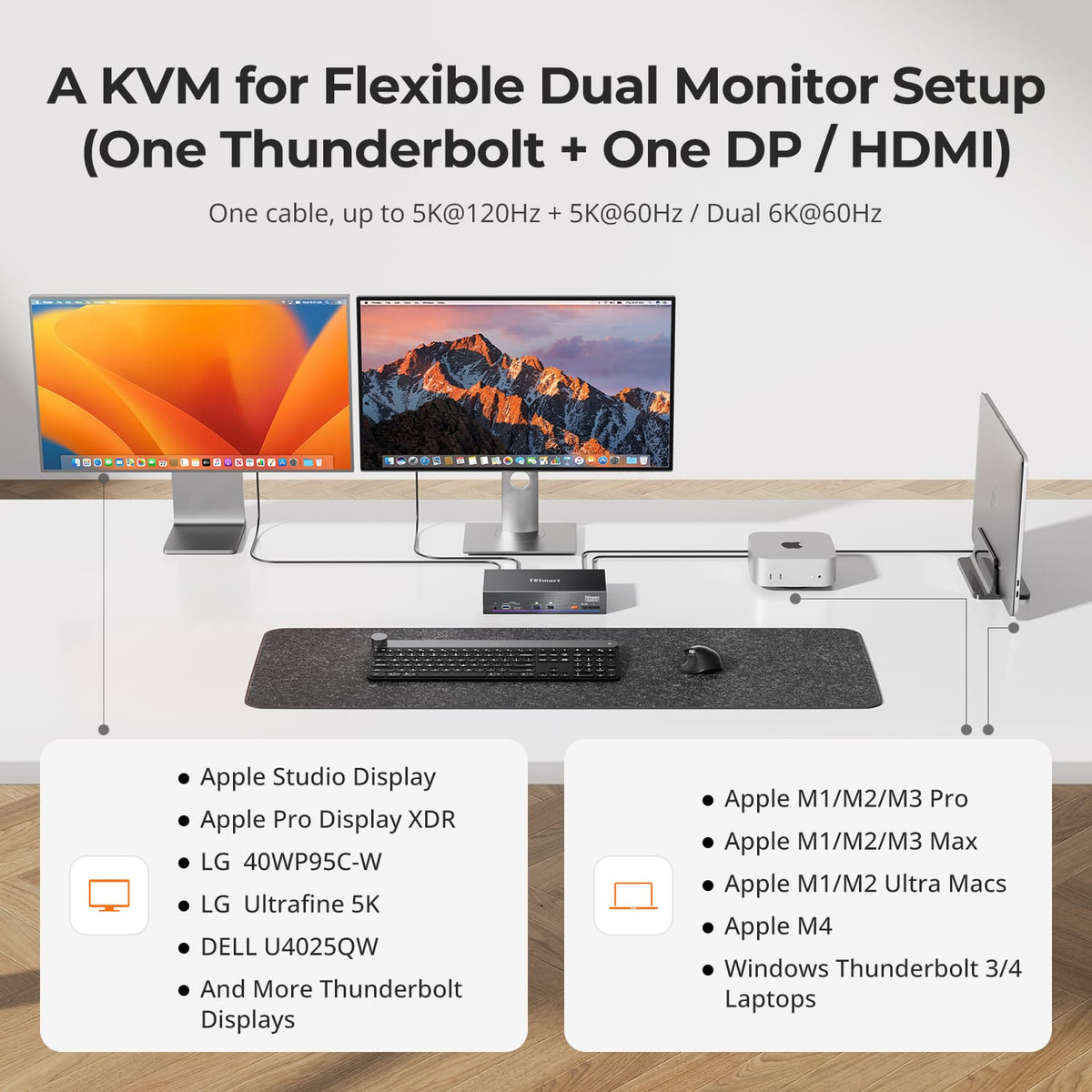

Display Setup

Max Display Output

Thunderbolt Controller

Compatibility

Laptop Charging

Network Control
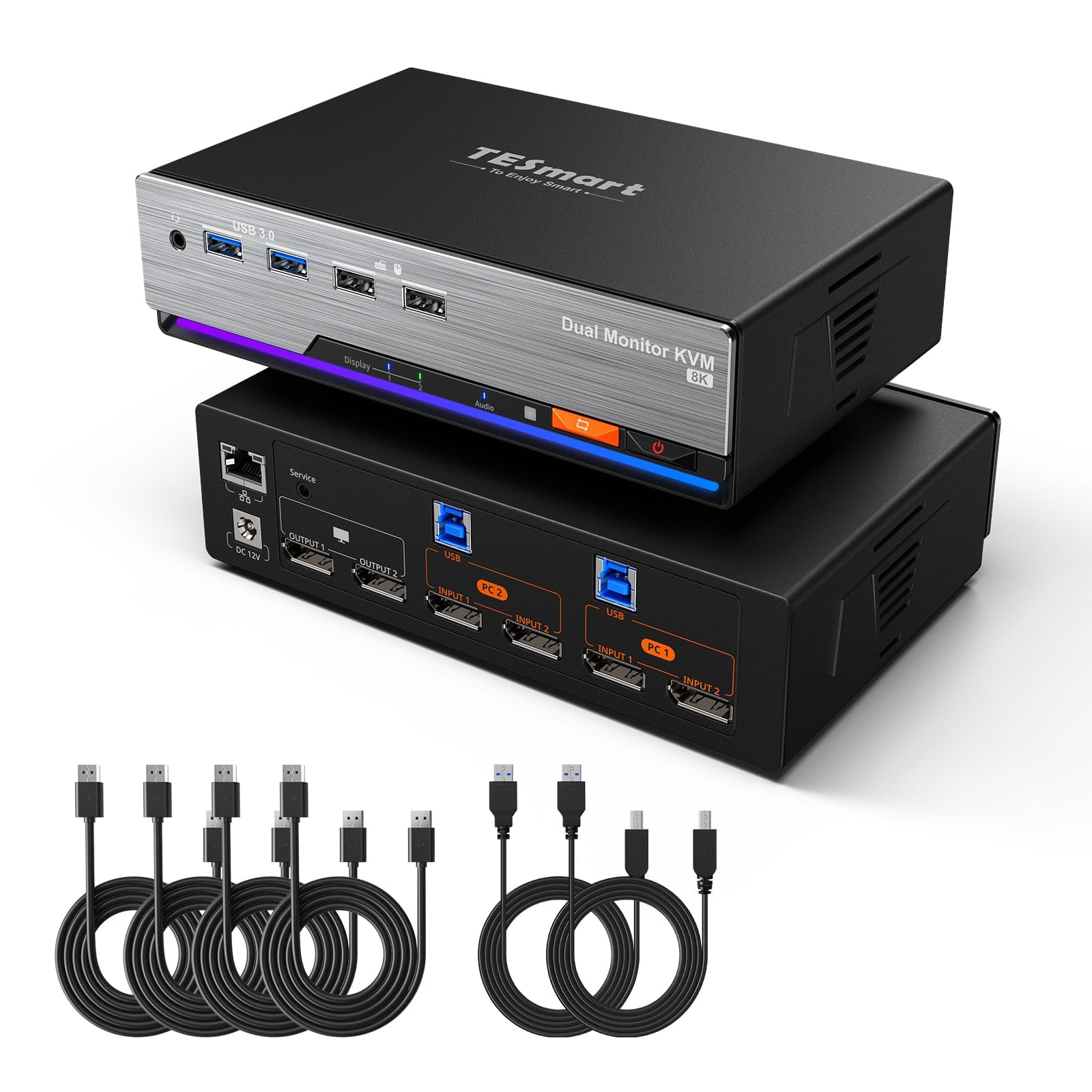
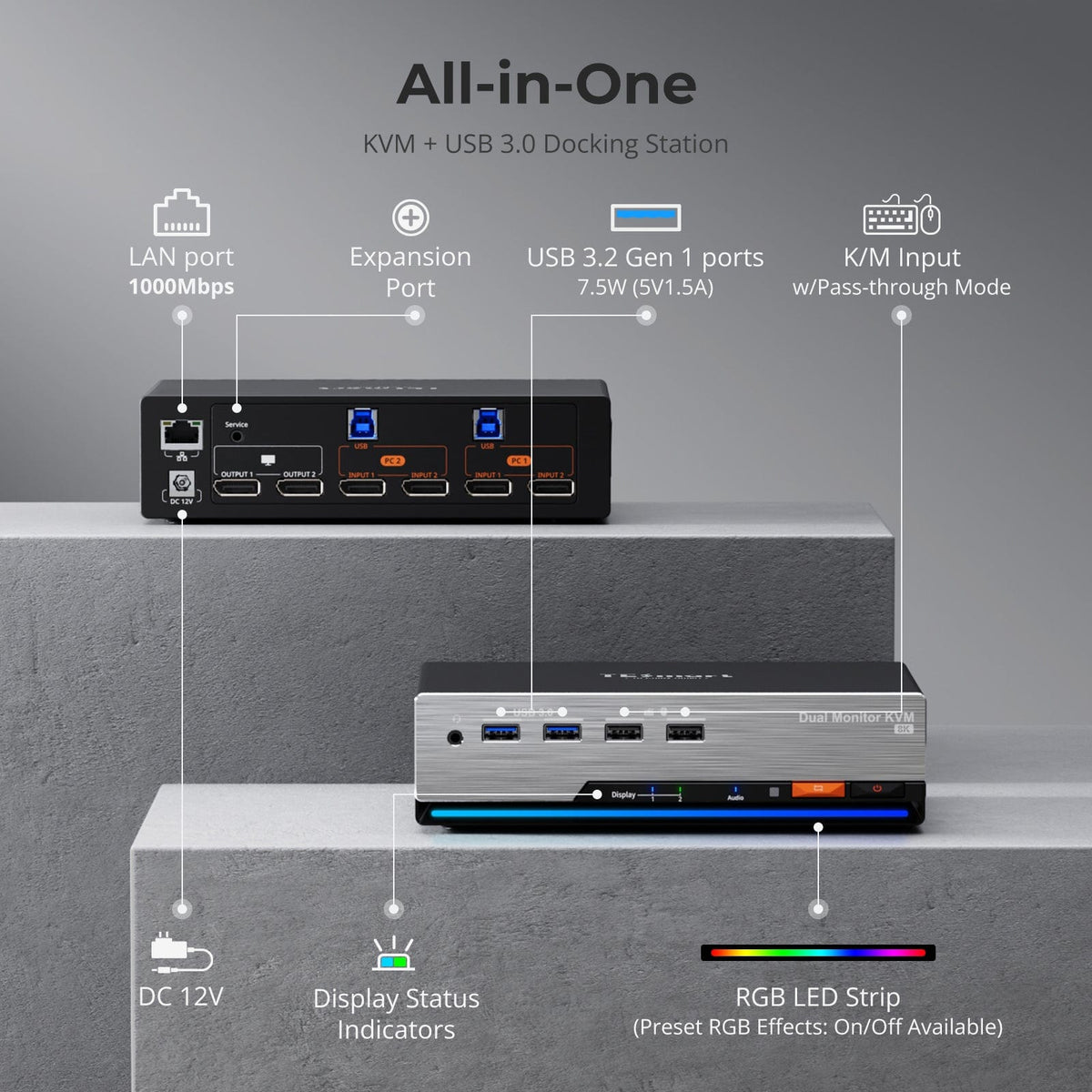
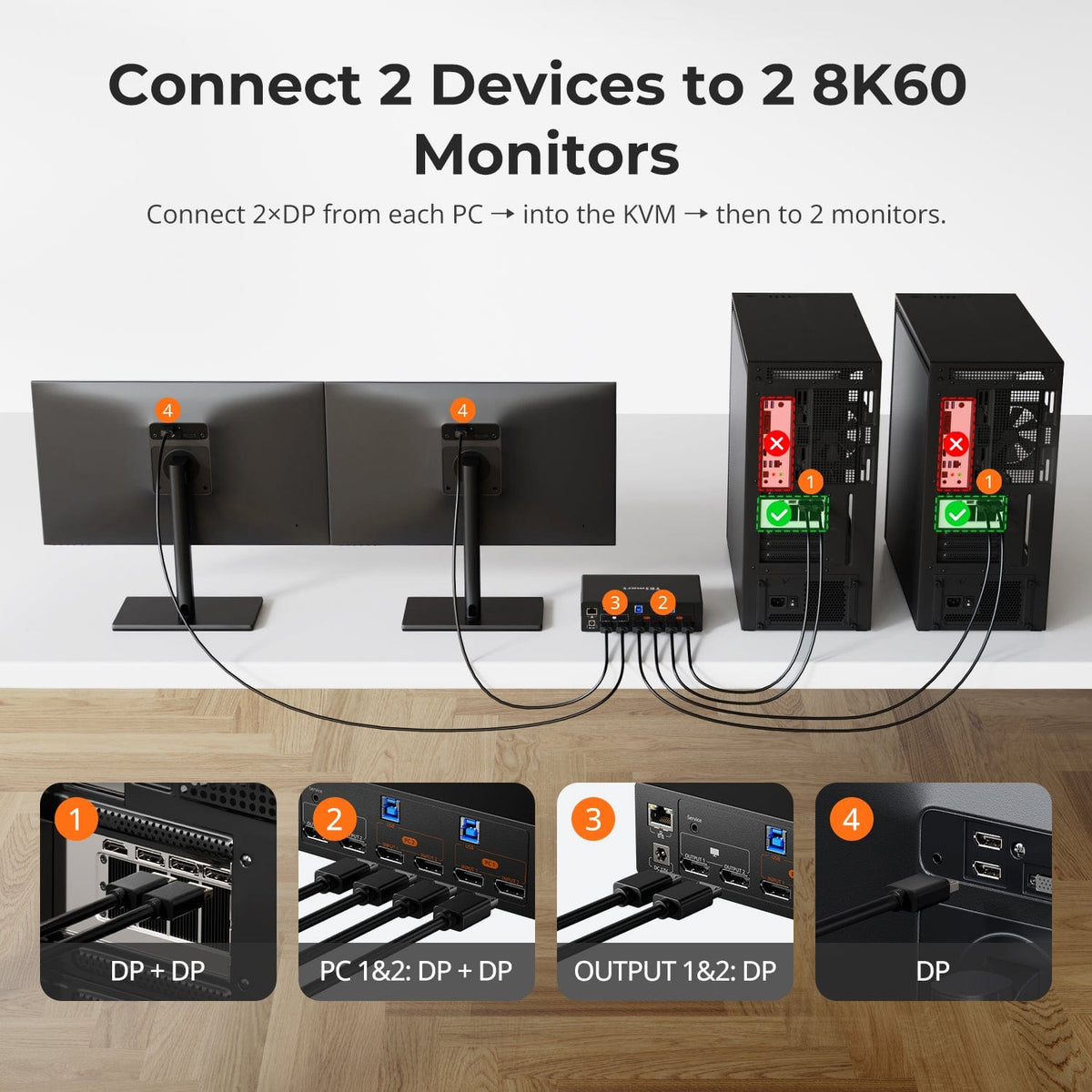
Display Setup
Max Display Output
Display Color
Gaming Display
Display Stability

Network Control
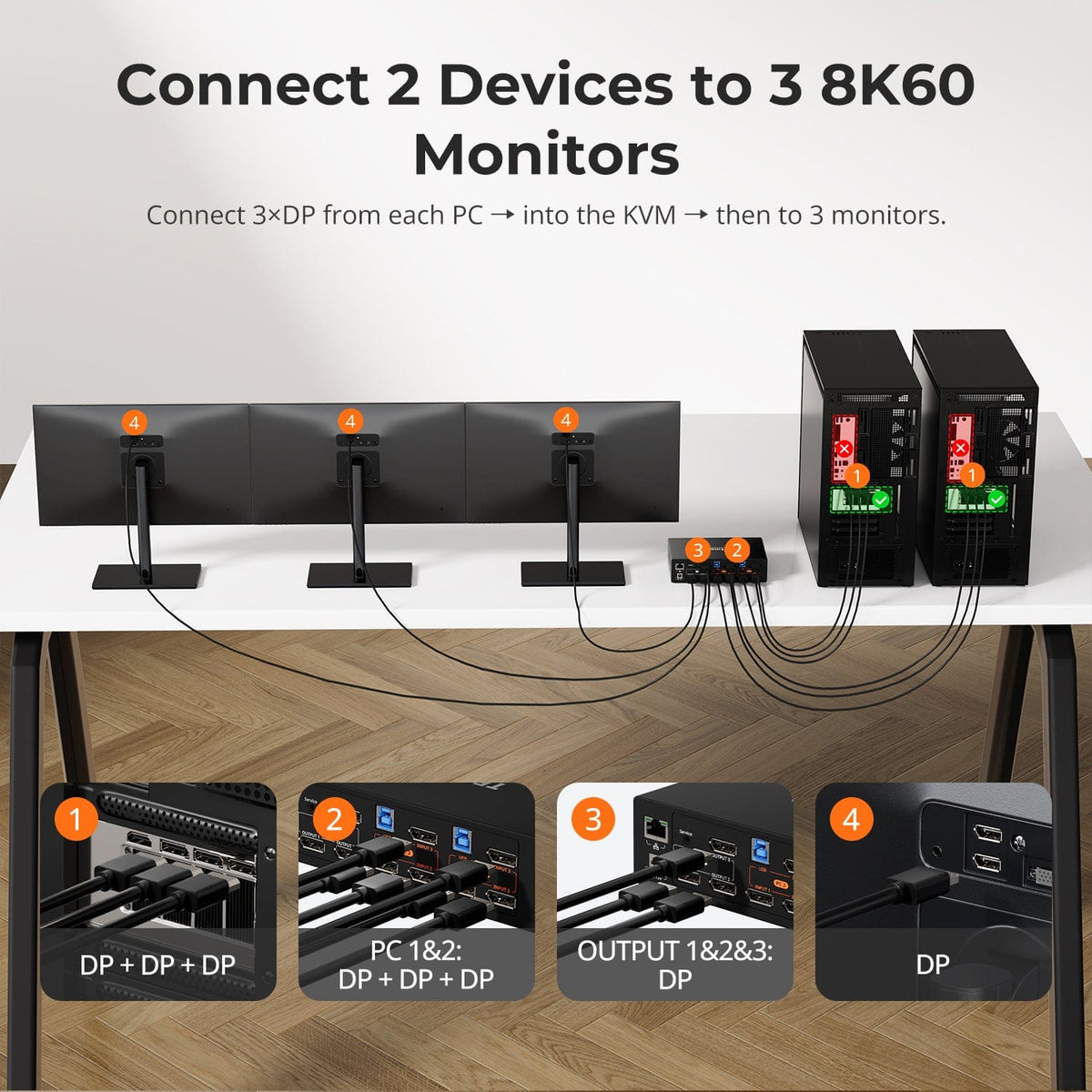
Display Setup
Max Display Output
Display Stability
Display Color
Gaming Display

Network Sharing
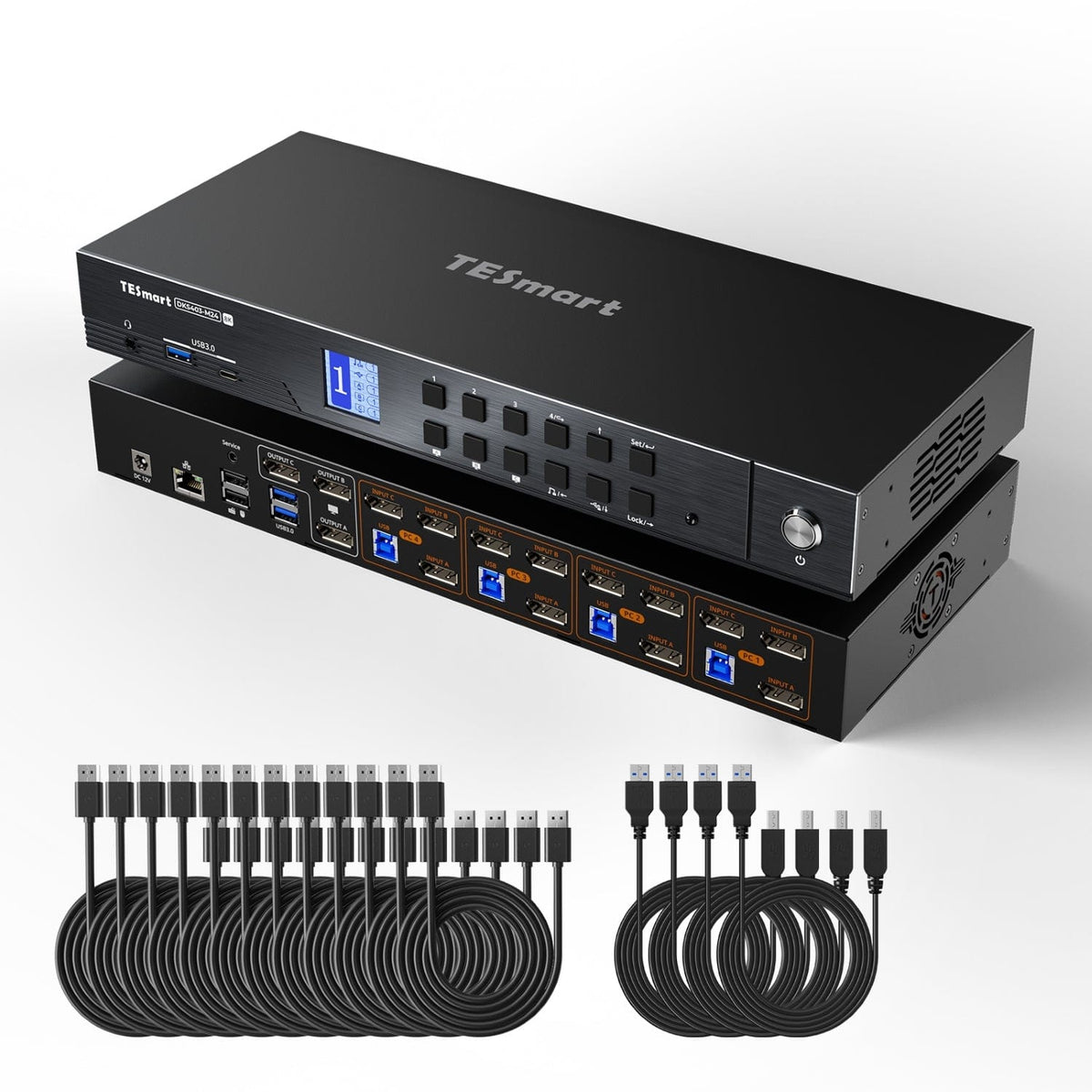

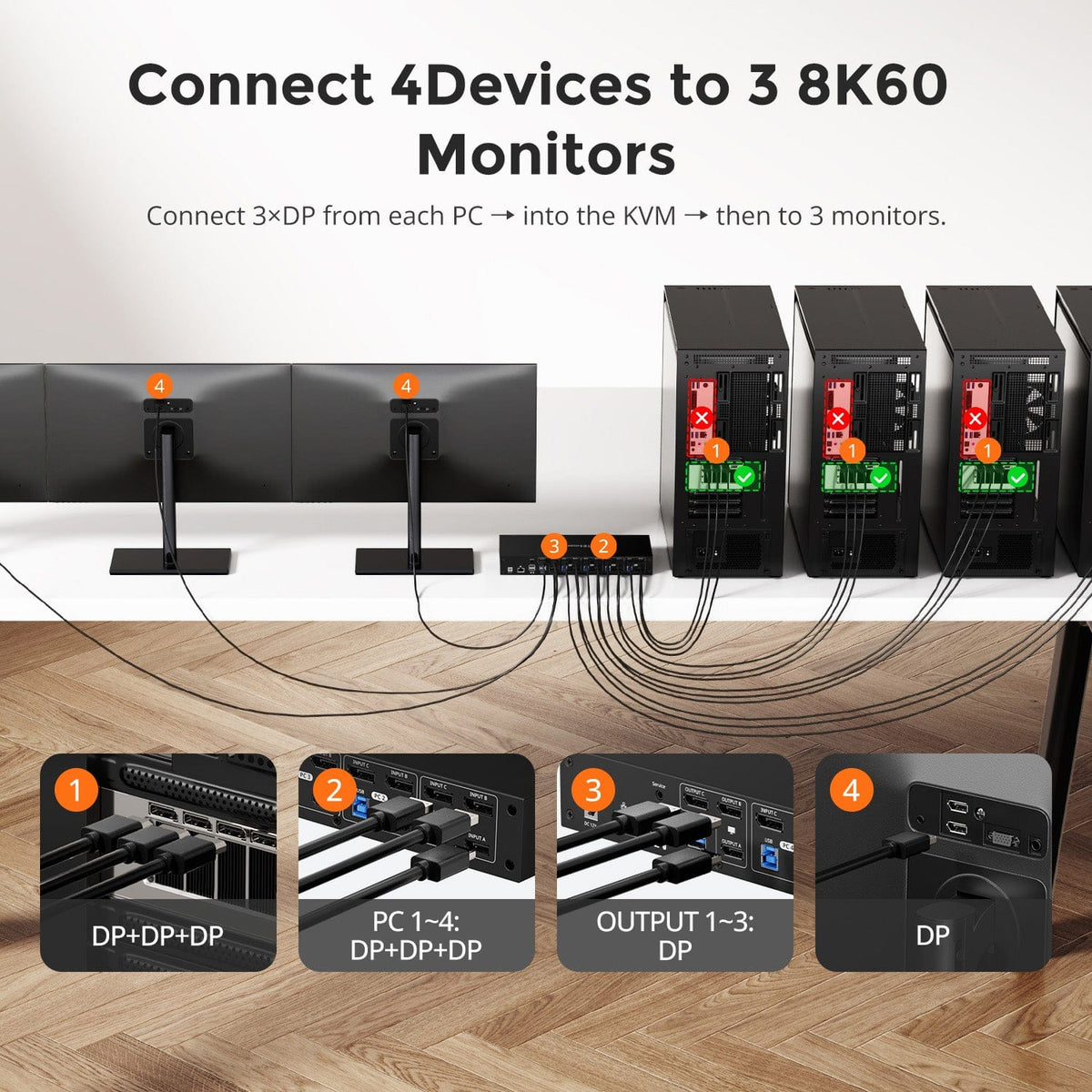
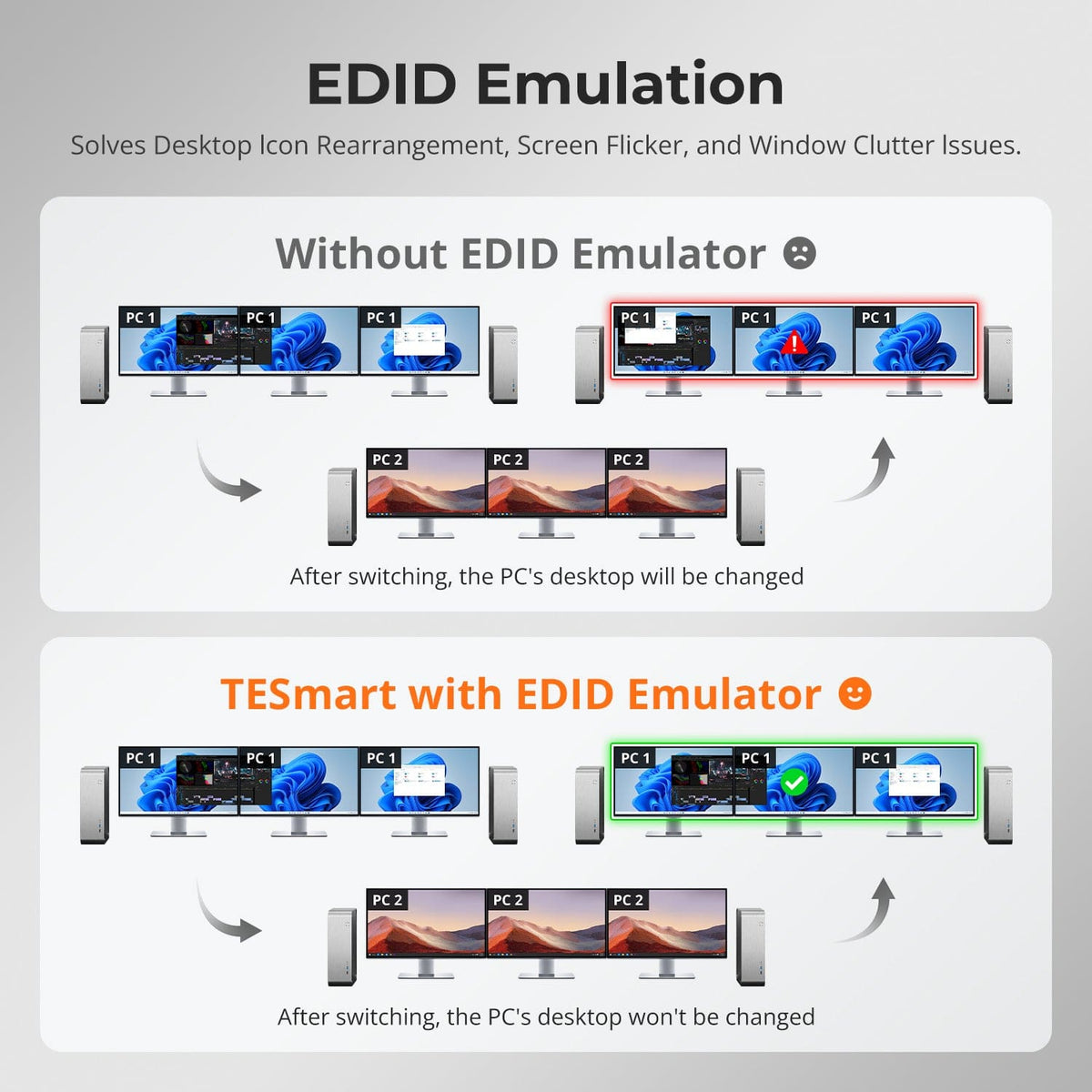
Display Setup
Max Display Output
Display Stability
Network Sharing

USB Speed

Focus Control
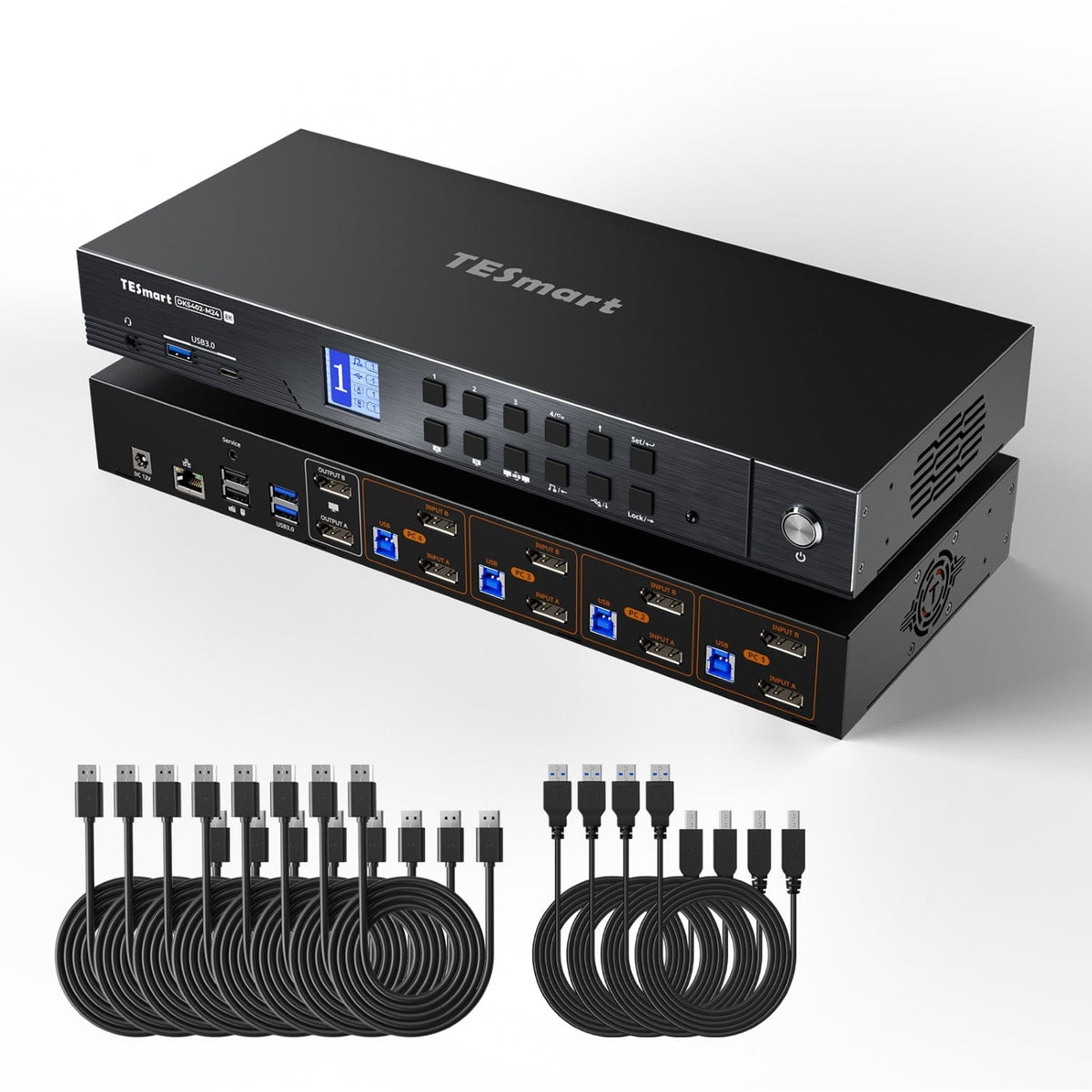
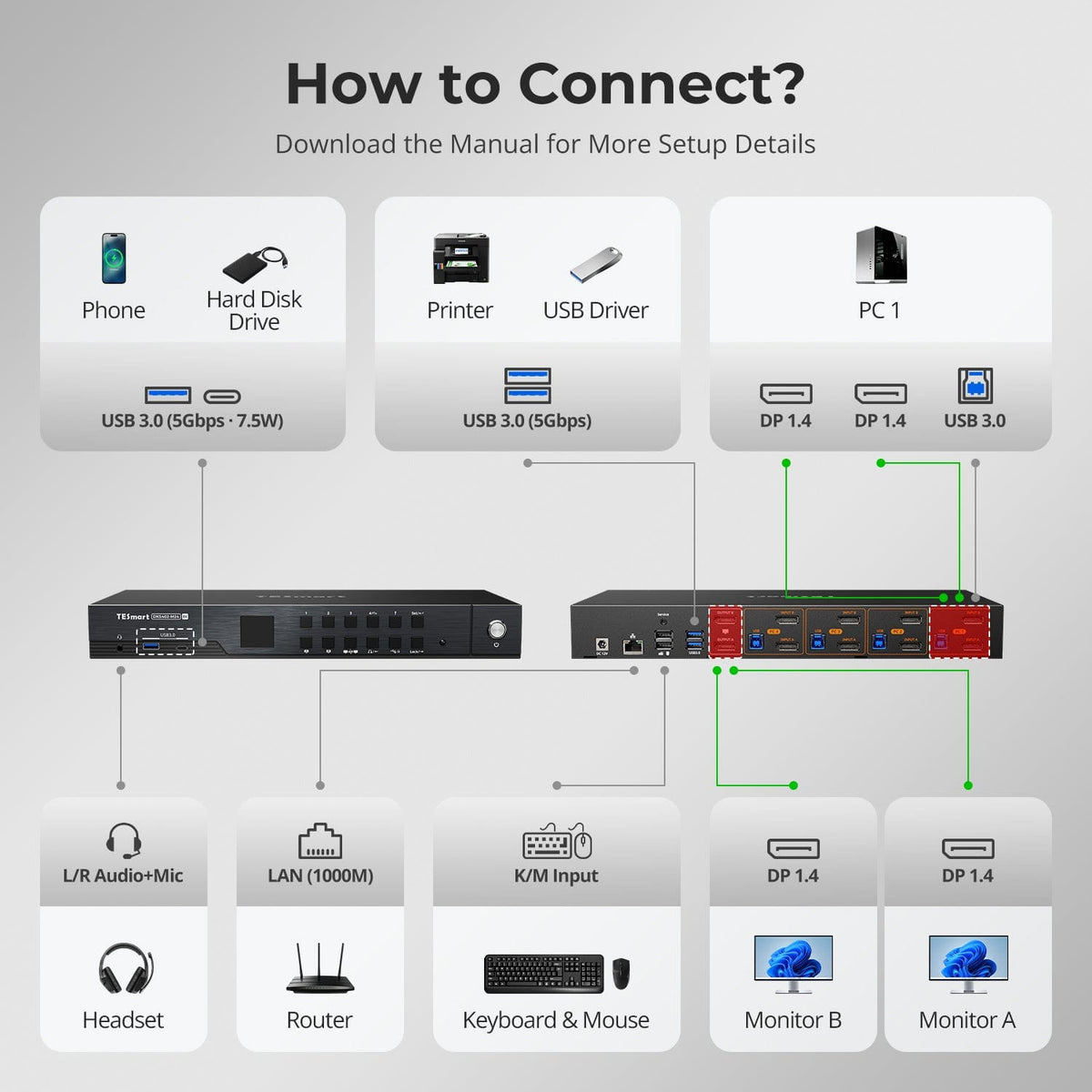
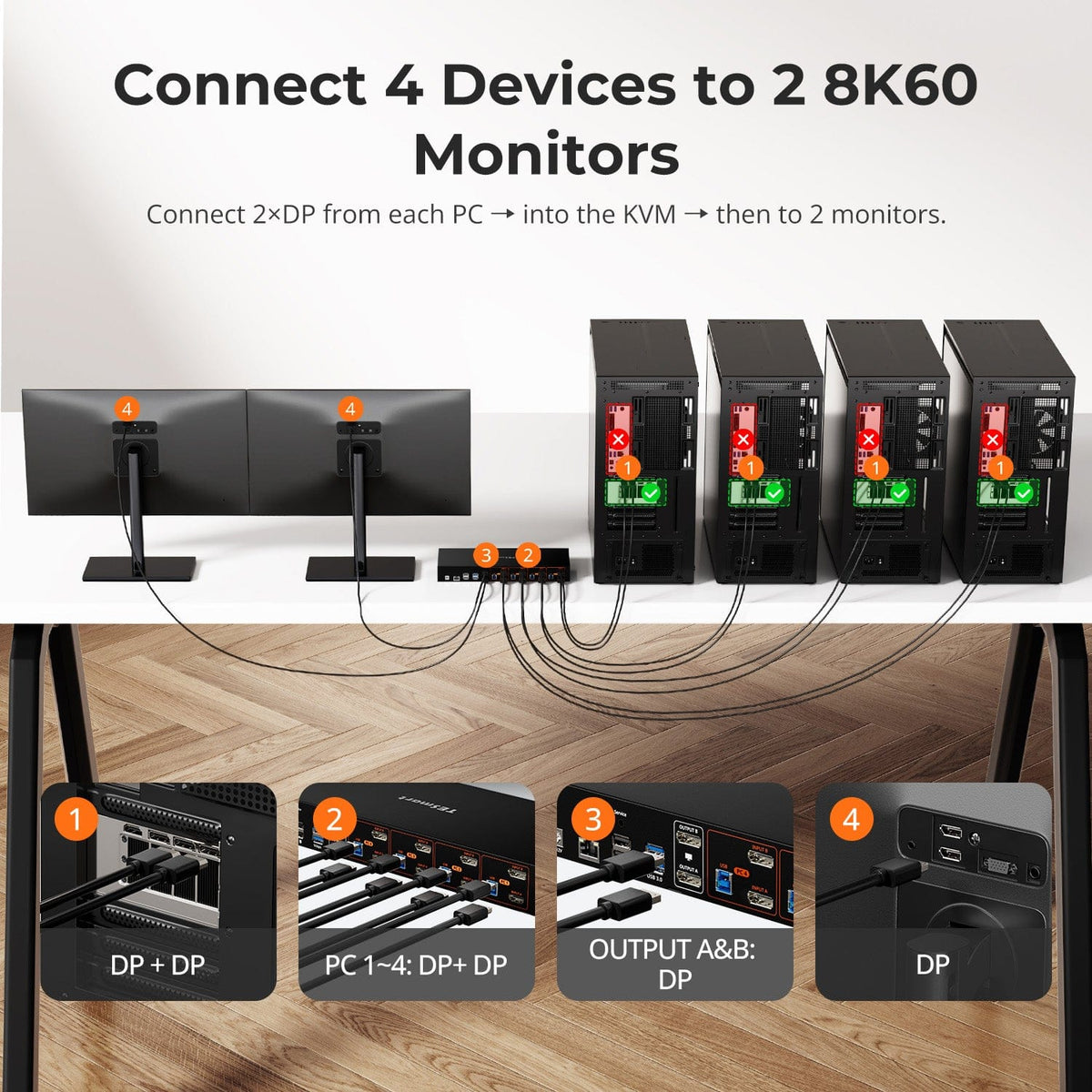
Display Setup
Max Display Output
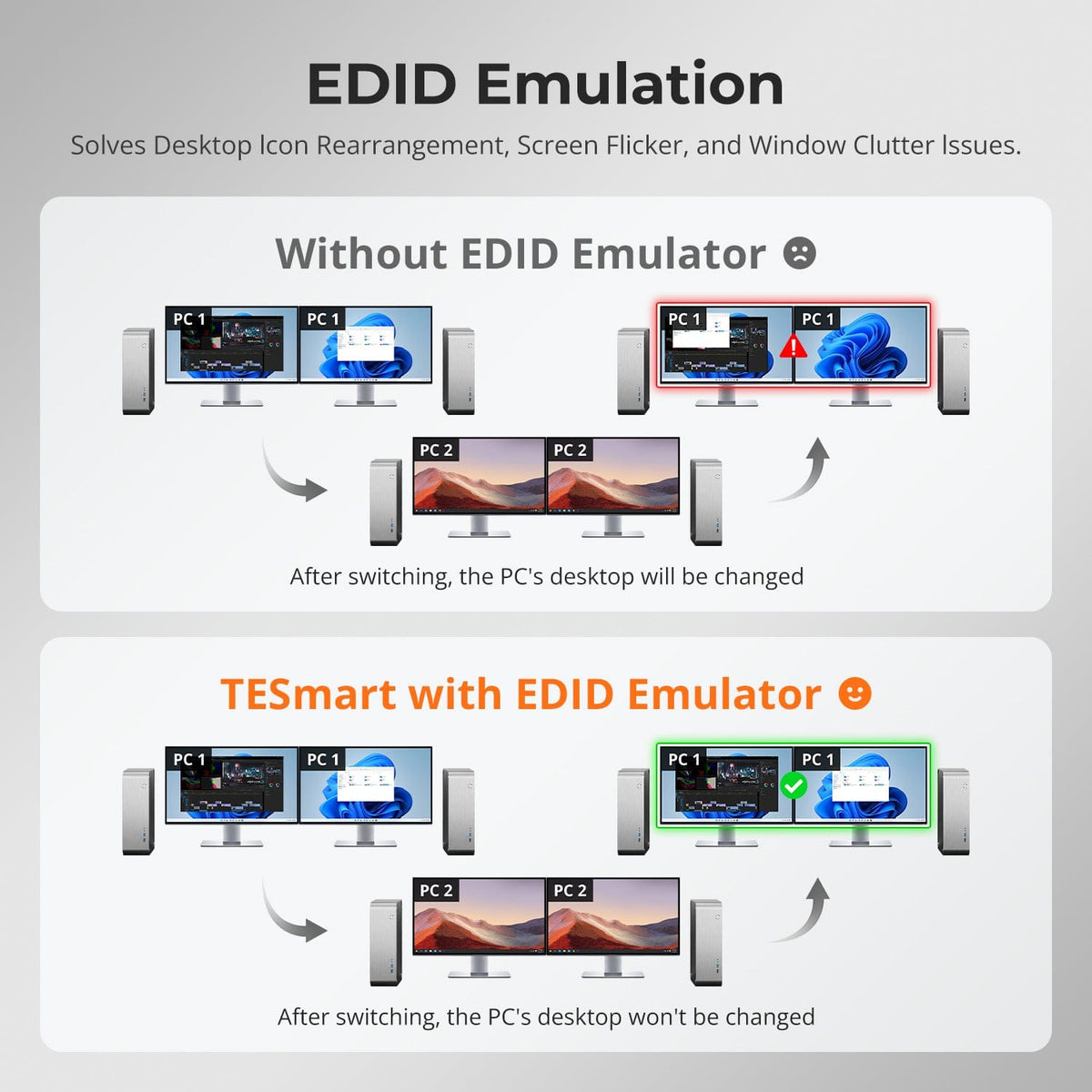
Display Stability

Network Control
USB Speed
Focus Control
Thunderbolt-Compatible KVM Solutions
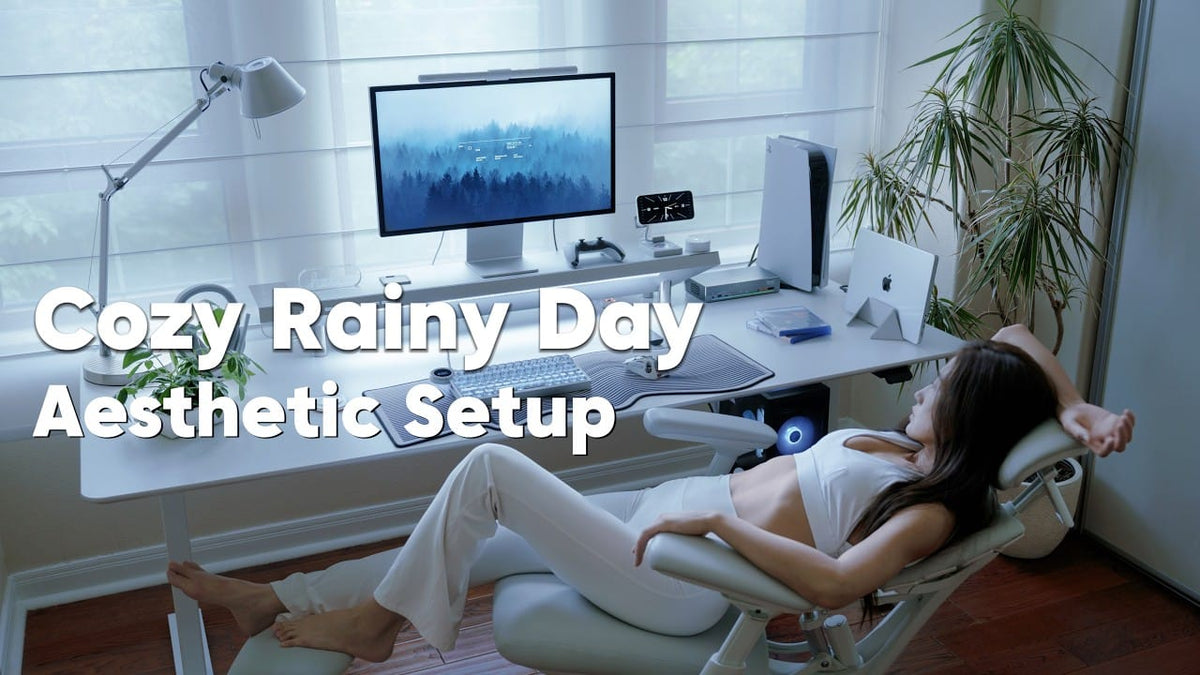
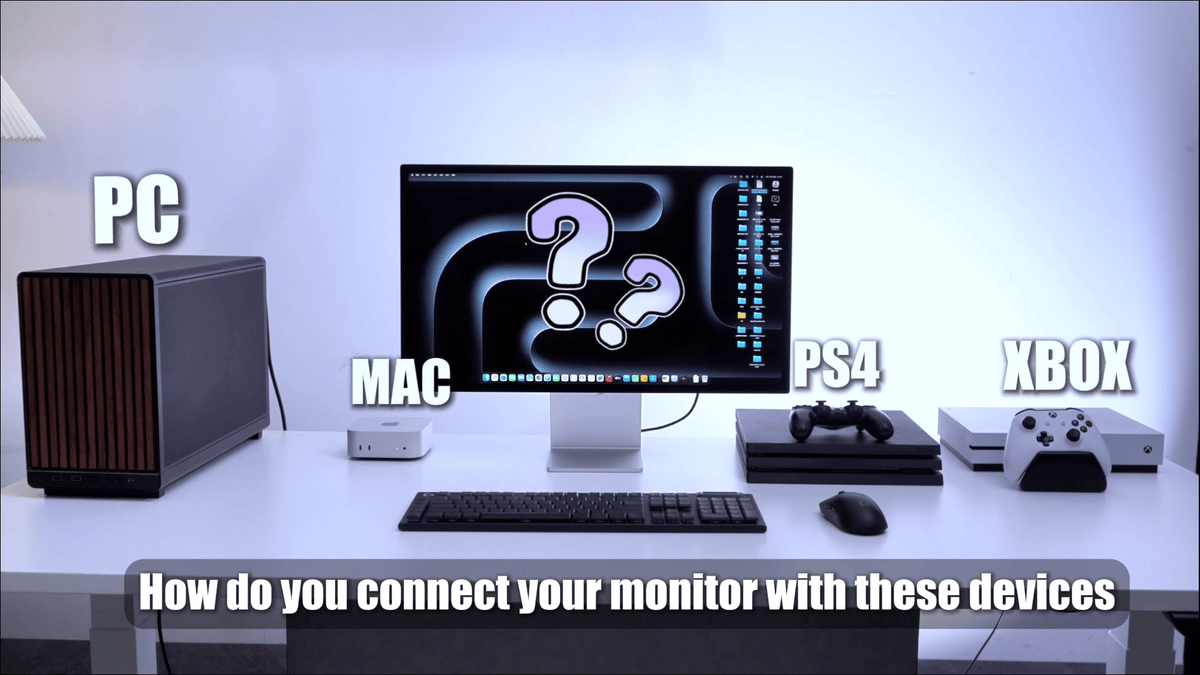
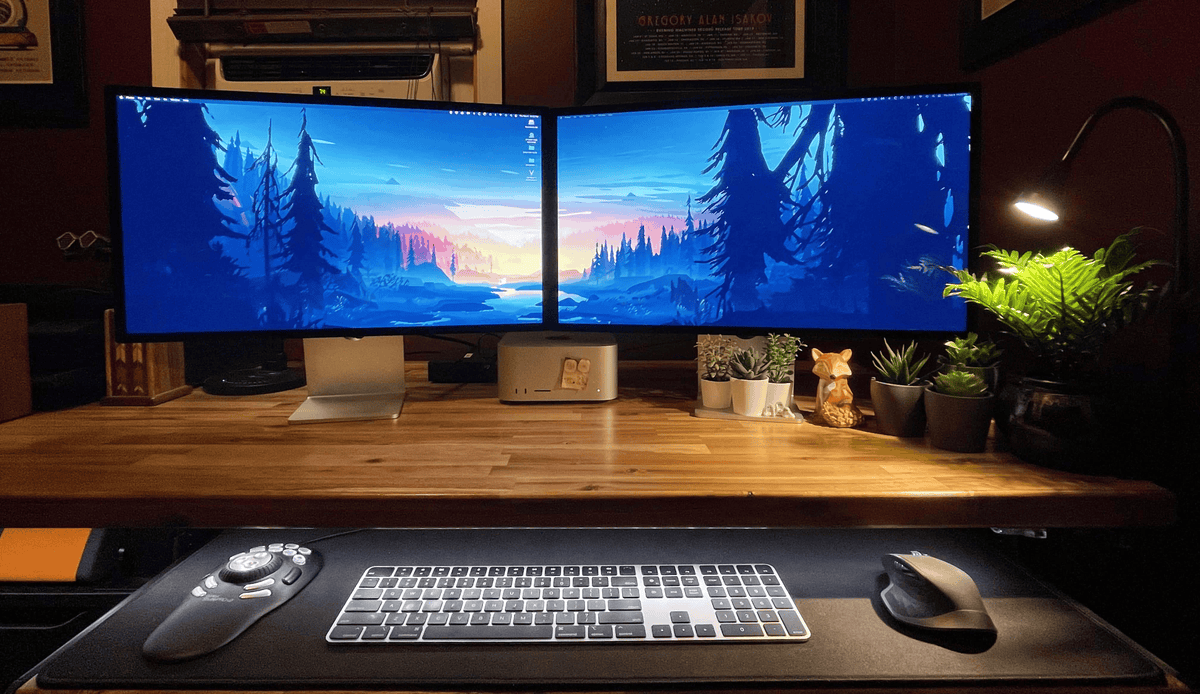
Do More with Your Studio Displays
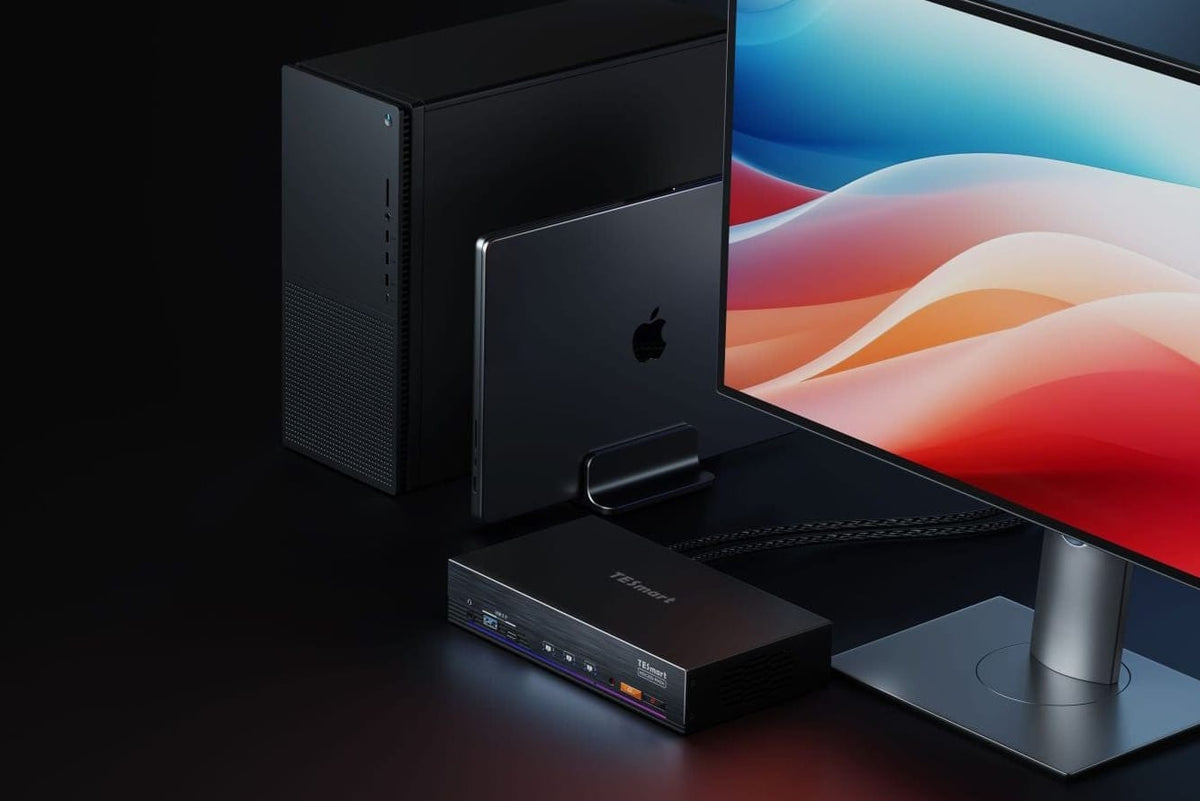
Connect your Mac, Windows PC and game console to your Apple Studio Displays.

KVM Selection Center · 50+ Models
Find the Right KVM for Your Setup
Shop by setup, use our guided finder, or ask our team to check compatibility before you buy.
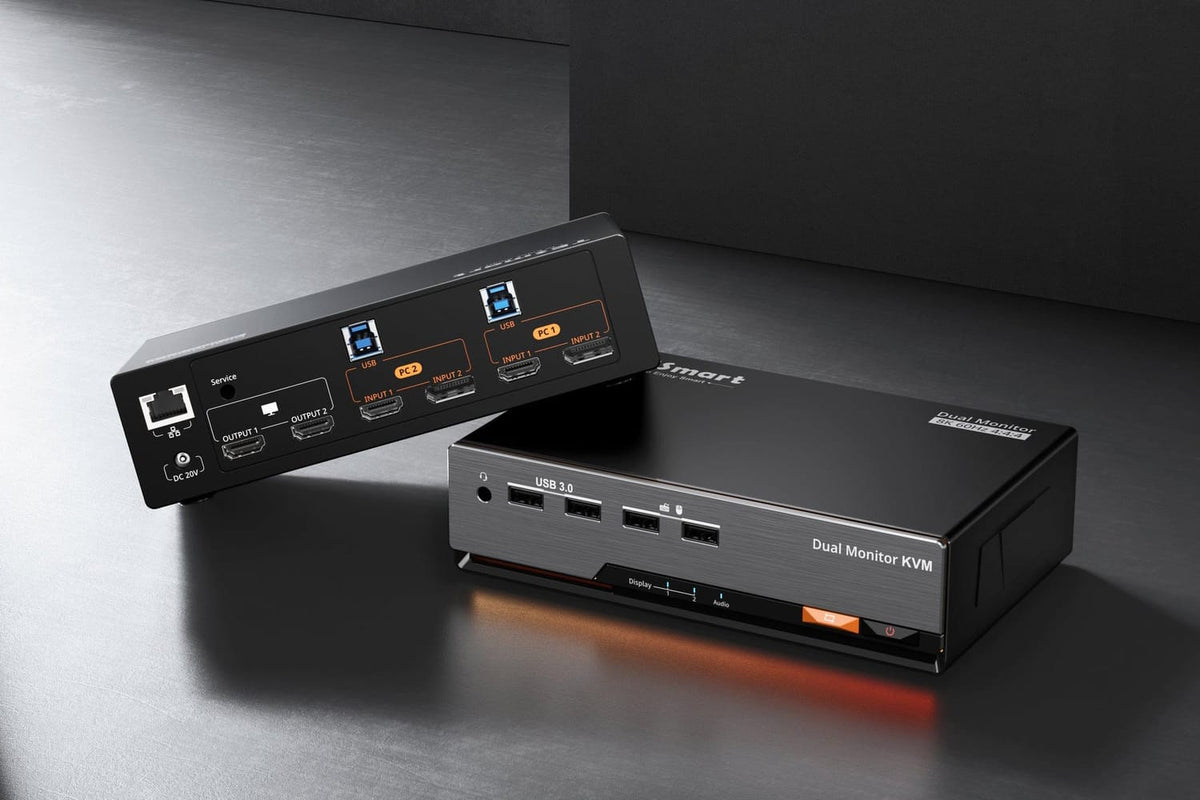
Shop by Setup
Already know how many computers and monitors you use? Start with the basic structure of your desk.
Guided KVM Finder
Answer a few questions about your computers, monitors, ports and target resolution.

Let Us Check Your Setup
Send us your computer models, monitor models and performance requirements. Our team will help verify compatibility.
📧 service@tesmart.com
📞 (201) 908-7534 (USA, Mon–Fri, 1–6 PM EST)
📞 07762 283661 (UK, Mon, Wed & Fri, 9 AM–6 PM)

FOR GEEKS, BY GEEKS


Built With Users
Real feedback from real setups helps shape how TESmart products switch, connect and support complex desktops.
A user reported that the cursor could move into an inactive extended display during mixed-screen use. The feedback helped guide a clearer EDID control experience for future products.
Already Own a TESmart Product?
Setup & Technical Support
Get installation guidance, troubleshooting help and answers for complex device setups.
Manuals & Firmware
Find official user manuals, setup guides and available firmware updates.
Registration & Upgrades
Register your product, explore trade-in options and find compatible accessories.