


120M HDMI KVM Extender Many to Many 1080P60Hz Over CAT5/6 Cable
Share two Apple Studio Displays, one keyboard and mouse between two computers—or show one computer on each display when you need both systems at once.
120M HDMI KVM Extender Many to Many 1080P60Hz Over CAT5/6 Cable
Why Choose HKE120-EH23
Overview
01
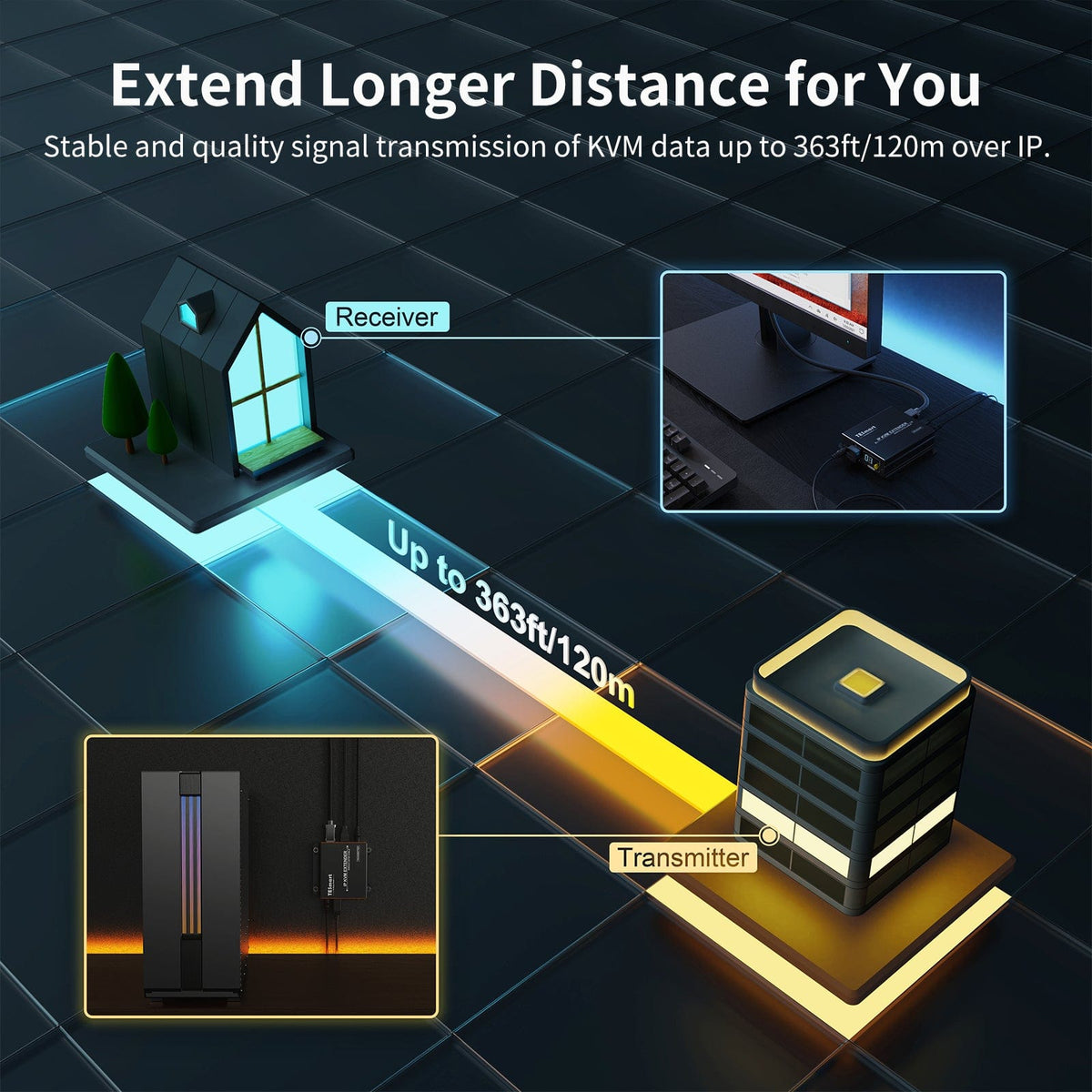
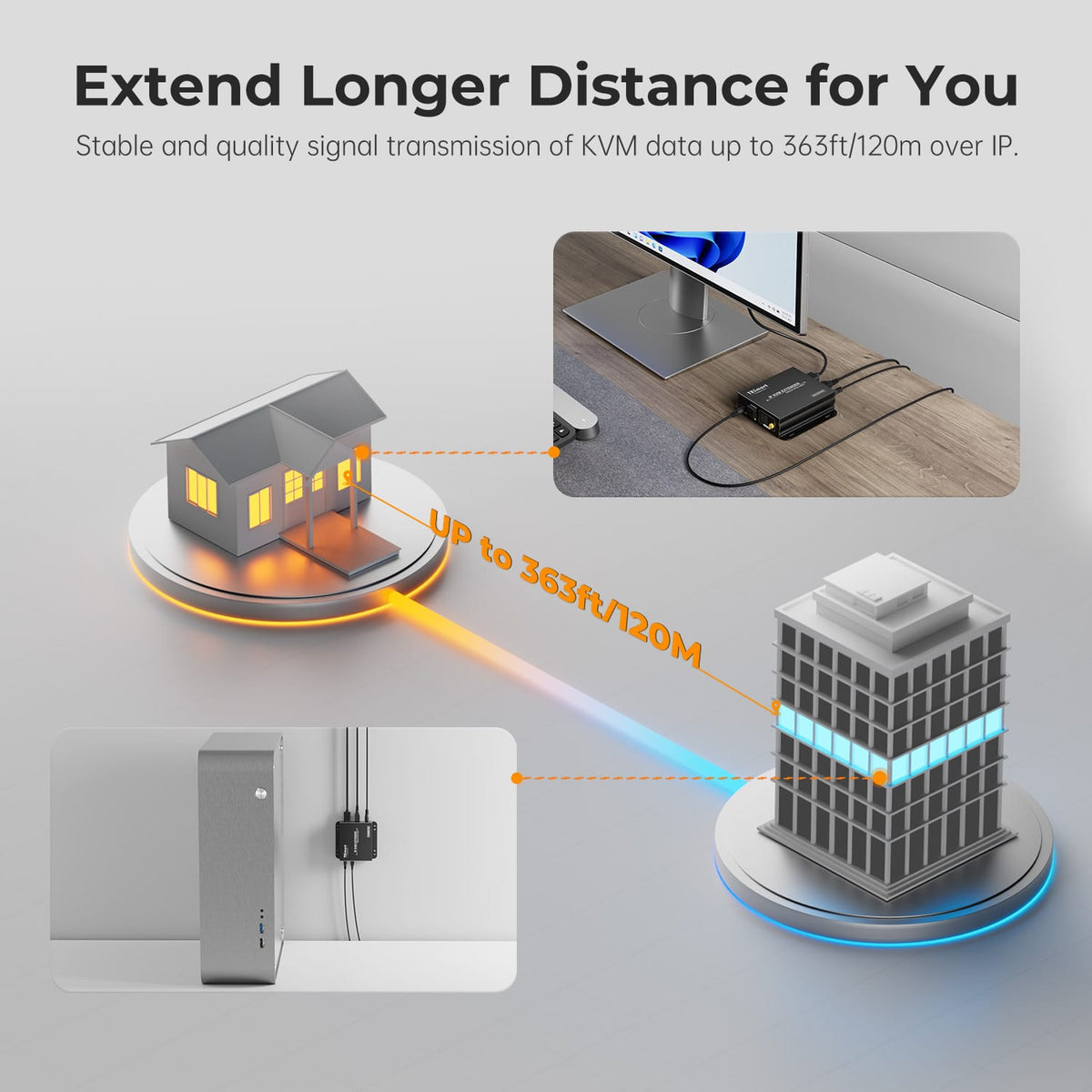
Control Your Source from up to 393 ft Away
Replace a long HDMI run with one CAT5e/6 cable and carry 1080p60 video, keyboard and mouse control, and IR signals between the transmitter and receiver. It is built for control rooms, server areas, security systems, classrooms and other installations where the source and operator are far apart.
02
Build the Distribution Topology You Need
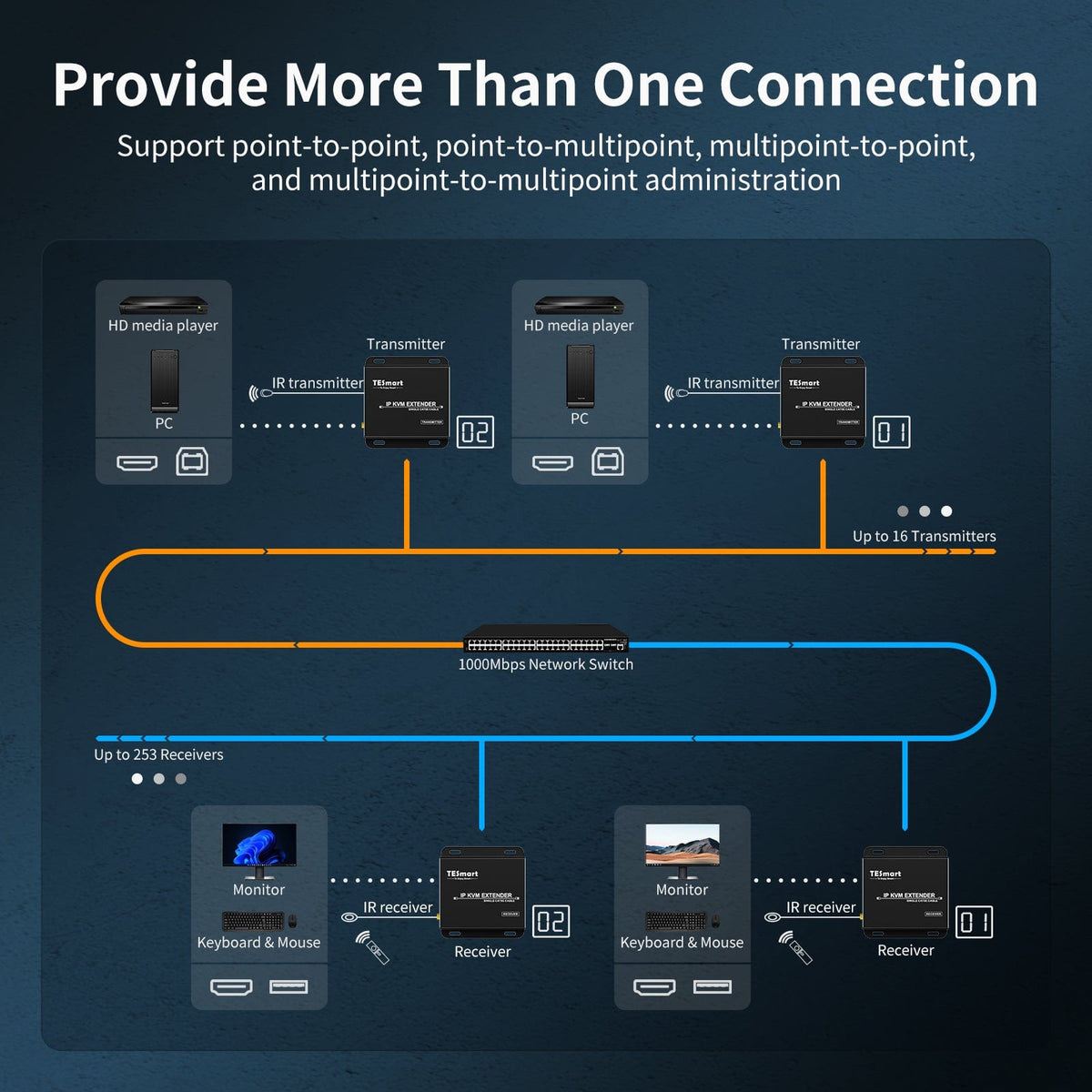
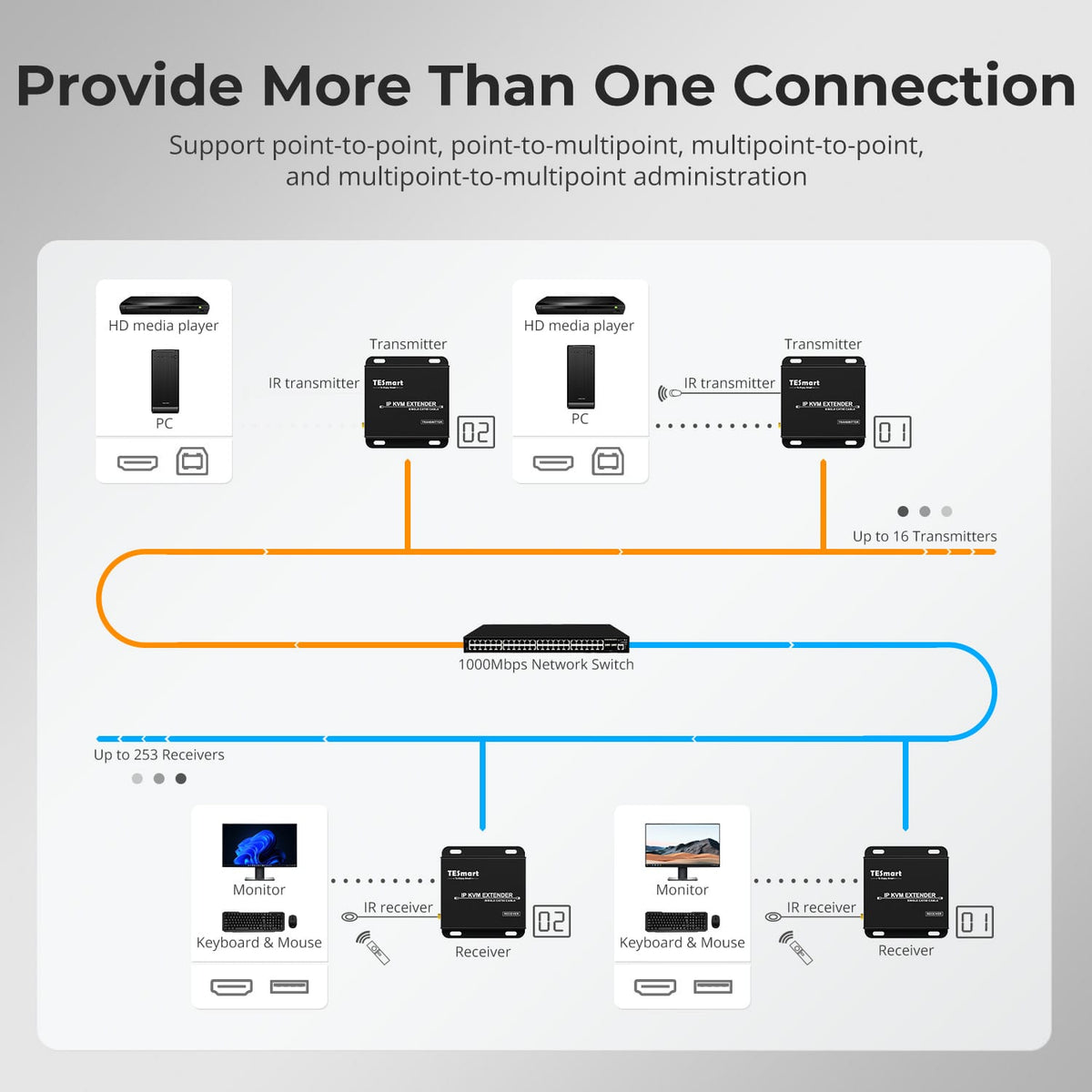
Start with a direct point-to-point link, send one source to multiple receivers, or route multiple sources to multiple receiver locations through a compatible router or network switch. Communication IDs let each receiver select the transmitter it needs.
03
Scale to 16 Transmitters and 253 Receivers
On a supported local network, assign IDs 1–16 to as many as 16 transmitters and connect up to 253 receivers. Receivers using the same transmitter ID can view and control that source from different locations.
Specifications & Support
Compatibility & Input Guide
Technical Specifications
Manuals & Downloads
Included in the Box
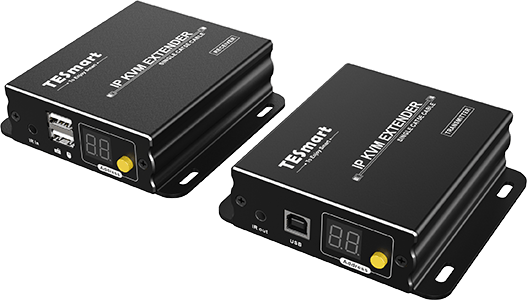
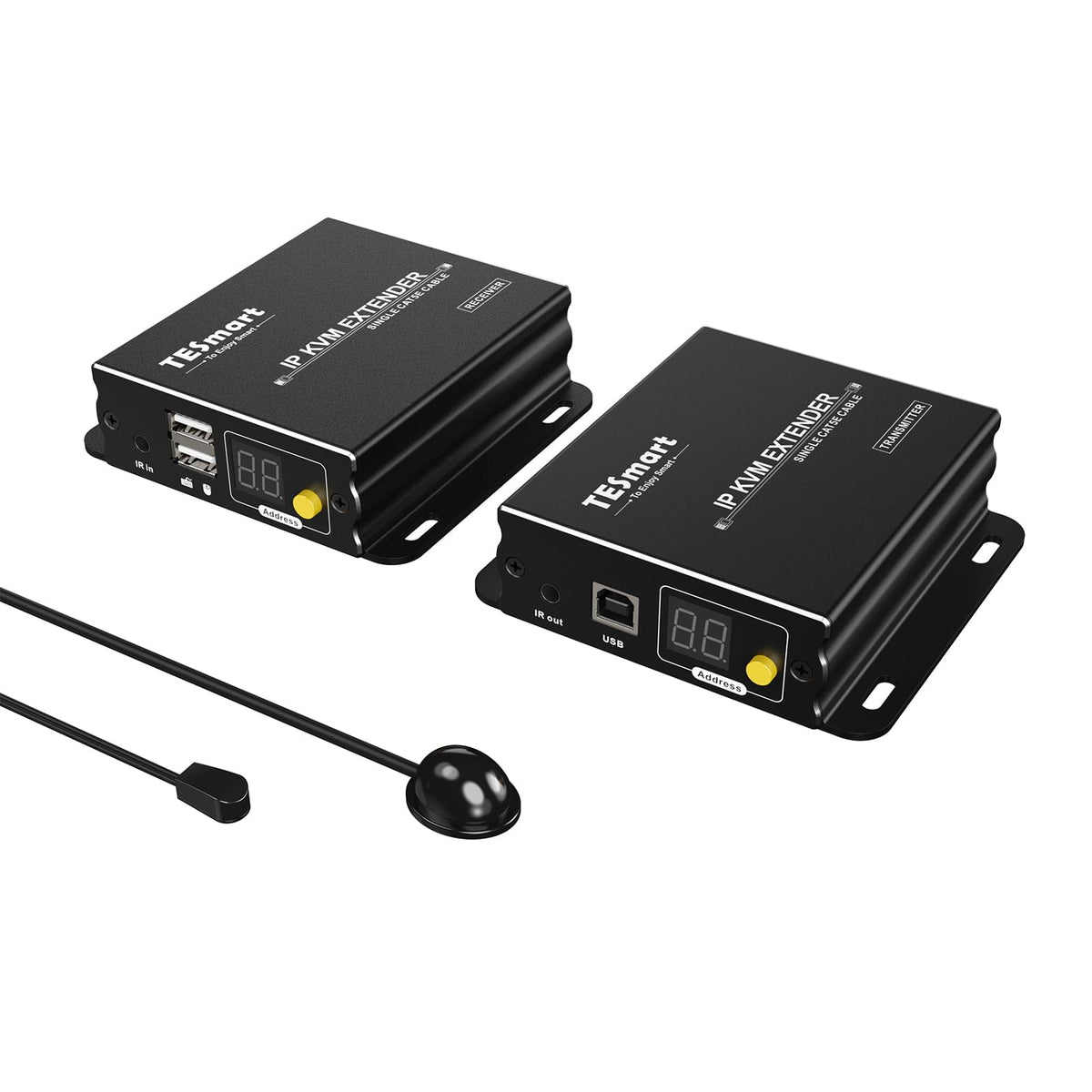
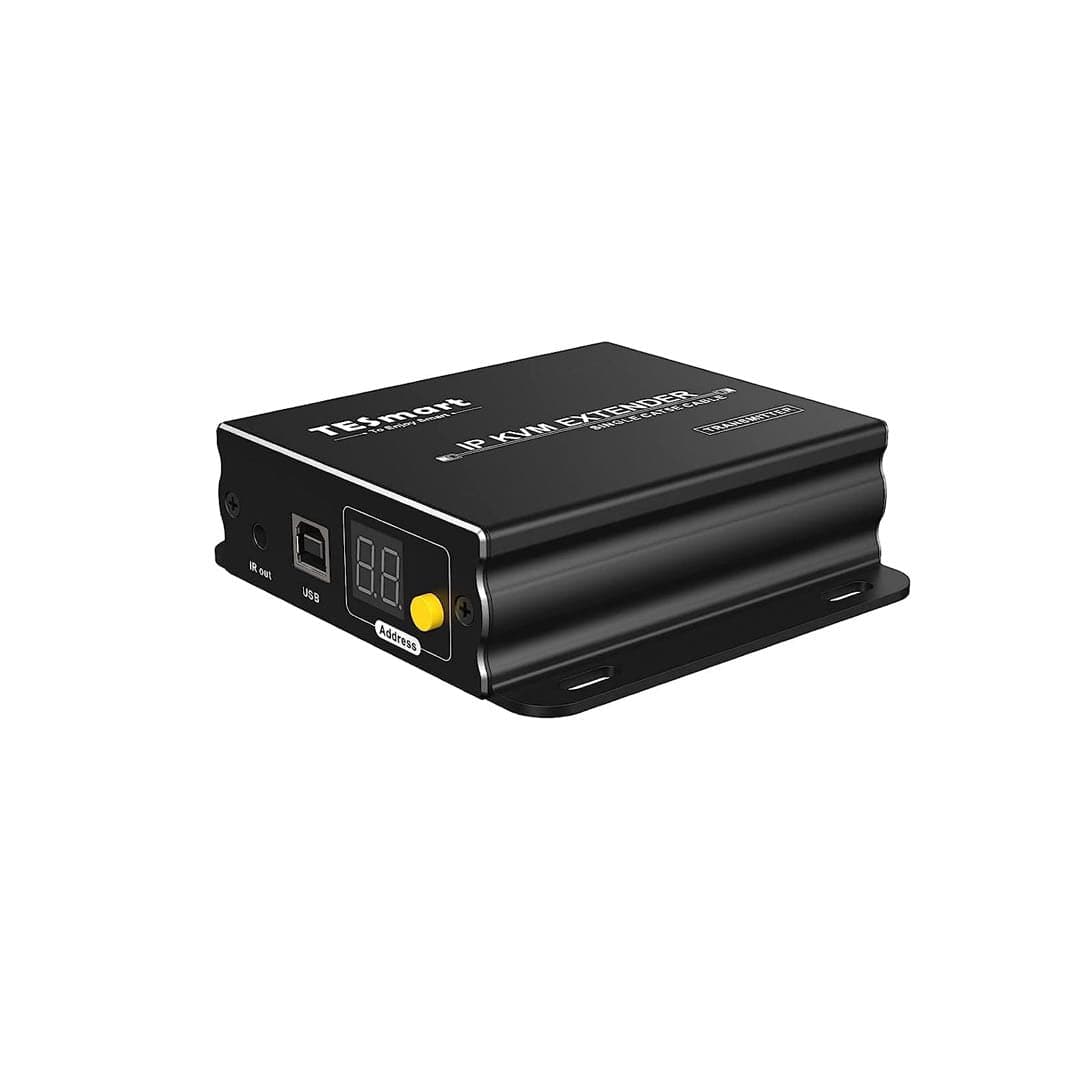
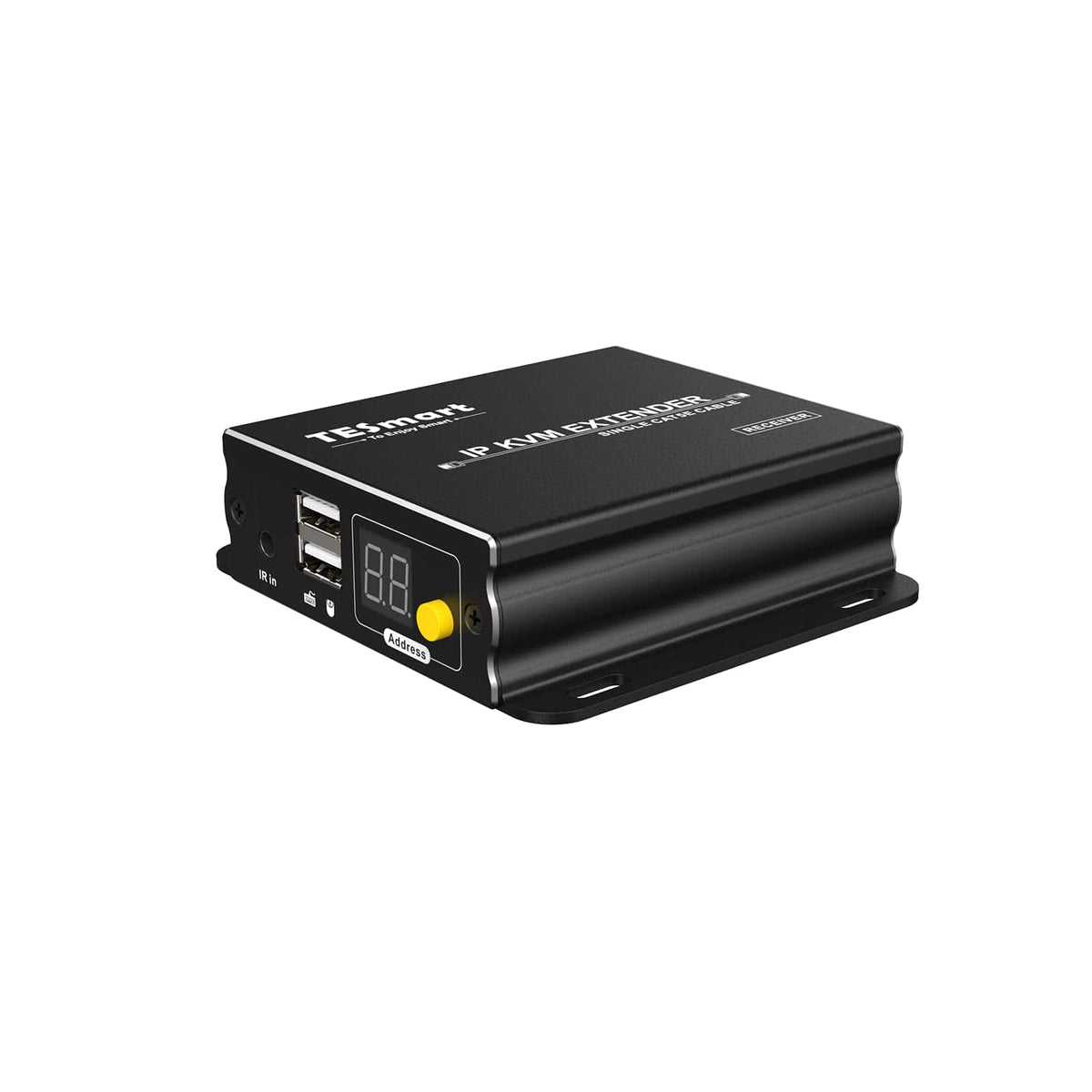
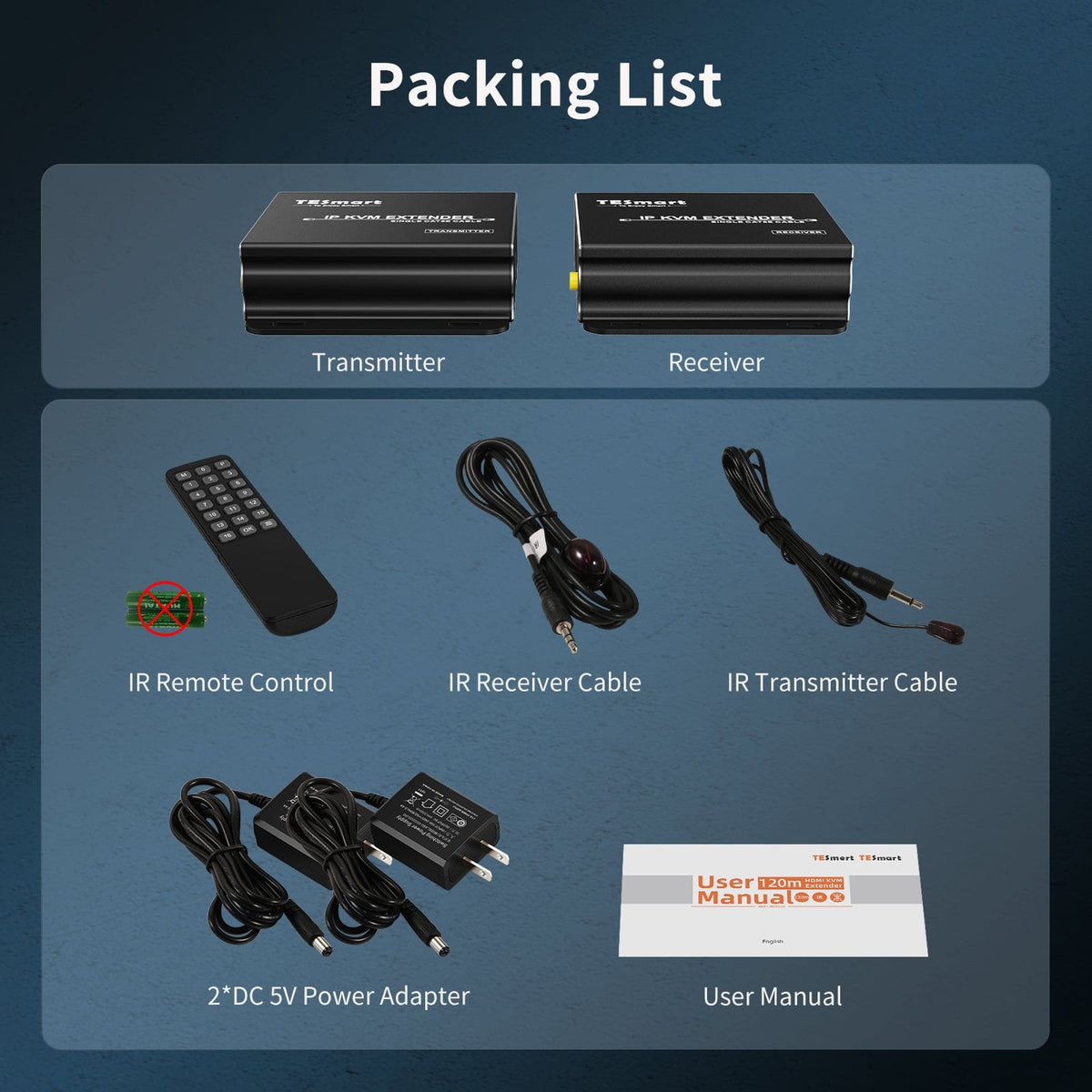
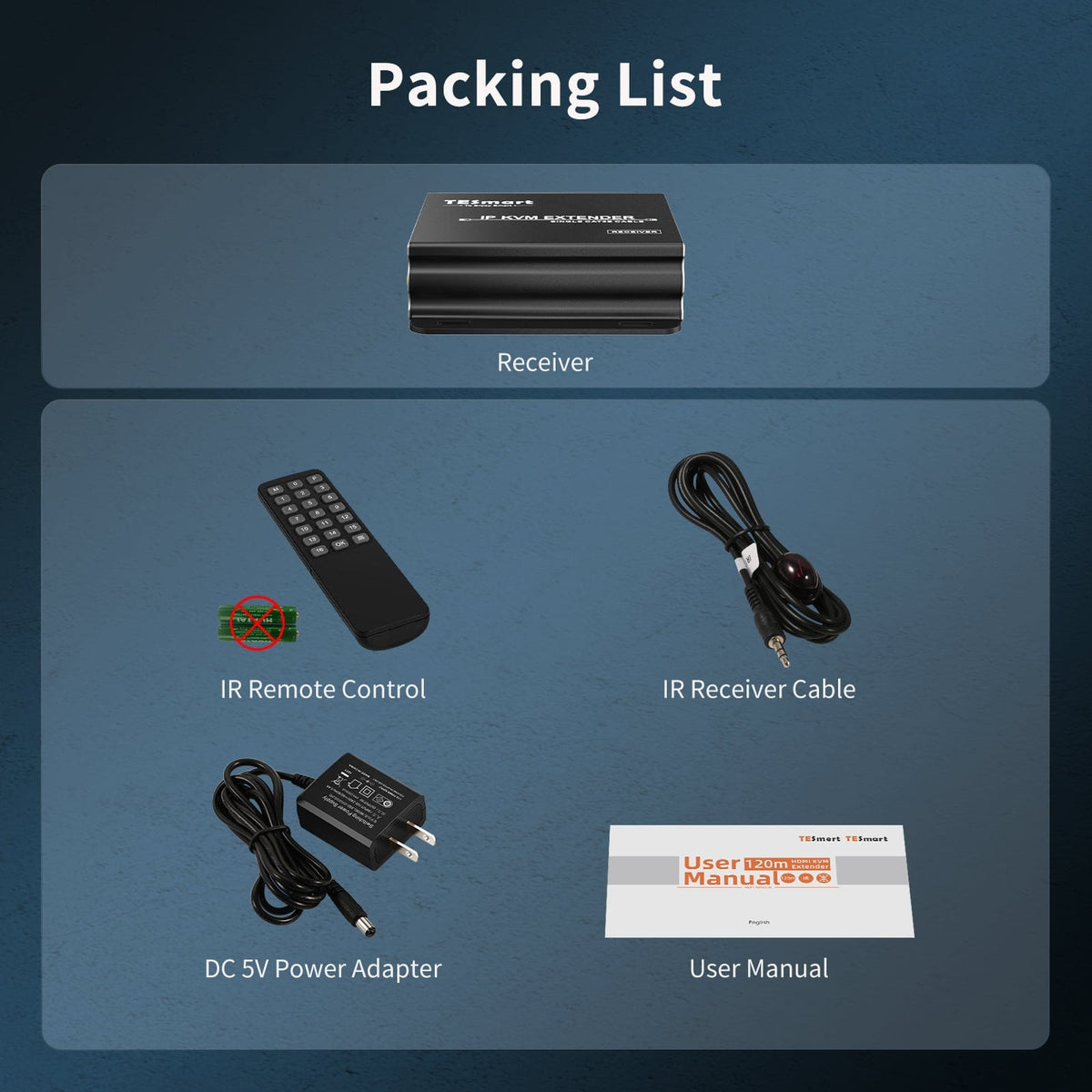
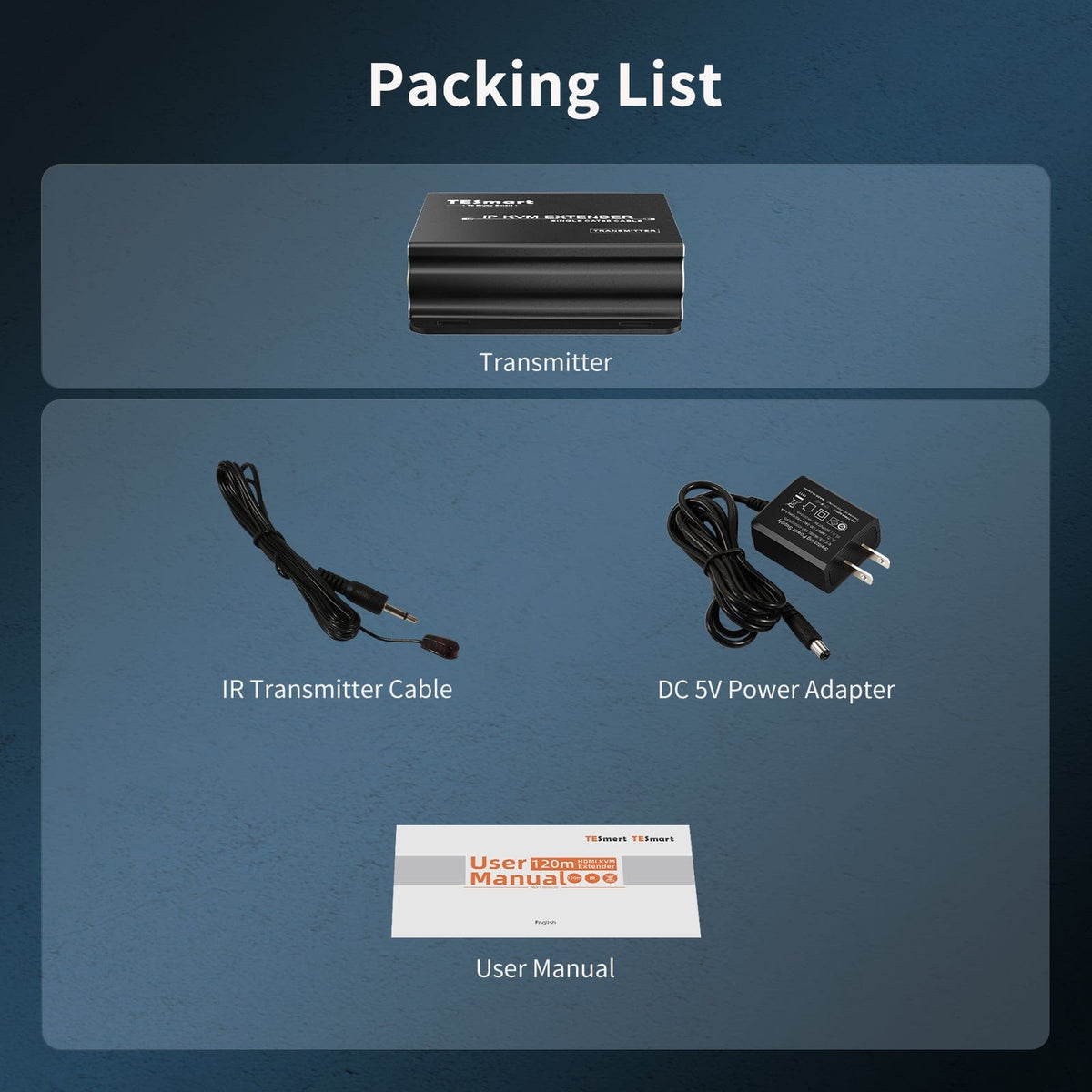
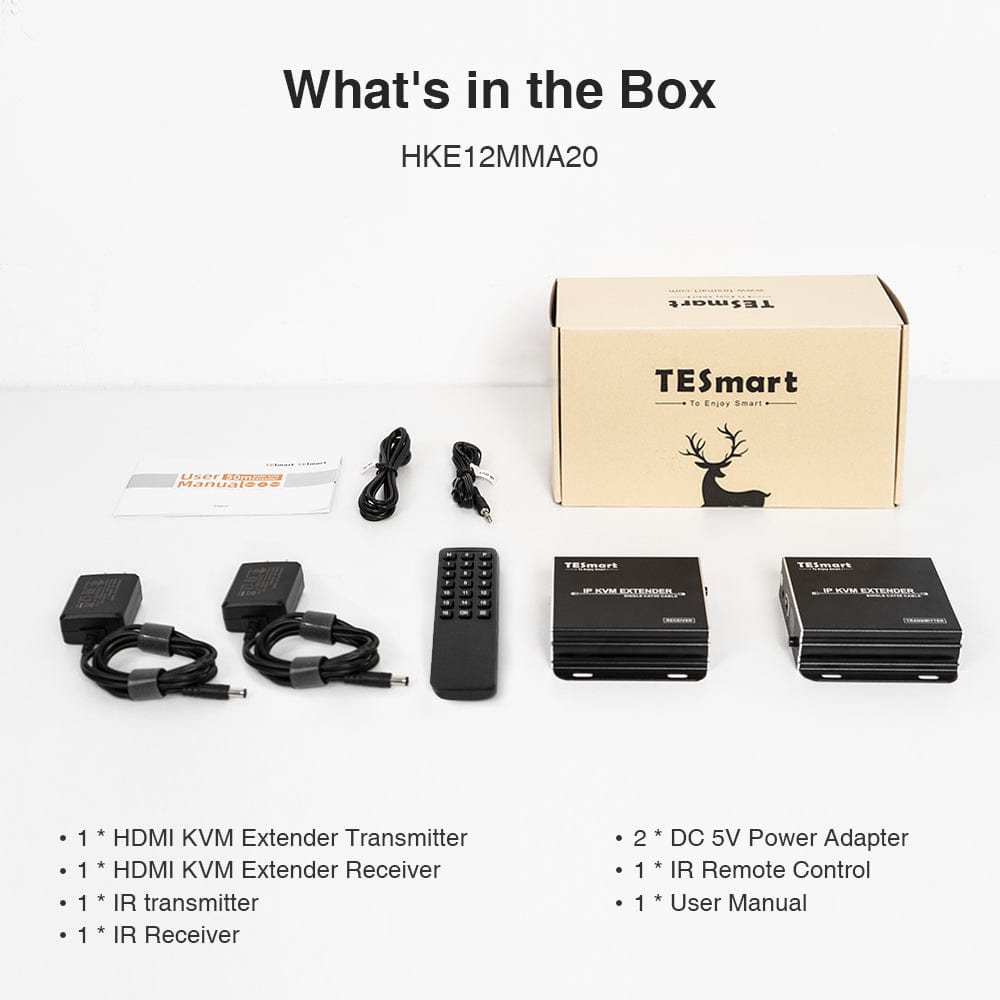
1 × HDMI KVM Extender Transmitter 1 × HDMI KVM Extender Receiver
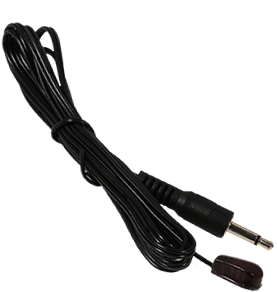
1 × IR Transmitter Cable
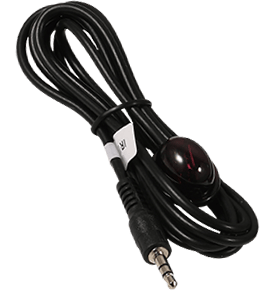
1 × IR Receiver Cable
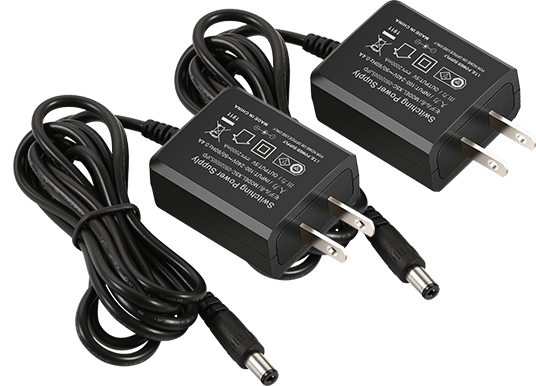
2 × DC 5V Power Adapters
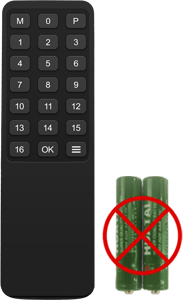
1 × IR Remote Control
1 × User Manual
FAQs
Visit our Help Center for more answers.
[Compatibility] What devices can I connect to HKE120-EH23?
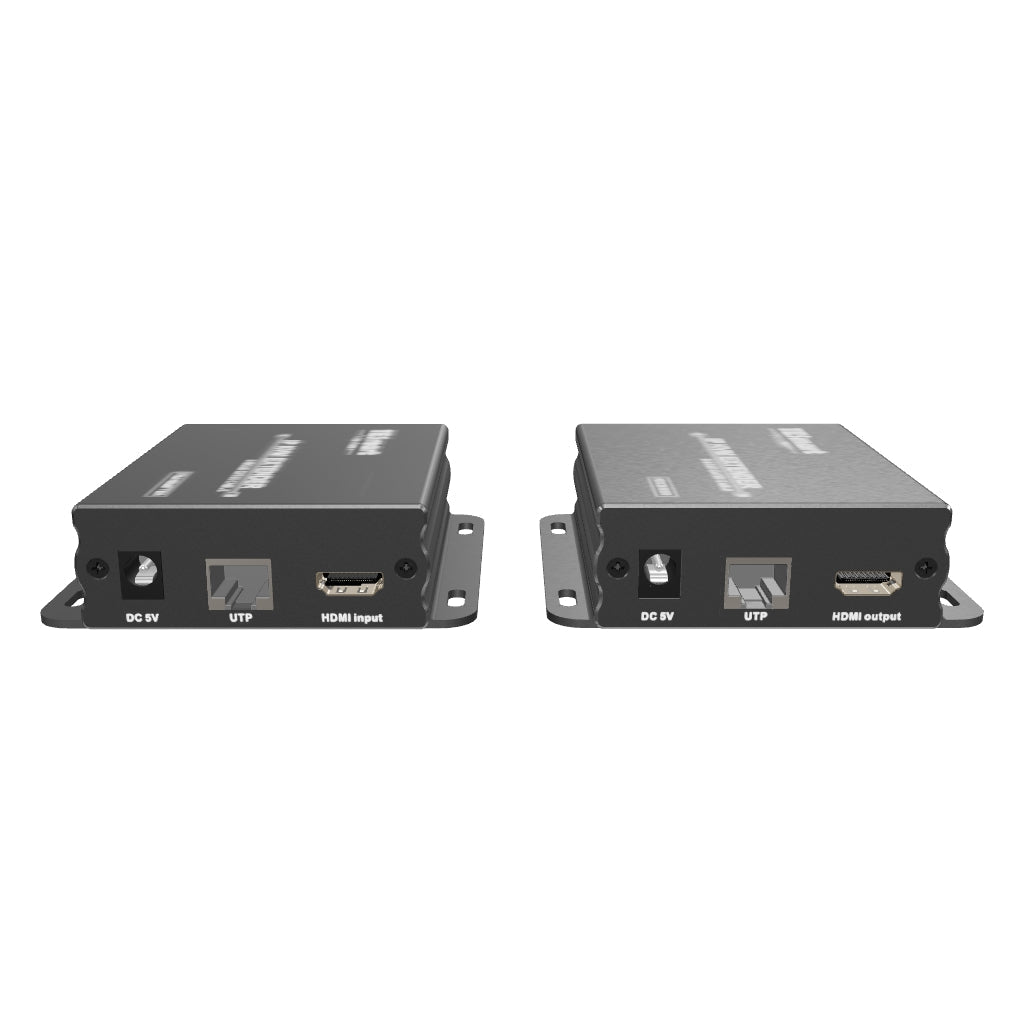
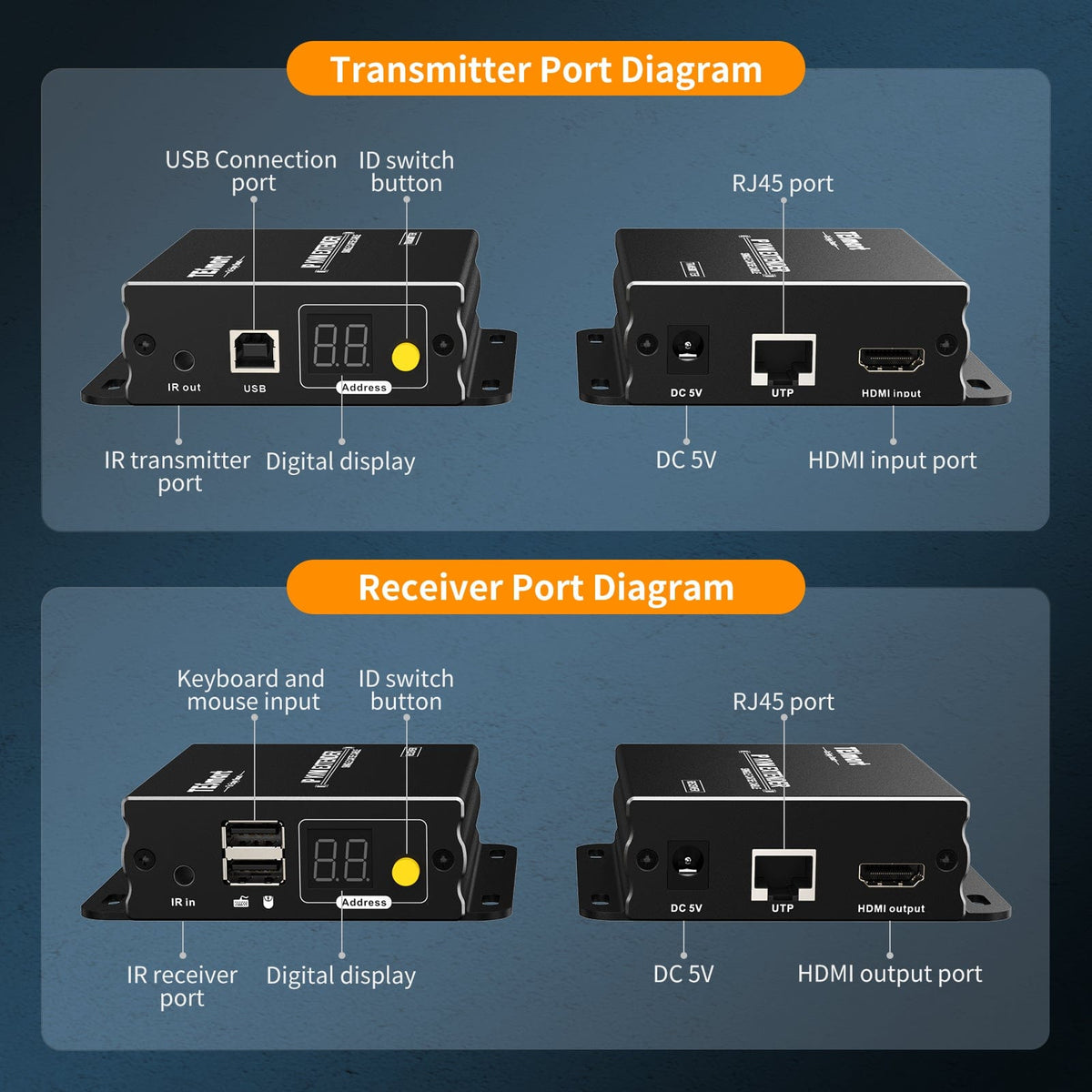
Connect one HDMI source, such as a computer, DVR, server, DVD player, set-top box or streaming device, to the transmitter and one HDMI display to the receiver. A computer also needs a USB connection to the transmitter for remote keyboard and mouse control.
[Compatibility] What resolution and transmission distance does it support?
HKE120-EH23 supports up to 1920×1080@60Hz over a CAT5e/6 cable at distances up to 393 ft (120 m). Video is transmitted over TCP/IP with compression.
[Compatibility] What Ethernet cable should I use?
Use CAT5e or CAT6 UTP/FTP cable wired to the EIA/TIA-568B standard. HDMI and Ethernet cables are not included in the package.
[Compatibility] Can I mix new-version and old-version transmitters and receivers?
Not directly. The new and old versions use different IGMP implementations, so a new receiver cannot receive video from an old transmitter and a new transmitter cannot send video to an old receiver. Contact TESmart Support if you need an older unit upgraded for mixed-version use.
[Compatibility] How can I identify the new version?
Check the anti-tear label near the product's screw opening and note the manufacturing date. The supplied FAQ and current product page use different wording for the production-date cutoff, so confirm the exact cutoff with TESmart Support before relying on the label.
[Features & Connections] Which distribution modes are supported?
The extender supports point-to-point, point-to-multipoint, multipoint-to-point and multipoint-to-multipoint installations. Use a direct CAT5e/6 cable for point-to-point operation or a compatible router or network switch for multi-device layouts.
[Features & Connections] How many transmitters and receivers can be used?
One local network can support up to 16 transmitters using communication IDs 1–16 and up to 253 receivers. Each transmitter must use a unique ID; multiple receivers may select the same transmitter ID.
[Features & Connections] Can I control a computer with a keyboard and mouse at the receiver?
Yes. Connect the computer's HDMI output and USB port to the transmitter, then connect a USB keyboard and mouse to the receiver. Keyboard and mouse data is carried over the CAT5e/6 extension link.
[Features & Connections] How does IR pass-through work?
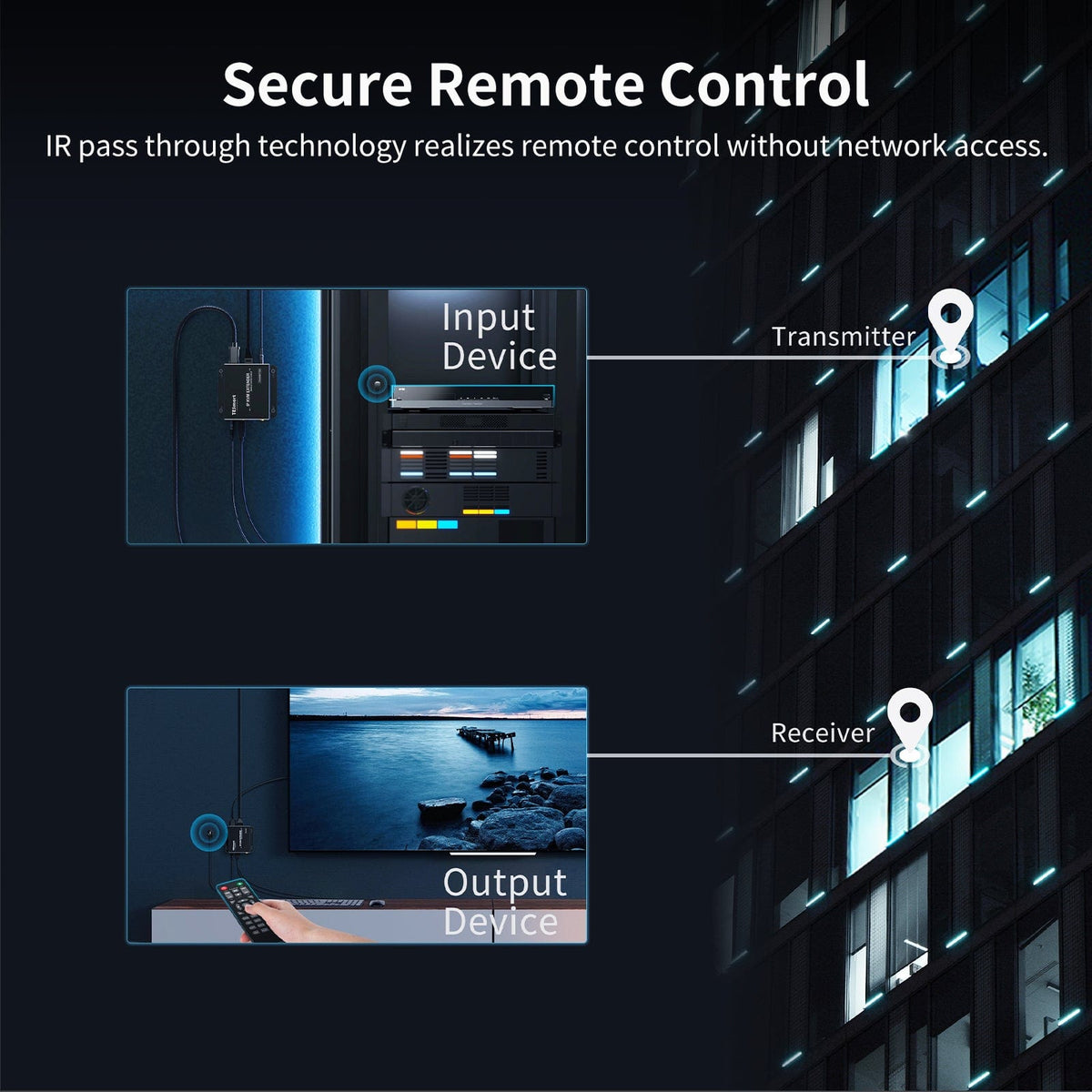
Connect the included IR transmitter cable at the source end and place it near the source device's IR sensor. Connect the IR receiver cable at the display end, then use the source device's own remote to control it from the receiver location.
[Features & Connections] Is the video signal compressed?
Yes. HKE120-EH23 carries the image over TCP/IP with compression. It is intended for Full HD remote access and distribution rather than lossless video transport.
[Setup & Switching] How do I make a basic point-to-point connection?
Connect the source to the transmitter by HDMI and, for keyboard and mouse control, USB. Connect the display, keyboard and mouse to the receiver. Link the transmitter and receiver with CAT5e/6, power both units, and set both units to the same communication ID.
[Setup & Switching] How do I select a transmitter from a receiver?
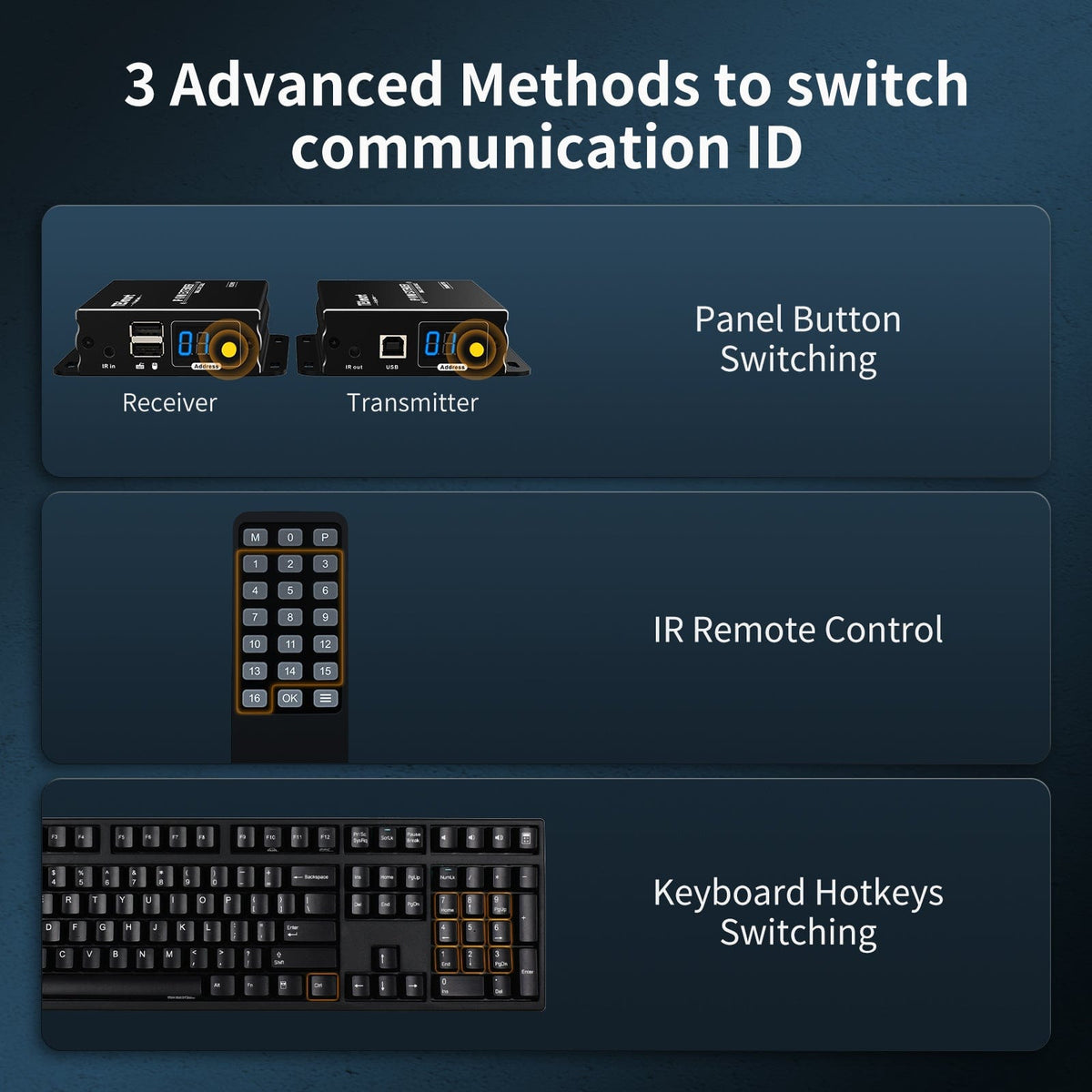
Set the receiver's communication ID to match the required transmitter. You can change the receiver ID with its panel button, the included IR remote or keyboard hotkeys.
[Setup & Switching] What are the keyboard hotkeys for switching IDs?
Press Right Ctrl twice within two seconds, then enter the command within three seconds. For IDs 1–9, press the required number. For IDs 10–16, press 1 followed by 0–6. The keyboard must be connected to the receiver's keyboard and mouse port.
[Setup & Switching] Are HDMI, USB and Ethernet cables included?
The supplied manual states that HDMI and Ethernet cables are not included. It lists the transmitter, receiver, IR transmitter cable, IR receiver cable, two DC 5V power adapters, IR remote control and user manual in the package. A USB Type-A to Type-B cable is required for remote keyboard and mouse control but is not listed in the supplied packing list.