


Display Setup
Max Display Output

Display Stability

USB Speed

Switching Options

Automatic input scanning

Focus Control
4 Port Triple Monitor KVM Switch HDMI 4K60Hz with USB 3.0 Hub, Headset, Audio&Microphone
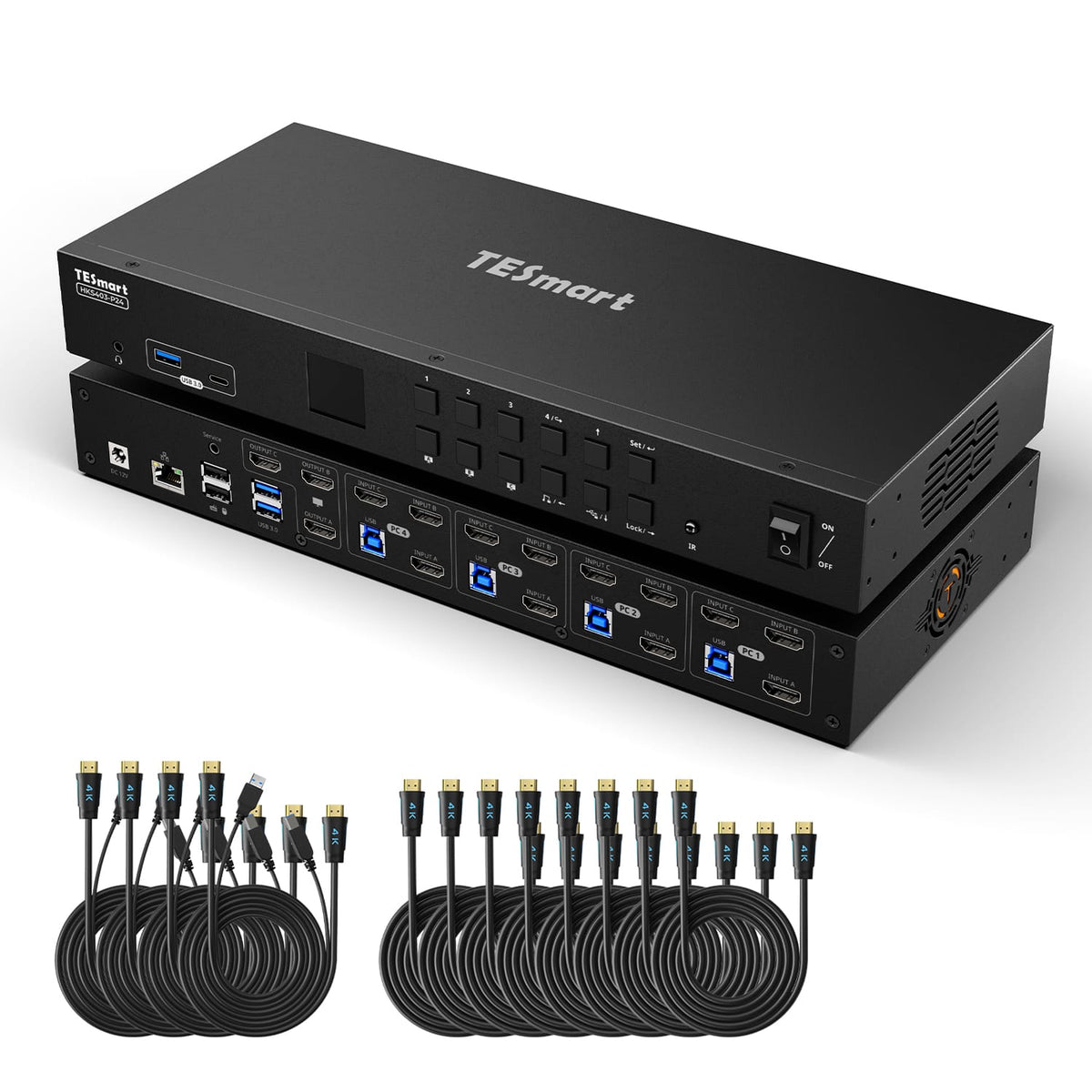
Share 3 HDMI monitors, a keyboard and mouse between 4 PCs, with up to 4K60, EDID emulation and a shared USB hub.
Display Setup
Max Display Output
Display Stability
USB Speed
Switching Options
Automatic input scanning
Focus Control
4 Port Triple Monitor KVM Switch HDMI 4K60Hz with USB 3.0 Hub, Headset, Audio&Microphone
Why Choose HKS403-P24
Overview
01
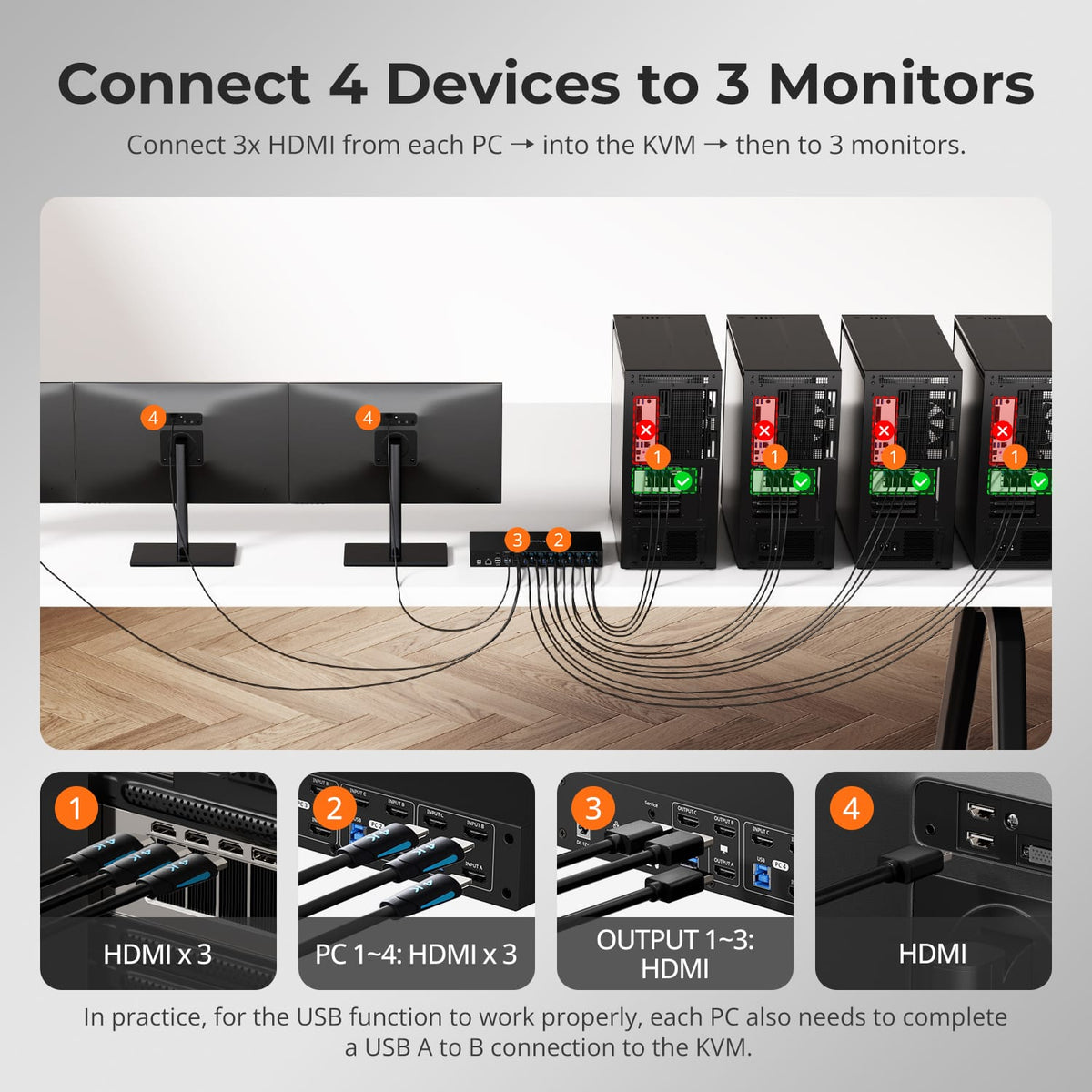
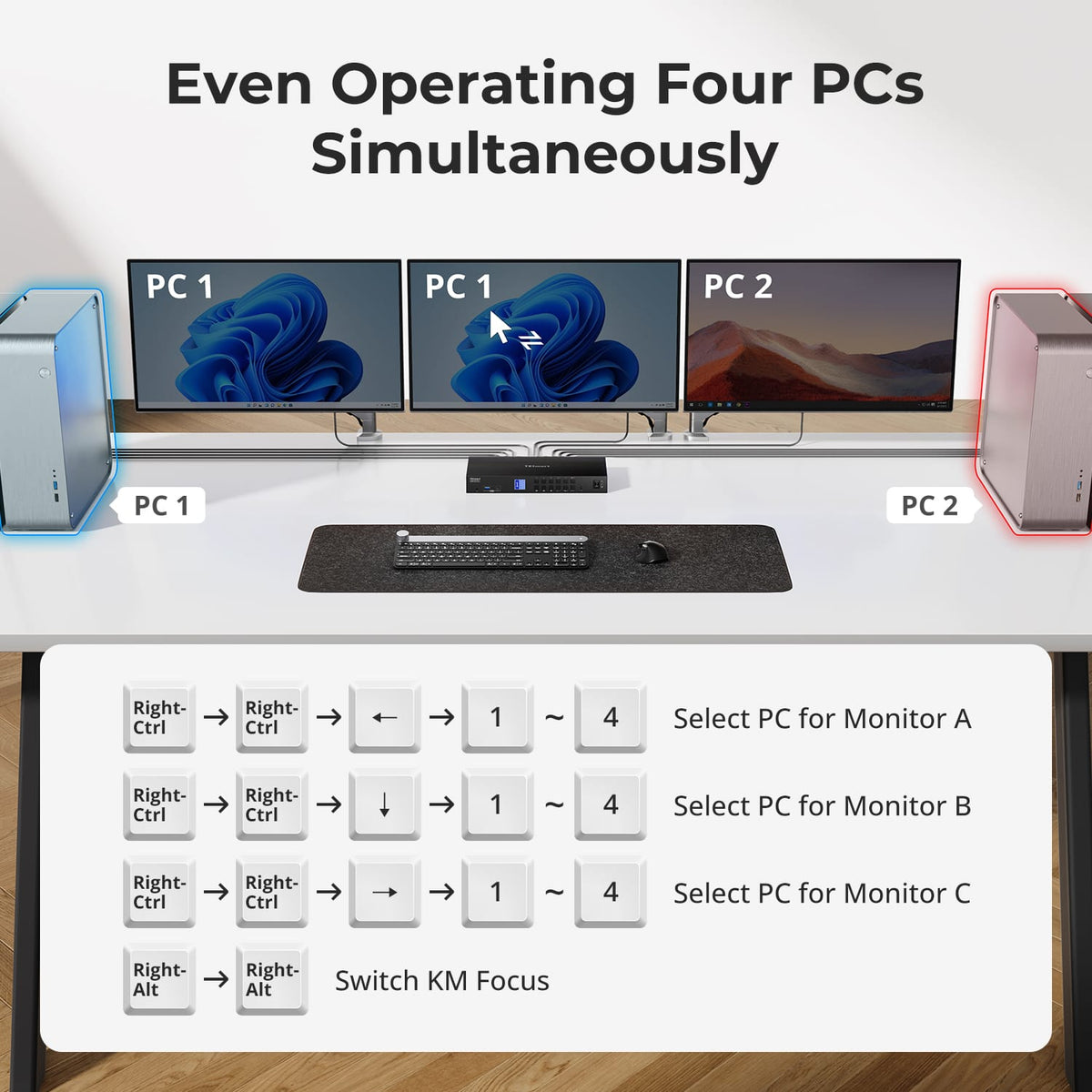
Four PCs Across Three Displays
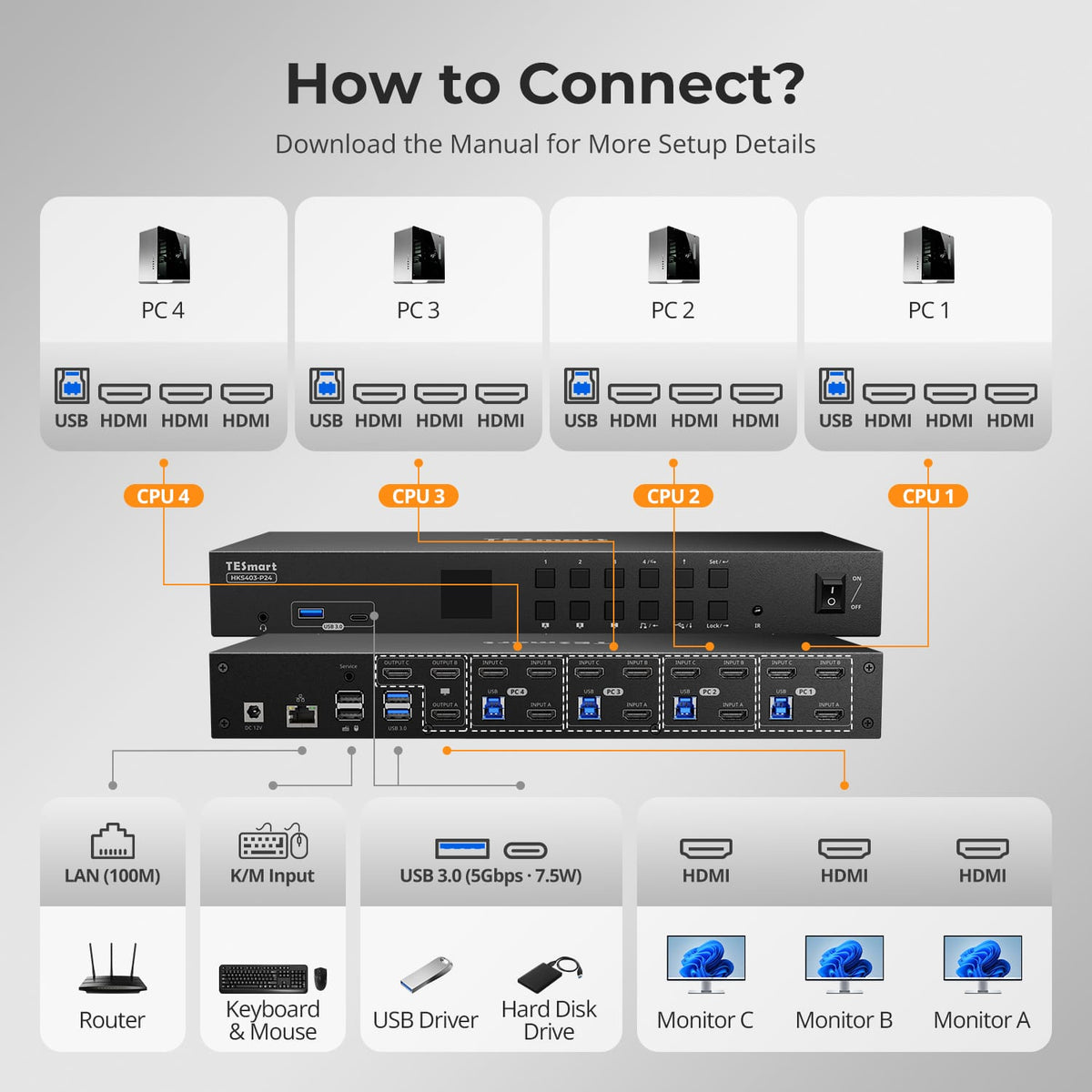
Bring up to four HDMI computers onto one triple-monitor workstation and control them with one keyboard and mouse. The layout is built for users who need more simultaneous information without duplicating peripherals.
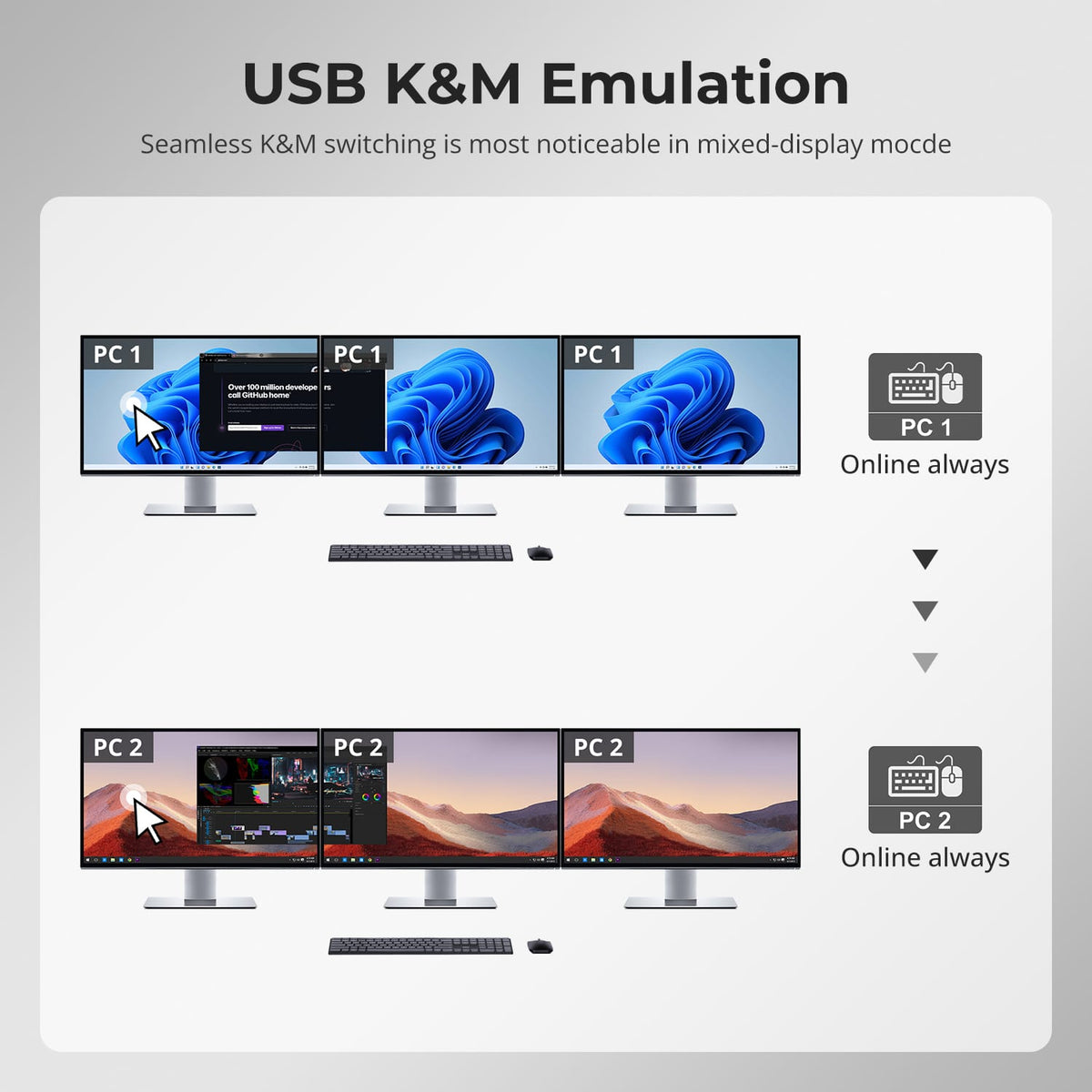
02
Three Displays, More Flexible Modes
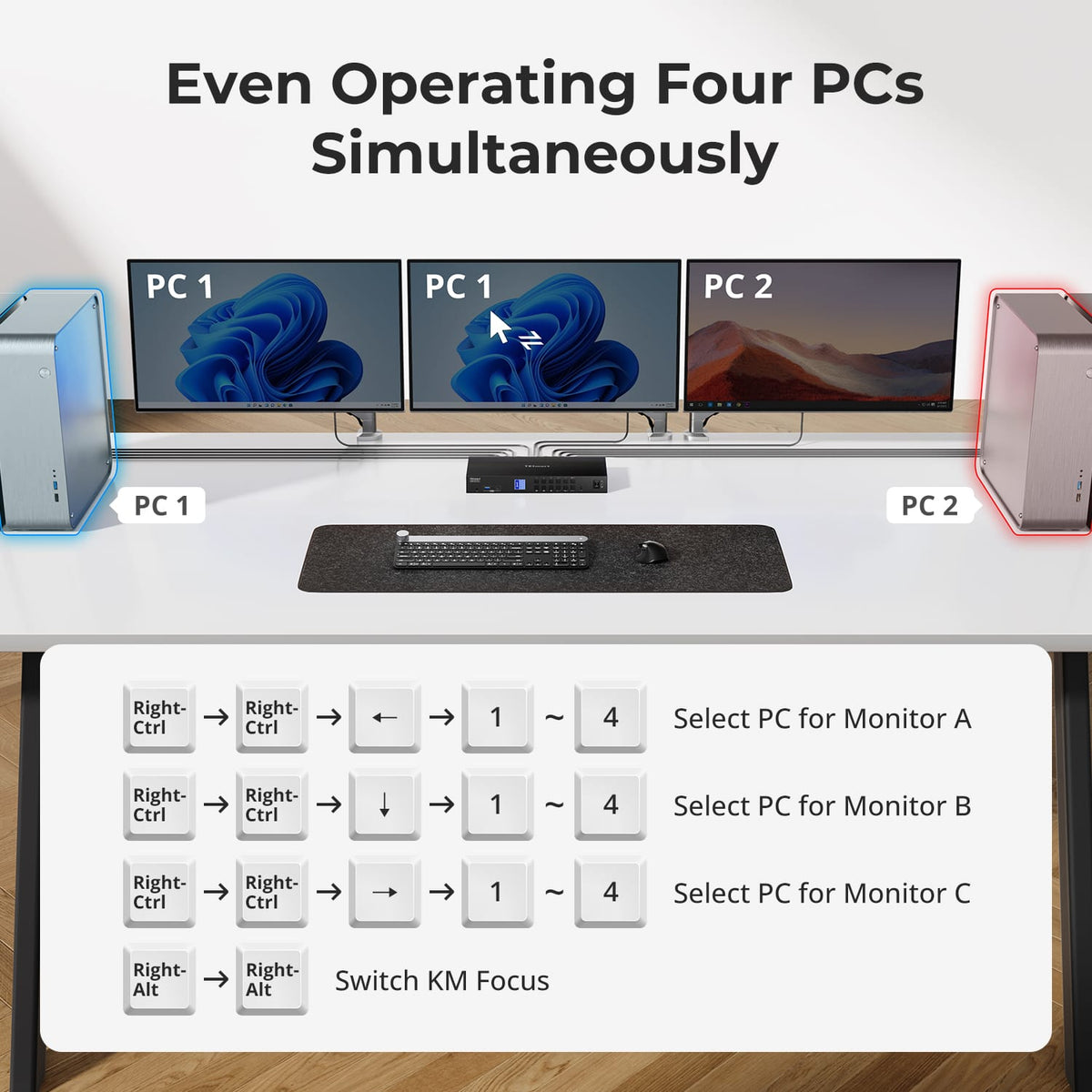
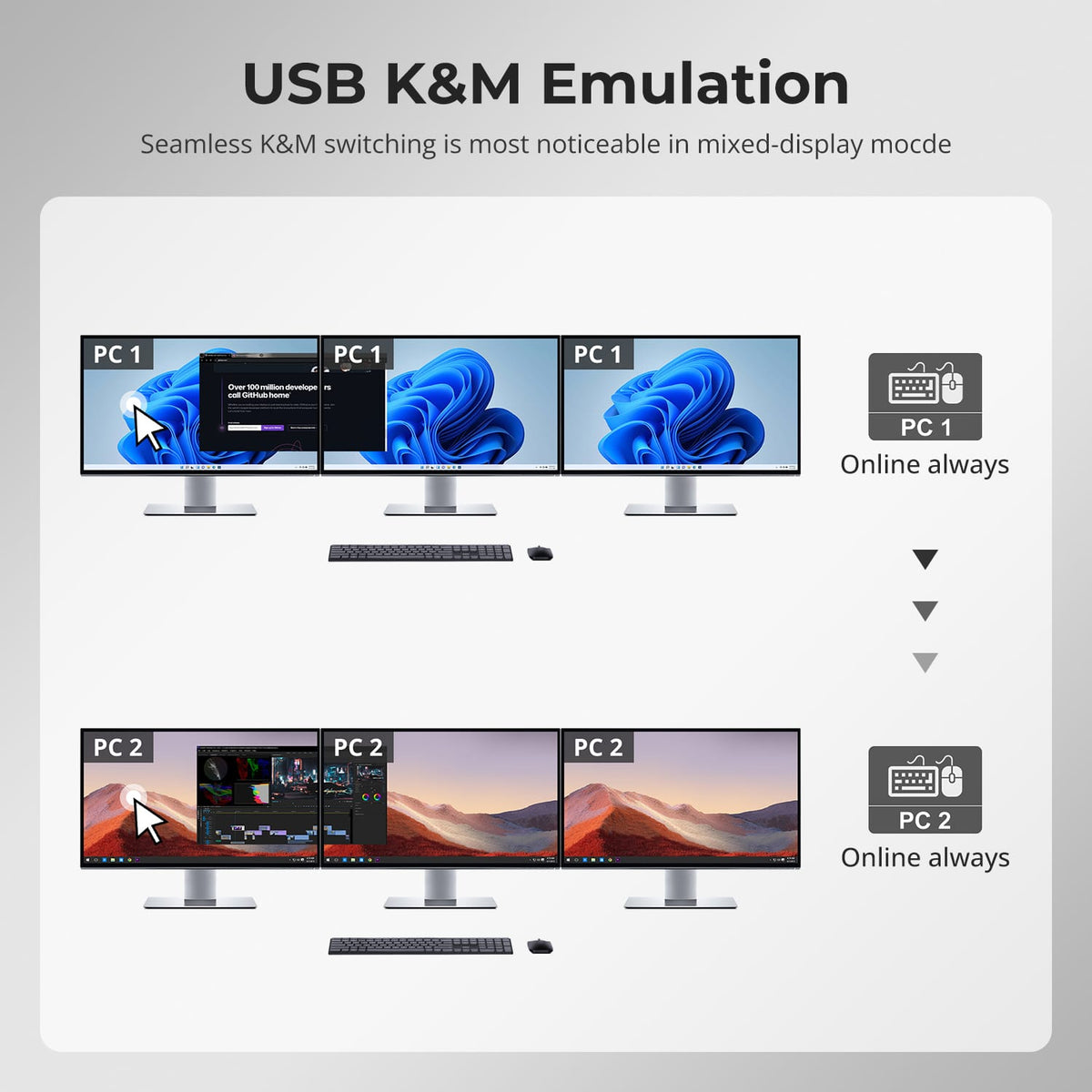
Use all three displays with one selected computer, or route different computers to individual monitors for monitoring and comparison. Keyboard and mouse focus can follow the system you need to control.
03
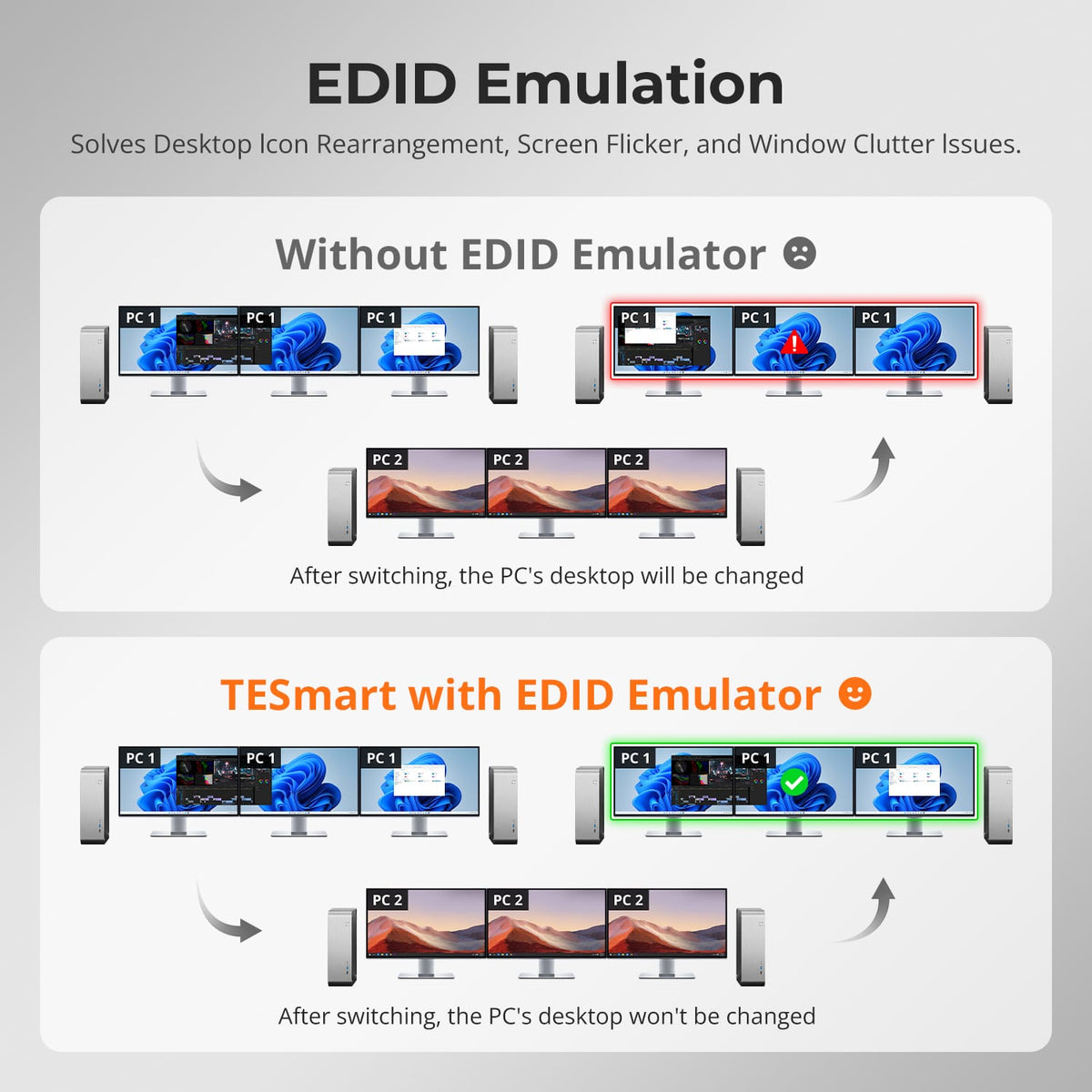
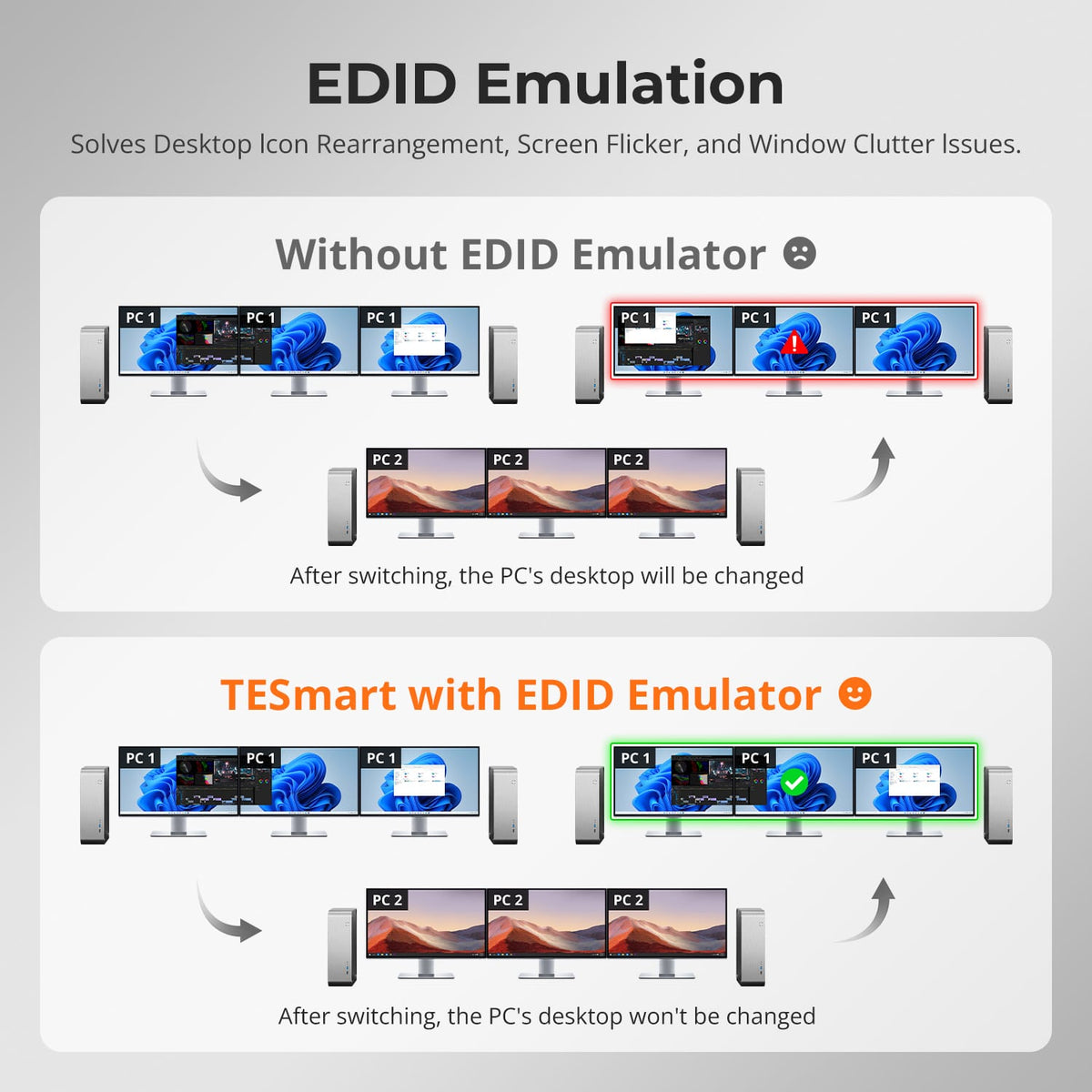
EDID Keeps Display Layouts Stable
Built-in EDID emulation keeps display information available to each input so switching is less likely to trigger resolution changes, missing displays or rearranged windows.
04
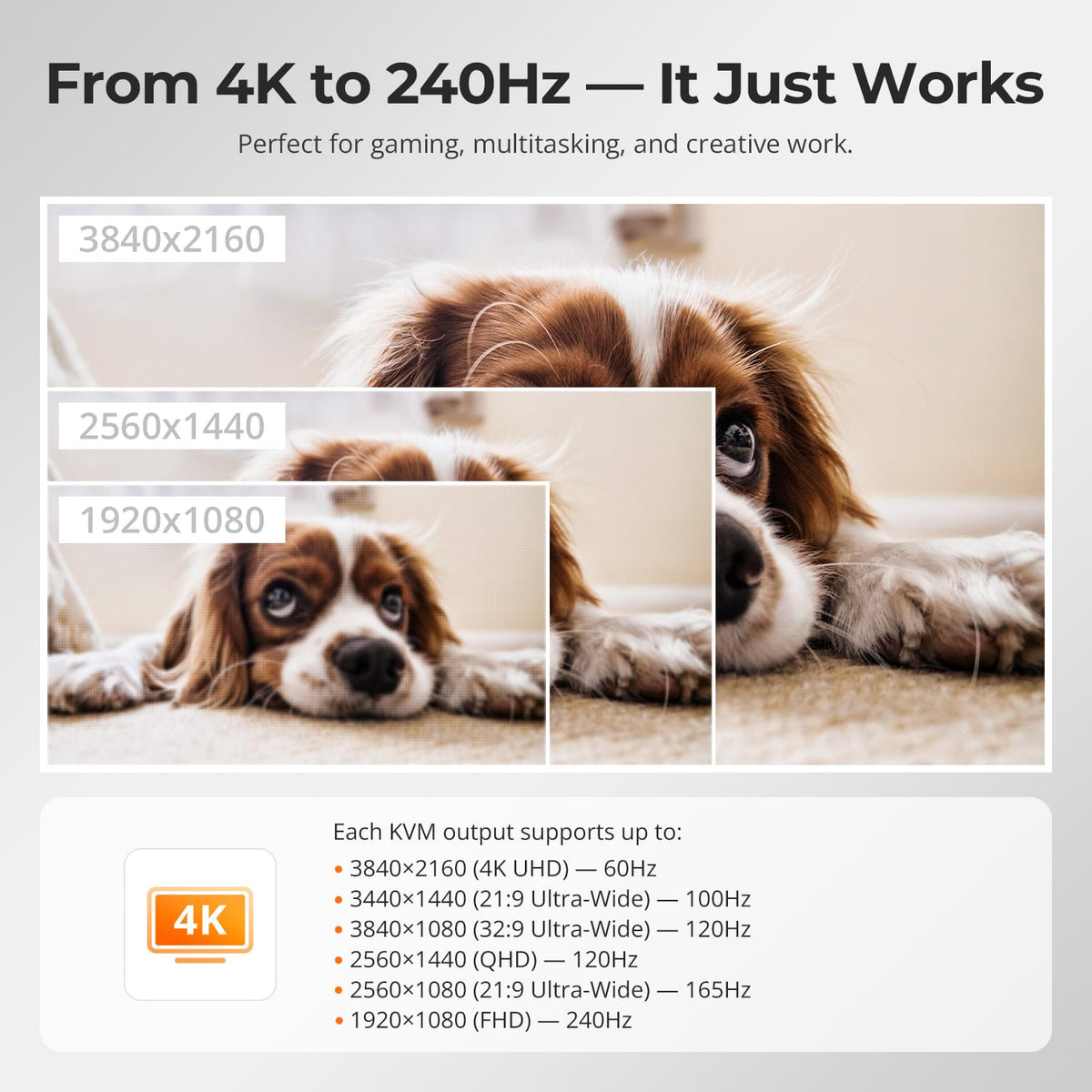
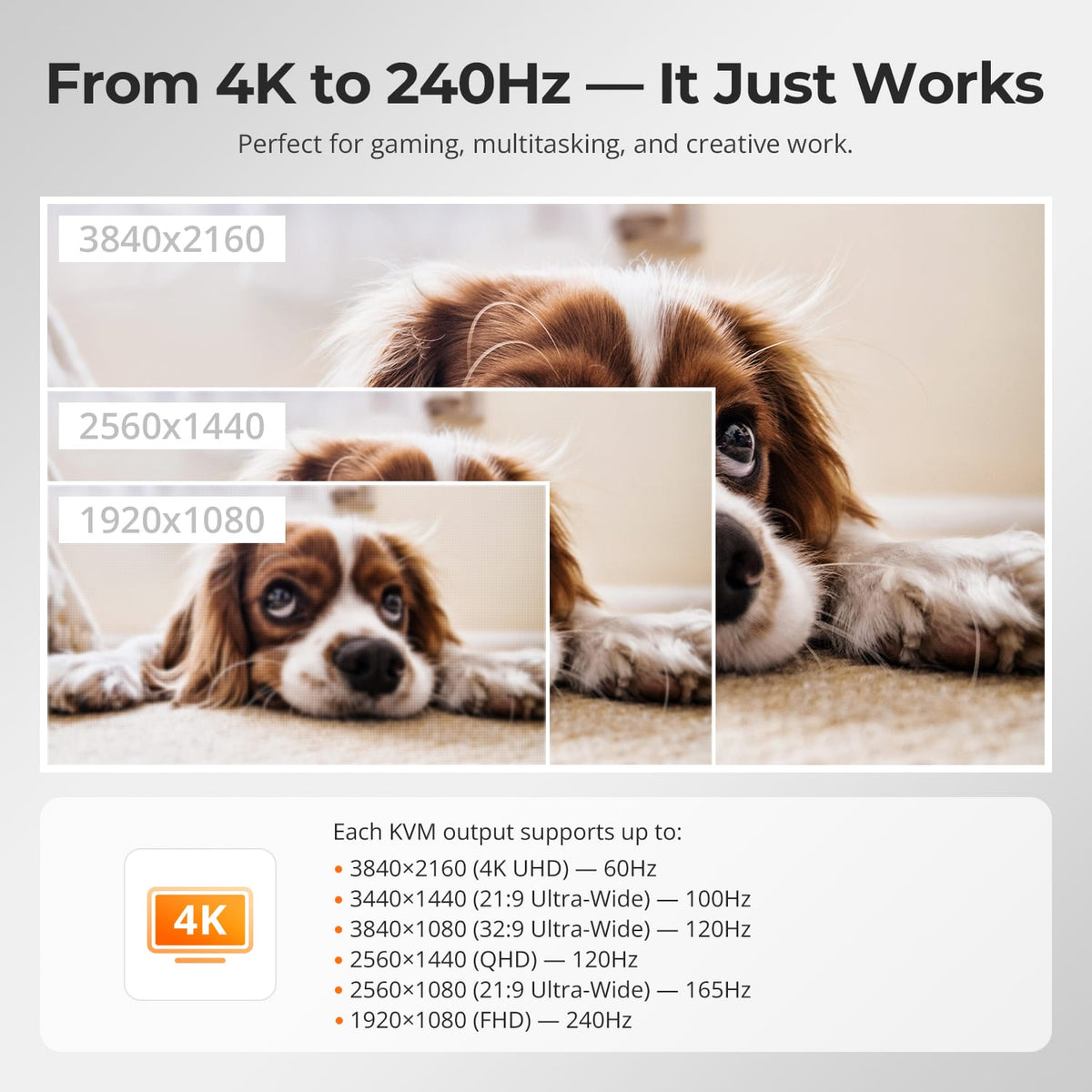
Triple 4K60 Capability
The KVM supports up to 3840×2160@60Hz 4:4:4 and is backward compatible with lower resolutions and higher refresh-rate combinations supported by the connected hardware.
05
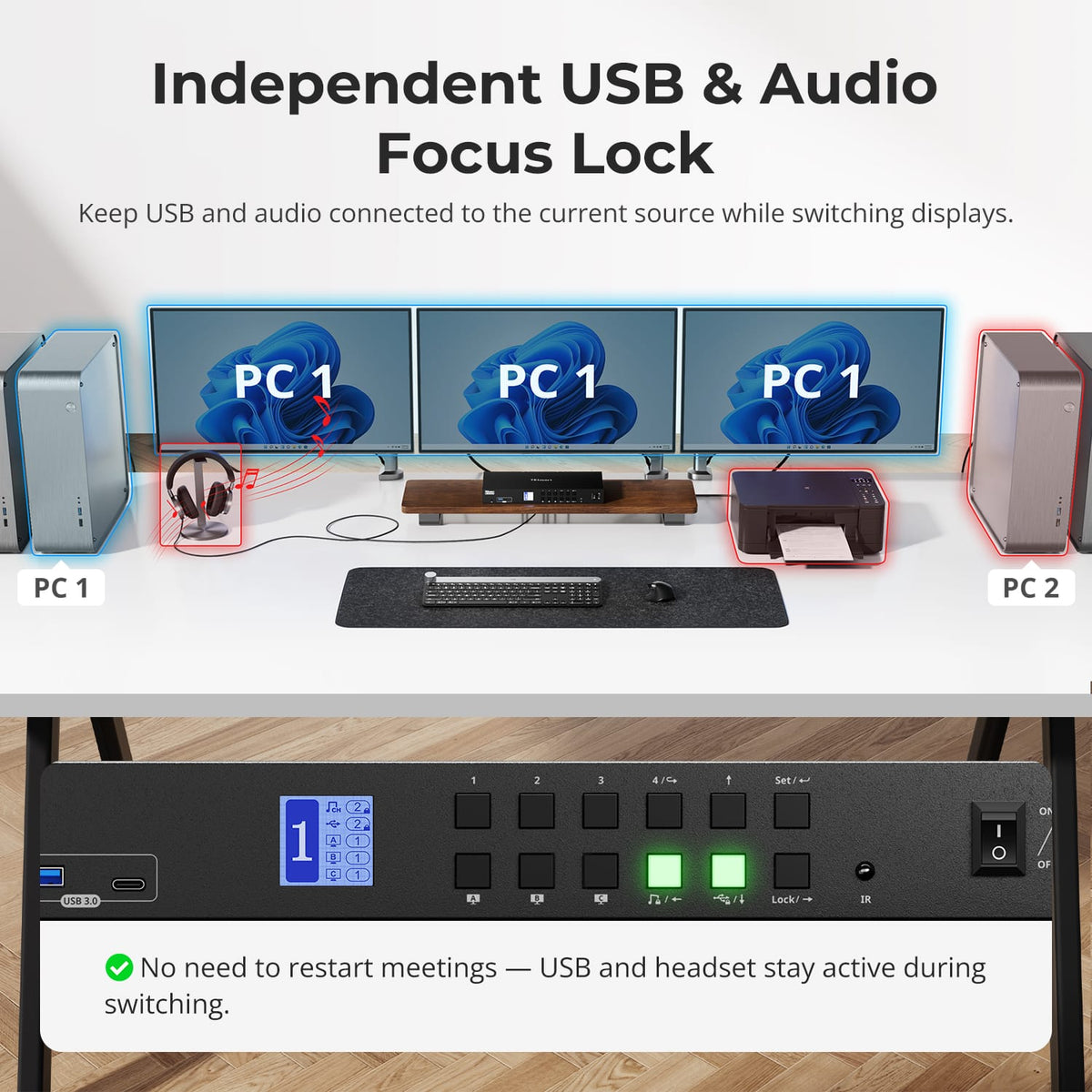
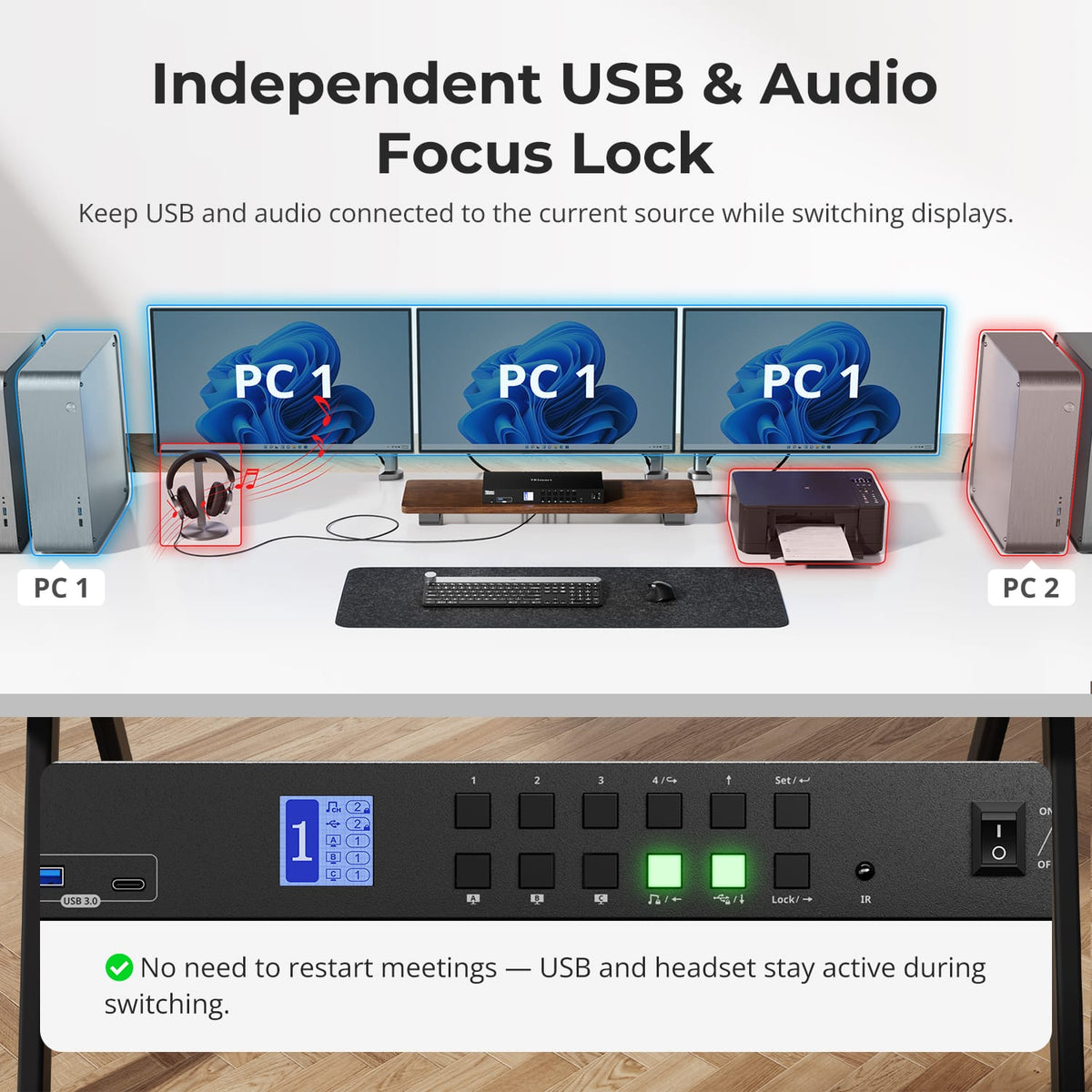
Keep USB and Audio on the Computer You Choose
USB and audio focus can be locked to a chosen computer instead of always following the display selection, useful when a headset, storage device or meeting needs to stay active on one system.
06
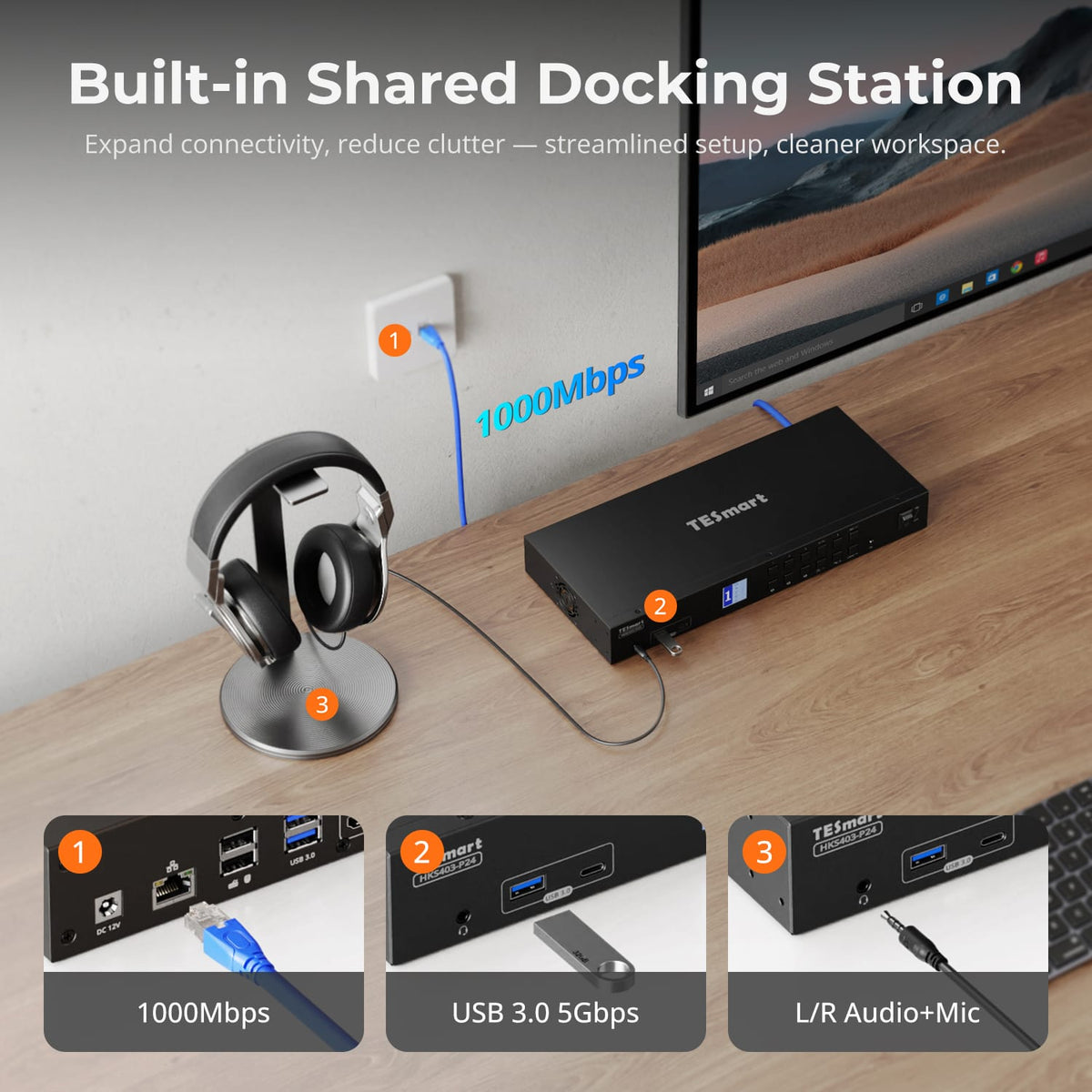
One Peripheral Set for Four Systems
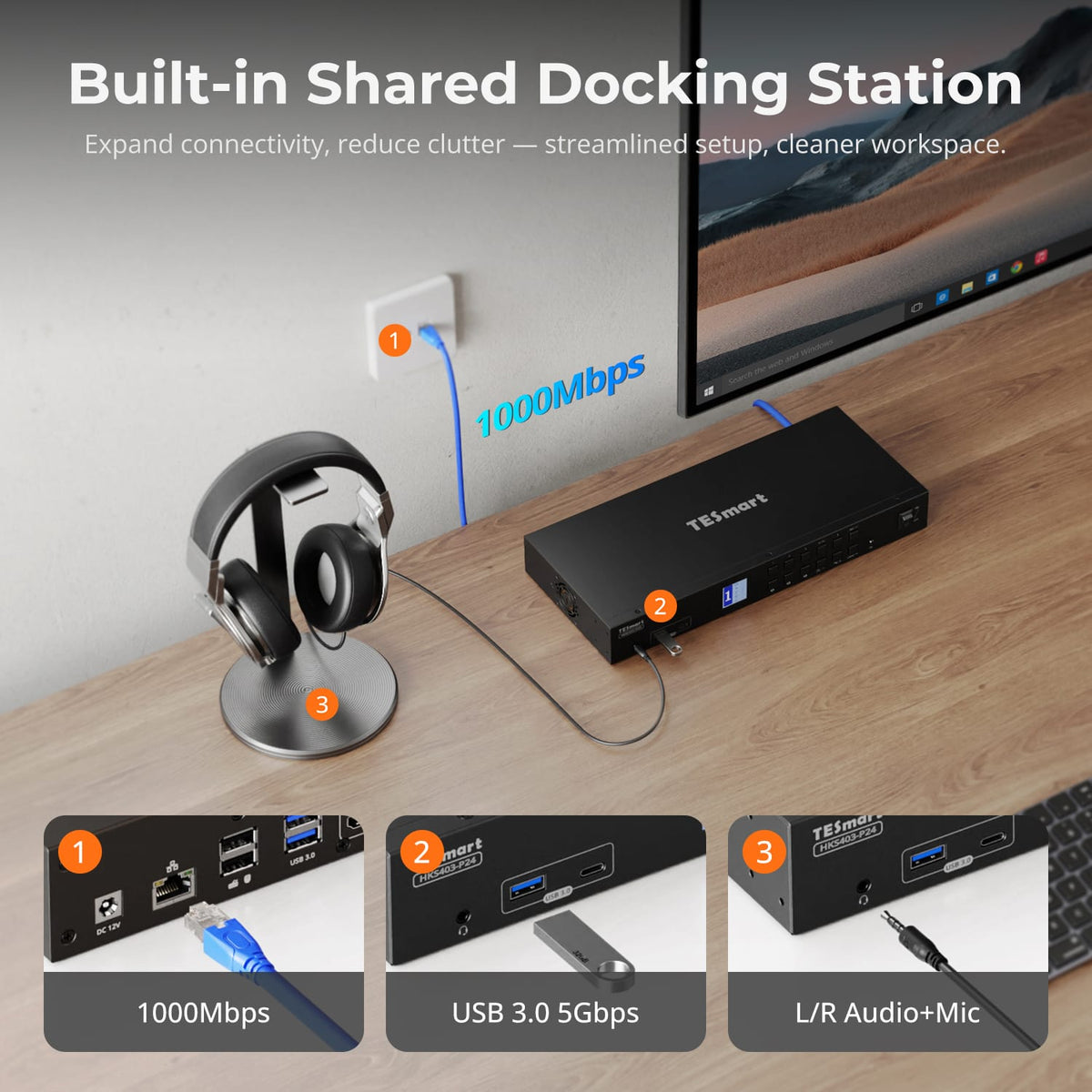
Share USB 3.0 devices, a keyboard, mouse and 3.5mm audio/microphone across the workstation instead of connecting duplicate accessories to every computer.
07
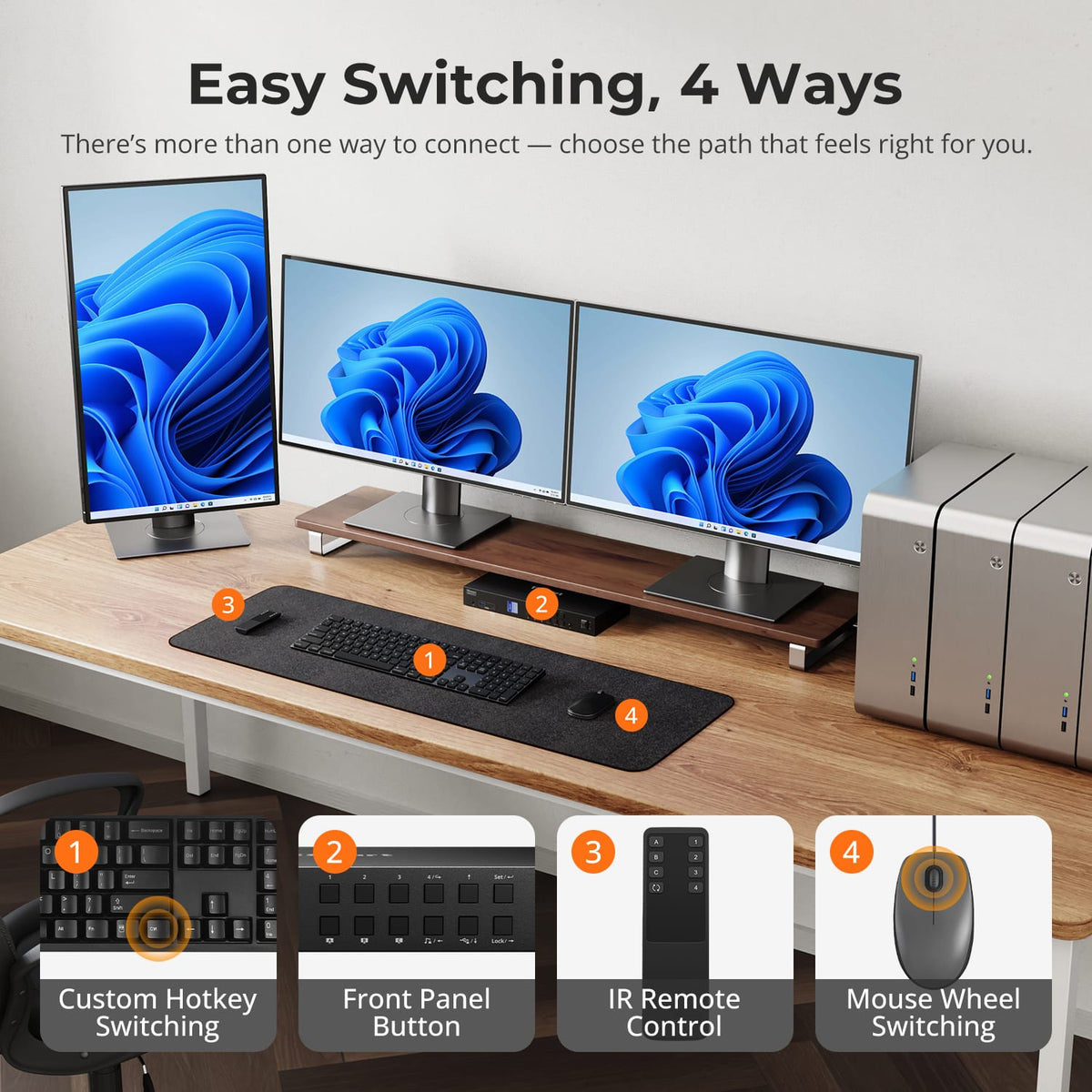
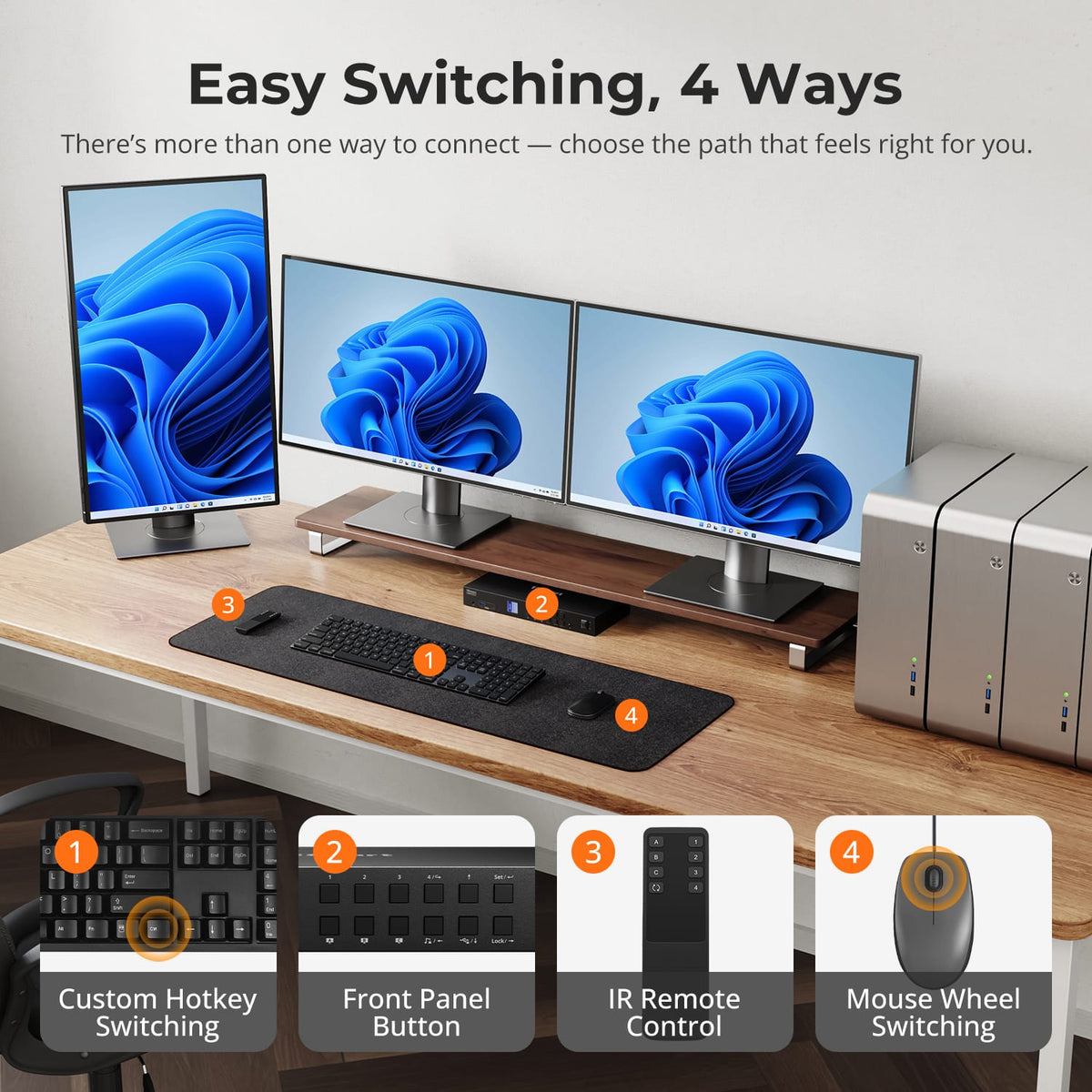
Switch Without Reaching for Cables
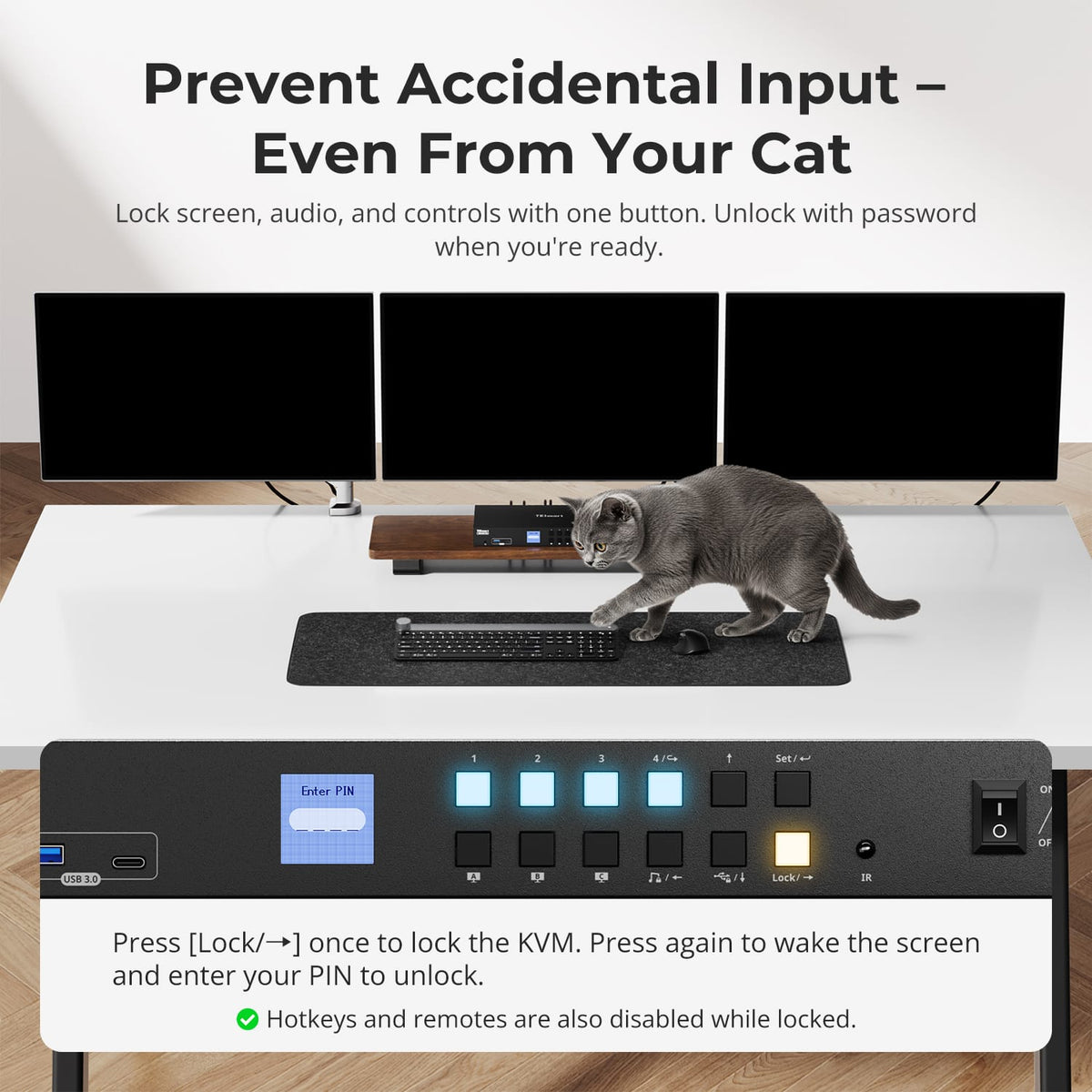
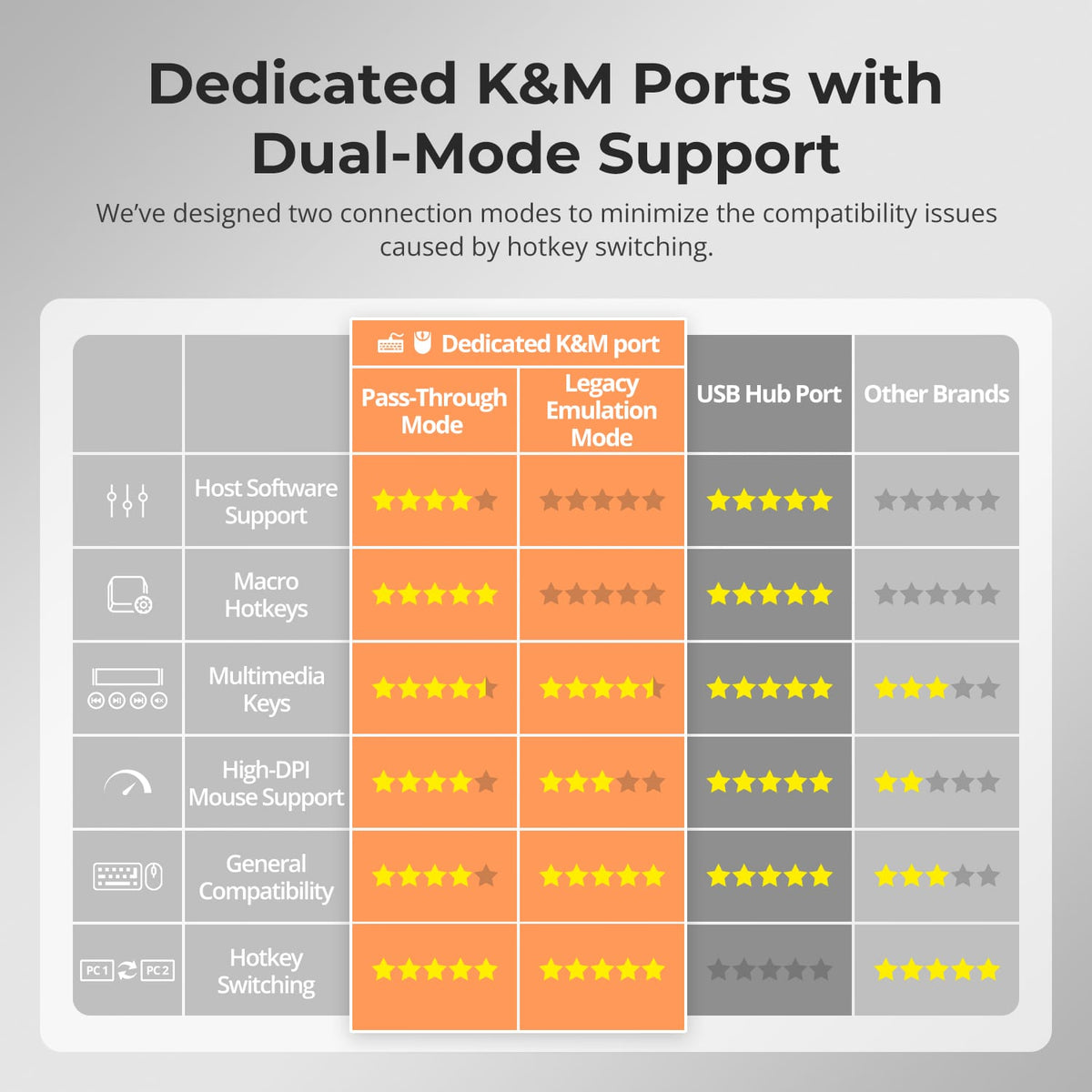
Use the front panel, IR remote, keyboard hotkeys or mouse-wheel switching to move between computers without unplugging devices.
08
09
10
Specifications & Support
Compatibility & Input Guide
Technical Specifications
Manuals & Downloads
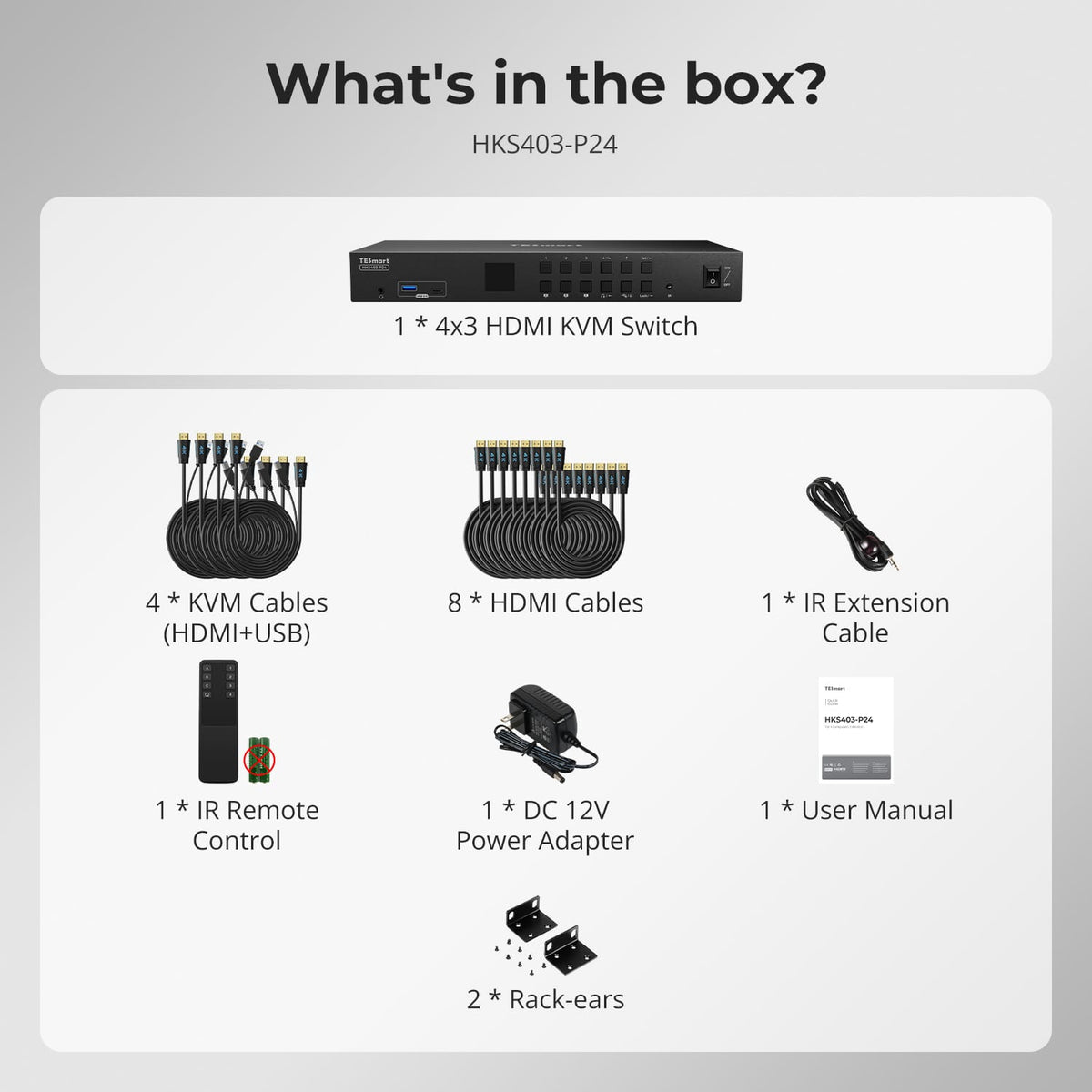
Included in the Box
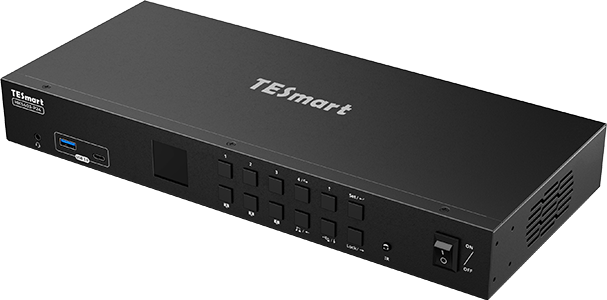
1 × 4×3 HDMI KVM Switch
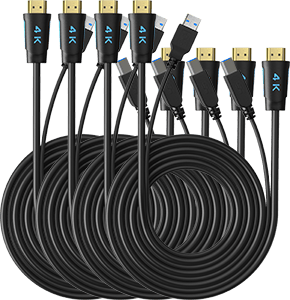
4 × KVM Cables
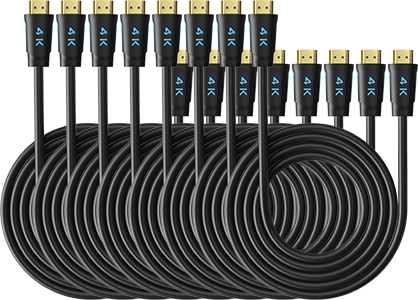
8 × HDMI Cables
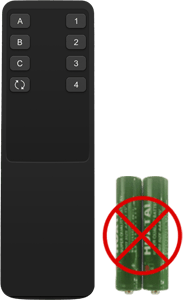
1 × IR Remote Control
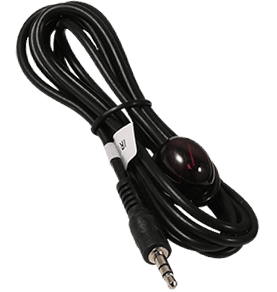
1 × IR Extension Cable
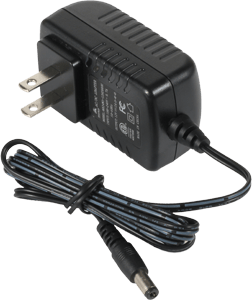
1 × 12 V DC Power Adapter
1 × User Manual
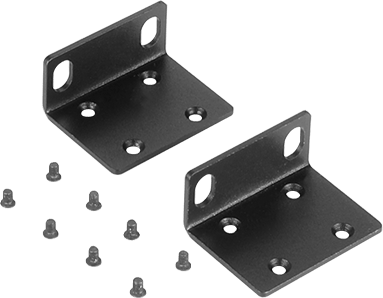
2 × Rack Brackets
Compare your options
Choose models from the menus to compare connections, display performance and shared features. HKS403 network speed depends on the hardware revision.
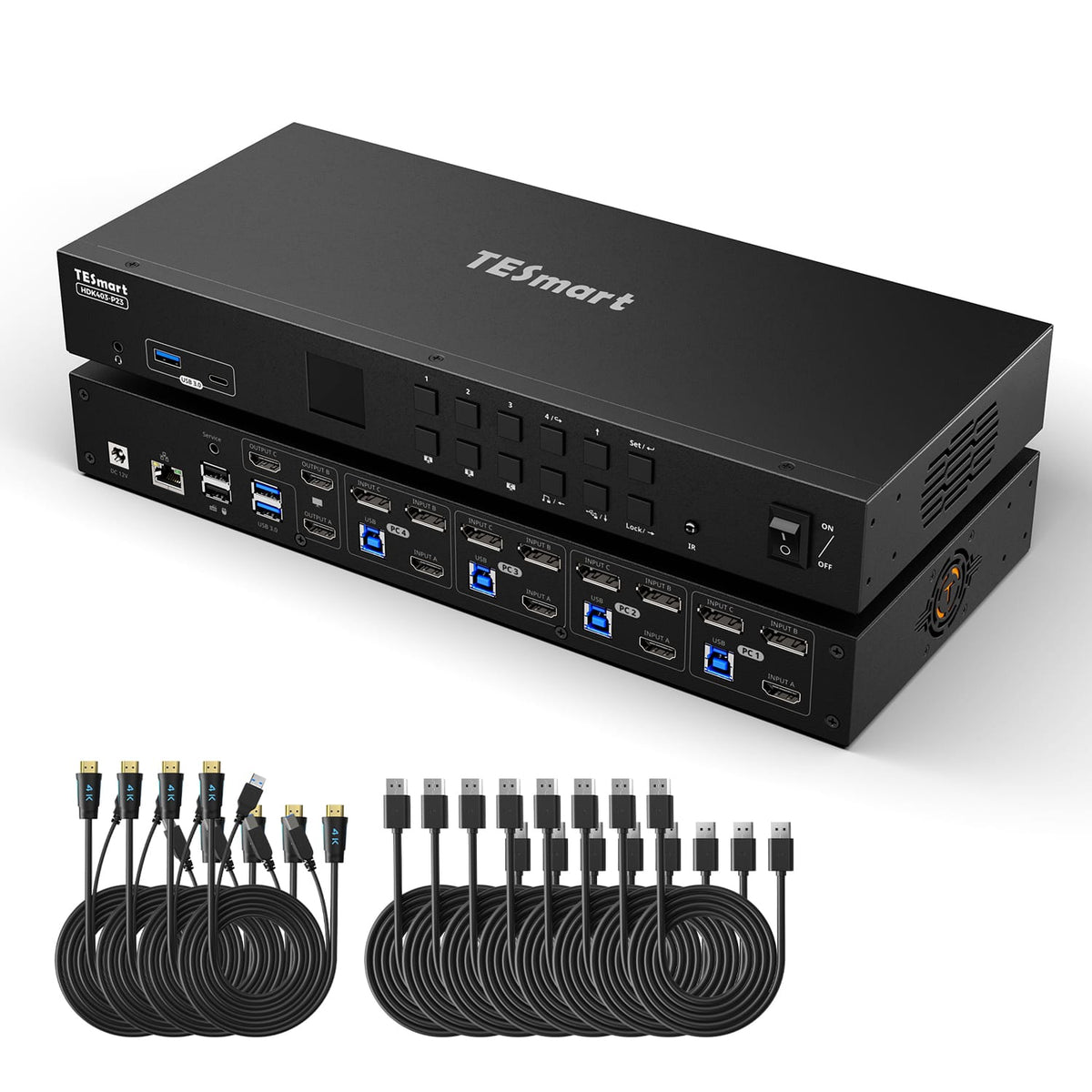
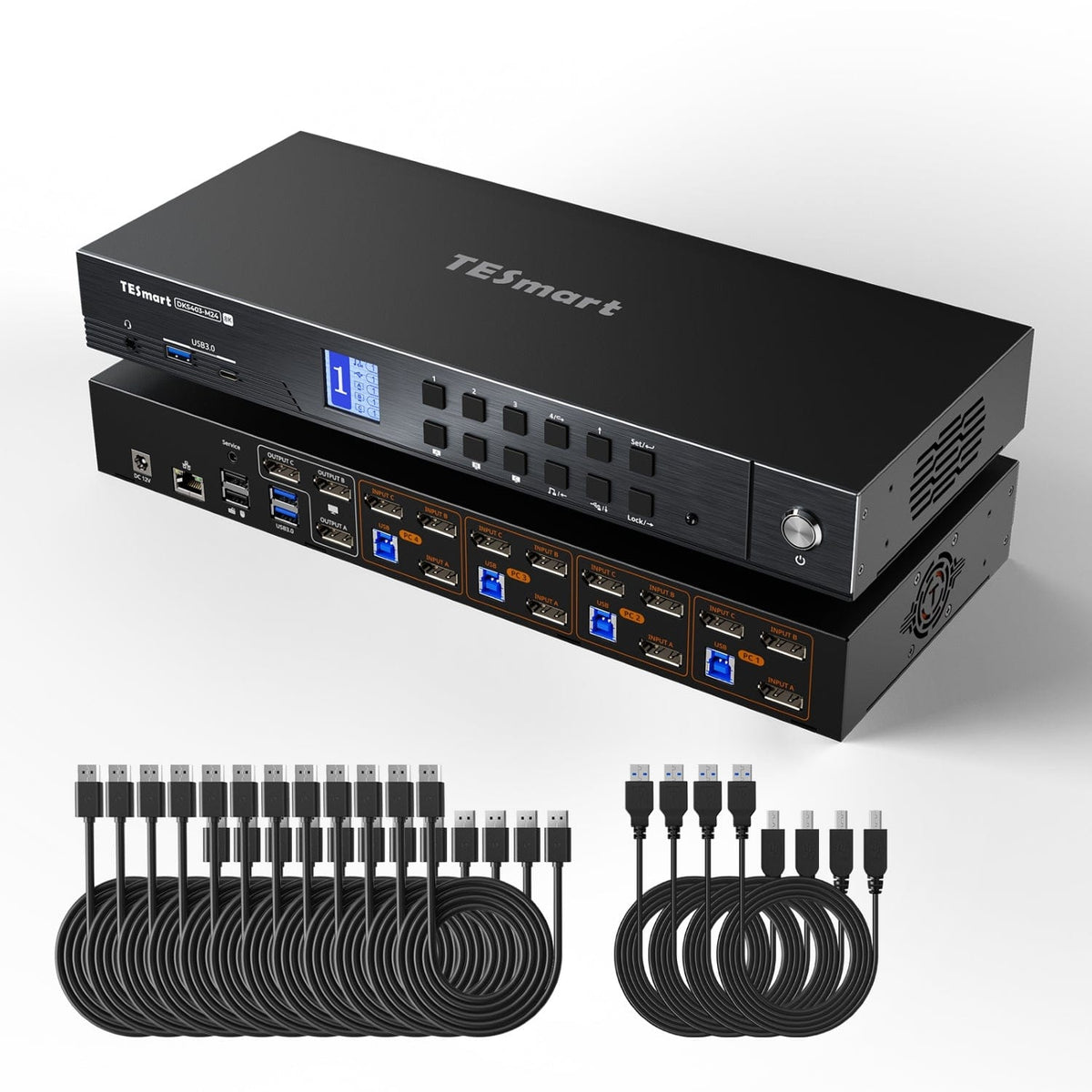
Model
HKS403-P24
Model
HDK403-P23
Model
DKS403-M24
Computer setup
4 computers
Computer setup
4 computers
Computer setup
4 computers
Computer connections
Each PC: 3 × HDMI + USB
Computer connections
Each PC: HDMI + 2 × DisplayPort + USB
Computer connections
Each PC: 3 × DisplayPort + USB
Display outputs
3 × HDMI
Display outputs
3 × HDMI
Display outputs
3 × DisplayPort
Video output
4K60
Video output
4K60
Video output
8K60 / 4K144
Shared USB
USB 3.0 / 5Gbps
Shared USB
USB 3.0 / 5Gbps
Shared USB
USB 3.0 / 5Gbps
Laptop charging
Laptop charging
Laptop charging
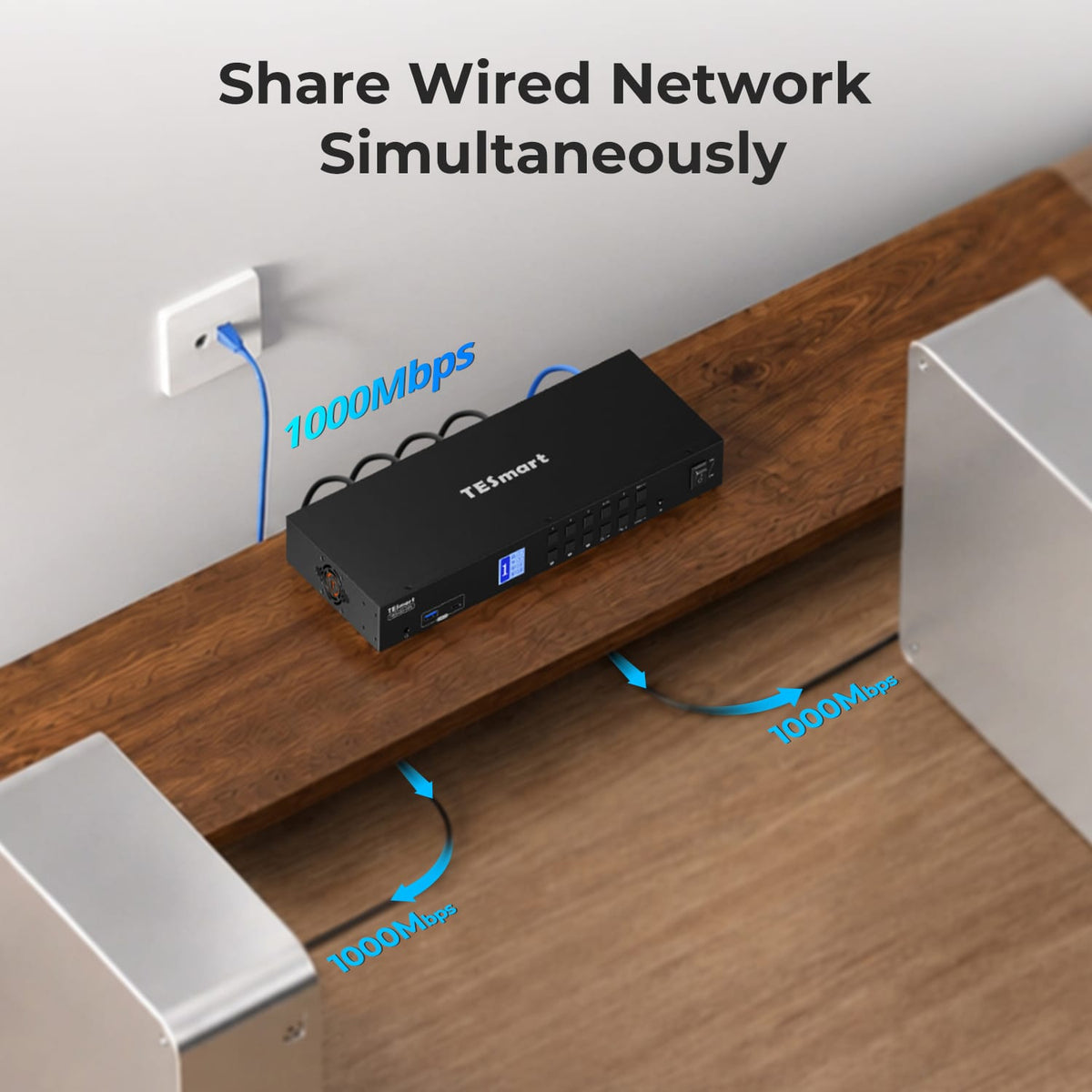
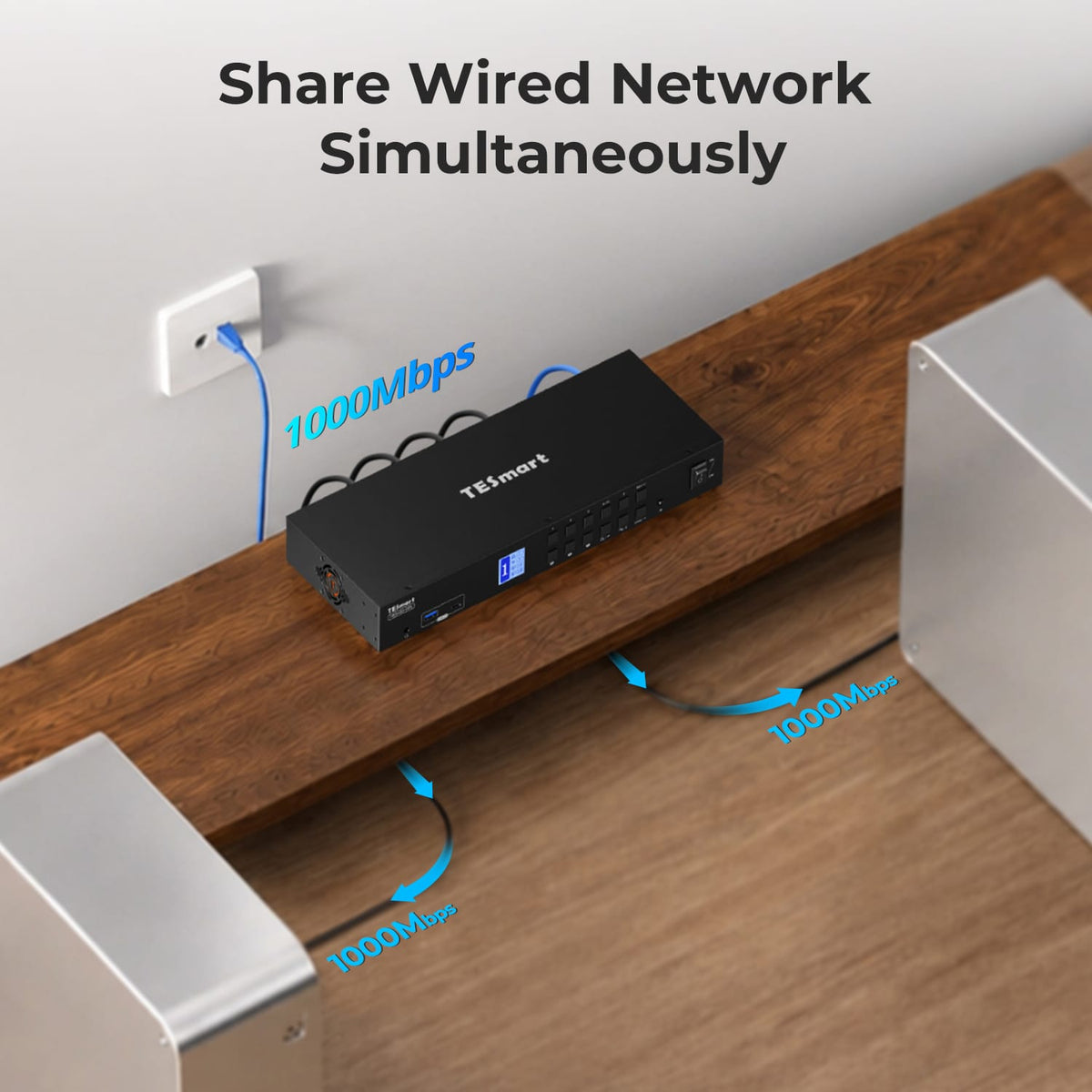
Shared Ethernet
Supported; speed depends on hardware revision
Shared Ethernet
1000Mbps
Shared Ethernet
1000Mbps
EDID emulation
EDID emulation
EDID emulation
Multi-display setup
Separate video outputs from each computer
Multi-display setup
Separate video outputs from each computer
Multi-display setup
Separate video outputs from each computer
Display requirements
Each computer must drive 3 displays
Display requirements
Each computer must drive 3 displays
Display requirements
Each computer must drive 3 displays
FAQ's
Visit our Help Center for more answers.
[Compatibility] How many computers and monitors can I connect to HKS403-P24?
The manual supports up to four computers and three HDMI monitors on one shared keyboard-and-mouse workstation.
[Compatibility] What is the maximum supported resolution?
The HKS403-P24 supports up to 3840×2160@60Hz 4:4:4. Actual output depends on the connected computers, monitors and cables.
[Compatibility] What should I confirm before using all three monitors with one PC?
Make sure that PC can provide the required three HDMI video signals to the KVM input group, in addition to the USB connection for KVM control and shared peripherals.
[Features & Connections] Can HKS403-P24 show different computers on the three monitors?
Yes. The KVM supports a multi-system display mode that can route different computers to different monitors, as well as a mode that shows one computer across all three displays.
[Features & Connections] Does HKS403-P24 support EDID emulation?
Yes. EDID emulation helps each connected computer retain display information so switching is less likely to disturb resolution or window placement.
[Features & Connections] Can USB and audio stay with one computer while the displays switch?
Yes. The manual includes USB and audio focus-lock functions so supported peripherals can remain assigned to one computer while display routing changes.
[Features & Connections] Can I share USB and audio devices?
Yes. The KVM provides shared USB ports plus 3.5mm audio/microphone connections for the selected computer.
[Setup & Switching] How can I switch between computers?
The manual supports front-panel controls, the IR remote, keyboard hotkeys and mouse-wheel switching.
[Setup & Switching] Does HKS403-P24 support automatic scanning?
Yes. Auto Scan can cycle through connected computers at a set interval for monitoring.