





Display Routing

4K video over HDMI 1.4

Display Control

Routing Control

Audio Support

Routing Control

Installation
16x16 HDMI Matrix 4K@30Hz support HDCP1.4, Dolby AC3, DTS 5.1/7.1 with EDID
Route 16 HDMI sources independently to 16 displays, with up to 4K30, EDID management and eight saved routing presets.
Display Routing
4K video over HDMI 1.4
Display Control
Routing Control
Audio Support
Routing Control
Installation
16x16 HDMI Matrix 4K@30Hz support HDCP1.4, Dolby AC3, DTS 5.1/7.1 with EDID
Why Choose HMA1616-L23
Overview
01
Route Any of 16 Sources to Any of 16 Displays
Build the video layout your installation needs: send any HDMI source to any output, show one source on multiple displays, or assign different sources across all 16 screens. The matrix keeps source and display management centralized for large AV systems.
02
Control the Matrix from the Rack or the Control Desk
Switch routes from the front-panel keypad or IR remote, or integrate the matrix into a managed AV system through RS232 or LAN control. The front LCD makes the current routing status easy to check at the device.
03
Save Eight Routing Presets and Restore the Last State
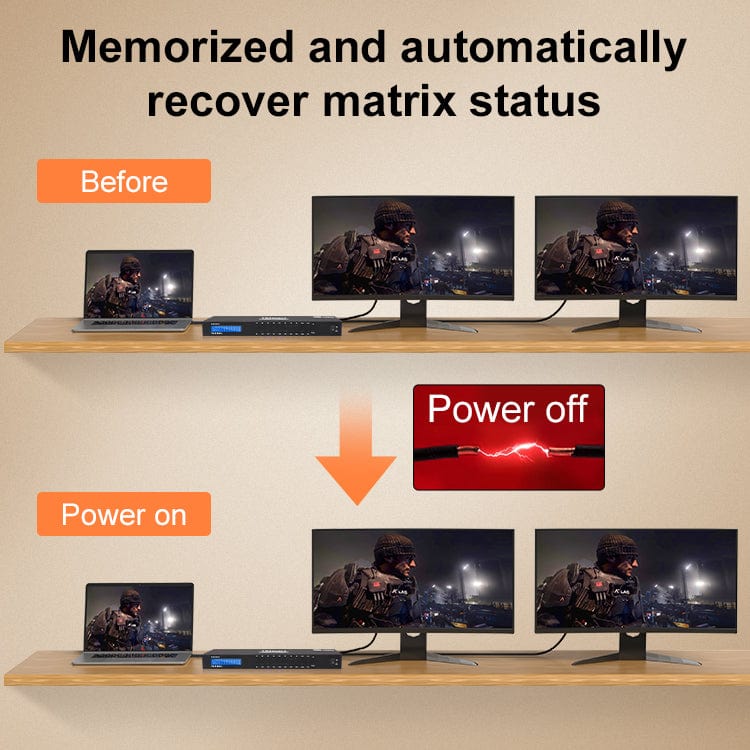
Store up to eight complete routing layouts for recurring presentations, monitoring views, or room configurations. The matrix also remembers its routing state after power loss and restores it automatically when powered on again.
Specifications & Support
Compatibility & Input Guide
Technical Specifications
Manuals & Downloads
Included in the Box
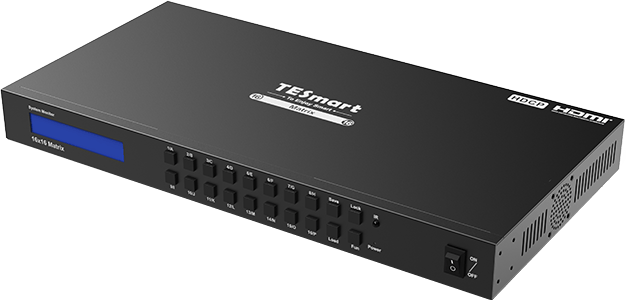
1 × 16×16 HDMI Matrix
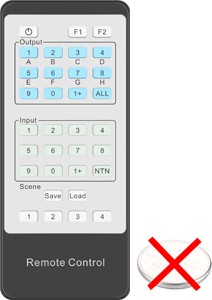
1 × IR Remote Control
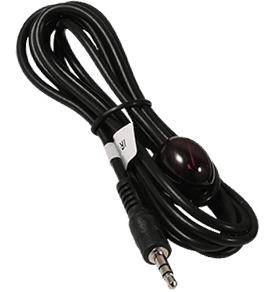
1 × IR Extension Cable
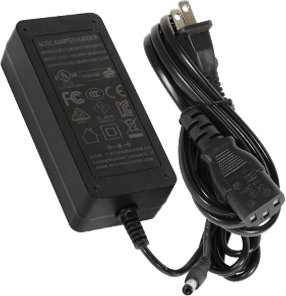
1 × DC 24V Power Adapter
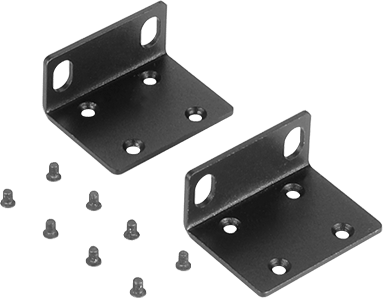
2 × Rack Brackets
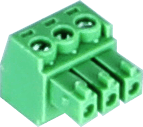
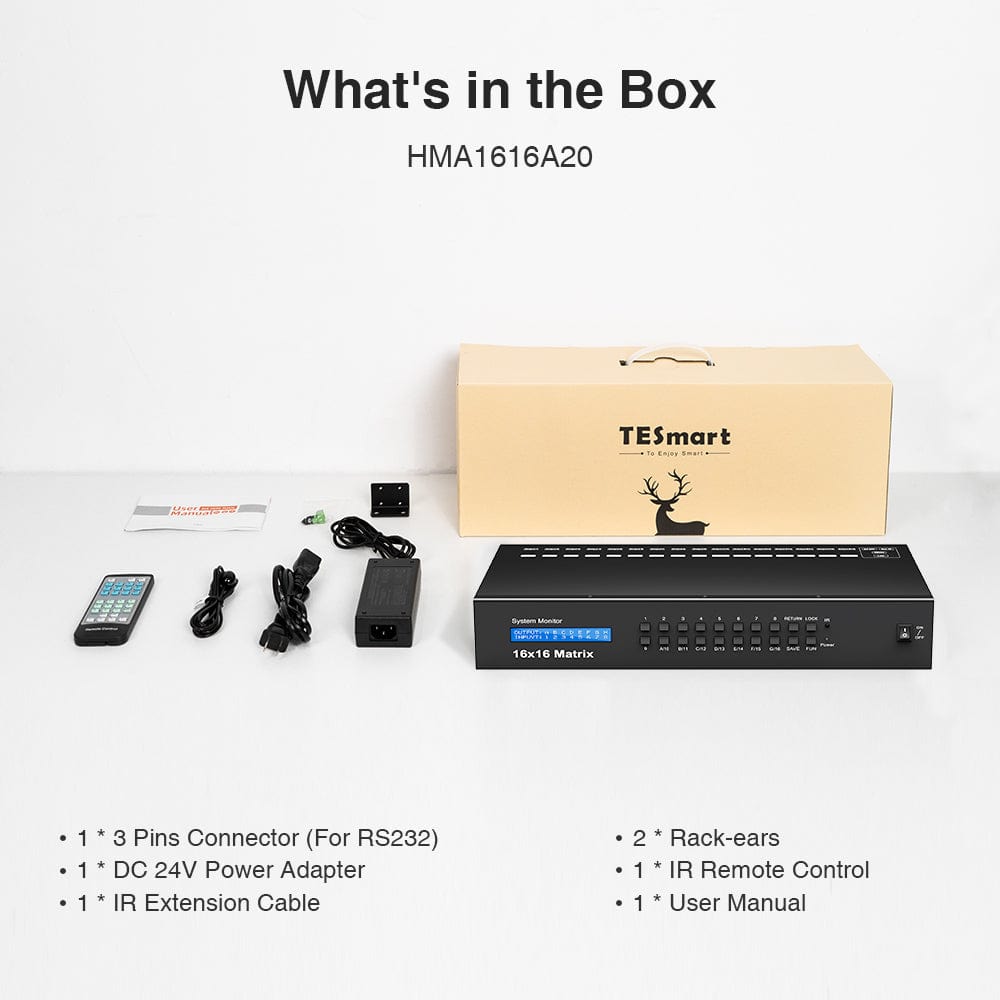
1 × 3-Pin RS232 Connector
1 × User Manual
FAQ's
Visit our Help Center for more answers.
[Compatibility] What sources and displays can I connect to HMA1616-L23?
Connect up to 16 HDMI source devices and 16 HDMI displays. Each output can show any input, and multiple outputs can share the same source. The current product page also states support for single-link DVI-D sources and displays when suitable HDMI-to-DVI adapters are used.
[Compatibility] What is the maximum supported video resolution?
HMA1616-L23 supports resolutions up to 3840×2160 at 30Hz and is backward compatible with common lower resolutions such as 1080p and 720p. It complies with HDMI 1.4 and HDCP 1.4. Actual output depends on the source, display, cable, adapter, and EDID information in the signal path.
[Compatibility] Does HMA1616-L23 support browser-based control?
The supplied manual does not specify a browser-based Web UI. LAN control is provided through TCP/IP commands or the TESmart Matrix Controller software for Windows. You can also control the matrix through RS232, the front panel, or the IR remote.
[Features & Connections] What routing layouts does the 16×16 matrix support?
It supports flexible one-to-one, one-to-all, mirrored, and custom many-to-many routing. Any HDMI input can be assigned to any HDMI output, and one source can be shown on multiple displays at the same time.
[Features & Connections] Does it support audio extraction or independent audio routing?
No separate analog audio-extraction output is shown in the supplied documentation. Audio is carried with video through the selected HDMI output and cannot be routed independently. The manual lists PCM, Dolby AC3, DTS 5.1, and DSD audio support.
[Features & Connections] Can I save and recall routing scenes?
Yes. Save and recall up to eight complete routing presets through the front panel, RS232/LAN commands, or the Windows controller software. The supplied IR remote provides direct save and recall for presets 1–4 only.
[Features & Connections] Will the matrix remember its routing after power loss?
Yes. HMA1616-L23 memorizes the current matrix state and automatically restores the previous routing after power is returned.
[Features & Connections] What does smart EDID management do?
Smart EDID management helps the source choose a video format compatible with the connected display path. A lower-capability display, cable, or adapter can still limit the final resolution, so every component in the path should support the selected format.
[Setup & Switching] How do I route a selected input to a selected output?
On the front panel, first press the 1/A–16/P button for the desired output letter, then press the button for the desired input number. On the IR remote, select the output first and the source second. For channel 10–16 on the remote, press 1+ and then 0–6.
[Setup & Switching] How do I send one input to all outputs or restore mirrored routing?
To show one source on all displays, press Fun once and select input 1–16, or select All Outputs on the remote and choose a source. For matching input-to-output routing, press Fun twice and Lock, or use the corresponding remote button: input 1 → output A through input 16 → output P.
[Setup] How do I connect and control the matrix over RS232 or LAN?
For RS232, connect the supplied 3-pin connector to a control terminal and use 9600 bps, 8 data bits, 1 stop bit, and no parity. For LAN, connect the matrix to a router or PC with Cat5e/6 cable and place the PC on the same network segment. The default address is 192.168.1.10 and the default port is 5000. In TESmart Matrix Controller for Windows, select Serial Control or Network Control, connect, and use the Matrix Control page.
[Setup & Switching] How do I use the keypad lock and system settings?
Press Lock to lock or unlock the keypad; when locked, front-panel and IR-remote operations are disabled. Press Fun three times for the buzzer setting, four times for LCD timeout, five times for cooling-fan control, or six times to view the current IP address, then follow the LCD prompts.