




Display Routing

4K video over HDMI 2.0

Display Control

Audio Routing

Remote Control

Routing Control

Installation
4x4 4K HDMI Matrix Switch with Audio Out and RS232/LAN Control
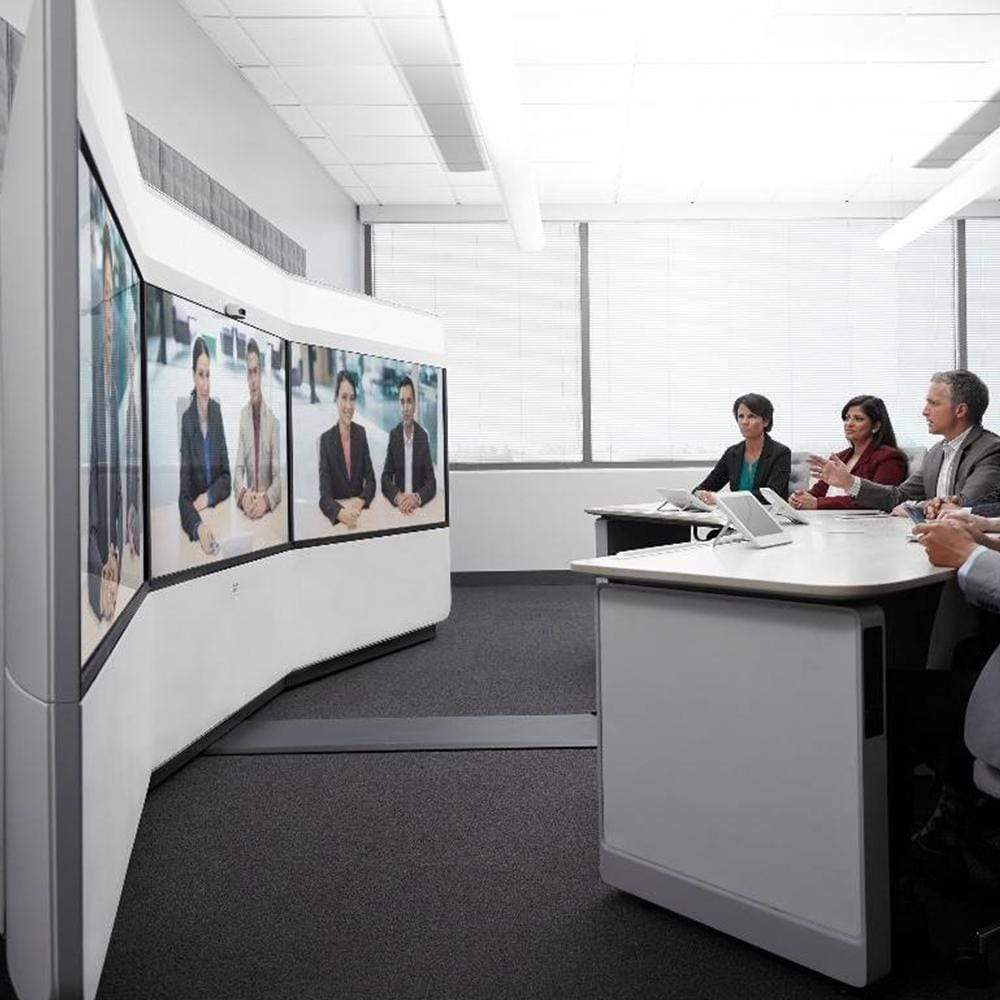
Share two Apple Studio Displays, one keyboard and mouse between two computers—or show one computer on each display when you need both systems at once.
Display Routing
4K video over HDMI 2.0
Display Control
Audio Routing
Remote Control
Routing Control
Installation
4x4 4K HDMI Matrix Switch with Audio Out and RS232/LAN Control
Why Choose HMA404-E23
Overview
01
Route Any Source to Any Display
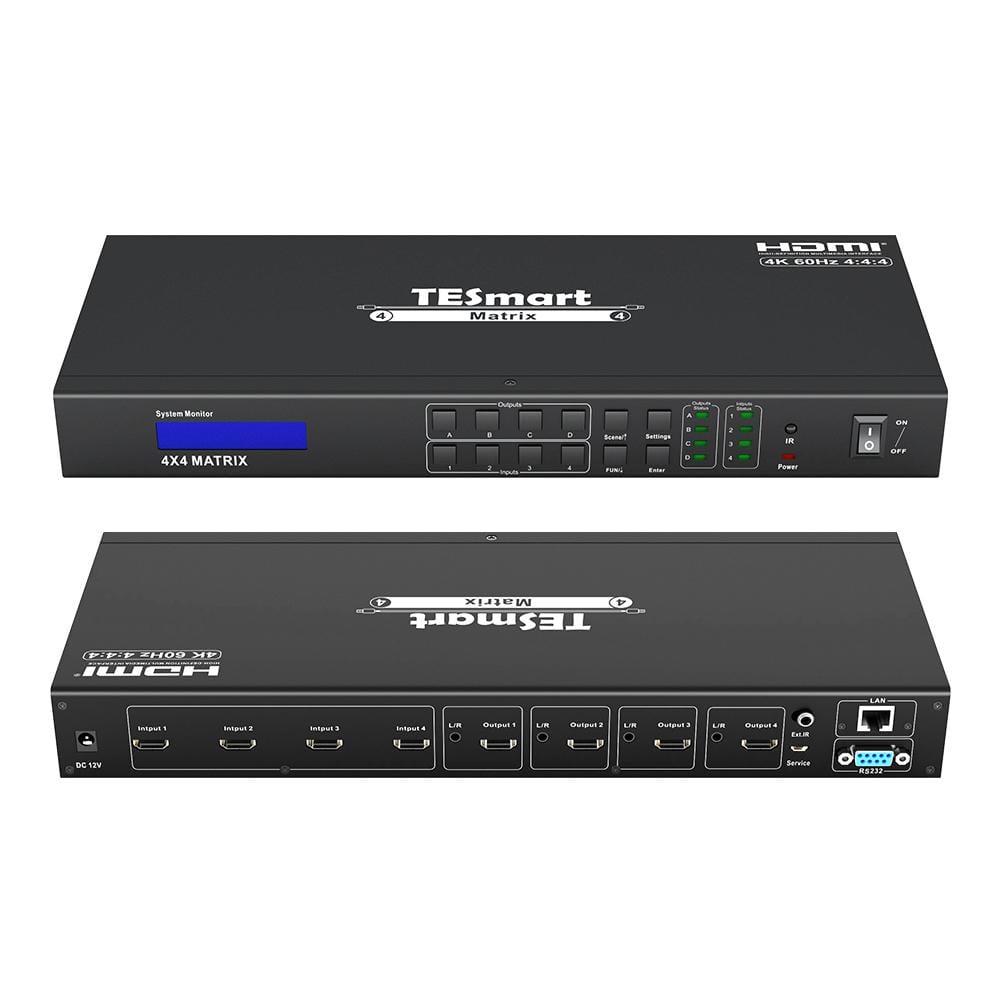
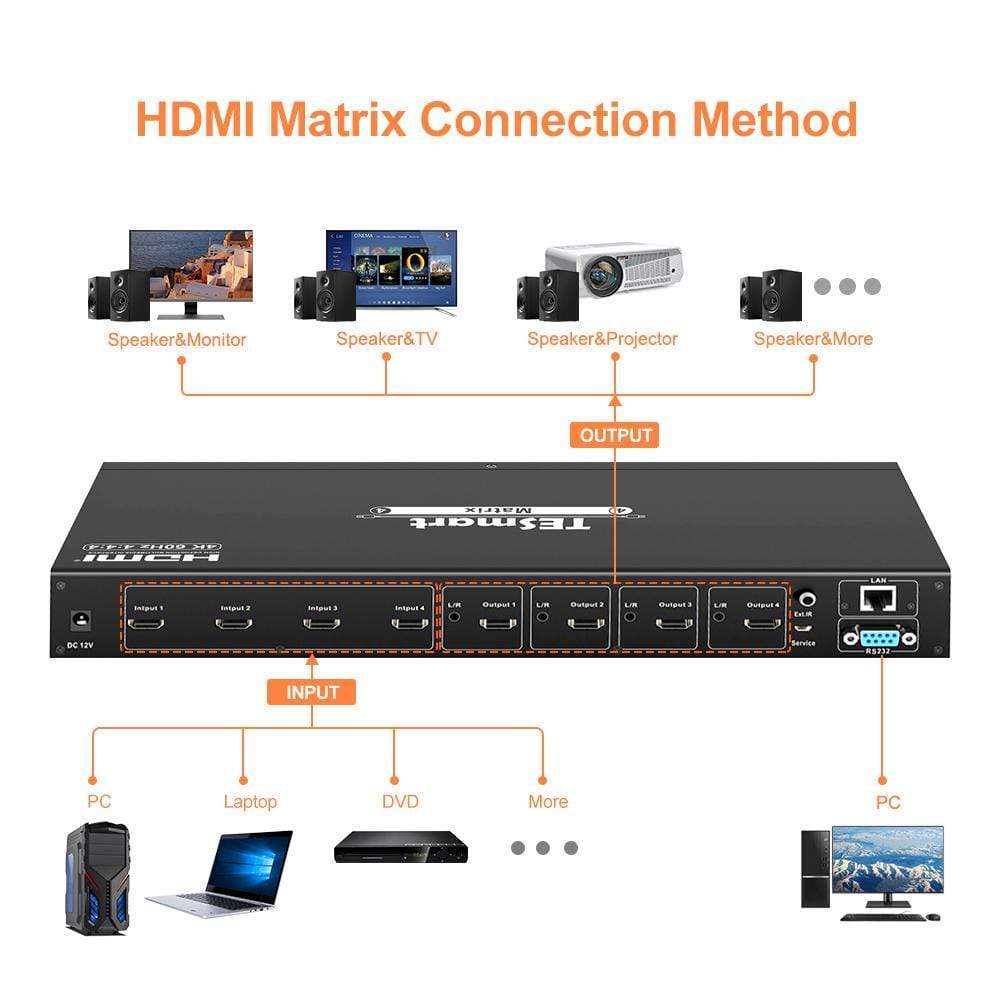
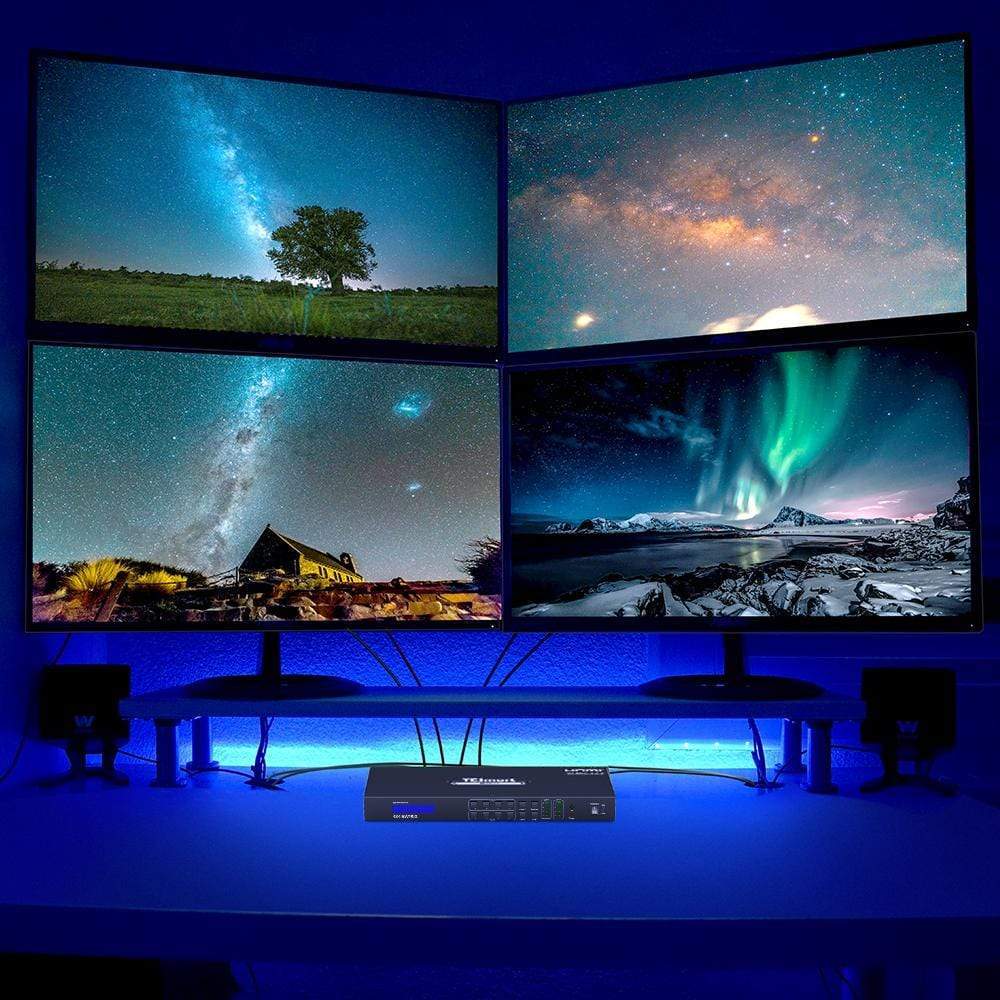
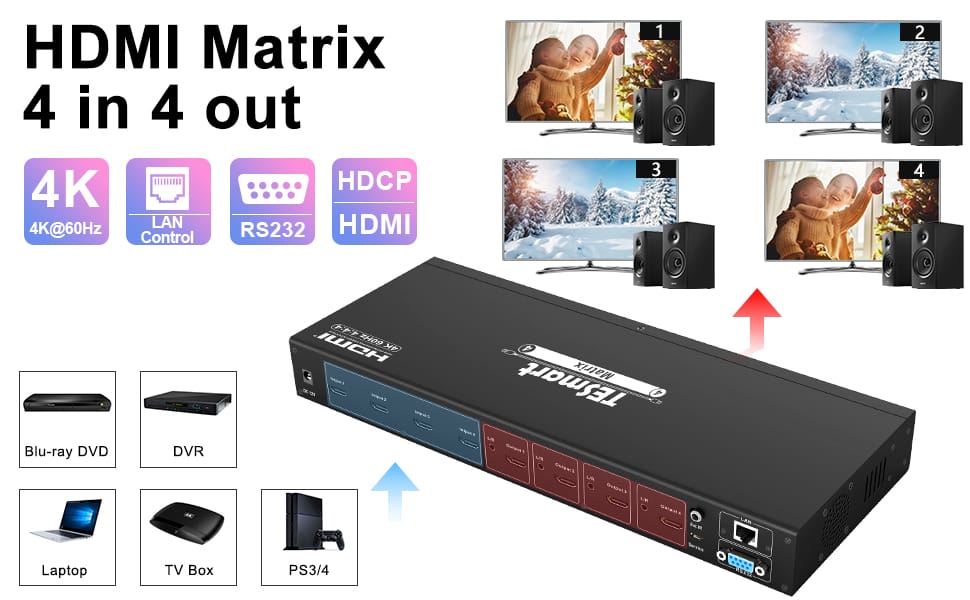
Connect four HDMI sources and four HDMI displays, then assign each output independently. Show four different sources, mirror one source across every display, or build a custom many-to-many layout without moving cables.

02
Four Displays. Up to 4K@60Hz.
Deliver video up to 3840×2160 at 60Hz across a four-display installation. HDMI 2.0, HDCP 2.2, HDR, and Dolby Vision support make the matrix suitable for detailed dashboards, presentations, digital signage, and entertainment systems when every device in the signal path supports the selected format.
03
Control the Matrix Locally or Remotely
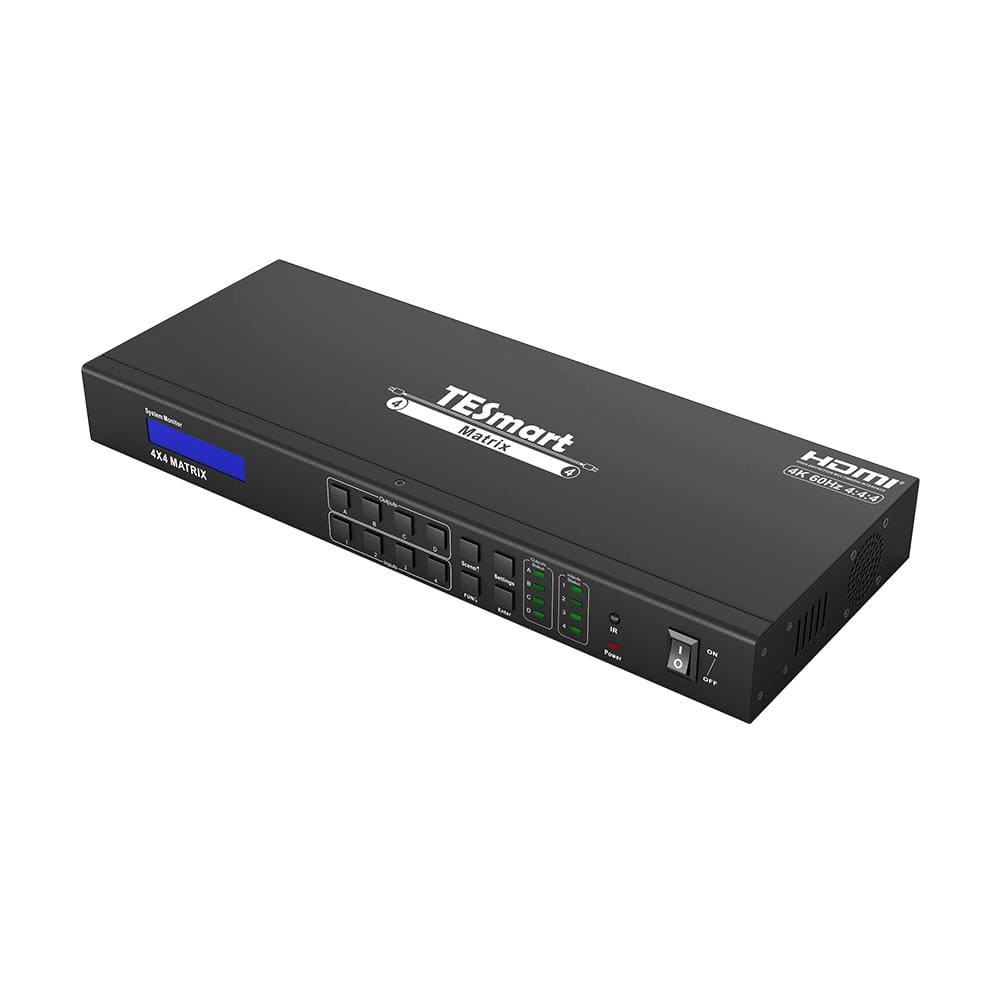
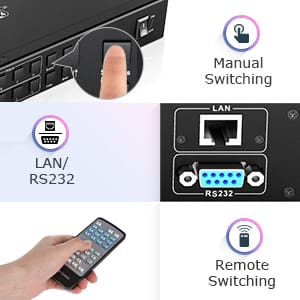
Switch routes from the front-panel keypad or IR remote, or integrate the matrix into a managed AV system through RS232 or LAN commands. The front LCD and status indicators make the active input-to-output assignments easy to check at a glance.
Specifications & Support
Compatibility & Input Guide
Technical Specifications
Manuals & Downloads
Included in the Box
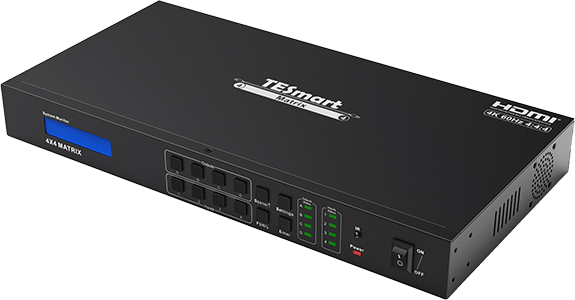
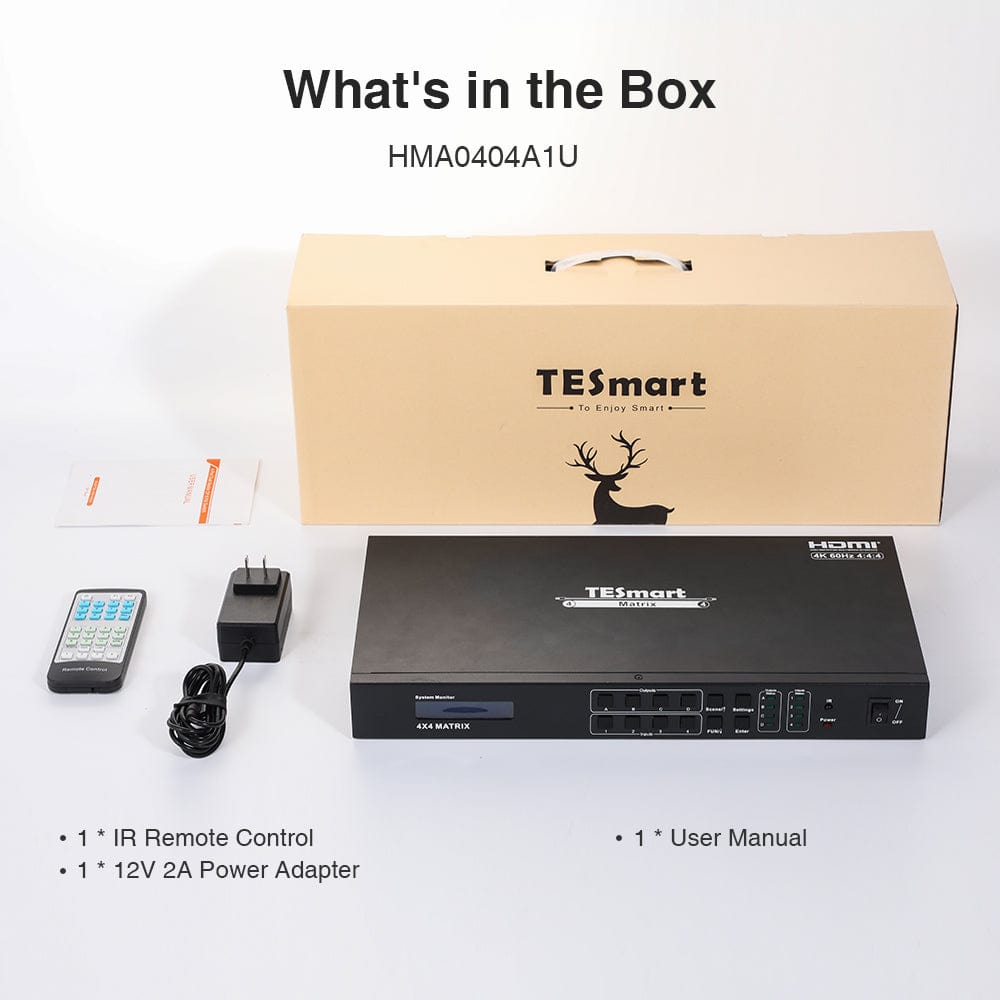
1 × HMA404-E23 4×4 HDMI Matrix
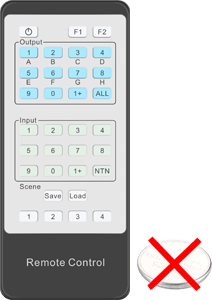
1 × IR Remote Control
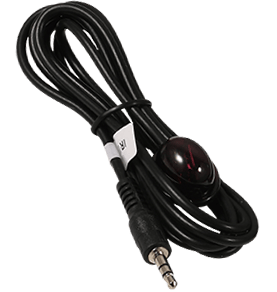
1 × IR Receiver Cable

2 × Rack Ears
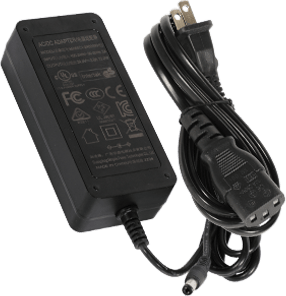
1 × DC 12V Power Adapter
1 × User Manual
FAQs
Visit our Help Center for more answers.
Frequently asked question
Use this text to answer questions in as much detail as possible for your customers.
[Compatibility] What sources and displays can I connect to HMA404-E23?
Connect up to four HDMI source devices and four HDMI displays. Typical sources include PCs, laptops, game consoles, Blu-ray or DVD players, media players, and set-top boxes. DVI-D single-link equipment can also be used with suitable HDMI-to-DVI adapters.
[Compatibility] What is the maximum supported resolution?
HMA404-E23 supports video up to 3840×2160 at 60Hz and is backward compatible with common lower resolutions such as 1080p and 720p. Actual output depends on the source, displays, cables, adapters, EDID information, and HDCP requirements throughout the signal path.
[Compatibility] What happens if displays with different resolutions share the same source?
The source may use a format that every display on that route can accept. For example, if one source is routed to both a 4K display and a 1080p display, the shared signal may fall back to 1080p so both screens can show an image.
[Compatibility] Does HMA404-E23 support HDR, Dolby Vision, and HDCP 2.2?
Yes. The product documentation lists HDR, Dolby Vision, and HDCP 2.2 support. The source, display, content, cables, and any adapters must also support the required format.
[Compatibility] Can I use DVI sources or displays?
Yes. The matrix supports DVI-D single-link sources and displays when suitable HDMI-to-DVI adapters are used. DVI compatibility may limit available resolutions and does not carry HDMI audio.
[Compatibility] Can HMA404-E23 create a 2×2 video wall?
No. It routes complete HDMI images to individual outputs and does not split one image across four displays as a 2×2 video wall.
[Features & Connections] What routing layouts does the matrix support?
You can route one input to one output, send one input to all four outputs, restore the mirrored 1→A / 2→B / 3→C / 4→D layout, or assign any input independently to any combination of outputs. The matrix also stores up to four complete routing scenes.
[Features & Connections] Does it support audio extraction?
Yes. Each HDMI output has a corresponding L/R analog audio output. The extracted audio follows the HDMI source routed to that output and cannot be selected independently from the video.
[Features & Connections] Which HDMI audio formats are supported?
The HDMI input and output path supports PCM, Dolby AC3, DTS 5.1, DTS 7.1, and DSD audio formats. Final audio playback also depends on the source, content, display or receiver, and EDID negotiation.
[Features & Connections] Can I connect and switch a keyboard or mouse?
No. HMA404-E23 is an HDMI matrix rather than a KVM switch, so it does not share USB keyboards, mice, or other USB peripherals. Connect those devices directly to the computer or use a suitable KVM switch.
[Features & Connections] Does the matrix remember my routing after power is lost?
Yes. It stores the current matrix state and automatically restores the previous routing after the unit is powered on again. You can also save and recall four user-defined routing scenes.
[Setup & Switching] How can I switch inputs and outputs?
Use the front-panel buttons, IR remote control, RS232 serial commands, or LAN commands. On the front panel, select output A, B, C, or D, select input 1, 2, 3, or 4, and press Enter when prompted.
[Setup & Switching] How do I save and recall a routing scene?
To save from the front panel, press Scene twice, choose preset 1–4, and confirm the current routing. To recall a scene, press Scene once, choose preset 1–4, and apply the saved routing. The IR remote also provides scene save and recall controls.
[Setup & Switching] Can I control the matrix through a web browser?
The user manual does not specify a browser-based web interface. Use the front panel, IR remote, or a compatible PC or control system through LAN or RS232. Use the TESmart control software or protocol documentation that matches the installed firmware.