




Display Setup
Max Display Output

Display Stability

USB Sharing

Automatic input scanning

Switching Control

Content Protection
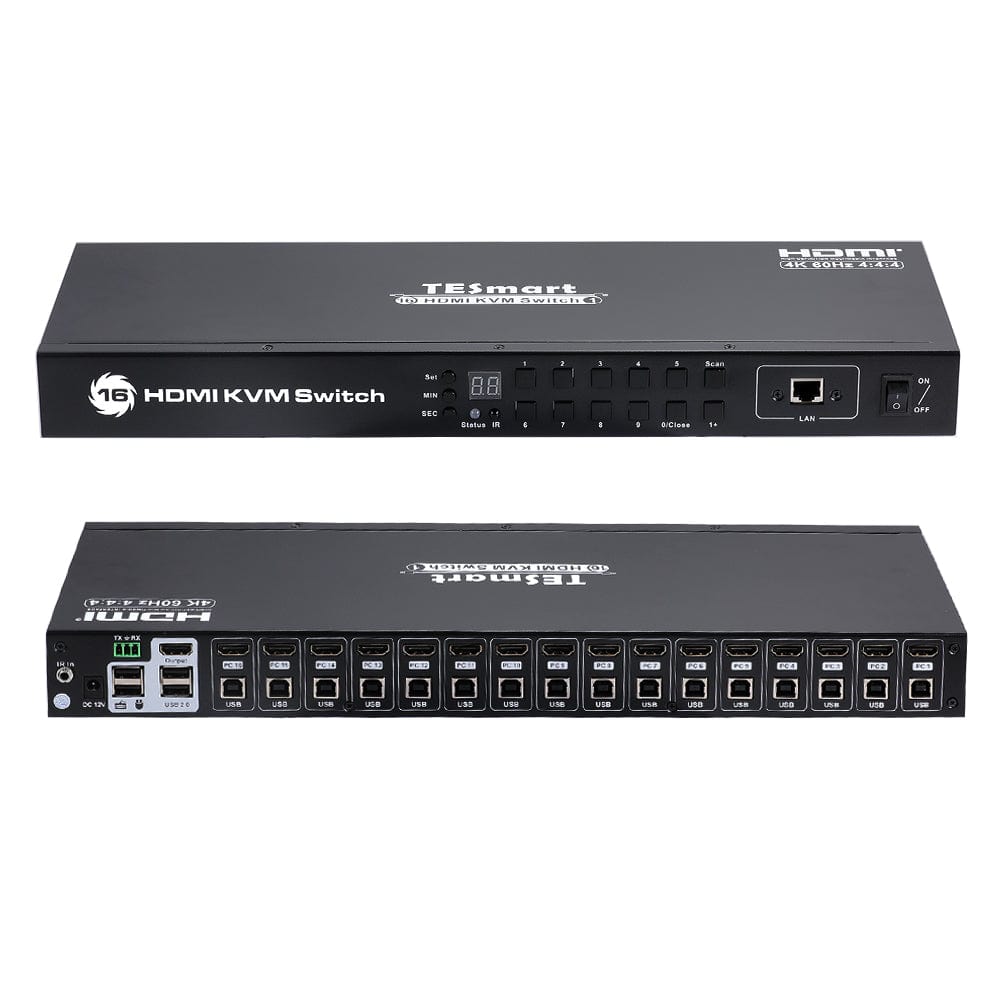
16 Port HDMI KVM Switch with 4K60Hz,RS232/LAN Control
Control up to 16 computers from one HDMI monitor, keyboard and mouse, with 4K60 output, EDID emulation and RS232/network control.
Display Setup
Max Display Output
Display Stability
USB Sharing
Automatic input scanning
Switching Control
Content Protection
- Plug Type:
- US Plug
5-Year Warranty with Product Registration
Why Choose HKS1601-E23
Overview
01
Sixteen Computers. One Control Station.
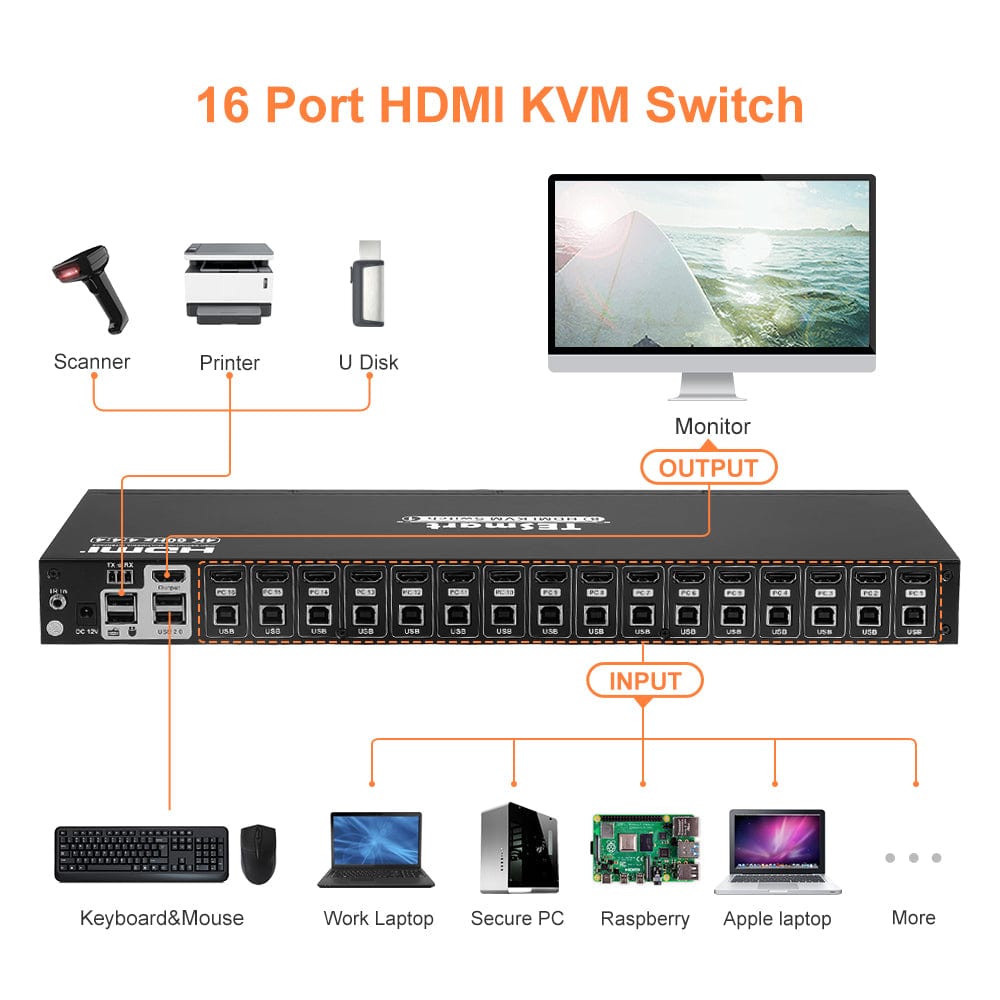
Manage a rack of computers from one keyboard, mouse and HDMI monitor. Keep your workspace focused while maintaining access to every connected system.
02
4K60 Detail for Everyday Monitoring
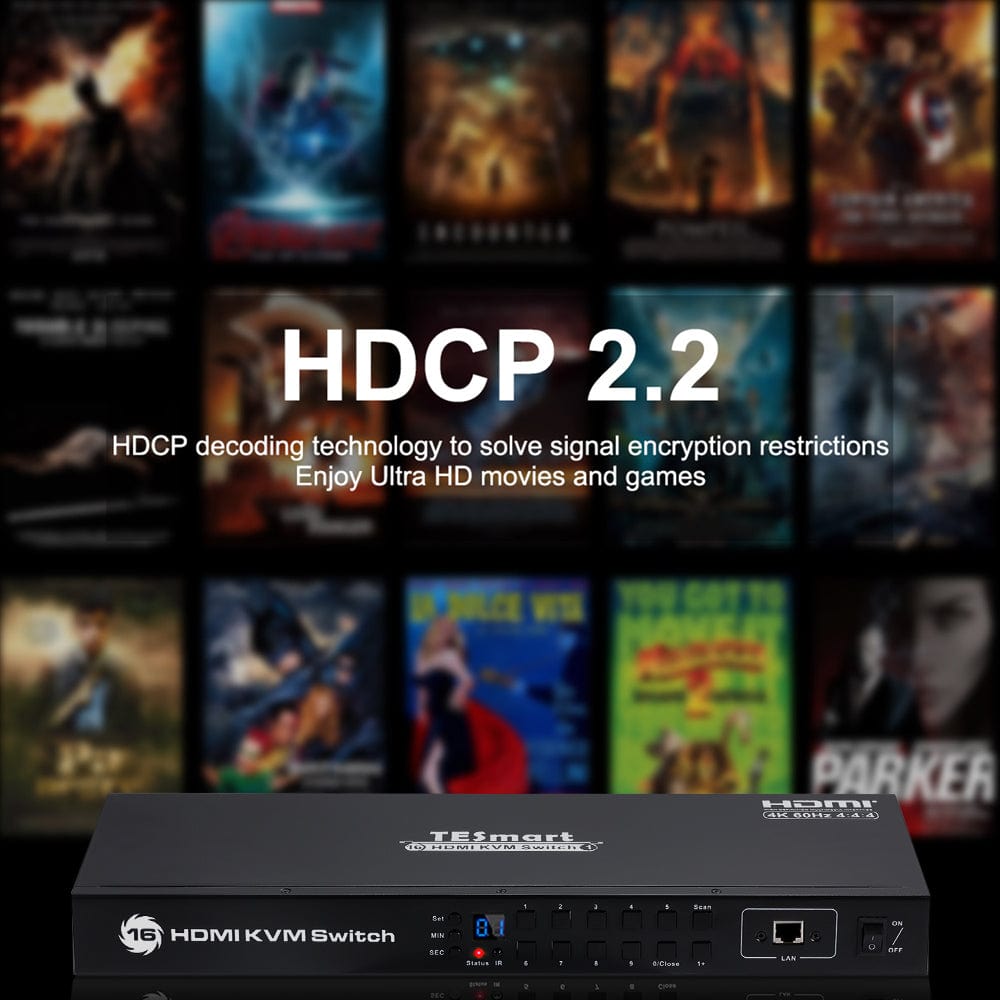
View supported sources at up to 3840 × 2160 at 60Hz. HDMI and HDCP 2.2 support suit detailed dashboards, video and multi-system monitoring.
03
Control at the Desk or Across the Rack
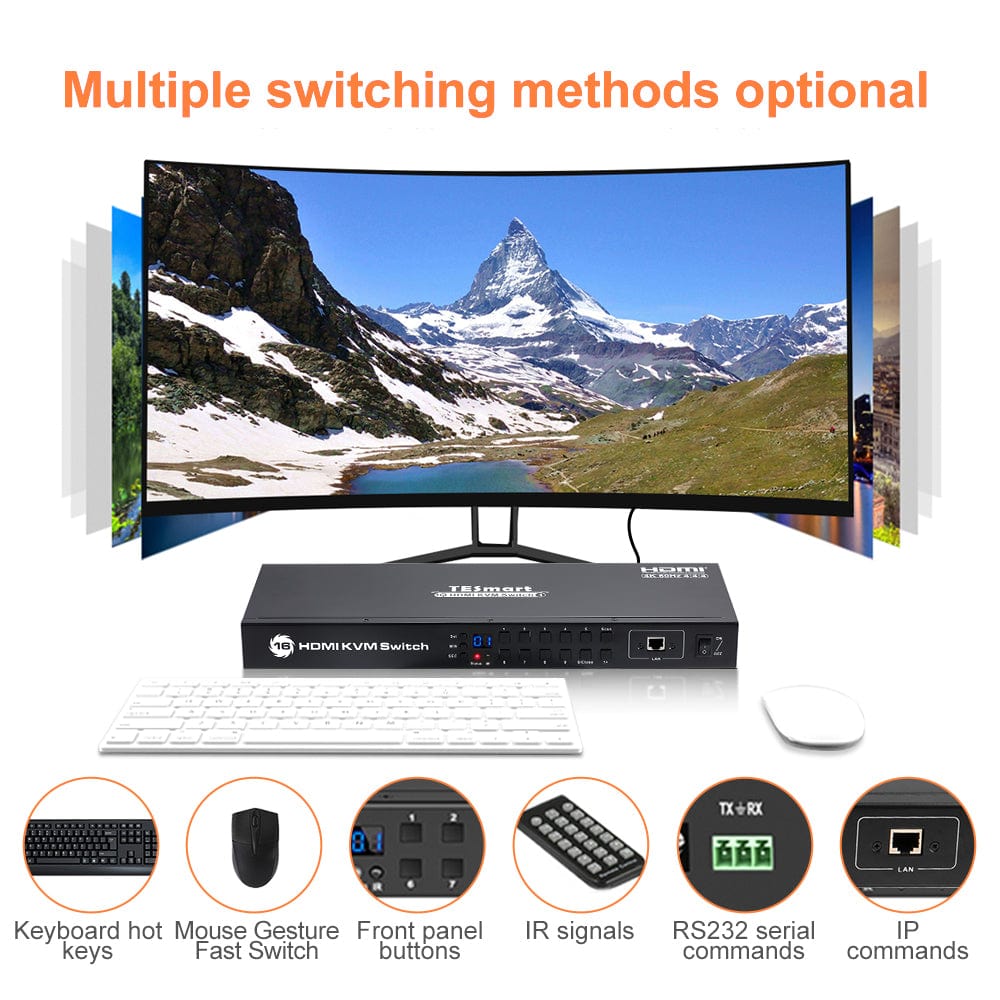
Choose front-panel buttons, keyboard hotkeys or the IR remote. RS232 and network control provide additional options for installed systems.
04
Share Your USB Peripherals
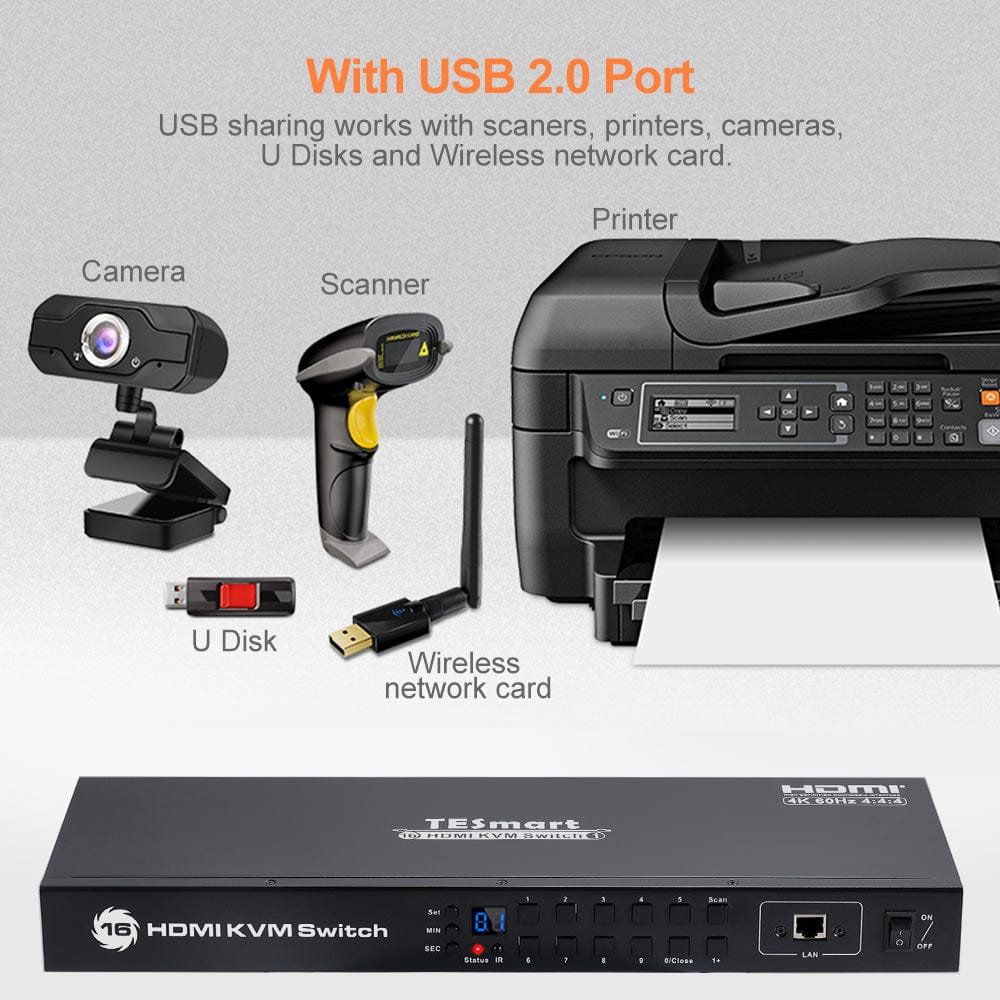
Keep a compatible printer, scanner or USB drive connected to the shared USB 2.0 port instead of moving cables between computers.
05
Built for Multi-System Workspaces
Bring monitoring stations, server racks and control desks together around one console. Auto Scan can cycle through systems for regular checks.
Specifications & Support
Compatibility & Input Guide
One HDMI video connection and one USB connection per computer.
The RJ45 connection is used for KVM control; it is not a shared Ethernet docking port.
Technical Specifications
- Model: HKS1601-E23
- Setup: 16 computers / 1 HDMI monitor
- Display output: Up to 3840 × 2160 at 60Hz
- Computer connections: One HDMI video connection and one USB connection per computer
- Monitor connections: 1 × HDMI
- USB sharing: USB 2.0 sharing
- EDID emulation: Supported
- Switching: Front-panel buttons, keyboard hotkeys, IR remote, Auto Scan, RS232 and network control
Manuals & Downloads
FAQ's
Visit our Help Center for more answers.
What setup is this model designed for?
HKS1601-E23 is designed for 16 computers / 1 HDMI monitor.
What connections does each computer need?
One HDMI video connection and one USB connection per computer.
What display resolution is supported?
Up to 3840 × 2160 at 60Hz. Actual output depends on the source, cables and monitor.
How can I switch between computers?
Front-panel buttons, keyboard hotkeys, IR remote, Auto Scan, RS232 and network control.
What should I check before connecting my devices?
The RJ45 connection is used for KVM control; it is not a shared Ethernet docking port.