

TESmart Knowledge Hub · KVM & Workspace Insights

Article

Practical guides, setup advice, product updates, and technical insights for building a better multi-computer workspace.

Mac Storage Upgrade Made Easy: 8TB Thunderbolt SSD That Saves You Hundreds

Mac Storage Upgrade Made Easy: 8TB Thunderbolt SSD That Saves You Hundreds

Upgrade MacBook storage smarter: Skip Apple’s $2,200 8TB internal SSD. TESmart TBE-X5Max with 8TB NVMe offers faster, reusable Thunderbolt storage for multiple Macs.

Read moreabout Mac Storage Upgrade Made Easy: 8TB Thunderbolt SSD That Saves You Hundreds
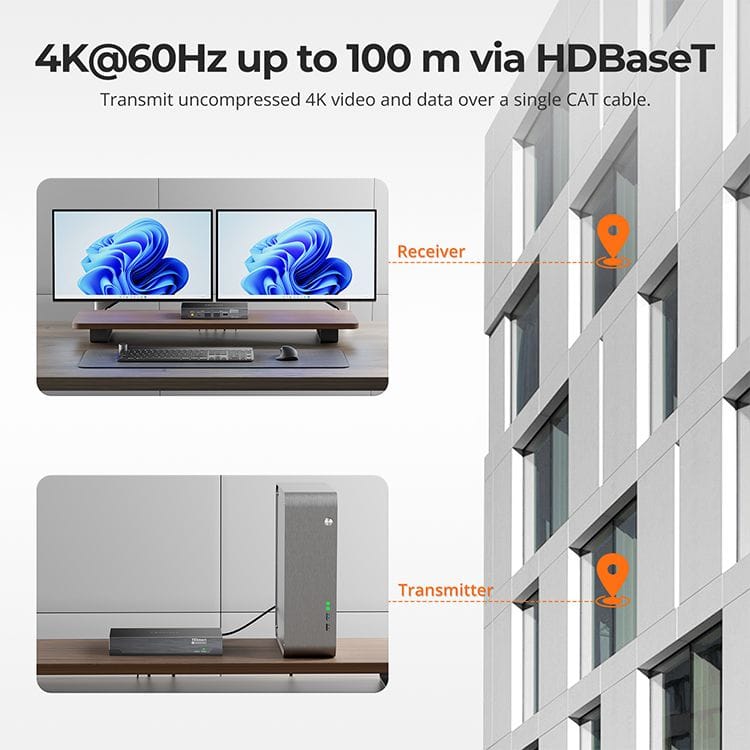
DisplayLink + HDBaseT Dual-Screen Extension up to 100m – TESmart HKE10SS-PD25
DisplayLink + HDBaseT Dual-Screen Extension up to 100m – TESmart HKE10SS-PD25

Contents Introduction How DisplayLink Technology Works Combining DisplayLink with HDBaseT Extension Technical Flow Overview Why It Matters Key Features of TESmart HKE10SS-PD25 Typical Use Cases FAQ Conclusion DisplayLink Meets Extender: USB Connection + Cat6A Extension Enables 100m Dual-Screen Low-Latency Transmission...

Read moreabout DisplayLink + HDBaseT Dual-Screen Extension up to 100m – TESmart HKE10SS-PD25

Breaking Limits: 8K DisplayPort Extension over 300m with OM4 Fiber
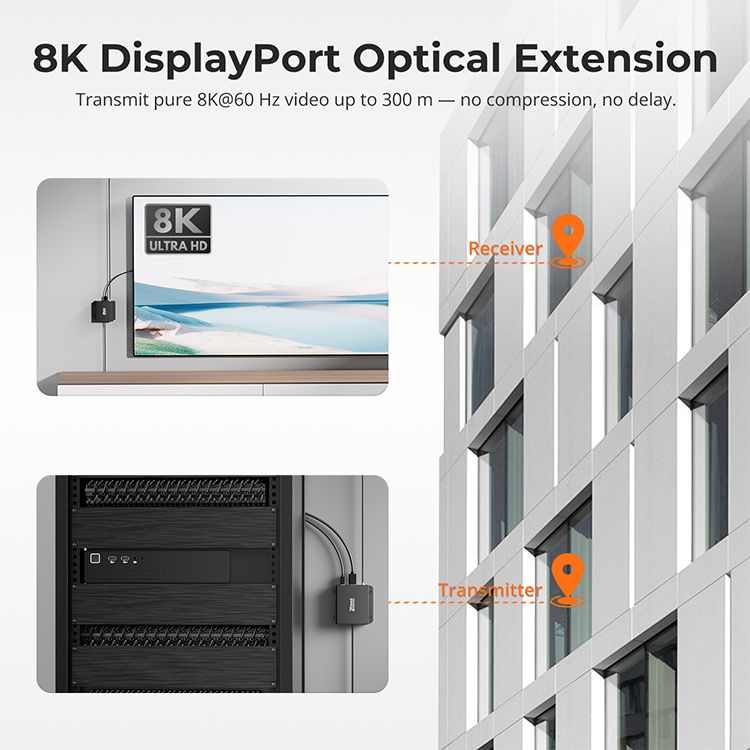
Breaking Limits: 8K DisplayPort Extension over 300m with OM4 Fiber

Table of Contents Introduction Technical Highlights Breakthroughs & Applications Comparison with Traditional Solutions Key Advantages Conclusion FAQ Introduction As display technology evolves, the demand for ultra-high-resolution content is growing rapidly. While 4K is widespread, 8K has become the new standard...

Read moreabout Breaking Limits: 8K DisplayPort Extension over 300m with OM4 Fiber

Best Thunderbolt 5 SSD Enclosures 2025: Why the TESmart X5 Series Tops the Charts
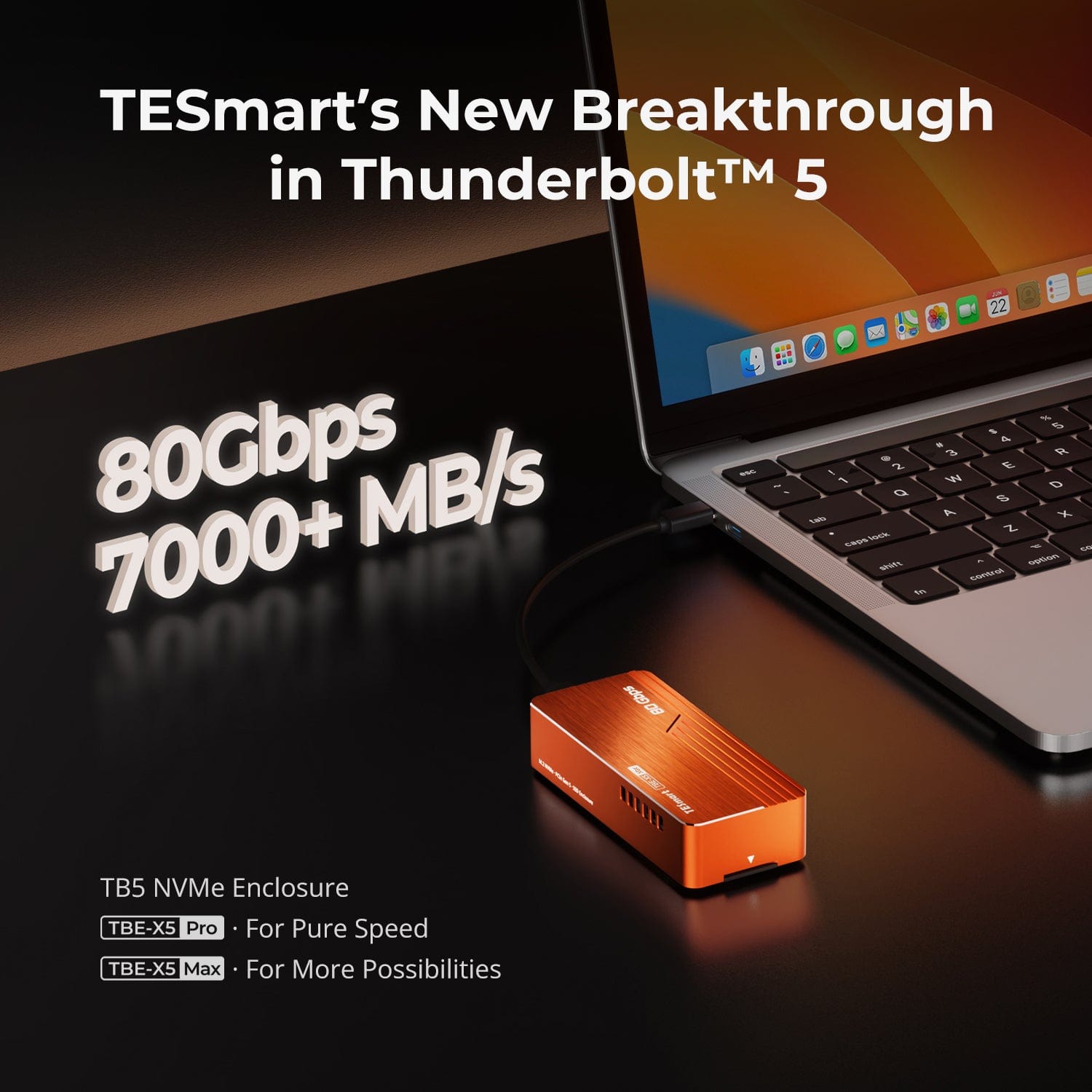
Best Thunderbolt 5 SSD Enclosures 2025: Why the TESmart X5 Series Tops the Charts

TL;DR If you work with 8K footage, massive datasets, or multi-platform workflows, the TESmart X5 Series is built for you.It delivers up to 7,078 MB/s write speed, PCIe 5.0 SSD compatibility, and zero-throttling cooling — all wrapped in a Thunderbolt...

Read moreabout Best Thunderbolt 5 SSD Enclosures 2025: Why the TESmart X5 Series Tops the Charts

Mac Multi-Monitor Support: TESmart USB-C KVM (with DisplayLink) Explained
Mac Multi-Monitor Support: TESmart USB-C KVM (with DisplayLink) Explained
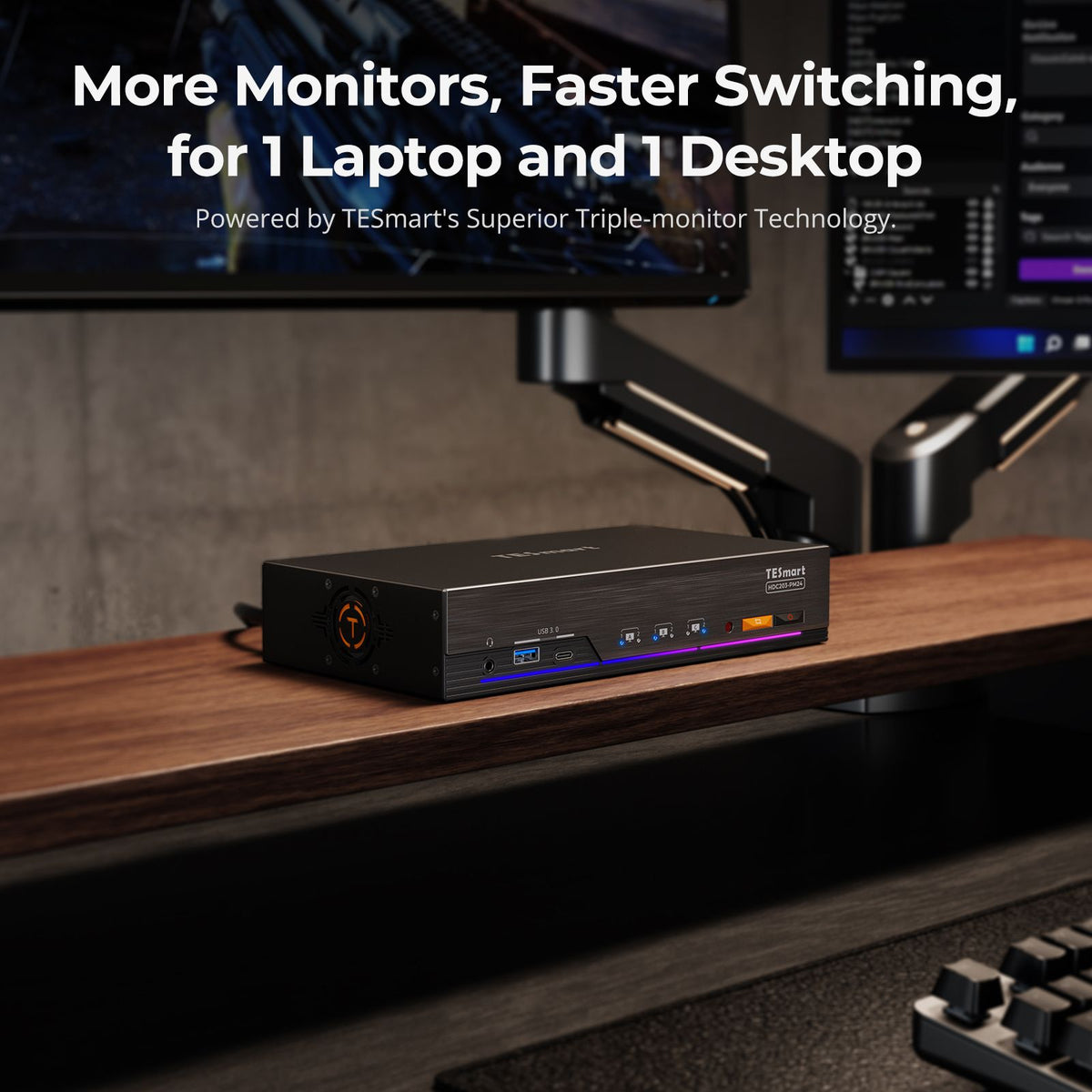
Table of Contents Why Multi-Monitor Setups Matter The Limitations of macOS Multi-Monitor Support What Is Multi-Stream Transport (MST)? DisplayLink Technology: The Mac Workaround TESmart HDC203-PM24: The Next-Gen USB-C KVM for Mac Key Technical Point: USB-C Port Capabilities and DisplayLink Output...

Read moreabout Mac Multi-Monitor Support: TESmart USB-C KVM (with DisplayLink) Explained

How to Choose Between HDMI and DisplayPort on Your Monitor: Differences, Performance, and Buying Tips

How to Choose Between HDMI and DisplayPort on Your Monitor: Differences, Performance, and Buying Tips

HDMI vs DisplayPort: Key Monitor Connection Differences Most modern monitors come equipped with both HDMI and DisplayPort inputs—commonly HDMI 2.0 and DisplayPort 1.4—with the highest refresh rates typically achievable only through the DisplayPort input. Gamers and professionals often face a...

Read moreabout How to Choose Between HDMI and DisplayPort on Your Monitor: Differences, Performance, and Buying Tips

How to Choose the Right Dual Monitor KVM for 2 Computers: TESmart’s Full Lineup Explained

How to Choose the Right Dual Monitor KVM for 2 Computers: TESmart’s Full Lineup Explained
Using two computers on the same desk with dual monitors can be challenging—especially when it comes to seamless switching without messing with cables, resolution resets, or USB device drops. TESmart’s dual-computer dual-monitor KVM switches are designed to solve these pain...

Read moreabout How to Choose the Right Dual Monitor KVM for 2 Computers: TESmart’s Full Lineup Explained

Thunderbolt 4 vs. USB-C: Which TESmart Dual-Monitor KVM Switch Fits Your Workflow?
Thunderbolt 4 vs. USB-C: Which TESmart Dual-Monitor KVM Switch Fits Your Workflow?

If you’re building a modern dual-monitor workstation, chances are you’ve encountered the USB-C vs. Thunderbolt 4 dilemma. While they share the same port shape, their performance, compatibility, and capabilities are anything but identical. TESmart offers two cutting-edge KVM switches that...

Read moreabout Thunderbolt 4 vs. USB-C: Which TESmart Dual-Monitor KVM Switch Fits Your Workflow?

From DisplayPort 1.2 to 2.1: How TESmart’s 4K KVM Switches Empower Multi-Monitor Setups with 240Hz High Refresh Rate

From DisplayPort 1.2 to 2.1: How TESmart’s 4K KVM Switches Empower Multi-Monitor Setups with 240Hz High Refresh Rate

Setting up a multi-monitor workstation—whether for creative workflows, software development, or high-FPS gaming—used to require complex cabling and expensive graphics hardware. Today, with the evolution of DisplayPort technology, seamless 8K visuals and high refresh rate multi-display output are within reach for...

Read moreabout From DisplayPort 1.2 to 2.1: How TESmart’s 4K KVM Switches Empower Multi-Monitor Setups with 240Hz High Refresh Rate

🎁 BLACKFRIDAY has been copied to your clipboard!