

TESmart Knowledge Hub · KVM & Workspace Insights

Article

Practical guides, setup advice, product updates, and technical insights for building a better multi-computer workspace.
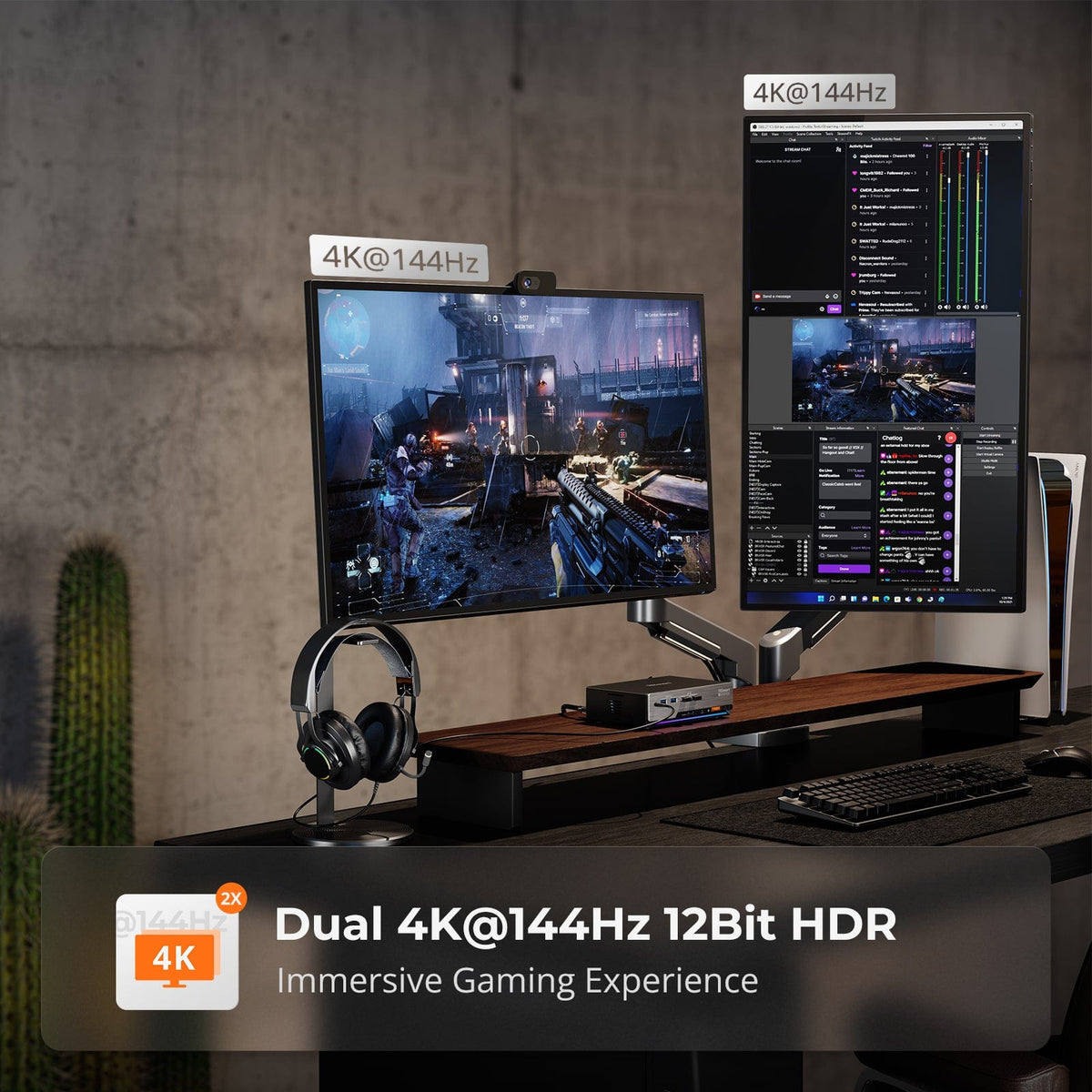
The Dual-Computer Dilemma: Why System Integration Defines the Future of Productivity

The Dual-Computer Dilemma: Why System Integration Defines the Future of Productivity

In today’s efficiency-driven professional landscape, a dual-computer setup is no longer a luxury—it is a practical necessity for developers, financial analysts, content creators, and IT professionals. Yet, a long-overlooked reality persists: doubling your hardware does not automatically double your productivity....

Read moreabout The Dual-Computer Dilemma: Why System Integration Defines the Future of Productivity
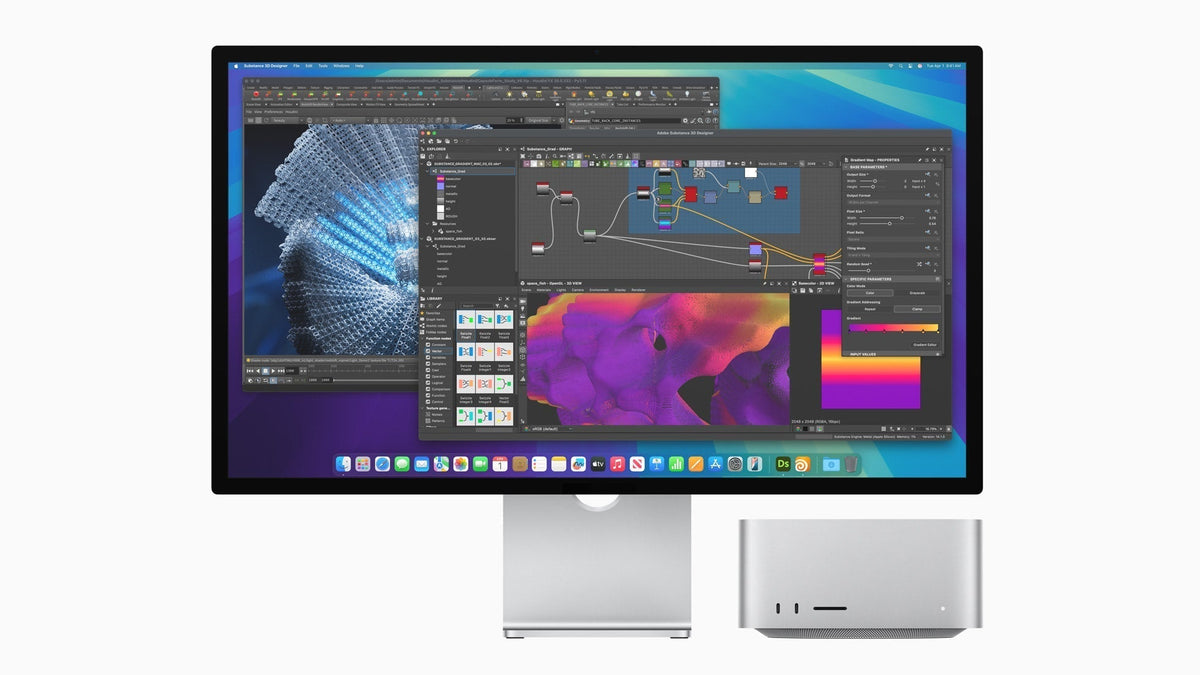
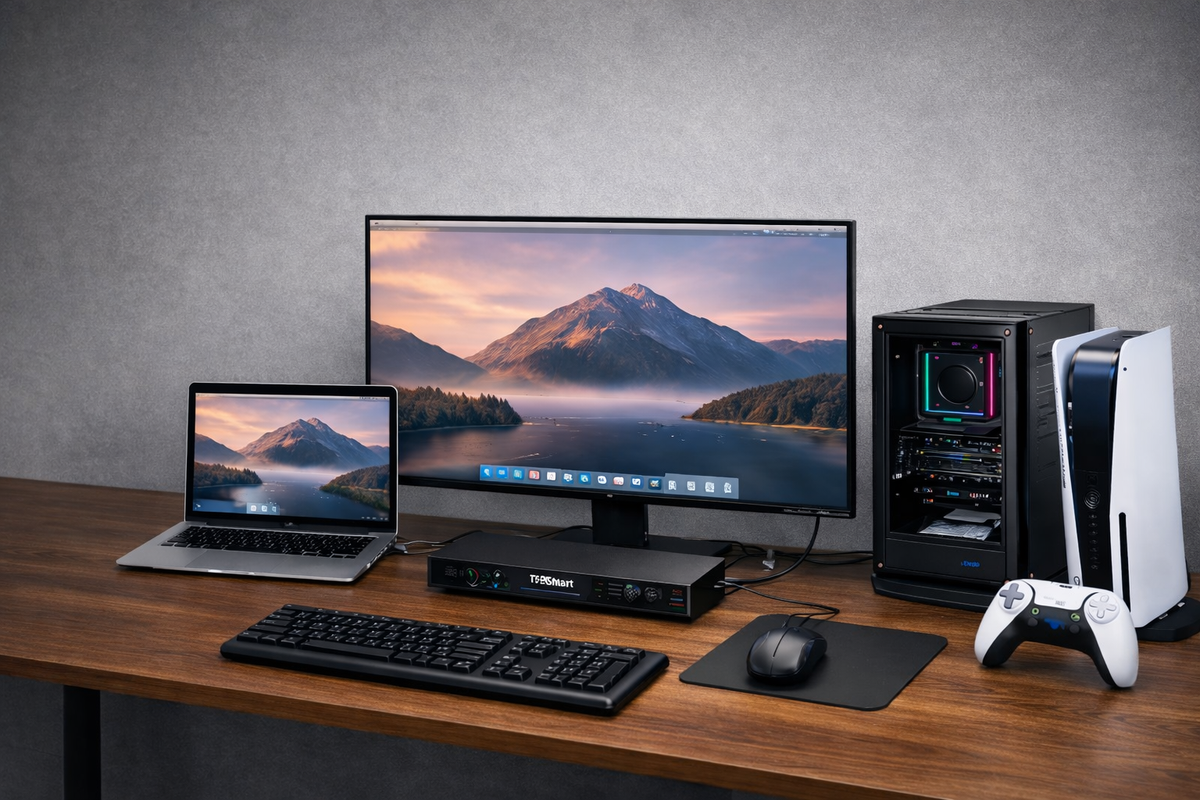
New Studio Display and Studio Display XDR Are Here — What Kind of KVM Do You Actually Need for Thunderbolt Workflows?

New Studio Display and Studio Display XDR Are Here — What Kind of KVM Do You Actually Need for Thunderbolt Workflows?

Table of Contents Introduction Apple’s New Display Family Raises a More Practical Question For One Apple Display Shared Across Mixed Devices, THK401-X4 Fits Naturally For a Dual-Display Studio Built Around thunderbolt Workflows, TKS202-X4 Fits a Different Role The Real KVM...

Read moreabout New Studio Display and Studio Display XDR Are Here — What Kind of KVM Do You Actually Need for Thunderbolt Workflows?

How THK401-X4 Fits a Real MacBook and Desktop Workspace
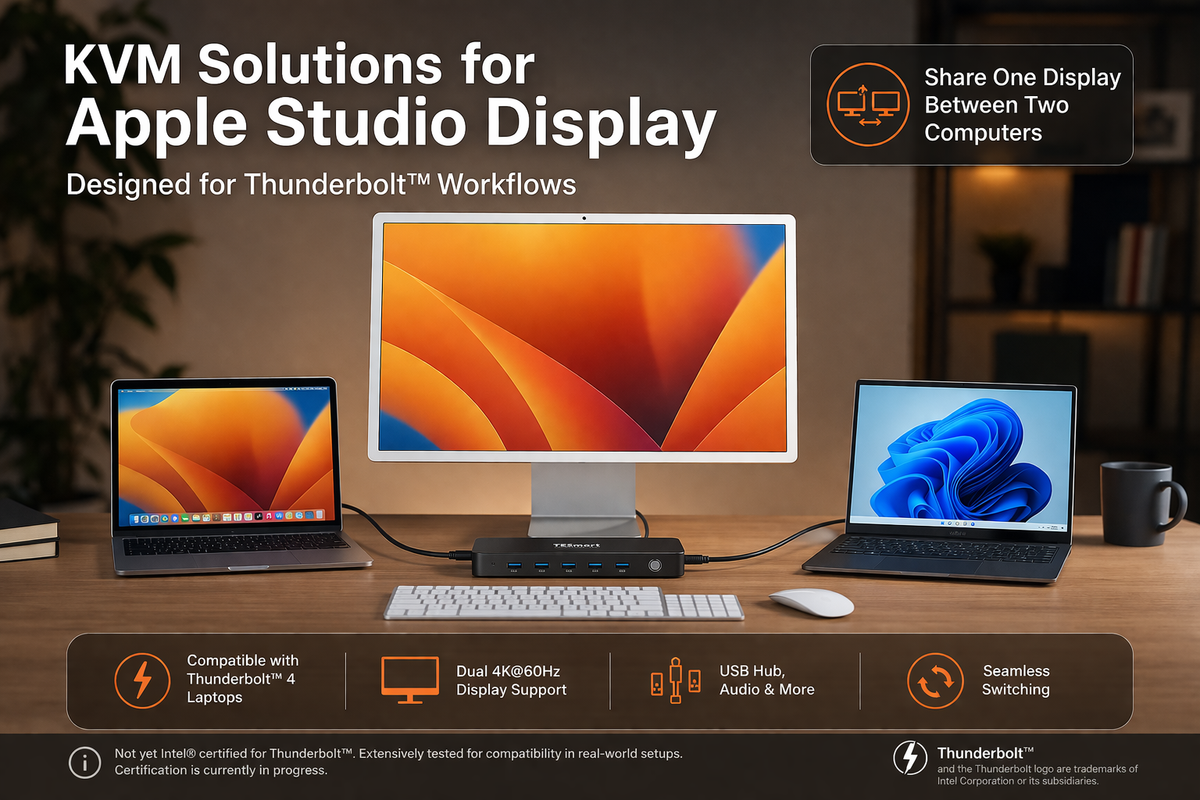
How THK401-X4 Fits a Real MacBook and Desktop Workspace

Table of Contents Introduction One Premium Display, More Than One Role Different Devices Need Different Connection Paths Extra HDMI Inputs Make the Desk More Flexible A Better KVM Improves the Whole Workspace Why THK401-X4 Makes Sense Conclusion Frequently Asked Questions...

Read moreabout How THK401-X4 Fits a Real MacBook and Desktop Workspace

Apple Studio Display KVM Guide: Why Most KVM Switches Don’t Work and What to Look for in a Compatible Solution

Apple Studio Display KVM Guide: Why Most KVM Switches Don’t Work and What to Look for in a Compatible Solution

Choosing the right Thunderbolt KVM for Apple Studio Display or Pro Display XDR.
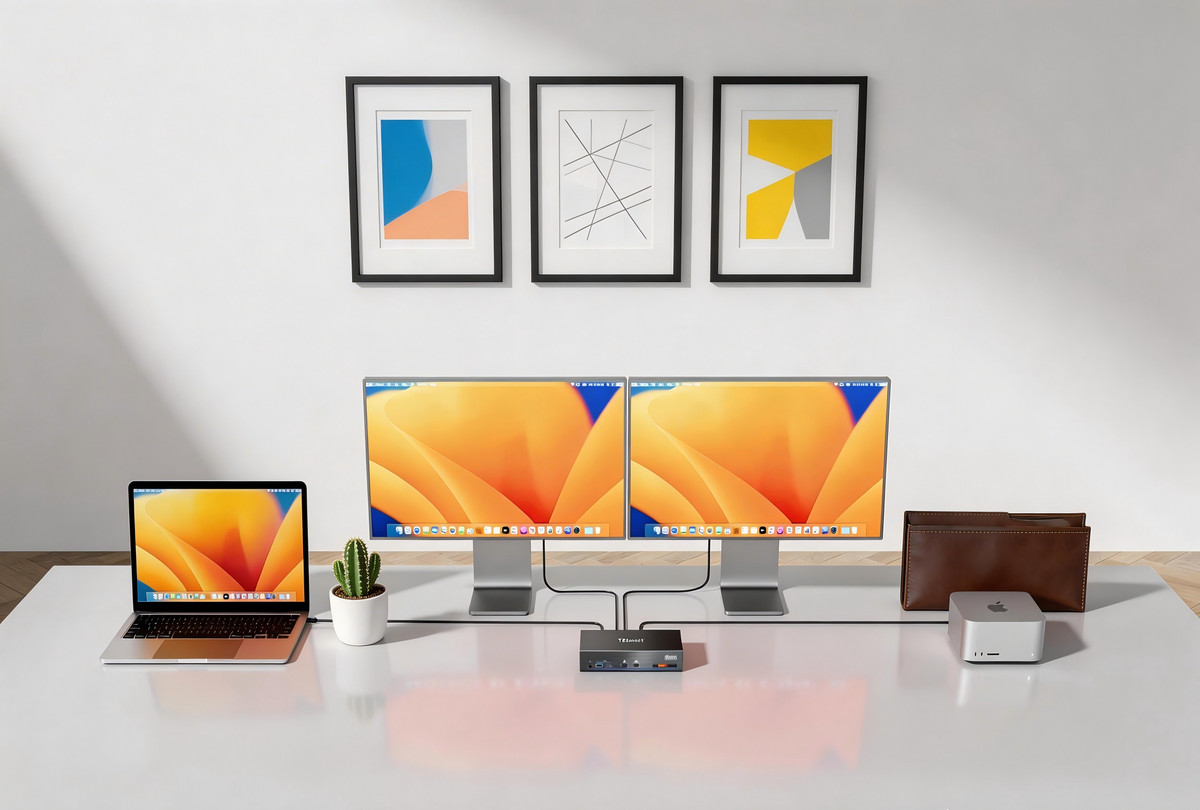
Read moreabout Apple Studio Display KVM Guide: Why Most KVM Switches Don’t Work and What to Look for in a Compatible Solution

How to Choose the Best KVM Switch for Apple Studio Display and Thunderbolt™ 4 Workflows
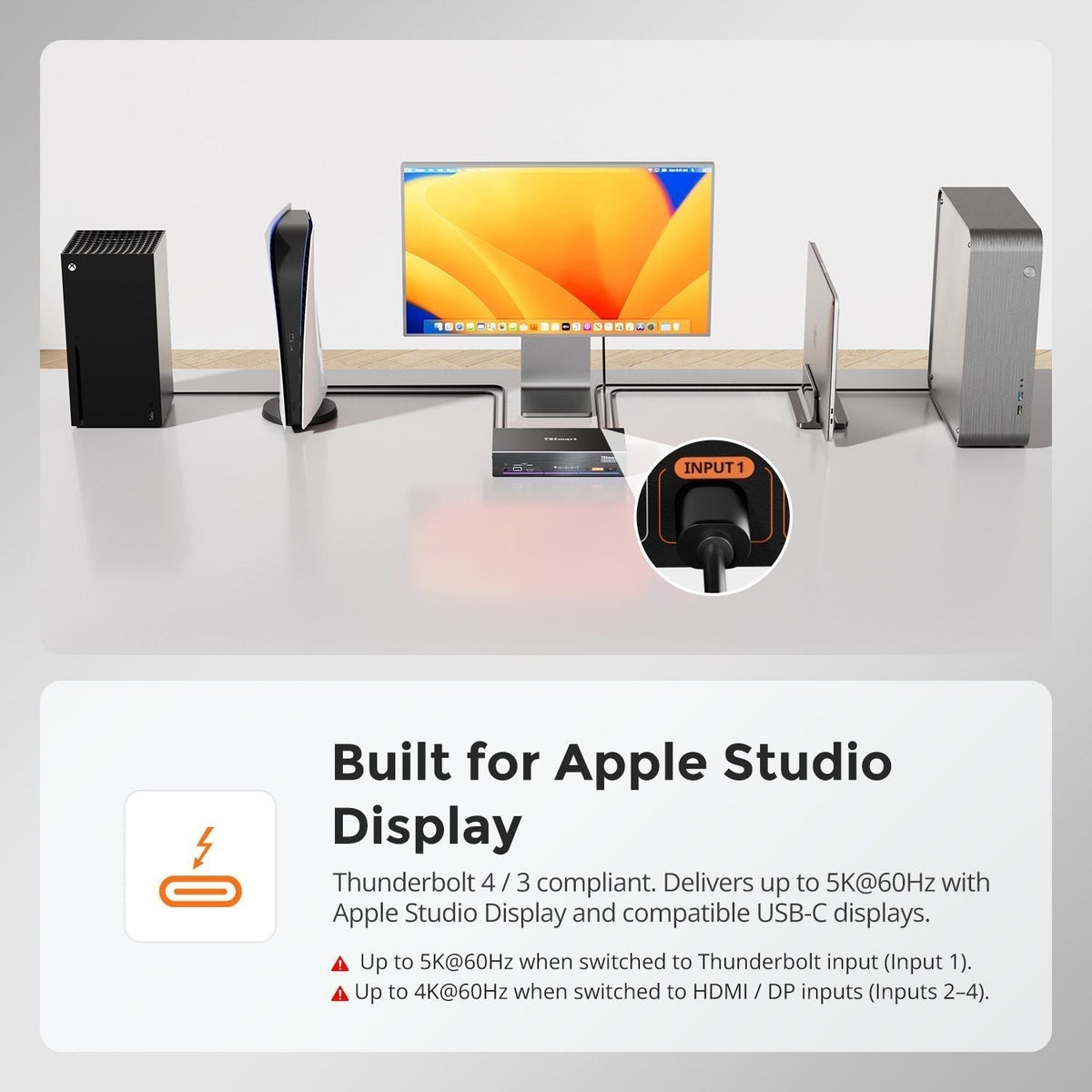
How to Choose the Best KVM Switch for Apple Studio Display and Thunderbolt™ 4 Workflows

KVM Switches for Apple Studio Display and Thunderbolt Workflows: A Practical Guide for Multi-Computer Workstations Table of Contents Introduction Common Multi-Computer Workflows for Apple Studio Display Why Apple Studio Display Needs a Different KVM Approach Using TKS202-X4 in Setups Built...

Read moreabout How to Choose the Best KVM Switch for Apple Studio Display and Thunderbolt™ 4 Workflows

How to Connect PS5 or Nintendo Switch to Apple Studio Display in a Multi-Device Desk Setup

How to Connect PS5 or Nintendo Switch to Apple Studio Display in a Multi-Device Desk Setup

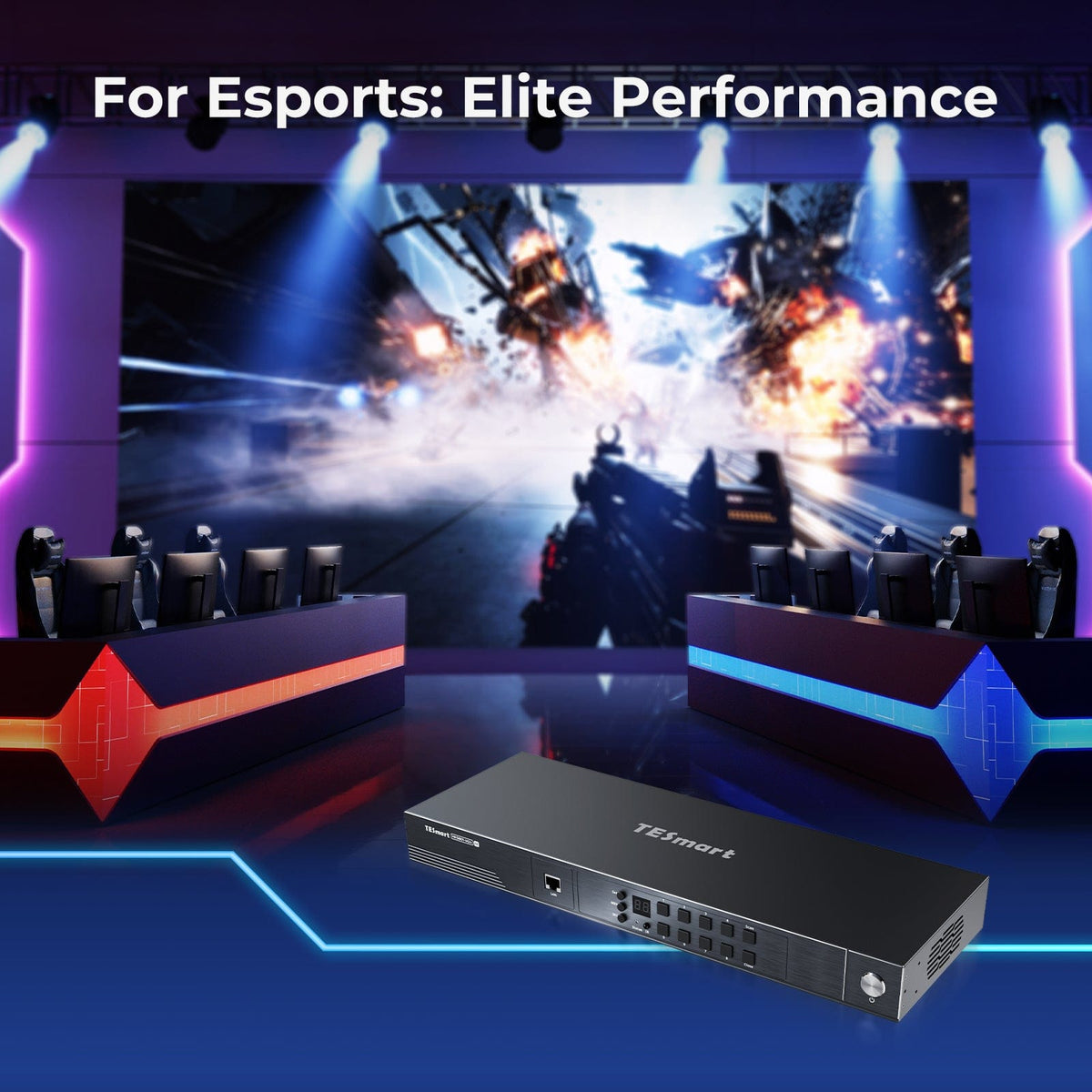
TESmart THK401-X4 is a hardware-based Thunderbolt KVM switch that lets consoles, PCs, and Macs share a single premium Thunderbolt display. Unlike traditional USB capture or Mac-bridge setups, it delivers near-zero latency, native audio pass-through, and stable 4K@60Hz output with full HDR and HDCP support. By eliminating software dependencies, THK401-X4 ensures seamless switching between devices, perfect audio-video sync, and true Thunderbolt-native performance—ideal for gaming, streaming, and professional workflows. Connect multiple devices and maintain a clean, efficient, high-performance desk setup with one Thunderbolt cable.
Read moreabout How to Connect PS5 or Nintendo Switch to Apple Studio Display in a Multi-Device Desk Setup

Why 8-Port and 16-Port 8K KVM Switches Are Hard to Build

Why 8-Port and 16-Port 8K KVM Switches Are Hard to Build

Discover why building 8-port & 16-port 8K KVM switches is an architectural challenge, not just a bandwidth limit. Learn how scalable design enables reliable multi-host 8K60 switching。

Read moreabout Why 8-Port and 16-Port 8K KVM Switches Are Hard to Build
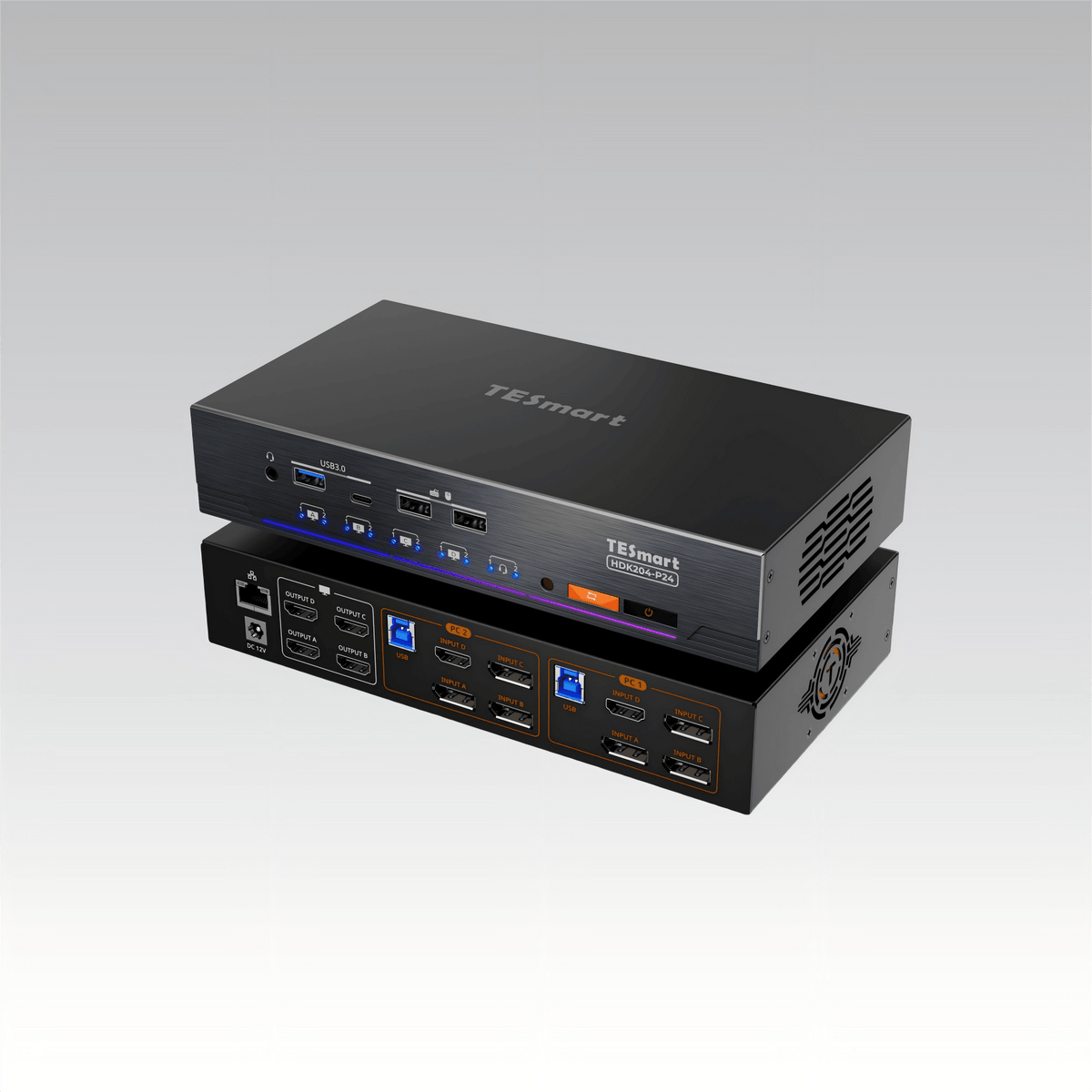
HDK204-P24: An Engineer-Level KVM for Quad-Monitor Workflows

HDK204-P24: An Engineer-Level KVM for Quad-Monitor Workflows

HDK204-P24 is an engineer-level KVM designed for dual-computer, quad-monitor workflows, delivering stable 4K displays, EDID emulation, and seamless peripheral switching.

Read moreabout HDK204-P24: An Engineer-Level KVM for Quad-Monitor Workflows
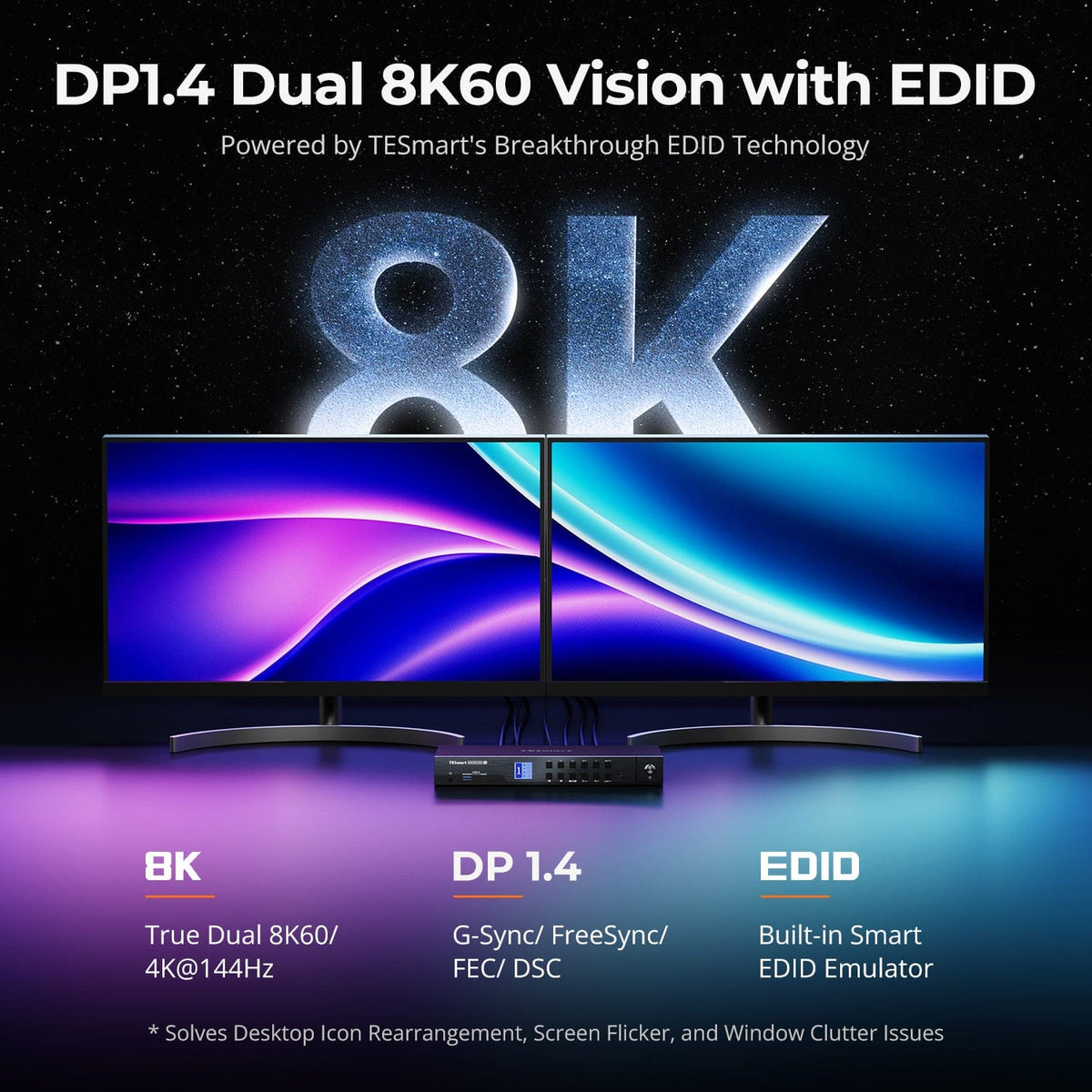
DKS402-M24 KVM Switch for Desktop Workstations: Full Breakdown of Performance, Features, and Design

DKS402-M24 KVM Switch for Desktop Workstations: Full Breakdown of Performance, Features, and Design

Why Choose a DisplayPort KVM Switch for Desktop Workstations? Modern desktop workstations often involve multiple high-performance computers—such as a primary work PC, a personal system, or additional machines for development, rendering, or testing. The challenge is no longer raw computing...

Read moreabout DKS402-M24 KVM Switch for Desktop Workstations: Full Breakdown of Performance, Features, and Design

🎁 BLACKFRIDAY has been copied to your clipboard!