

TESmart Knowledge Hub · KVM & Workspace Insights

Article

Practical guides, setup advice, product updates, and technical insights for building a better multi-computer workspace.
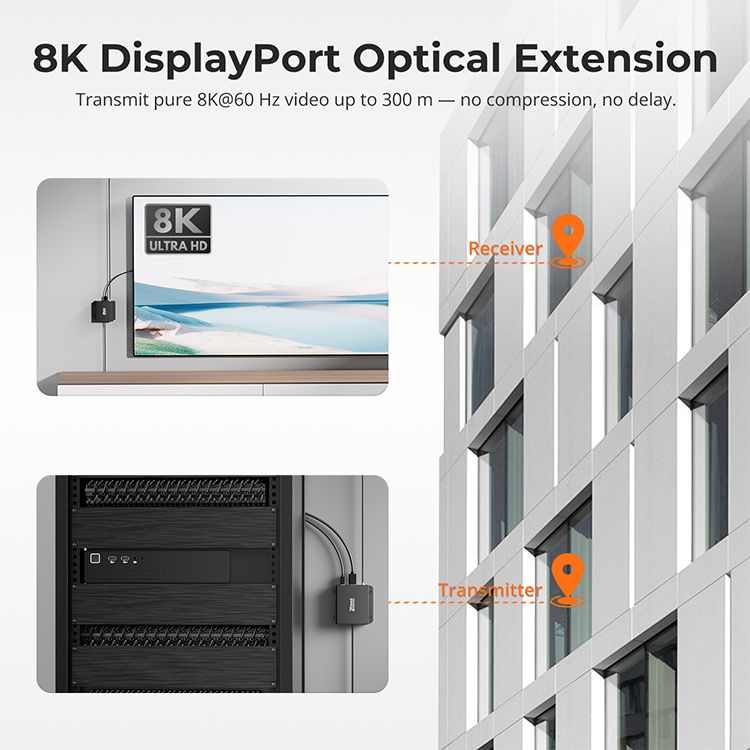
Breaking Limits: 8K DisplayPort Extension over 300m with OM4 Fiber

Breaking Limits: 8K DisplayPort Extension over 300m with OM4 Fiber

Table of Contents Introduction Technical Highlights Breakthroughs & Applications Comparison with Traditional Solutions Key Advantages Conclusion FAQ Introduction As display technology evolves, the demand for ultra-high-resolution content is growing rapidly. While 4K is widespread, 8K has become the new standard...

Read moreabout Breaking Limits: 8K DisplayPort Extension over 300m with OM4 Fiber

TESmart to Showcase 8K KVM and Thunderbolt 5 Innovations at Inter BEE 2025 in Tokyo

TESmart to Showcase 8K KVM and Thunderbolt 5 Innovations at Inter BEE 2025 in Tokyo

Tokyo, Japan – November 19, 2025 — TESmart, a global leader in professional AV connectivity and control solutions, is pleased to announce its participation in Inter BEE 2025, one of Asia's premier exhibitions for broadcast and AV technology. From November 19–21,...

Read moreabout TESmart to Showcase 8K KVM and Thunderbolt 5 Innovations at Inter BEE 2025 in Tokyo
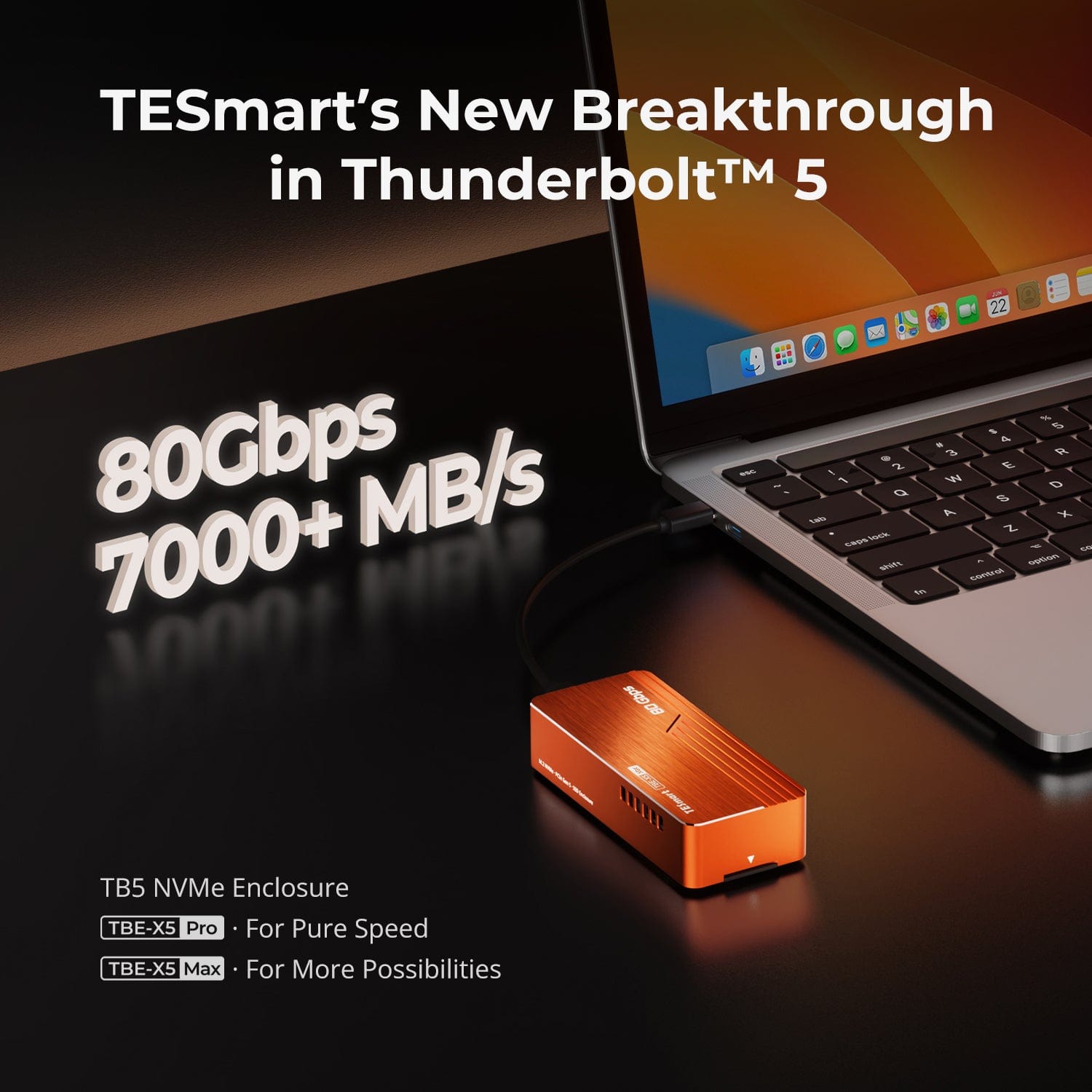
Best Thunderbolt 5 SSD Enclosures 2025: Why the TESmart X5 Series Tops the Charts
Best Thunderbolt 5 SSD Enclosures 2025: Why the TESmart X5 Series Tops the Charts

TL;DR If you work with 8K footage, massive datasets, or multi-platform workflows, the TESmart X5 Series is built for you.It delivers up to 7,078 MB/s write speed, PCIe 5.0 SSD compatibility, and zero-throttling cooling — all wrapped in a Thunderbolt...

Read moreabout Best Thunderbolt 5 SSD Enclosures 2025: Why the TESmart X5 Series Tops the Charts

Meet TESmart at CEDIA Expo 2025 – Discover Next-Gen KVM Switching in Denver
Meet TESmart at CEDIA Expo 2025 – Discover Next-Gen KVM Switching in Denver
Experience Innovation with TESmart CEDIA Expo 2025 is the premier North American event for smart home, AV integration, and next-generation workspace solutions. From September 3–6, 2025, industry leaders will gather at the Colorado Convention Center in Denver, CO to showcase...

Read moreabout Meet TESmart at CEDIA Expo 2025 – Discover Next-Gen KVM Switching in Denver

How to Choose Between HDMI and DisplayPort on Your Monitor: Differences, Performance, and Buying Tips

How to Choose Between HDMI and DisplayPort on Your Monitor: Differences, Performance, and Buying Tips

HDMI vs DisplayPort: Key Monitor Connection Differences Most modern monitors come equipped with both HDMI and DisplayPort inputs—commonly HDMI 2.0 and DisplayPort 1.4—with the highest refresh rates typically achievable only through the DisplayPort input. Gamers and professionals often face a...

Read moreabout How to Choose Between HDMI and DisplayPort on Your Monitor: Differences, Performance, and Buying Tips

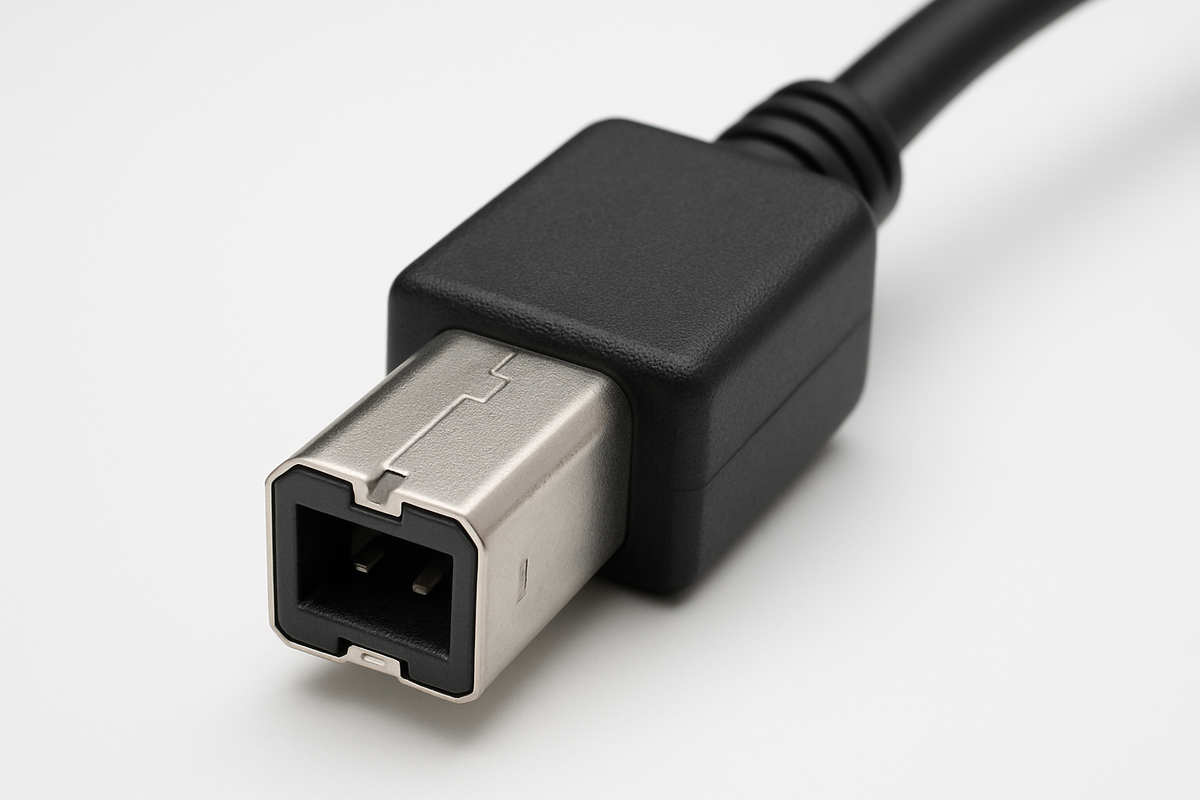
Why USB-B Remains the Standard for KVM Products and What Sets It Apart
Why USB-B Remains the Standard for KVM Products and What Sets It Apart

USB-B stands as the preferred choice for KVM products because it offers a robust physical design, reliable data transmission, and broad compatibility with professional and legacy equipment. Compared to other USB port types, USB-B features a secure fit, high durability,...

Read moreabout Why USB-B Remains the Standard for KVM Products and What Sets It Apart

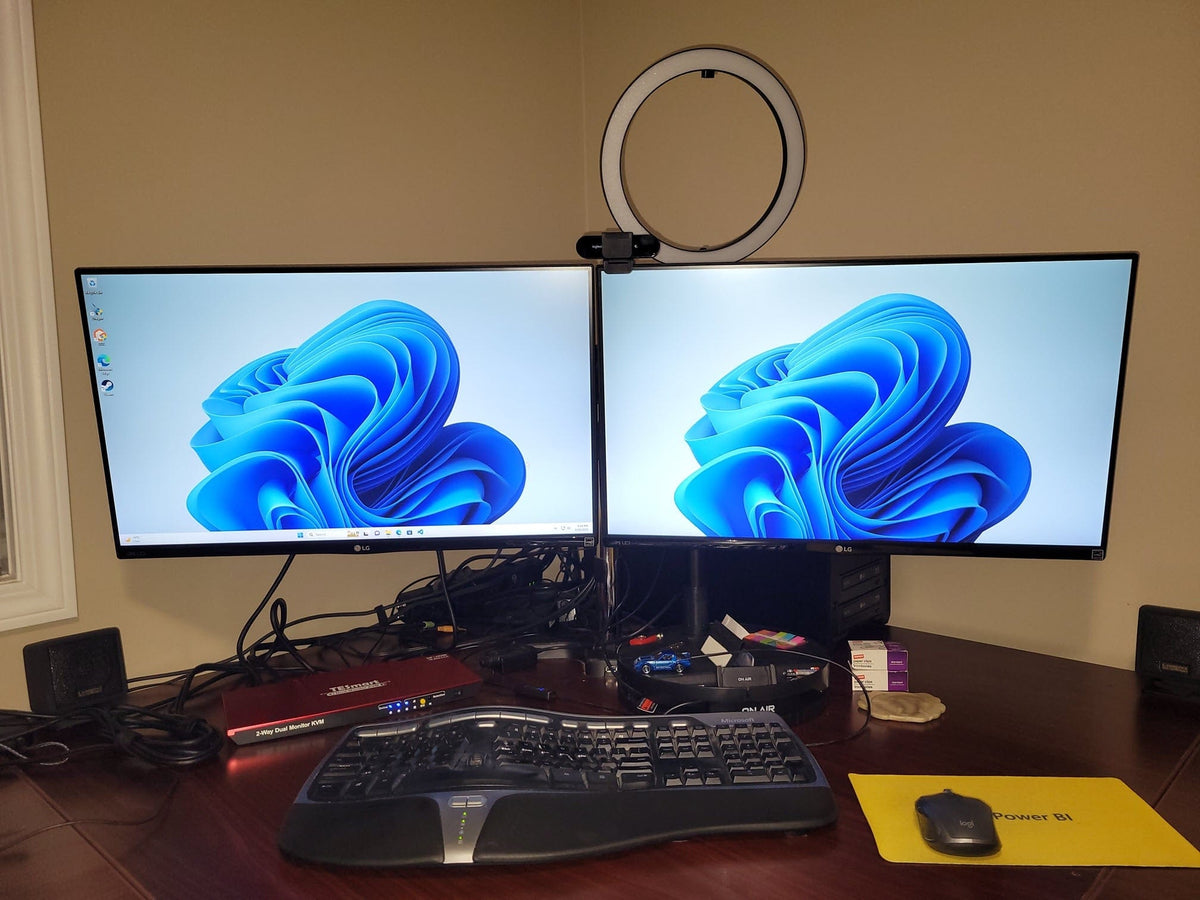
How to Choose the Right Dual Monitor KVM for 2 Computers: TESmart’s Full Lineup Explained
How to Choose the Right Dual Monitor KVM for 2 Computers: TESmart’s Full Lineup Explained

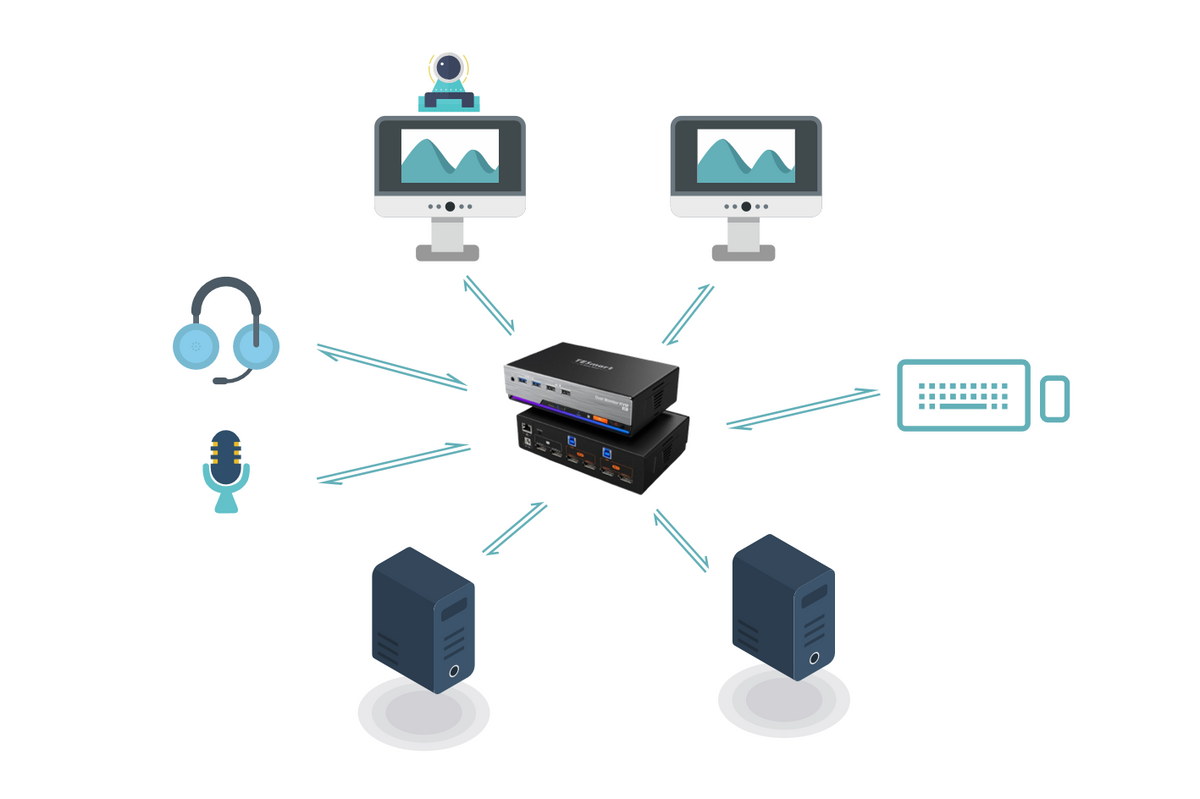
Using two computers on the same desk with dual monitors can be challenging—especially when it comes to seamless switching without messing with cables, resolution resets, or USB device drops. TESmart’s dual-computer dual-monitor KVM switches are designed to solve these pain...

Read moreabout How to Choose the Right Dual Monitor KVM for 2 Computers: TESmart’s Full Lineup Explained

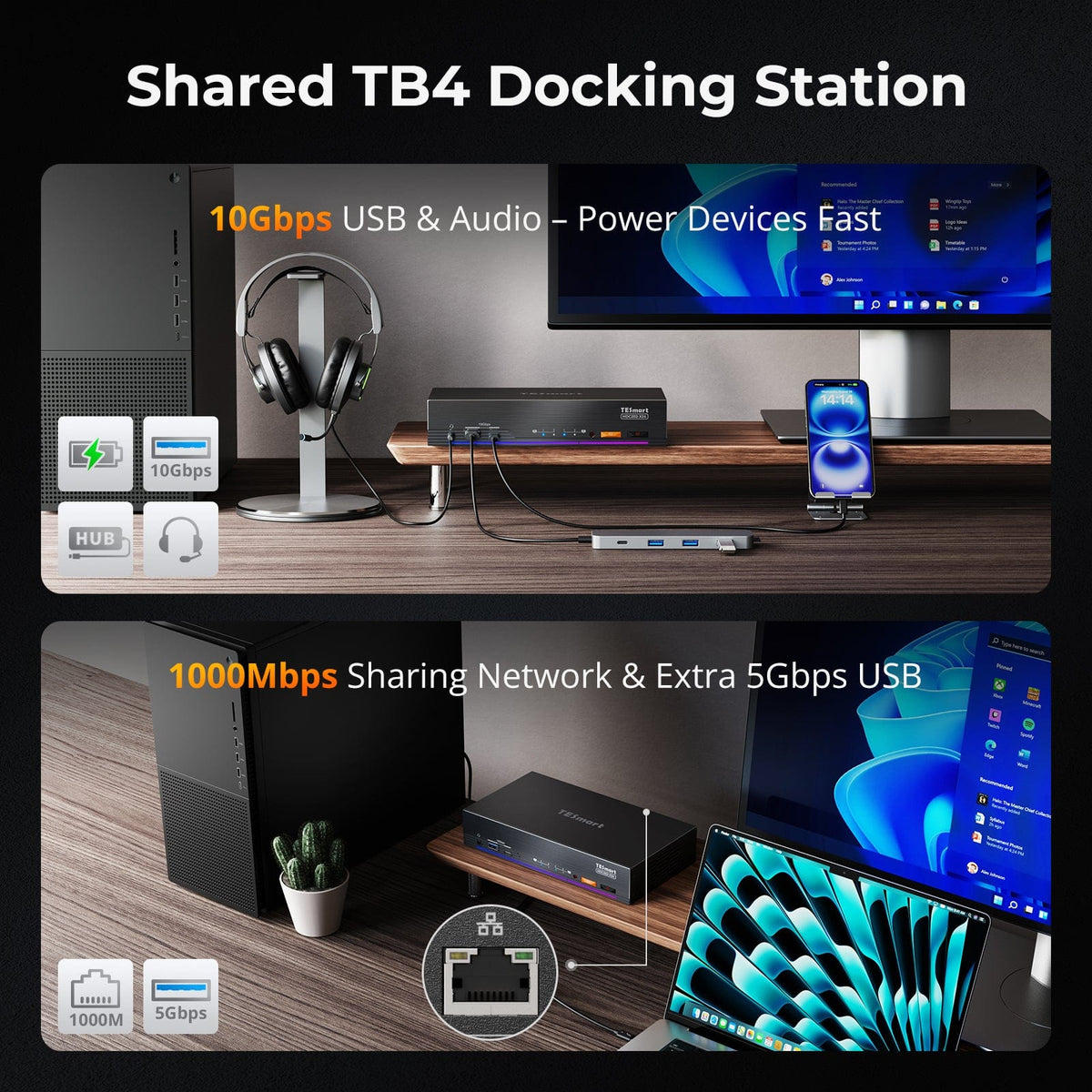
Thunderbolt 4 vs. USB-C: Which TESmart Dual-Monitor KVM Switch Fits Your Workflow?
Thunderbolt 4 vs. USB-C: Which TESmart Dual-Monitor KVM Switch Fits Your Workflow?

If you’re building a modern dual-monitor workstation, chances are you’ve encountered the USB-C vs. Thunderbolt 4 dilemma. While they share the same port shape, their performance, compatibility, and capabilities are anything but identical. TESmart offers two cutting-edge KVM switches that...

Read moreabout Thunderbolt 4 vs. USB-C: Which TESmart Dual-Monitor KVM Switch Fits Your Workflow?

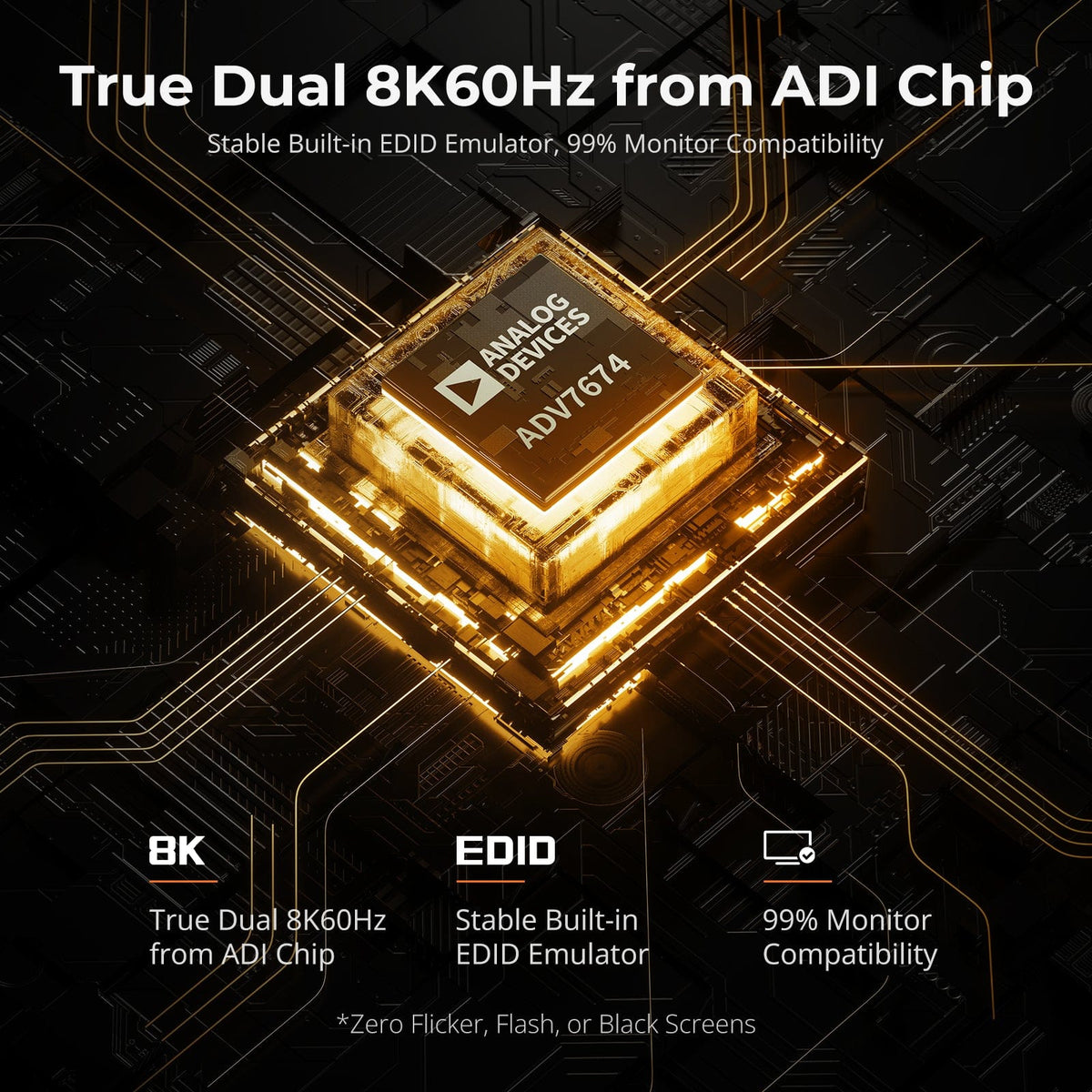
Looking for a DP 1.4 KVM Switch with EDID? Check Out This Game-Changer!

Looking for a DP 1.4 KVM Switch with EDID? Check Out This Game-Changer!

When using a standard DP KVM switch, you might run into a variety of frustrating display issues, such as no image, incorrect resolution, frequent disconnections, or even the inability to support high refresh rate monitors. These pesky problems often come down to one unsung hero: EDID (Extended Display Identification Data).

Read moreabout Looking for a DP 1.4 KVM Switch with EDID? Check Out This Game-Changer!

🎁 BLACKFRIDAY has been copied to your clipboard!