

TESmart Knowledge Hub · KVM & Workspace Insights
Article
Practical guides, setup advice, product updates, and technical insights for building a better multi-computer workspace.
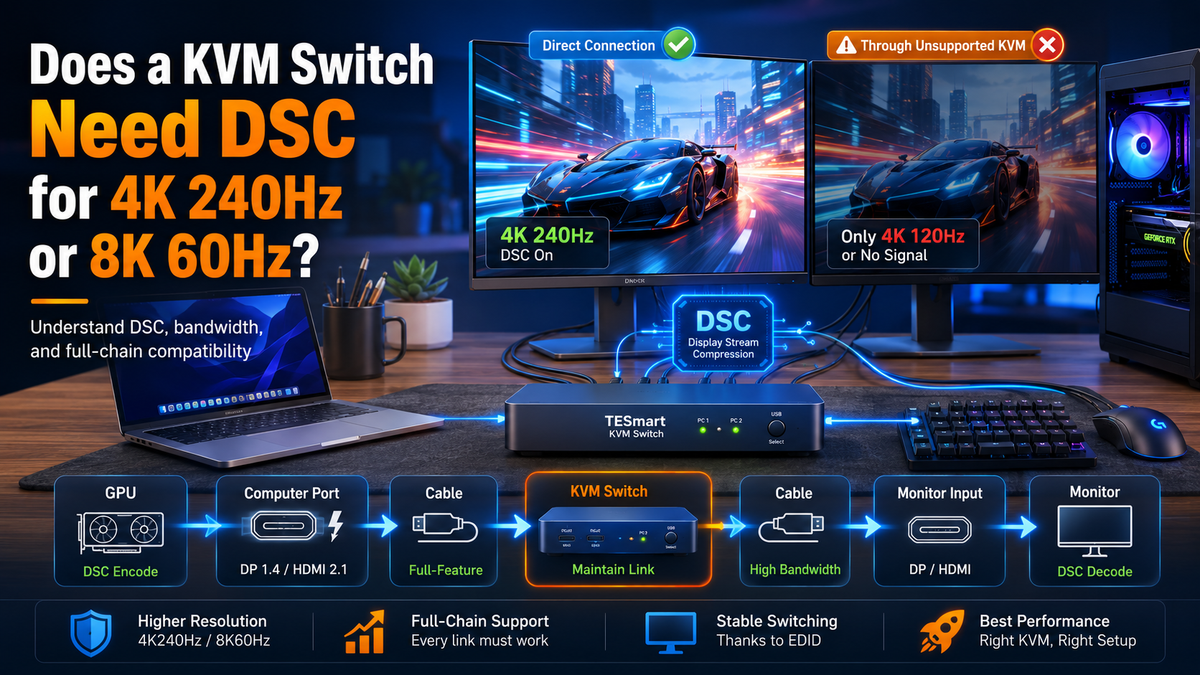
Does a KVM Switch Need DSC for 4K240Hz or 8K60Hz?
As technology advances, the demand for higher resolution and refresh rate displays has grown exponentially. Whether it's for immersive gaming experiences, professional content creation, or simply enjoying high-definition media, the need for efficient video transmission is critical. Enter Display Stream Compression (DSC) – a technology that addresses these demands by enabling efficient video compression without compromising quality.
Read moreabout Does a KVM Switch Need DSC for 4K240Hz or 8K60Hz?
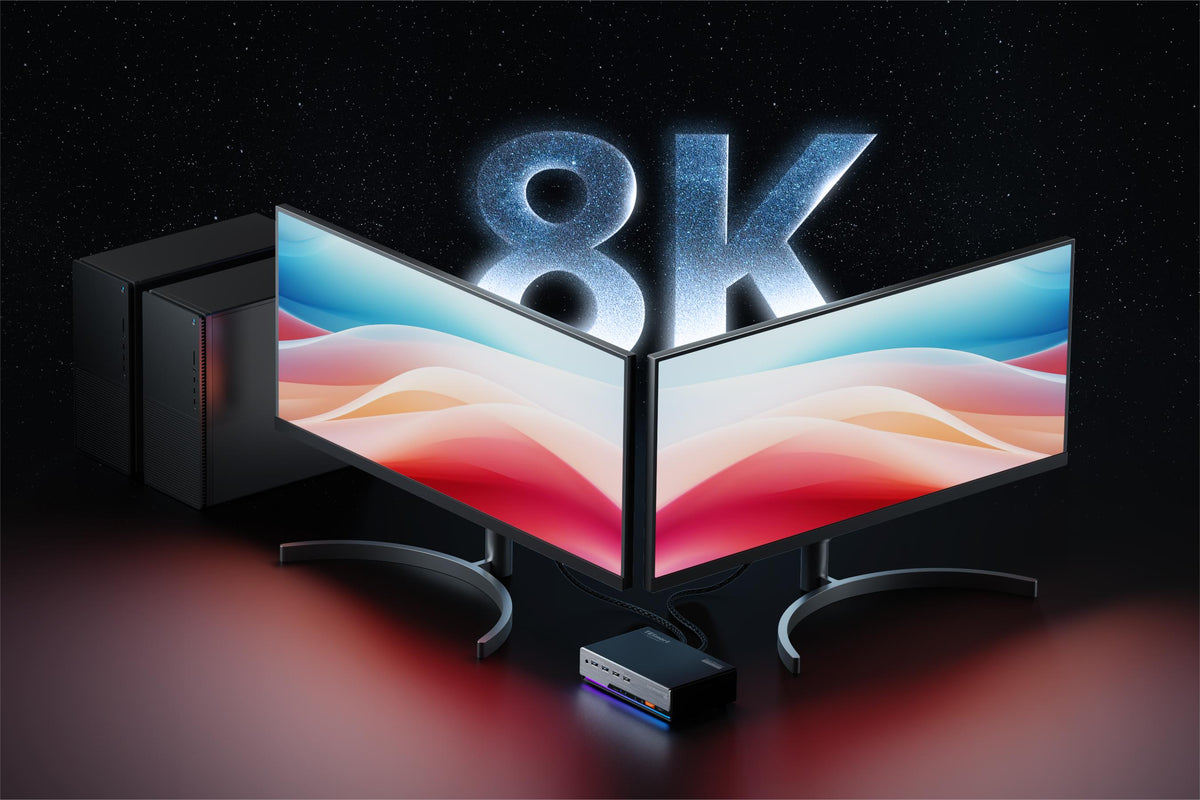
Top 8K DP KVM Switch Solutions in 2024
As we move through 2024, many of us are juggling multiple devices and high-resolution monitors. When it comes to getting the best display quality, both DP 1.4 (DisplayPort) and HDMI 2.1 support 8K resolution. If you're looking to connect multiple devices to an 8K monitor, you have to choose between DP 1.4 (DisplayPort) and HDMI 2.1. However, HDMI 2.1 ports with full 48Gbps bandwidth aren't widely adopted on graphics cards and monitors currently. In contrast, DP1.4 is more commonly used in the 4K high refresh rate market. In this article, we'll look at the best 8K DP 1.4 KVM switch solutions for 2024, focusing on how they can improve your gaming and productivity setups.
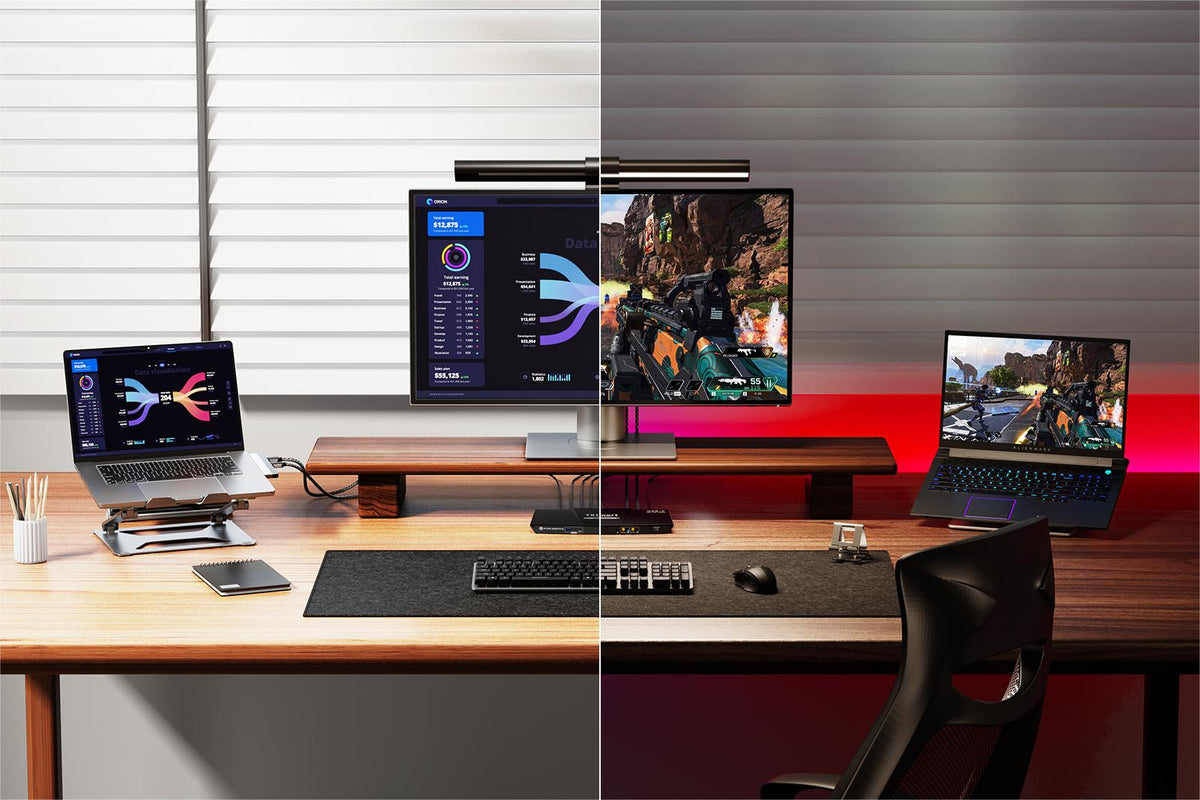
What is a Docking Station and Why you Need One?
A docking station is a versatile hardware device that allows a laptop or other portable computer to connect to multiple peripherals and accessories. A laptop benefits significantly from a docking station, which enhances its connectivity, expands its ports, supports multiple monitors, and provides a more ergonomic and efficient workspace. This single connection device not only charges the laptop but also offers faster data transfer, a stable wired internet connection, and a clutter-free, organized setup, transforming a portable laptop into a powerful desktop-like workstation. For example, common docking stations include USB hubs, ThinkPad docking stations tailored for Lenovo laptops, and specific models like the Dell WD19TB Thunderbolt Dock, each offering unique features suited to various user needs.
Read moreabout What is a Docking Station and Why you Need One?

Don’t Miss Out on TESmart Prime Day Main Event - 20% Off from 8 July to 18 July!
Join us for TESmart's Prime Day Main Event! Explore unbeatable discounts on USB 3.0, MST (Multi-Stream Transport), and 8K solutions from July 8th to July 18th. Upgrade your tech setup with 20% off and experience innovation like never before! Come and experience special deals on State-of-the-Art KVM Switches on Prime day main event!
Read moreabout Don’t Miss Out on TESmart Prime Day Main Event - 20% Off from 8 July to 18 July!
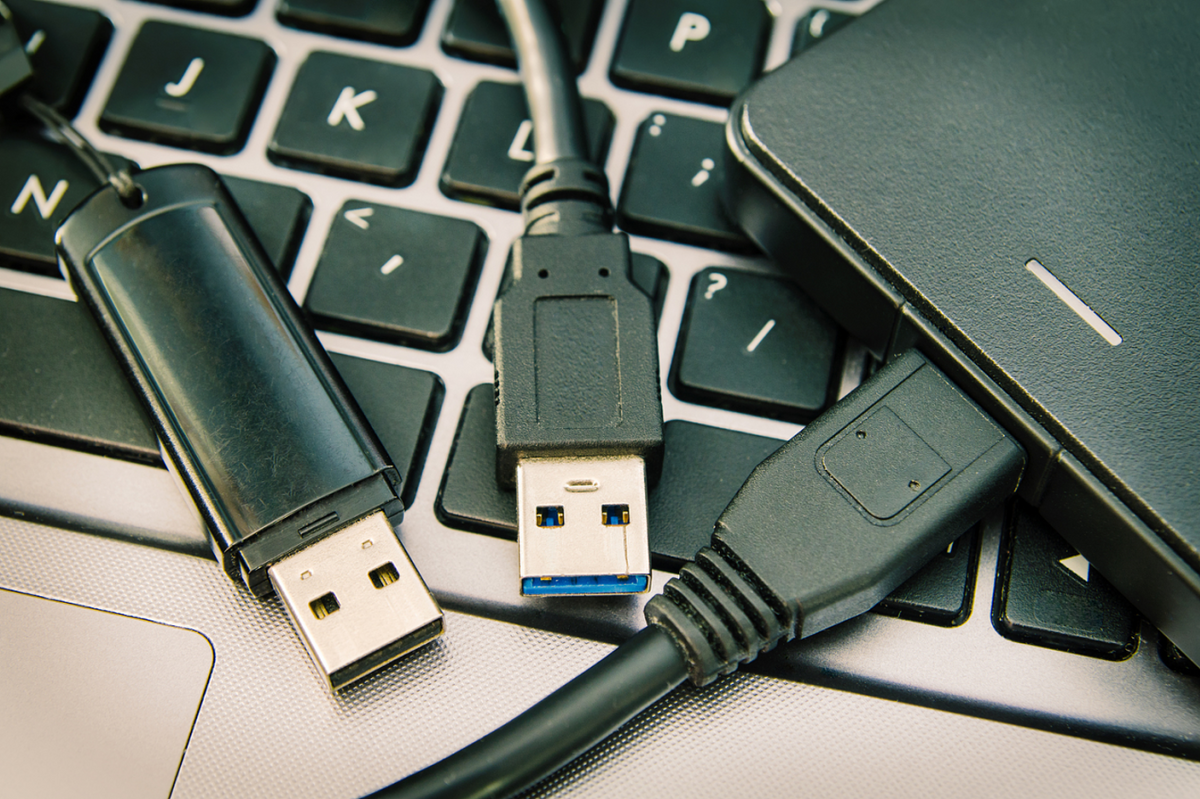
USB-A vs. USB-B vs. USB-C: Everything You Need to Know about USB
Think about the last time you plugged in a device—whether it was charging your phone, connecting a mouse, or transferring files to a flash drive. Chances are, you used a USB connection without even thinking twice. USB (Universal Serial Bus) is everywhere, but how much do you really know about it?
From the different types of USB connectors to their various uses and best practices, there's a lot more to USB technology than meets the eye. In this blog, we'll break down everything you need to know about USB, so you can make informed choices and get the most out of your devices.
Read moreabout USB-A vs. USB-B vs. USB-C: Everything You Need to Know about USB
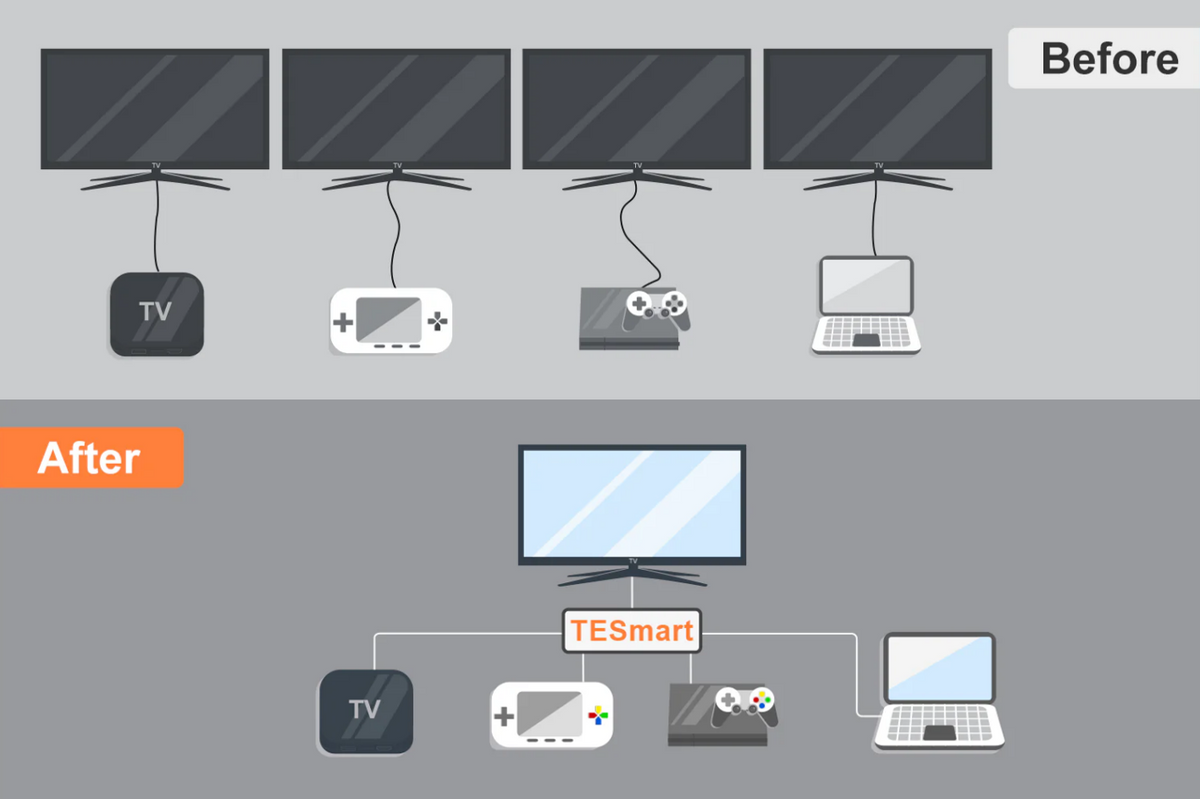
HDMI Splitter vs. HDMI Switch: What is the Difference?
Read moreabout HDMI Splitter vs. HDMI Switch: What is the Difference?
Kickstart Your Savings with TESmart Early Prime Day Deals – 20% Off from 1 July to 7 July!
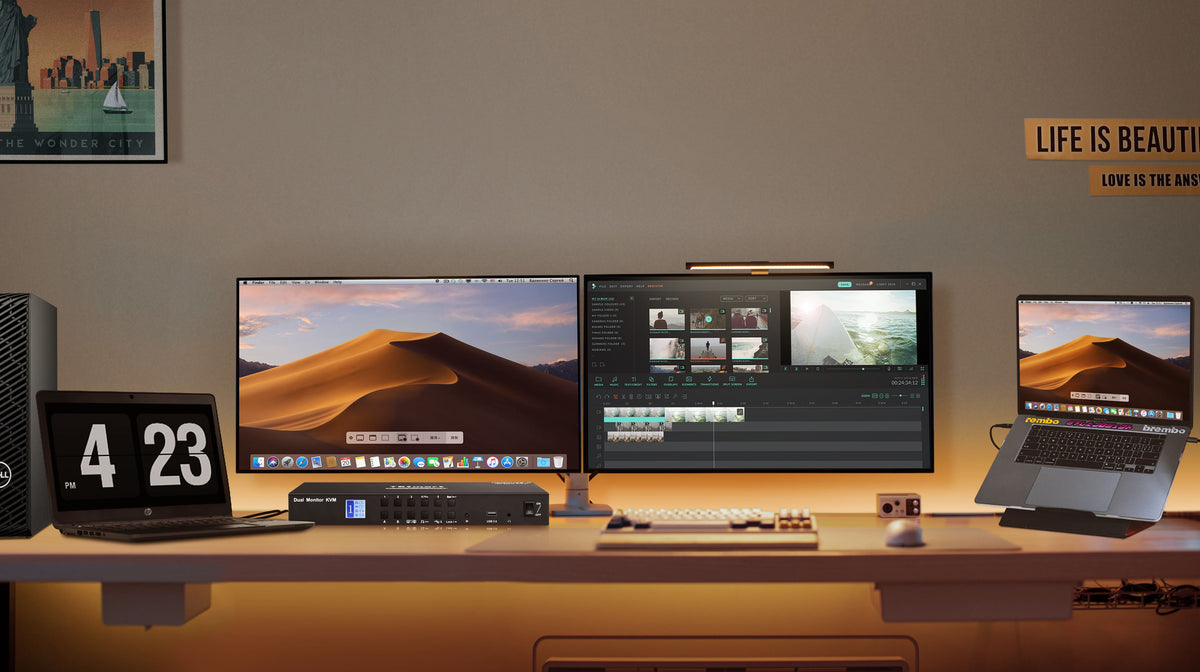
Facts to Consider before Buying a KVM Switch for Your MacBook
A KVM switch helps Mac users manage multiple devices, optimize their workspace, and improve workflow. It's useful for various needs, including professional, personal, and educational purposes. With a KVM switch, users can easily control several devices, keeping their setup organized and efficient.
Read moreabout Facts to Consider before Buying a KVM Switch for Your MacBook
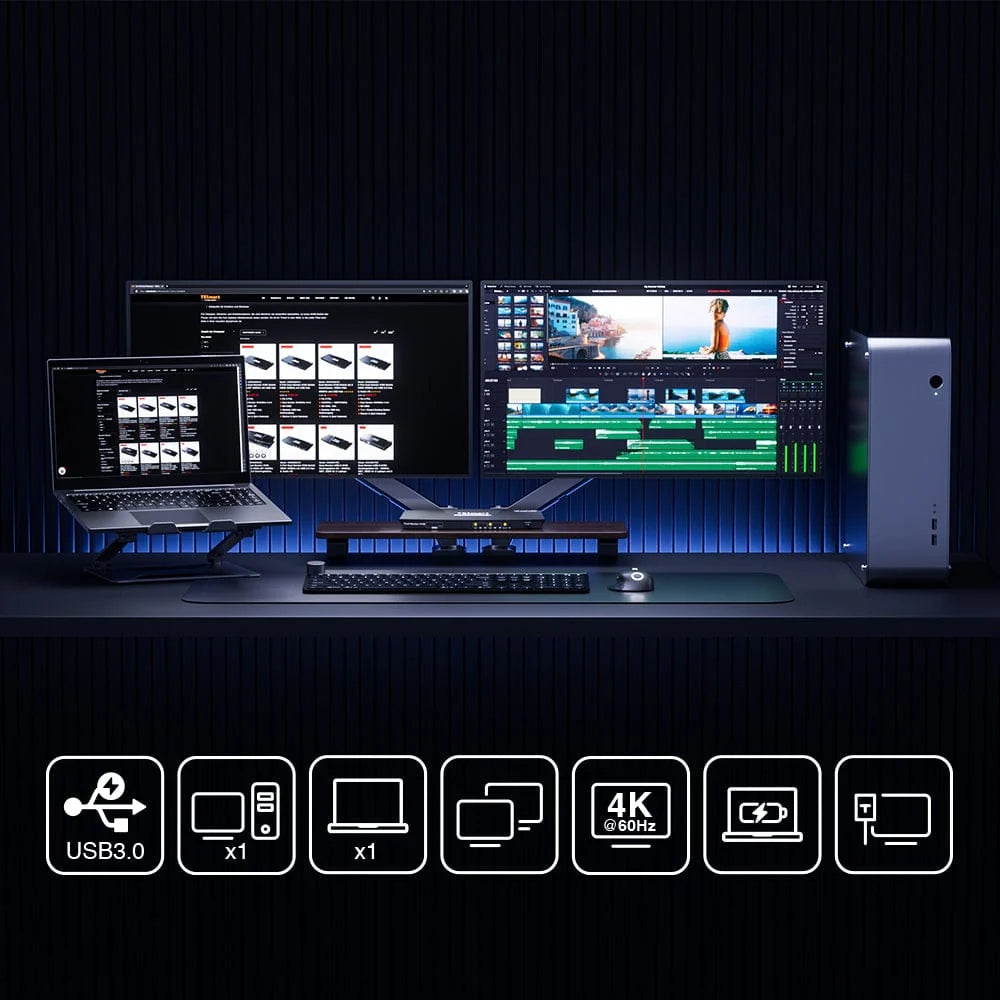
How to Setup Dual Monitors with a Macbook and a Desktop Using the KVM Switch?
As remote work becomes more common, having an efficient home office setup is essential. To make the most of your workspace, you can connect two monitors to both a work laptop (MacBook) and a desktop computer (for gaming and personal use) using a KVM switch. This allows you to easily switch between devices without the hassle of reconnecting cables. Here’s how you can set this up.
Read moreabout How to Setup Dual Monitors with a Macbook and a Desktop Using the KVM Switch?