



Display Setup
Max Display Output

Cross-PC mouse and file copy
Display Color
Gaming Display

Display Stability

Network Sharing
2×2 DP 1.4 KVM with Multi-PC Control | Dual 8K60/4K144, EDID
Share two DisplayPort 1.4 monitors, one keyboard and mouse between two PCs—or move your cursor across systems and transfer files directly between them with SmartClip.
Display Setup
Max Display Output
Cross-PC mouse and file copy
Display Color
Gaming Display
Display Stability
Network Sharing
2×2 DP 1.4 KVM with Multi-PC Control | Dual 8K60/4K144, EDID
Why Choose DKS202-MC24
Overview

01
Copy & Paste Files Across PCs
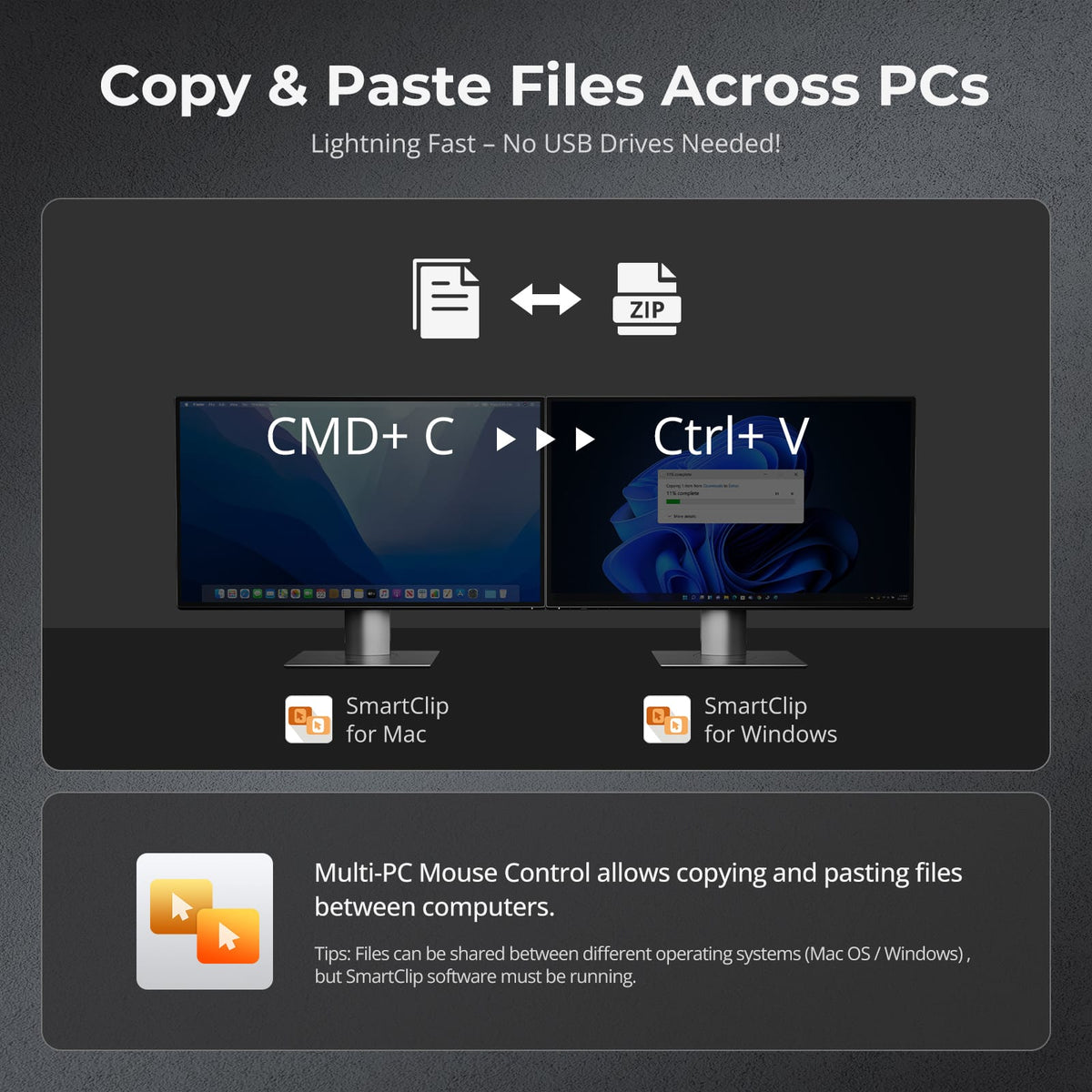
Transfer files directly between two computers using SmartClip. Just copy and paste across Mac and Windows – no USB drives or cloud uploads required – making cross-platform file sharing faster and more convenient than ever.

02
Glide Across PCs with One Mouse
With SmartClip enabled in Display Mode 2, simply move your mouse cursor from one screen to the other to control two PCs seamlessly—no hotkeys or manual KVM switching required.

03
TESmart-Developed DP 1.4 EDID for Stable Switching
TESmart’s self-developed DP 1.4 EDID emulation keeps display settings locked during switching, preventing resolution changes, icon rearrangement, flicker and unnecessary re-detection. It brings stable EDID control to high-bandwidth dual-display workflows.

04
DP 1.4 Full Resolution Coverage — 8K60 to 240Hz(DSC)
Each DisplayPort 1.4 output delivers up to 8K@60Hz for precision design, or high-refresh modes up to 4K@144Hz and 1080P@240Hz for pro gaming and multitasking.

05
Dual 4K@144Hz Gaming Performance
Experience tear-free, high-refresh gameplay with full G-Sync and FreeSync compatibility. DSC technology ensures stable 4K@144Hz/165Hz output across both displays for competitive gaming.

06
Independent USB & Audio Focus Lock
USB and audio can stay locked to the current source while switching displays. Toggle follow mode via hotkey—when disabled, switch USB and audio independently. No meeting dropouts, no reconnecting—seamless workflow.

07
All-in-One Shared Docking
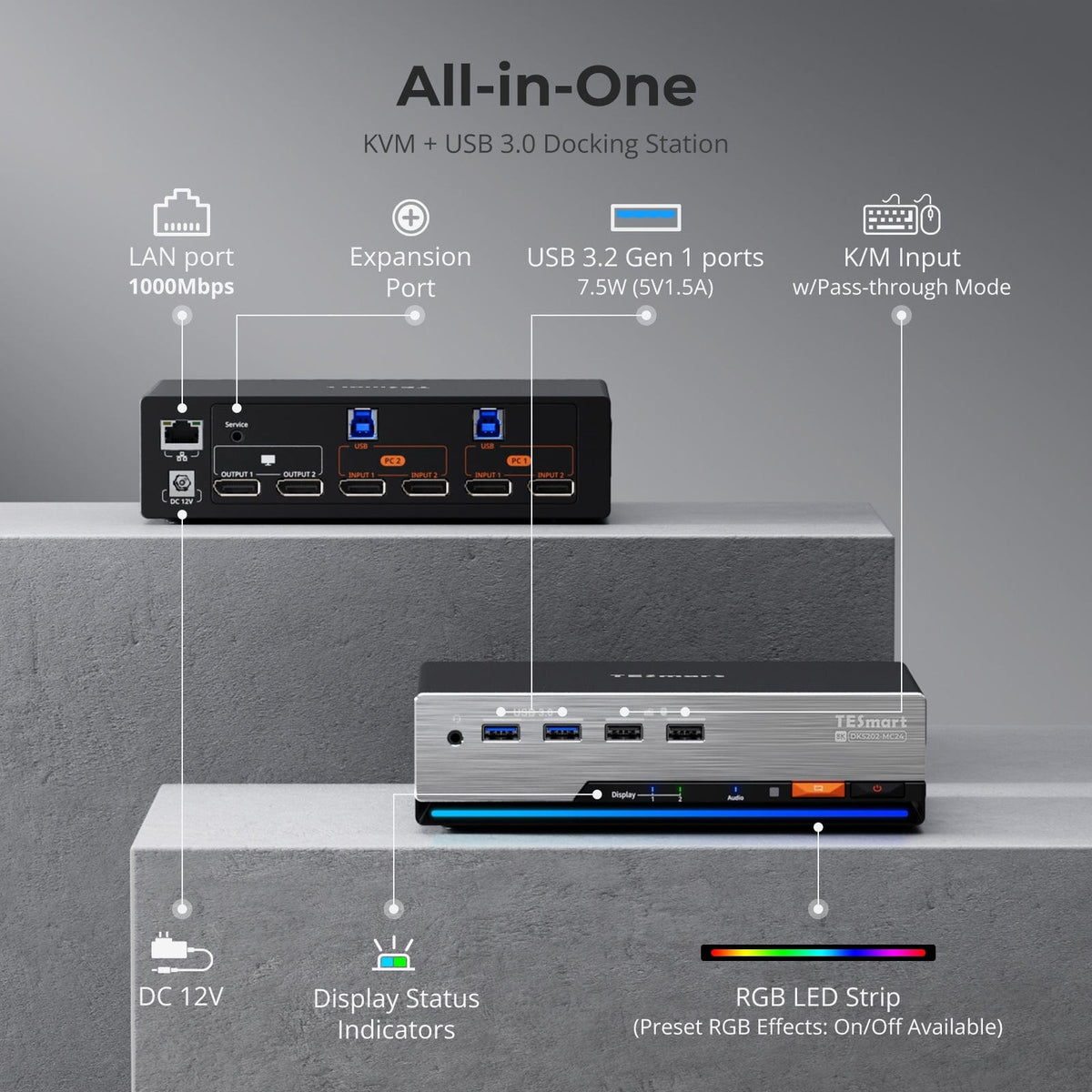
One dock serves both computers: share a 1000Mbps Gigabit Ethernet connection, USB 3.0 peripherals, and integrated audio/mic ports—expanding connectivity while cutting cable clutter for a cleaner desk.
08

09

10
Specifications & Support
Compatibility & Input Guide
Technical Specifications
Manuals & Downloads
Included in the Box
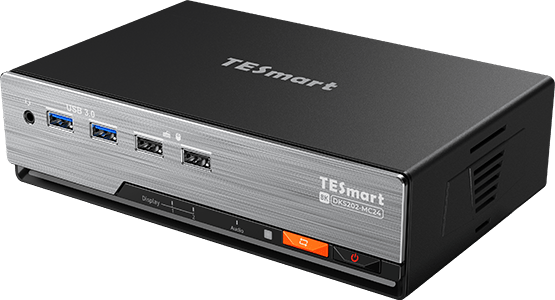
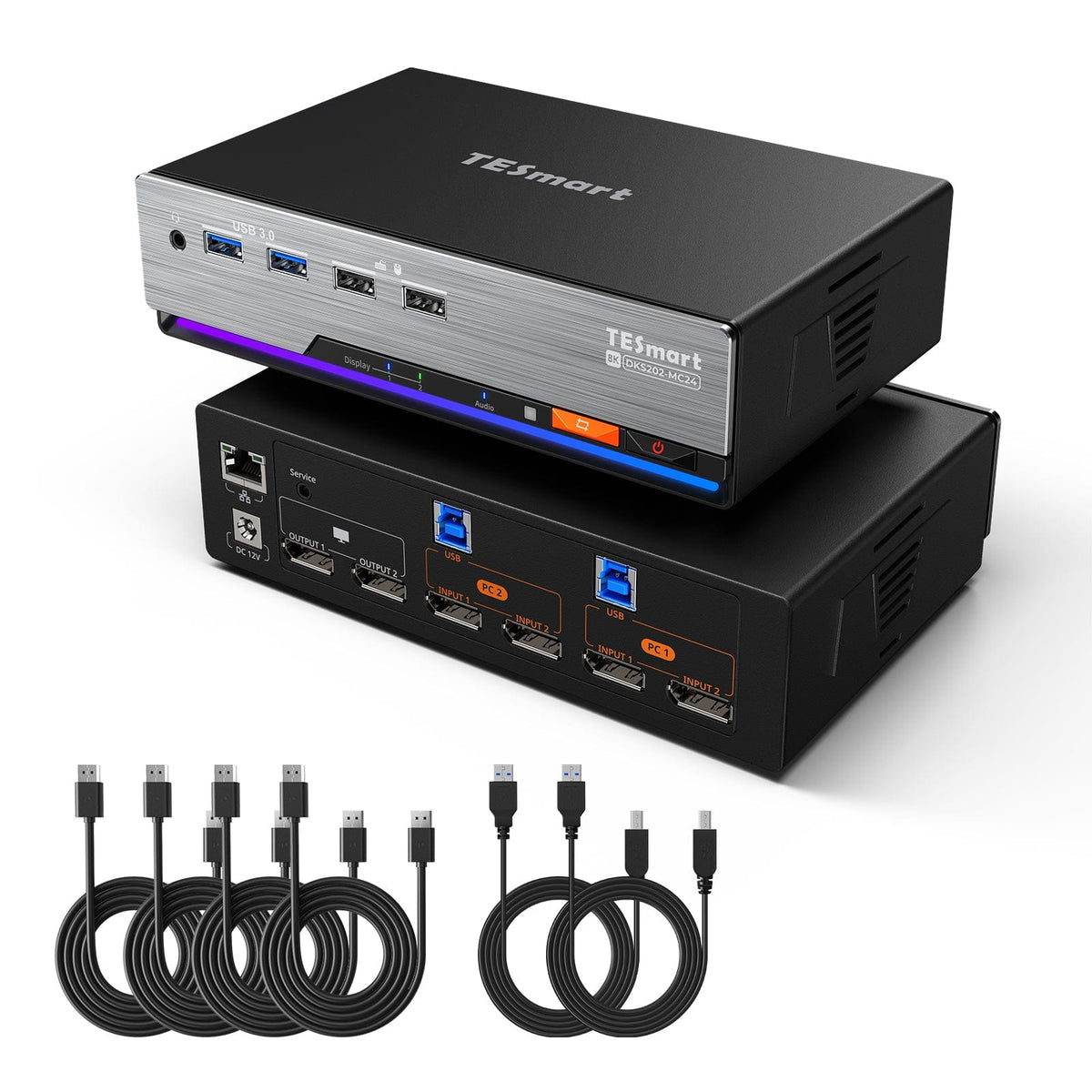
1 × DKS202-MC24 KVM Switch
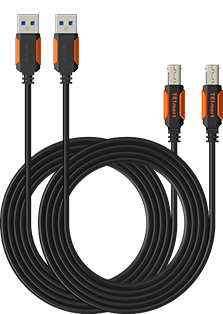
2 × USB 3.0 Cables
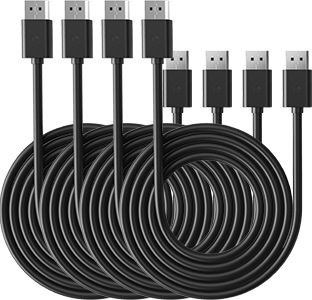
4 × DP Cables
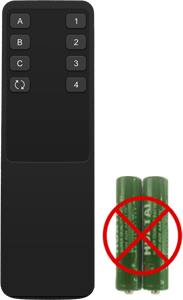
1 × IR Remote Control
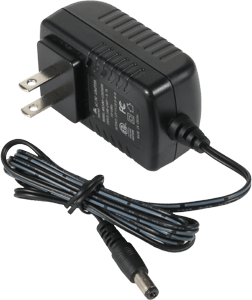
1 × DC 12V Power Adapter
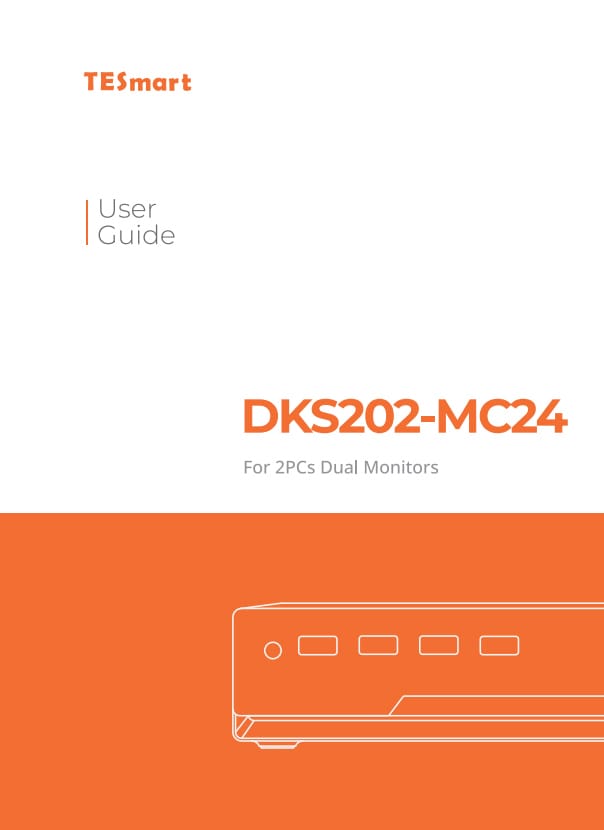
1 × User Manual
FAQs
Visit our Help Center for more answers.
[Compatibility] What devices can I connect to DKS202-MC24?
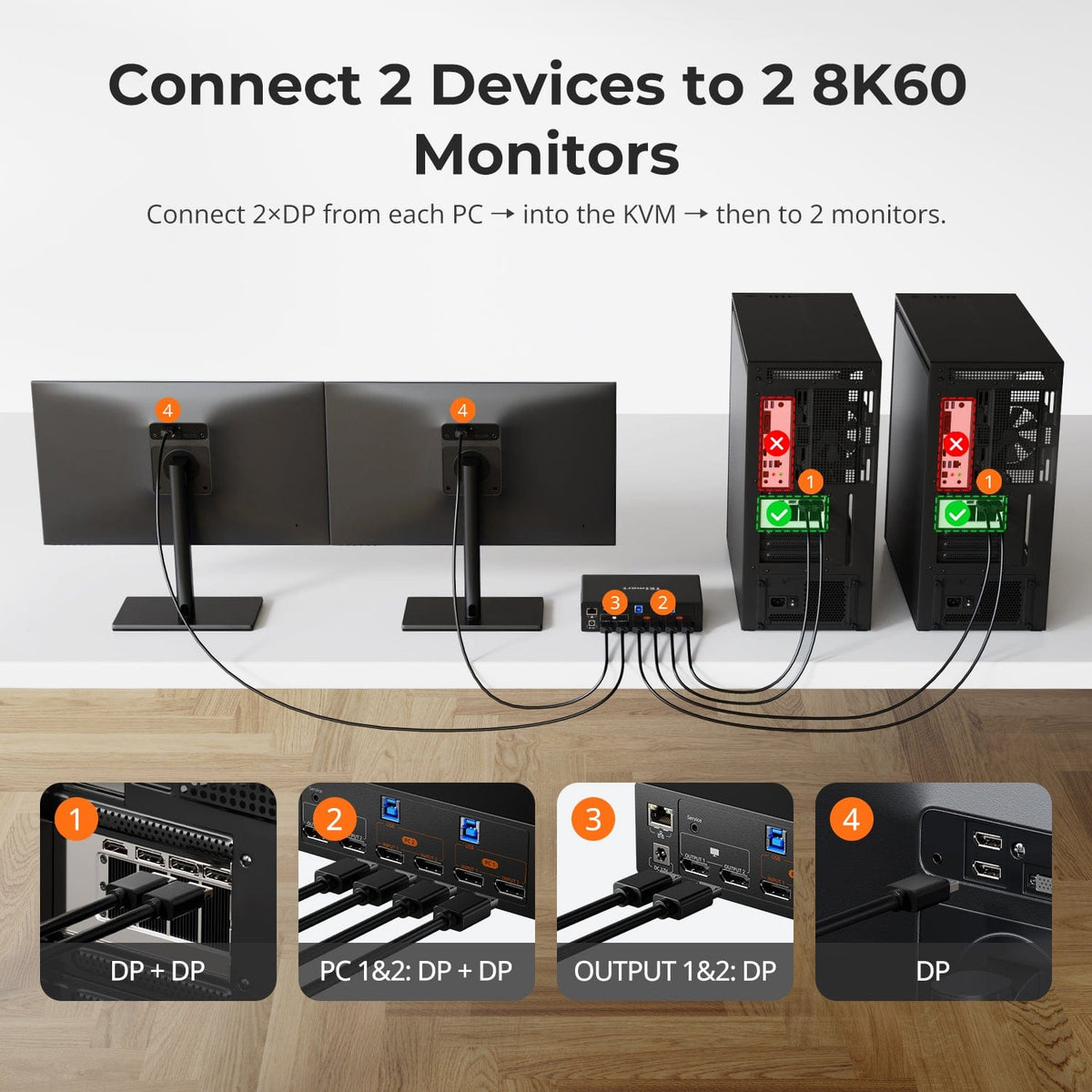
DKS202-MC24 is designed for two DisplayPort computers and two DP monitors.
Each computer connects via two DP cables and one USB-B cable. A typical setup combines two Windows PCs and two DP monitors, all controlled with one keyboard and mouse.
[Compatibility] Does SmartClip currently support Linux systems?
SmartClip currently supports only Windows and macOS.
If you are using a Linux device, please stay tuned for future development announcements from TESmart—support for Linux systems is planned.
[Compatibility] Does DKS202-MC24 support HDR and VRR?
Yes.
Built on DP 1.4, DKS202-MC24 supports HDR high dynamic range and VRR pass-through. Actual HDR and VRR performance depends on the connected display and GPU supporting and enabling the respective features.
If you encounter any issues, please contact TESmart official support for assistance.
[Compatibility] Does DKS202-MC24 support G-Sync and FreeSync?
Yes.
DKS202-MC24 supports both NVIDIA G-Sync and AMD FreeSync adaptive sync pass-through, eliminating screen tearing and stuttering for smooth gaming.
Actual performance depends on the connected display supporting the respective technology and the GPU having it properly enabled.
[Compatibility] Should I choose DKS202-MC24, DKS202-M24 or DKS403-M24?
Choose DKS202-MC24 when two PCs sharing two DP 1.4 monitors also need cross-PC mouse glide and file copy via SmartClip.
Choose DKS202-M24 for the same dual 8K DP 1.4 two-PC setup without the copy features, or when your device environment does not allow third-party software installation.
Choose DKS403-M24 when up to four PCs need to share three DP monitors.
[Features & Connections] What is SmartClip and how does it work?
SmartClip is TESmart's collaboration software that must be installed and running on both computers.
When enabled in Display Mode 2, you can move your mouse cursor across the screen edge to control the other PC, and keyboard focus follows automatically. It also allows copy and paste of text, images and files between systems without a USB drive or network sharing.
Data is transferred via the USB channel between the two PCs and the KVM; as a physical KVM, the TESmart KVM does not process or log your data internally.
[Features & Connections] If I copy different items on both PCs, which one gets pasted?
SmartClip uses a real-time shared clipboard between the connected computers. The clipboard content is always updated based on the most recent copy action.
For example, if you copy "X" on PC B and then copy "Y" on PC A, the shared clipboard will be updated to "Y". When you paste on PC B, "Y" will be pasted.
In other words, SmartClip follows a "Last copied, First pasted" behavior. The most recent copy action across the connected systems determines the current clipboard content.
[Features & Connections] What is the maximum supported resolution?
DKS202-MC24 supports dual 8K@60Hz (DSC) output and is backward-compatible with 4K@144Hz high refresh rates. It also supports 2K@240Hz, 1080p@240Hz, 32:9 ultra-wide at 120Hz and 21:9 ultra-wide at 144Hz.
Actual resolution and refresh rate depend on the connected computers, displays, cables and selected display mode.
[Features & Connections] What display modes does DKS202-MC24 support?
Two display modes are supported. Mode 1 puts the same PC on both monitors, extending or mirroring its desktop across both displays.
Mode 2 shows PC 1 on monitor 1 and PC 2 on monitor 2, and you can double-press the Right-Alt key to switch keyboard and mouse focus while keeping both systems visible.
[Features & Connections] What does EDID emulation do?
Each input port includes an EDID emulator. When you switch computers, each PC continues to detect the display as connected, so desktop icons stay in place, windows do not resize and the screen does not flicker. Your multi-monitor layout remains unchanged.
[Features & Connections] If I connect only one monitor, or install SmartClip on only one PC, will the features still work?
Basic 8K KVM video functionality, along with keyboard, mouse, USB and audio switching, will work normally.
However, because of limitations such as keyboard and mouse boundary scanning, certain SmartClip features—especially keyboard and mouse PC switching and cross-PC file transfer—will not function properly. We strongly recommend connecting two monitors and installing SmartClip on both PCs before use.
[Setup & Switching] How can I switch between connected devices?
DKS202-MC24 provides four switching methods: front-panel button, IR remote control, keyboard hotkeys and mouse-wheel switching.
Mouse-wheel switching must be enabled before use.
[Setup & Switching] Do I need to install drivers or software?
Core display switching and keyboard and mouse control are plug-and-play, with no driver installation required.
To use the Multi-PC Mouse Control and File Share features, you must install and run SmartClip on each computer.