

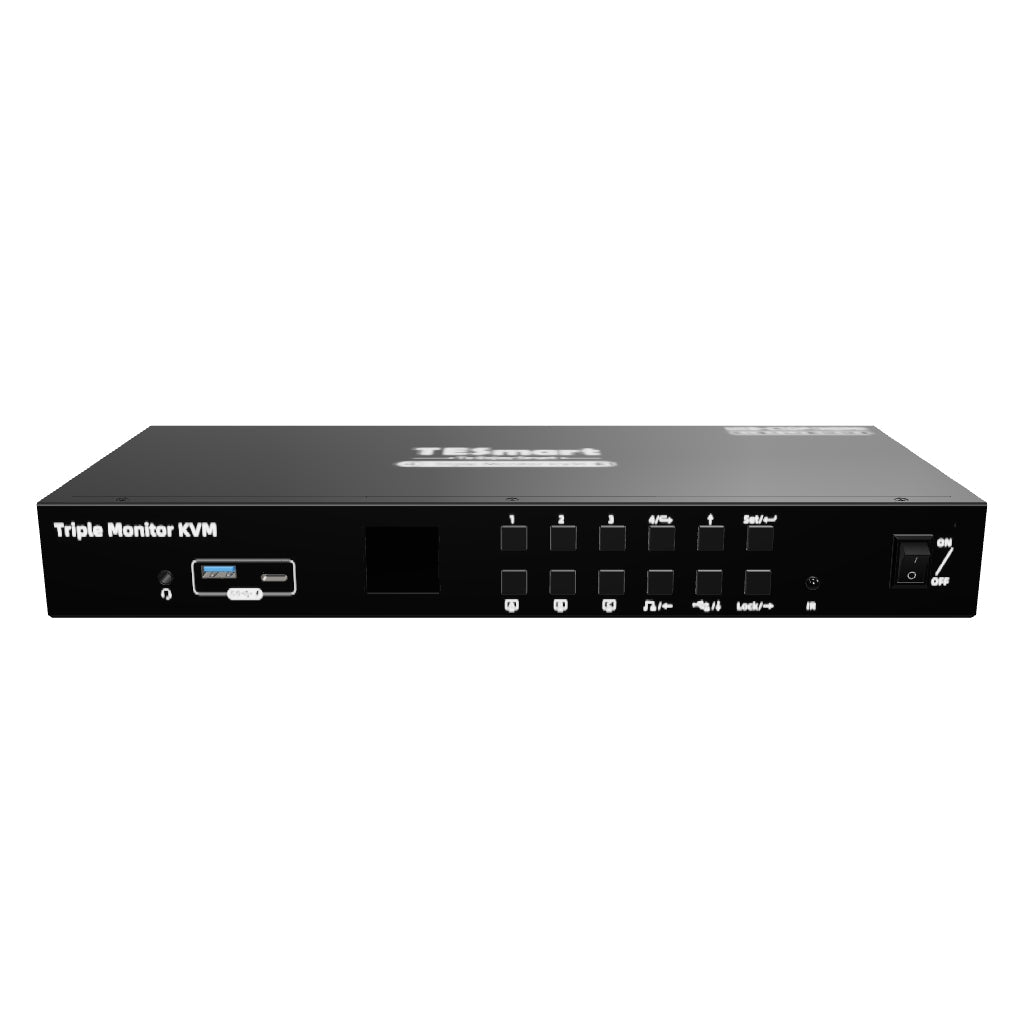


Triple Monitor MST KVM Docking Station Kit - 4K60Hz, EDID for 2 Laptop & 2 PCs
Share two Apple Studio Displays, one keyboard and mouse between two computers—or show one computer on each display when you need both systems at once.
Triple Monitor MST KVM Docking Station Kit - 4K60Hz, EDID for 2 Laptop & 2 PCs
Why Choose HDC403-P23-N
Overview
01
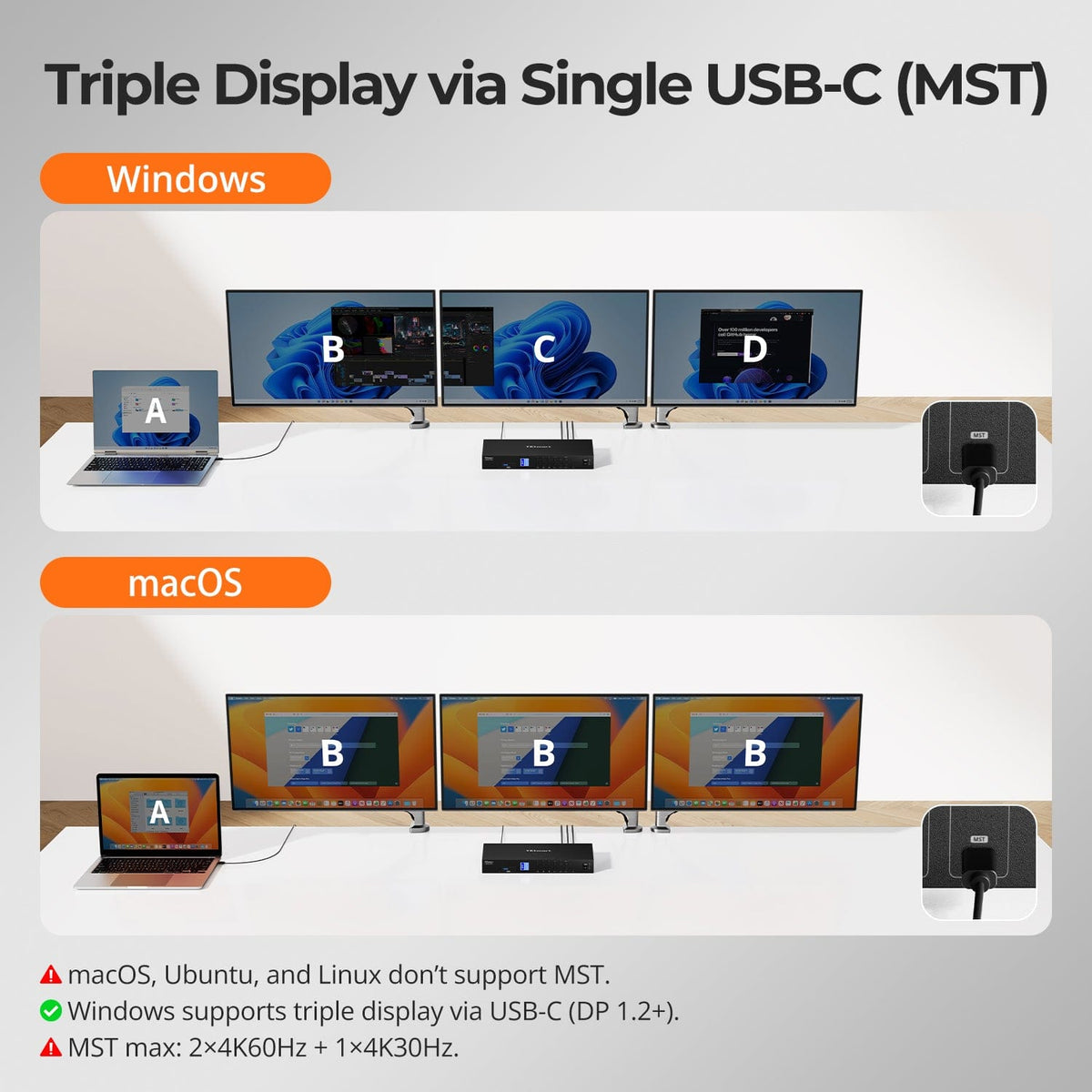
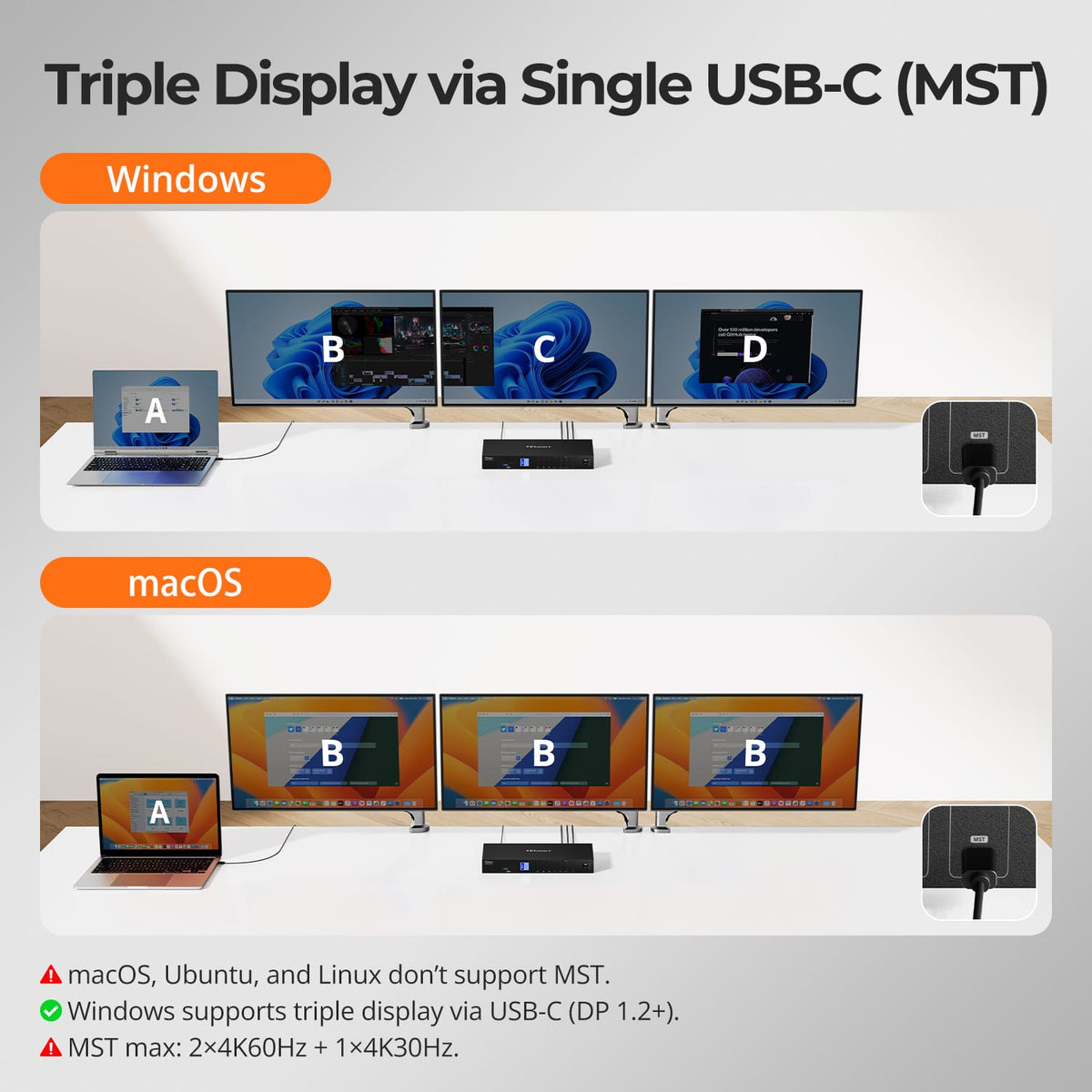
Triple Display from a Single USB-C Connection
A compatible Windows USB-C host can use MST to feed a three-monitor workspace from one full-function USB-C cable while also carrying USB data and charging.
02
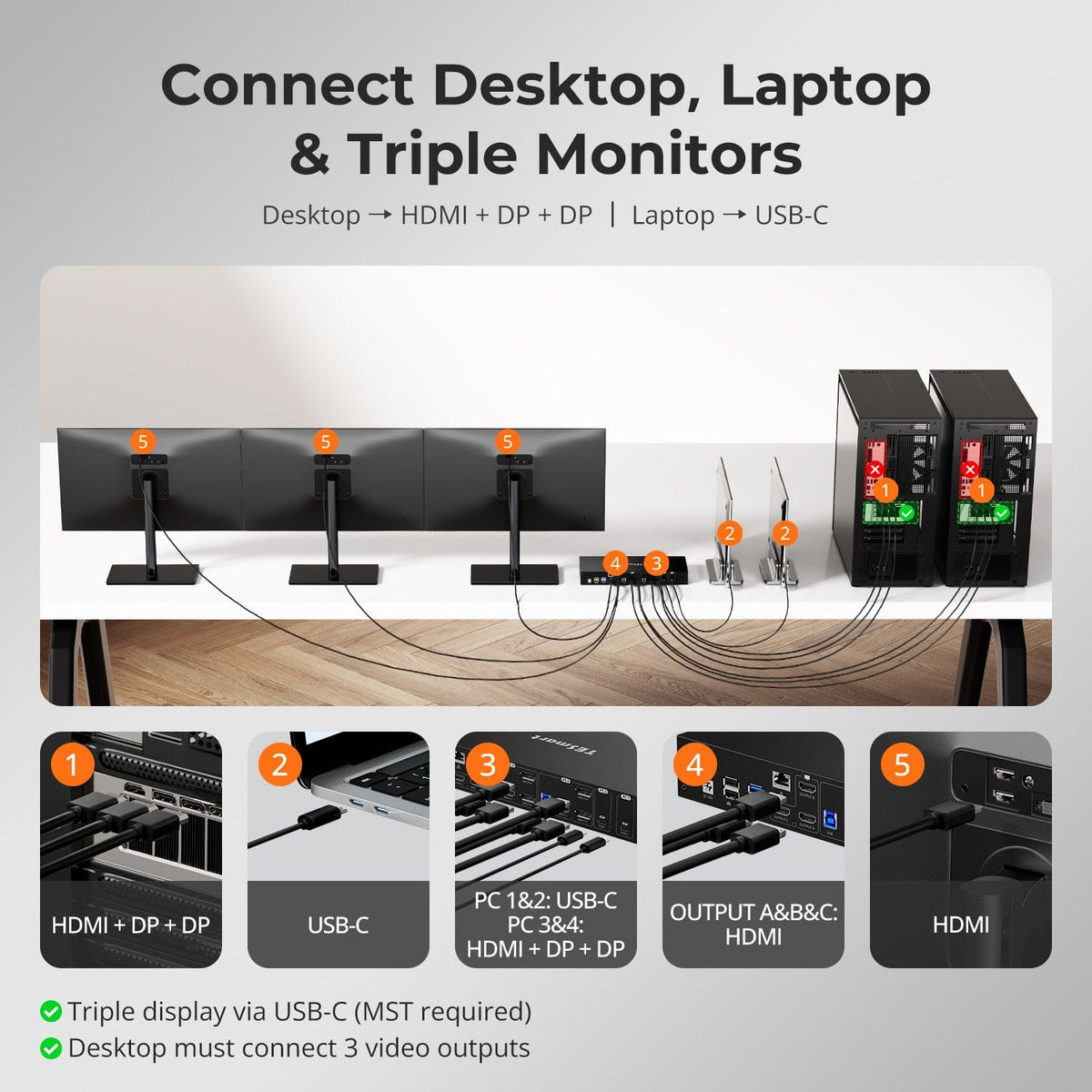
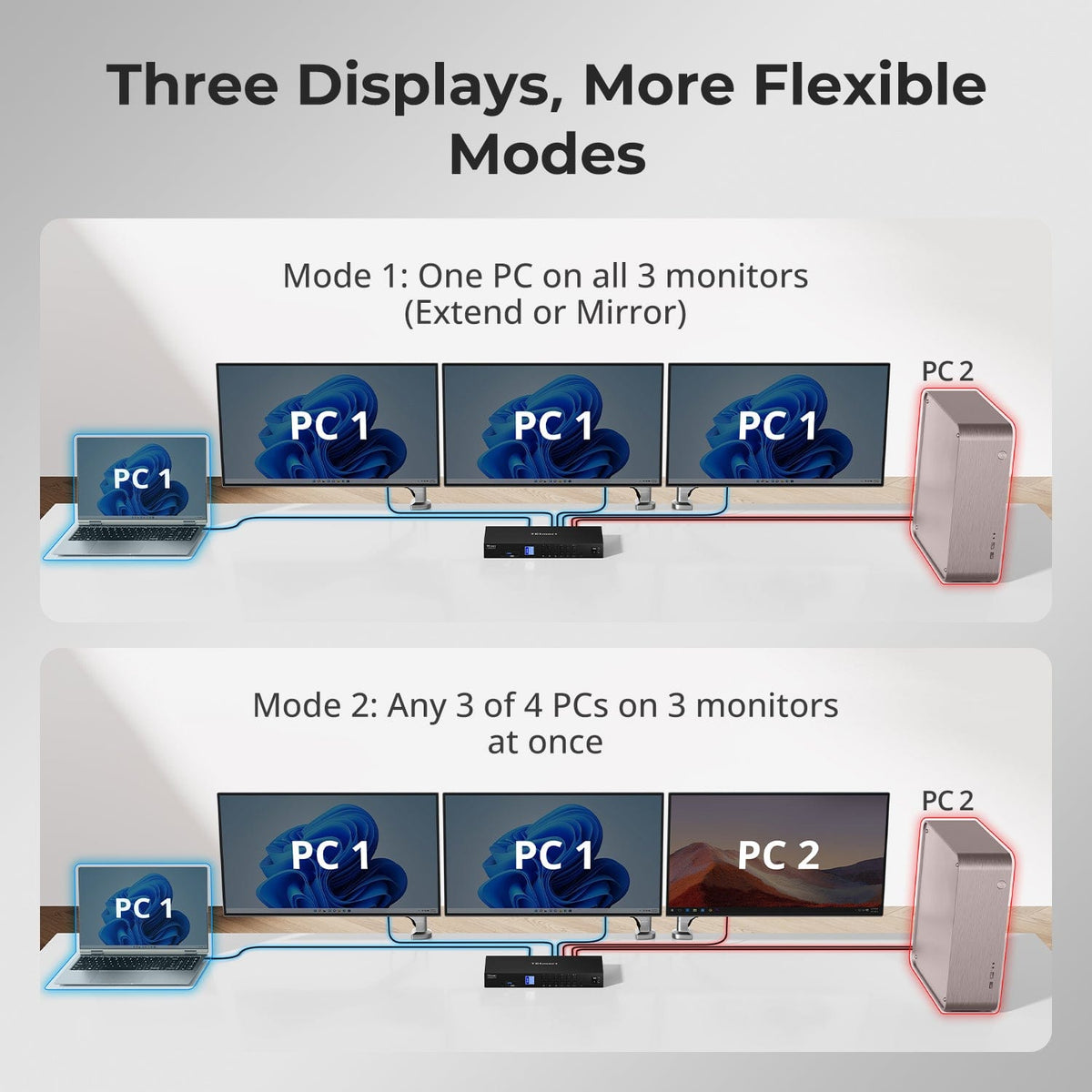
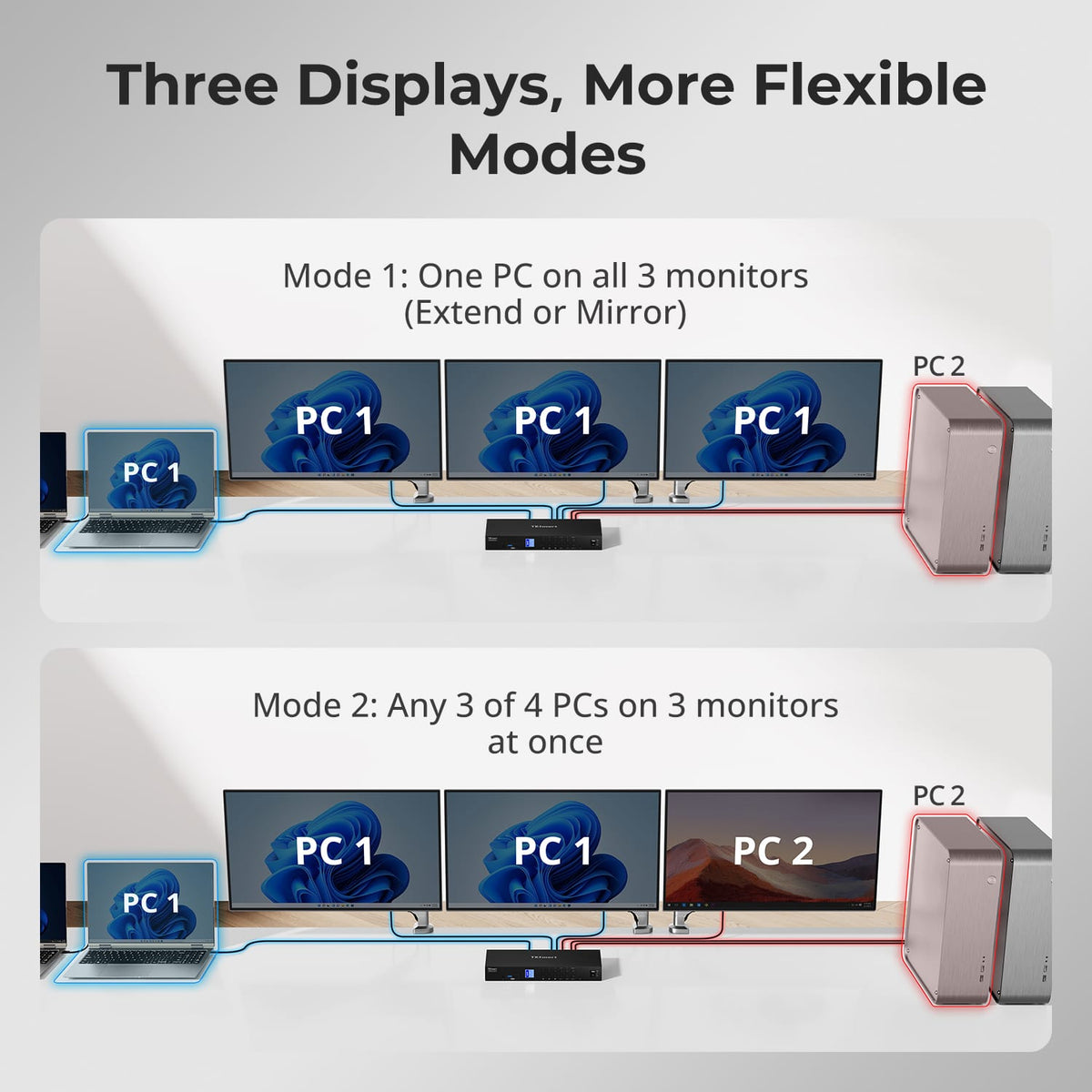
Four Systems. Three Displays. One Workstation.
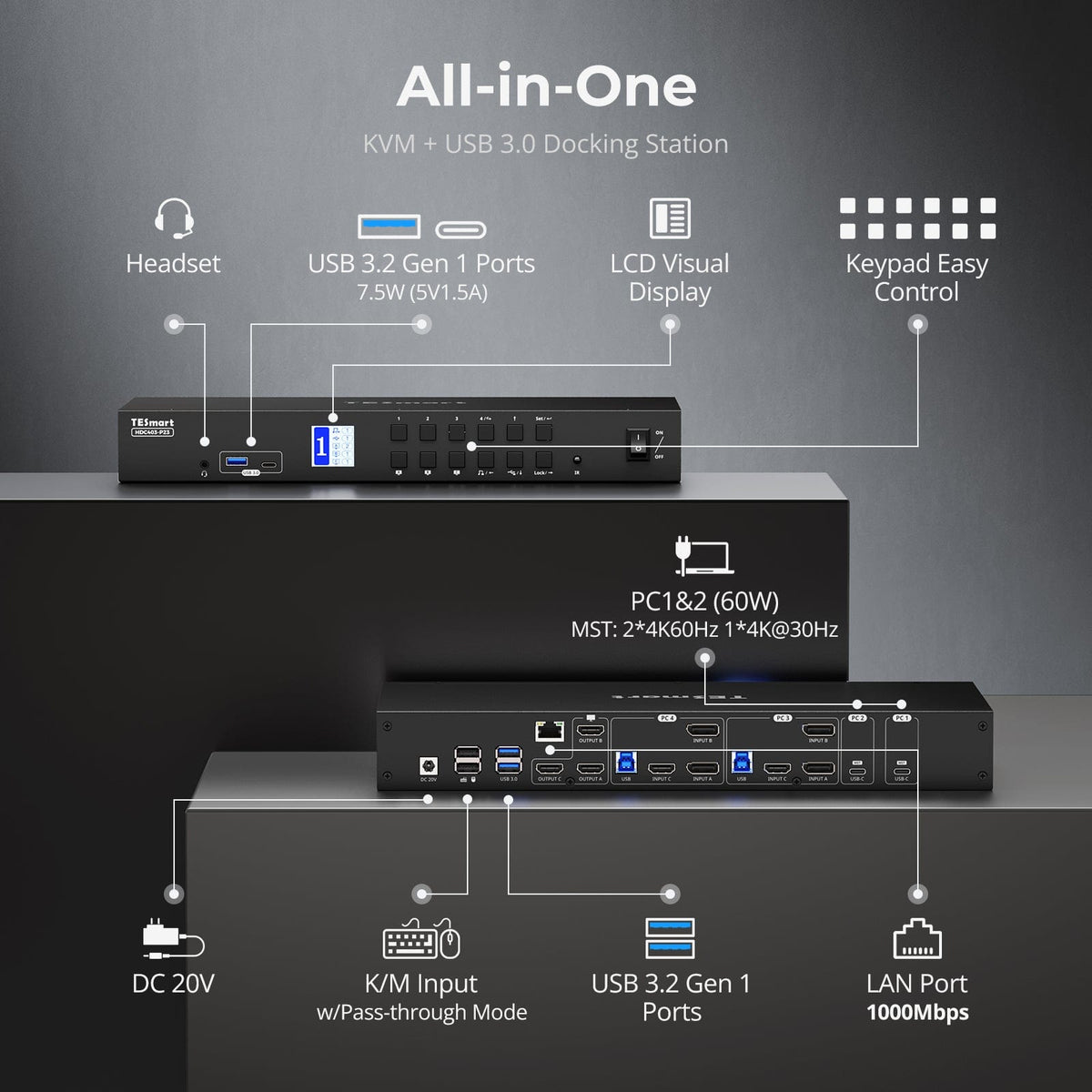
Combine USB-C hosts and traditional desktop connections in one three-monitor KVM, then share the same keyboard, mouse, USB peripherals, audio and network connection across the workstation.
03
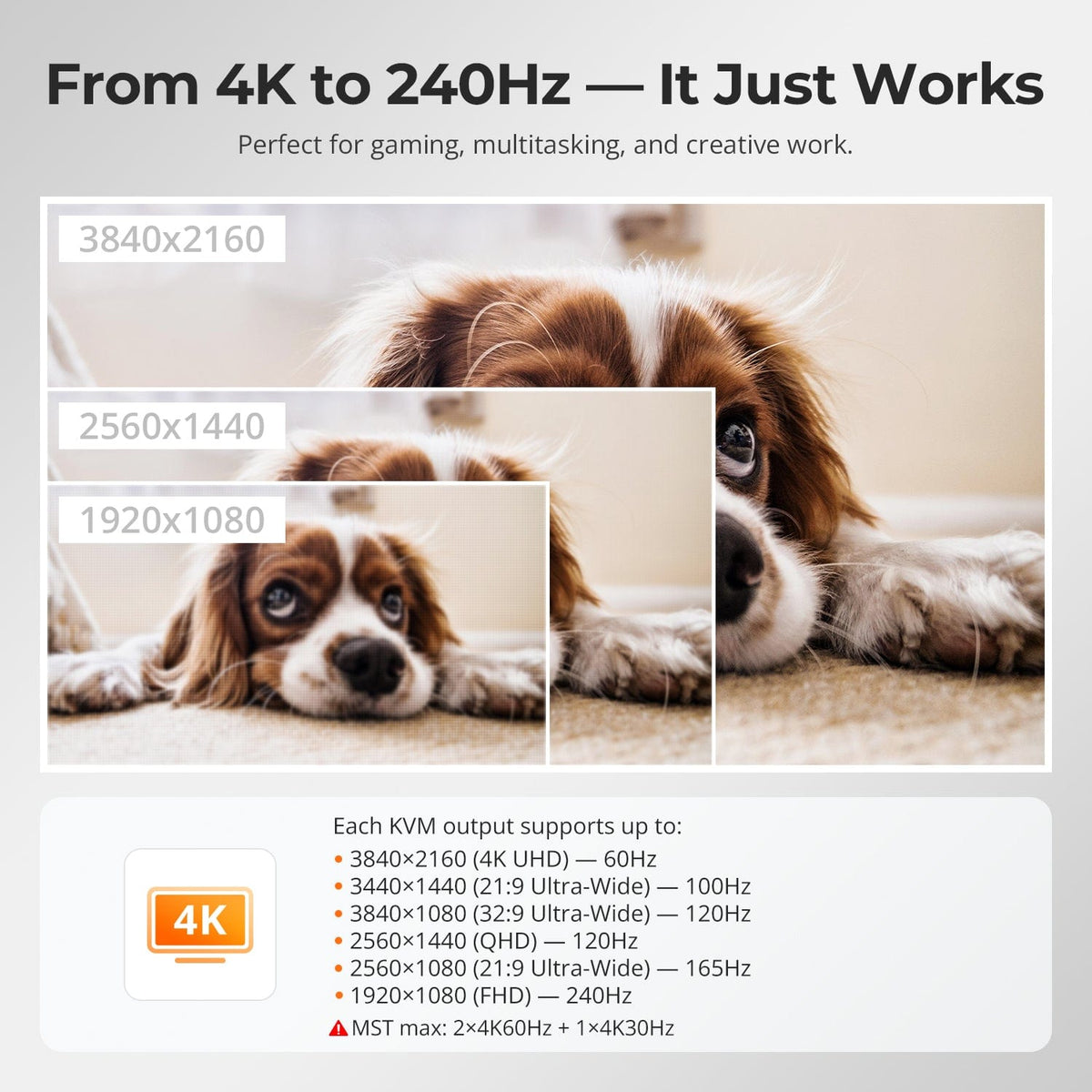
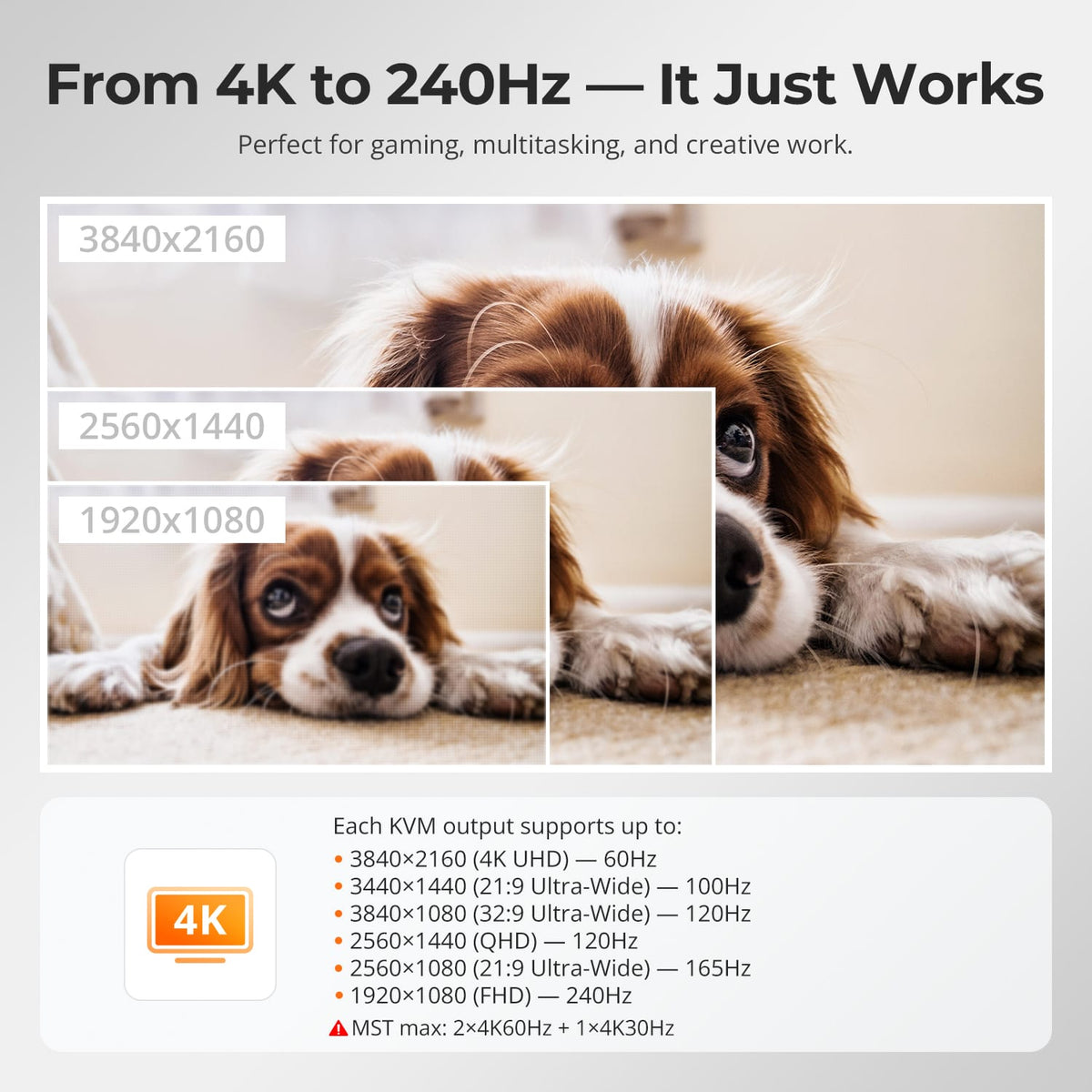
Triple-Monitor 4K60 Capability
The KVM supports up to 4K@60Hz on compatible display paths. With MST, the exact three-screen resolution mix depends on the host, bandwidth and operating system.
04
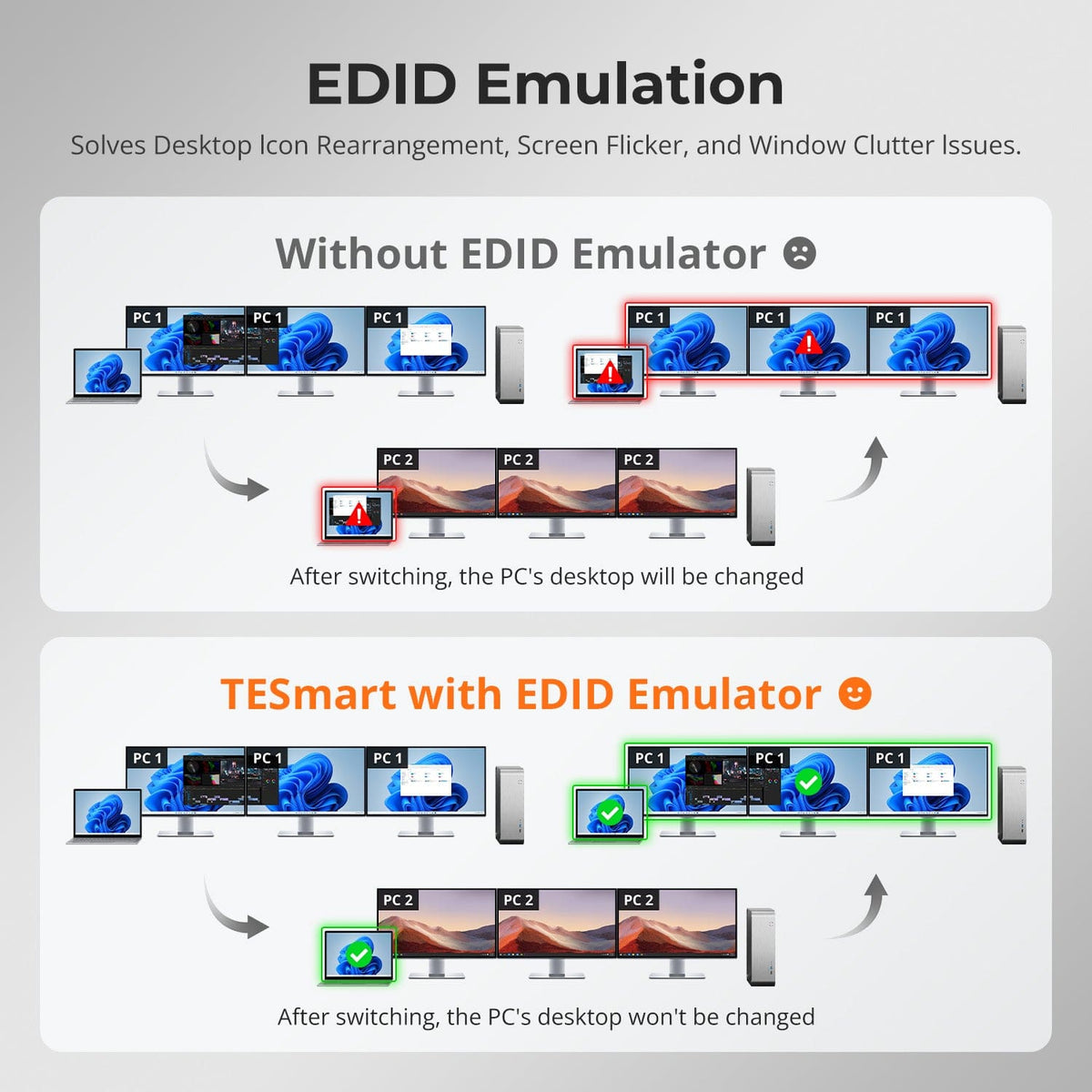
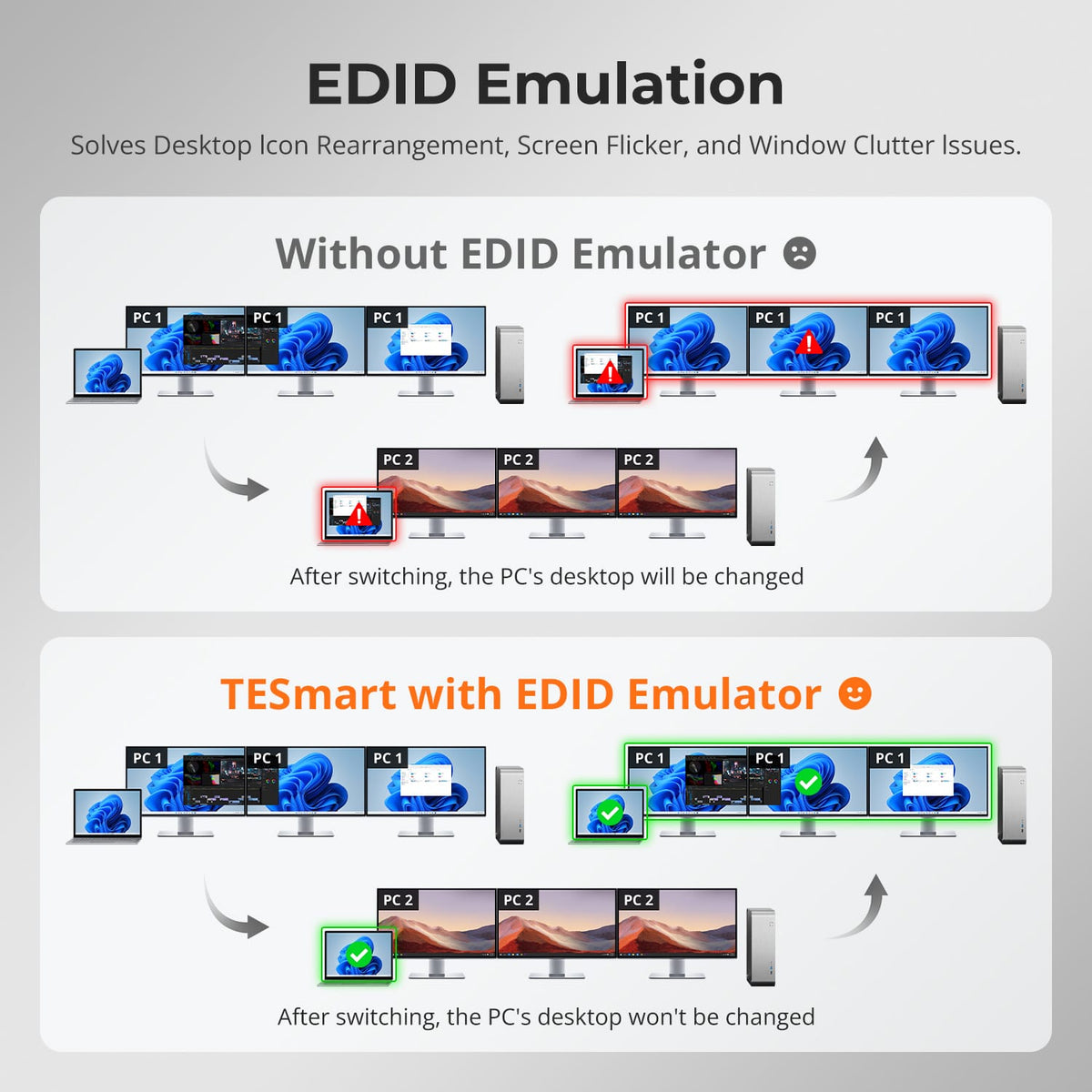
EDID Keeps Multi-Monitor Layouts More Stable
EDID emulation helps connected computers retain display information so switching is less likely to change resolution or rearrange complex multi-monitor desktops.
05
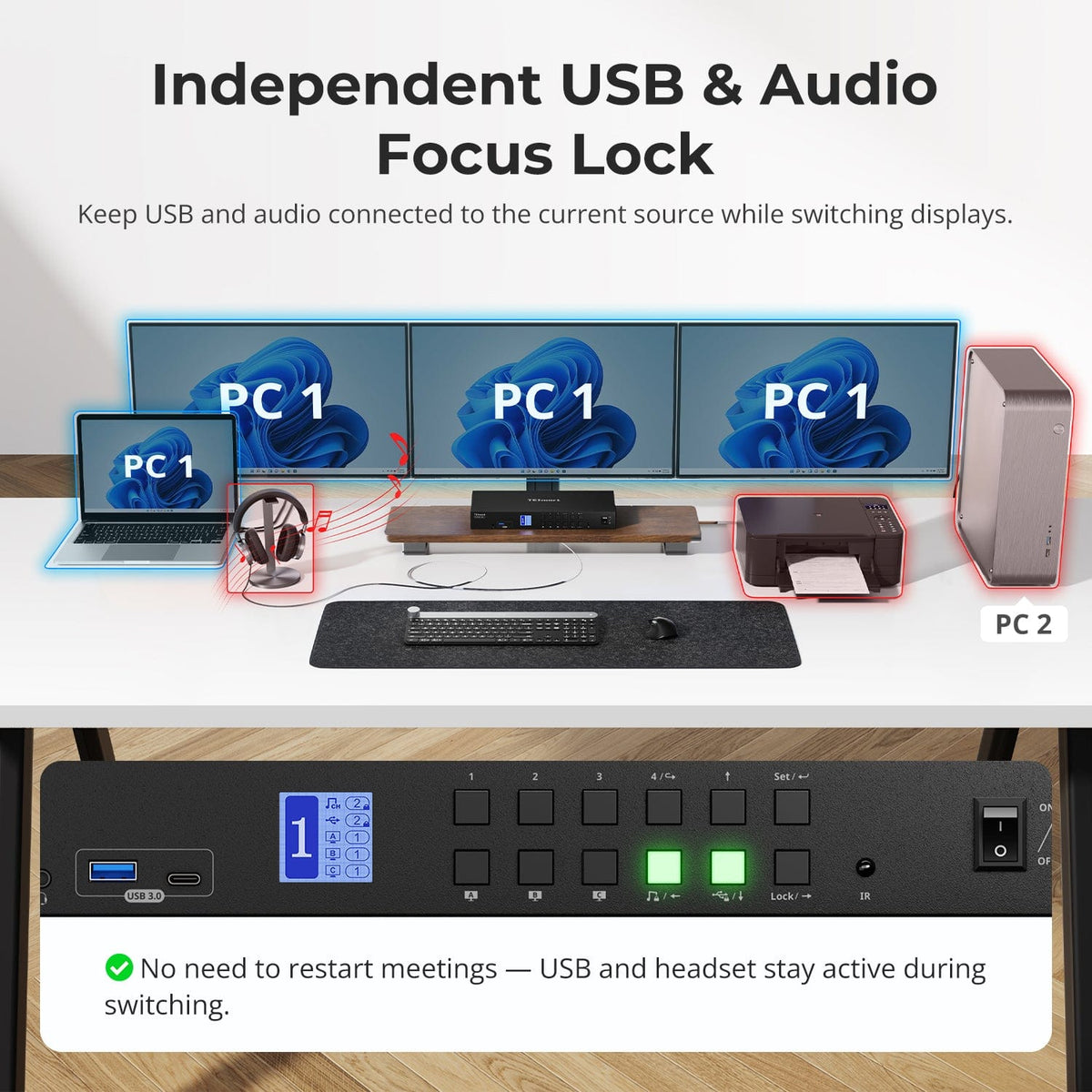
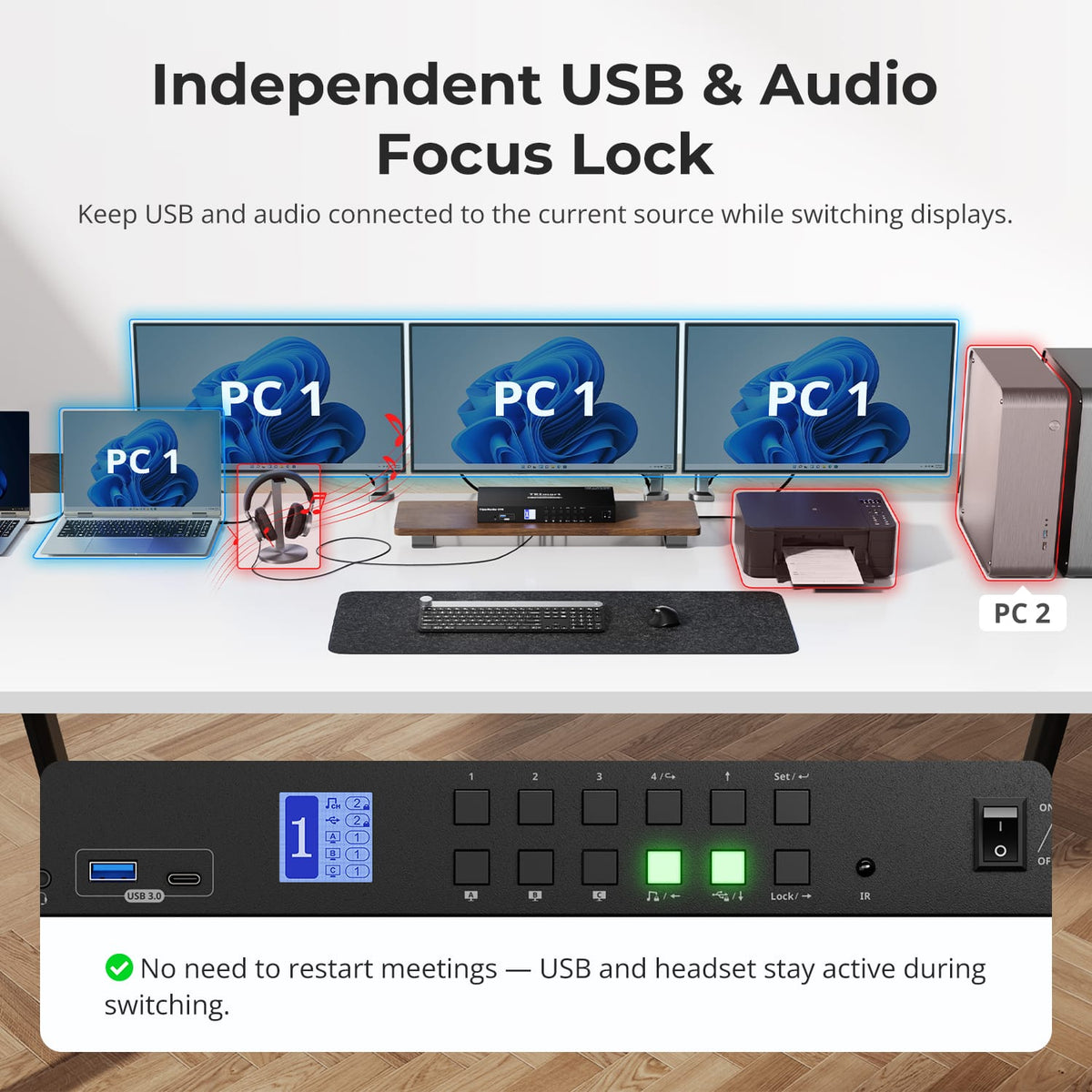
Keep USB and Audio on the System You Choose
Lock supported USB and audio devices to one computer while changing display or keyboard-and-mouse focus, useful for ongoing calls, recording or storage workflows.
06
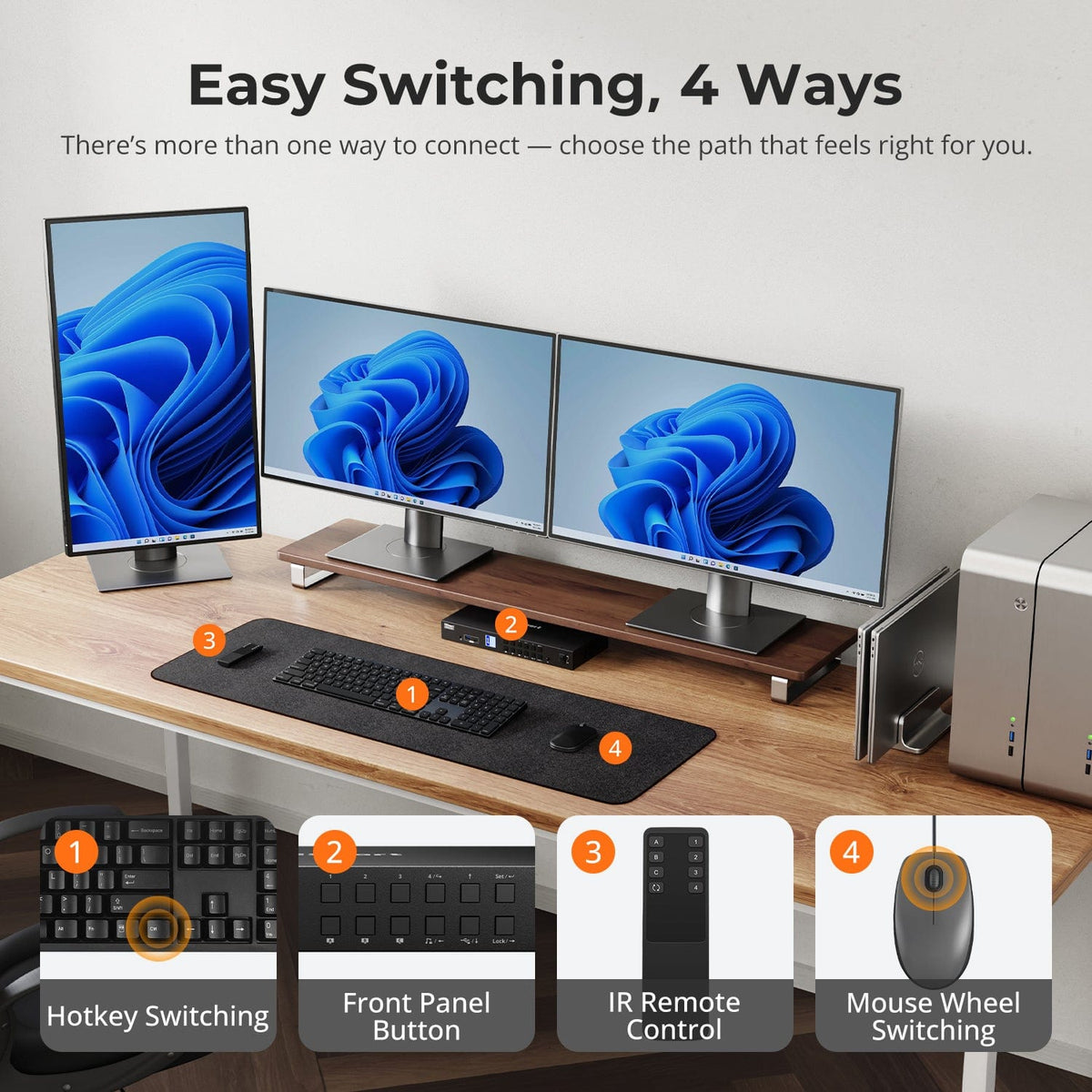
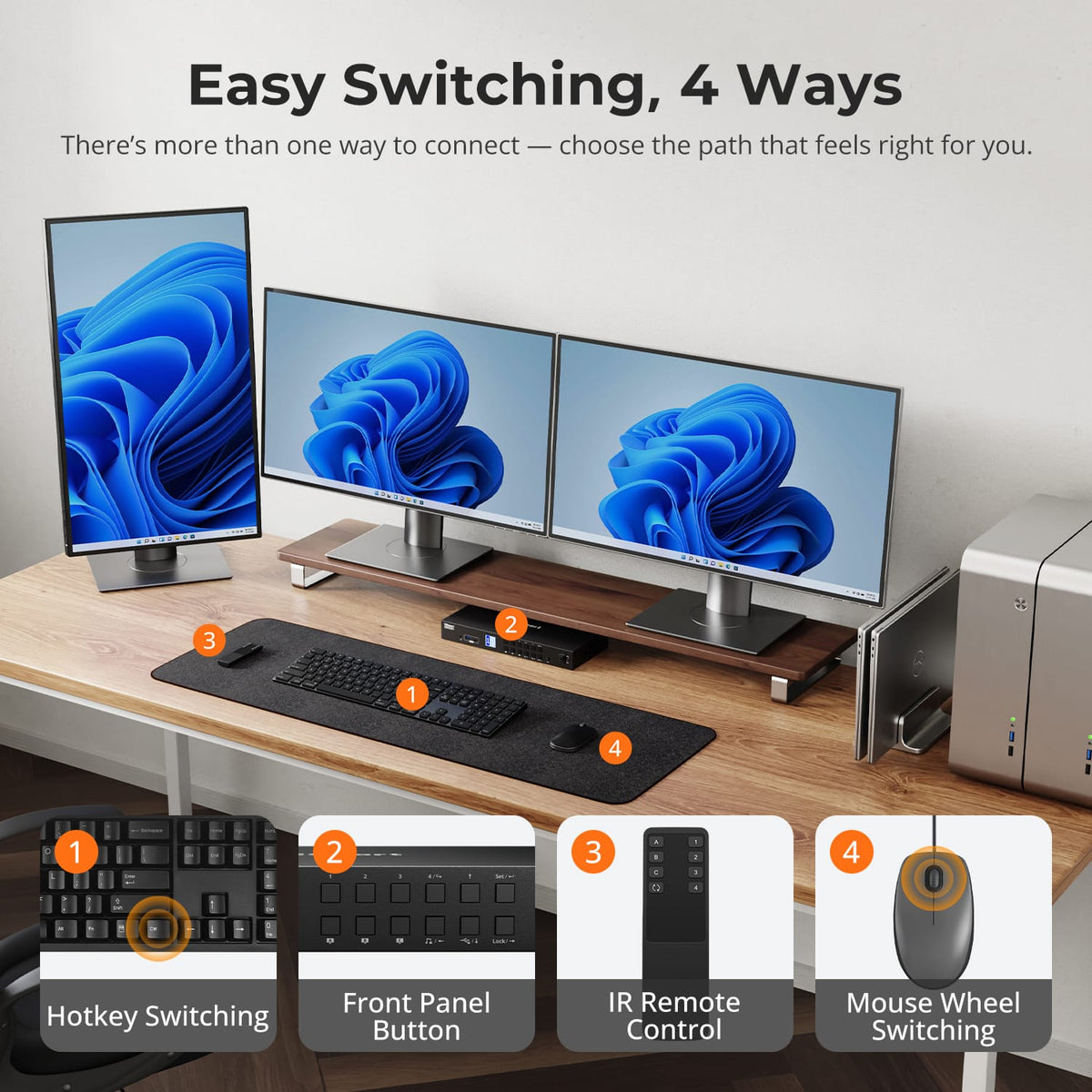
Switch Without Rebuilding the Desk
Use front-panel controls, IR remote, keyboard hotkeys or mouse-wheel switching to move between connected systems while displays and shared peripherals remain wired.
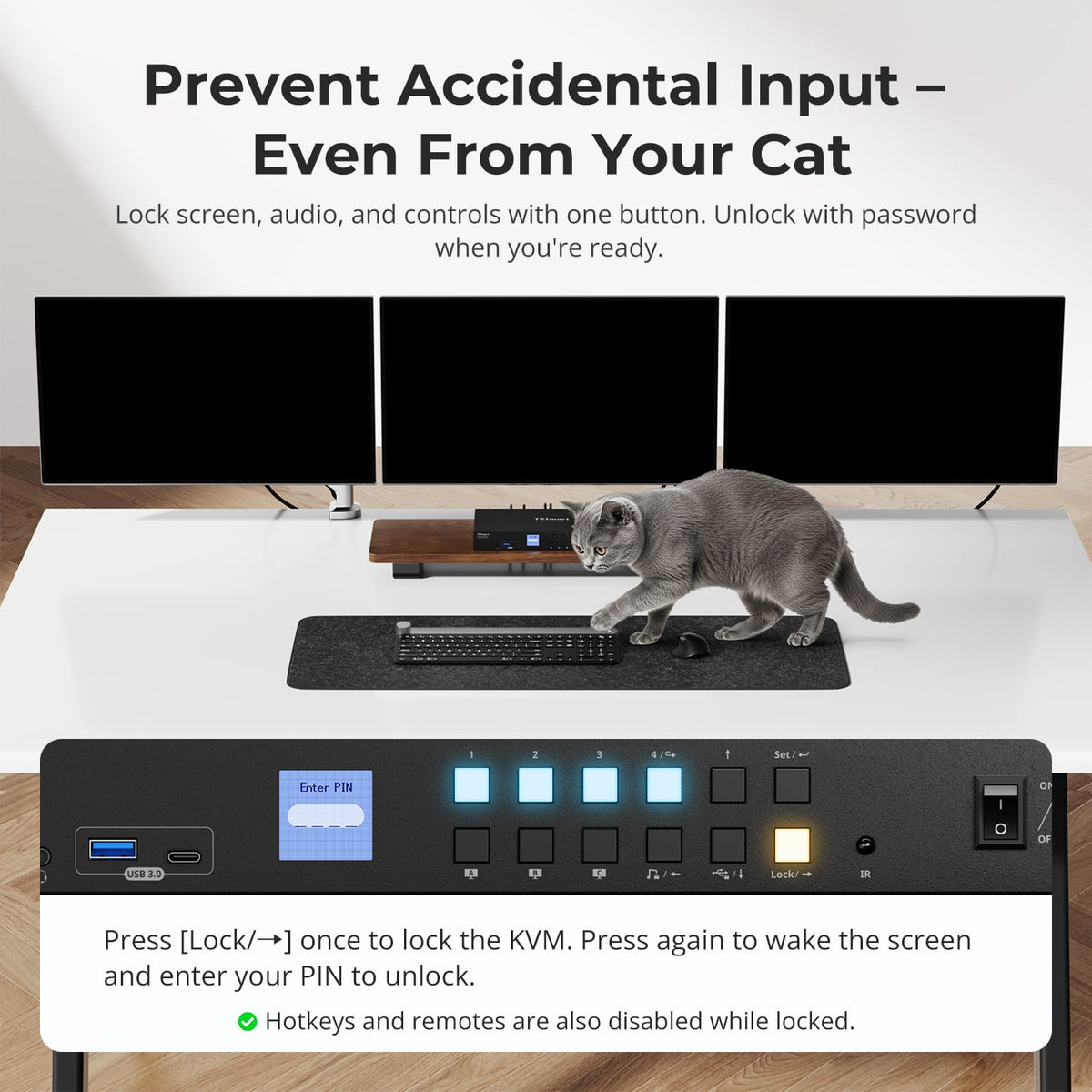
07
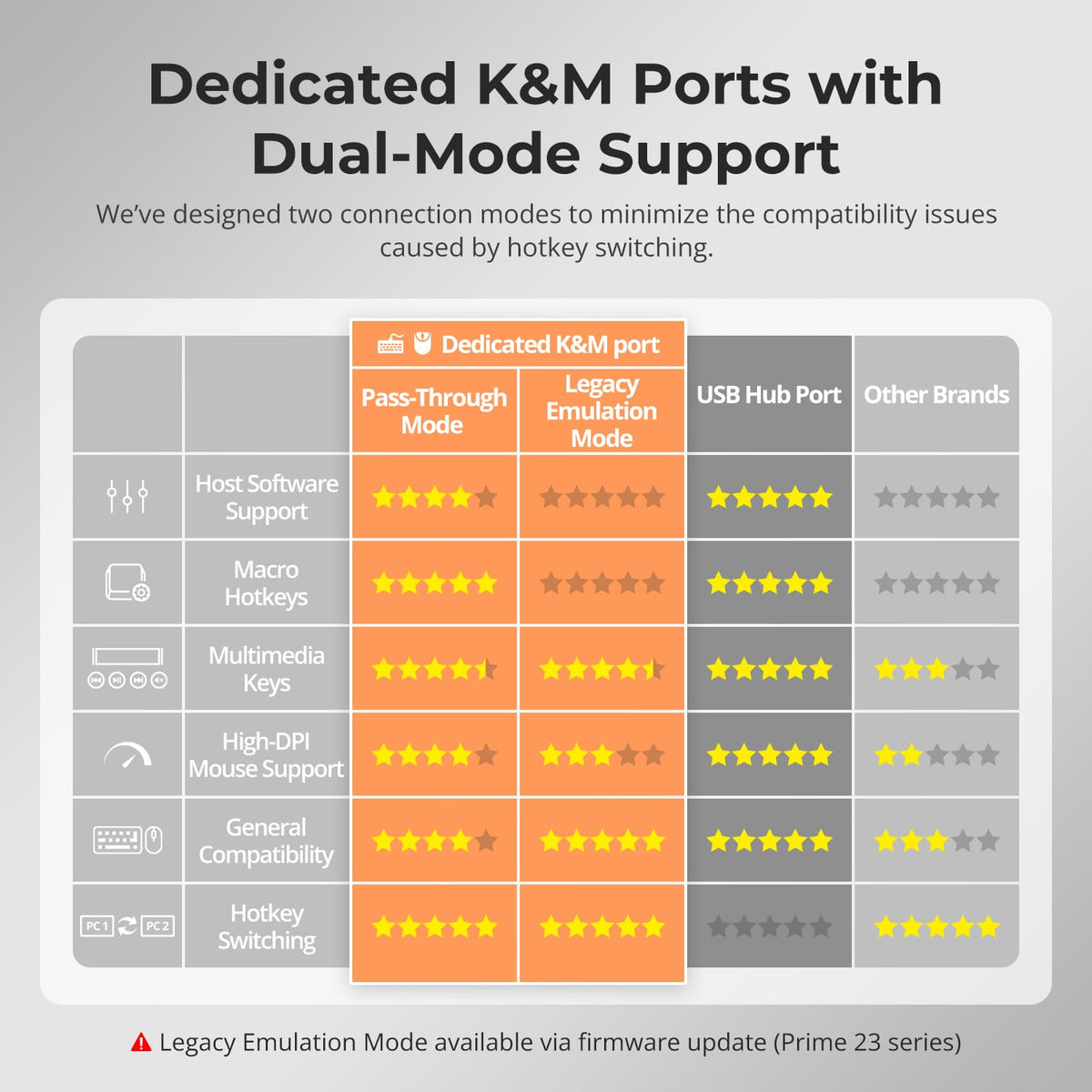
08
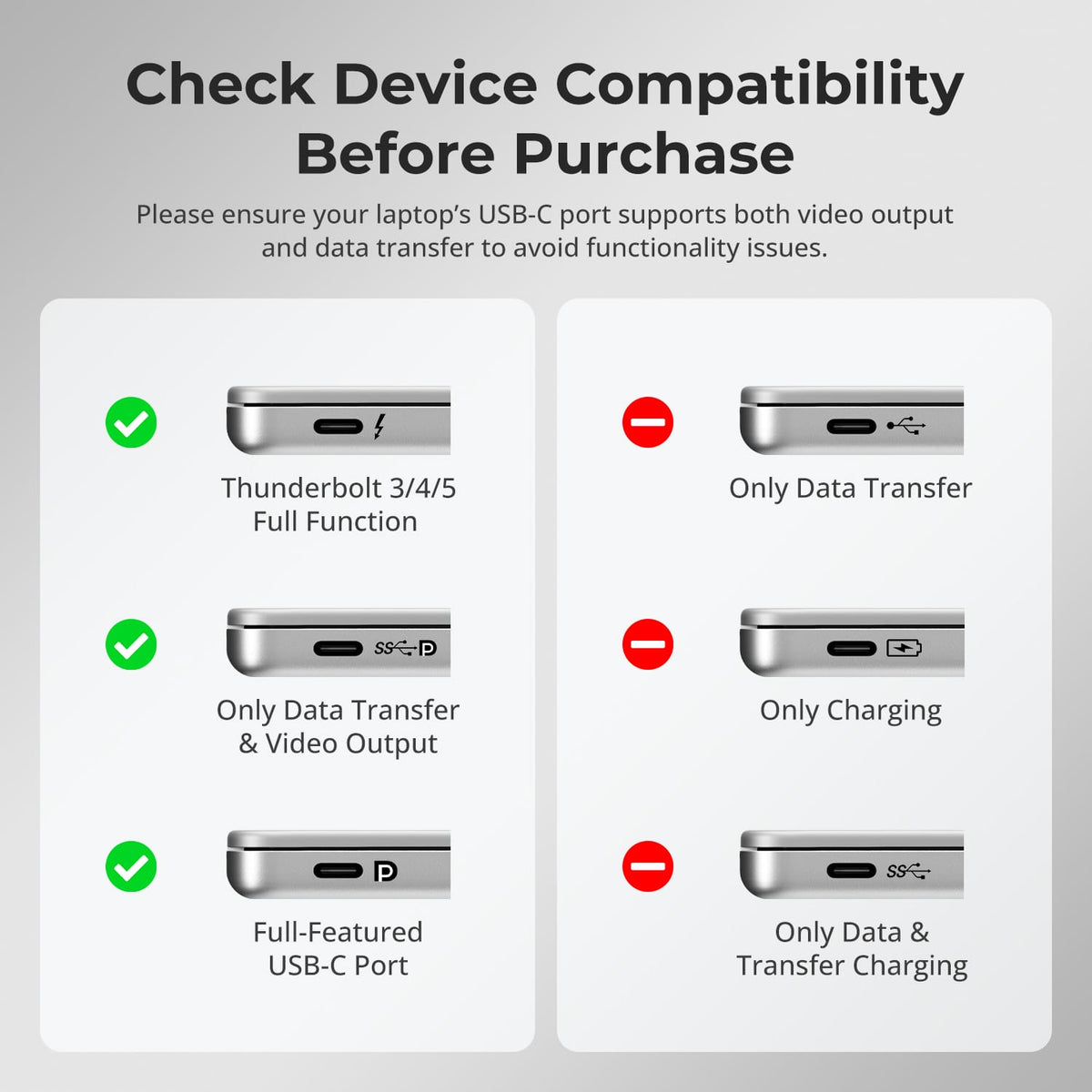
09
Specifications & Support
Compatibility & Input Guide
Technical Specifications
Manuals & Downloads
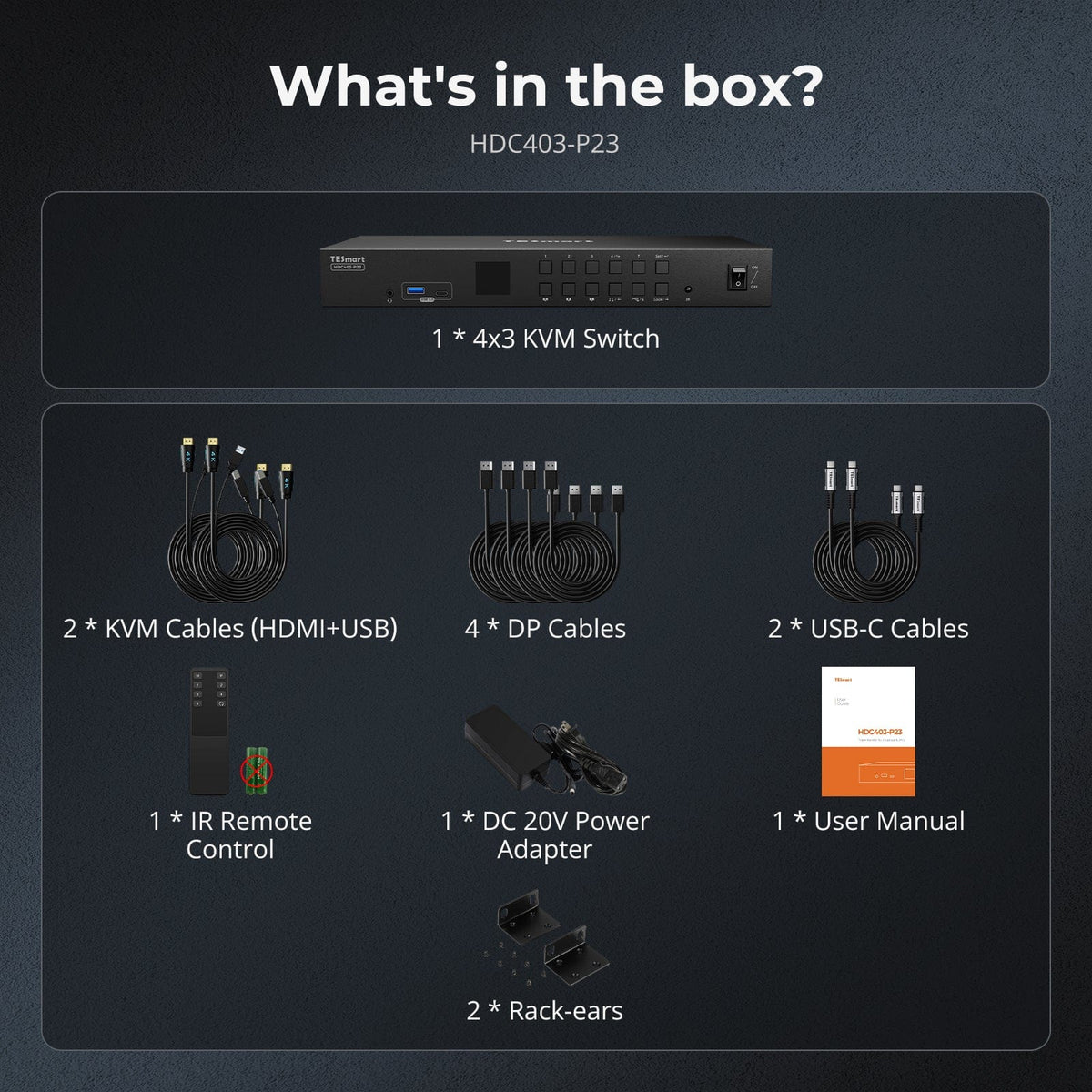
Included in the Box
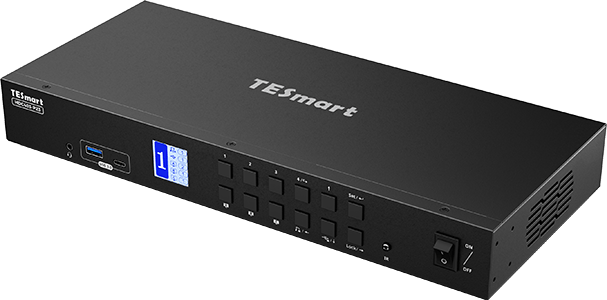
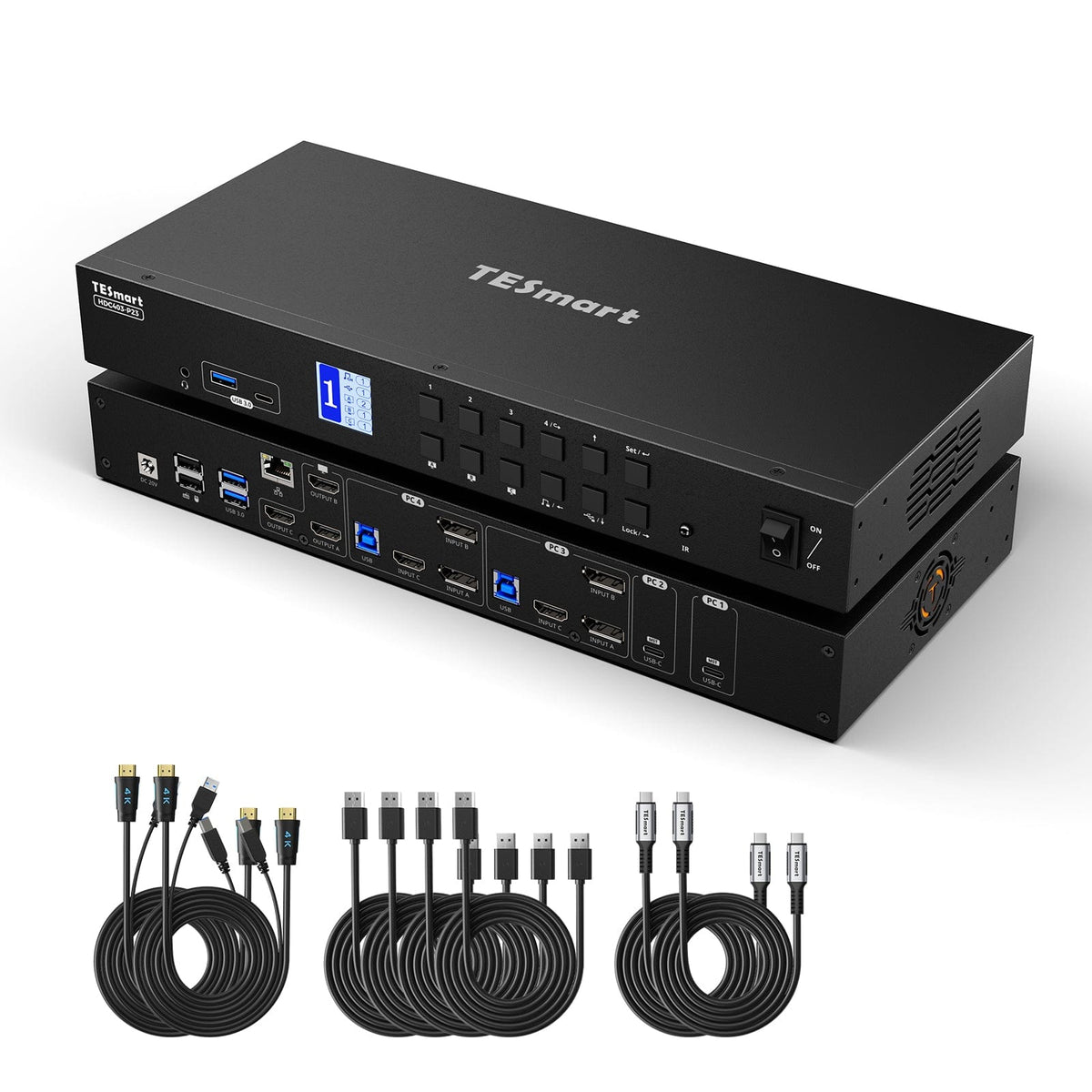
1 × 4×3 Hybrid KVM Switch
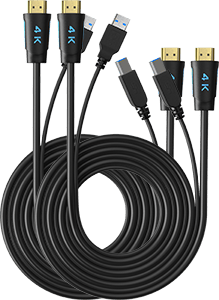
2 × KVM Cables
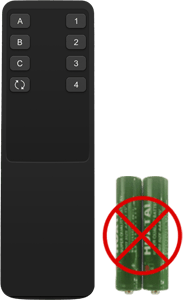
1 × IR Remote Control
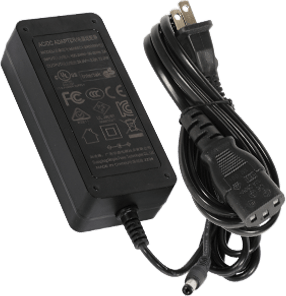
1 × DC 20V Power Adapter
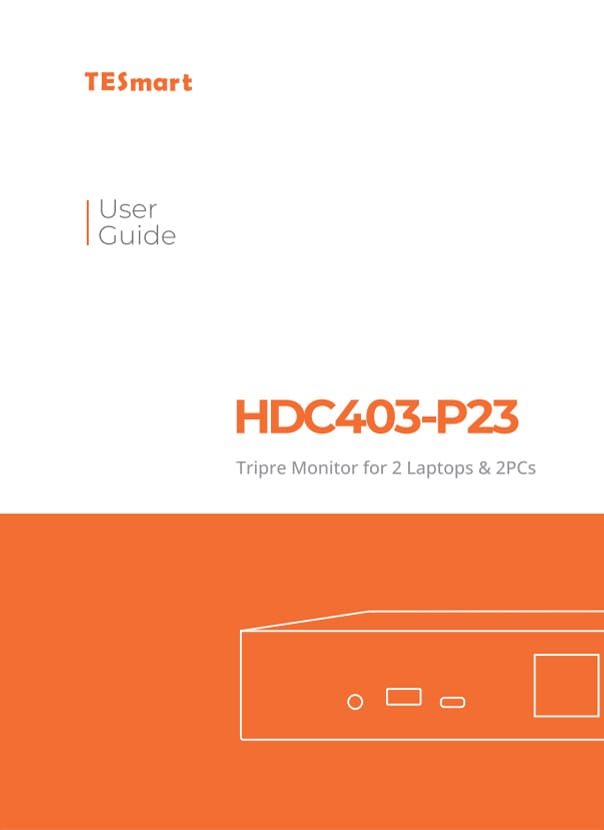
1 × User Manual
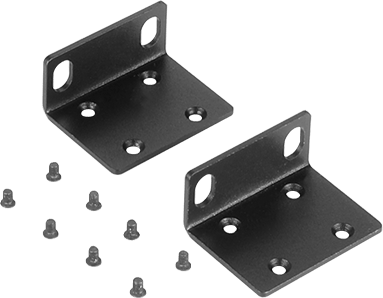
2 × Rack Ears
FAQs
Visit our Help Center for more answers.
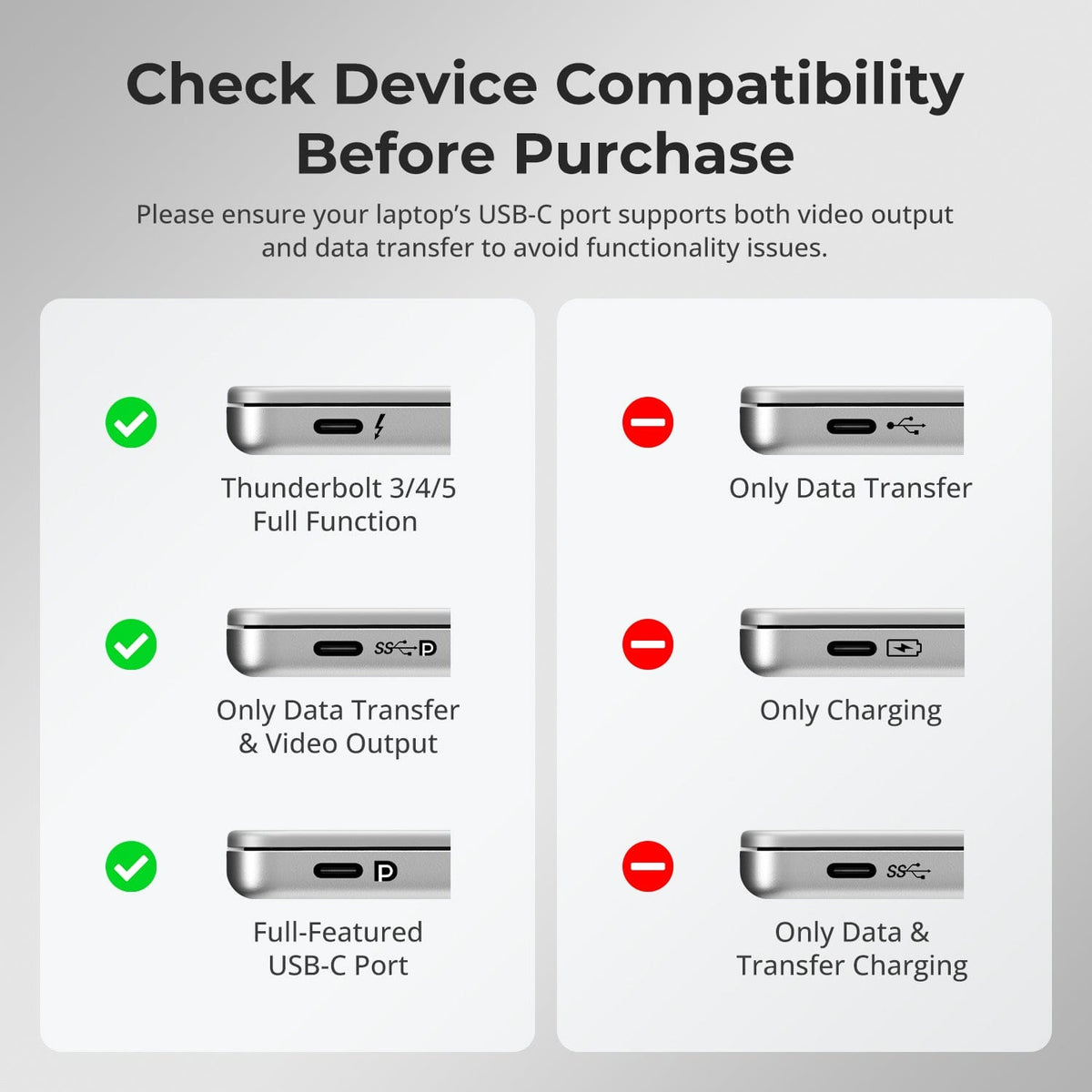
[Compatibility] What type of USB-C computer can use the MST input on HDC403-P23-N?
The USB-C port must support DisplayPort Alt Mode, and the computer must support MST if you want multiple independent displays from one USB-C connection.
[Compatibility] Can a Mac use three independent extended displays through one USB-C MST connection?
macOS does not support DisplayPort MST for independent extended displays in the same way as Windows. A Mac on the MST path may mirror displays or be limited by the Mac model's native external-display support.
[Compatibility] What is the maximum supported display resolution?
The manual supports 4K@60Hz on supported display paths. In a three-display MST setup, the final resolution mix depends on host bandwidth, operating system and connected displays.
[Features & Connections] Can one computer use all three monitors?
Yes when that computer is connected through a host path that can provide the required three display streams. The KVM also supports routing different computers to different monitors.
[Features & Connections] Can the KVM share Ethernet and USB devices?
Yes. It includes Gigabit Ethernet plus USB 3.2 Gen 1 connections for compatible shared peripherals.
[Features & Connections] Can HDC403-P23-N charge a USB-C laptop?
Yes. Compatible USB-C hosts can receive up to 60W when they support the required 20V Power Delivery negotiation.
[Features & Connections] Can USB or audio stay on one computer while displays switch?
Yes. The manual includes USB and audio focus-lock functions.
[Setup & Switching] How can I switch between connected systems?
Use the front-panel controls, IR remote, keyboard hotkeys or mouse-wheel switching.
[Setup & Switching] Does HDC403-P23-N support Auto Scan?
Yes. Auto Scan can cycle through connected systems at a defined interval for monitoring.