


Display Routing

Max Display Output

Display Control

Video Switching

Live Preview

Audio Routing

Routing Control
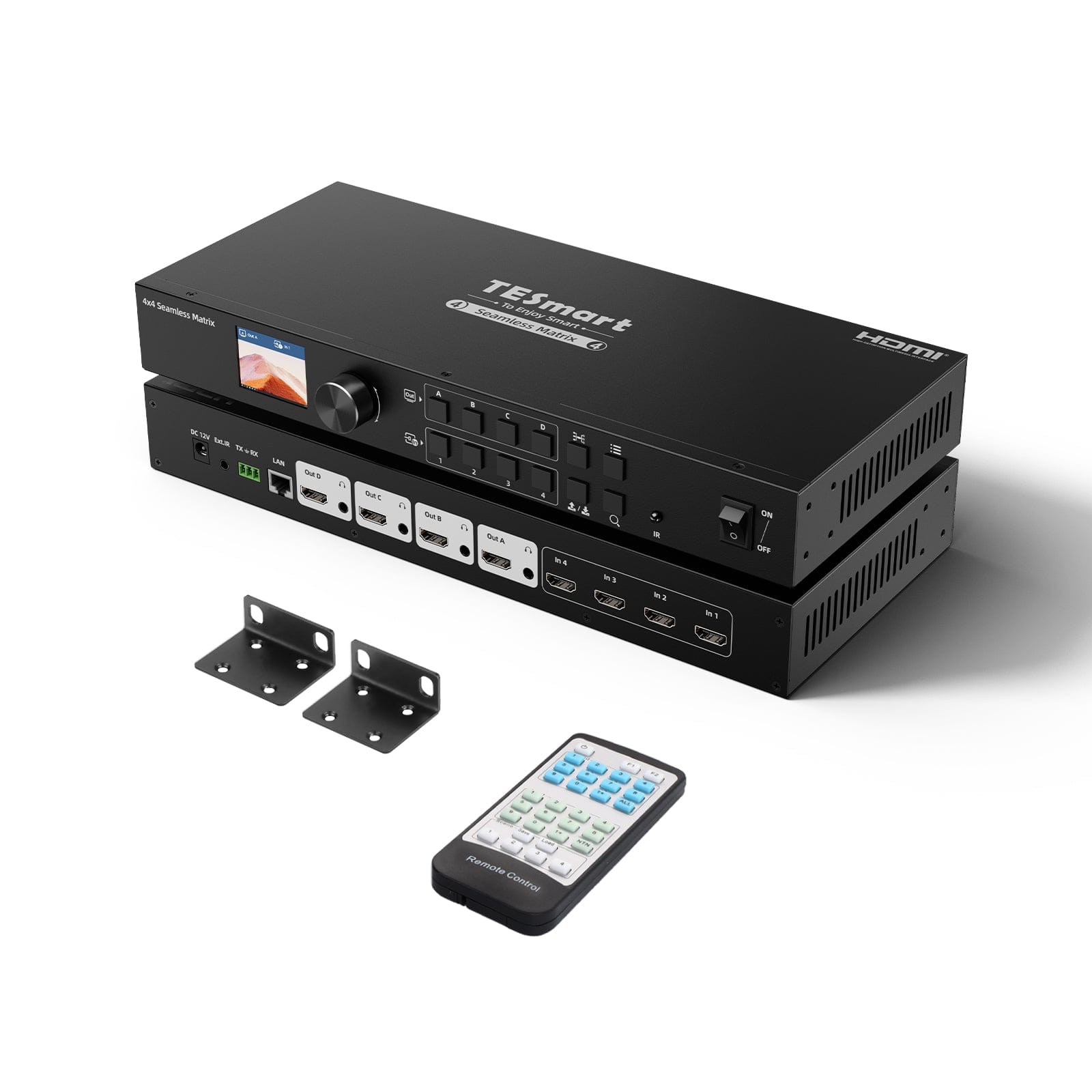
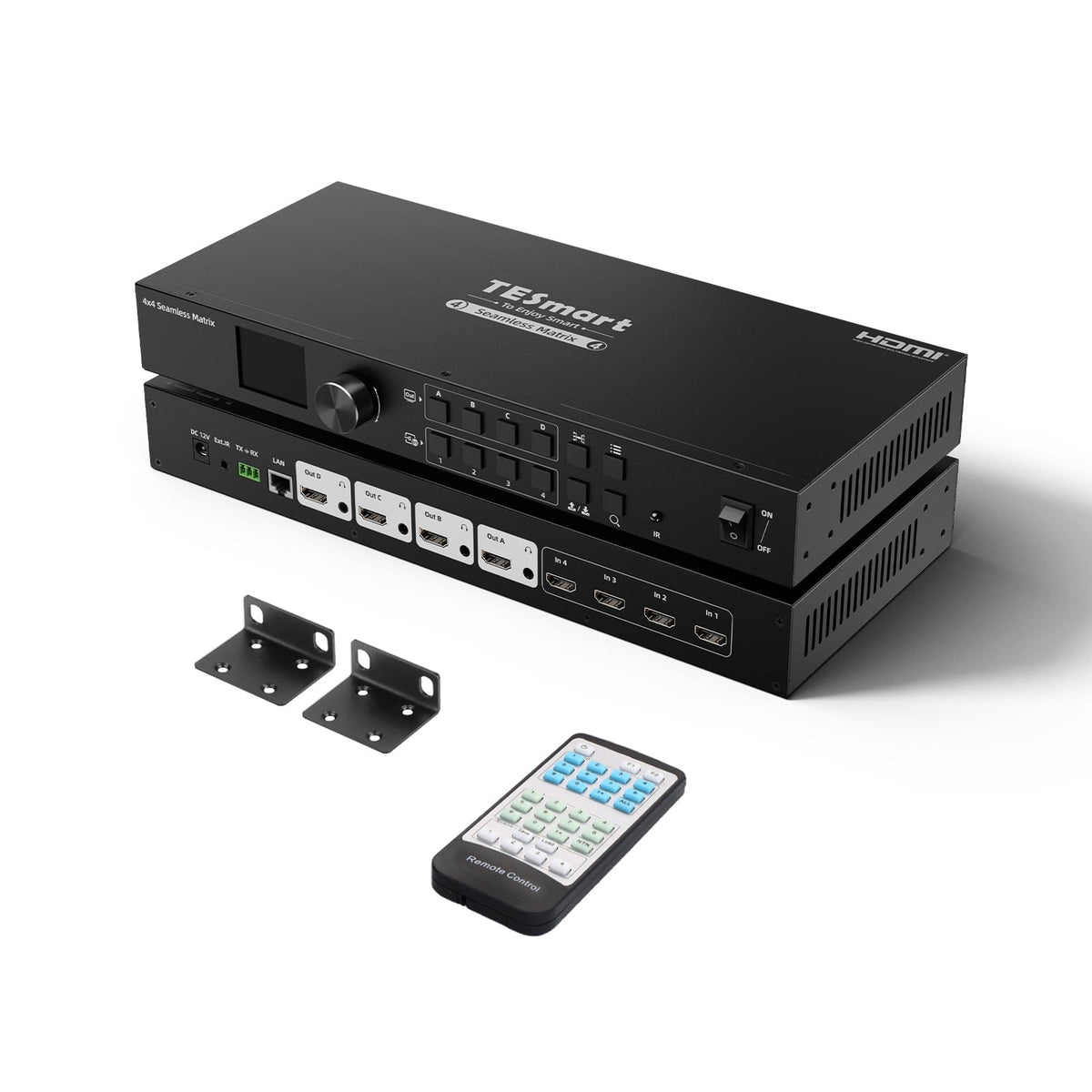
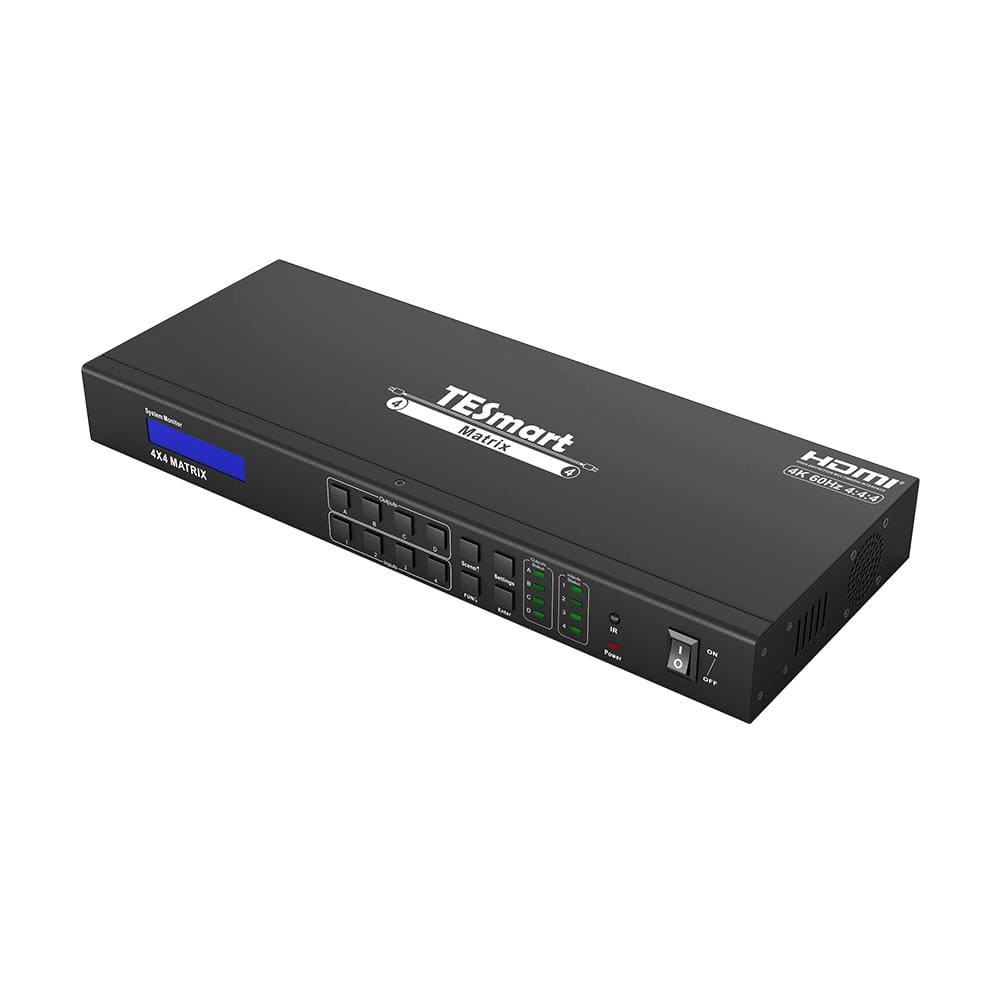
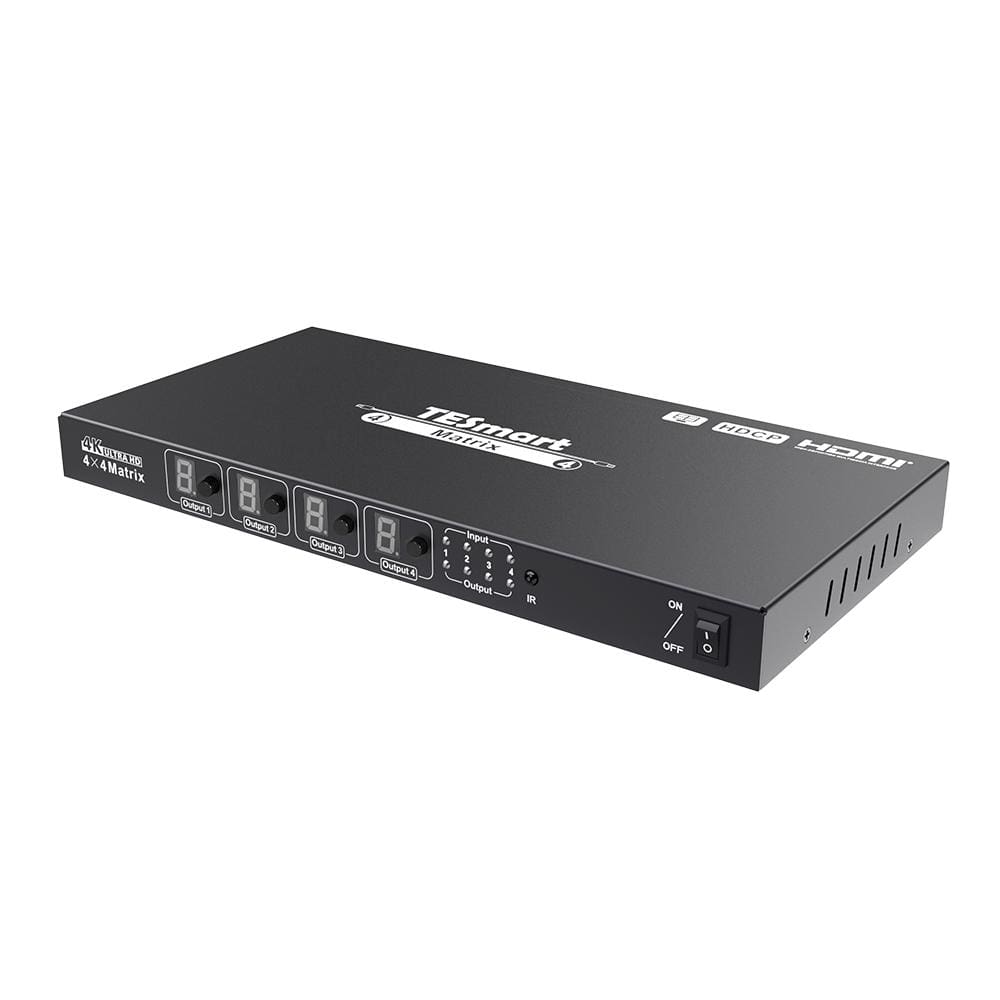
4x4 HDMI Seamless Matrix Switch 1920x1080@60Hz w/LCD, Audio Splitting and Preview Mode
Connect four HDMI sources to four displays, with seamless switching up to 1080p60, LCD preview and separate audio outputs.
Display Routing
Max Display Output
Display Control
Video Switching
Live Preview
Audio Routing
Routing Control
4x4 HDMI Seamless Matrix Switch 1920x1080@60Hz w/LCD, Audio Splitting and Preview Mode
Why Choose HMA404-ES23
Overview
01
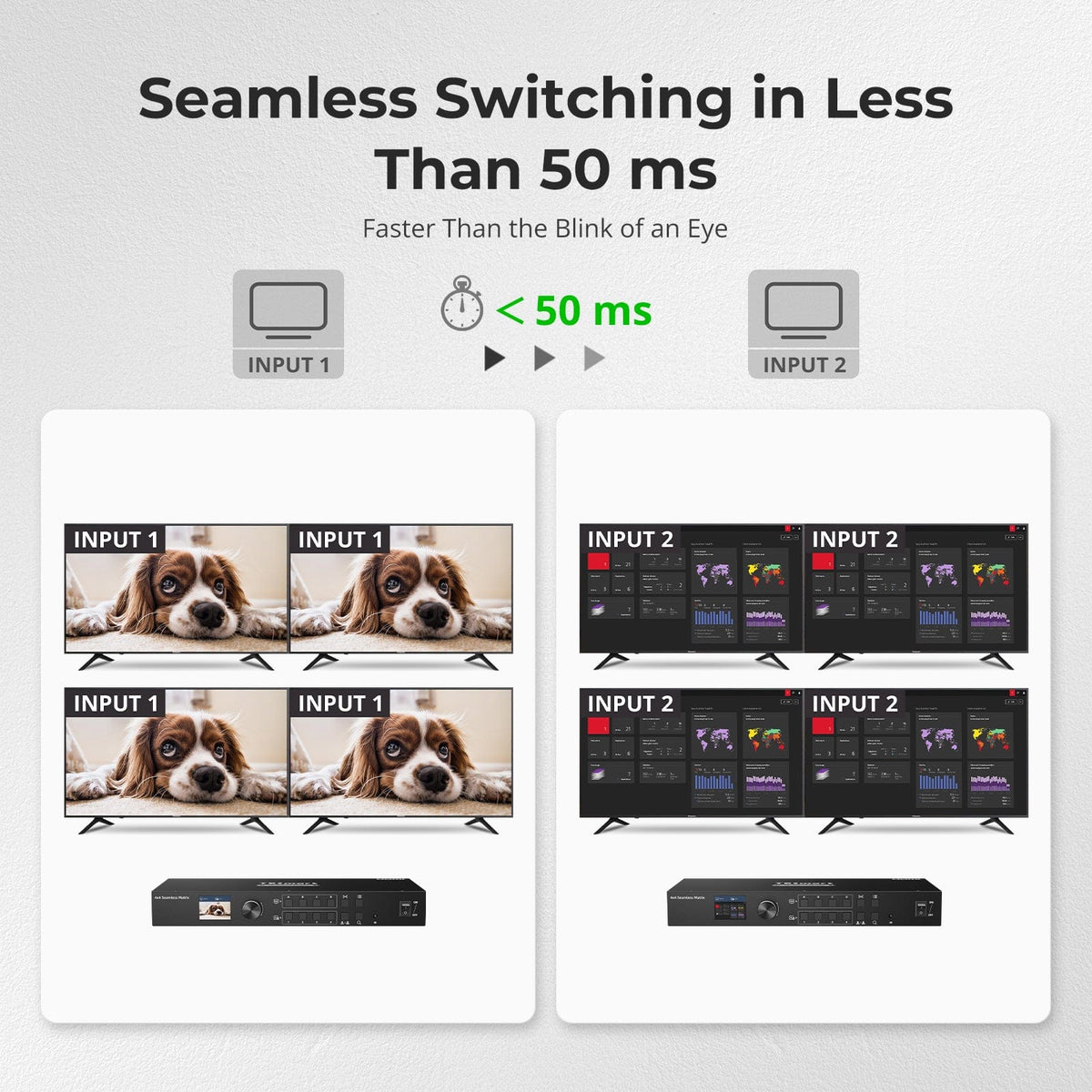
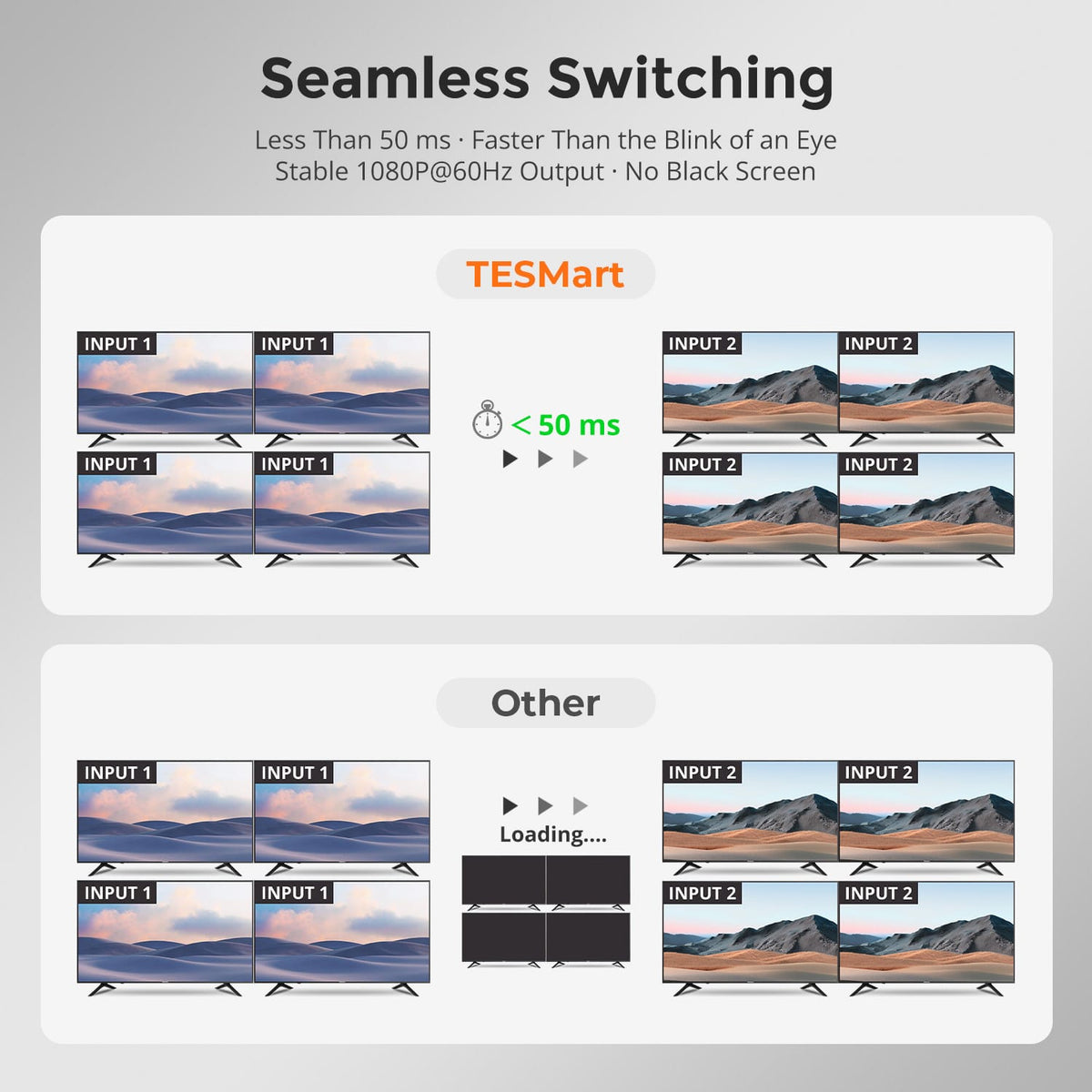
Seamless Switching in Under 50 ms
Switch between HDMI sources in less than 50 ms while maintaining a stable 1080p@60Hz output. Minimize black screens and interruptions for smoother presentations, monitoring and real-time display applications.

02
One-Touch Recall for Custom Routing Scenes
Save frequently used input-to-output routing layouts as scene presets and recall them instantly. Switch from independent content on four displays to a shared source without rebuilding the routing configuration each time.
03
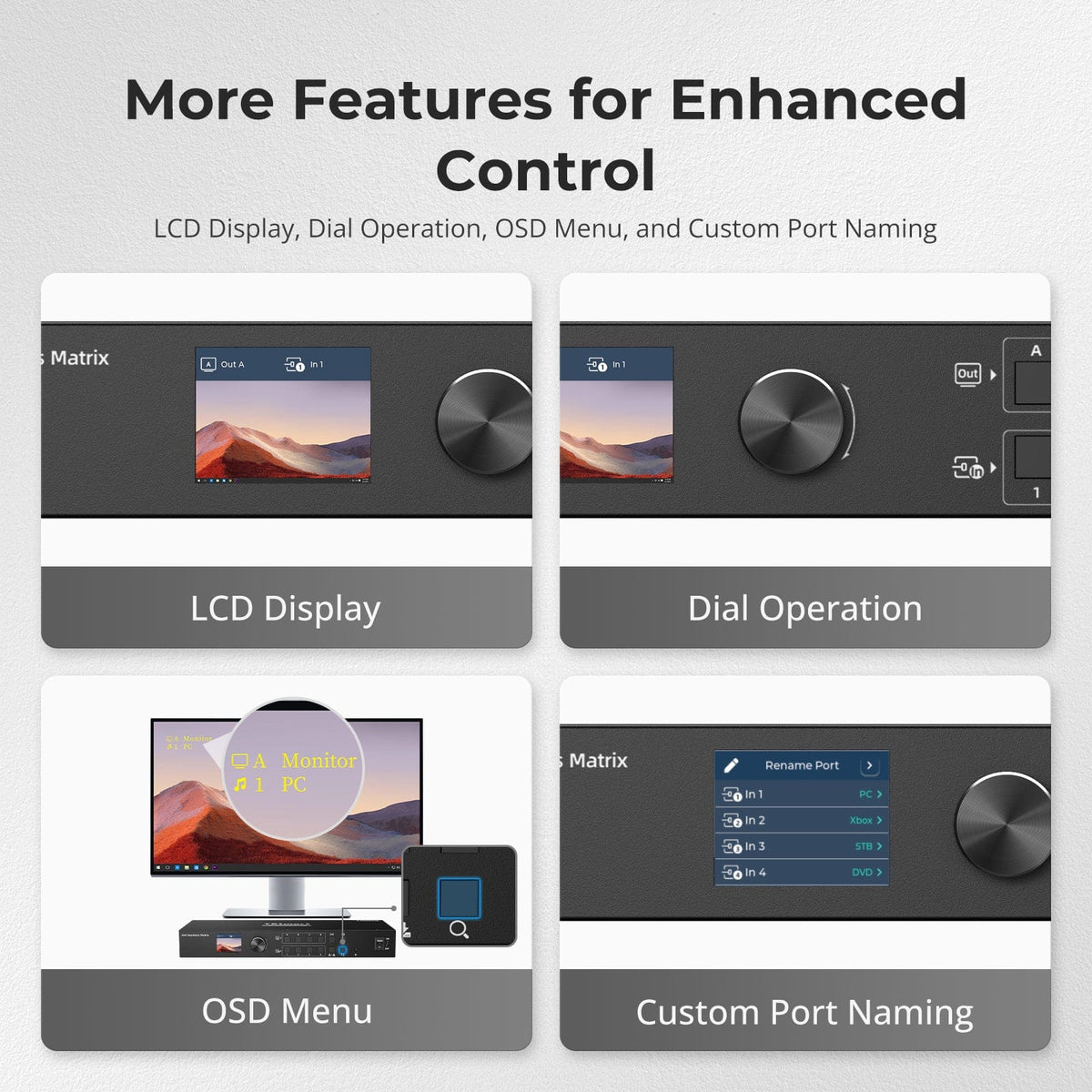
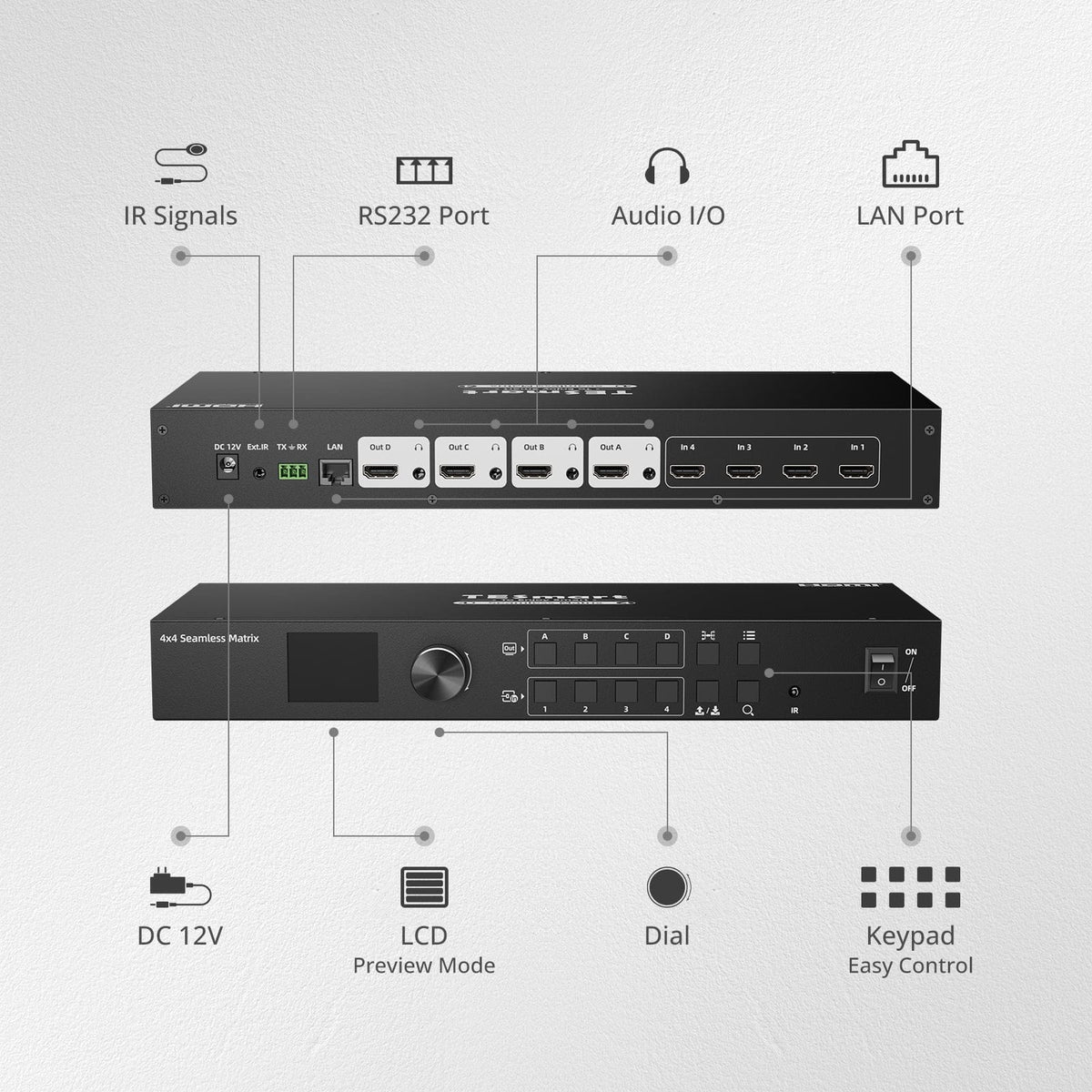
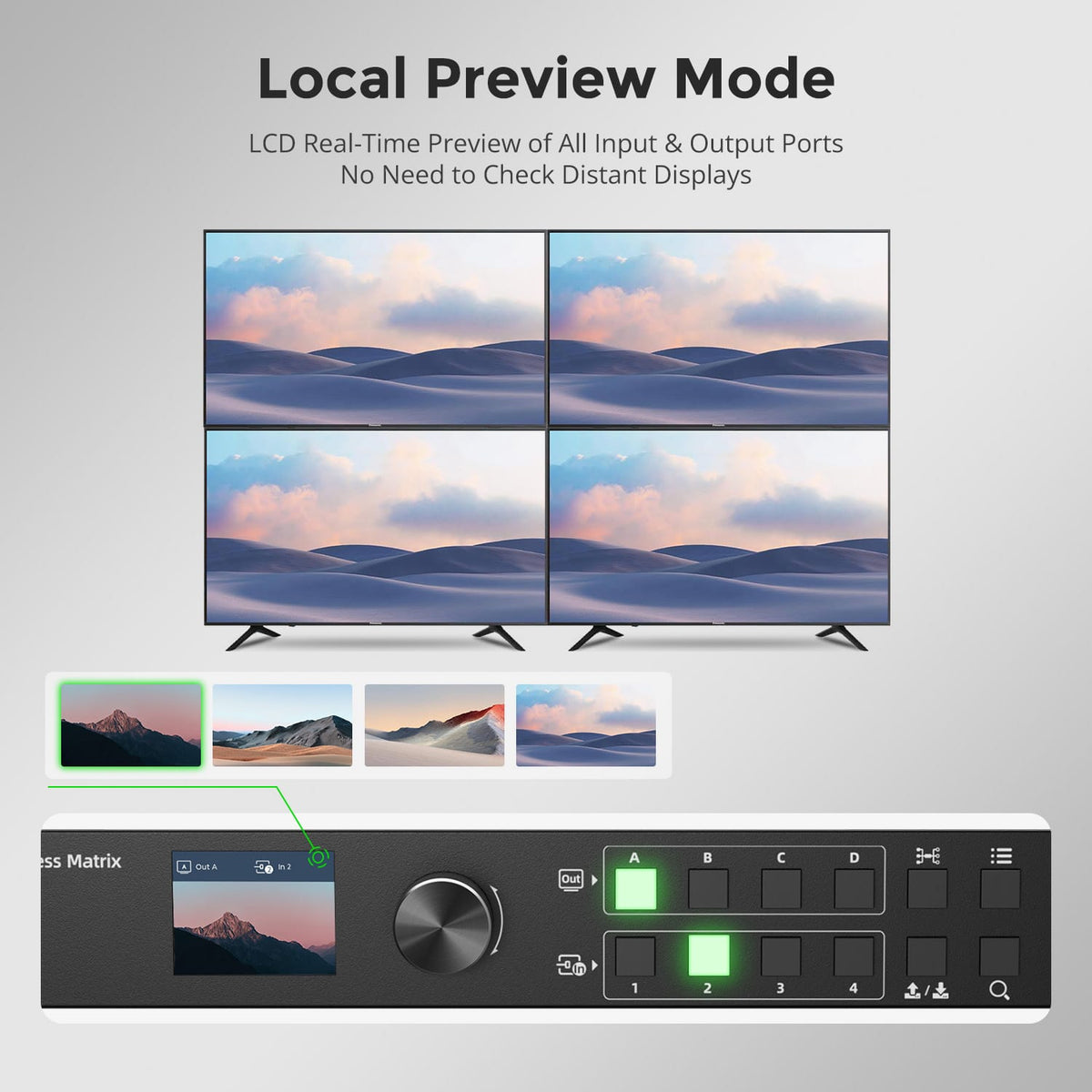
Preview Every Signal Locally
View real-time previews of input and output signals directly on the built-in LCD. Confirm active sources and routing status from the matrix itself without repeatedly checking displays located across the room.
04
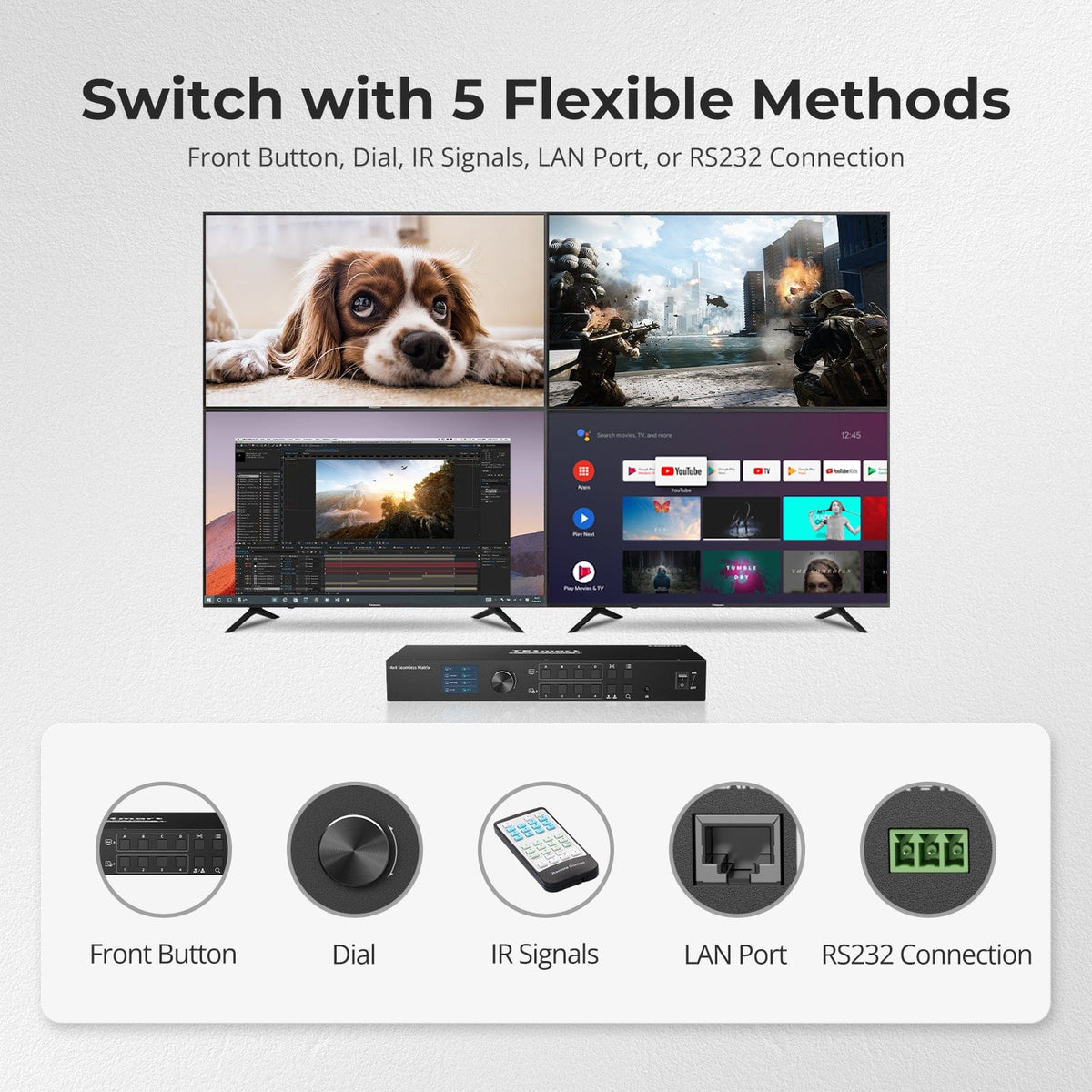
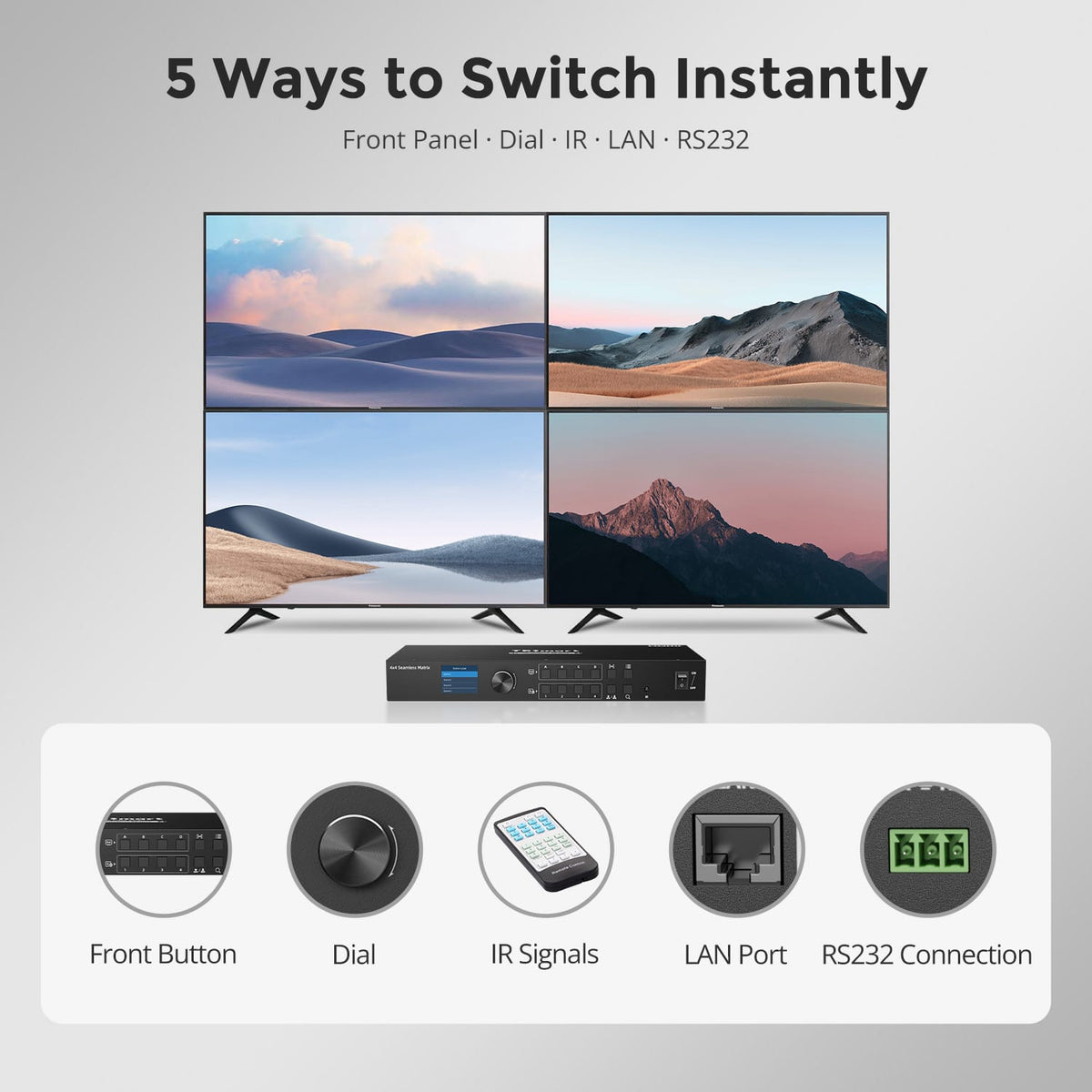
Five Ways to Control Your Matrix
Control video routing through front-panel buttons, the rotary dial, IR remote, LAN or RS232. Choose convenient local control for everyday use or integrate the matrix into professional AV and remote-control systems.
05
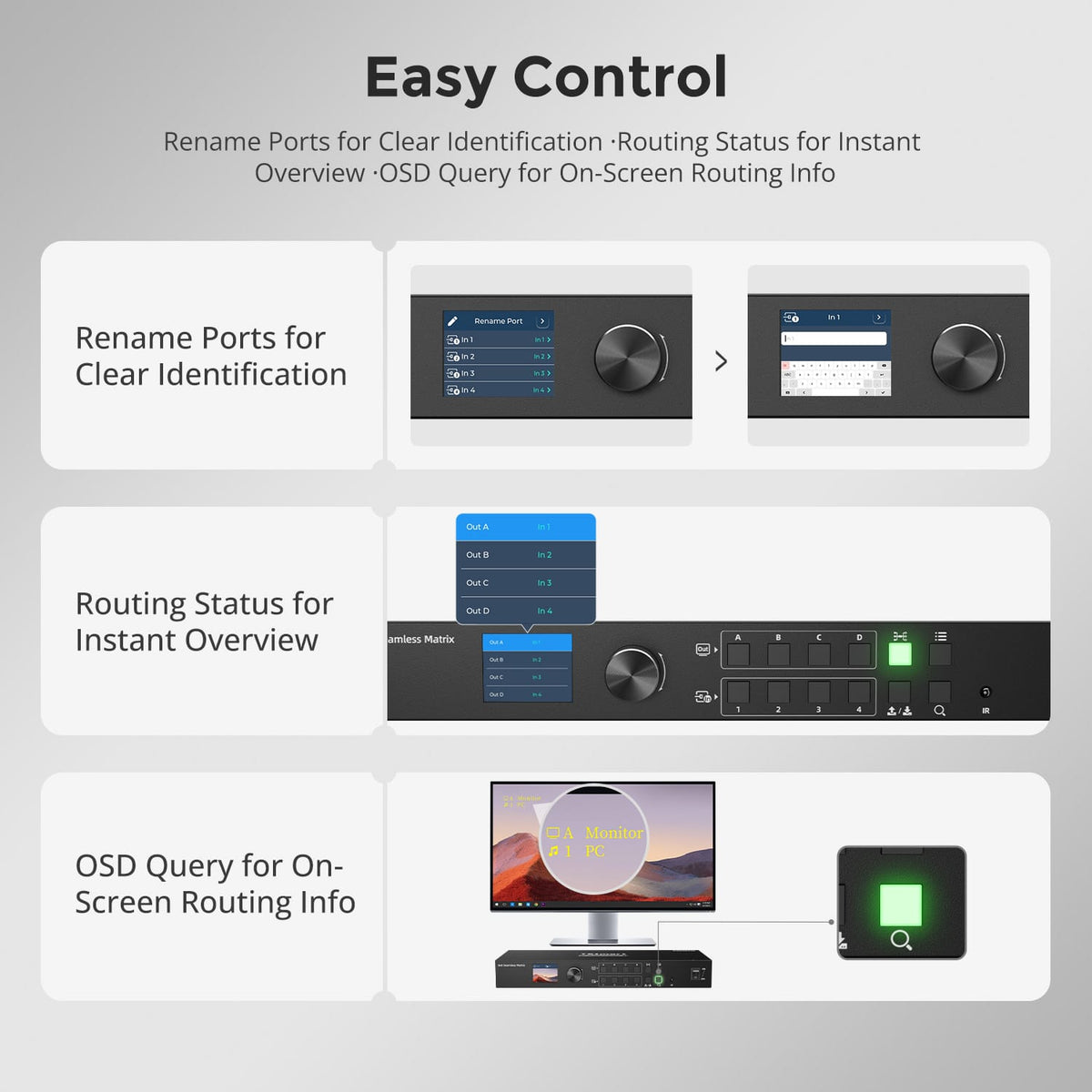
See and Manage Routing at a Glance
Rename input ports for easier source identification, check the current routing status directly on the LCD and use OSD query to view routing information on screen. Complex multi-display setups stay easier to identify and manage.
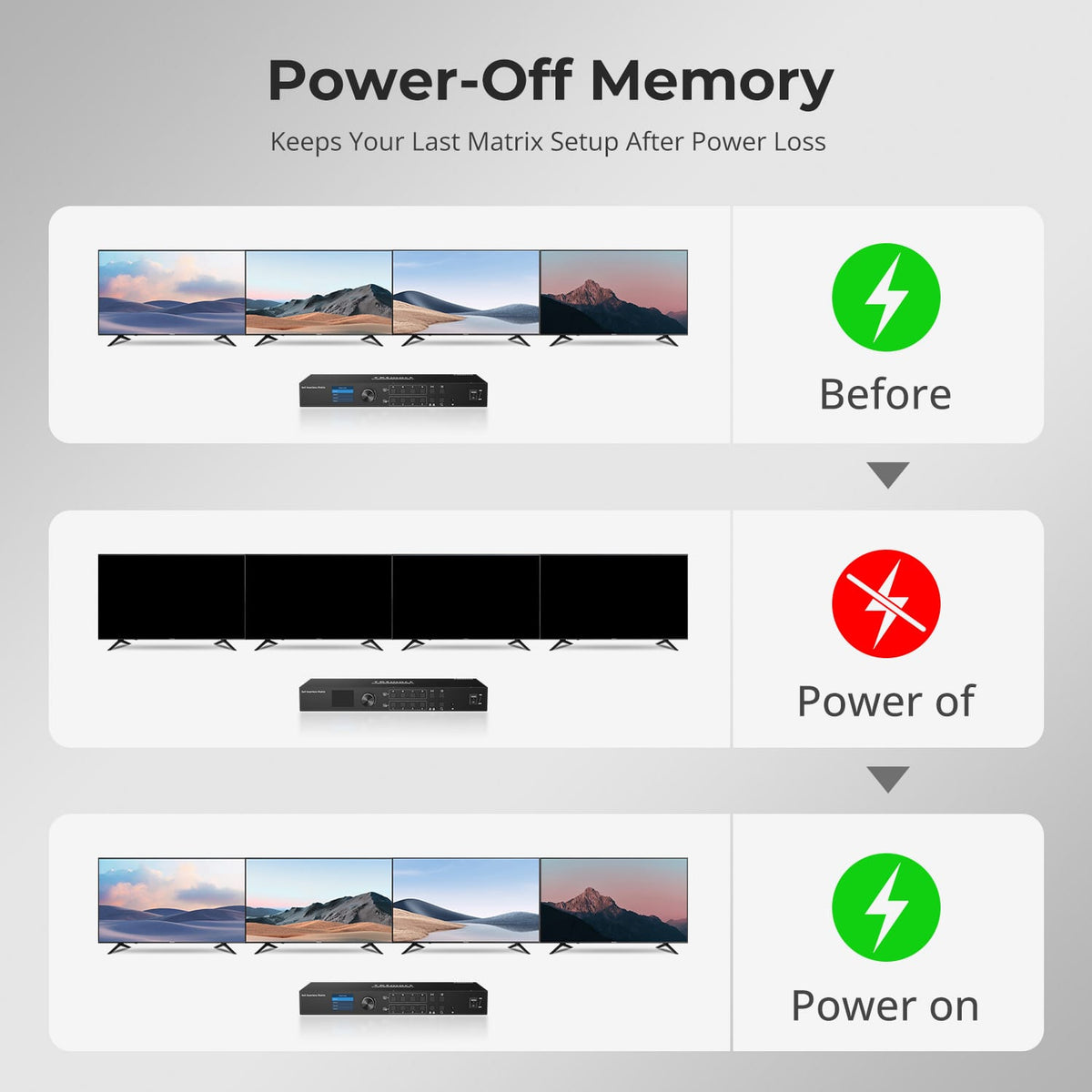
06
Your Routing Stays Exactly as Set
Power-off memory retains the last routing configuration when power is interrupted. Once the matrix powers back on, your previous input-to-output setup is automatically restored without manual reconfiguration.
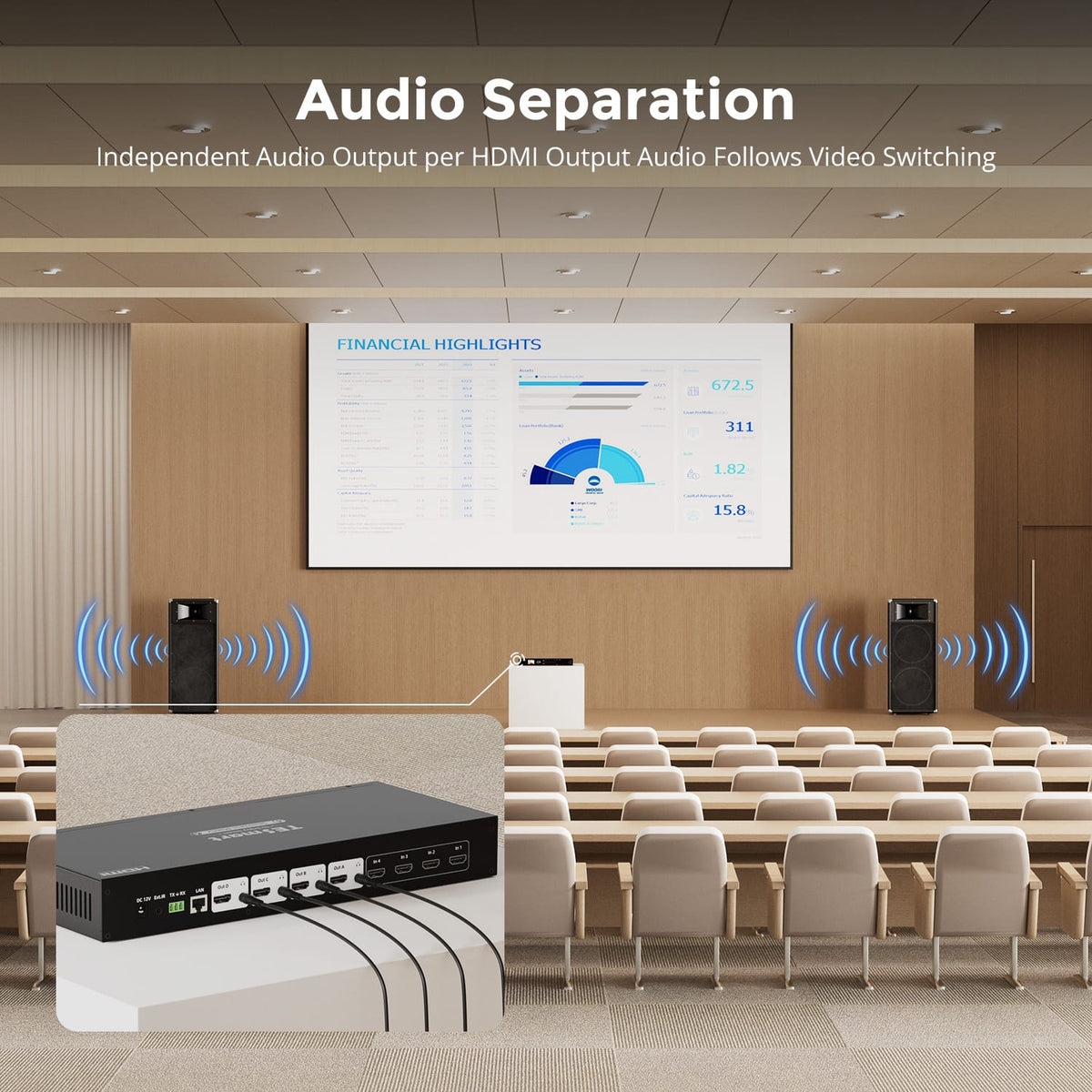
07
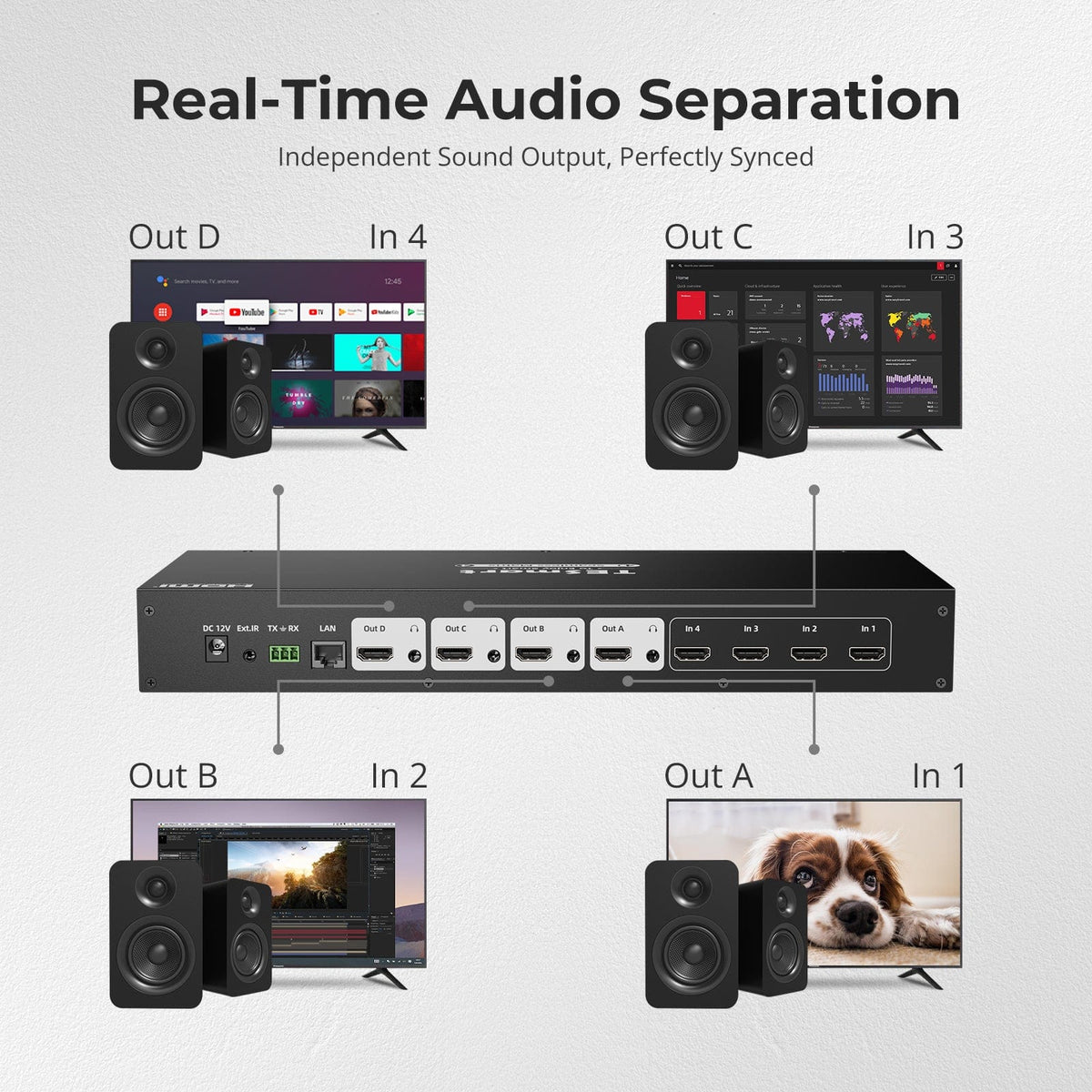
Independent Audio for Every Output
Extract audio independently from each HDMI output through dedicated L/R audio connections. Audio follows the corresponding video route, making it easier to build separate speaker zones for meeting rooms, classrooms and professional AV environments.
Specifications & Support
Compatibility & Input Guide
Technical Specifications
Manuals & Downloads
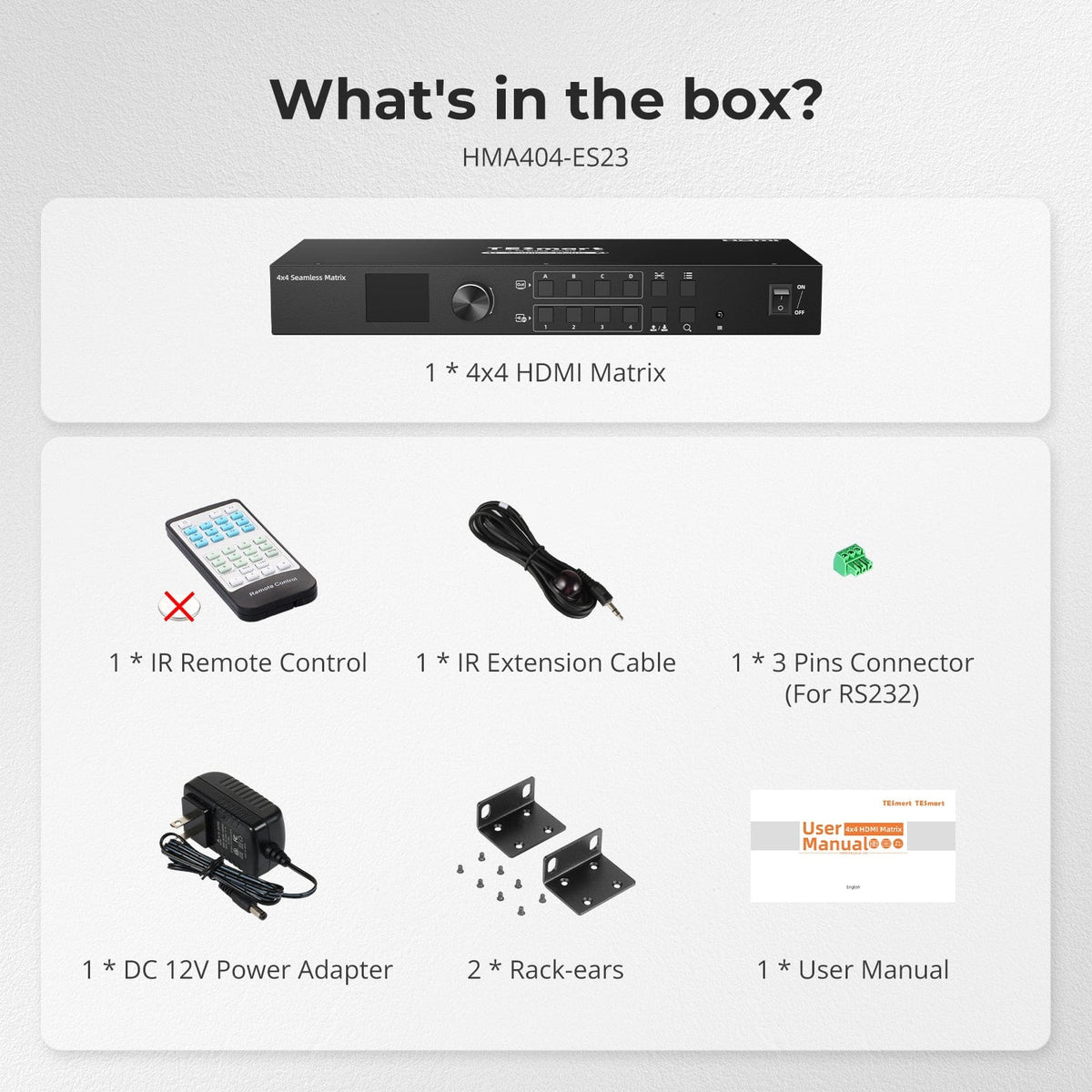
Included in the Box
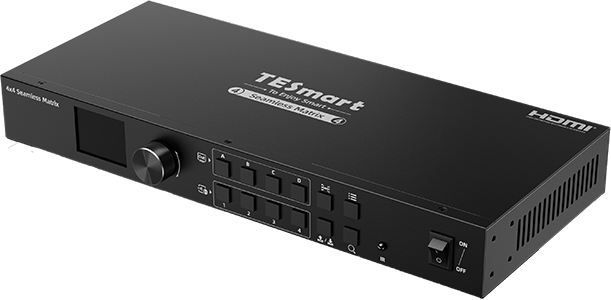
1 × 4×4 HDMI Matrix
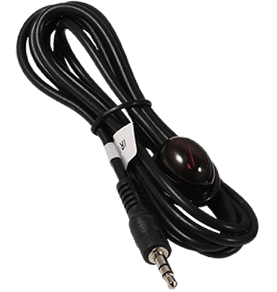
1 × IR Extension Cable
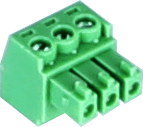
1 × 3-Pin RS232 Connector

2 × Rack Brackets

1 × 12 V DC Power Adapter
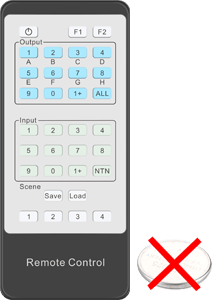
1 × IR Remote Control
1 × User Manual

Compare your options
Compare resolution, routing modes and switching behavior for a four-input, four-output HDMI setup.
Model
HMA404-ES23
Model
HMA404-E23
Model
HMA404-L23
Source inputs
4 × HDMI
Source inputs
4 × HDMI
Source inputs
4 × HDMI
Display outputs
4 × HDMI
Display outputs
4 × HDMI
Display outputs
4 × HDMI
Video output
1080p60
Video output
4K60
Video output
4K30 single view; 1080p60 Quad-View
Display modes
Independent full-screen routing
Display modes
Independent full-screen routing
Display modes
Full-screen routing + Quad-View on each output
Source switching
Seamless full-screen switching
Source switching
Standard matrix switching
Source switching
Standard matrix switching
Audio outputs
4 × analog L/R, paired with HDMI outputs
Audio outputs
4 × analog L/R, paired with HDMI outputs
Audio outputs
Embedded HDMI audio; selectable source in Quad-View
Control methods
Front panel, rotary dial, IR, RS232 and LAN
Control methods
Front panel, IR, RS232 and LAN
Control methods
Front panel, IR and RS232
Routing presets
4 scenes
Routing presets
4 scenes
Routing presets
4 scenes
USB sharing
USB sharing
USB sharing
FAQ's
Visit our Help Center for more answers.
[Compatibility] What sources and displays can I use with HMA404-ES23?
You can connect up to four HDMI source devices and four HDMI displays. The manual specifically lists devices such as computers, game consoles, streaming boxes, TVs, monitors, and projectors.
[Compatibility] What is the maximum supported resolution?
HMA404-ES23 supports resolutions up to 1920×1080 at 60Hz. Use source and display settings that stay within this limit.
[Compatibility] Is HMA404-ES23 a KVM switch?
No. It routes HDMI video and audio only; it does not switch USB keyboard, mouse, or other USB peripherals.
[Compatibility] Does the matrix provide zero-latency video?
No. Seamless switching prevents a black screen, but the video-processing path adds latency. It is not intended for workflows that require frame-accurate synchronization between the routed output and a source device's built-in display.
[Compatibility] Do I need Windows to use the matrix?
No for front-panel, dial, and IR operation. The supplied Matrix Controller software is for Windows when you want PC control through LAN or RS232.
[Features & Connections] Can each display show a different HDMI source?
Yes. Each of the four outputs can select any connected input independently, and you can also send one input to several or all displays.
[Features & Connections] What does seamless switching do?
It changes full-screen HDMI sources without the routed display going black while it waits for the next source image.
[Features & Connections] How does audio extraction work?
Each HDMI output has a corresponding analog L/R audio output. The extracted audio follows the source selected for that display output.
[Features & Connections] What can I see on the front-panel LCD?
The LCD can preview input signals, output displays, or both in sequence. It also shows routing information so you can verify connections at the matrix.
[Features & Connections] Can I save routing layouts?
Yes. You can store four user-configurable scenes. The matrix also remembers its routing state after power-off and restores it at the next startup.
[Setup & Switching] What cables are required for setup?
Connect each source and display with HDMI cables, then connect the supplied DC 12V power adapter. HDMI cables are not included. Use the supplied IR extension cable only when the built-in IR receiver is not conveniently accessible.
[Setup & Switching] How can I switch the HDMI routes?
Use the front-panel input/output buttons, rotary dial, IR remote, Windows Matrix Controller over LAN, or RS232 commands from a control terminal.
[Setup & Switching] What are the default LAN and RS232 settings?
The default LAN address is 192.168.1.10 with TCP port 5000, gateway 192.168.1.1, and subnet mask 255.255.255.0. RS232 uses 9600 bps, 8 data bits, 1 stop bit, and no parity.