



Display Routing

4K video over HDMI 1.4

Display Mode

Display Control

Routing Control

Installation
Control Options
4x4 4K HDMI Matrix Switch with RS232 and Quad Multi-Viewer
Share two Apple Studio Displays, one keyboard and mouse between two computers—or show one computer on each display when you need both systems at once.
Display Routing
4K video over HDMI 1.4
Display Mode
Display Control
Routing Control
Installation
Control Options
4x4 4K HDMI Matrix Switch with RS232 and Quad Multi-Viewer
Why Choose HMA404-L23
Overview
01
Monitor Four Sources on Any Output
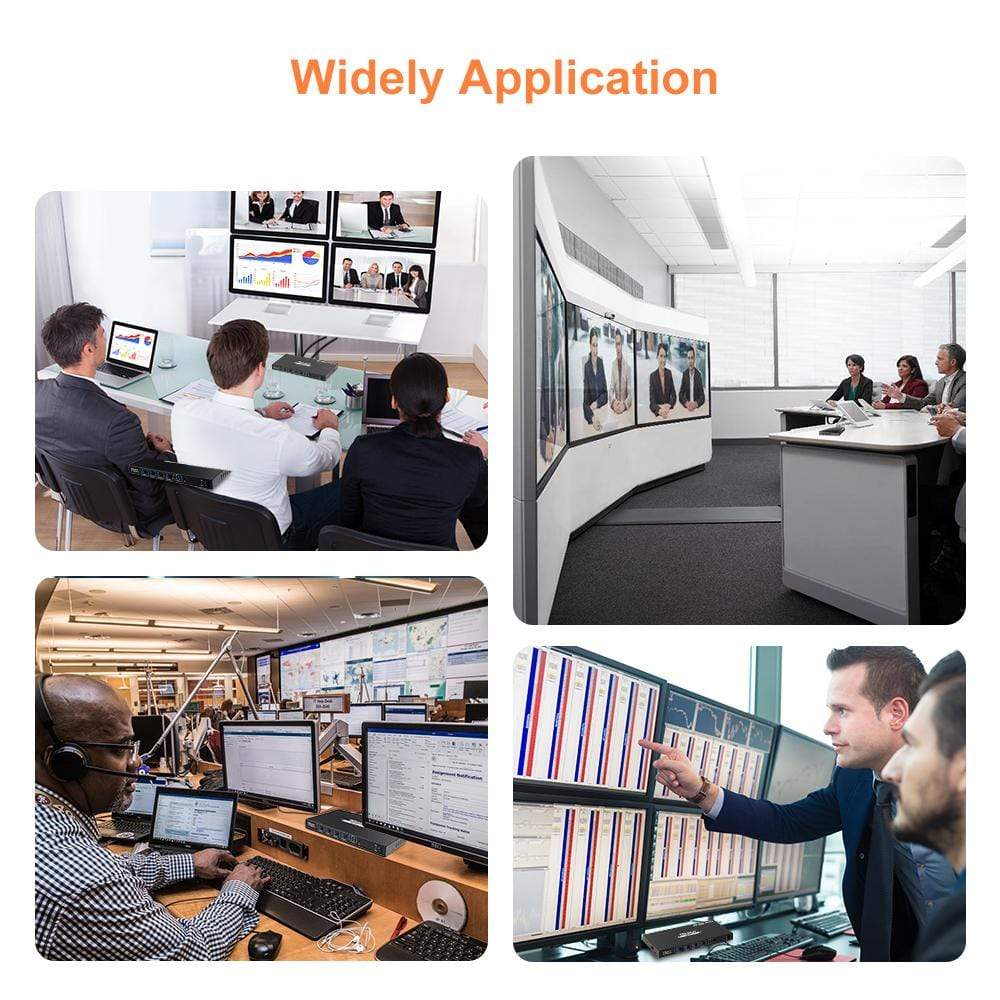
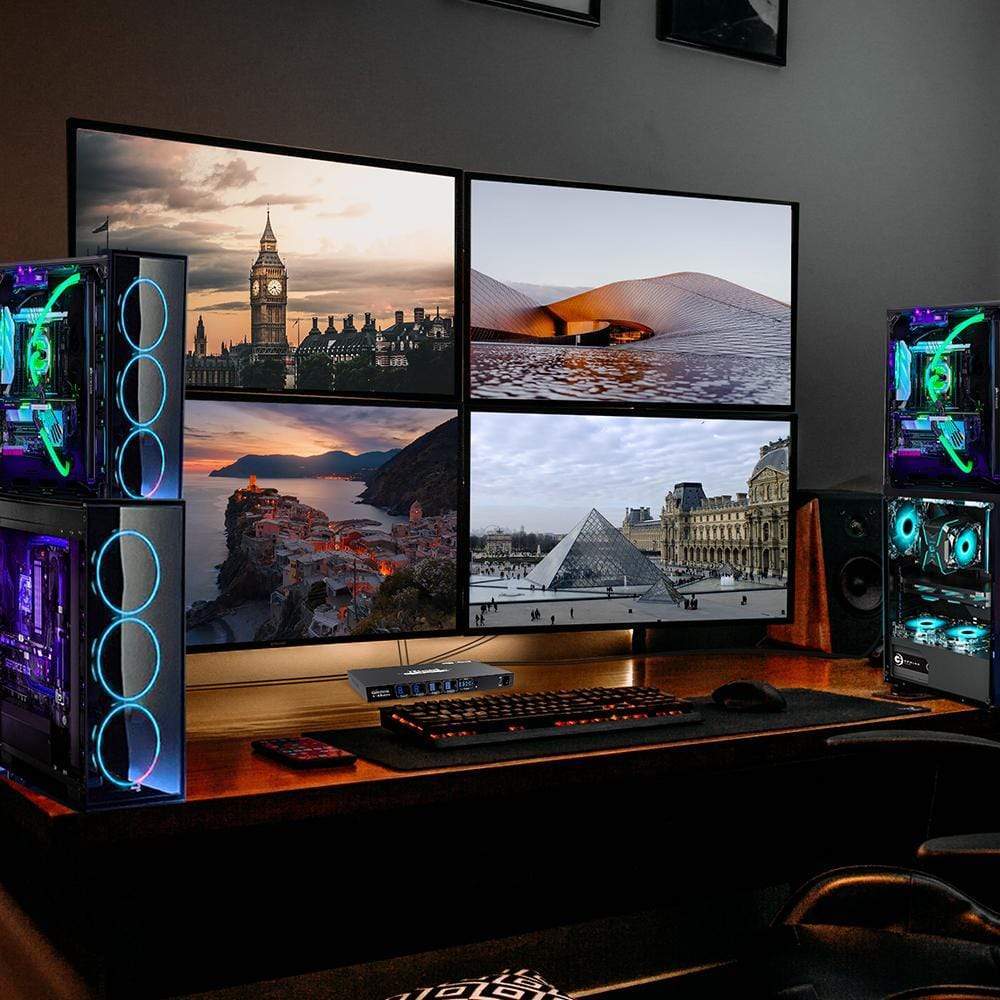
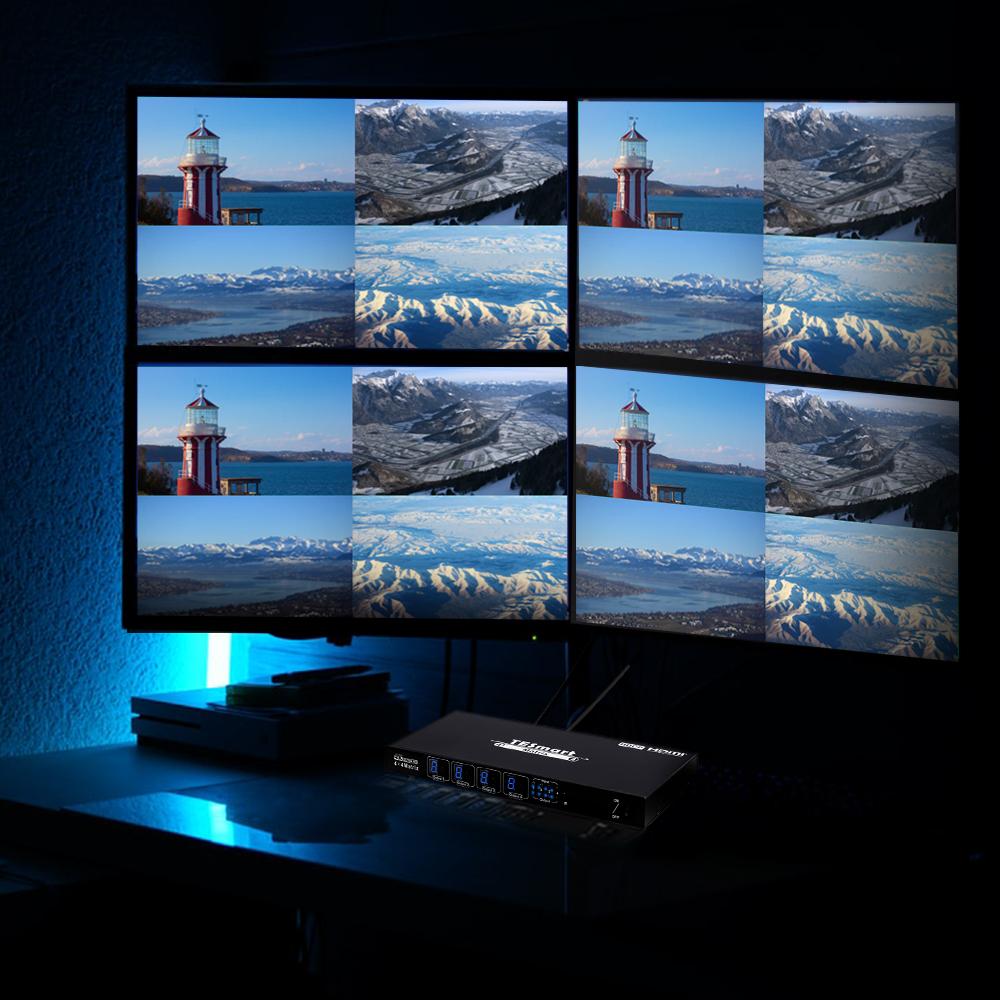
Every HDMI output can enter Quad Multi-Viewer mode and show all four input sources at once. Set individual outputs to single-view or quad-view independently, or place all four outputs in quad-view for security, engineering, media and multi-system monitoring workflows.
02
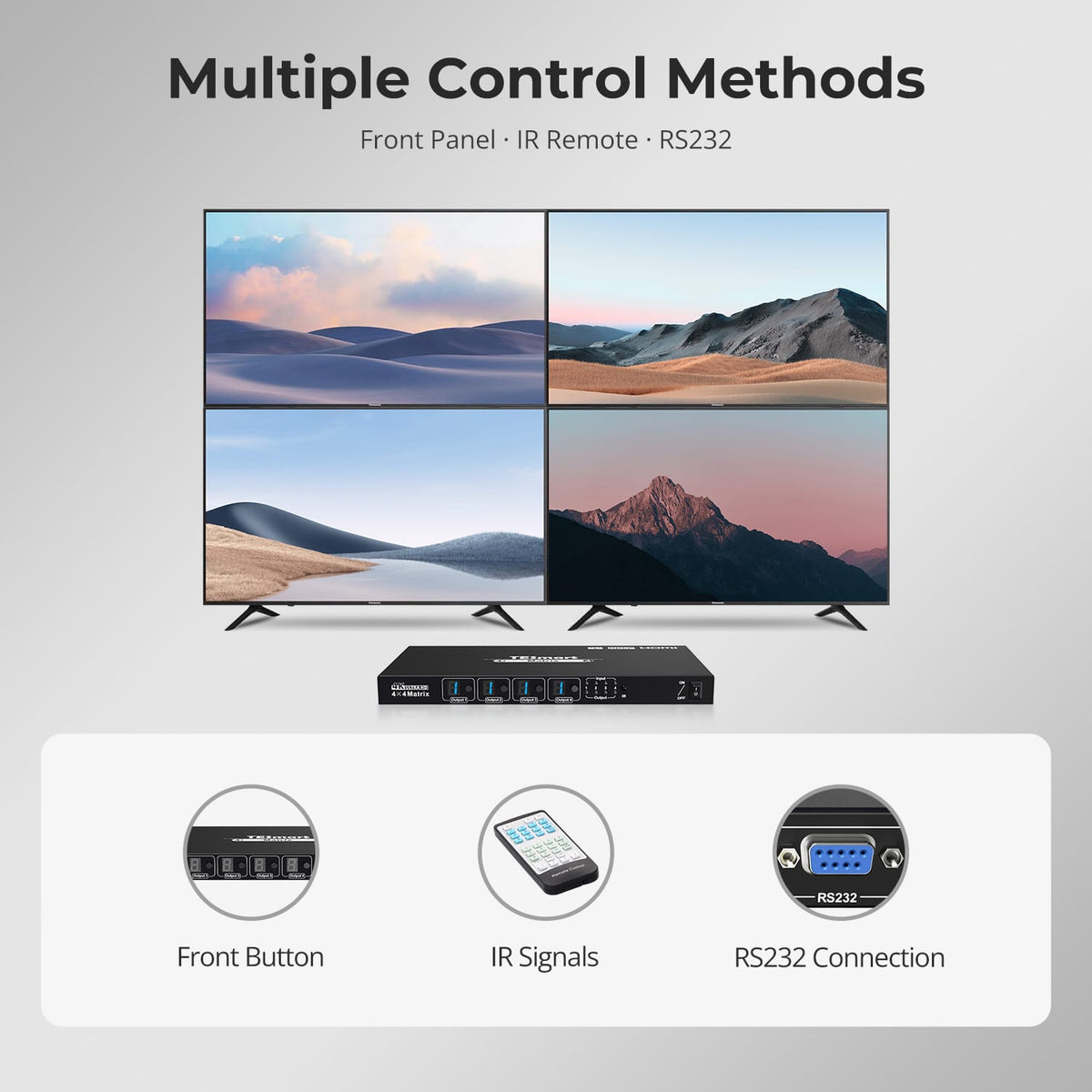
Three Ways to Control the Matrix
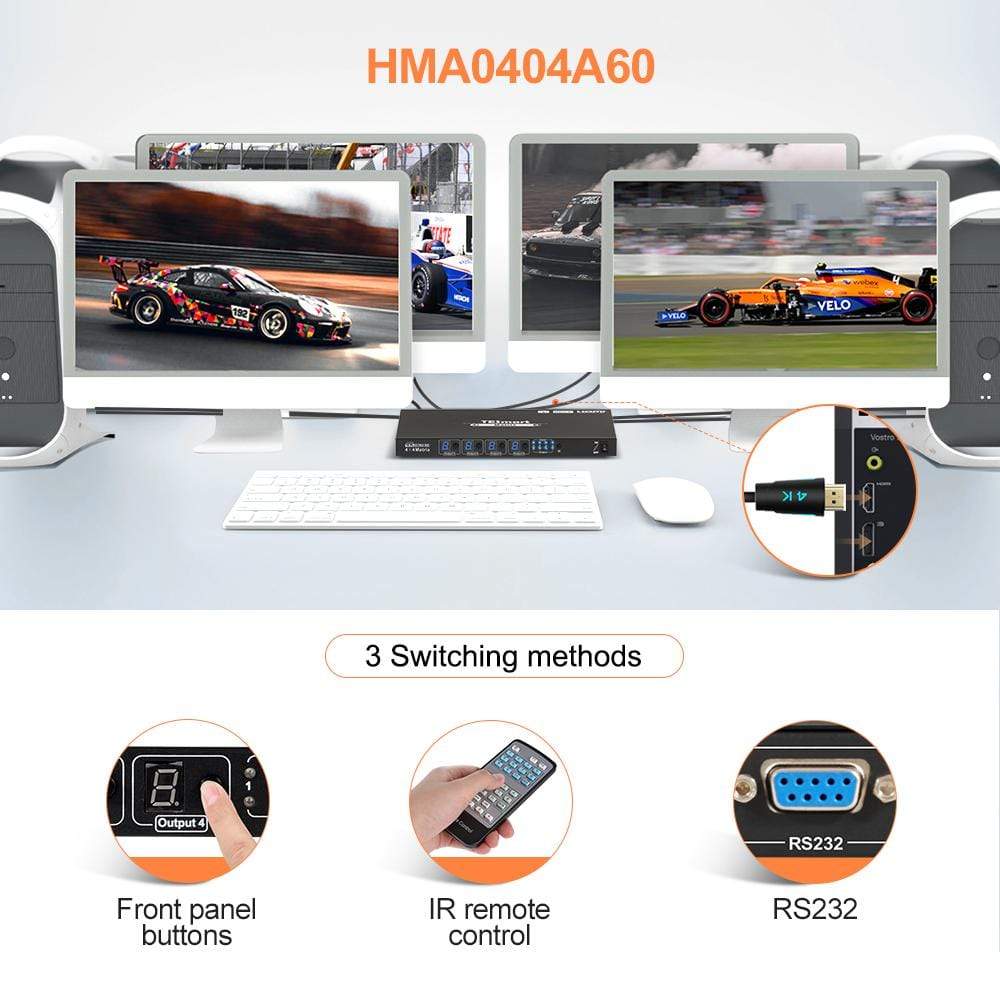
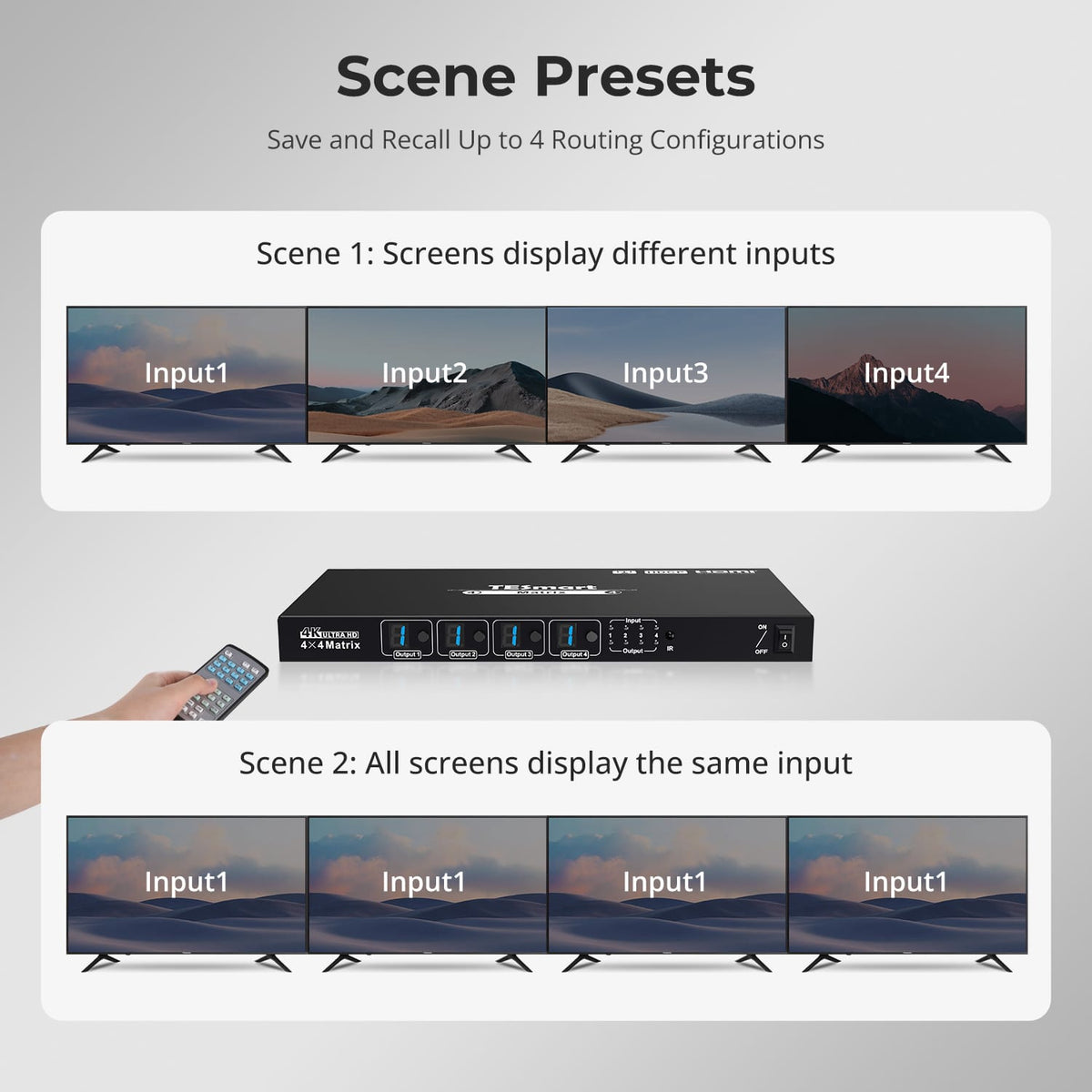
Change routes directly from the front-panel buttons, use the included IR remote from across the room, or integrate the matrix into a control system through RS232 serial commands. Four user presets let you save and recall frequently used routing layouts from the remote.
03
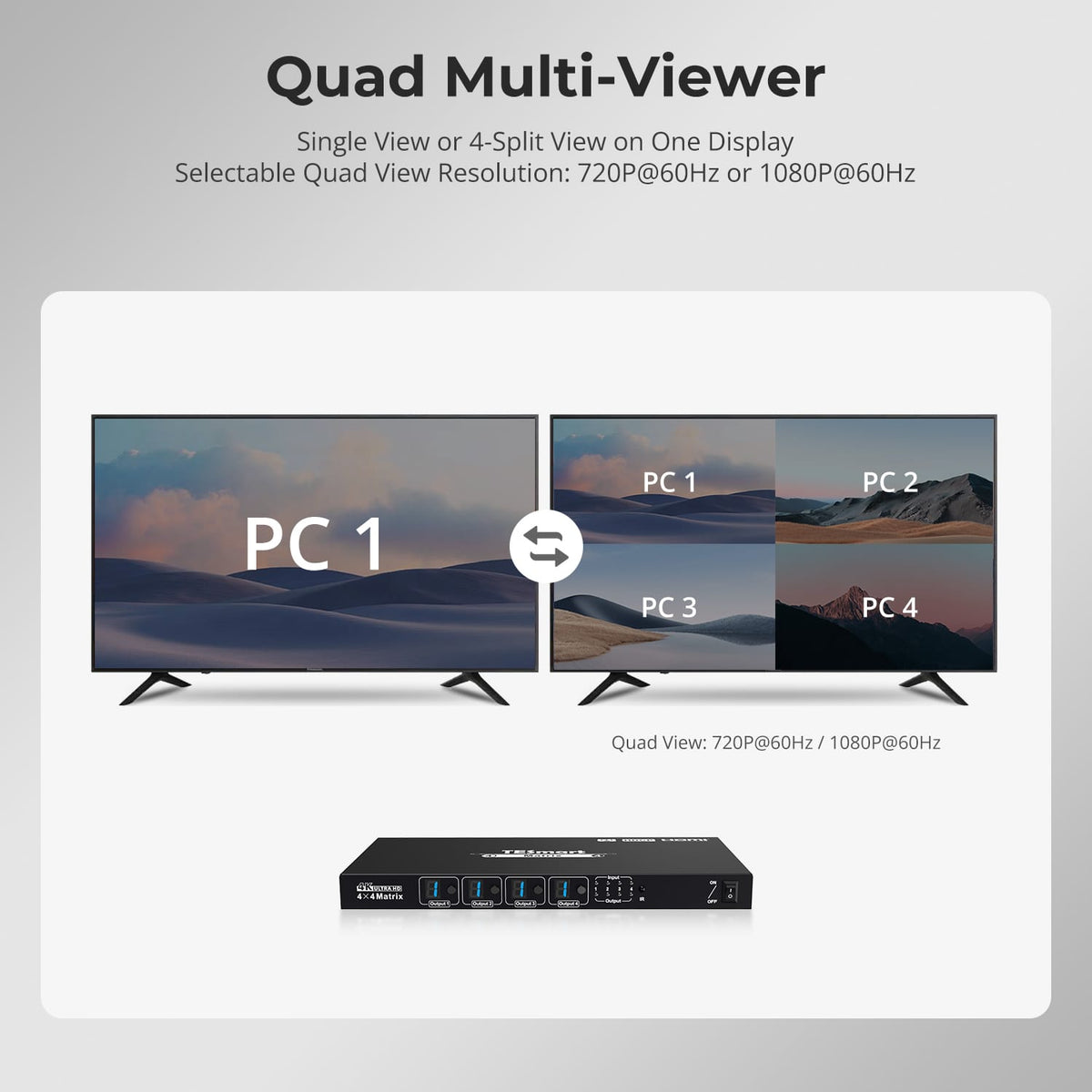
Monitor Four Sources on One Screen
Switch between a single full-screen source and a 4-way split view. In Quad View mode, choose between 720p@60Hz and 1080p@60Hz display output.
Specifications & Support
Compatibility & Input Guide
Technical Specifications
Manuals & Downloads
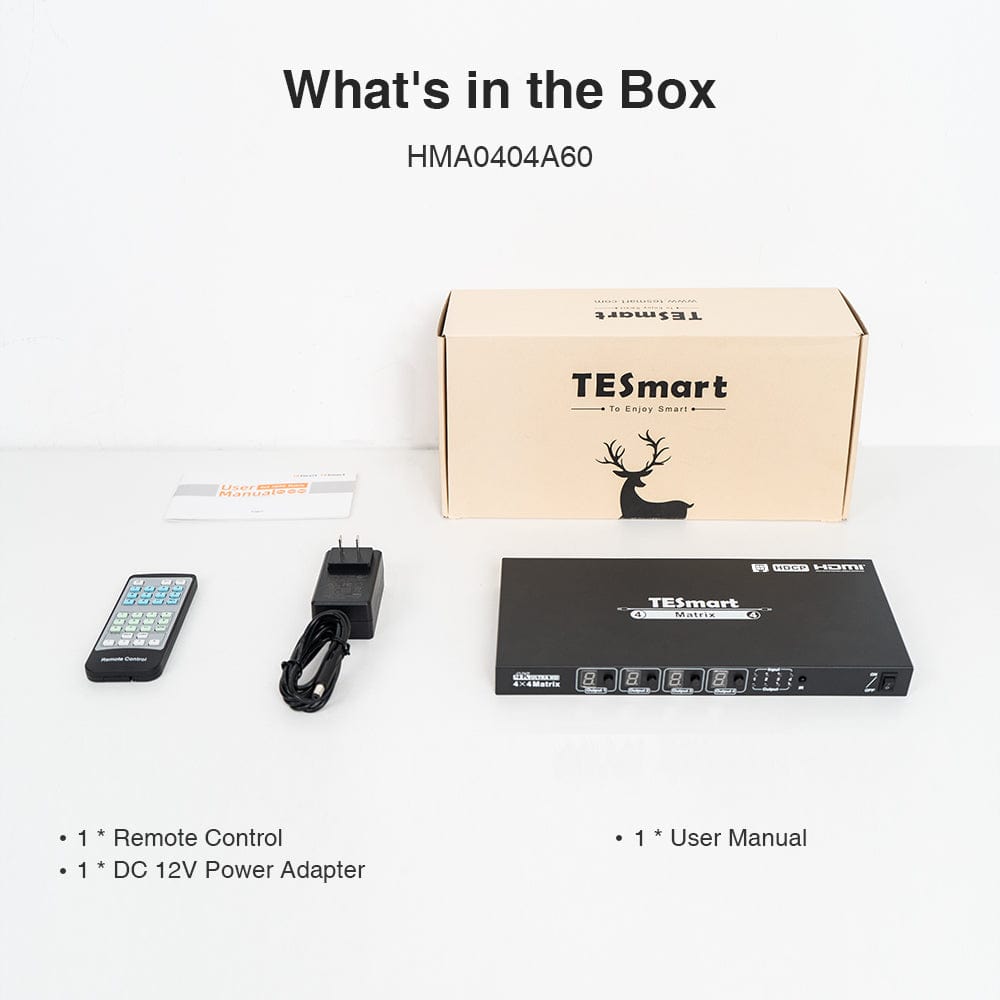
Included in the Box
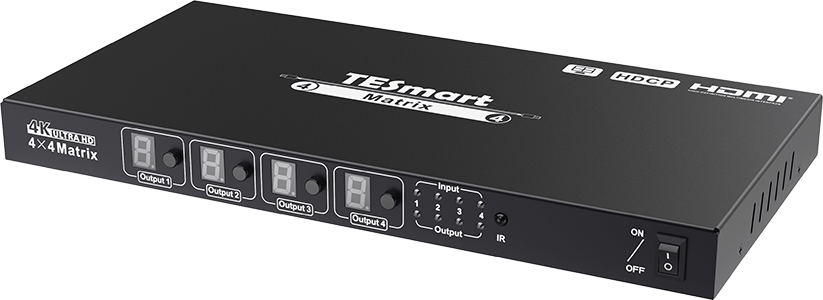
1 × HMA404-L23 4×4 HDMI Matrix
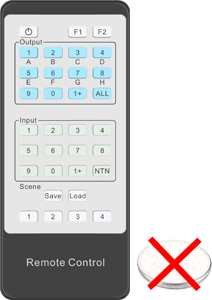
1 × IR Remote Control
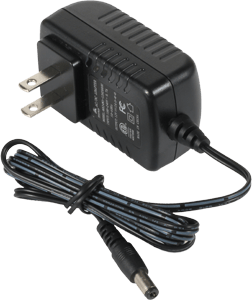
1 × DC 12V Power Adapter
1 × User Manual
1 × User Manual
FAQs
Visit our Help Center for more answers.
[Compatibility] What devices can I connect to HMA404-L23?
You can connect up to four HDMI source devices and four HDMI displays. Typical sources include computers, DVRs, set-top boxes, disc players, game consoles and media players; displays can include HDMI monitors, TVs and projectors.
[Compatibility] What is the maximum supported resolution?
In single-view mode, HMA404-L23 supports up to 3840×2160 at 30Hz with 4:4:4 color. In Quad Multi-Viewer mode, the available output resolutions are 1920×1080 at 60Hz and 1280×720 at 60Hz.
[Compatibility] Does HMA404-L23 support HDMI 2.0 or HDCP 2.2?
No. The documented specification is HDMI 1.4 and HDCP 1.4. If your source or content requires HDMI 2.0 bandwidth, 4K@60Hz or HDCP 2.2, this model does not meet that requirement.
[Compatibility] Are HDMI cables included?
No. HDMI cables are not included by default. A fully populated setup requires four HDMI cables from the sources to the matrix and four HDMI cables from the matrix to the displays.
[Features & Connections] Can each display show a different source?
Yes. Each HDMI output can select any of the four HDMI inputs independently. You can show four different sources, repeat one source on several displays, or combine both routing patterns.
[Features & Connections] What is Quad Multi-Viewer mode?
Quad Multi-Viewer mode shows all four HDMI inputs simultaneously in a four-panel layout on one output. Each output can use quad-view or single-view independently, and all four outputs can also be placed in quad-view at the same time.
[Features & Connections] Can I choose the audio source in Quad Multi-Viewer mode?
Yes. In Quad Multi-Viewer mode, you can select any of the four input panels as the audio source with the IR remote. When several outputs are in quad-view, the audio selection changes synchronously on all of them.
[Features & Connections] What does smart EDID management do?
Smart EDID management helps the matrix communicate compatible display information between connected sources and displays, improving interoperability across a multi-display installation.
[Features & Connections] Does the matrix remember its routing after power is removed?
Yes. HMA404-L23 stores the current matrix state and automatically restores the previous routing configuration the next time it is powered on.
[Features & Connections] Can I save frequently used routing layouts?
Yes. The IR remote supports four configurable user presets. Save the current routing state to preset 1, 2, 3 or 4, then recall that layout when needed.
[Setup & Switching] How do I connect HMA404-L23?
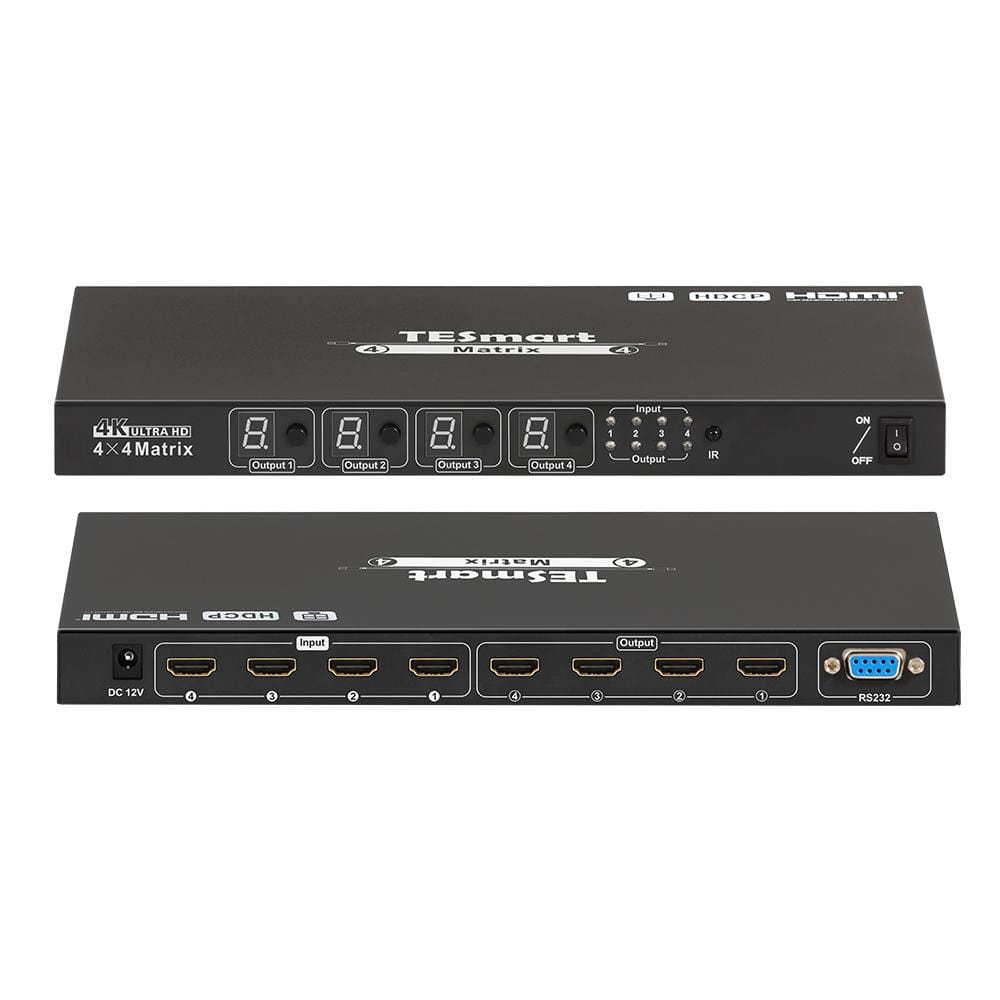
Connect up to four source devices to the HDMI input ports, connect up to four displays to the HDMI output ports, and then connect the supplied DC 12V power adapter. HDMI cables must be supplied separately.
[Setup & Switching] How can I switch the HDMI routes?
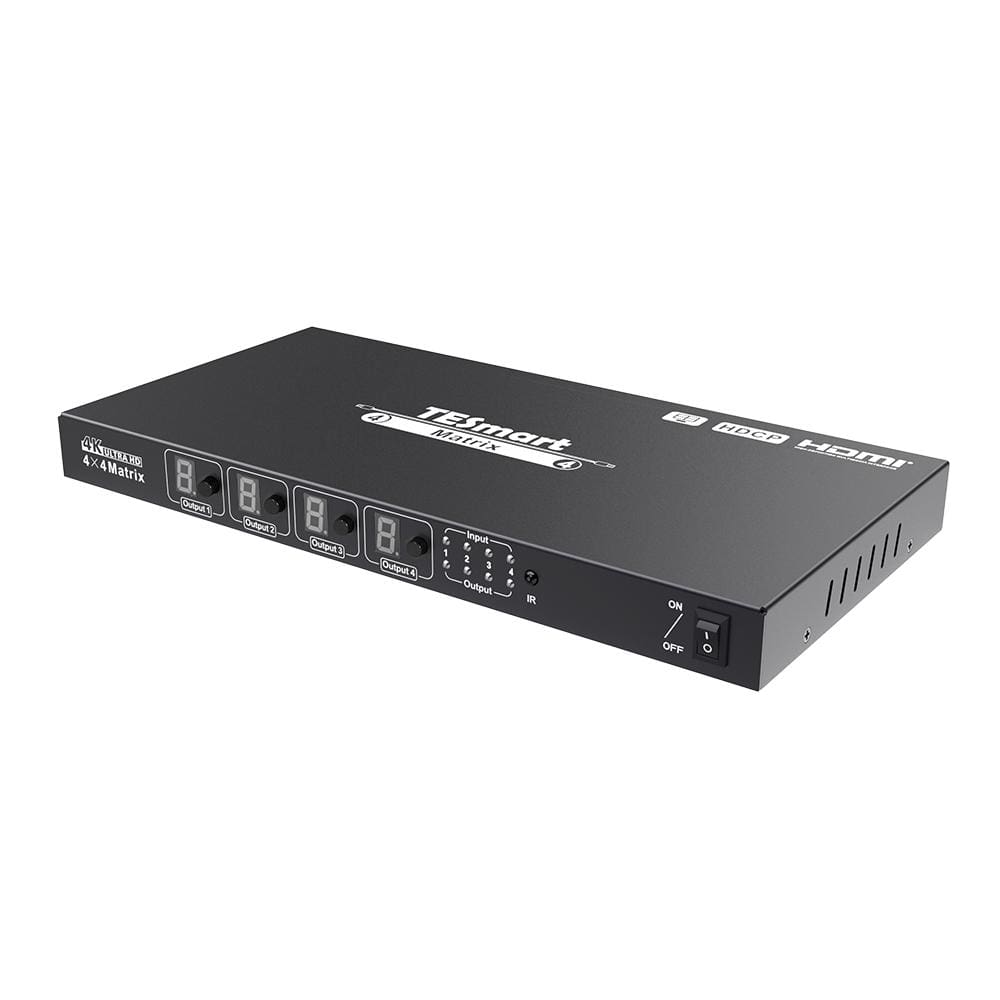
Use the front-panel input-selection buttons, the included IR remote or RS232 serial commands. The front-panel displays show the selected input number for each output; a 0 indicates Quad Multi-Viewer mode.
[Setup & Switching] How do I put an output into Quad Multi-Viewer mode?
On the front panel, press the selection button for the desired output until its display shows 0. With the IR remote, select an output and press 0; select ALL and press 0 to place every output in quad-view.
[Setup & Switching] How do I change the quad-view resolution or audio source?
Use the IR remote. Press F1 to switch all outputs currently in Quad Multi-Viewer mode between 1080p60 and 720p60. Press F2 to cycle the audio source among the four input panels.