

TESmart Knowledge Hub · KVM & Workspace Insights

Article

Practical guides, setup advice, product updates, and technical insights for building a better multi-computer workspace.
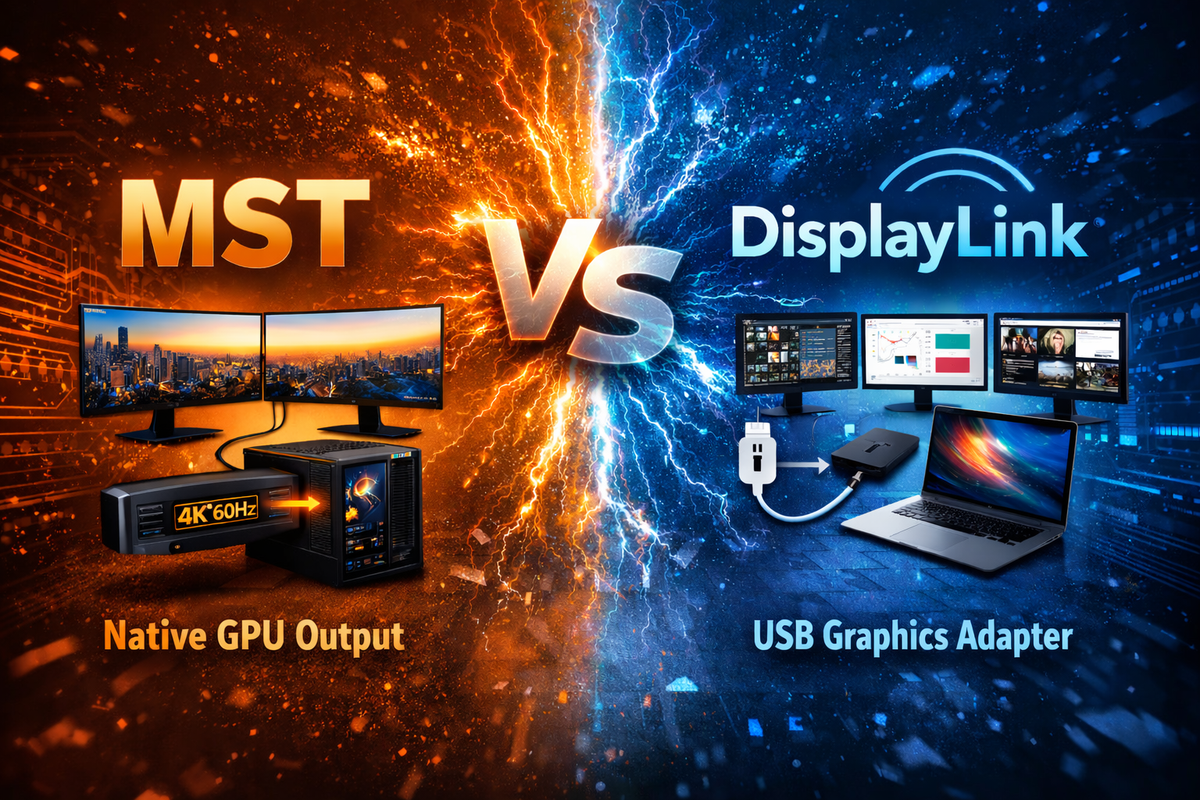
Triple Monitor KVM for Desktop and Laptop: MST vs DisplayLink Explained
Triple Monitor KVM for Desktop and Laptop: MST vs DisplayLink Explained

  Table of Contents Introduction Quick Answer: Which Triple Monitor KVM Should You Choose? Why Triple Monitor KVM Setups Are Harder Than They Look The Real Problem: Your Laptop May Not Support Three Displays Natively What Is MST in a...

Read moreabout Triple Monitor KVM for Desktop and Laptop: MST vs DisplayLink Explained

Thunderbolt 4 vs USB-C KVM: What Mac Users Should Actually Care About
Thunderbolt 4 vs USB-C KVM: What Mac Users Should Actually Care About

Table of Contents Introduction What Mac Users Are Actually Trying to Solve Why USB-C KVM Works in Some Setups and Fails in Others What Changes in Thunderbolt-Based Workflows The Real Decision Point Which TESmart Setup Fits Different Mac Setups The...

Read moreabout Thunderbolt 4 vs USB-C KVM: What Mac Users Should Actually Care About

Best KVM Switch for 4 Computers and Multiple Monitors
Best KVM Switch for 4 Computers and Multiple Monitors
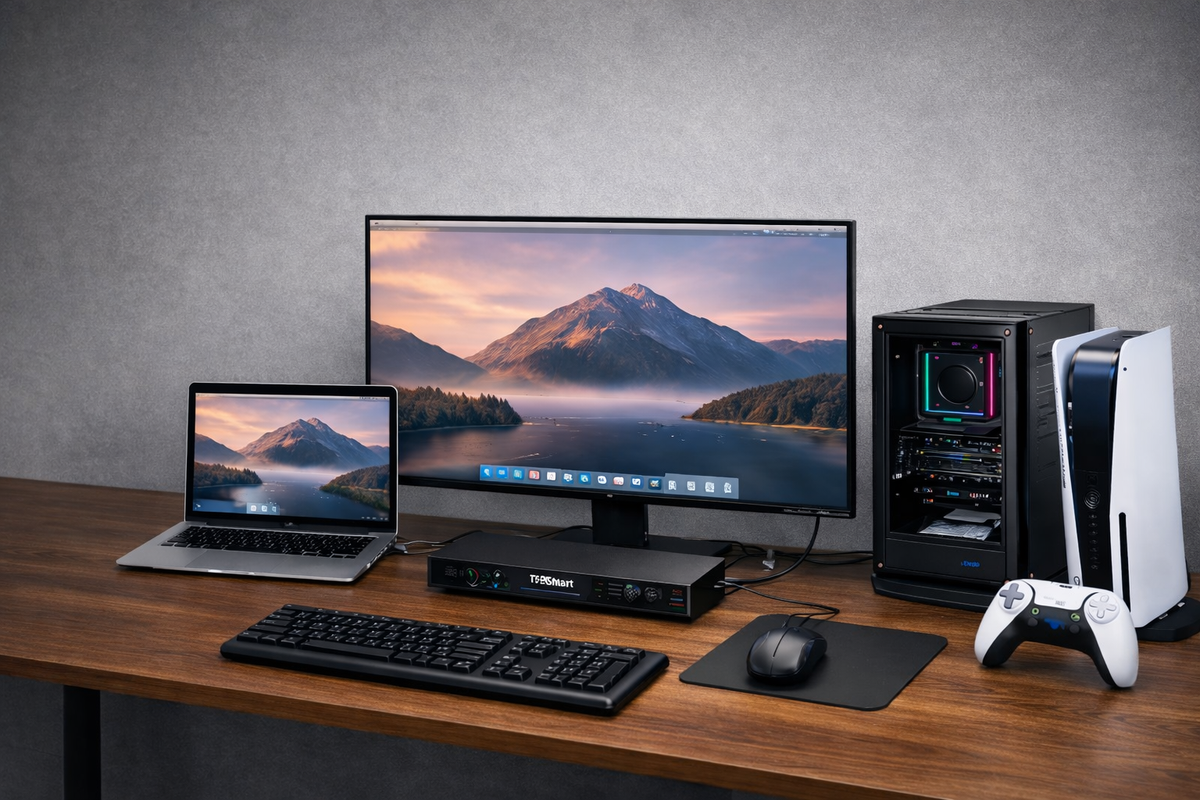
Table of Contents Introduction Why This Type of KVM Matters High Resolution and High Refresh Rate Why DisplayPort Output Matters Why an EDID Emulator Matters Gigabit USB Network and Desk Integration Multiple Switching Methods for Daily Use Dual Monitor vs...

Read moreabout Best KVM Switch for 4 Computers and Multiple Monitors

New Studio Display and Studio Display XDR Are Here — What Kind of KVM Do You Actually Need for Thunderbolt Workflows?

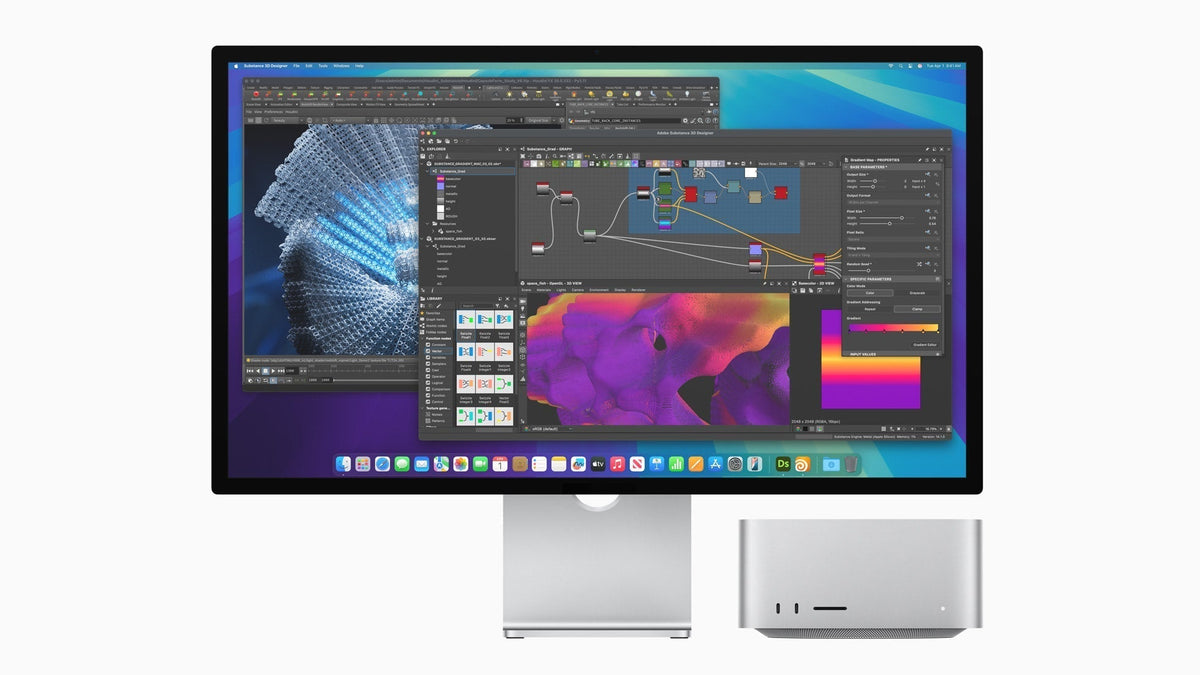
New Studio Display and Studio Display XDR Are Here — What Kind of KVM Do You Actually Need for Thunderbolt Workflows?

Table of Contents Introduction Apple’s New Display Family Raises a More Practical Question For One Apple Display Shared Across Mixed Devices, THK401-X4 Fits Naturally For a Dual-Display Studio Built Around thunderbolt Workflows, TKS202-X4 Fits a Different Role The Real KVM...

Read moreabout New Studio Display and Studio Display XDR Are Here — What Kind of KVM Do You Actually Need for Thunderbolt Workflows?

How THK401-X4 Fits a Real MacBook and Desktop Workspace
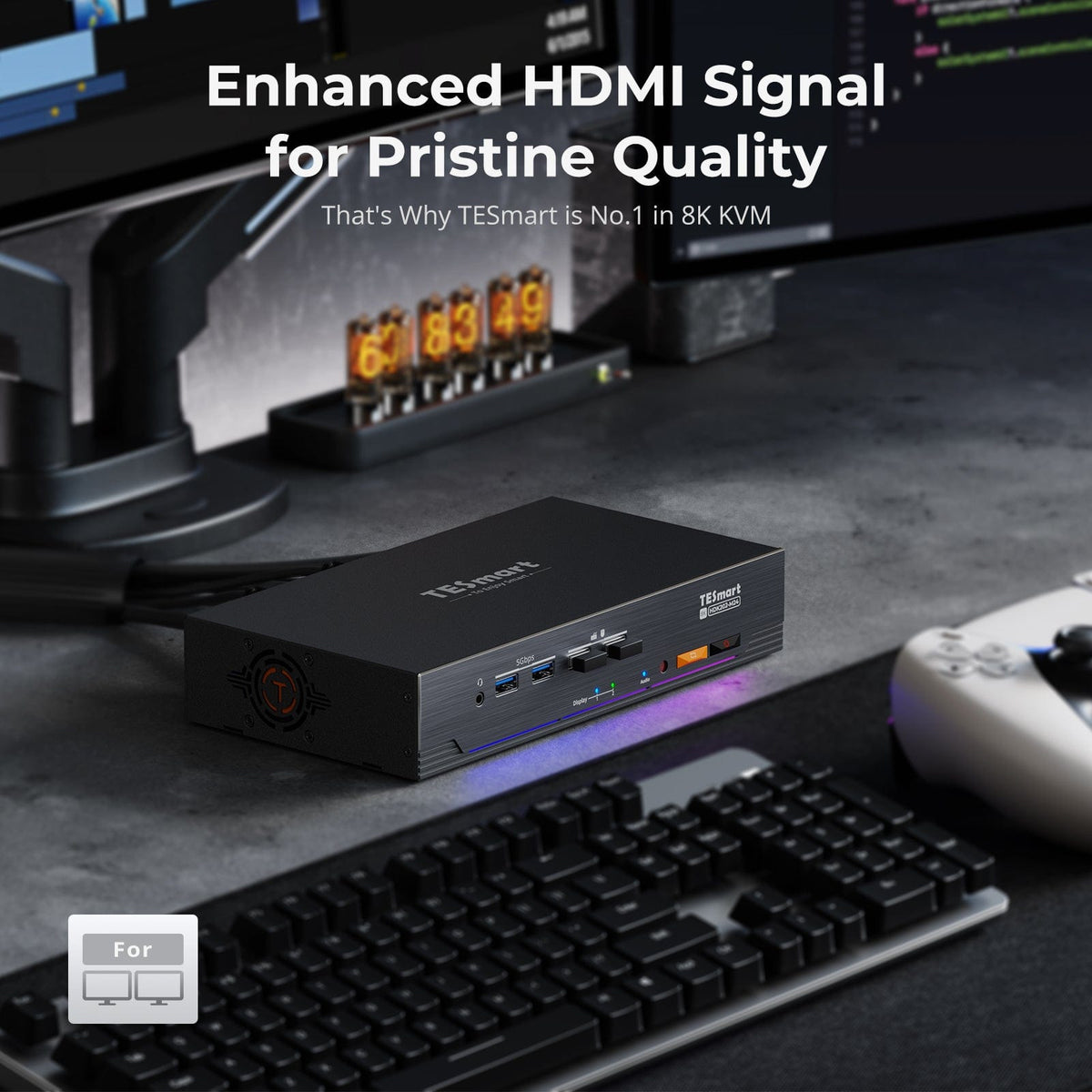
How THK401-X4 Fits a Real MacBook and Desktop Workspace

Table of Contents Introduction One Premium Display, More Than One Role Different Devices Need Different Connection Paths Extra HDMI Inputs Make the Desk More Flexible A Better KVM Improves the Whole Workspace Why THK401-X4 Makes Sense Conclusion Frequently Asked Questions...

Read moreabout How THK401-X4 Fits a Real MacBook and Desktop Workspace

The Best Dual-Monitor Gaming KVM of 2026: Why the TESmart HDK202-M24 Is Built for High-Refresh Setups

The Best Dual-Monitor Gaming KVM of 2026: Why the TESmart HDK202-M24 Is Built for High-Refresh Setups

Contents 1. Why High-Refresh Users Need a True Dual-Monitor KVM 2. Display Performance Explained: What the HDK202-M24 Delivers 3. EDID Emulation & Stable Switching: No More Black Screens 4. Connectivity & Compatibility: HDMI 2.1 and DisplayPort 1.4 5. Who Is...

Read moreabout The Best Dual-Monitor Gaming KVM of 2026: Why the TESmart HDK202-M24 Is Built for High-Refresh Setups

Break macOS Multi-Monitor Limitations: HDC203-PM24 Triple DisplayLink KVM Docking Station Explained
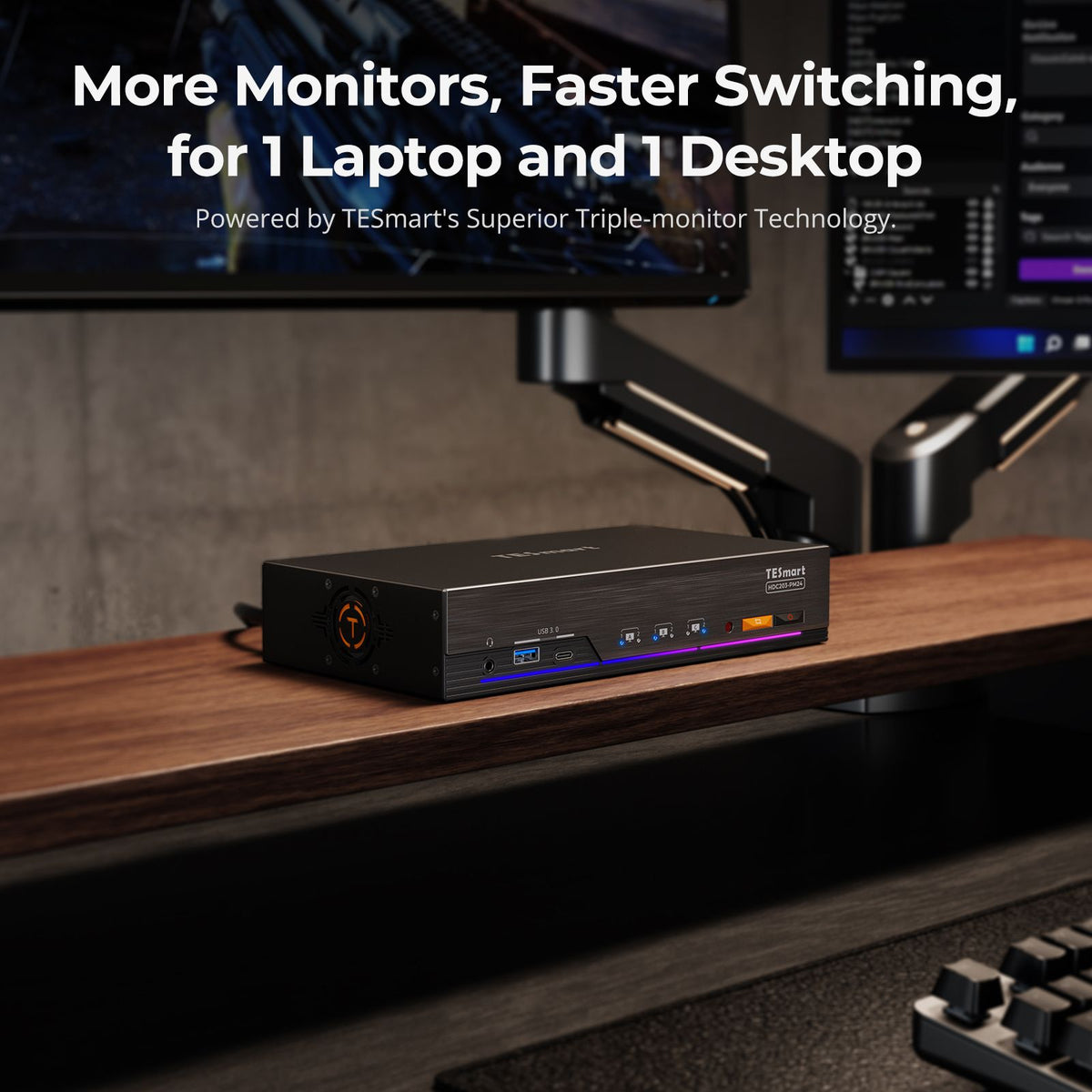
Break macOS Multi-Monitor Limitations: HDC203-PM24 Triple DisplayLink KVM Docking Station Explained

  1. Mac User Pain Point: macOS Lacks Native MST Support 2. DisplayLink's Solution: One USB-C Cable, True Triple 4K60Hz Output 3. How DisplayLink Technology Works 4. DisplayLink-Powered KVM: Overcoming macOS Single-Display Limitations 5. Visible Impact: KVM Functionality for Efficient...

Read moreabout Break macOS Multi-Monitor Limitations: HDC203-PM24 Triple DisplayLink KVM Docking Station Explained

Mac Multi-Monitor Support: TESmart USB-C KVM (with DisplayLink) Explained
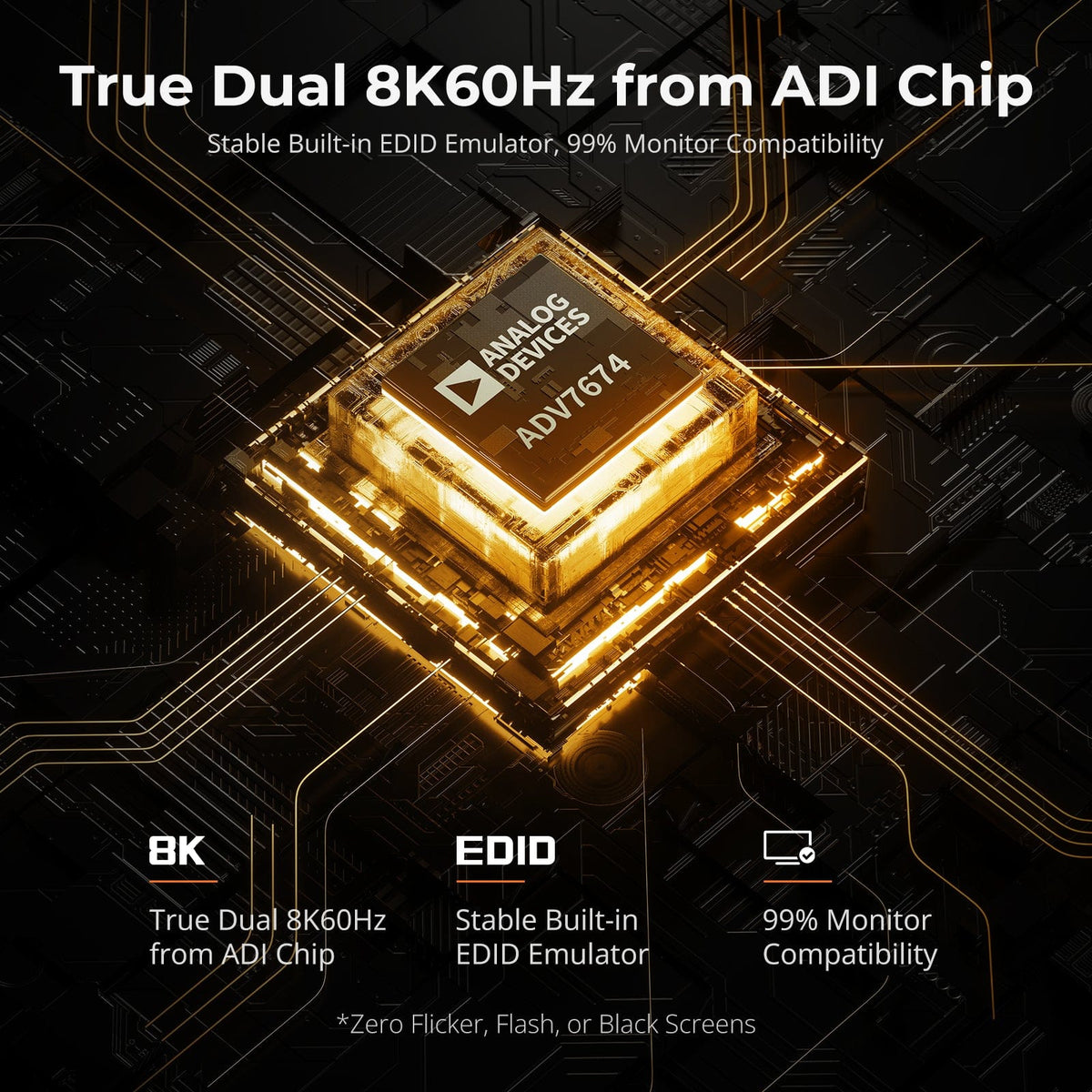
Mac Multi-Monitor Support: TESmart USB-C KVM (with DisplayLink) Explained

Table of Contents Why Multi-Monitor Setups Matter The Limitations of macOS Multi-Monitor Support What Is Multi-Stream Transport (MST)? DisplayLink Technology: The Mac Workaround TESmart HDC203-PM24: The Next-Gen USB-C KVM for Mac Key Technical Point: USB-C Port Capabilities and DisplayLink Output...

Read moreabout Mac Multi-Monitor Support: TESmart USB-C KVM (with DisplayLink) Explained

How to Choose Between HDMI and DisplayPort on Your Monitor: Differences, Performance, and Buying Tips

How to Choose Between HDMI and DisplayPort on Your Monitor: Differences, Performance, and Buying Tips

HDMI vs DisplayPort: Key Monitor Connection Differences Most modern monitors come equipped with both HDMI and DisplayPort inputs—commonly HDMI 2.0 and DisplayPort 1.4—with the highest refresh rates typically achievable only through the DisplayPort input. Gamers and professionals often face a...

Read moreabout How to Choose Between HDMI and DisplayPort on Your Monitor: Differences, Performance, and Buying Tips

🎁 BLACKFRIDAY has been copied to your clipboard!