

TESmart Knowledge Hub · KVM & Workspace Insights

Article

Practical guides, setup advice, product updates, and technical insights for building a better multi-computer workspace.
Meet TESmart at CEDIA Expo 2025 – Discover Next-Gen KVM Switching in Denver
Meet TESmart at CEDIA Expo 2025 – Discover Next-Gen KVM Switching in Denver

Experience Innovation with TESmart CEDIA Expo 2025 is the premier North American event for smart home, AV integration, and next-generation workspace solutions. From September 3–6, 2025, industry leaders will gather at the Colorado Convention Center in Denver, CO to showcase...

Read moreabout Meet TESmart at CEDIA Expo 2025 – Discover Next-Gen KVM Switching in Denver

USB A, B, C vs. USB 2.0, 3.x, 4.0: What’s the Difference?
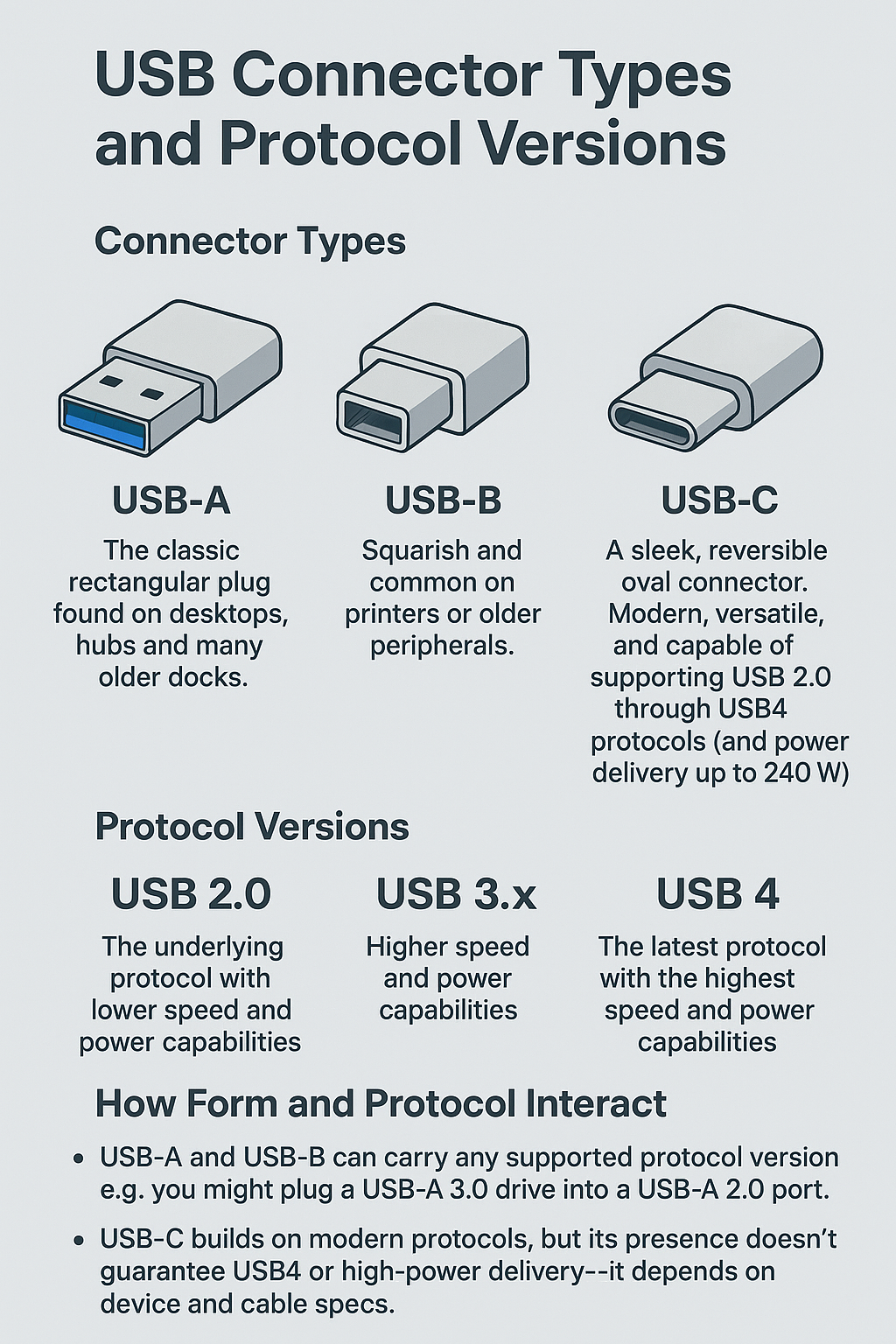
USB A, B, C vs. USB 2.0, 3.x, 4.0: What’s the Difference?

Introduction When someone asks, “What’s the difference between USB-A, B, C and USB 2.0, 3.0, 4.0?”, it often causes confusion. The key is that USB‑A/B/C refers to physical connector types, while USB 2.0/3.0/3.1/3.2/4.0 refers to the underlying protocol version—each with...

Read moreabout USB A, B, C vs. USB 2.0, 3.x, 4.0: What’s the Difference?

The Ultrawide Screen Debate: Is It Worth the Hype?
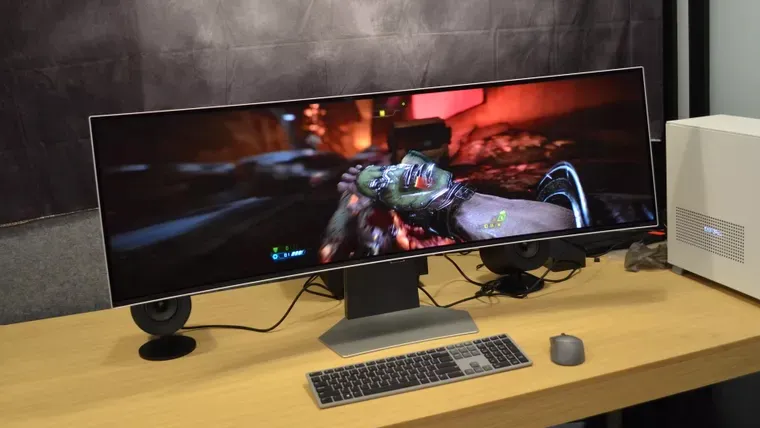
The Ultrawide Screen Debate: Is It Worth the Hype?

In the world of monitors, trends come and go, but one category has been making waves for years now: the ultrawide display. If you’ve walked into a tech store or browsed a gaming setup showcase lately, chances are you’ve seen...

Read moreabout The Ultrawide Screen Debate: Is It Worth the Hype?

What Is a GPU? How It Works For Your PC and Gaming
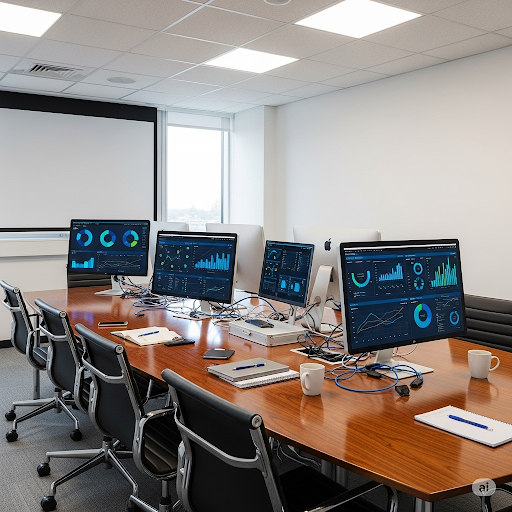
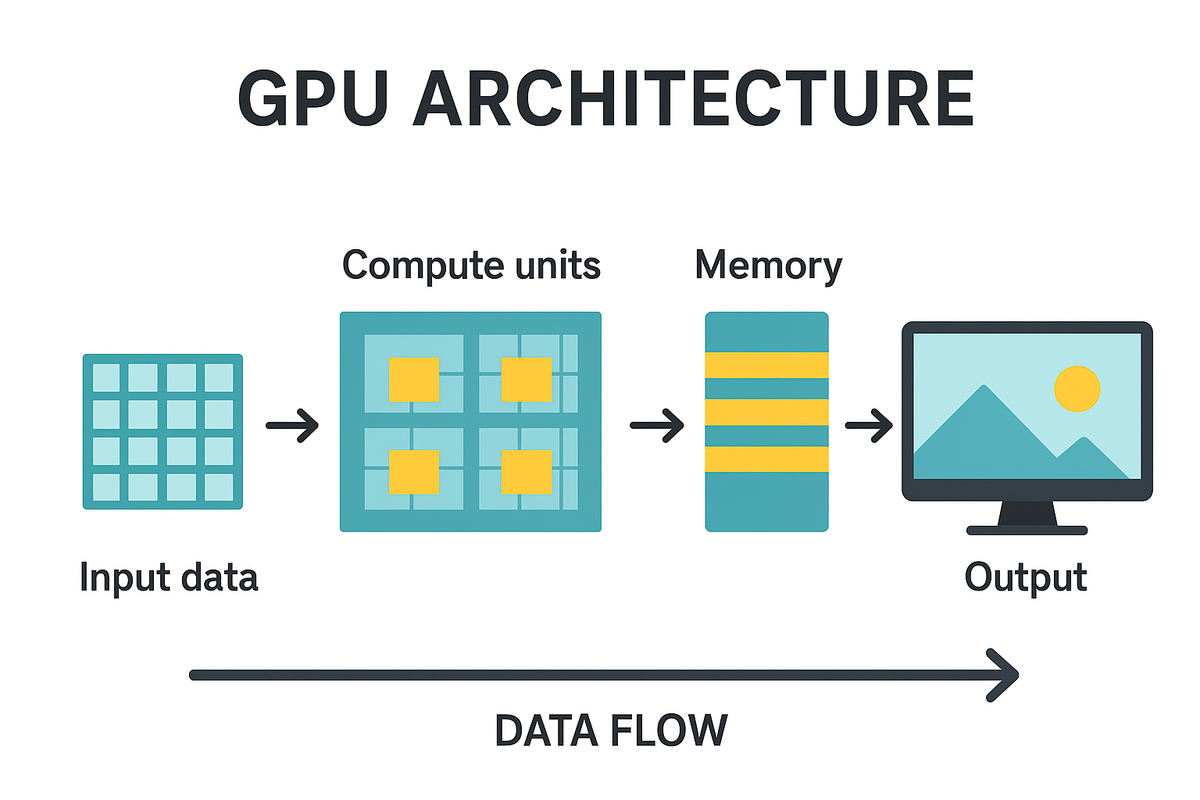
What Is a GPU? How It Works For Your PC and Gaming

Introduction: Understanding the Heart of Modern Graphics In today’s PCs and gaming systems, the GPU (Graphics Processing Unit) plays a crucial role. It’s responsible for rendering images, processing video, and handling complex visual effects that make games immersive and professional...

Read moreabout What Is a GPU? How It Works For Your PC and Gaming

Revolutionizing Hybrid Meetings: How Our KVM Solutions Enhance Collaborative Workflows
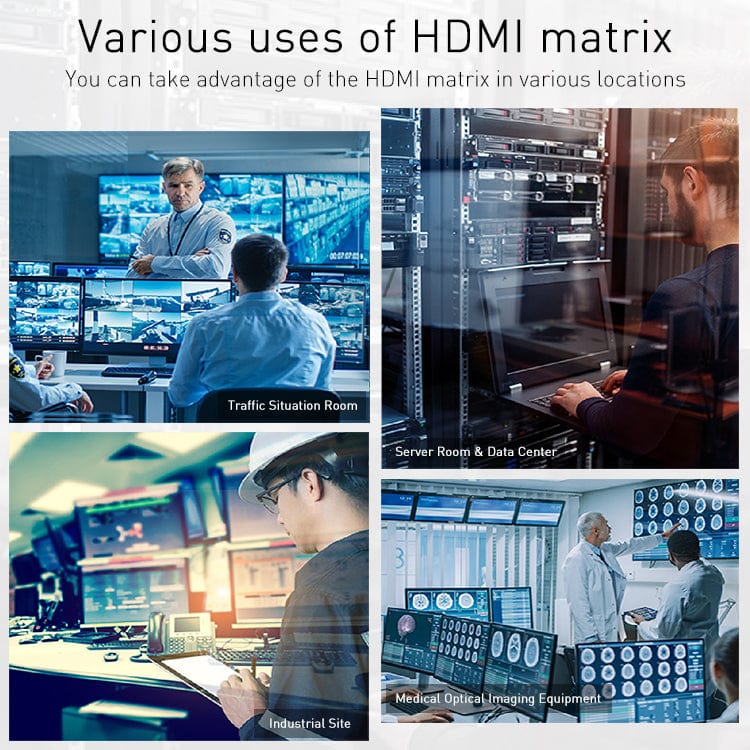
Revolutionizing Hybrid Meetings: How Our KVM Solutions Enhance Collaborative Workflows

Introduction In today's fast-paced business environment, hybrid meetings have become the norm rather than the exception. Companies like Technip Energies are leading the charge in adopting advanced AV solutions to bridge the gap between in-person and remote participants. While wireless...

Read moreabout Revolutionizing Hybrid Meetings: How Our KVM Solutions Enhance Collaborative Workflows

HMA404-ES23: The Ultimate Quad-View Presentation Solution for Modern Meeting Rooms

HMA404-ES23: The Ultimate Quad-View Presentation Solution for Modern Meeting Rooms

Introduction In today's dynamic business environment, seamless presentation and collaboration tools are essential for productive meetings. While solutions like Barco ClickShare CX-50 Gen 2 dominate the high-end market, the HMA404-ES23 offers a powerful, cost-effective alternative with unique features tailored for...

Read moreabout HMA404-ES23: The Ultimate Quad-View Presentation Solution for Modern Meeting Rooms

With Battlefield 6 Around the Corner, How to Build A Setup For Your Gaming Console and PC
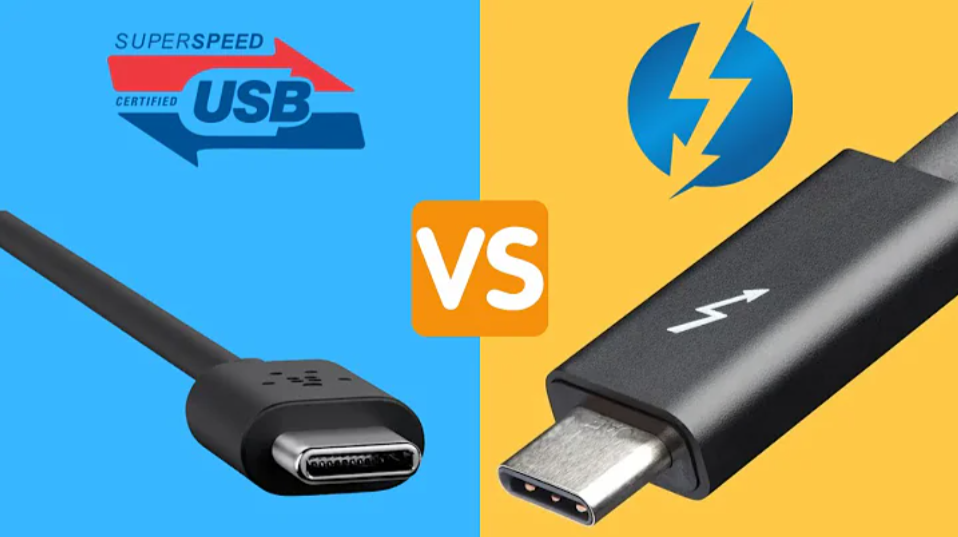
With Battlefield 6 Around the Corner, How to Build A Setup For Your Gaming Console and PC

Battlefield 6 is almost here—and it’s shaping up to be the most ambitious entry in the series yet. With expansive dynamic maps, futuristic warfare mechanics, and support for large-scale 64v64 battles, this isn’t just another shooter. It's a fully immersive,...

Read moreabout With Battlefield 6 Around the Corner, How to Build A Setup For Your Gaming Console and PC

Thunderbolt 4 vs. USB-C: What’s the Difference? The Best Thunderbolt 4 KVM for a Laptop and Desktop
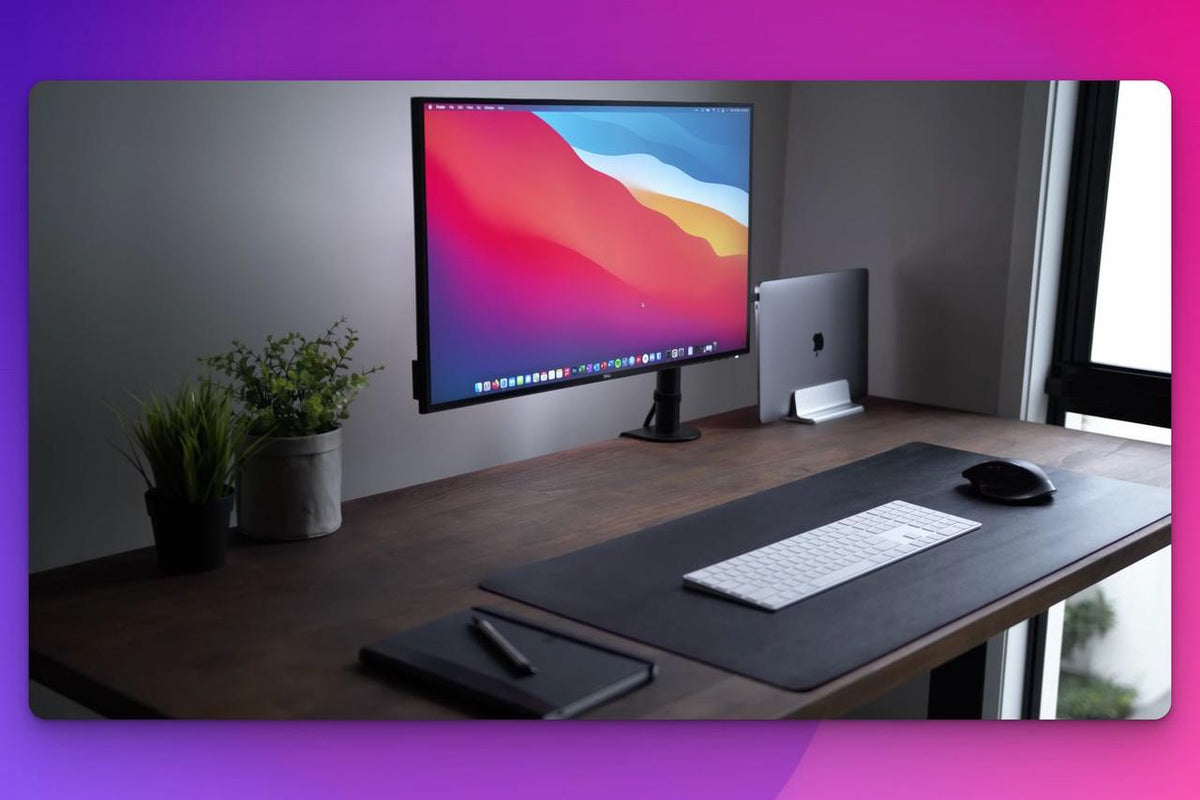
Thunderbolt 4 vs. USB-C: What’s the Difference? The Best Thunderbolt 4 KVM for a Laptop and Desktop

In the world of modern connectivity, few ports have caused more confusion than USB-C and Thunderbolt 4. At first glance, they may appear identical—but under the hood, the differences can be critical, especially if you’re juggling multiple devices or working...

Read moreabout Thunderbolt 4 vs. USB-C: What’s the Difference? The Best Thunderbolt 4 KVM for a Laptop and Desktop

How To Use a Two Monitor Setup on an M3 & M4 Mac

How To Use a Two Monitor Setup on an M3 & M4 Mac

Setting up a dual-monitor workstation can significantly boost productivity—especially for developers, designers, traders, or anyone juggling multiple workflows. But if you’re using a Mac with an M3 or M4 chip, you’ve probably realized that macOS doesn’t make this process easy....

Read moreabout How To Use a Two Monitor Setup on an M3 & M4 Mac

🎁 BLACKFRIDAY has been copied to your clipboard!