

TESmart Knowledge Hub · KVM & Workspace Insights

Article

Practical guides, setup advice, product updates, and technical insights for building a better multi-computer workspace.
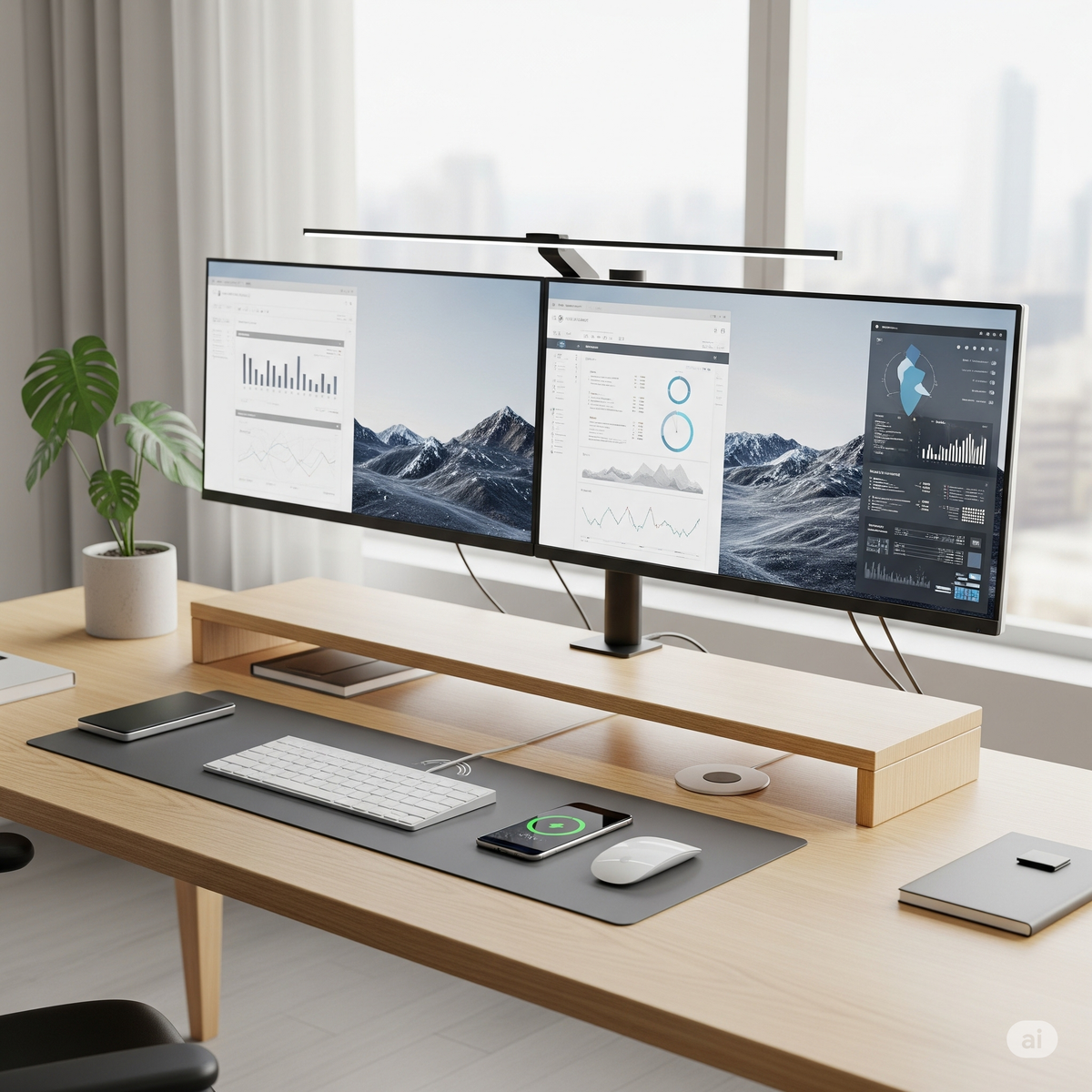
How to Build a Cable-Free Dream Desk
How to Build a Cable-Free Dream Desk

Let’s face it: no matter how high-end your gear is, a desk cluttered with cables just kills the vibe. Whether you're a designer working across two monitors, a software engineer with multiple machines, or a content creator constantly switching between...

Read moreabout How to Build a Cable-Free Dream Desk

Explaining Display Connectors: HDMI, DisplayPort, USB-C, DVI, VGA & Thunderbolt
Explaining Display Connectors: HDMI, DisplayPort, USB-C, DVI, VGA & Thunderbolt

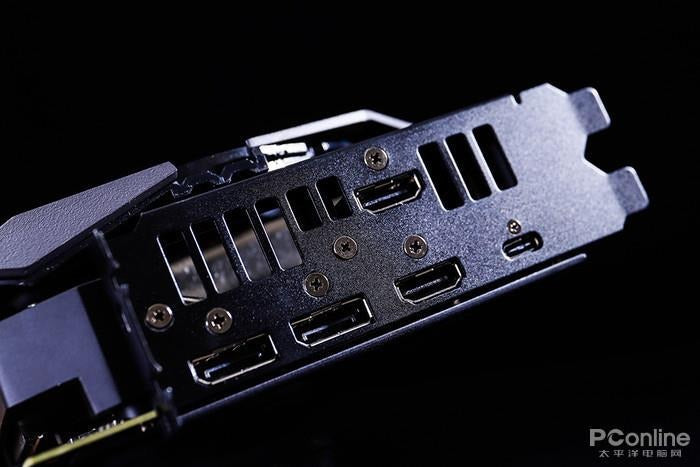
When setting up a computer workstation, one of the first questions many users ask is: “Which display connector should I use?” With a range of options—HDMI, DisplayPort, USB-C, DVI, VGA, and Thunderbolt—it’s easy to get overwhelmed. Each connector has its...

Read moreabout Explaining Display Connectors: HDMI, DisplayPort, USB-C, DVI, VGA & Thunderbolt

Do You Really Need an 8K Monitor in 2025?TESmart Launched The 8K KVM
Do You Really Need an 8K Monitor in 2025?TESmart Launched The 8K KVM

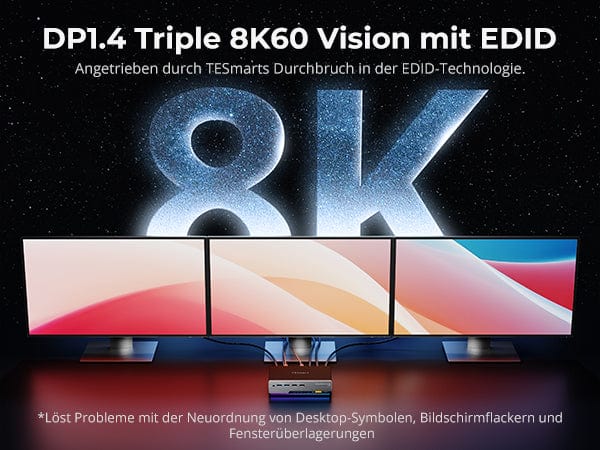
Over the past decade, display resolutions have evolved rapidly—from Full HD to 4K, and now, 8K. In 2025, 8K monitors are no longer a futuristic concept found only in high-end video production studios—they're entering mainstream markets. But as appealing as...

Read moreabout Do You Really Need an 8K Monitor in 2025?TESmart Launched The 8K KVM

May Be the Best KVM Switch for Dual Monitors in 2025

May Be the Best KVM Switch for Dual Monitors in 2025

Managing multiple computers with dual monitors has become increasingly common—whether you're working across macOS and Windows, separating personal and professional systems, or juggling creative and technical workflows. But switching between systems can be frustrating if your hardware doesn't keep up....

Read moreabout May Be the Best KVM Switch for Dual Monitors in 2025

How to Use One Keyboard and Mouse for Two Computers – You Need a “KVM”
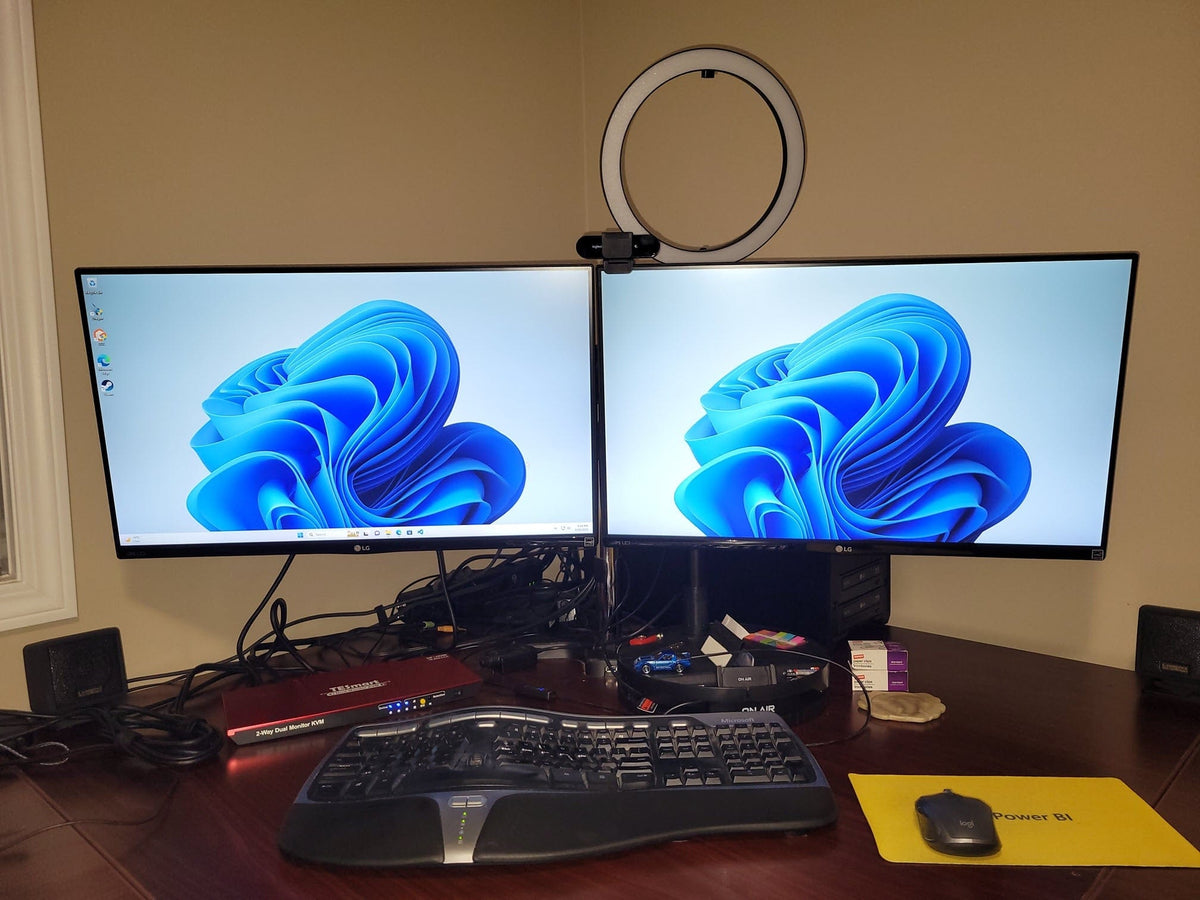
How to Use One Keyboard and Mouse for Two Computers – You Need a “KVM”
The Modern Desk Dilemma: Two Computers, Too Much Clutter If you're someone who works remotely, manages personal and work machines, or blends gaming with productivity, you're probably all too familiar with the chaos that multiple devices can bring to your...

Read moreabout How to Use One Keyboard and Mouse for Two Computers – You Need a “KVM”

How to Choose Between HDMI and DisplayPort on Your Monitor: Differences, Performance, and Buying Tips

How to Choose Between HDMI and DisplayPort on Your Monitor: Differences, Performance, and Buying Tips

HDMI vs DisplayPort: Key Monitor Connection Differences Most modern monitors come equipped with both HDMI and DisplayPort inputs—commonly HDMI 2.0 and DisplayPort 1.4—with the highest refresh rates typically achievable only through the DisplayPort input. Gamers and professionals often face a...

Read moreabout How to Choose Between HDMI and DisplayPort on Your Monitor: Differences, Performance, and Buying Tips

Why USB-B Remains the Standard for KVM Products and What Sets It Apart
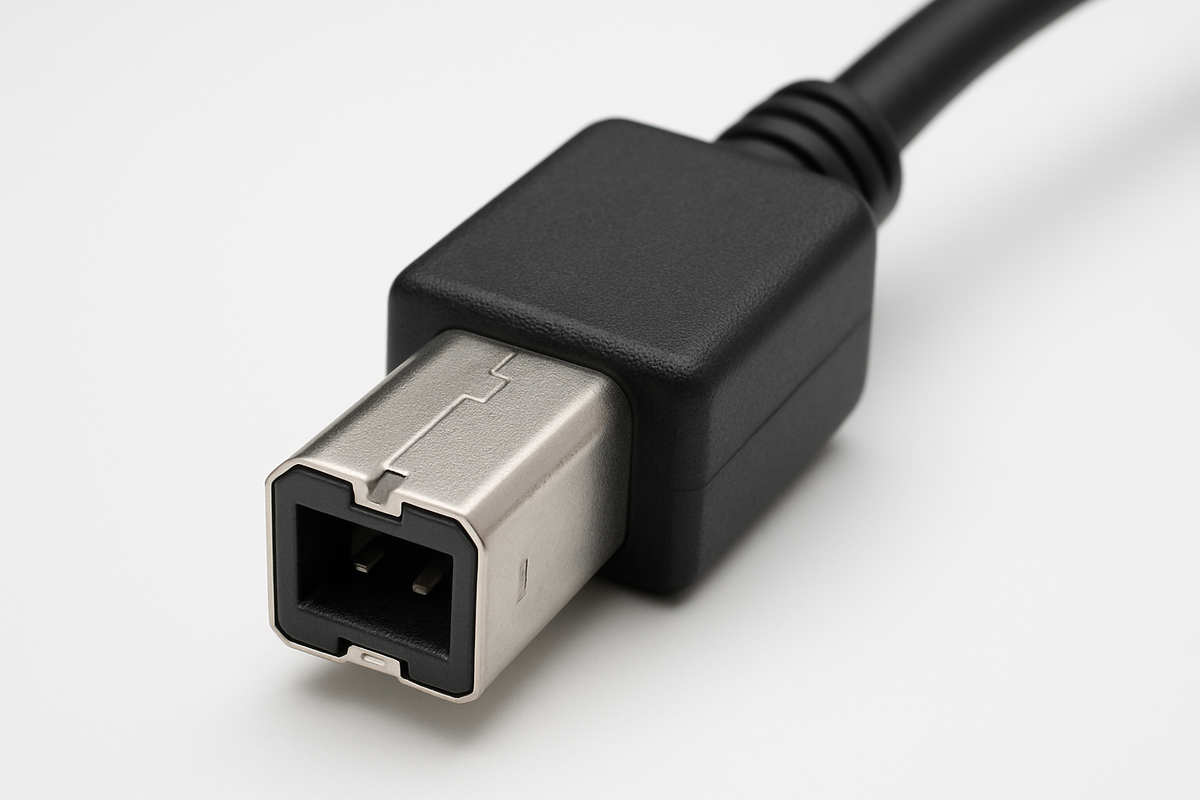
Why USB-B Remains the Standard for KVM Products and What Sets It Apart

USB-B stands as the preferred choice for KVM products because it offers a robust physical design, reliable data transmission, and broad compatibility with professional and legacy equipment. Compared to other USB port types, USB-B features a secure fit, high durability,...

Read moreabout Why USB-B Remains the Standard for KVM Products and What Sets It Apart

How to Choose the Right Dual Monitor KVM for 2 Computers: TESmart’s Full Lineup Explained
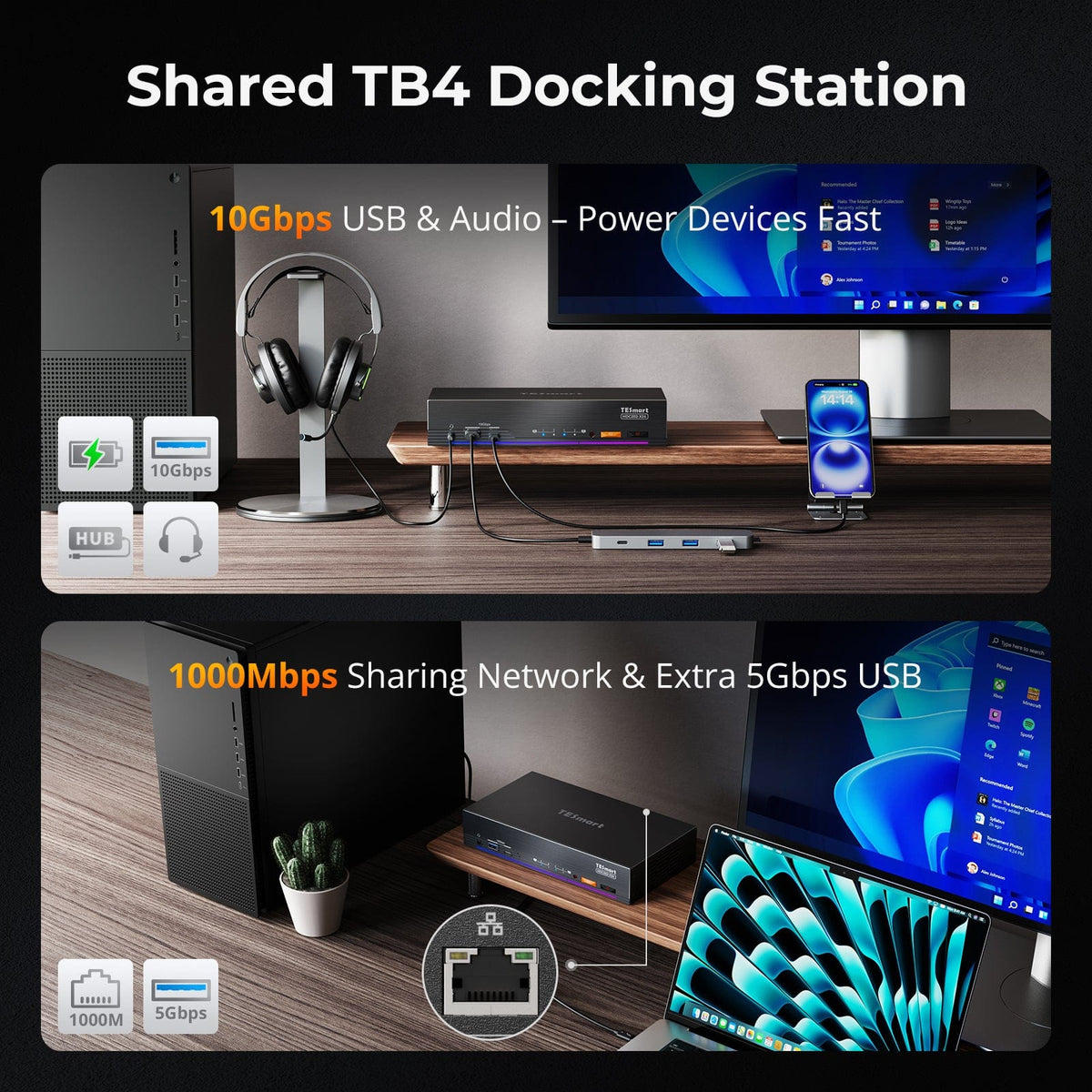
How to Choose the Right Dual Monitor KVM for 2 Computers: TESmart’s Full Lineup Explained

Using two computers on the same desk with dual monitors can be challenging—especially when it comes to seamless switching without messing with cables, resolution resets, or USB device drops. TESmart’s dual-computer dual-monitor KVM switches are designed to solve these pain...

Read moreabout How to Choose the Right Dual Monitor KVM for 2 Computers: TESmart’s Full Lineup Explained

Thunderbolt 4 vs. USB-C: Which TESmart Dual-Monitor KVM Switch Fits Your Workflow?

Thunderbolt 4 vs. USB-C: Which TESmart Dual-Monitor KVM Switch Fits Your Workflow?

If you’re building a modern dual-monitor workstation, chances are you’ve encountered the USB-C vs. Thunderbolt 4 dilemma. While they share the same port shape, their performance, compatibility, and capabilities are anything but identical. TESmart offers two cutting-edge KVM switches that...

Read moreabout Thunderbolt 4 vs. USB-C: Which TESmart Dual-Monitor KVM Switch Fits Your Workflow?

🎁 BLACKFRIDAY has been copied to your clipboard!