

TESmart Knowledge Hub · KVM & Workspace Insights
Article
Practical guides, setup advice, product updates, and technical insights for building a better multi-computer workspace.
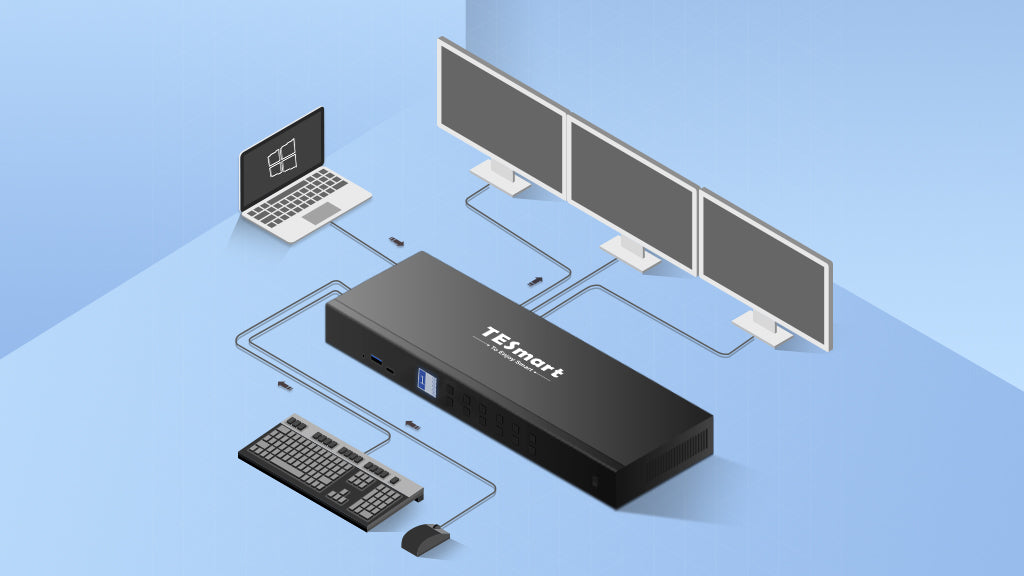
USB-C and MST Technology: Best Practices for Improved Productivity
At TESmart, our USB-C KVM switches harness the power of Multi-Stream Transport (MST) technology from DisplayPort (DP), allowing you to effortlessly connect multiple monitors using just one USB-C port. This innovative solution not only reduces desktop clutter but also streamlines your workflow, making multitasking more efficient than ever. In this blog, we'll explore how MST technology integrated into our TESmart USB-C KVM switches can boost your productivity and share best practices for setting up your multi-monitor system.
Read moreabout USB-C and MST Technology: Best Practices for Improved Productivity
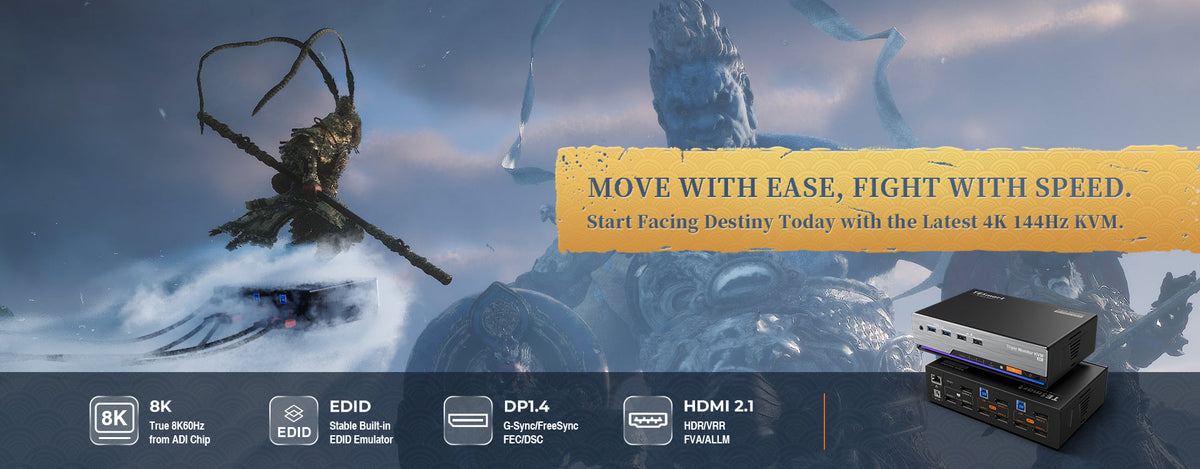
PS5 or Steam: Which Platform Should You Choose to Play Black Myth:WuKong On?
As Black Myth: Wukong skyrockets in popularity, breaking records to become the most-played single-player game in Steam’s history, gamers everywhere are faced with a crucial decision: which platform offers the best experience? Whether you’re a console enthusiast with a PS5 or a PC gamer loyal to Steam, choosing the right platform for this highly anticipated action-RPG can make all the difference. In this article, we'll explore the strengths of each platform to help you decide where to embark on your journey through the mythical world of WuKong.
Read moreabout PS5 or Steam: Which Platform Should You Choose to Play Black Myth:WuKong On?

Unlock Exclusive Re-Deals of TESmart Brand Day: Elevate Your Tech Setup with 8K Innovation
As TESmart Brand Day enters its highly anticipated Phase Three, we’re excited to reveal even more exclusive offers and benefits that you won’t want to miss. This final phase is your last chance to take advantage of incredible deals on our cutting-edge 8K products and to enjoy enhanced membership perks that will elevate your tech experience to new heights.
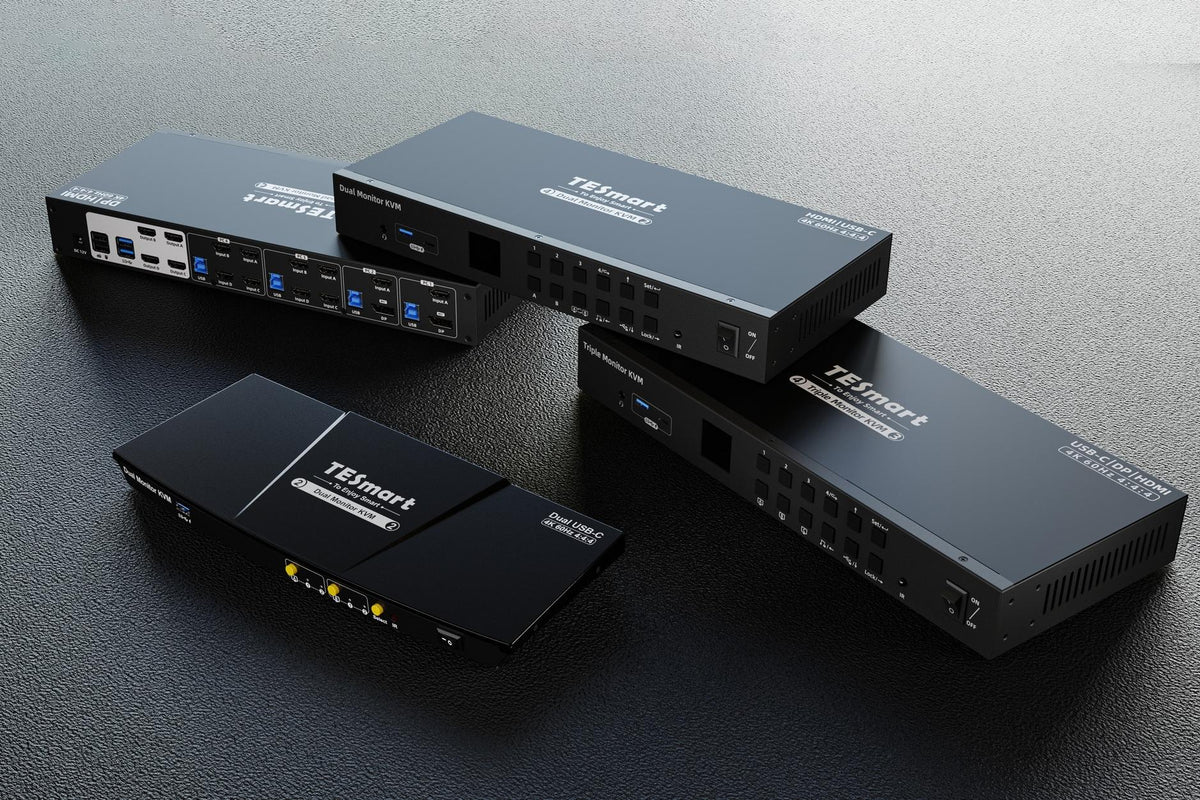
A Comprehensive Guide to KVM Switches Compatible with Laptops at TESmart
Choosing the right KVM switch for your laptop can be confusing, especially with so many options out there. If you constantly switch between your laptop and desktop setup, you know how frustrating it can be to deal with all those cables and connections. That’s where TESmart’s laptop-friendly KVM switches come in.
Read moreabout A Comprehensive Guide to KVM Switches Compatible with Laptops at TESmart
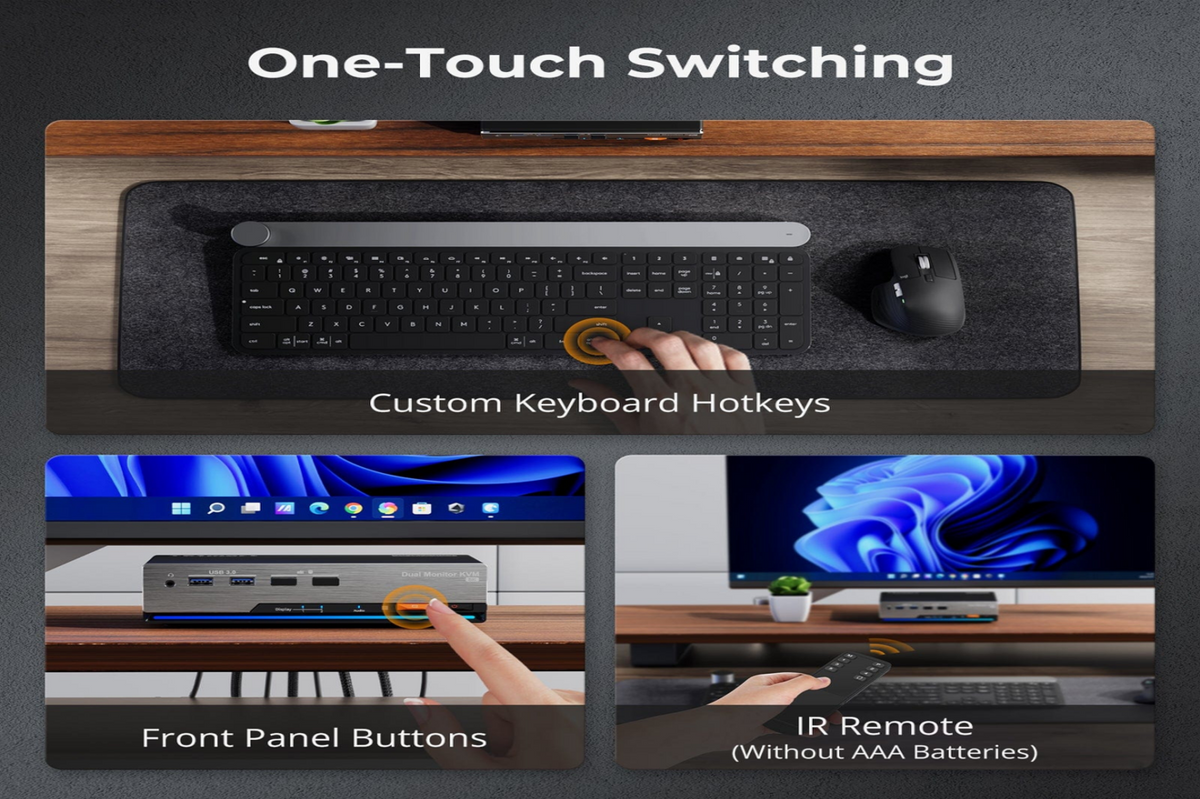
Comparing KVM Switch Switching Methods: A Detailed Overview
When using a KVM (Keyboard, Video, Mouse) switch, one of the key features users look for is the ability to switch between multiple connected devices quickly and efficiently. The methods available for switching vary across different KVM models and brands, each with its own advantages and use cases. Below is a detailed comparison of the most common switching methods found in KVM switches.
Read moreabout Comparing KVM Switch Switching Methods: A Detailed Overview
Do KVM Switches Support High Refresh Rates for Gaming?
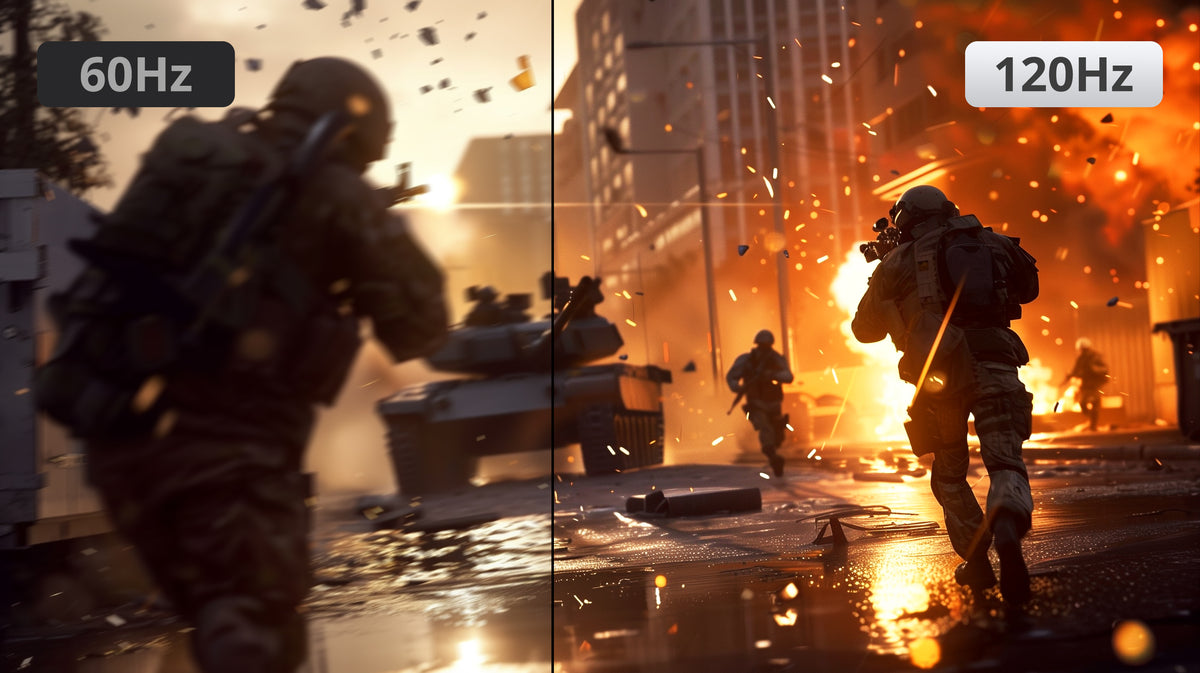
When setting up a multi-device workstation or gaming setup, you might wonder if a KVM switch can handle high refresh rates (120Hz or above) without affecting your display quality. High refresh rates are important for smooth visuals and quick response times, especially for gamers and professionals. But can a KVM switch keep up with these demands, or will it hold your display back? The answer is absolutely yes. Let’s explore how KVM switches perform with high refresh rates and what you need to know when choosing one.
Read moreabout Do KVM Switches Support High Refresh Rates for Gaming?
How HDMI 2.1 KVM Switches Enhance Your System Performance?
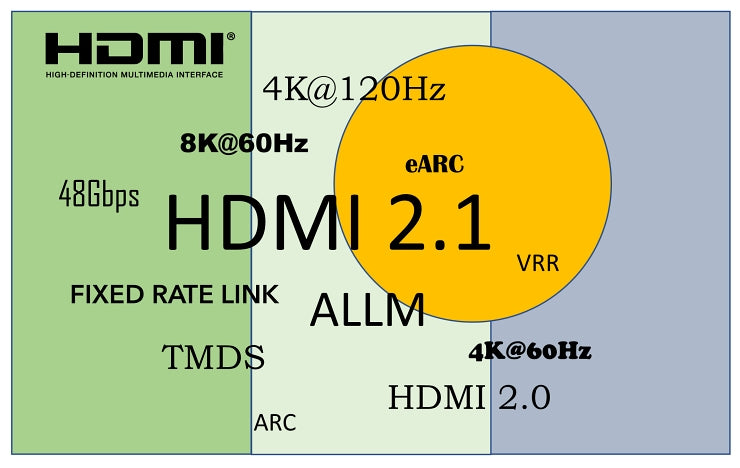
HDMI cables might look the same as they did over 20 years ago, but the technology has come a long way. HDMI 2.1 is the latest version, offering significant improvements and new features. It’s now included in the newest TVs from brands like LG, Samsung, Sony, TCL, and Vizio, as well as in the latest gaming consoles like the PlayStation 5 and Xbox Series X. To make the most of these modern devices and their advanced capabilities, having HDMI 2.1 support is essential.
Read moreabout How HDMI 2.1 KVM Switches Enhance Your System Performance?
TESmart Launches A New 4-Port 8K@60Hz HDMI 2.1 KVM Switch Dock for 4 PCs &1 Monitor
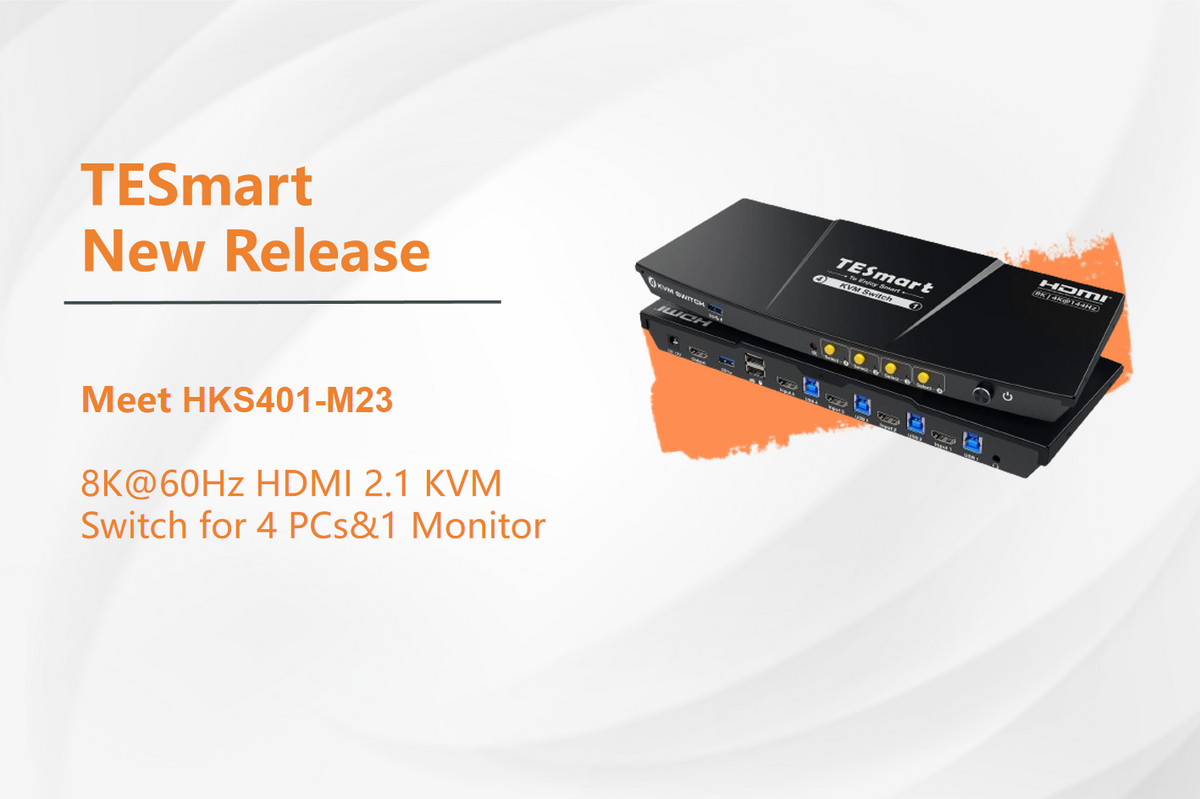
TESmart is excited to introduce HKS401-M23, our latest 4-port 8K@60Hz HDMI 2.1 KVM switch dock. Designed for seamless switching between 4 PCs on a single monitor, this cutting-edge device supports true 8K@60Hz resolution, powered by an advanced ADI chip. The HKS401-M23 features a stable built-in EDID emulator that ensures consistent display performance, eliminating issues like flickering, flashing, or black screens. It boasts compatibility with 99% of monitors, making it the ideal choice for users seeking reliable and high-quality display management.
Read moreabout TESmart Launches A New 4-Port 8K@60Hz HDMI 2.1 KVM Switch Dock for 4 PCs &1 Monitor
How to Choose a Dependable KVM Switch?
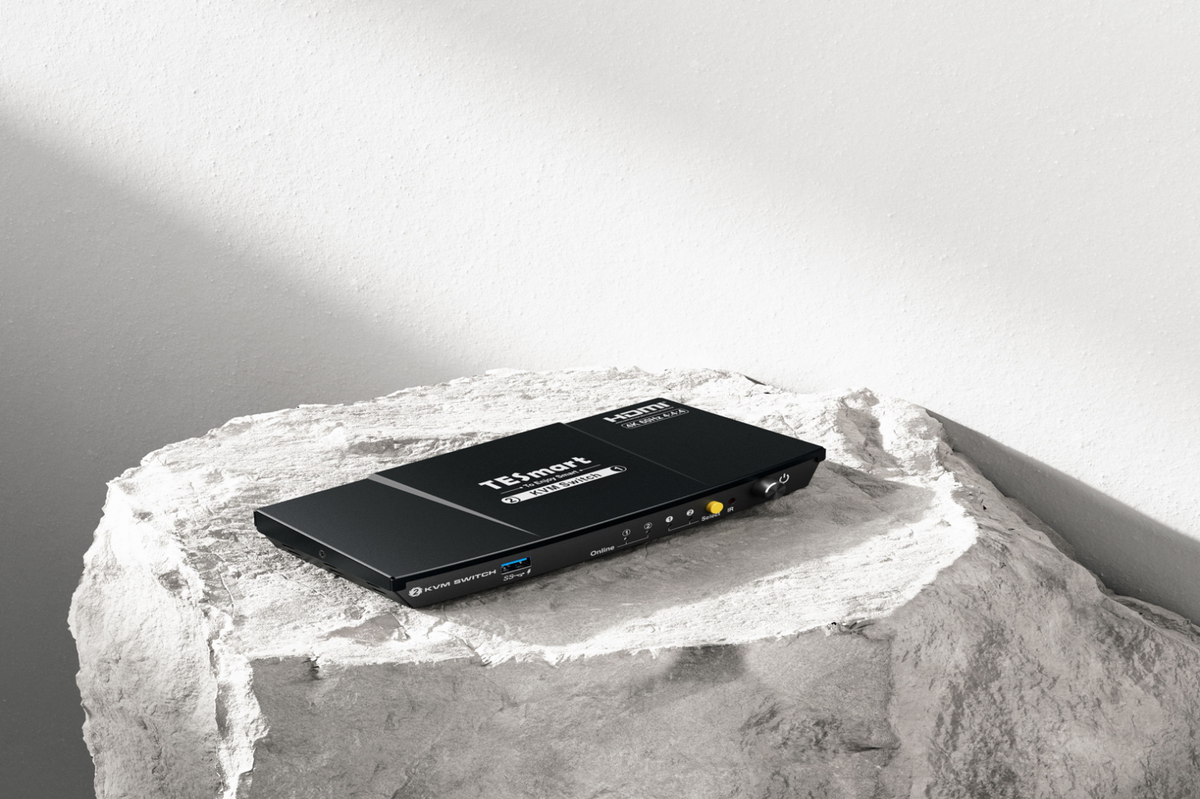
Switching between your work, personal, and gaming PCs can be a hassle. With a KVM switch, you can seamlessly toggle between them with just a press of a button, using one set of peripherals for all. As a leading KVM brand, we're here to guide you on choosing a dependable KVM switch—here's what you need to consider before making a purchase.