

TESmart Knowledge Hub · KVM & Workspace Insights
Article
Practical guides, setup advice, product updates, and technical insights for building a better multi-computer workspace.
What is Forward Error Correction? How Does it Improve Gaming Experience?
Forward Error Correction (FEC) has been widely used in network optimization and SD-WAN solutions to improve data reliability by fixing errors during transmission. Recently, this technology is also being applied to graphics cards and other standalone products.
In this article, we'll explain what FEC is, how it’s used in different contexts, and why choosing a KVM switch with FEC can enhance your visual and gaming experience.
Read moreabout What is Forward Error Correction? How Does it Improve Gaming Experience?

Maximize Your Benefits: TESmart Brand Day Phase Two Upgrade and Trade-In Deals
Get ready for the main deal of TESmart Brand Day, running from August 8th to August 22nd, where we’re rolling out our best upgrade and trade-in offers yet! With the introduction of our exciting 8K products, we're making it easier than ever to join as a member and prepare for future upgrades.
Read moreabout Maximize Your Benefits: TESmart Brand Day Phase Two Upgrade and Trade-In Deals
G-Sync vs. FreeSync: Which is Better for Your Gaming?
Before the development of Adaptive-Sync technologies like Nvidia G-Sync and AMD FreeSync, gamers looking for better performance were limited to increasing their monitor’s resolution or refresh rate. Higher refresh rates (like 120Hz or 144Hz) helped make games smoother, but they didn’t completely solve issues like screen tearing and stuttering......
Read moreabout G-Sync vs. FreeSync: Which is Better for Your Gaming?
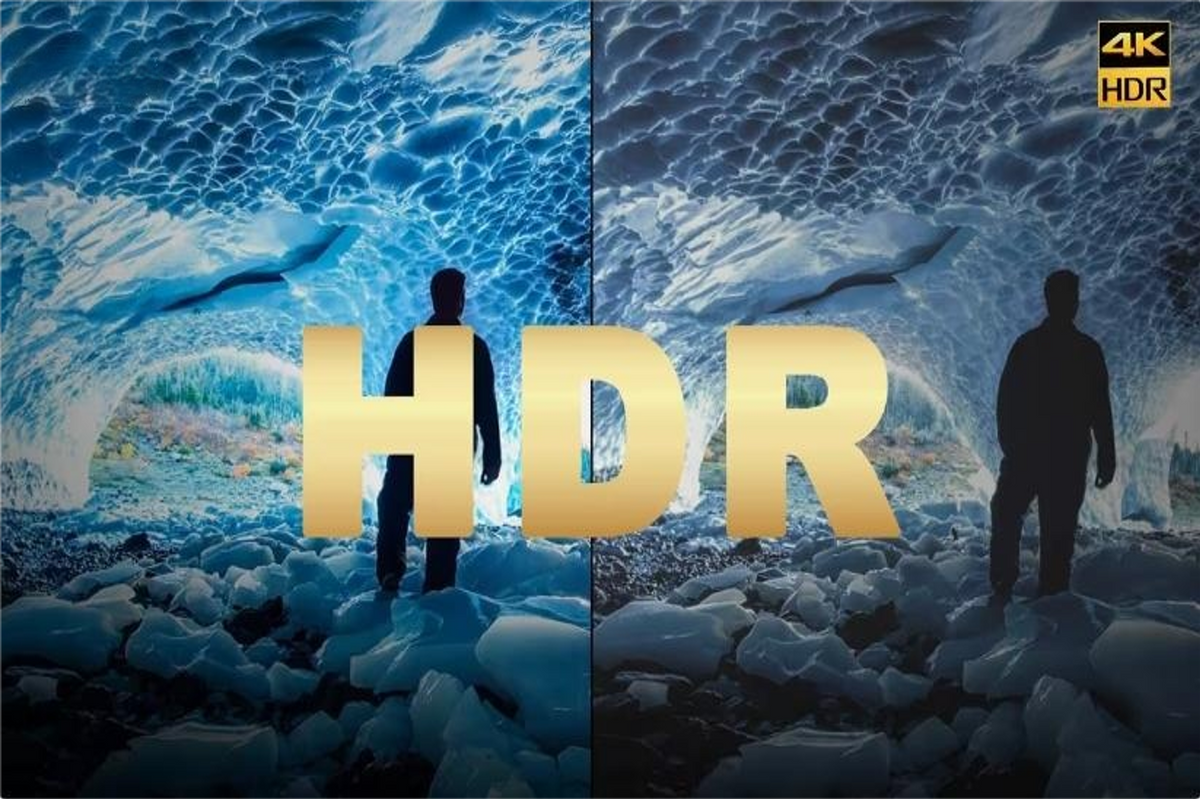
Static HDR vs. Dynamic HDR: What's the Difference?
High Dynamic Range (HDR) technology has changed the way we see images and videos. By making colors more vibrant and details clearer, HDR makes what we watch look more like what we see in real life. From TVs and movies to video games and photos, HDR helps create a more immersive and realistic experience.
But what’s the difference between the various HDR methods available today? Dynamic HDR adjusts the image quality scene by scene or frame by frame, providing a customized viewing experience. In contrast, static HDR maintains the same settings throughout the content. In this blog, we’ll help you understand how dynamic and static HDR technologies compare and what they mean for your viewing experience.
Read moreabout Static HDR vs. Dynamic HDR: What's the Difference?

2024 TESmart Brand Day: Exclusive Discounts and VIP Program Benefits!
August is here, and with it comes our highly anticipated Brand Day celebration at TESmart! This year, we’re thrilled to extend our exclusive offer not just to our valued members but to everyone, making it the perfect time to upgrade your tech setup.
Read moreabout 2024 TESmart Brand Day: Exclusive Discounts and VIP Program Benefits!
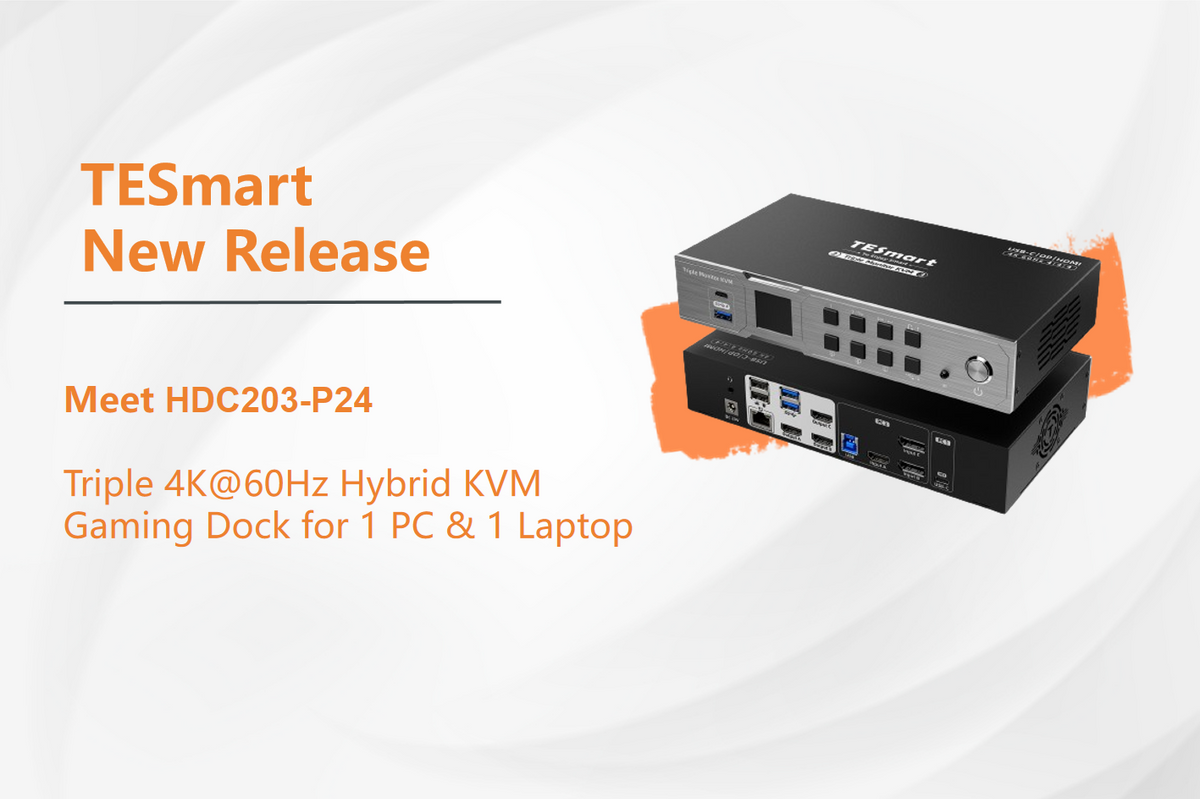

TESmart is s proud to unveil our latest innovation——HKS202-M24, an HDMI 2.1 dual 4K@144Hz KVM switch gaming dock for 2 PCs & 2 monitors. Using a ADI Chip to achieve true dual 4K@144Hz /8K@60Hz, HKS202-M24 is designed to improve signal integrity, reduce latency, and enhance overall performance. It is compatible with 99% of monitors. With a stable built-in EDID emulator, it prevents resolution and icon rearrangement with zero flickering, flashing, or black screens.
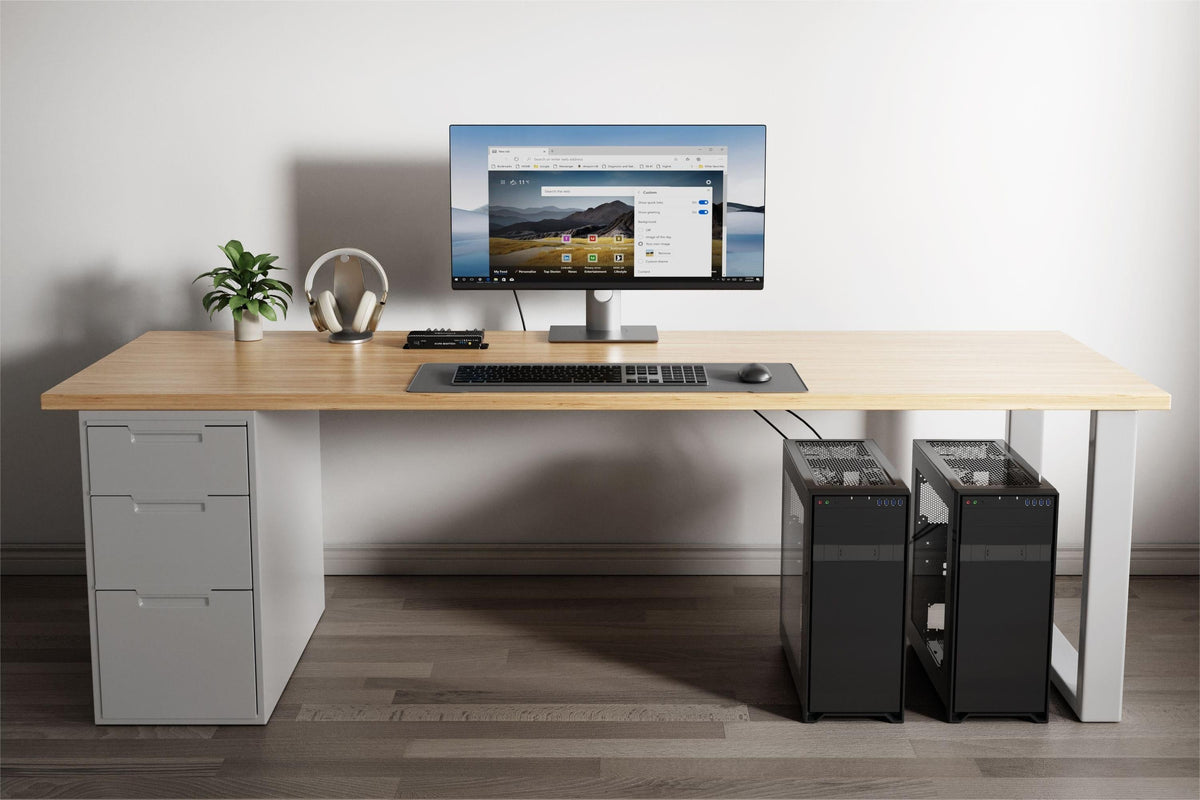
How do You Fast Switch between Two PCs on One Display?
Read moreabout How do You Fast Switch between Two PCs on One Display?
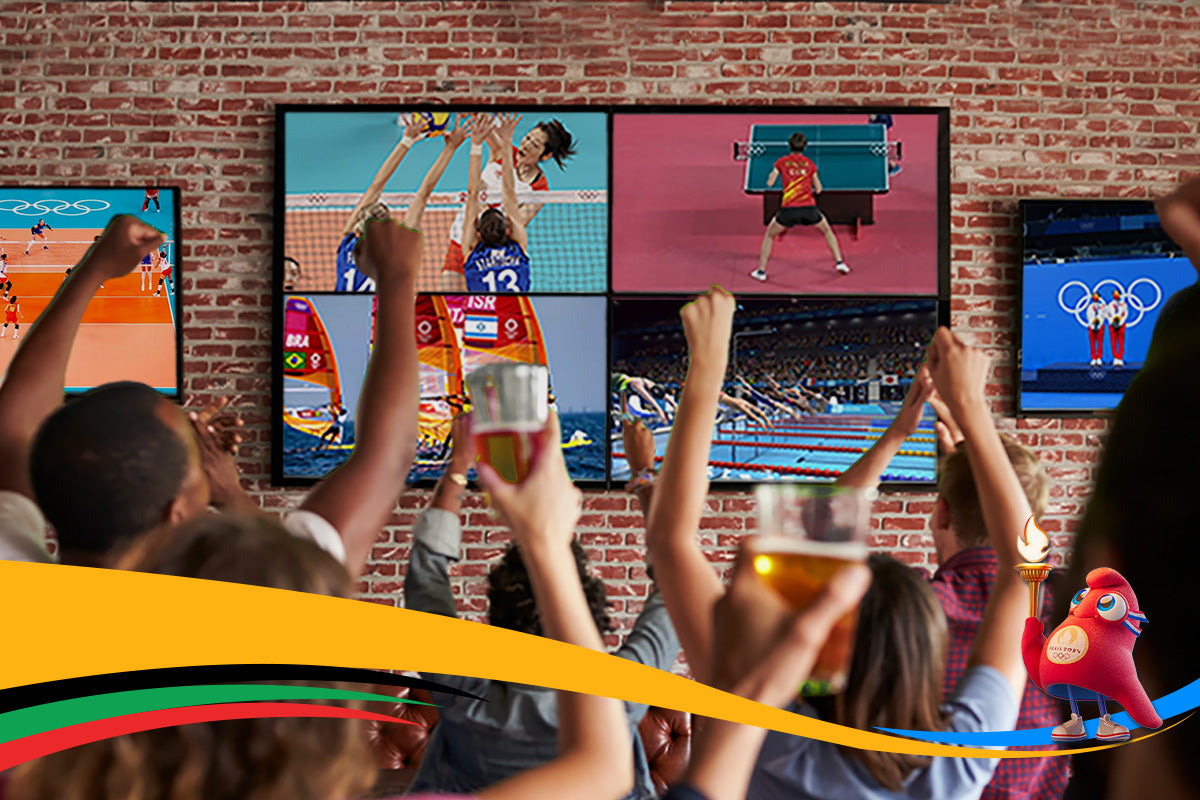
How is AI Transforming Olympic Broadcasting? Discover Alibaba’s Innovation and TESmart’s Solutions
As the world comes together to celebrate the 2024 Paris Olympics, the games are not just a showcase of athletic prowess but also a testament to cutting-edge technology. This year, Alibaba Cloud and OBS are set to revolutionize the way we experience the Olympics with their AI-powered OBS Cloud 3.0. With multi-camera replay systems deployed across 14 venues for 21 sports, viewers will enjoy an unprecedented level of engagement and analysis.
In line with this technological advancement, TESmart is excited to offer a 20% discount on our Matrix products from 25 to 30 July, ensuring that broadcasters and enthusiasts alike can experience seamless, high-quality switching solutions.