

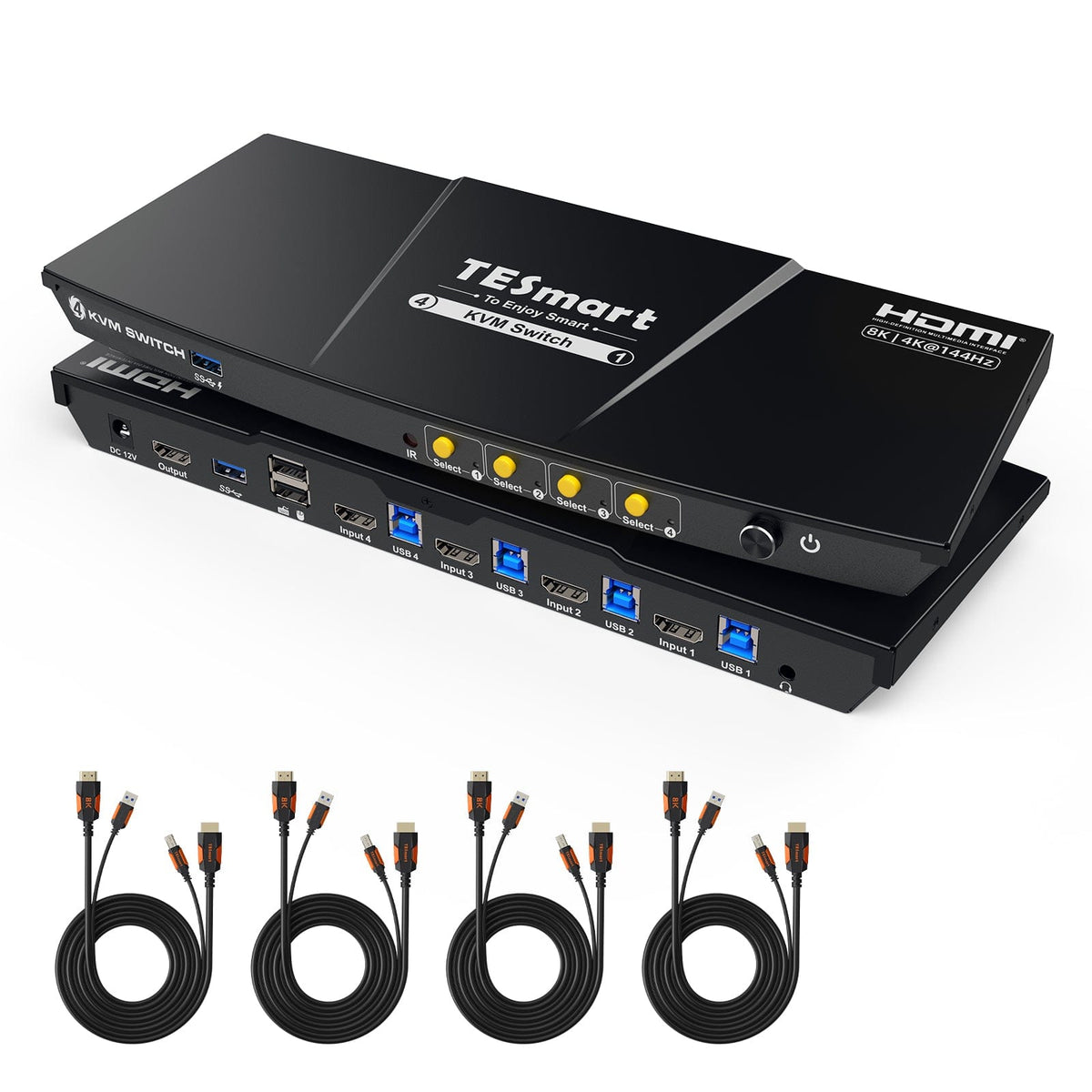


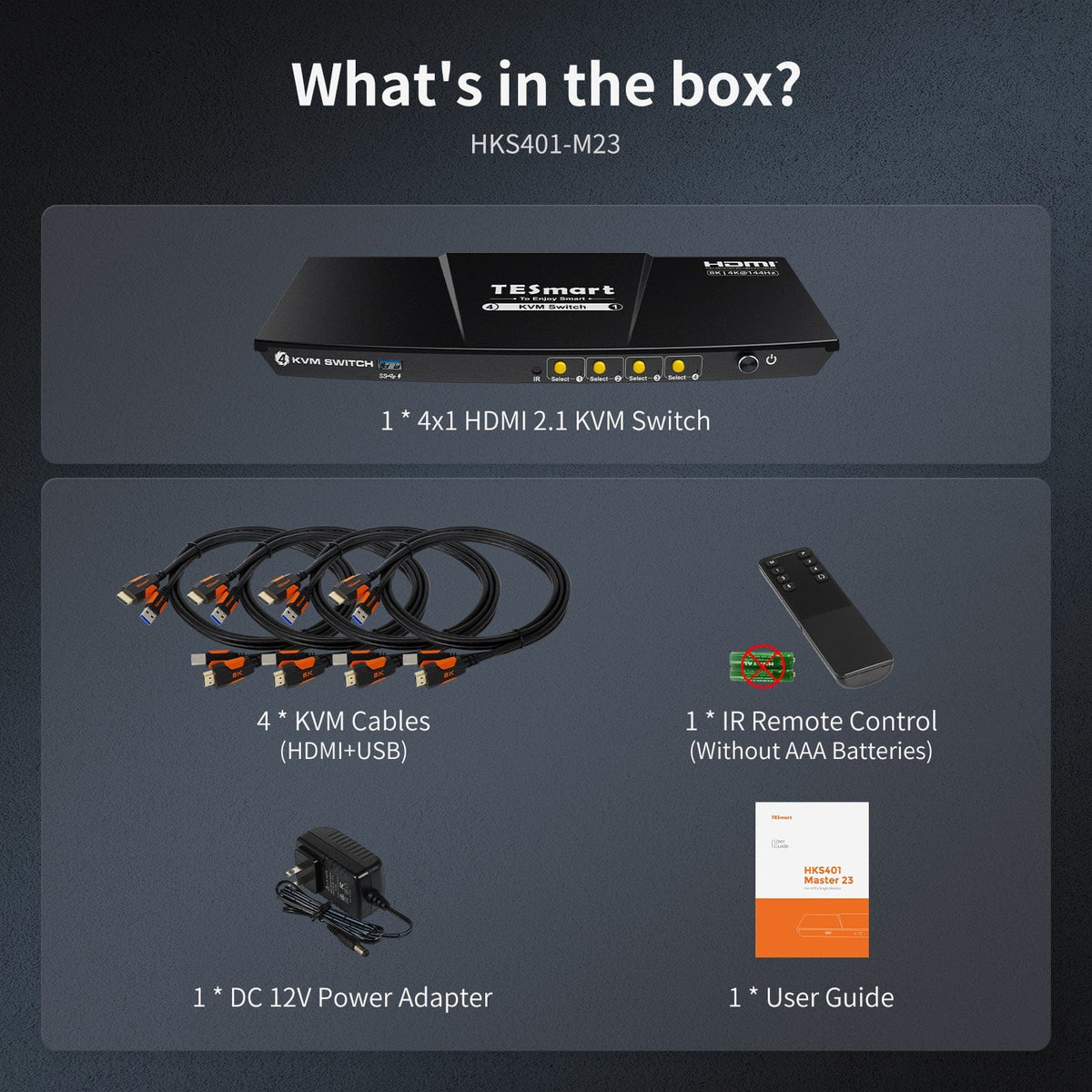
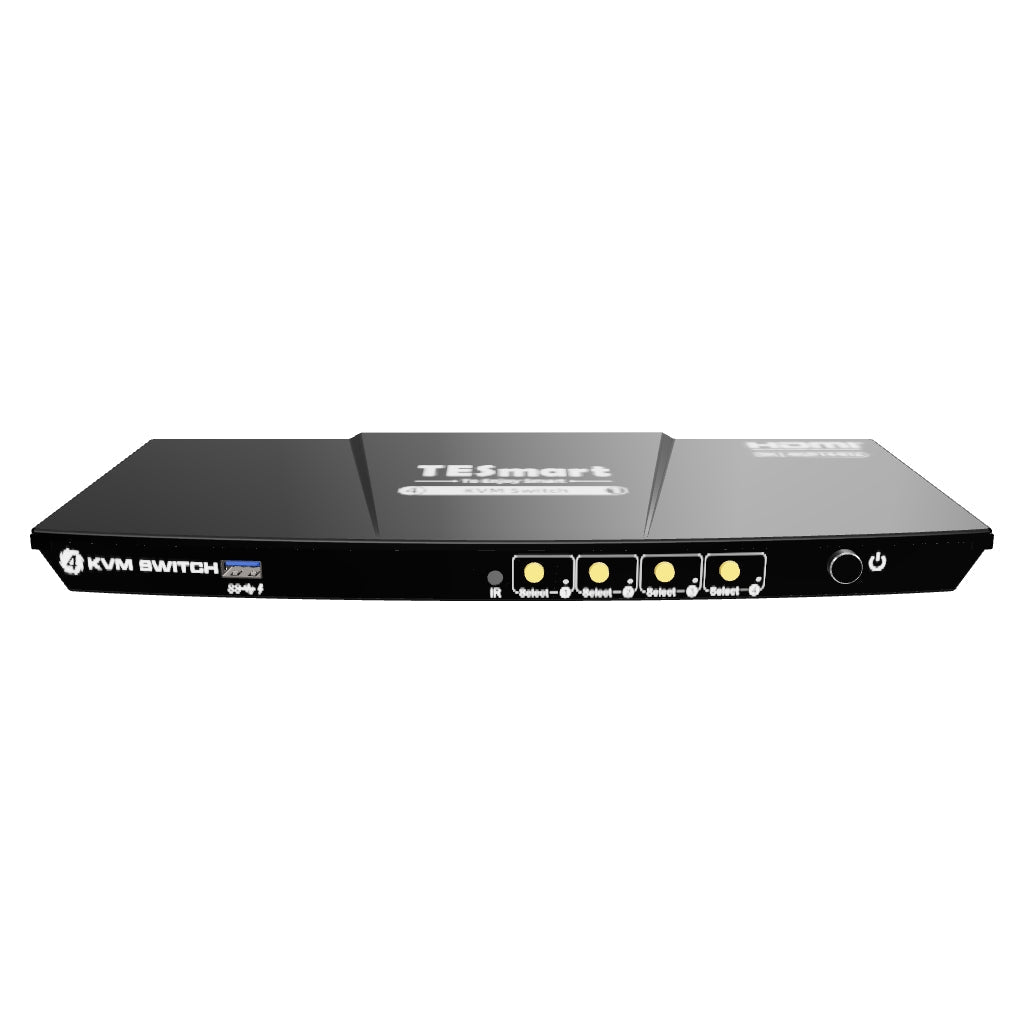


4-Port 8K60 HDMI 2.1 KVM Switch w/ ADI Chip, EDID, 4K144Hz for Gaming, 4 PCs 1 Monitor
Share two Apple Studio Displays, one keyboard and mouse between two computers—or show one computer on each display when you need both systems at once.
4-Port 8K60 HDMI 2.1 KVM Switch w/ ADI Chip, EDID, 4K144Hz for Gaming, 4 PCs 1 Monitor
Why Choose HKS401-M23
Overview
01
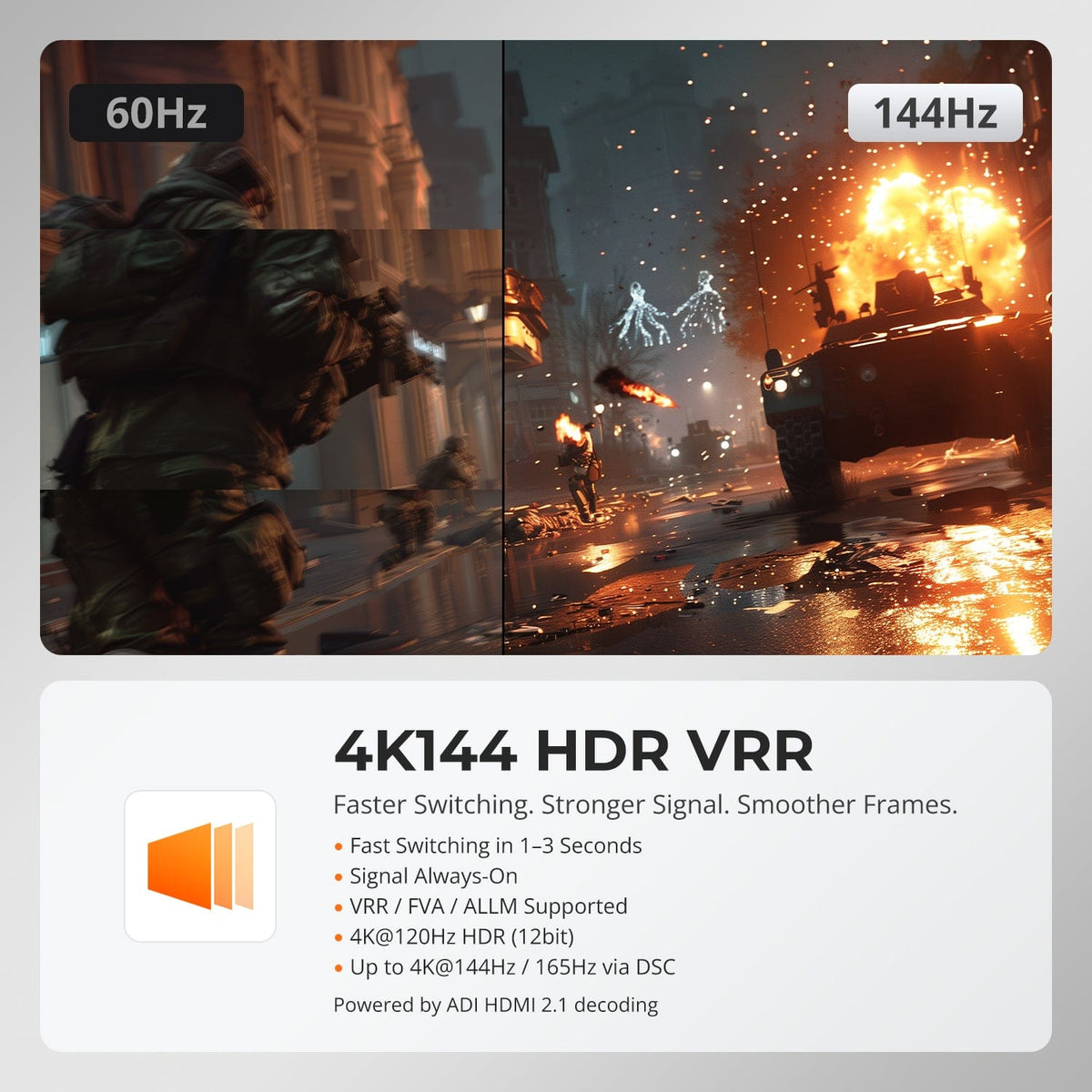
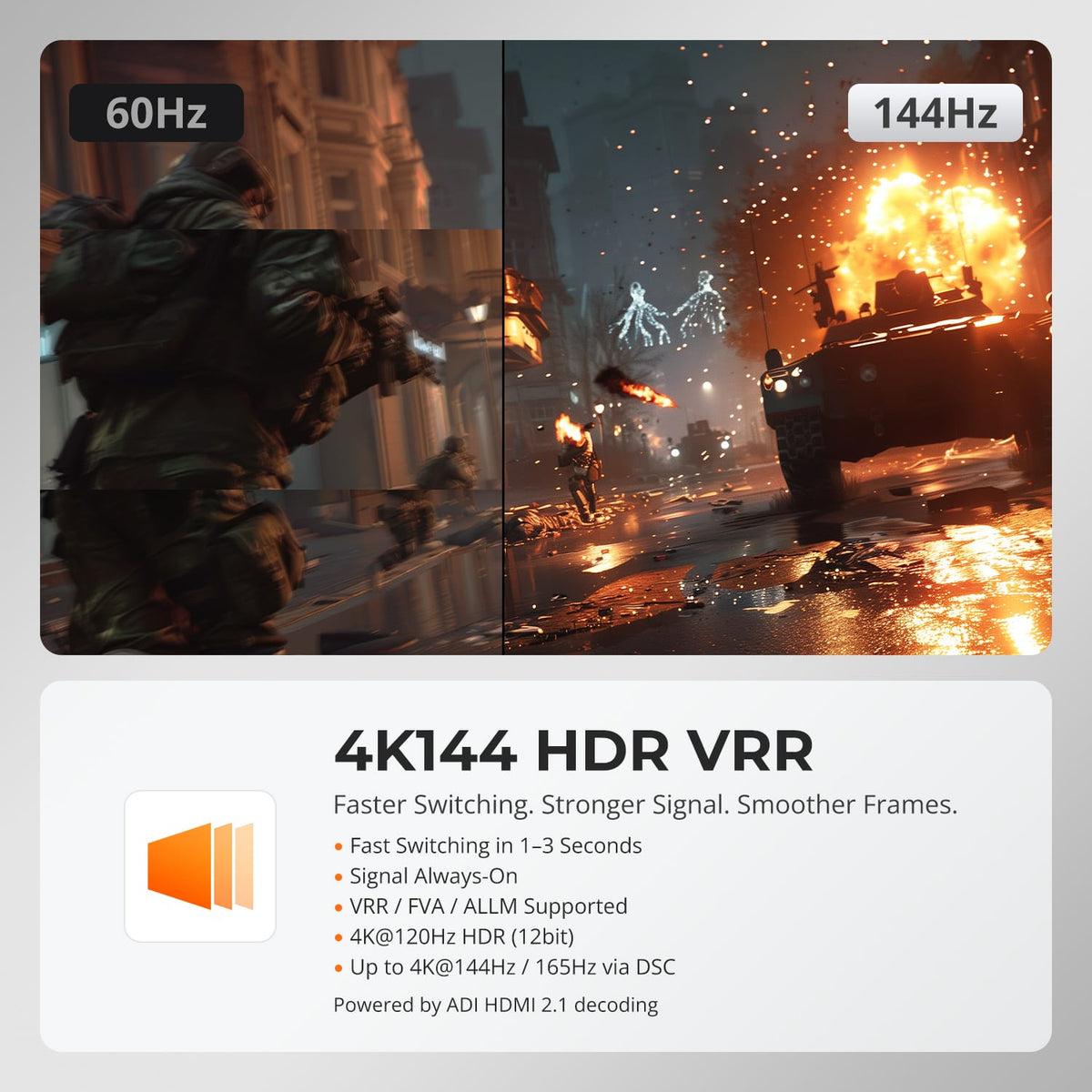
8K60 for Detail. 4K144 for Motion.
HKS401-M23 selling-point graphic compares 60Hz and 144Hz motion and highlights 4K144 HDR and variable-refresh support.
02
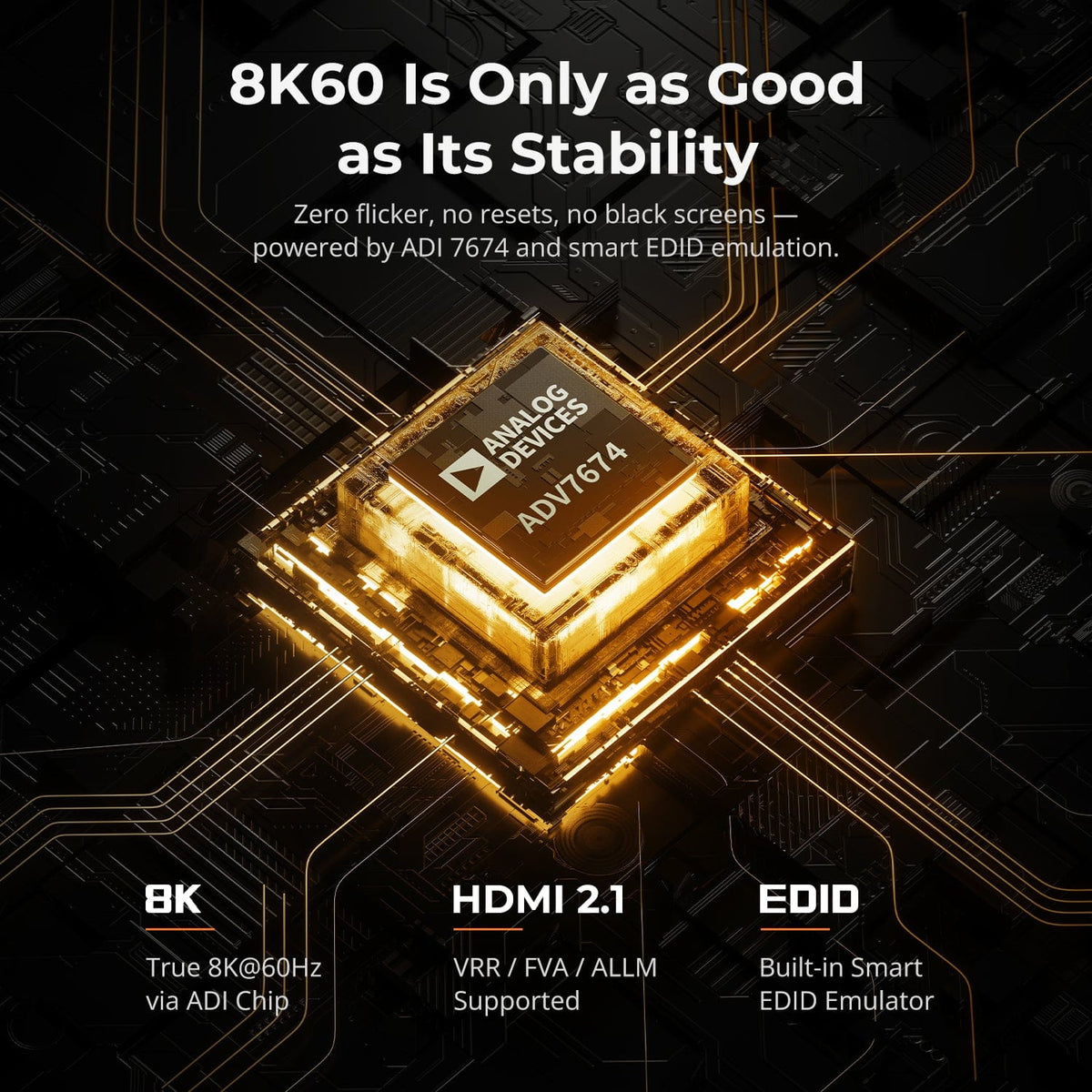
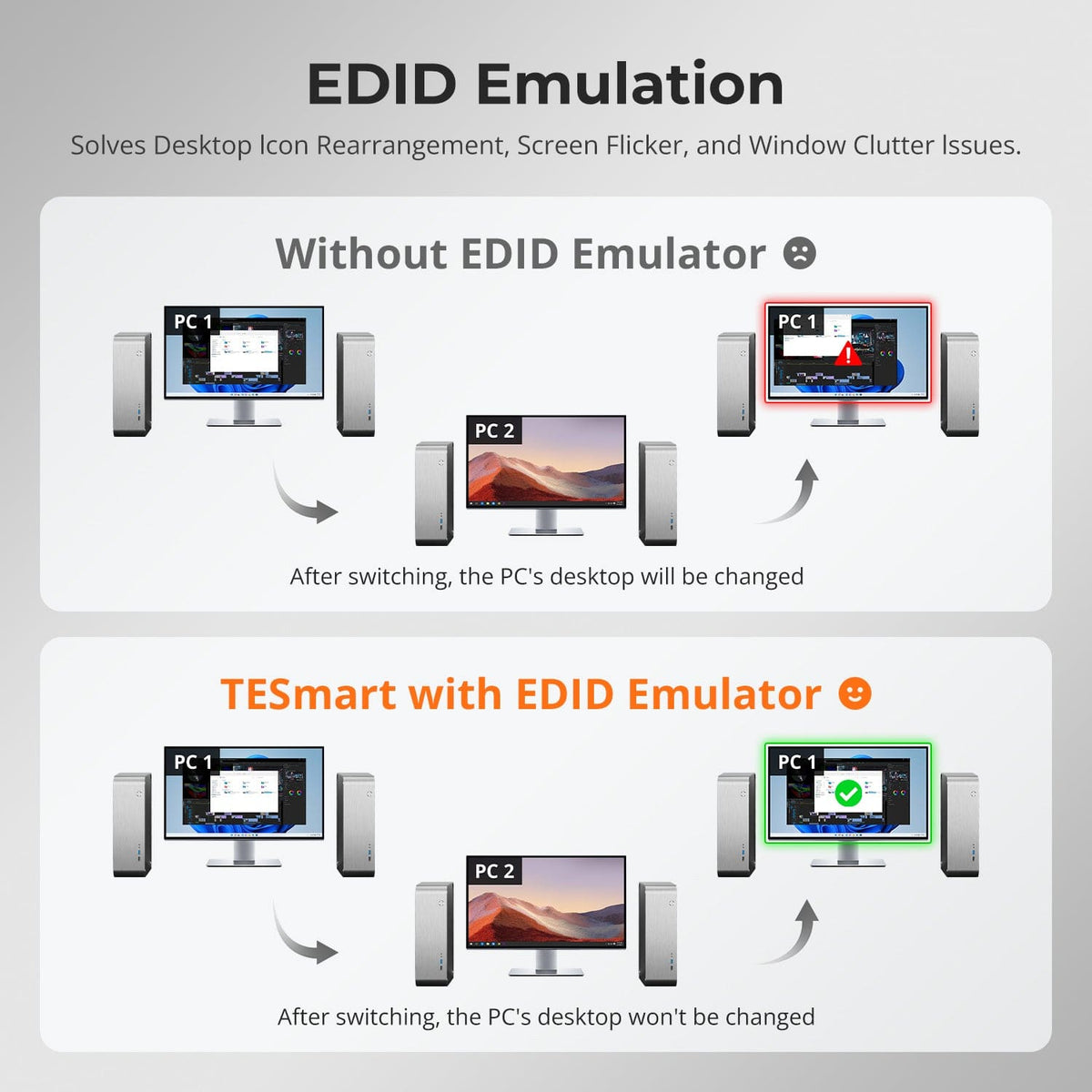
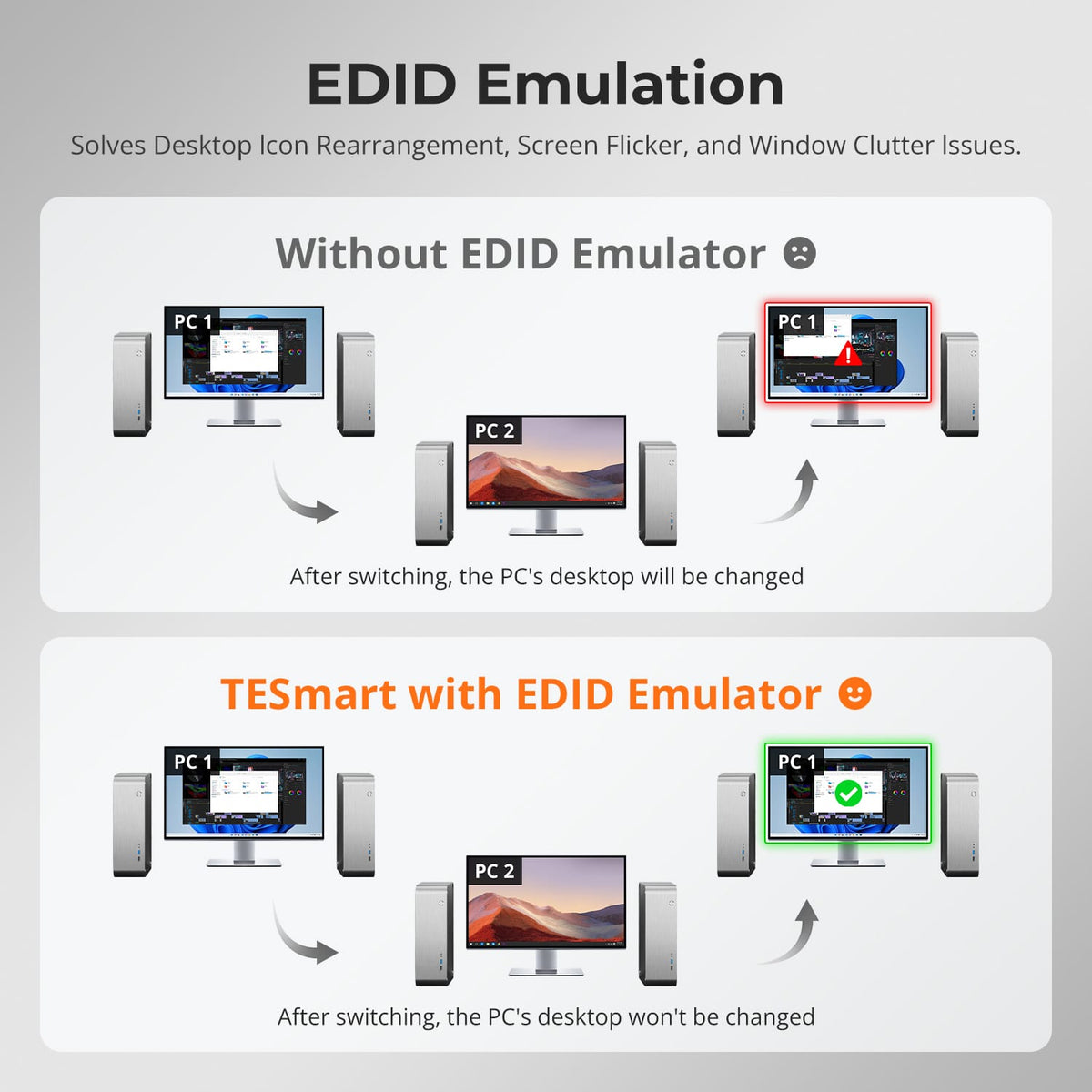
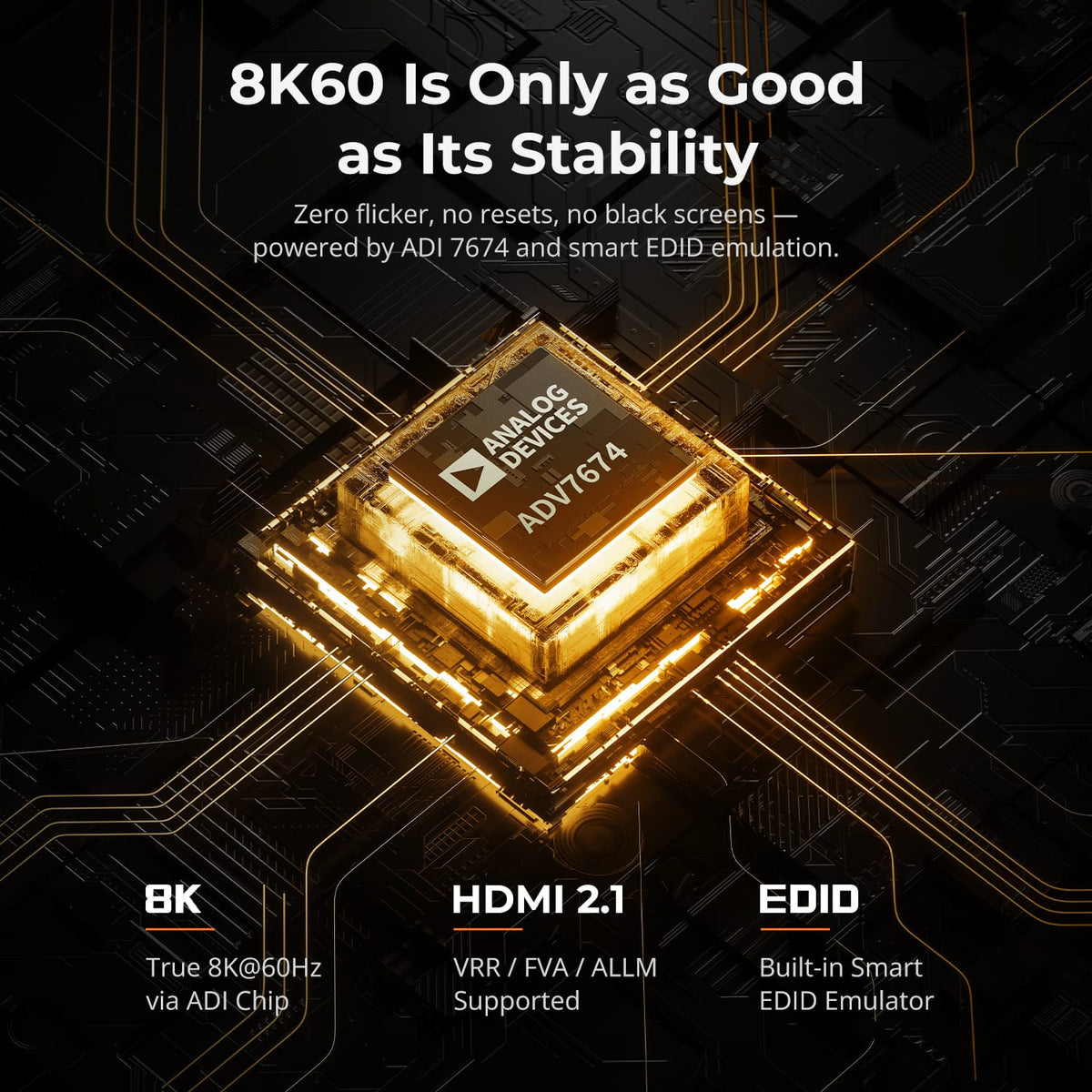
EDID Keeps Every PC Display-Ready
EDID emulation keeps monitor information available to all four computers, helping reduce resolution changes, display re-detection and rearranged windows after switching.
03
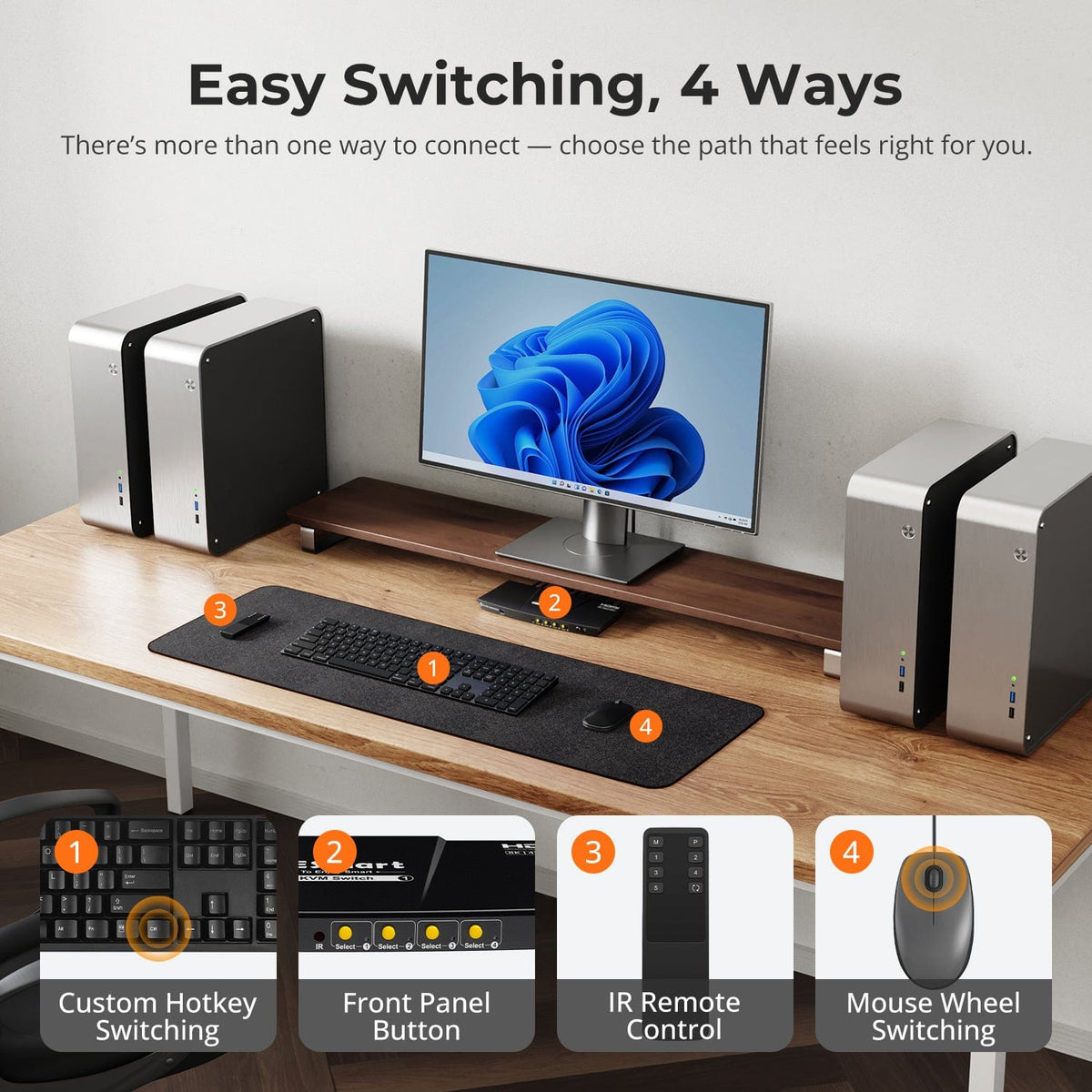
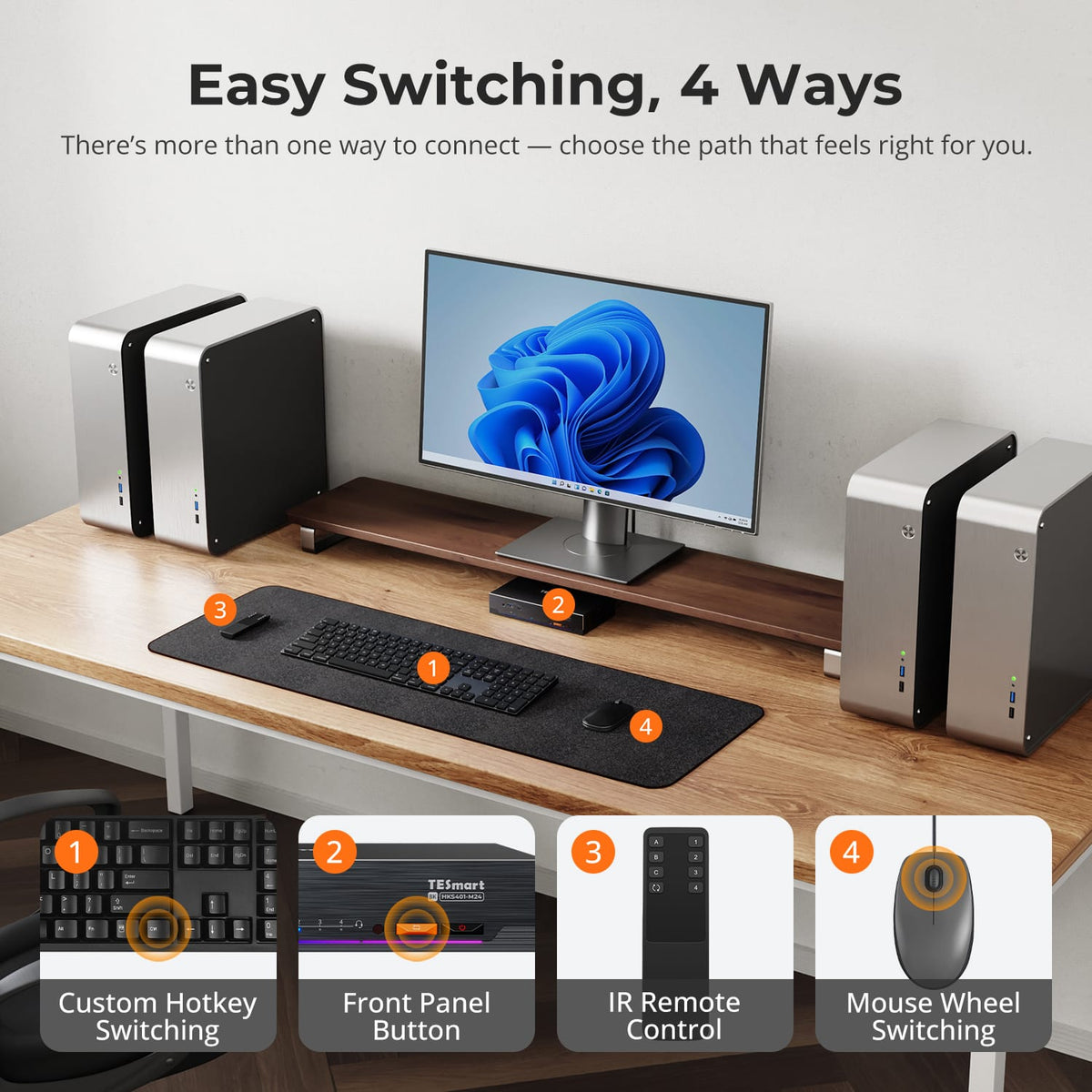
Switch Without Replugging
Use front-panel controls, IR remote, keyboard hotkeys or mouse-wheel switching to move between four systems while the monitor and peripherals remain connected.
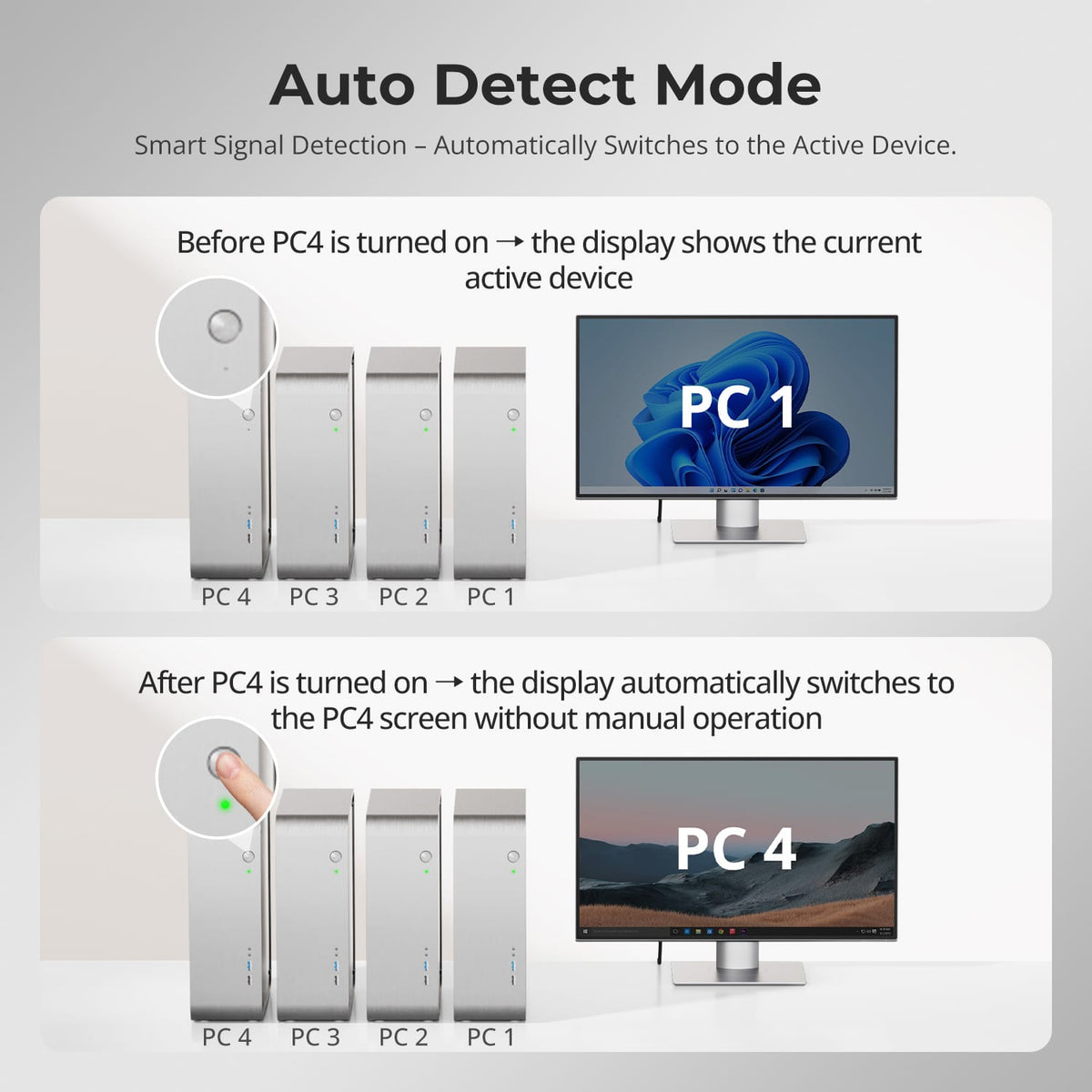
04
Auto Scan for Monitoring
Auto Scan can cycle through connected computers at a set interval, useful when the single display is used to check several systems.
05
06
07
FAQs
Visit our Help Center for more answers.
[Compatibility] What is the maximum supported resolution?
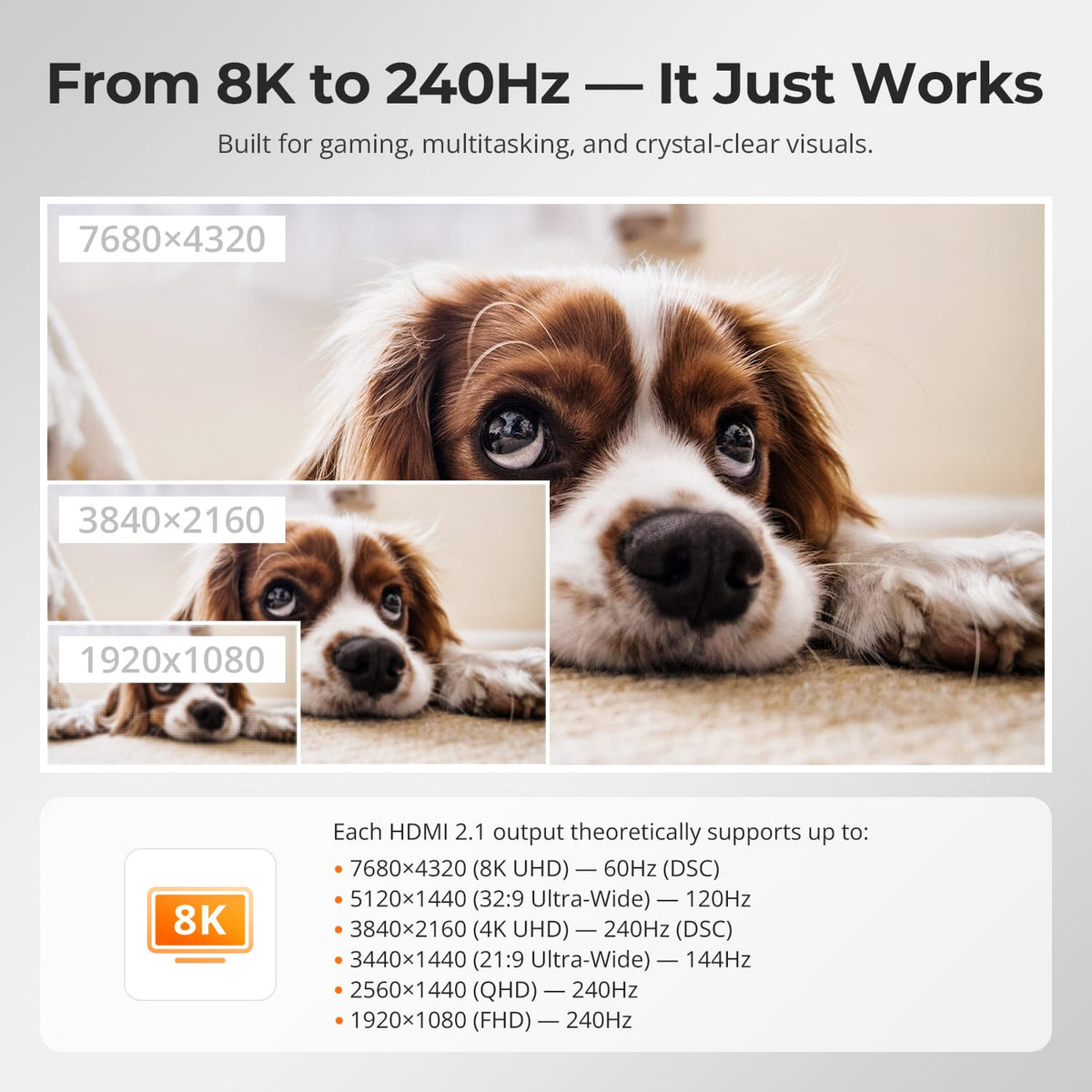
The uploaded manual supports up to 8K@60Hz 4:4:4 and lists backward compatibility through 4K@144Hz. Actual output depends on the source, display and cable.
[Compatibility] What do I need for HDMI 2.1 features such as VRR?
The source GPU, HDMI cable and monitor must all support the target HDMI 2.1 feature and bandwidth.
[Features & Connections] Can all four computers share Gigabit Ethernet?
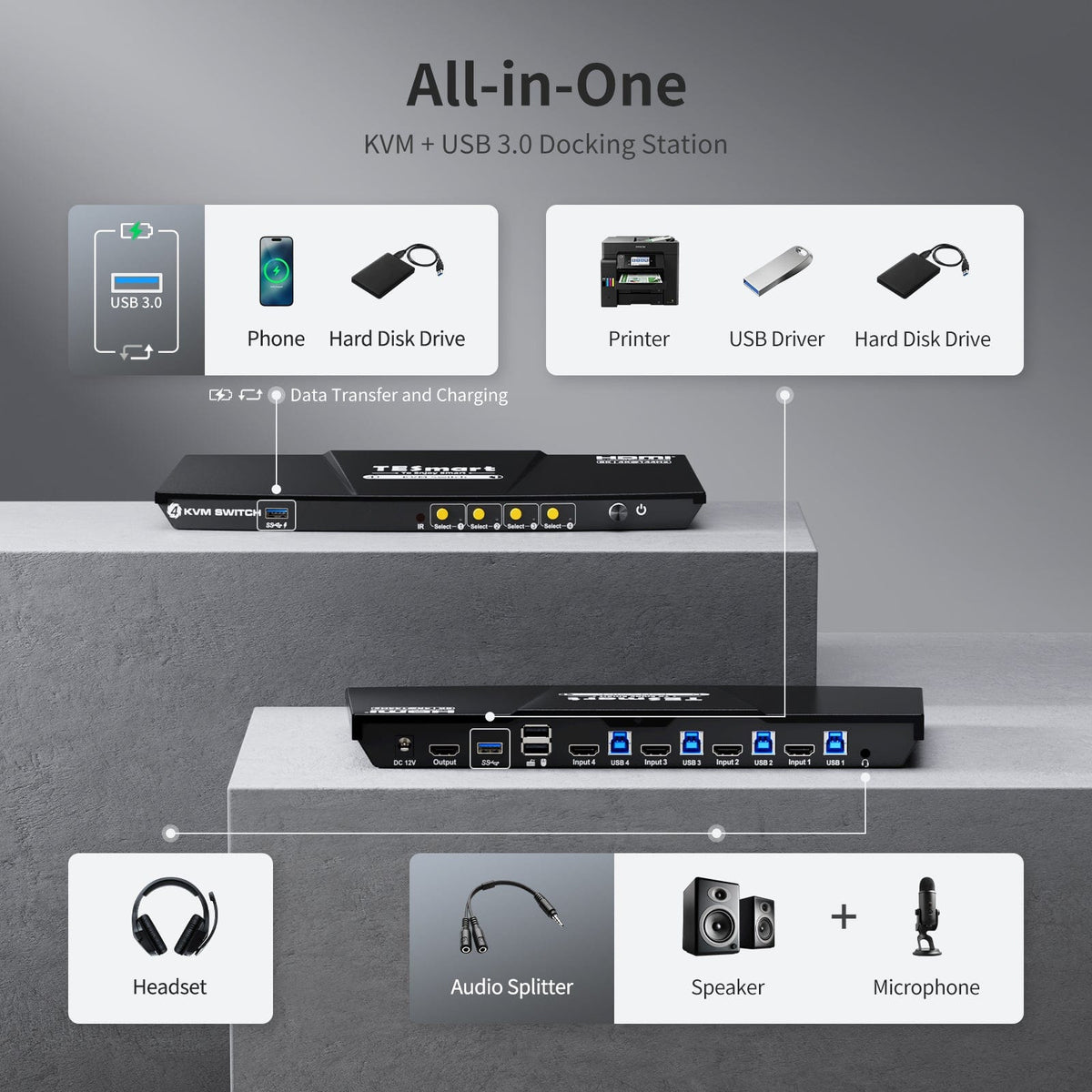
Yes. The KVM provides a shared Gigabit Ethernet connection up to 1000Mbps.
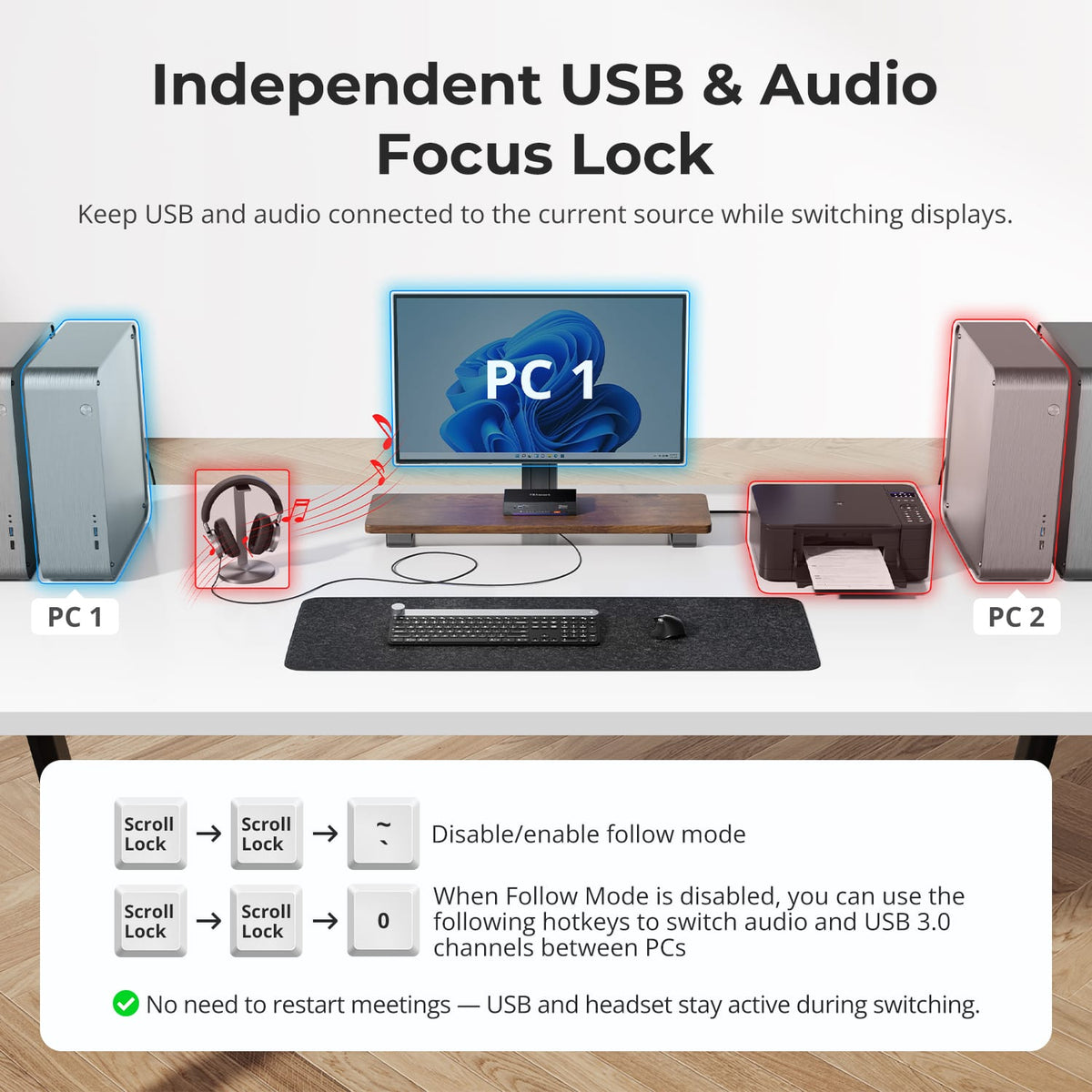
[Features & Connections] Can I share USB 3.2 devices?
Yes. USB 3.2 Gen 1 ports support compatible peripherals at up to 5Gbps.
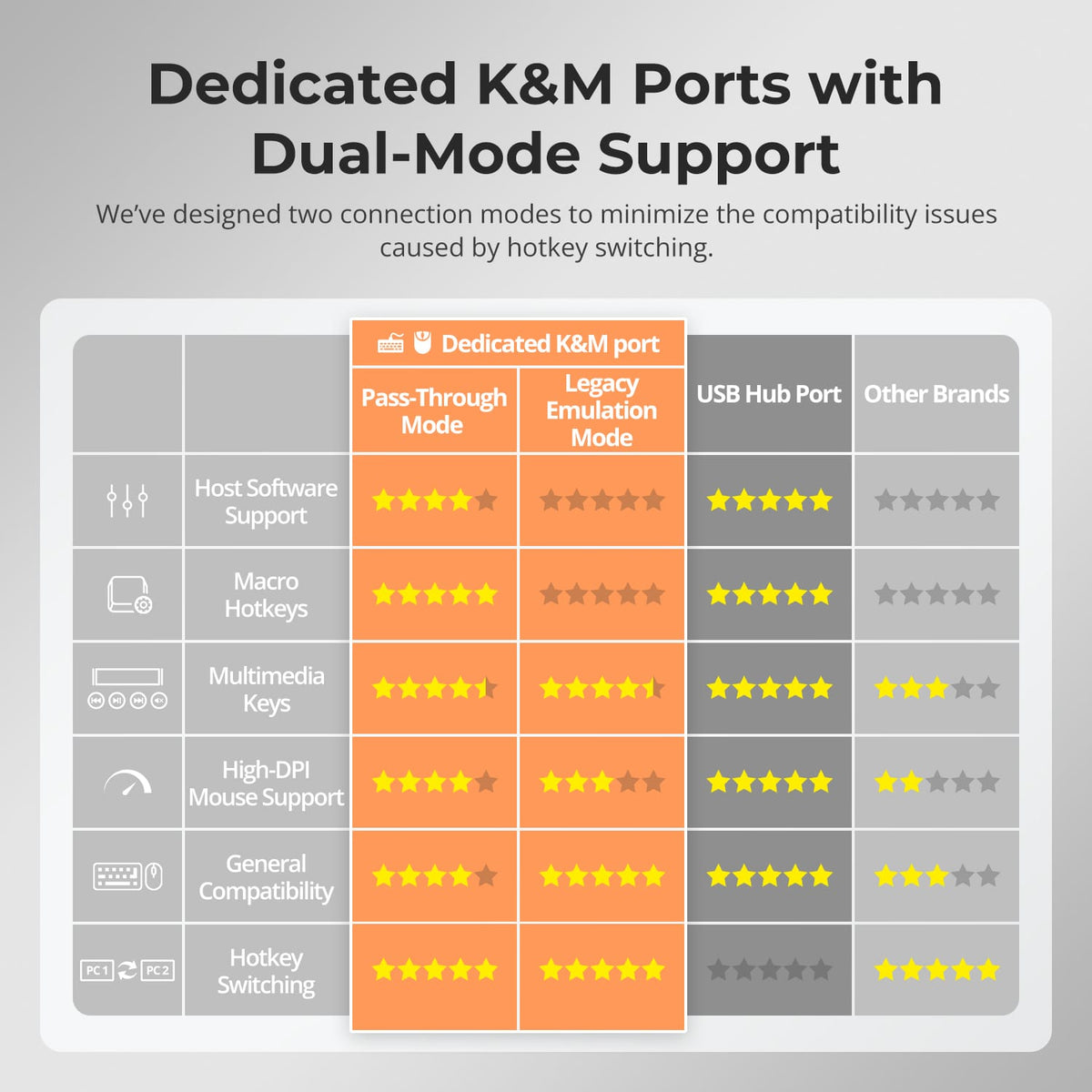
[Features & Connections] What are Pass-Through and Legacy Emulation modes?
Pass-Through Mode is intended for most modern keyboards and mice. Legacy Emulation Mode provides an alternative for basic keyboard, mouse and hotkey compatibility.
[Setup & Switching] How can I switch between the four computers?
Use the front-panel controls, IR remote, keyboard hotkeys or mouse-wheel switching.