BF 10% OFF
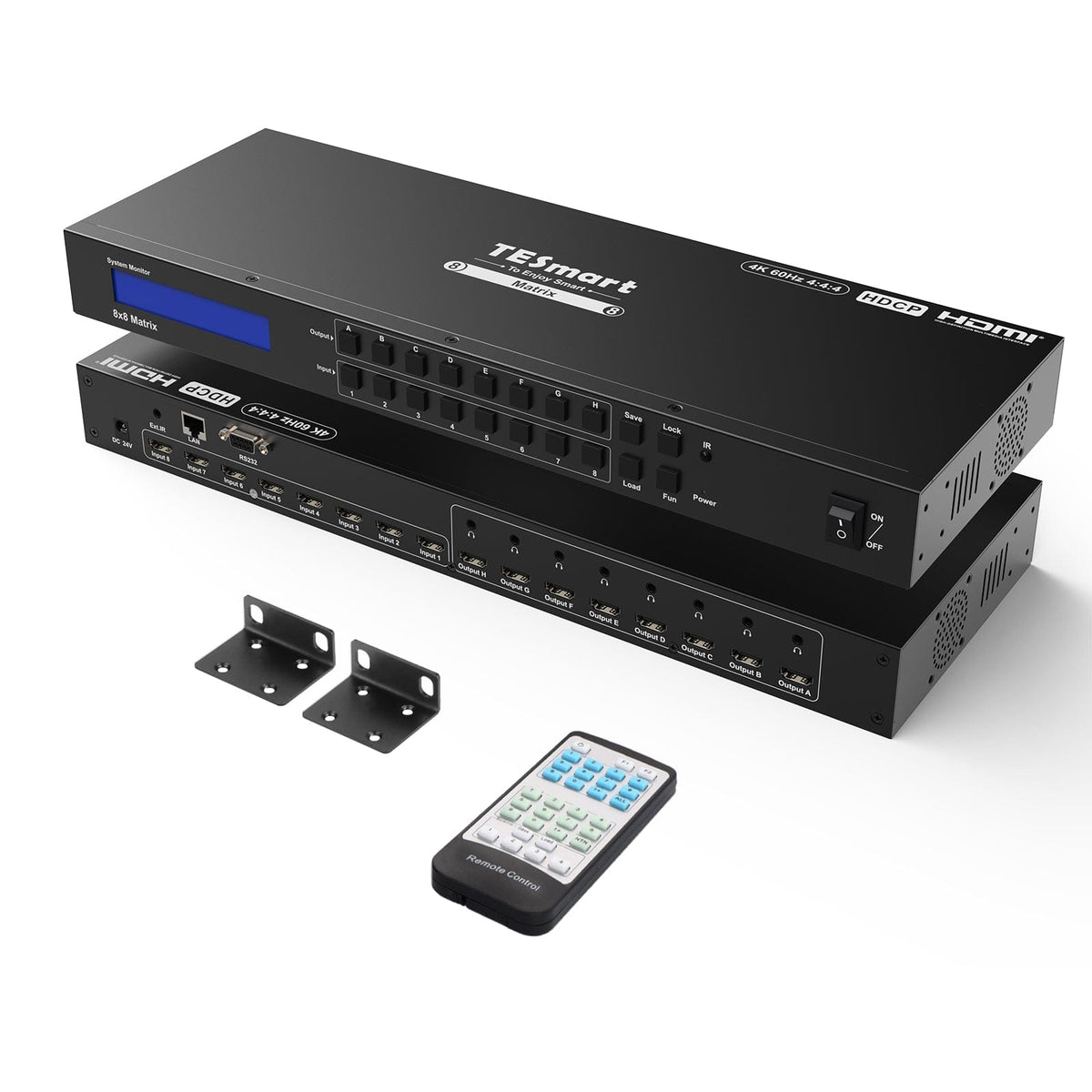
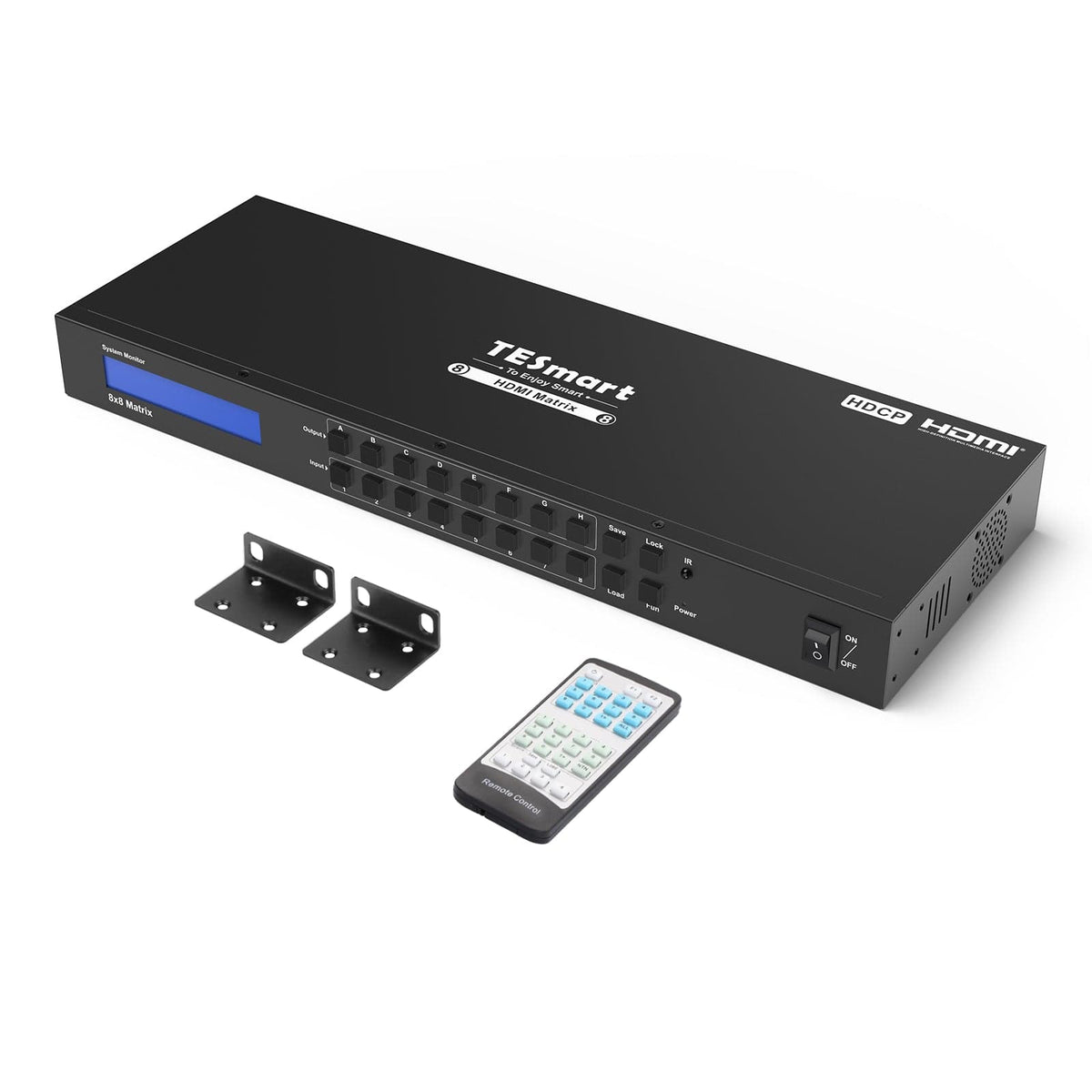
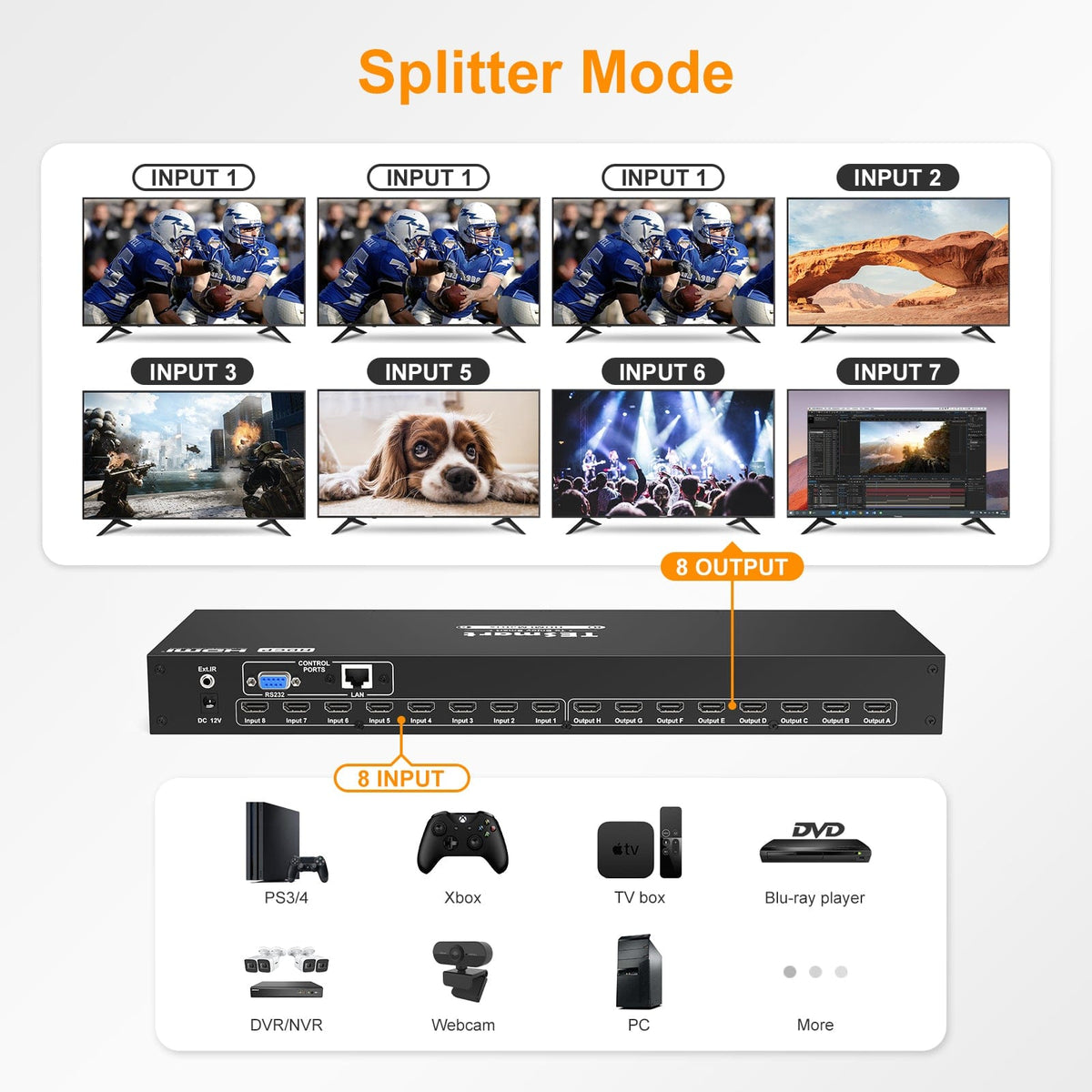
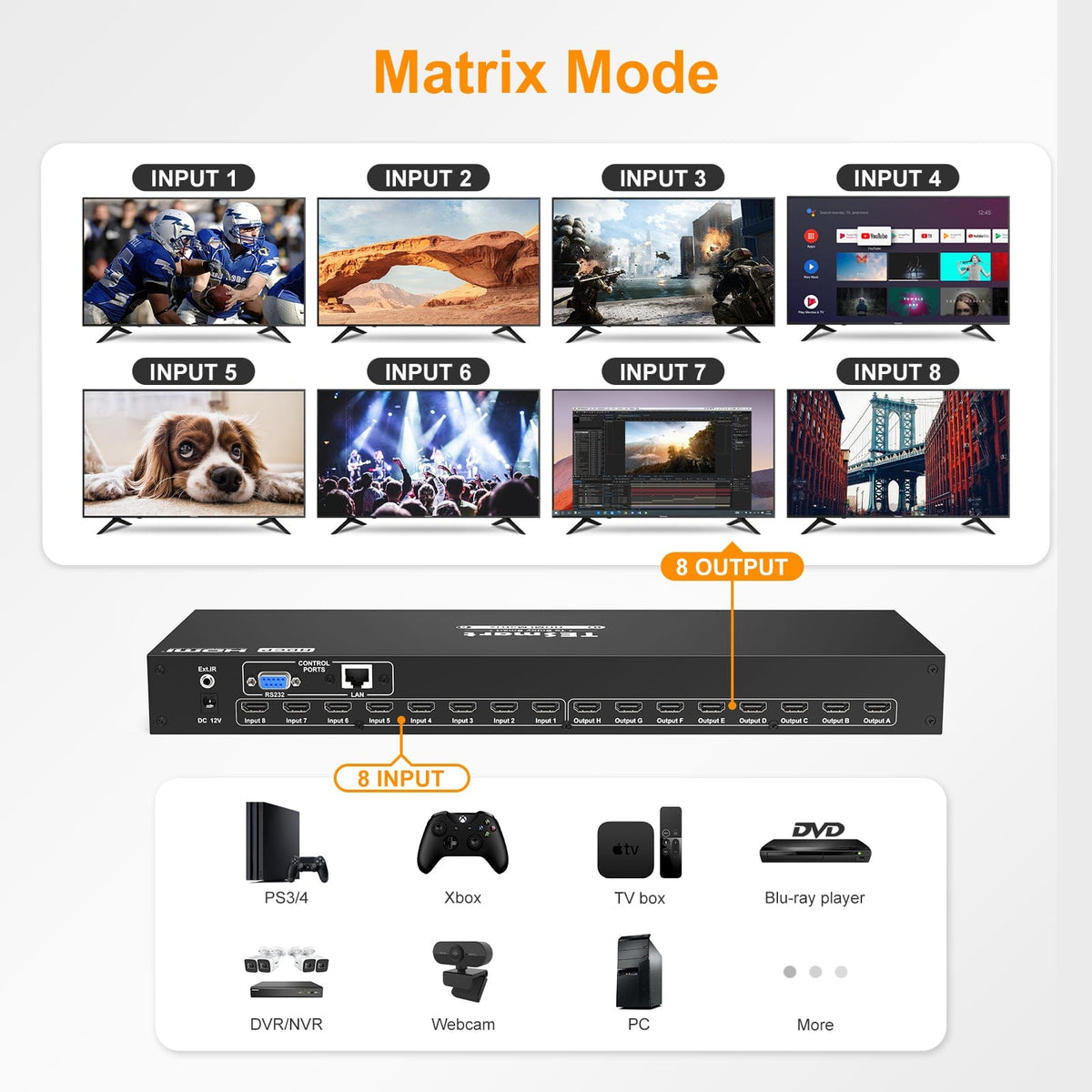
8 × 8 HDMI Matrix
8 × 8 HDMI Matrix

Display Routing

4K30/4K60 Versions
4K30/4K60 Versions

Display Options

EDID Management
EDID Management

Display Control

Multi-Format Audio
Multi-Format Audio

Audio Support

Presets + Power-Off Memory

Routing Control

RS232 + LAN Control
RS232 + LAN Control

Remote Control

BF 20% OFF
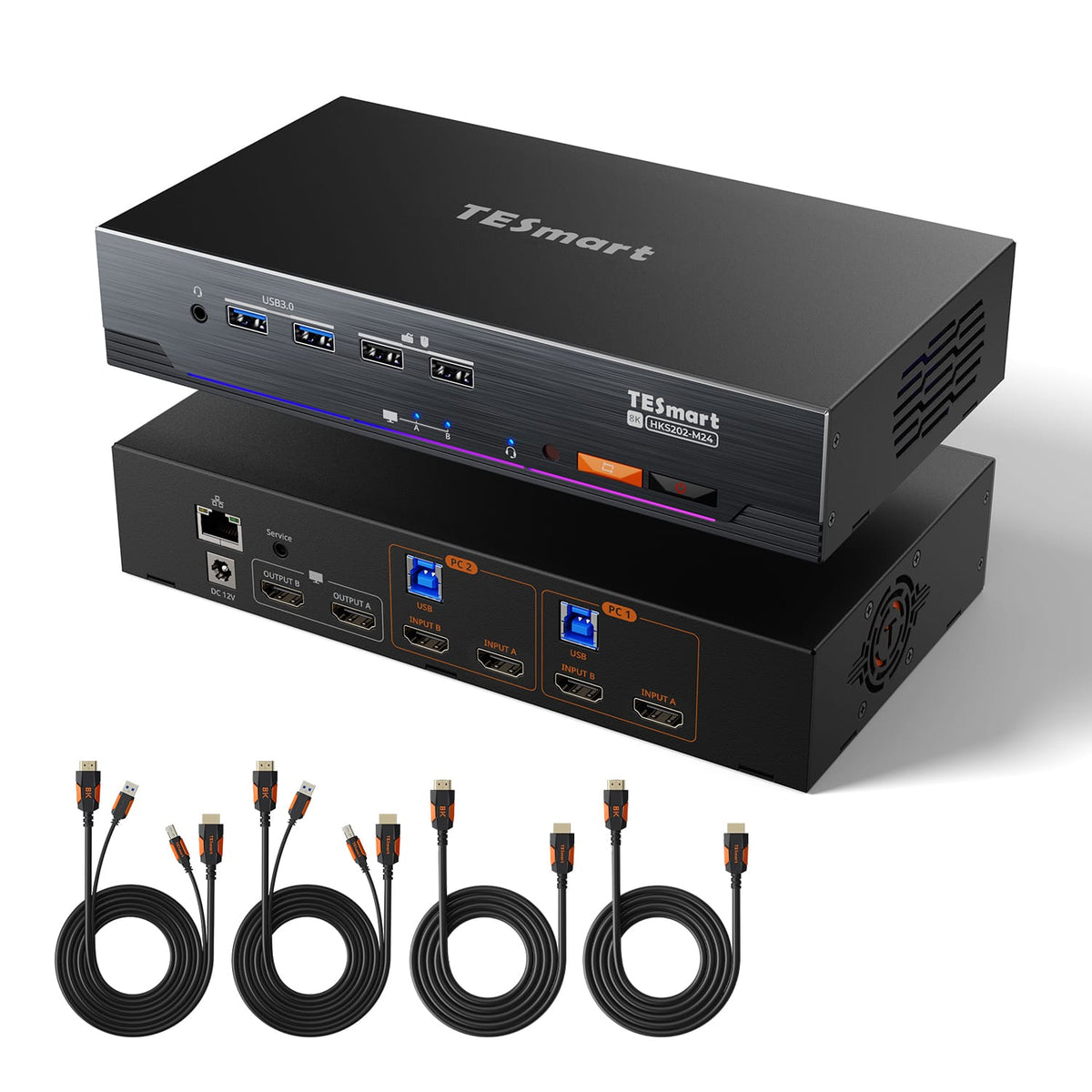
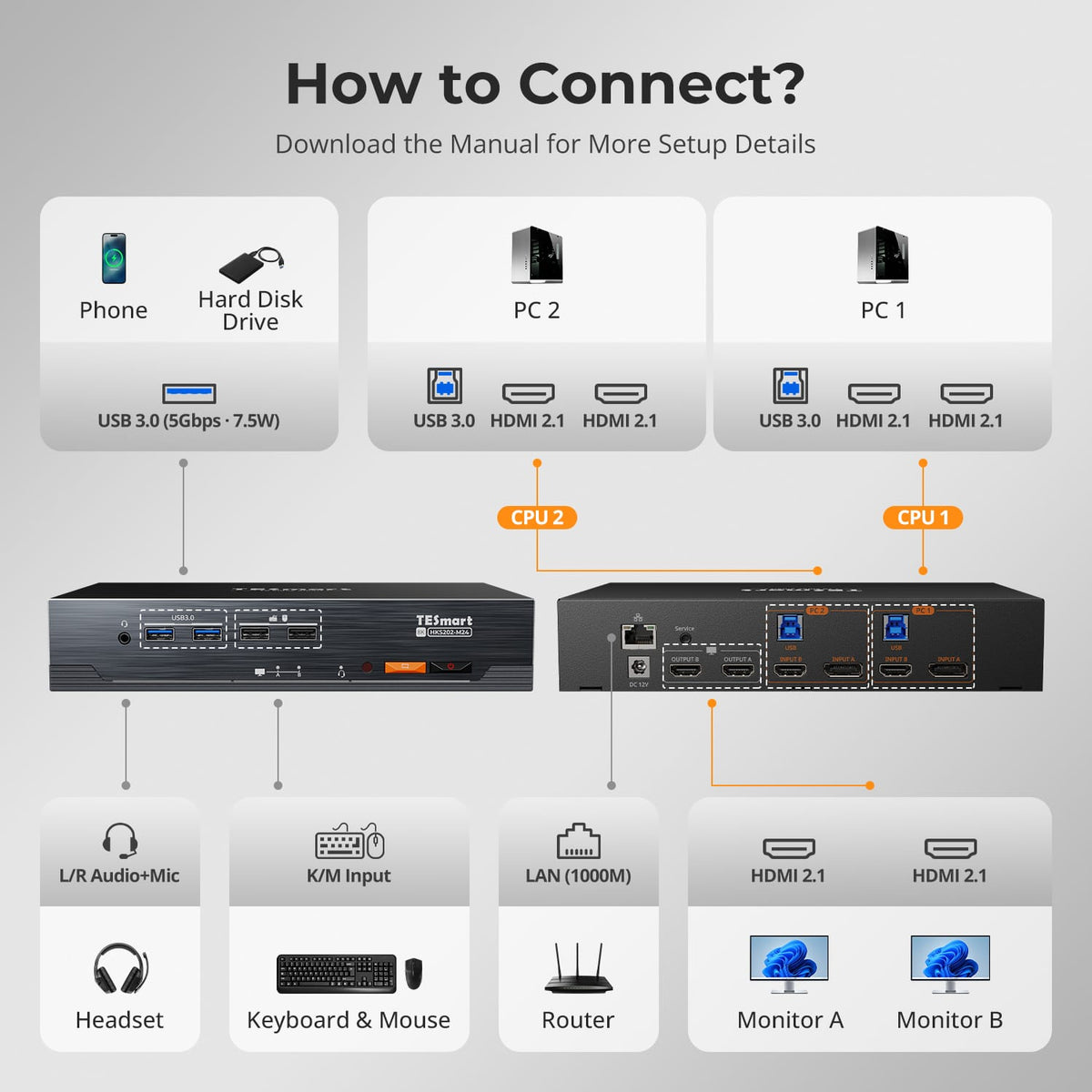
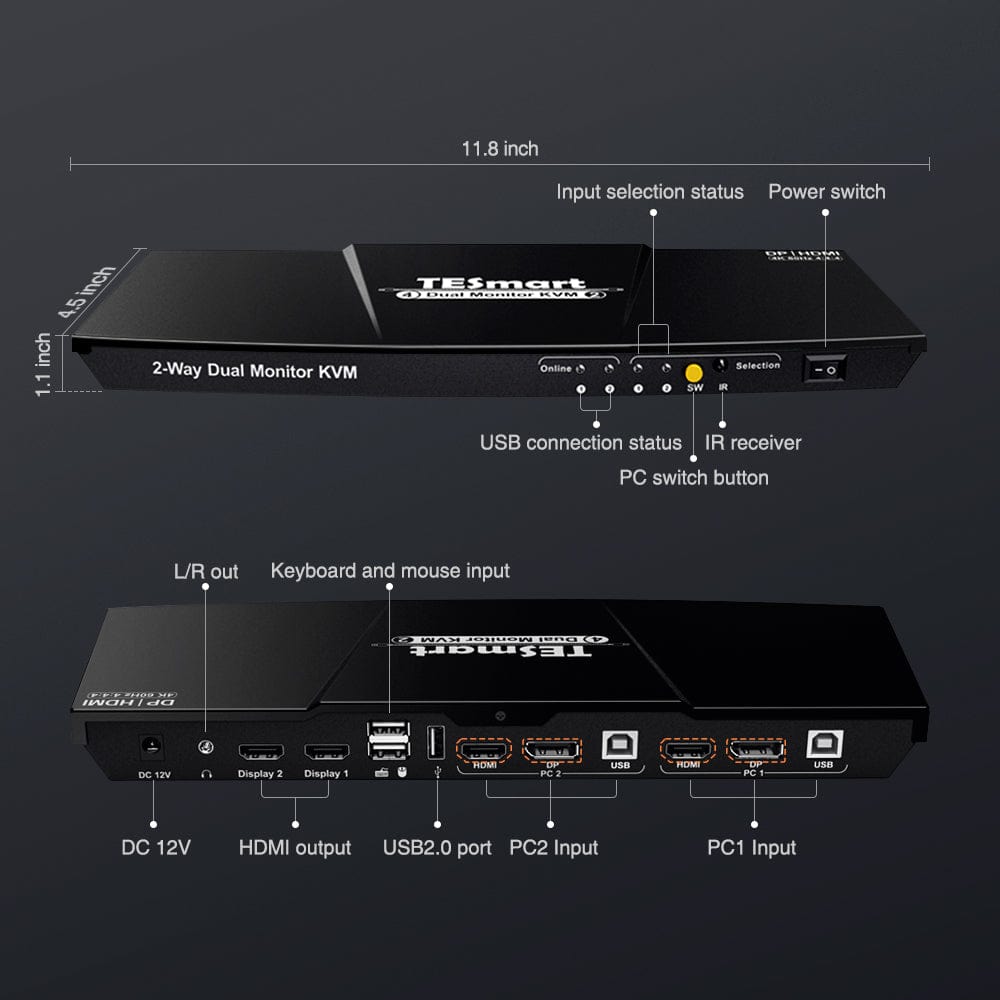
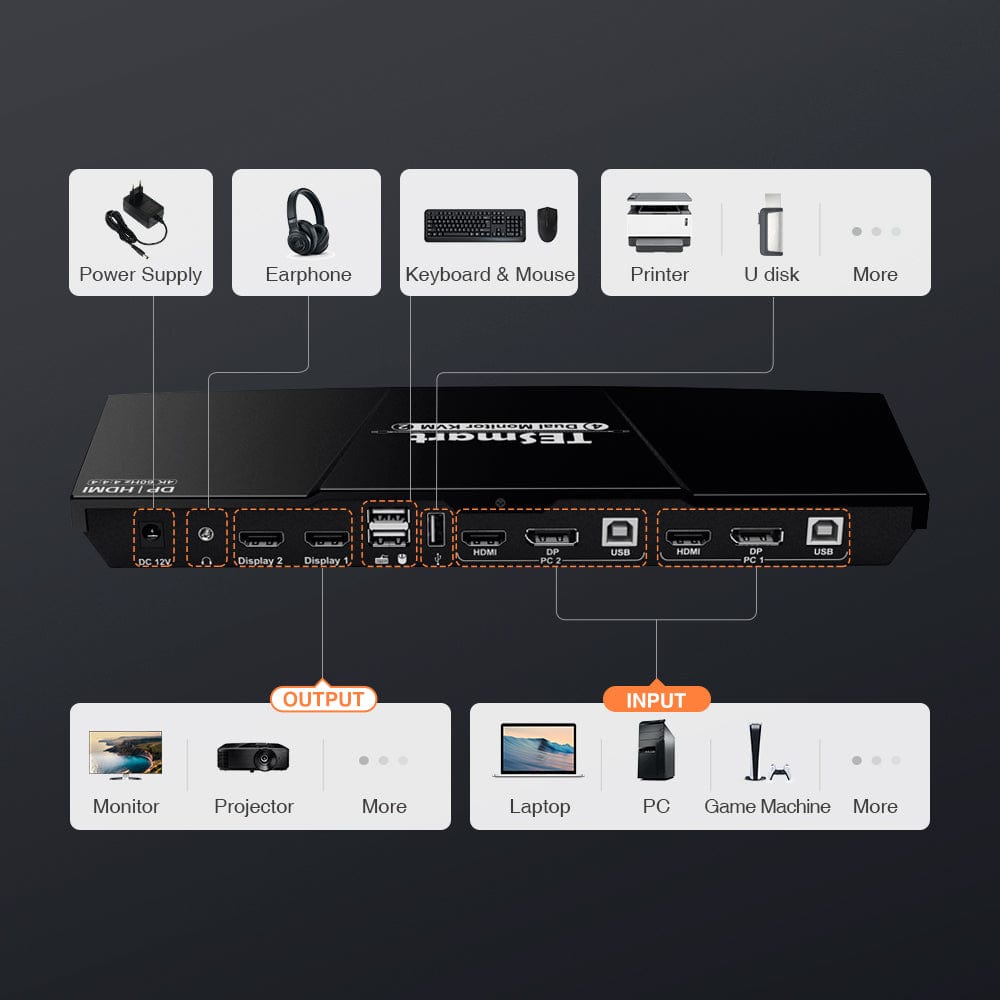
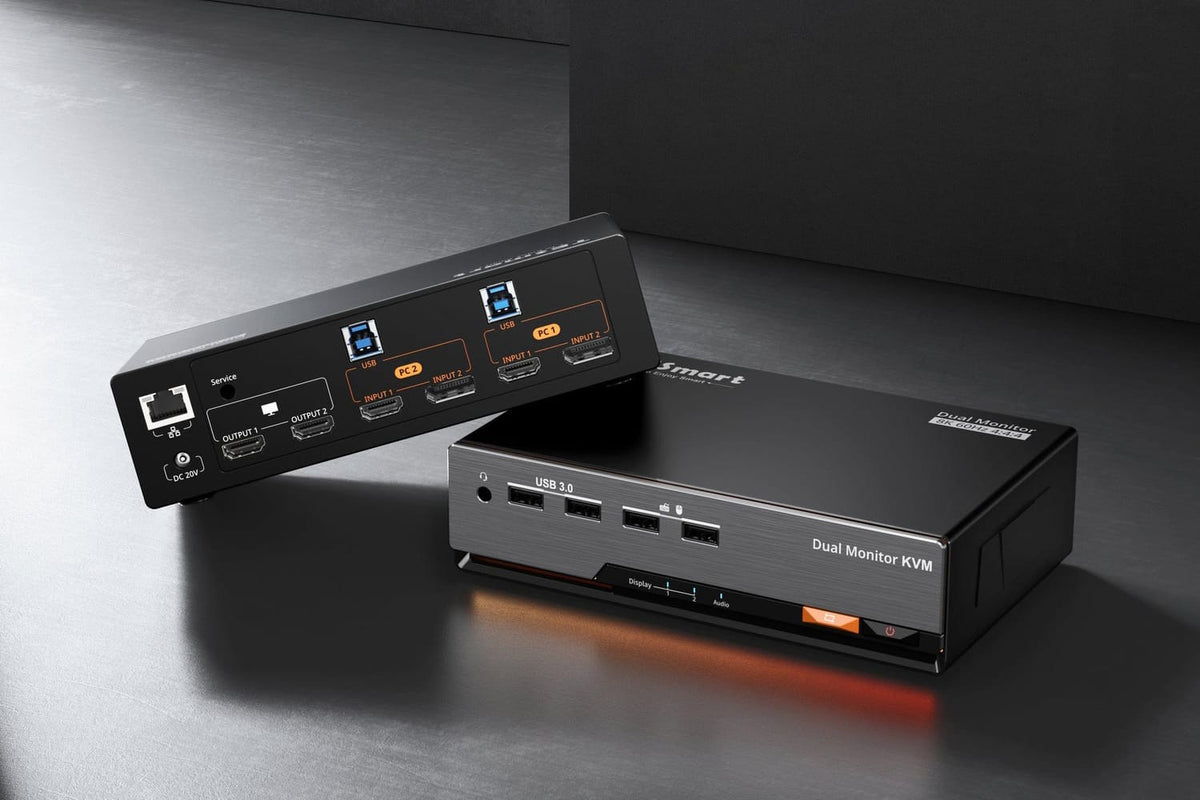
2 Computers × 2 Displays

Display Setup

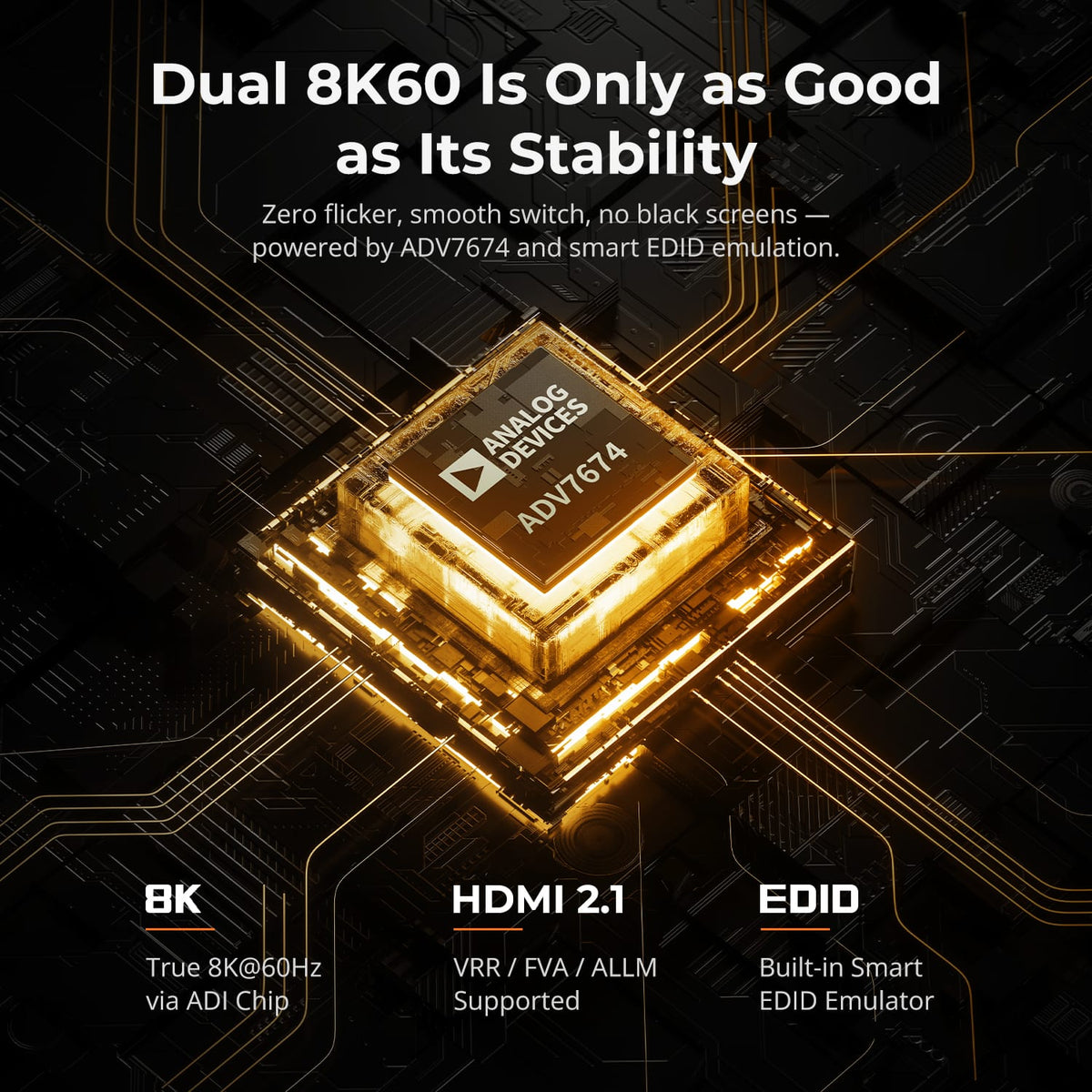
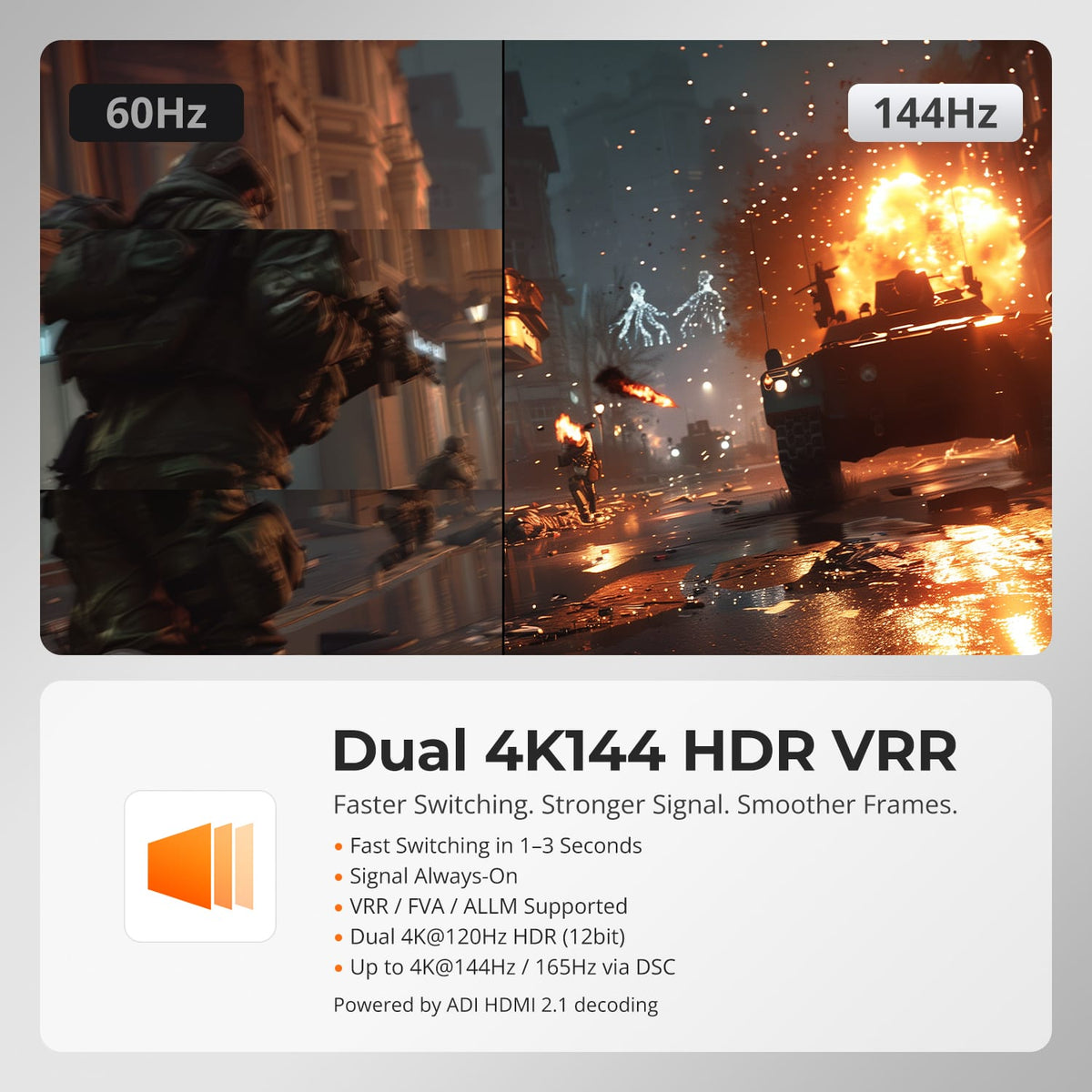
8K60/4K144
8K60/4K144

Max Display Output

Made in Japan
Made in Japan

First TESmart Japan-Built KVM

VRR / G-Sync / FreeSync

Gaming Display

EDID Emulation
EDID Emulation

Display Stability

Gigabit Ethernet
Gigabit Ethernet

Network Sharing

5.0
BF 10% OFF
16 × 16 HDMI Matrix
16 × 16 HDMI Matrix

Display Routing

4K30 / HDMI 1.4 / HDCP 1.4

4K video over HDMI 1.4

EDID Management
EDID Management

Display Control

8 User Presets
8 User Presets

Routing Control

Multi-Format Audio
Multi-Format Audio

Audio Support

Power-Off Memory
Power-Off Memory

Routing Control

5.0
Sold Out
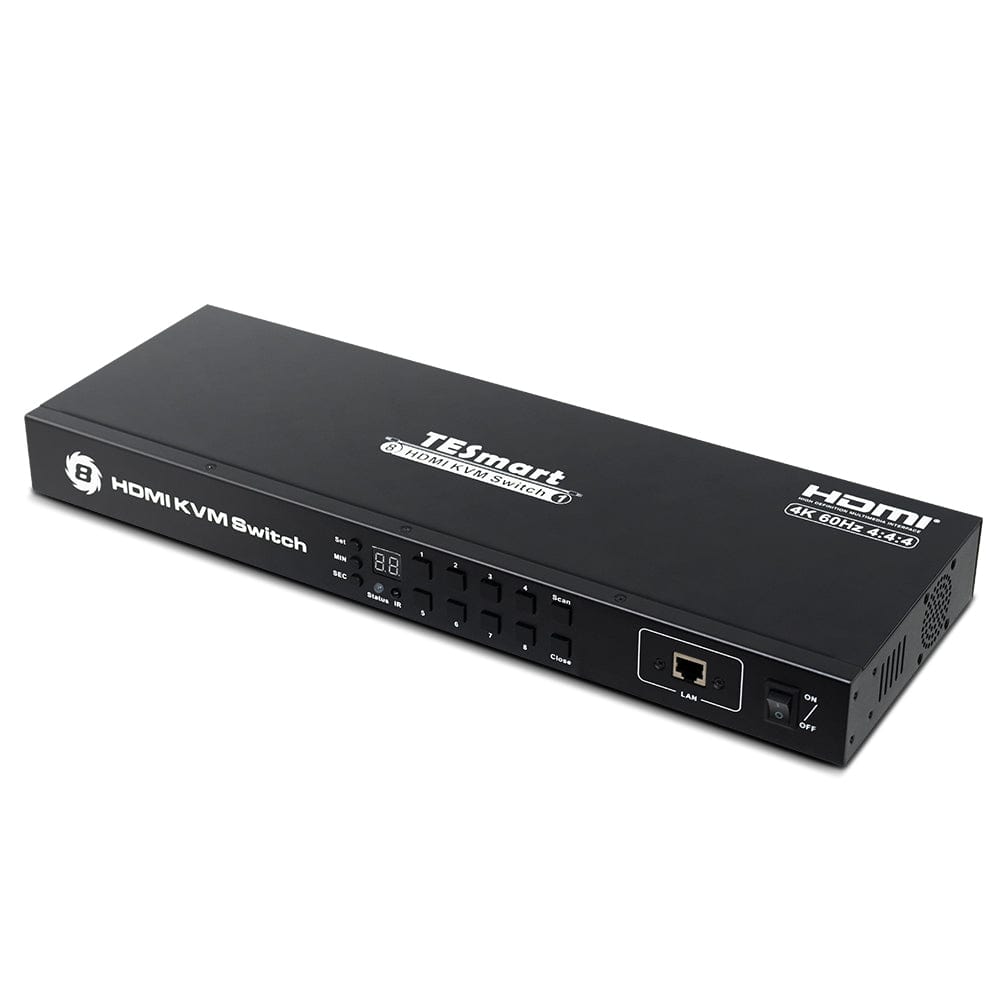
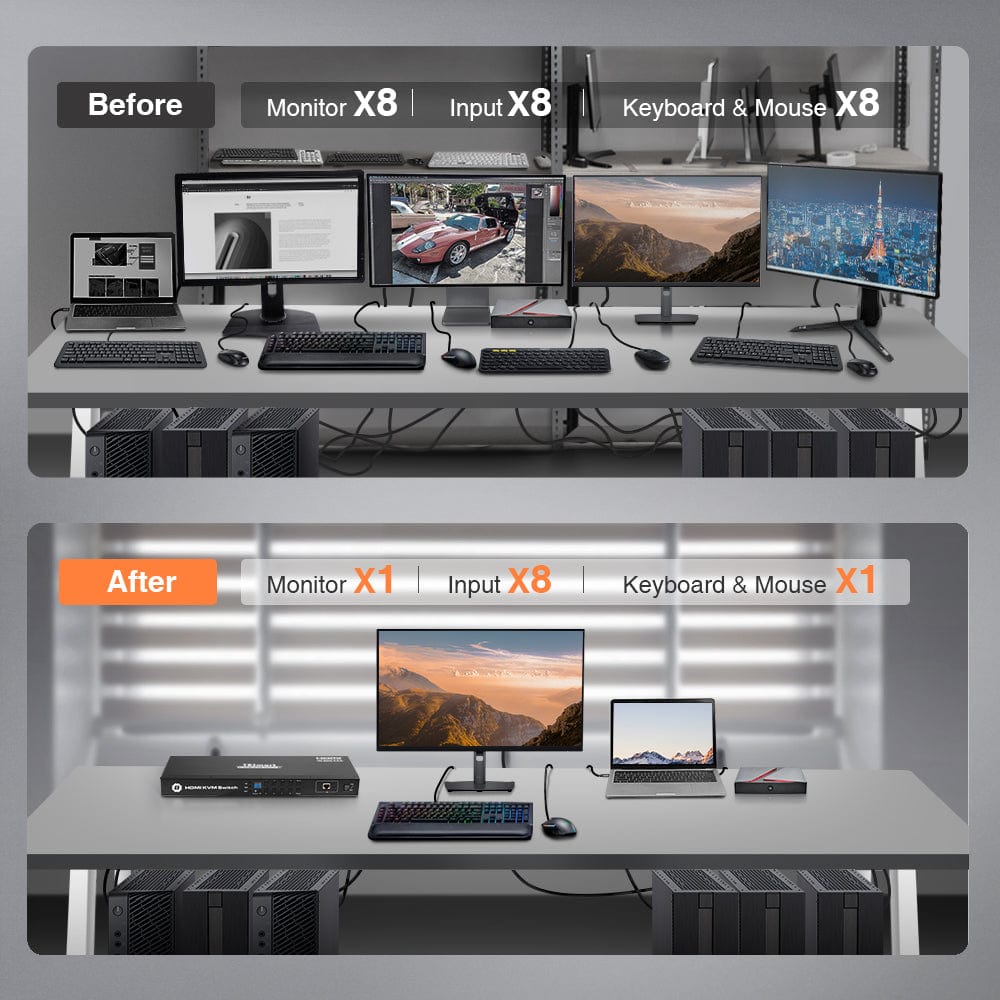
8 Computers × 1 Display

Display Setup

4K60
4K60

Max Display Output

EDID Emulation
EDID Emulation

Display Stability

USB 2.0
USB 2.0

USB Sharing

Auto Scan
Auto Scan

Automatic input scanning

KVM Lock Button
KVM Lock Button

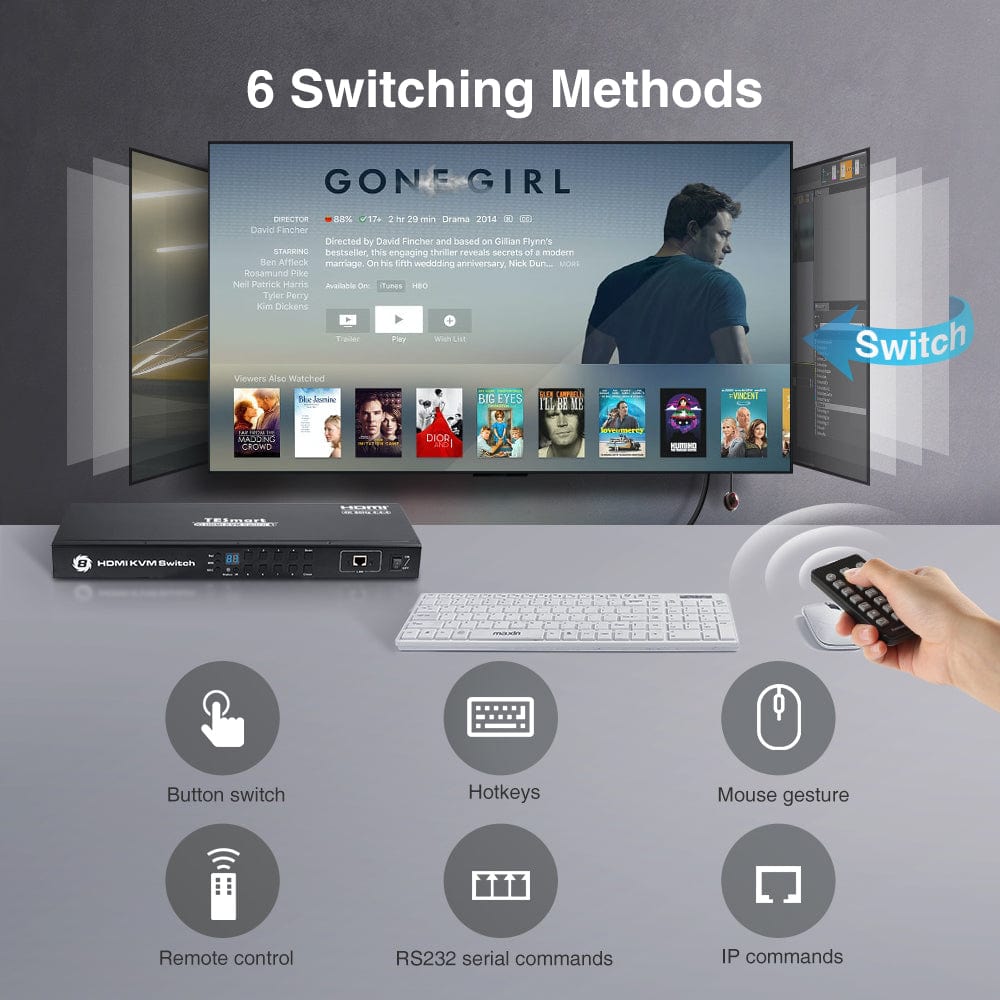
Switching Control

5.0
BF 10% OFF
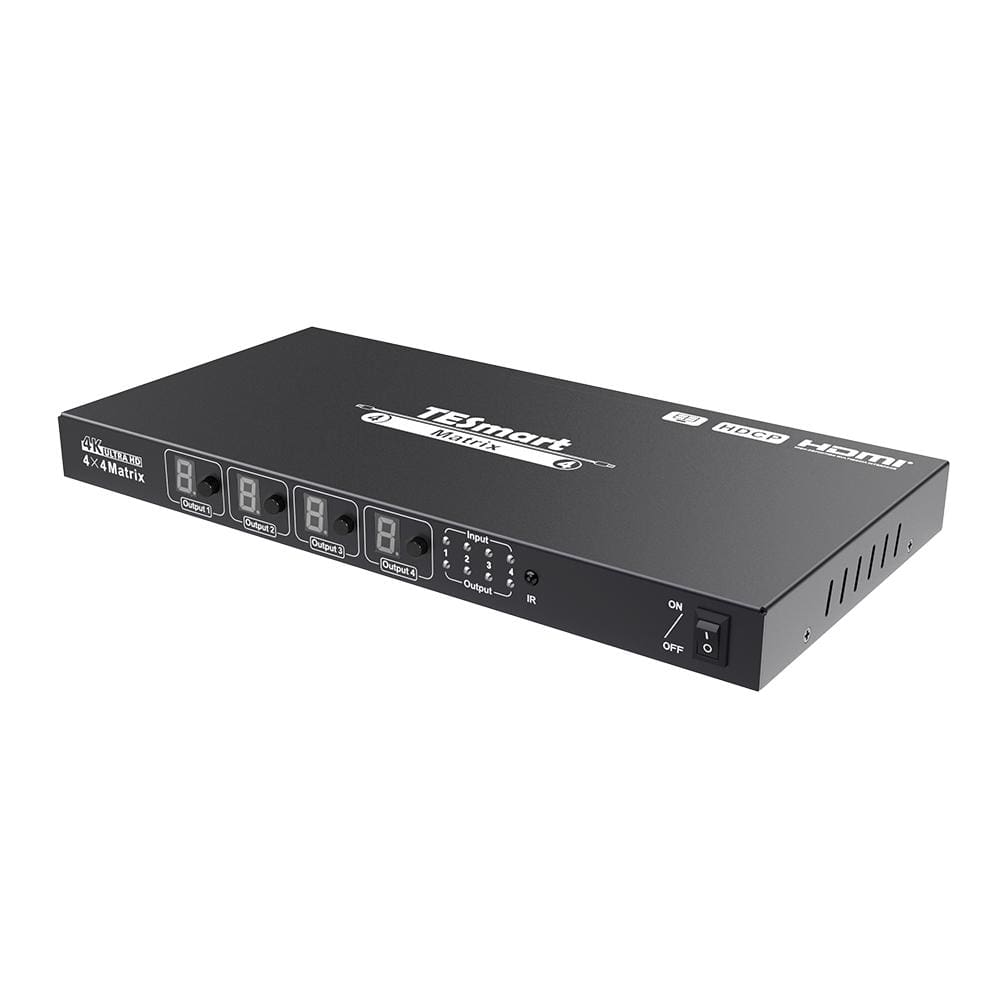
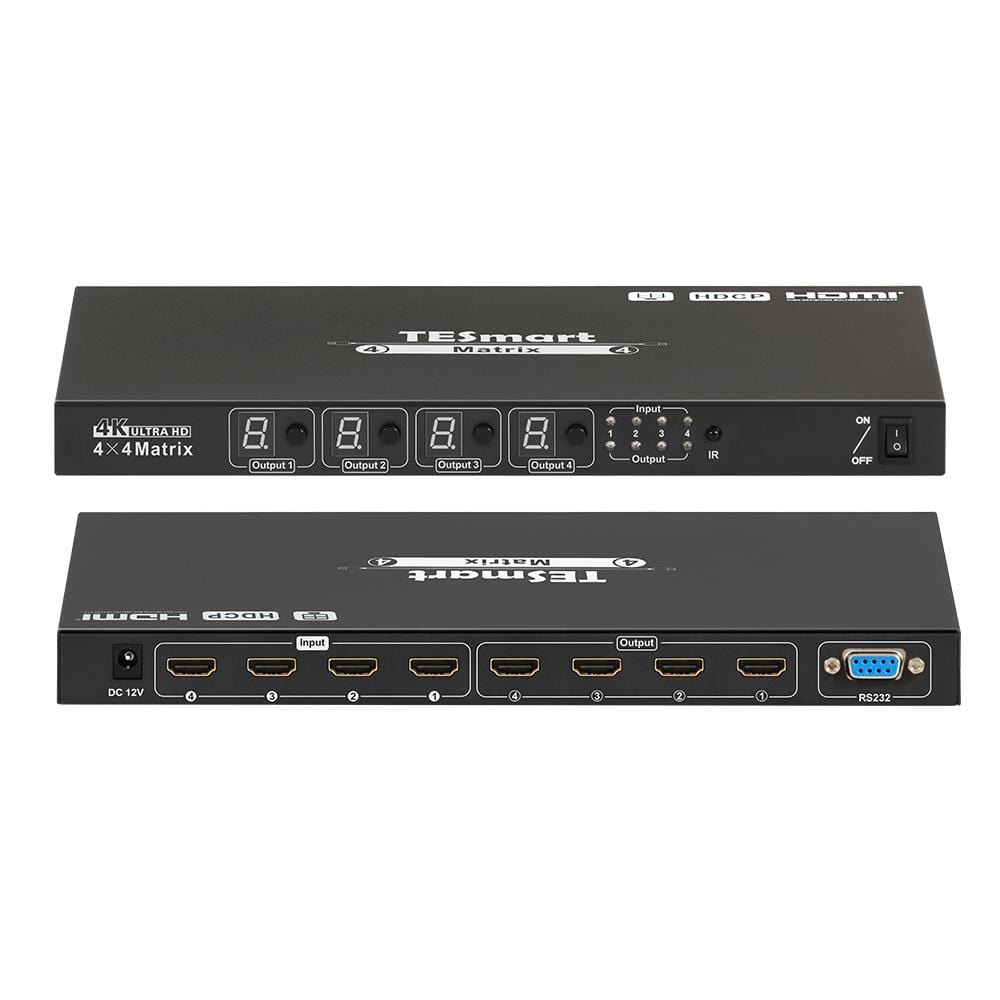
4 × 4 HDMI Matrix
4 × 4 HDMI Matrix

Display Routing

4K30 / HDMI 1.4 / HDCP 1.4

4K video over HDMI 1.4

Quad-View / 1080p60
Quad-View / 1080p60

Display Mode

EDID Management
EDID Management

Display Control

Presets + Power-Off Memory

Routing Control

Rack-Mountable
Rack-Mountable

Installation

5.0
Sold Out
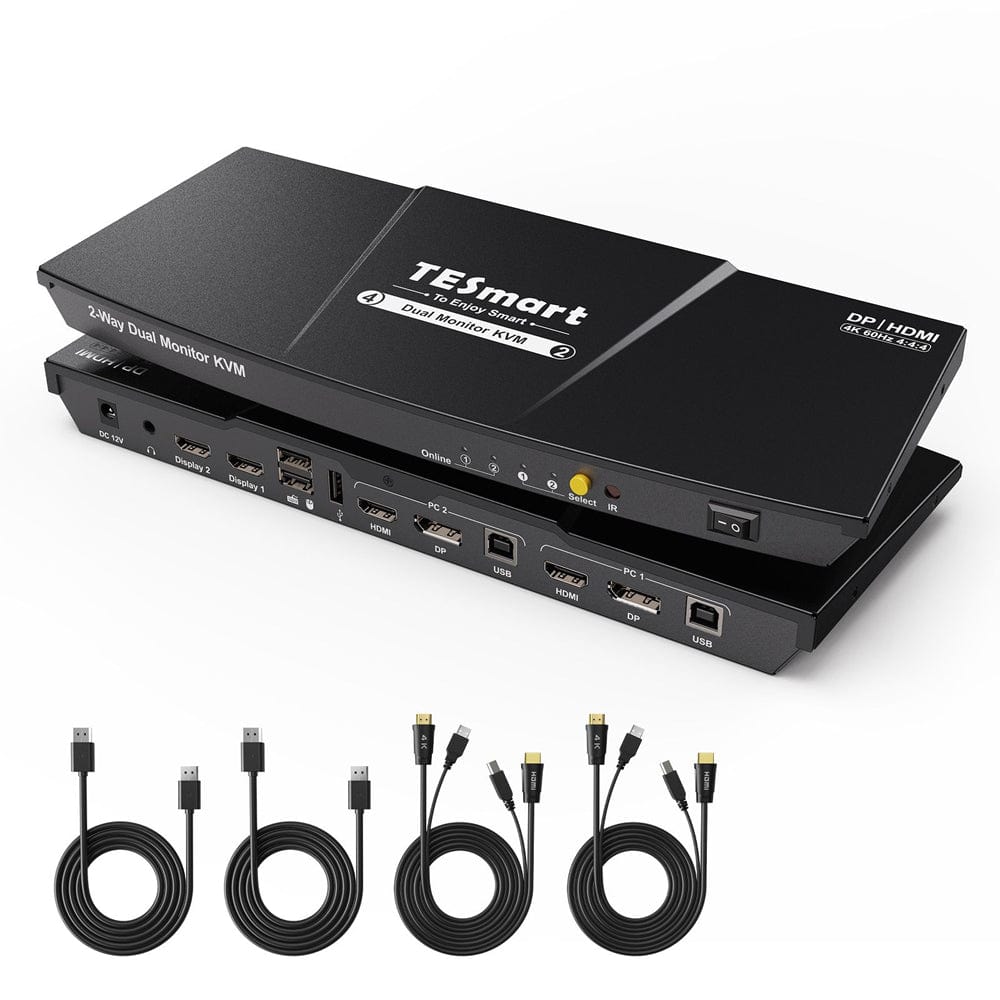
2 Computers × 2 Displays

Display Setup

4K60
4K60

Max Display Output

Desktop PC Ready
Desktop PC Ready

Device Setup

EDID Emulation
EDID Emulation

Display Stability

HDCP 2.2
HDCP 2.2

Content Protection

USB 2.0
USB 2.0

USB Sharing

KVM Selection Center · 50+ Models

Find the Right KVM for Your Setup

Shop by setup, use our guided finder, or ask our team to check compatibility before you buy.
Shop by Setup

Already know how many computers and monitors you use? Start with the basic structure of your desk.
BROWSE BY SETUP

Guided KVM Finder

Answer a few questions about your computers, monitors, ports and target resolution.

START KVM FINDER

Let Us Check Your Setup

Send us your computer models, monitor models and performance requirements. Our team will help verify compatibility.

📧 service@tesmart.com

📞 (201) 908-7534 (USA, Mon–Fri, 1–6 PM EST)

CHECK MY SETUP