


Display Setup
Max Display Output
USB Speed
Display Stability

Content Protection
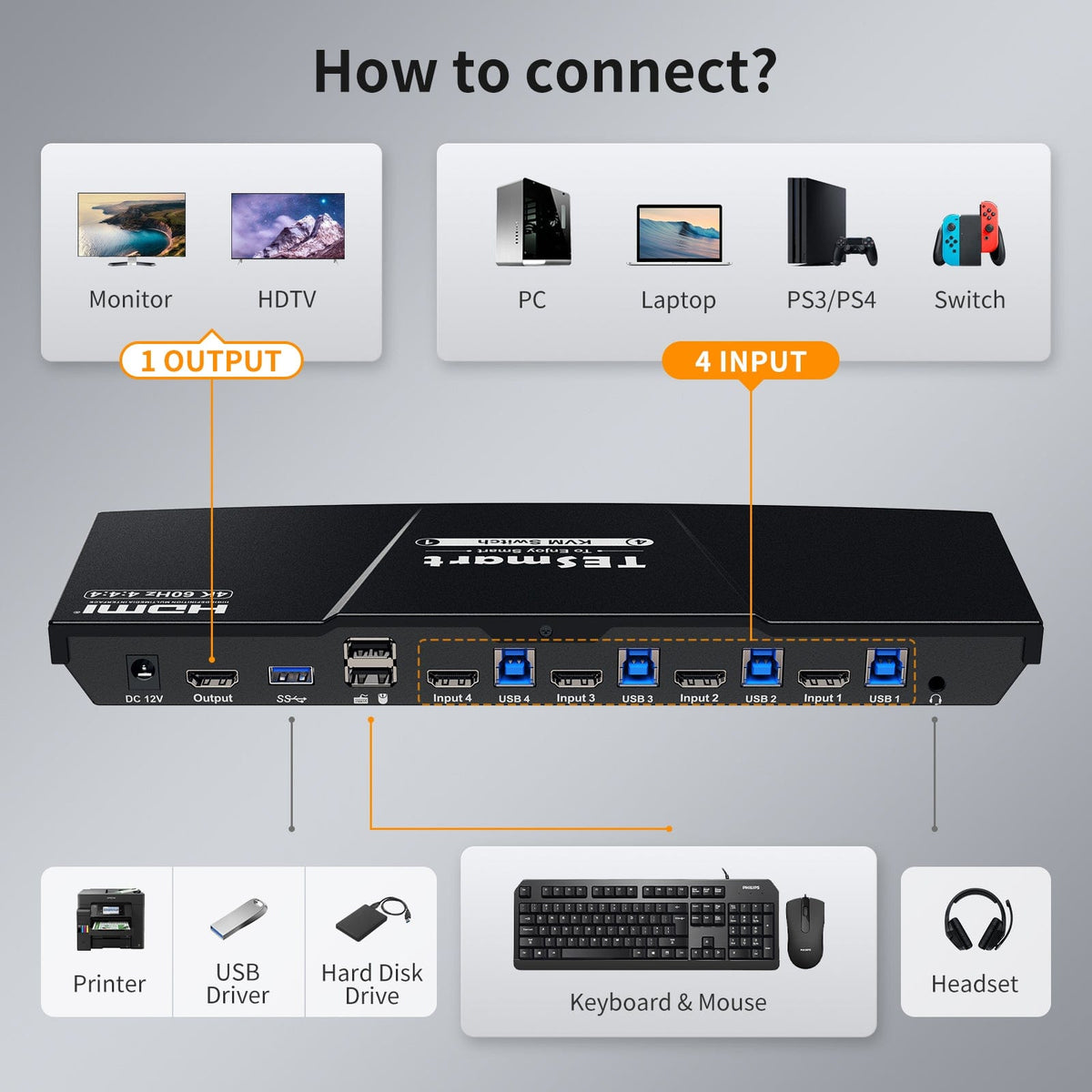
Keyboard & Mouse
Switching Options
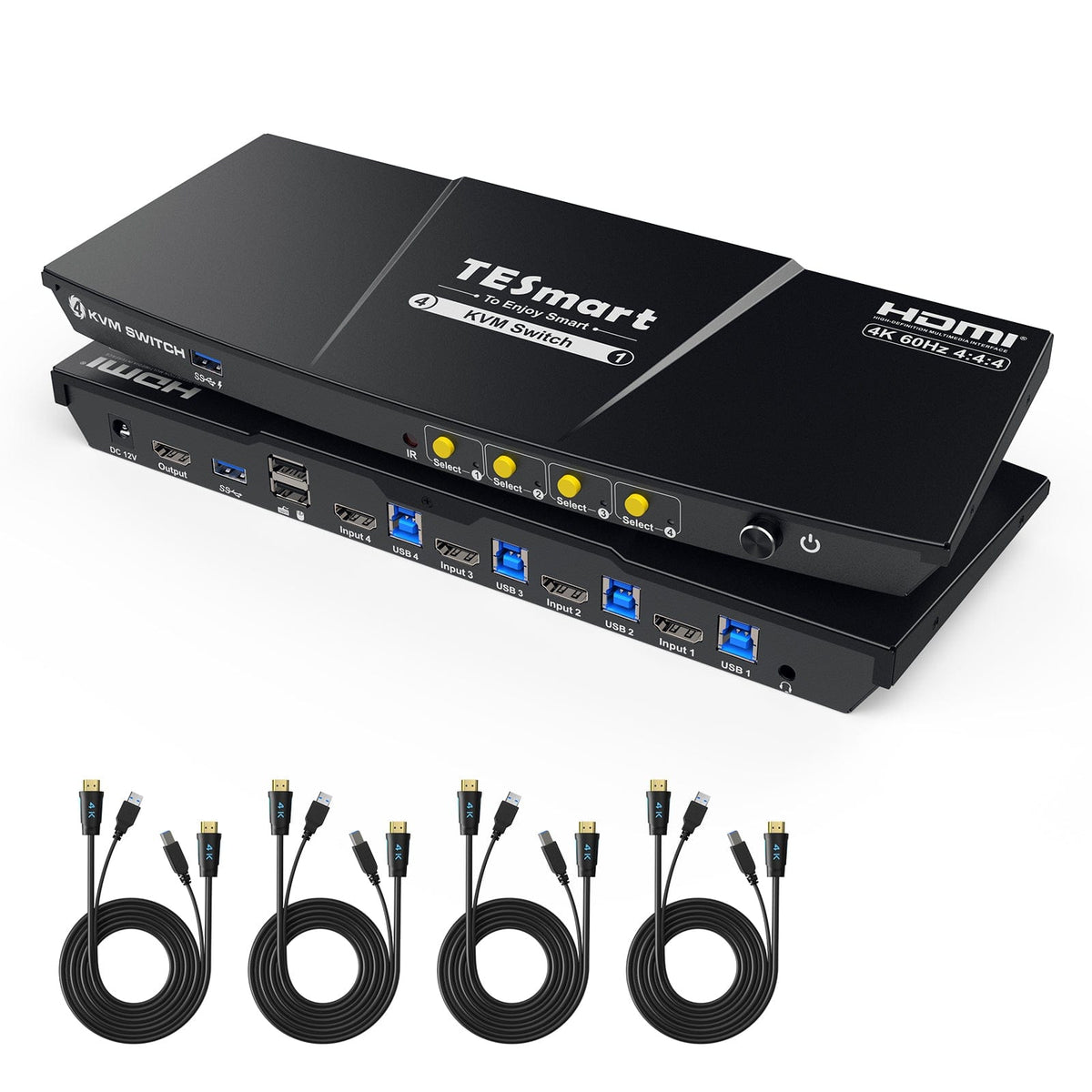
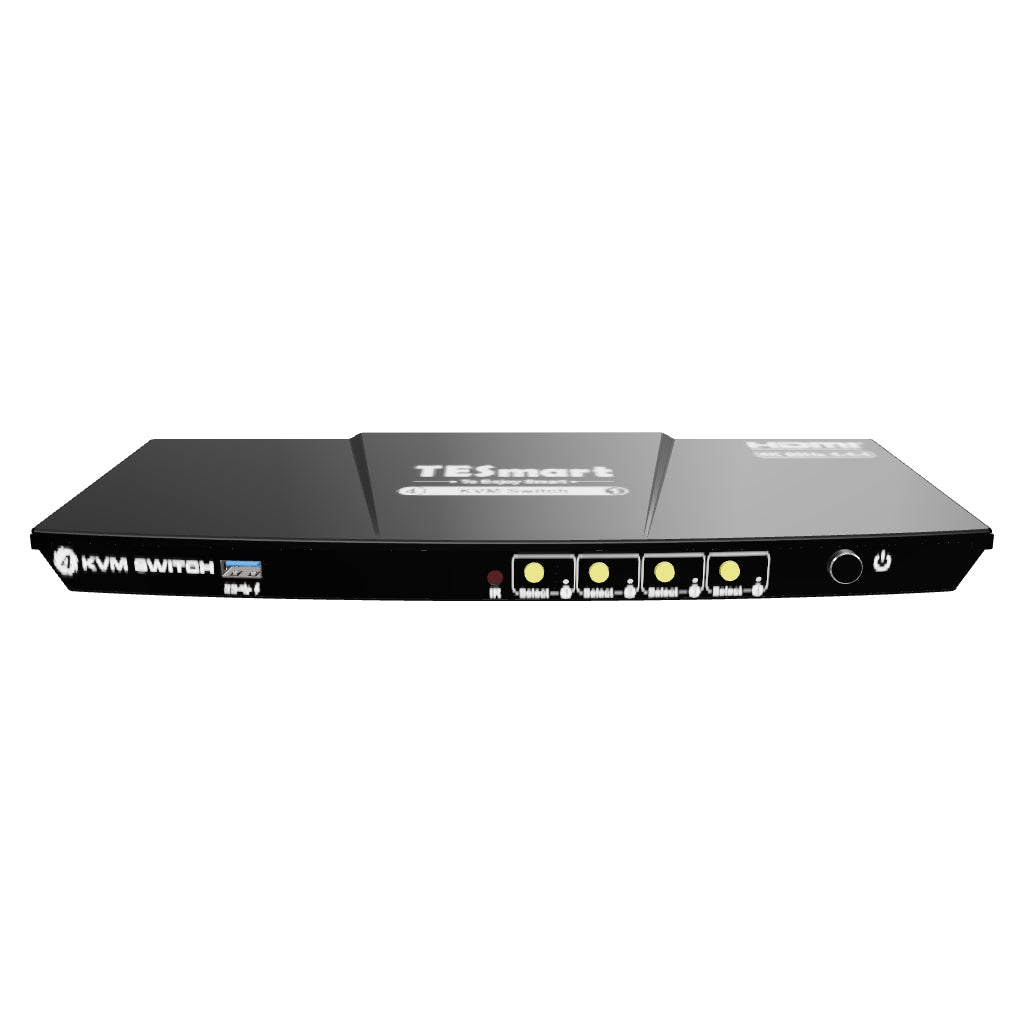
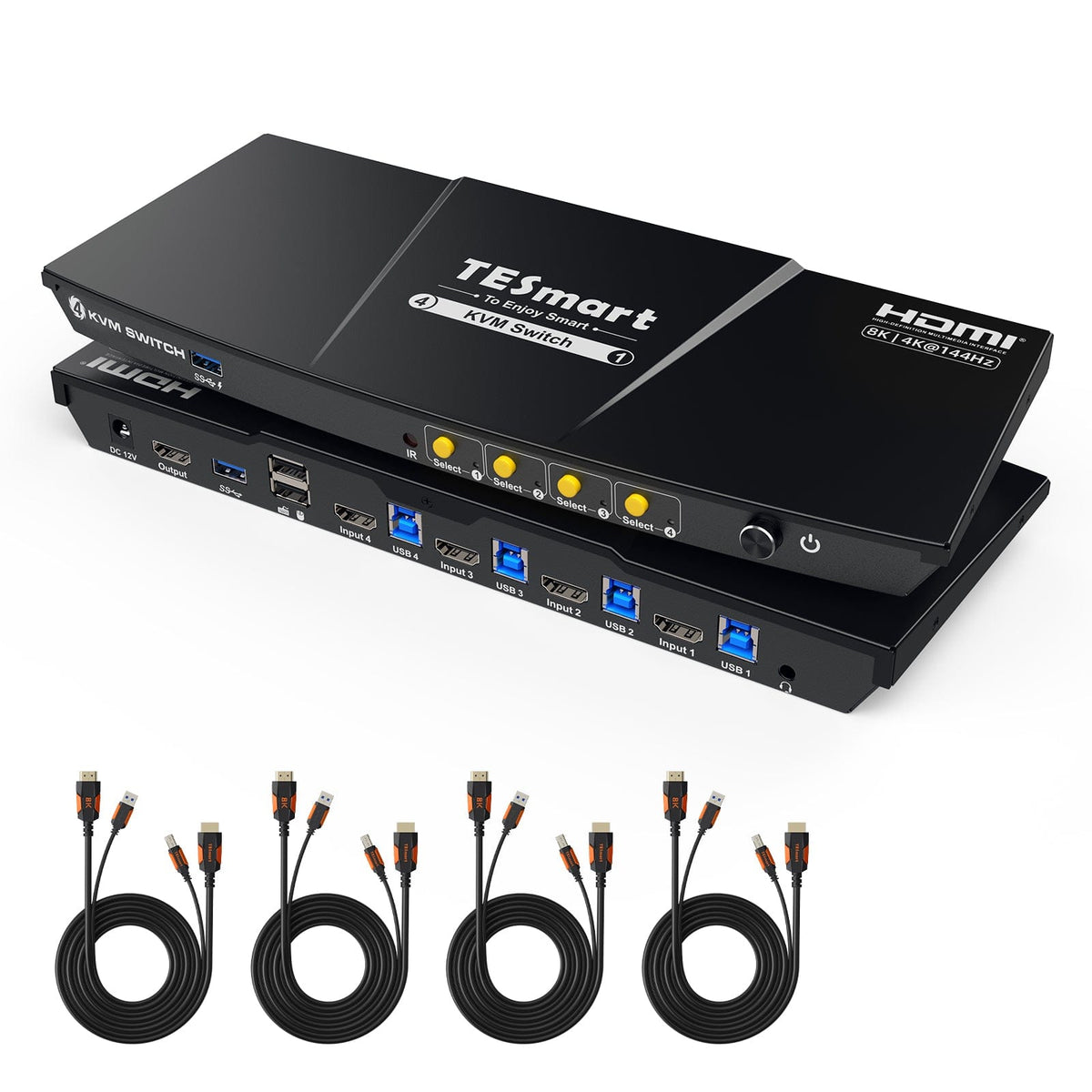
4 Port KVM Switch Kit HDMI 4K60Hz with USB 3.0 Docking Station, 4 PCs 1 Monitor
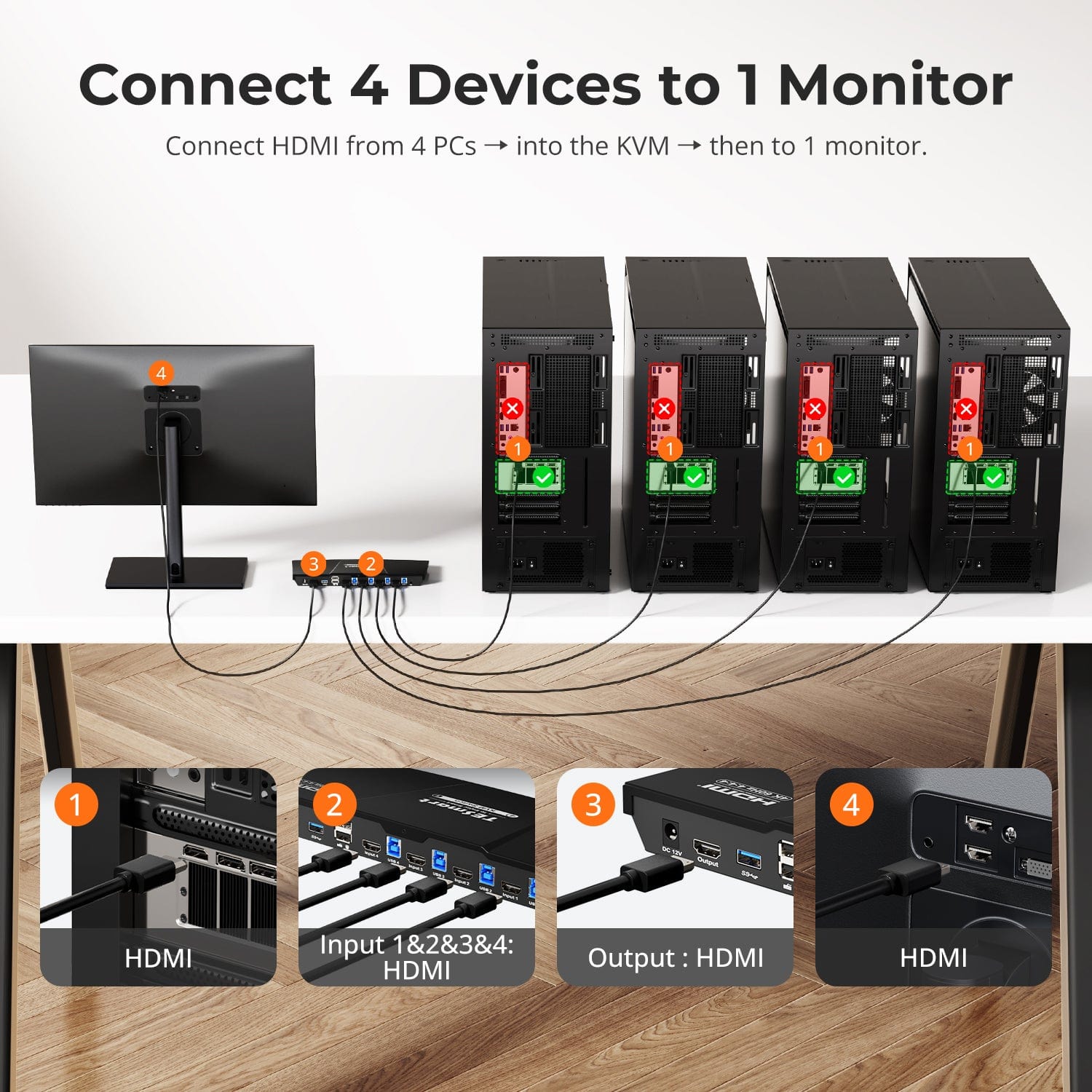
Share one HDMI monitor, a keyboard and mouse between 4 PCs, with up to 4K60, EDID emulation and a shared USB hub.
Display Setup
Max Display Output
USB Speed
Display Stability
Content Protection
Keyboard & Mouse
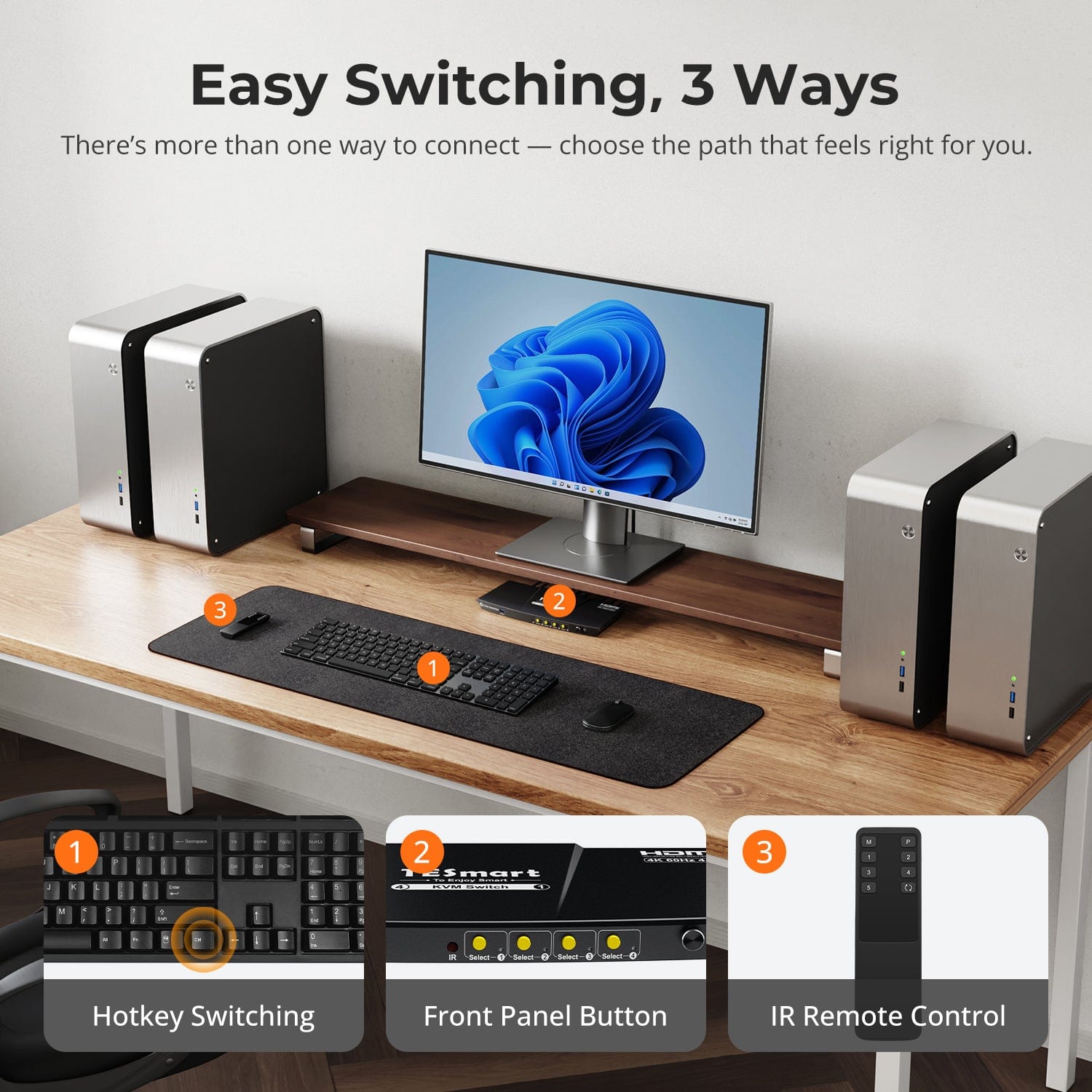
Switching Options
4 Port KVM Switch Kit HDMI 4K60Hz with USB 3.0 Docking Station, 4 PCs 1 Monitor
Why Choose HKS401-P23-V2
Overview
01
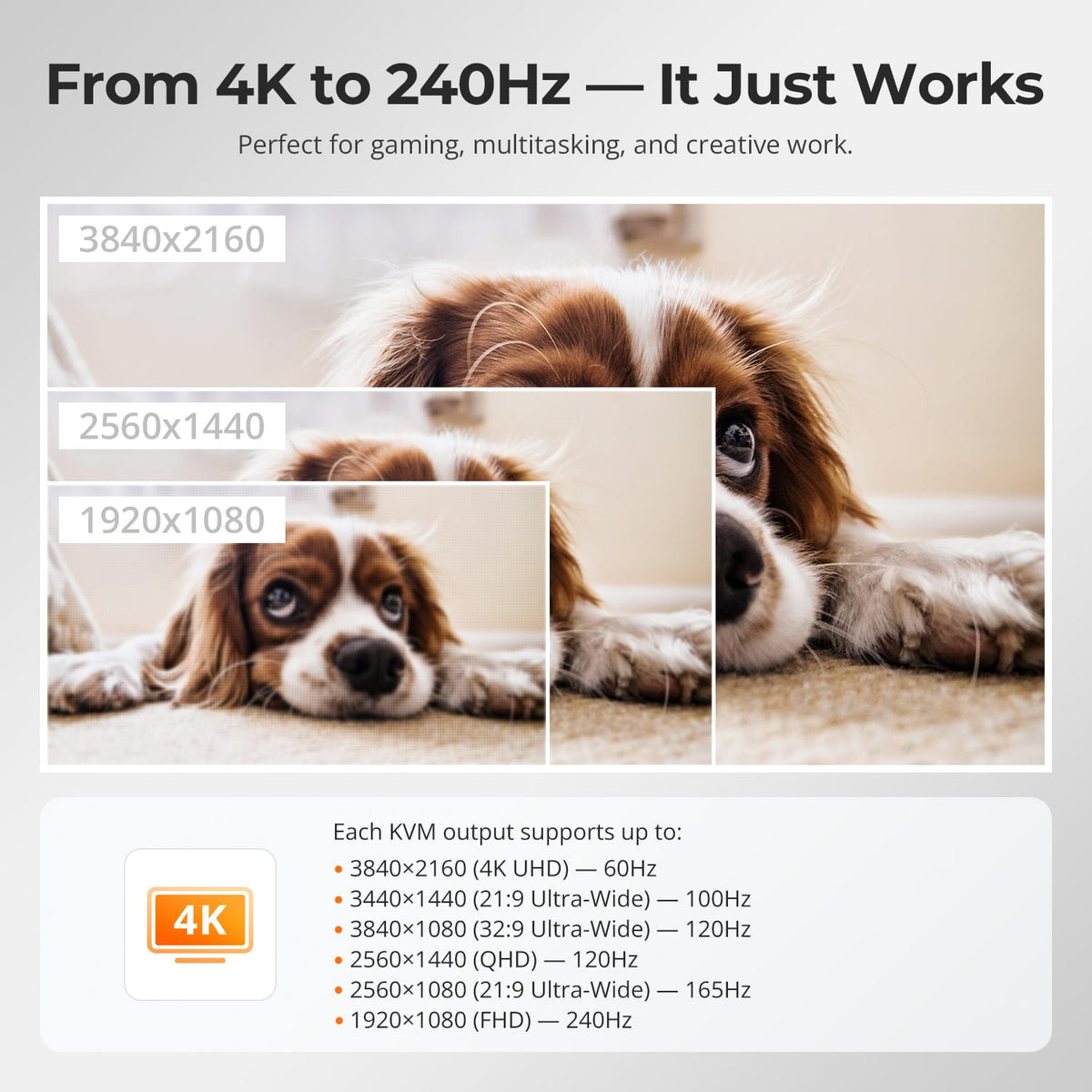
4K60 for Detail, Higher Refresh at Lower Resolutions
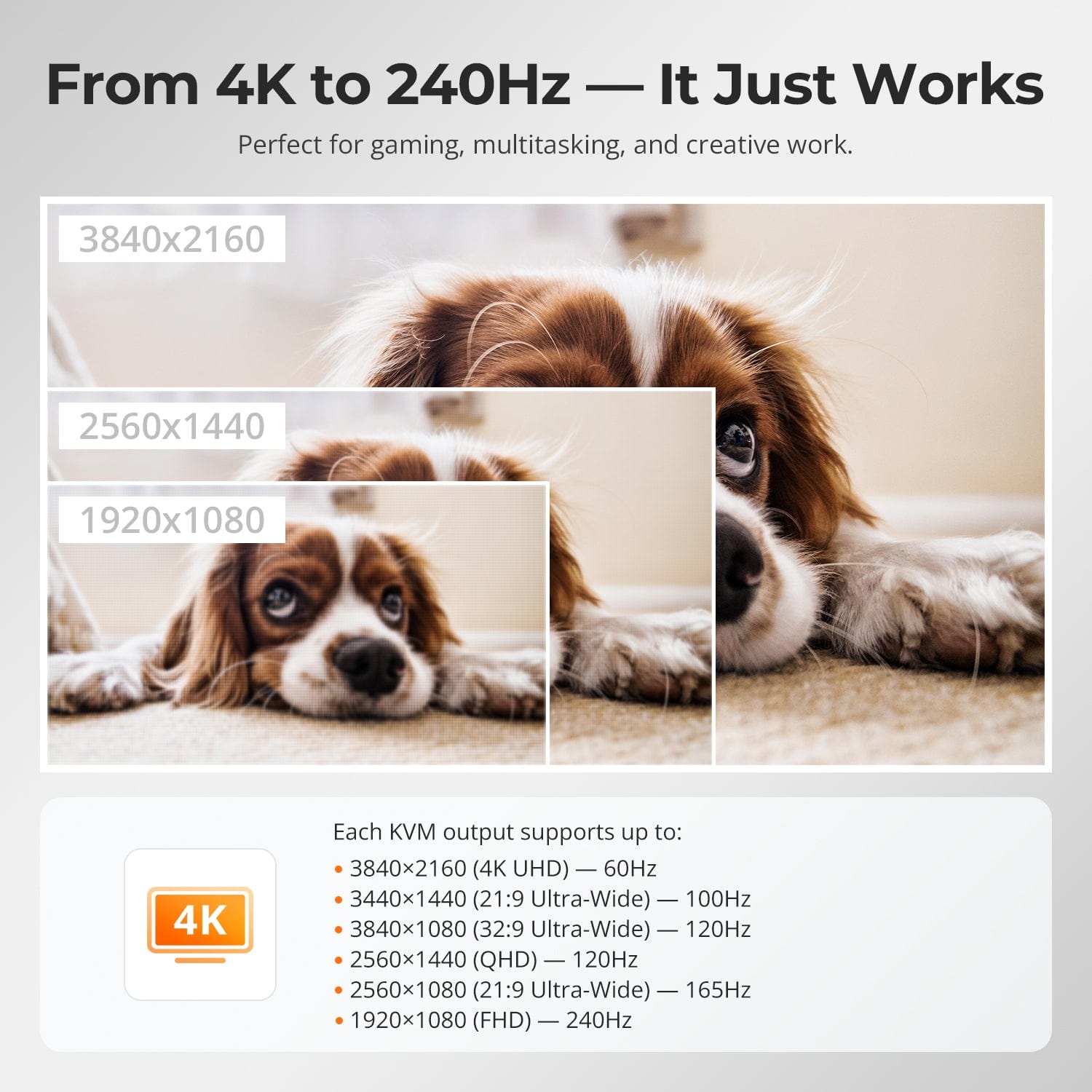
Support up to 3840×2160@60Hz 4:4:4, with lower-resolution high-refresh combinations available when supported by the source, display and cables.
02
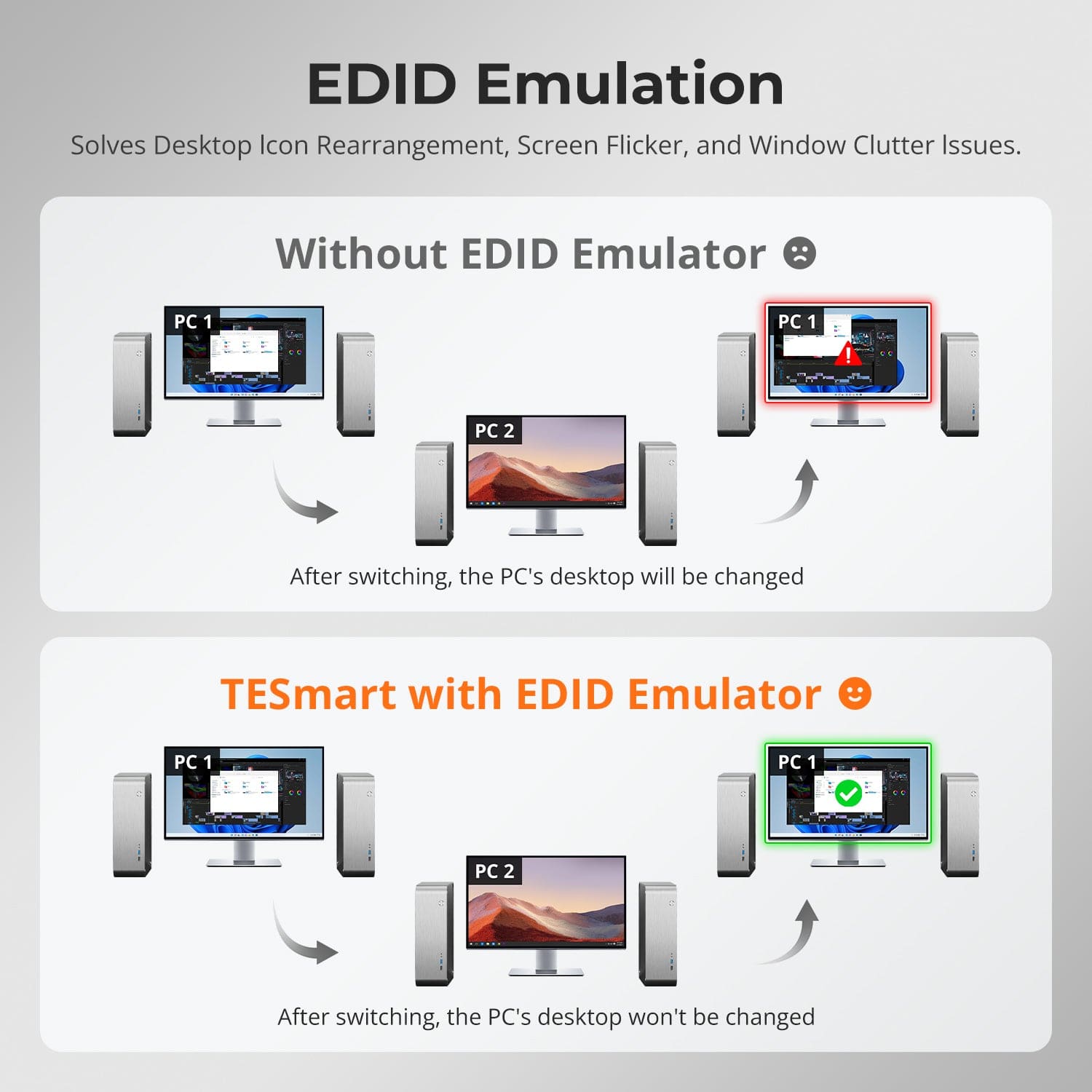
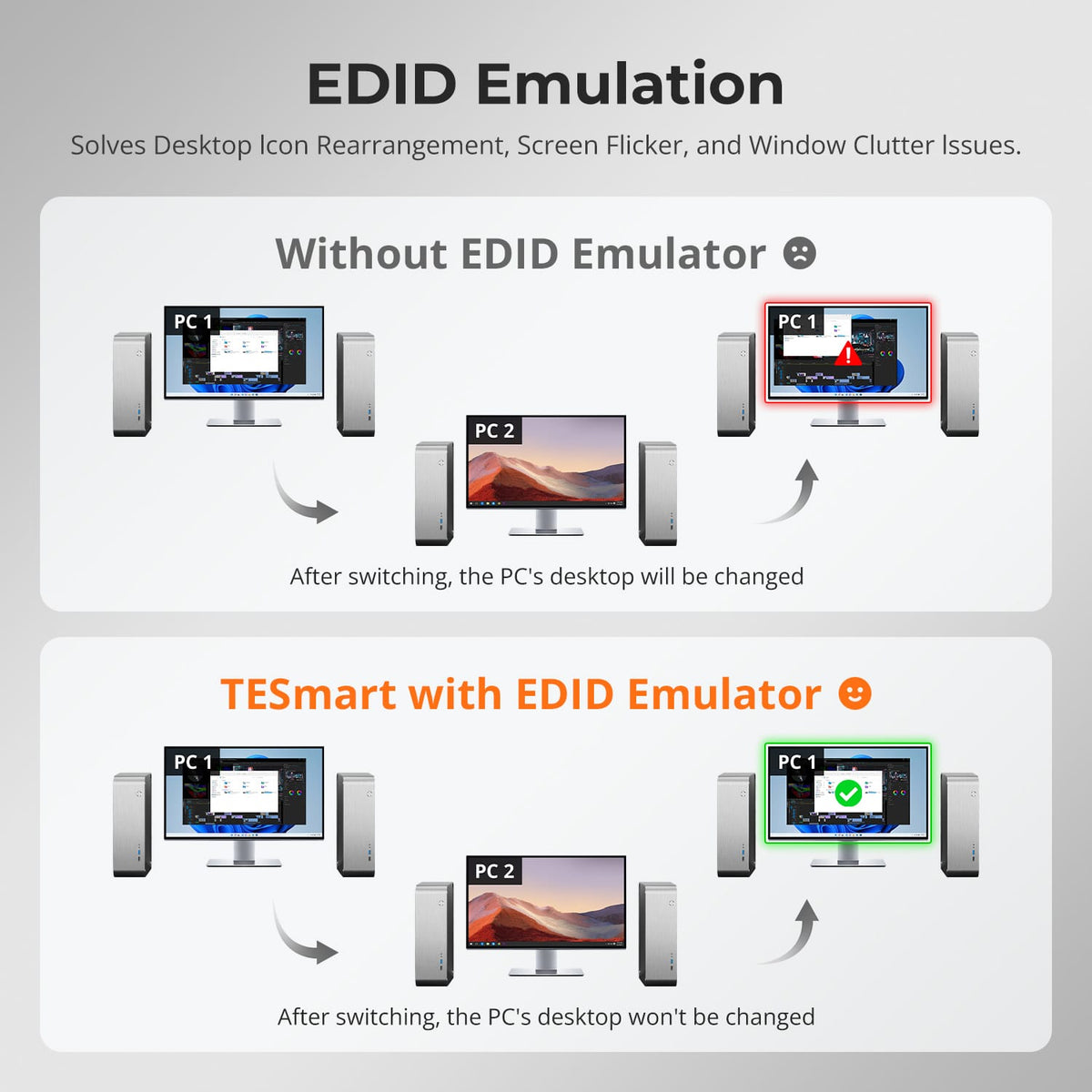
EDID Keeps the Display Ready
EDID emulation keeps monitor information available to every connected computer, helping reduce resolution changes, window rearrangement and display wake-up delays after switching.
03
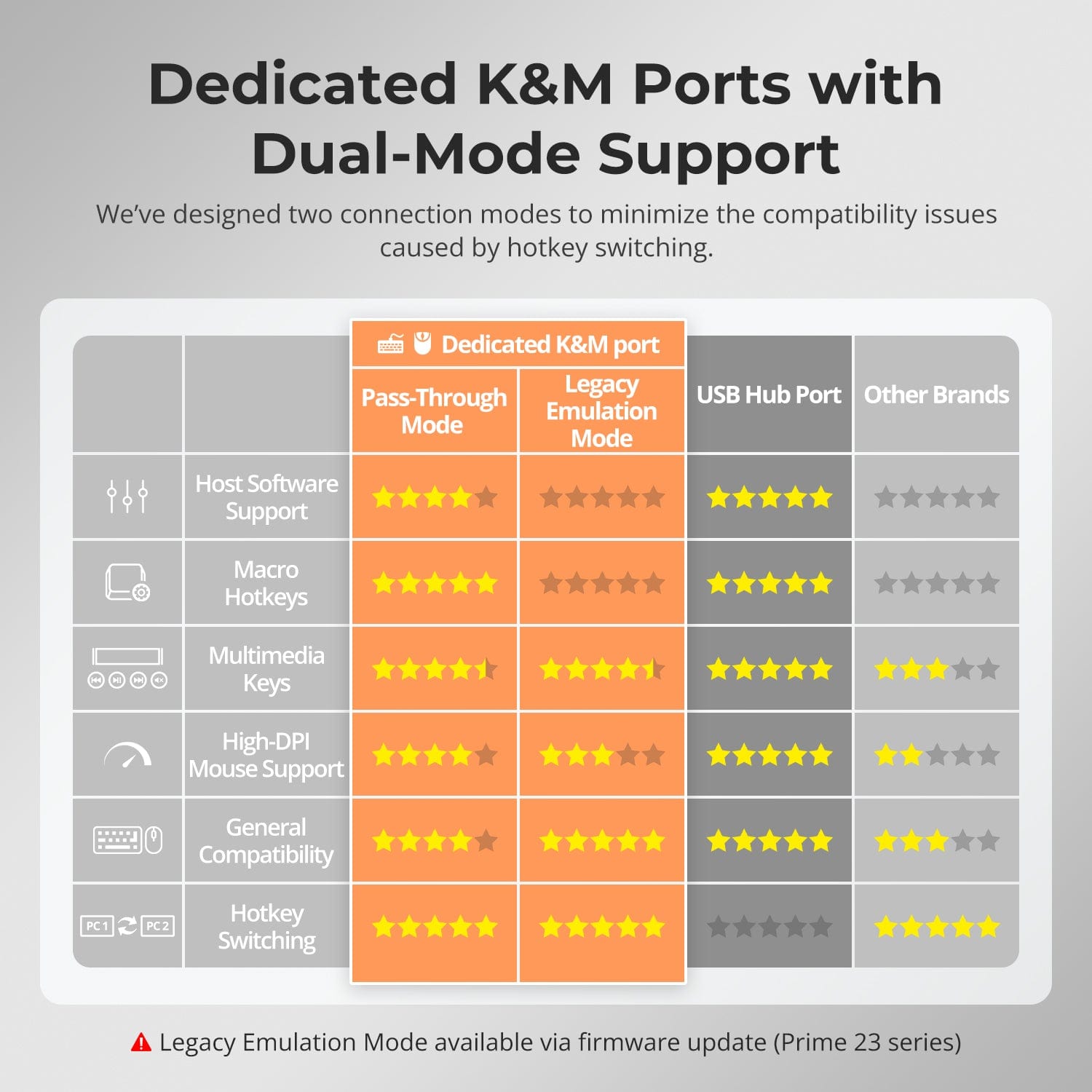
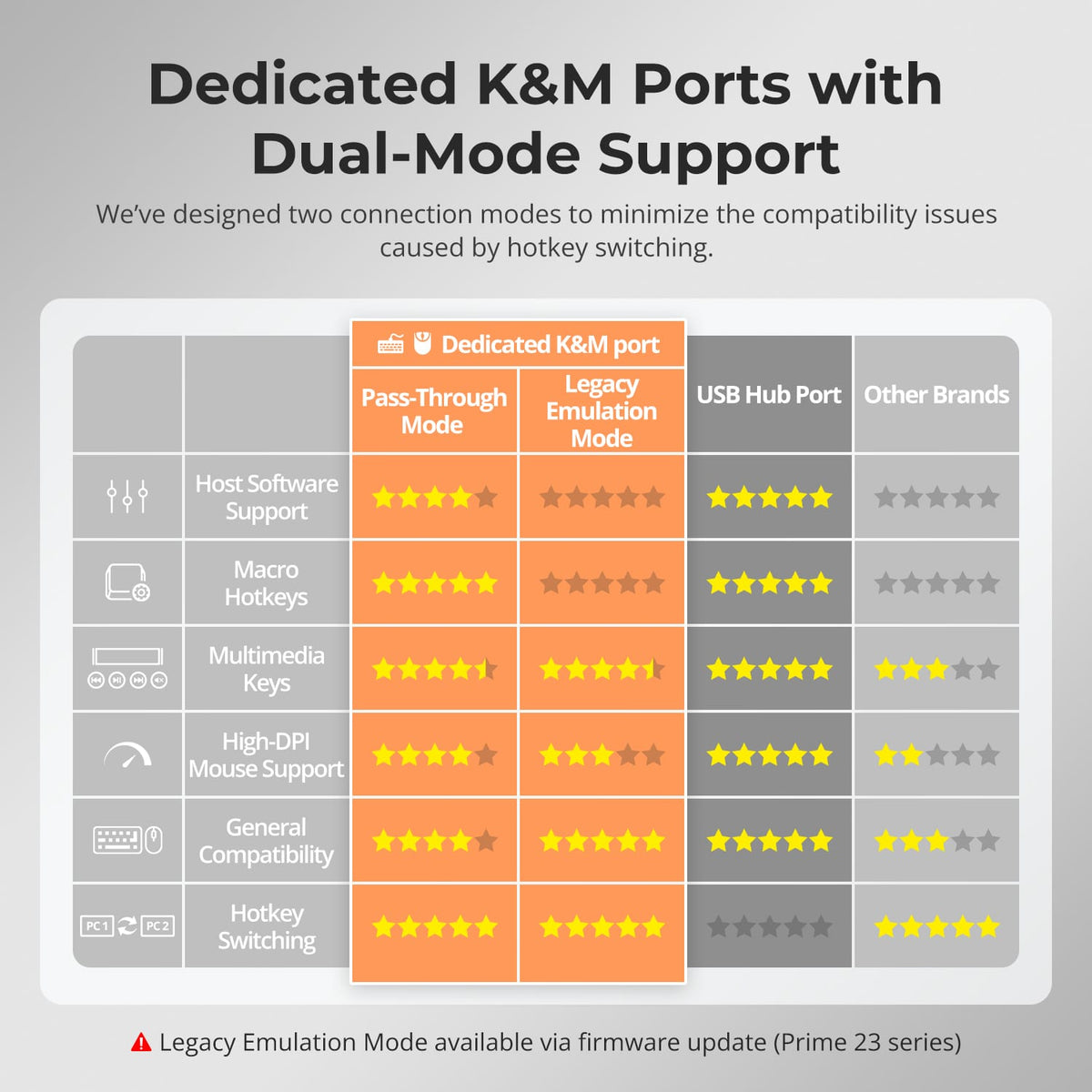
Dedicated K&M Ports with Compatibility Modes
Use the dedicated keyboard and mouse ports with pass-through operation and compatibility-focused emulation to keep control responsive across different computers.
Specifications & Support
Compatibility & Input Guide
Technical Specifications
Manuals & Downloads
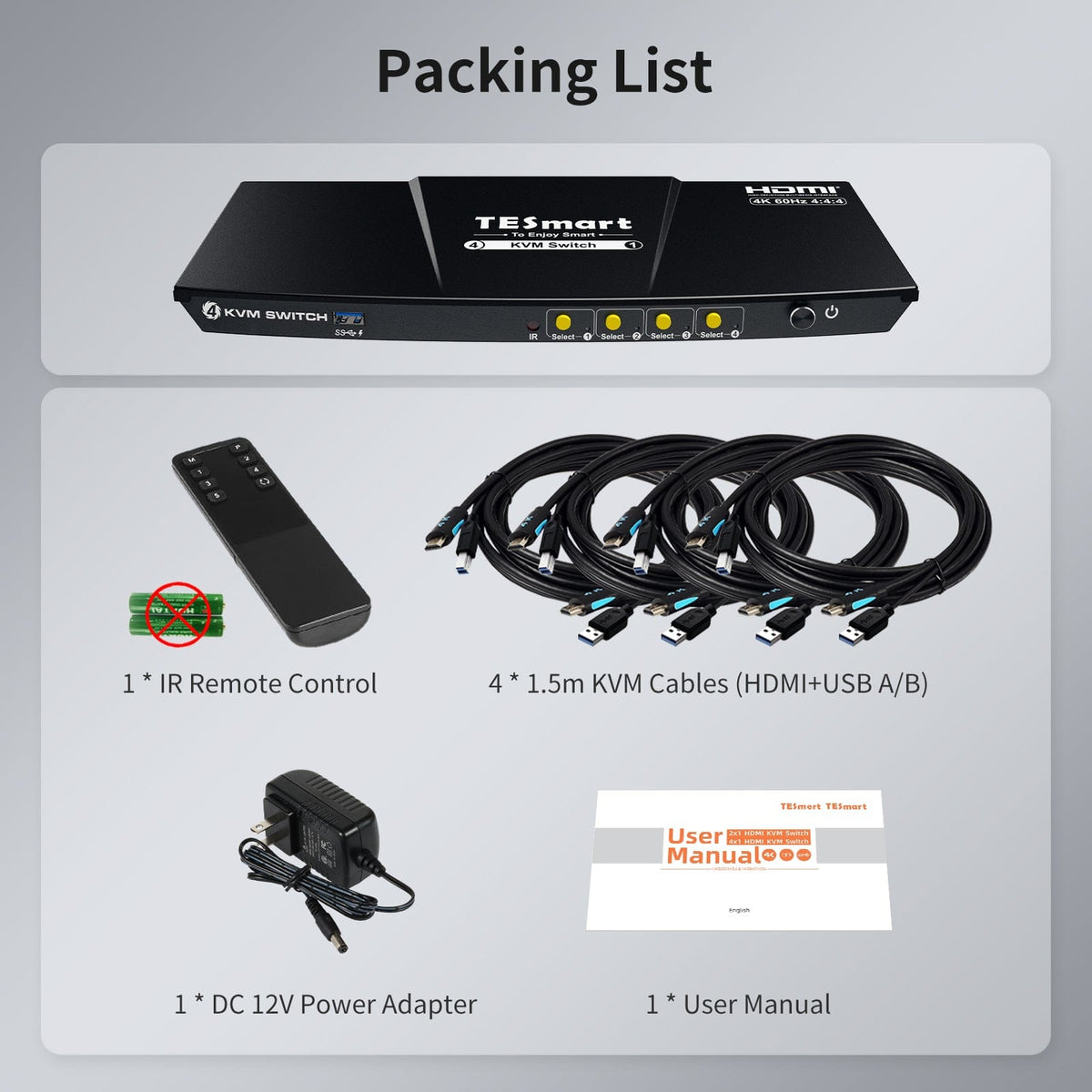
Included in the Box
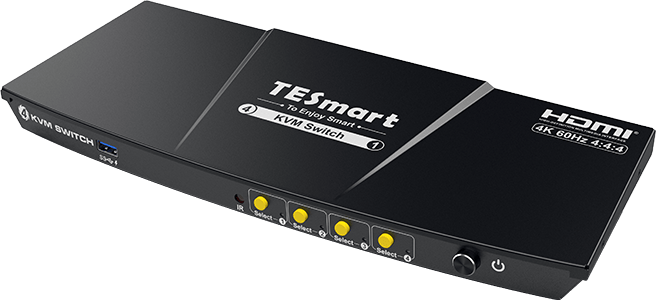
1 × 4×1 HDMI KVM Switch
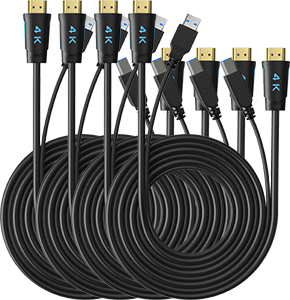
4 × KVM Cables
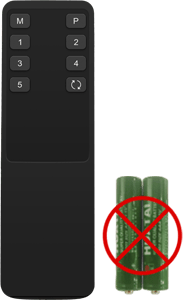
1 × IR Remote Control
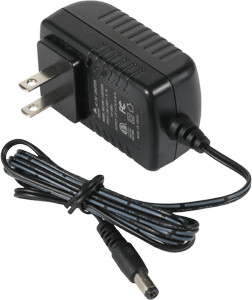
1 × 12 V DC Power Adapter
1 × User Manual
Compare your options
Compare connections, display performance and shared features for your setup.
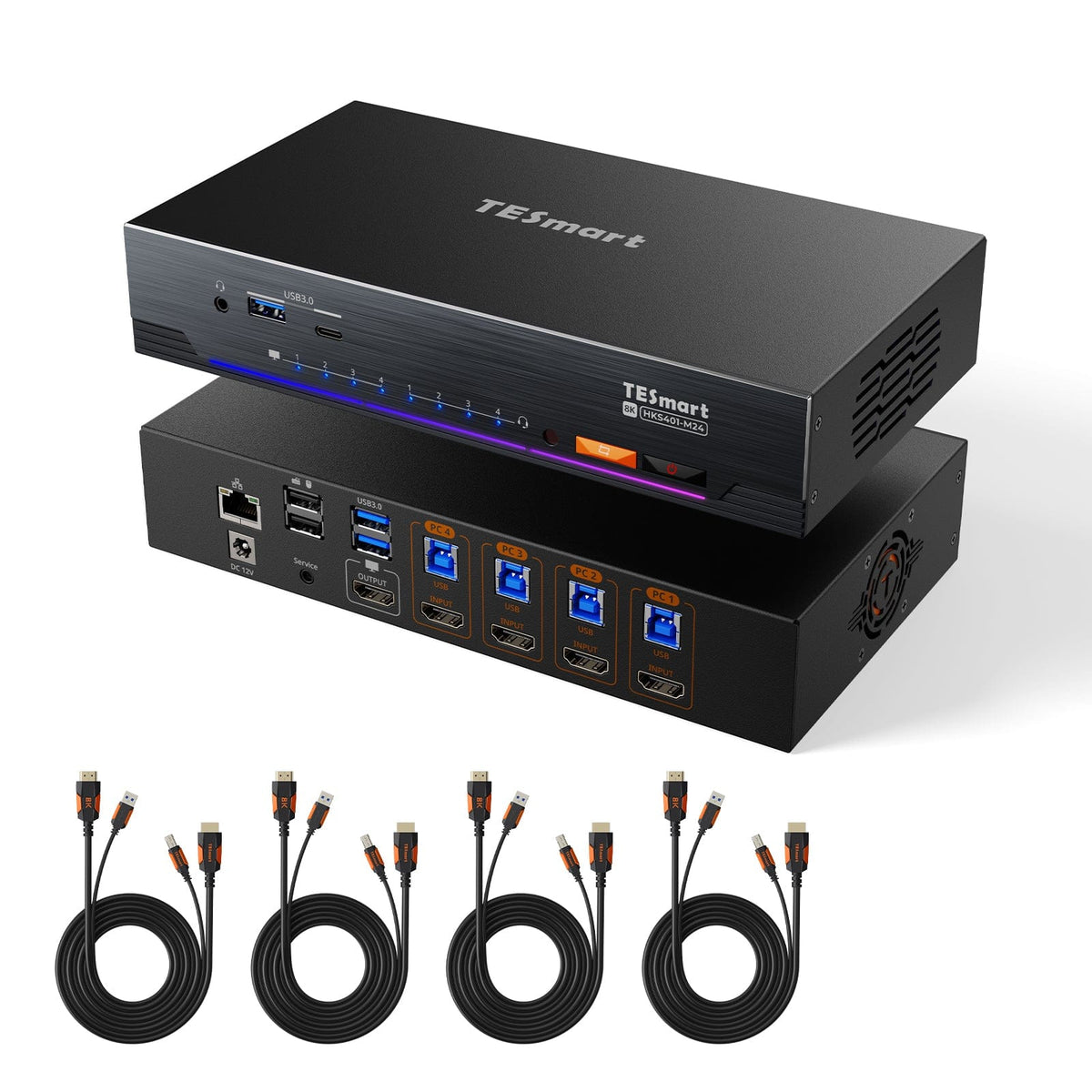
Model
HKS401-P23-V2
Model
HKS401-M24
Model
HKS401-M23
Computer setup
4 computers
Computer setup
4 computers
Computer setup
4 computers
Computer connections
Each PC: 1 × HDMI + USB
Computer connections
Each PC: 1 × HDMI + USB
Computer connections
Each PC: 1 × HDMI + USB
Display outputs
1 × HDMI
Display outputs
1 × HDMI
Display outputs
1 × HDMI
Video output
4K60
Video output
8K60 / 4K144
Video output
8K60 / 4K144
Shared USB
USB 3.0 / 5Gbps
Shared USB
USB 3.0 / 5Gbps
Shared USB
USB 3.0 / 5Gbps
Shared Ethernet
Shared Ethernet
1000Mbps
Shared Ethernet
EDID emulation
EDID emulation
EDID emulation
FAQ's
Visit our Help Center for more answers.
[Compatibility] How many computers can I connect to HKS401-P23-V2?
You can connect up to four HDMI computers and share one HDMI monitor, keyboard and mouse.
[Compatibility] What is the maximum supported resolution?
The manual supports up to 3840×2160@60Hz 4:4:4. Actual output depends on the computer, display and HDMI cable.
[Compatibility] Which operating systems are supported?
The manual lists Windows, macOS and common Linux-based systems, including Ubuntu, Debian and Fedora.
[Features & Connections] Does HKS401-P23-V2 support EDID emulation?
Yes. EDID emulation keeps monitor information available to each computer to reduce display re-detection and desktop rearrangement after switching.
[Features & Connections] Can I share USB 3.0 devices?
Yes. Compatible USB 3.0 peripherals can be shared with the selected computer at up to 5Gbps.
[Features & Connections] What does Auto Scan do?
Auto Scan cycles through powered, connected computers at a set interval for monitoring.
[Features & Connections] Can I charge a mobile device from the KVM?
Yes. The front USB-A port supports charging compatible phones, tablets and other mobile devices.
[Setup & Switching] Can I use keyboard hotkeys to control the KVM?
Yes. Connect a compatible keyboard to the dedicated keyboard port to use the documented hotkey controls.
[Setup & Switching] Do I need to install drivers or switching software?
No dedicated switching software is required for normal display switching, keyboard and mouse control, or the primary KVM functions.
Some connected keyboards, mice, USB devices or other peripherals may still require their own drivers or applications.