

TESmart Knowledge Hub · KVM & Workspace Insights
Article
Practical guides, setup advice, product updates, and technical insights for building a better multi-computer workspace.
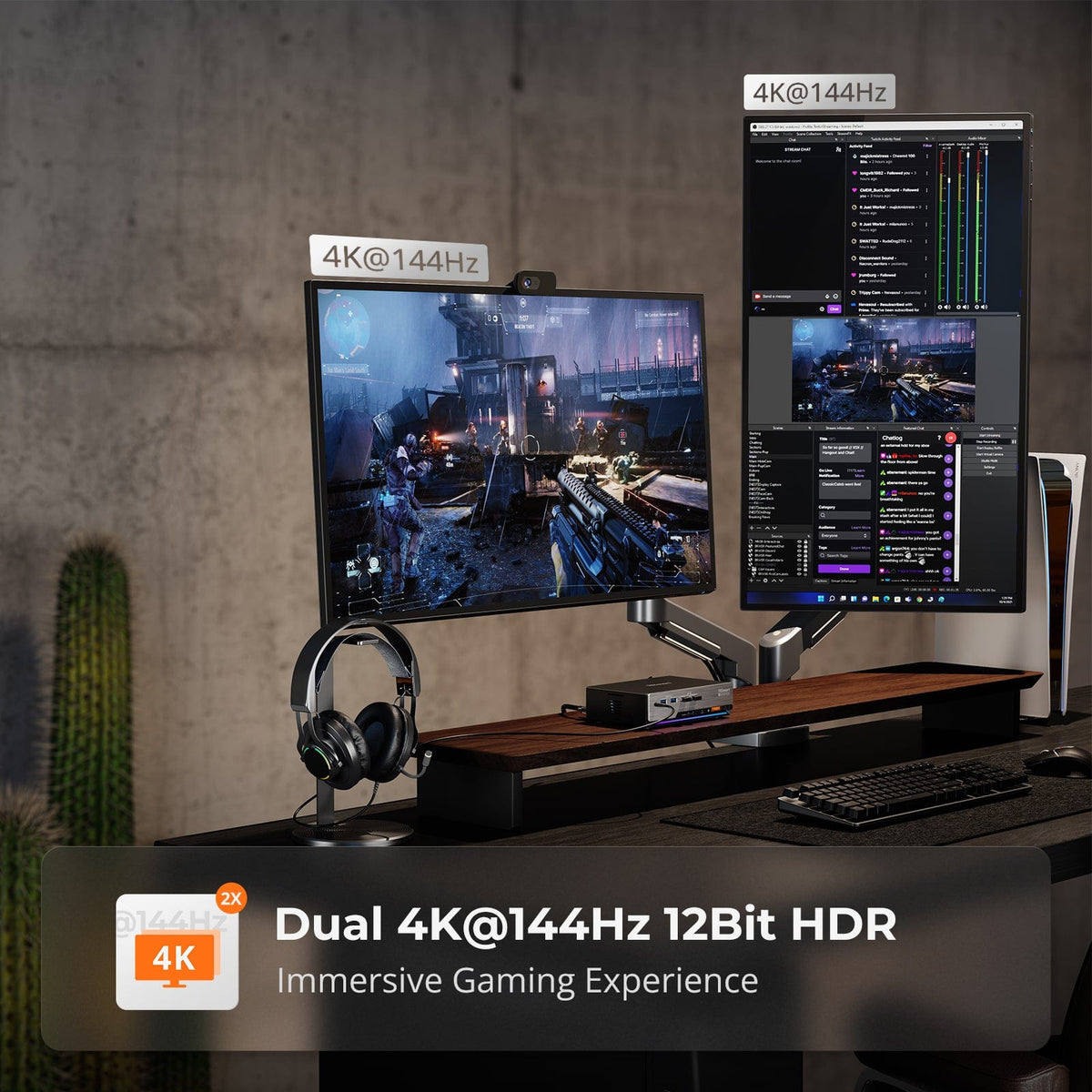
The Dual-Computer Dilemma: Why System Integration Defines the Future of Productivity
Read moreabout The Dual-Computer Dilemma: Why System Integration Defines the Future of Productivity
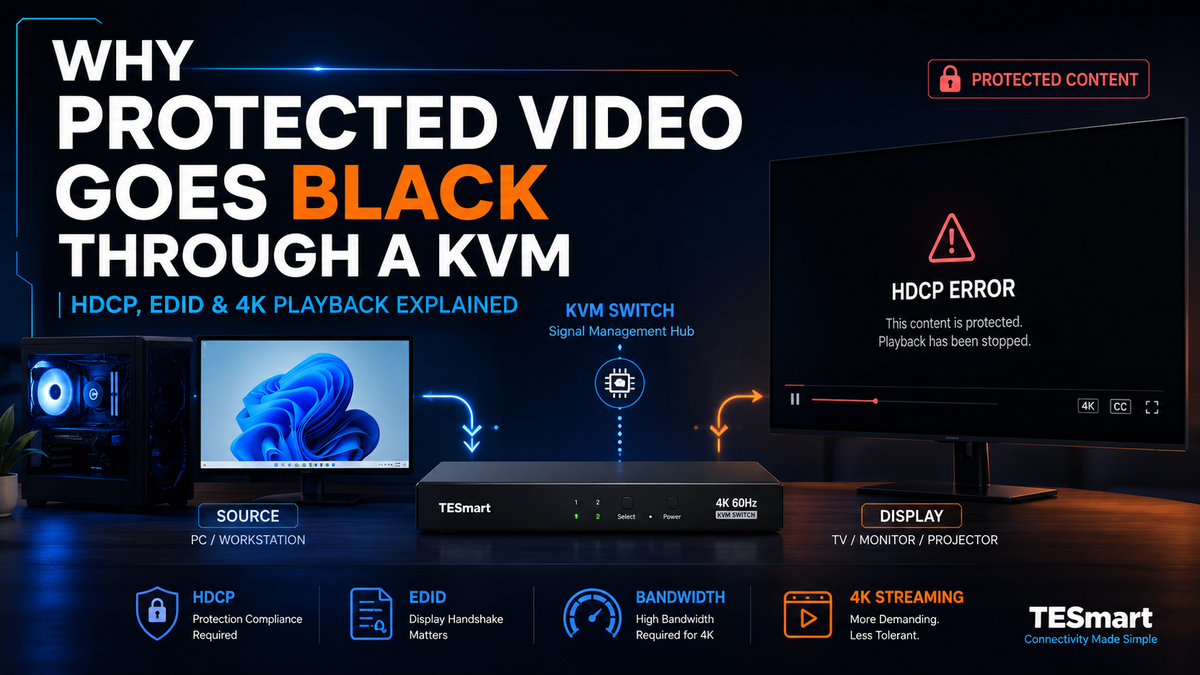
HDCP Error Through a KVM Switch? Why Netflix, Apple TV, and PS5 Show a Black Screen
Read moreabout HDCP Error Through a KVM Switch? Why Netflix, Apple TV, and PS5 Show a Black Screen
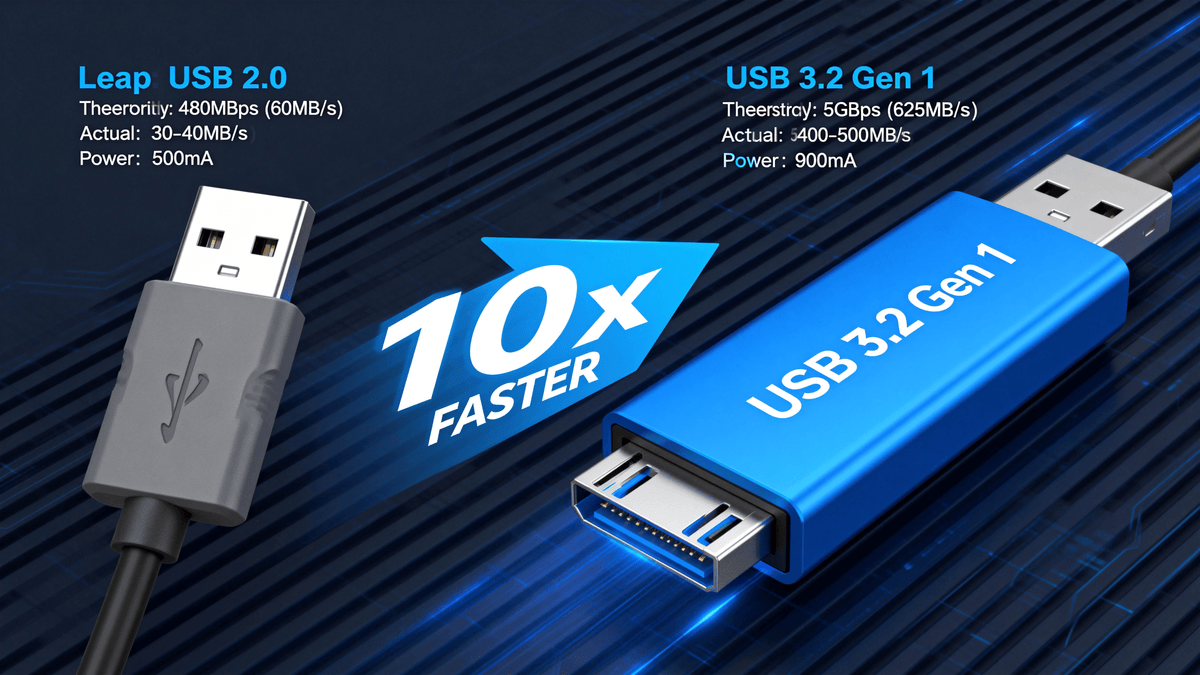
KVM Switch Not Detecting USB Devices? Start With the Connection Path and USB Follow Mode
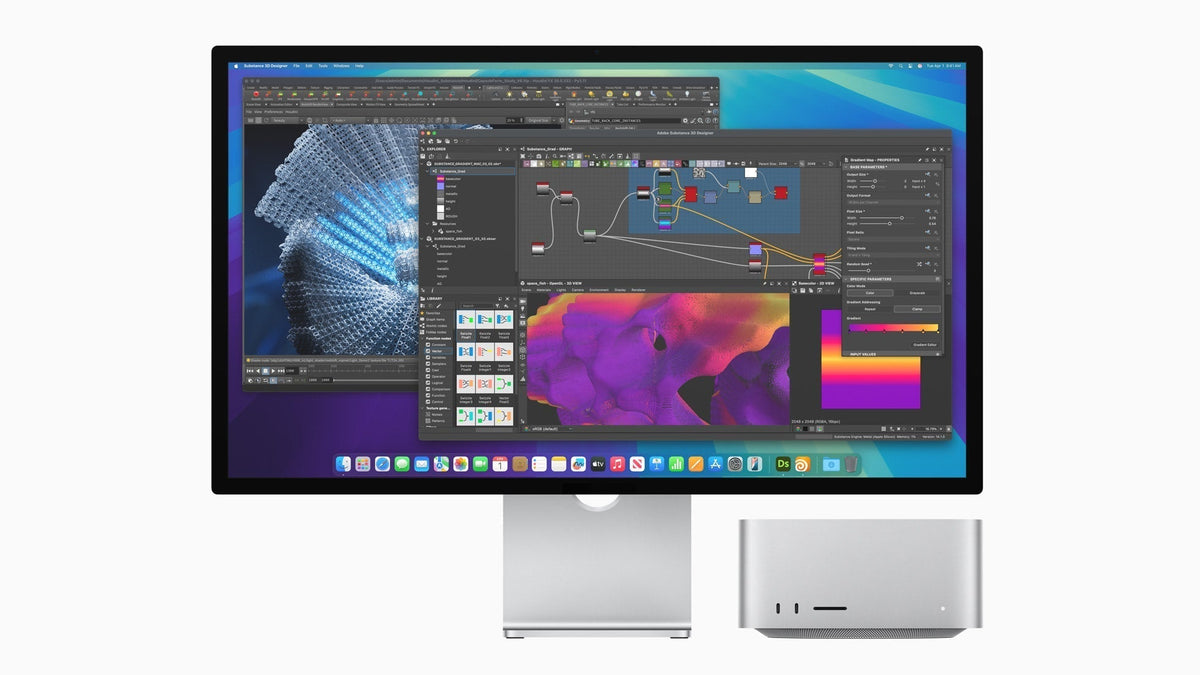
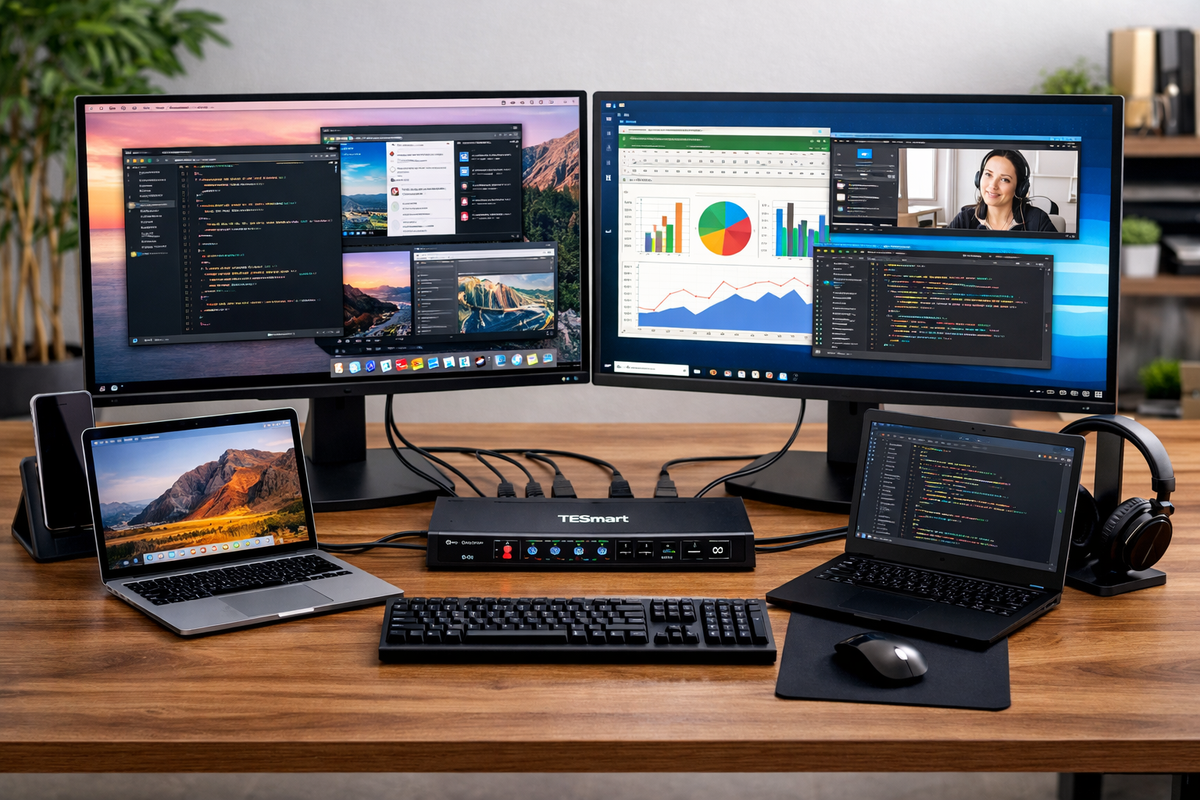
MacBook Dual Monitor Setup Guide: Dock vs KVM for Multi-Device Desks
Read moreabout MacBook Dual Monitor Setup Guide: Dock vs KVM for Multi-Device Desks
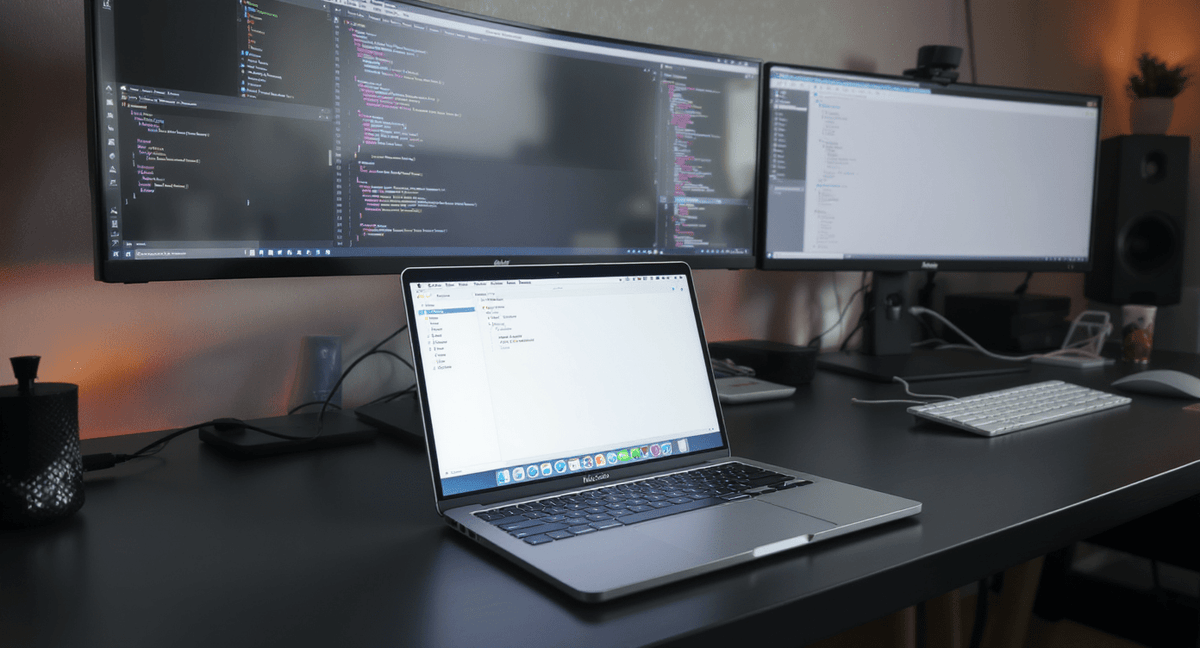
How to Connect Multiple Monitors to a MacBook: HDMI, USB-C, Thunderbolt, and Dock Options
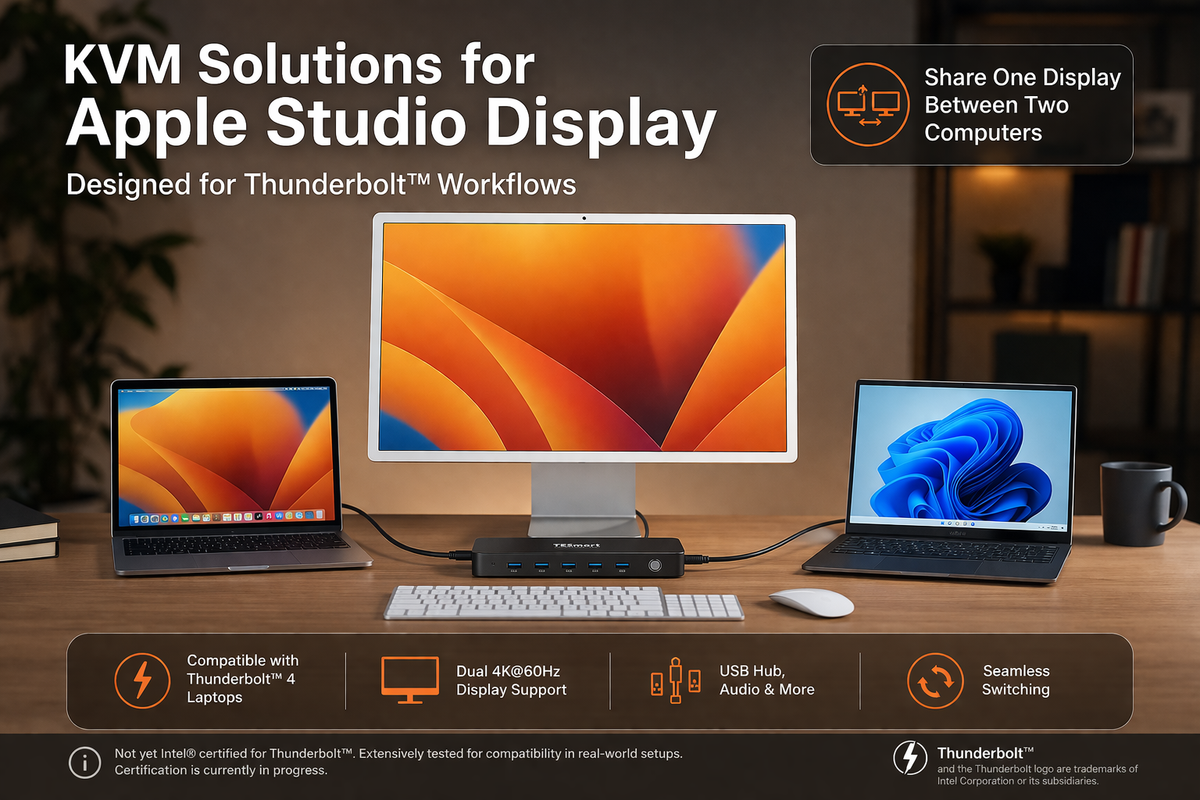
Choosing the right Thunderbolt KVM for Apple Studio Display or Pro Display XDR.
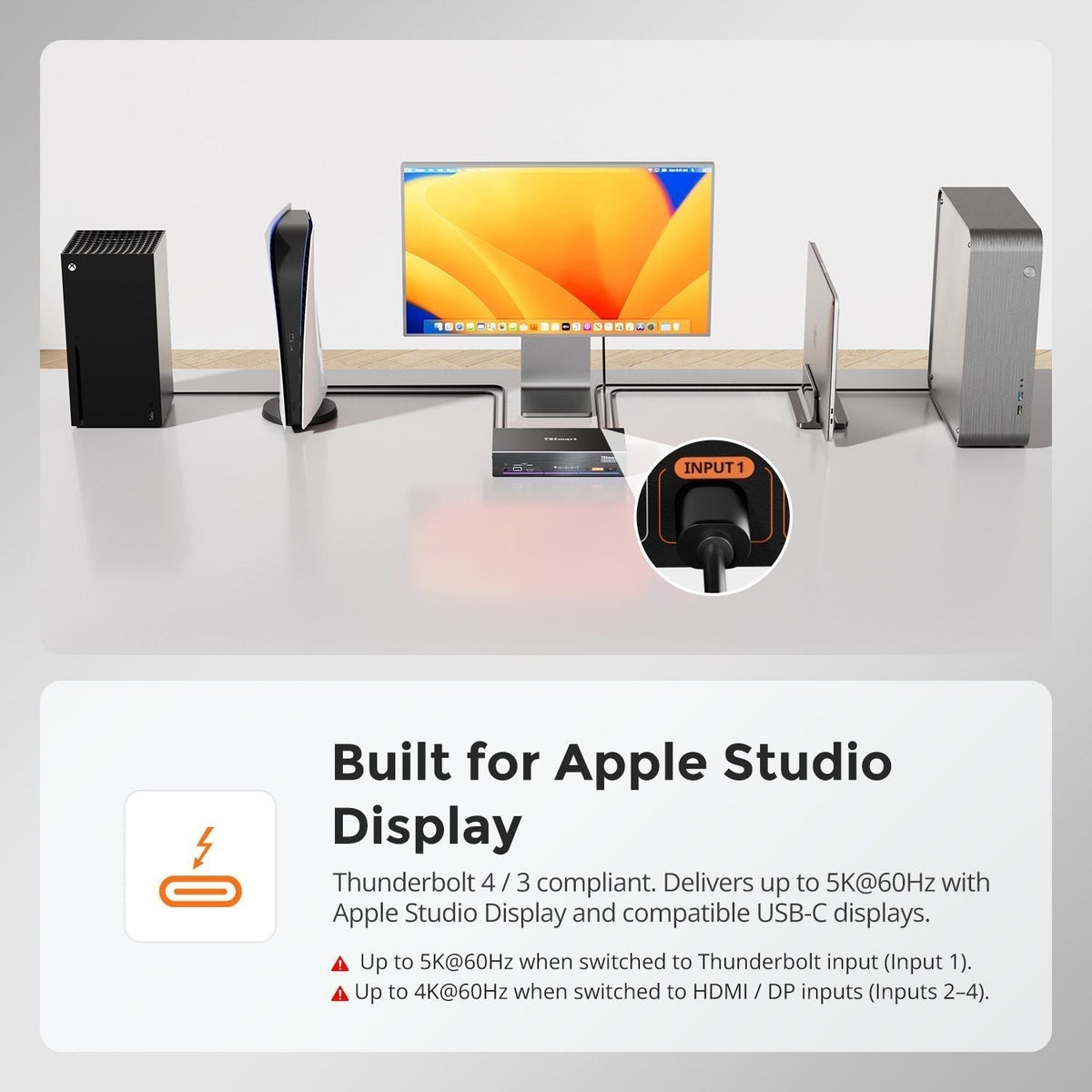
How to Connect PS5 or Nintendo Switch to Apple Studio Display in a Multi-Device Desk Setup
TESmart THK401-X4 is a hardware-based Thunderbolt KVM switch that lets consoles, PCs, and Macs share a single premium Thunderbolt display. Unlike traditional USB capture or Mac-bridge setups, it delivers near-zero latency, native audio pass-through, and stable 4K@60Hz output with full HDR and HDCP support. By eliminating software dependencies, THK401-X4 ensures seamless switching between devices, perfect audio-video sync, and true Thunderbolt-native performance—ideal for gaming, streaming, and professional workflows. Connect multiple devices and maintain a clean, efficient, high-performance desk setup with one Thunderbolt cable.
