

TESmart Knowledge Hub · KVM & Workspace Insights
Article
Practical guides, setup advice, product updates, and technical insights for building a better multi-computer workspace.
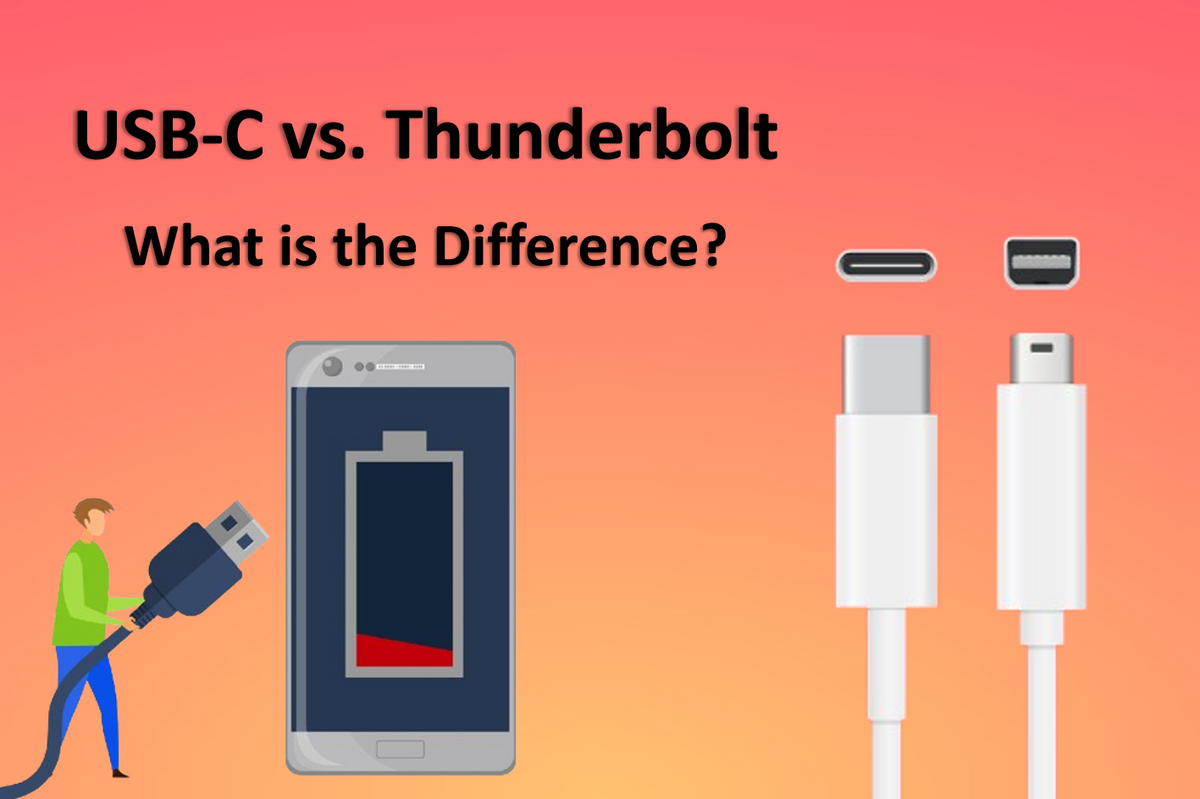
USB-C vs. Thunderbolt: What is the Difference?
Thunderbolt and USB-C are often compared because they share the same physical connector, but they serve different purposes and have distinct capabilities. Thunderbolt, initially developed by Intel with Apple's collaboration, focuses on high-speed data transfer, making it suitable for tasks like connecting high-resolution displays and fast external drives. In contrast, USB-C is a versatile standard used across many devices for charging, data transfer, and video connections. This article breaks down the key differences between Thunderbolt and USB-C, helping you understand which one best fits your needs in today's digital world.
Read moreabout USB-C vs. Thunderbolt: What is the Difference?
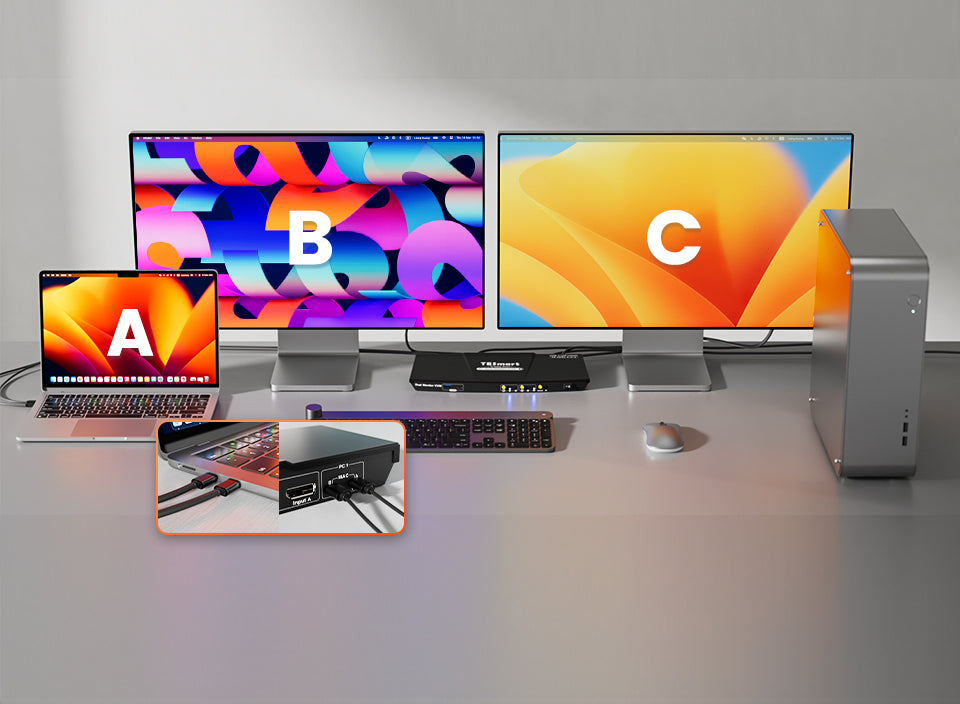
Can the M3 Chip MacBooks Support Multiple Monitors?
Apple released the M3 chip on October 30, 2023, bringing significant performance upgrades and new features to their MacBook lineup. With this new powerhouse chip, many users who rely on multiple monitors for work, gaming, or creative projects might be wondering: Can the M3 chip support external monitors? And if it can, how many monitors can it handle? In this article, we'll dive into these questions, providing clear and practical answers to help you get the most out of your M3 chip MacBook with a multi-monitor setup.
Read moreabout Can the M3 Chip MacBooks Support Multiple Monitors?
What is HDCP? How to Fix HDCP Error?
If you are a Roku, Apple TV, or Netflix user, you may have encountered the dreaded error message – “HDCP unauthorized. Content disabled.” Sometimes, it appears differently, stating that the video can’t be played due to HDCP issues. This can be incredibly frustrating, especially when you just want to watch your favorite show. So, what exactly is HDCP, what causes this error, and how can you fix it? Let’s explore the answers and help you get back to your entertainment.

TESmart, a leading name in the Pro AV industry, is excited to announce the launch of our new 8K@60Hz HDMI KVM switch. With the TESmart 8K HDMI KVM switch, users can enjoy stunning 8K (4320p) @60Hz resolution and high refresh rates such as 4K (2160p) @60Hz/120Hz/144Hz using DSC technology.
This switch supports advanced video standards, including 3D, HDR10, HDCP2.2, and Dolby Vision, providing an unparalleled visual experience. Ideal for home office and gaming setups, it allows users to control up to four PCs with a single set of monitor, keyboard, and mouse.
Additionally, it features a built-in USB 3.0 hub for fast data transfer and easy sharing of USB peripherals like printers, scanners, and webcams. The inclusion of EDID emulators in each input port ensures consistent display settings, and the integrated microphone and L/R audio output enable seamless audio management. With four convenient switching options—IR remote, button, hotkey, and mouse wheel—managing your devices has never been easier.
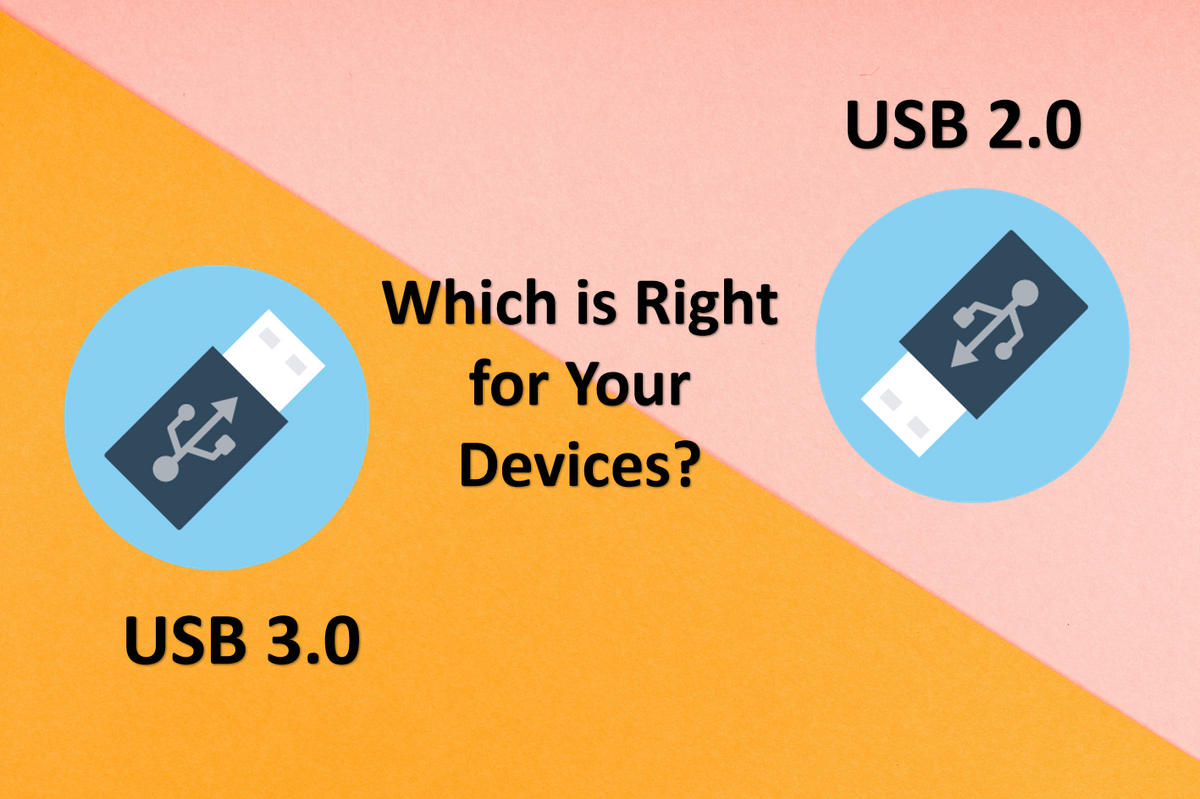
USB 2.0 or USB 3.0: Which is Right for Your Devices?
USB (Universal Serial Bus) is a standard for connecting a wide range of devices to transfer data and power. Originally designed to connect peripherals like keyboards, mice, and printers to computers, USB is now used in many other devices. It connects and powers smartphones, tablets, gaming consoles, home entertainment systems, smart home devices, cars, medical equipment, industrial machines, and wearable tech. It is essential in modern technology, providing a simple, universal way to facilitate device connection.
Read moreabout USB 2.0 or USB 3.0: Which is Right for Your Devices?
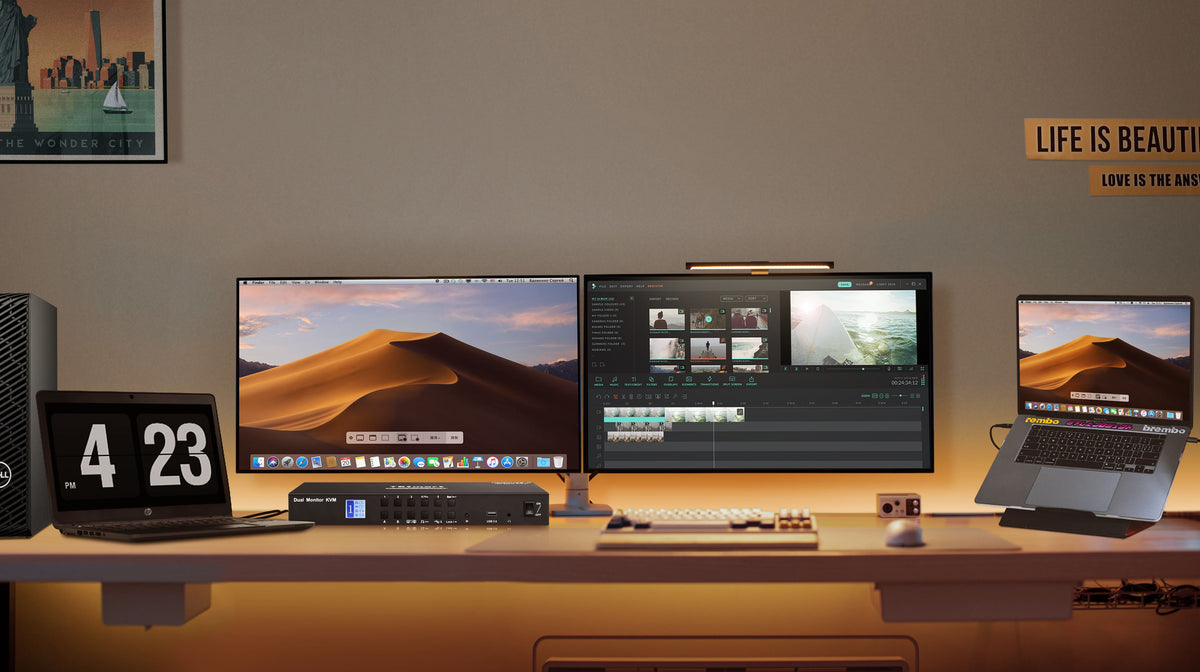
Facts to Consider before Buying a KVM Switch for Your MacBook
A KVM switch helps Mac users manage multiple devices, optimize their workspace, and improve workflow. It's useful for various needs, including professional, personal, and educational purposes. With a KVM switch, users can easily control several devices, keeping their setup organized and efficient.
Read moreabout Facts to Consider before Buying a KVM Switch for Your MacBook
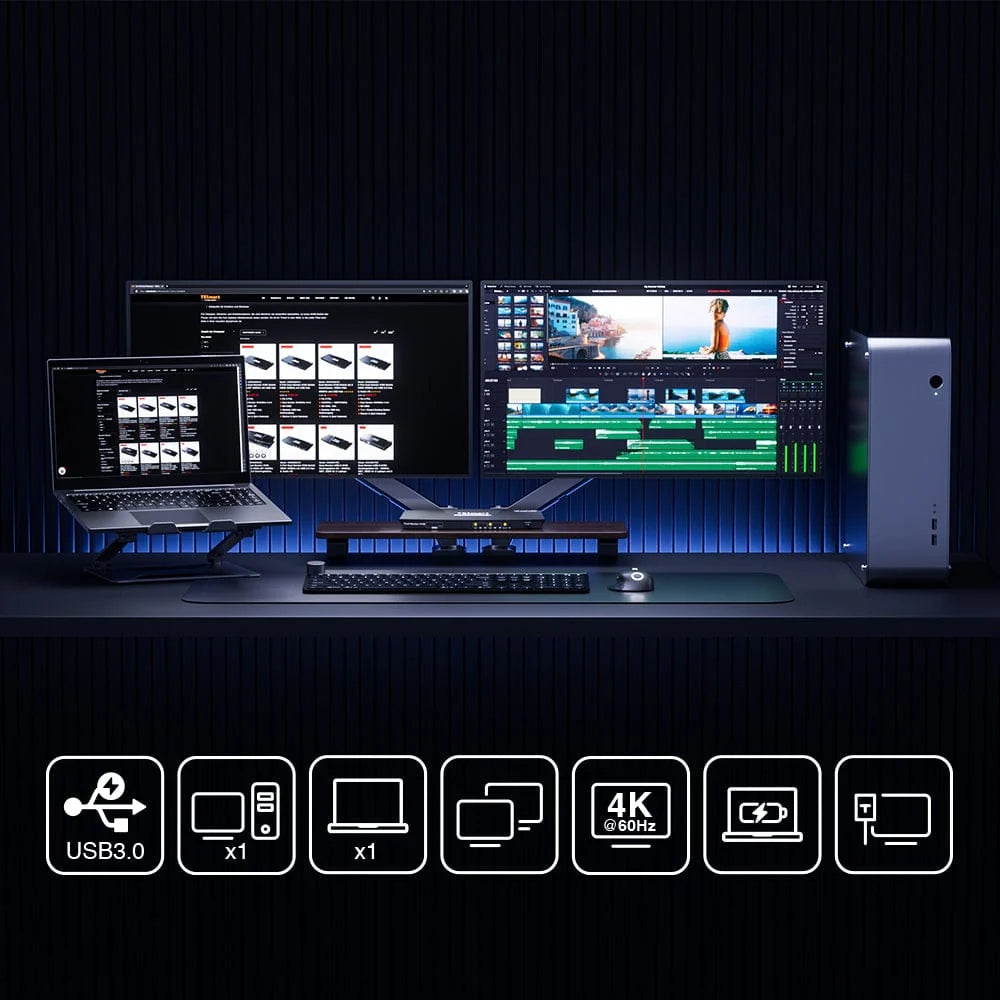
How to Setup Dual Monitors with a Macbook and a Desktop Using the KVM Switch?
As remote work becomes more common, having an efficient home office setup is essential. To make the most of your workspace, you can connect two monitors to both a work laptop (MacBook) and a desktop computer (for gaming and personal use) using a KVM switch. This allows you to easily switch between devices without the hassle of reconnecting cables. Here’s how you can set this up.
Read moreabout How to Setup Dual Monitors with a Macbook and a Desktop Using the KVM Switch?
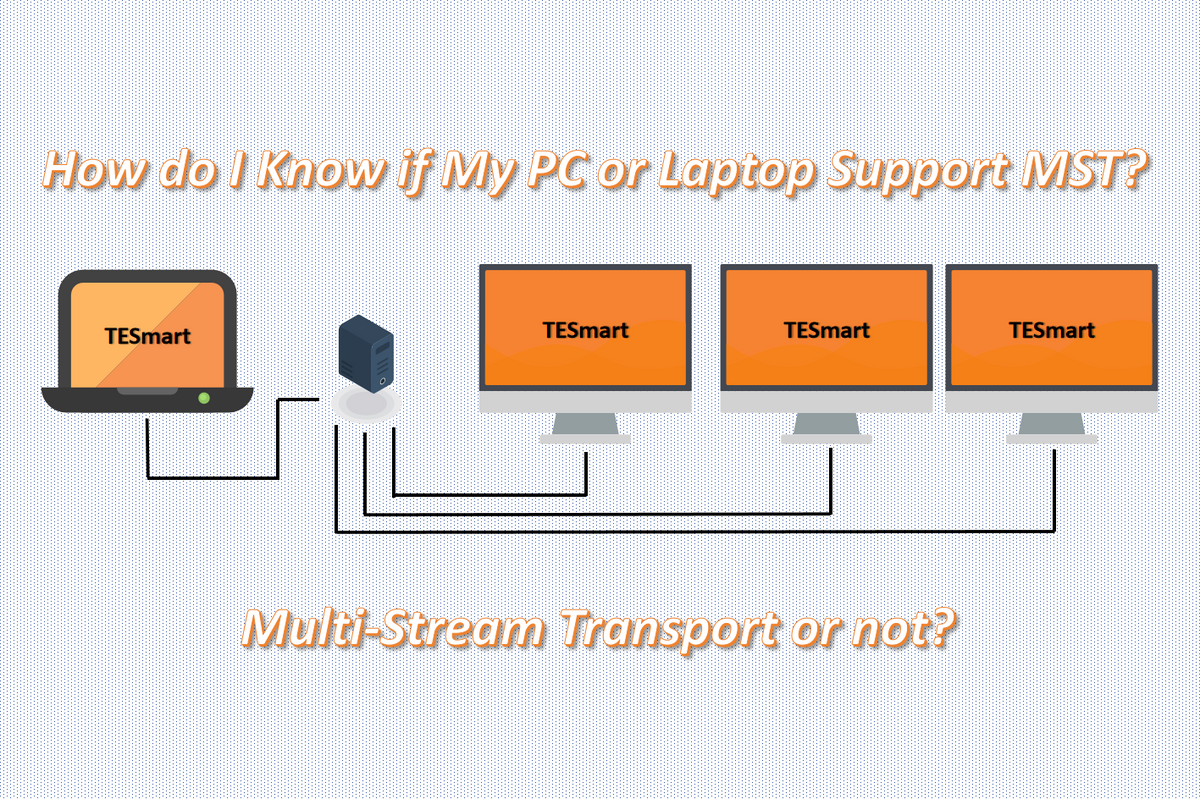
How do I Know if My PC or Laptop Support MST (Multi-Stream Transport)?
As you may know, DisplayPort 1.2 and later versions support MST (multi-stream transport). But there is also a feature called USB-C DisplayPort 1.2 Alt Mode (Alternate Mode), which allows a USB-C port to transmit video and audio signals using the DisplayPort standard. So to determine if your PC or laptop supports MST (multi-stream transport), you have to make sure if your devices have DisplayPort or USB-C ports and follow the following steps in the article.
Read moreabout How do I Know if My PC or Laptop Support MST (Multi-Stream Transport)?
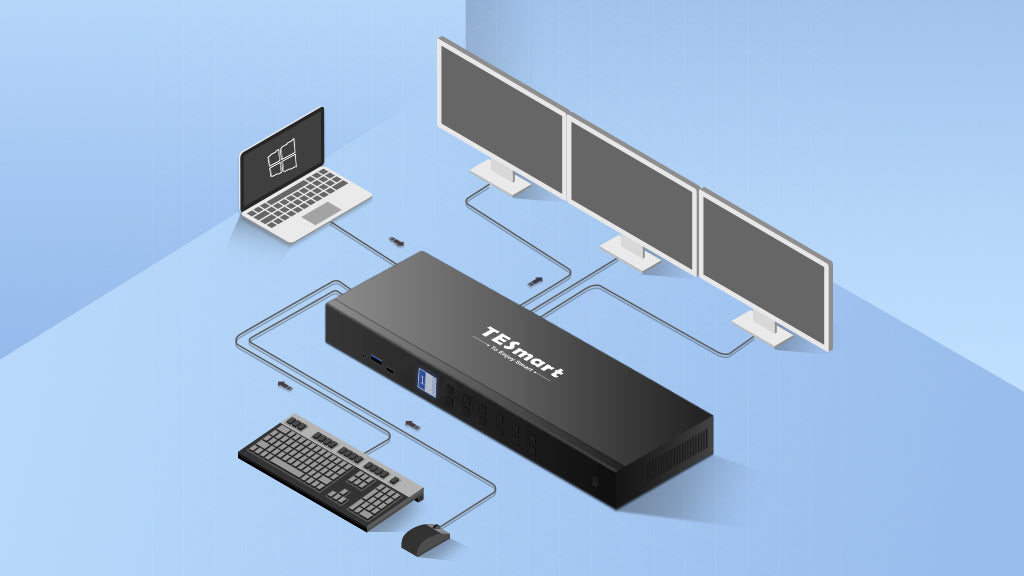
What is DisplayPort MST (Multi-Stream Transport)?
MST (Multi-Stream Transport), first introduced in the DisplayPort 1.2 standard, allows multiple displays to connect to a single DisplayPort on a computer. It combines several video signals into one stream and sends it through a DisplayPort cable. Users can connect their laptop or desktop to multiple monitors using just one DisplayPort. A device, such as an MST hub or a series of daisy-chained MST monitors, then separates the signals to display on multiple screens.
Read moreabout What is DisplayPort MST (Multi-Stream Transport)?