

TESmart Knowledge Hub · KVM & Workspace Insights

Article

Practical guides, setup advice, product updates, and technical insights for building a better multi-computer workspace.

Matching Keyboard Styles to Different Usage Scenarios
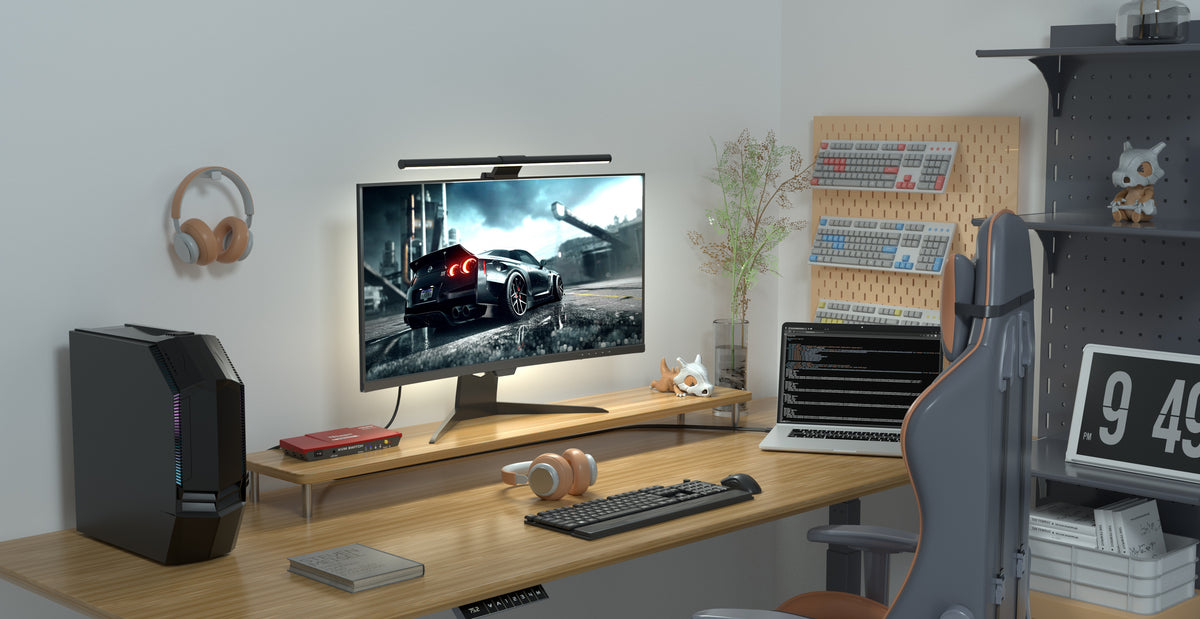
Matching Keyboard Styles to Different Usage Scenarios

In the previous article, we introduced keyboards based on key quantity and connectivity options. In this article, we will discuss different preferences for keyboard appearance and usage scenarios among various user groups.   Gaming Keyboards Gaming enthusiasts often prefer mechanical...

Read moreabout Matching Keyboard Styles to Different Usage Scenarios

Click, Scroll, Conquer: How Mouse Shapes and Types Define Your Digital Experience!
Click, Scroll, Conquer: How Mouse Shapes and Types Define Your Digital Experience!

A mouse is an external input device for computers, playing a central role in both work and daily life. Its name "mouse" comes from its physical resemblance to a small rodent. The mouse, also known as a "pointing device" or...

Read moreabout Click, Scroll, Conquer: How Mouse Shapes and Types Define Your Digital Experience!

Cutting the Cord: Exploring Mouse Connectivity Options for a Tangle-Free Experience!

Cutting the Cord: Exploring Mouse Connectivity Options for a Tangle-Free Experience!

In the previous articles, we discussed the types and external appearances of keyboards and mice. In this article, we will focus on the different connectivity options for mice, their special features, and other products available for efficient work.   Mouse...

Read moreabout Cutting the Cord: Exploring Mouse Connectivity Options for a Tangle-Free Experience!
How to Navigate Through Monitor Specifications with Ease
How to Navigate Through Monitor Specifications with Ease

A monitor is an output device used for displaying images and colors. It is also known as a video display or visual display unit (VDU) and is the most common type of display for computers. With a plethora of monitor...

Read moreabout How to Navigate Through Monitor Specifications with Ease

Flat or Curved: Choosing the Perfect Monitor for Your Viewing Pleasure
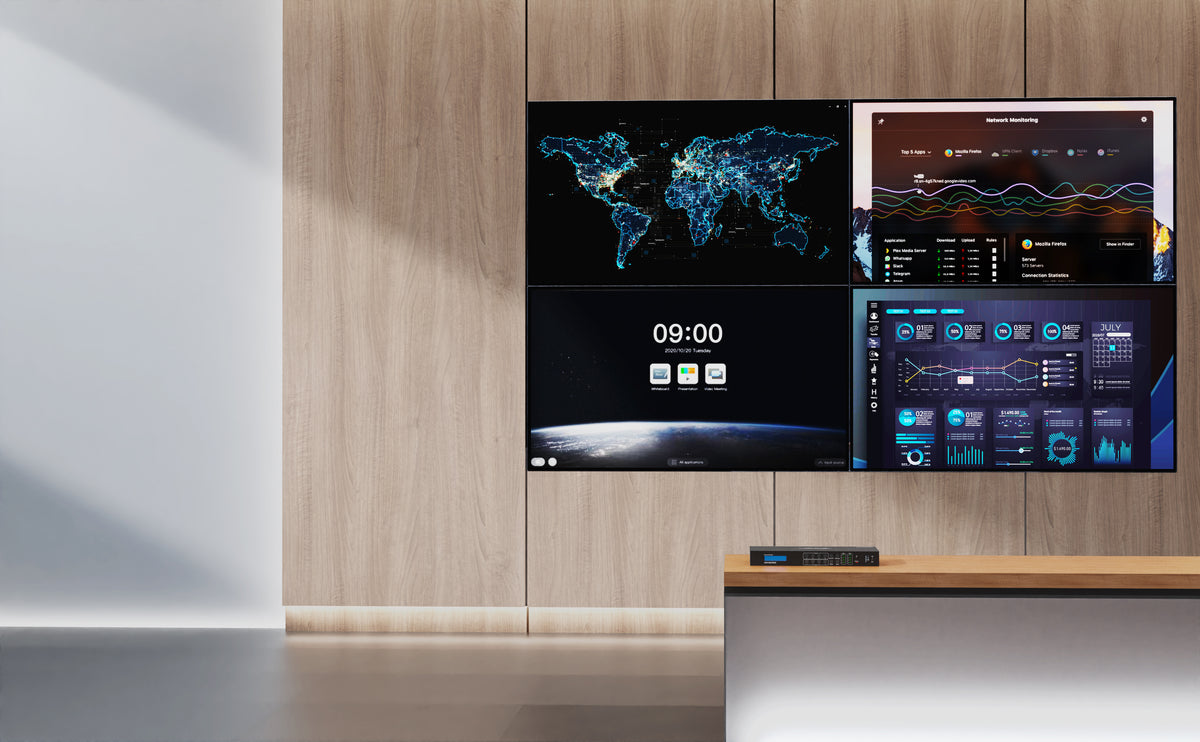
Flat or Curved: Choosing the Perfect Monitor for Your Viewing Pleasure

Introduction The main difference between a flat-screen monitor and a curved-screen monitor lies in their curvature. A curved-screen monitor, also known as a curved display, features a panel with a gentle curve. This curvature enhances the user's visual experience by...

Read moreabout Flat or Curved: Choosing the Perfect Monitor for Your Viewing Pleasure

Beyond the Screen: Understanding How Monitor Choice Shapes Your Experience
Beyond the Screen: Understanding How Monitor Choice Shapes Your Experience

The choice of monitor for different professions and activities is indeed influenced by various factors. Office monitors are generally designed to be more eye-friendly, prioritizing comfort for extended use. However, using an office monitor for gaming can lead to subpar...

Read moreabout Beyond the Screen: Understanding How Monitor Choice Shapes Your Experience

Guide to Expanding Home Security System Using KVM Switches
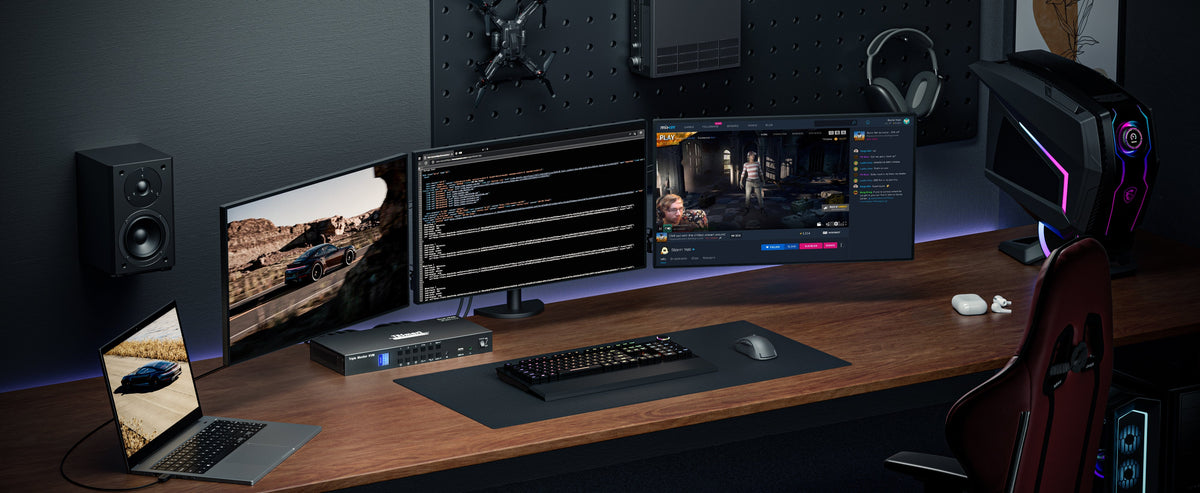
Guide to Expanding Home Security System Using KVM Switches

Home security systems are essential for protecting the safety of family members and property. In today's society, where security awareness is increasing, understanding how to use KVM switches to extend home security systems can provide greater security and convenience for...

Read moreabout Guide to Expanding Home Security System Using KVM Switches

How to Set Up a KVM Switch: Detailed Step-by-Step Guide

How to Set Up a KVM Switch: Detailed Step-by-Step Guide

More people are finding it handy to use both a laptop and a desktop for work and entertainment. IT programmers, graphic designers, and gamers all benefit from its ability to streamline workflow and seamlessly switch between devices, enhancing productivity and multitasking efficiency.

When it comes to setting up these devices, using a KVM (keyboard, video, mouse) switch becomes essential. A KVM switch helps you manage multiple computers with just one set of peripherals. It makes switching between them effortless, saving you from the hassle of constantly plugging and unplugging cables.

Now, I'll be guiding you through the simple process of setting up a KVM switch using our HDC202-P23 Dual KVM Docking Station, which is especially made for connecting your laptop and computer. Whether you're a seasoned tech enthusiast or a beginner, you'll find this process straightforward and hassle-free.

Read moreabout How to Set Up a KVM Switch: Detailed Step-by-Step Guide
Explain the Key Value of Internet Revolution in KVM Switches Application

Explain the Key Value of Internet Revolution in KVM Switches Application

1. Definition of Network Evolution:Network evolution refers to the development and transformation of network technology and infrastructure over time. It encompasses the entire process from early computer networks to the current high-speed and efficient communication networks. The key goals of...

Read moreabout Explain the Key Value of Internet Revolution in KVM Switches Application