Works with MacBook Pro
DisplayLink Ready
Comments from Apple Community:⭐⭐⭐⭐⭐ I use a TESmart KVM for my mac mini and PC going to two monitors.
Choose Your Technology
| Comparison Table | |||||
|---|---|---|---|---|---|
| Application | Mac or Win Laptop |
Mac or Win Laptop + Desktop |
Mac or Win Laptop + Desktop |
Win Laptop + Desktop |
Mac or Win Laptop + Desktop |
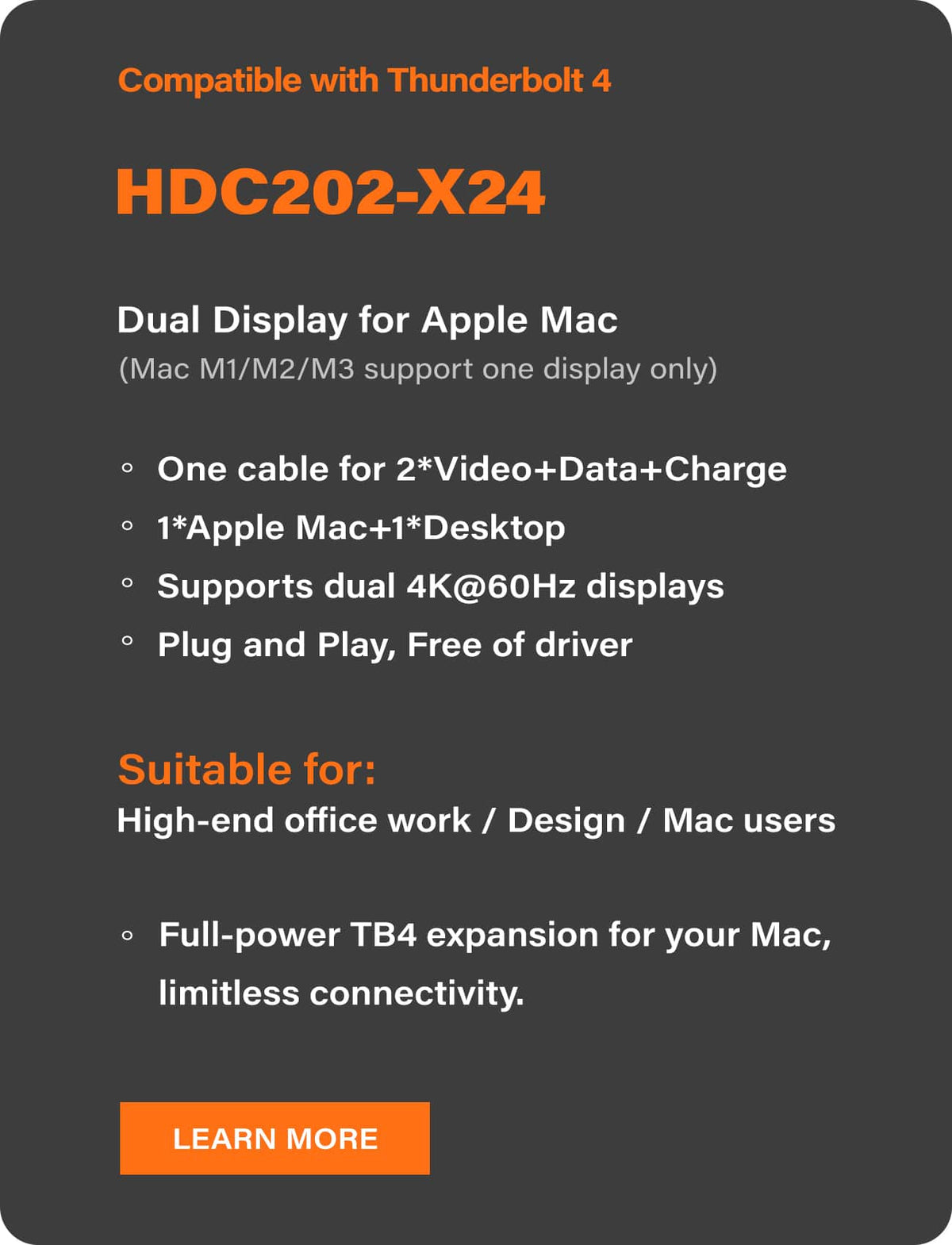
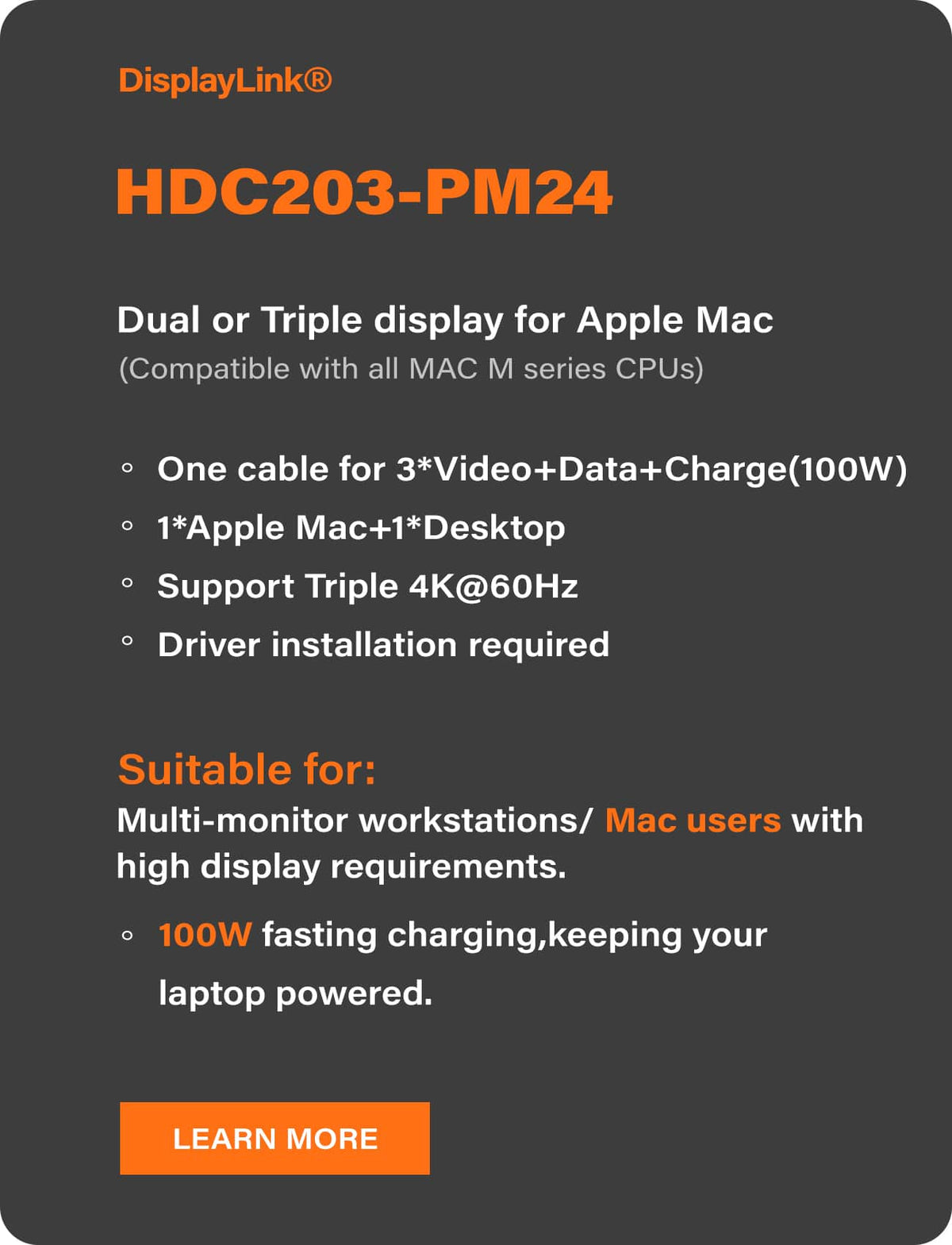
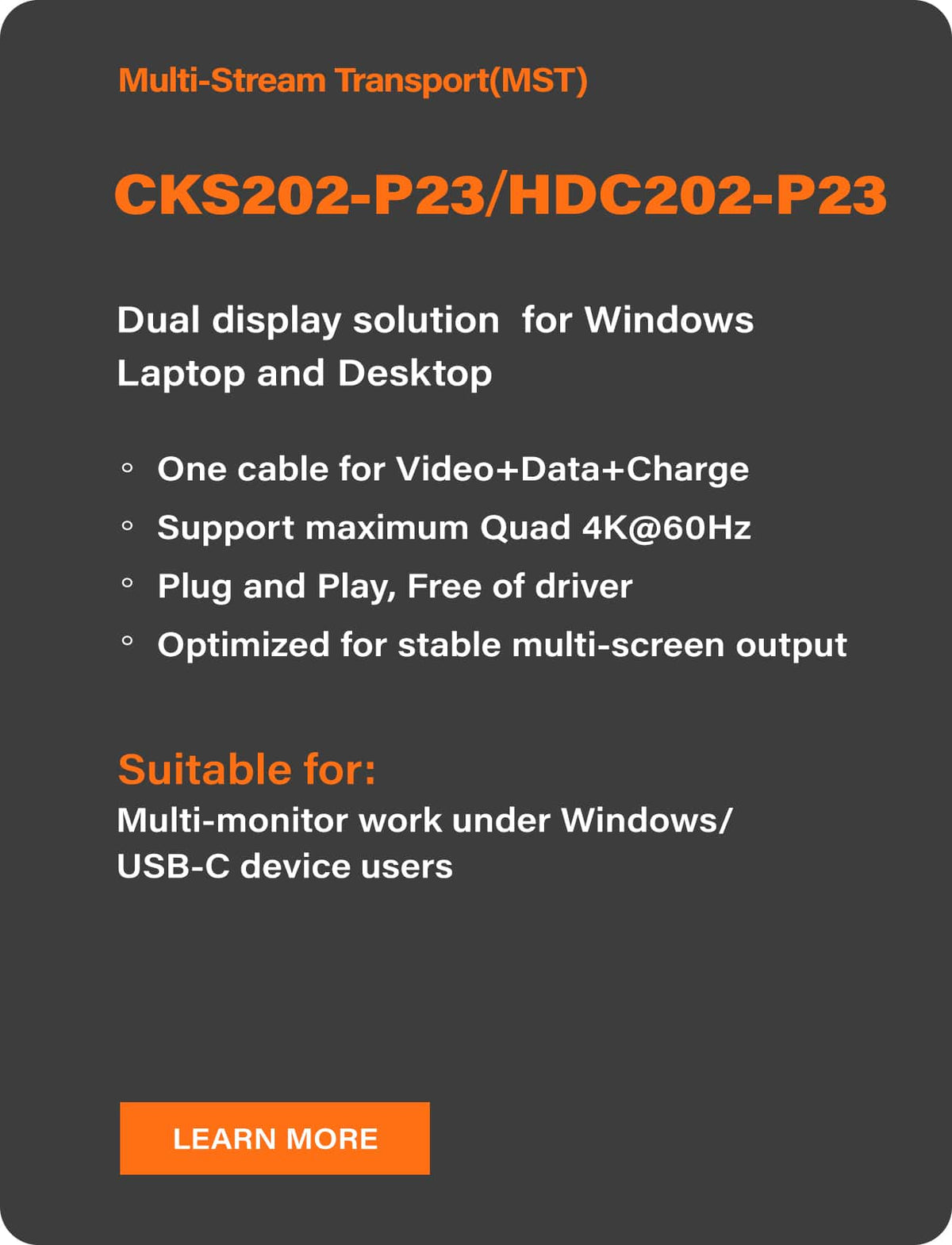
| Model | CKS202-P23-N | HDC202-P23-N | HDC202-X24 | HDC203-P24 | HDC203-PM24 |
| Input Device × Monitor Support | 2×2 | 2×2 | 2×2 | 2×3 | 2×3 |
| Video Interface |
USB-C ×4 (DP Alt Mode DP1.2, USB 3.2 Gen 1) |
USB-C ×2 (DP Alt Mode DP1.2, USB 3.2 Gen 1) HDMI 2.0 DP 1.2 |
USB-C ×2 (Compatible with Thunderbolt 4) HDMI 2.0 DP 1.2 |
USB-C (DP Alt Mode DP1.2, USB 3.2 Gen 1) HDMI 2.0 DP 1.2 |
USB-C (DP Alt Mode DP1.2, USB 3.2 Gen 1) HDMI 2.0 DP 1.2 |
| Technology Difference |
① Mac:
2 cables → 2 displays (Note: M3 Mac models with lid open / M1 / M2 support only one external display via USB-C.) ② Windows Laptop: 1 cable → 2 displays |
① Mac:
2 cables → 2 displays (Note: M3 Mac models with lid open / M1 / M2 support only one external display via USB-C.) ② Windows Laptop: 1 cable → 2 displays |
Win Laptop or
Mac: 1 cable → 2 displays |
Win Laptop: 1 cable → 3 displays |
Win Laptop or
Mac: 1 cable → 3 displays |
| Technology |
MST: 1 cable → 2 displays |
MST: 1 cable → 2 displays |
Thunderbolt PCIe
1 cable → 2 displays |
MST: 1 cable → 3 displays (2×4K60Hz + 1×4K30Hz) |
DisplayLink
1 cable → 3 displays |
| Max Resolution | 4K 60Hz | 4K 60Hz | 4K 60Hz | 4K 60Hz | 4K 60Hz |
| Power Delivery | Dual 60W (20V/3A) | 60W (20V/3A) | 60W (20V/3A) | 60W (20V/3A) | 100W (20V/5A) |
| Price | $419 | $419 | $699 | $599 | $699 |
Find Your Perfect Setup