

TESmart Knowledge Hub · KVM & Workspace Insights

Article

Practical guides, setup advice, product updates, and technical insights for building a better multi-computer workspace.
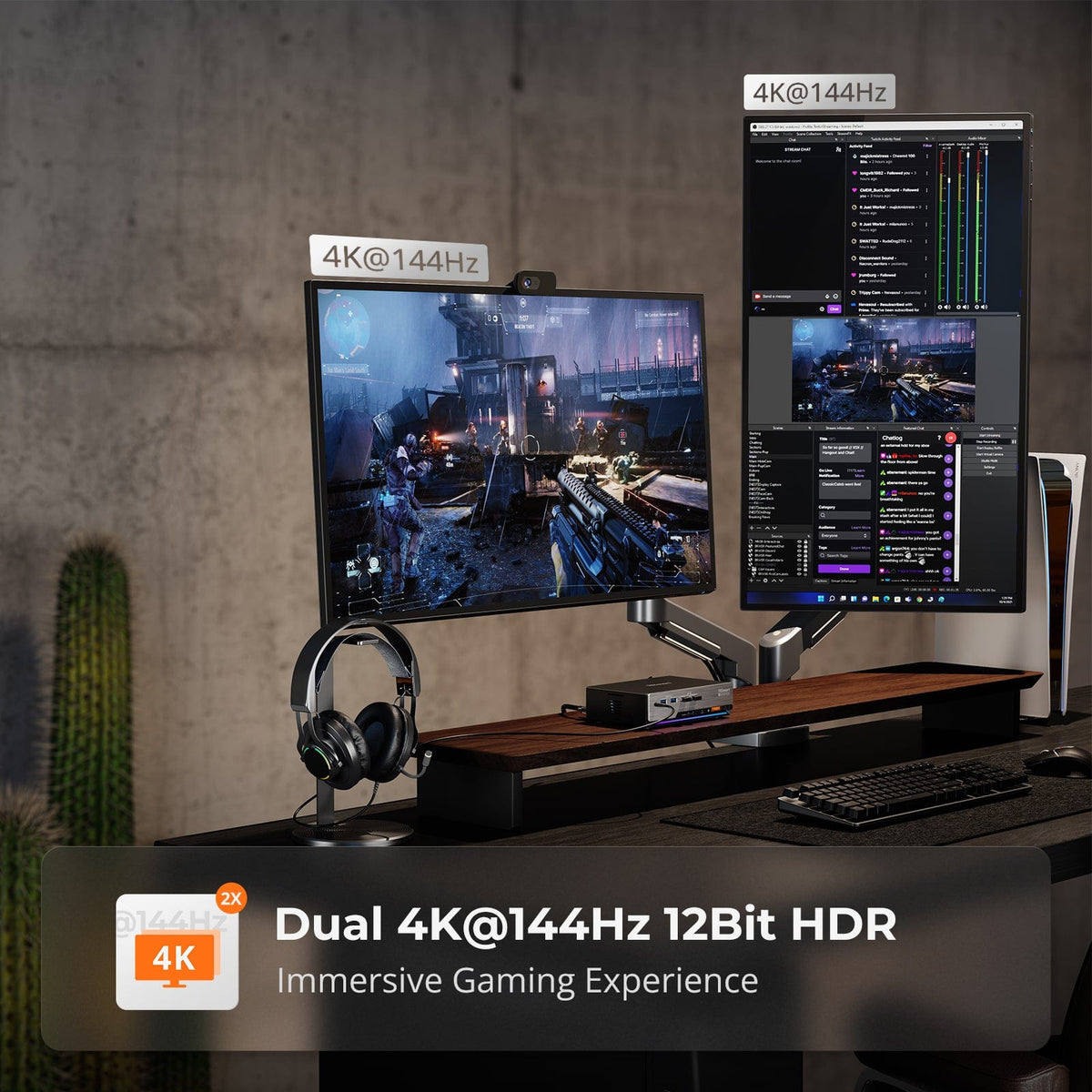
The Dual-Computer Dilemma: Why System Integration Defines the Future of Productivity

The Dual-Computer Dilemma: Why System Integration Defines the Future of Productivity

In today’s efficiency-driven professional landscape, a dual-computer setup is no longer a luxury—it is a practical necessity for developers, financial analysts, content creators, and IT professionals. Yet, a long-overlooked reality persists: doubling your hardware does not automatically double your productivity....

Read moreabout The Dual-Computer Dilemma: Why System Integration Defines the Future of Productivity

World Cup Viewing Setups: What AV Equipment Do Multi-Screen Venues Need?
World Cup Viewing Setups: What AV Equipment Do Multi-Screen Venues Need?

Table of Contents Introduction What World Cup Viewing Setups Are Really Trying to Solve Why a Basic HDMI Setup Often Fails in Multi-Screen Venues Start with the Venue Layout and Signal Path Core AV Requirements for Match-Day Playback Matching Hardware...

Read moreabout World Cup Viewing Setups: What AV Equipment Do Multi-Screen Venues Need?

TESmart Trade-In Program: A Smarter Way to Save on Your Next Upgrade
TESmart Trade-In Program: A Smarter Way to Save on Your Next Upgrade

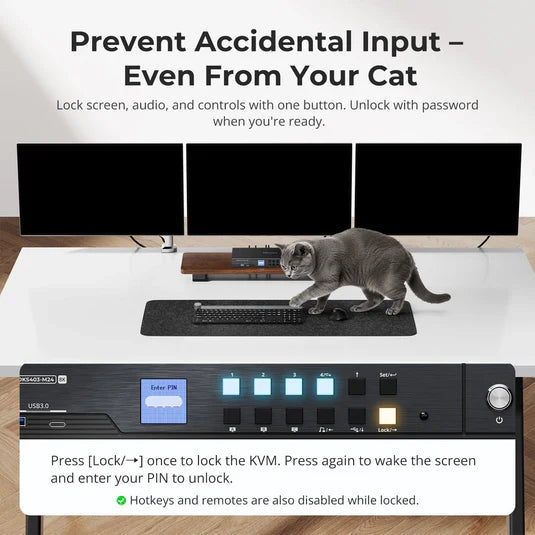
Introduction At TESmart, we believe upgrading your setup should be practical, cost-effective, and flexible. Our Trade-In Program helps users apply the value of eligible old devices toward a new purchase, with savings of up to 50% off. This program is...

Read moreabout TESmart Trade-In Program: A Smarter Way to Save on Your Next Upgrade

Best KVM Switch for 4 Computers and Multiple Monitors
Best KVM Switch for 4 Computers and Multiple Monitors

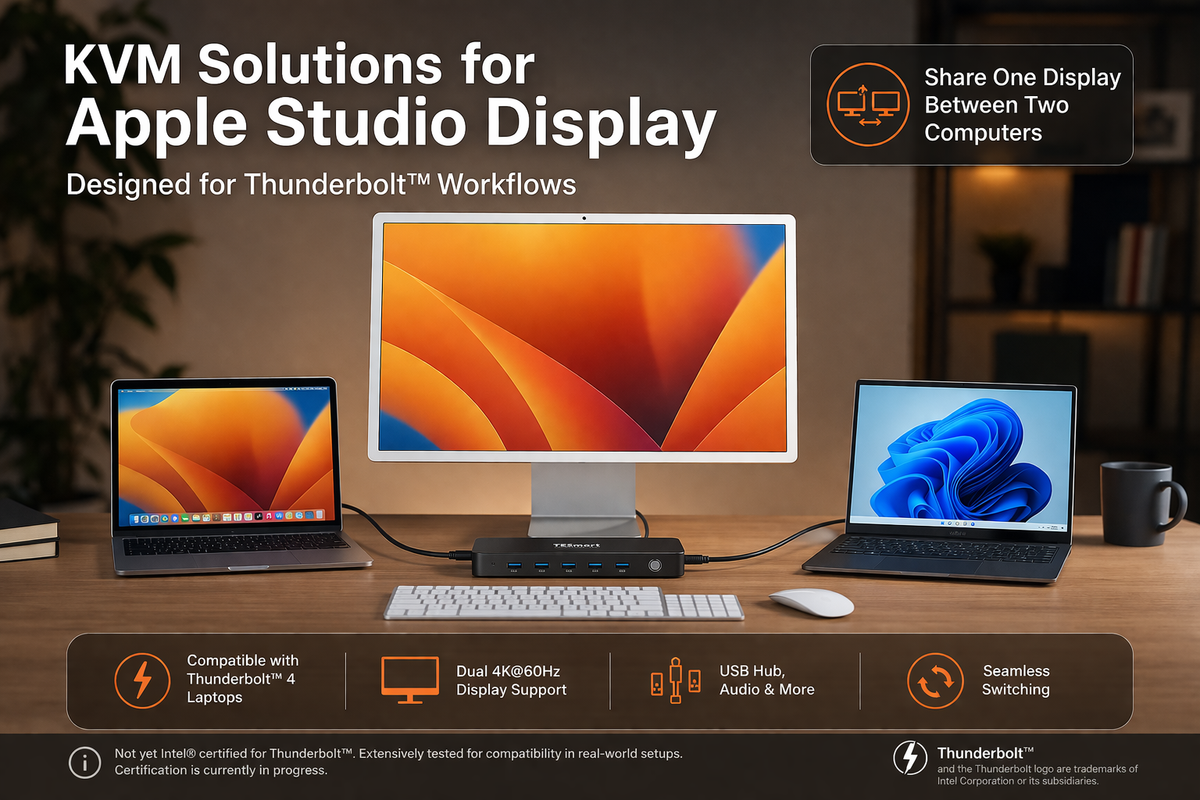
Table of Contents Introduction Why This Type of KVM Matters High Resolution and High Refresh Rate Why DisplayPort Output Matters Why an EDID Emulator Matters Gigabit USB Network and Desk Integration Multiple Switching Methods for Daily Use Dual Monitor vs...

Read moreabout Best KVM Switch for 4 Computers and Multiple Monitors

Apple Studio Display KVM Guide: Why Most KVM Switches Don’t Work and What to Look for in a Compatible Solution

Apple Studio Display KVM Guide: Why Most KVM Switches Don’t Work and What to Look for in a Compatible Solution

Choosing the right Thunderbolt KVM for Apple Studio Display or Pro Display XDR.
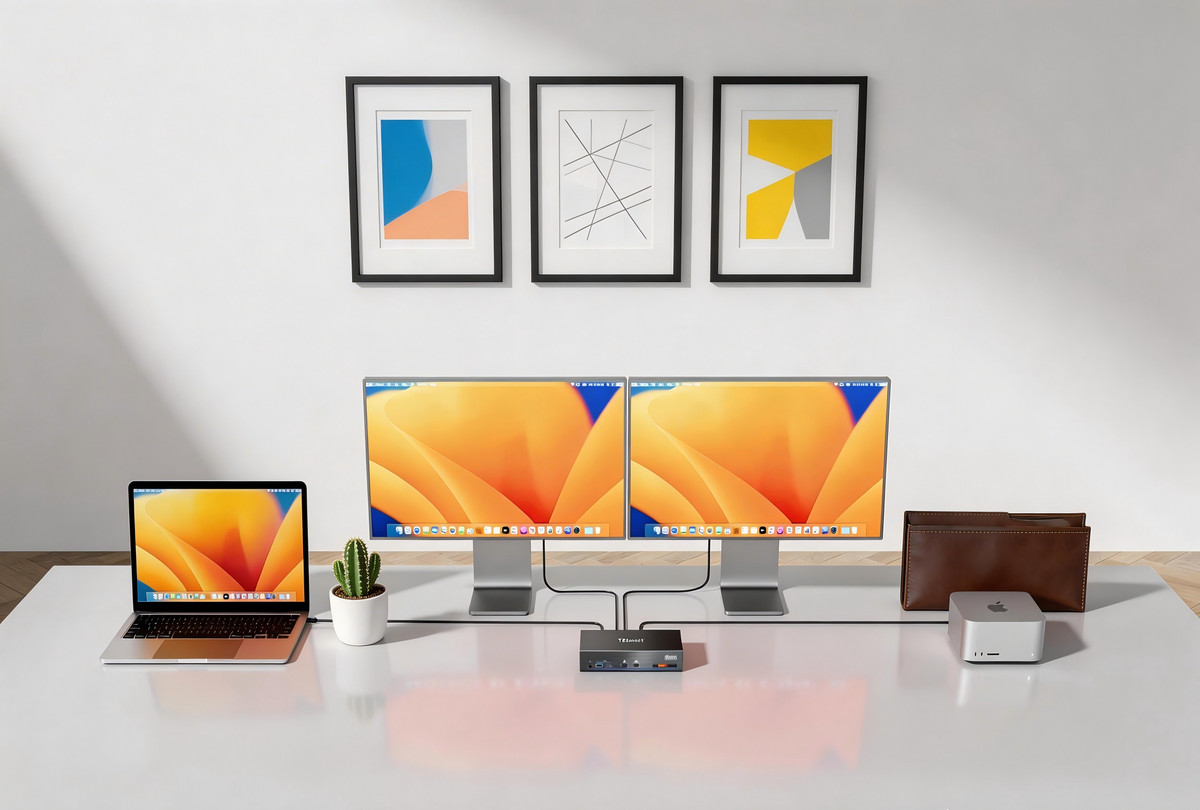
Read moreabout Apple Studio Display KVM Guide: Why Most KVM Switches Don’t Work and What to Look for in a Compatible Solution

How to Choose the Best KVM Switch for Apple Studio Display and Thunderbolt™ 4 Workflows
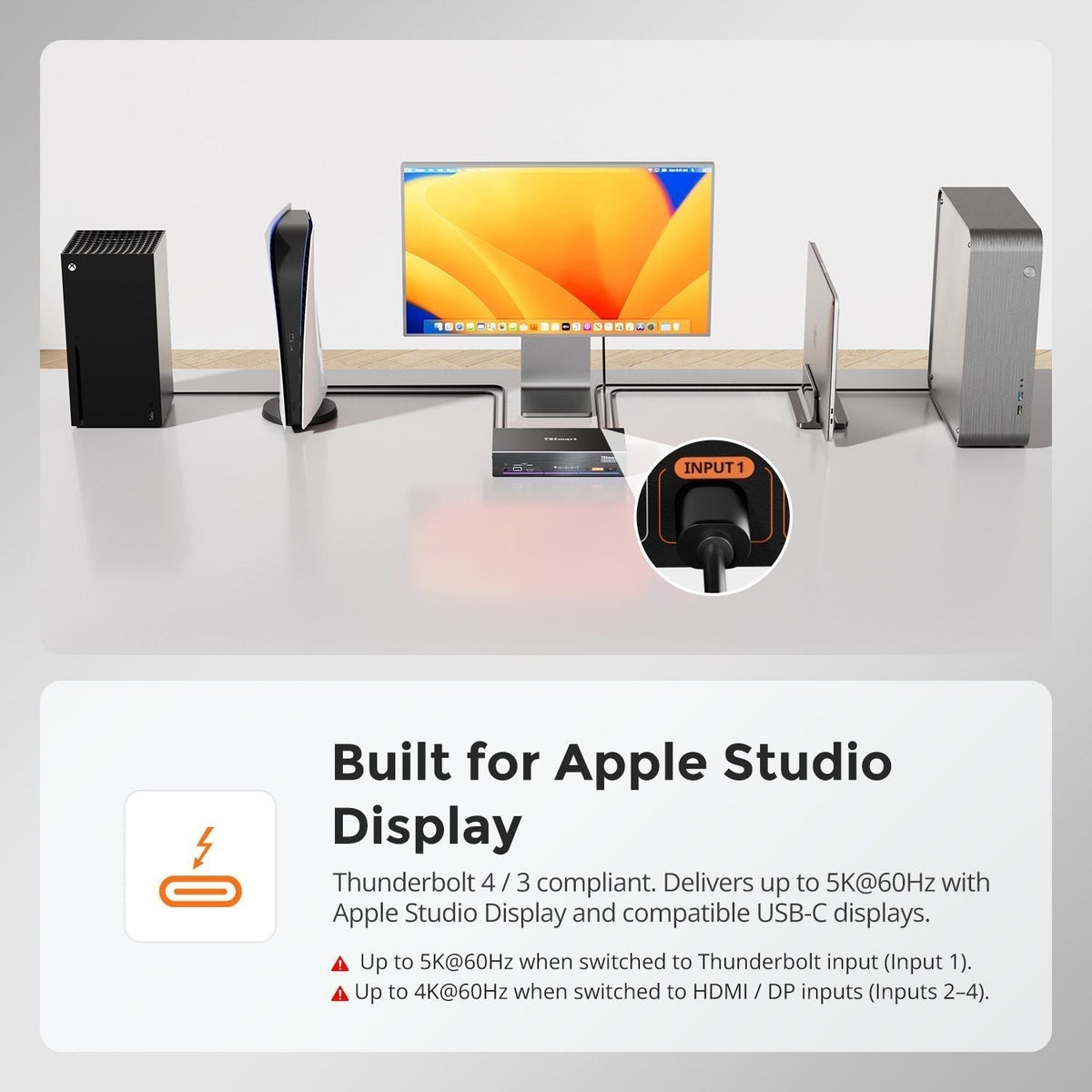
How to Choose the Best KVM Switch for Apple Studio Display and Thunderbolt™ 4 Workflows

KVM Switches for Apple Studio Display and Thunderbolt Workflows: A Practical Guide for Multi-Computer Workstations Table of Contents Introduction Common Multi-Computer Workflows for Apple Studio Display Why Apple Studio Display Needs a Different KVM Approach Using TKS202-X4 in Setups Built...

Read moreabout How to Choose the Best KVM Switch for Apple Studio Display and Thunderbolt™ 4 Workflows

How to Connect PS5 or Nintendo Switch to Apple Studio Display in a Multi-Device Desk Setup

How to Connect PS5 or Nintendo Switch to Apple Studio Display in a Multi-Device Desk Setup

TESmart THK401-X4 is a hardware-based Thunderbolt KVM switch that lets consoles, PCs, and Macs share a single premium Thunderbolt display. Unlike traditional USB capture or Mac-bridge setups, it delivers near-zero latency, native audio pass-through, and stable 4K@60Hz output with full HDR and HDCP support. By eliminating software dependencies, THK401-X4 ensures seamless switching between devices, perfect audio-video sync, and true Thunderbolt-native performance—ideal for gaming, streaming, and professional workflows. Connect multiple devices and maintain a clean, efficient, high-performance desk setup with one Thunderbolt cable.

Read moreabout How to Connect PS5 or Nintendo Switch to Apple Studio Display in a Multi-Device Desk Setup

TESmart Debuts at CES 2026, Unveiling the World’s First Thunderbolt™ 4 KVM for Retail: K22-DCX
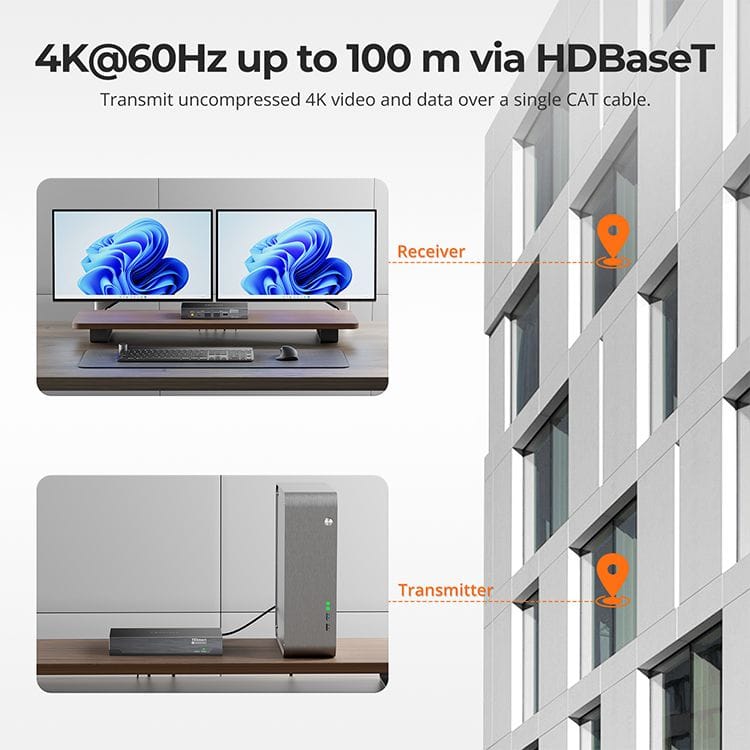
TESmart Debuts at CES 2026, Unveiling the World’s First Thunderbolt™ 4 KVM for Retail: K22-DCX

Every January, the global tech world turns its eyes to Las Vegas, USA—home to the International Consumer Electronics Show (CES). As the world’s largest and most influential consumer technology event, CES is not only a bellwether for technological innovation but...

Read moreabout TESmart Debuts at CES 2026, Unveiling the World’s First Thunderbolt™ 4 KVM for Retail: K22-DCX

DisplayLink + HDBaseT Dual-Screen Extension up to 100m – TESmart HKE10SS-PD25

DisplayLink + HDBaseT Dual-Screen Extension up to 100m – TESmart HKE10SS-PD25

Contents Introduction How DisplayLink Technology Works Combining DisplayLink with HDBaseT Extension Technical Flow Overview Why It Matters Key Features of TESmart HKE10SS-PD25 Typical Use Cases FAQ Conclusion DisplayLink Meets Extender: USB Connection + Cat6A Extension Enables 100m Dual-Screen Low-Latency Transmission...

Read moreabout DisplayLink + HDBaseT Dual-Screen Extension up to 100m – TESmart HKE10SS-PD25

🎁 BLACKFRIDAY has been copied to your clipboard!