

TESmart Knowledge Hub · KVM & Workspace Insights

Article

Practical guides, setup advice, product updates, and technical insights for building a better multi-computer workspace.
Thunderbolt 4 vs USB-C KVM: What Mac Users Should Actually Care About
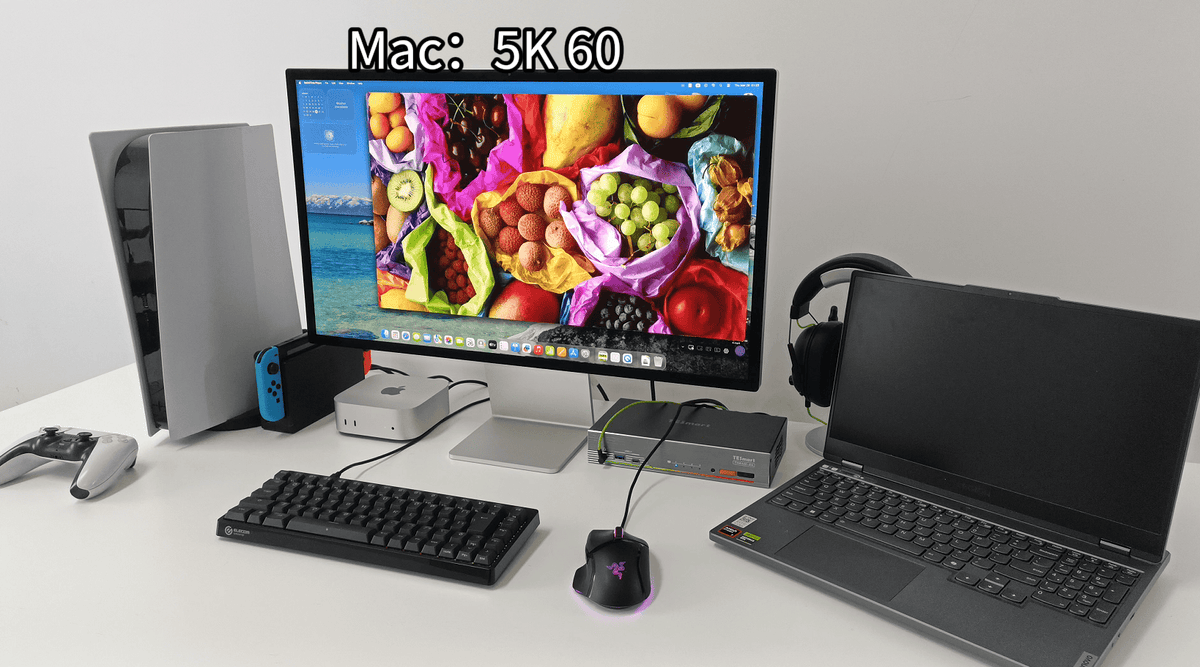
Thunderbolt 4 vs USB-C KVM: What Mac Users Should Actually Care About

Table of Contents Introduction What Mac Users Are Actually Trying to Solve Why USB-C KVM Works in Some Setups and Fails in Others What Changes in Thunderbolt-Based Workflows The Real Decision Point Which TESmart Setup Fits Different Mac Setups The...

Read moreabout Thunderbolt 4 vs USB-C KVM: What Mac Users Should Actually Care About

Choosing a KVM for Studio Display XDR: Why Standard HDMI/DP Logic Doesn’t Apply
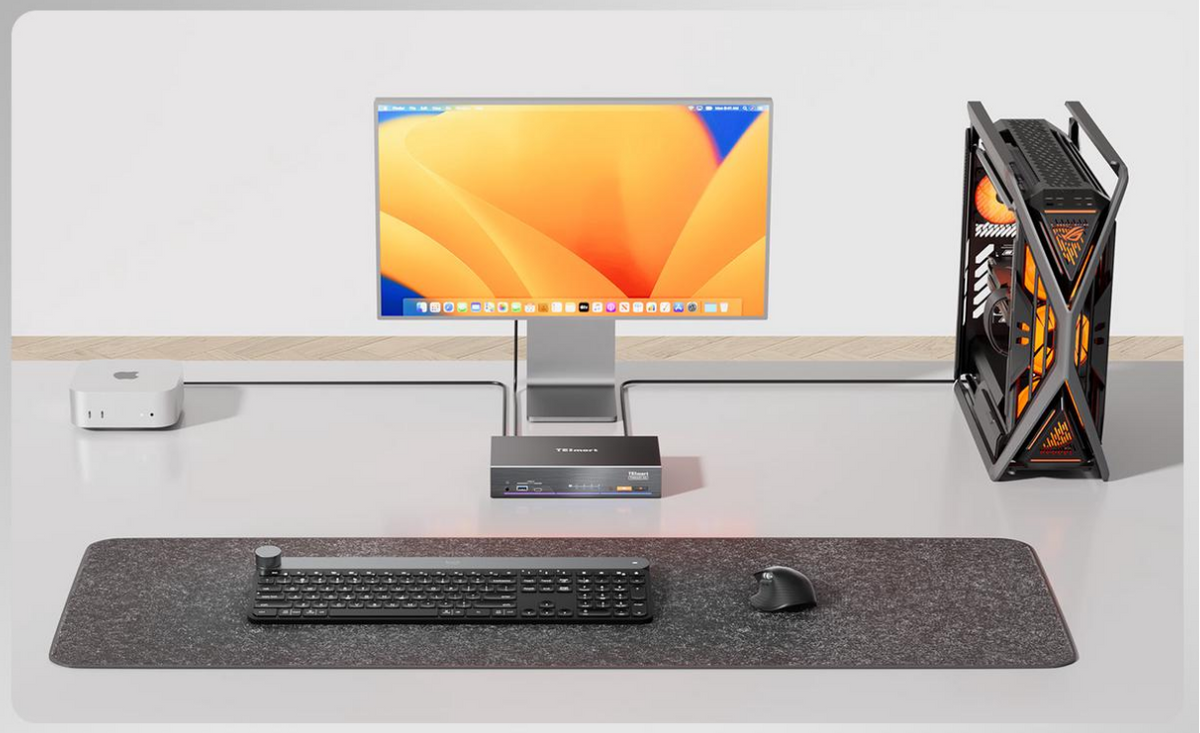
Choosing a KVM for Studio Display XDR: Why Standard HDMI/DP Logic Doesn’t Apply

Table of Contents Introduction The Real Issue Starts with Whether the Path Can Exist Why HDMI and DisplayPort Are Not Equivalent to Thunderbolt What a KVM Is Actually Switching Why Adding Adapters Is Rarely a Long-Term Answer What to Evaluate...

Read moreabout Choosing a KVM for Studio Display XDR: Why Standard HDMI/DP Logic Doesn’t Apply

How to Connect a Windows PC to the Apple Studio Display
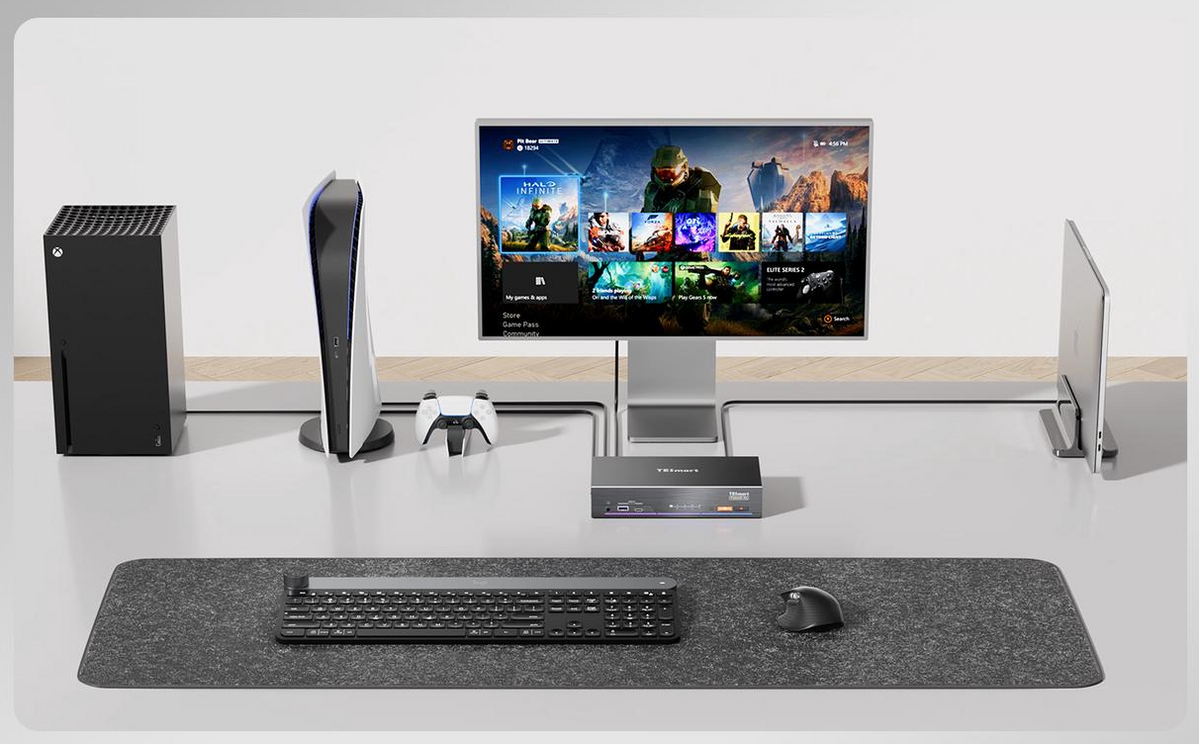
How to Connect a Windows PC to the Apple Studio Display

You’ve invested in the Apple Studio Display for its 5K Retina resolution, P3 wide color, and professional-grade audio. But when trying to connect a Windows PC to the Apple Studio Display, you’ll quickly hit a compatibility wall: the monitor only...

Read moreabout How to Connect a Windows PC to the Apple Studio Display

How to Connect PS5/Xbox/Switch to Pro Display XDR

How to Connect PS5/Xbox/Switch to Pro Display XDR

Are you using an Apple Pro Display XDR but unable to connect your PS5/PS4, Nintendo Switch, or Xbox due to its Thunderbolt™-only ports and lack of HDMI input? Have you compromised with high-latency capture cards, or endured 1080P downscaling and...

Read moreabout How to Connect PS5/Xbox/Switch to Pro Display XDR

Connect PS5/Xbox/Switch to Mac Studio Display via Thunderbolt™-compatible KVM
Connect PS5/Xbox/Switch to Mac Studio Display via Thunderbolt™-compatible KVM

The THK401-X4 KVM switch lets Apple Studio Display perfectly connect to PS5, Xbox, and Switch, delivering zero-lag 4K 60Hz gaming. Thunderbolt™ compatible, plug-and-play, no drivers required. Real-world tested, fully preserves native display features (camera, mic, six speakers). Supports daisy-chaining multiple Thunderbolt displays and intelligent KVM switching. Ideal for professionals seeking a single-screen hub for work and entertainment.

Read moreabout Connect PS5/Xbox/Switch to Mac Studio Display via Thunderbolt™-compatible KVM

TESmart Trade-In Program: A Smarter Way to Save on Your Next Upgrade
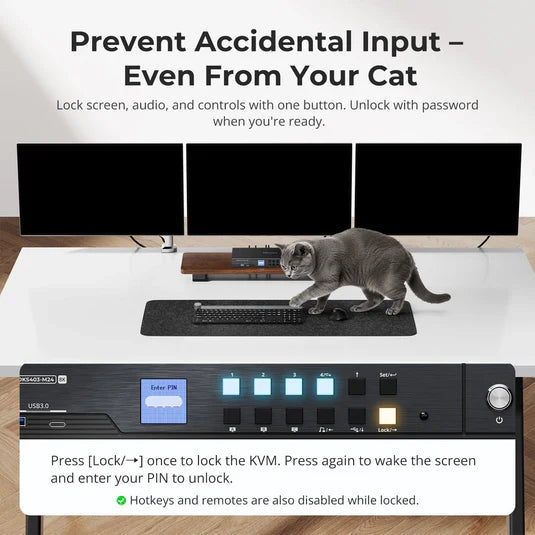
TESmart Trade-In Program: A Smarter Way to Save on Your Next Upgrade

Introduction At TESmart, we believe upgrading your setup should be practical, cost-effective, and flexible. Our Trade-In Program helps users apply the value of eligible old devices toward a new purchase, with savings of up to 50% off. This program is...

Read moreabout TESmart Trade-In Program: A Smarter Way to Save on Your Next Upgrade

Best KVM Switch for 4 Computers and Multiple Monitors
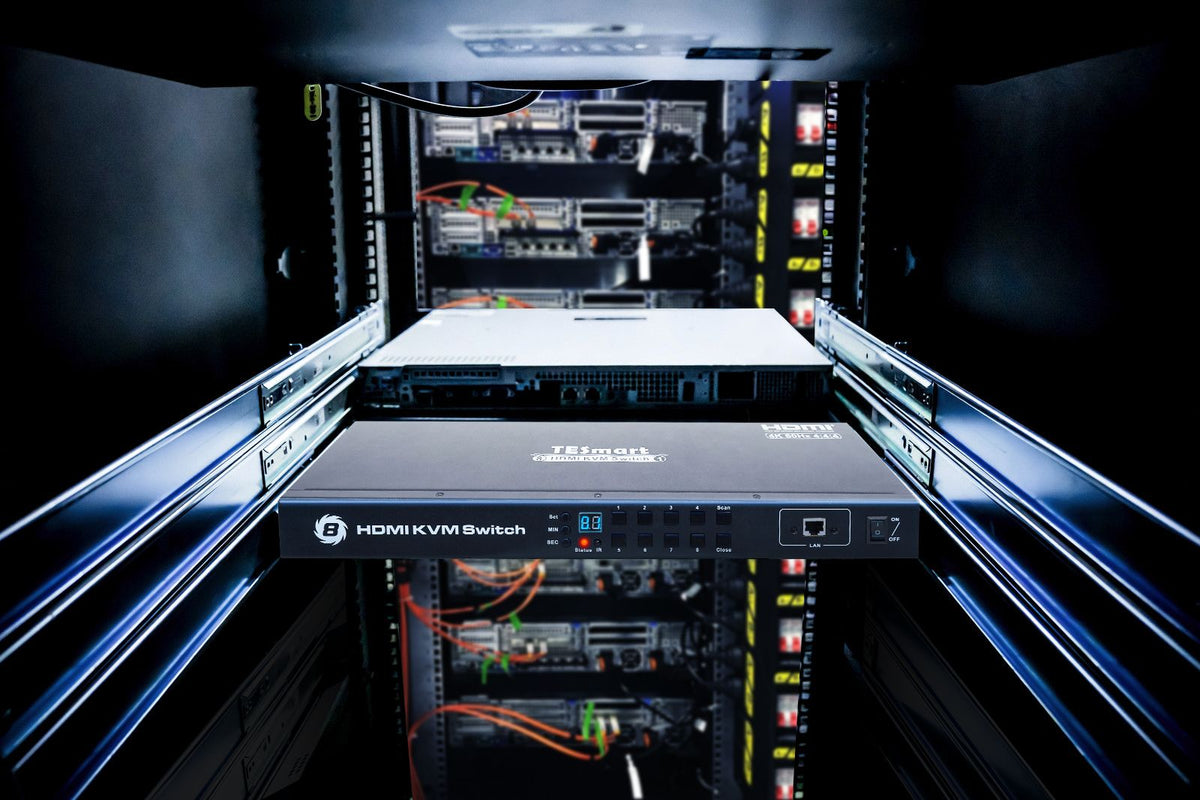
Best KVM Switch for 4 Computers and Multiple Monitors

Table of Contents Introduction Why This Type of KVM Matters High Resolution and High Refresh Rate Why DisplayPort Output Matters Why an EDID Emulator Matters Gigabit USB Network and Desk Integration Multiple Switching Methods for Daily Use Dual Monitor vs...

Read moreabout Best KVM Switch for 4 Computers and Multiple Monitors

OpenClaw Workstation Setup: Why Local AI Agents May Need Isolated PCs and KVM Control

OpenClaw Workstation Setup: Why Local AI Agents May Need Isolated PCs and KVM Control

  Table of Contents Introduction What Is OpenClaw and Why Does It Change Workstation Planning? Why Local AI Agent Workflows May Need Isolated PCs The Hardware Problem: Too Many Computers, Too Many Peripherals Why an 8x1 KVM Makes Sense for...

Read moreabout OpenClaw Workstation Setup: Why Local AI Agents May Need Isolated PCs and KVM Control
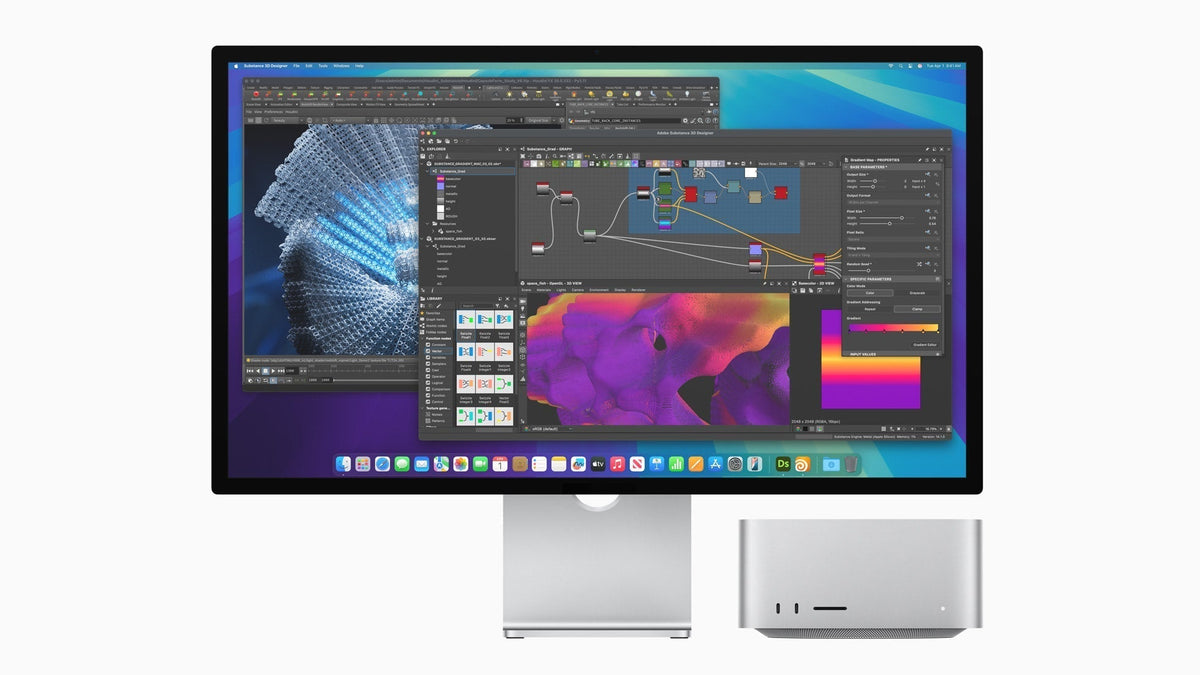
New Studio Display and Studio Display XDR Are Here — What Kind of KVM Do You Actually Need for Thunderbolt Workflows?

New Studio Display and Studio Display XDR Are Here — What Kind of KVM Do You Actually Need for Thunderbolt Workflows?

Table of Contents Introduction Apple’s New Display Family Raises a More Practical Question For One Apple Display Shared Across Mixed Devices, THK401-X4 Fits Naturally For a Dual-Display Studio Built Around thunderbolt Workflows, TKS202-X4 Fits a Different Role The Real KVM...

Read moreabout New Studio Display and Studio Display XDR Are Here — What Kind of KVM Do You Actually Need for Thunderbolt Workflows?

🎁 BLACKFRIDAY has been copied to your clipboard!