

TESmart Knowledge Hub · KVM & Workspace Insights

Article

Practical guides, setup advice, product updates, and technical insights for building a better multi-computer workspace.
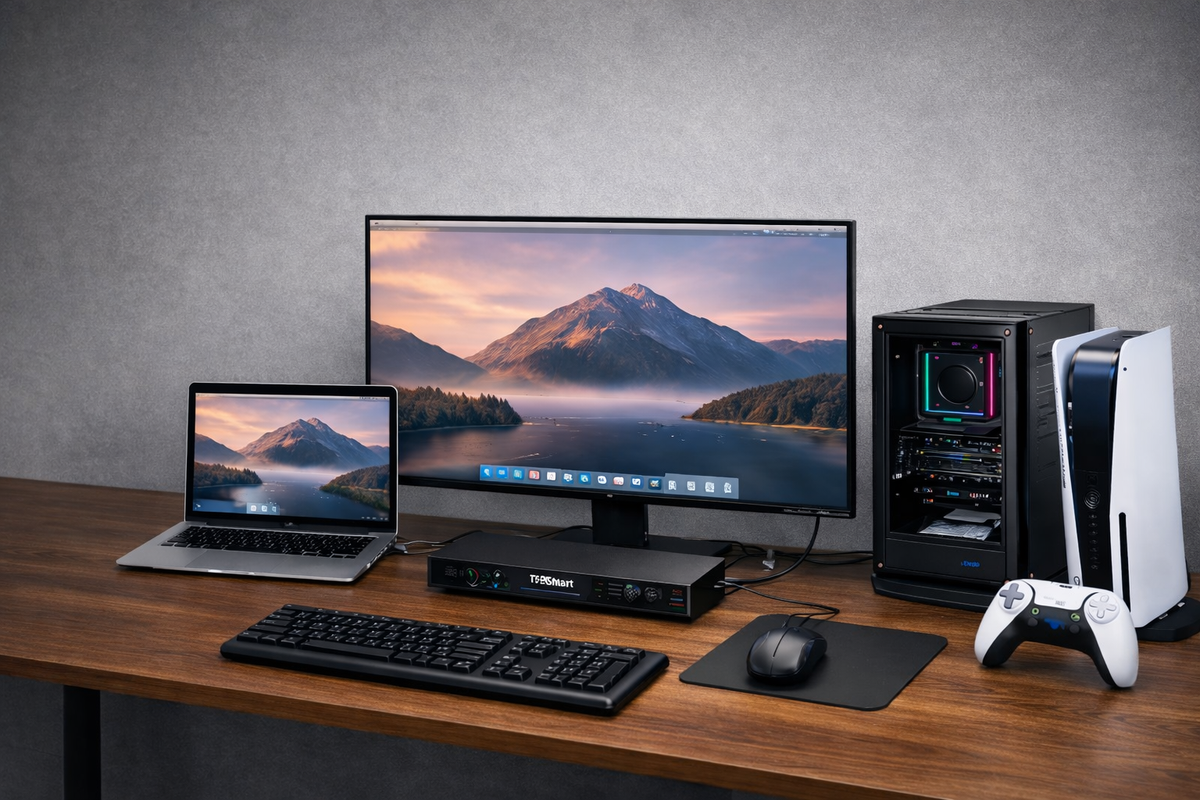
How THK401-X4 Fits a Real MacBook and Desktop Workspace
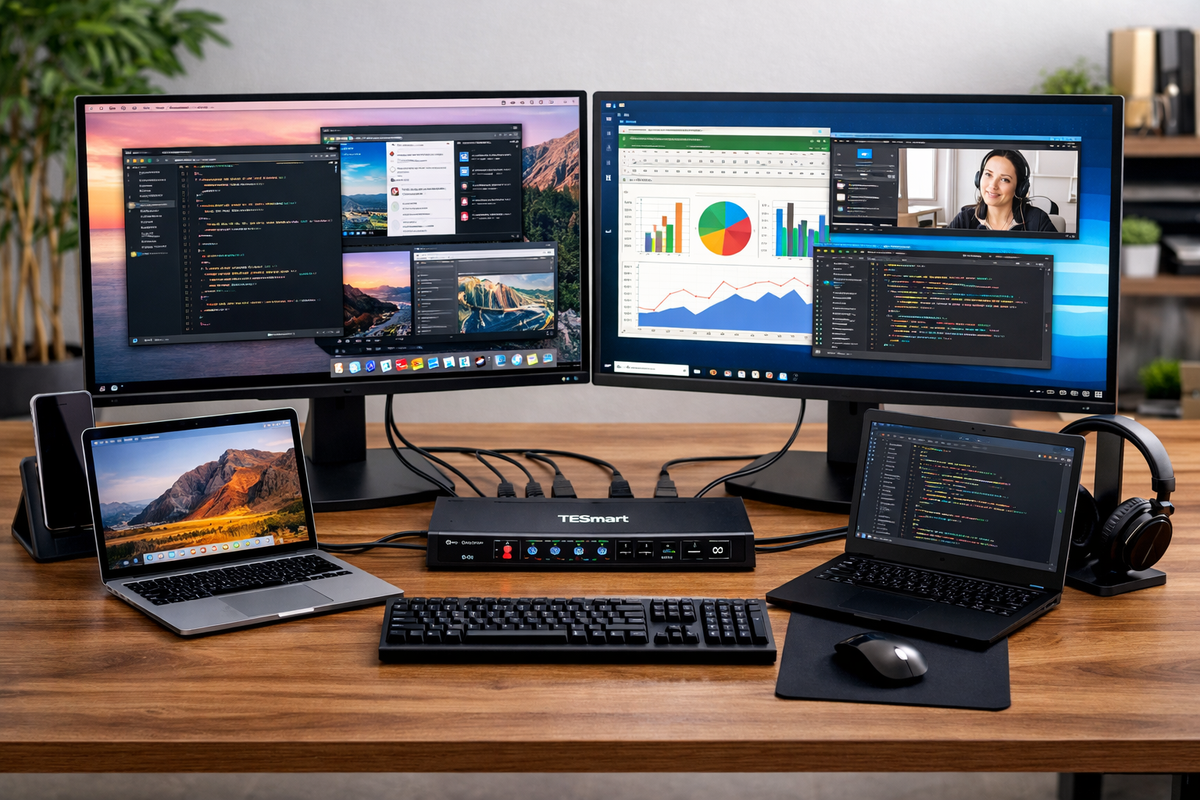
How THK401-X4 Fits a Real MacBook and Desktop Workspace

Table of Contents Introduction One Premium Display, More Than One Role Different Devices Need Different Connection Paths Extra HDMI Inputs Make the Desk More Flexible A Better KVM Improves the Whole Workspace Why THK401-X4 Makes Sense Conclusion Frequently Asked Questions...

Read moreabout How THK401-X4 Fits a Real MacBook and Desktop Workspace

MacBook Dual Monitor Setup Guide: Dock vs KVM for Multi-Device Desks
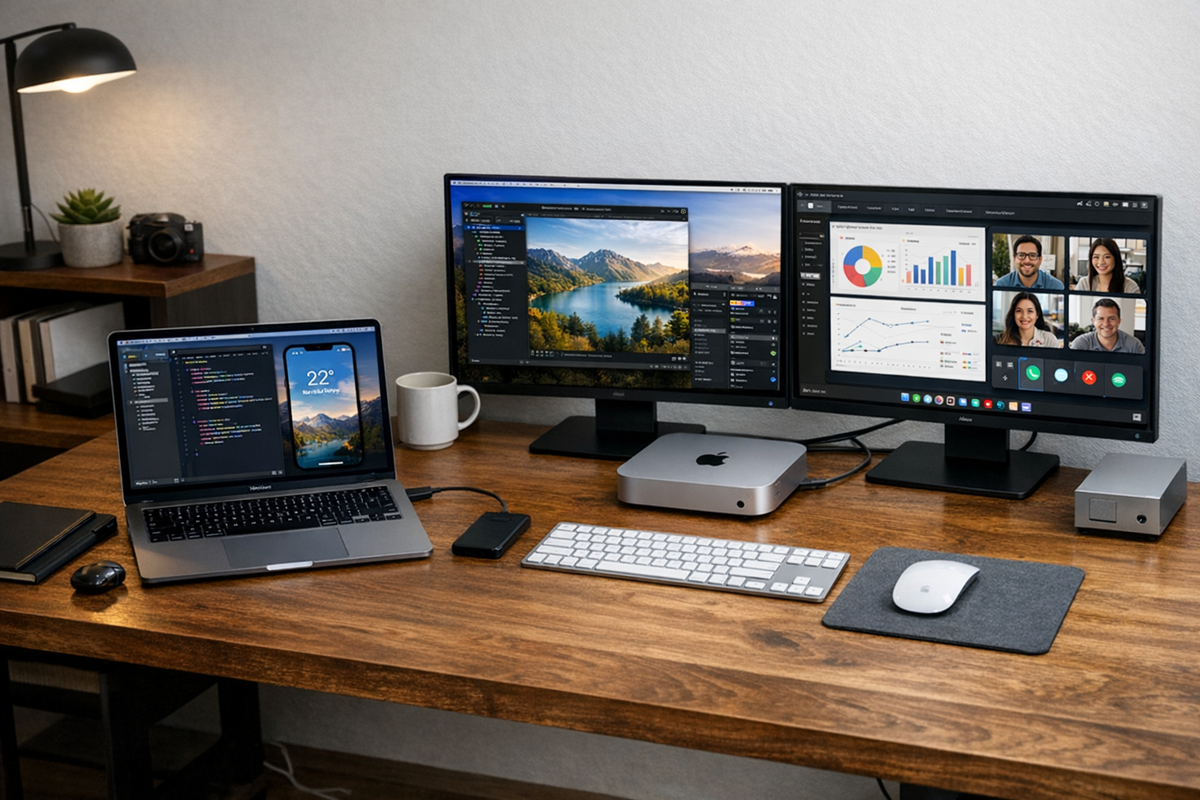
MacBook Dual Monitor Setup Guide: Dock vs KVM for Multi-Device Desks

  Table of Contents Introduction Quick Answer: Dock or KVM for a MacBook Dual Monitor Setup? Can a MacBook Support Two External Monitors? Start with the Way You Work Common MacBook Dual Monitor Setup Scenarios The Three Most Common Setup...

Read moreabout MacBook Dual Monitor Setup Guide: Dock vs KVM for Multi-Device Desks

Best KVM Switch for MacBook Dual Monitor Setup
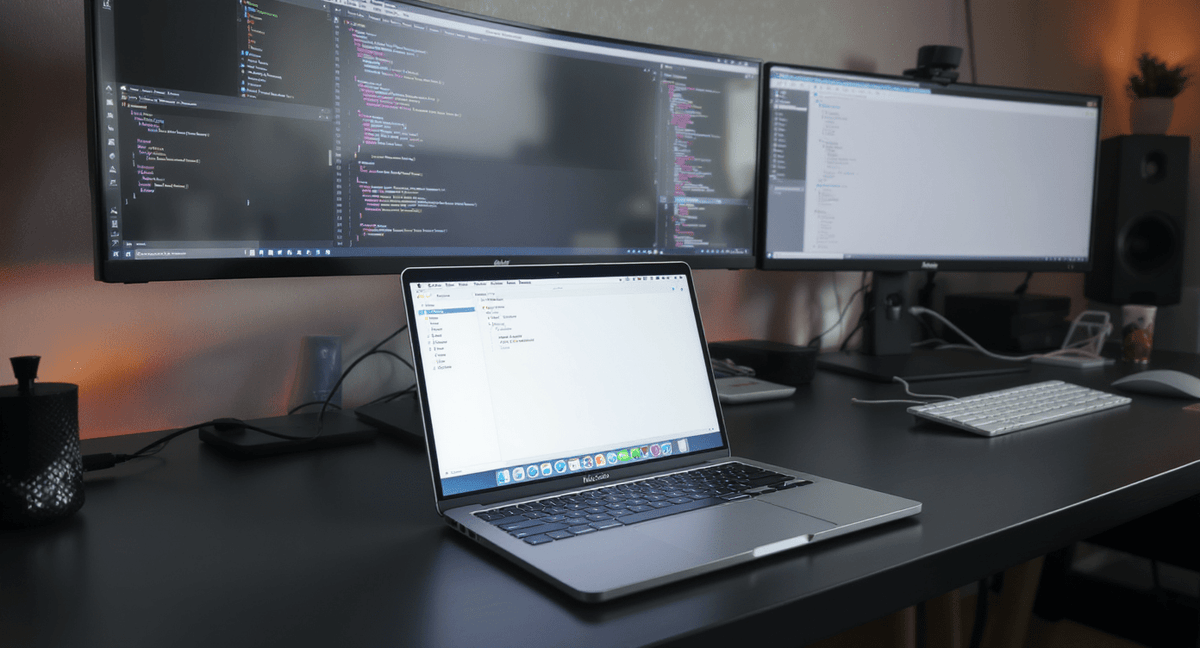
Best KVM Switch for MacBook Dual Monitor Setup

Table of Contents Introduction Why a MacBook Dual-Monitor Desk Often Needs More Than a Dock Who Benefits Most from a Dual-Monitor KVM Setup What to Look for in the Right KVM Switch How to Choose a KVM Based on Your...

Read moreabout Best KVM Switch for MacBook Dual Monitor Setup

How to Connect Multiple Monitors to a MacBook: HDMI, USB-C, Thunderbolt, and Dock Options
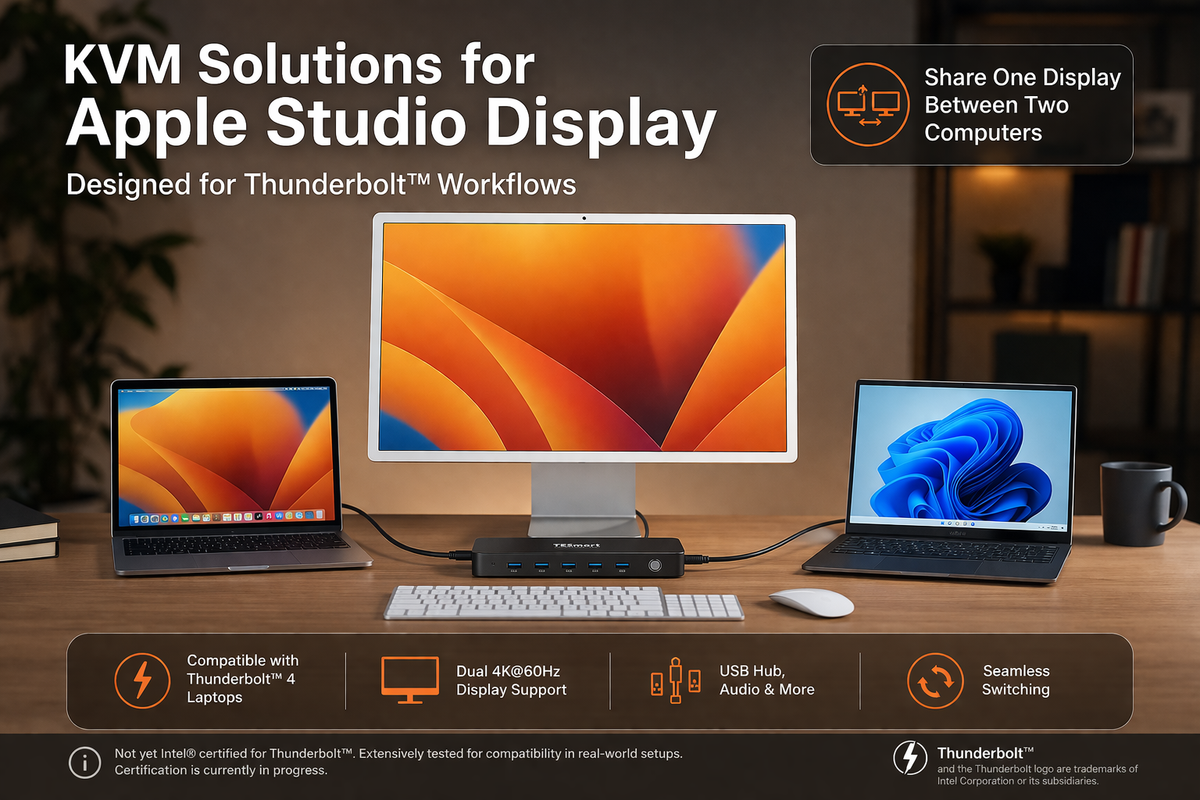
How to Connect Multiple Monitors to a MacBook: HDMI, USB-C, Thunderbolt, and Dock Options

Table of Contents Introduction Quick Answer: How Do You Connect Multiple Monitors to a MacBook? Can a MacBook Connect to Multiple External Monitors? Step 1: Check Your MacBook Model and Display Support Step 2: Choose the Right Connection Method Step...

Read moreabout How to Connect Multiple Monitors to a MacBook: HDMI, USB-C, Thunderbolt, and Dock Options

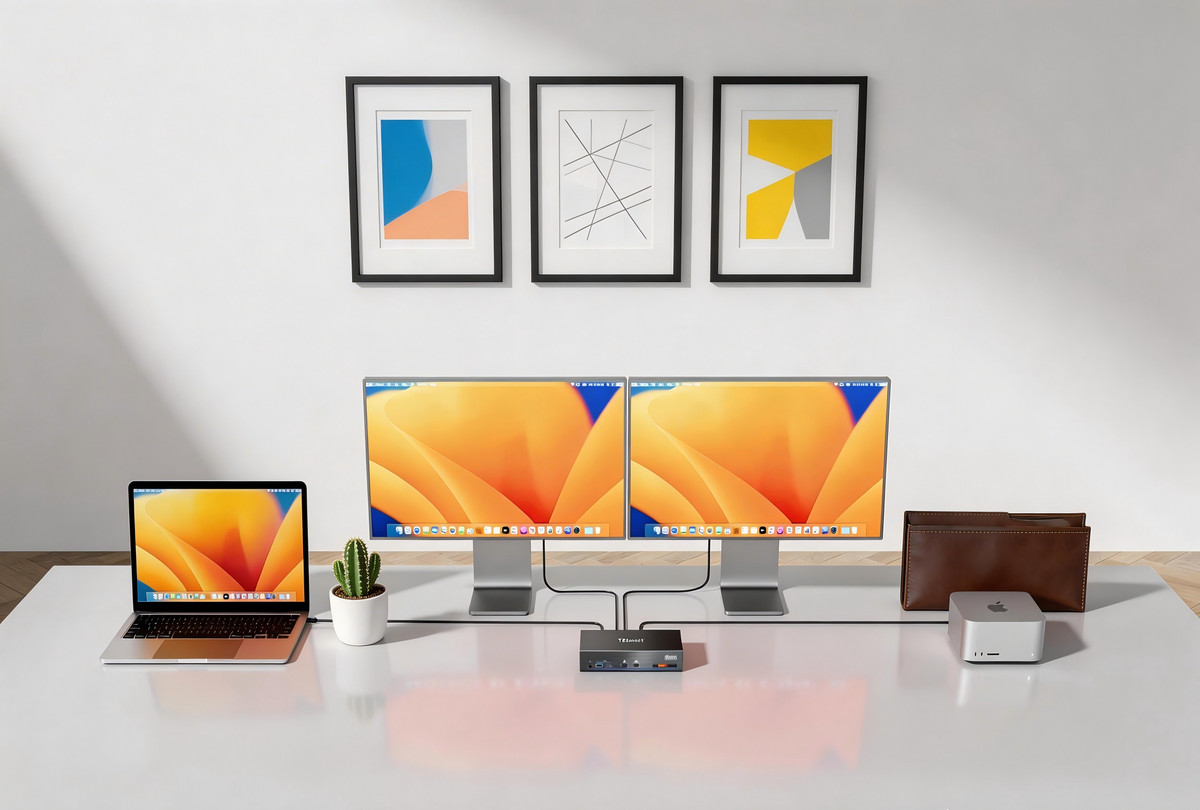
Apple Studio Display KVM Guide: Why Most KVM Switches Don’t Work and What to Look for in a Compatible Solution

Apple Studio Display KVM Guide: Why Most KVM Switches Don’t Work and What to Look for in a Compatible Solution

Choosing the right Thunderbolt KVM for Apple Studio Display or Pro Display XDR.
Read moreabout Apple Studio Display KVM Guide: Why Most KVM Switches Don’t Work and What to Look for in a Compatible Solution

How to Choose the Best KVM Switch for Apple Studio Display and Thunderbolt™ 4 Workflows
How to Choose the Best KVM Switch for Apple Studio Display and Thunderbolt™ 4 Workflows

KVM Switches for Apple Studio Display and Thunderbolt Workflows: A Practical Guide for Multi-Computer Workstations Table of Contents Introduction Common Multi-Computer Workflows for Apple Studio Display Why Apple Studio Display Needs a Different KVM Approach Using TKS202-X4 in Setups Built...

Read moreabout How to Choose the Best KVM Switch for Apple Studio Display and Thunderbolt™ 4 Workflows

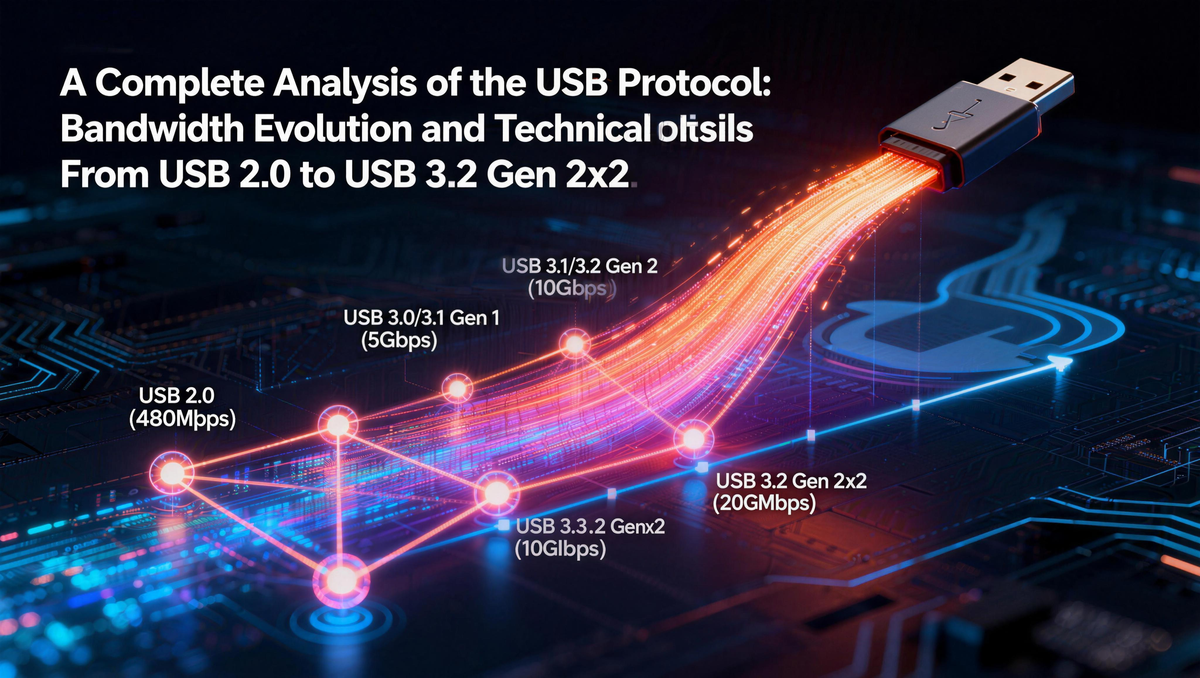
USB 3.2 Gen 1 vs Gen 2 vs Gen 2x2: Speed Guide
USB 3.2 Gen 1 vs Gen 2 vs Gen 2x2: Speed Guide

Table of Contents Introduction USB 5Gbps vs 10Gbps vs 20Gbps: Quick Comparison What Do USB 3.2 Gen 1, Gen 2 and Gen 2x2 Mean? Why USB Naming Became So Confusing Theoretical Bandwidth vs Real-World Transfer Speed Why Your USB Drive...

Read moreabout USB 3.2 Gen 1 vs Gen 2 vs Gen 2x2: Speed Guide

How to Connect PS5 or Nintendo Switch to Apple Studio Display in a Multi-Device Desk Setup

How to Connect PS5 or Nintendo Switch to Apple Studio Display in a Multi-Device Desk Setup

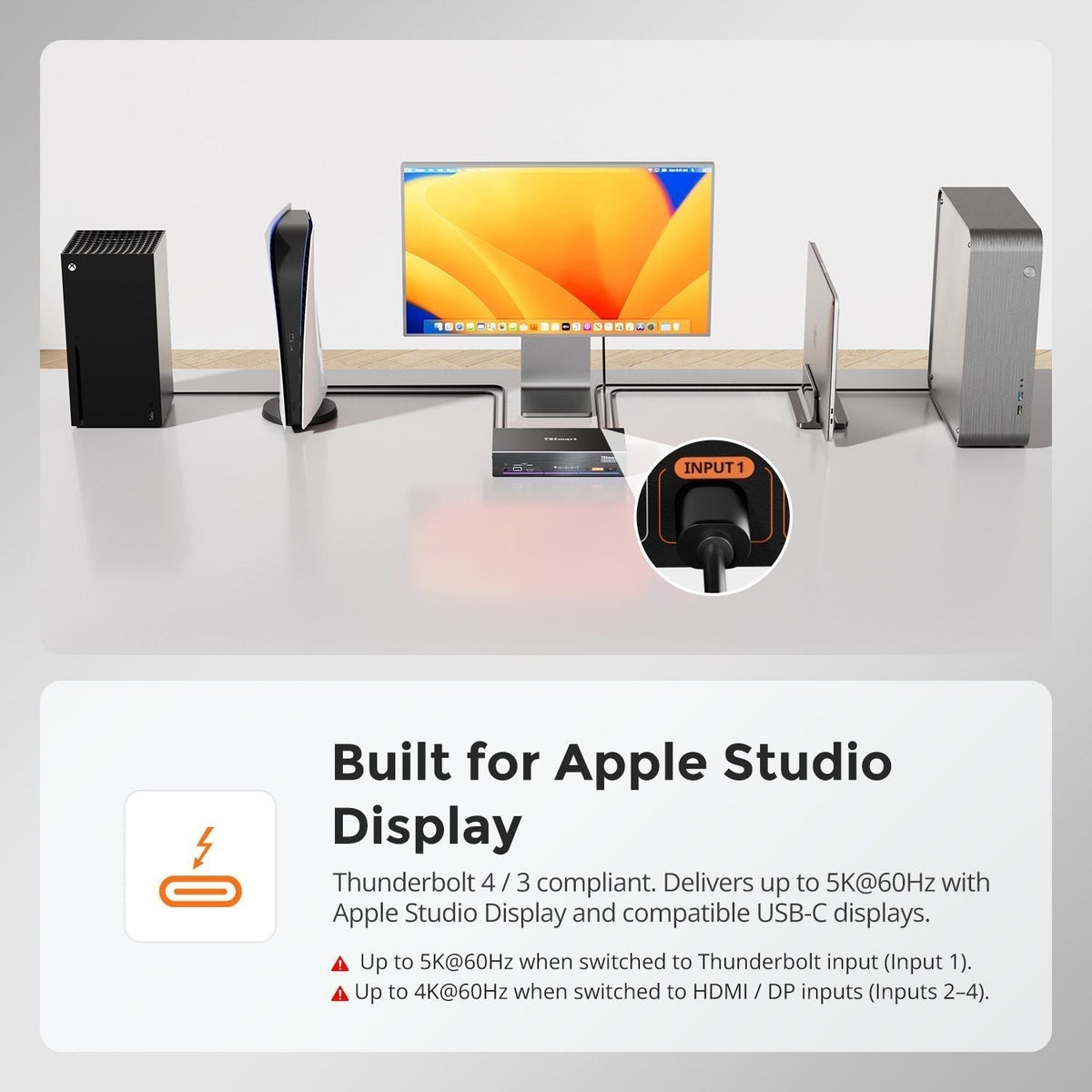
TESmart THK401-X4 is a hardware-based Thunderbolt KVM switch that lets consoles, PCs, and Macs share a single premium Thunderbolt display. Unlike traditional USB capture or Mac-bridge setups, it delivers near-zero latency, native audio pass-through, and stable 4K@60Hz output with full HDR and HDCP support. By eliminating software dependencies, THK401-X4 ensures seamless switching between devices, perfect audio-video sync, and true Thunderbolt-native performance—ideal for gaming, streaming, and professional workflows. Connect multiple devices and maintain a clean, efficient, high-performance desk setup with one Thunderbolt cable.
Read moreabout How to Connect PS5 or Nintendo Switch to Apple Studio Display in a Multi-Device Desk Setup

Why 8-Port and 16-Port 8K KVM Switches Are Hard to Build

Why 8-Port and 16-Port 8K KVM Switches Are Hard to Build

Discover why building 8-port & 16-port 8K KVM switches is an architectural challenge, not just a bandwidth limit. Learn how scalable design enables reliable multi-host 8K60 switching。

Read moreabout Why 8-Port and 16-Port 8K KVM Switches Are Hard to Build

🎁 BLACKFRIDAY has been copied to your clipboard!