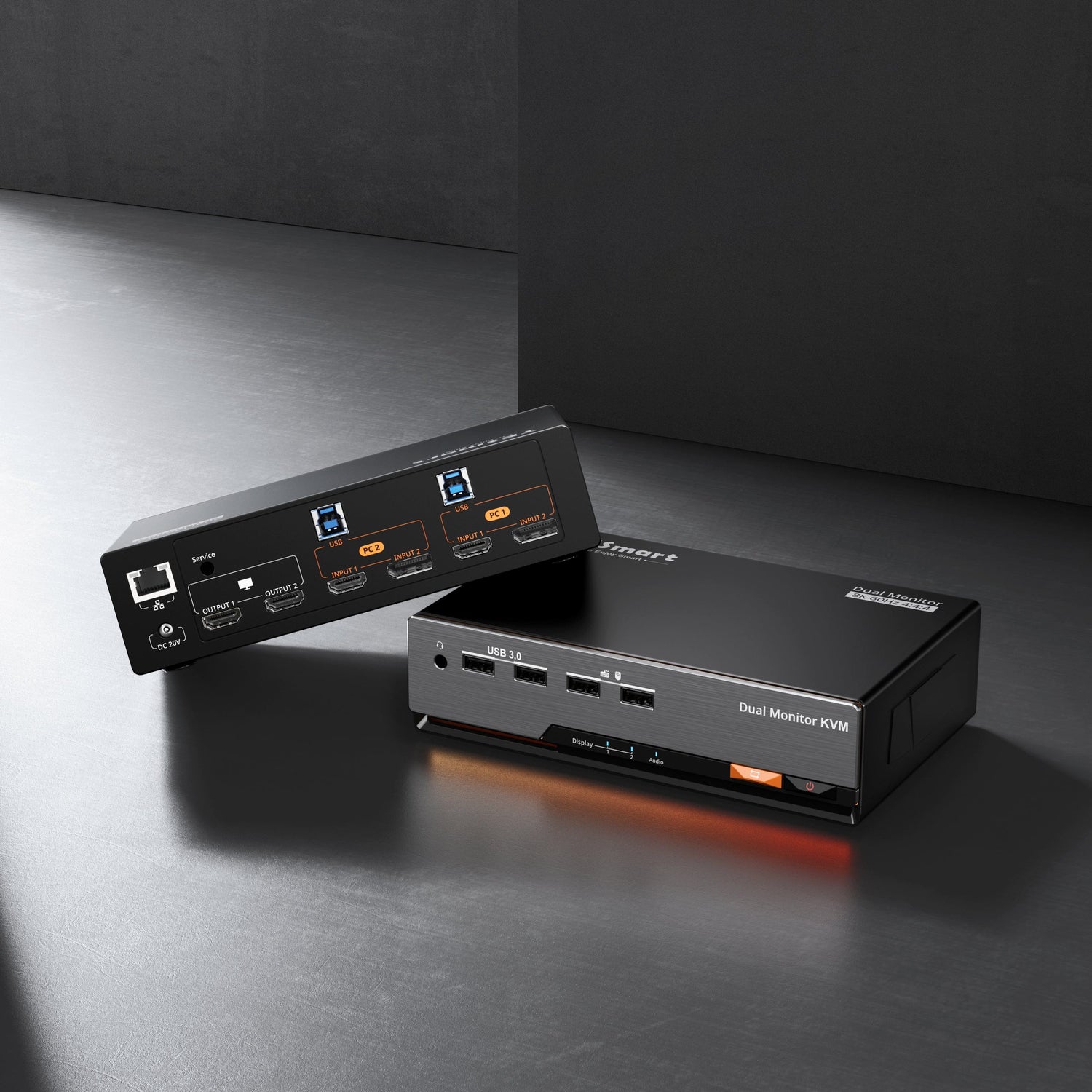
Table of Contents
- Introduction
- The Real Issue Starts with Whether the Path Can Exist
- Why HDMI and DisplayPort Are Not Equivalent to Thunderbolt
- What a KVM Is Actually Switching
- Why Adding Adapters Is Rarely a Long-Term Answer
- What to Evaluate First When Choosing a KVM
- Which TESmart Setup Fits Your Structure
- Why the Display Model Alone Is Not Enough
- Thunderbolt Compatibility Note
- FAQ
- Conclusion
Introduction
Studio Display XDR is not a standard monitor.
It relies on Thunderbolt as the host connection path rather than traditional HDMI or DisplayPort input. In a single-computer setup, that difference may not seem important. Once you want to share the display across multiple computers, however, it changes the entire KVM decision.
Most KVM switches are designed to switch HDMI or DisplayPort video. Studio Display XDR requires a complete host connection path built around Thunderbolt instead.
That is why standard HDMI/DP KVM logic does not apply when choosing a KVM for Studio Display XDR.
The Real Issue Starts with Whether the Path Can Exist
In this kind of setup, the first problem is not usually stability.
The first problem is whether the connection path can be established in the right way at all.
A standard HDMI/DP KVM is built to send output to a display that accepts HDMI or DisplayPort input. Studio Display XDR does not fit that model. It requires a Thunderbolt-based host connection.
That means:
there is no directly matching input path
it is not a default plug-and-play scenario
additional devices may be required just to attempt the connection
So the real question is not simply whether the picture is stable.
The real question is:
can a standard KVM output path actually create the connection this display requires?
Why HDMI and DisplayPort Are Not Equivalent to Thunderbolt
HDMI and DisplayPort are video output interfaces.
In a Studio Display XDR environment, Thunderbolt carries more than video. It is also part of the path for:
display signal
data transfer
device communication
This is not just about the image
Studio Display XDR is not only a display panel. It also includes integrated functions such as:
camera
microphone
speakers
rear USB-C expansion ports
Those functions depend on the data path between the host and the display.
If the switching design is built only around HDMI/DP video output, then even if an image can be established through a complex path, those integrated functions are much harder to preserve in a native, host-recognized way.
Bandwidth and display performance matter as well
This type of display is built around a high-bandwidth connection path.
Once the setup depends on intermediate conversion layers:
the display path may be split
bandwidth allocation becomes harder to control
high display performance and full data-path behavior become harder to preserve at the same time
So the issue is not only whether the display can light up.
It is whether the display can still behave like the device it was meant to be.
What a KVM Is Actually Switching
A traditional KVM is designed to switch:
video
USB peripherals
In a Studio Display XDR setup, that is no longer the full picture.
What really needs to be switched is:
the entire connection relationship between the host and the display
That is why the problem here is not simply “insufficient specs.”
It is a mismatch in the connection model itself.
Why Adding Adapters Is Rarely a Long-Term Answer
When the native path does not match, the most common response is to add more layers:
docks
adapter cables
hubs
multi-step connection chains
These setups may appear workable in the short term, but they introduce structural problems over time.
Signal-path risk
lower signal integrity
more dependency on multiple devices
more possible points of failure
More complicated detection and negotiation
In multi-layer connection chains:
display capability detection becomes more complex
negotiation between the host and display becomes less direct
intermediate devices may alter or hide part of the information being passed through
That leads to:
less predictable compatibility
inconsistent behavior
harder troubleshooting
These are not isolated device problems. They come from the structure of the path itself.
What to Evaluate First When Choosing a KVM
In this scenario, the decision order should be:
1. Does the connection path actually work for the display?
2. Does it avoid unnecessary conversion layers?
3. Only then should you compare specs such as resolution, refresh rate, and port count.
In other words, structure comes before specs.
Which TESmart Setup Fits Your Structure
When Studio Display XDR is part of the desk, the correct KVM choice depends on the input structure, not just the display itself.
Scenario 1: Multiple HDMI/DP source devices + one Studio Display XDR
If your setup includes:
multiple HDMI/DP output devices
one Studio Display XDR
THK401-X4 is the better fit for that structure.
It is more suitable for:
bringing multiple video input types into one switching environment
using a single display as the output center
sharing one display across multiple devices in a more organized way
Scenario 2: Two Thunderbolt source devices + dual-display workflow
If your setup includes:
two Thunderbolt-based computers
two displays
a need to switch a complete desktop environment
TKS202-X4 is the better fit for that structure.
It is more suitable for:
desk environments built around Thunderbolt workflows
synchronized dual-display switching
maintaining a more consistent connection path across the whole setup
Why the Display Model Alone Is Not Enough
Studio Display XDR determines one important thing:
you must account for a Thunderbolt-based connection path
But it does not determine the final KVM by itself.
The real deciding factors are:
source interface type
number of displays
overall desk structure
Thunderbolt Compatibility Note
Compatible with Thunderbolt™ 4 — Transparent Notice
Designed for Thunderbolt™ 4 laptop workflows, including devices such as MacBook Pro, and validated in multi-computer desktop environments to support stable display output and reliable peripheral switching.
Not yet Intel® certified for Thunderbolt™, but validated for compatibility across common Thunderbolt™ workflows. Certification is currently in progress.
FAQ
Can I use a regular HDMI KVM with Studio Display XDR?
Not as a normal plug-and-play setup. A standard HDMI KVM is designed for displays that accept HDMI input, while Studio Display XDR requires a Thunderbolt-based host connection path.
Is the problem only about getting video output?
No. The issue is broader than image output. Studio Display XDR also depends on the data path that supports integrated device functions and the overall host-to-display relationship.
Why is an adapter chain usually not the best long-term answer?
Because each added layer increases complexity, compatibility uncertainty, and troubleshooting difficulty. Even if a temporary path can be built, it is usually harder to keep stable over time.
How do I decide between THK401-X4 and TKS202-X4?
Start with your source-device structure. If you are managing multiple HDMI/DP devices into one Studio Display XDR workflow, THK401-X4 is the better fit. If you are switching between two Thunderbolt-based source devices in a dual-display environment, TKS202-X4 is the better fit.
Does the display model alone determine the KVM?
No. Studio Display XDR changes the connection requirement, but the final KVM choice still depends on source interface type, display count, and the overall desk structure.
Conclusion
Studio Display XDR changes the KVM decision because it changes the connection model.
That is why the right question is not simply which KVM has the most ports or the highest spec sheet. The right question is whether the switching path actually matches the display’s required connection structure.
Once that part is clear, the choice between THK401-X4 and TKS202-X4 becomes much easier to make.