


BF 10% OFF
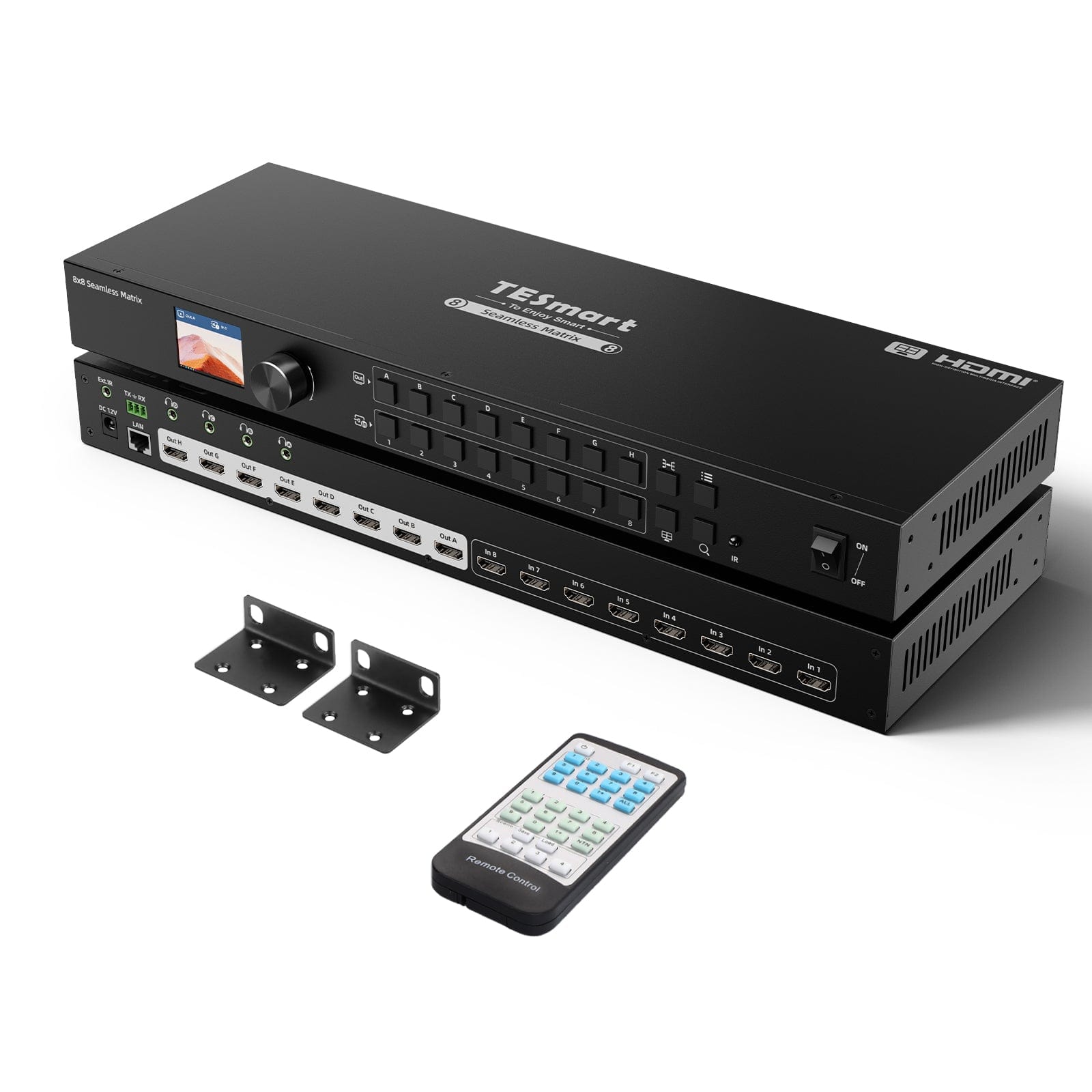
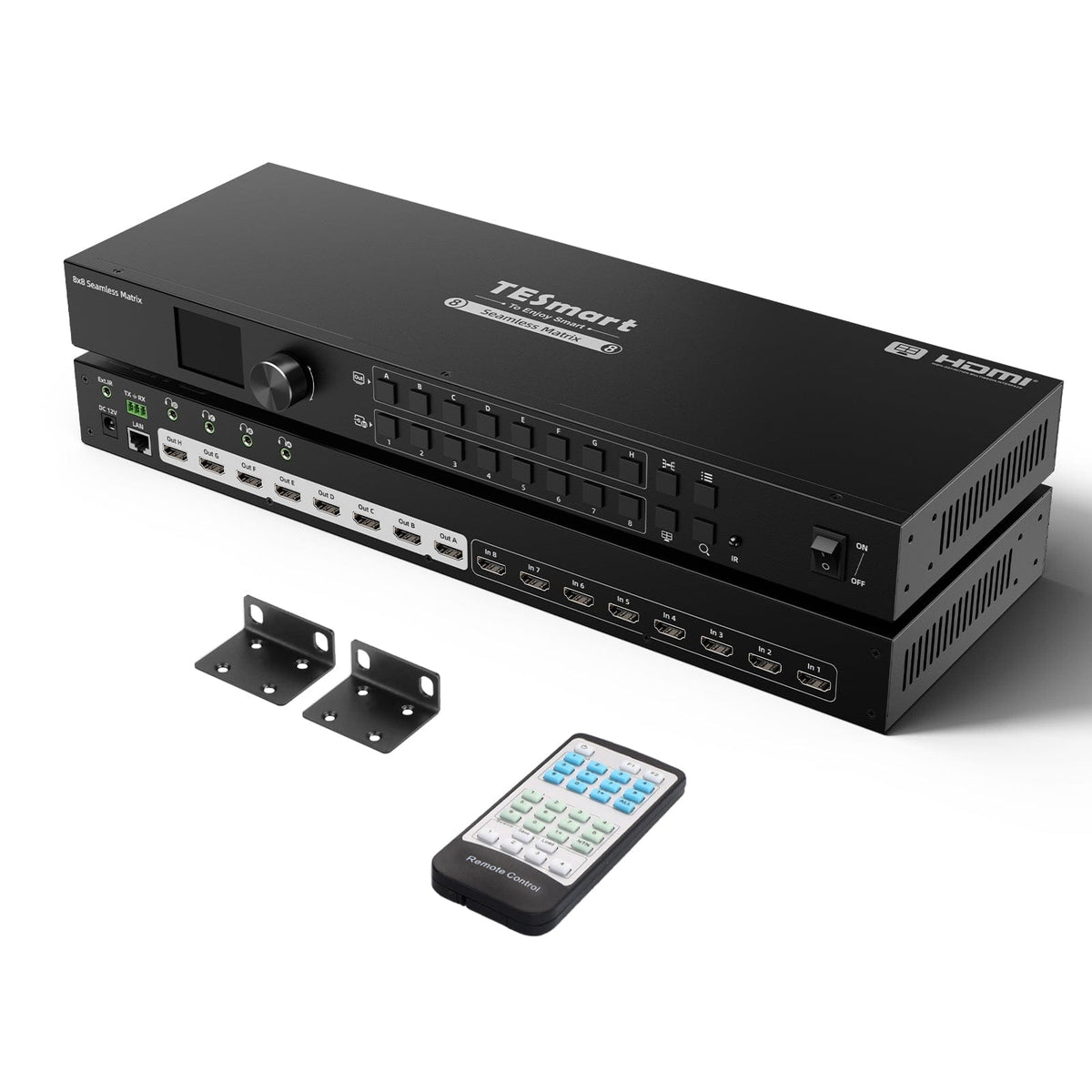
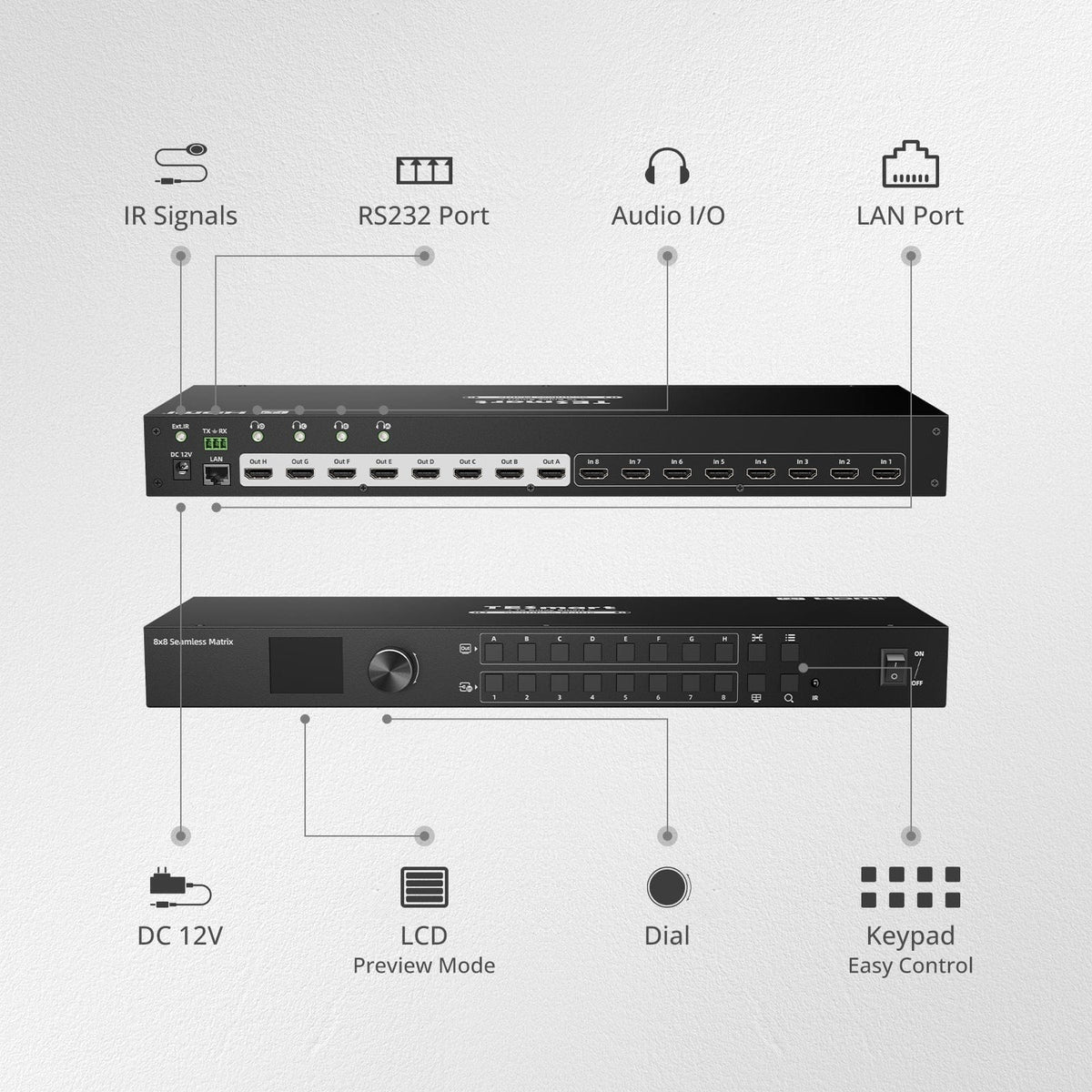
8 × 8 HDMI Matrix
8 × 8 HDMI Matrix

Display Routing

1080p60
1080p60

Max Display Output

EDID Management
EDID Management

Display Control

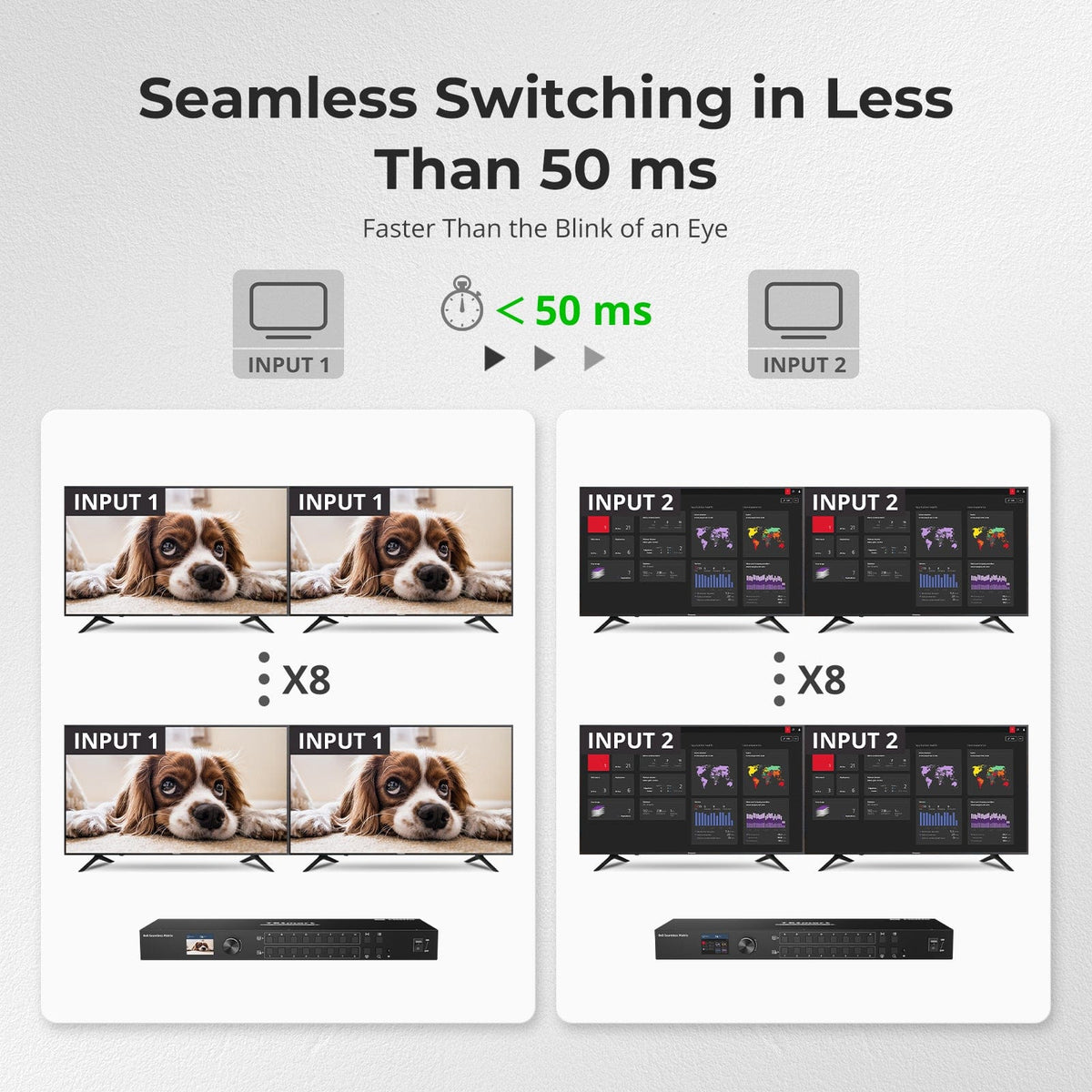
Seamless Switching
Seamless Switching

Video Switching

Quad-View
Quad-View

Display Mode

Front-Panel Preview
Front-Panel Preview

Live Preview

Sold Out
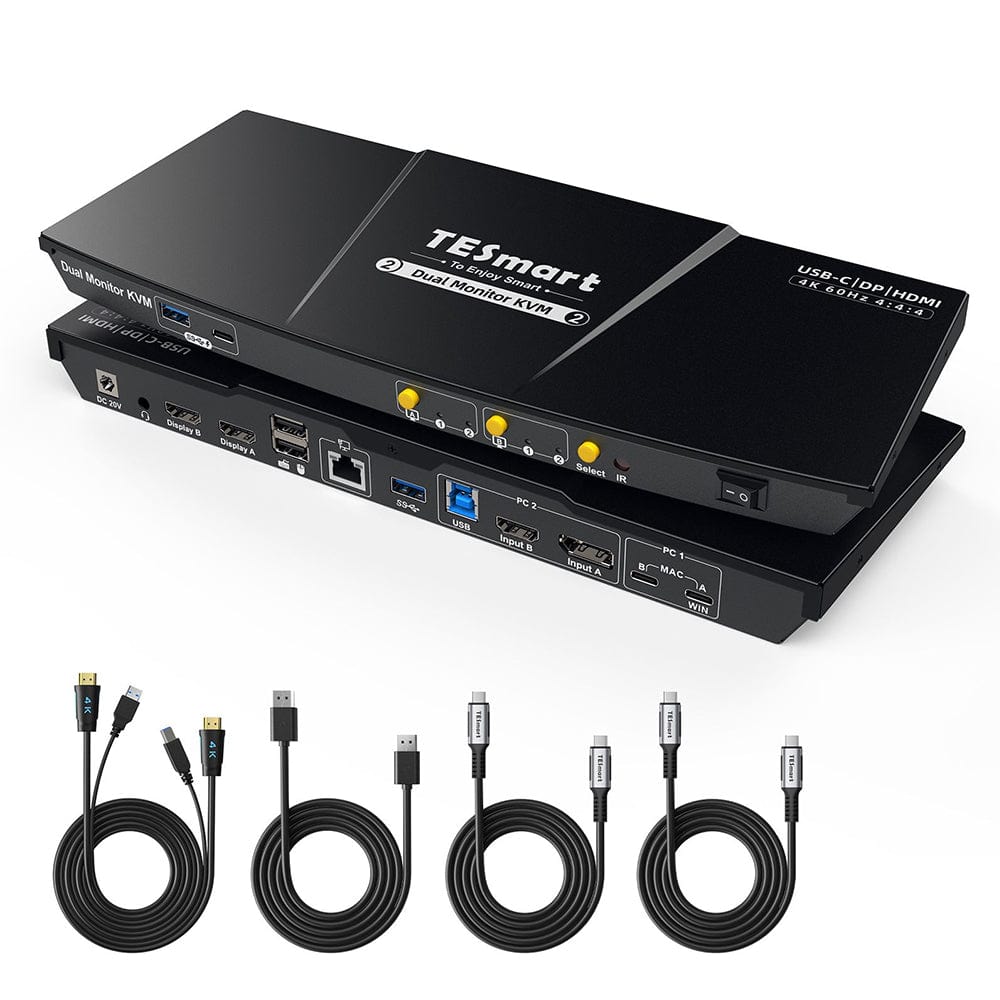
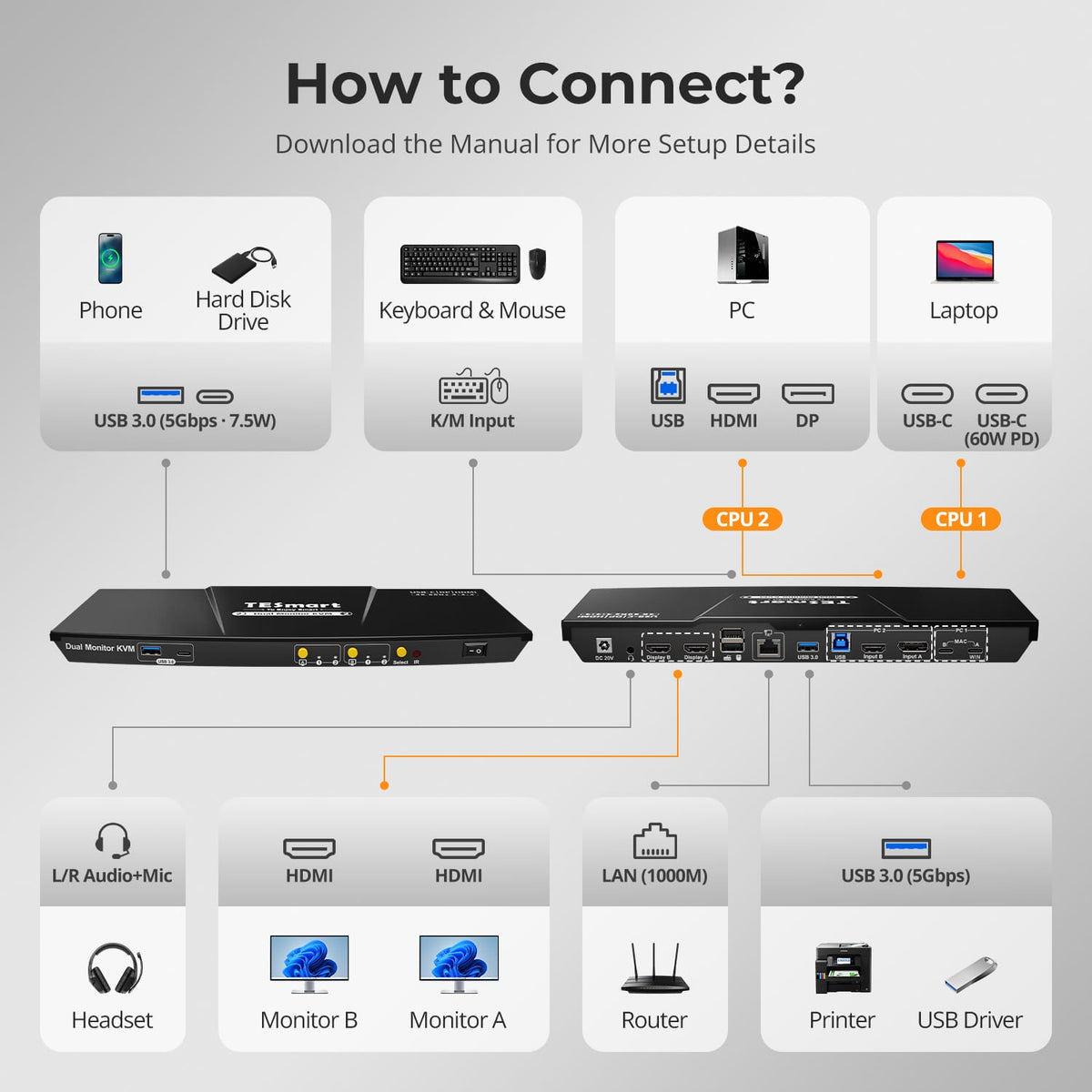
2 Computers × 2 Displays

Display Setup

4K60
4K60

Max Display Output

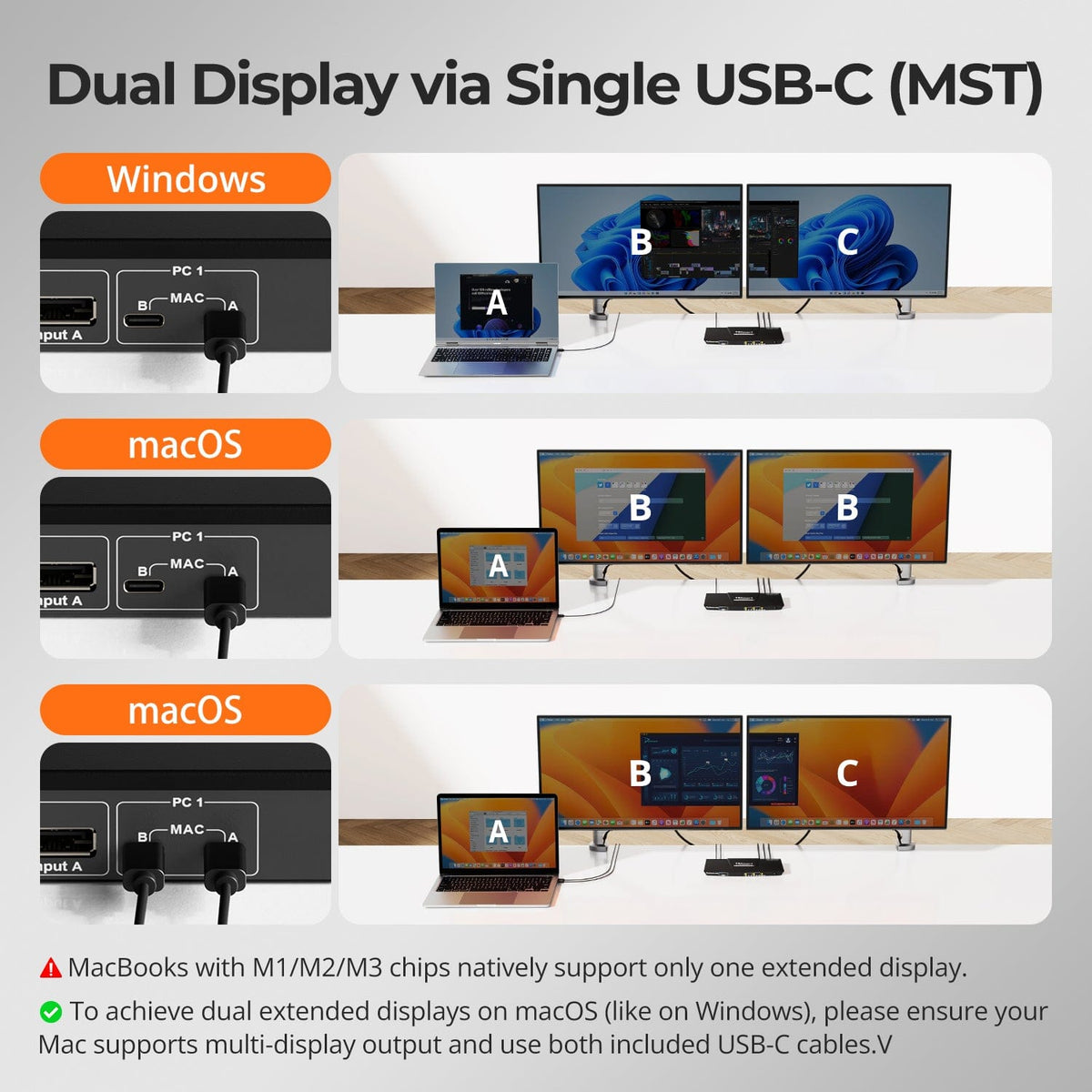
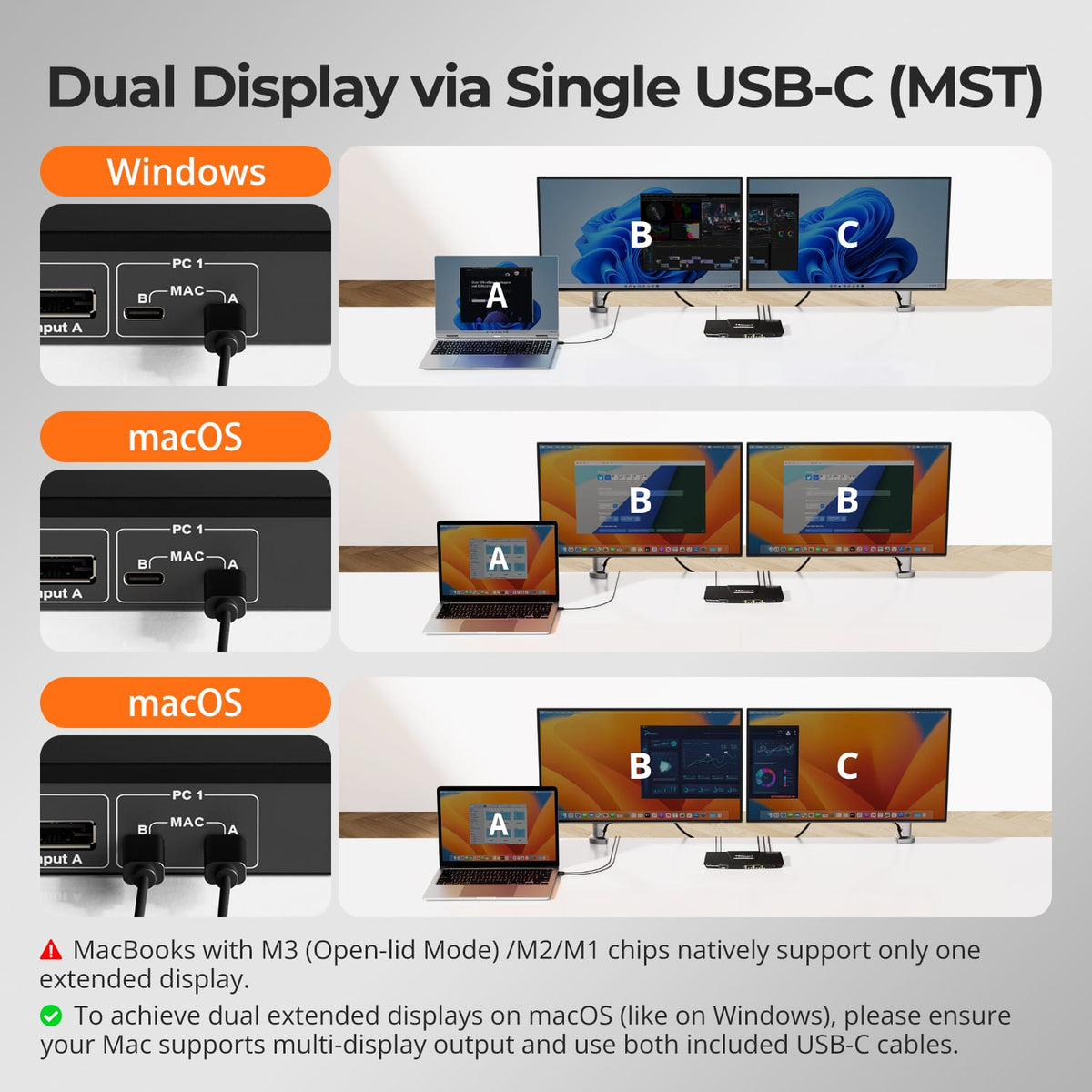
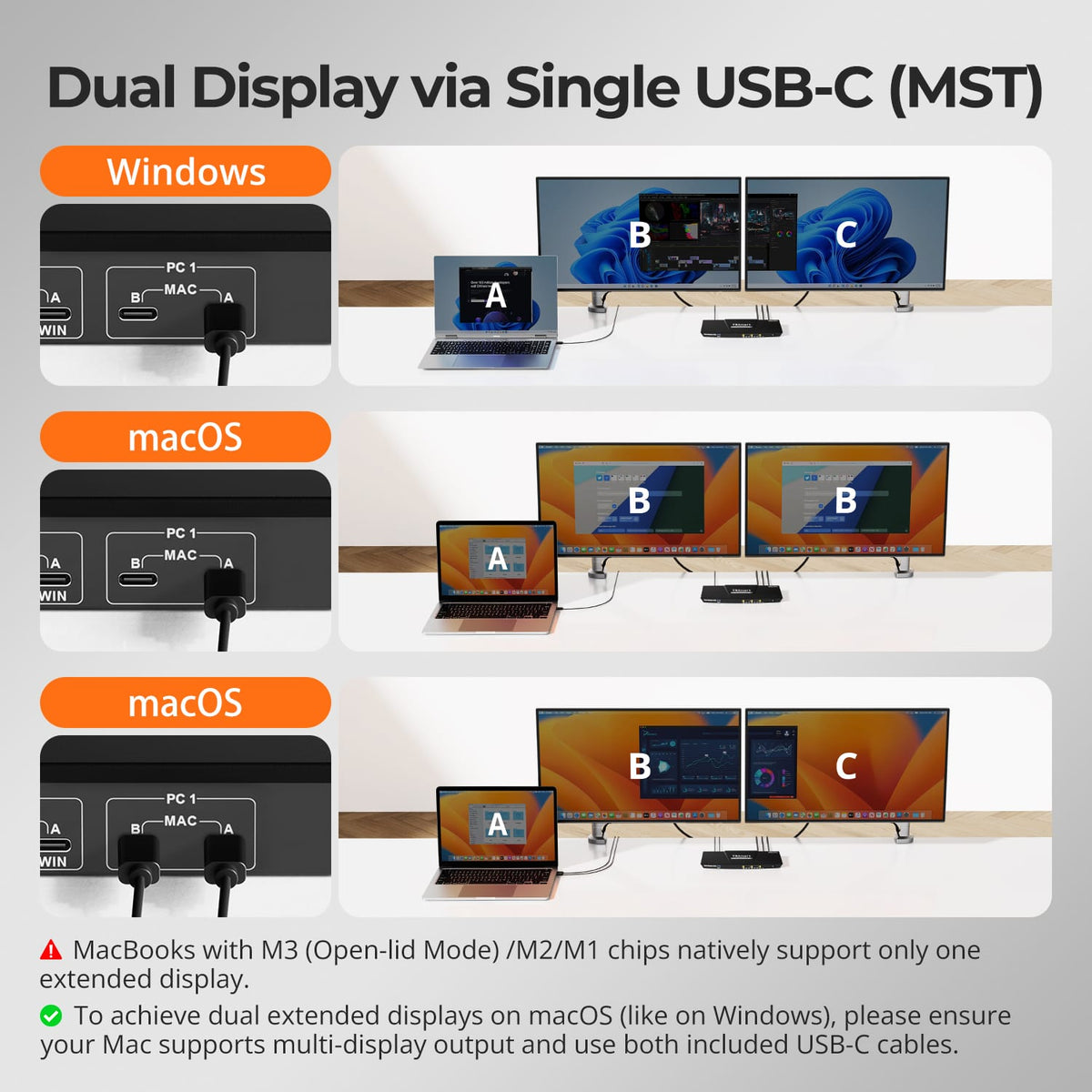
MST Multi-Monitor
MST Multi-Monitor

Display Technology

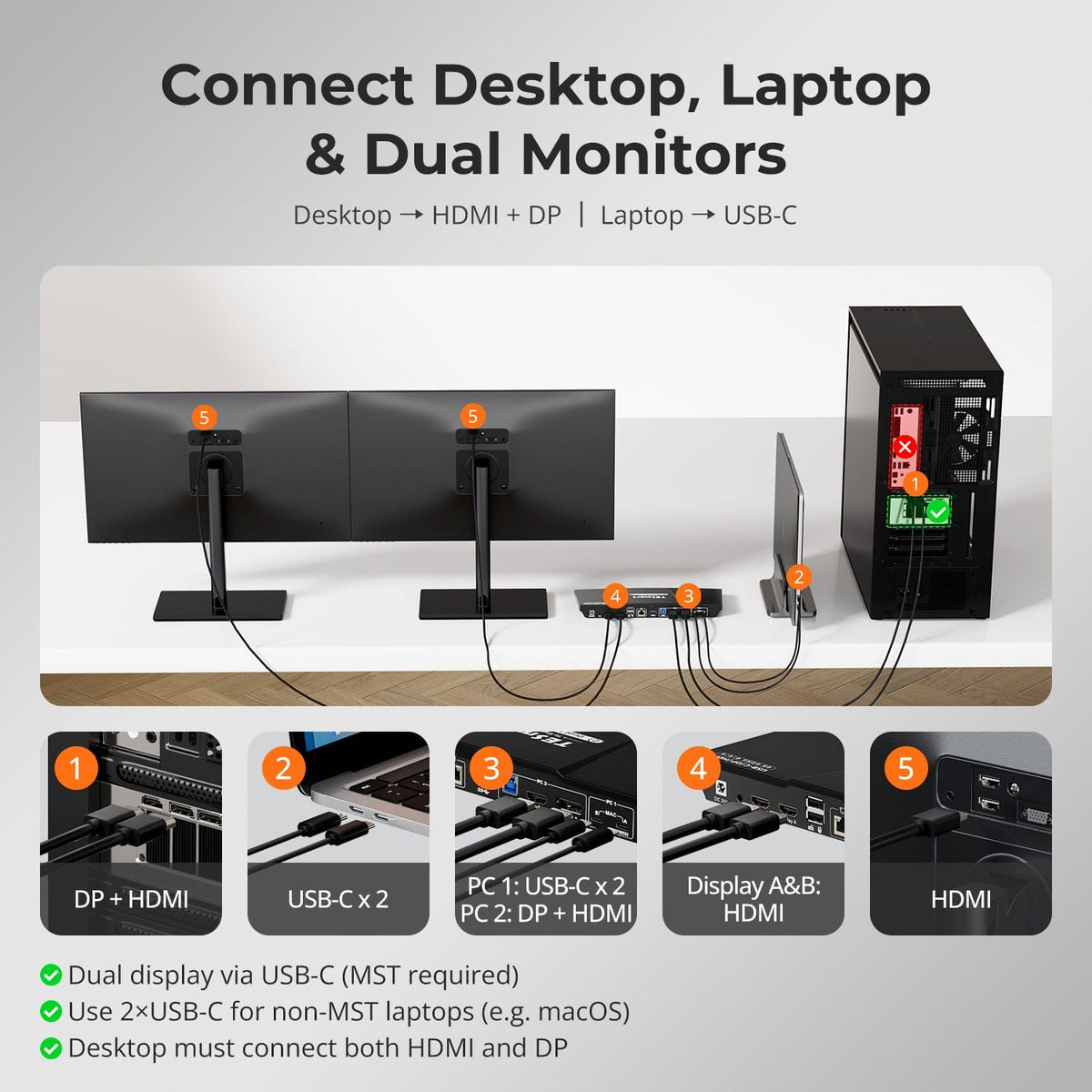
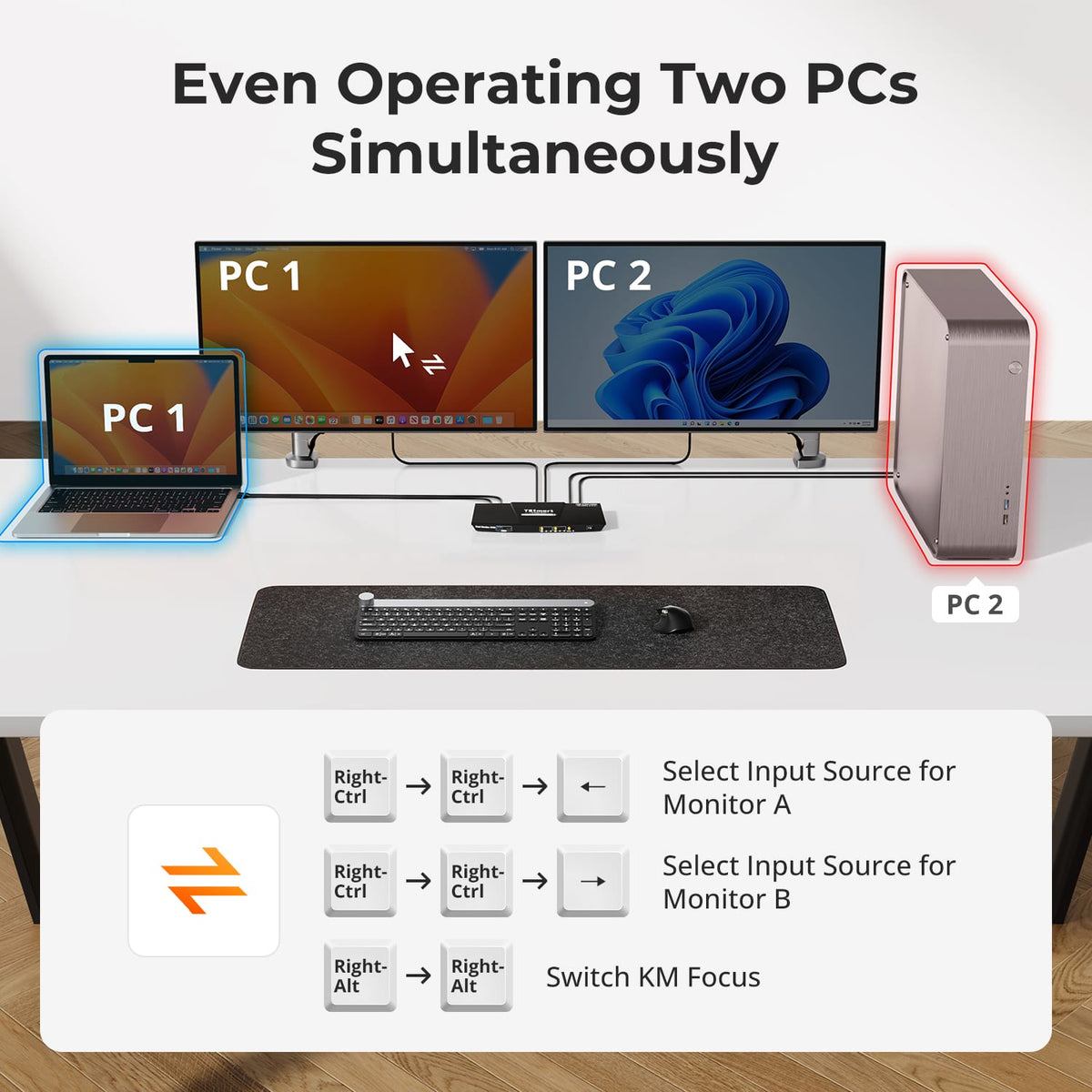
Laptop + Desktop
Laptop + Desktop

Device Setup

EDID Emulation
EDID Emulation

Display Stability

USB 3.2 Gen 1 / 5Gbps

USB Speed

4.0
2 Computers × 2 Displays

Display Setup

4K60
4K60

Max Display Output

MST Multi-Monitor
MST Multi-Monitor

Display Technology

Laptop + Desktop
Laptop + Desktop

Device Setup

60W
60W

Laptop Charging

Gigabit Ethernet
Gigabit Ethernet

Network Sharing

Guided KVM Finder
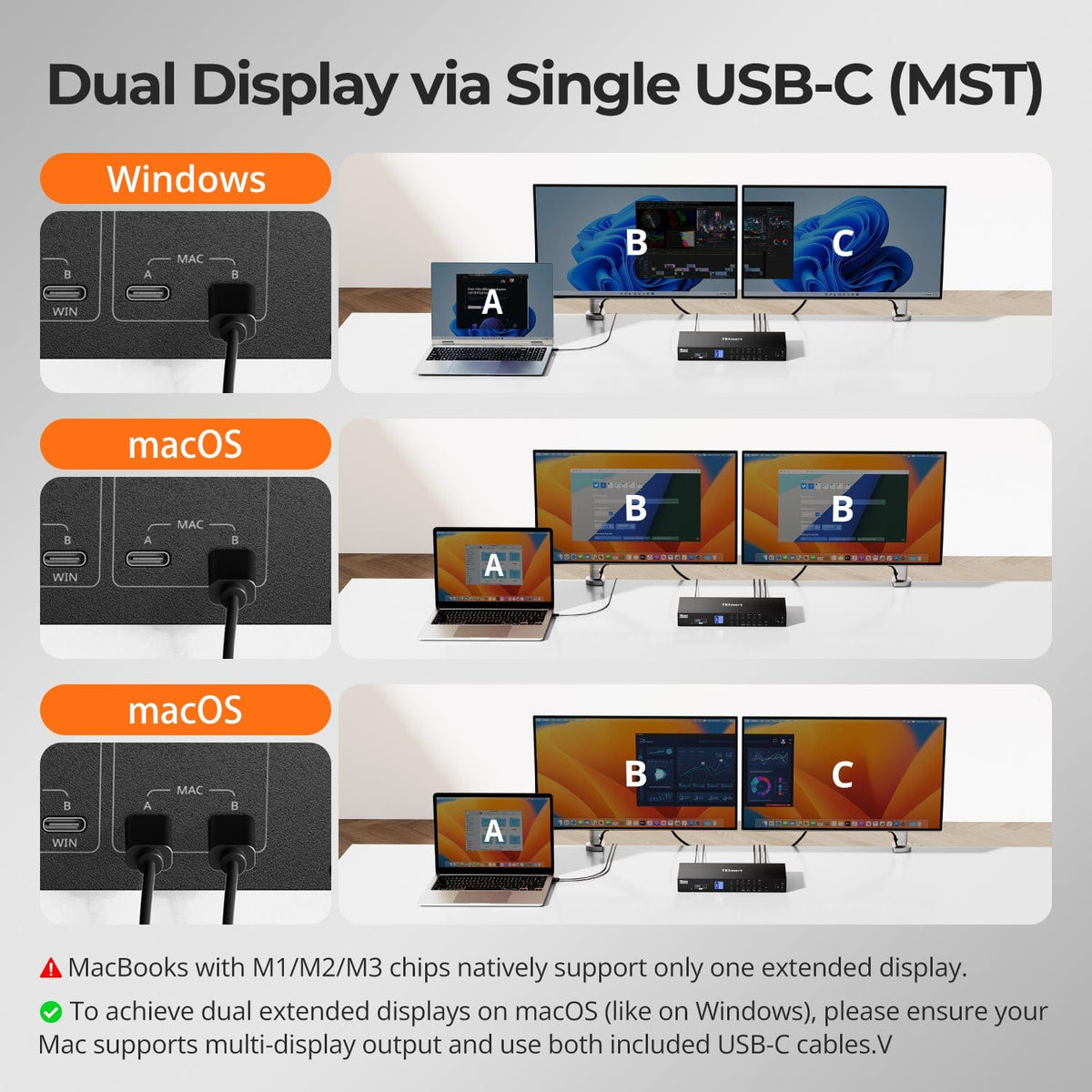
50+ Models
5.0
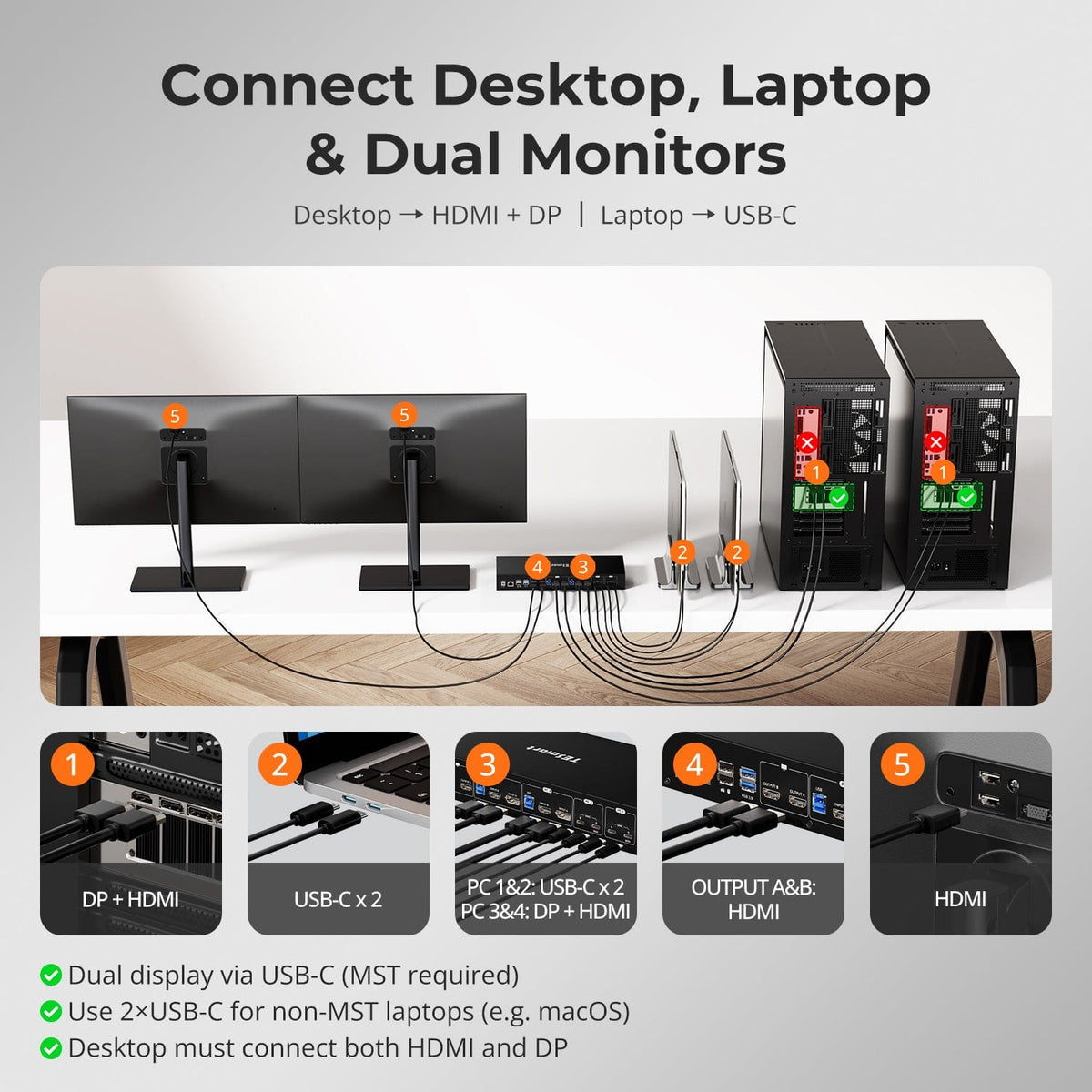
4 Computers × 2 Displays

Display Setup

4K60
4K60

Max Display Output

MST Multi-Monitor
MST Multi-Monitor

Display Technology

EDID Emulation
EDID Emulation

Display Stability

Auto-Sensing Gigabit LAN

Network Control

60W
60W

Laptop Charging

5.0
Sold Out
2 Computers × 2 Displays

Display Setup

4K60
4K60

Max Display Output

MST Multi-Monitor
MST Multi-Monitor

Display Technology

EDID Emulation
EDID Emulation

Display Stability

USB 3.2 Gen 1 / 5Gbps

USB Speed

36W
36W

Laptop Charging

4.8
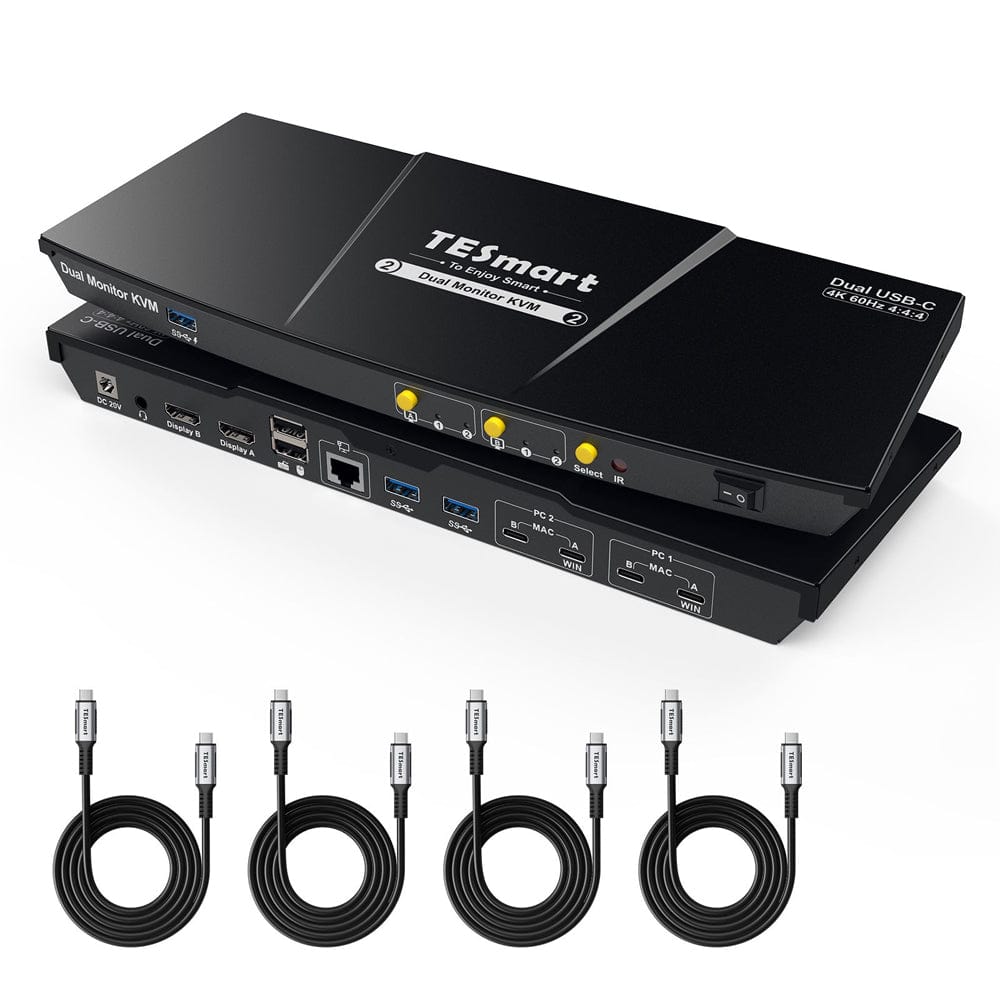
2 Computers × 2 Displays

Display Setup

4K60
4K60

Max Display Output

MST: Win 1 / Mac 2 Cables

Multi-Monitor Setup

60W
60W

Laptop Charging

Gigabit Ethernet
Gigabit Ethernet

Network Sharing

EDID Emulation
EDID Emulation

Display Stability

5.0
Sold Out
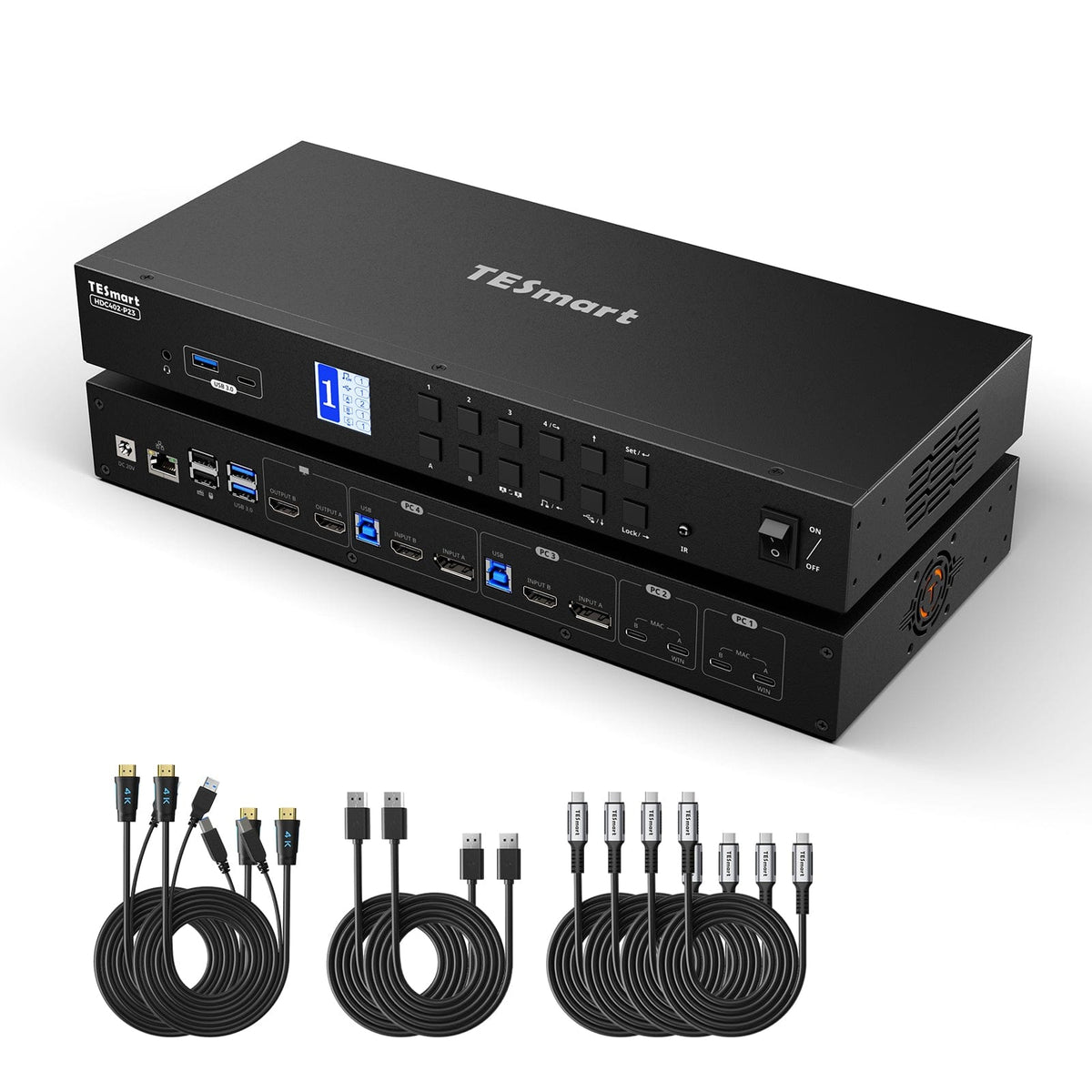
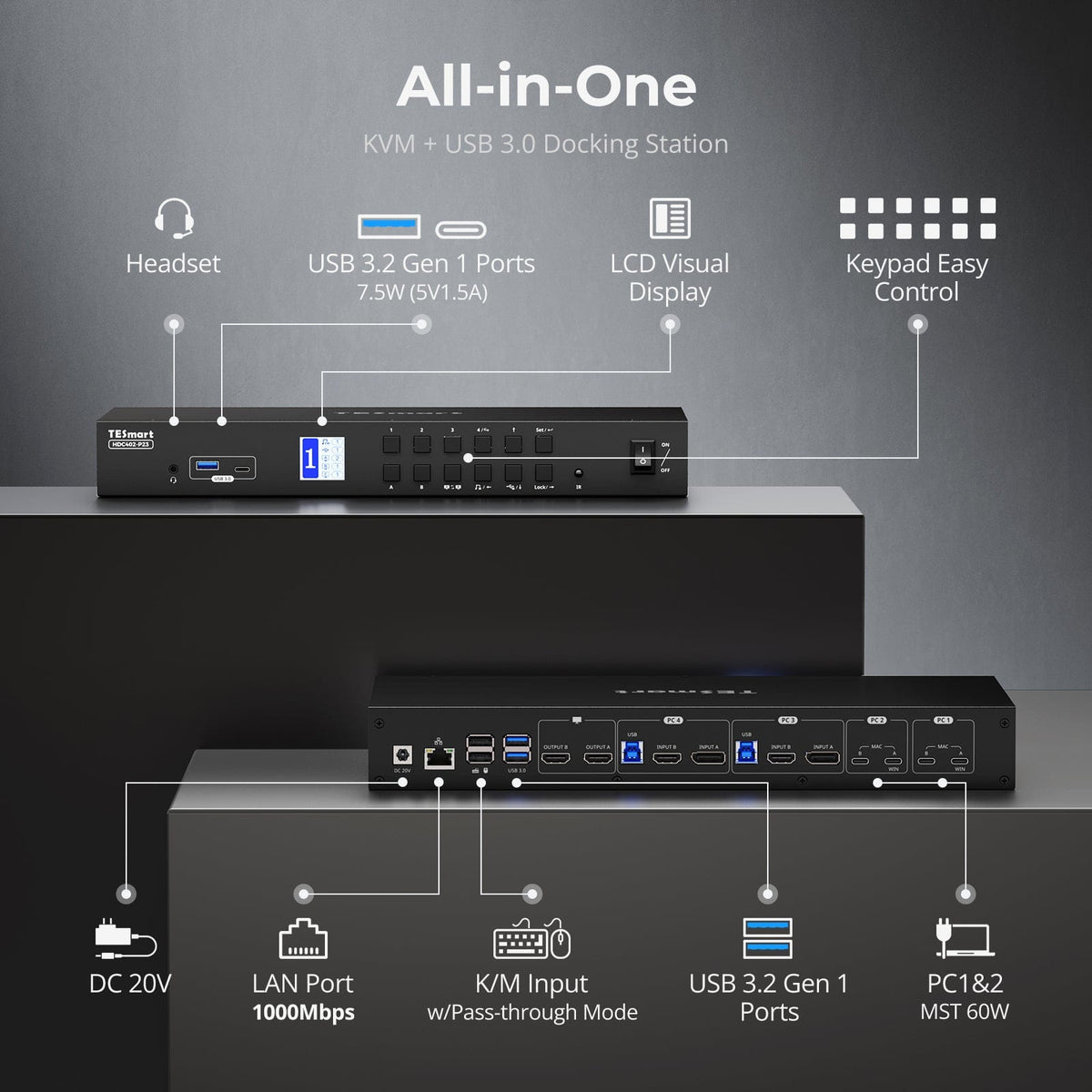
4 Computers × 2 Displays

Display Setup

4K60
4K60

Max Display Output

MST Multi-Monitor
MST Multi-Monitor

Display Technology

36W
36W

Laptop Charging

100Mbps Ethernet
100Mbps Ethernet

Network Sharing

EDID Emulation
EDID Emulation

Display Stability

KVM Selection Center · 50+ Models

Find the Right KVM for Your Setup

Shop by setup, use our guided finder, or ask our team to check compatibility before you buy.
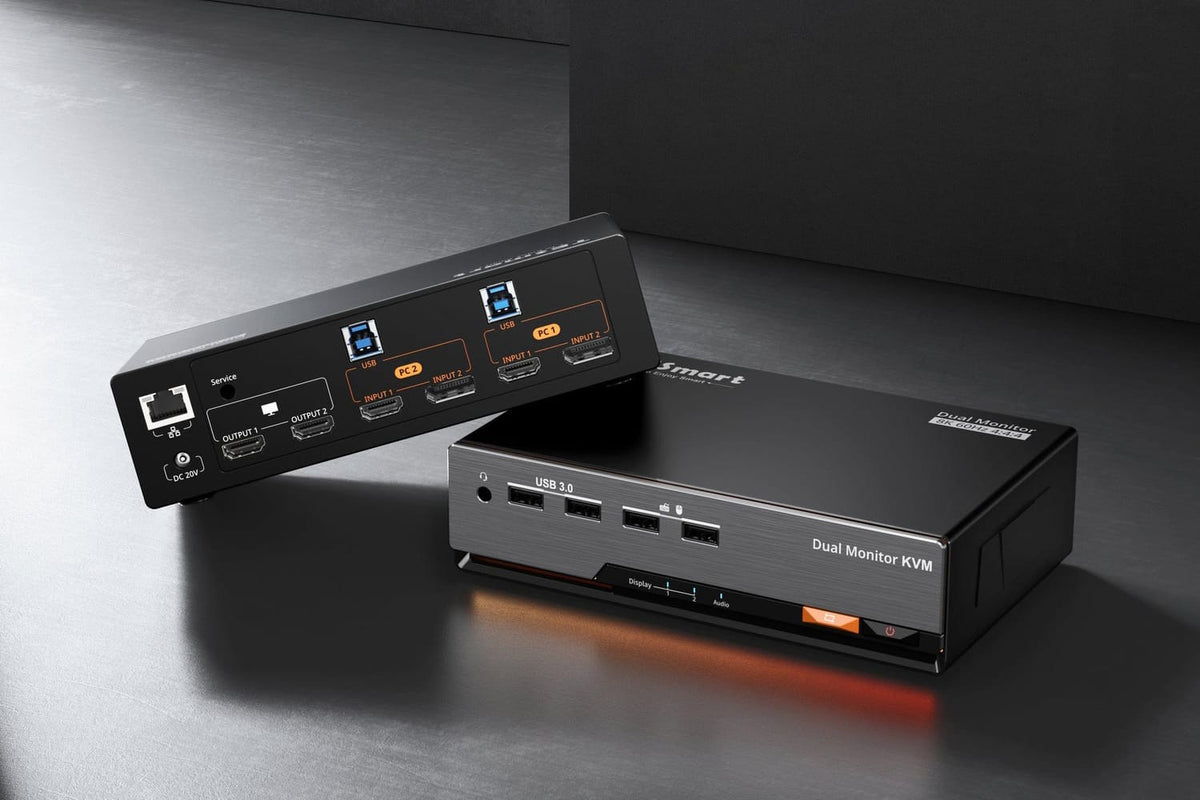
Shop by Setup

Already know how many computers and monitors you use? Start with the basic structure of your desk.

BROWSE BY SETUP

Guided KVM Finder

Answer a few questions about your computers, monitors, ports and target resolution.

START KVM FINDER

Let Us Check Your Setup

Send us your computer models, monitor models and performance requirements. Our team will help verify compatibility.

📧 service@tesmart.com

📞 (201) 908-7534 (USA, Mon–Fri, 1–6 PM EST)

CHECK MY SETUP