


Display Setup
Max Display Output
Display Stability

USB Speed
Network Control
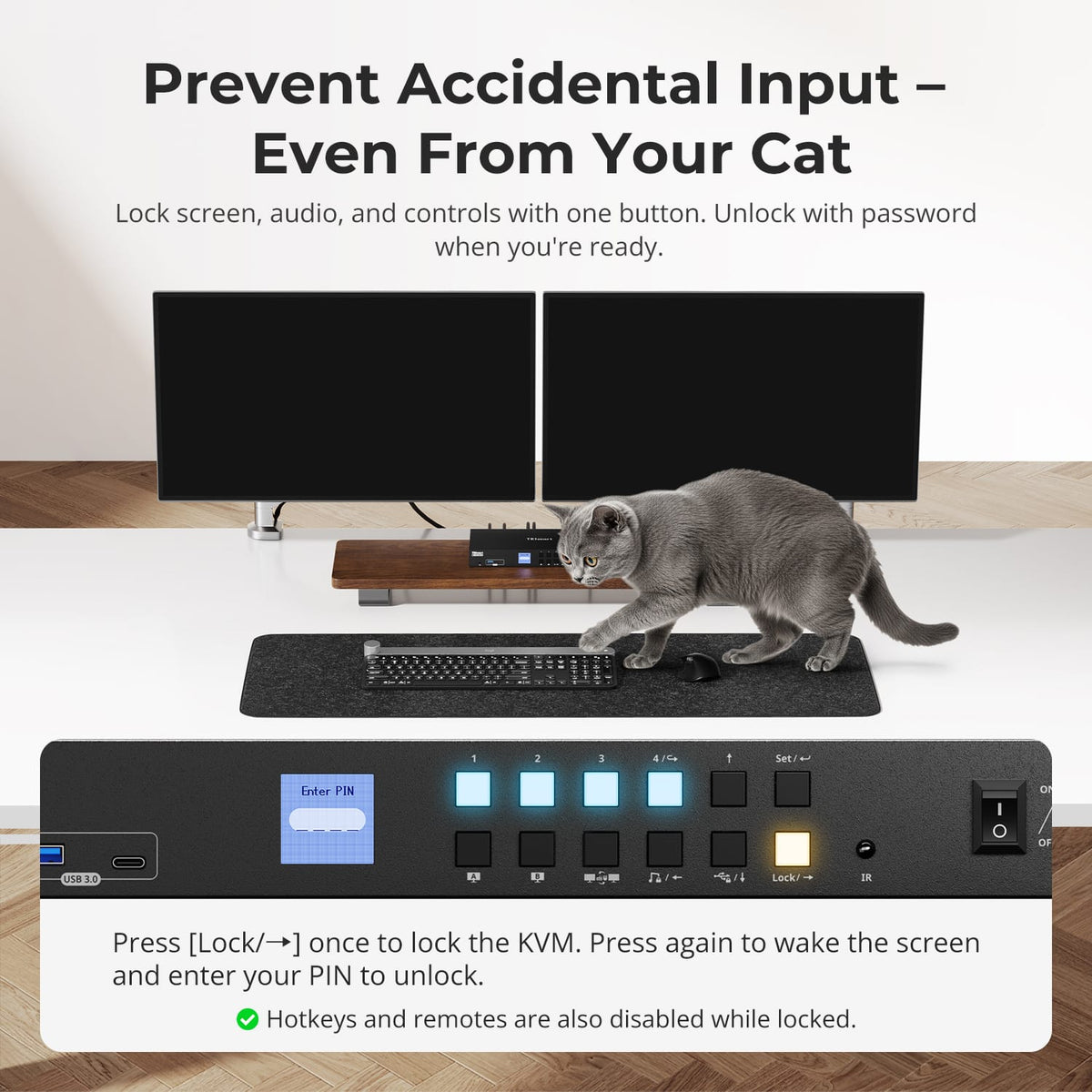
Front Panel

Automatic input scanning
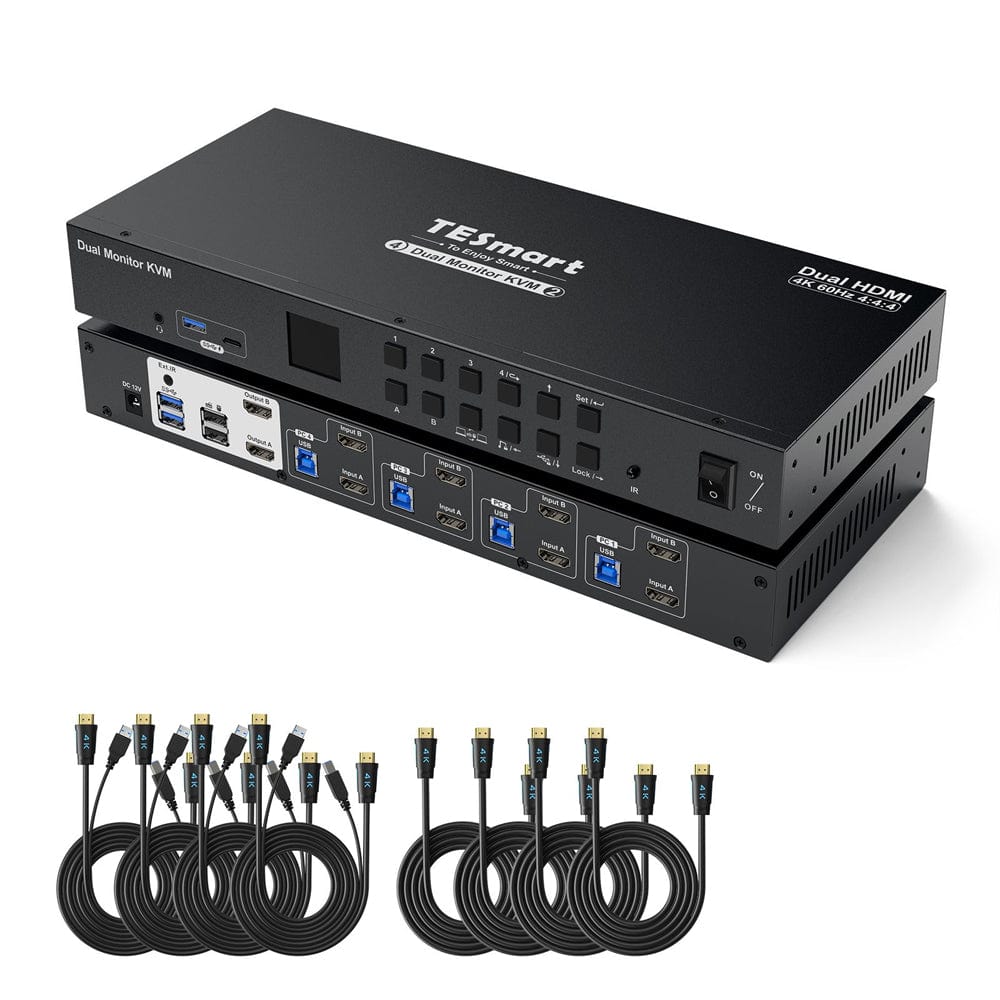
4 Port Dual Monitor KVM Switch Kit HDMI 4K60Hz with USB 3.0 Docking Station, EDID
Share 2 HDMI monitors, a keyboard and mouse between 4 PCs, with up to 4K60, EDID emulation and a shared USB hub.
Display Setup
Max Display Output
Display Stability
USB Speed
Network Control
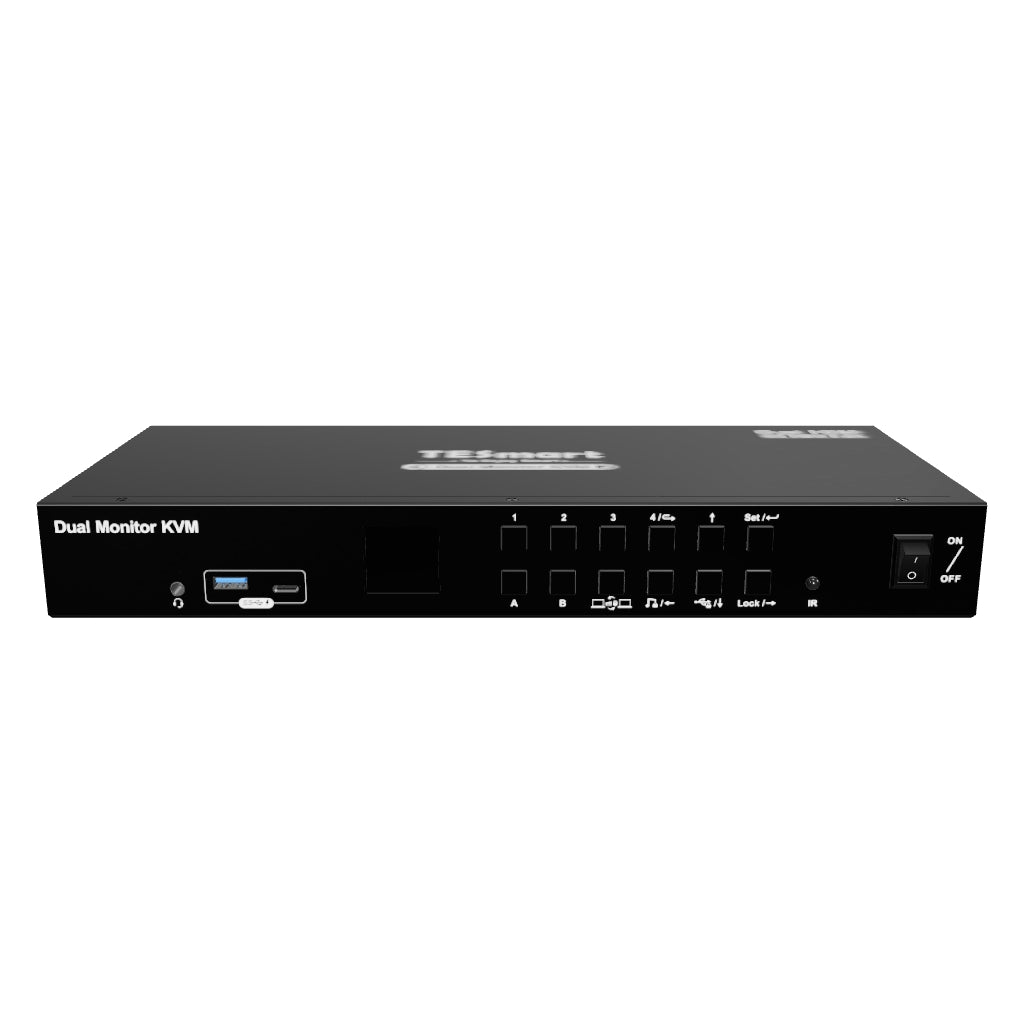
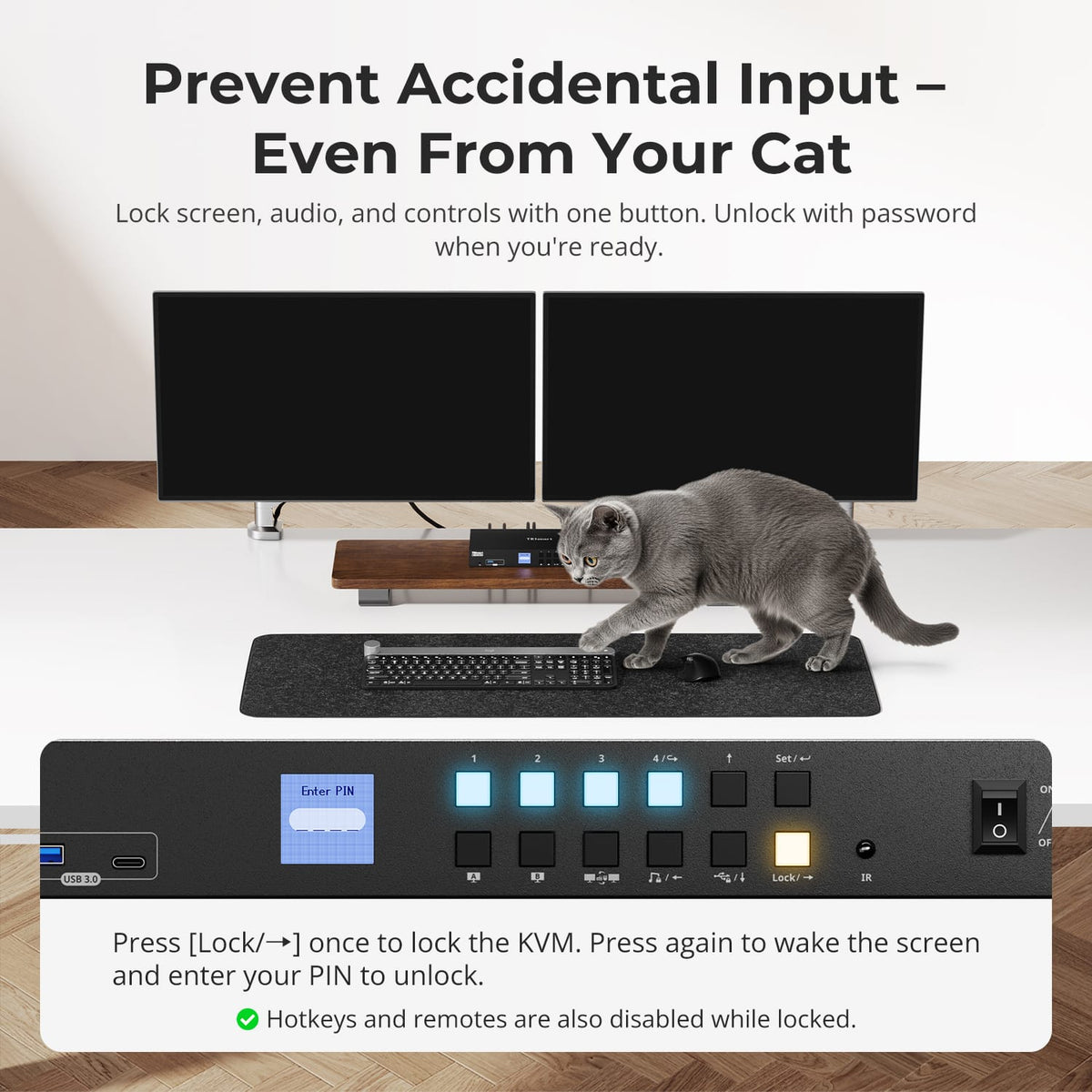
Front Panel
Automatic input scanning
4 Port Dual Monitor KVM Switch Kit HDMI 4K60Hz with USB 3.0 Docking Station, EDID
Why Choose HKS402-P24
Overview
01
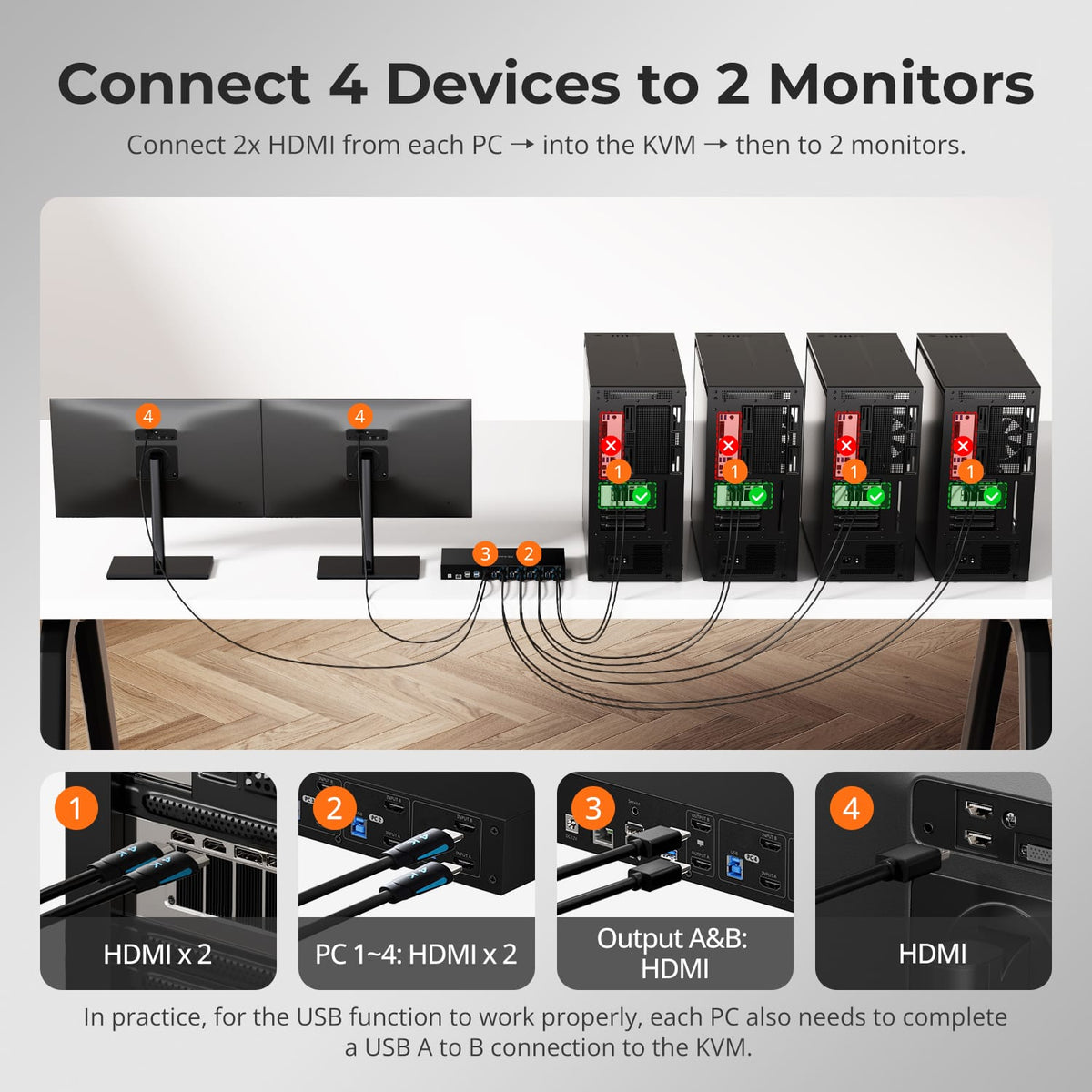
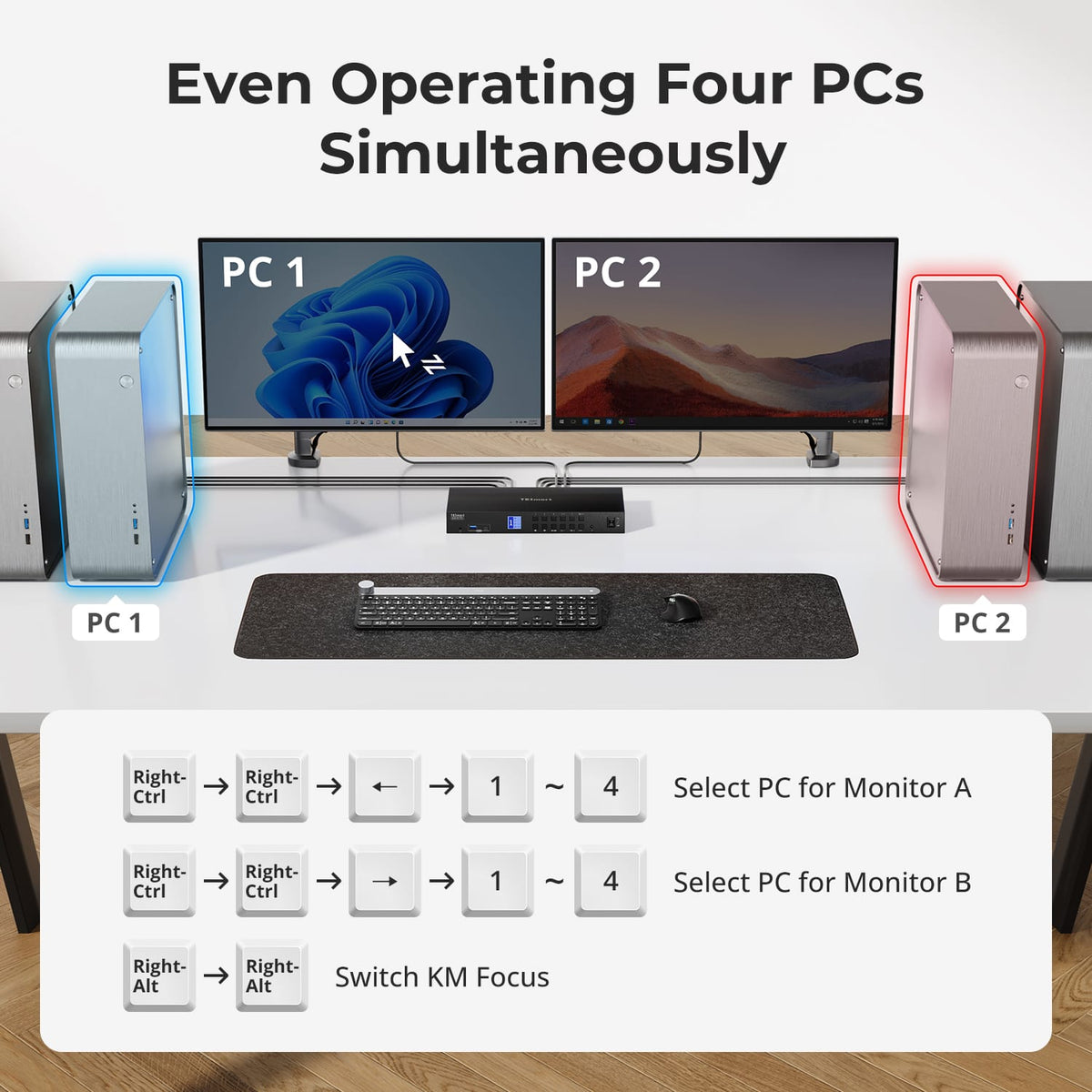
Four PCs on One Dual-Monitor Desk
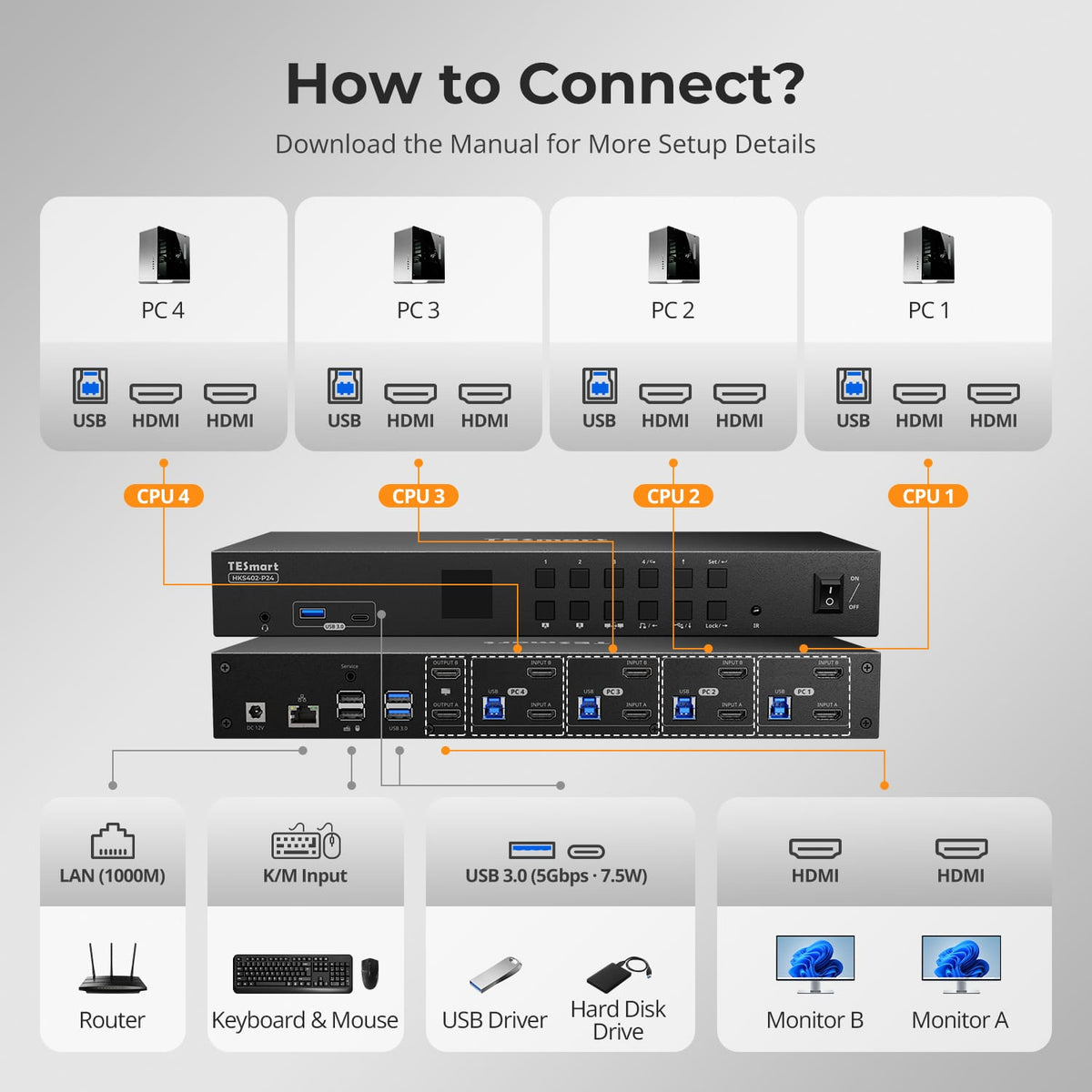
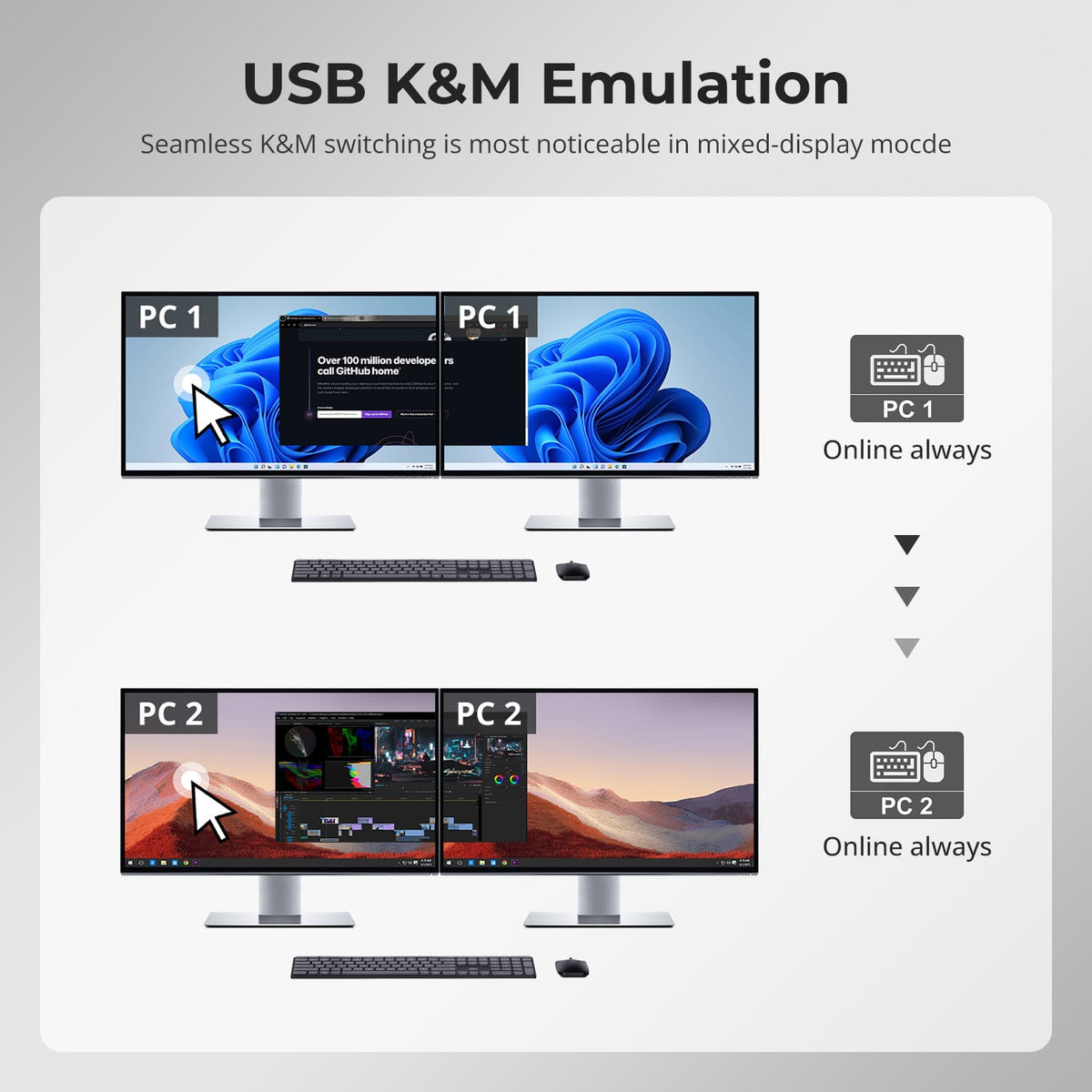
Connect up to four computers to the same two HDMI monitors and share one keyboard and mouse, giving multi-system desks more screen space without duplicating peripherals.
02
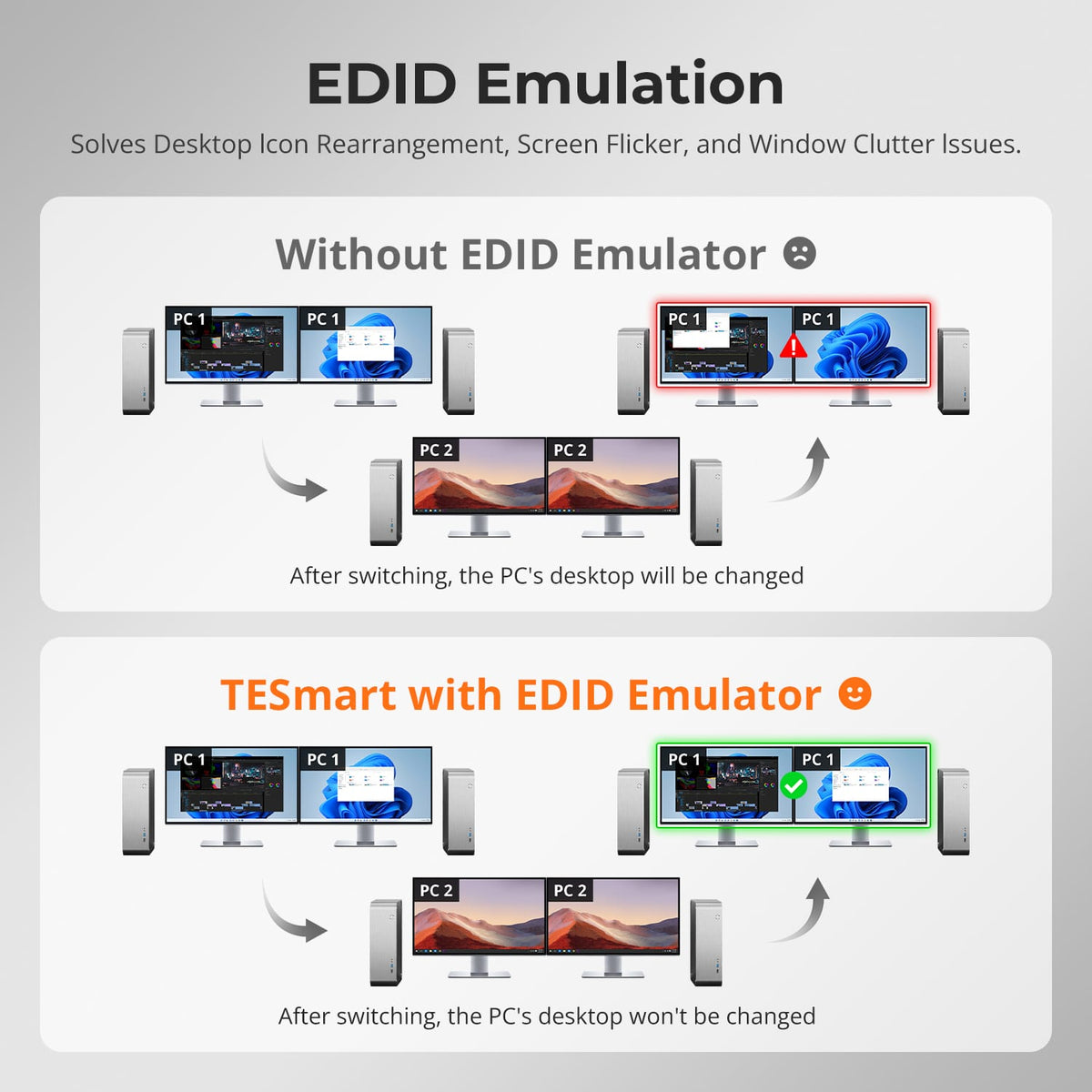
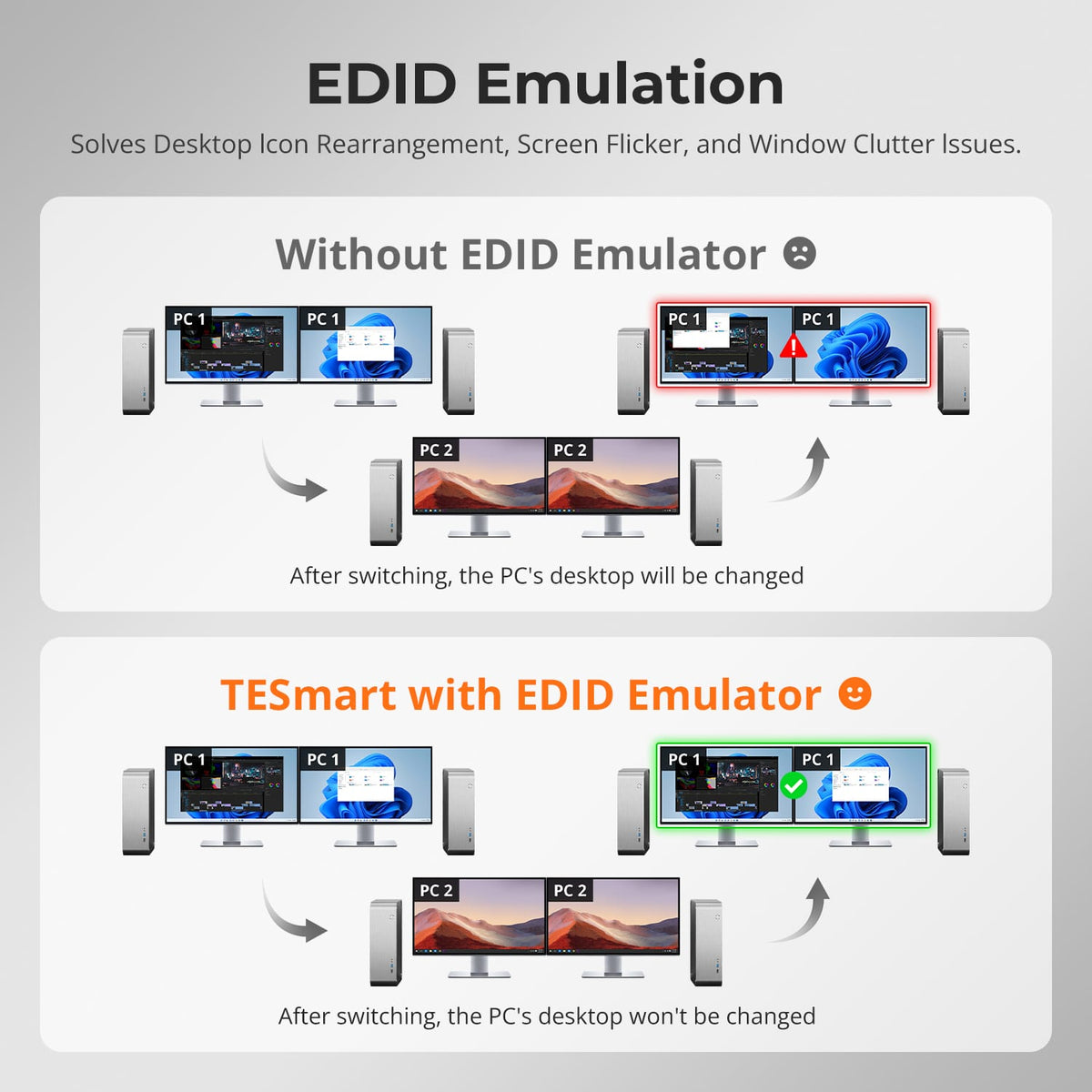
EDID Helps Keep Both Displays Stable
EDID emulation keeps monitor information available to connected computers, reducing display re-detection, resolution changes and rearranged windows during switching.
03
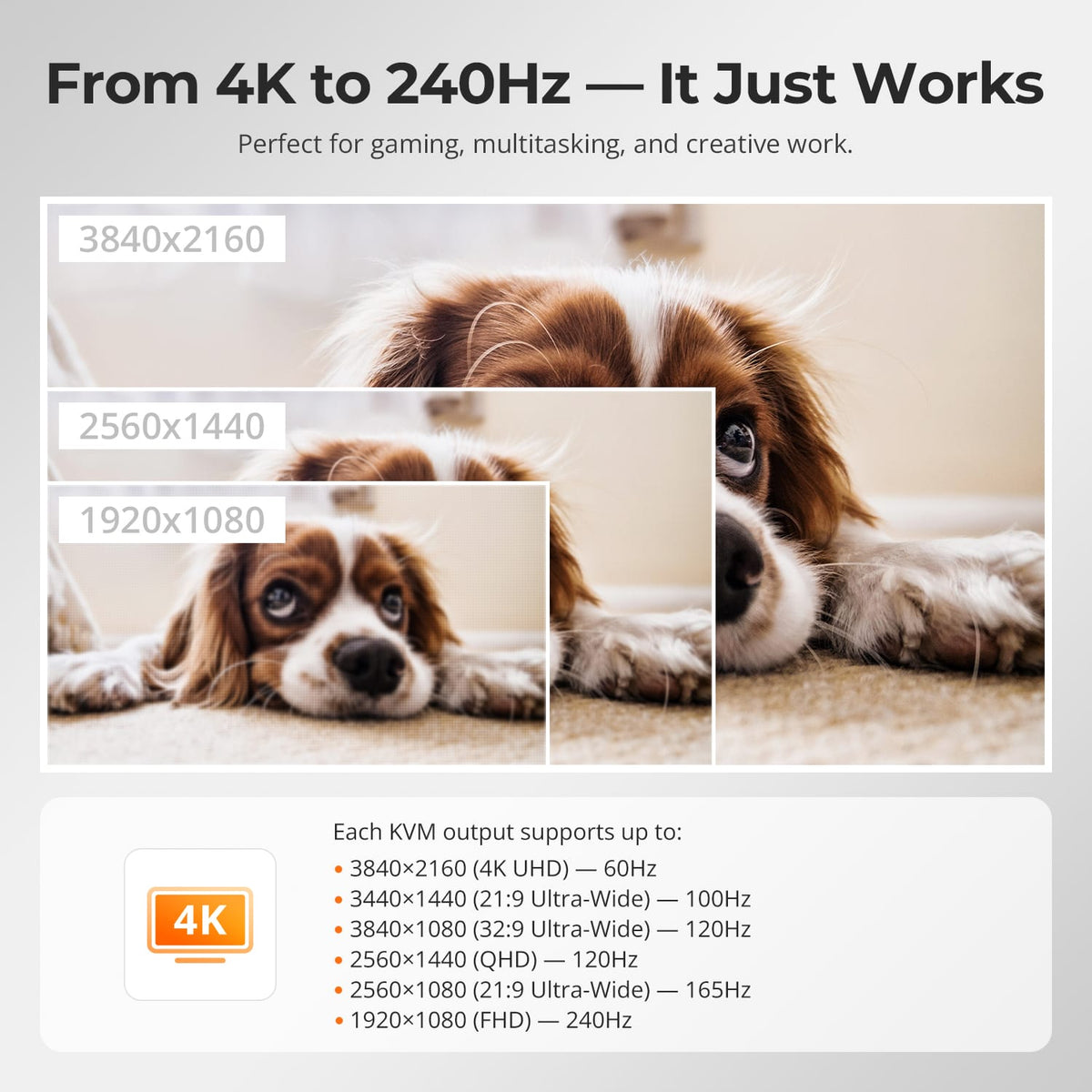
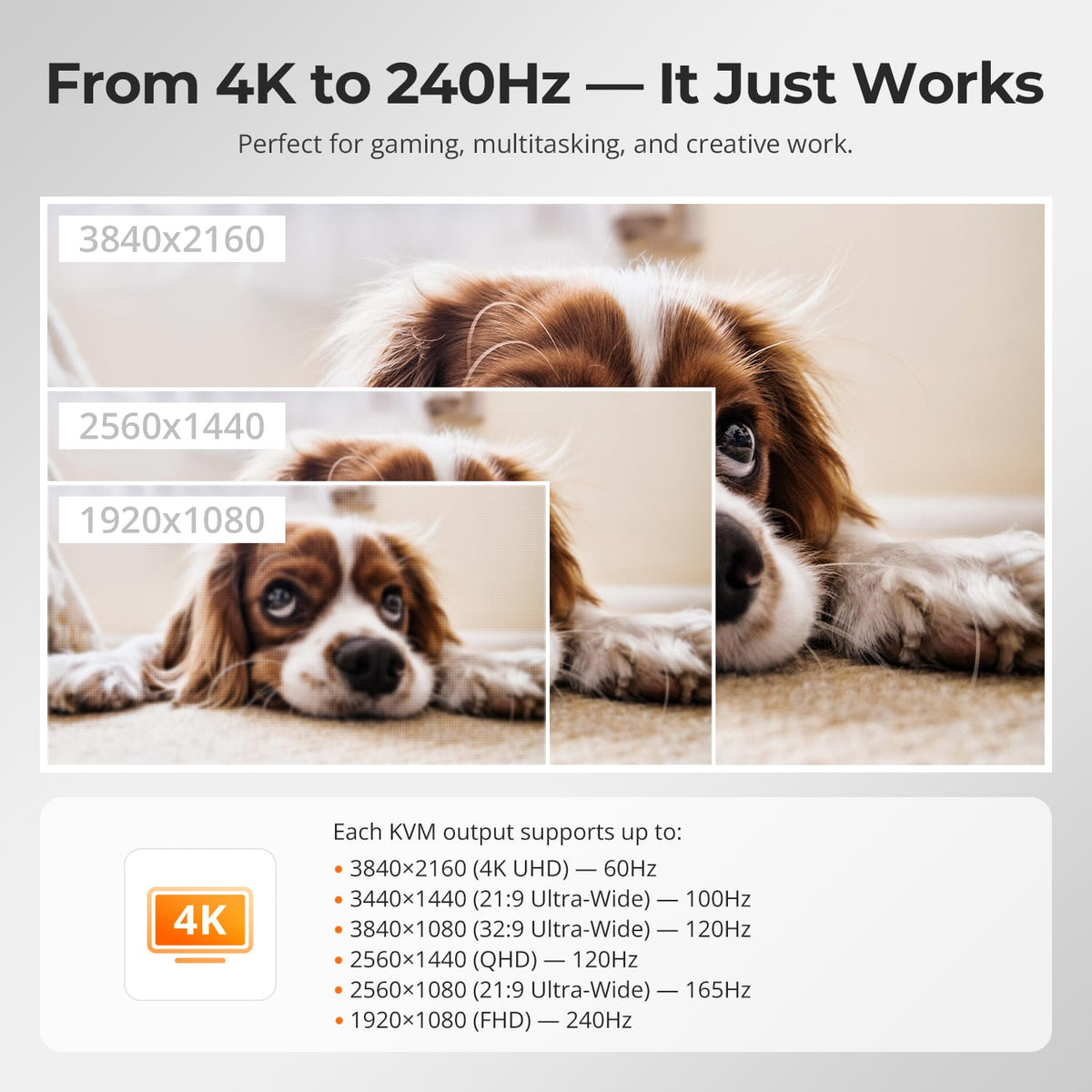
Dual 4K60 Output
The KVM supports up to 3840×2160@60Hz and can also work with lower-resolution high-refresh combinations supported by the connected computers and monitors.
04
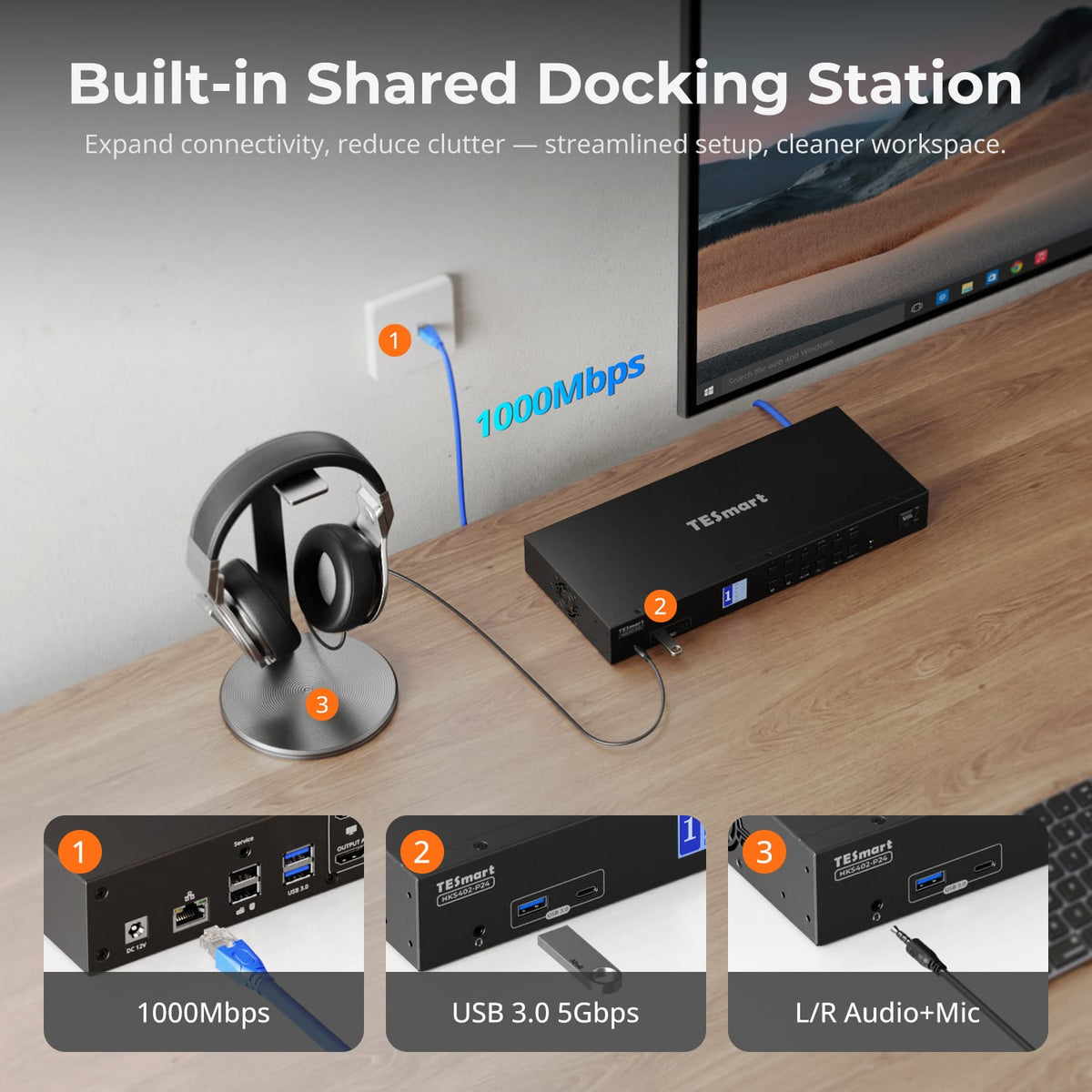
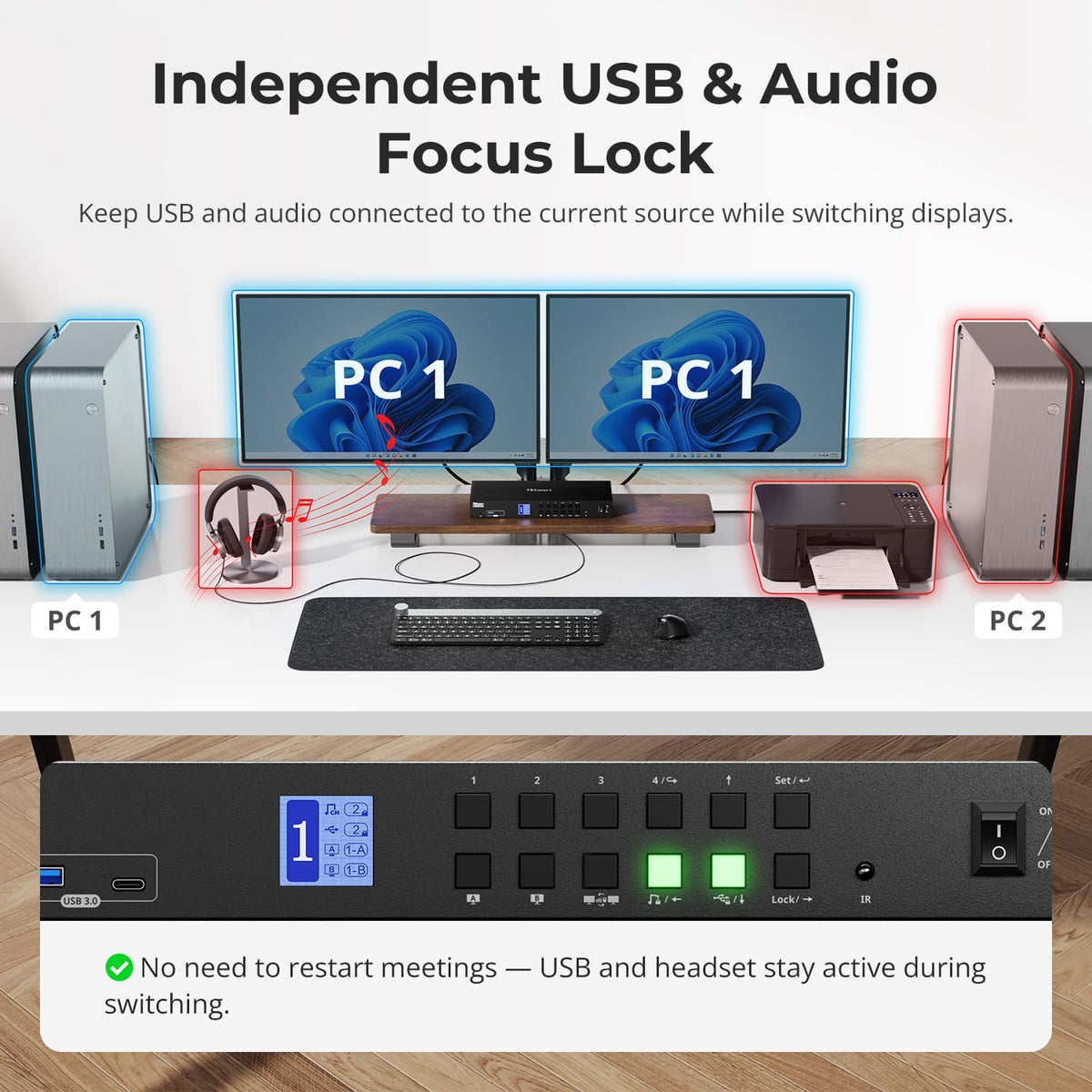
Share USB and Audio Across Four PCs
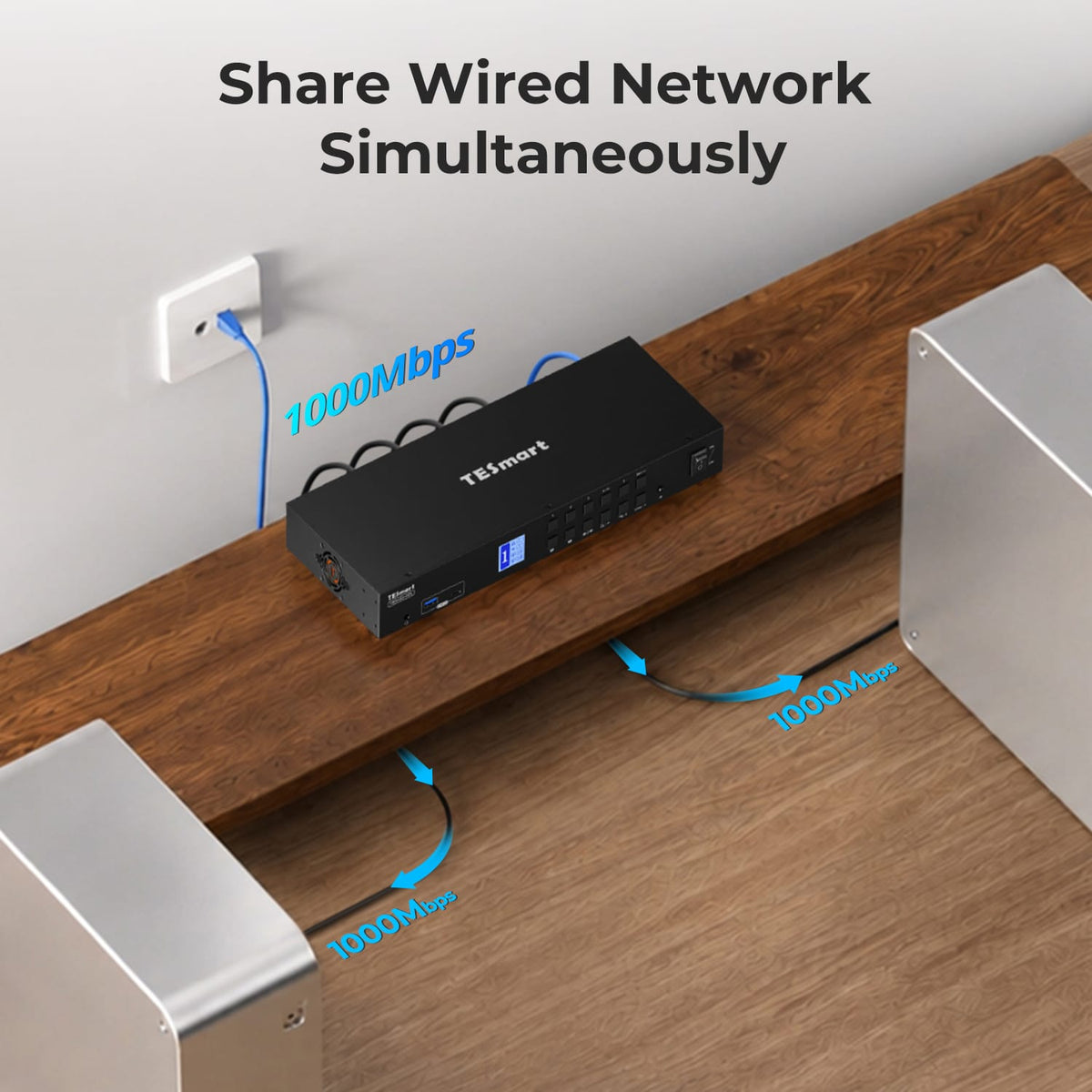
Keep compatible USB 3.0 devices and audio connections attached to one central KVM instead of reconnecting them every time you change computers.

05
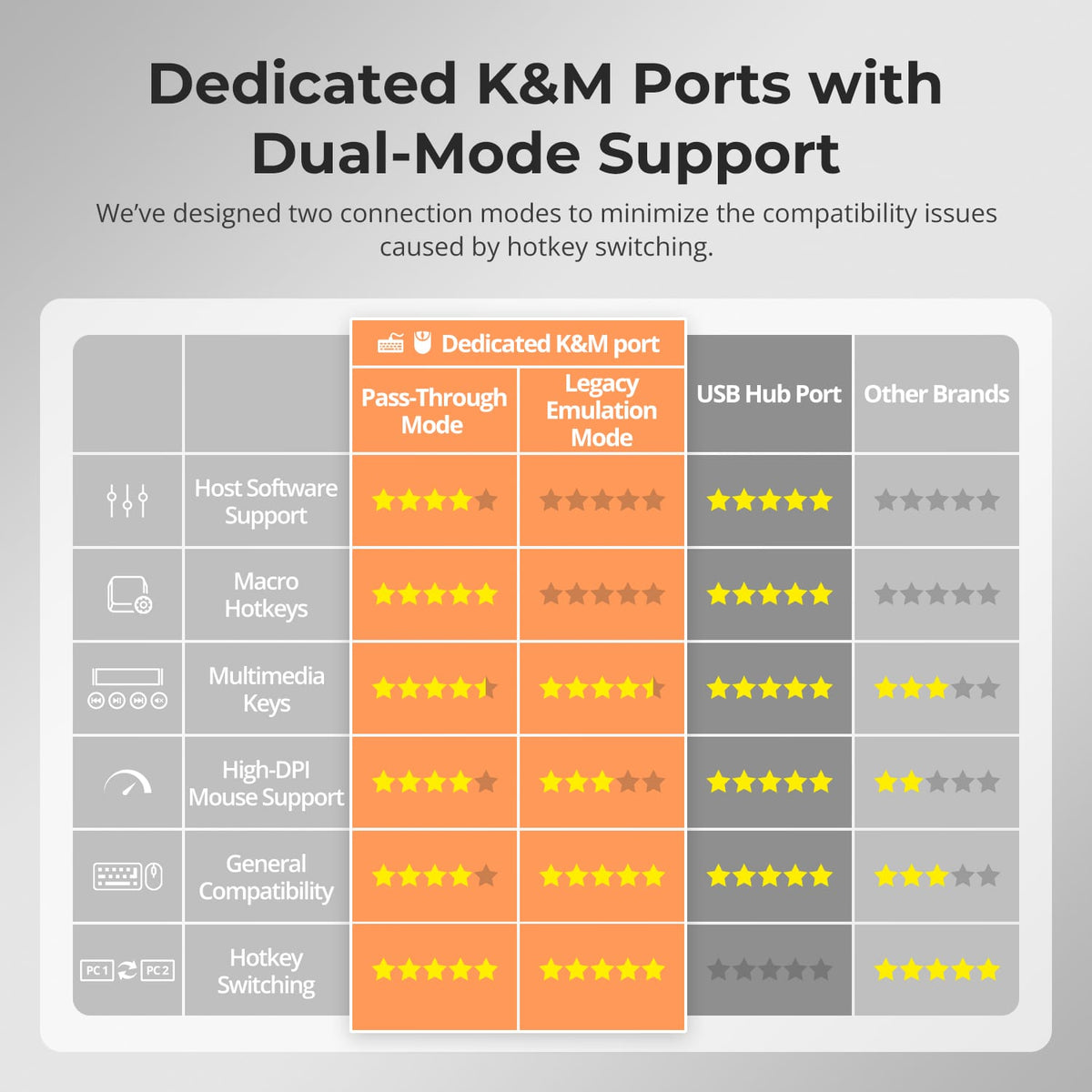
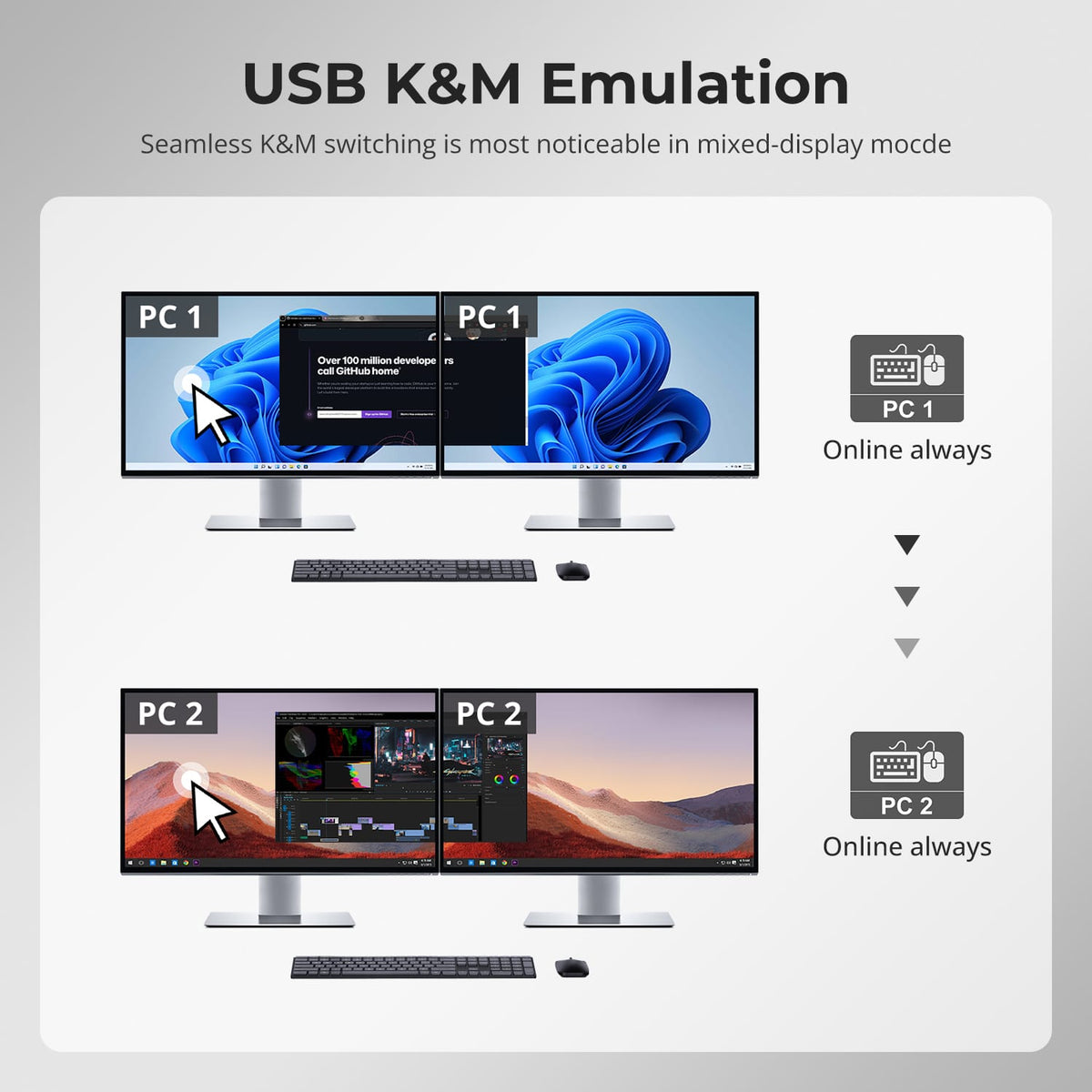
Keyboard & Mouse Pass-Through
Dedicated keyboard and mouse ports support pass-through operation to improve compatibility with common peripherals.
06
07
08
Specifications & Support
Compatibility & Input Guide
Technical Specifications
Manuals & Downloads
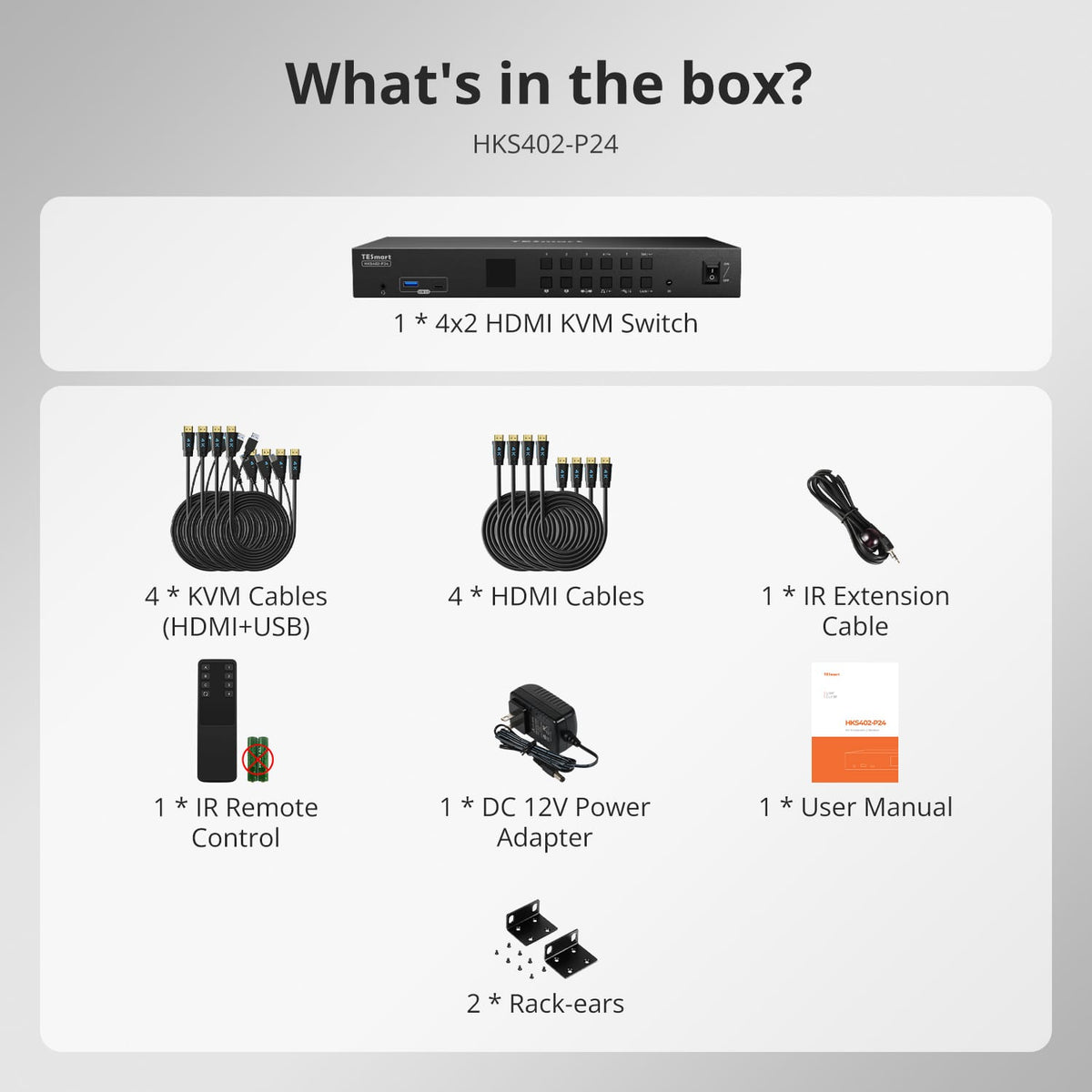
Included in the Box
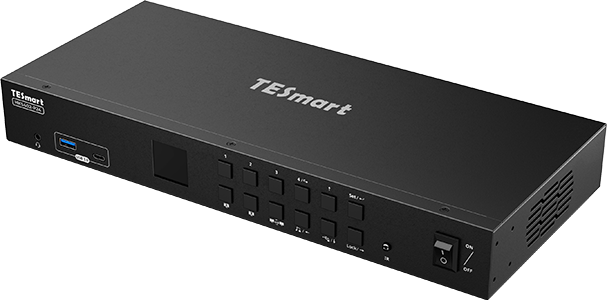
1 × 4×2 HDMI KVM Switch
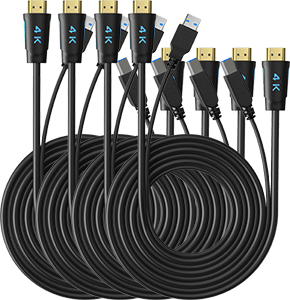
4 × KVM Cables
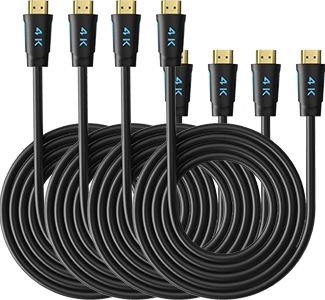
4 × HDMI Cables
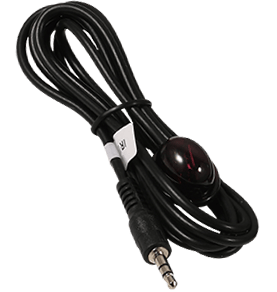
1 × IR Extension Cable
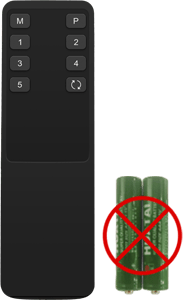
1 × IR Remote Control
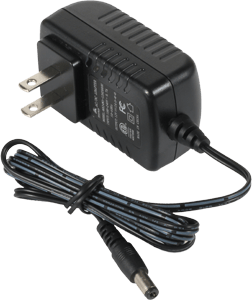
1 × 12 V DC Power Adapter
1 × User Manual
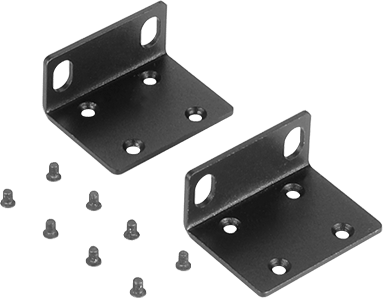
2 × Rack Brackets
Compare your options
Choose models from the menus to compare connections, display performance and shared features.
Model
HKS402-P24
Model
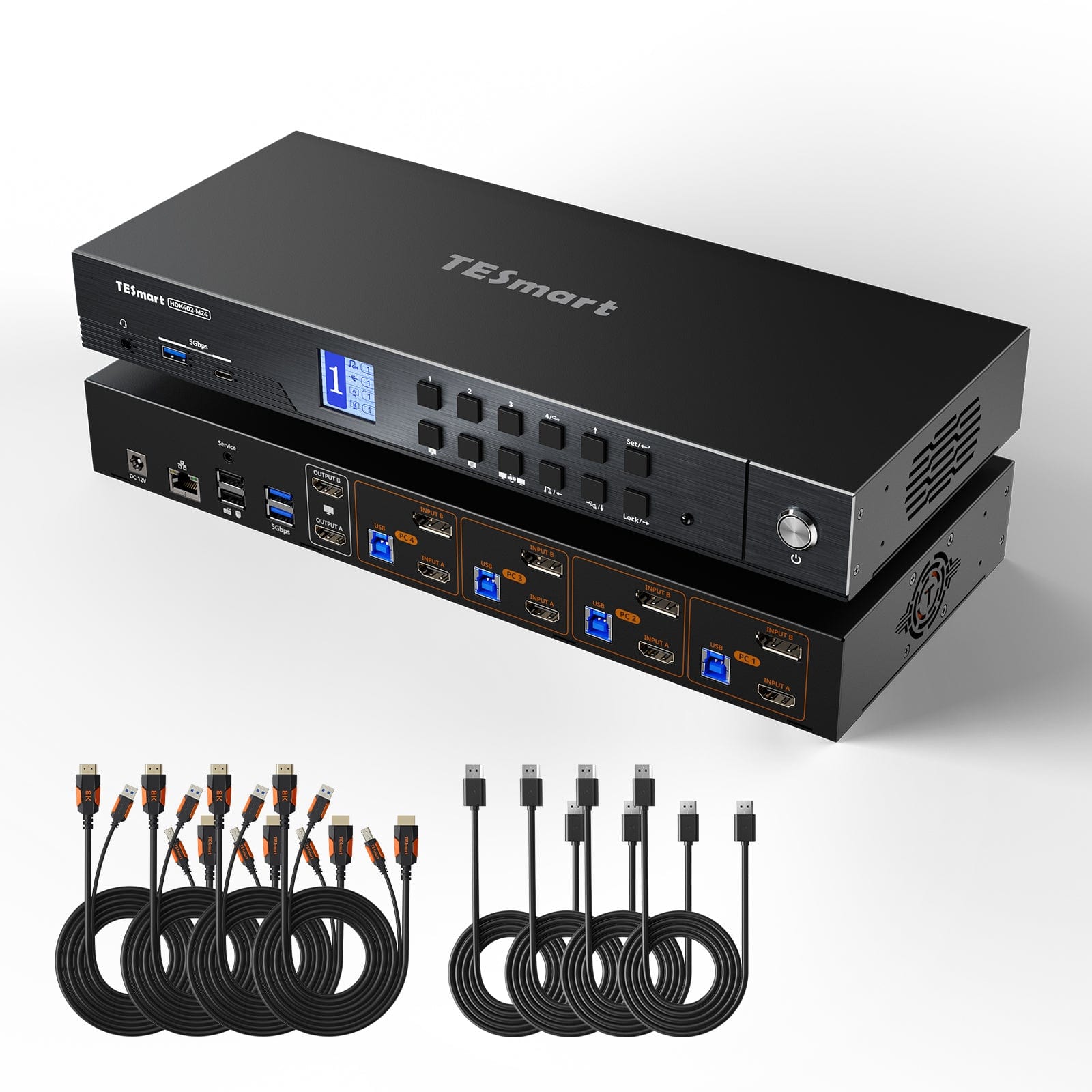
HDK402-M24
Model
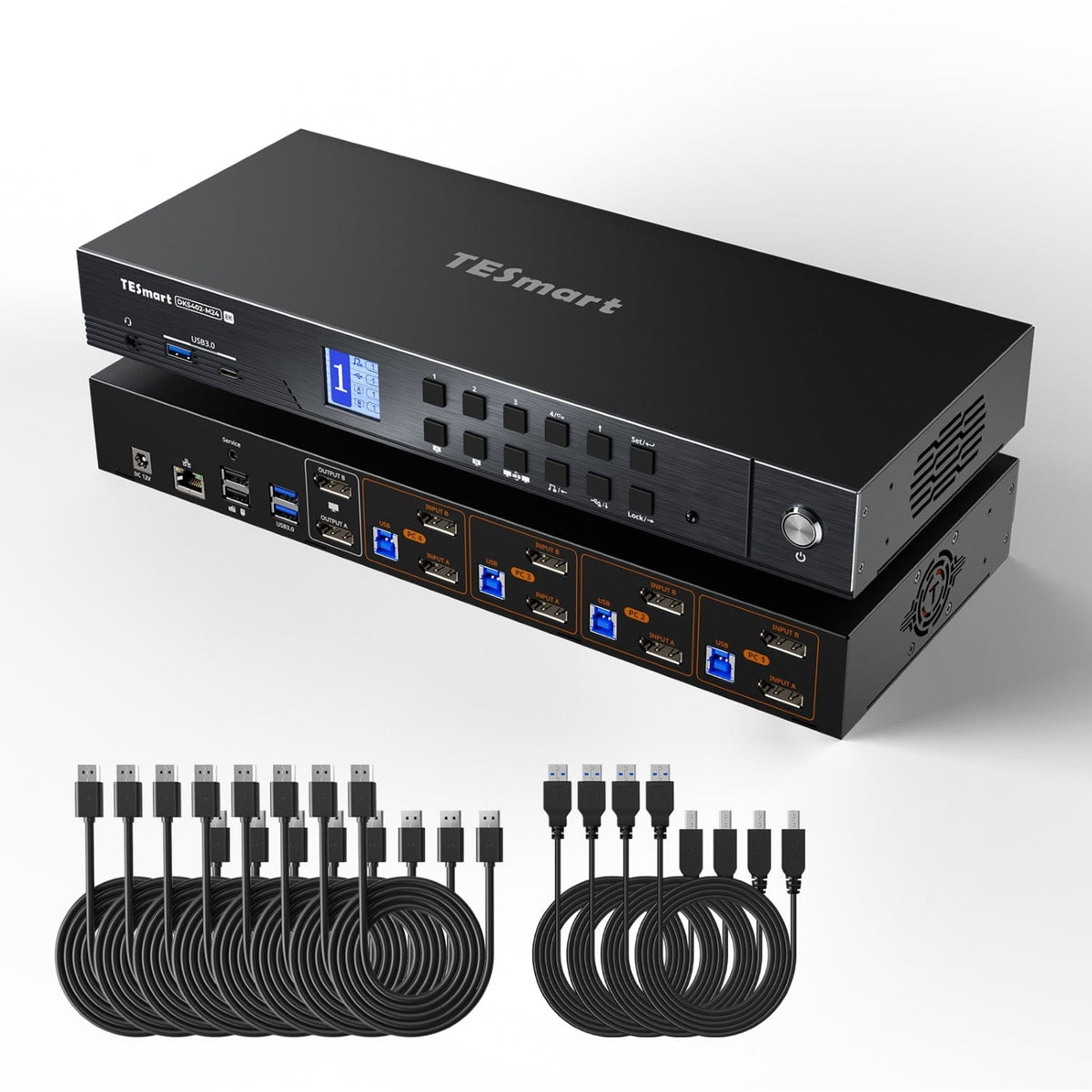
DKS402-M24
Computer setup
4 computers
Computer setup
4 computers
Computer setup
4 computers
Computer connections
Each PC: 2 × HDMI + USB
Computer connections
Each PC: HDMI + DisplayPort + USB
Computer connections
Each PC: 2 × DisplayPort + USB
Display outputs
2 × HDMI
Display outputs
2 × HDMI
Display outputs
2 × DisplayPort
Video output
4K60
Video output
8K60 / 4K144
Video output
8K60 / 4K144
Shared USB
USB 3.0 / 5Gbps
Shared USB
USB 3.0 / 5Gbps
Shared USB
USB 3.0 / 5Gbps
Laptop charging
Laptop charging
Laptop charging
Shared Ethernet
1000Mbps
Shared Ethernet
1000Mbps
Shared Ethernet
1000Mbps
EDID emulation
EDID emulation
EDID emulation
Multi-display setup
Separate video outputs from each computer
Multi-display setup
Separate video outputs from each computer
Multi-display setup
Separate video outputs from each computer
Display requirements
Each computer must drive 2 displays
Display requirements
Each computer must drive 2 displays
Display requirements
Each computer must drive 2 displays
FAQ's
Visit our Help Center for more answers.
[Compatibility] How many computers and monitors can I connect to HKS402-P24?
The current product setup is designed for four computers sharing two HDMI monitors, one keyboard and one mouse.
[Compatibility] What display resolution is supported?
The uploaded HKS402-P23 manual specifies up to 3840×2160@60Hz. The exact P24 specification should be confirmed against the final P24 manual before publishing.
[Compatibility] What does each computer need for dual-monitor use?
Each computer needs two HDMI video outputs plus USB if you want that computer to drive both monitors and use the shared keyboard, mouse and USB devices.
[Features & Connections] What display modes are available?
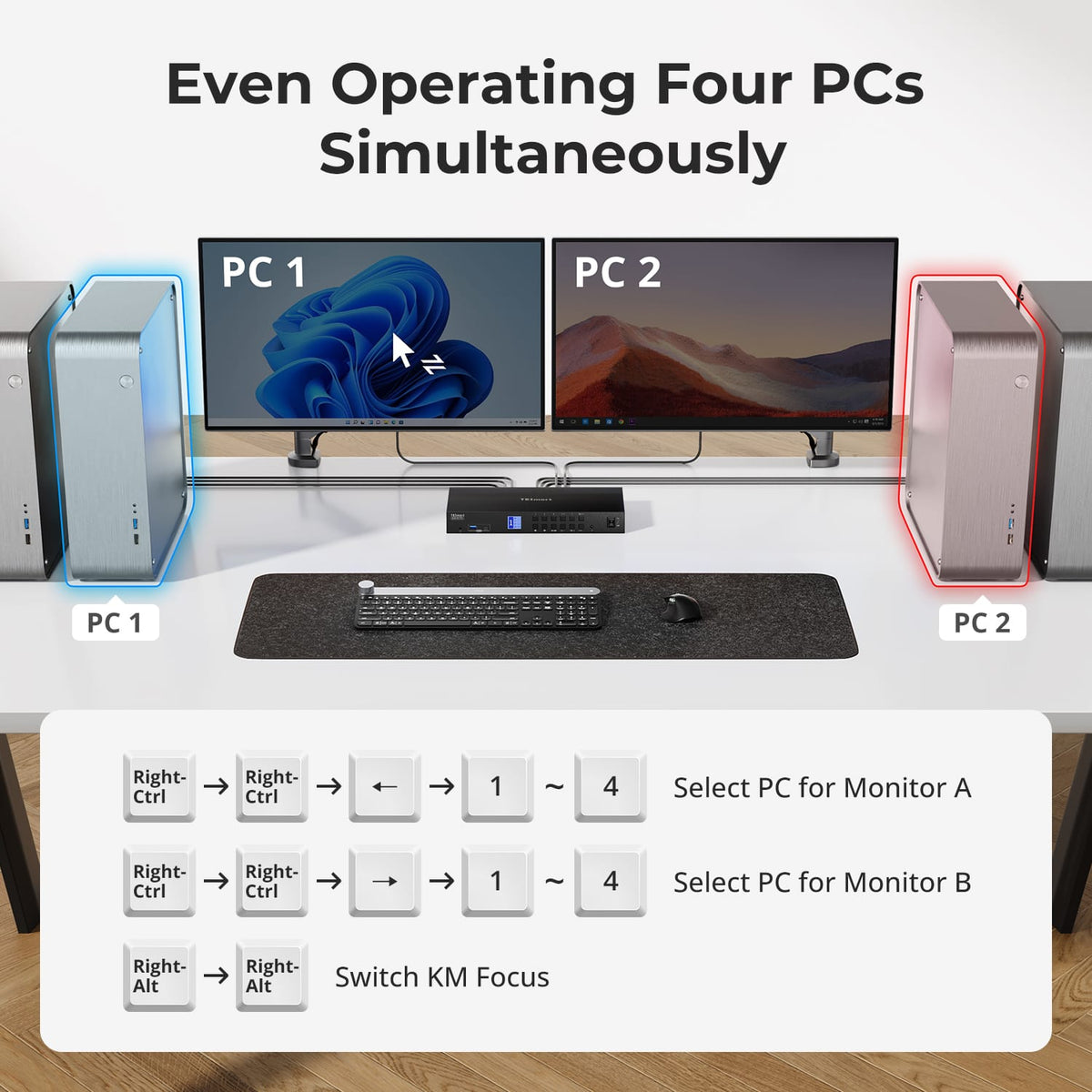
You can use both monitors with one selected computer or route different computers to the two displays for side-by-side monitoring.
[Features] Does the KVM support EDID emulation?
Yes. EDID emulation helps connected computers retain monitor information so switching is less likely to disturb resolution or window placement.
[Features & Connections] Can I share USB and audio devices?
Yes. The manual includes shared USB and audio connections for the active computer.
[Features & Connections] Does HKS402 support Auto Scan?
Yes. Auto Scan can cycle through connected computers at a defined interval for monitoring.
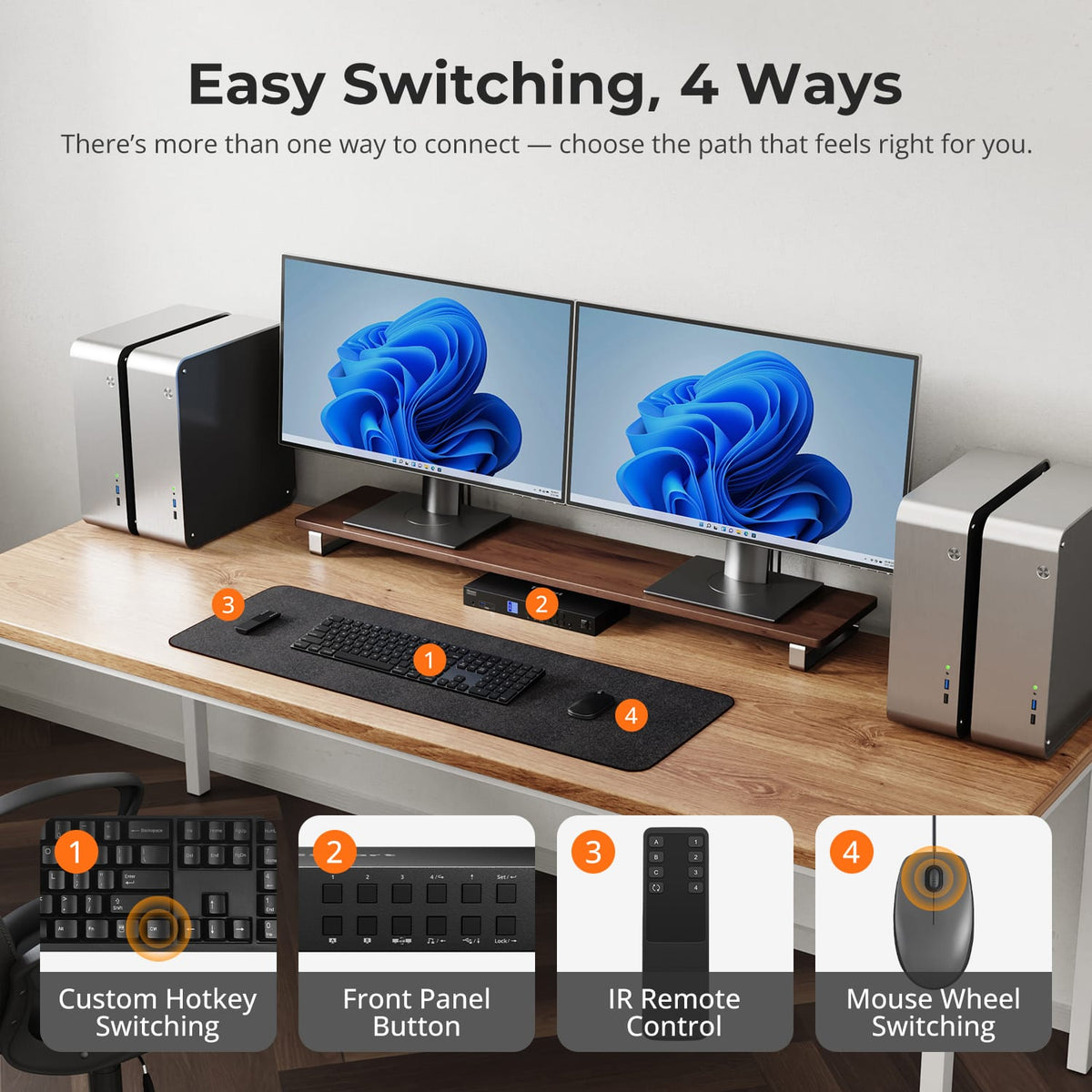
[Setup & Switching] Can I control the KVM with keyboard hotkeys?
Yes. The manual documents keyboard hotkey controls through the dedicated keyboard connection.
[Setup & Switching] Do I need dedicated software to switch computers?
No dedicated switching software is required for normal KVM operation.