

TESmart Knowledge Hub · KVM & Workspace Insights

Article

Practical guides, setup advice, product updates, and technical insights for building a better multi-computer workspace.
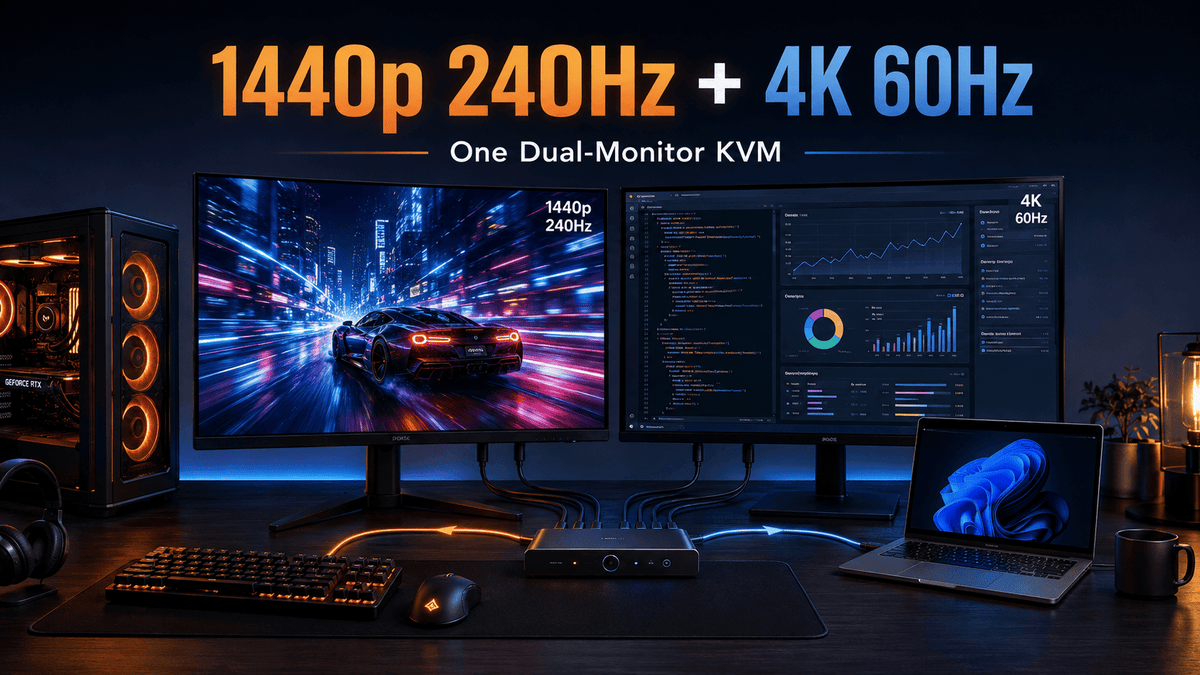
Mixed-Refresh Dual-Monitor KVM Setup: 1440p 240Hz Gaming + 4K 60Hz Work Display
Mixed-Refresh Dual-Monitor KVM Setup: 1440p 240Hz Gaming + 4K 60Hz Work Display
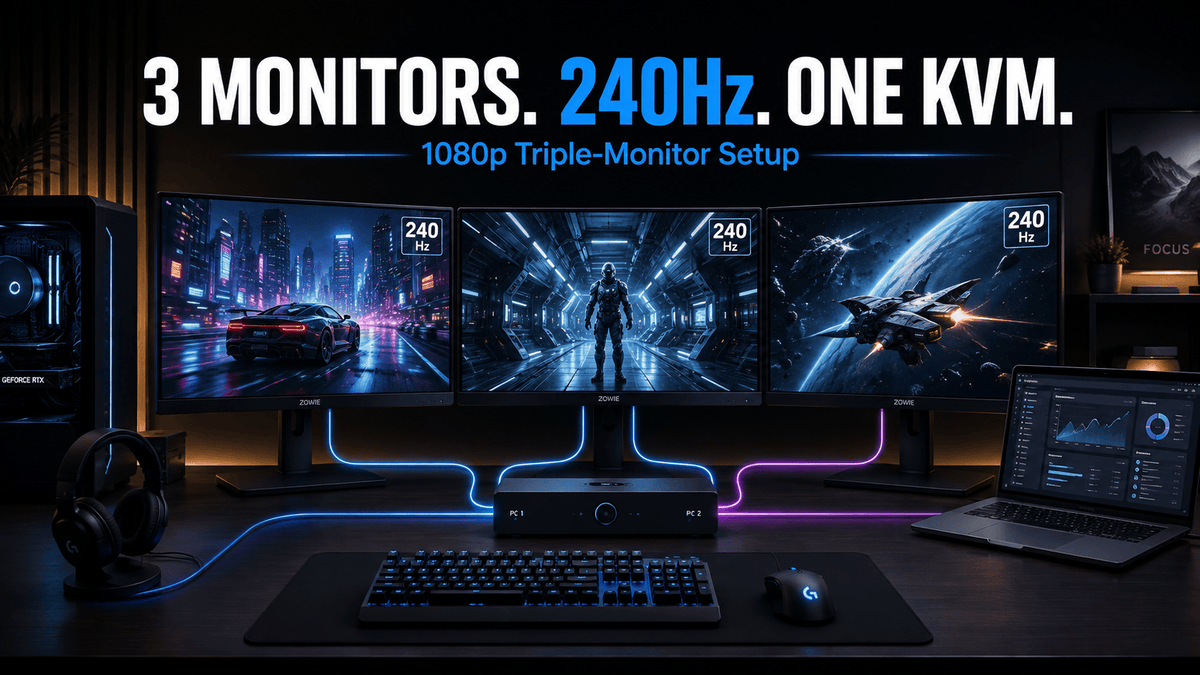
Table of Contents Introduction What Users Are Actually Trying to Solve Can a Dual-Monitor KVM Run 1440p 240Hz and 4K 60Hz Together? Why Mixed-Refresh KVM Setups Become Complicated Check the Two Computer-Side Display Paths First Why a Dock Can Become...

Read moreabout Mixed-Refresh Dual-Monitor KVM Setup: 1440p 240Hz Gaming + 4K 60Hz Work Display

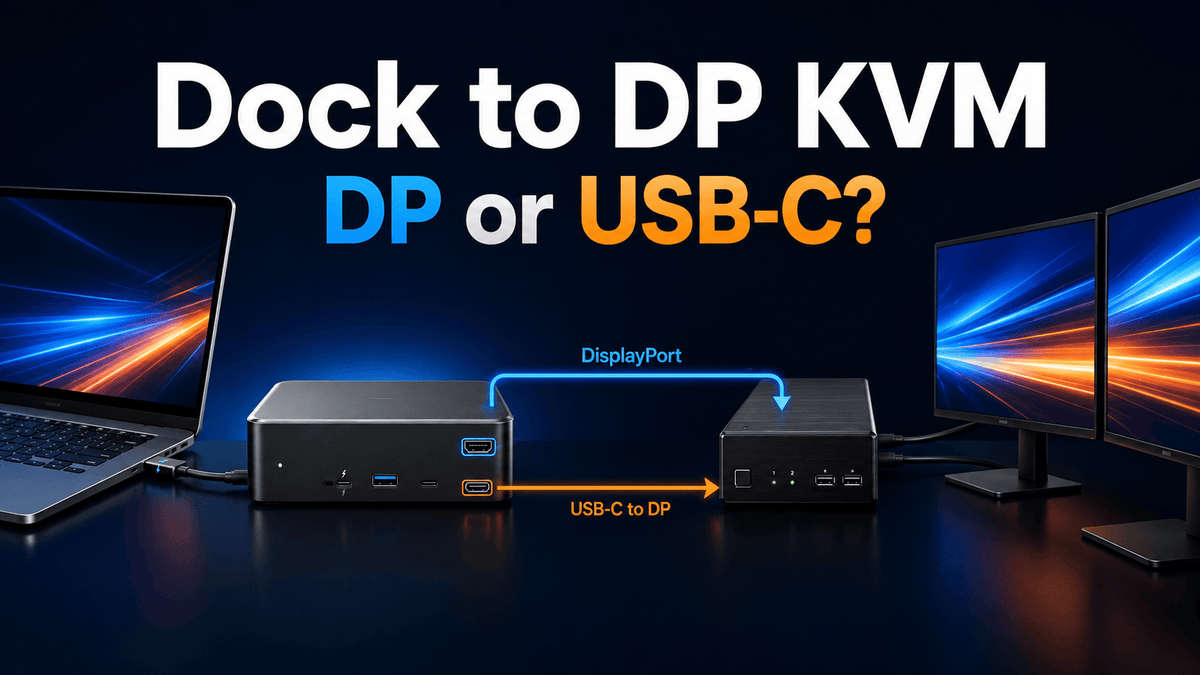
DisplayPort KVM with a Dock Compatible with Thunderbolt 5: Which Video Output Should You Actually Use?

DisplayPort KVM with a Dock Compatible with Thunderbolt 5: Which Video Output Should You Actually Use?

Table of Contents Introduction The Full Laptop → Dock → DisplayPort KVM Signal Chain Built-In DisplayPort vs Downstream USB-C: Why the Paths Can Behave Differently USB-C-to-DisplayPort Cable vs Standard DisplayPort Cable MST, DSC, DP++ and Active Converters: What Can Change...

Read moreabout DisplayPort KVM with a Dock Compatible with Thunderbolt 5: Which Video Output Should You Actually Use?

Can a KVM Run Three 1080p 240Hz Monitors? What to Check Before You Buy
Can a KVM Run Three 1080p 240Hz Monitors? What to Check Before You Buy

Table of Contents Introduction What Users Are Actually Trying to Solve Why 1080p 240Hz Is Not Just “1080p” Three Monitors Usually Mean Three Independent Video Paths Check the GPU Before You Check the KVM HDMI 2.0, HDMI 2.1, or DisplayPort...

Read moreabout Can a KVM Run Three 1080p 240Hz Monitors? What to Check Before You Buy

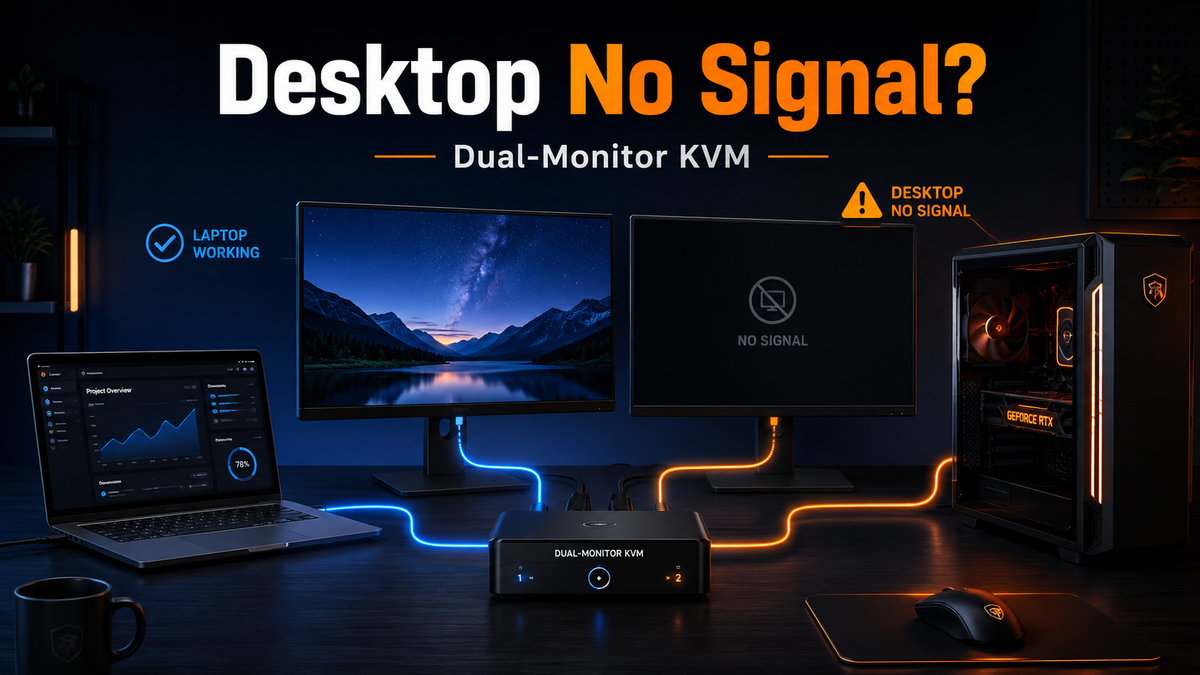
Why the KVM Works on Your Laptop but Not Your Desktop: A Dual-Monitor Signal-Path Checklist
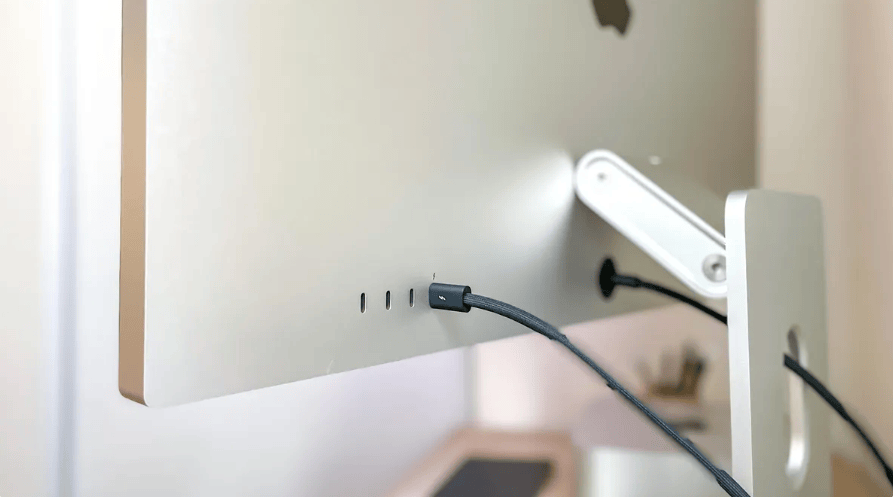
Why the KVM Works on Your Laptop but Not Your Desktop: A Dual-Monitor Signal-Path Checklist

Table of Contents Introduction What This Problem Usually Means How a Traditional Dual-Monitor KVM Signal Path Works 1. Check Where the Desktop Video Cables Are Connected 2. Confirm the Desktop Is Supplying Two Video Signals 3. Keep Video and USB...

Read moreabout Why the KVM Works on Your Laptop but Not Your Desktop: A Dual-Monitor Signal-Path Checklist

Can Apple Studio Display Connect to a Windows PC? Share One Display Between Mac and Windows
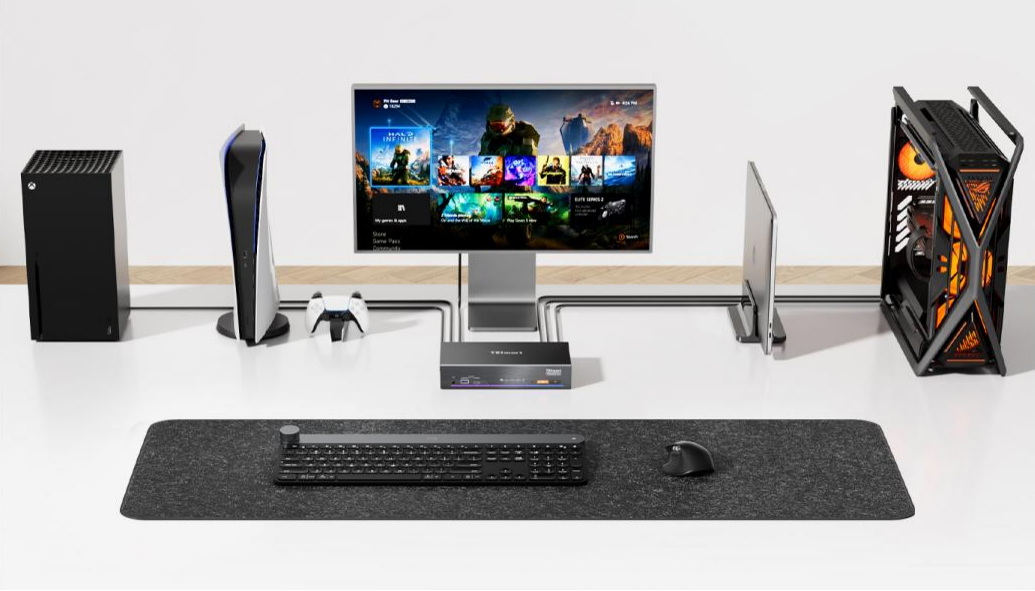
Can Apple Studio Display Connect to a Windows PC? Share One Display Between Mac and Windows

More and more users are using both Mac and Windows PCs simultaneously: Mac for daily office work and creative tasks, while Windows desktops handle professional software, gaming, or high-performance applications. But when users want to share an Apple Studio Display...

Read moreabout Can Apple Studio Display Connect to a Windows PC? Share One Display Between Mac and Windows

PS5 Connected to Apple Studio Display with No Sound? TESmart THK401-X4 Solves the Audio Issue

PS5 Connected to Apple Studio Display with No Sound? TESmart THK401-X4 Solves the Audio Issue

PS5 video works on Apple Studio Display, but audio doesn't? The THK401-X4 converts HDMI audio to USB Audio, enabling full sound support for PS5, PC, Xbox, and Switch—all while sharing the 5K display. Learn how it bridges the compatibility gap.
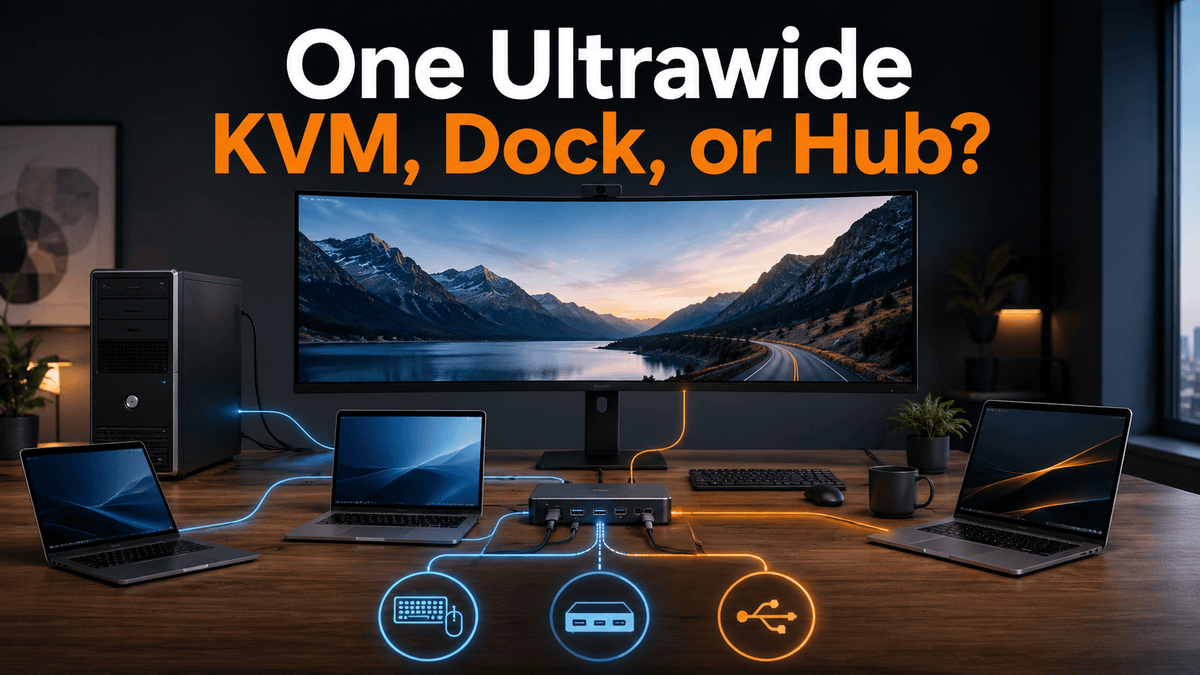
Read moreabout PS5 Connected to Apple Studio Display with No Sound? TESmart THK401-X4 Solves the Audio Issue

One Desktop and Multiple USB-C Laptops on One Ultrawide: KVM, Dock, or USB Hub?
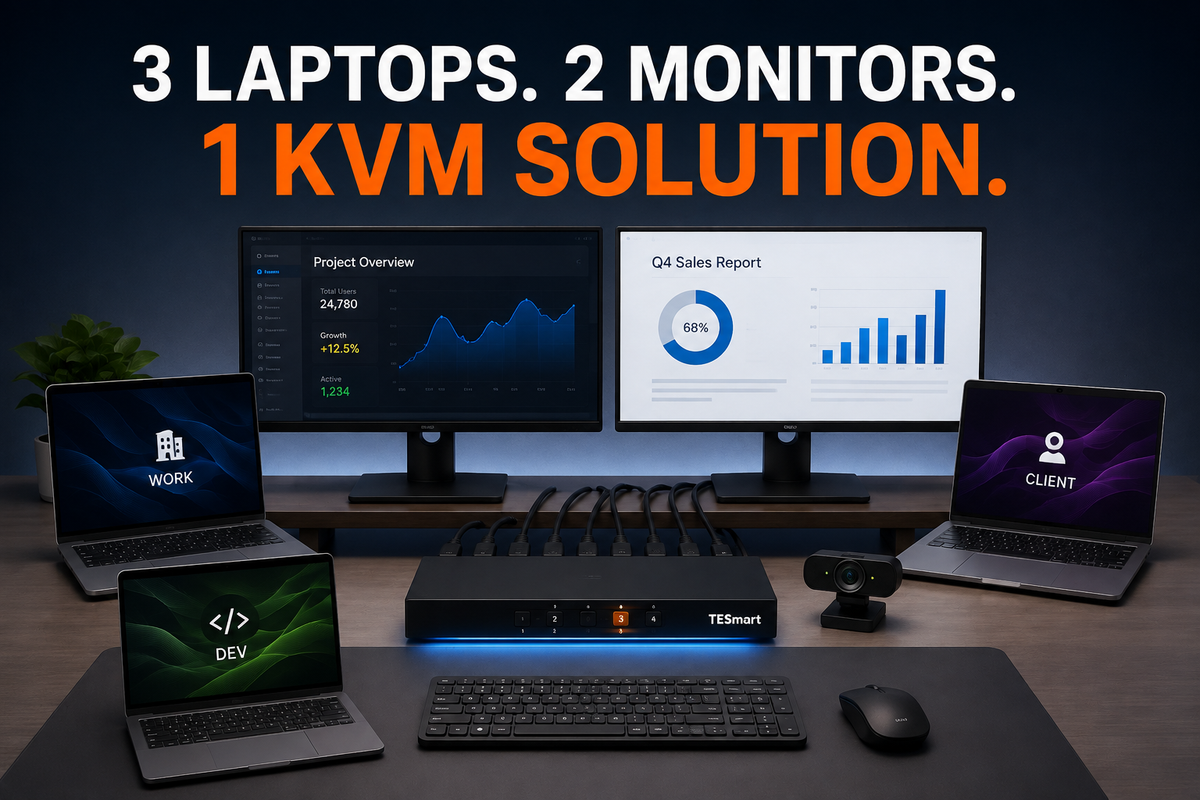
One Desktop and Multiple USB-C Laptops on One Ultrawide: KVM, Dock, or USB Hub?

Table of Contents Introduction What This Desk Setup Is Actually Trying to Solve Why a KVM, Dock, and USB Hub Solve Different Problems Connection Architecture Decision Tree Comparing the Main Connection Architectures What to Check for an Ultrawide Monitor How...

Read moreabout One Desktop and Multiple USB-C Laptops on One Ultrawide: KVM, Dock, or USB Hub?

Three Laptops, Two Monitors, One Webcam: How Consultants Can Build a Clean Multi-Laptop Workspace
Three Laptops, Two Monitors, One Webcam: How Consultants Can Build a Clean Multi-Laptop Workspace

Table of Contents Introduction What This Multi-Laptop Workspace Actually Needs Can Every Laptop Provide Two Video Signals? Does Every Laptop Need Its Own Dock? How to Connect the Keyboard, Mouse, Receiver, and Webcam One Four-Port KVM or Two Two-Port KVMs?...

Read moreabout Three Laptops, Two Monitors, One Webcam: How Consultants Can Build a Clean Multi-Laptop Workspace

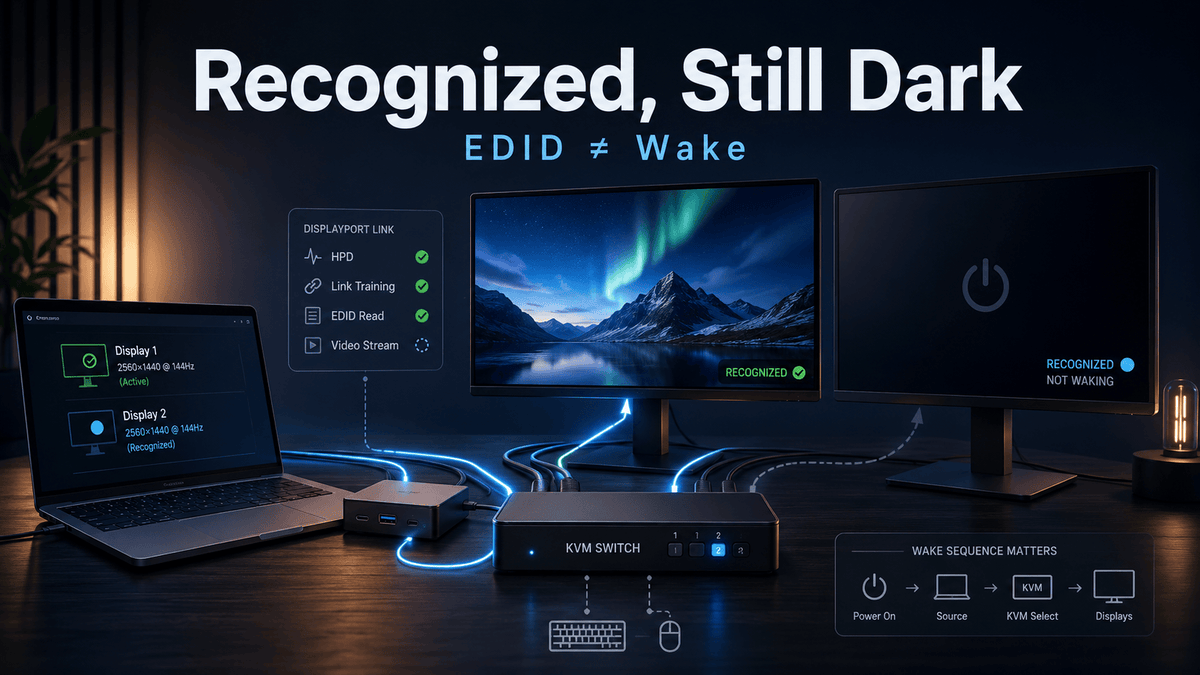
Why Your Monitors Don’t Wake After Switching a KVM

Why Your Monitors Don’t Wake After Switching a KVM

Table of Contents Introduction How a Monitor Can Be Recognized but Still Stay Dark EDID Is Display Identity, Not a Wake Signal Four Events That Must Succeed After a KVM Switch Why a Dock Makes the Wake Path More Complicated...

Read moreabout Why Your Monitors Don’t Wake After Switching a KVM

🎁 BLACKFRIDAY has been copied to your clipboard!