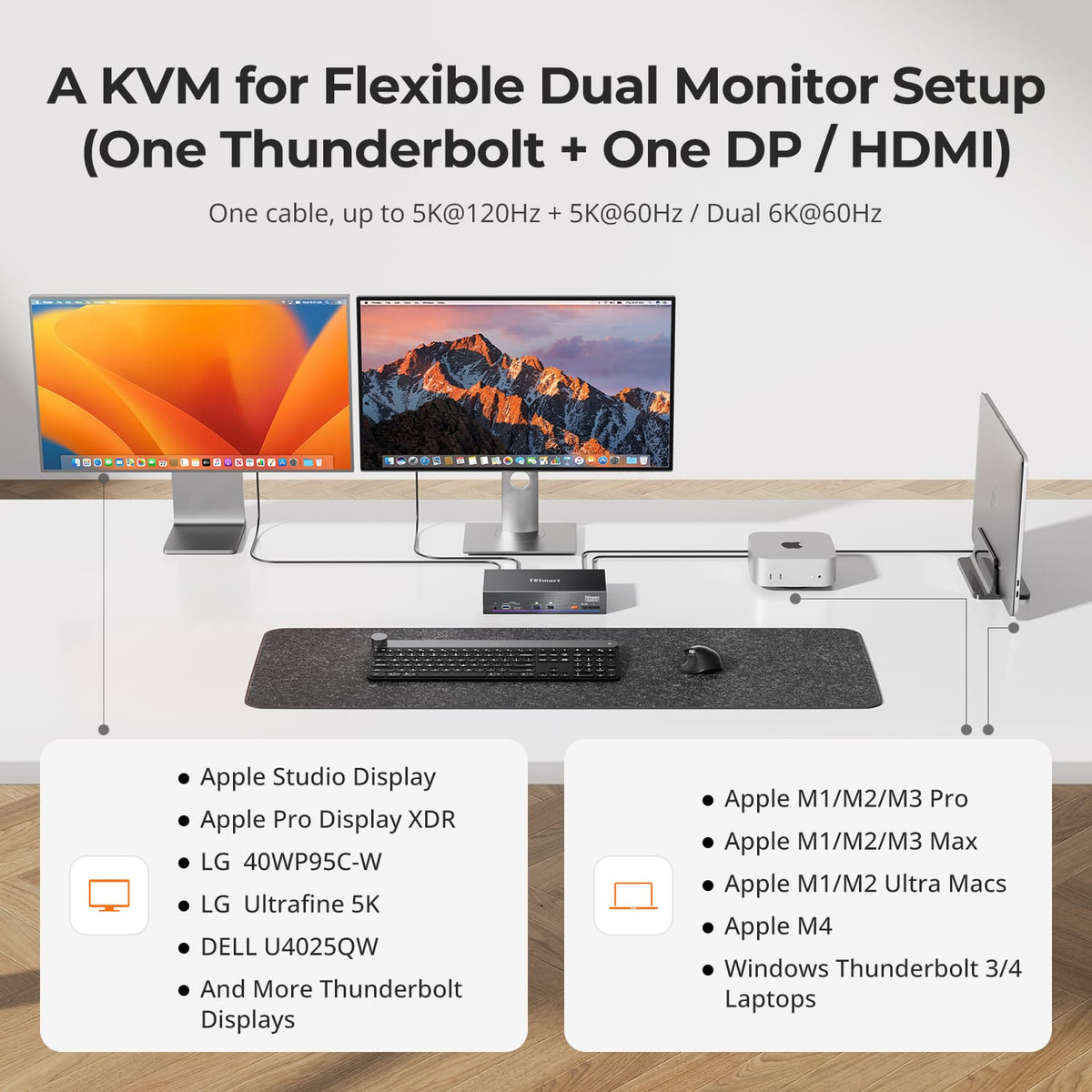
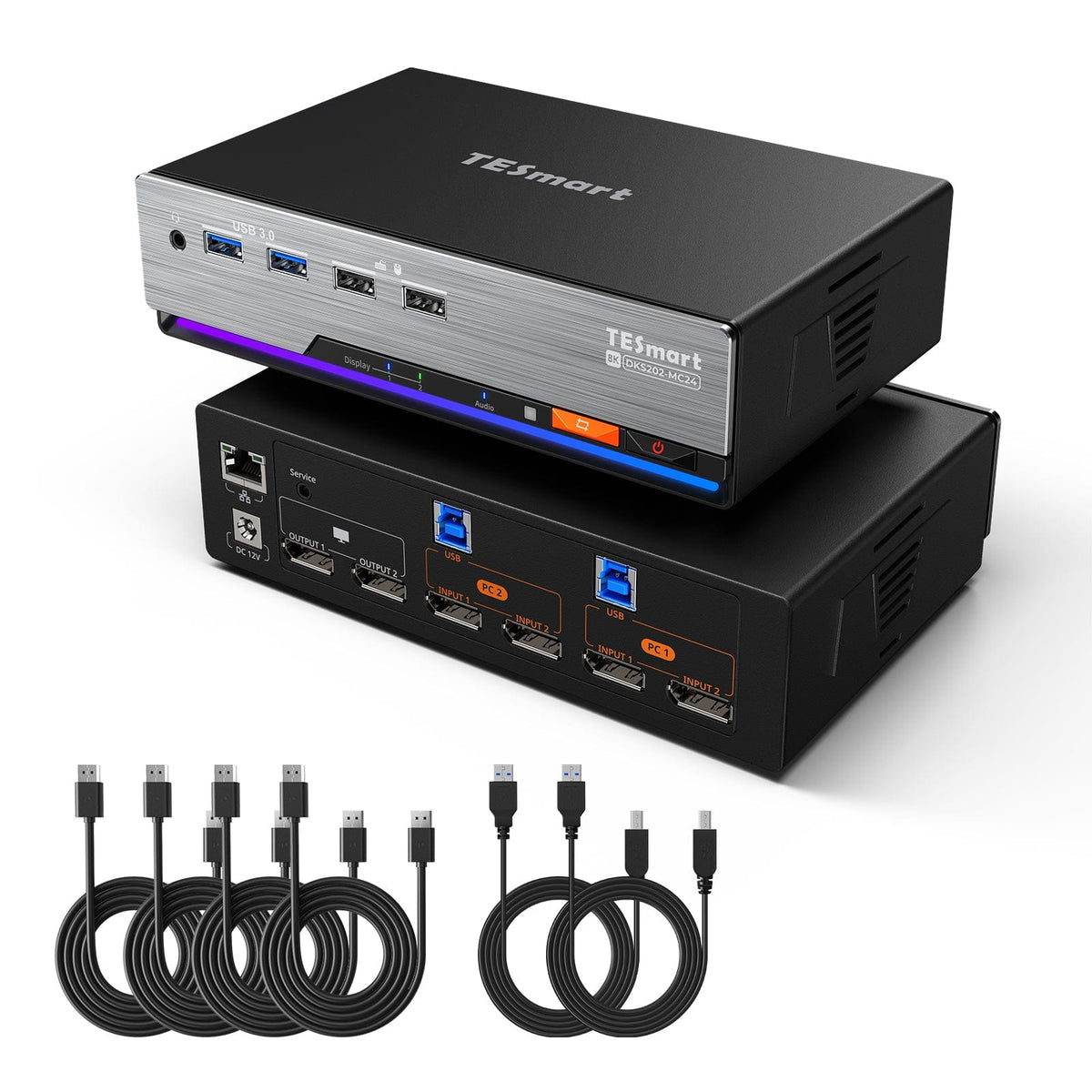
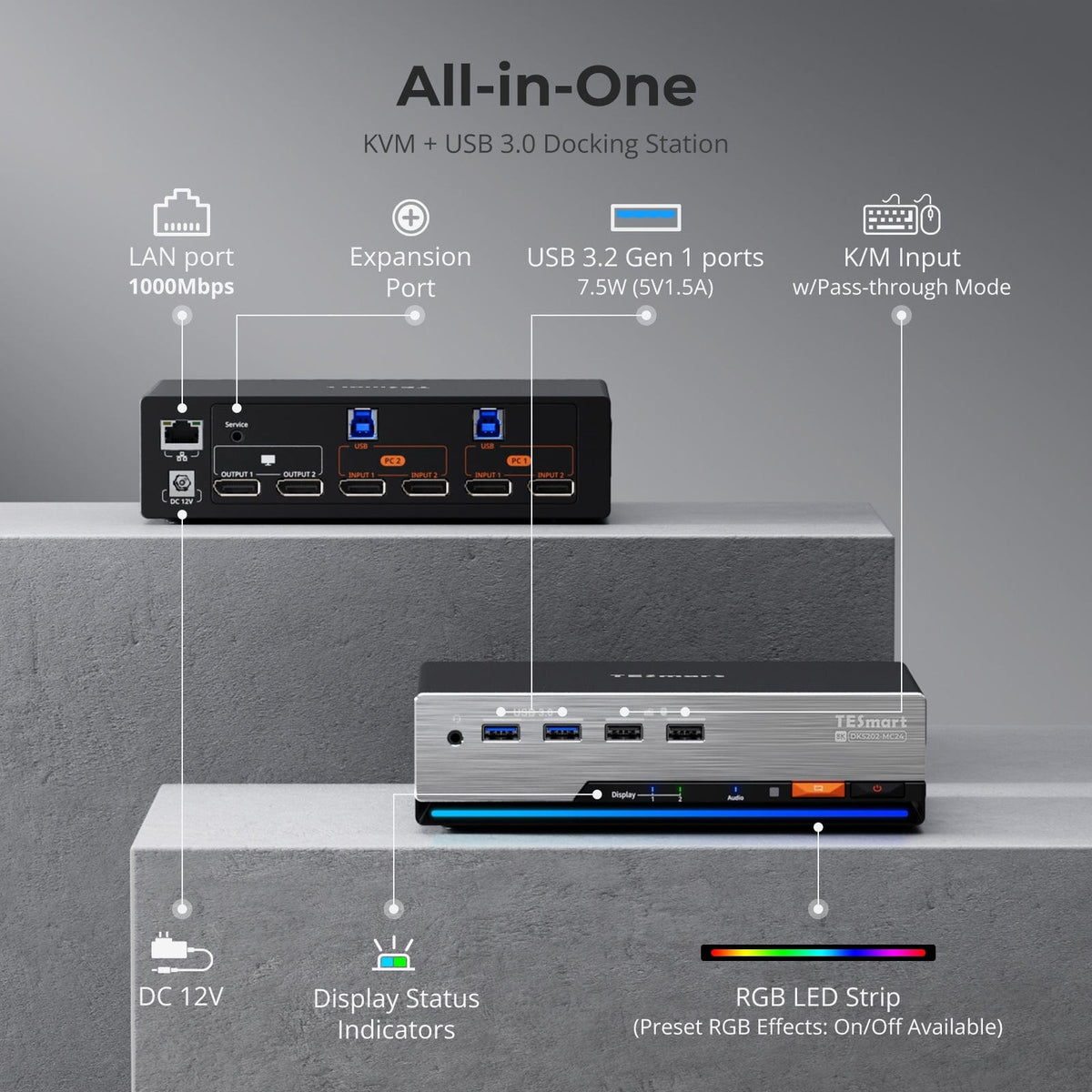
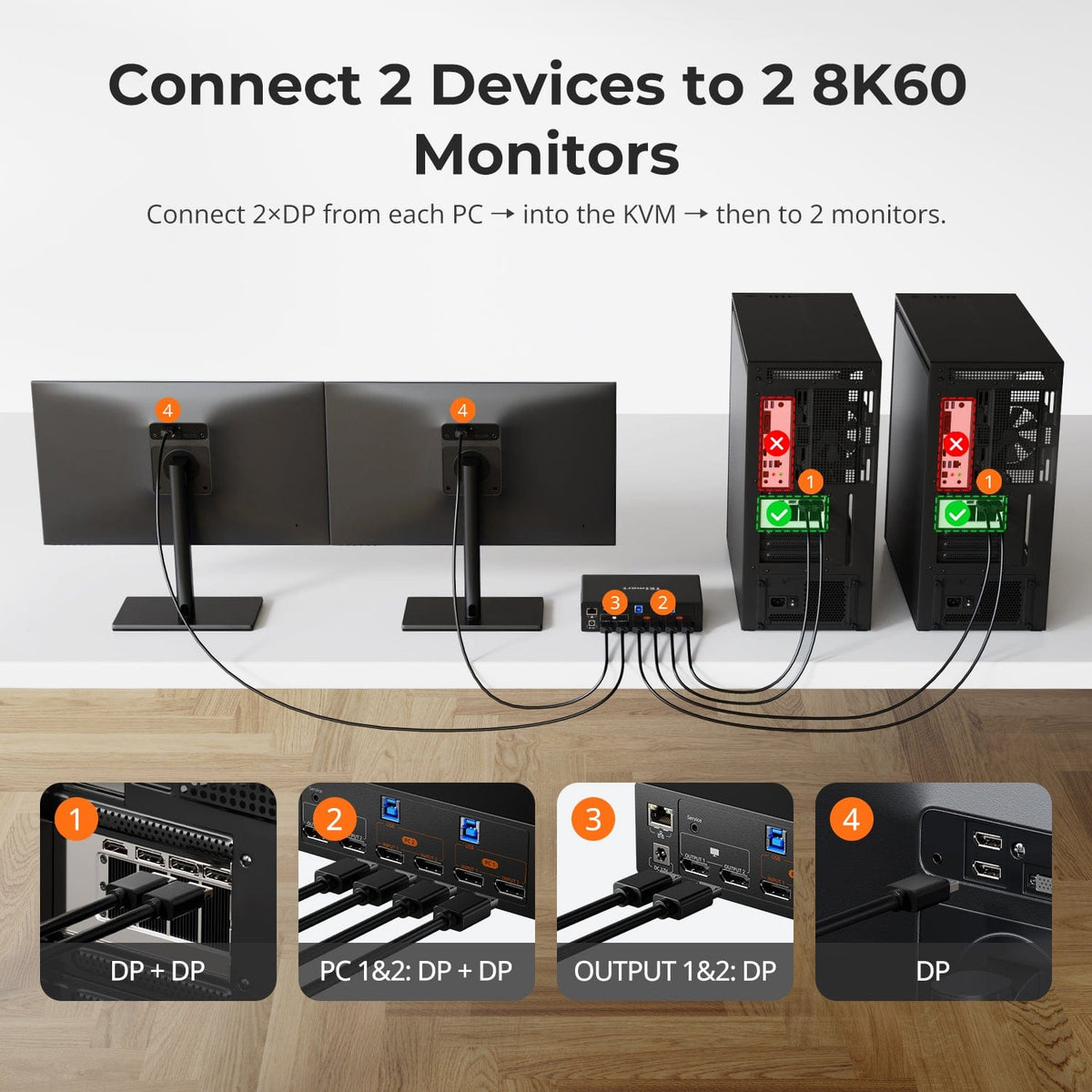
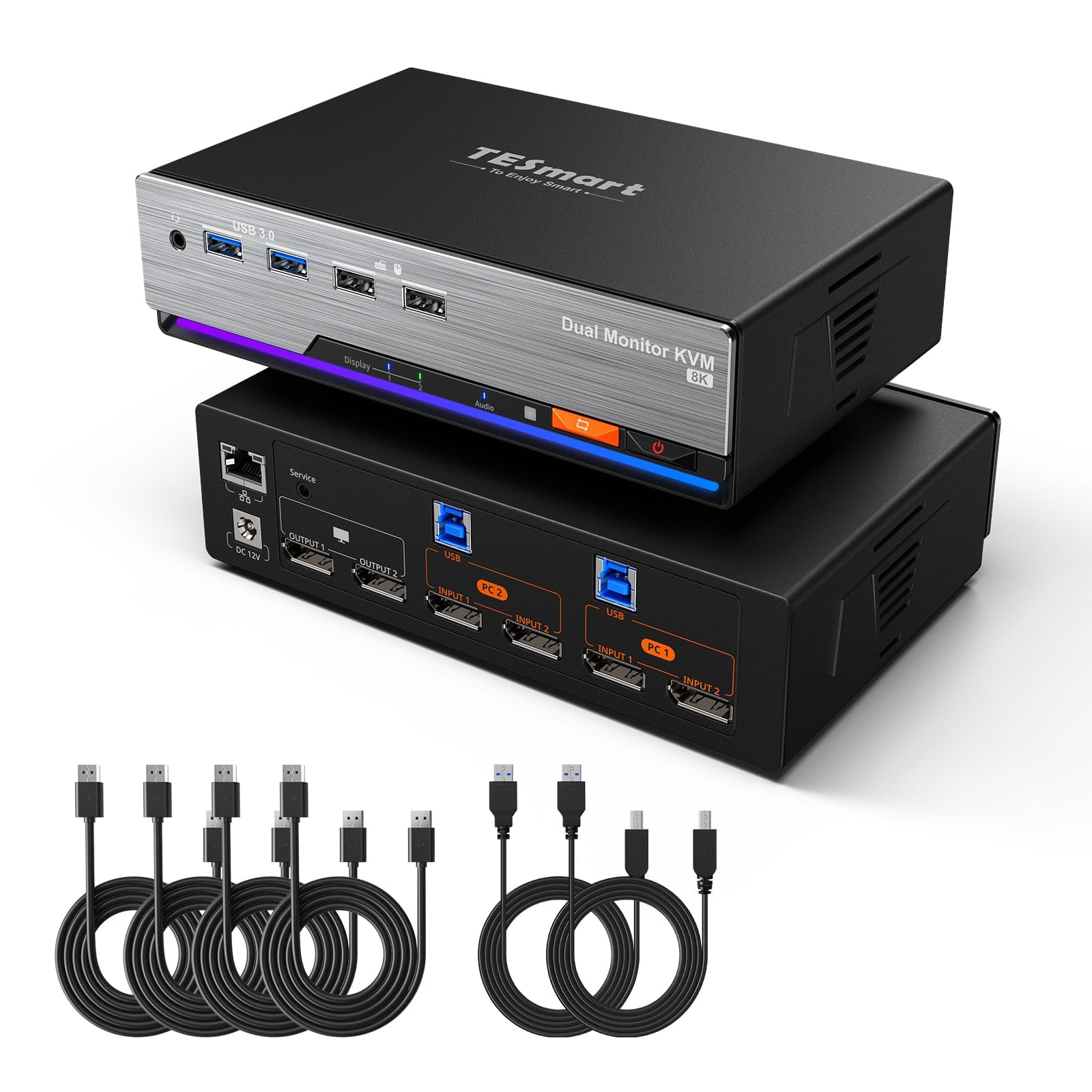
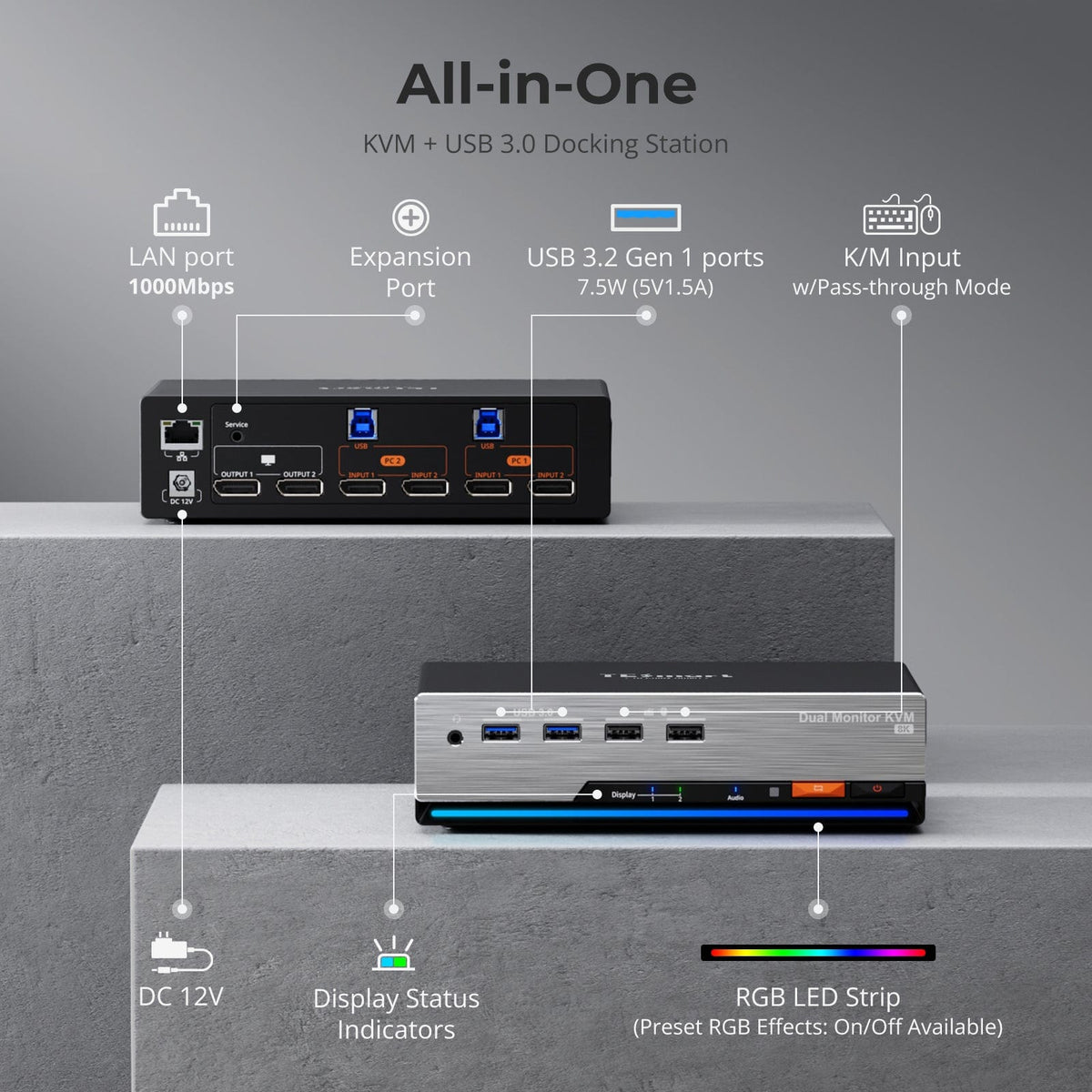
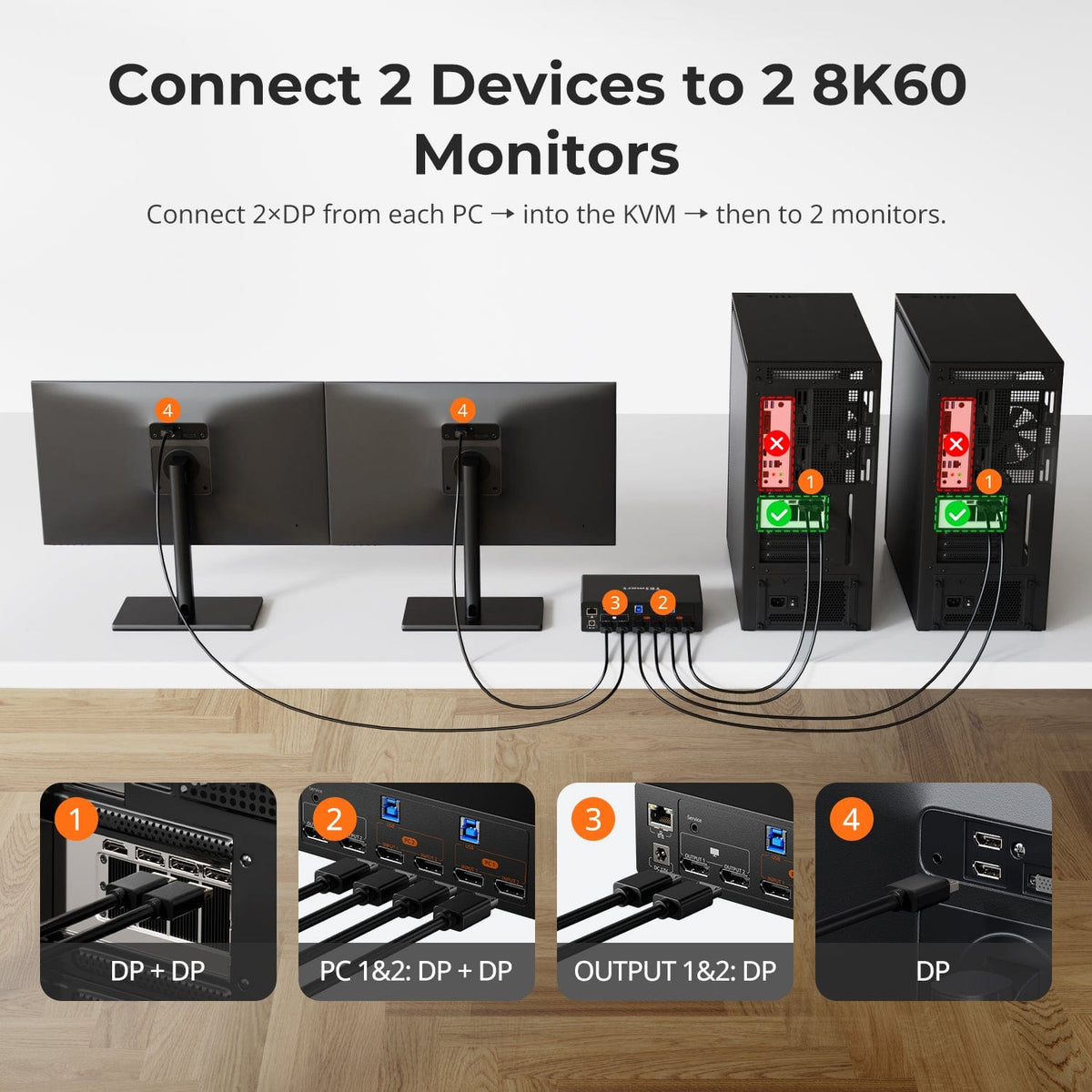
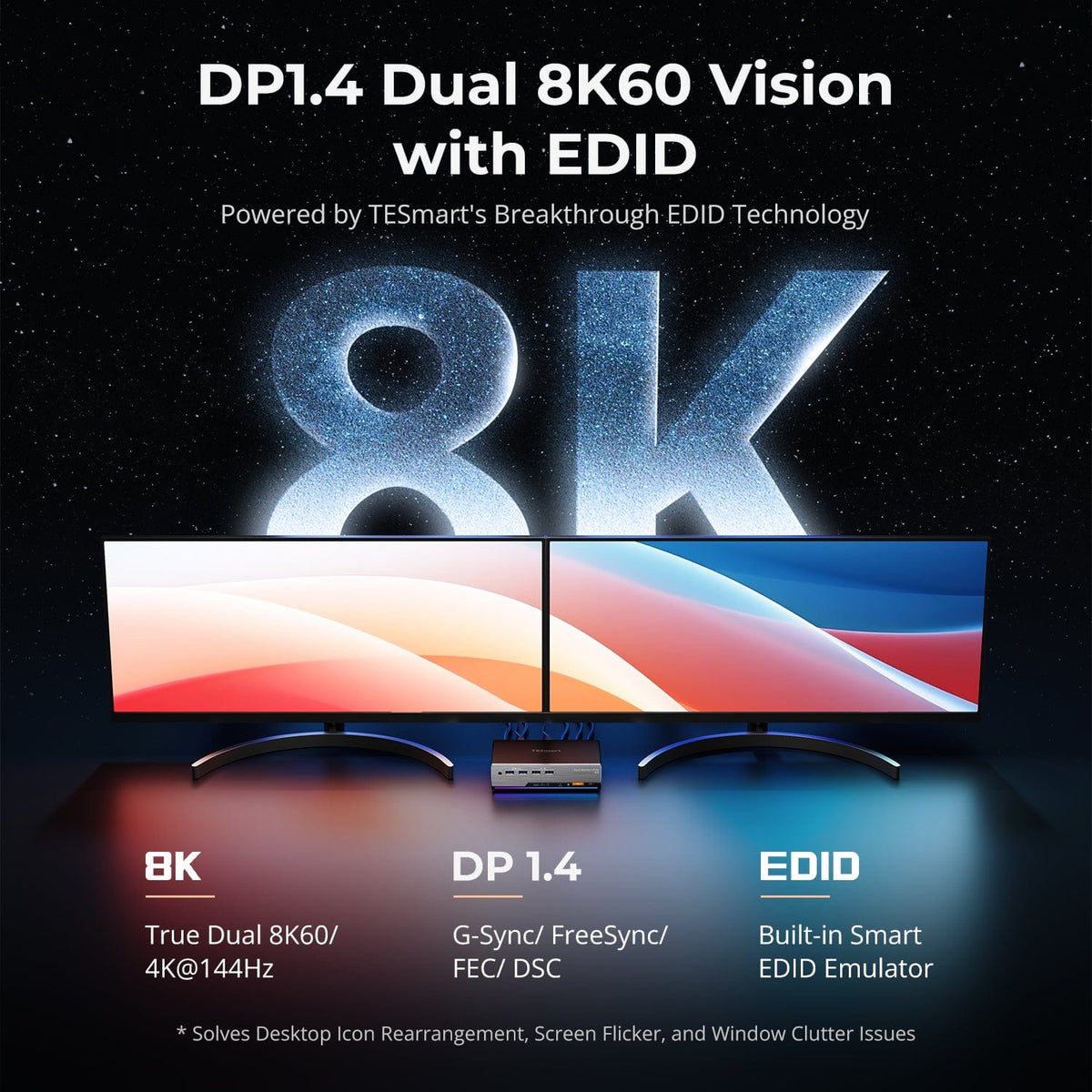
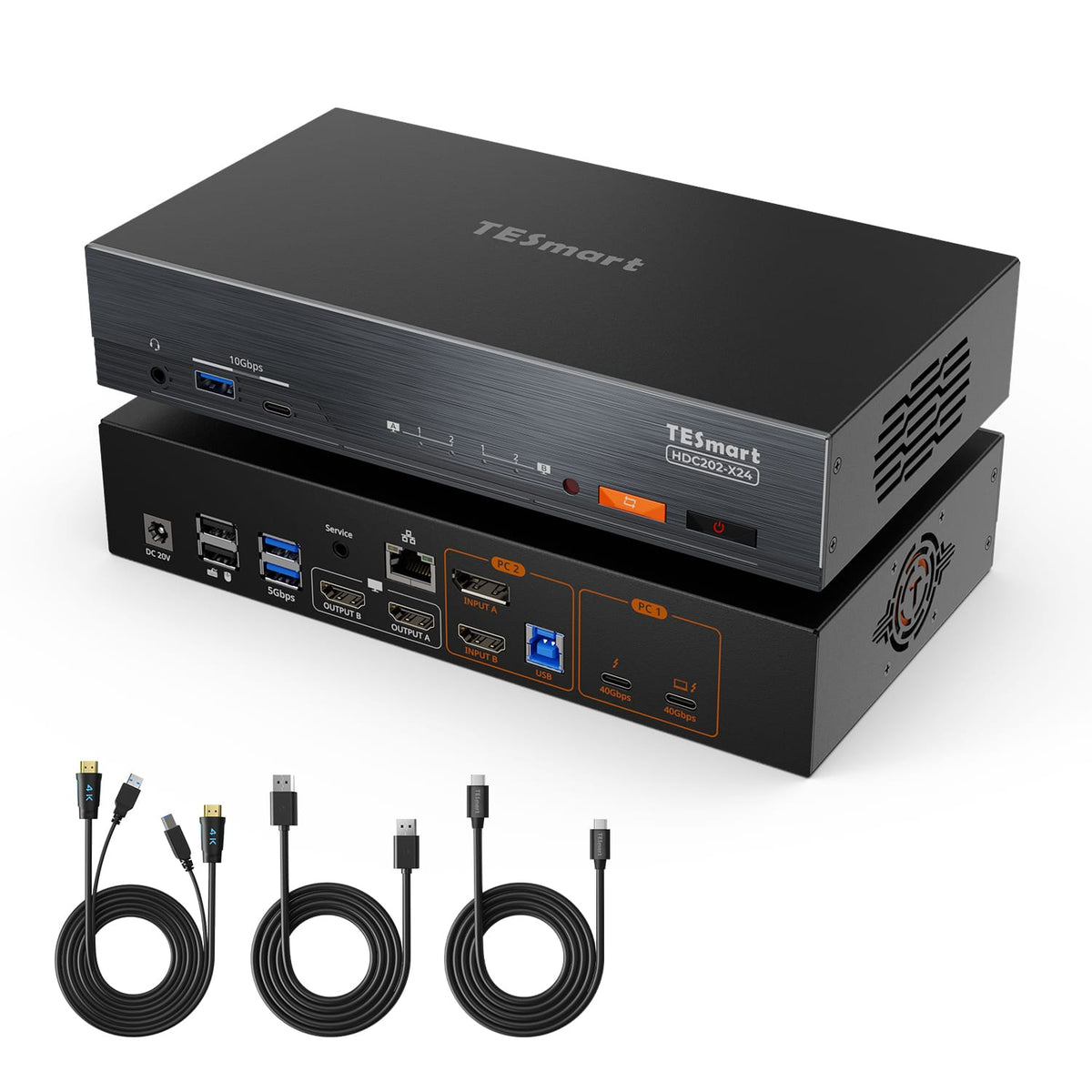
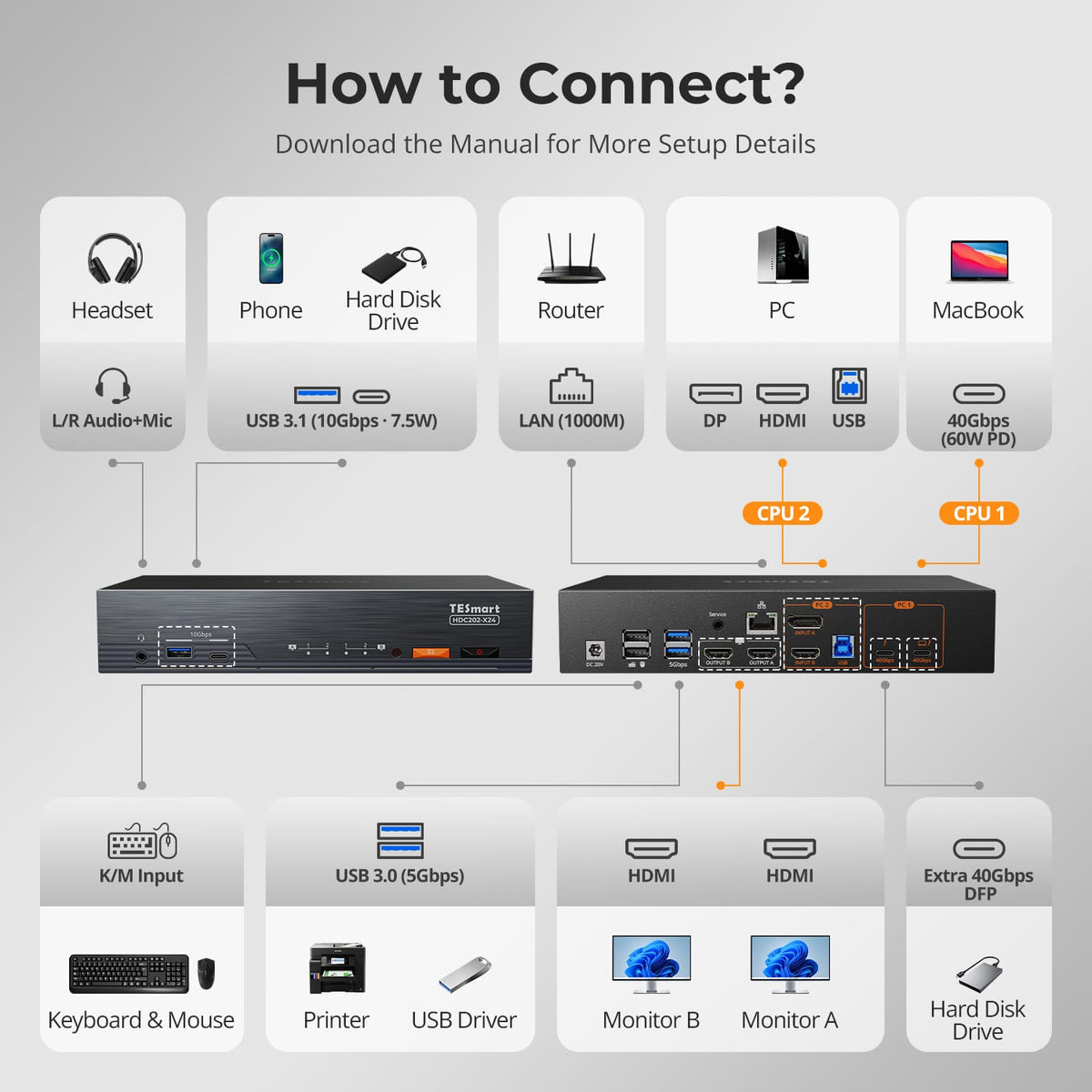
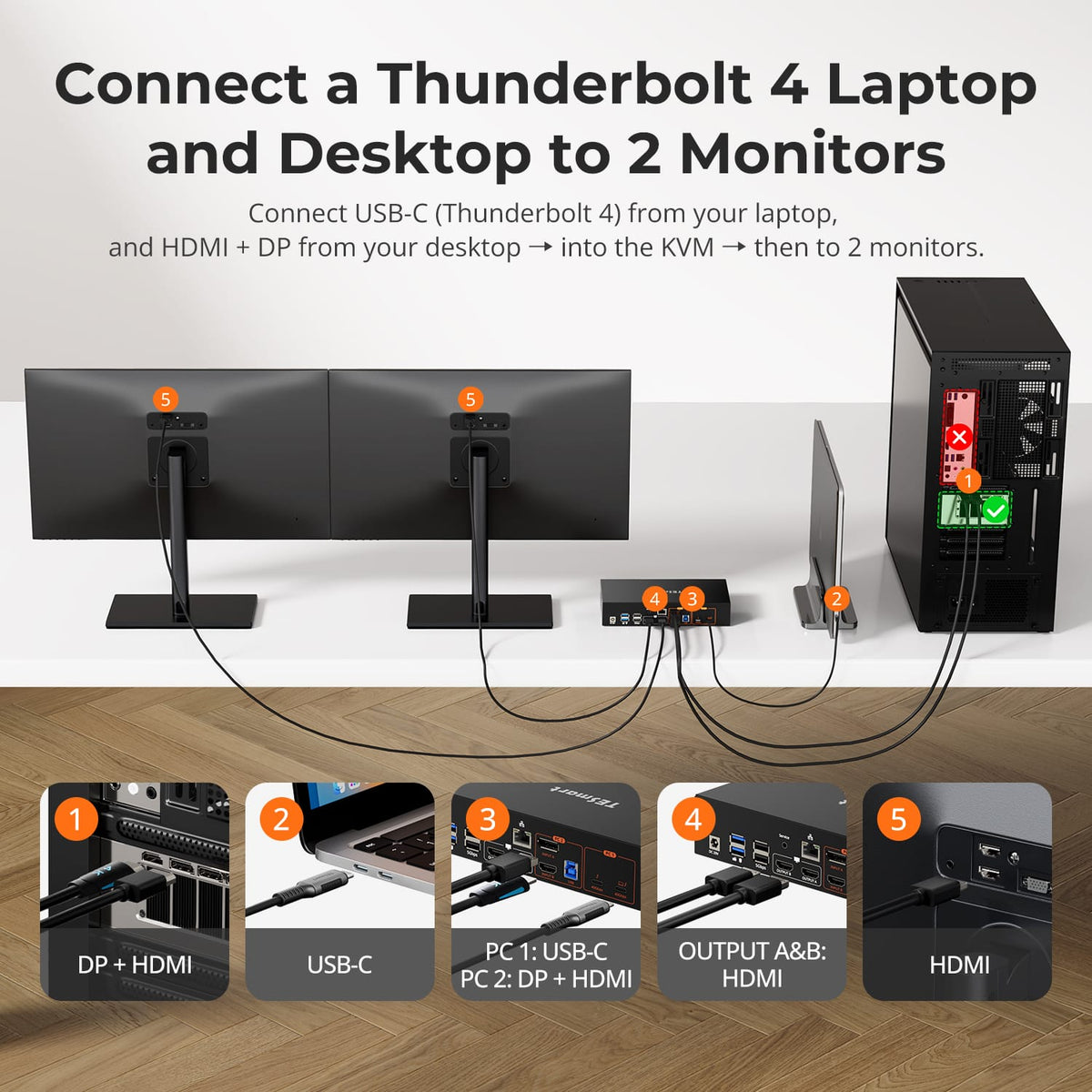
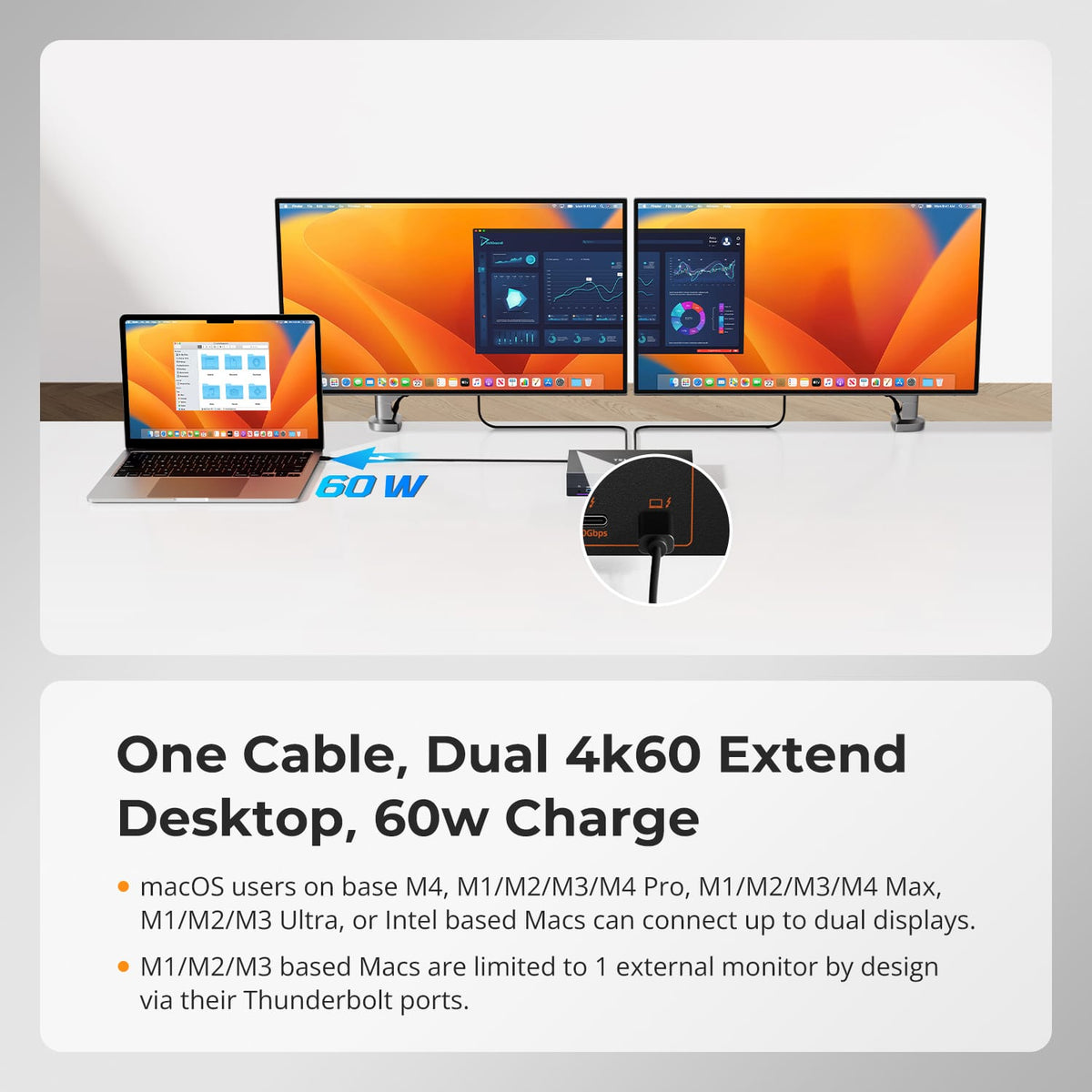
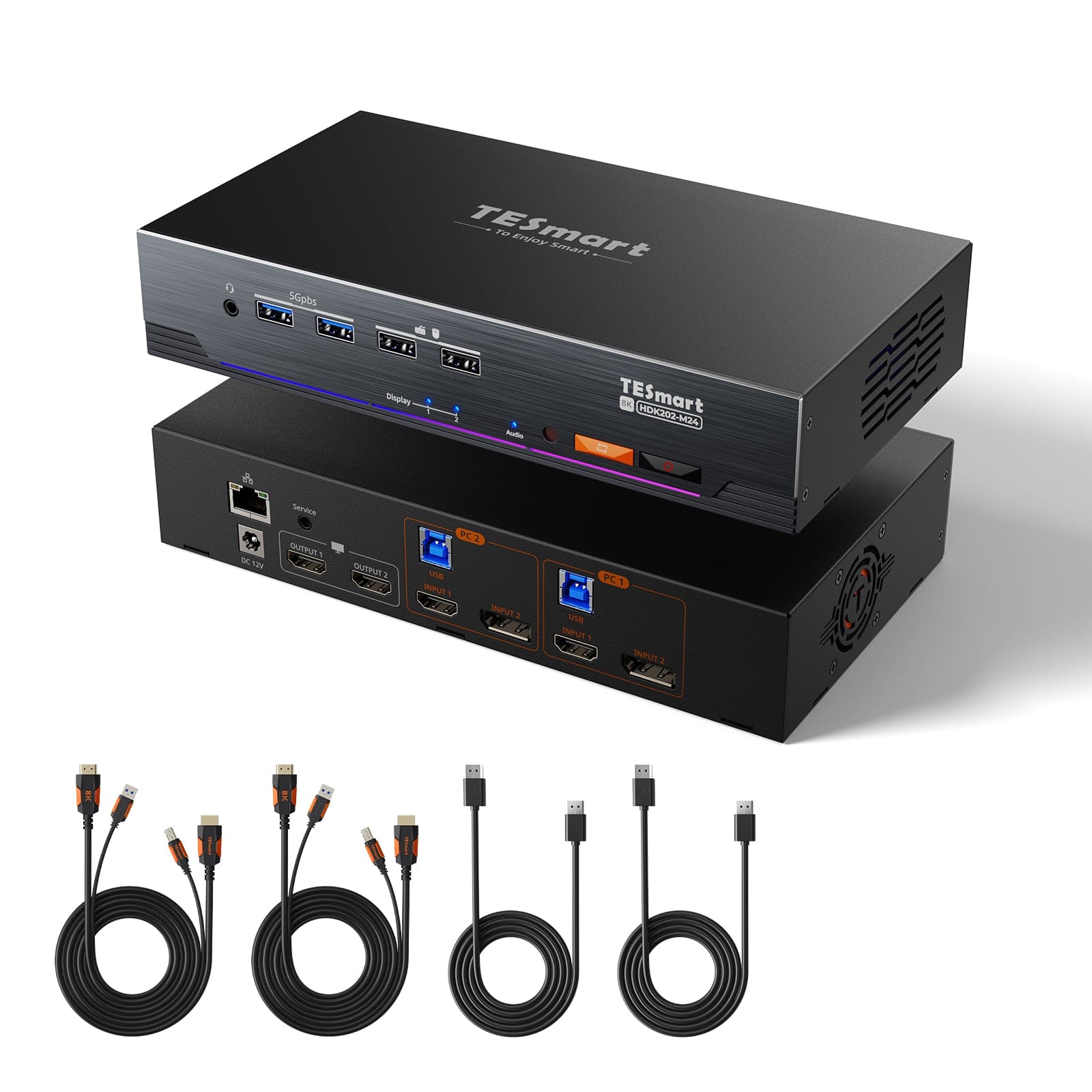
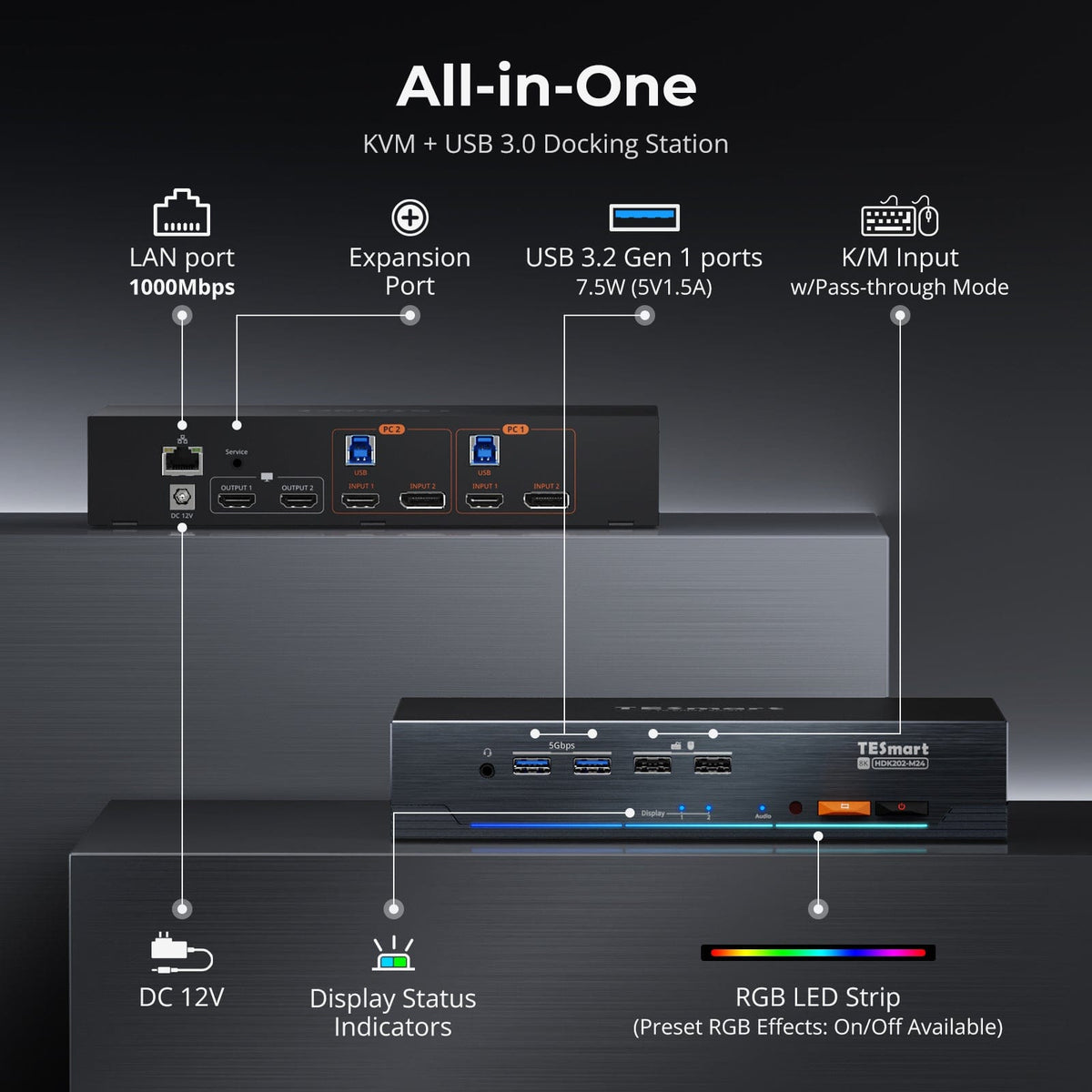
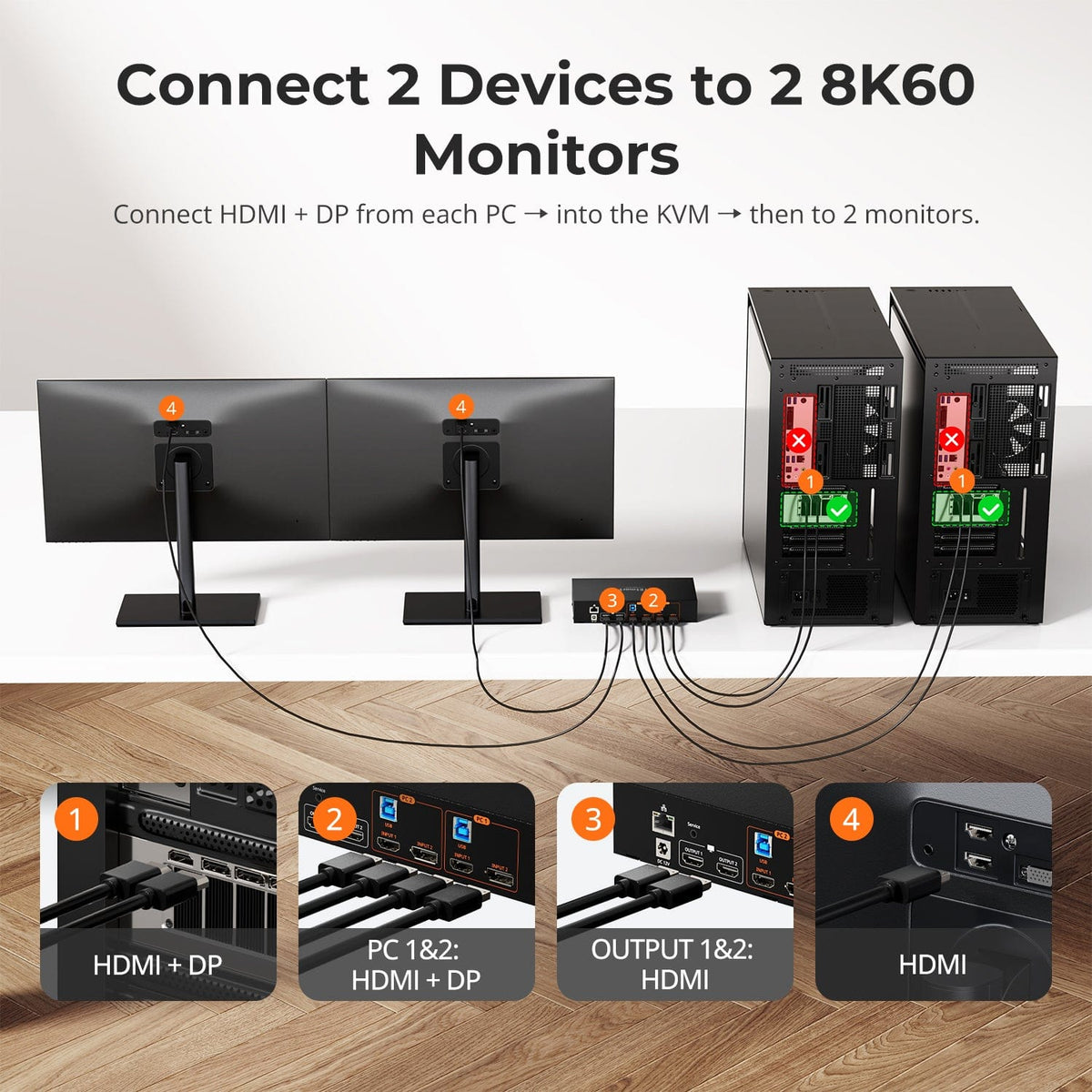
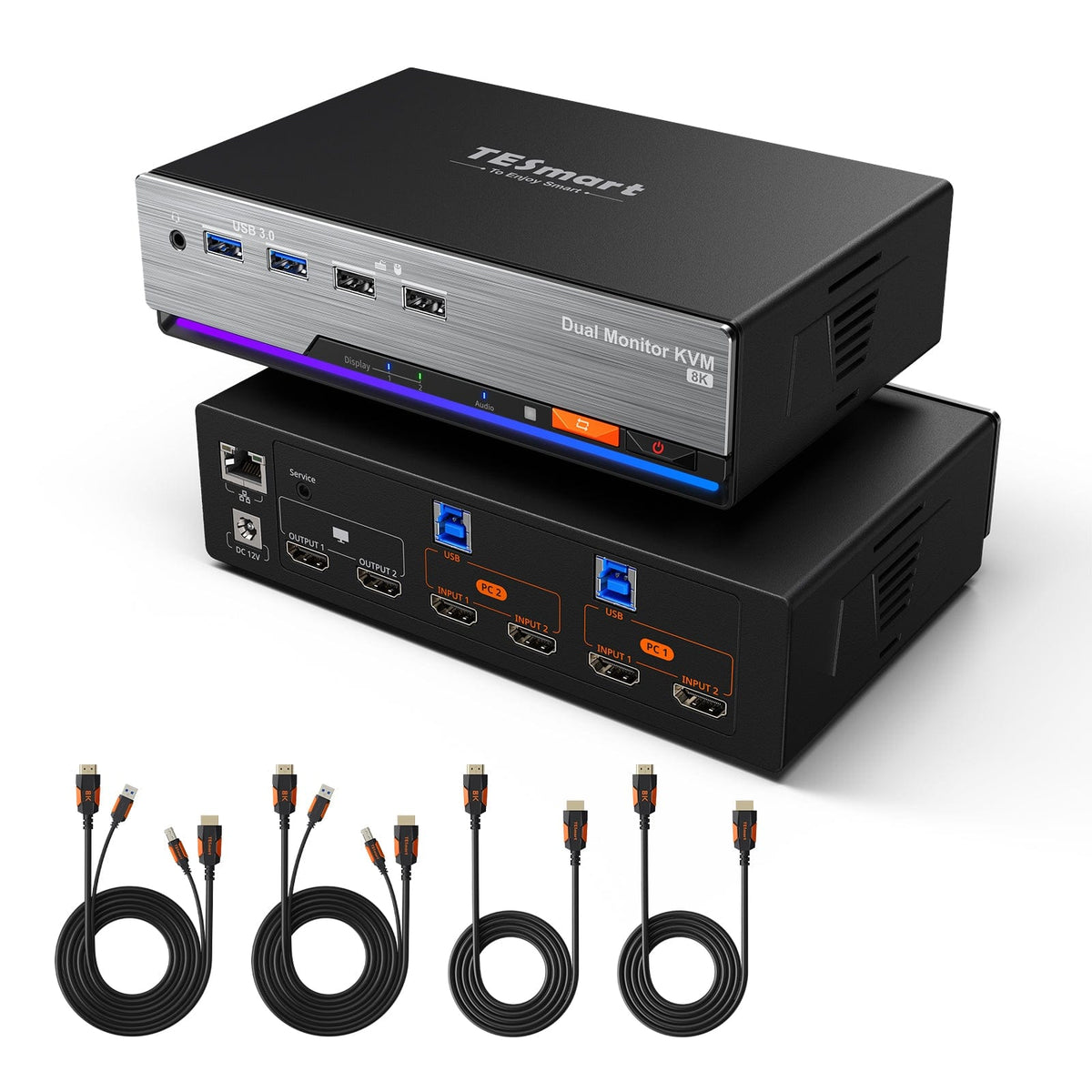
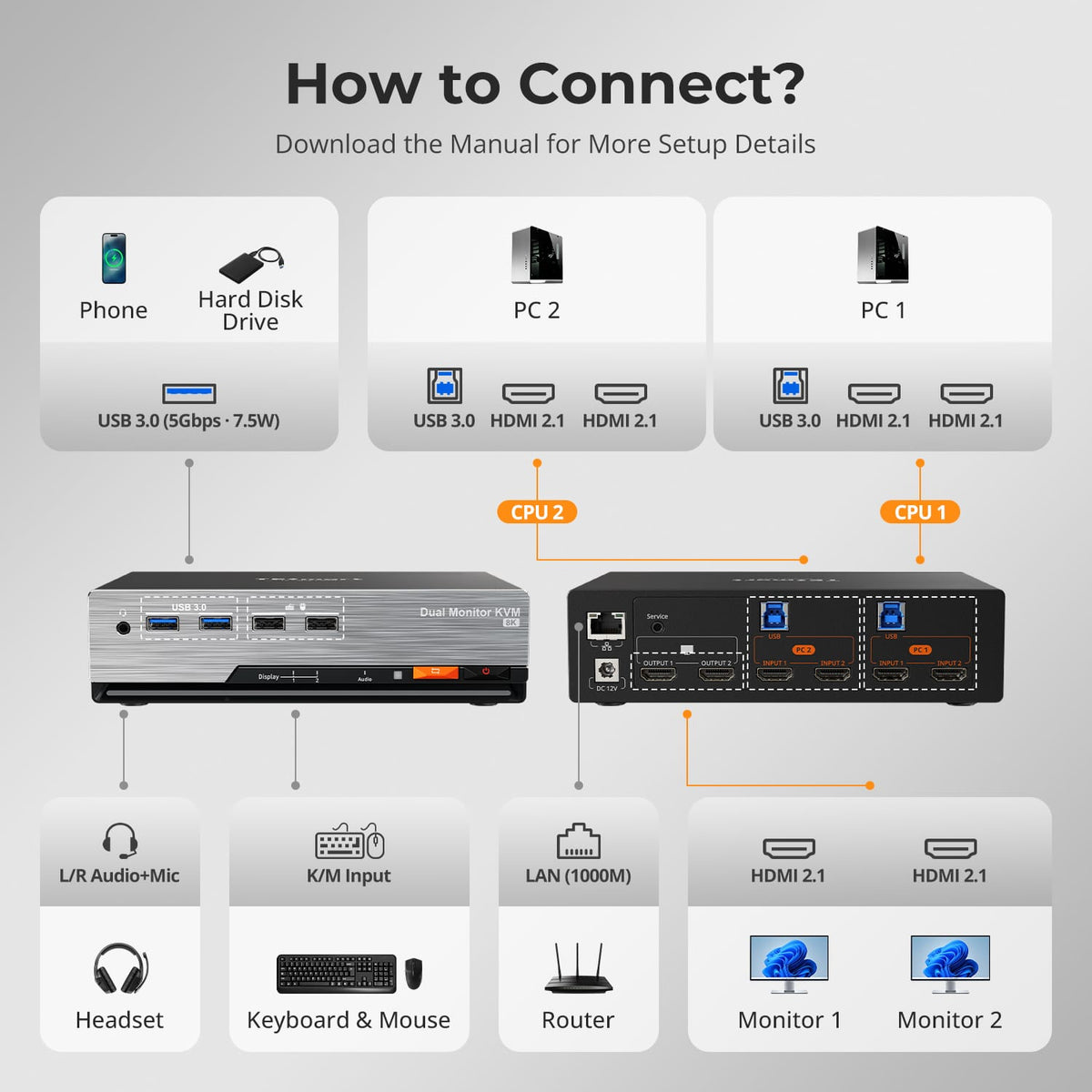
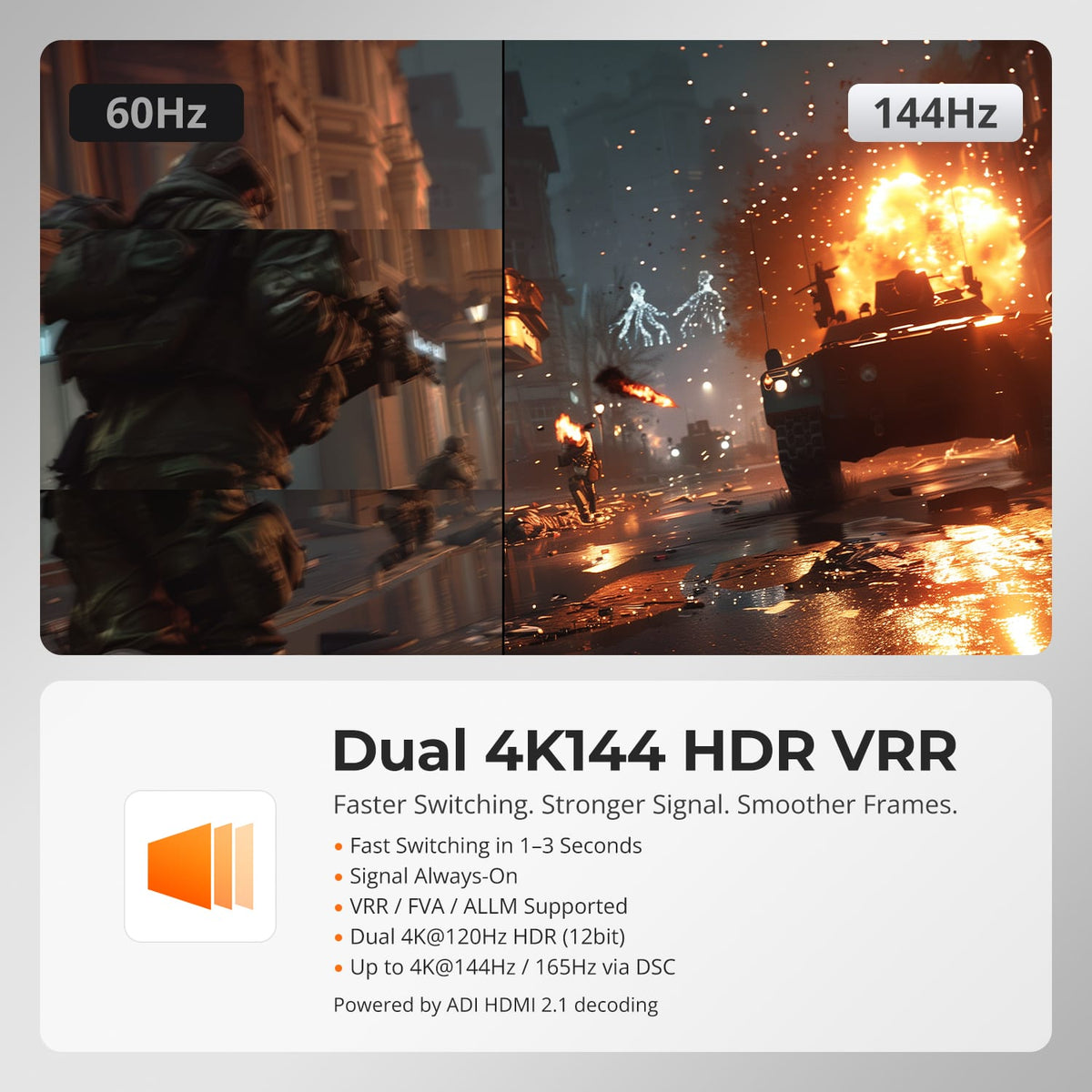
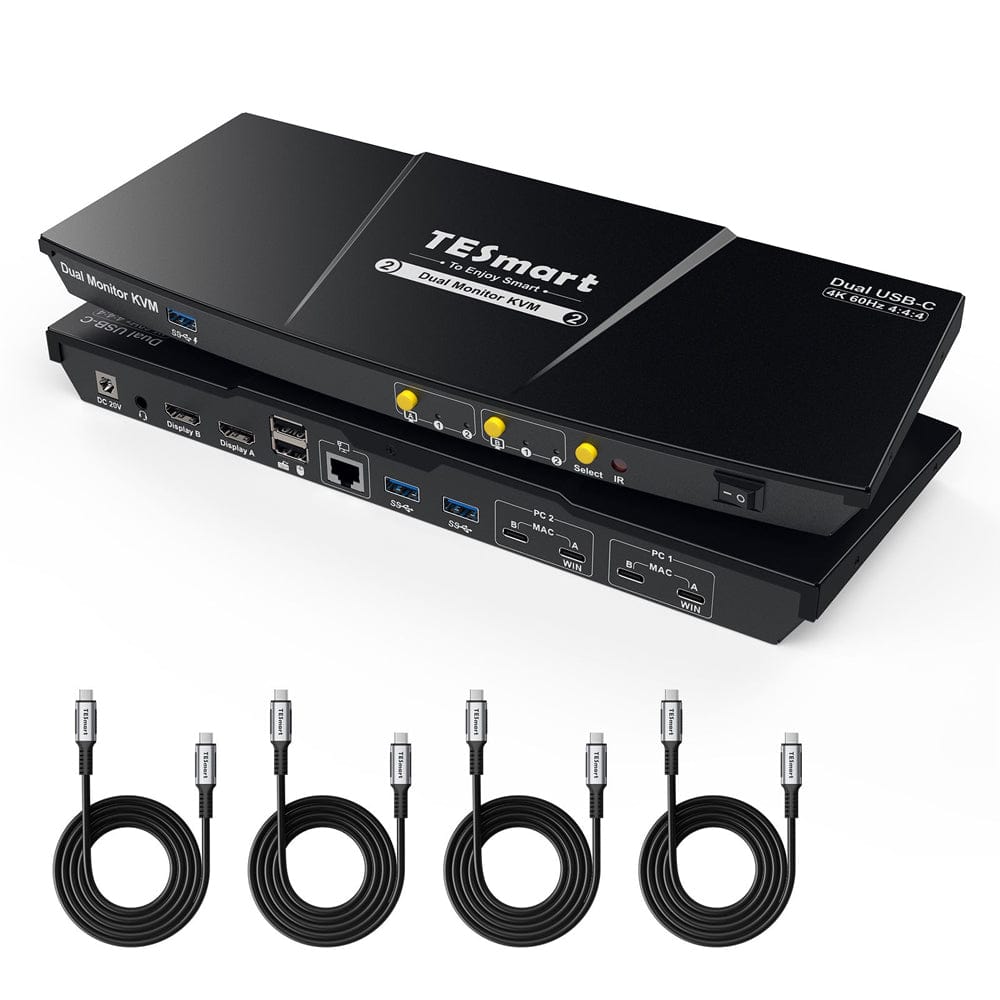
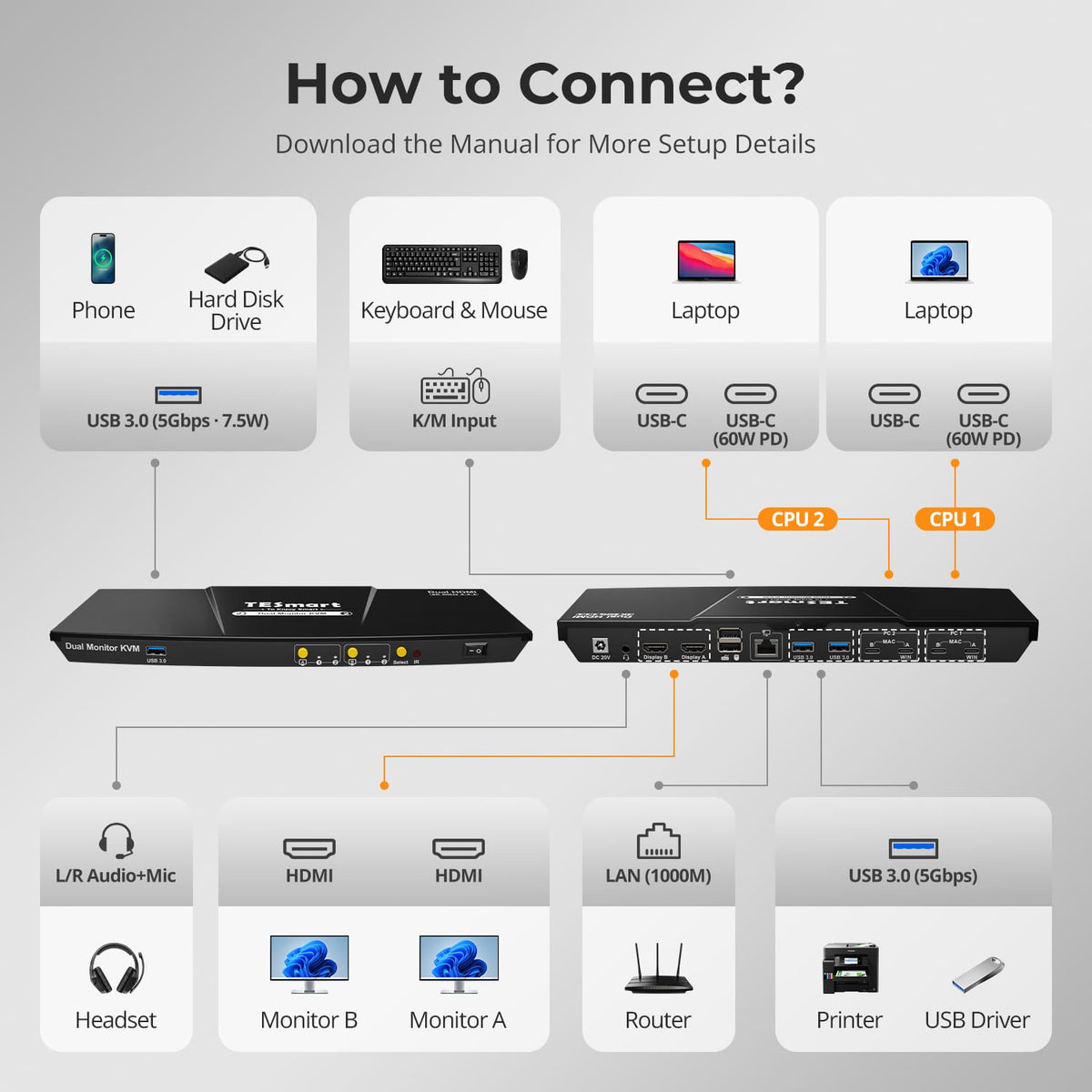
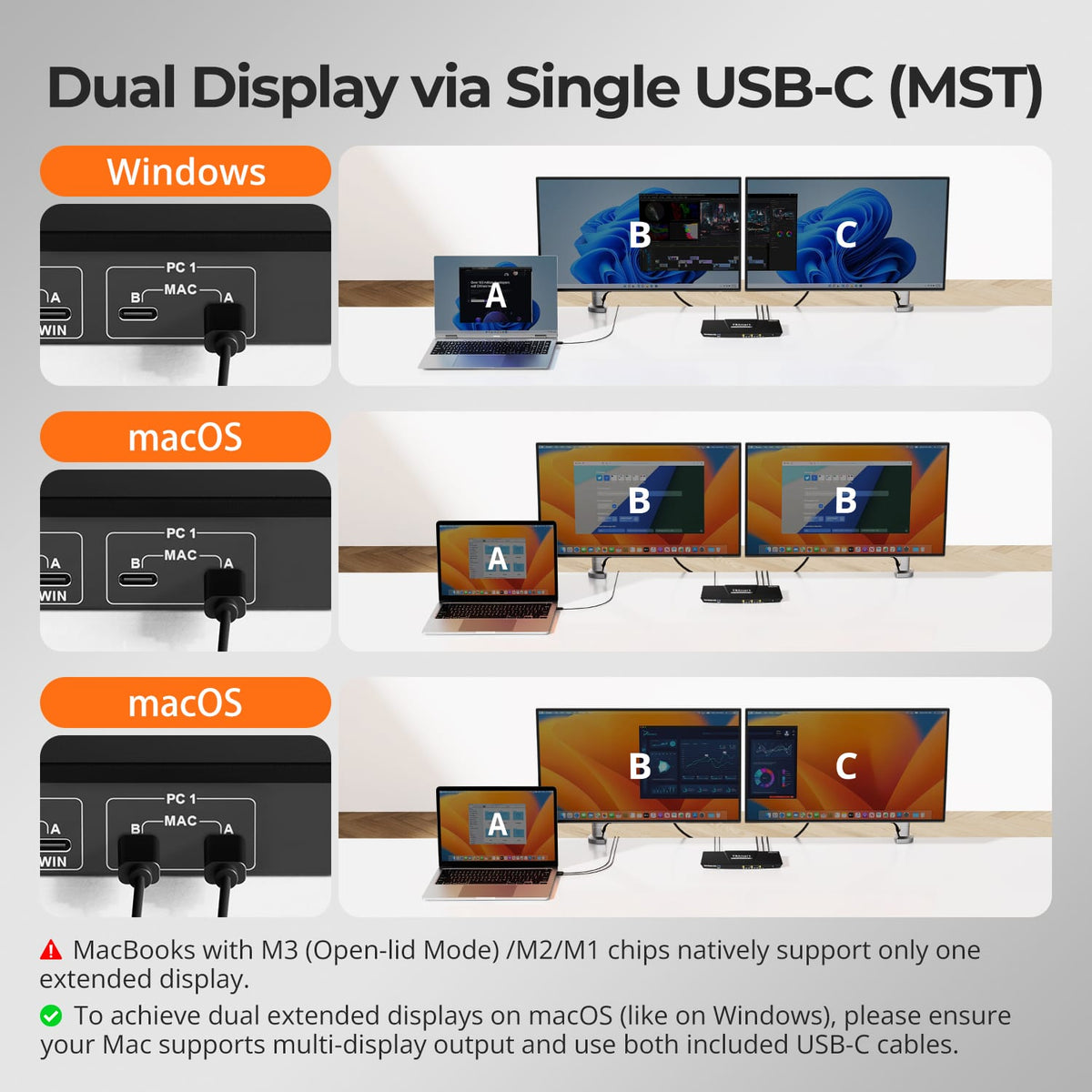
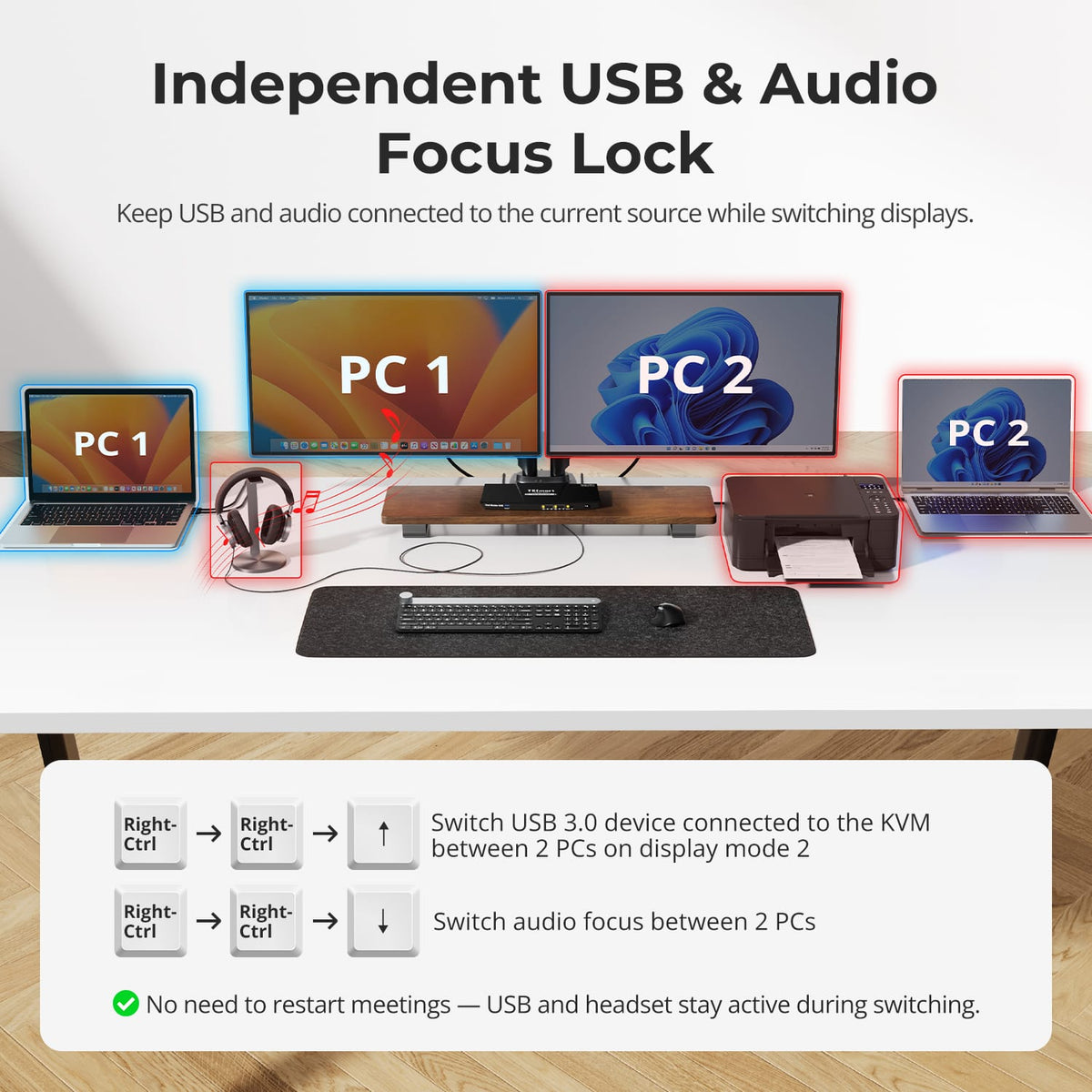
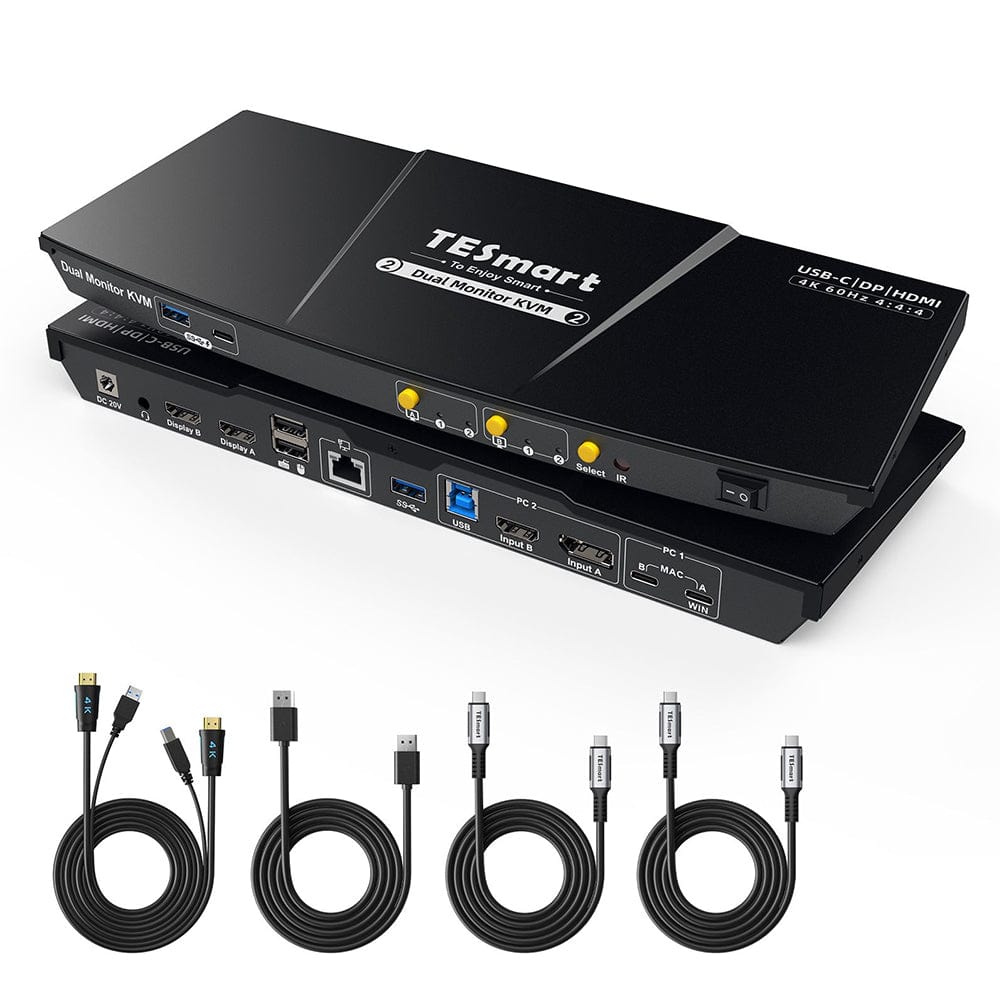
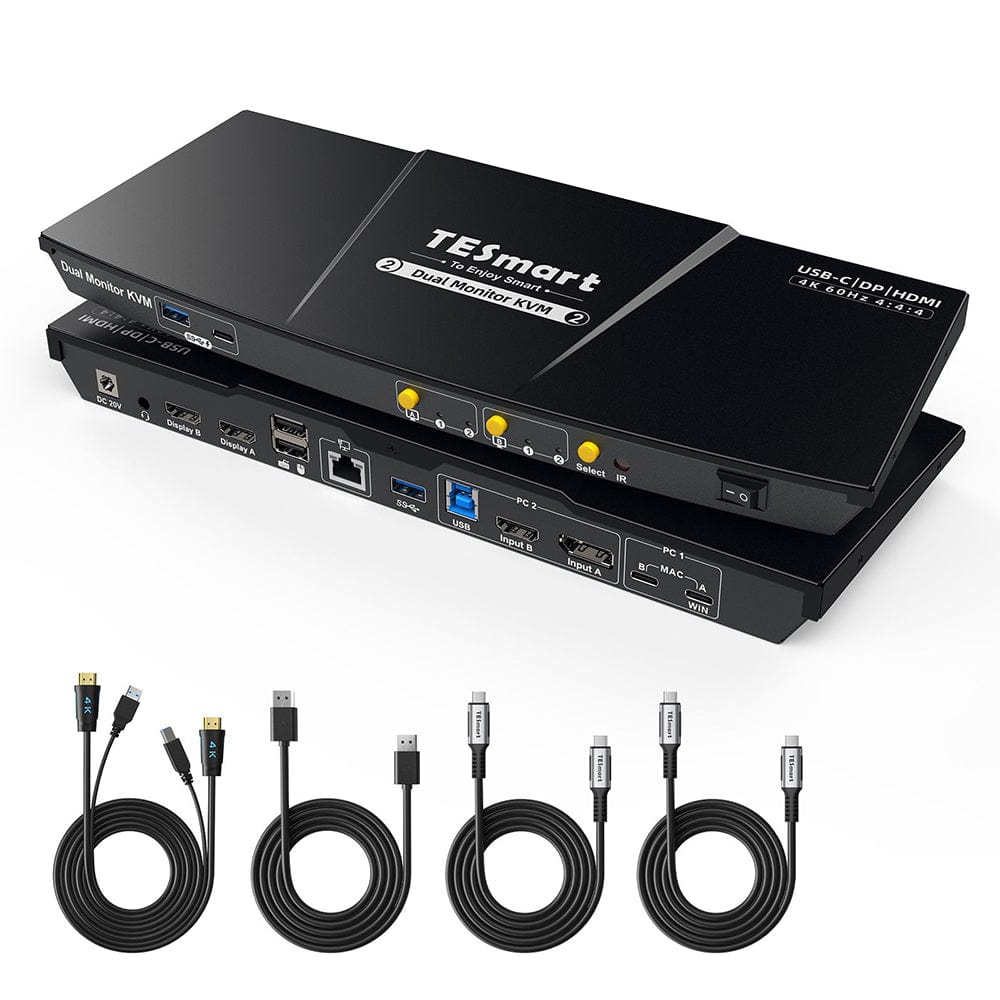
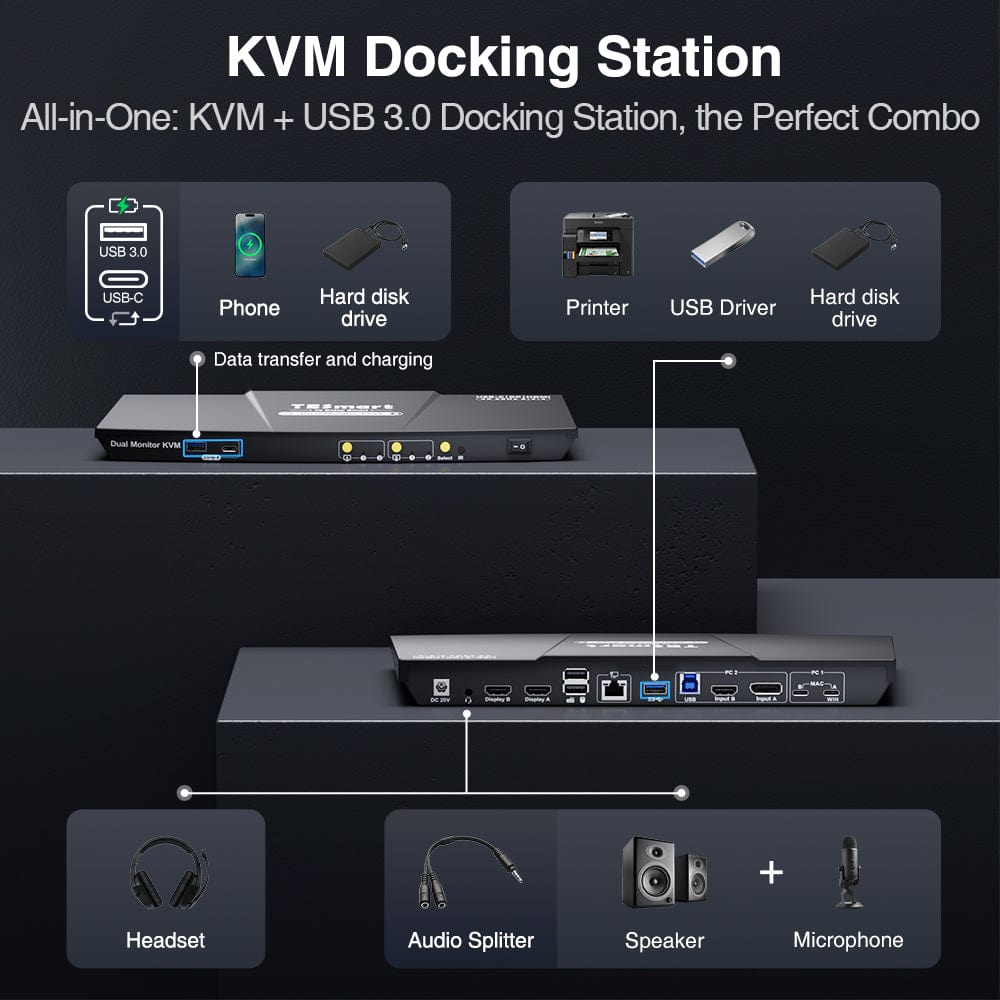
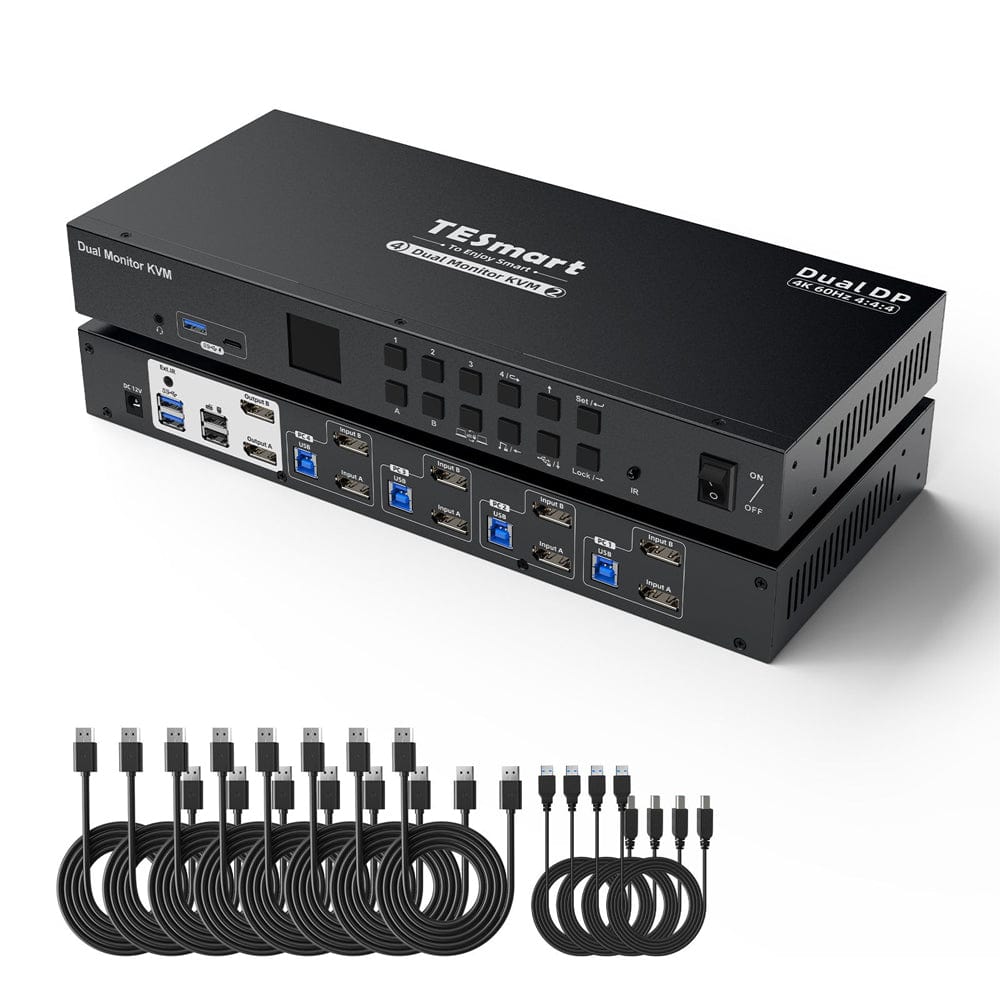
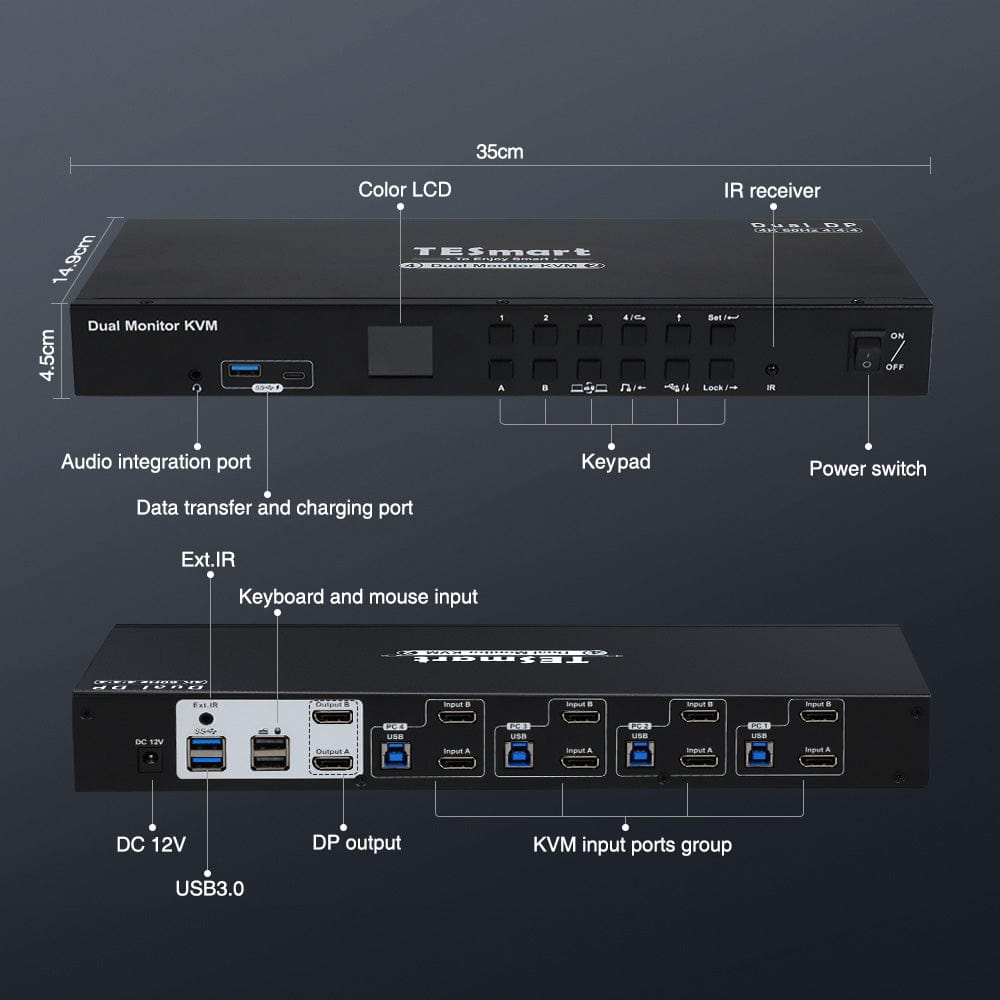
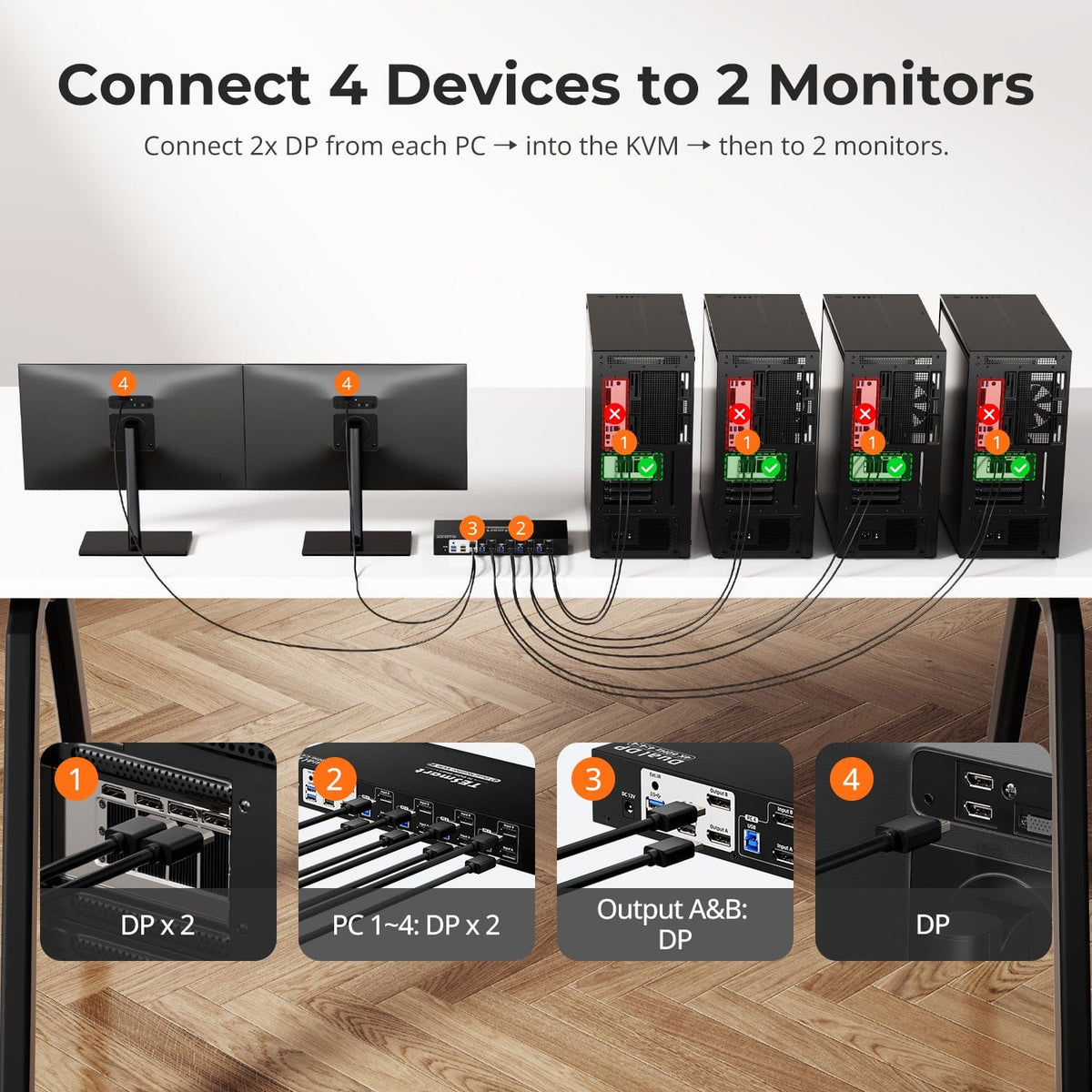
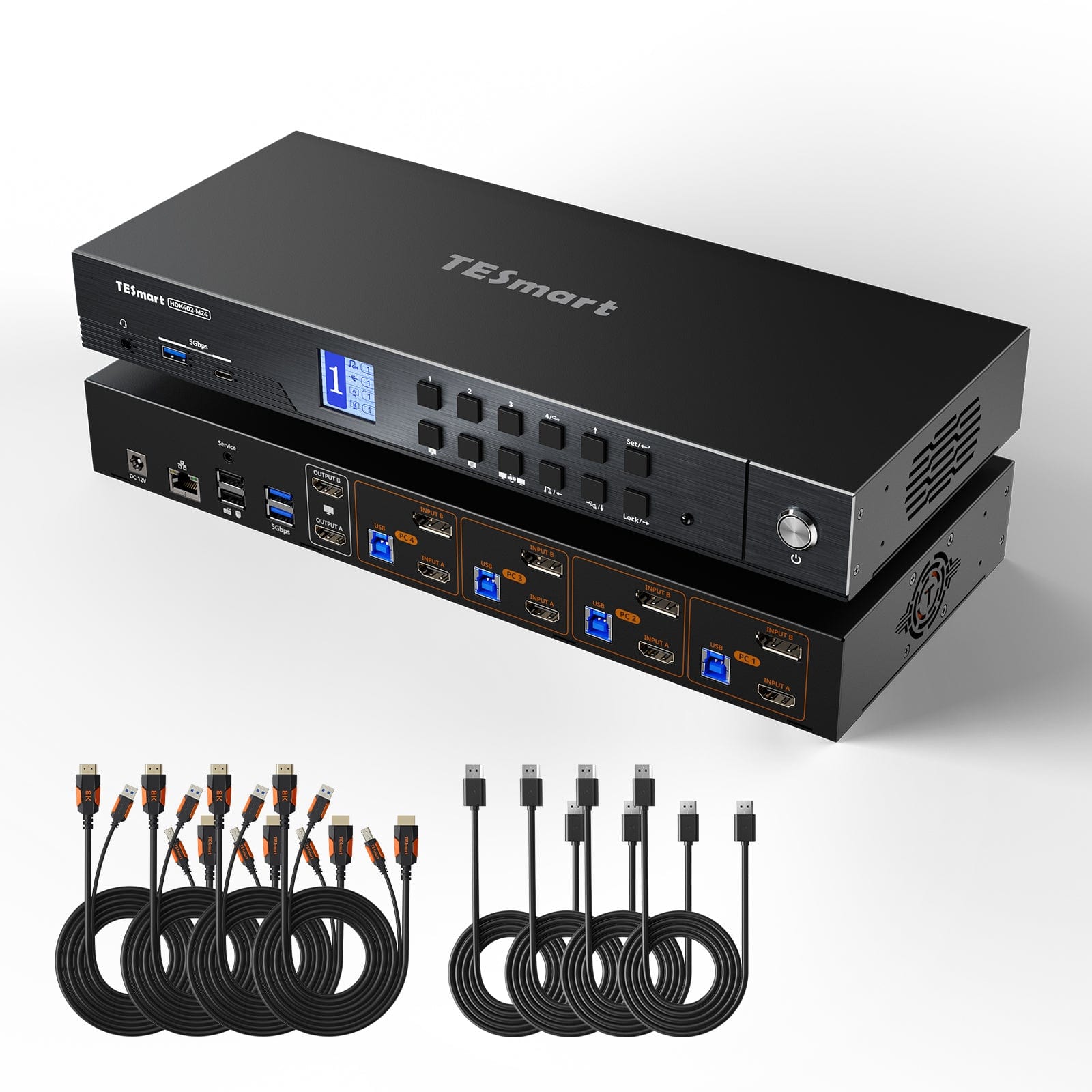
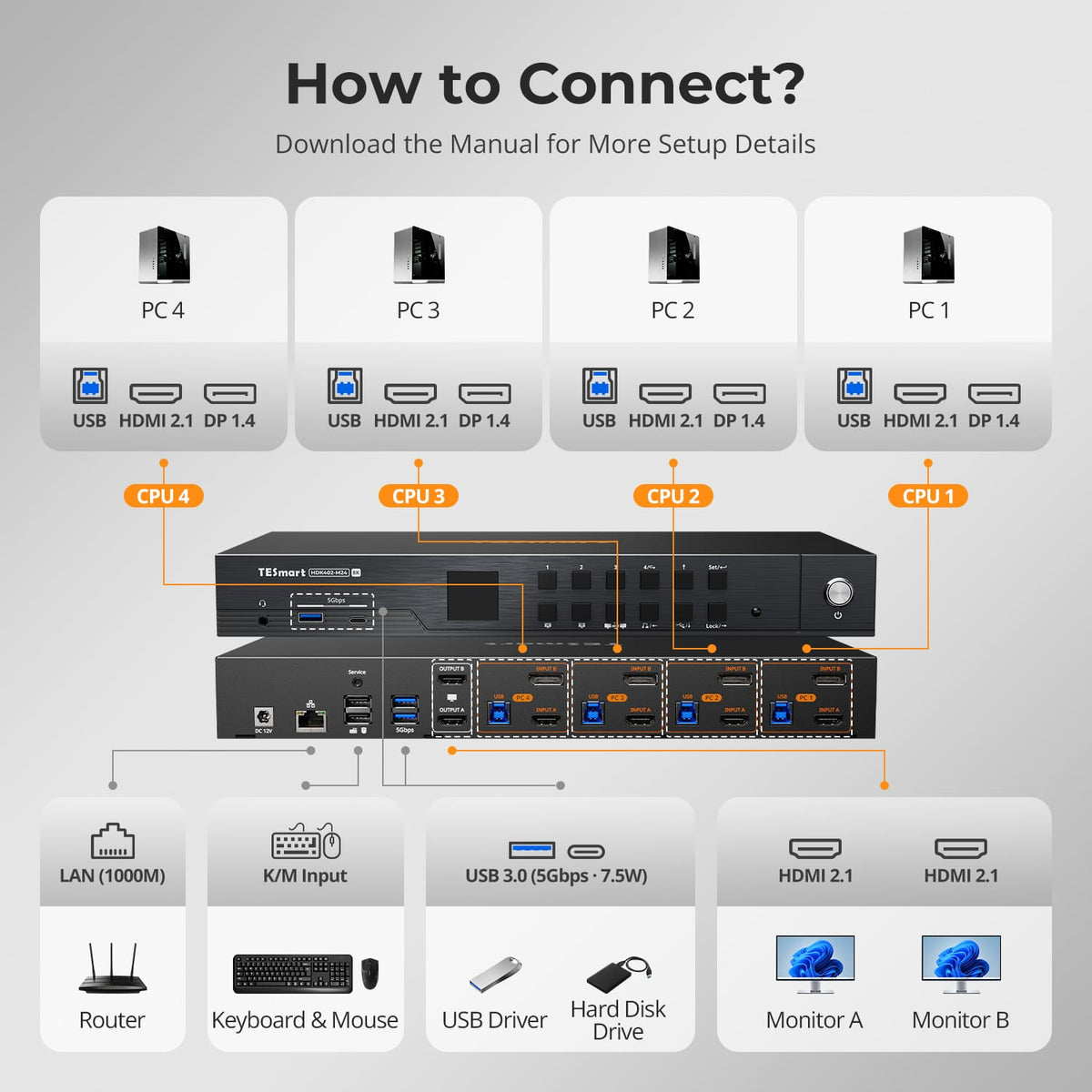
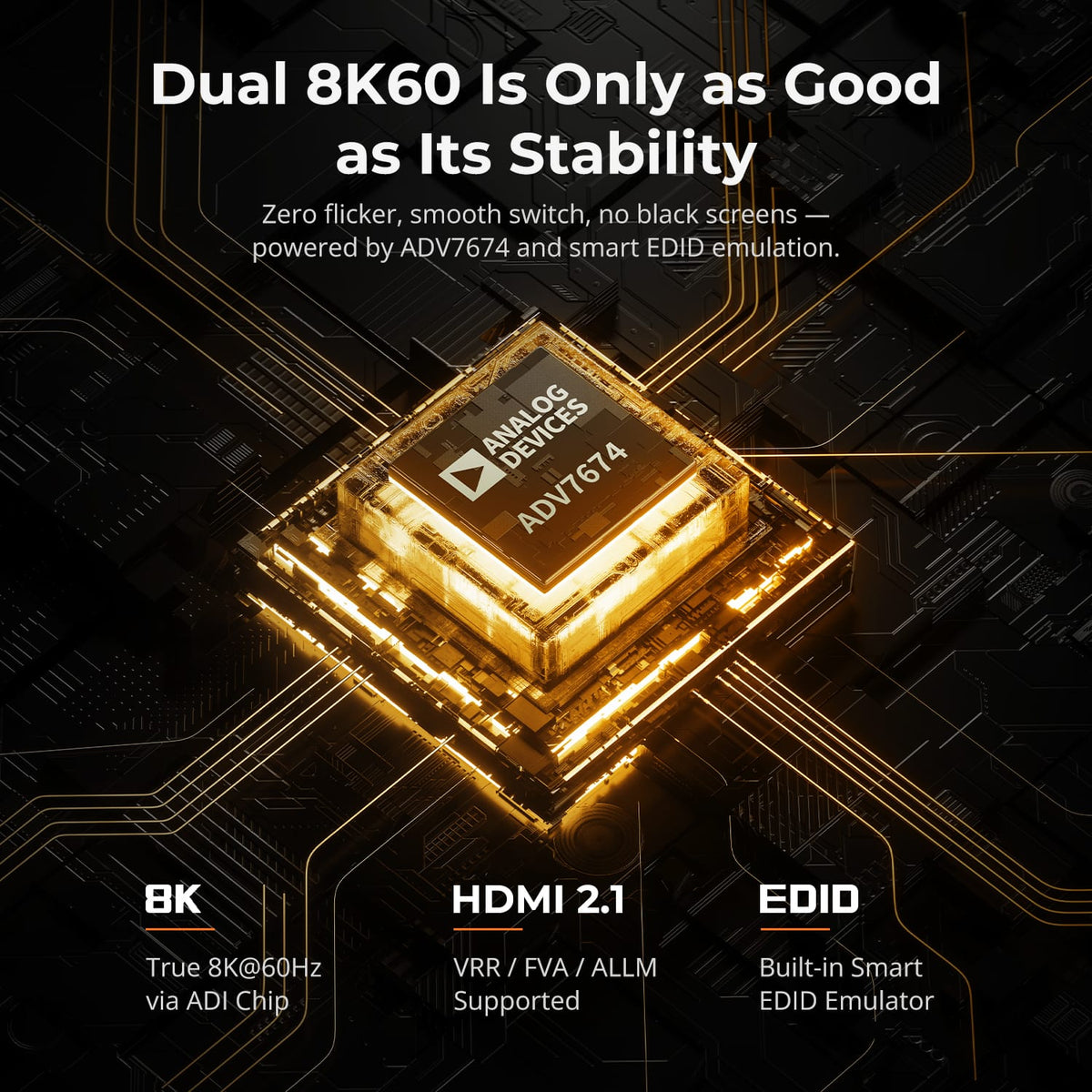
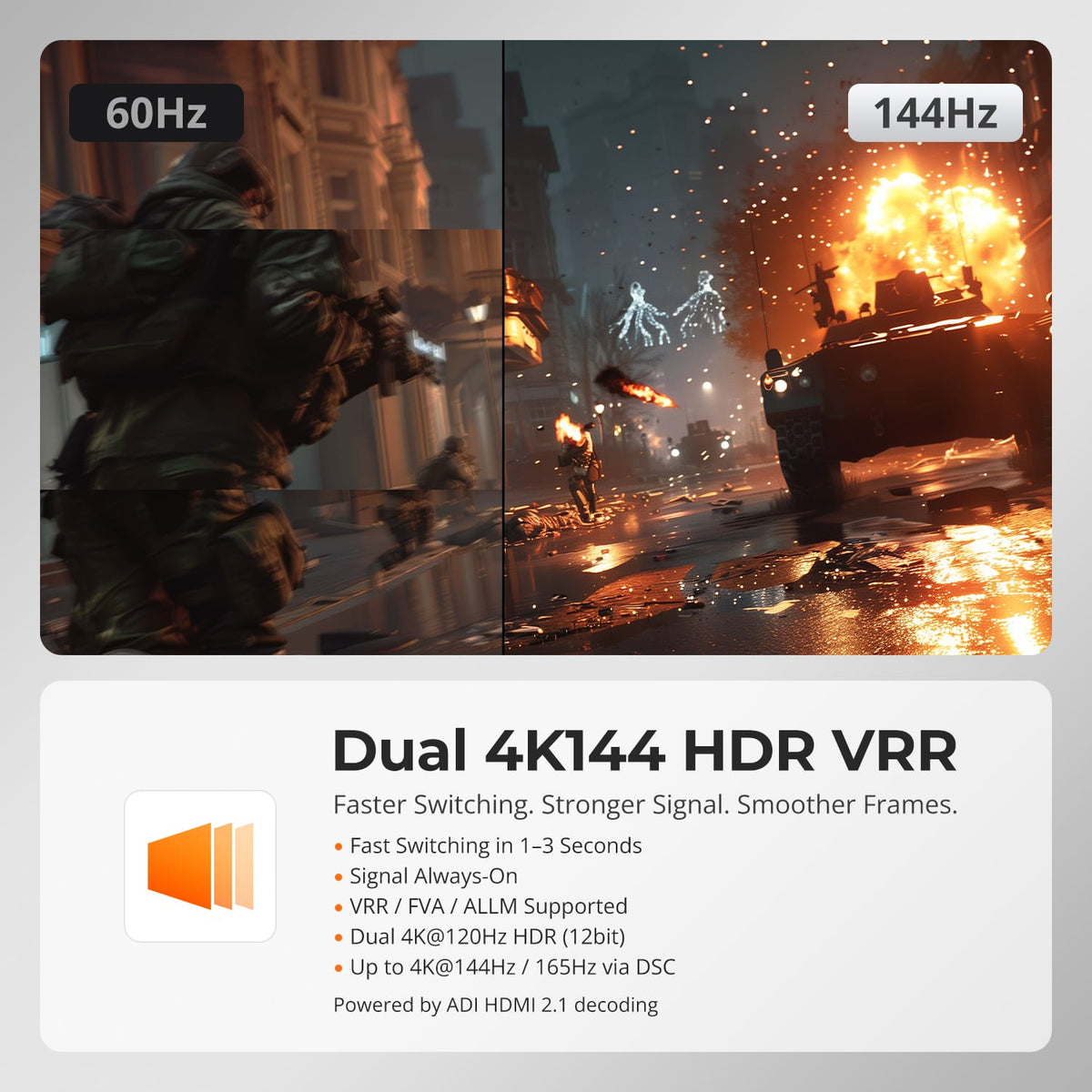
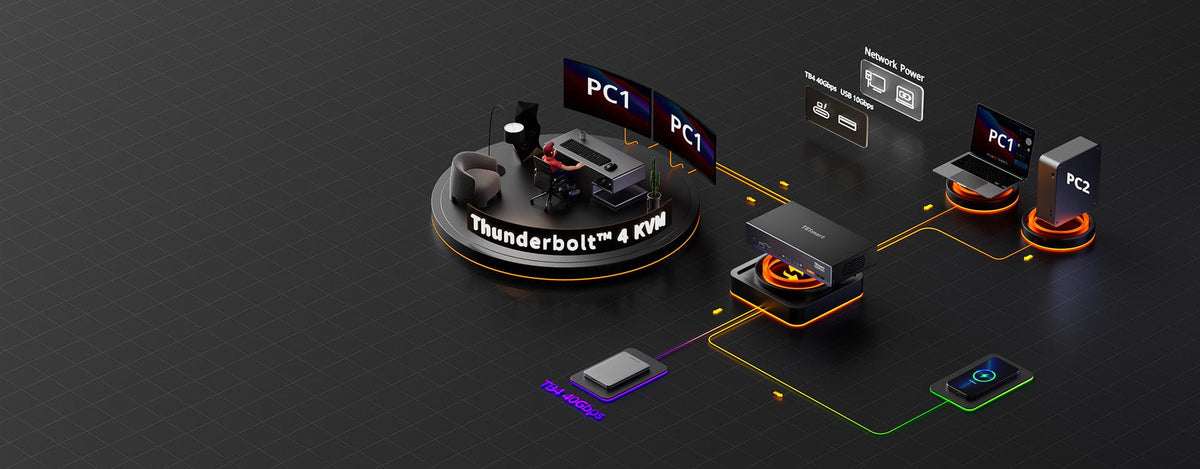
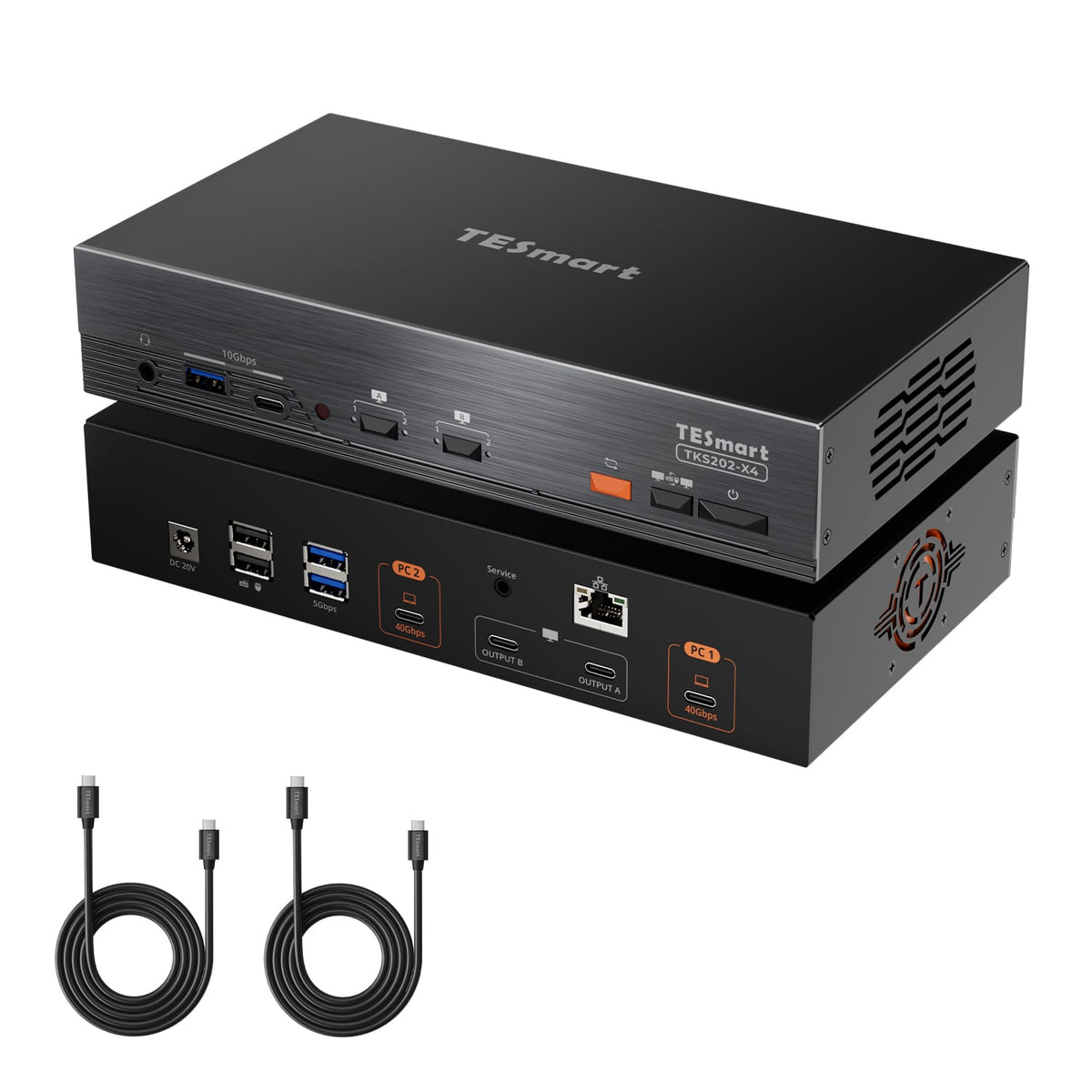
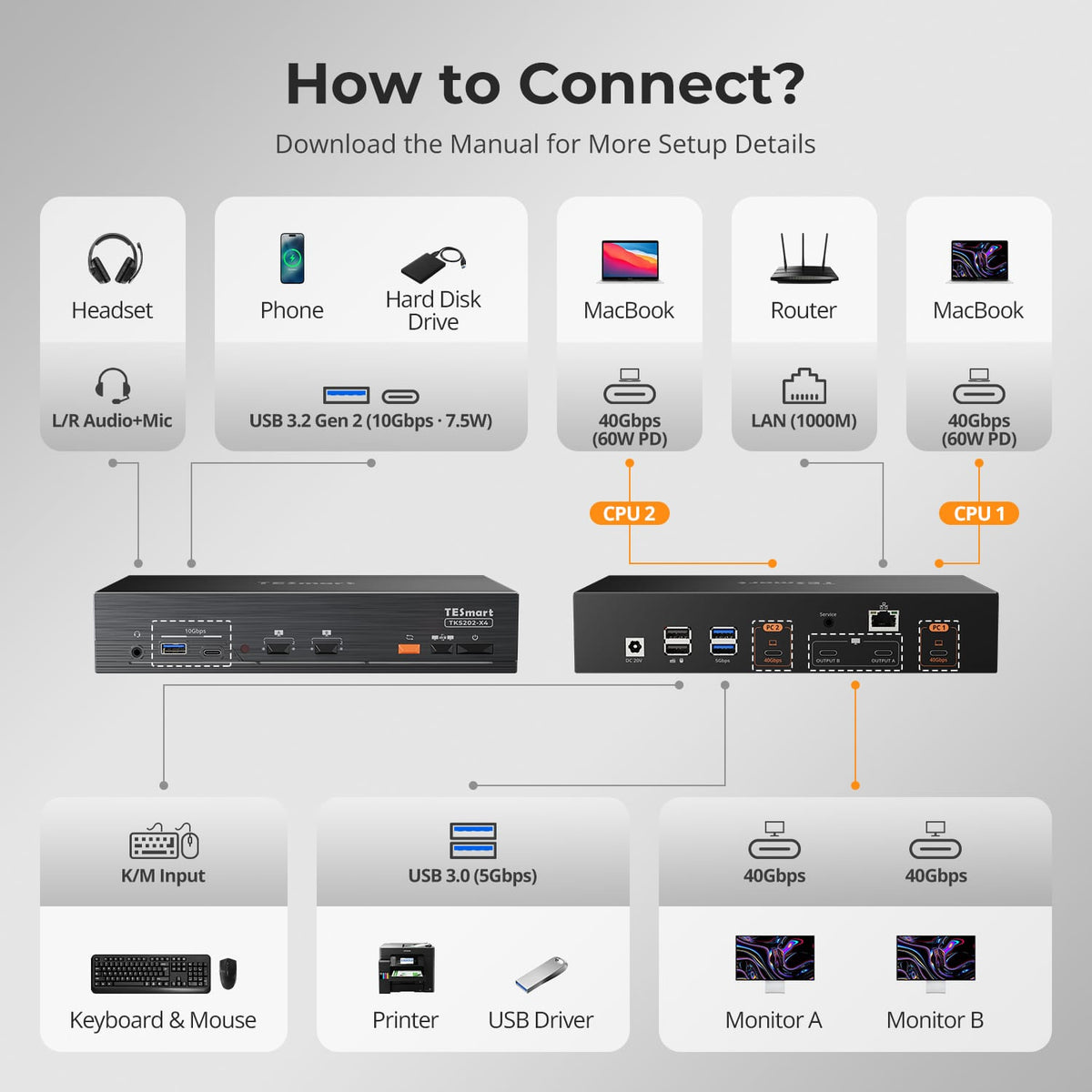
It is common to use one computer on two monitors at the same time, how can your second computer share both monitors? The dual-monitor KVM switch is the perfect solution for your needs. You can control the Dual Monitor KVM with front-panel buttons, IR remote control, and keyboard hotkeys. Widely used in gaming, office, freelance, SOHO, education industry, government agencies, etc.
4.7
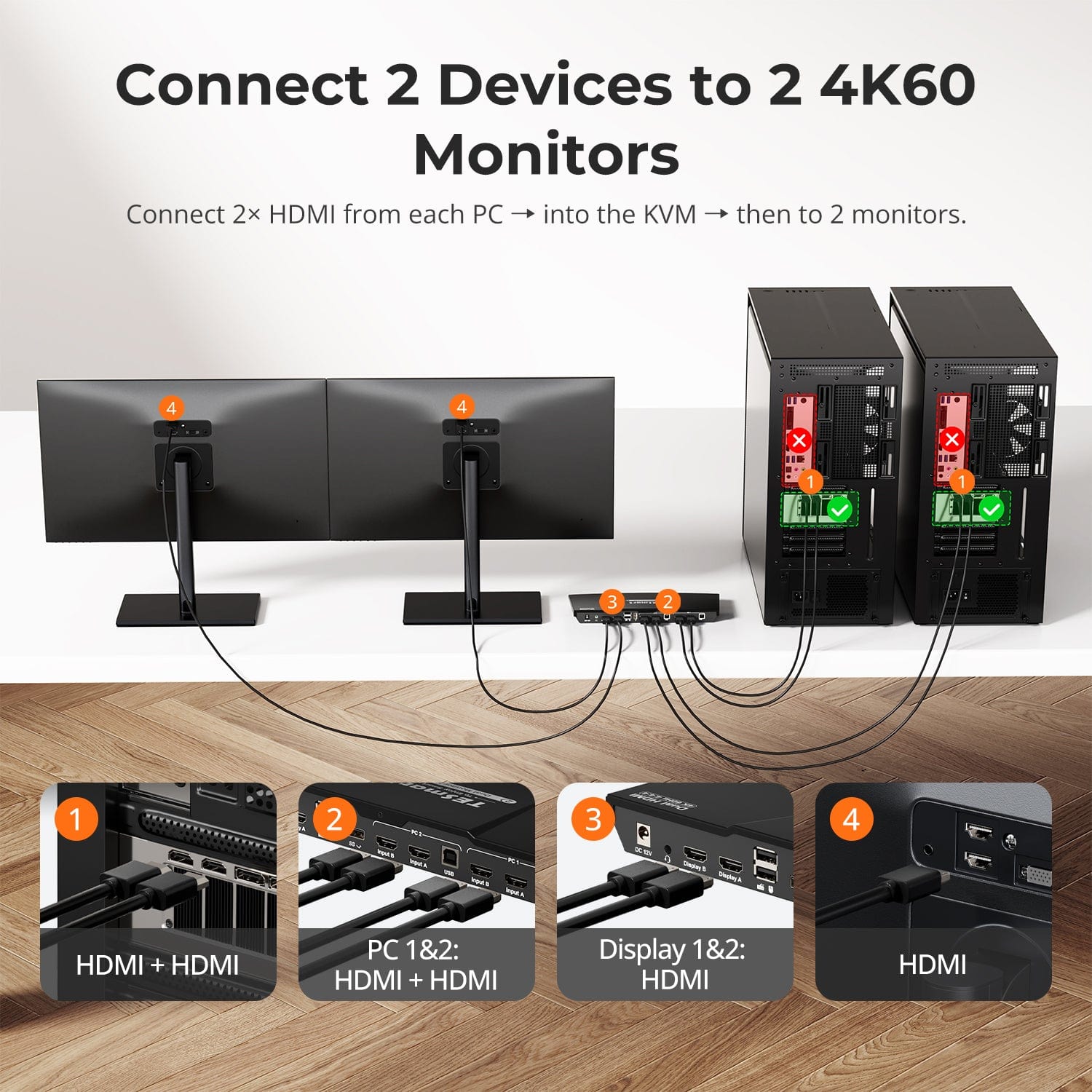
2 Computers × 2 Displays

Display Setup

5K120/6K60
5K120/6K60

Max Display Output

Intel JHL8440
Intel JHL8440

Thunderbolt Controller

Thunderbolt 4 Compatible

Compatibility

2 × 60W
2 × 60W

Laptop Charging

Independent Gigabit LAN

Network Control

2 Computers × 2 Displays

Display Setup

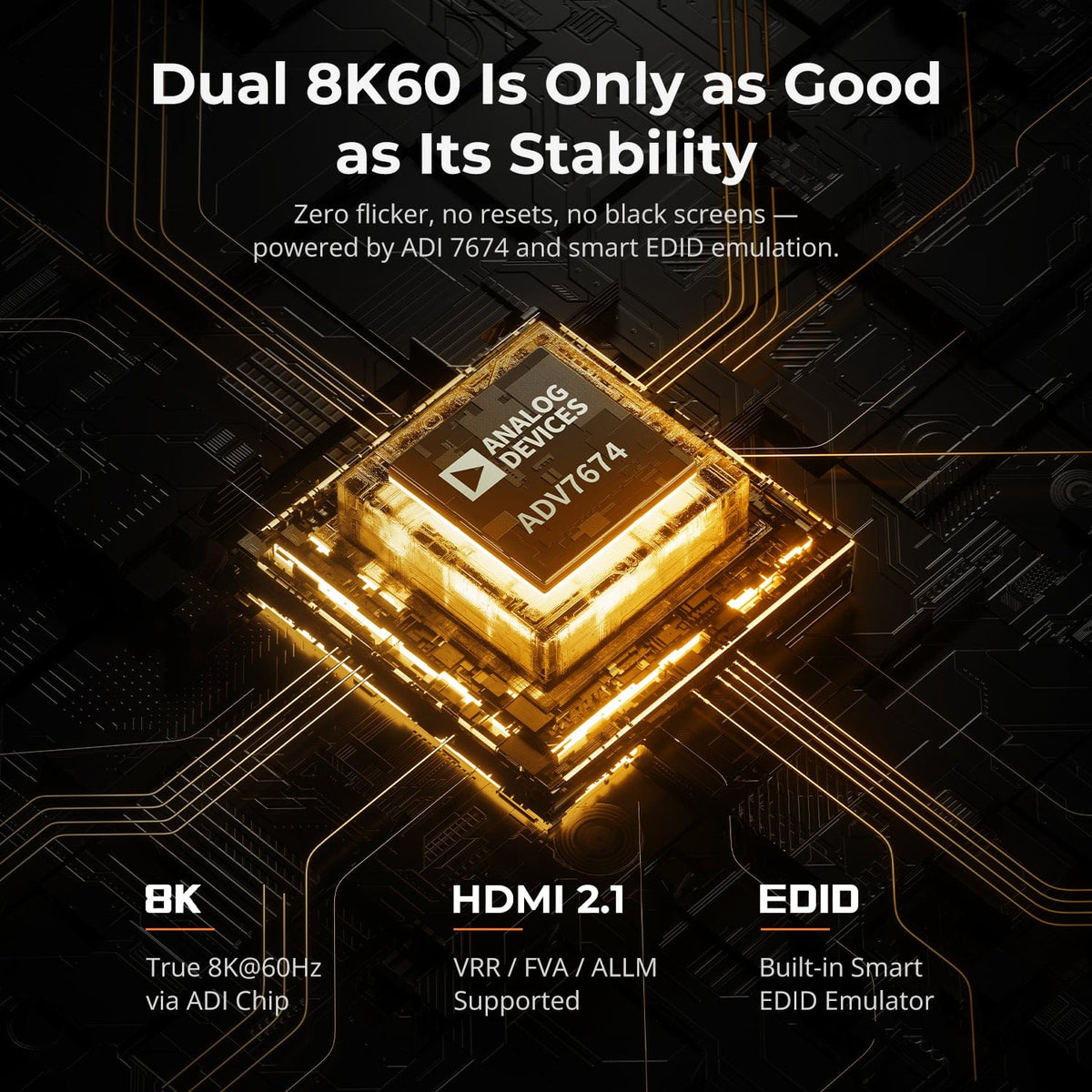
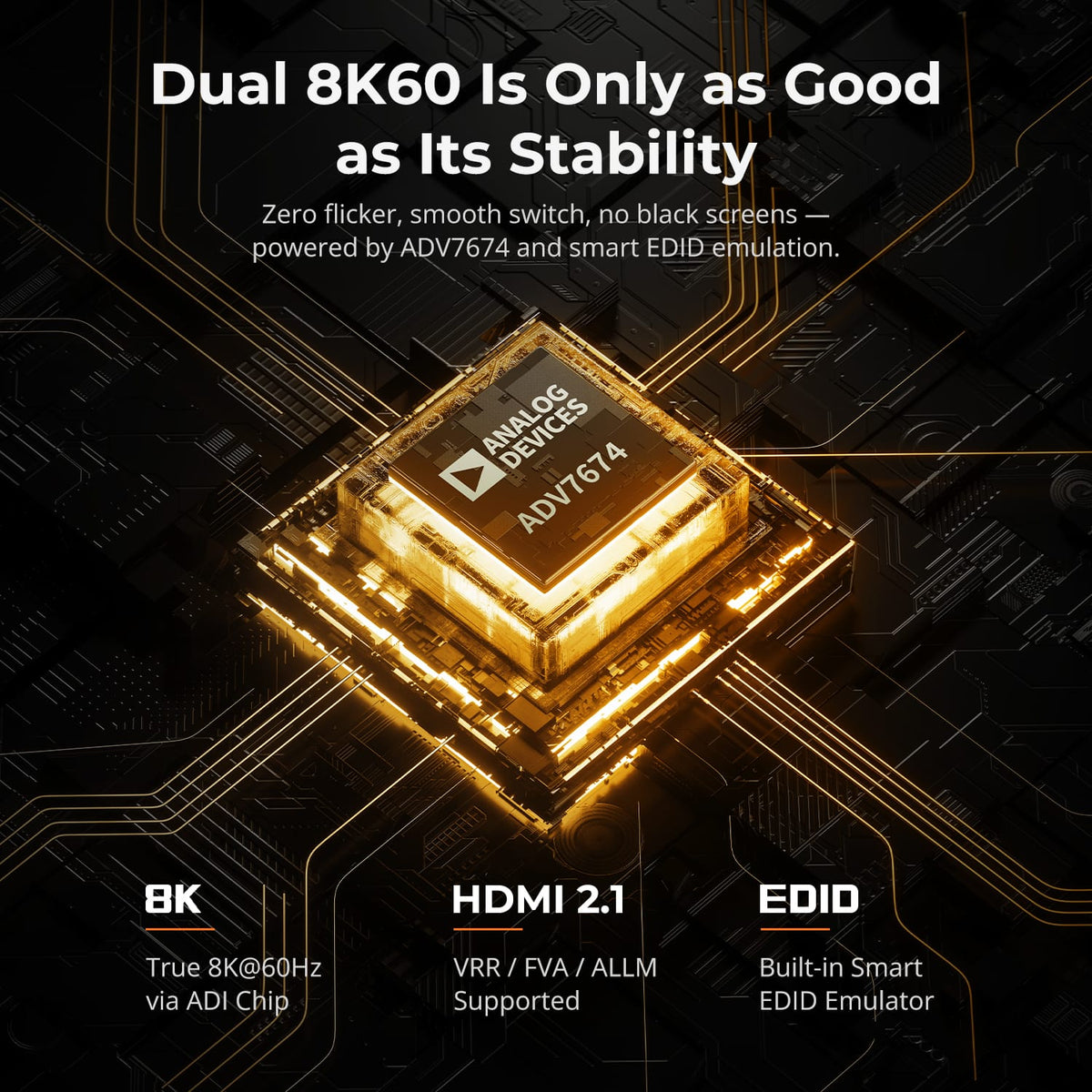
8K60/4K144
8K60/4K144

Max Display Output

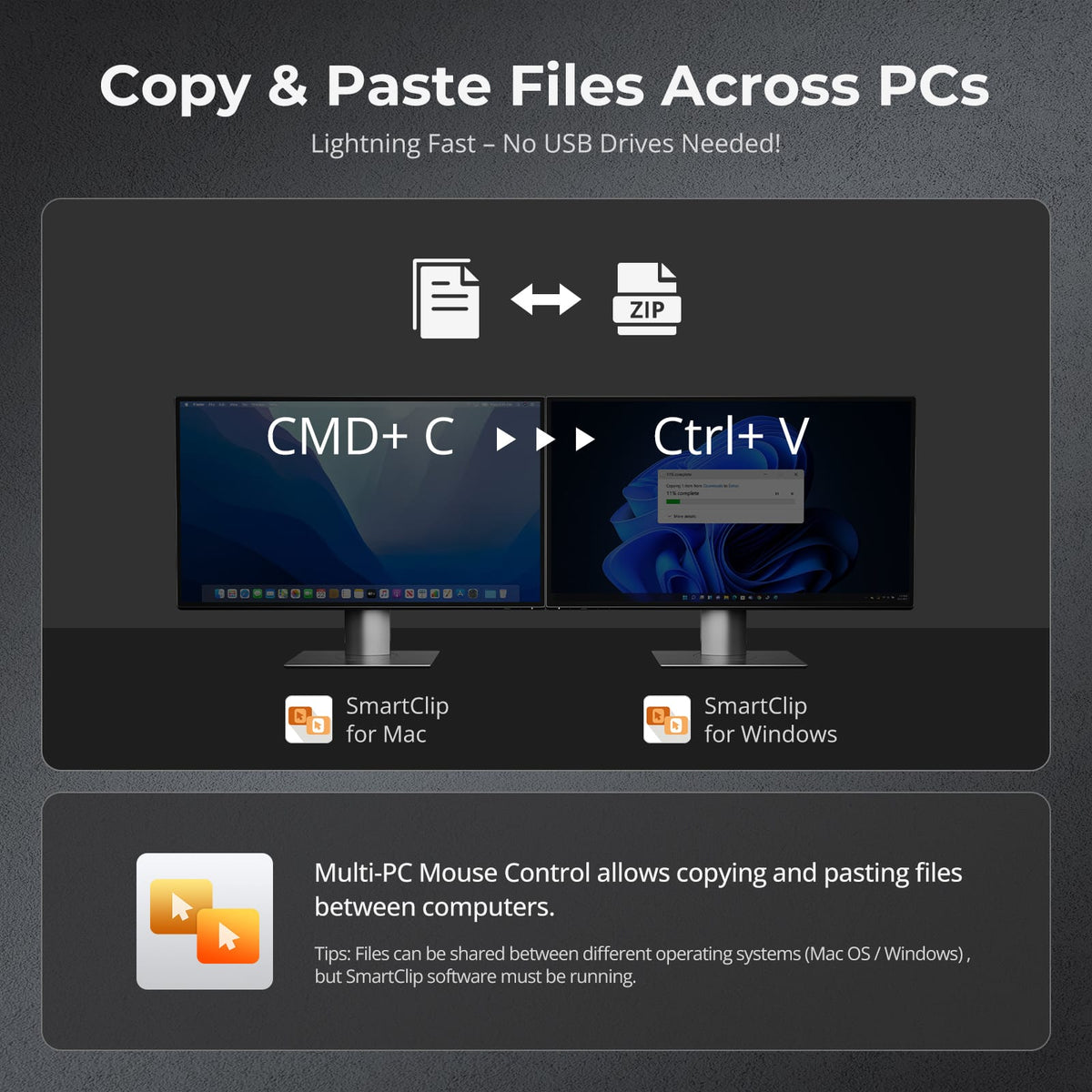
Mouse Switch + File Copy

Cross-PC mouse and file copy

HDR
HDR

Display Color

VRR / G-Sync / FreeSync

Gaming Display

EDID Emulation
EDID Emulation

Display Stability

5.0
2 Computers × 2 Displays

Display Setup

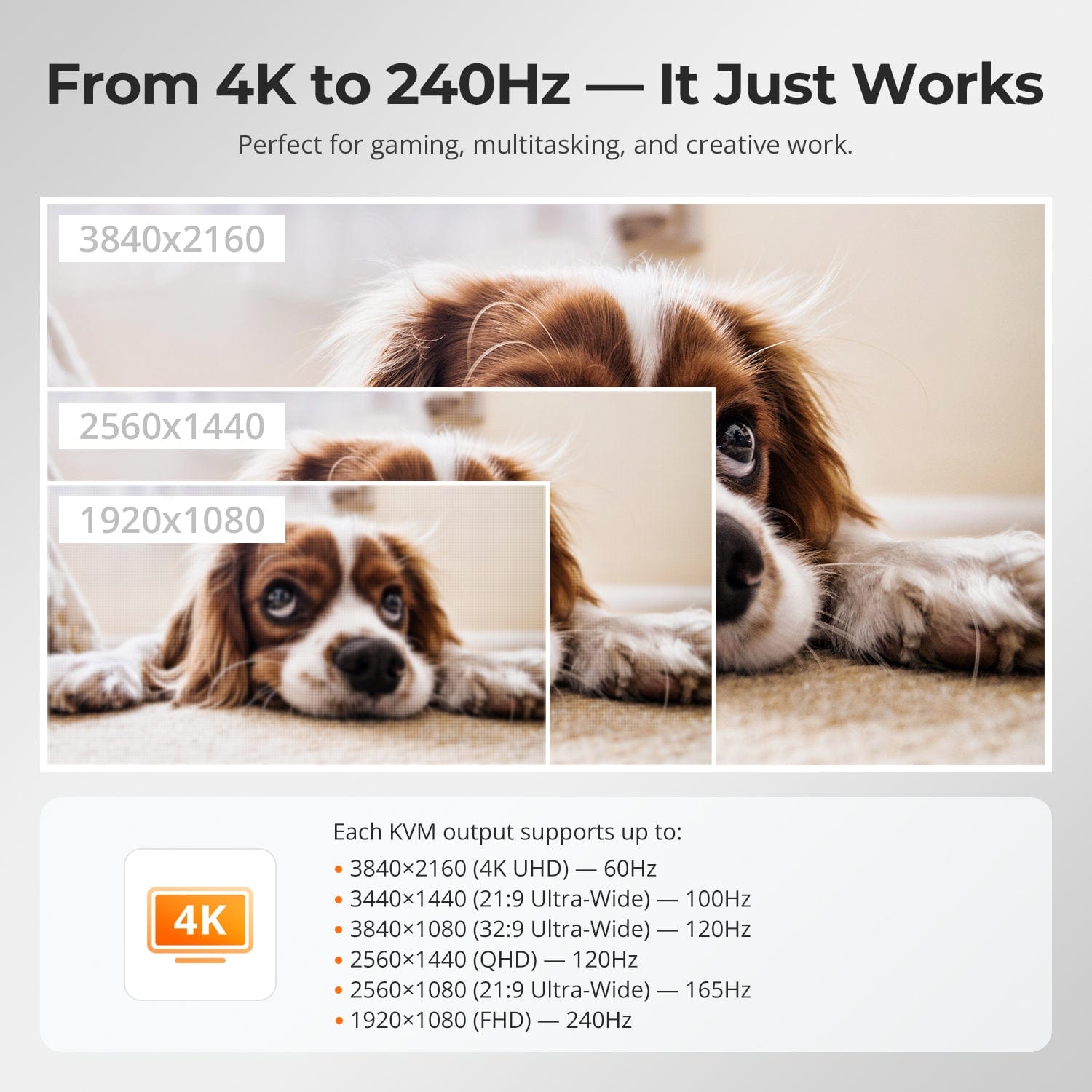
4K60
4K60

Max Display Output

EDID Emulation
EDID Emulation

Display Stability

USB 2.0
USB 2.0

USB Sharing

HDCP 2.2
HDCP 2.2

Content Protection

Mixed Display Mode
Mixed Display Mode

Display Mode

5.0
2 Computers × 2 Displays

Display Setup

8K60/4K144
8K60/4K144

Max Display Output

HDR
HDR

Display Color

VRR / G-Sync / FreeSync

Gaming Display

EDID Emulation
EDID Emulation

Display Stability

Gigabit LAN On/Off
Gigabit LAN On/Off

Network Control

2 Computers × 2 Displays

Display Setup

4K60
4K60

Max Display Output

Intel JHL8440
Intel JHL8440

Thunderbolt Controller

Extra Thunderbolt 4 Port

Connectivity

Thunderbolt 4 Compatible

Compatibility

60W
60W

Laptop Charging

2 Computers × 2 Displays

Display Setup

8K60/4K144
8K60/4K144

Max Display Output

Desktop PC Ready
Desktop PC Ready

Device Setup

HDR
HDR

Display Color

VRR / G-Sync / FreeSync

Gaming Display

EDID Emulation
EDID Emulation

Display Stability

4.8
2 Computers × 2 Displays

Display Setup

8K60/4K144
8K60/4K144

Max Display Output

HDR
HDR

Display Color

VRR / G-Sync / FreeSync

Gaming Display

EDID Emulation
EDID Emulation

Display Stability

Gigabit Ethernet
Gigabit Ethernet

Network Sharing

4.8
2 Computers × 2 Displays

Display Setup

4K60
4K60

Max Display Output

MST: Win 1 / Mac 2 Cables

Multi-Monitor Setup

60W
60W

Laptop Charging

Gigabit Ethernet
Gigabit Ethernet

Network Sharing

EDID Emulation
EDID Emulation

Display Stability

5.0
4 Computers × 2 Displays

Display Setup

4K60
4K60

Max Display Output

EDID Emulation
EDID Emulation

Display Stability

USB 3.2 Gen 1 / 5Gbps

USB Speed

LCD Control
LCD Control

Front Panel

Auto Scan
Auto Scan

Automatic input scanning

4 Computers × 2 Displays

Display Setup

8K60/4K144
8K60/4K144

Max Display Output

Desktop PC Ready
Desktop PC Ready

Device Setup

HDR
HDR

Display Color

VRR / G-Sync / FreeSync

Gaming Display

EDID Emulation
EDID Emulation

Display Stability