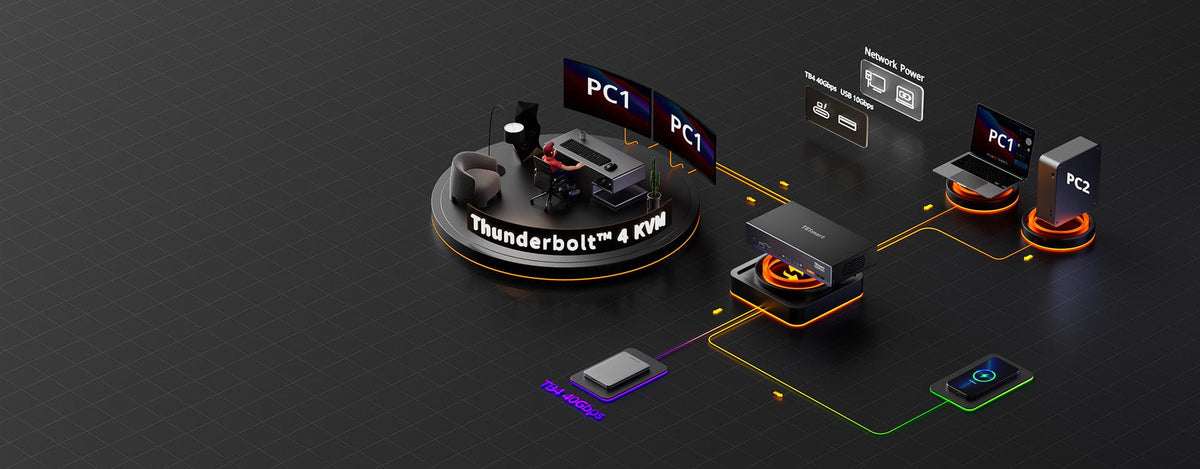
Dual-Screen HDMI KVM Series: Reliable Pairing
Transform your workspace with our professional-grade HDMI hubs featuringdual input/output ports.
Engineered for creators,gamers, and multitaskers
HKS202-P23 (Prime)
• Input Ports: HDMI 2.0
• Outputs: HDMI 2.0
• Max Resolution: 4K@60Hz / 2K@120Hz
• USB Speed: USB 3.0
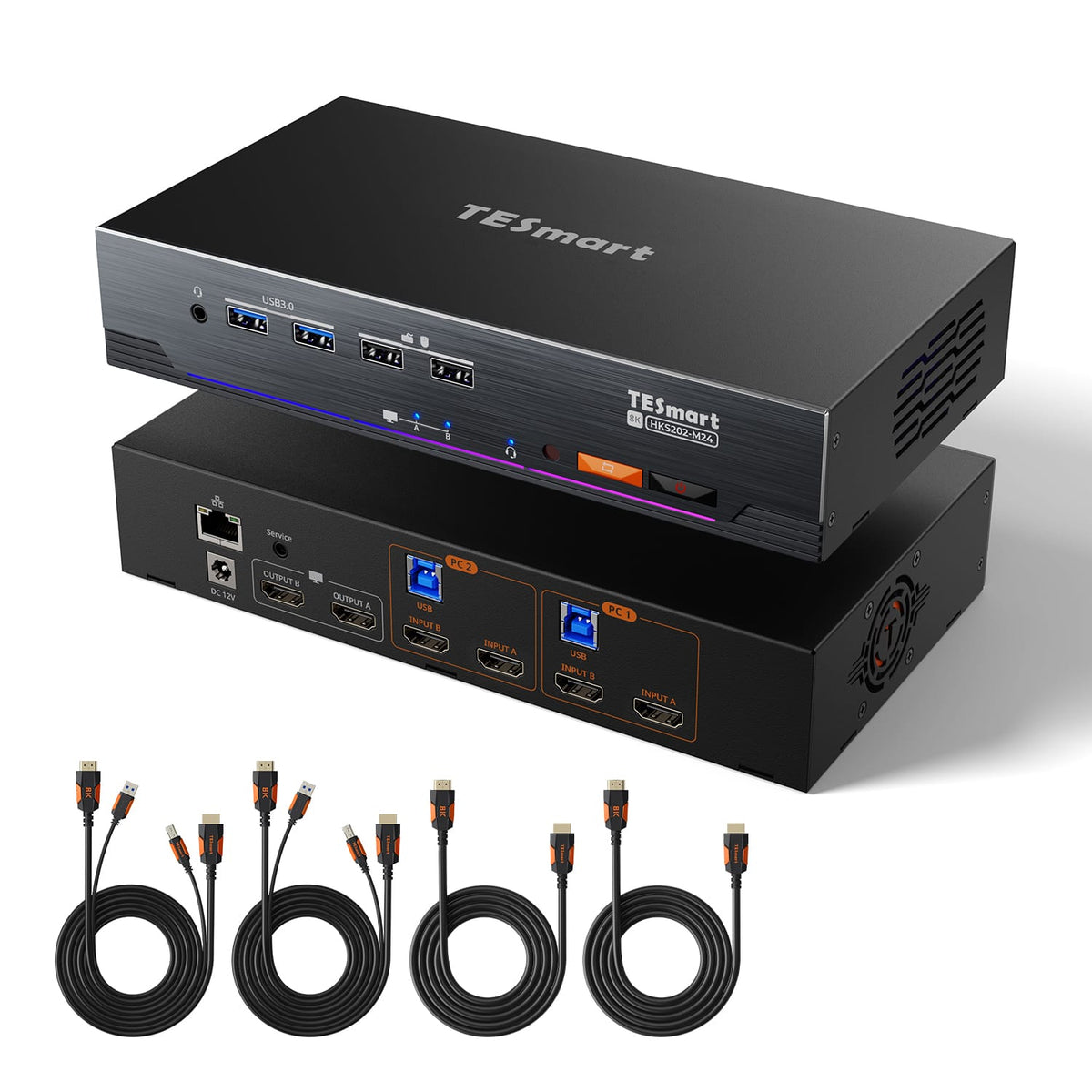
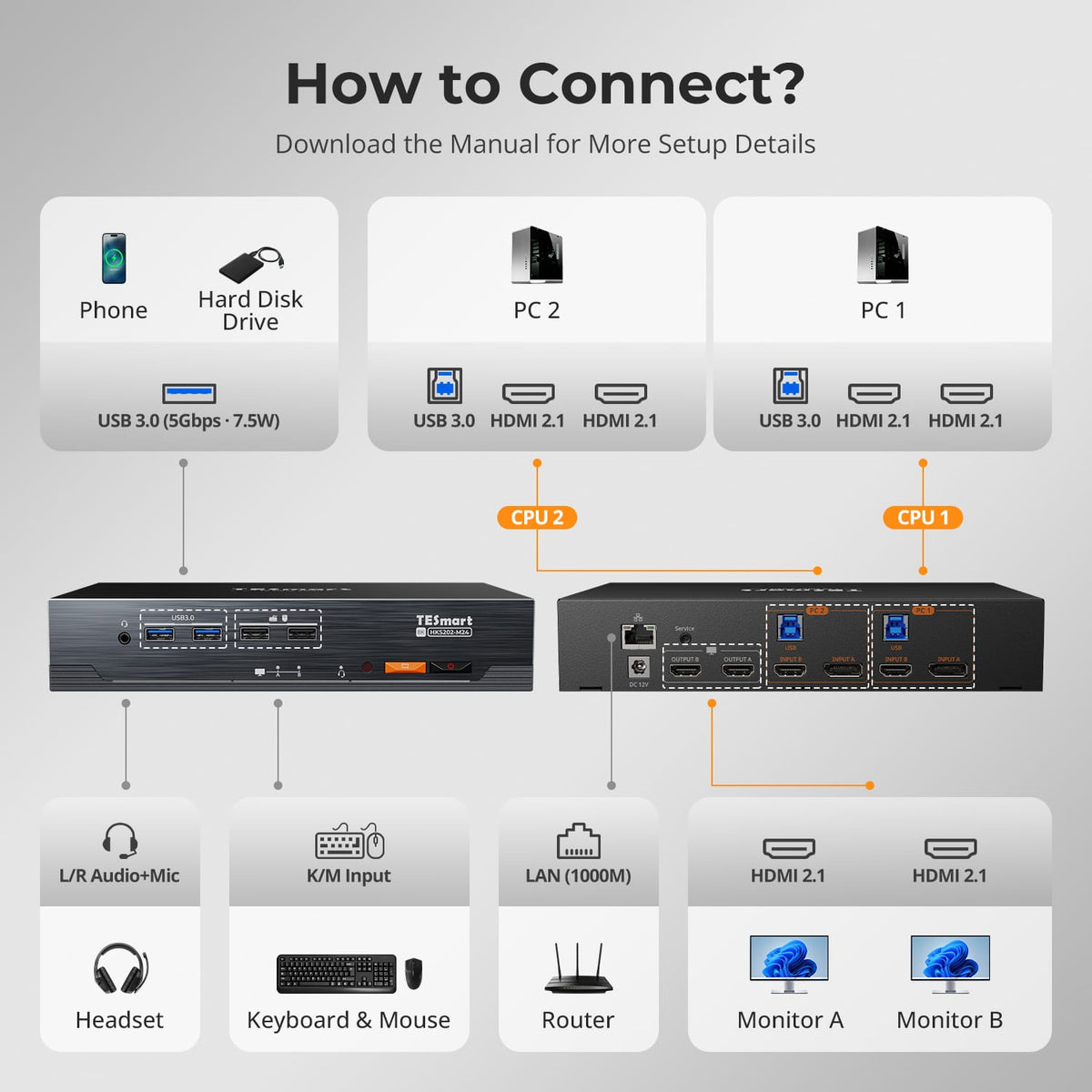
HKS202-M24 (Master)
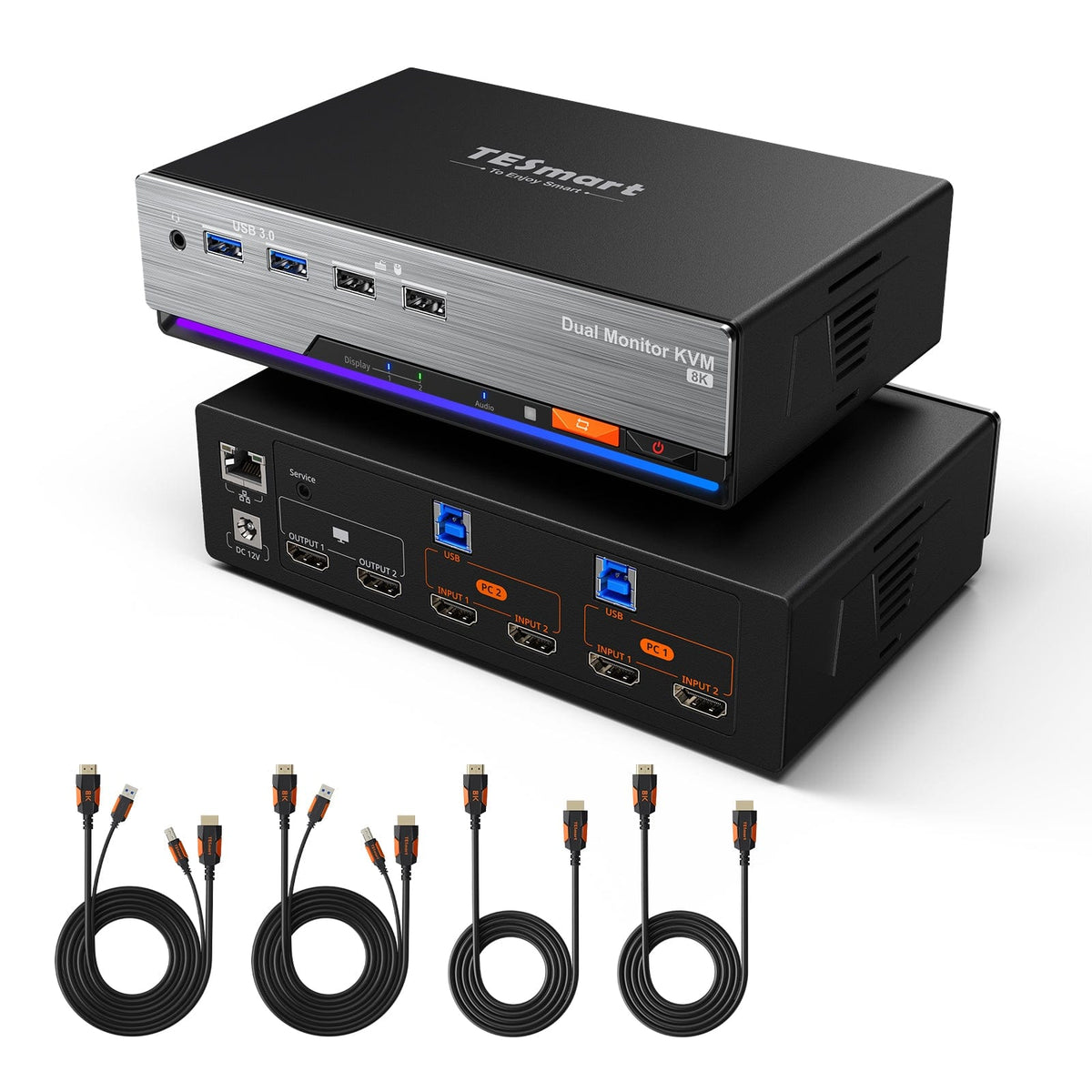
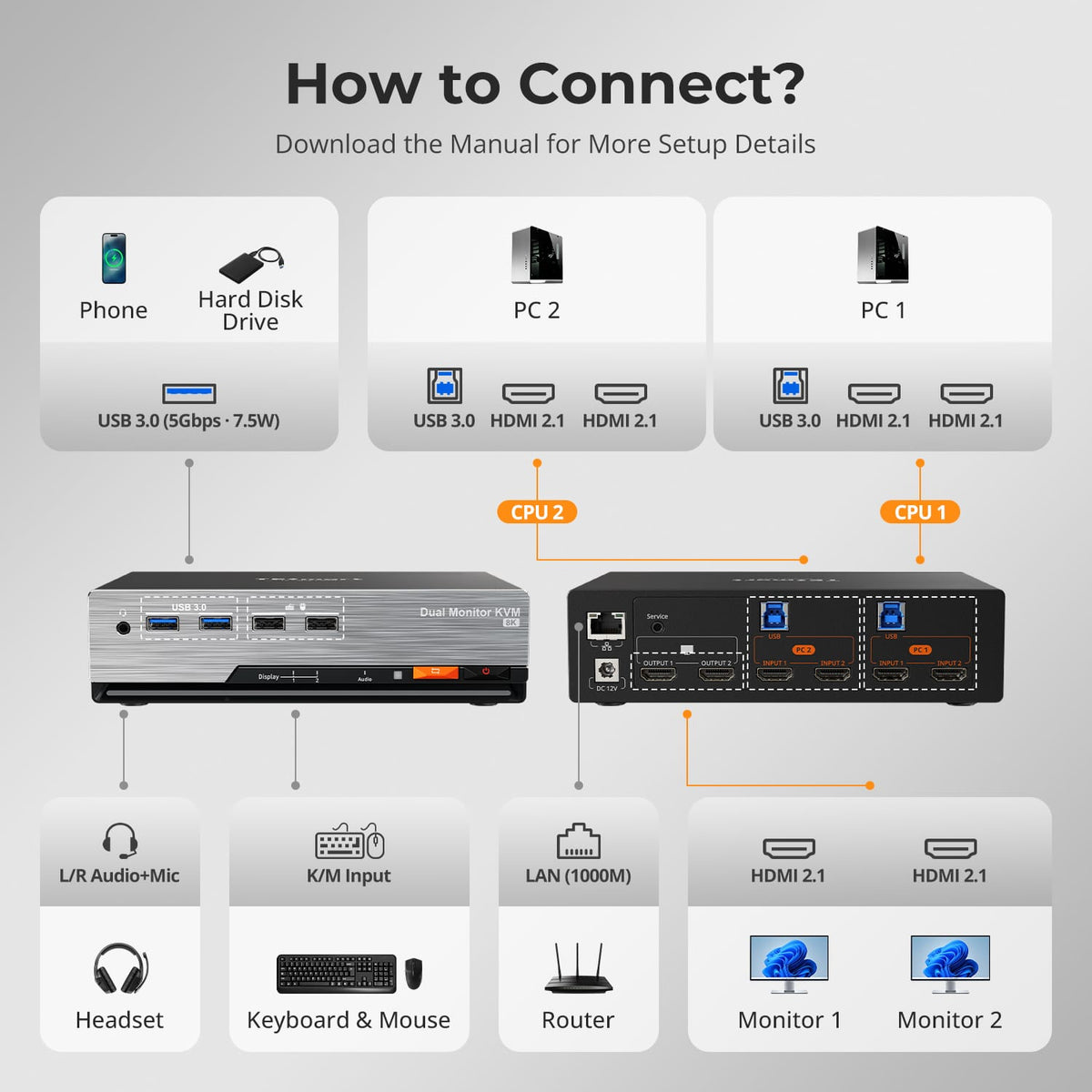
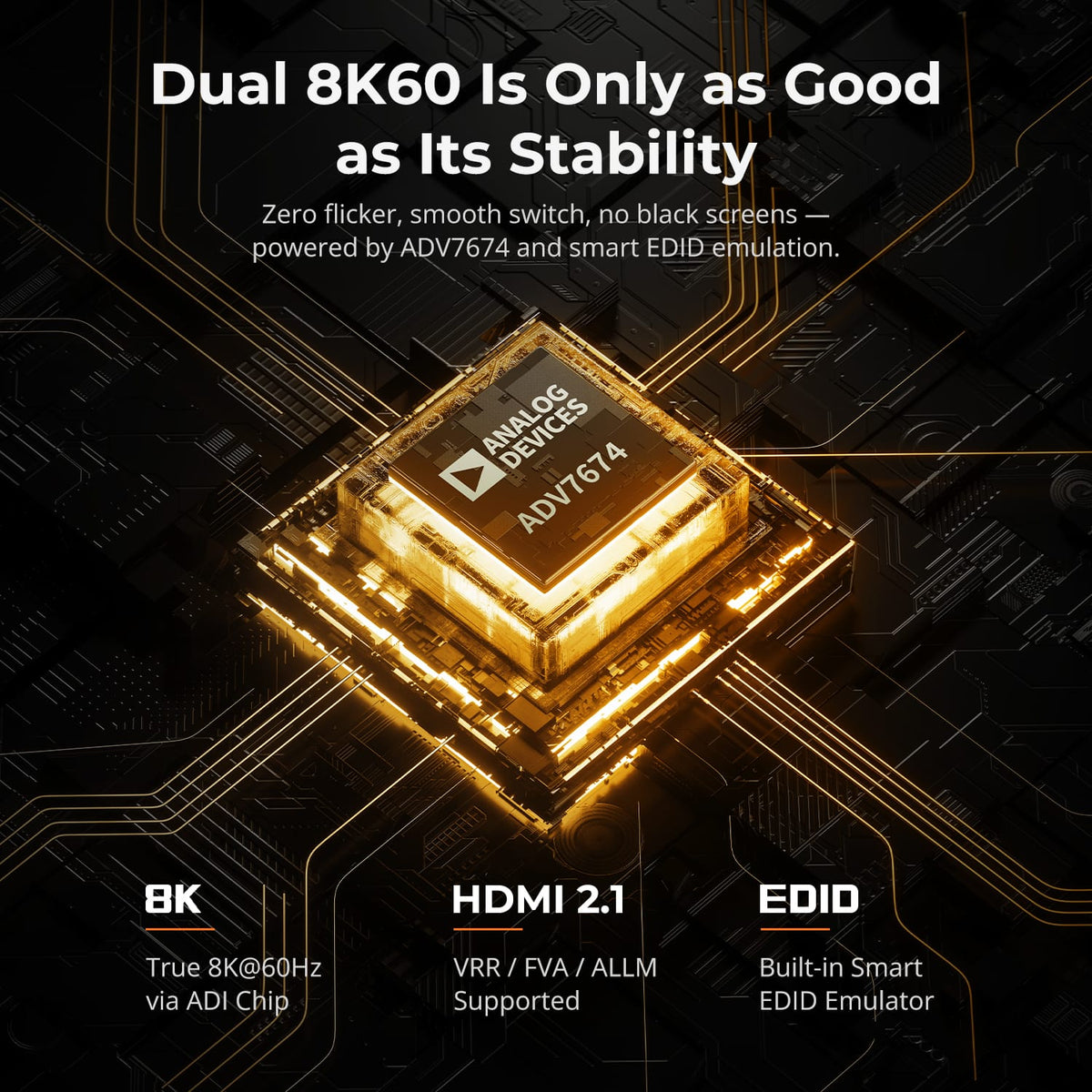
• Input Ports: HDMI 2.1
• Outputs: HDMI 2.1
• Max Resolution: 8K@60Hz / 4K@144Hz
• USB Speed: USB 3.0
HKS202-E23 (Elite )
• Input Ports: HDMI 2.0
• Outputs: HDMI 2.0
• Max Resolution: 4K@60Hz / 2K@120Hz
• USB Speed: USB 2.0
Part ① - Dual-Screen HDMI KVM Series
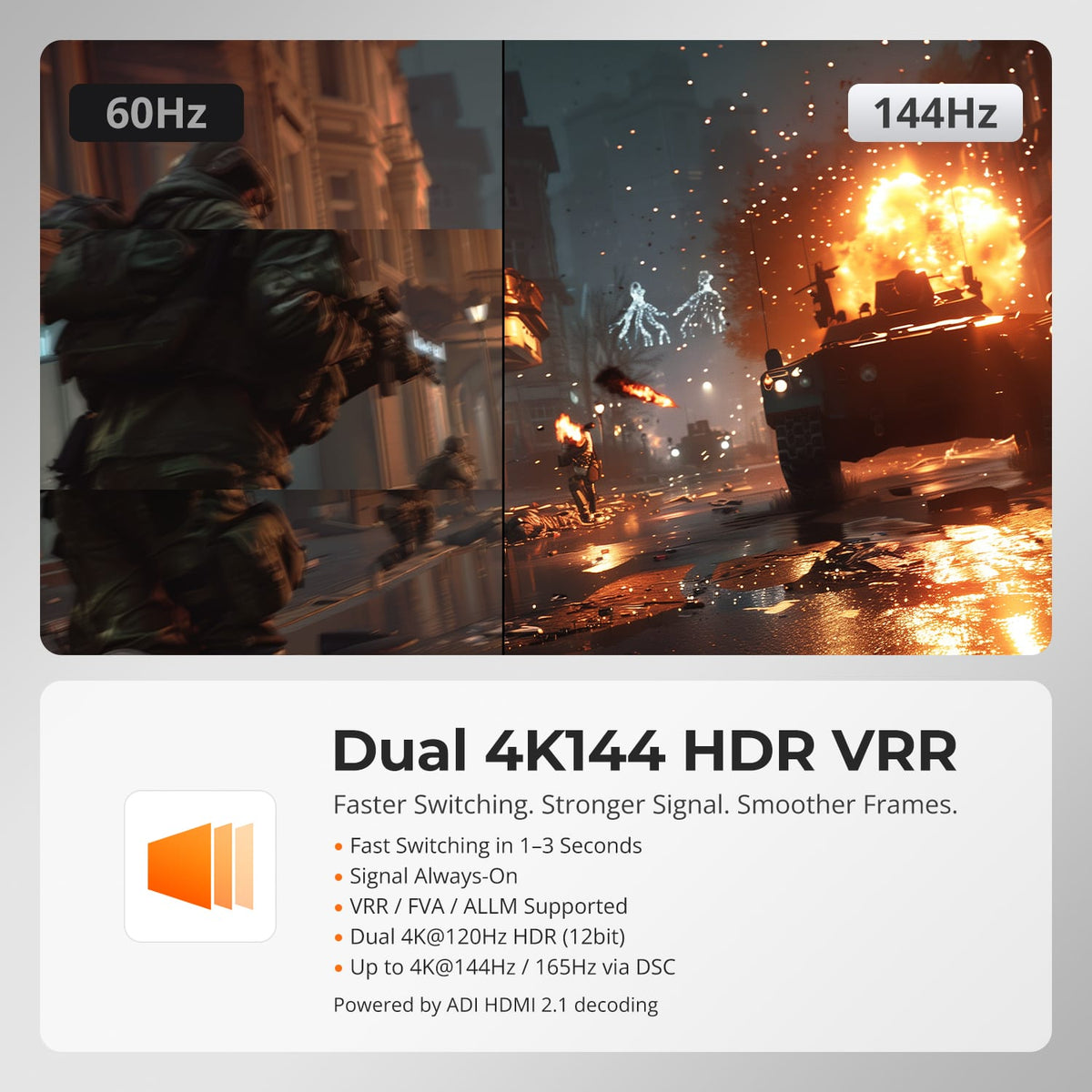
Display Setup
Max Display Output

Display Color

Gaming Display

Display Stability

Network Sharing


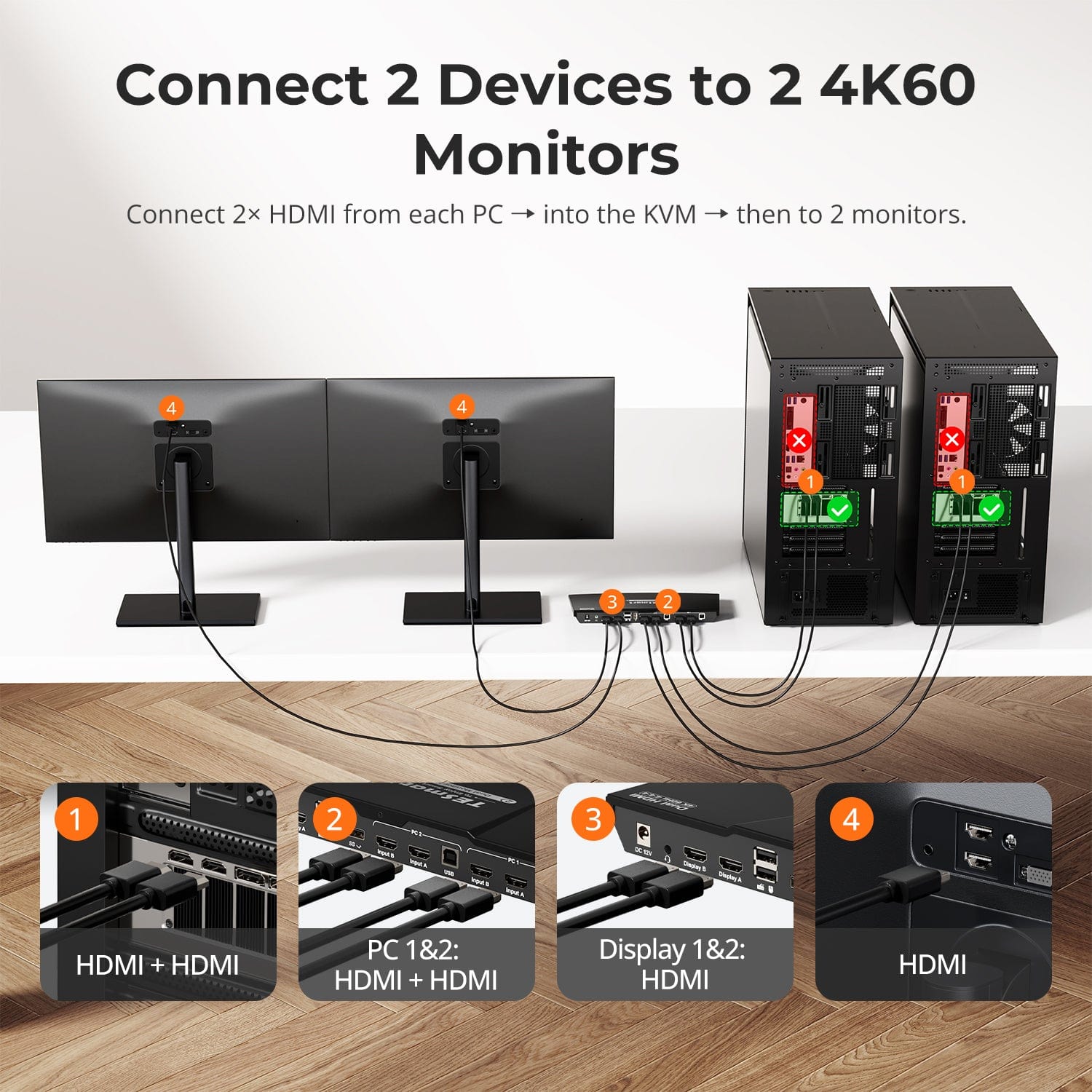
Display Setup
Max Display Output
Display Stability
USB Sharing
Content Protection
Display Mode
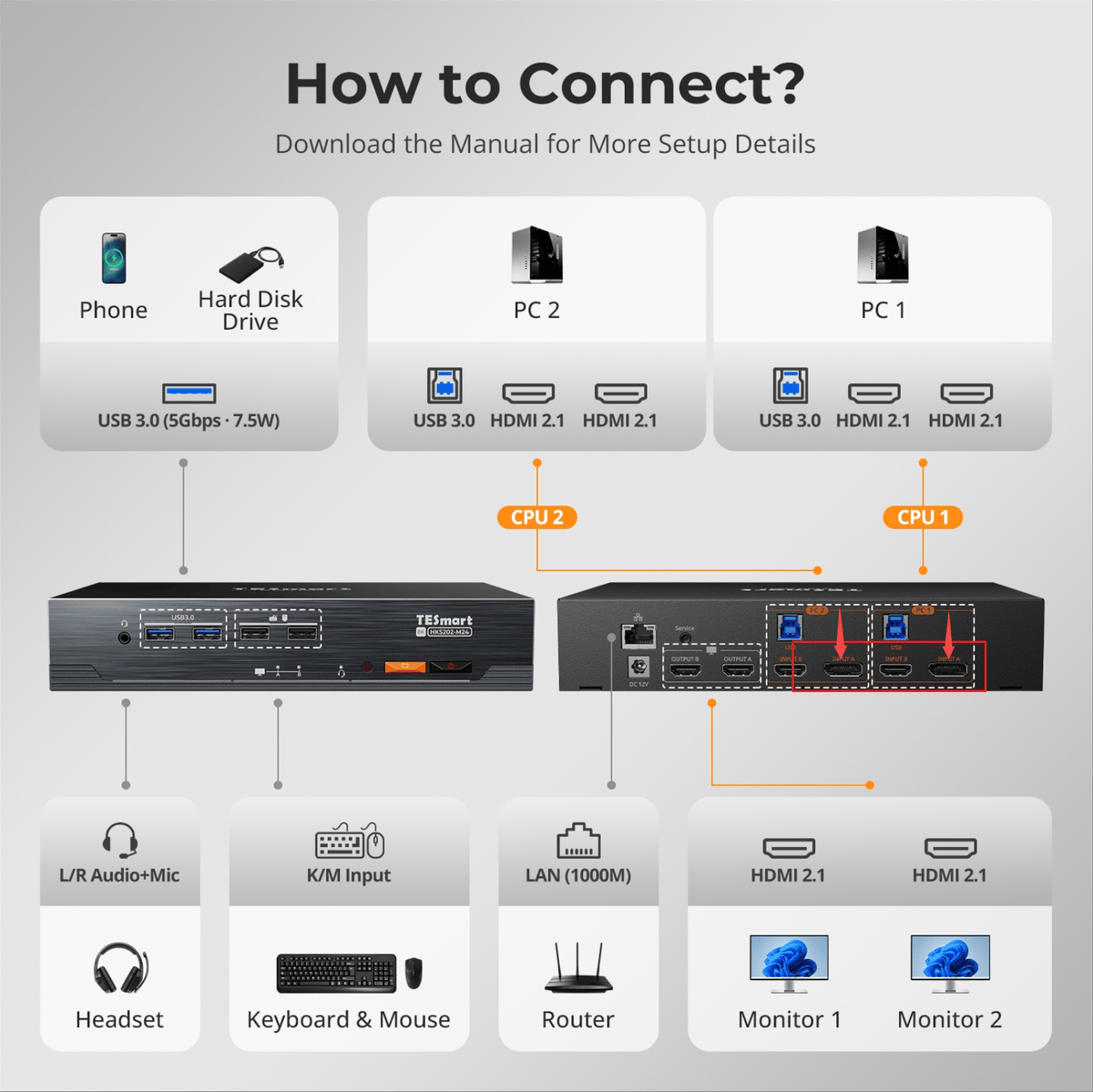
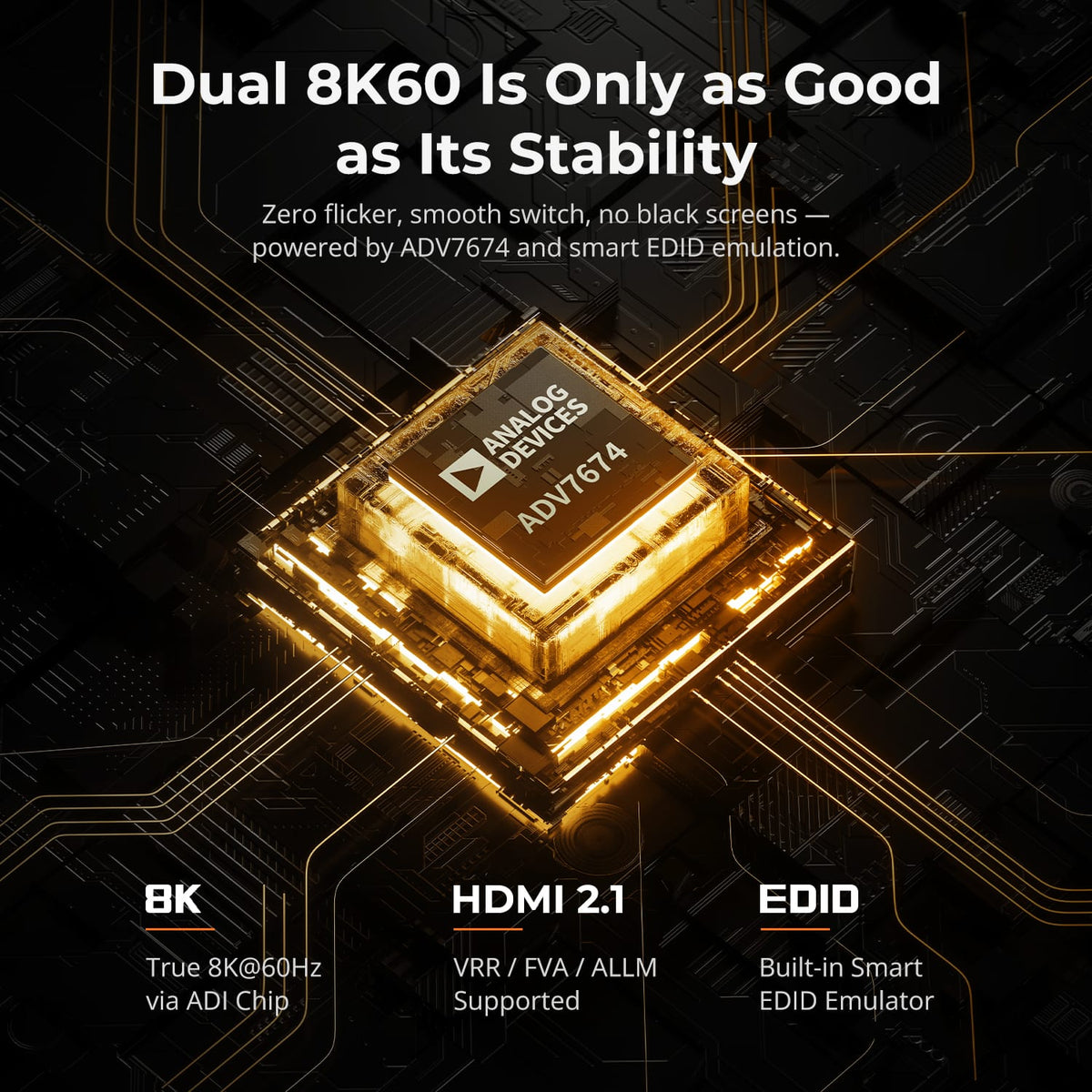
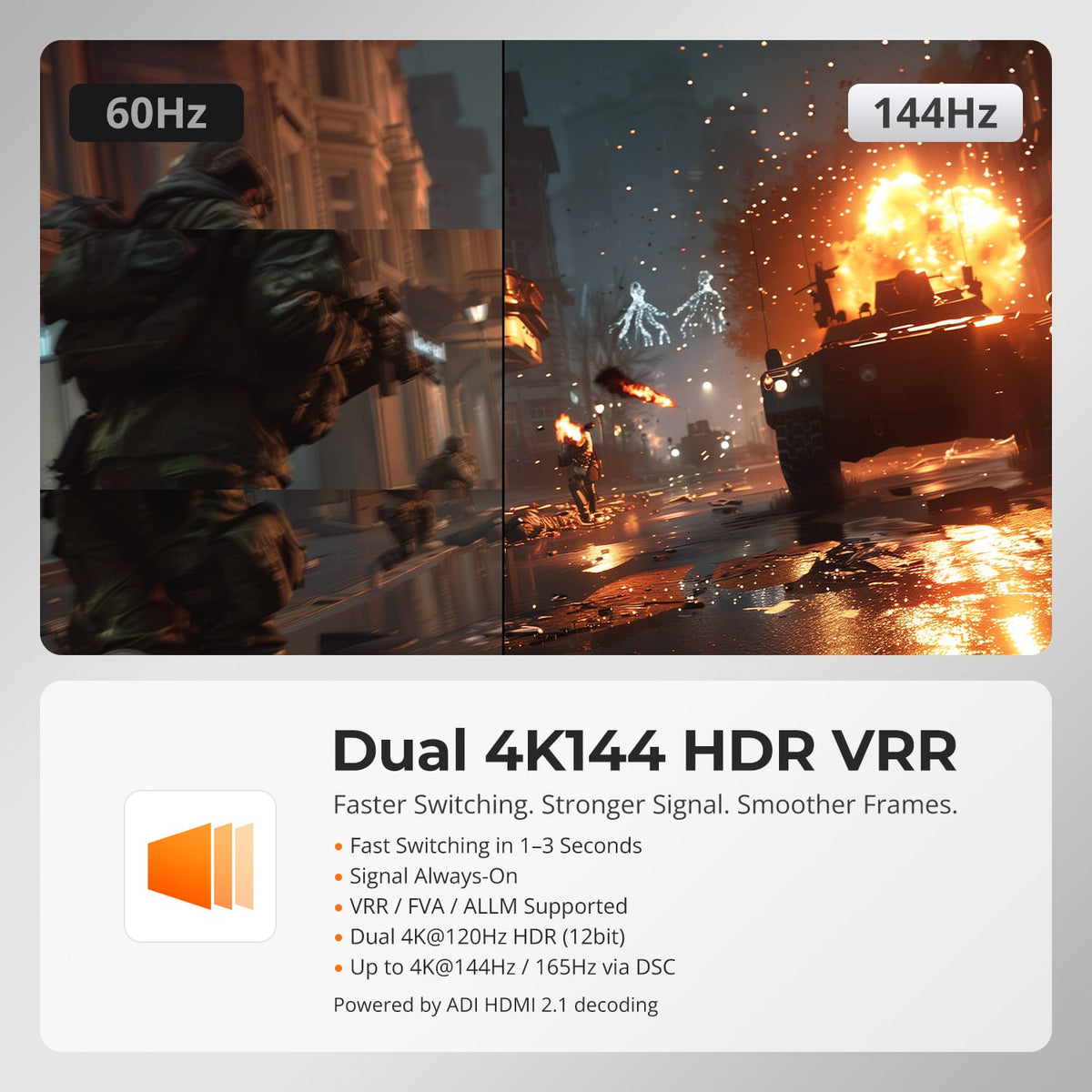
Display Setup
Max Display Output
Display Color
Gaming Display
Display Stability
Network Control



Display Setup
Max Display Output

Display Stability

USB Speed
Keyboard & Mouse
Display Mode
Display Setup
Max Display Output

First TESmart Japan-Built KVM
Gaming Display
Display Stability
Network Sharing
DisplayPort & HDMI+DP KVM Series: Flexible Connectivity
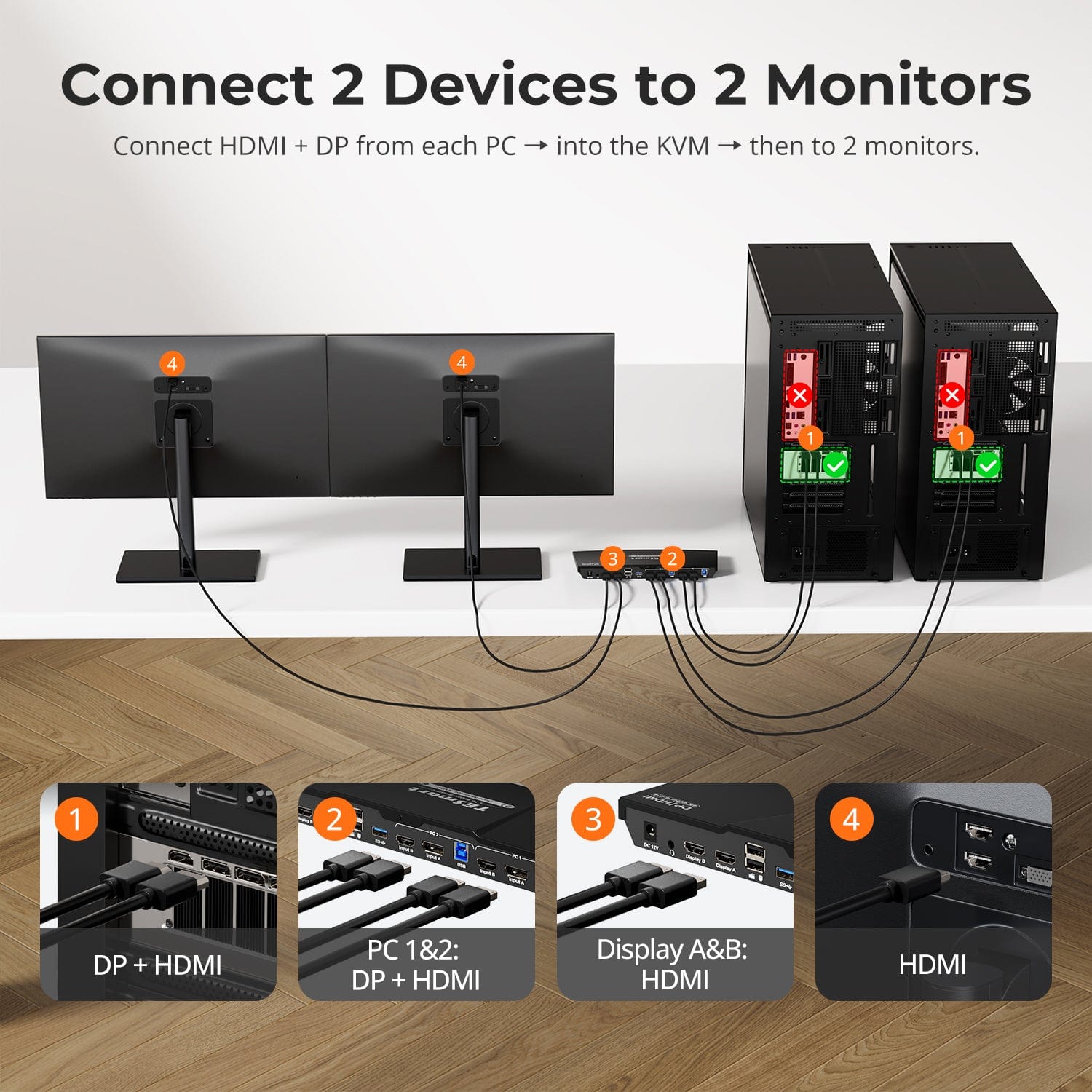
Power your dual-screen desktop setup with DisplayPort or mixed HDMI + DP connections, built for professionals, creators, and high-performance workflows.
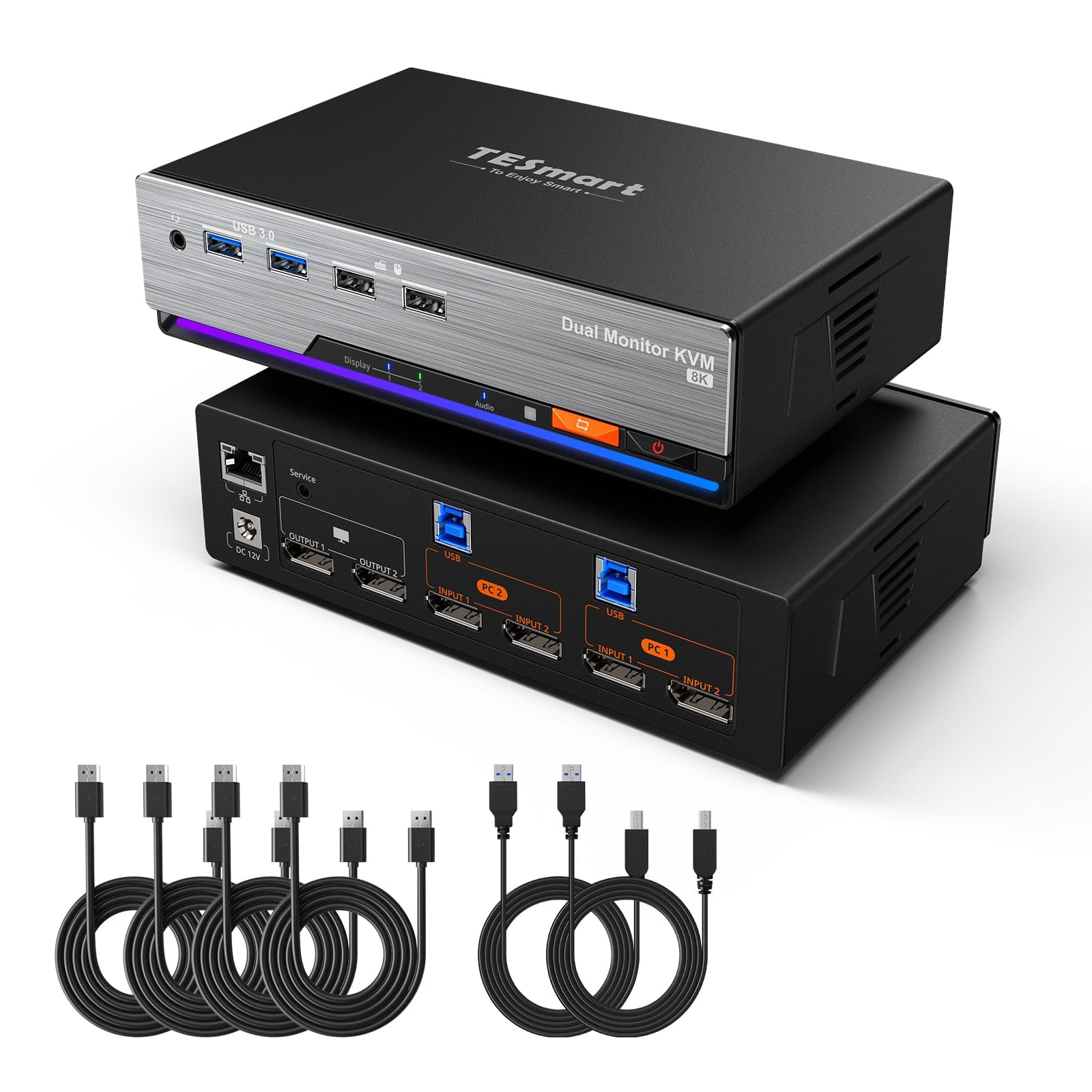
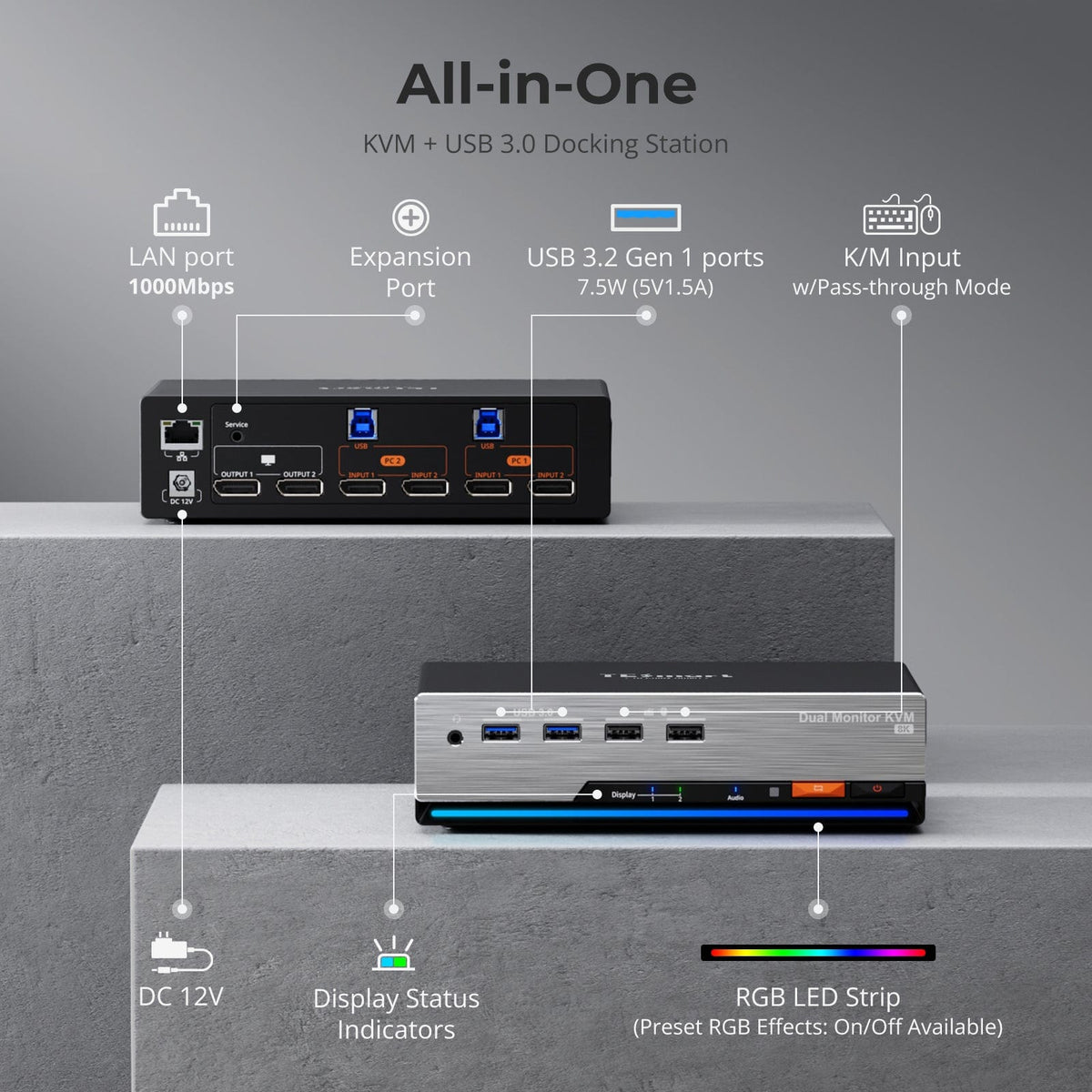
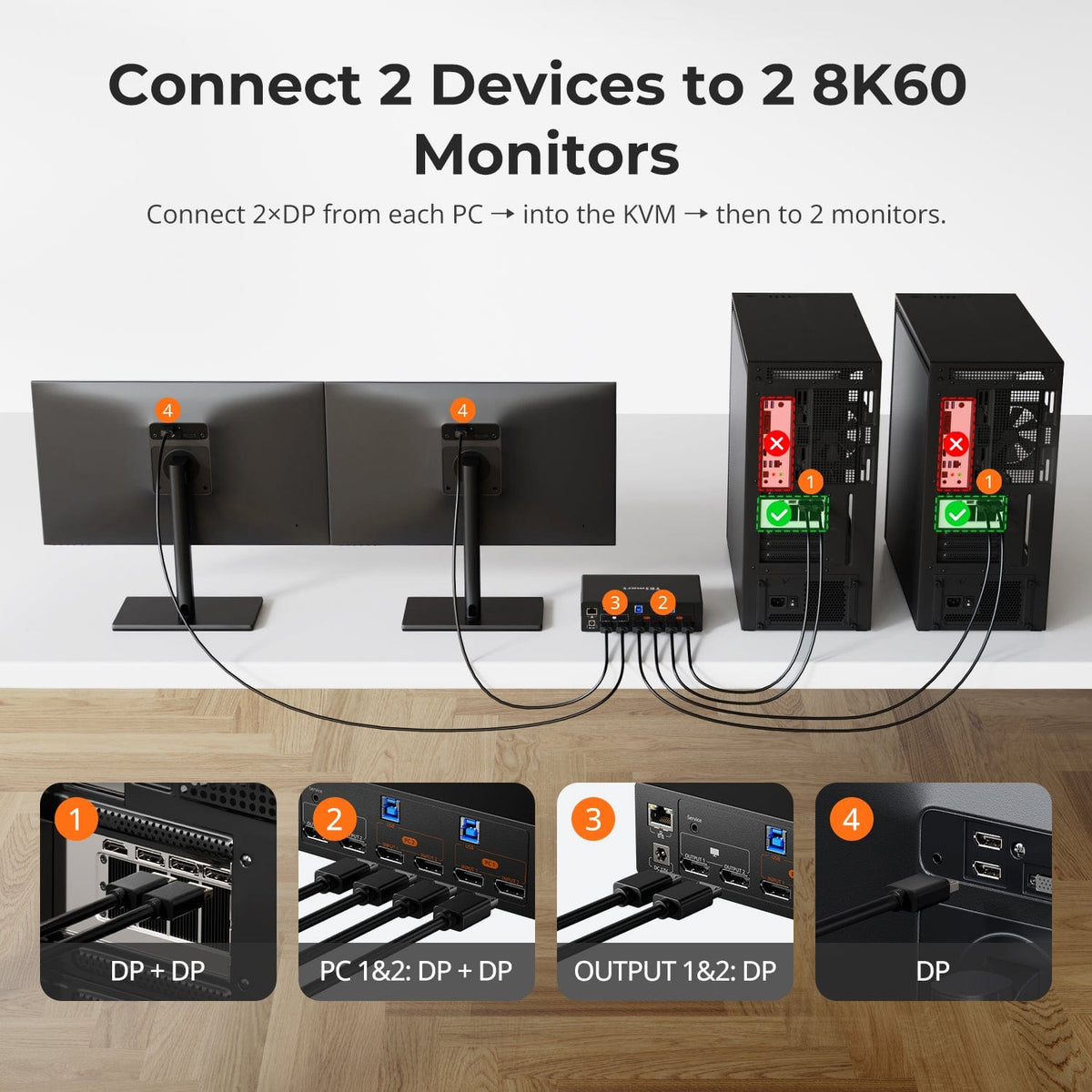
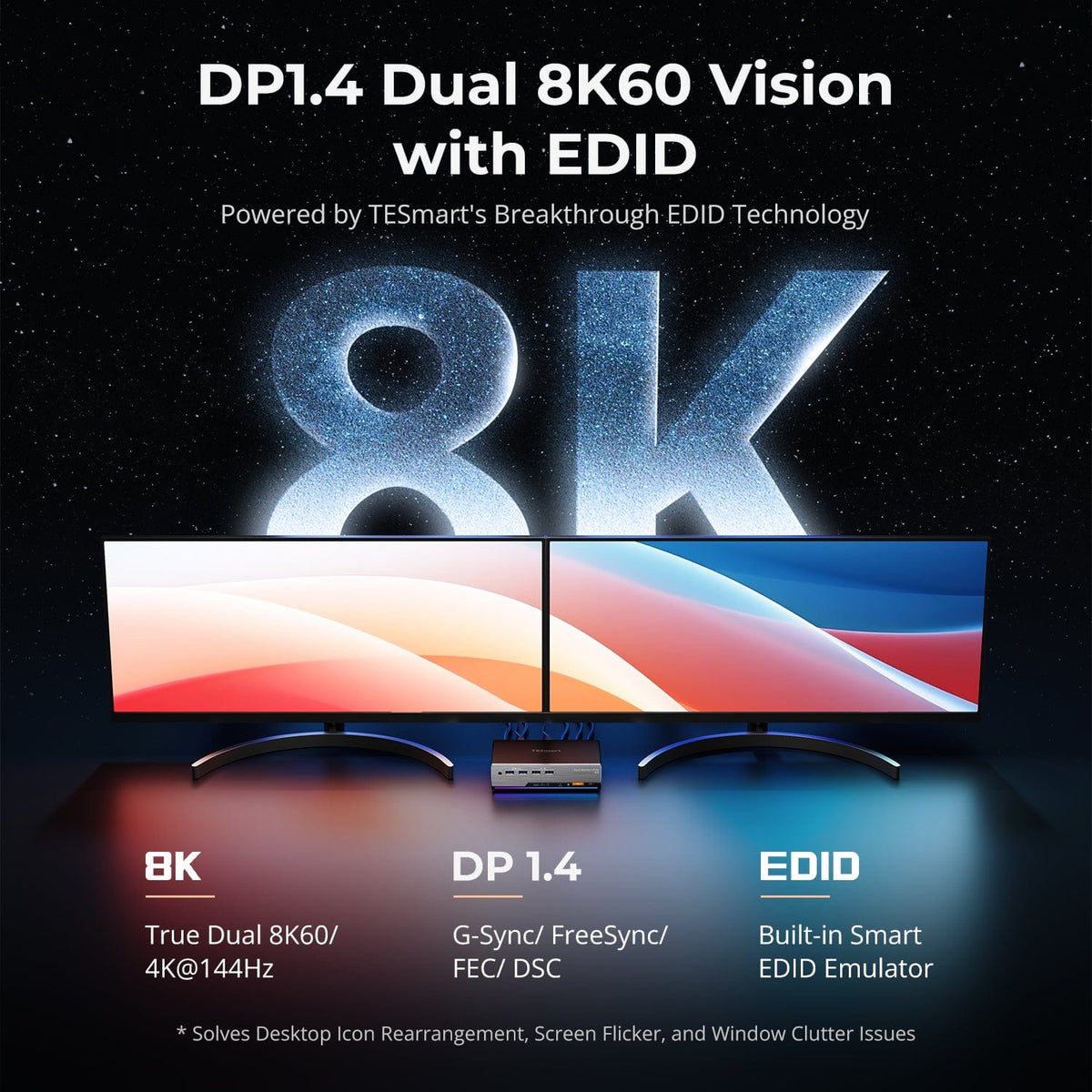
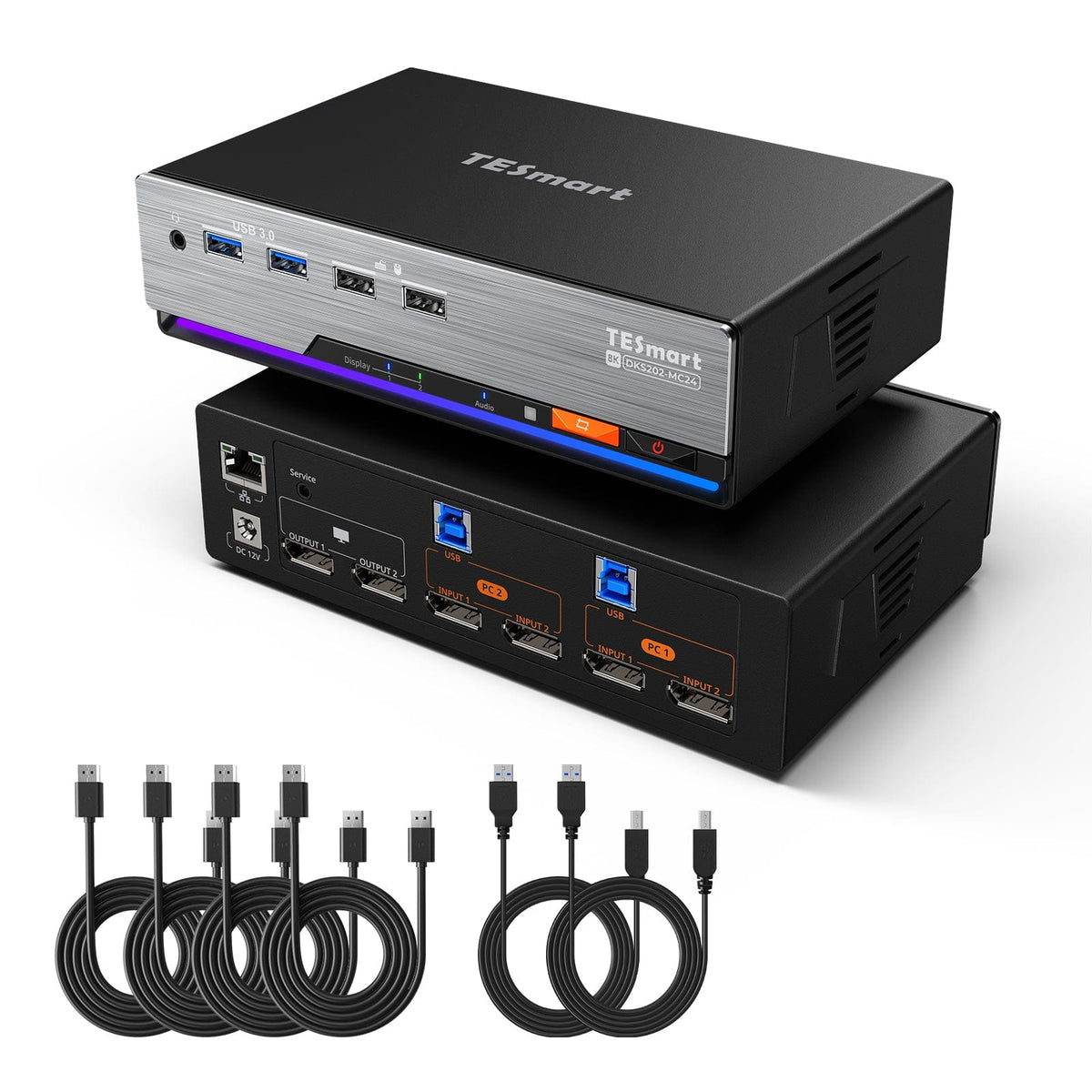
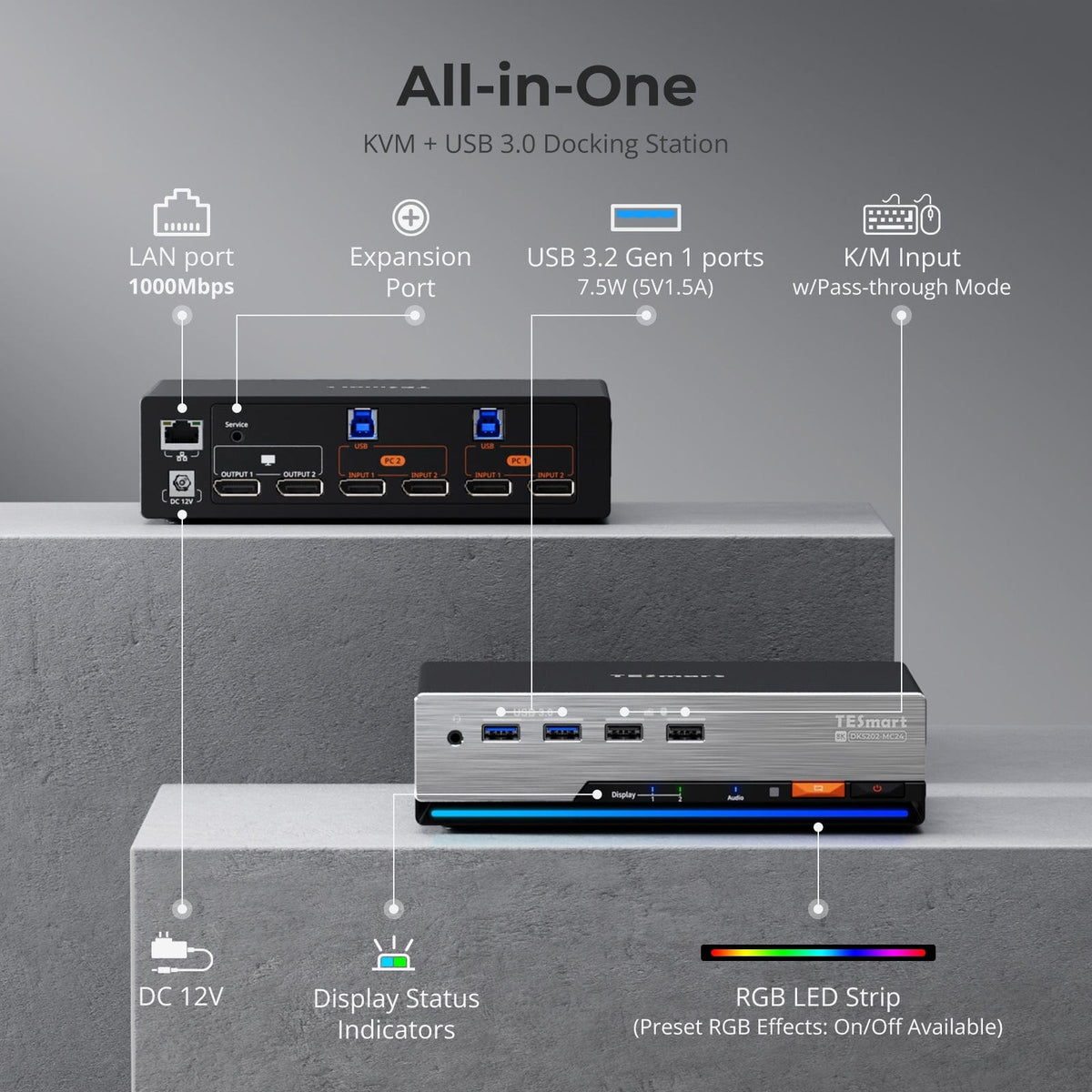
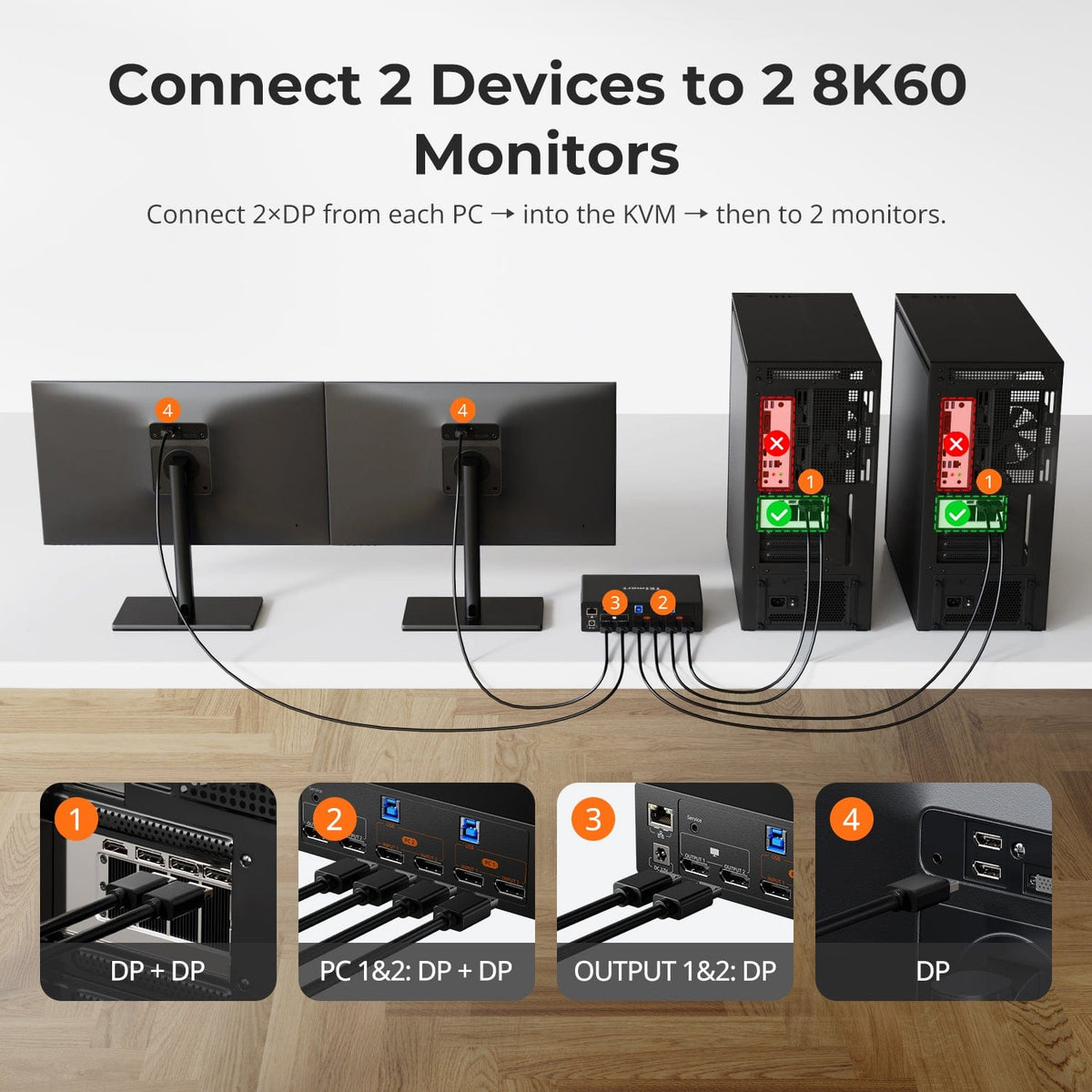
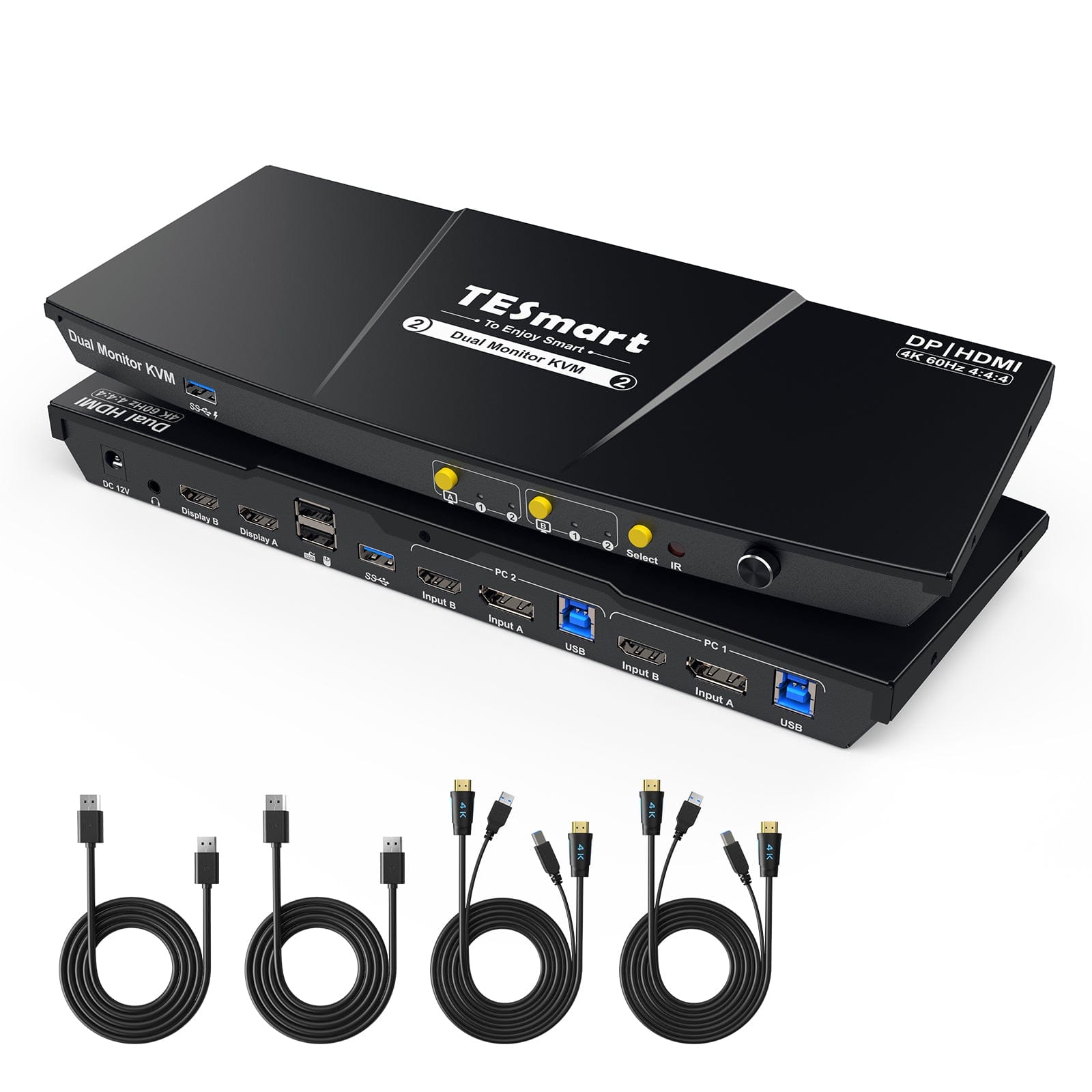
DKS202-M24
• Input Ports: DP 1.4 × 2 (In/Out)
• Outputs: DP 1.4
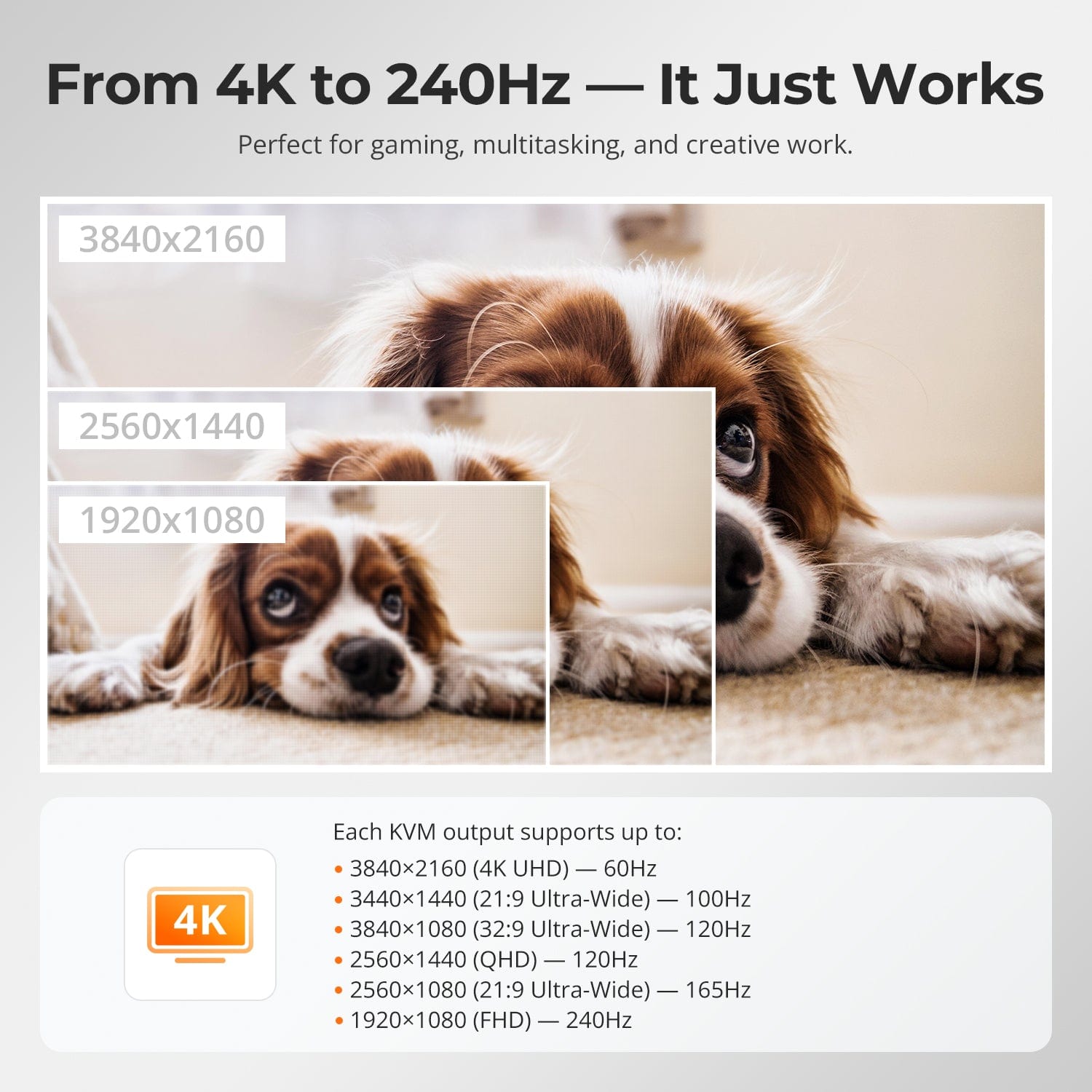
• Max Resolution: 8K@60Hz
• USB Speed: USB 3.0
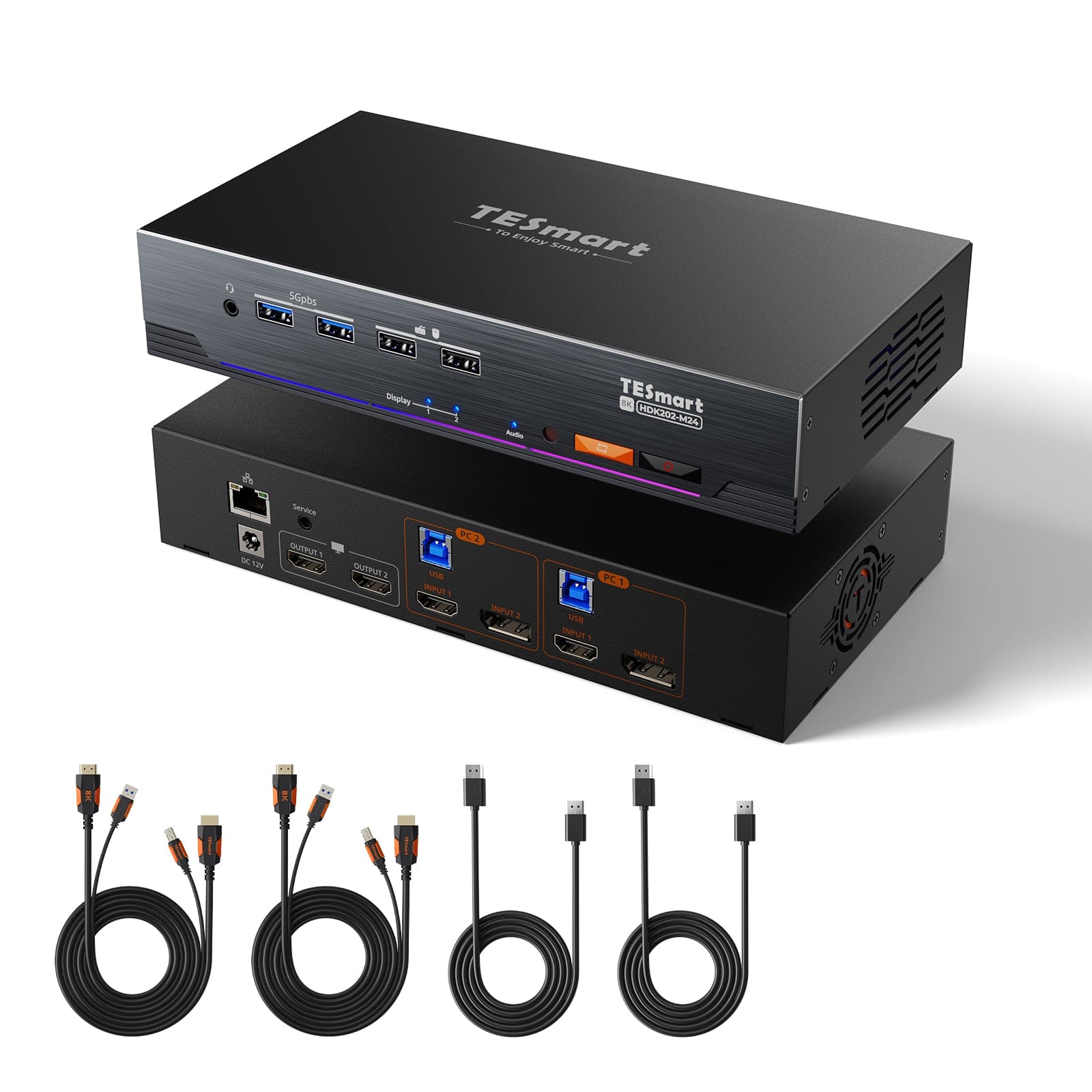
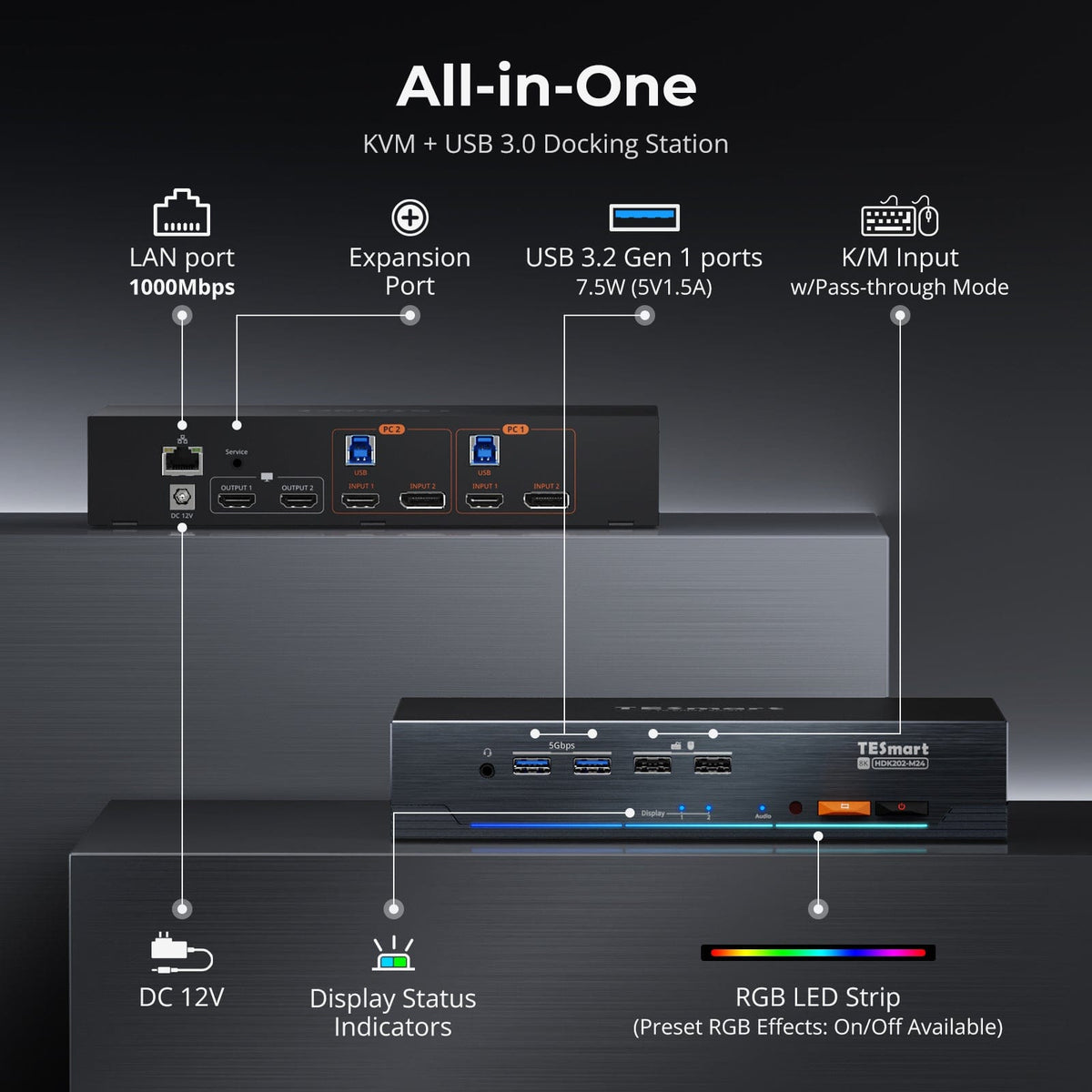
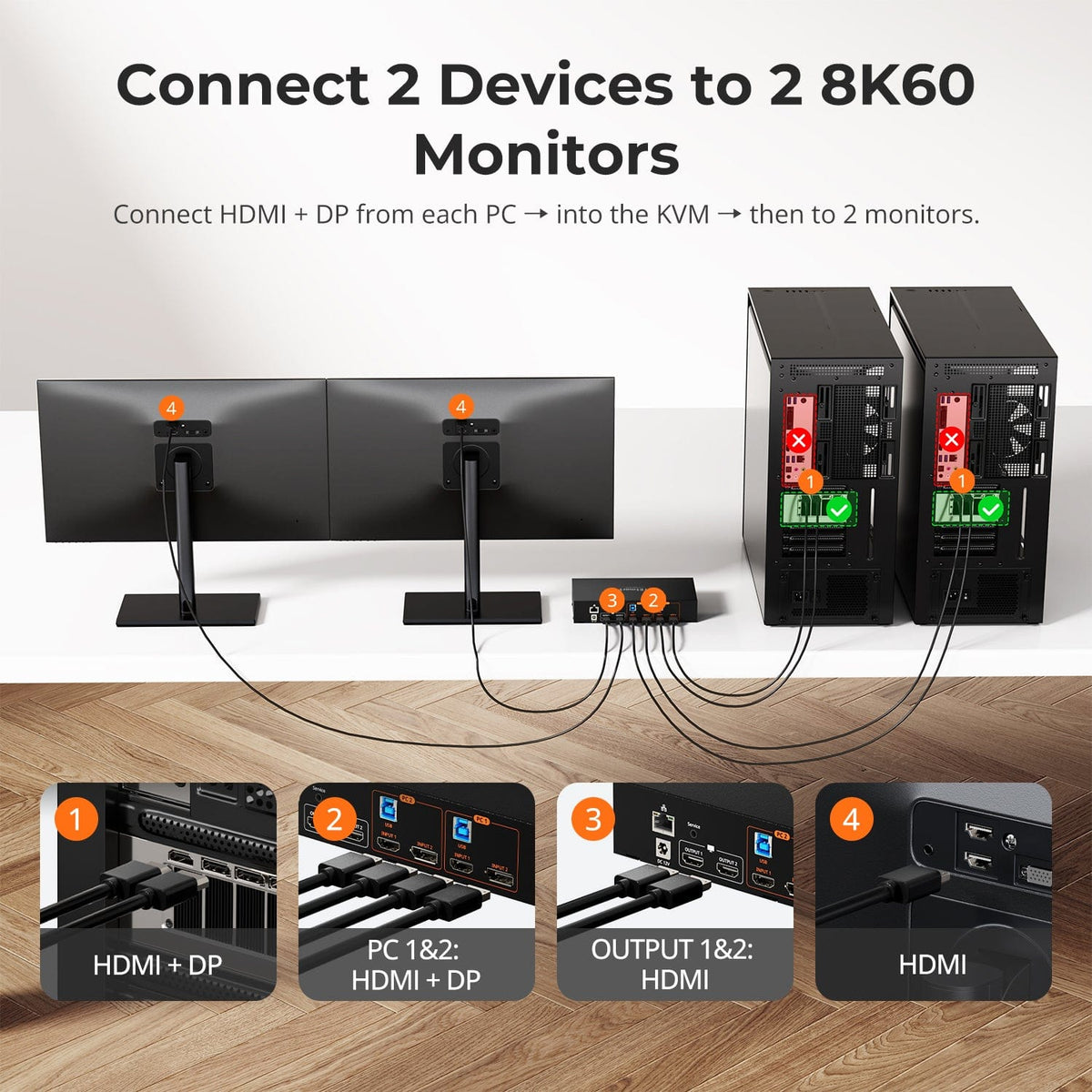
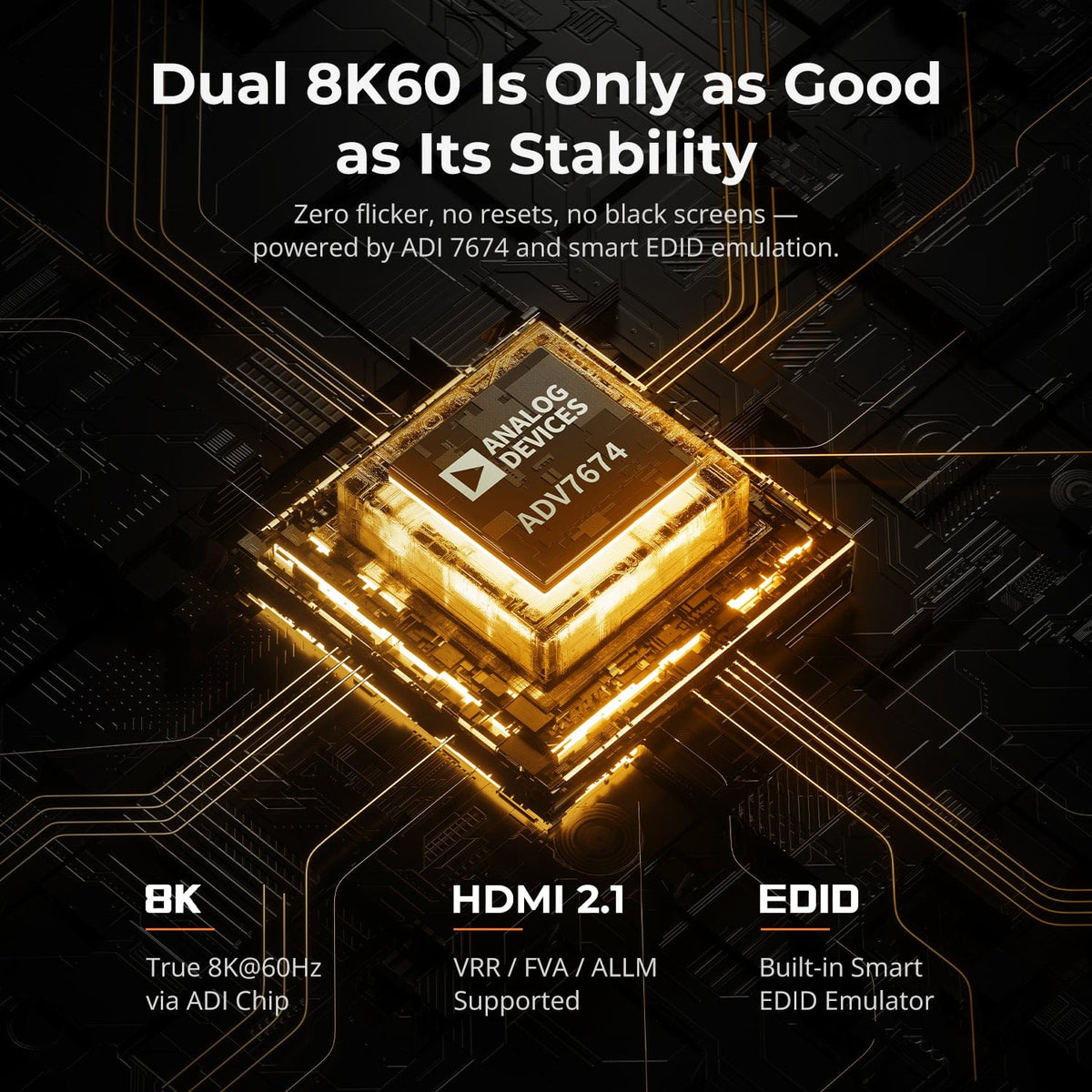
HDK202-M24
• Input Ports: HDMI 2.1+DP 1.4
• Outputs: HDMI 2.1
• Max Resolution: 8K@60Hz / 4K@144Hz
• USB Speed: USB 3.0
HDK202-P23
• Input Ports: HDMI 2.0+DP 1.2
• Outputs: HDMI 2.0
• Max Resolution: 4K@60Hz / 2K@120Hz
• USB Speed: USB 3.0
Part ② - Dual-Screen DisplayPort & HDMI + DP KVM
Display Setup
Max Display Output
Display Color
Gaming Display
Display Stability
Network Control
Display Setup
Max Display Output

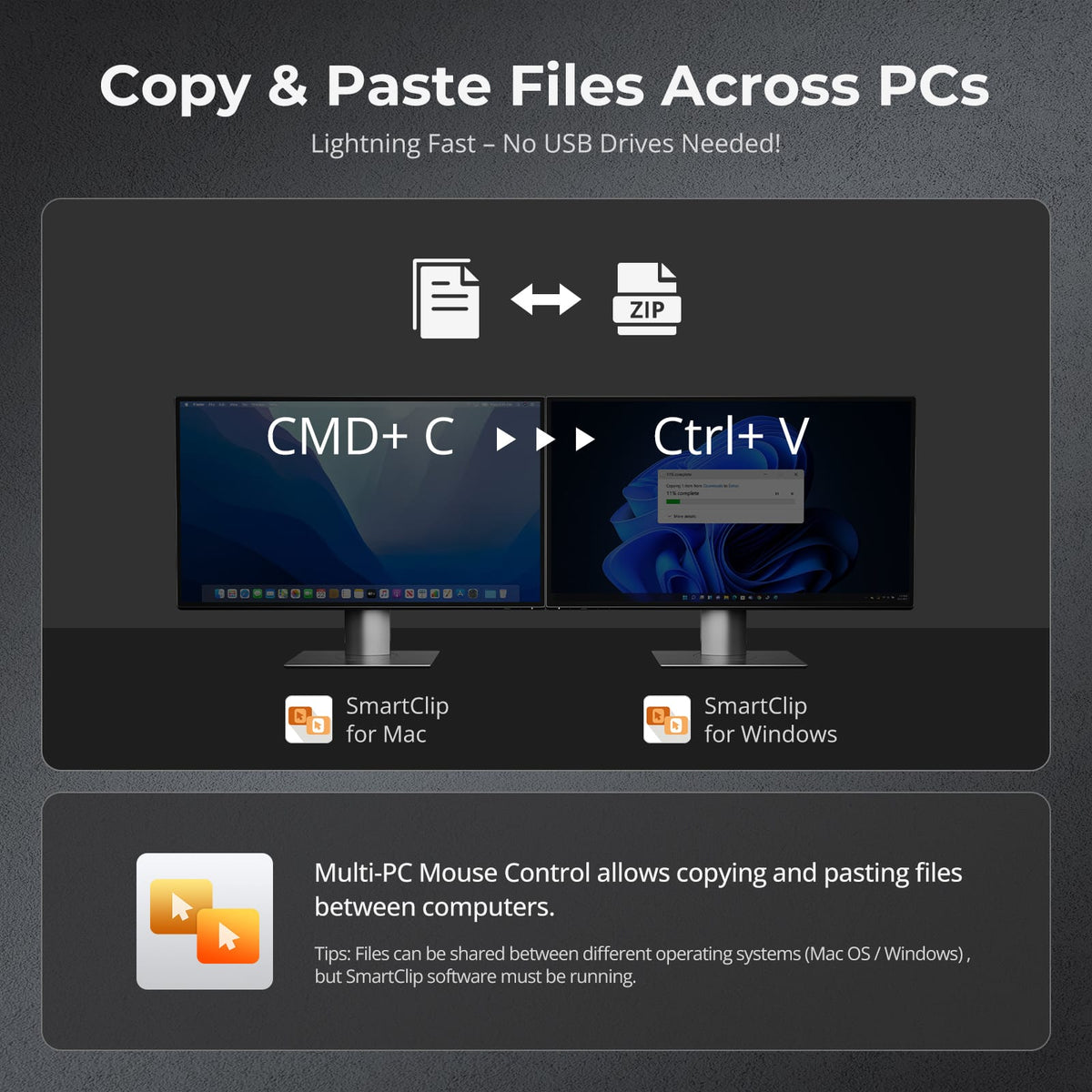
Cross-PC mouse and file copy
Display Color
Gaming Display
Display Stability
Display Setup
Max Display Output

Device Setup
Display Color
Gaming Display
Display Stability

Display Setup
Max Display Output

Device Setup
Display Stability

Content Protection
USB Speed
Thunderbolt KVM Series: Premium Mac Workflows
Upgrade your high-performance workspace with Thunderbolt KVM solutions built for Mac users, premium laptops, and high-resolution dual-display setups.
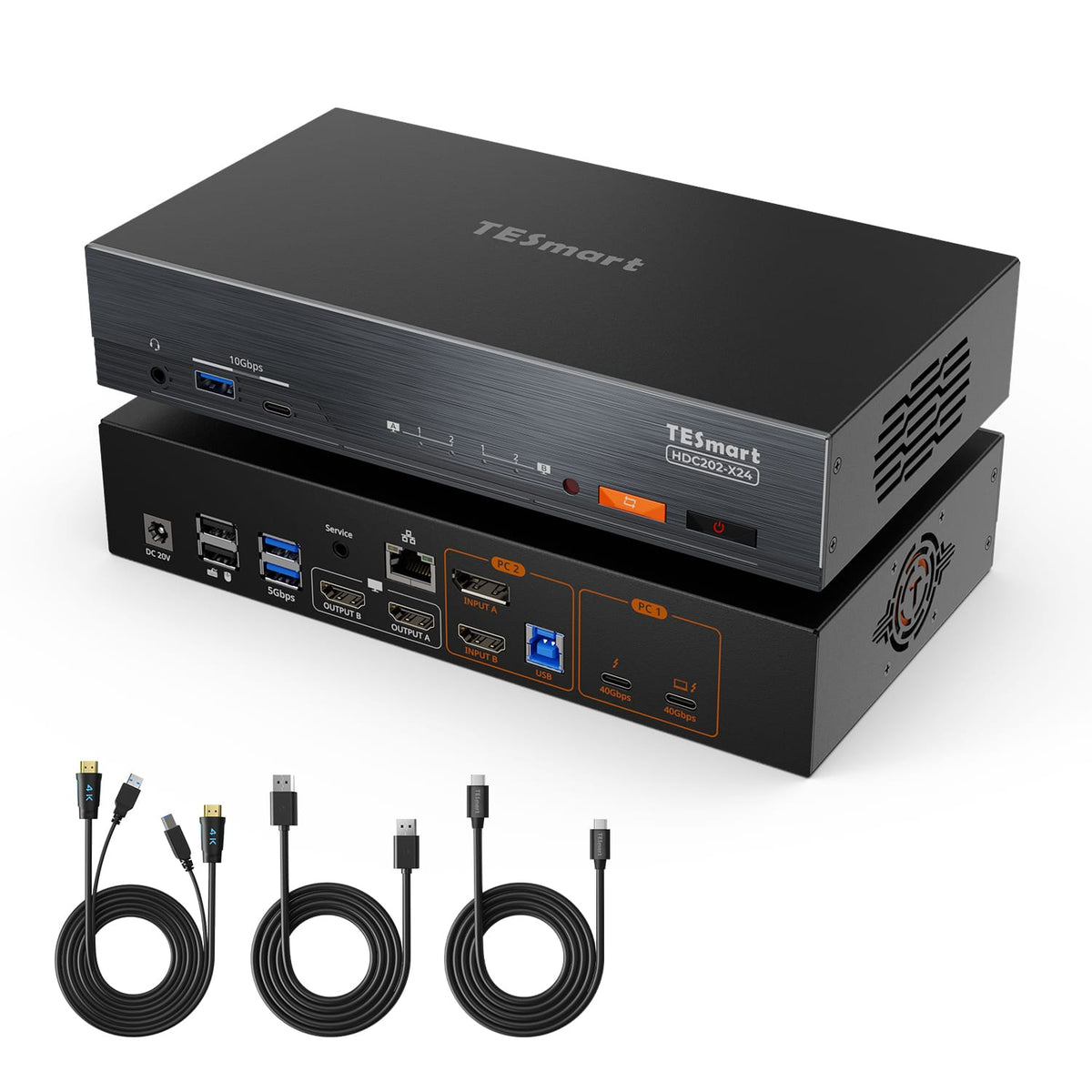
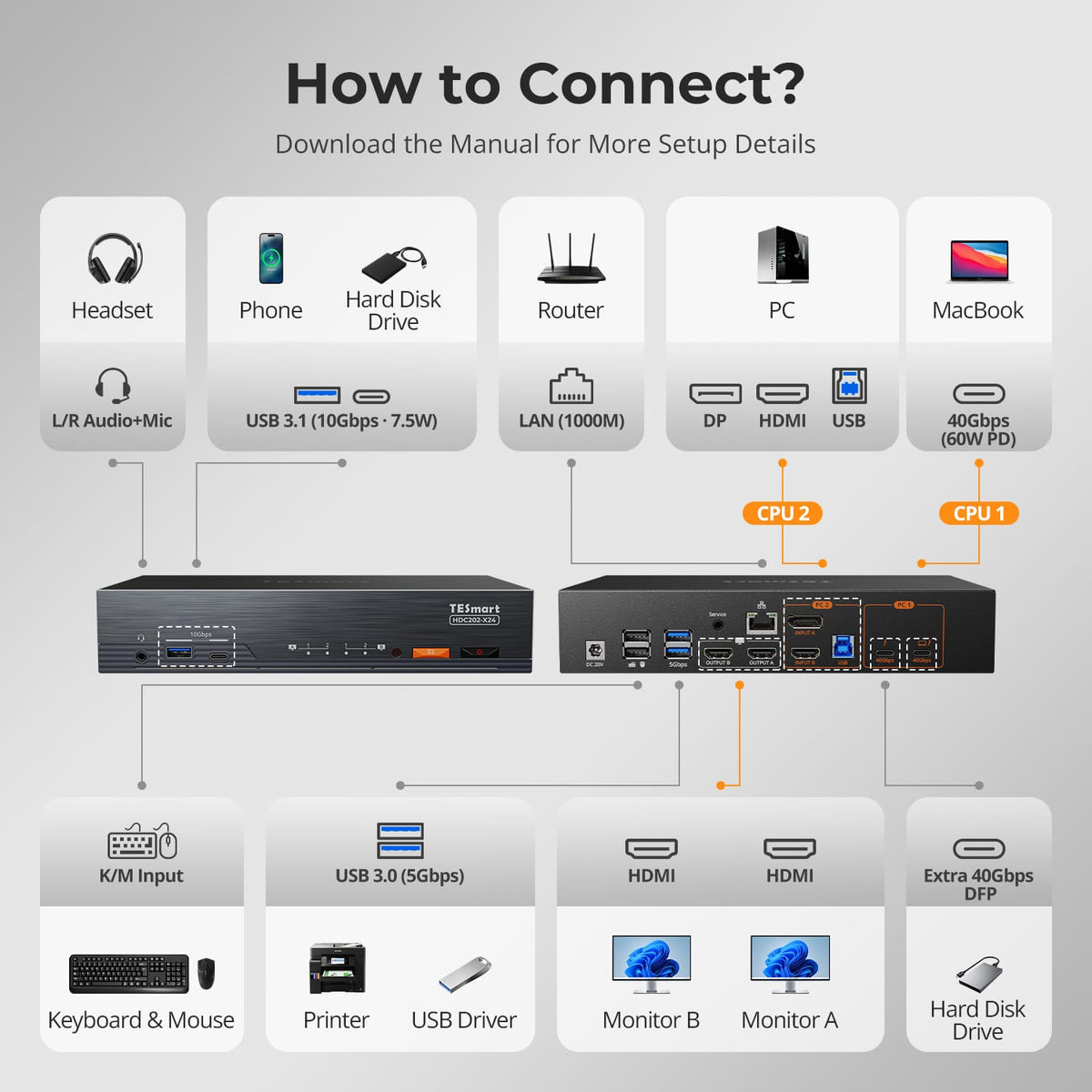
HDC202-X24 (Xtreme)
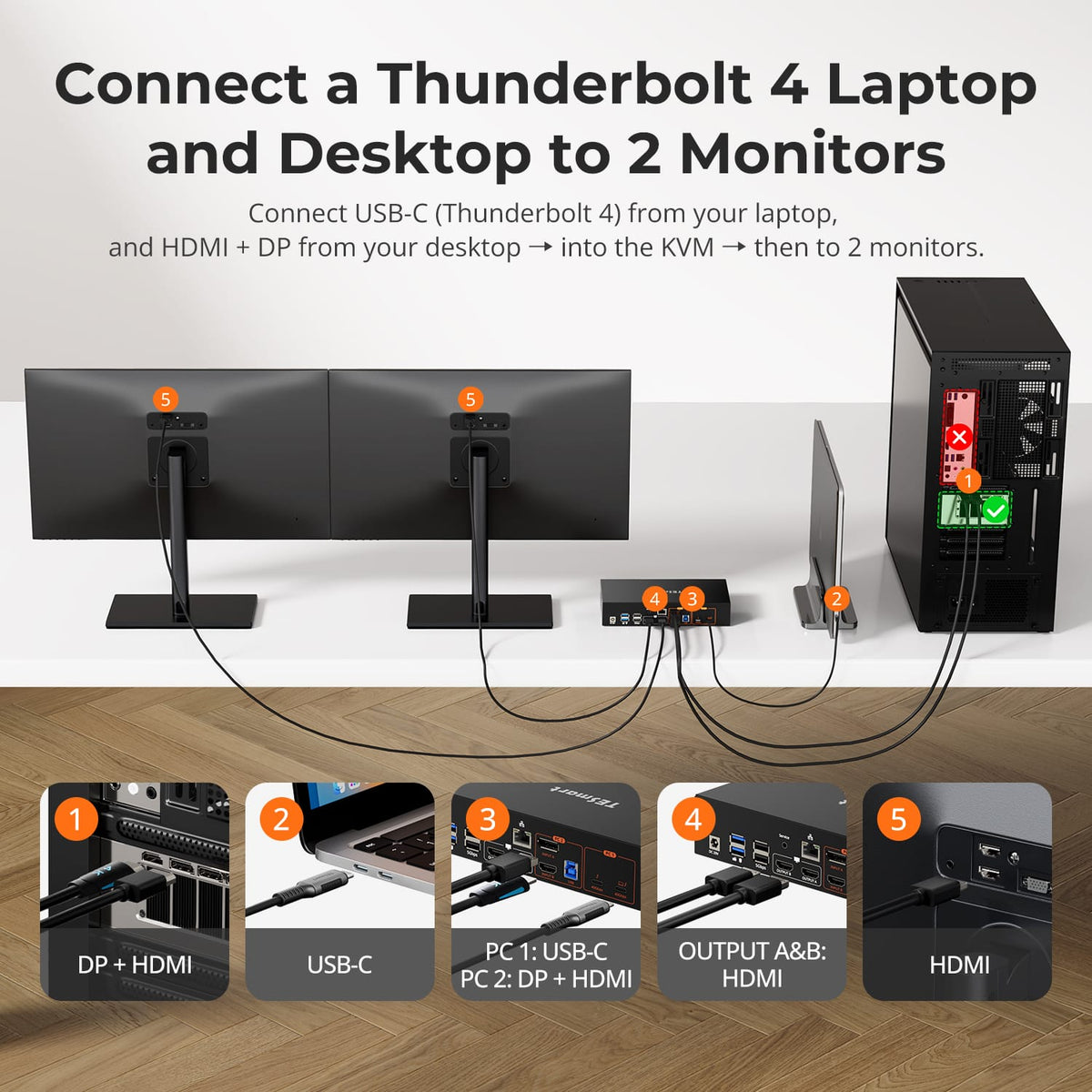
• Input Ports: HDMI 2.0 + DP 1.2 + USB-C1x USB-C [inputA] (thunderbolt 4, 60W)
• Outputs: HDMI 2.0
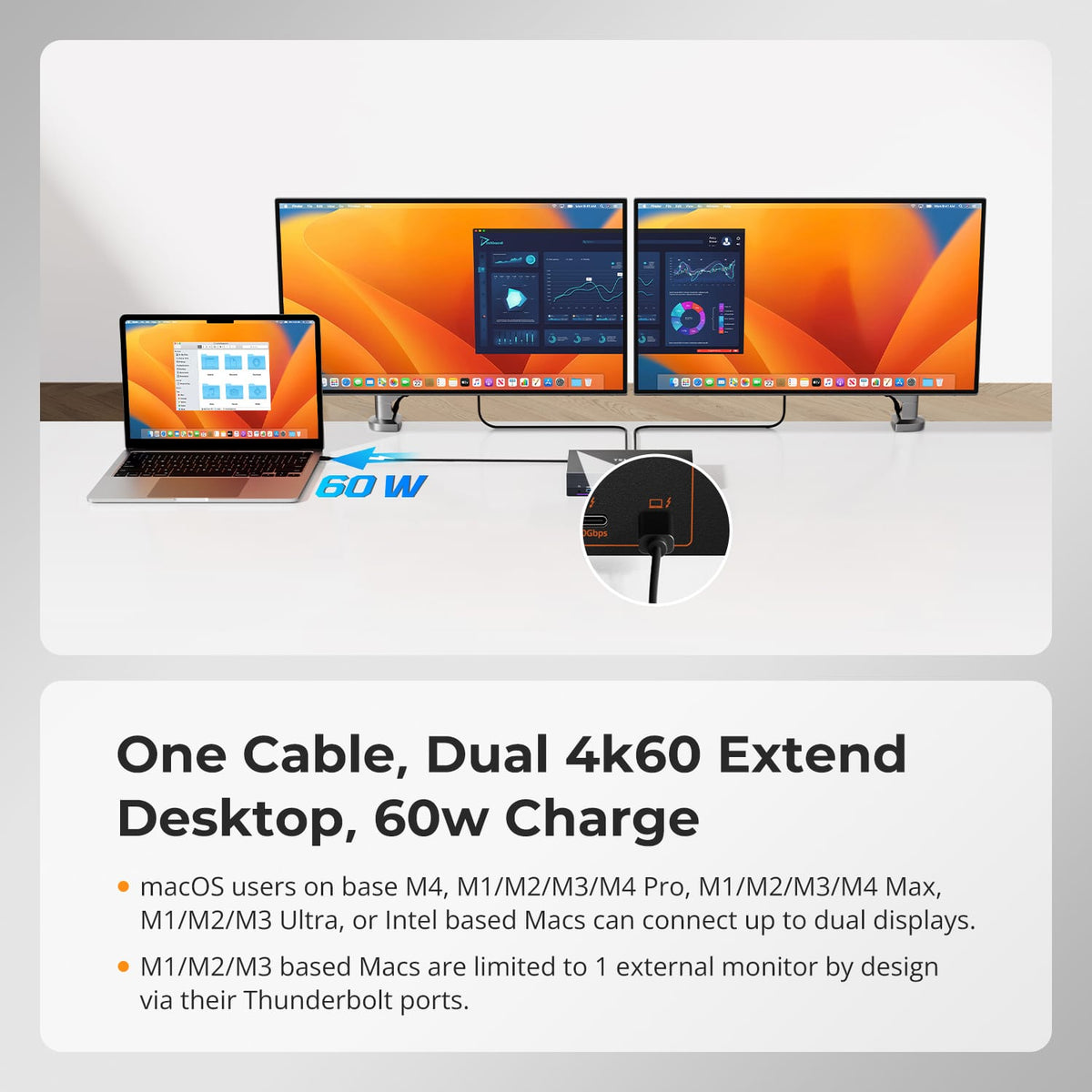
• Max Resolution: 4K@60Hz / 2K@120Hz
• USB Speed: USB 3.1
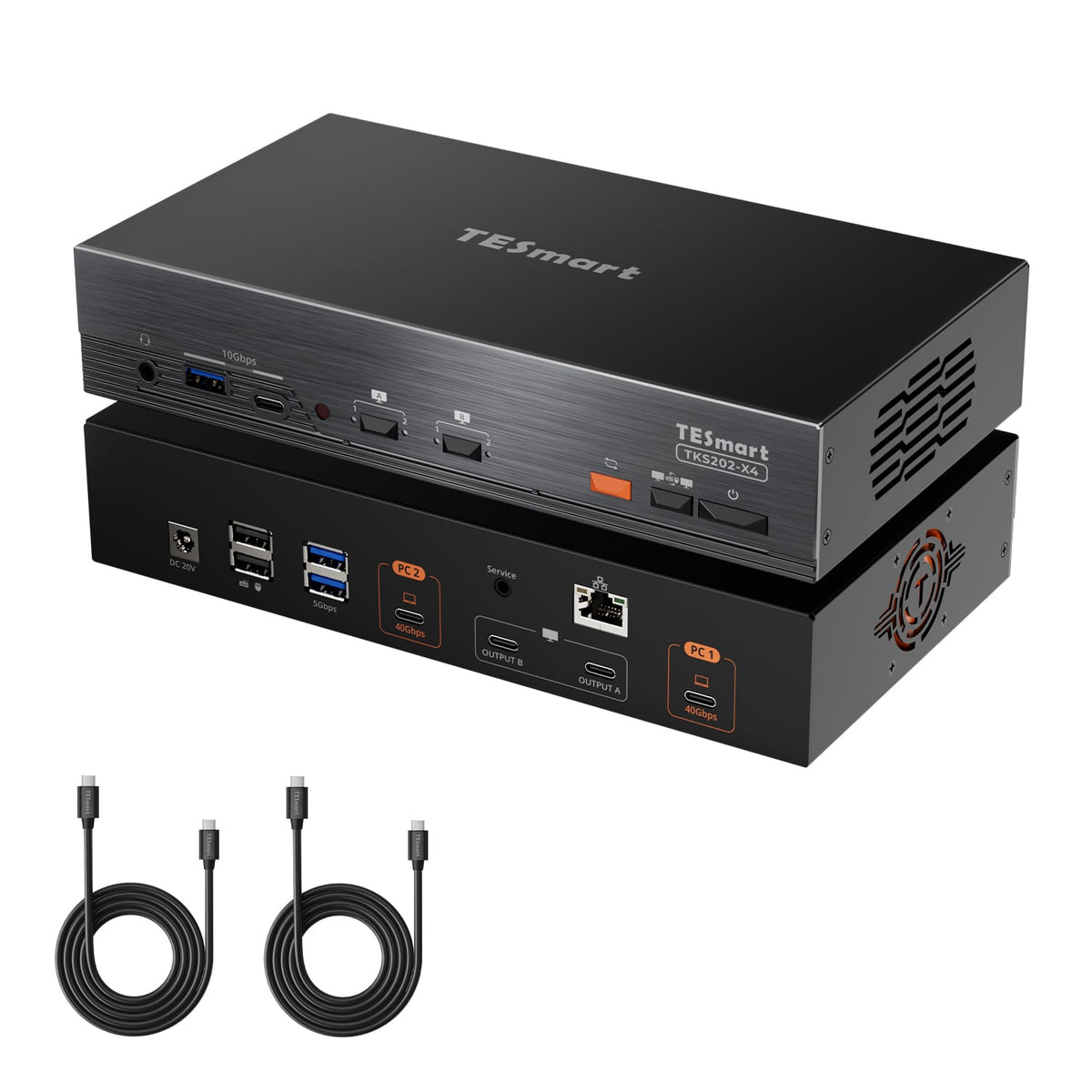
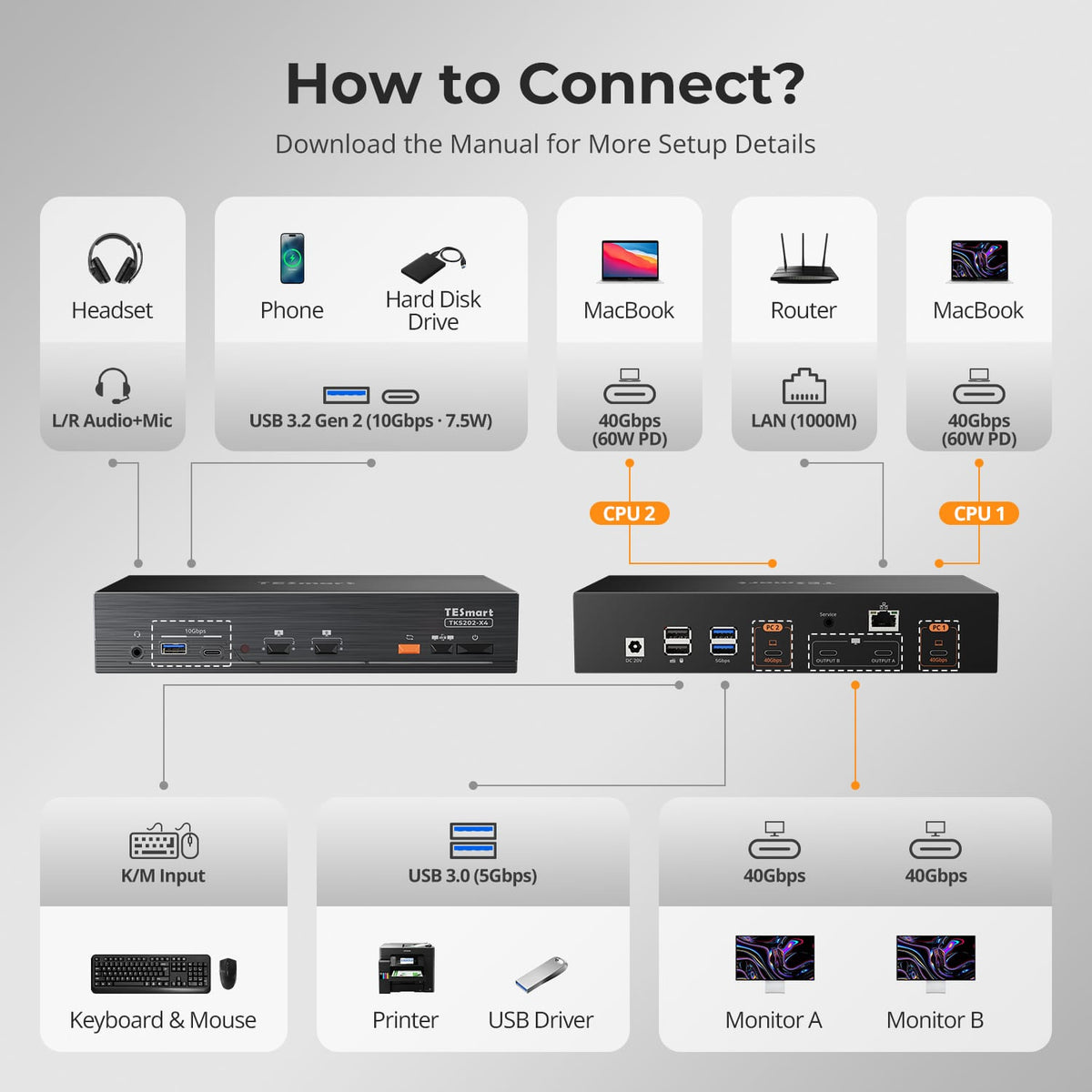
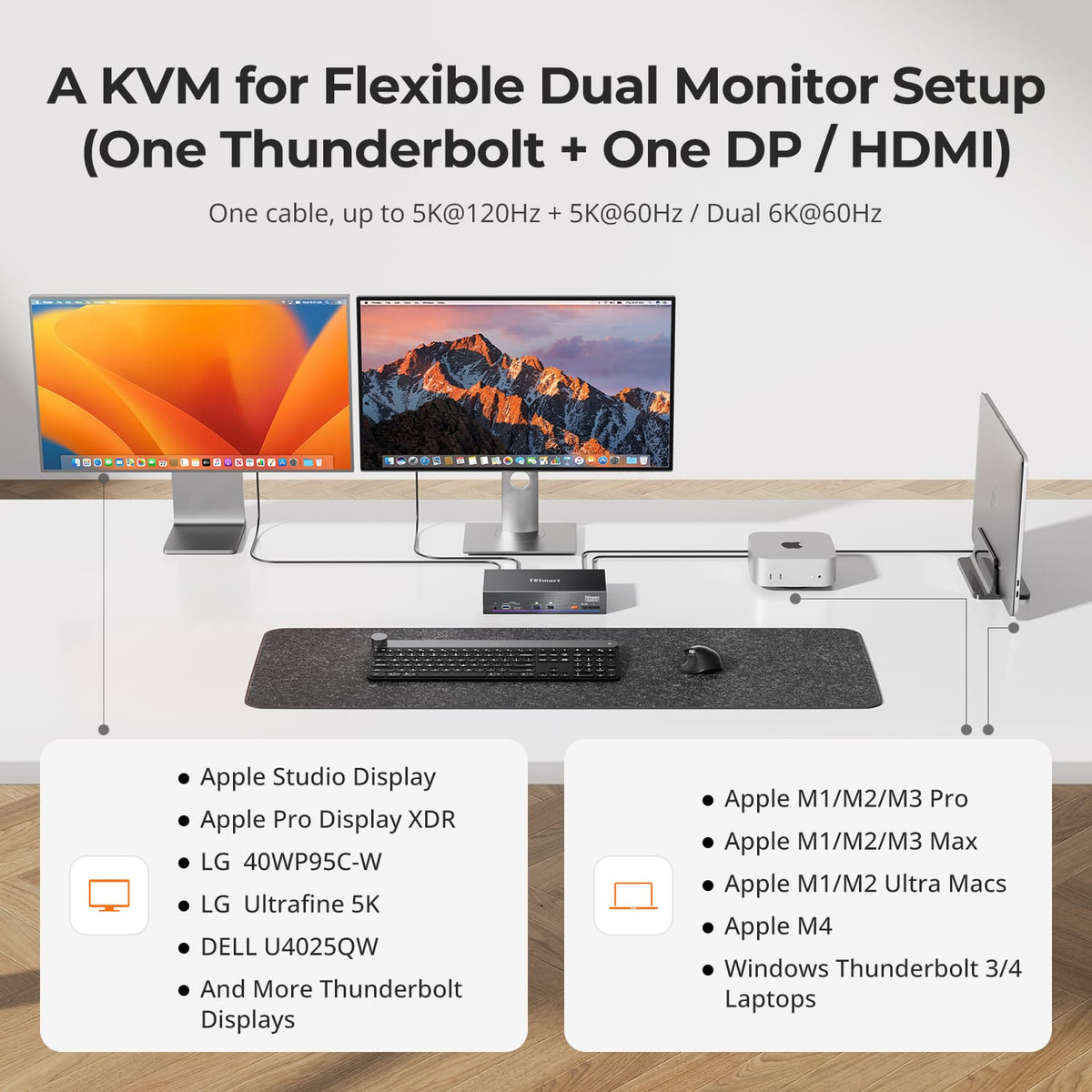
TKS202-X4 (Xtreme)
• Input Ports: Thunderbolt 4
• Outputs: Thunderbolt 4
• Max Resolution: 6K@60Hz / 5K120Hz
• USB Speed: USB 3.1
Part ③ - Dual Monitor Thunderbolt KVM

Display Setup
Max Display Output
Thunderbolt Controller
Compatibility

Laptop Charging
Network Control
Display Setup
Max Display Output
Thunderbolt Controller
Connectivity
Compatibility
Laptop Charging
USB-C KVM Series: Smarter Hybrid Work
Simplify your workspace with USB-C KVM solutions designed for laptops and hybrid setups, making it easy to share dual monitors and peripherals across two computers.
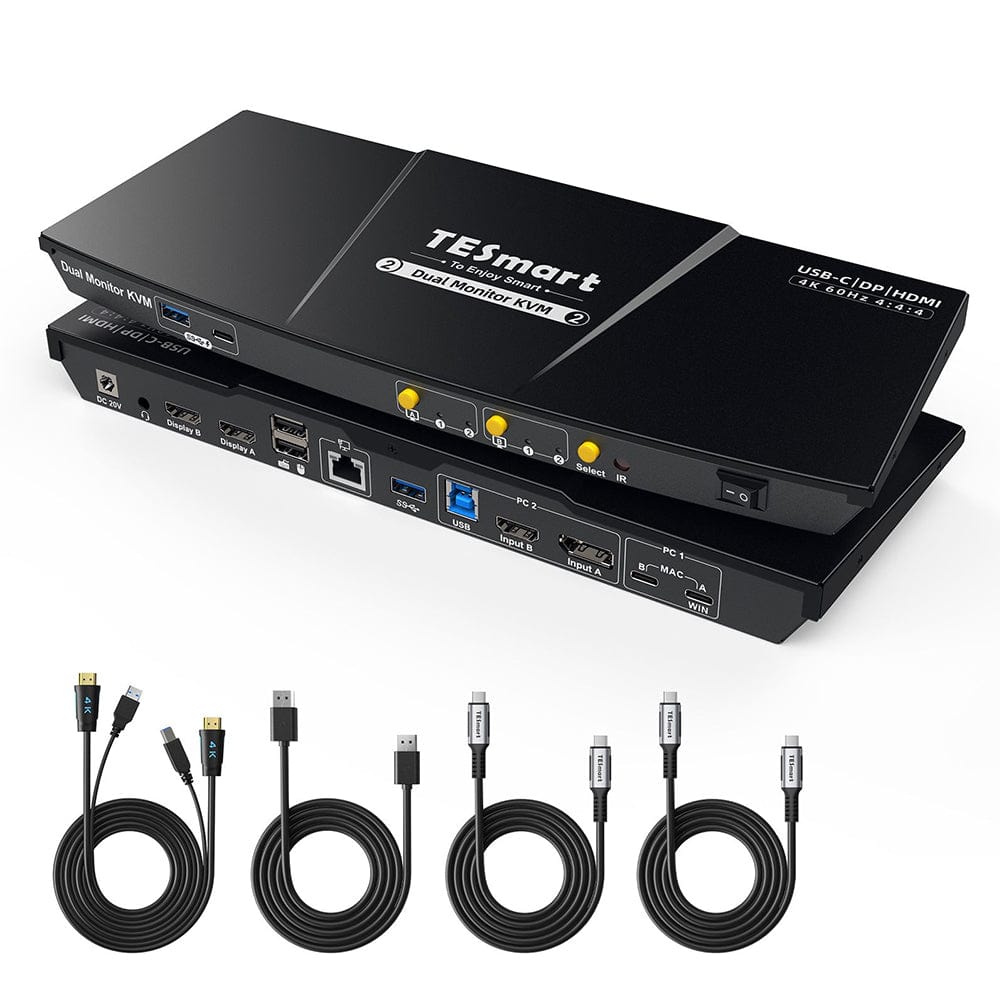
HDC202-P23-N
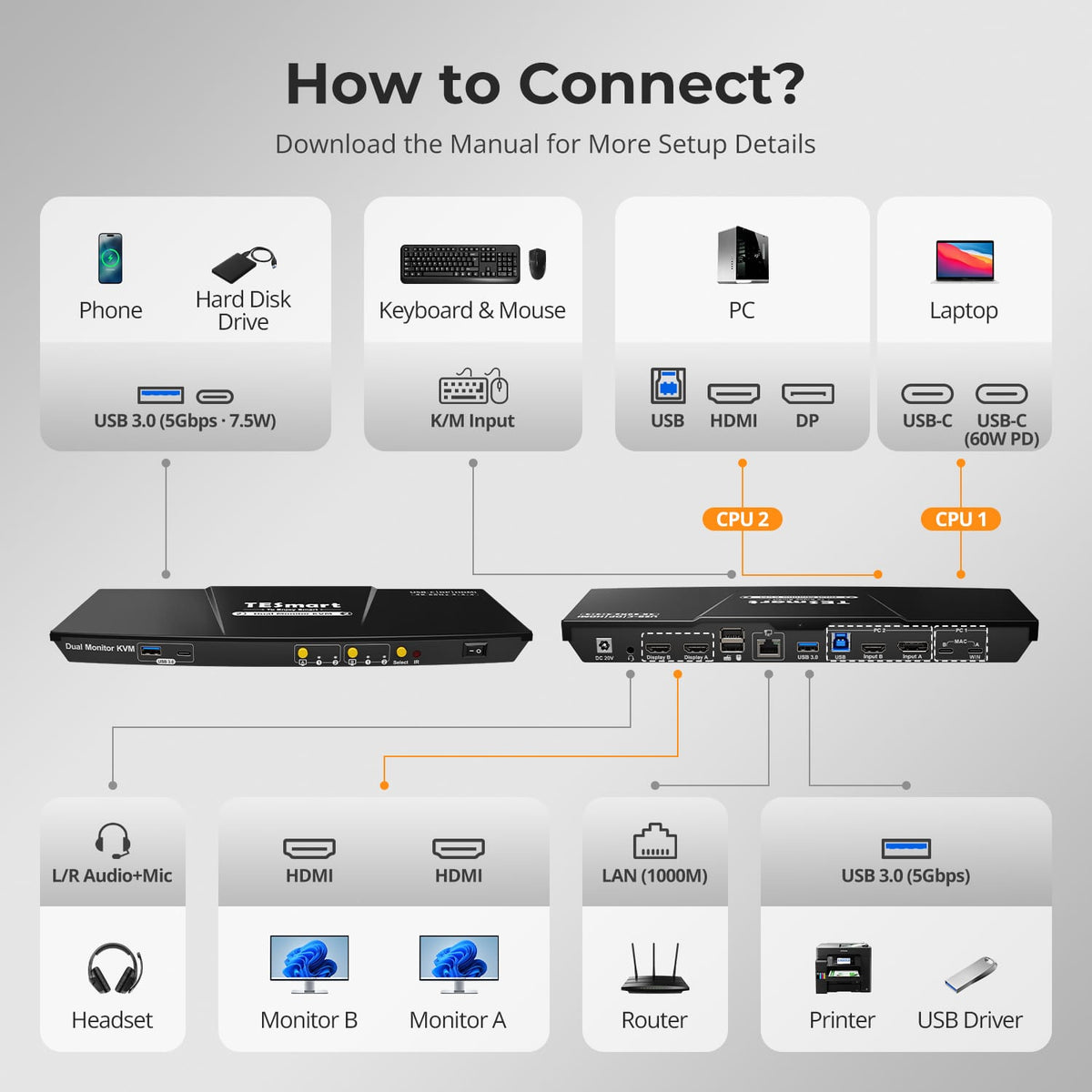
• Input Ports: HDMI 2.0 + DP 1.2 + USB-C
• Outputs: HDMI 2.0
• Max Resolution: 4K@60Hz / 2K@120Hz
• USB Speed: USB 3.0
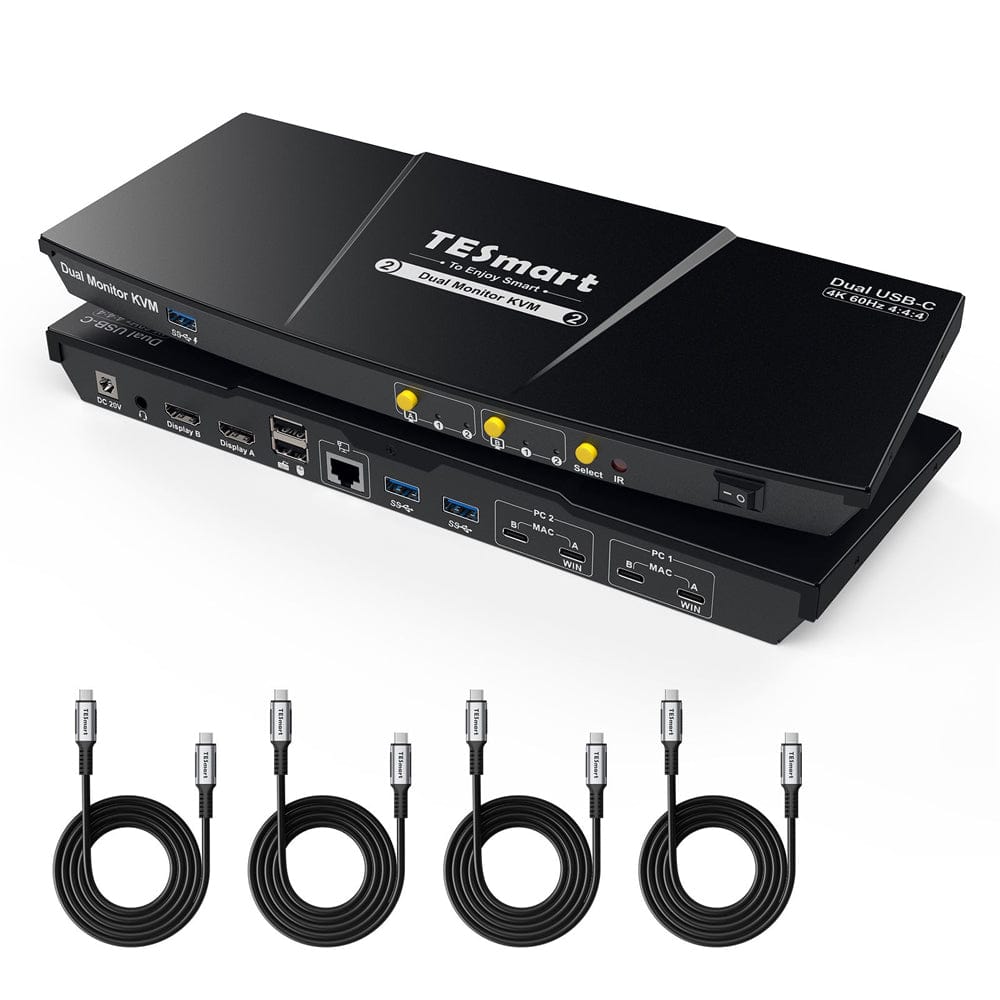
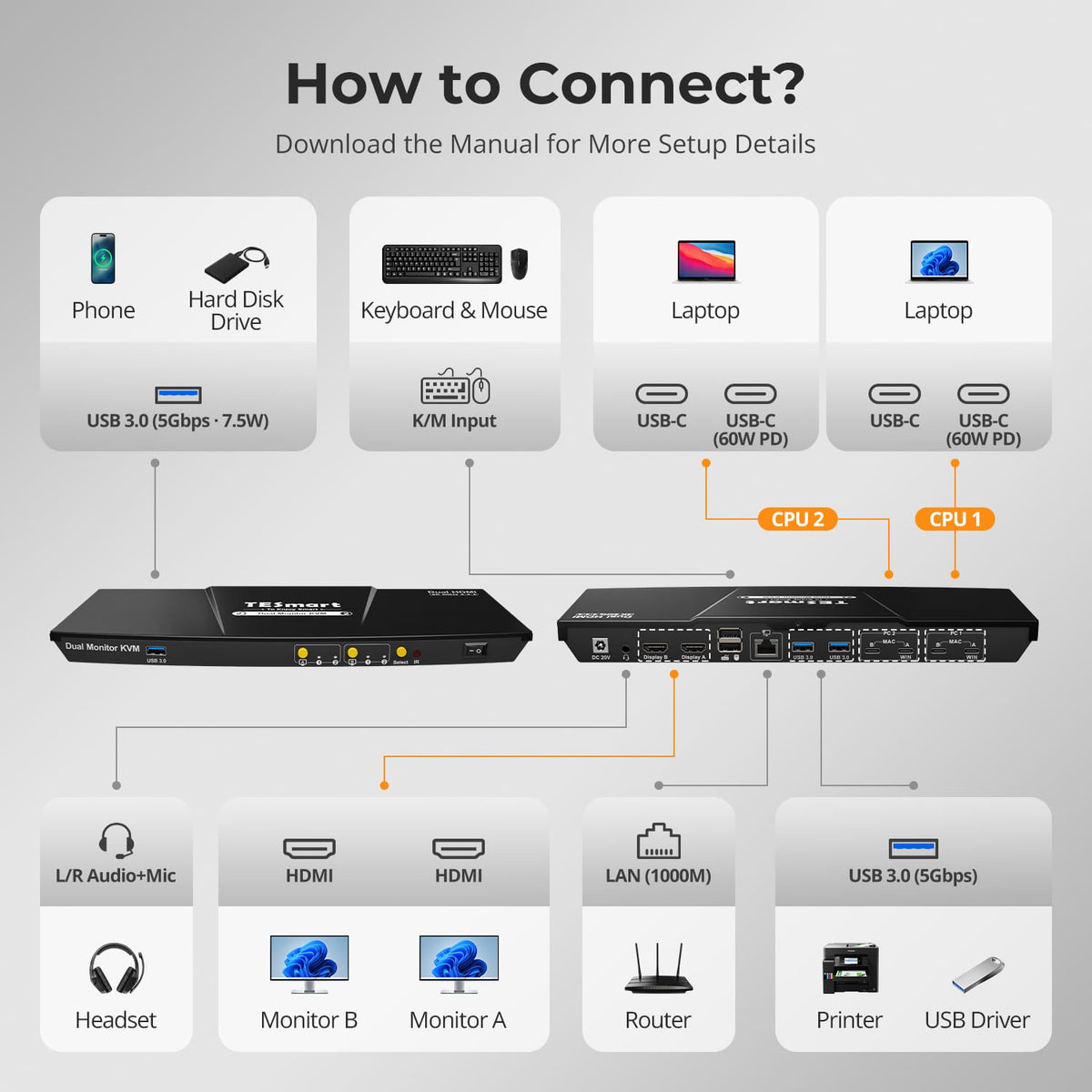
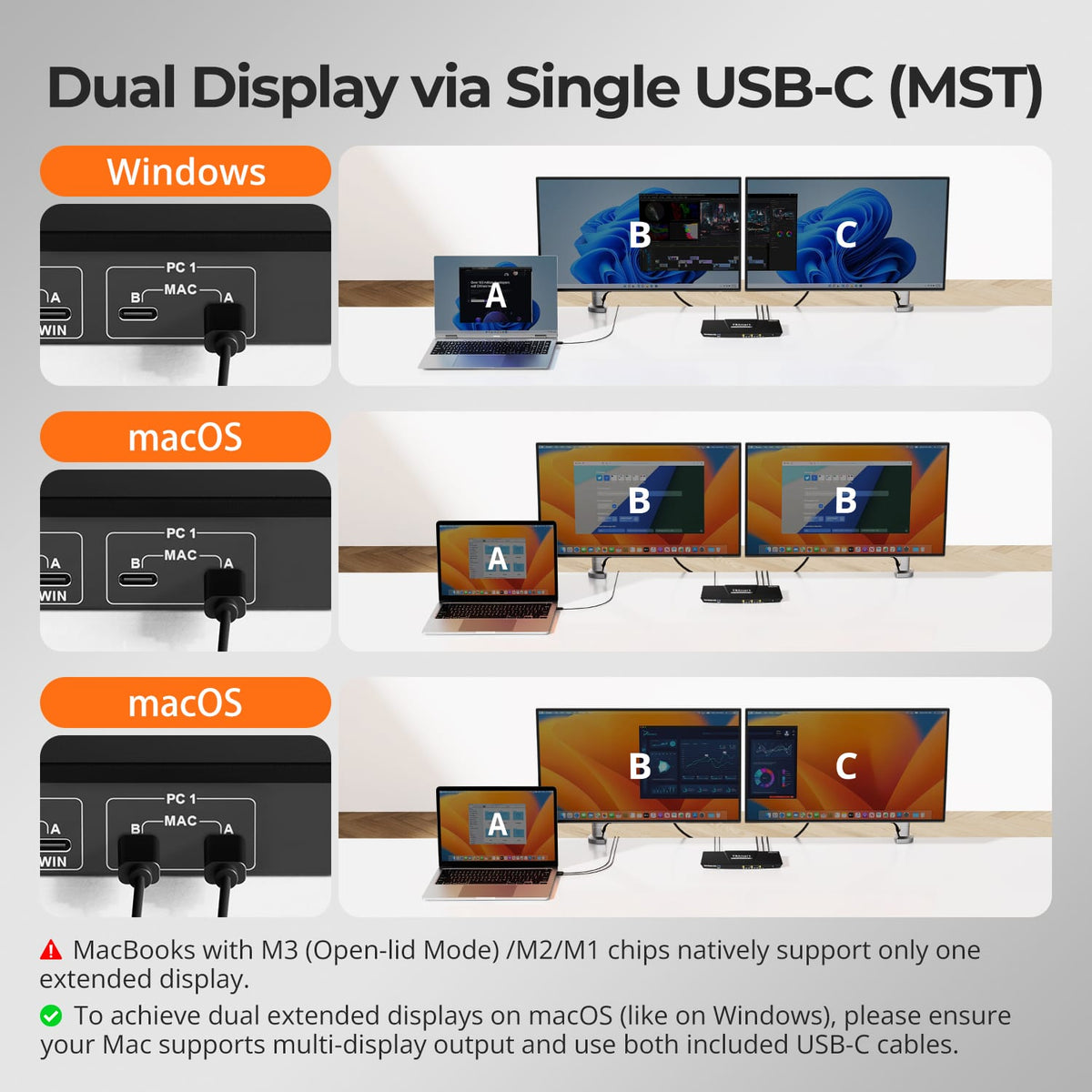
CKS202-P23-N
• Input Ports: USB-C (DP1.2 Alt Mode)
• Outputs: HDMI 2.0
• Max Resolution: 4K@60Hz
• USB Speed: USB 3.0
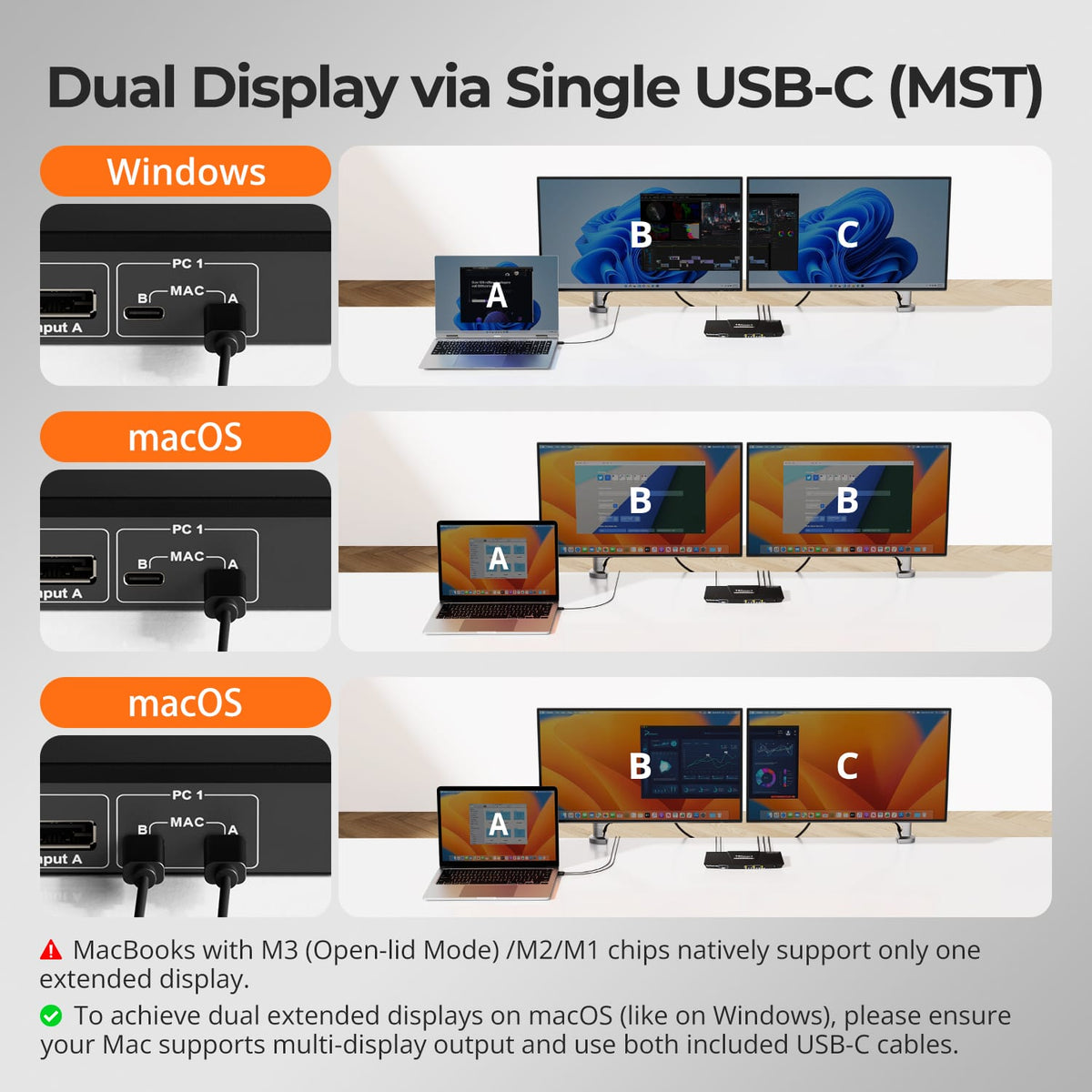
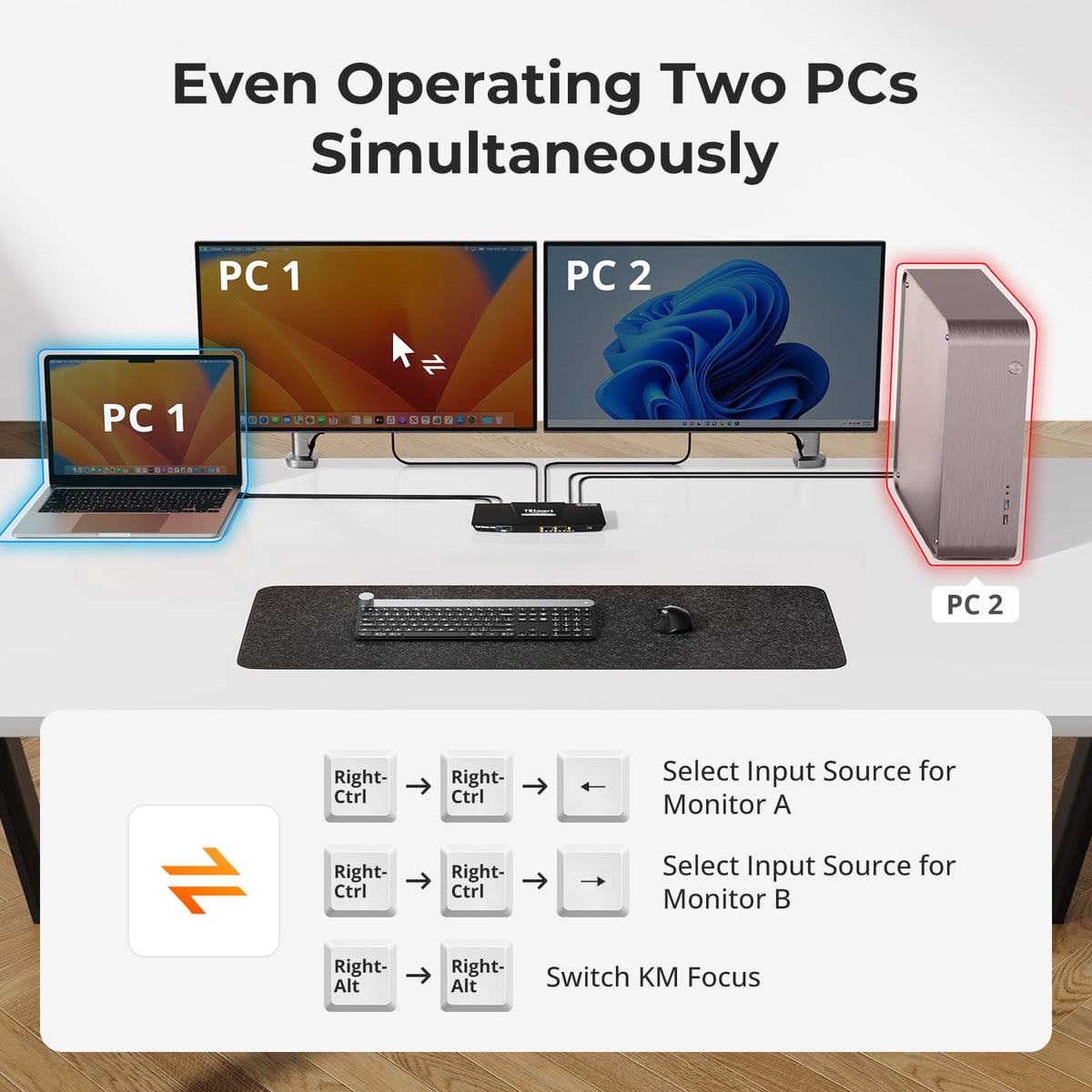
Part ④ - Dual Monitor USB-C/HDMI+DP+USB-C KVM
Explore KVM solutions designed for laptops, with USB-C and Thunderbolt connectivity for sharing displays and peripherals across computers.
Display Setup
Max Display Output
Display Technology
Device Setup

Laptop Charging

Network Sharing
Display Setup
Max Display Output
Multi-Monitor Setup
Laptop Charging
Network Sharing
Display Stability