

Display Setup
Max Display Output
Display Color
Gaming Display
Display Stability
Network Control
USB Speed
HDMI 2.1 Dual 4K144Hz KVM Switch Gaming Dock for 2 PCs & 2 Monitors, w/ ADI Chip, EDID, VRR, FVA, ALLM, and Dynamic HDR
Share two HDMI monitors between two PCs, with up to 8K60/4K144, EDID emulation and a shared USB hub for high-resolution work and gaming.
Display Setup
Max Display Output
Display Color
Gaming Display
Display Stability
Network Control
USB Speed
- Plug Type:
- US Plug
Why Choose HKS202-M24-V2
Overview
01
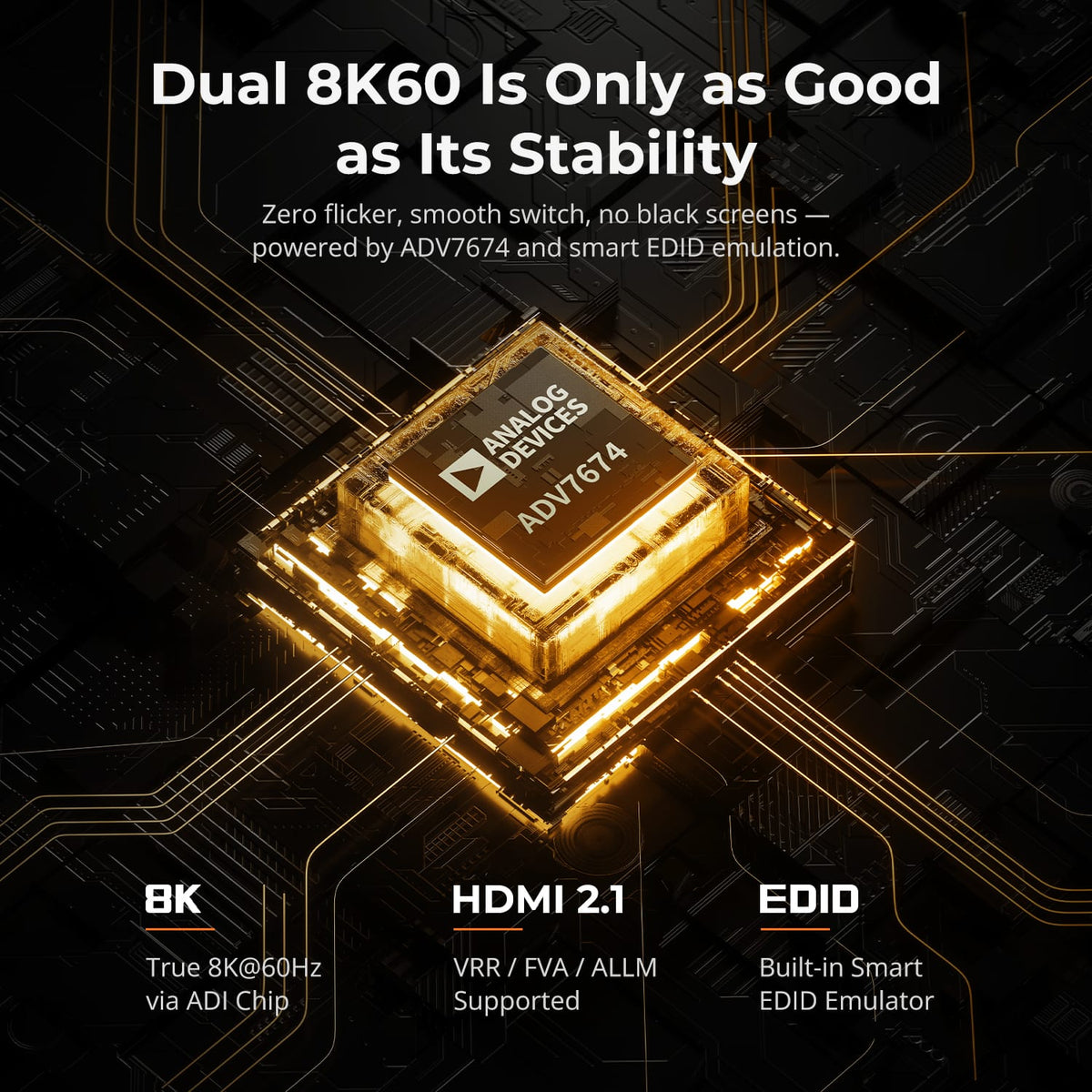
Dual 8K60 Built for Stable Switching
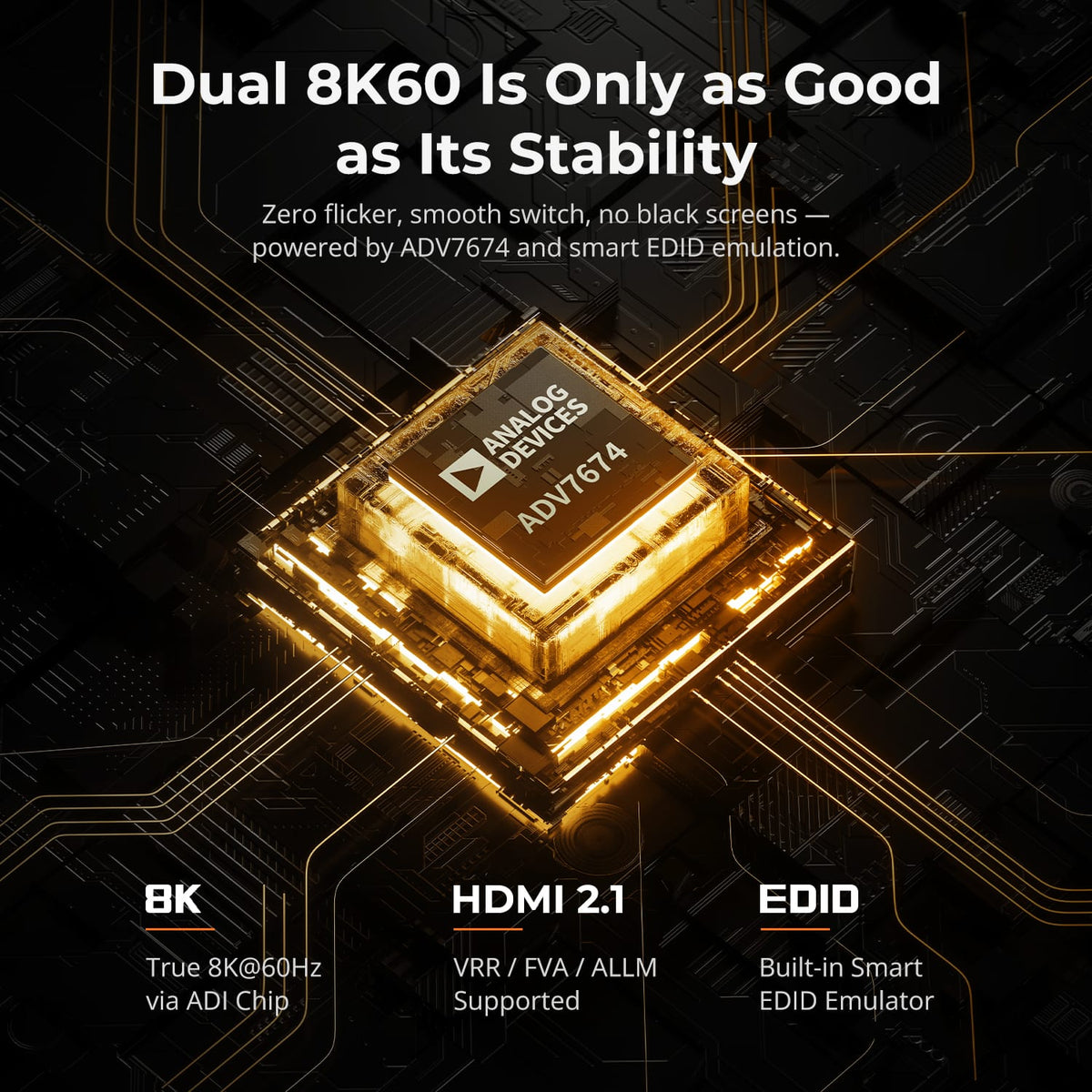
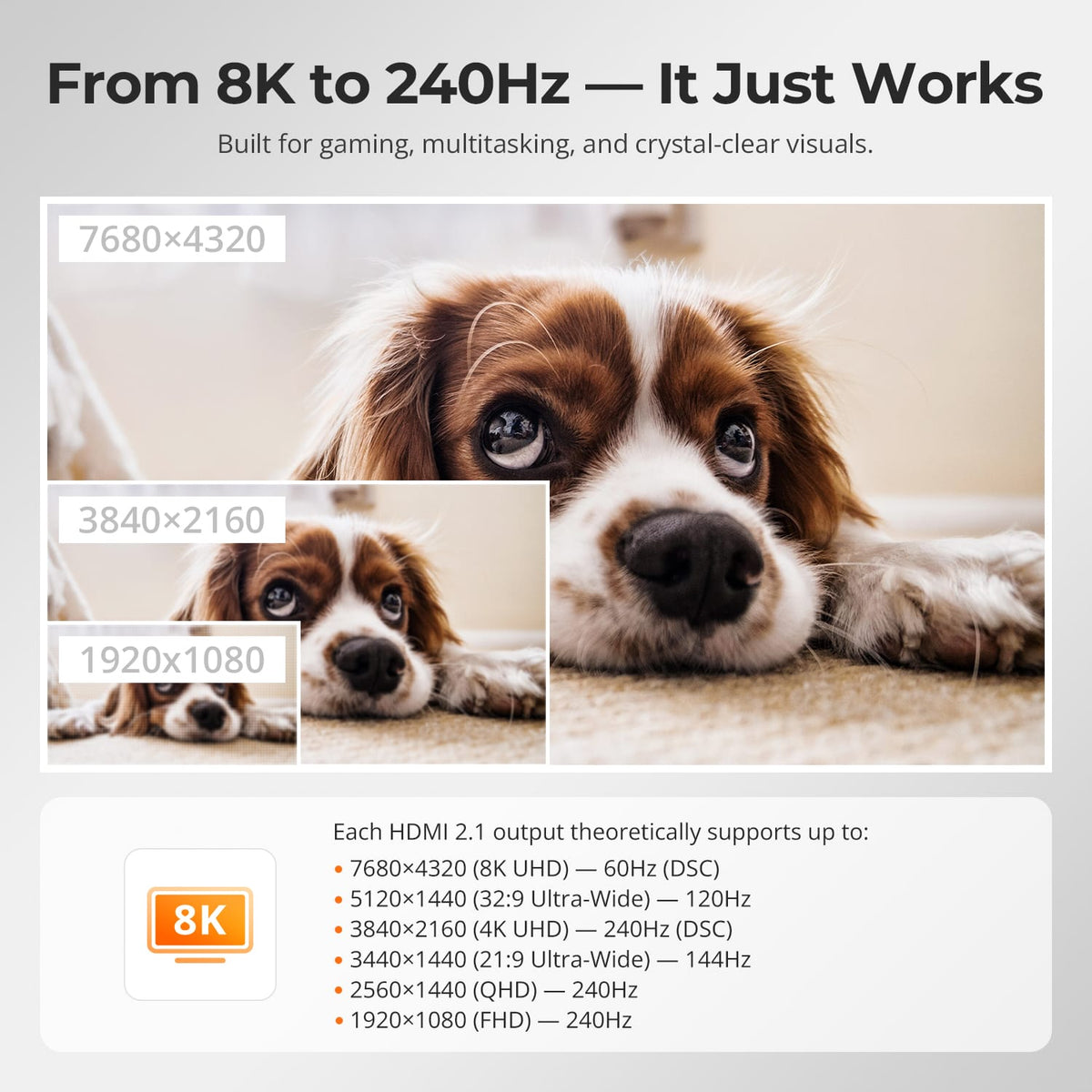
Two HDMI 2.1 display paths support up to 8K@60Hz 4:4:4, while EDID keeps monitor information available to both computers so high-resolution desktops are less likely to reset after a switch.
02
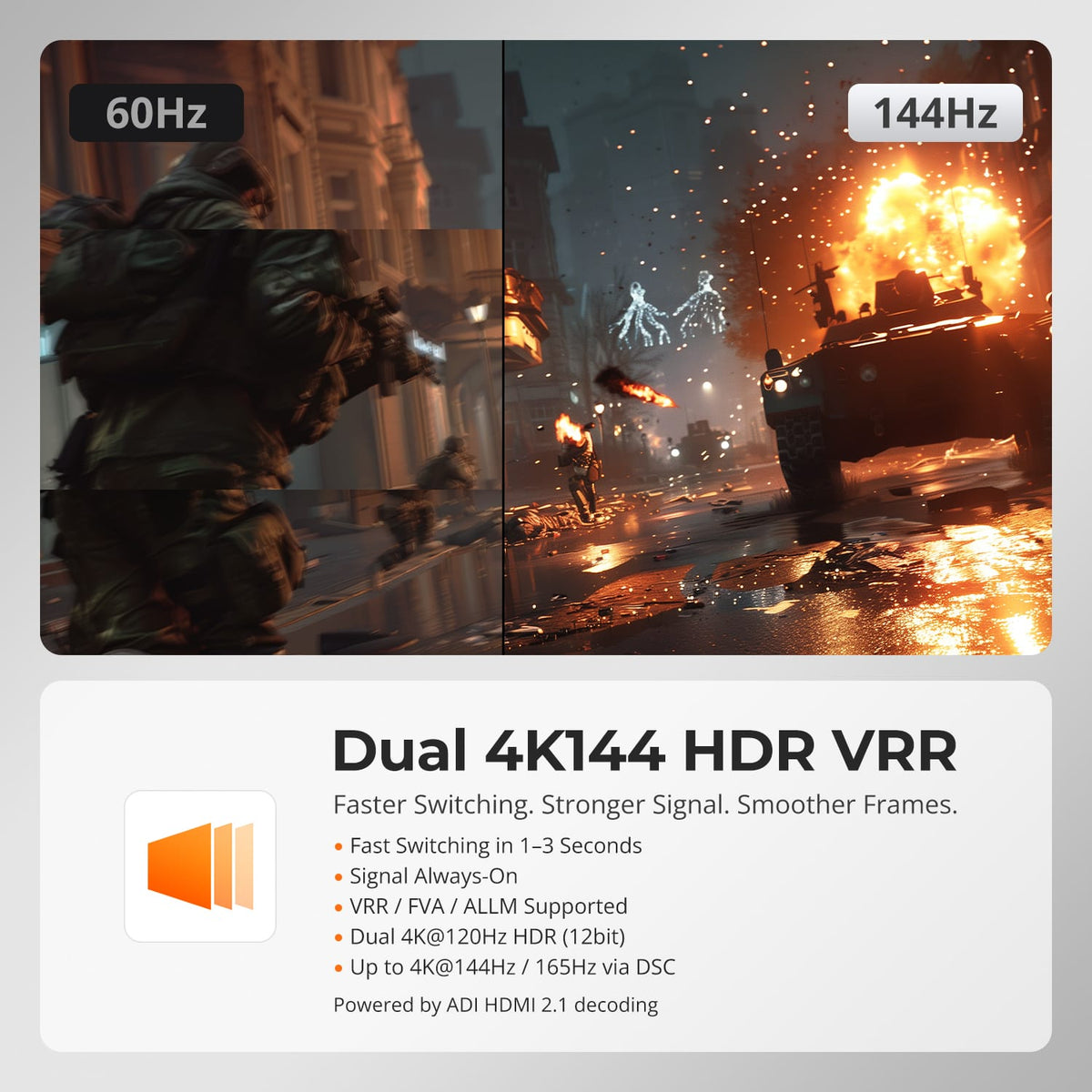
Dual 4K144 for Fast, Fluid Motion
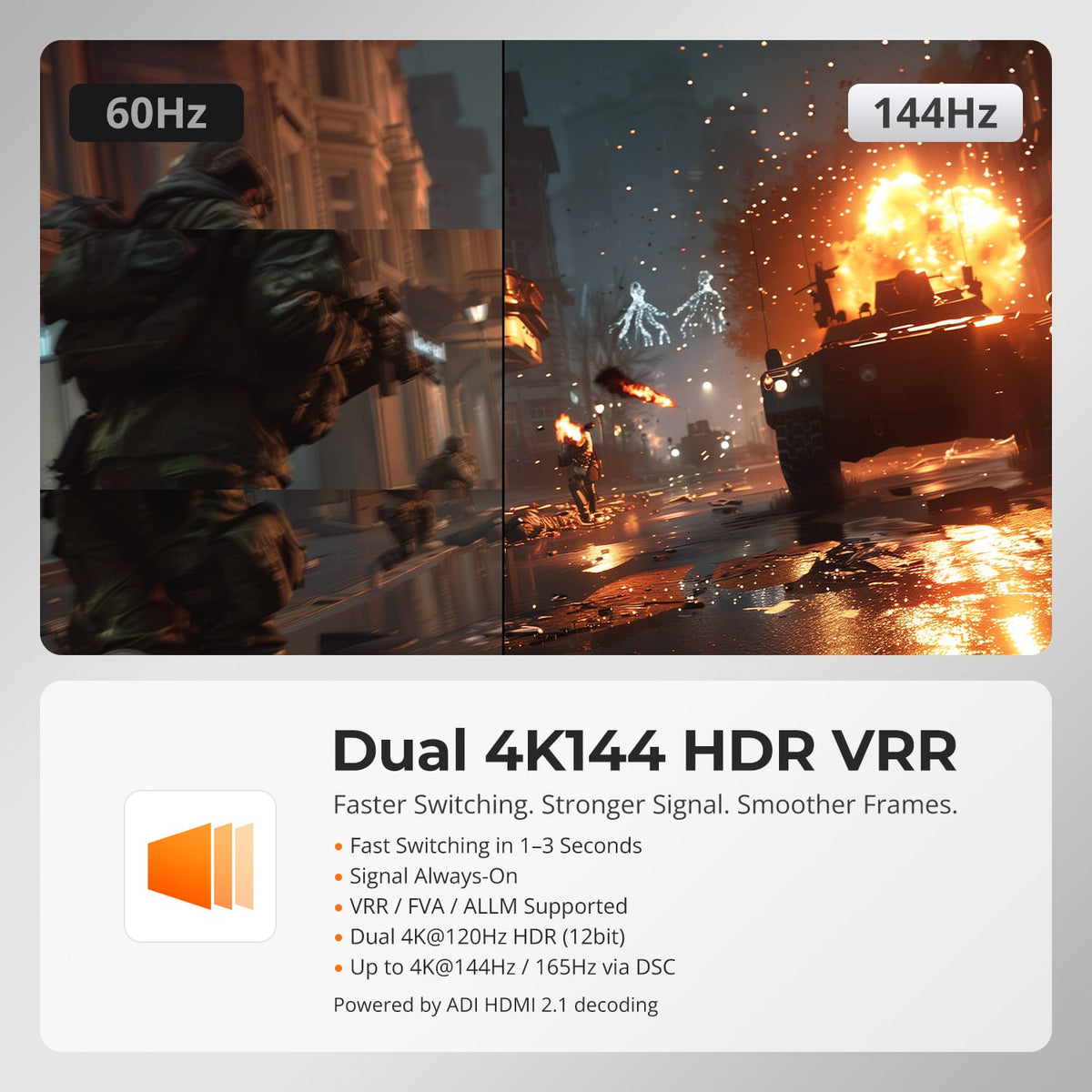
For compatible gaming and creative systems, the KVM supports 4K@120/144Hz along with HDR, VRR, FVA and ALLM. The 48Gbps HDMI 2.1 path is designed to preserve smooth motion and image quality across both screens.
03
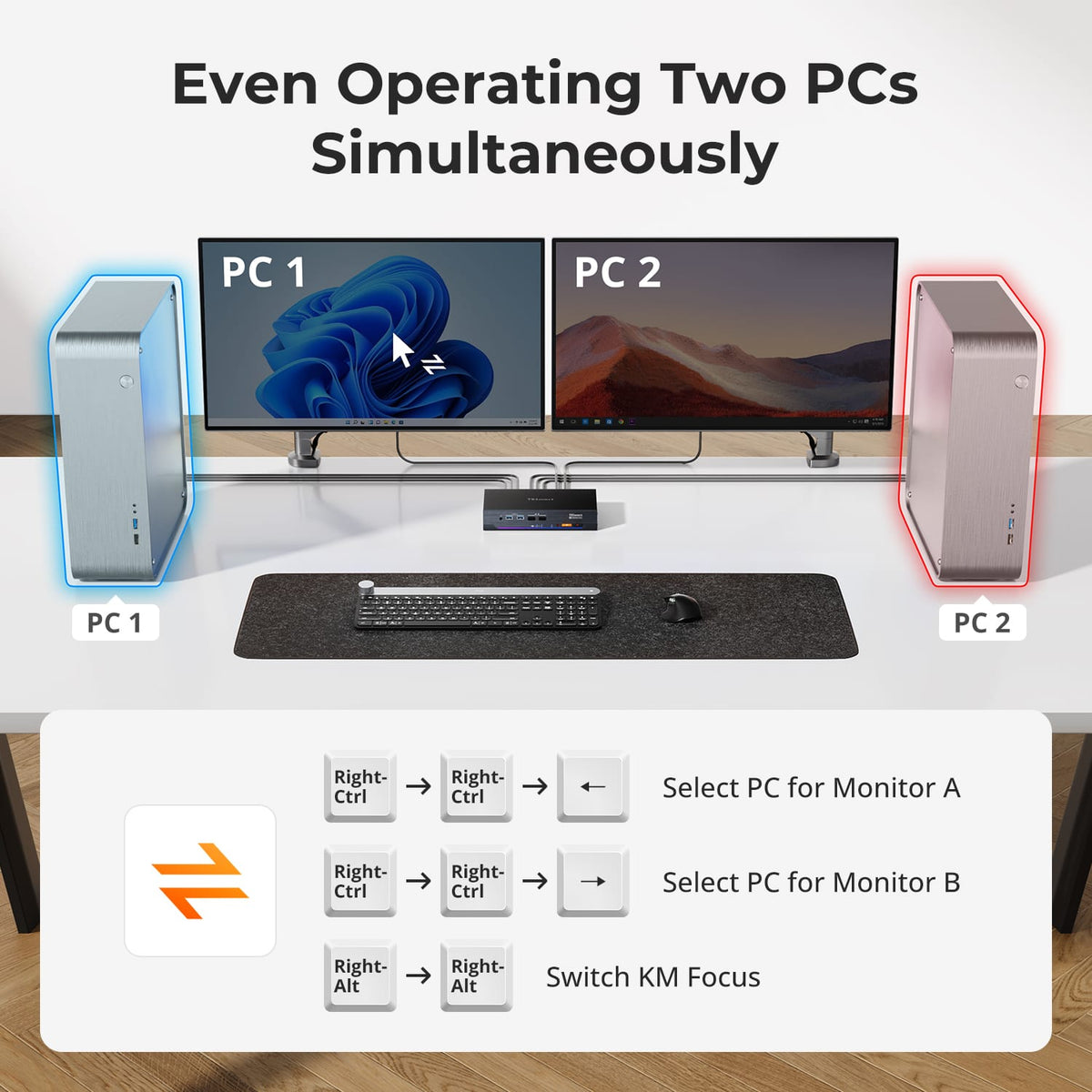
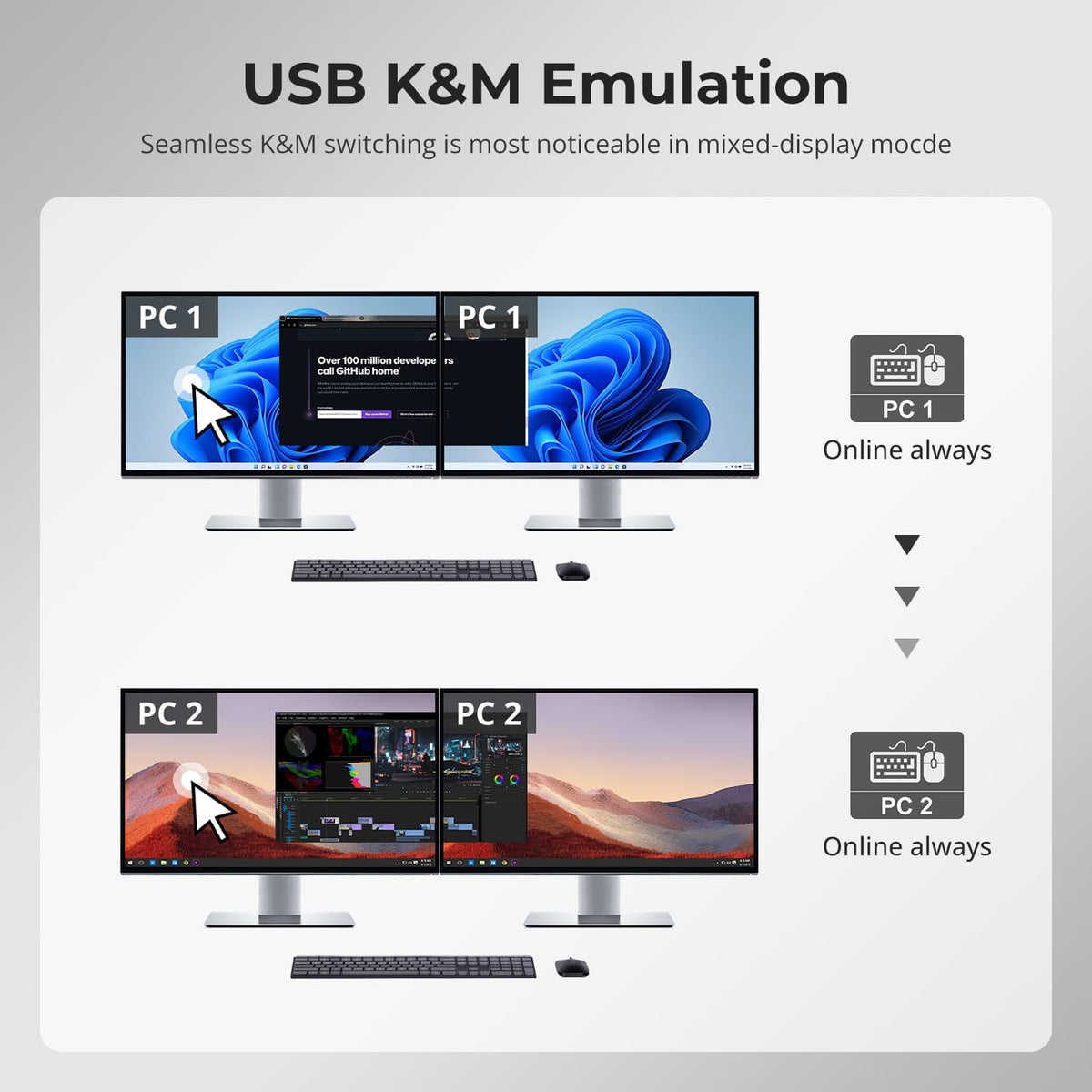
Two Screens, Two Ways to Work
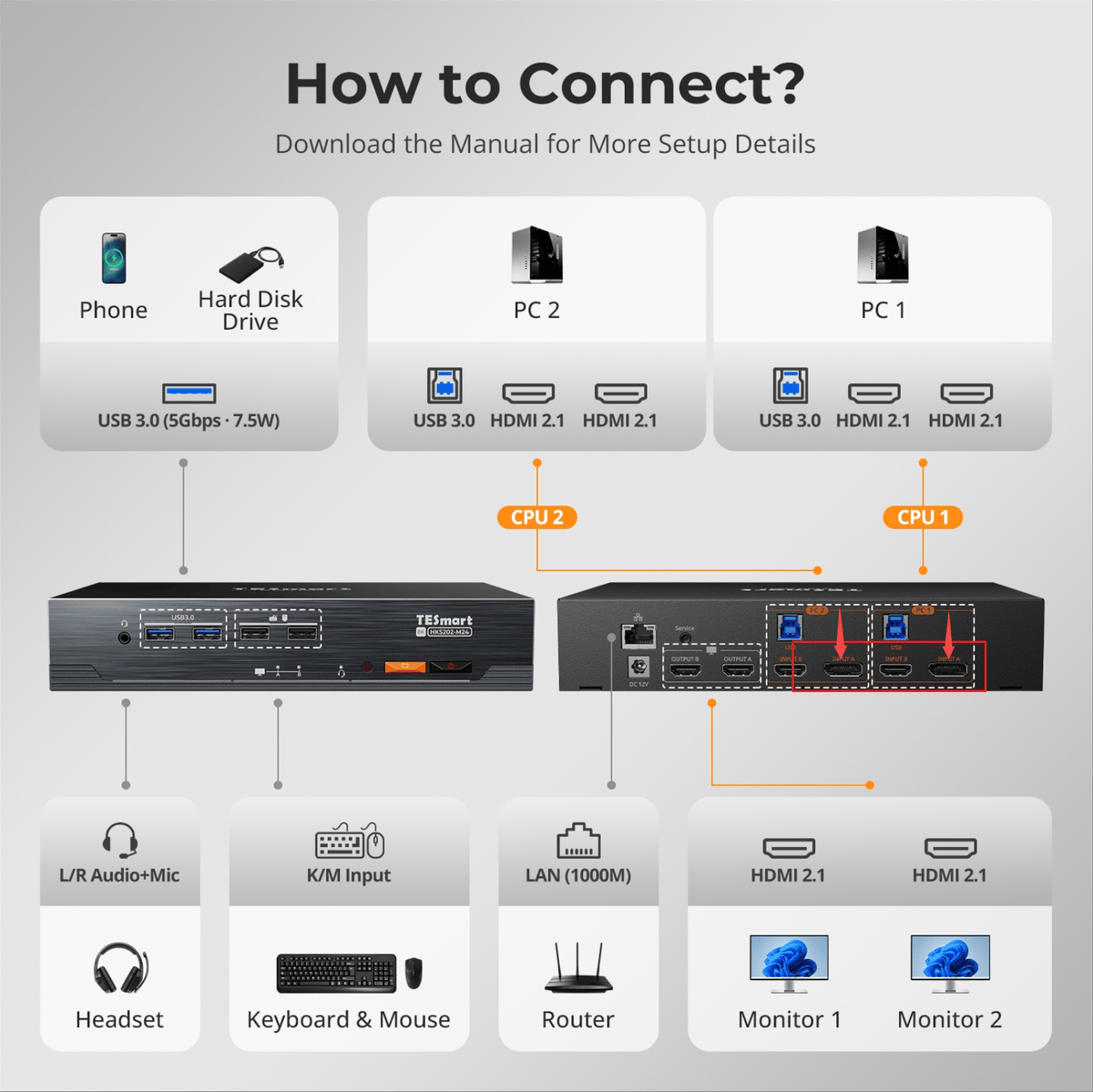
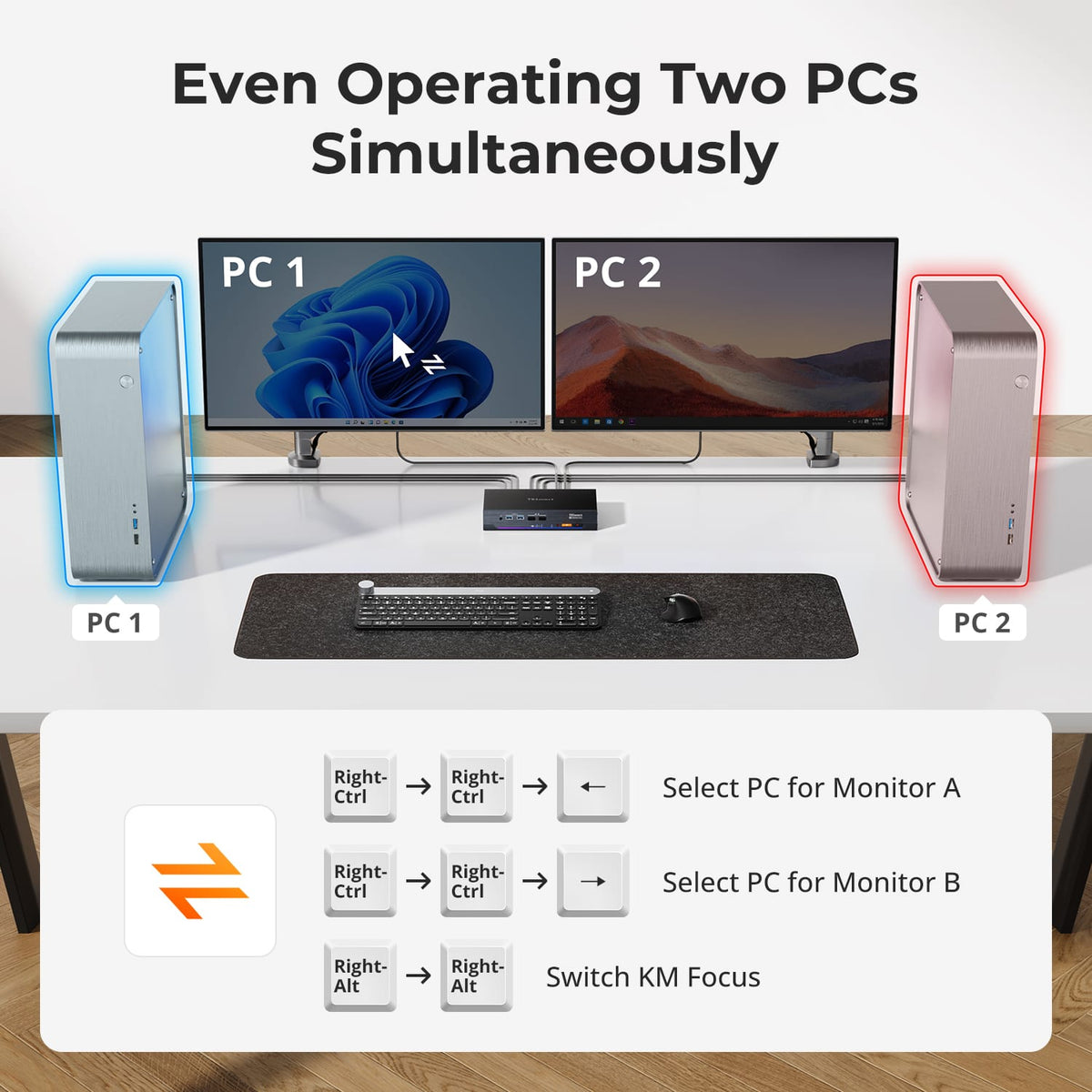
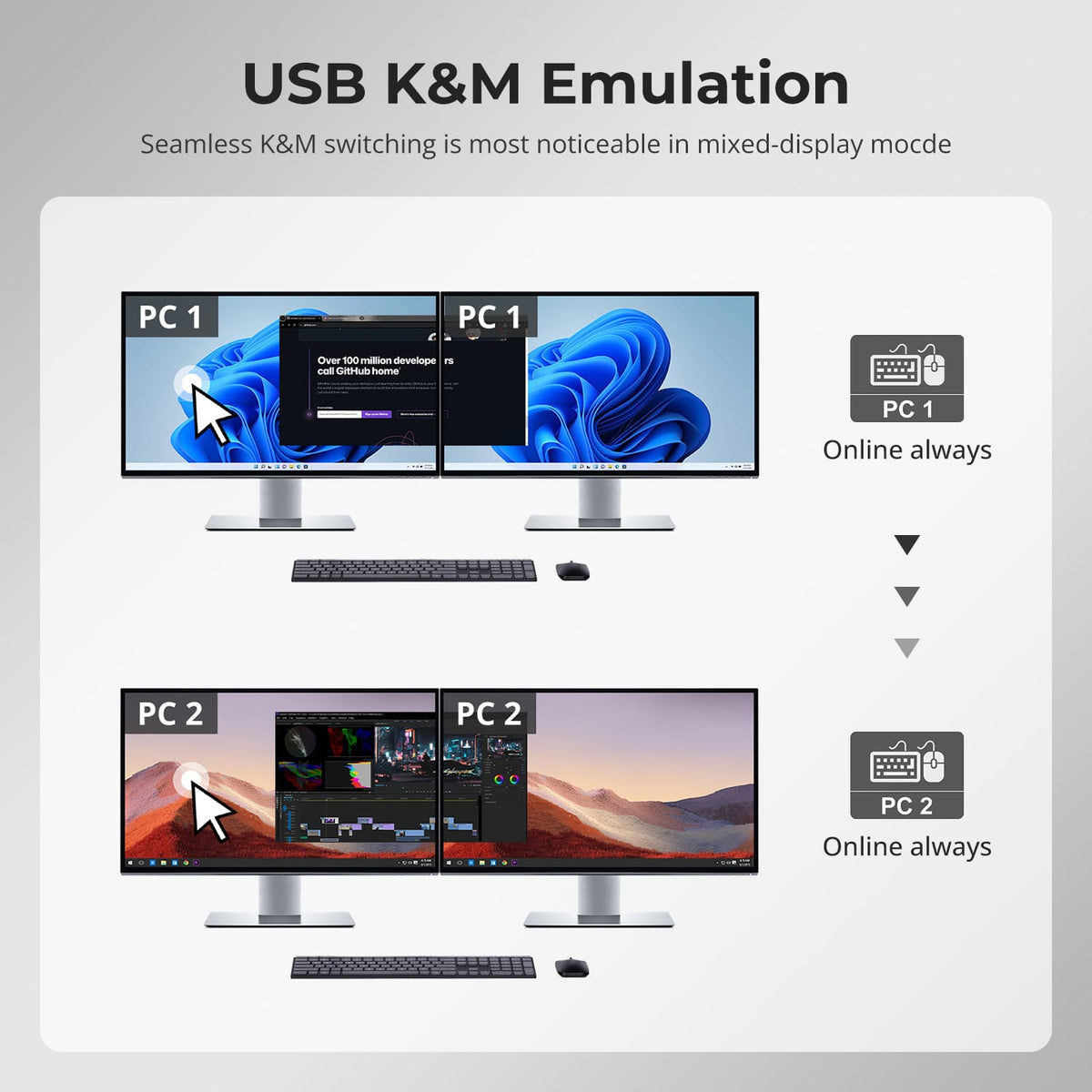
Run both monitors from one computer in extended or mirrored mode, or display one computer on each monitor and switch keyboard and mouse focus between them.
04
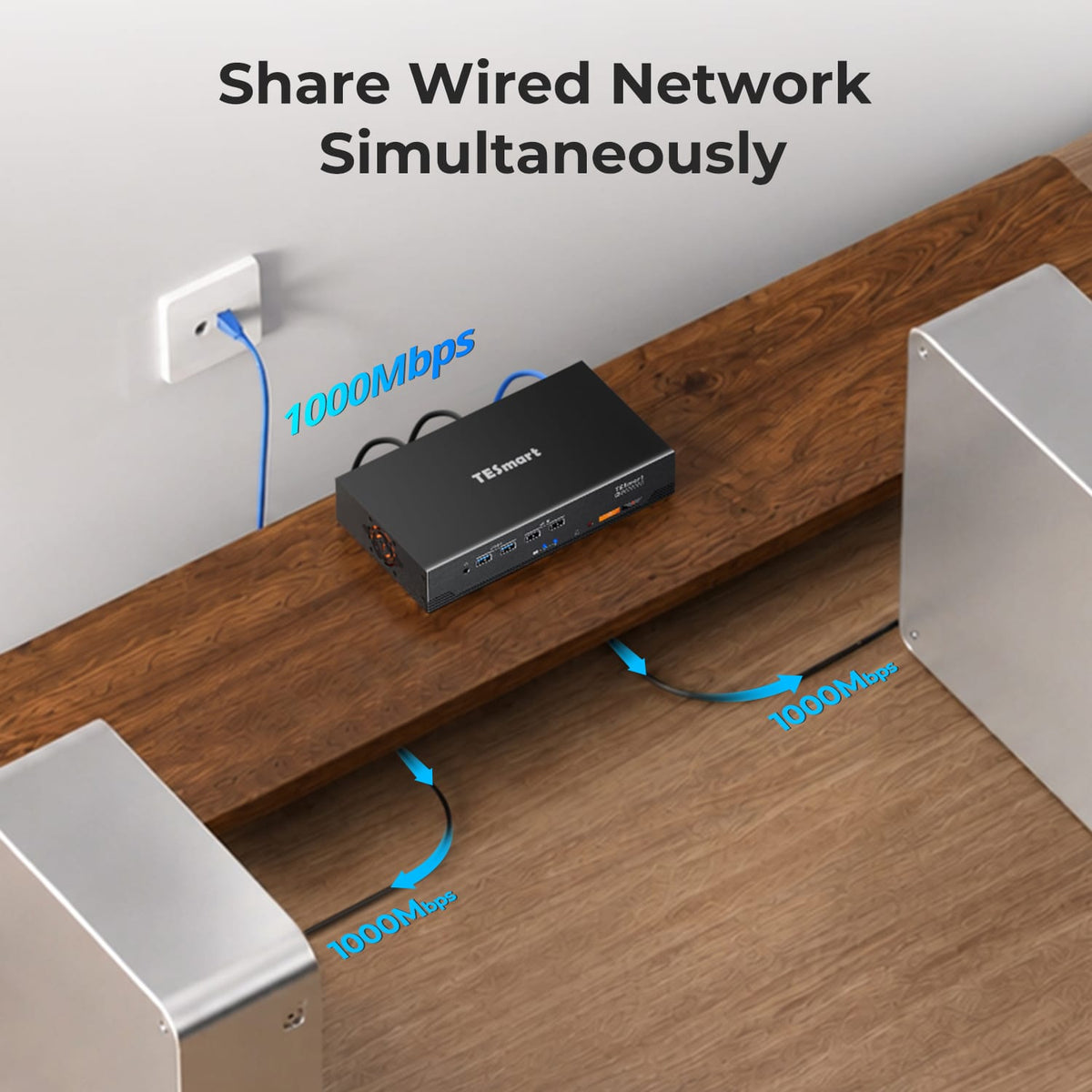
A Shared Dock Built into the KVM
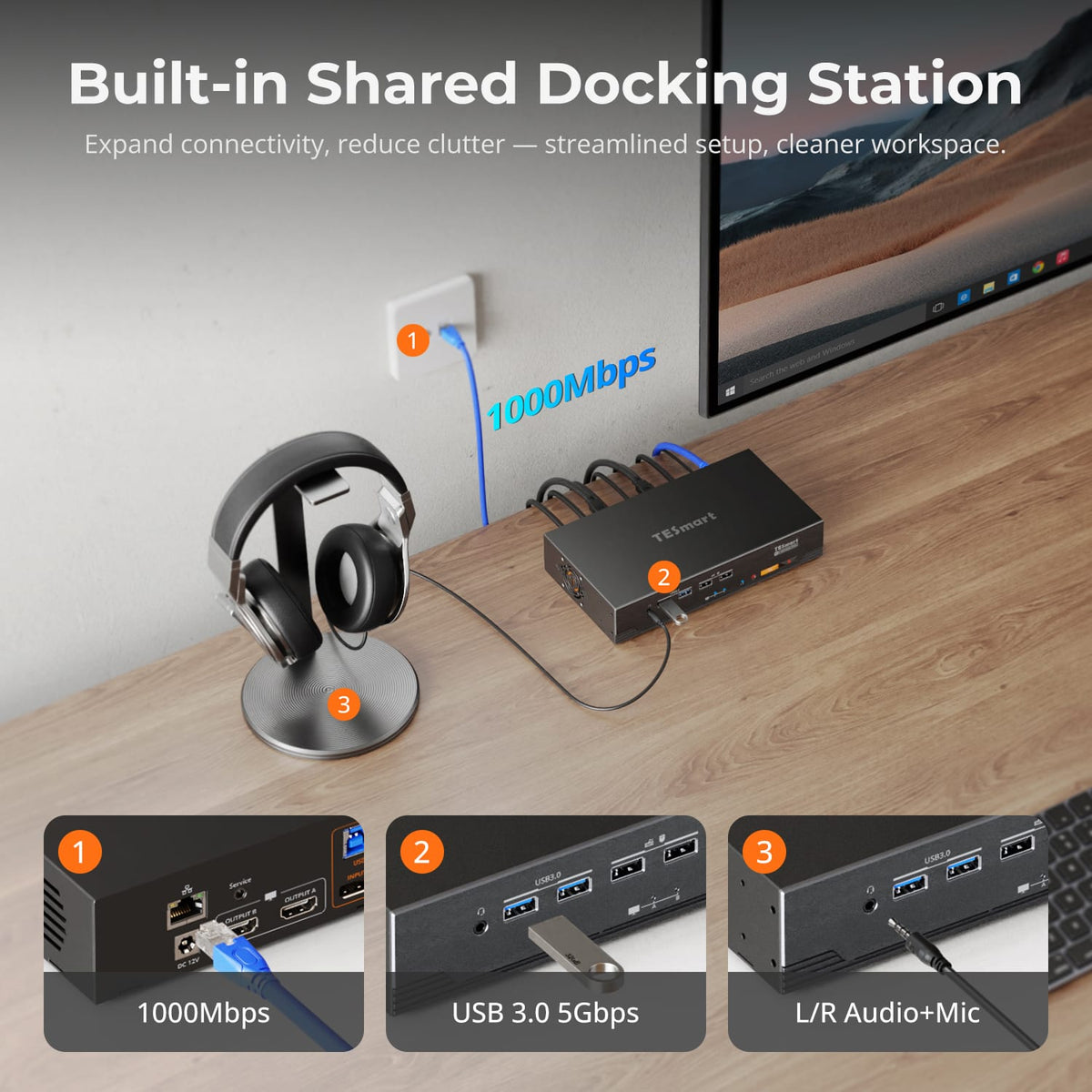
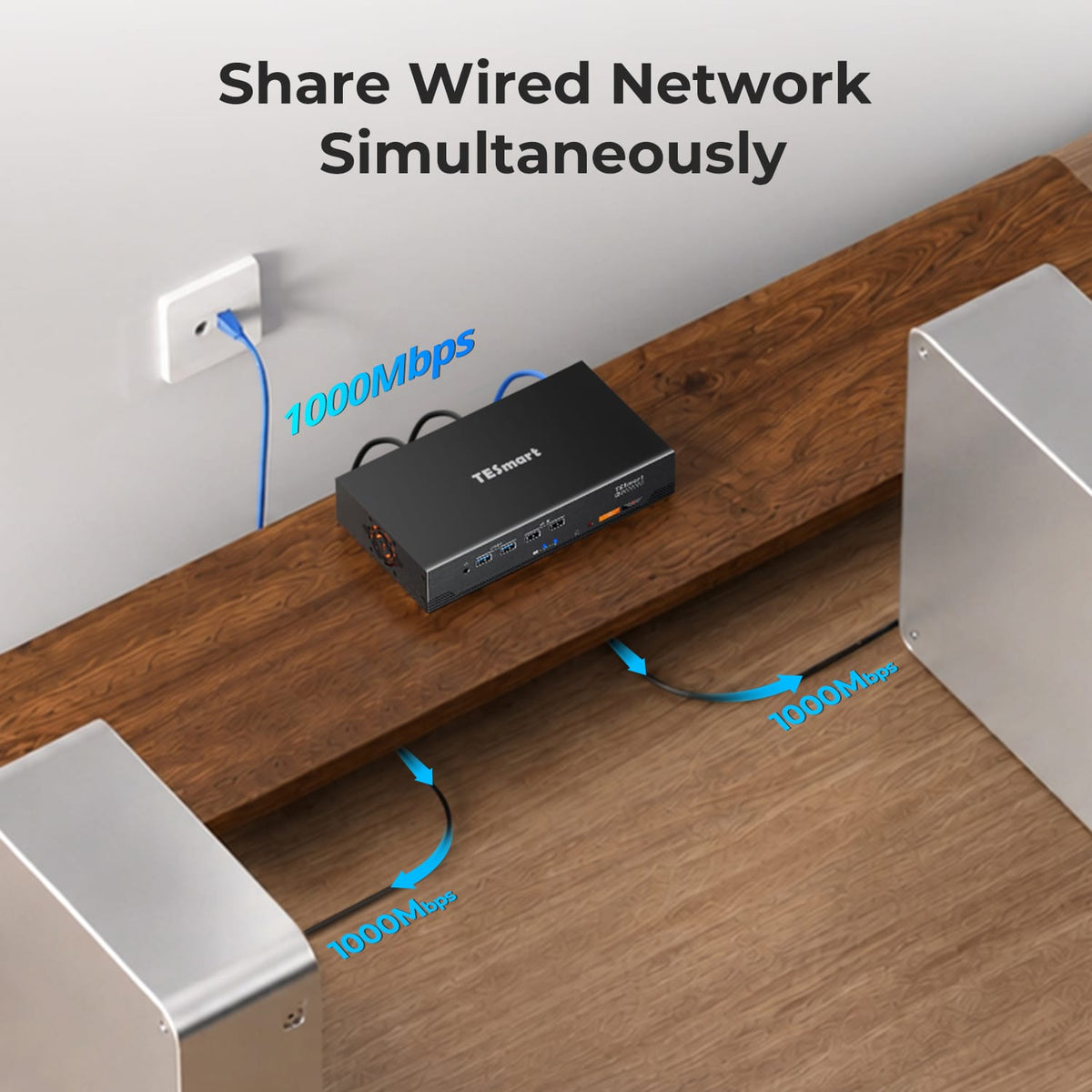
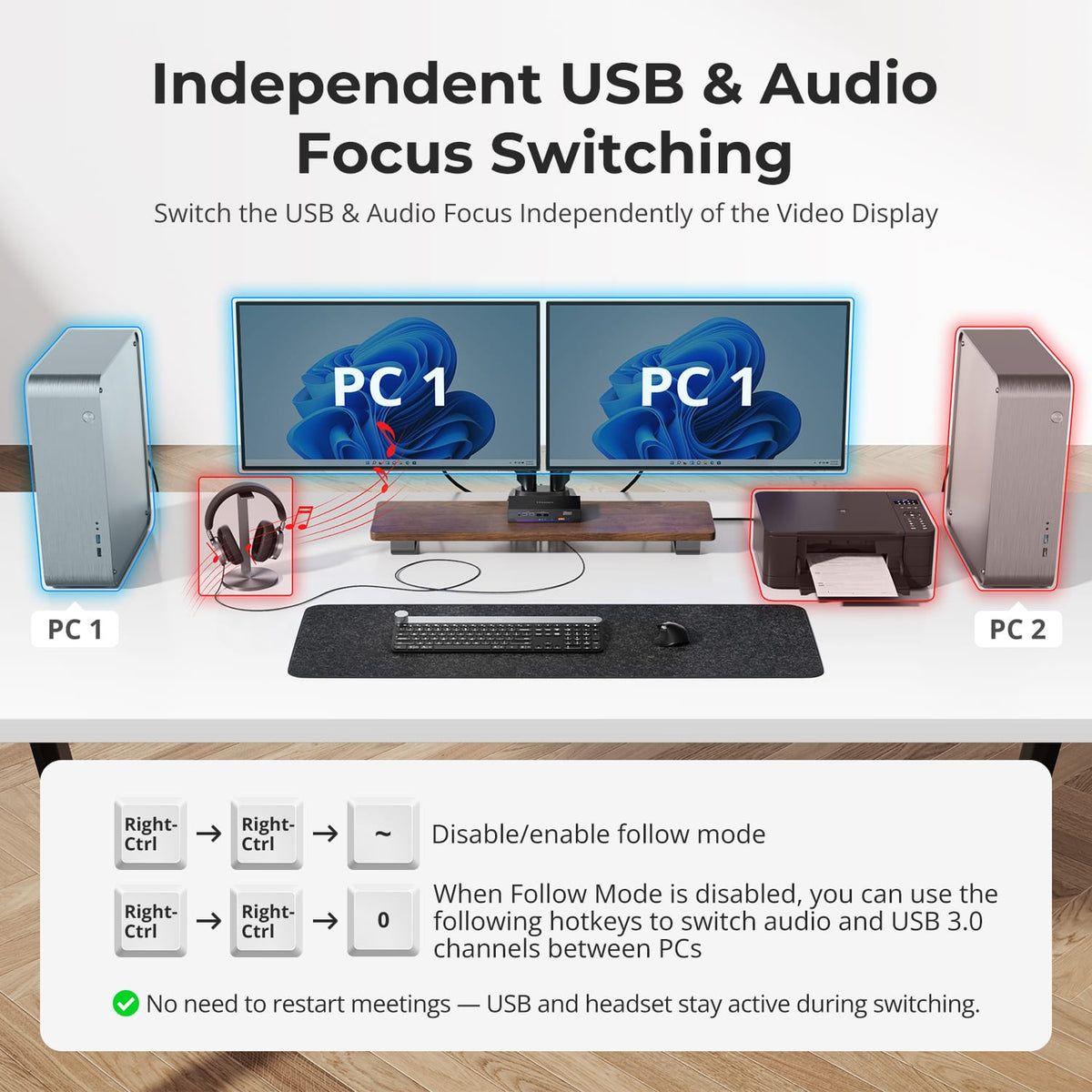
Share Gigabit Ethernet, USB 3.2 Gen 1 devices and 3.5mm audio through the same desktop hub, reducing the number of standalone switches and adapters around the two-computer setup.
05
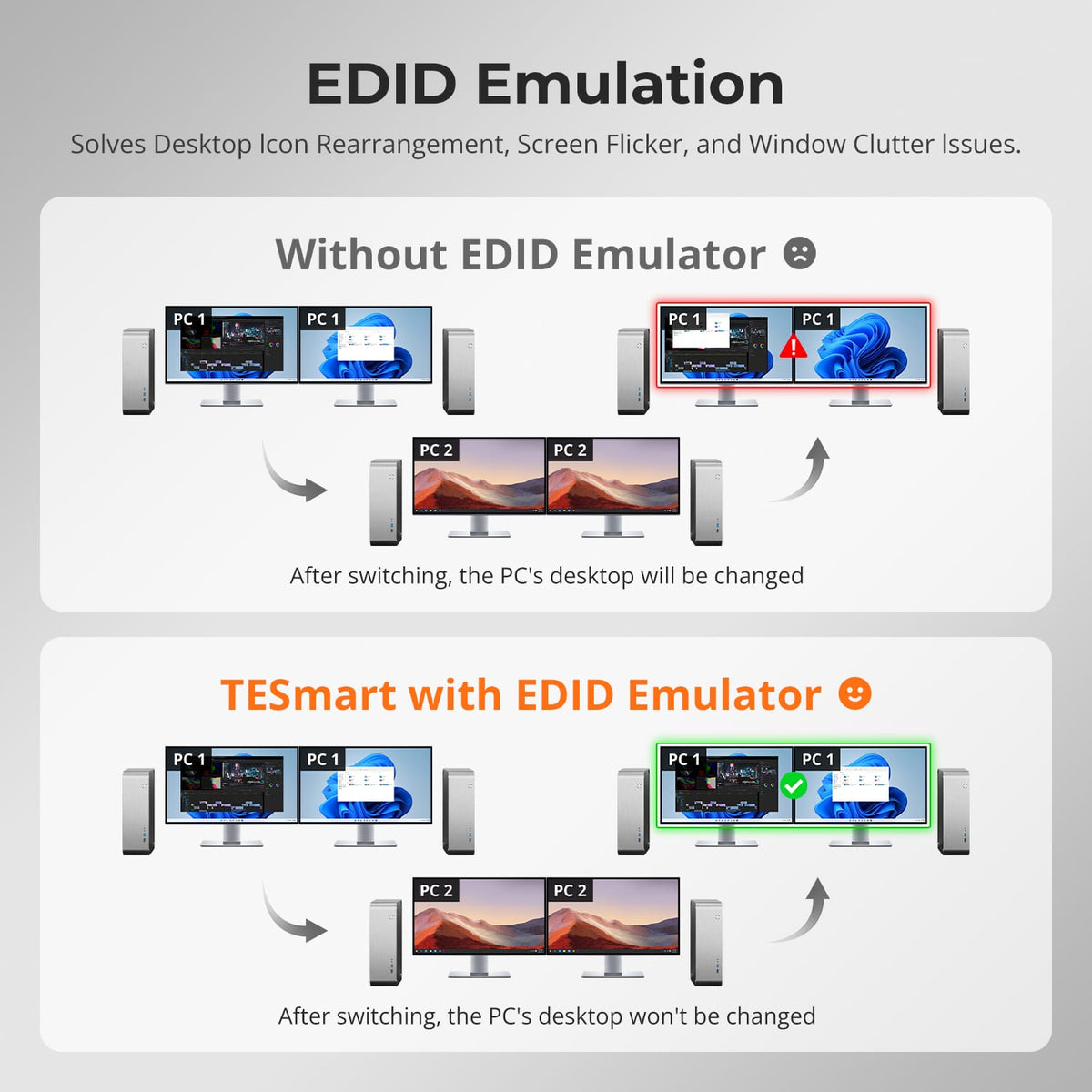
Keep Your Desktop Where You Left It
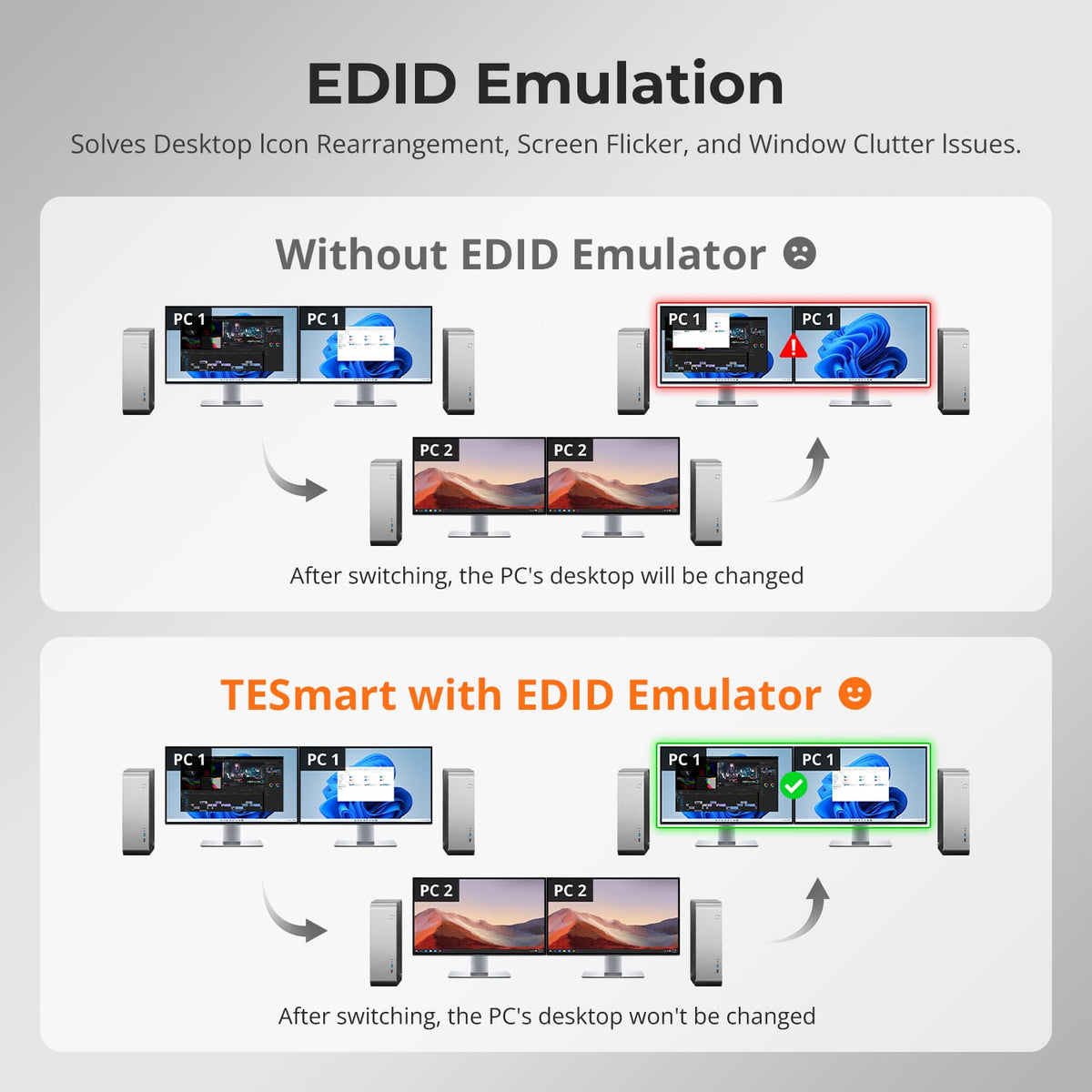
EDID emulation keeps display information available to both computers, reducing monitor re-detection, resolution changes and window rearrangement when switching.
06
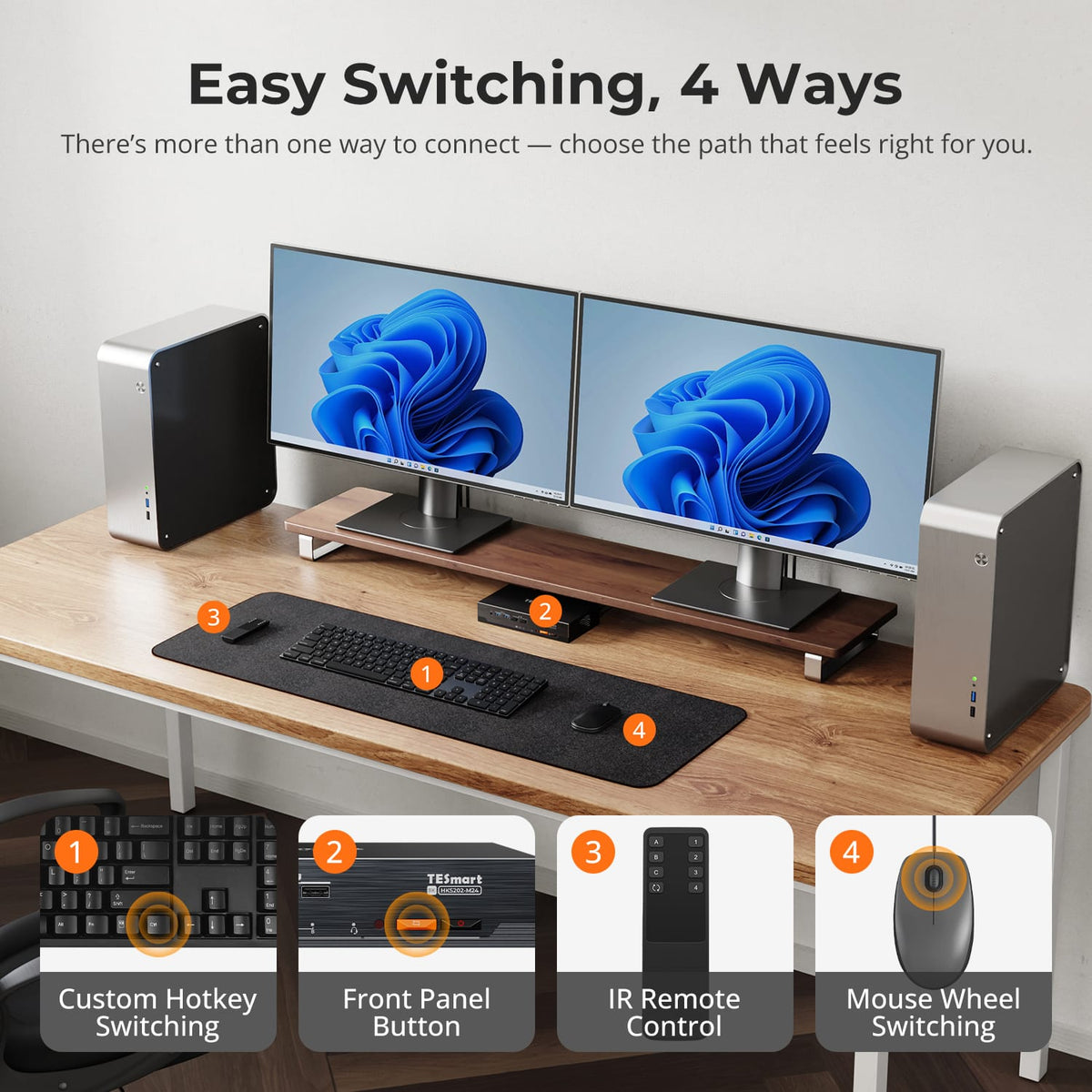
Switch the Way You Prefer
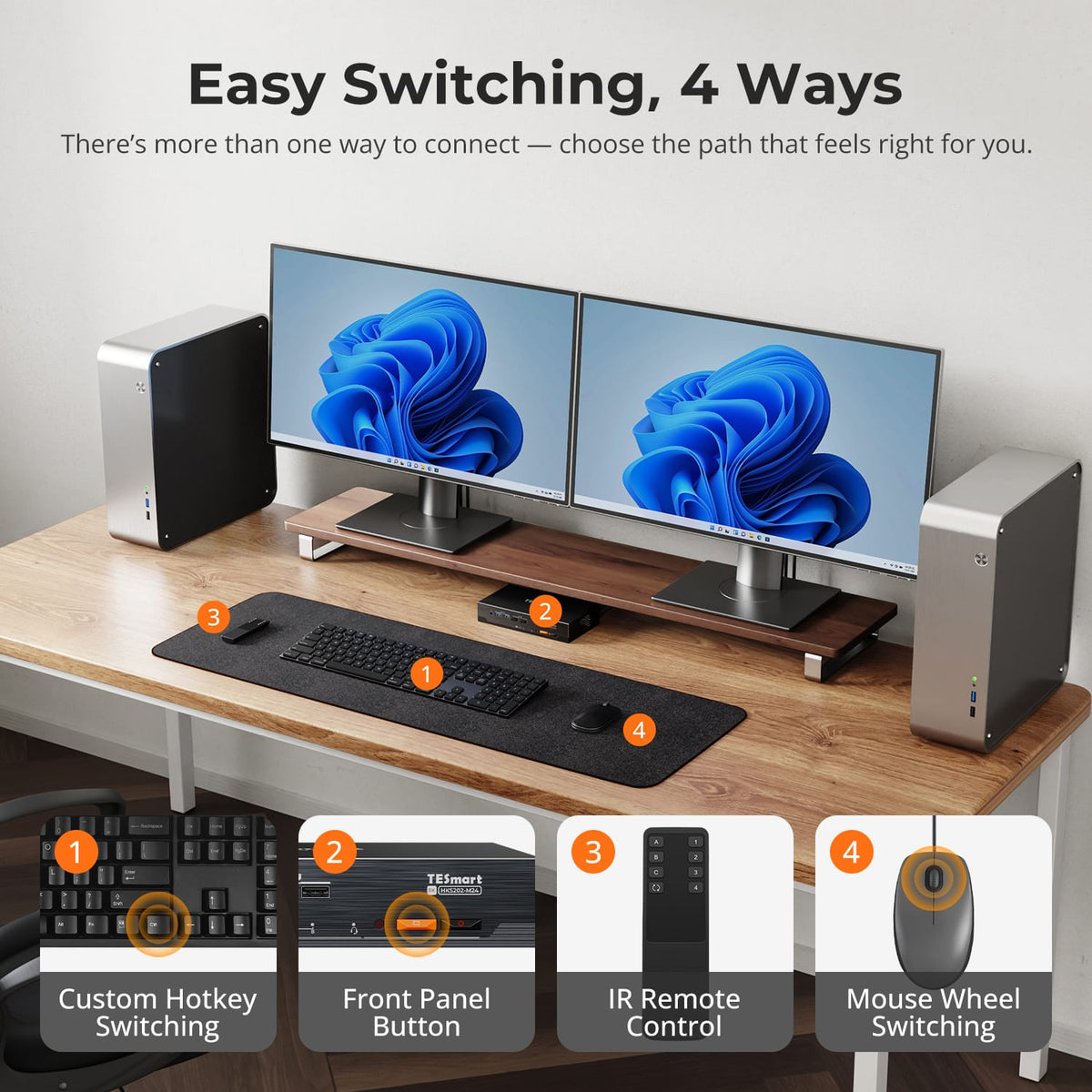
Use the front panel, IR remote, keyboard hotkeys or mouse-wheel switching to move between the two computers without touching display cables.
07
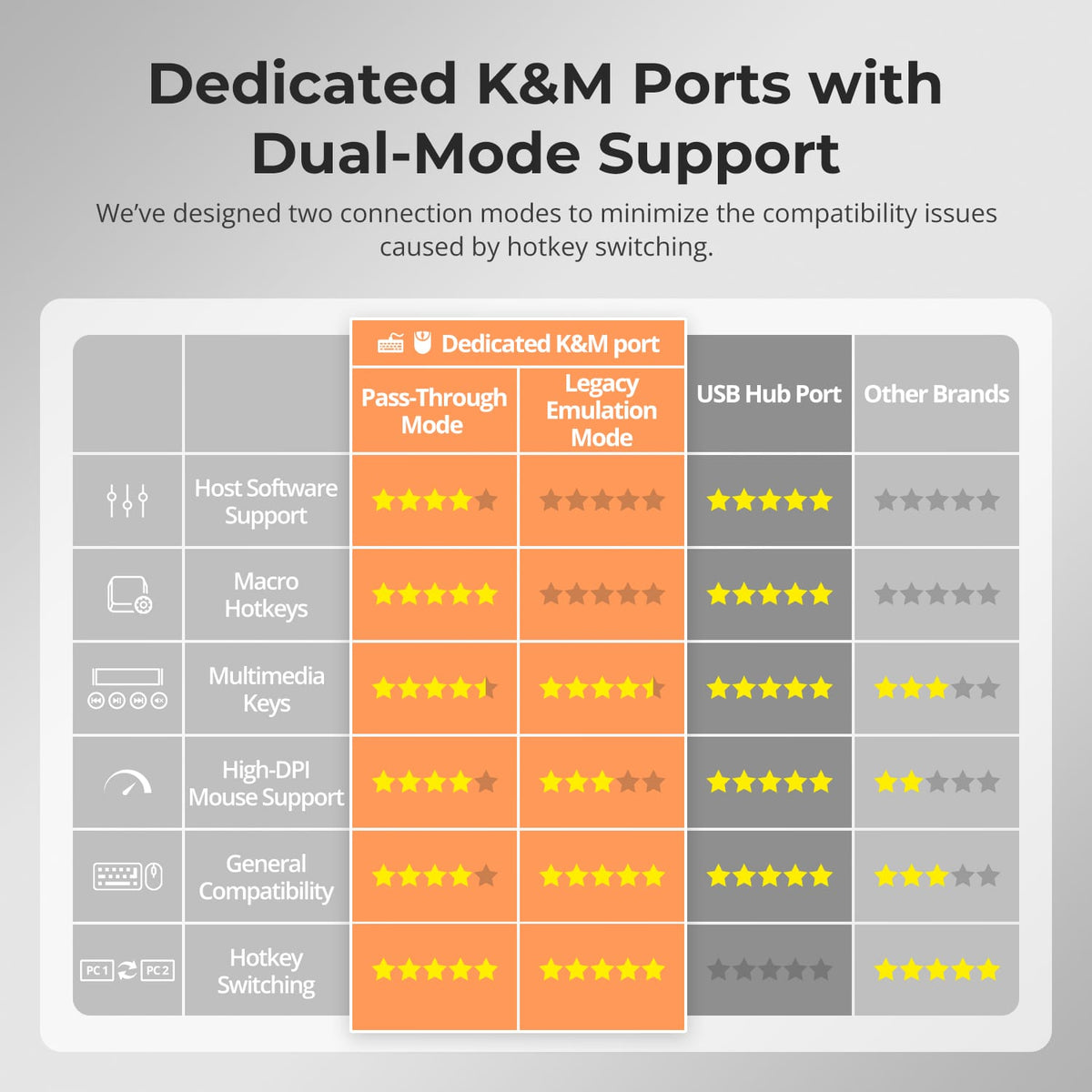
Two Keyboard & Mouse Modes
Pass-Through Mode suits most modern devices, while Legacy Emulation Mode provides an alternative for basic keyboard, mouse and hotkey compatibility when needed.
Specifications & Support
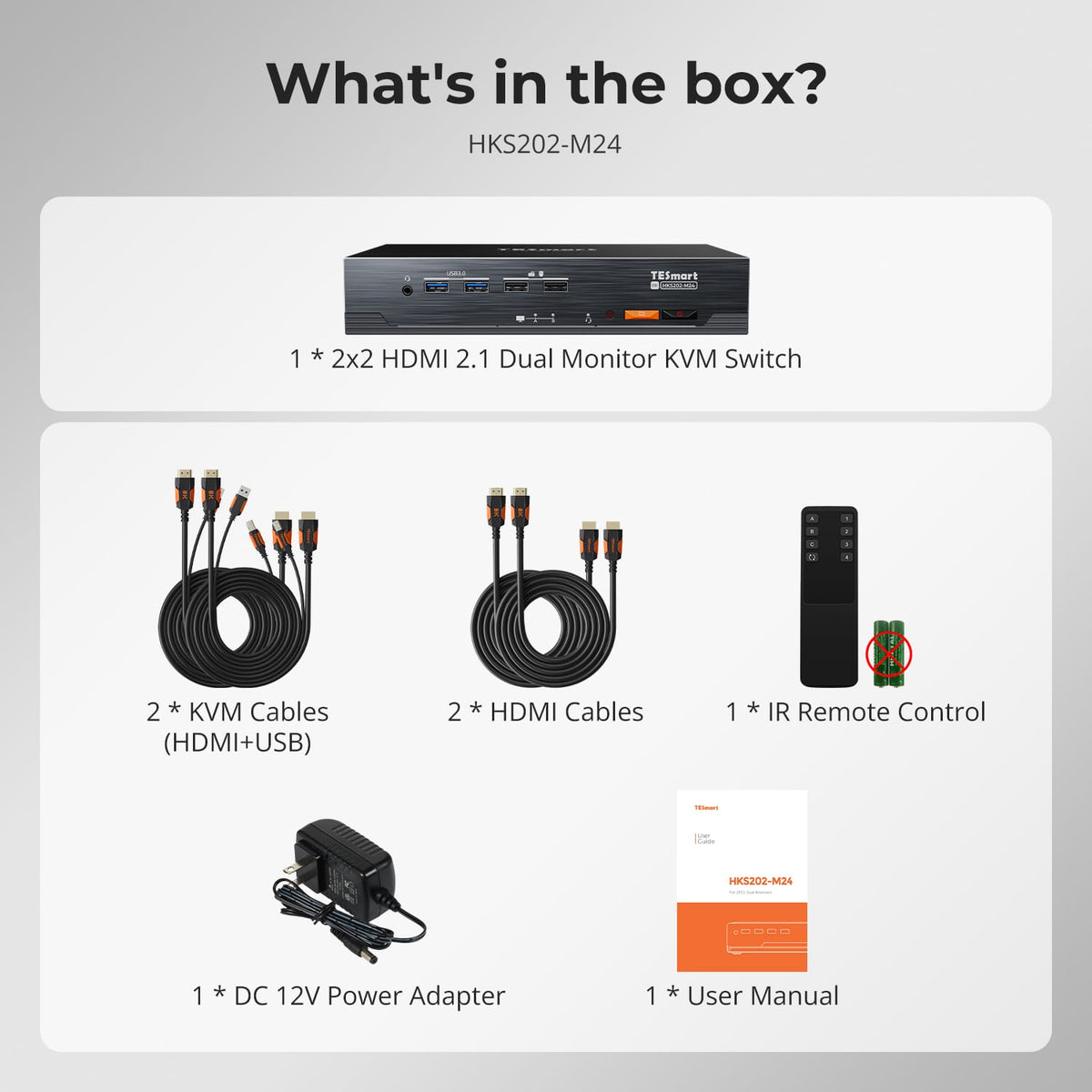
Included in the Box
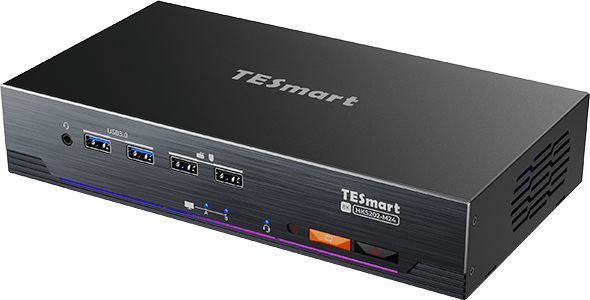
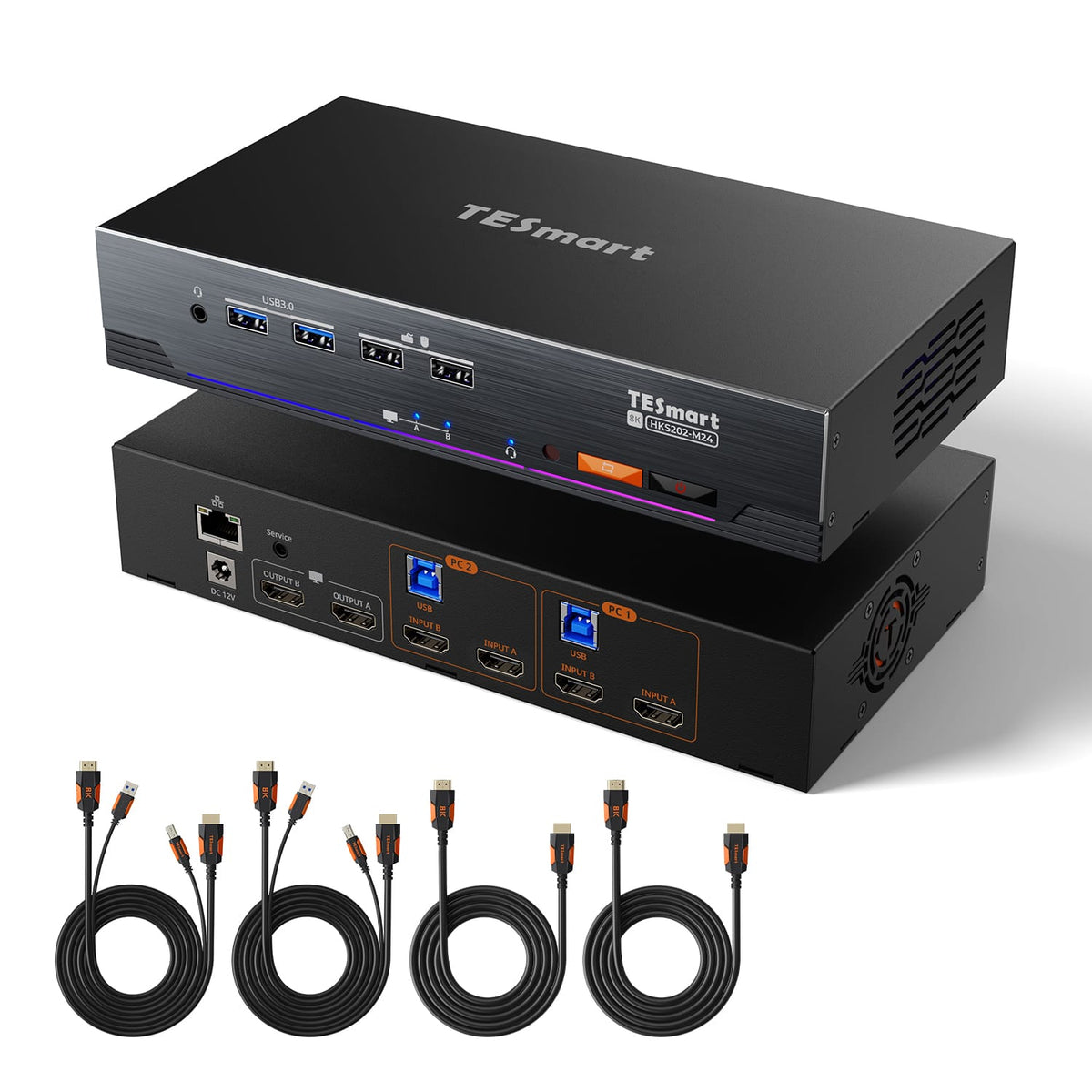
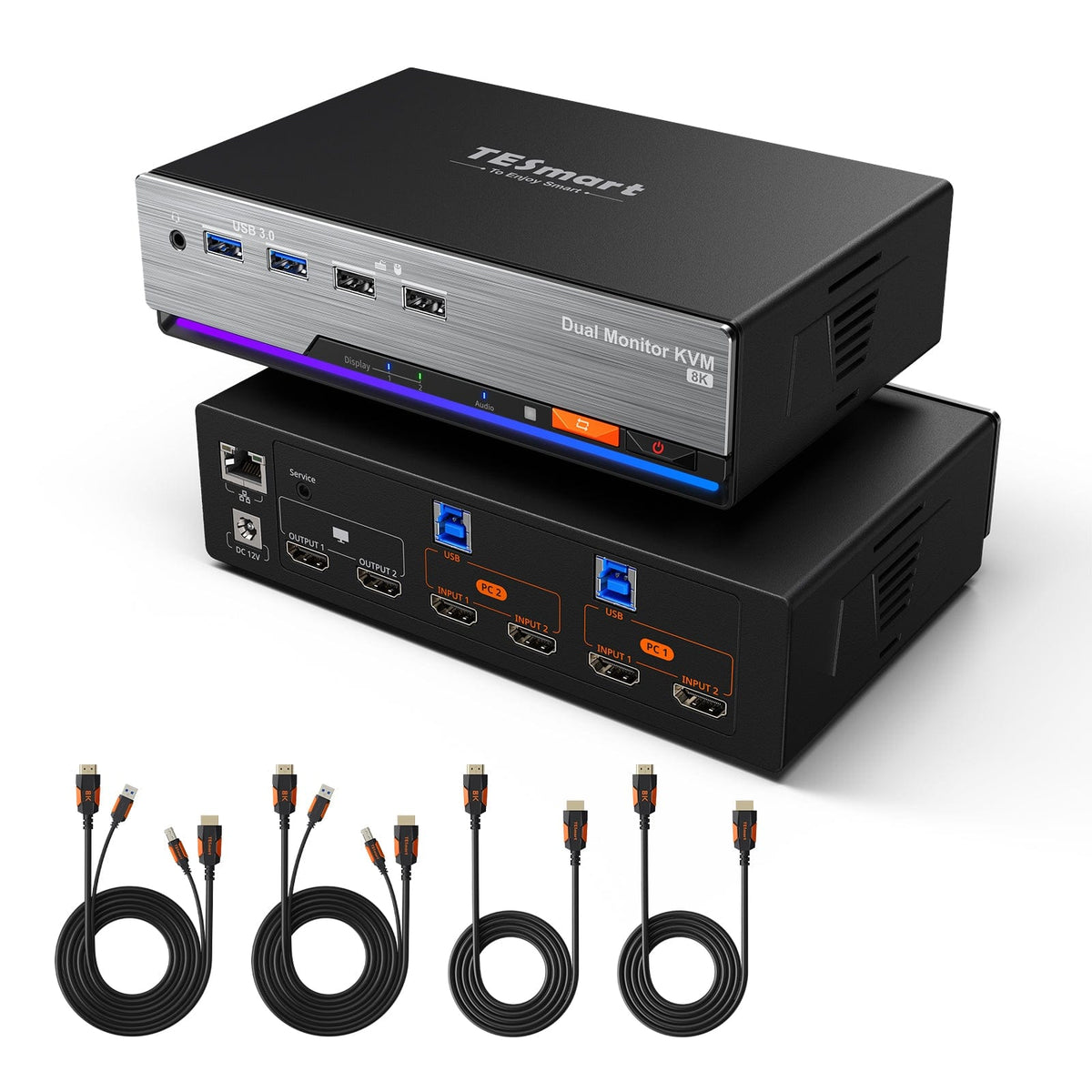
1 × 2×2 HDMI 2.1 KVM Switch
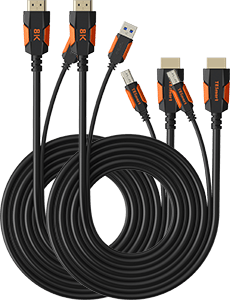
2 × KVM Cables
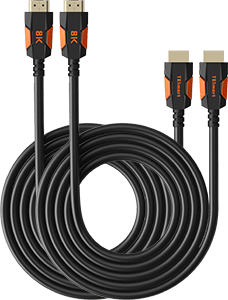
2 × HDMI Cables
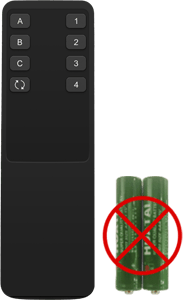
1 × IR Remote Control
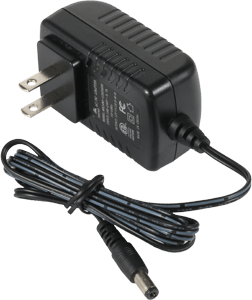
1 × 12 V DC Power Adapter
1 × User Manual
Compare your options
Choose models from the menus to compare connections, display performance and shared features.


Model
HKS202-M24
Model
HKS202-P23-V2
Model
HKS202-E23
Computer setup
2 computers
Computer setup
2 computers
Computer setup
2 computers
Computer connections
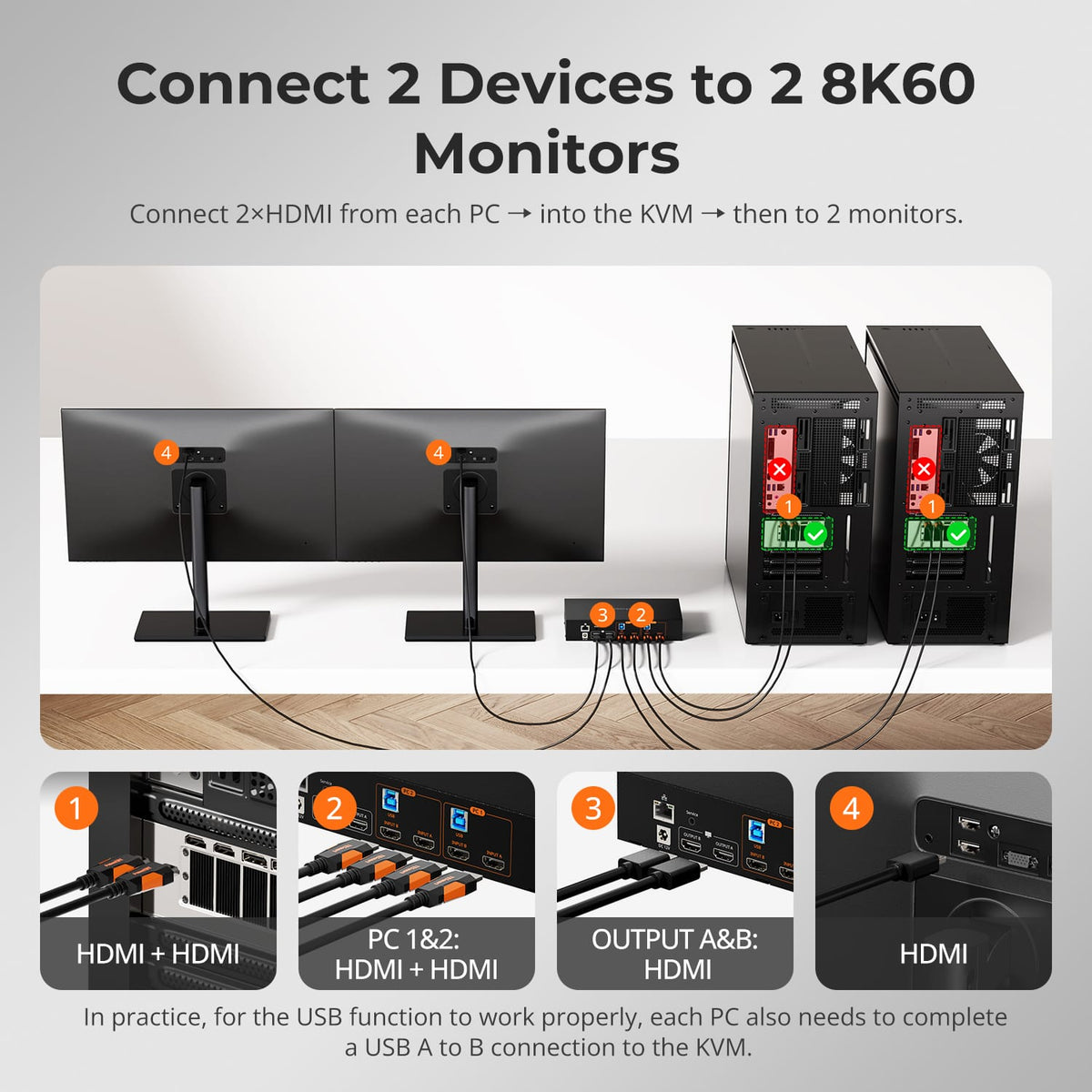
Each PC: 2 × HDMI + USB
Computer connections
Each PC: 2 × HDMI + USB
Computer connections
Each PC: 2 × HDMI + USB
Display outputs
2 × HDMI
Display outputs
2 × HDMI
Display outputs
2 × HDMI
Video output
8K60 / 4K144
Video output
4K60
Video output
4K60
Shared USB
USB 3.0 / 5Gbps
Shared USB
USB 3.0 / 5Gbps
Shared USB
USB 2.0
Laptop charging
Laptop charging
Laptop charging
Shared Ethernet
1000Mbps
Shared Ethernet
Shared Ethernet
EDID emulation
EDID emulation
Display Mode 1 only
EDID emulation
Display Mode 1 only
Multi-display setup
Separate video outputs from each computer
Multi-display setup
Separate video outputs from each computer
Multi-display setup
Separate video outputs from each computer
Display requirements
Each computer must drive 2 displays
Display requirements
Each computer must drive 2 displays
Display requirements
Each computer must drive 2 displays
FAQ's
Visit our Help Center for more answers.
[Compatibility] What computers can I connect to HKS202-M24-V2?
You can connect two computers. Each computer needs two HDMI video outputs and one USB connection for full dual-monitor KVM operation.
[Compatibility] What is the maximum supported resolution?
The manual supports up to 8K@60Hz 4:4:4 and is backward compatible with 4K@60/120/144Hz. Actual results depend on the GPU, displays, cables and selected video format.
[Compatibility] What do I need for VRR or high-refresh 4K?
The source GPU, both HDMI cables and the monitor must support the target HDMI 2.1 feature and refresh rate. VRR, FVA, ALLM and DSC only work when supported across the complete connection path.
[Features & Connections] What display modes are available?
You can show one computer across both displays in extended or mirrored mode, or keep different computers visible on the two monitors and switch keyboard and mouse focus.
[Features & Connections] Does HKS202-M24-V2 support EDID emulation?
Yes. EDID emulation keeps monitor information available to the computers to reduce display re-detection and desktop rearrangement after switching.
[Features & Connections] Can both computers share Ethernet and USB devices?
Yes. The KVM provides shared Gigabit Ethernet and USB 3.2 Gen 1 connections for compatible devices.
[Setup & Switching] What are Pass-Through Mode and Legacy Emulation Mode?
Pass-Through Mode is intended for most modern keyboards and mice. Legacy Emulation Mode provides an alternative for basic keyboard, mouse and hotkey compatibility when a device does not work correctly in Pass-Through Mode.
[Setup & Switching] How can I switch between the two computers?
Use the front-panel controls, IR remote, keyboard hotkeys or mouse-wheel switching.
[Setup & Switching] Do I need software to use the KVM?
No dedicated switching software is required for normal KVM operation. Connected USB devices may still need their own drivers.