

TESmart Knowledge Hub · KVM & Workspace Insights
Article
Practical guides, setup advice, product updates, and technical insights for building a better multi-computer workspace.
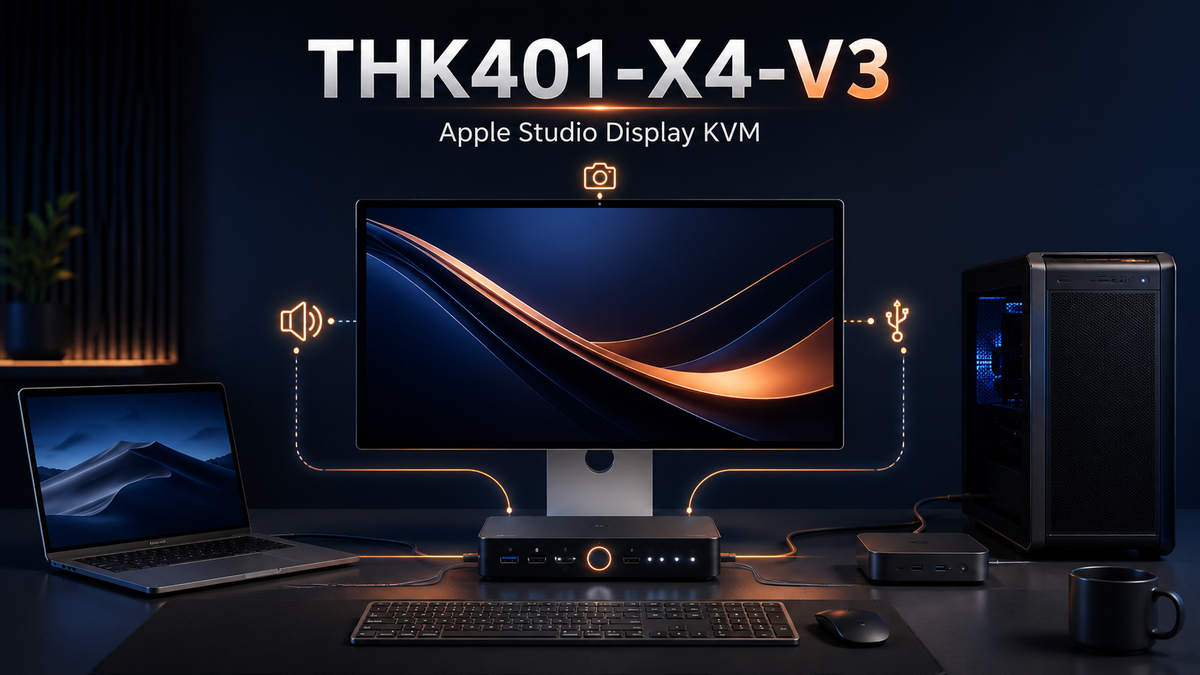
THK401-X4-V3 Apple Studio Display KVM With Improved Audio and Camera Support
Read moreabout THK401-X4-V3 Apple Studio Display KVM With Improved Audio and Camera Support
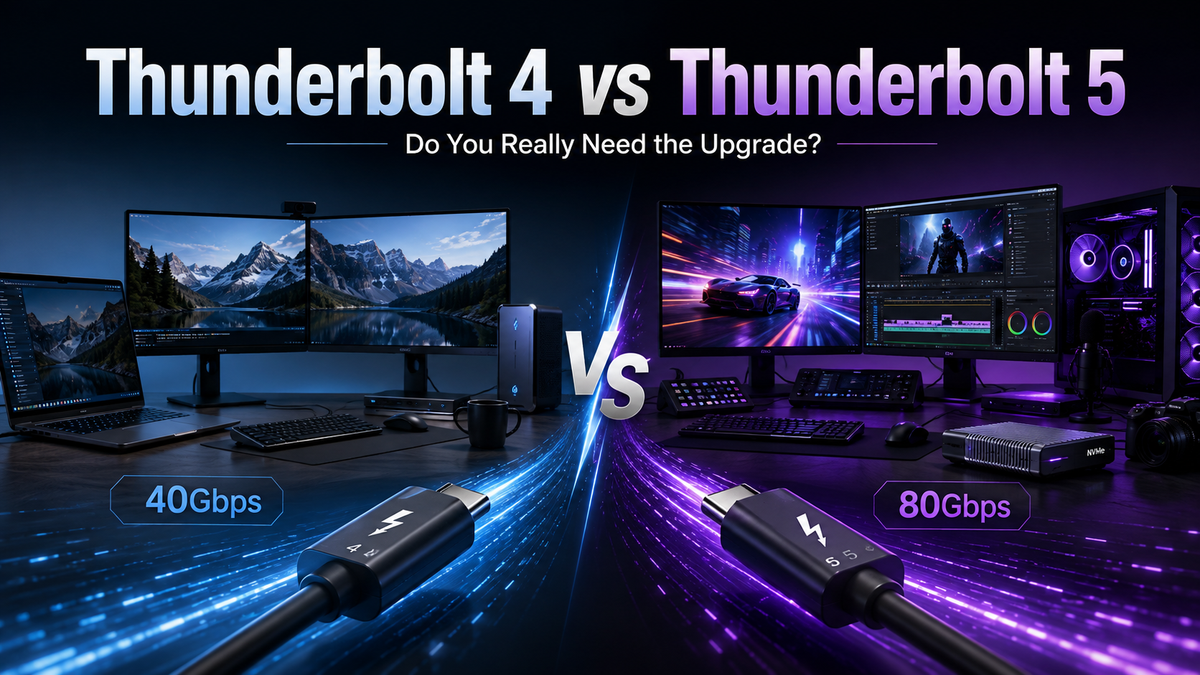
Thunderbolt 4 vs Thunderbolt 5: Is Thunderbolt 5 Worth the Upgrade in 2026?
Read moreabout Thunderbolt 4 vs Thunderbolt 5: Is Thunderbolt 5 Worth the Upgrade in 2026?
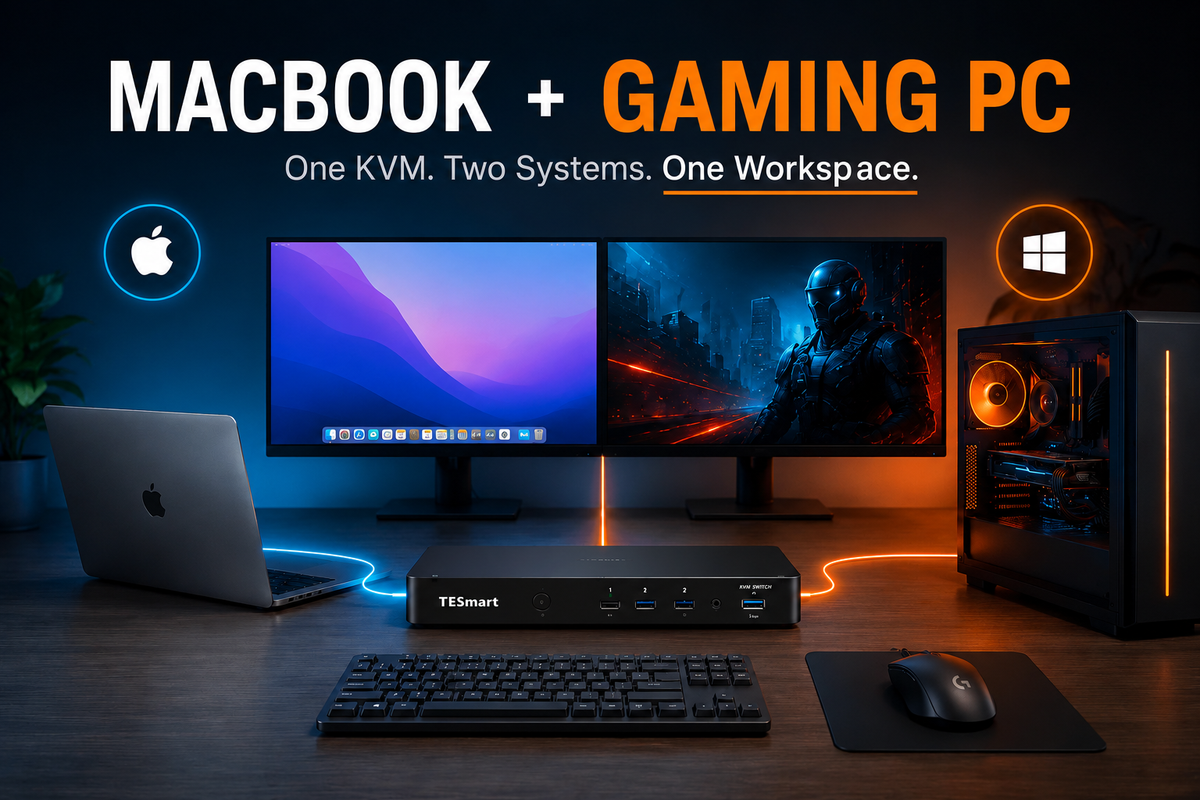
Best KVM Setup for a MacBook and Windows Gaming PC
Read moreabout Best KVM Setup for a MacBook and Windows Gaming PC
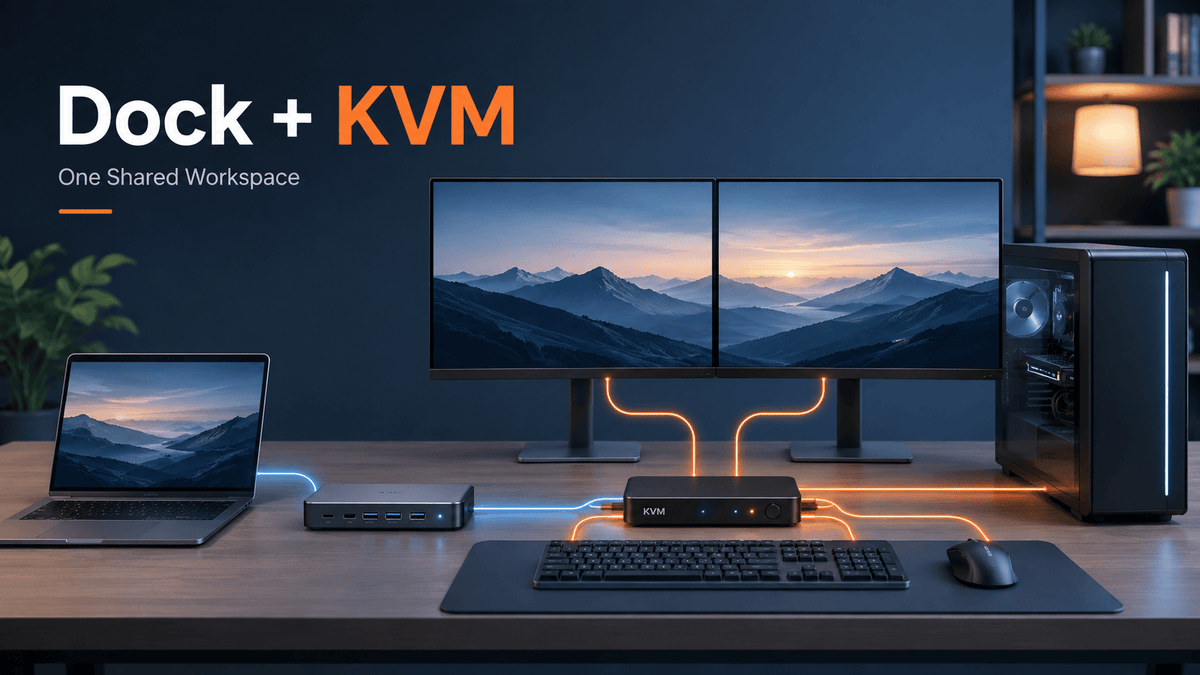
Can You Use a Docking Station With a KVM Switch?
Read moreabout Can You Use a Docking Station With a KVM Switch?
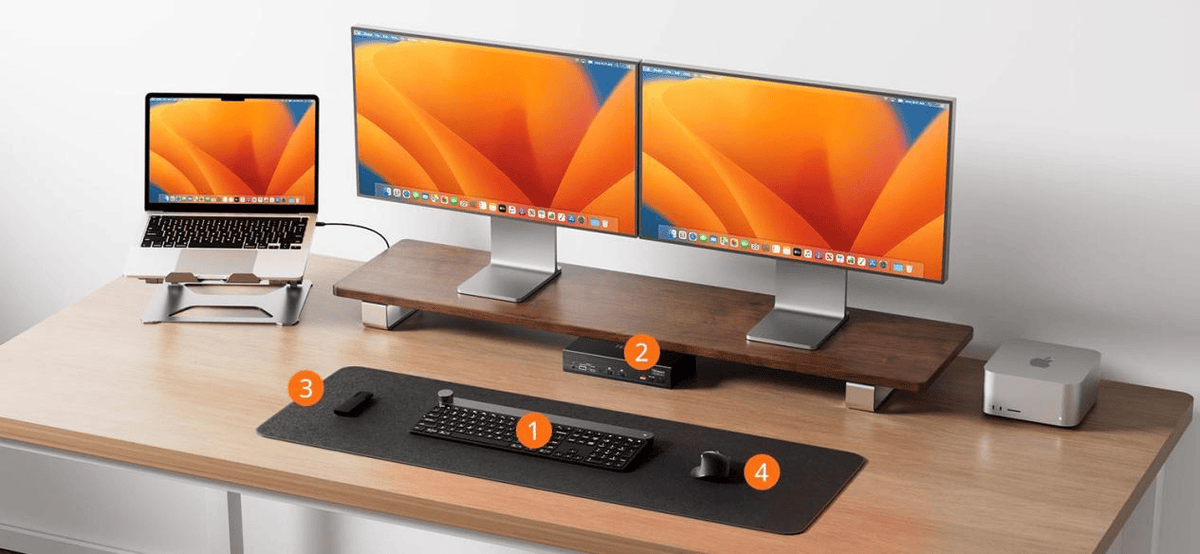
Why Apple Studio Display Needs a True Thunderbolt 4 KVM
Apple Studio Display is more than a 5K monitor—it functions as a complete Thunderbolt workstation by integrating video, USB, audio, camera, networking, and Power Delivery into a single connection. This guide explains why switching Apple Studio Display is more complex than traditional monitors, how Thunderbolt architecture and dual Intel JHL8440 controllers improve stability, and how the TESmart TKS202-X4 enables efficient dual-computer workflows with Matrix Switching and continuous Power Delivery.
Read moreabout Why Apple Studio Display Needs a True Thunderbolt 4 KVM
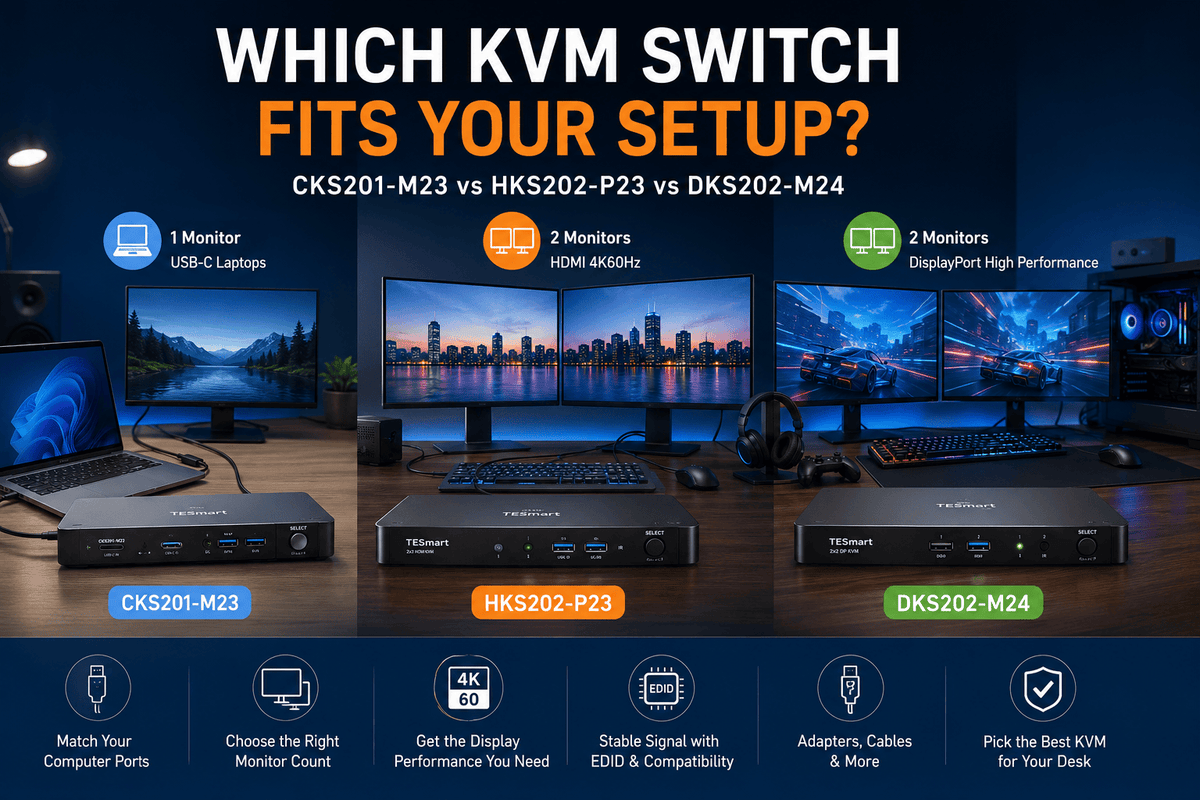
CKS201-M23 vs HKS202-P23 vs DKS202-M24: Which KVM Switch Fits Your Setup?
Read moreabout CKS201-M23 vs HKS202-P23 vs DKS202-M24: Which KVM Switch Fits Your Setup?
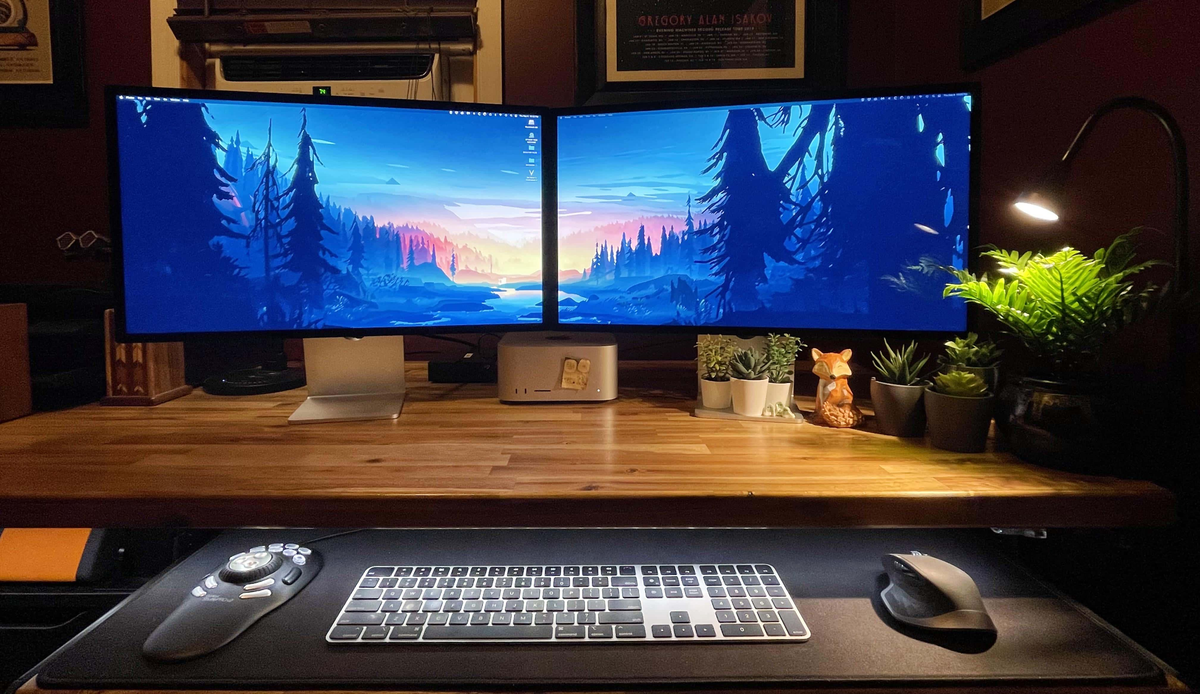
How to Build a Dual Apple Studio Display Workstation with a Thunderbolt 4 KVM
Apple Studio Display is far more than a 5K monitor—it combines display output, Thunderbolt connectivity, USB expansion, audio, camera, and Power Delivery into a complete desktop hub. As more professionals adopt dual-computer workflows, switching between Macs or PCs becomes significantly more complex than with traditional monitors.
This article explains how Thunderbolt architecture, device topology, and Intel JHL8440 controllers affect Apple Studio Display compatibility, why conventional Thunderbolt KVM switches often experience disconnects, and how the TESmart TKS202-X4 enables stable dual Apple Studio Display workflows through Matrix Switching, dual Thunderbolt controllers, continuous Power Delivery, and unified peripheral management.
Read moreabout How to Build a Dual Apple Studio Display Workstation with a Thunderbolt 4 KVM
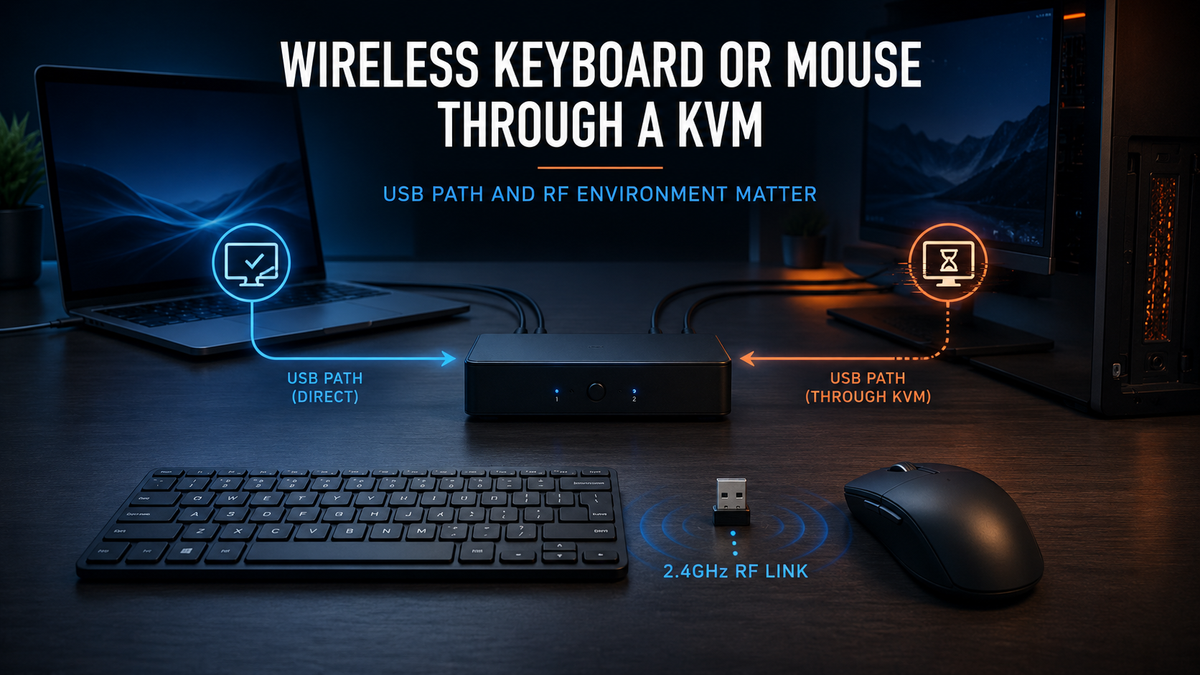
Wireless Mouse Lag Through a KVM Switch: USB Ports, HID and Interference Explained
Read moreabout Wireless Mouse Lag Through a KVM Switch: USB Ports, HID and Interference Explained
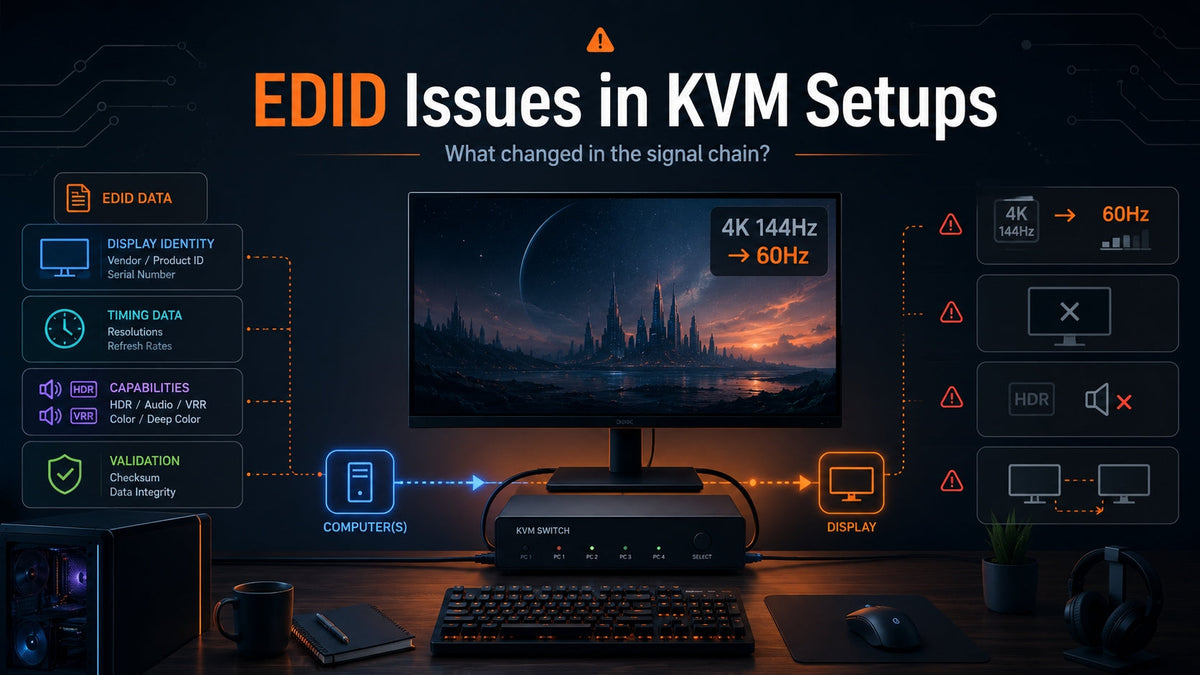
KVM Black Screen or Refresh Rate Drop? How EDID Data Causes Display Issues
Read moreabout KVM Black Screen or Refresh Rate Drop? How EDID Data Causes Display Issues