



Input Switching
Max Display Output

Recommended Setup

Display Stability
Control Options

Automatic input scanning

Content Protection
8 Port Rackmount HDMI Switch 4K@60Hz with RS232/LAN
Switch eight HDMI sources to one display, with up to 4K60, EDID emulation and Auto Scan. Select a source from the front panel, IR remote, RS232 or LAN.
Input Switching
Max Display Output
Recommended Setup
Display Stability
Control Options
Automatic input scanning
Content Protection
8 Port Rackmount HDMI Switch 4K@60Hz with RS232/LAN
Why Choose HSW801-E23
Overview
01
Eight Sources. One Display.
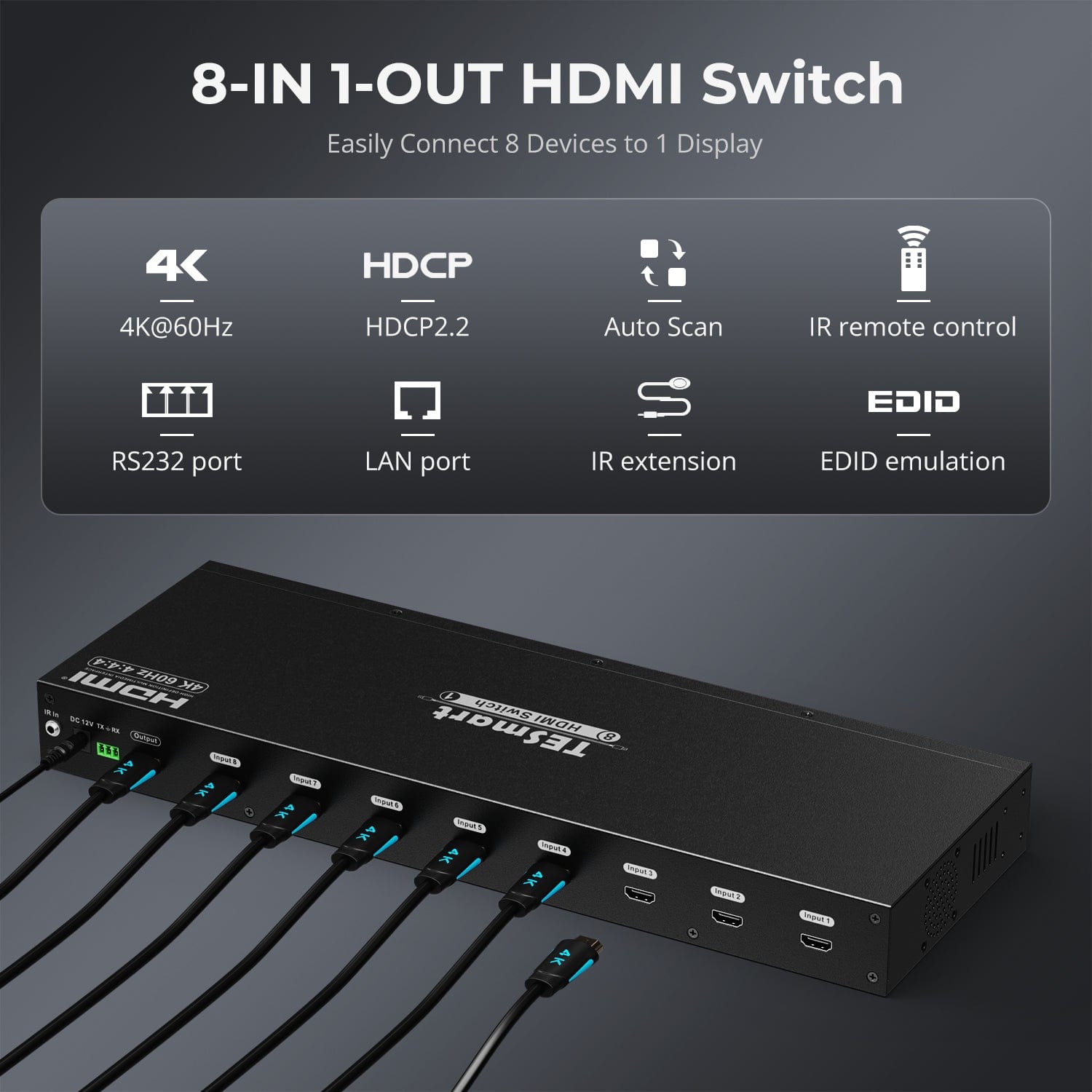
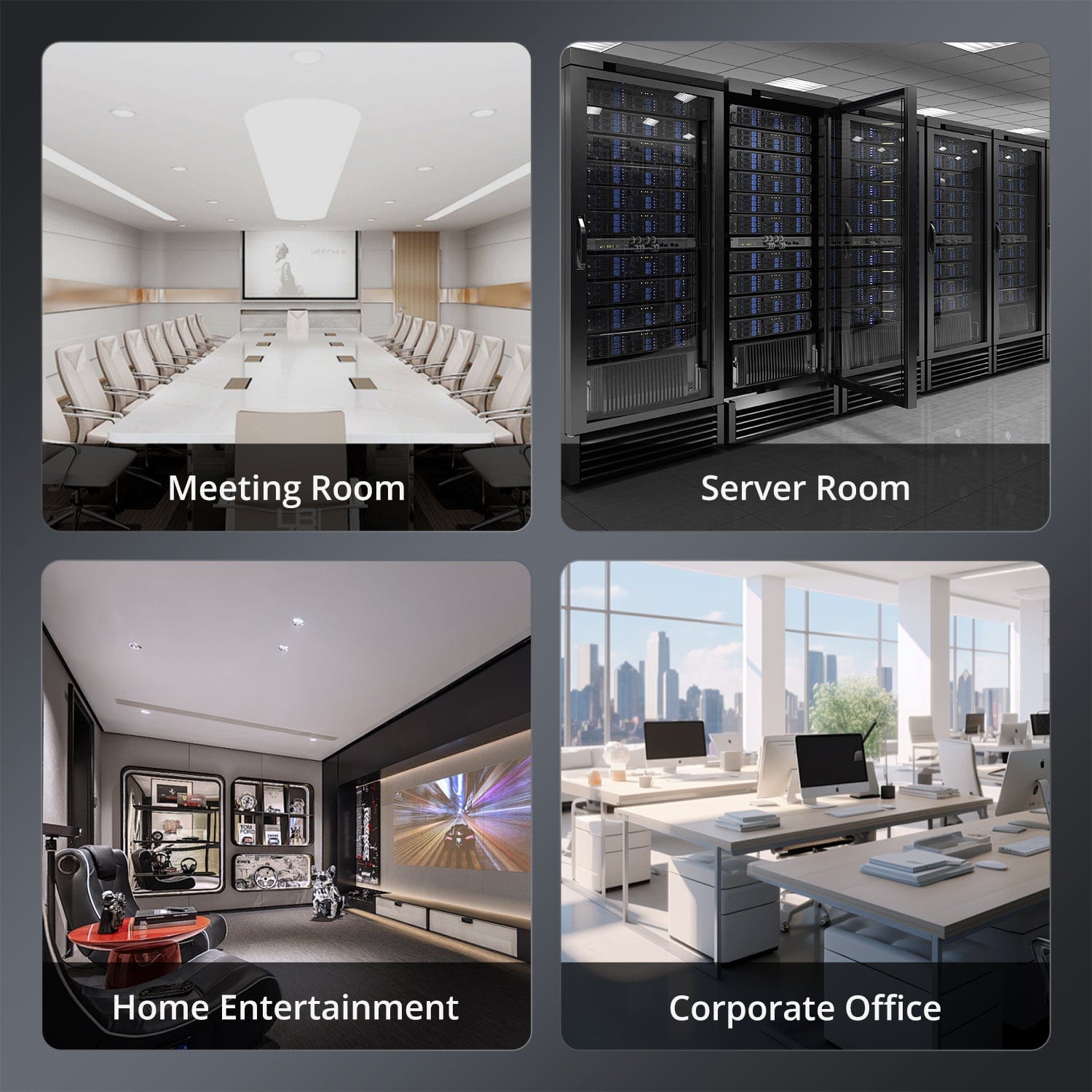
Connect up to eight HDMI sources to one monitor, TV or projector. Switch between computers, consoles and media players without reconnecting cables.
02
4K60 with Full Color Detail
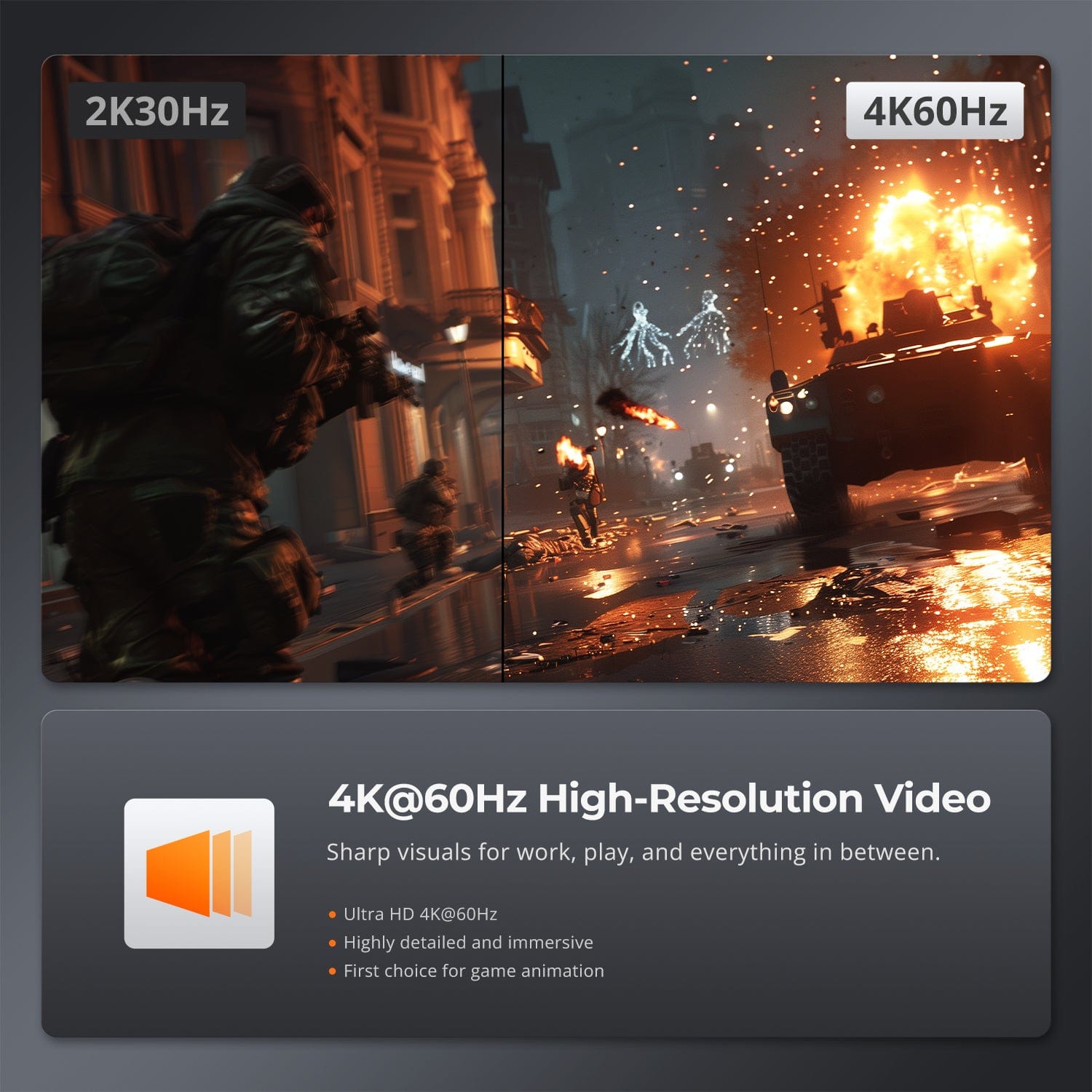
HSW801-E23 supports up to 3840 × 2160 at 60 Hz with 4:4:4 chroma and HDCP 2.2. The source, display and HDMI cables must support the selected format.
03
Local or Network Control
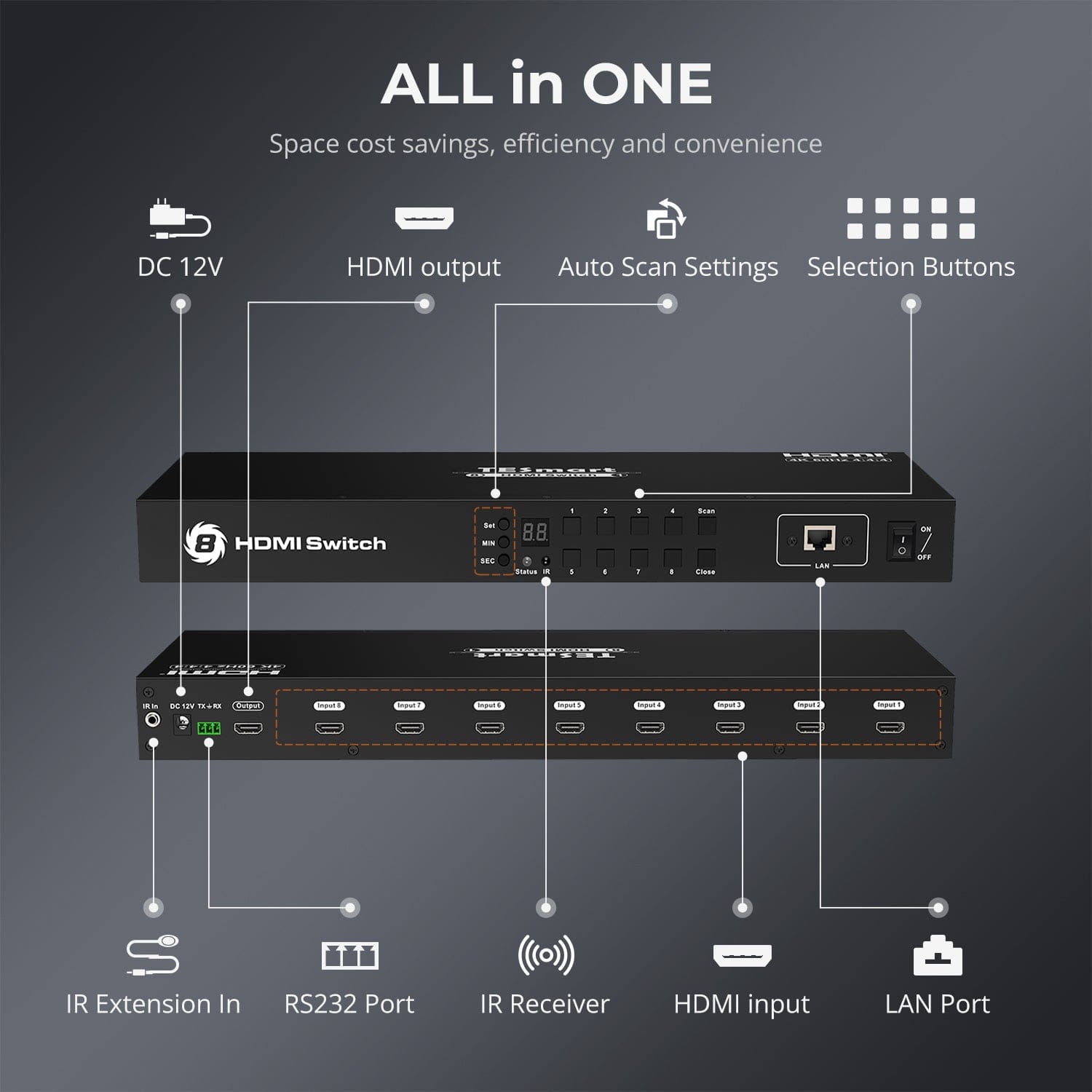
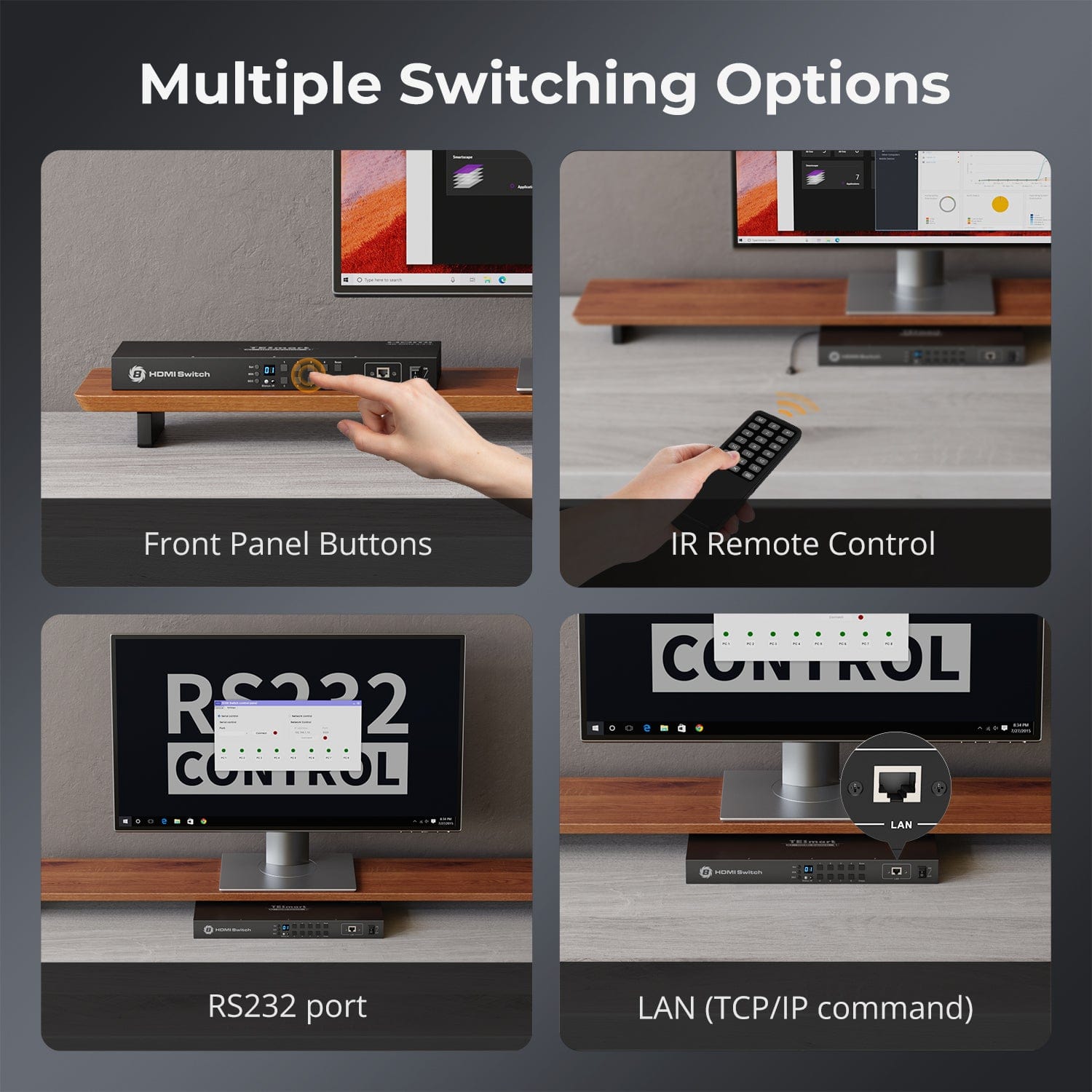
Select a source from the front panel or IR remote. RS232 and LAN/IP commands integrate the switch into AV control systems.
04
EDID for Every Input
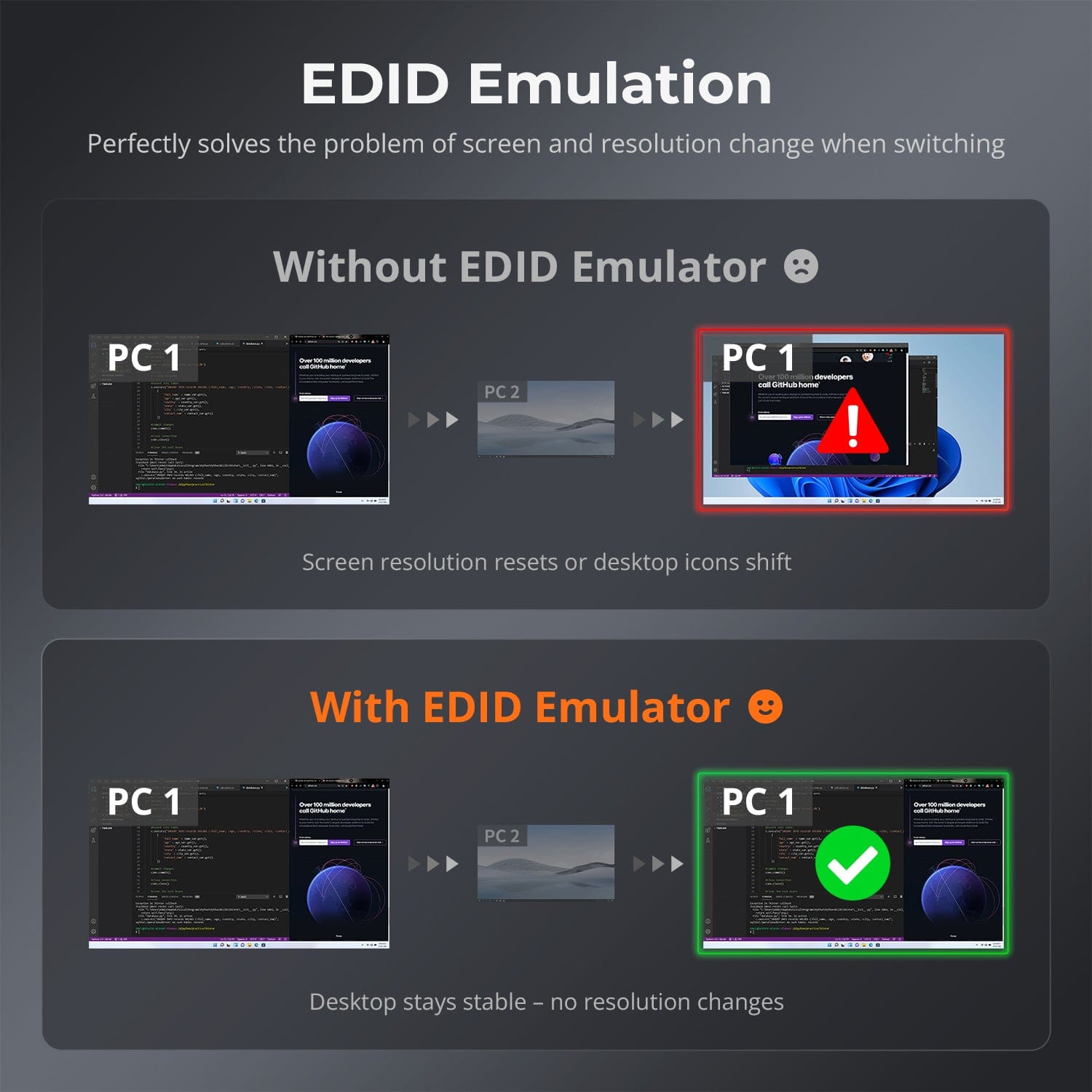
Each HDMI input keeps display information available to its connected source, even when another input is selected.
05
Automatically Cycle through Sources
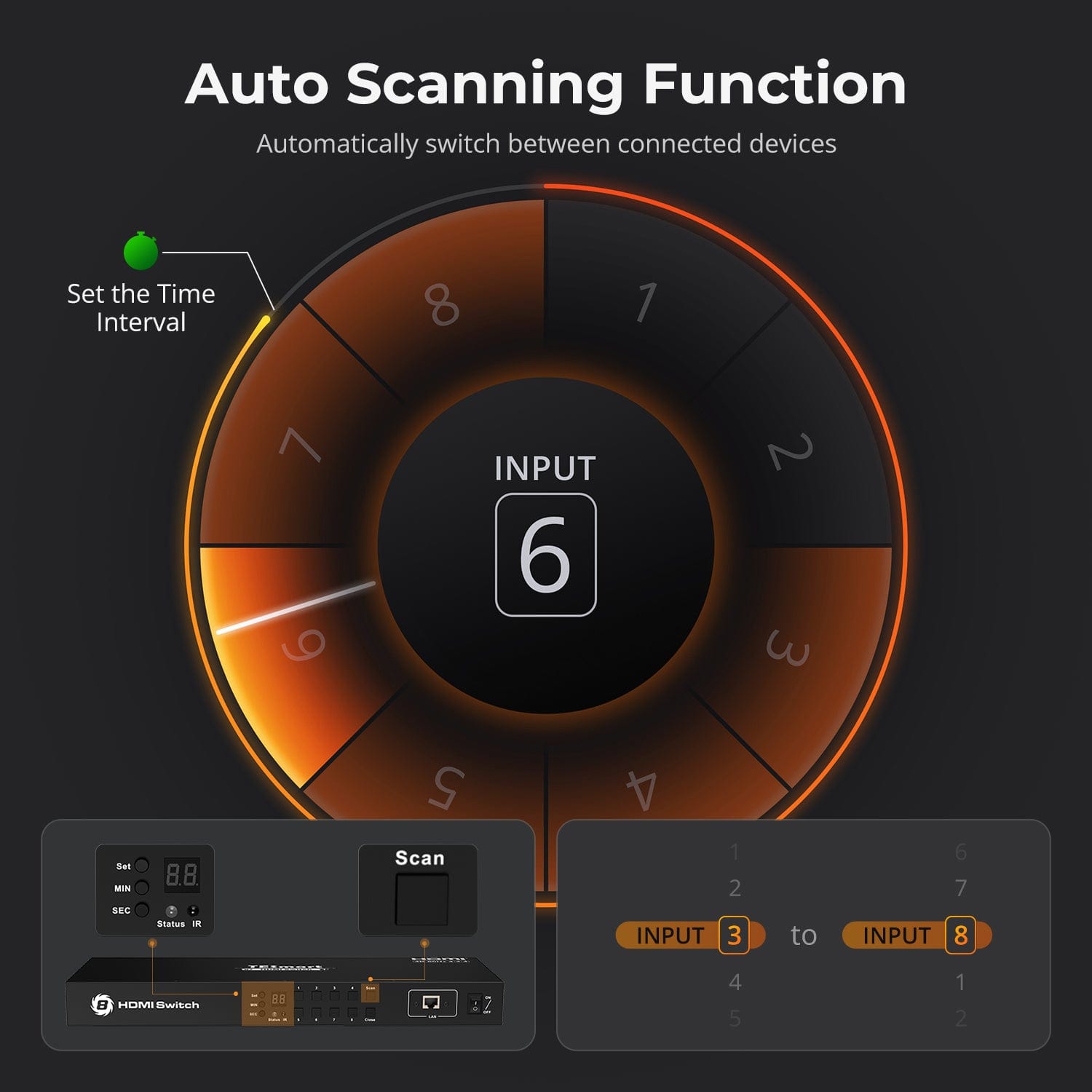
Auto Scan cycles through active inputs at a set interval. Adjust the interval on the front panel.
06
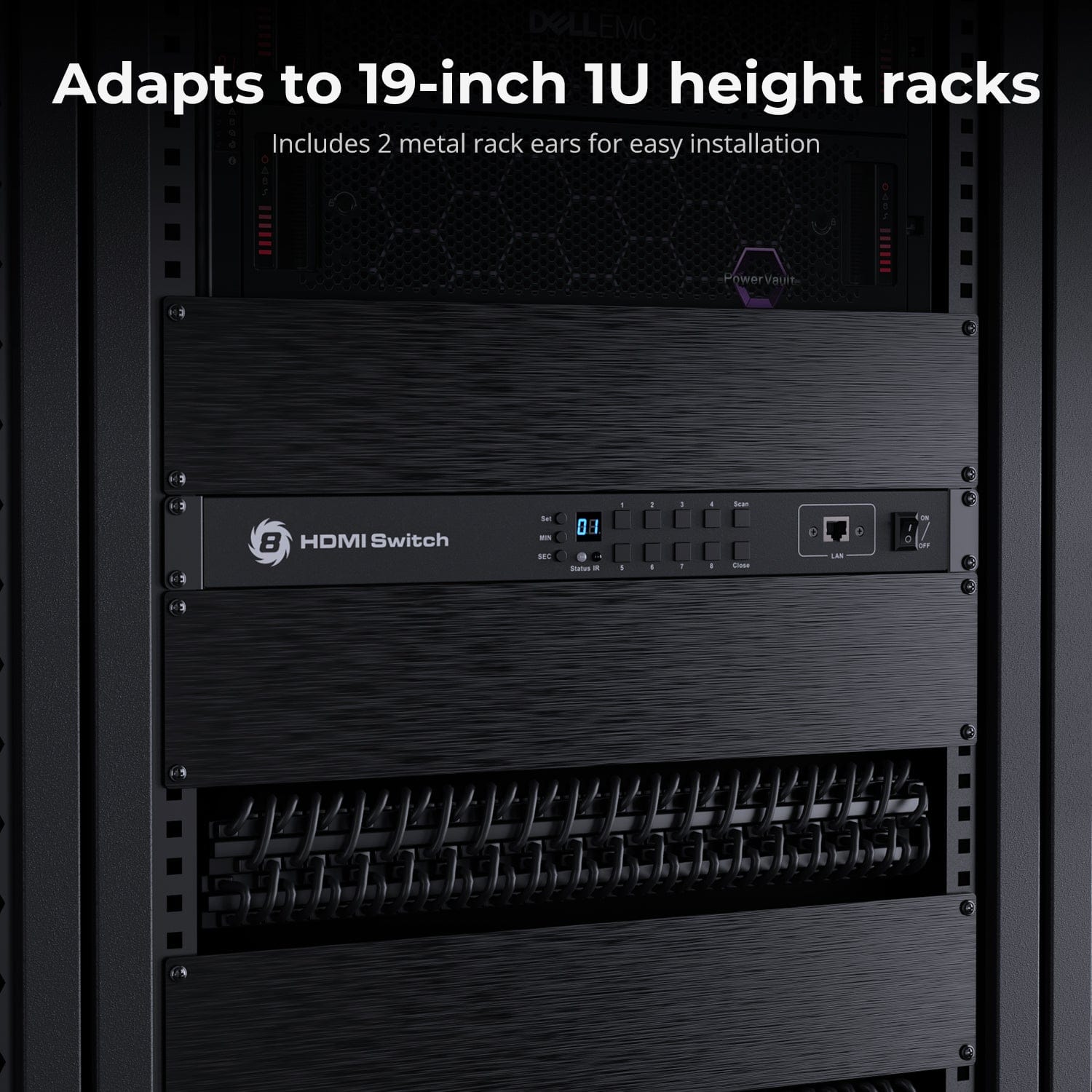
Ready for Rack Mounting
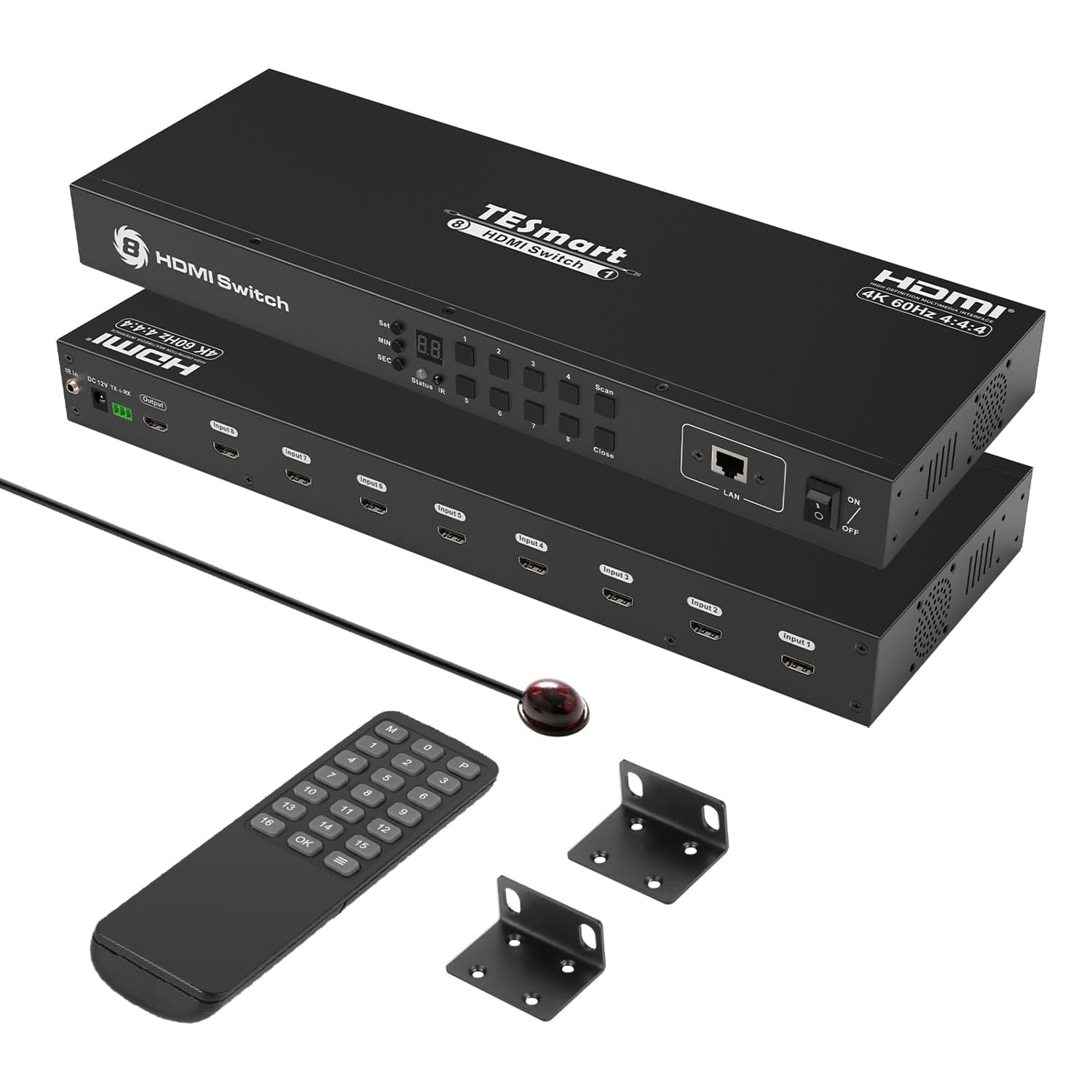
The included brackets support installation in a 19-inch rack. The IR extension cable keeps remote control available when the receiver is concealed.
07
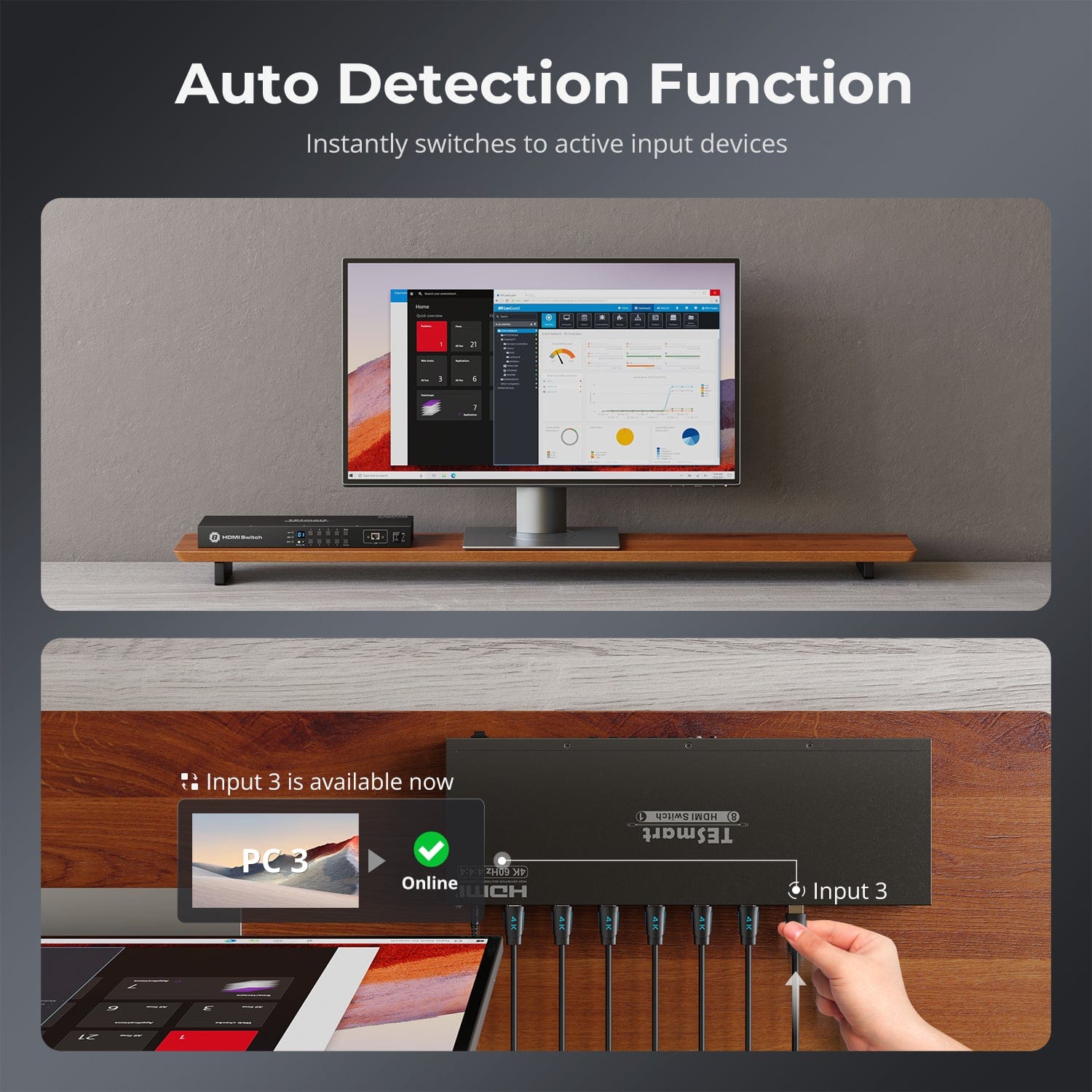
Automatic Input Detection
Automatic input detection can select newly connected sources and switch to an active input if the current signal is lost. Enable or disable it with the remote.
Connection Overview
Connect HDMI sources to the inputs and connect the HDMI output to your display.
Ports and Connections
HDMI carries video and audio; LAN and RS232 provide control. HSW801-E23 has eight inputs and one output.
Included in the Box
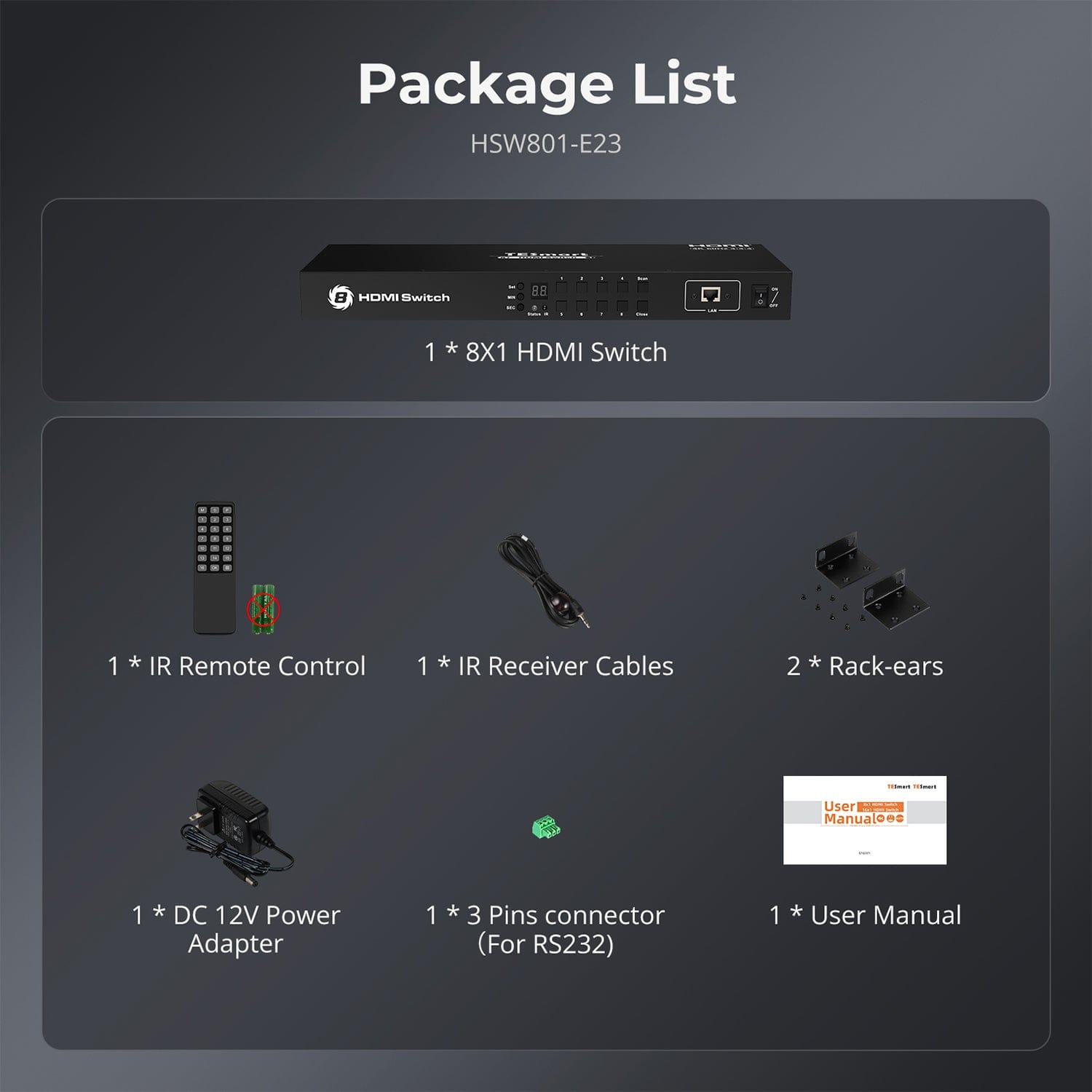
Includes a power adapter, remote, IR extension cable, RS232 connector and rack brackets. HDMI cables are required separately.
Specifications & Support
This overview describes HSW801-E23 with eight HDMI inputs and one output, supporting up to 4K60. HSW1601-E23 is a separate 16-input model.
Compatibility & Input Guide
Technical Specifications
Manuals & Downloads
Included in the Box
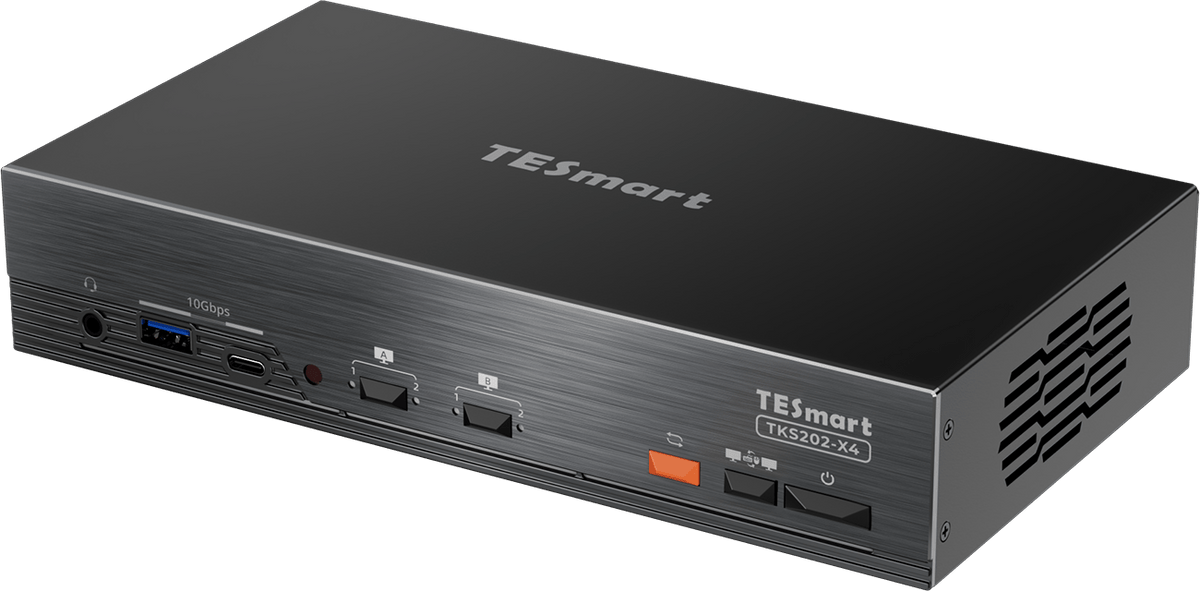
1 × HSW801-E23 HDMI Switch
1 × 12 V DC Power Adapter
1 × IR Remote Control
1 × IR Extension Cable
1 × 3-Pin RS232 Connector
2 × Rack Brackets
1 × User Manual
Compare your options
Compare eight-input and sixteen-input HDMI switching for one display.

Model
HSW801-E23
Model
HSW1601-E23
Source inputs
8 × HDMI
Source inputs
16 × HDMI
Display outputs
1 × HDMI
Display outputs
1 × HDMI
Video output
4K60 / 4:4:4
Video output
4K60 / 4:4:4
HDCP
HDCP 2.2
HDCP
HDCP 2.2
EDID emulation
EDID emulation
Control methods
Front panel, IR, RS232 and LAN
Control methods
Front panel, IR, RS232 and LAN
Automatic functions
Auto Scan + Auto Detection
Automatic functions
Auto Scan + Auto Detection
Rack installation
19-inch 1U rack
Rack installation
19-inch 1U rack
USB sharing
USB sharing
FAQ's
Visit our Help Center for more answers.
[Compatibility] What devices can I connect?
Up to eight HDMI sources and one HDMI display, including computers, consoles, media players, monitors, TVs or projectors.
[Compatibility] What resolution does HSW801-E23 support?
Up to 3840 × 2160 at 60 Hz with 4:4:4 chroma and HDCP 2.2. The entire signal chain must support the selected format.
[Connections] Does this switch also share a keyboard and mouse?
No. HSW801-E23 switches HDMI video and audio. It has no USB ports for sharing a keyboard, mouse or other USB devices.
[Connections] Can I route multiple displays independently?
No. HSW801-E23 has one HDMI output. For independently routed displays, use an HDMI matrix.
[Features & Connections] What does EDID emulation do?
Each input makes display information available to its source even when another input is selected.
[Features] How does Auto Scan work?
Auto Scan cycles through active inputs. The default interval is 15 seconds and can be adjusted on the front panel.
[Features] What does automatic input detection do?
It selects newly connected sources and can switch to an active input when the current signal is lost. Press M on the remote to enable or disable it.
[Setup & Switching] What cables are required for setup?
Use one HDMI cable per source and one HDMI cable for the display. HDMI cables are not included. Connect the supplied 12 V power adapter.
[Switching] How do I select a source?
Use the front panel, IR remote, RS232 or LAN/IP control. Windows software is available for PC-based control.
[Connections] Does the LAN port provide internet access?
No. The LAN port controls the HDMI switch over TCP/IP. It does not share a network connection with HDMI sources.
[Setup] What are the LAN and RS232 settings?
LAN: IP 192.168.1.10, TCP port 5000, gateway 192.168.1.1, subnet mask 255.255.255.0. RS232: 9600 bps, 8 data bits, 1 stop bit. The PC and switch must have different IP addresses on the same subnet.
[Installation] Can I mount the switch in a rack?
Yes. Two rack brackets and an IR extension cable are included, allowing remote control when the IR receiver is concealed.
[Compatibility] Can I connect DVI devices?
Single-link DVI-D is supported with suitable HDMI–DVI adapters. DVI does not carry audio. Check resolution and adapter compatibility before connecting.
[Versions] Do these specifications apply to every HSW model?
These specifications describe HSW801-E23 with eight inputs and 4K60. HSW1601-E23 is a separate 16-input model; older HSW0801A10 and HSW1601A10 versions are limited to 4K30 and have different features.