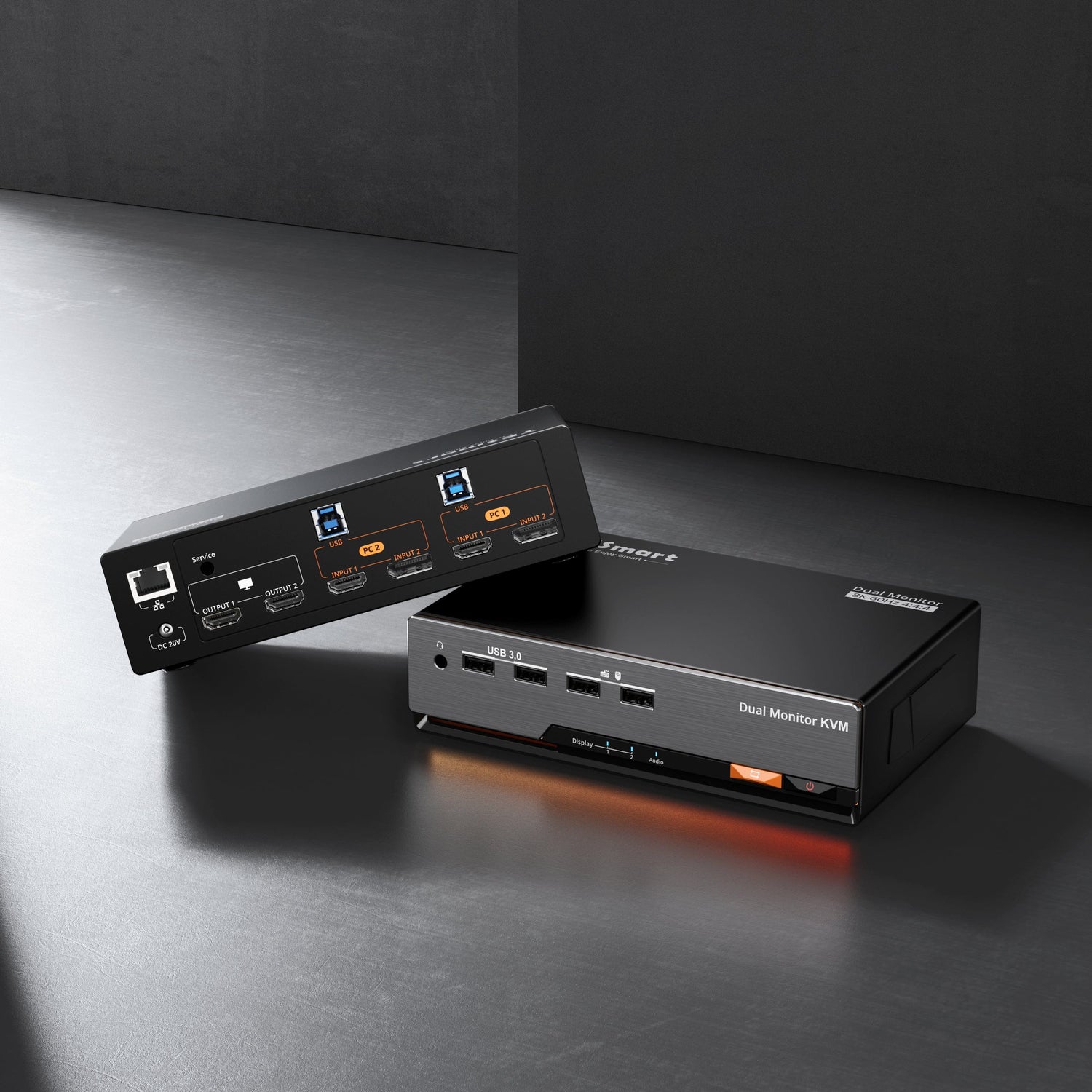
Tasawur is a high-intensity user.
He switches between his work laptop and personal laptop for more than 10 hours a day, exceeding 60 hours per week.
His setup includes two laptops, a docking station, dual monitors, and a TESmart KVM.
In such a high-load, multi-device environment, even occasional issues tend to become amplified.
From “Intermittent Black Screen” to Root Cause Identification
During daily use, Tasawur encountered an issue that did not occur consistently:
occasional black screens within a complex signal chain.
After receiving his feedback, we worked closely with him through multiple rounds of communication and step-by-step testing based on his exact setup.
Through joint verification, we determined that:
The issue was not caused by hardware failure, but by instability in EDID re-establishment timing within a complex signal chain, which led to improper display initialization in certain scenarios.
After completing a full EDID training process, the system returned to stable operation and the issue was resolved.
Additional Insights from Real Usage
During troubleshooting, Tasawur also shared further observations from long-term use:
-
A 2–3 second delay when switching via hotkeys
-
Insufficient USB ports in a Dock + multi-device setup
These were not just isolated issues, but indicators of broader opportunities for improving real-world usability.
From a Single Issue to System-Level Improvements
Based on this real-world feedback, we moved beyond fixing the issue and implemented a series of improvements:
-
Optimized hotkey switching performance Re-evaluated switching logic and signal synchronization under multi-device conditions, improving keyboard and mouse response time in subsequent firmware updates
-
Enhanced USB expansion flexibility Incorporated docking scenarios into product planning, adding expandable USB options and providing official USB hub support solutions
-
Improved usage guidelines Added recommendations for power-on sequence, cable management, and thermal considerations to help maintain long-term system stability
-
Established a structured troubleshooting process for complex setups Standardized EDID re-establishment diagnostics and recovery steps into a reusable workflow for both internal validation and customer support
From One Use Case to Expanded Capability Boundaries
This case transformed an issue that was once “intermittent and unclear” into one that is now identifiable, reproducible, and optimizable.
For Tasawur,
his setup is now stable under sustained, high-intensity use.
For us,
real-world, high-load usage has clearly highlighted where improvements were needed—in stability, responsiveness, and expandability.
These improvements are now being carried forward into future product and solution development.